
Japanese Golden Egg Design Slide
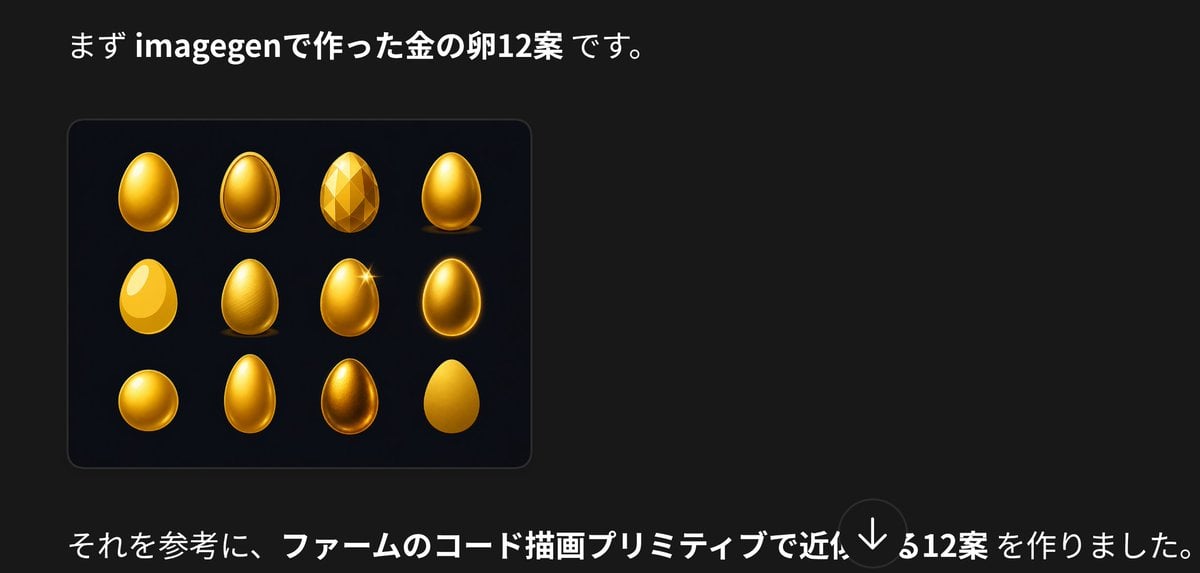
Generates a dark Japanese presentation slide showing twelve golden egg design concepts with explanatory text, useful for social media or design comparison posts.
- Prompt included
- Model and format preset
- Free template
The prompt behind this image
Copy the exact prompt behind Japanese Golden Egg Design Slide, or open it in the studio and make it yours.
Create a dark presentation-style social media image in Japanese about golden egg design variations. Canvas: wide horizontal 16:9-ish crop, black/charcoal background (#181818), clean modern typography, generous negative space on the right. Top text: place a large Japanese sentence near the upper left reading 「まず imagegenで作った金の卵12案 です。」 with “imagegen” and “金の卵12案” in bold white, the rest in regular white. Main visual: below the headline on the left, draw a rounded rectangular dark navy-black card with a subtle border and soft shadow. Inside the card show exactly 12 golden egg concept designs arranged in a 4-column by 3-row grid. The 12 eggs are: 1) glossy smooth upright gold egg with bright highlight, 2) oval egg with raised rim/outline like an icon, 3) faceted low-poly gemstone egg, 4) smooth metallic gold egg standing on a small shadow, 5) flat bright yellow egg with large white highlight, 6) textured/brushed gold egg, 7) glossy gold egg with a star sparkle on the upper right, 8) dark glowing gold egg with bright rim light, 9) squat round golden egg, 10) tall narrow smooth gold egg, 11) darker bronze-gold reflective egg, 12) simple matte yellow-gold egg silhouette. Bottom text: place a long Japanese sentence across the lower left reading 「それを参考に、ファームのコード描画プリミティブで近似する12案 を作りました。」 with the central phrase 「ファームのコード描画プリミティブで近似する12案」 in bold white and the rest in regular white. Add a semi-transparent circular down-arrow overlay near the bottom center-right, like a social media viewer control. Visual style: clean screenshot-like composition, high contrast, realistic glossy gold rendering for the eggs, subtle card border, no extra logos or watermarks. Customizable text slots: top sentence may use {argument name="top Japanese text" default="まず imagegenで作った金の卵12案 です。"}; bottom sentence may use {argument name="bottom Japanese text" default="それを参考に、ファームのコード描画プリミティブで近似する12案 を作りました。"}; main object may use {argument name="object theme" default="golden egg"}.
How to use Japanese Golden Egg Design Slide in 3 steps
- 1Upload ImagePNG, JPG or paste
Add your photo
Upload the photo the template builds on. The prompt, model and format are already set.
- 2…a portrait of your subject in softgolden-hour light, 85mm…
Personalize
Edit the subject and creative details for your destination.
- 3Generate
Generate
Press Generate — your image is created in PicX Studio, so you can compare it with the original and refine one variable at a time.
More like this
Templates with the same subject, style or setup. Open one to see its prompt.

Minecraft Japanese Research Lab Exploration
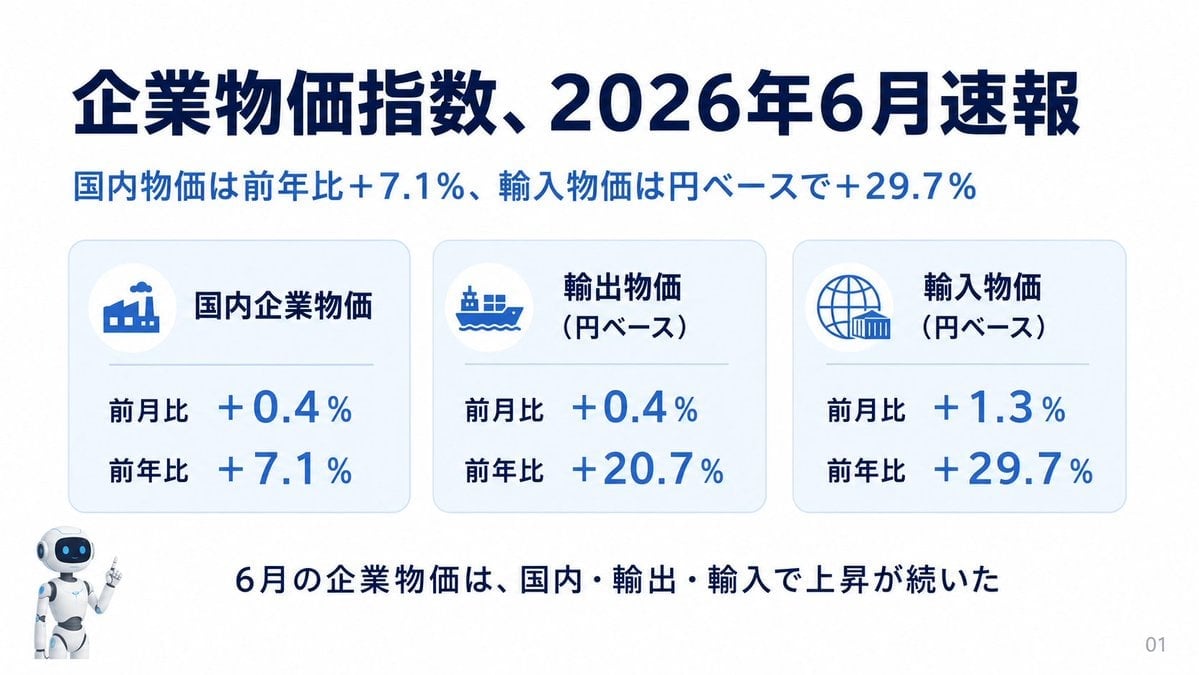
Japanese Corporate Price Index Slide
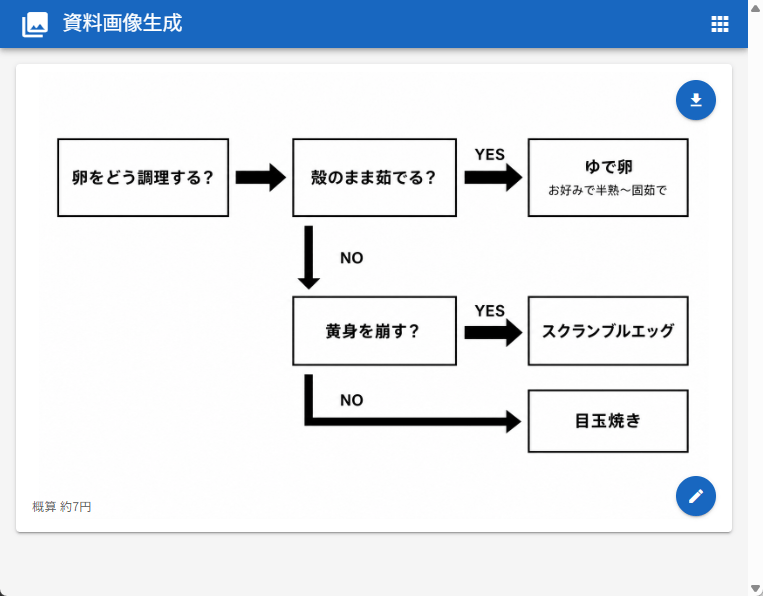
Japanese Egg Cooking Flowchart UI

Japanese Architectural Concrete Studio Fashion Campaign

Japanese Minimalist Concrete Studio Fashion Editorial

Blue Backdrop Luxury Fashion Portrait Campaign
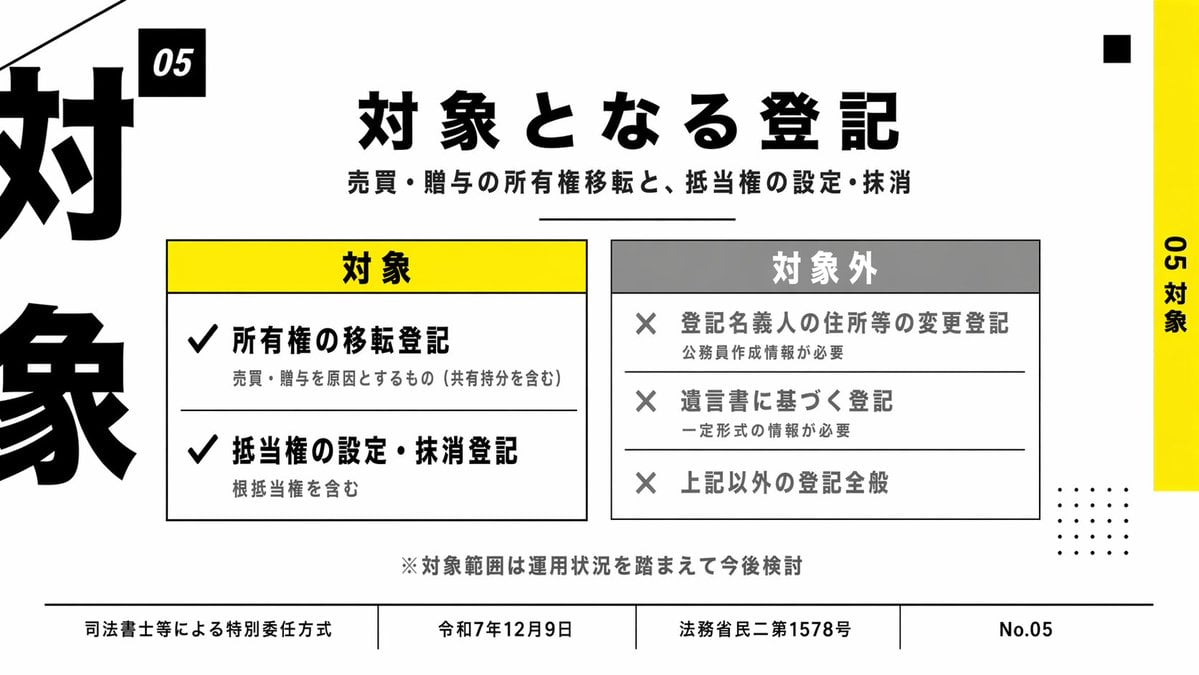
Japanese Corporate Scope Slide

Japanese AI Case Study Slide
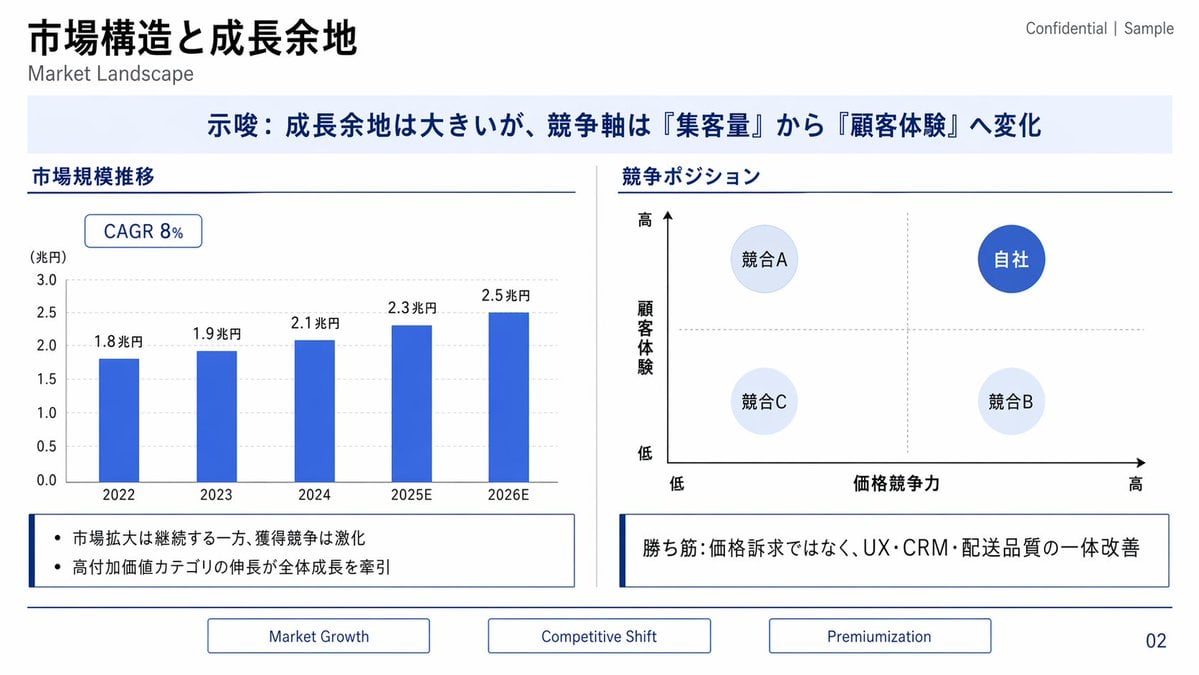
Japanese Market Landscape Slide
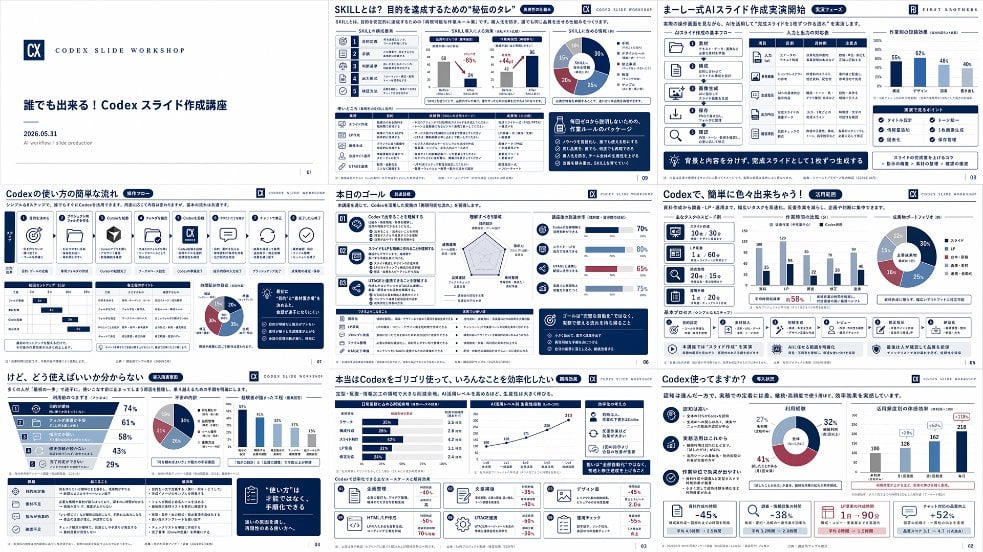
Japanese Codex Workshop Slide Deck Grid

Japanese Film Reflection Idol

80s Golden Hour Cinema
Make it yours
Japanese Golden Egg Design Slide works as-is. These are the safest ways to change it without losing the look.
Change one field
Copy a single group, rewrite it, and generate again so you can see what that field is doing.
Keep the frame, change the subject
Hold the composition and light of Japanese Golden Egg Design Slide, then swap wardrobe, props or the person for a new take.
| If the result… | Why | Fix |
|---|---|---|
| The result drifts from the preview | Too many fields changed at once. | Reuse Japanese Golden Egg Design Slide as-is first, then change one group — subject, light, or setting. |
| The model over-stylizes the scene | The prose prompt leaves finish and camera underspecified. | Add one camera or lighting sentence and stay on GPT Image 2. |
More GPT Image 2 templates
Other prompts made for GPT Image 2.

Realistic Portrait of Woman and Deer

The Vista Modular Condo Poster

AI Model Routing Comparison Infographic

2.5D Anime Art Board

Isometric Productivity Desk Scene

New York Double Exposure Poster

Four-Panel AI Landscape Comparison

NESCAFÉ Coffee Map Poster

Brutalist Cogito Chinese Typography Poster

Cinematic Luxury Terrace Portrait
More image prompts
Fresh picks from across the catalog.

Fashion Mural Editorial Portrait

Y2K Korean Girl Collage Editorial
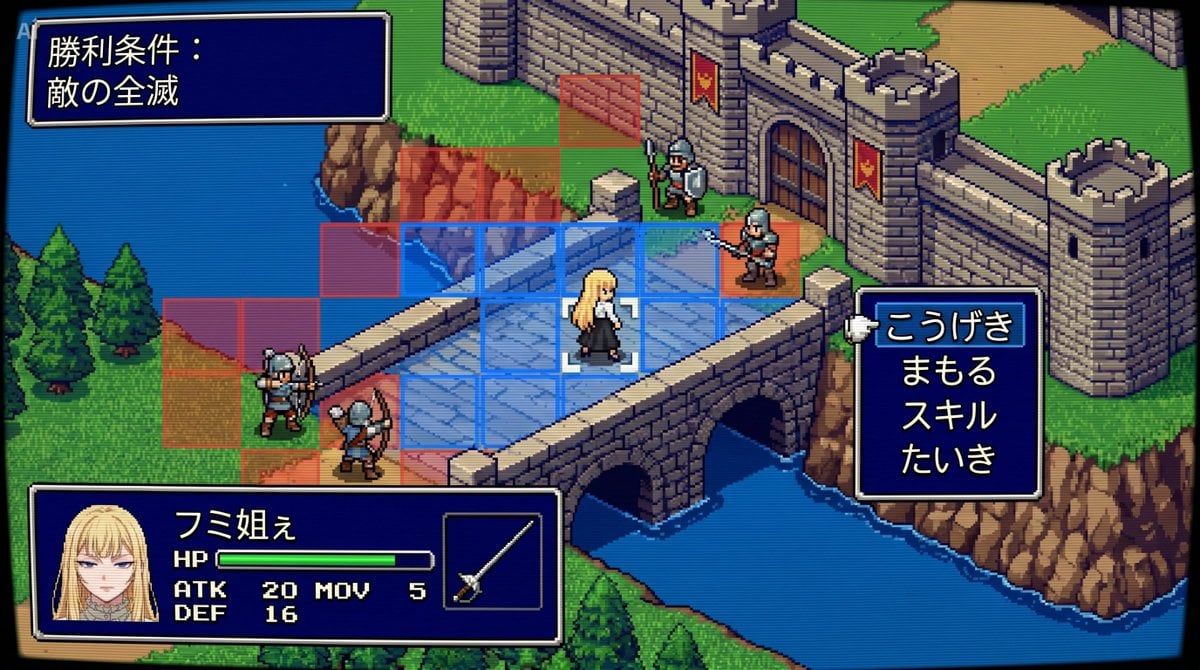
Tactical Simulation RPG Scene Prompt

Intimate Photorealistic Portrait with Strict Face Consistency

Dark Kushina Chakra Chain Poster
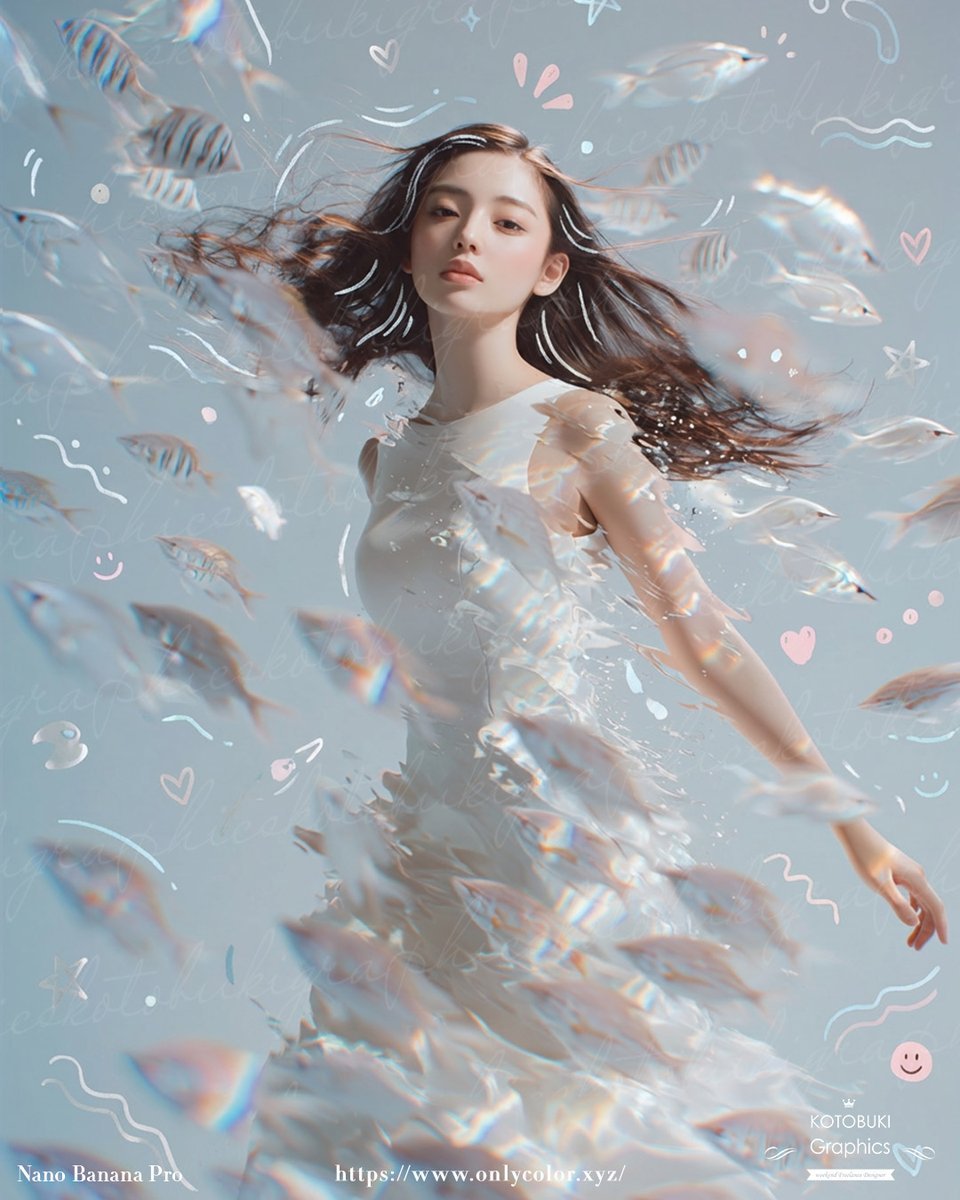
Dreamy Underwater Woman With Translucent Fish
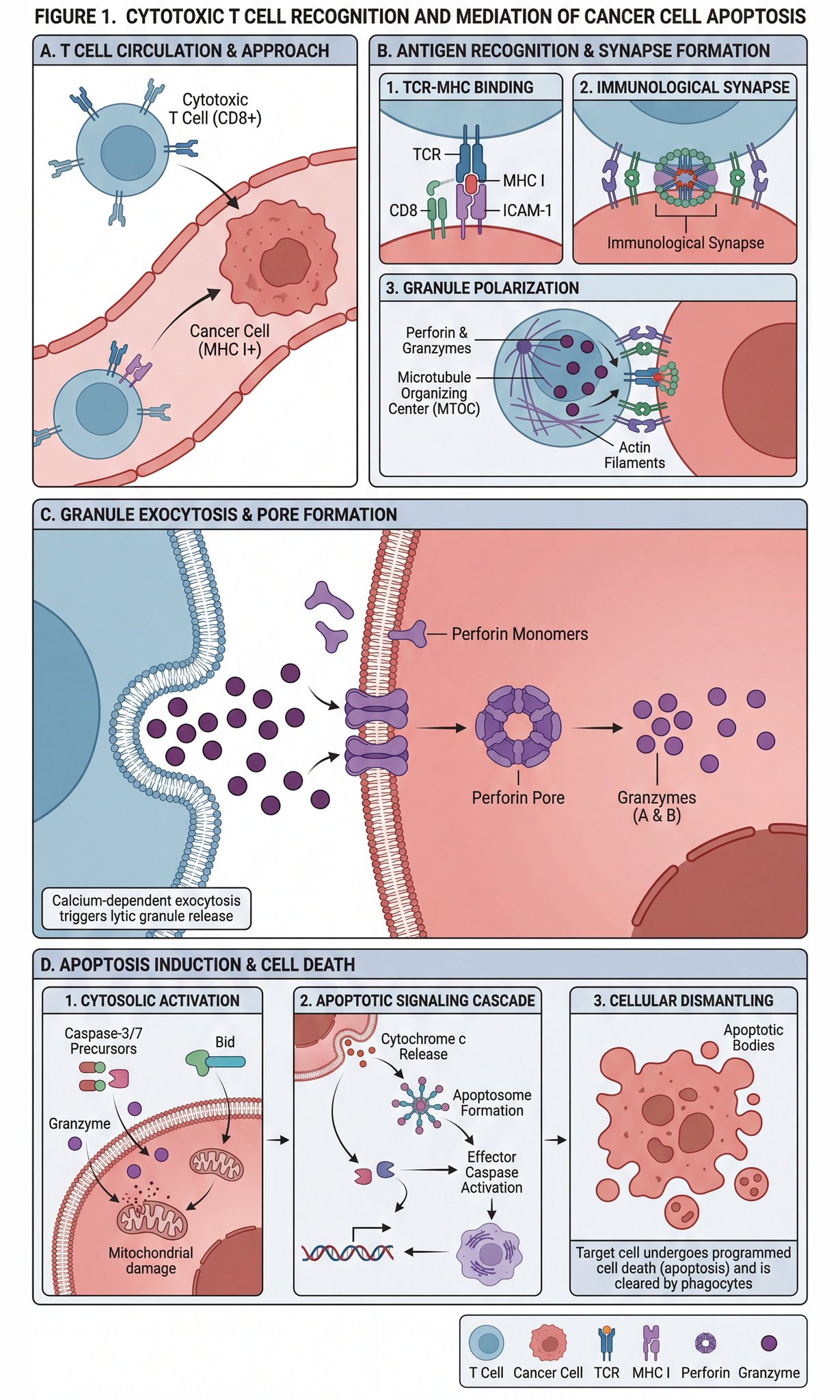
Scientific diagram of cytotoxic T cells killing cancer cells

Turn photo into a Lamborghini ad

Lifestyle photo with pastel pink sports car at sunset

Natural Lifestyle Mirror Selfie
Browse template categories
Japanese Golden Egg Design Slide questions
How do I use the Japanese Golden Egg Design Slide template?
Add your photo if the template asks for one, edit the prompt if you like — the template's model and format are already selected — and press Generate. Your version opens in PicX Studio.
Can I customize the Japanese Golden Egg Design Slide template?
Yes. You can change the subject, setting, lighting, mood, format, and available model controls before creating your image.
Is the Japanese Golden Egg Design Slide template free?
Opening and editing this template is free. Generating uses credits, shown on the Generate button when you are signed in.
Which AI model should I use?
Start with GPT Image 2, which is the model associated with this template. You can compare another compatible model for a different finish.
Looking for something else? Browse all templates.

Your photo, any look
Thousands of ready templates for every top image and video model, from one credit balance.