
Japanese AI Case Study Slide
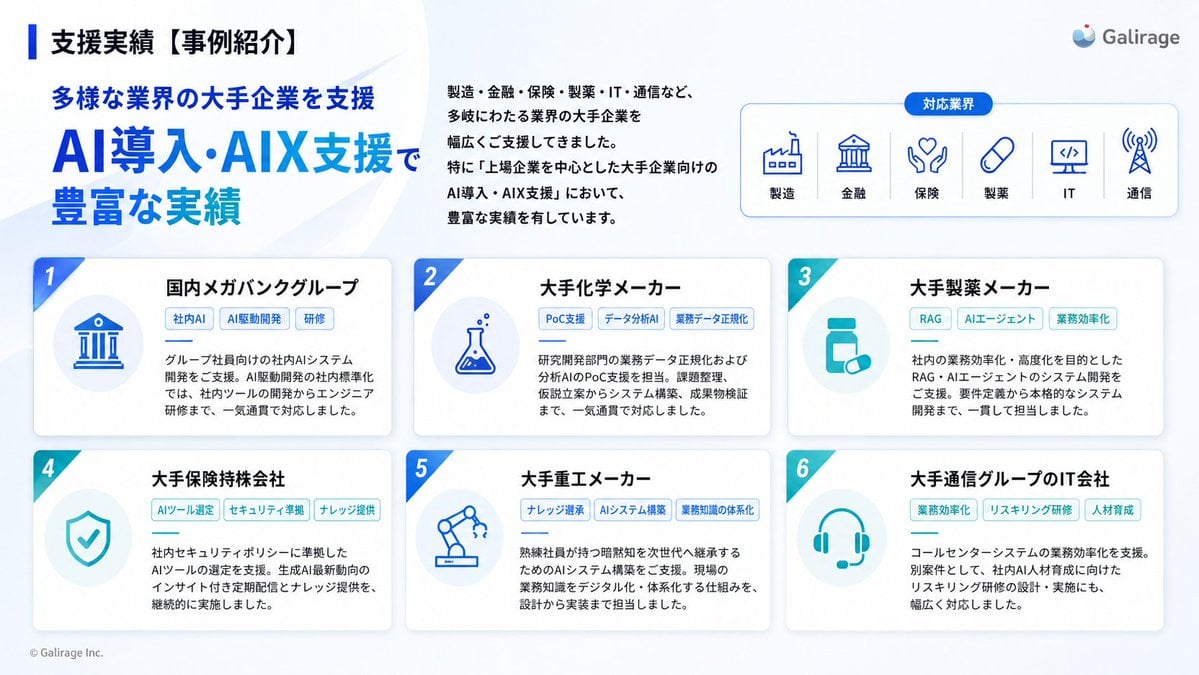
Generates a clean Japanese corporate slide showcasing six AI implementation case studies across major industries.
- Prompt included
- Model and format preset
- Free template
The prompt behind this image
Copy the exact prompt behind Japanese AI Case Study Slide, or open it in the studio and make it yours.
Goal: Create a polished Japanese corporate presentation slide for {argument name="company name" default="Galirage"} showing support achievements and case studies for AI implementation and AIX consulting. Canvas: 16:9 widescreen slide, white to very pale blue gradient background with subtle translucent curved wave shapes. Clean SaaS-consulting aesthetic, generous spacing, blue and teal accent colors, rounded cards, soft shadows, crisp vector icons. Header and title area: At top left, place a vertical blue accent bar followed by the small black headline 「支援実績【事例紹介】」. Below it, add a blue subheading 「多様な業界の大手企業を支援」 and a large bold main title in bright blue: {argument name="main title" default="AI導入・AIX支援で\n豊富な実績"}. To the upper center-right, place a short Japanese paragraph in black: 「製造・金融・保険・製薬・IT・通信など、多岐にわたる業界の大手企業を幅広くご支援してきました。特に『上場企業を中心とした大手企業向けのAI導入・AIX支援』において、豊富な実績を有しています。」 Logo and industry panel: At the top right, show a small abstract blue-and-red circular logo mark and the wordmark {argument name="company name" default="Galirage"}. Beneath it, create a rounded rectangular outlined panel with a small blue pill label 「対応業界」 centered on its top border. Inside the panel, show exactly 6 evenly spaced blue line icons with Japanese labels, separated by thin vertical dividers: 1) factory icon labeled 「製造」, 2) bank building icon labeled 「金融」, 3) hands/heart insurance icon labeled 「保険」, 4) capsule icon labeled 「製薬」, 5) monitor with code icon labeled 「IT」, 6) radio tower icon labeled 「通信」. Main layout: Bottom two-thirds of the slide contains exactly 6 rounded white case-study cards in a 3-column by 2-row grid. Each card has a soft shadow, a diagonal numbered ribbon in the upper-left corner, a pale circular icon area on the left, a bold Japanese client-title heading on the right, three small rounded tag pills below the heading, and a short Japanese description paragraph. Use alternating blue and teal accents. Case cards, exact count and content: 1. Card number 1, title 「国内メガバンクグループ」, icon: blue bank building in a pale circle, tags: 「社内AI」 「AI駆動開発」 「研修」, description: 「グループ社員向けの社内AIシステム開発をご支援。AI駆動開発の社内標準化では、社内ツールの開発からエンジニア研修まで、一気通貫で対応しました。」 2. Card number 2, title 「大手化学メーカー」, icon: chemistry flask with bubbles, tags: 「PoC支援」 「データ分析AI」 「業務データ正規化」, description: 「研究開発部門の業務データ正規化および分析AIのPoC支援を担当。課題整理、仮説立案からシステム構築、成果物検証まで、一気通貫で対応しました。」 3. Card number 3, title 「大手製薬メーカー」, icon: medicine bottle and pill, tags: 「RAG」 「AIエージェント」 「業務効率化」, description: 「社内の業務効率化・高度化を目的としたRAG・AIエージェントのシステム開発をご支援。要件定義から本格的なシステム開発まで、一貫して担当しました。」 4. Card number 4, title 「大手保険持株会社」, icon: shield with check mark, tags: 「AIツール選定」 「セキュリティ準拠」 「ナレッジ提供」, description: 「社内セキュリティポリシーに準拠したAIツールの選定を支援。生成AI最新動向のインサイト付き定期配信とナレッジ提供を、継続的に実施しました。」 5. Card number 5, title 「大手重工メーカー」, icon: robotic arm, tags: 「ナレッジ継承」 「AIシステム構築」 「業務知識の体系化」, description: 「熟練社員が持つ暗黙知を次世代へ継承するためのAIシステム構築をご支援。現場の業務知識をデジタル化・体系化する仕組みを、設計から実装まで担当しました。」 6. Card number 6, title 「大手通信グループのIT会社」, icon: headset, tags: 「業務効率化」 「リスキリング研修」 「人材育成」, description: 「コールセンターシステムの業務効率化を支援。別案件として、社内AI人材育成に向けたリスキリング研修の設計・実施にも、幅広く対応しました。」 Typography and details: Use modern Japanese sans-serif typography, with large heavy blue title text, black section titles, small gray body copy, and blue/teal tag outlines. Add small footer copyright at bottom left: {argument name="footer text" default="© Galirage Inc."}. Keep the slide information-dense but readable, with no photos, no people, no extra cards, no extra icons, and no watermark.
How to use Japanese AI Case Study Slide in 3 steps
- 1Upload ImagePNG, JPG or paste
Add your photo
Upload the photo the template builds on. The prompt, model and format are already set.
- 2…a portrait of your subject in softgolden-hour light, 85mm…
Personalize
Edit the subject and creative details for your destination.
- 3Generate
Generate
Press Generate — your image is created in PicX Studio, so you can compare it with the original and refine one variable at a time.
More like this
Templates with the same subject, style or setup. Open one to see its prompt.
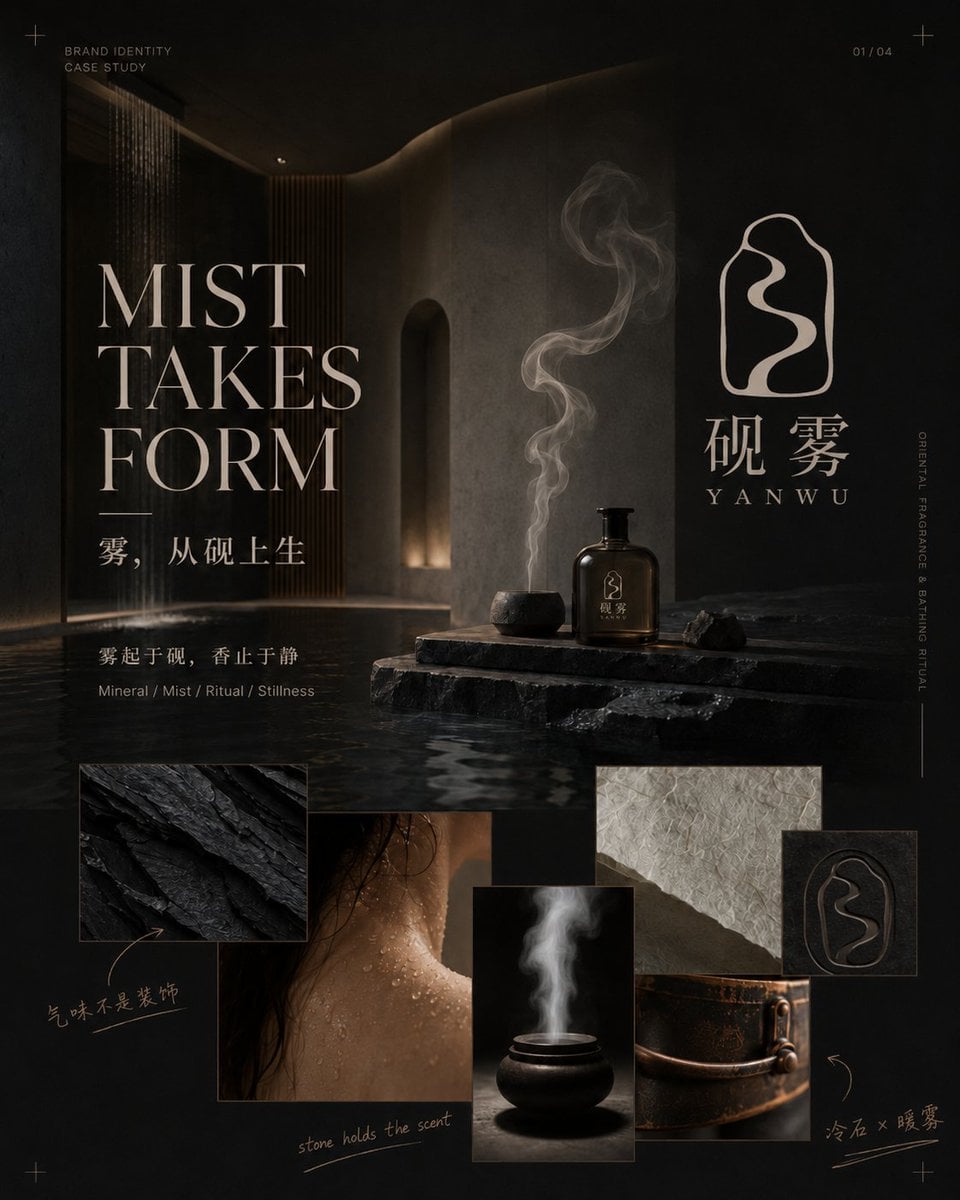
Dark Oriental Fragrance Brand Case Study

Minecraft Japanese Research Lab Exploration
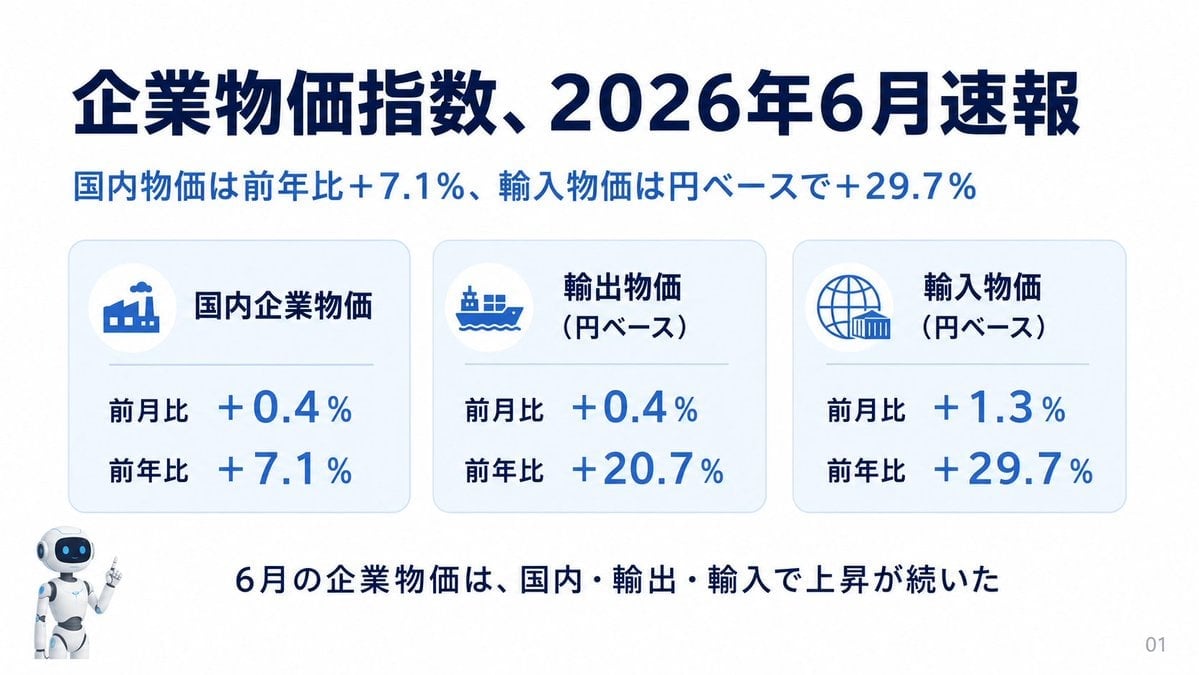
Japanese Corporate Price Index Slide
Japanese Golden Egg Design Slide

Japanese Architectural Concrete Studio Fashion Campaign

Japanese Minimalist Concrete Studio Fashion Editorial

Blue Backdrop Luxury Fashion Portrait Campaign

Douyin Aesthetic Café Study Portrait
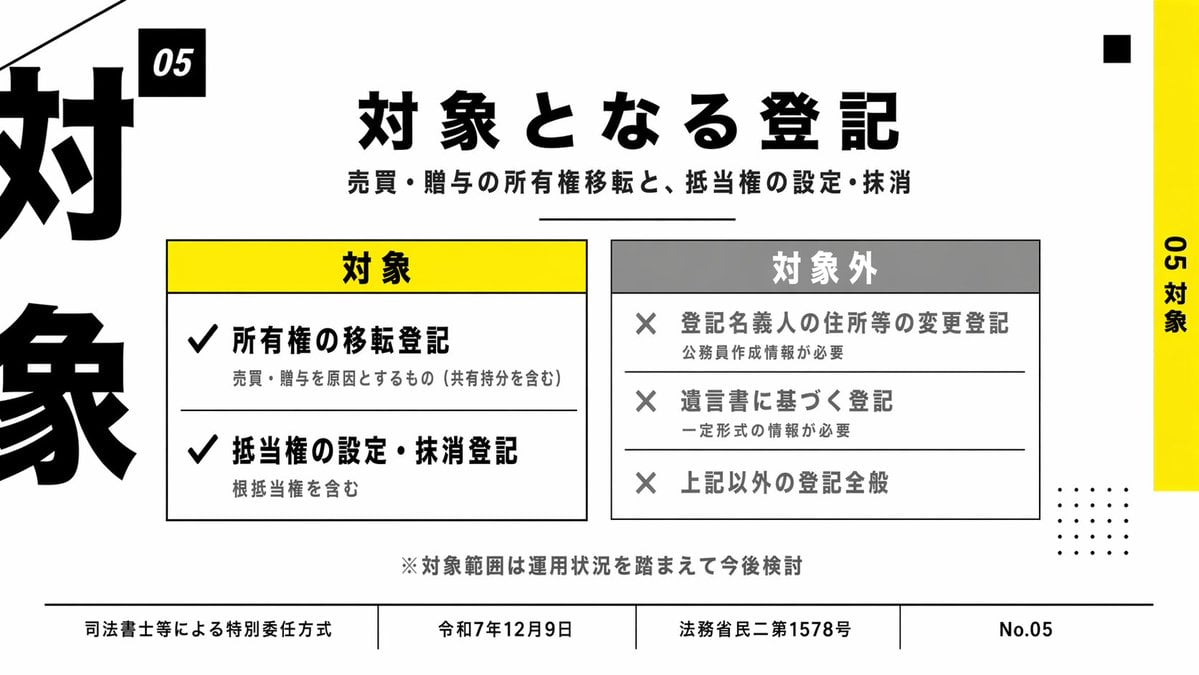
Japanese Corporate Scope Slide
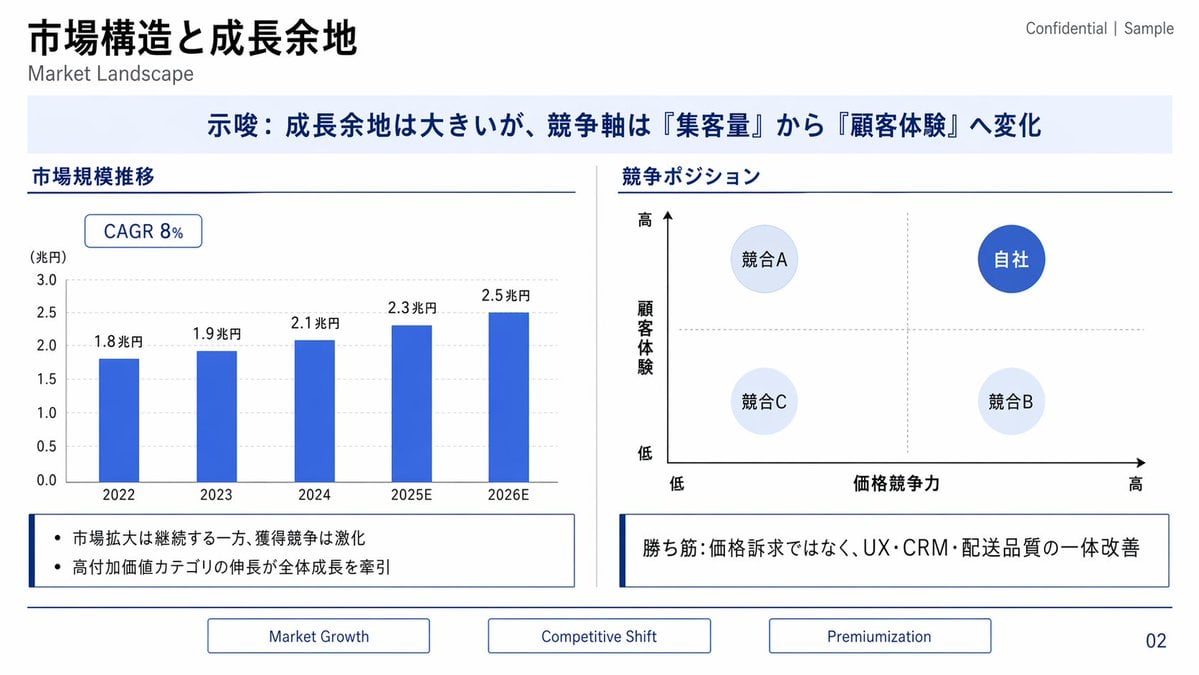
Japanese Market Landscape Slide
Japanese Codex Workshop Slide Deck Grid
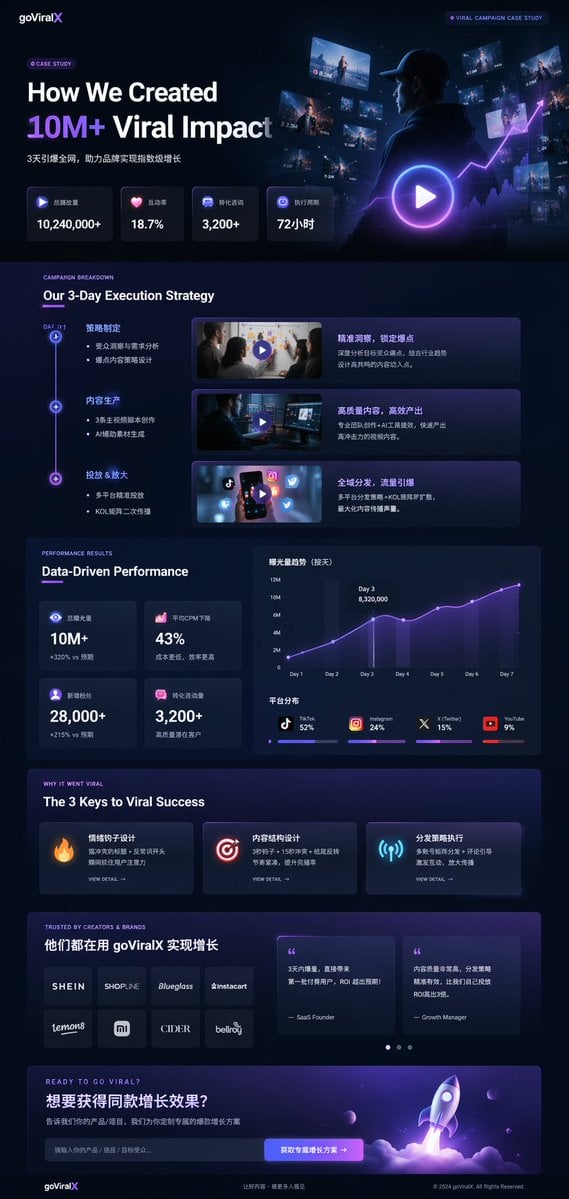
Dark Mode Marketing Case Study UI
Make it yours
Japanese AI Case Study Slide works as-is. These are the safest ways to change it without losing the look.
Change one field
Copy a single group, rewrite it, and generate again so you can see what that field is doing.
Keep the frame, change the subject
Hold the composition and light of Japanese AI Case Study Slide, then swap wardrobe, props or the person for a new take.
| If the result… | Why | Fix |
|---|---|---|
| The result drifts from the preview | Too many fields changed at once. | Reuse Japanese AI Case Study Slide as-is first, then change one group — subject, light, or setting. |
| The model over-stylizes the scene | The prose prompt leaves finish and camera underspecified. | Add one camera or lighting sentence and stay on GPT Image 2. |
More GPT Image 2 templates
Other prompts made for GPT Image 2.

Realistic Portrait of Woman and Deer

The Vista Modular Condo Poster

AI Model Routing Comparison Infographic

2.5D Anime Art Board

Isometric Productivity Desk Scene

New York Double Exposure Poster

Four-Panel AI Landscape Comparison

NESCAFÉ Coffee Map Poster

Brutalist Cogito Chinese Typography Poster

Cinematic Luxury Terrace Portrait
More image prompts
Fresh picks from across the catalog.
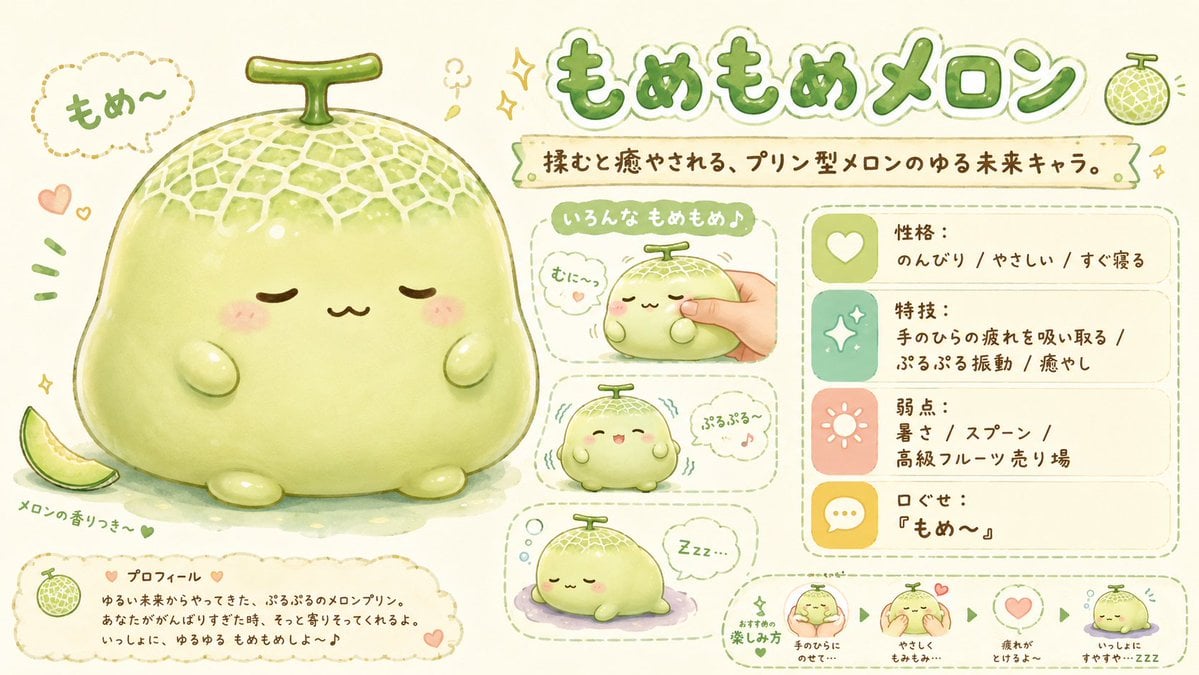
Kawaii Melon Mascot Character Sheet

Pop Mart Hirono Style Custom Figure Prompt

Futuristic Sunset Megacity

Modify Image: Girl Taking a Magic School Exam

mirror
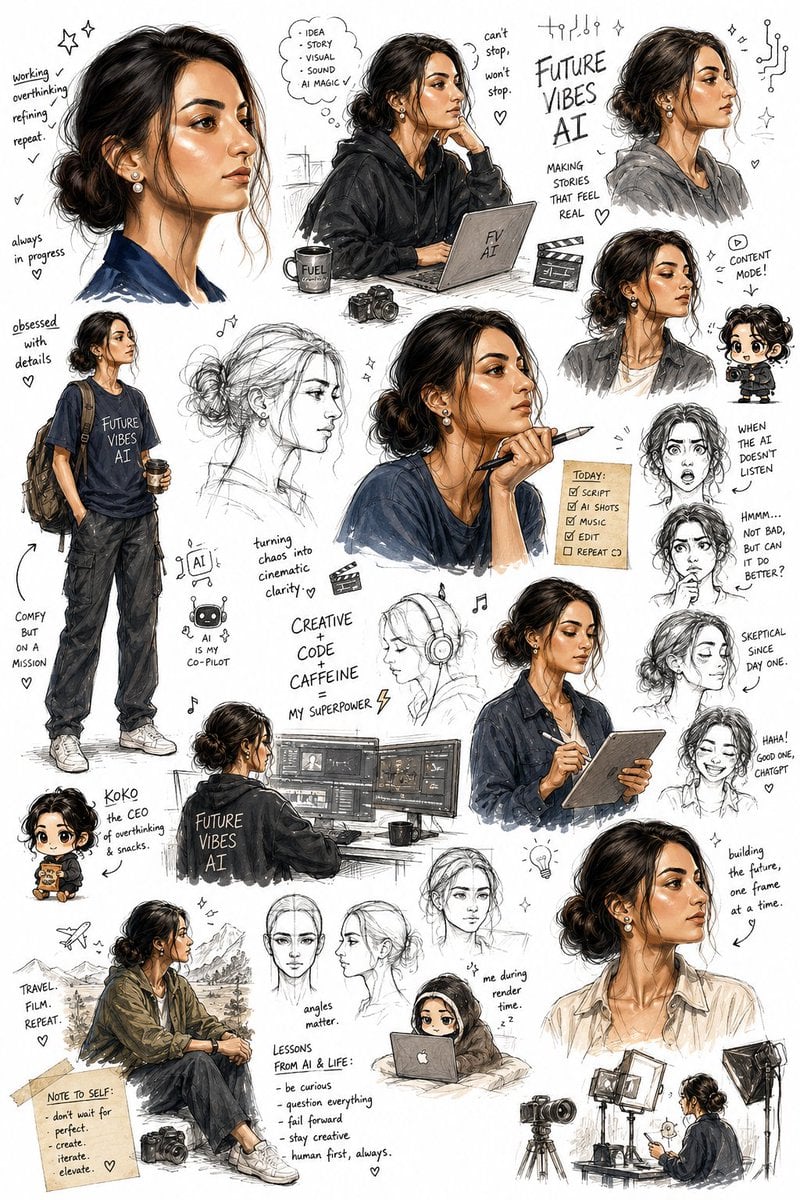
Sketchbook Character Exploration Sheet

3D Pororo Winter Village Breaking the Fourth Wall

Cinematic Lifestyle Café Portrait Prompt

Nostalgic Photo Restoration

Elegant Mirror Selfie with Strict Face Preservation (JSON)
Browse template categories
Japanese AI Case Study Slide questions
How do I use the Japanese AI Case Study Slide template?
Add your photo if the template asks for one, edit the prompt if you like — the template's model and format are already selected — and press Generate. Your version opens in PicX Studio.
Can I customize the Japanese AI Case Study Slide template?
Yes. You can change the subject, setting, lighting, mood, format, and available model controls before creating your image.
Is the Japanese AI Case Study Slide template free?
Opening and editing this template is free. Generating uses credits, shown on the Generate button when you are signed in.
Which AI model should I use?
Start with GPT Image 2, which is the model associated with this template. You can compare another compatible model for a different finish.
Looking for something else? Browse all templates.

Your photo, any look
Thousands of ready templates for every top image and video model, from one credit balance.