
Pop Mart Hirono Style Custom Figure Prompt
A detailed prompt for transforming a person's photo into a stylized collectible designer vinyl figure in the Pop Mart Hirono aesthetic, focusing on preserving identity while applying a melancholic, high-end toy look.
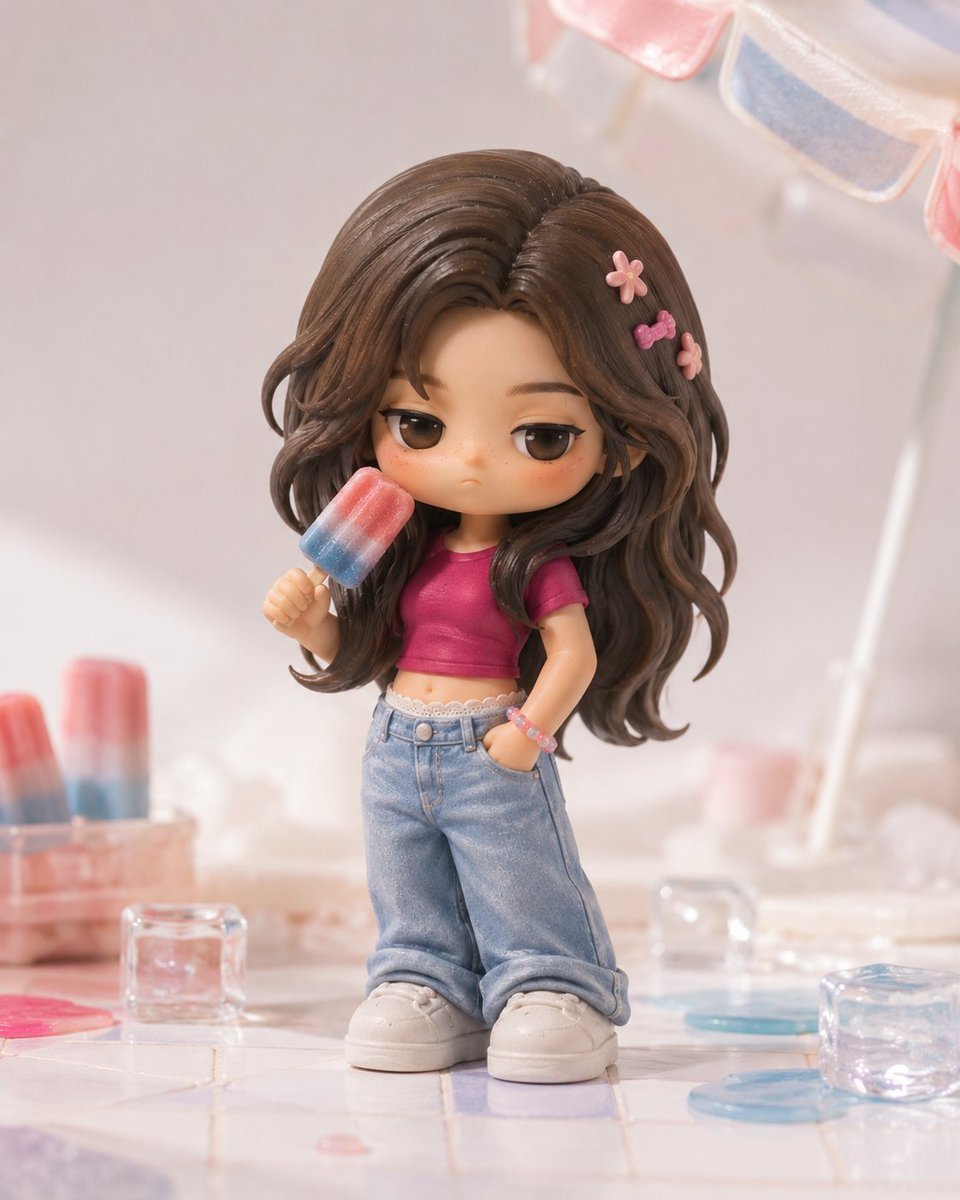
- Prompt included
- Model and format preset
- Free template
The prompt behind this image
Copy the exact prompt behind Pop Mart Hirono Style Custom Figure Prompt, or open it in the studio and make it yours.
Please use only the 1 real-person photo uploaded by the user as the sole identity reference, and originally extend the person into a designer vinyl collectible figure character in the {argument name="temperament direction" default="POP MART Hirono"} style, then output a single, high-completion product scene image of the figure. Please strictly preserve the person's real recognizability, including face shape, the relationship between facial features, hair silhouette, sense of age, gender characteristics, skin-tone tendency, and overall temperament, as well as the recognizable clothing identity and accessory features from the original photo, so that the final figure clearly shows its prototype comes from the same person in the uploaded photo. The overall style must clearly lean toward the POP MART / Hirono-style designer vinyl aesthetic: quiet, soft, restrained, slightly melancholic, pensive — like a high-end POP MART collectible art toy, not an ordinary cute doll. The figure uses a big-head, small-body proportion, with the head about 2.5 to 3 times the size of the body; the body is short and round, the limbs are simplified, the shoes/socks may be slightly oversized, and overall it should have a real, physical sculptural feel and sense of weight. The pose should be calm, slightly leaning forward or slightly lowering the head, carrying a touch of small, quiet emotion — no exaggerated movement. The face must retain the prototype's features but be transformed into the Hirono temperament: half-open or slightly drooping sleepy eyes, somewhat thicker painted eyelashes, a small, restrained, slightly pouty mouth, a minimal nose, a round face shape, very faint blush or a few freckles; the expression should be slightly blank/dazed, slightly world-weary, slightly melancholic — no bright smile, no shiny anime-style big eyes. The hair should keep the silhouette from the original photo, but must be made into a solid, rounded, bundled, faceted hand-sculpted structure — not realistic strands of hair — with the hair color in low-saturation natural tones such as {argument name="hair color" default="soft brown, gray-brown, soft black"}, with a matte finish. The clothing should retain the styling mood of the original photo, but be simplified into thick, rounded, toy-like sculpted clothing volumes; it can be slightly oversized, and may include a small amount of toy-style stitching, patches, or slight worn details — no realistic fabric texture. Recognizable accessories from the original photo — such as a coffee cup, small bag, flowers, popsicle, book, or small doll — may be kept, but must be turned into slightly exaggerated-proportion matte figure accessories. The material must feel like premium matte soft vinyl (PVC) / matte vinyl / matte resin / matte ceramic, with slight traces of hand sculpting and a hand-airbrushed feel — no glossy finish, no mirror-like highlights, no glass-like look, no realistic skin, no realistic hair, no visible texture maps. Please output the scene as a single full-body figure product scene image — not a 3x3 grid, not a series display, not a packaging poster, not a full set of blind boxes. Have the figure stand in an exquisite, three-dimensional, unified miniature themed scene, like a brand art-toy product poster. The scene can be one of {argument name="scene theme" default="everyday coffee moment, garden corner, cloud daydream, quiet study, gazing at the night moon, accompanied by a small animal"}, and should be three-dimensional, refined, photographable, and not overly complex. Use soft, diffused product-photography lighting, with clean highlights, soft shadows, and neutral exposure; the overall image should look like a high-end POP MART new-release product photo. Strictly avoid an ordinary chibi illustration look, a 2D anime feel, a Korean-webtoon "sweet girl" feel, a Barbie-doll feel, a realistic 3D figurine feel, and a complex, cluttered background.
How to use Pop Mart Hirono Style Custom Figure Prompt in 3 steps
- 1Upload ImagePNG, JPG or paste
Add your photo
Upload the photo the template builds on. The prompt, model and format are already set.
- 2…a portrait of your subject in softgolden-hour light, 85mm…
Personalize
Edit the subject and creative details for your destination.
- 3Generate
Generate
Press Generate — your image is created in PicX Studio, so you can compare it with the original and refine one variable at a time.
More like this
Templates with the same subject, style or setup. Open one to see its prompt.
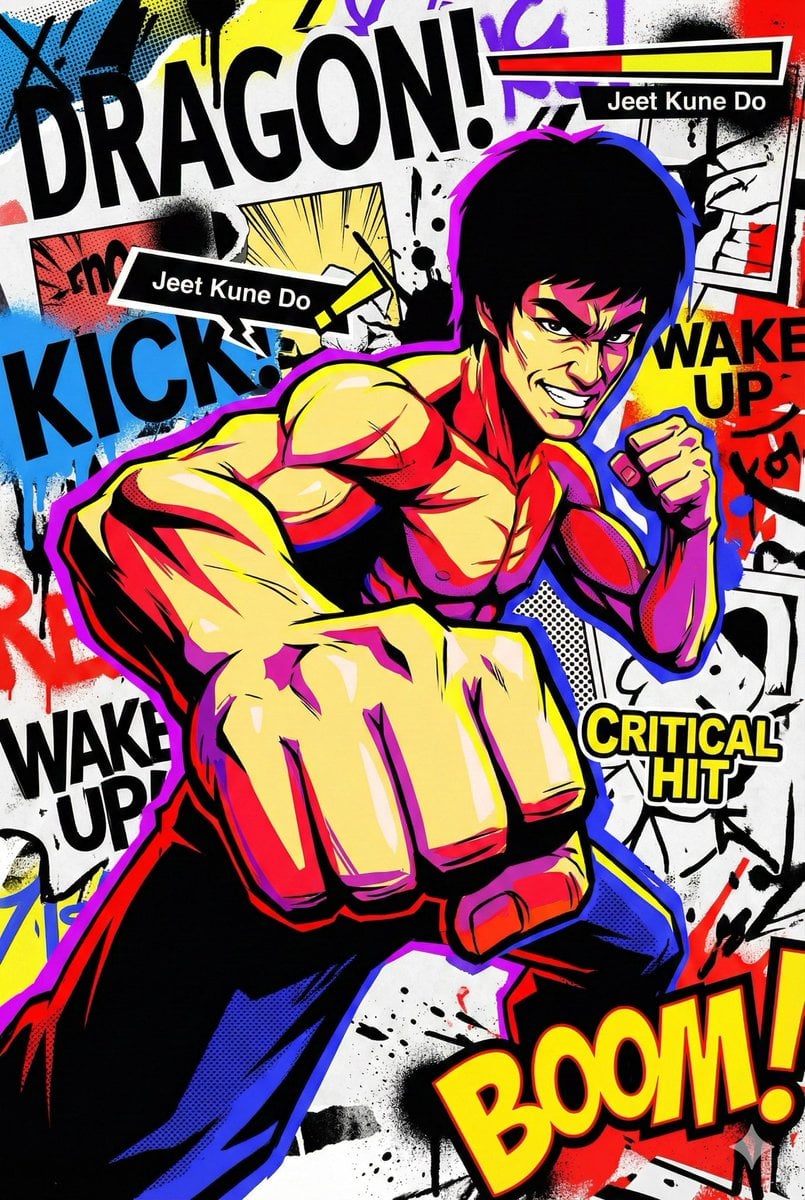
Persona 5-inspired pop-art anime poster for a custom chuunibyou character

Pop Art Summer Fruit Fashion Illustration
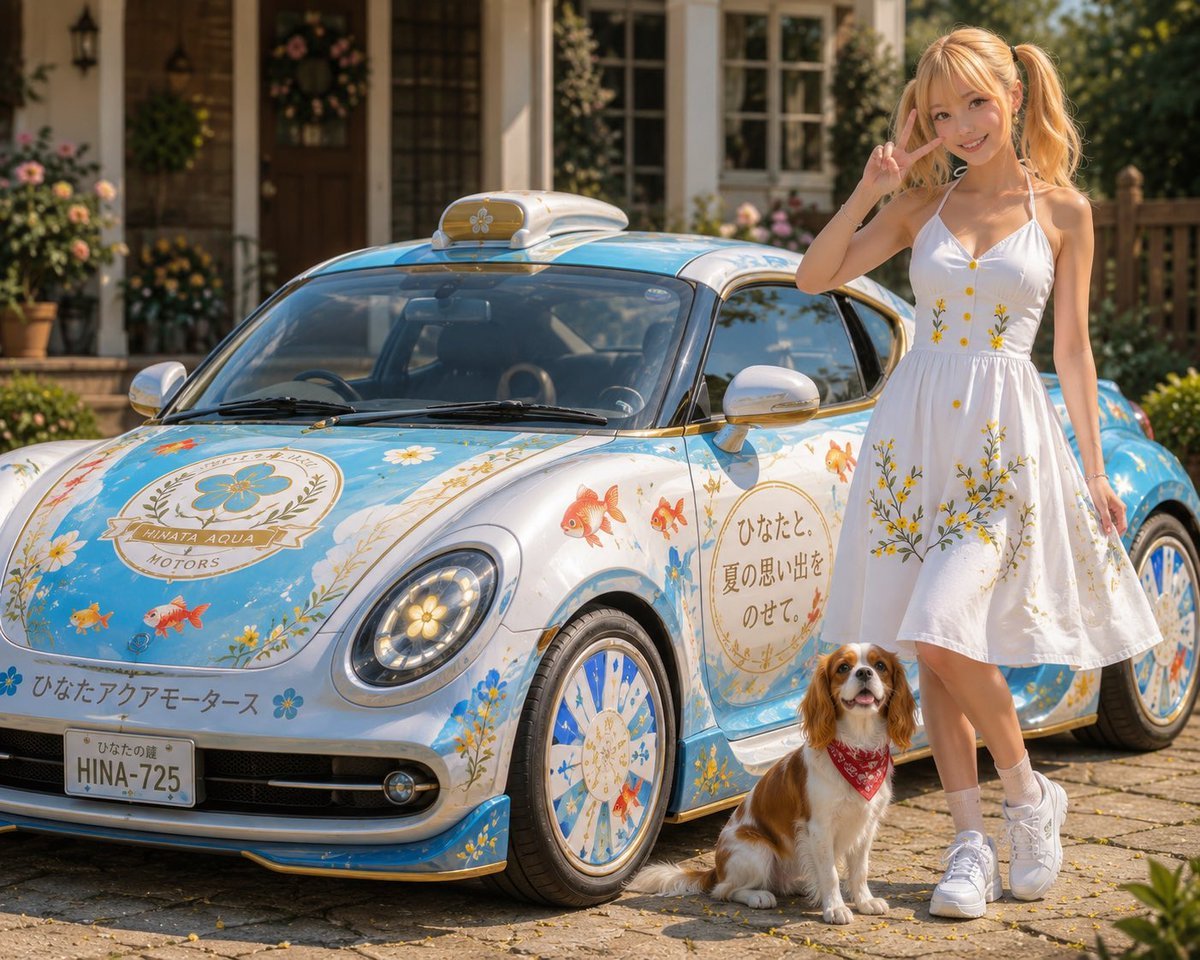
Itasha Car Customization
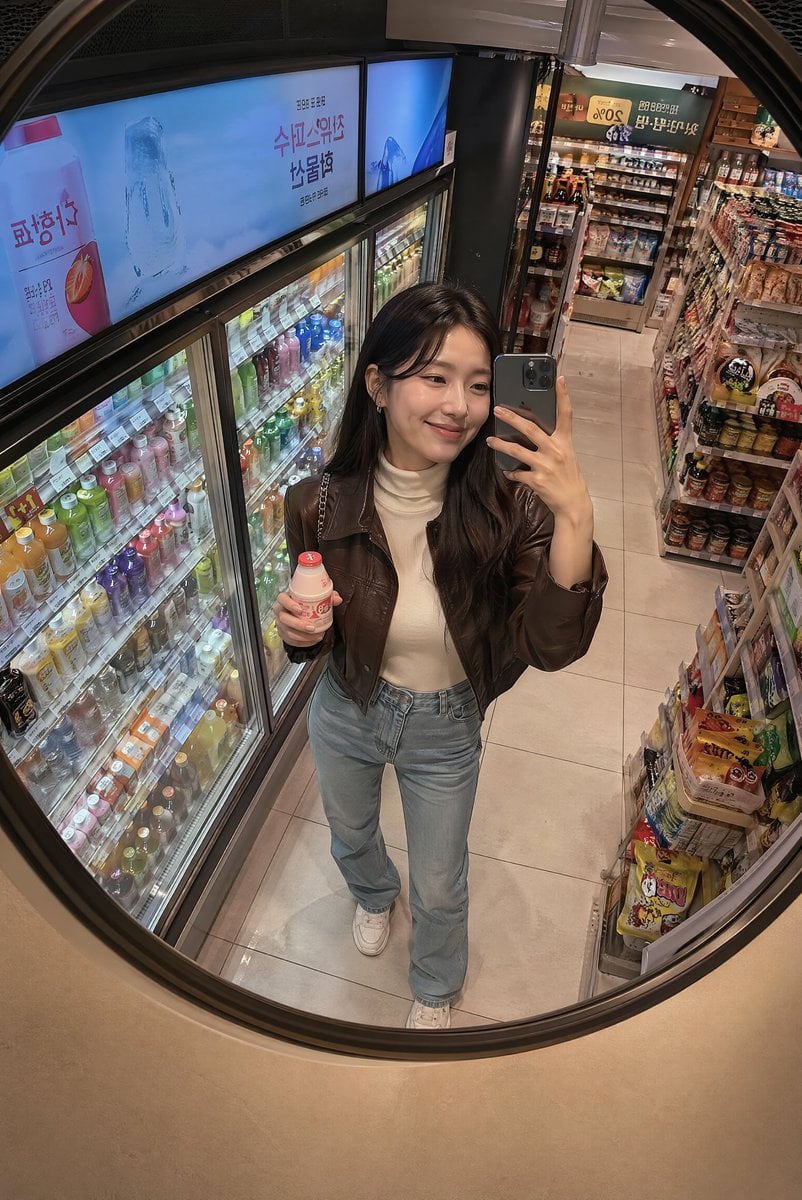
Korean Mart Mirror Selfie
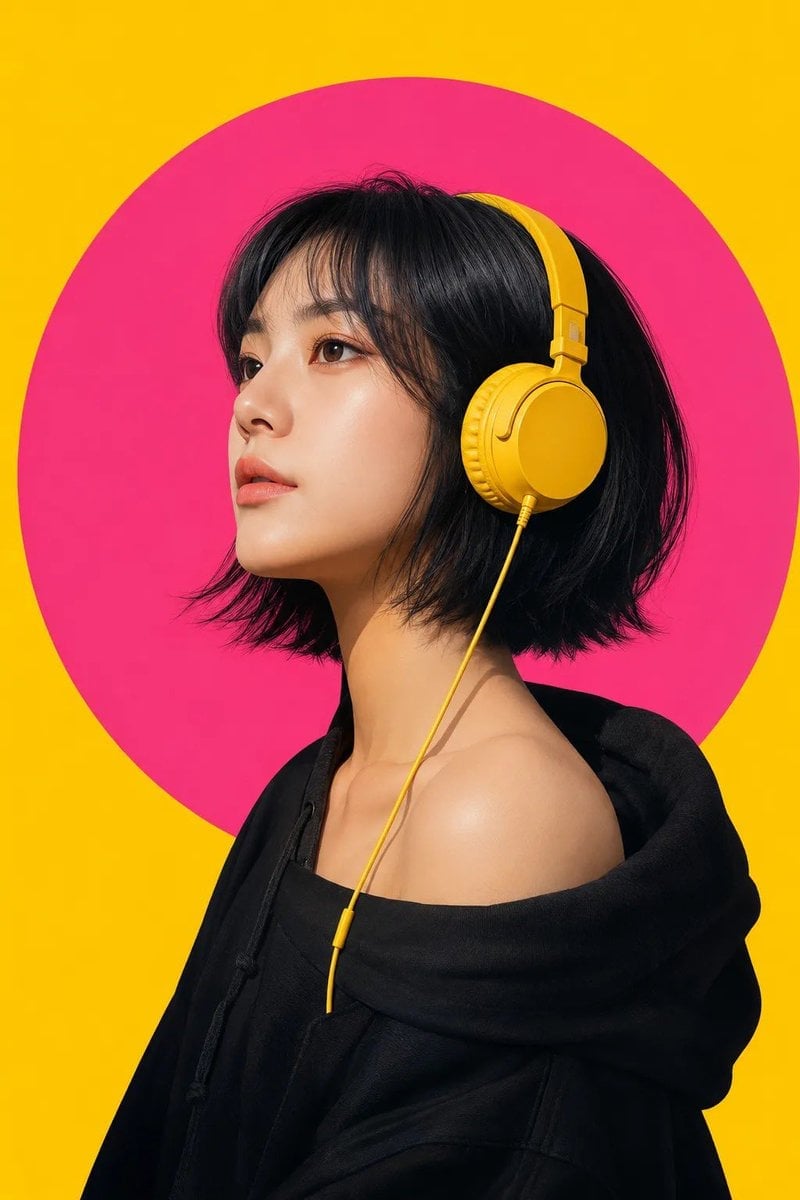
Modern Pop-Art Female Portrait
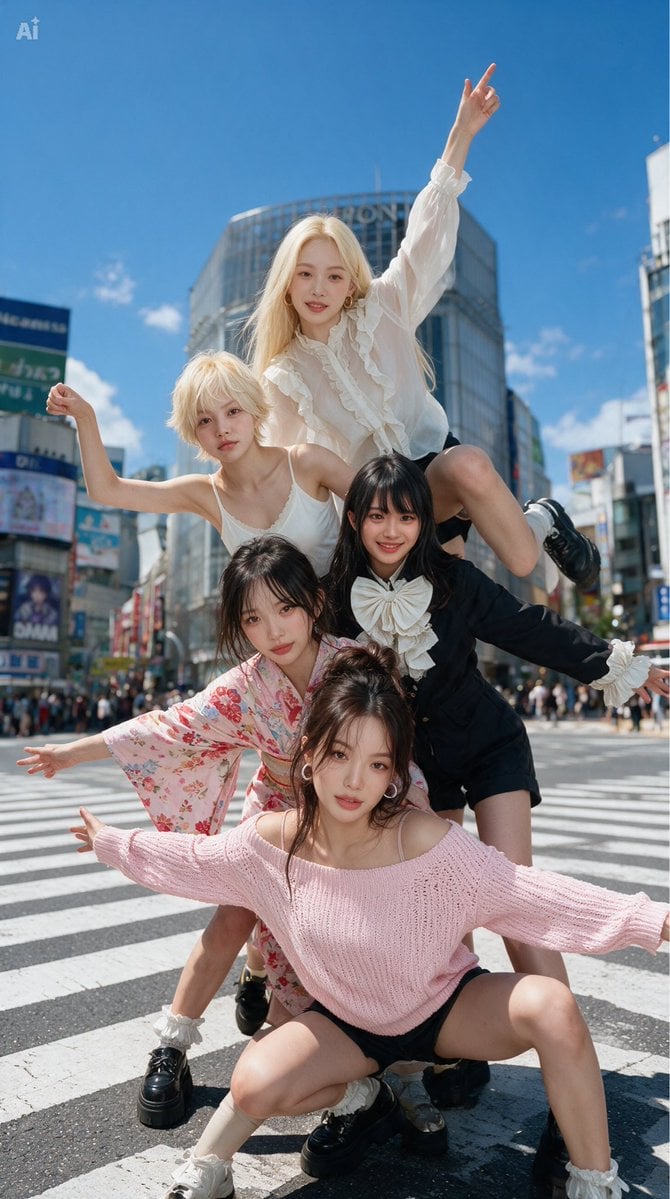
Stick Figure Group to Fashion Photo
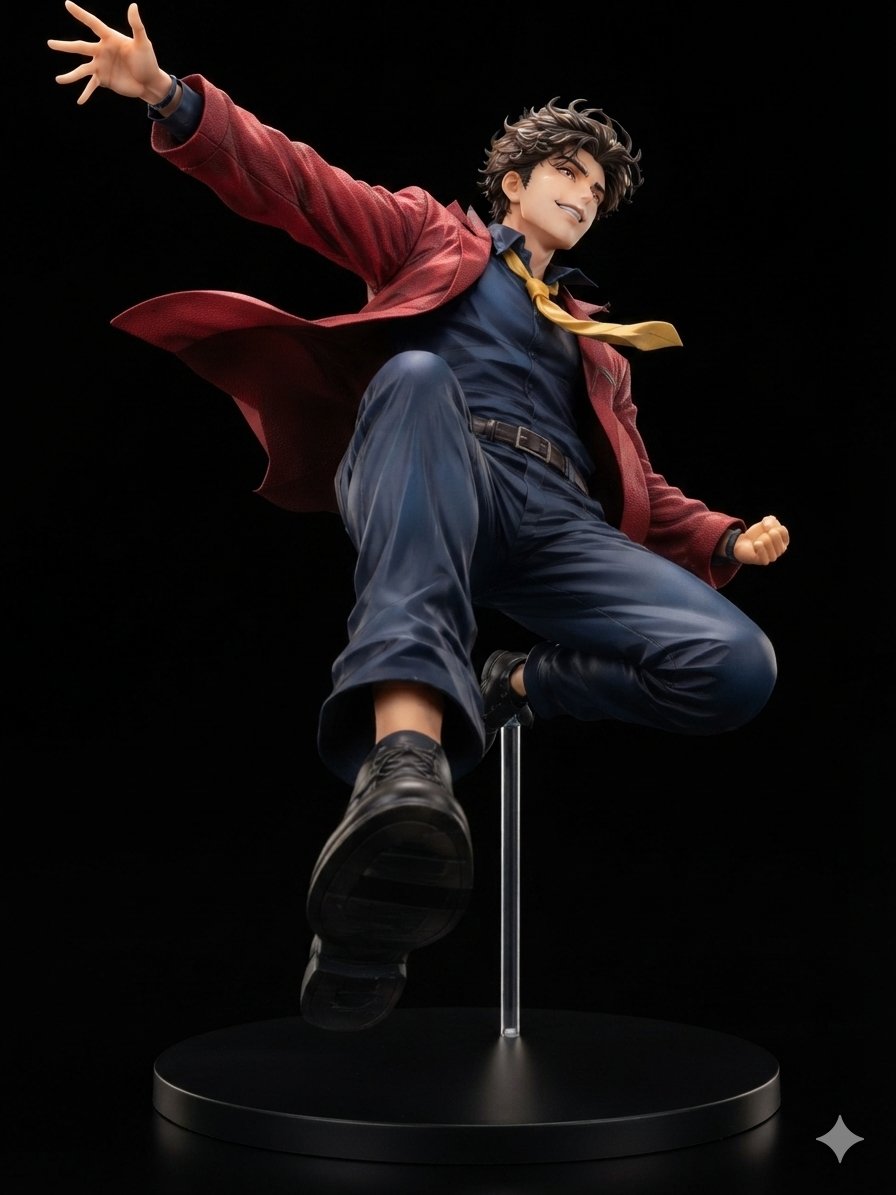
Dynamic Anime Hero Figure Render
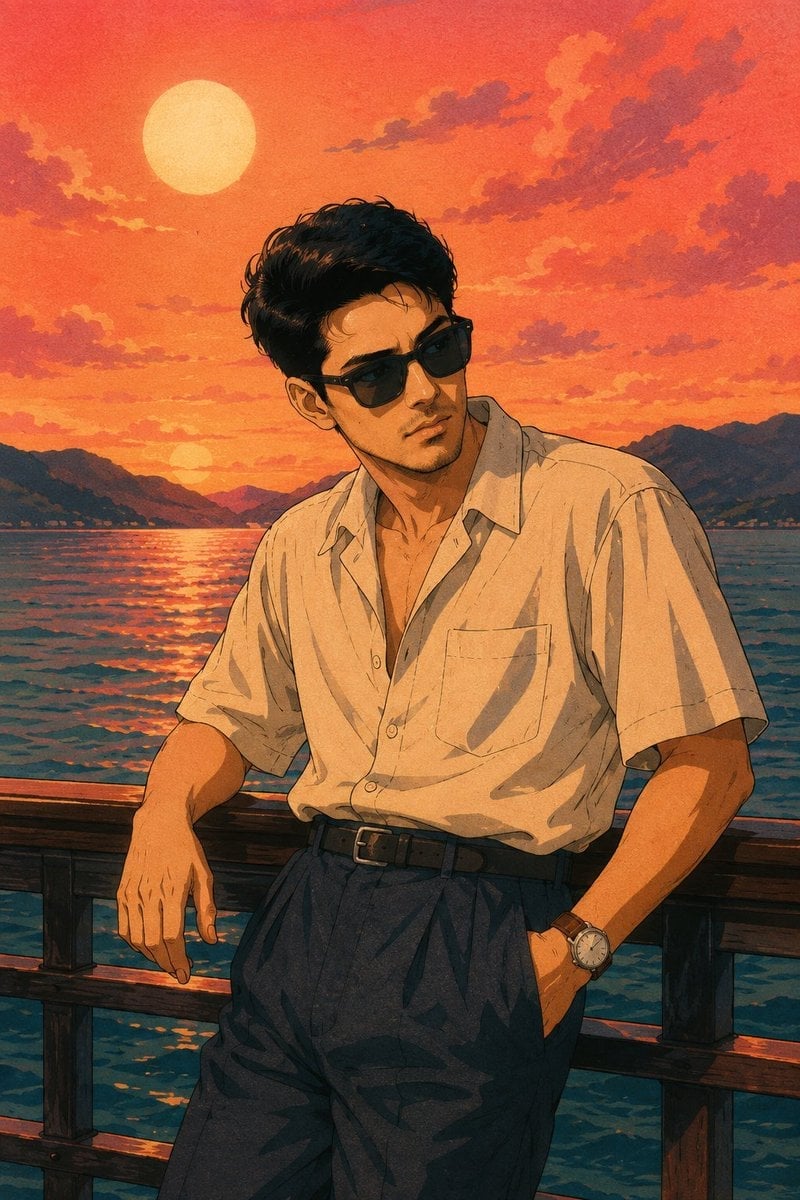
Retro 80s City Pop Anime Illustration
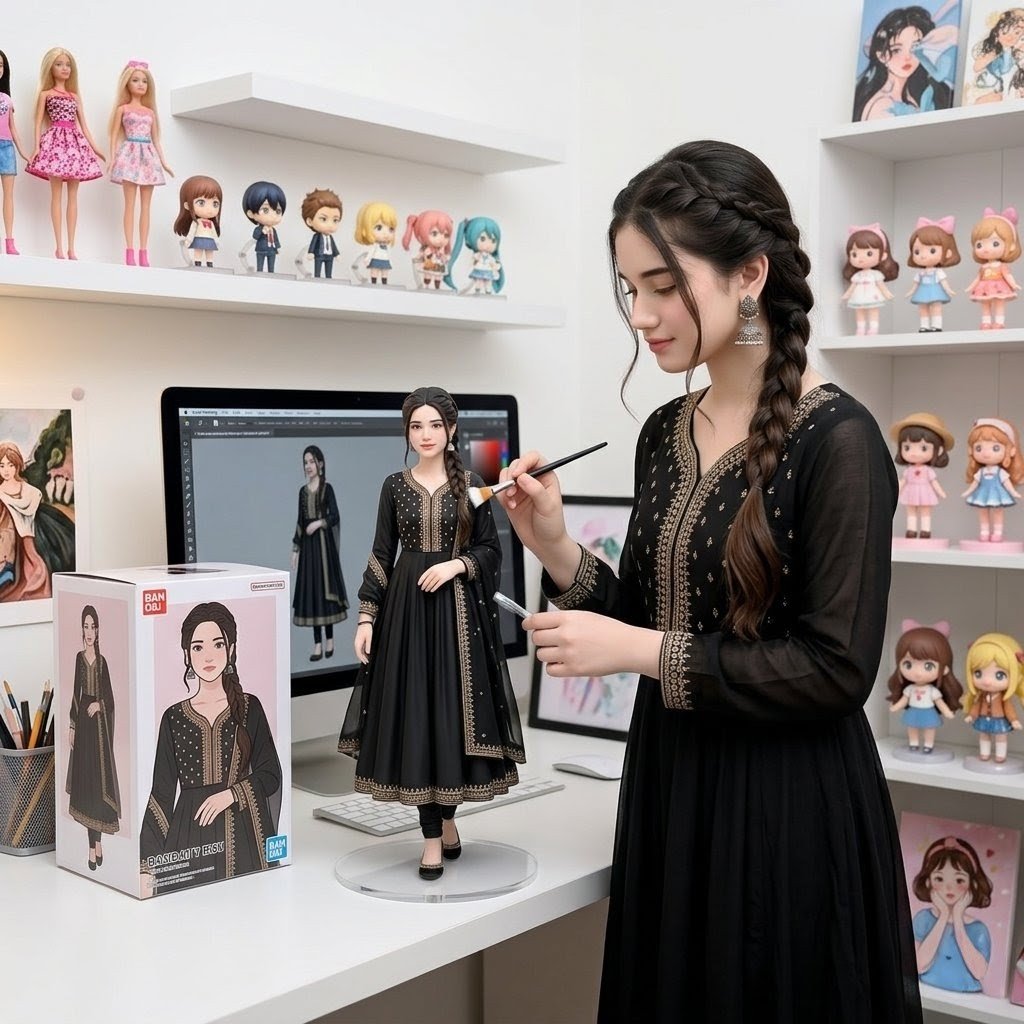
Custom Figurine on Creator Desk
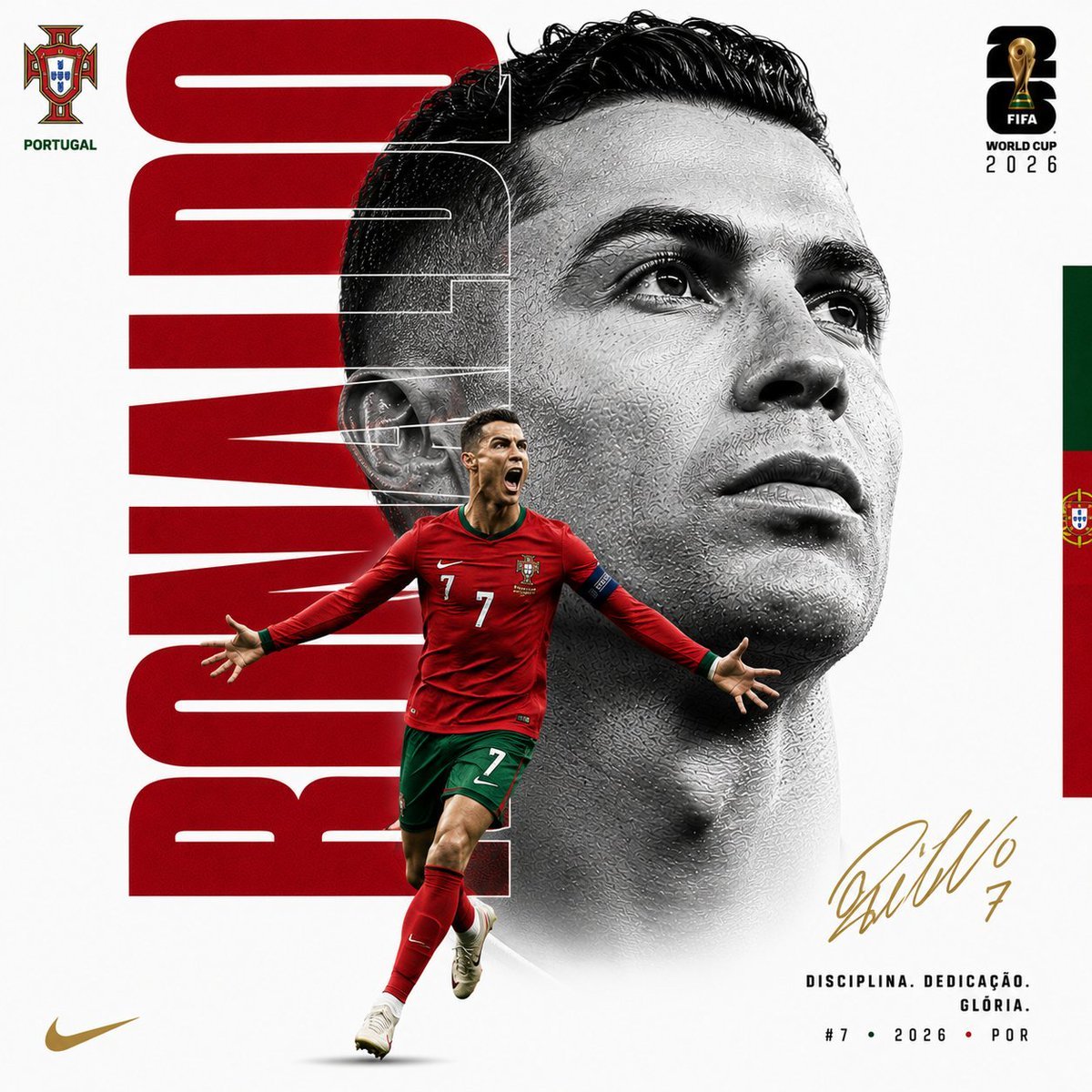
Customizable Luxury FIFA Editorial Poster
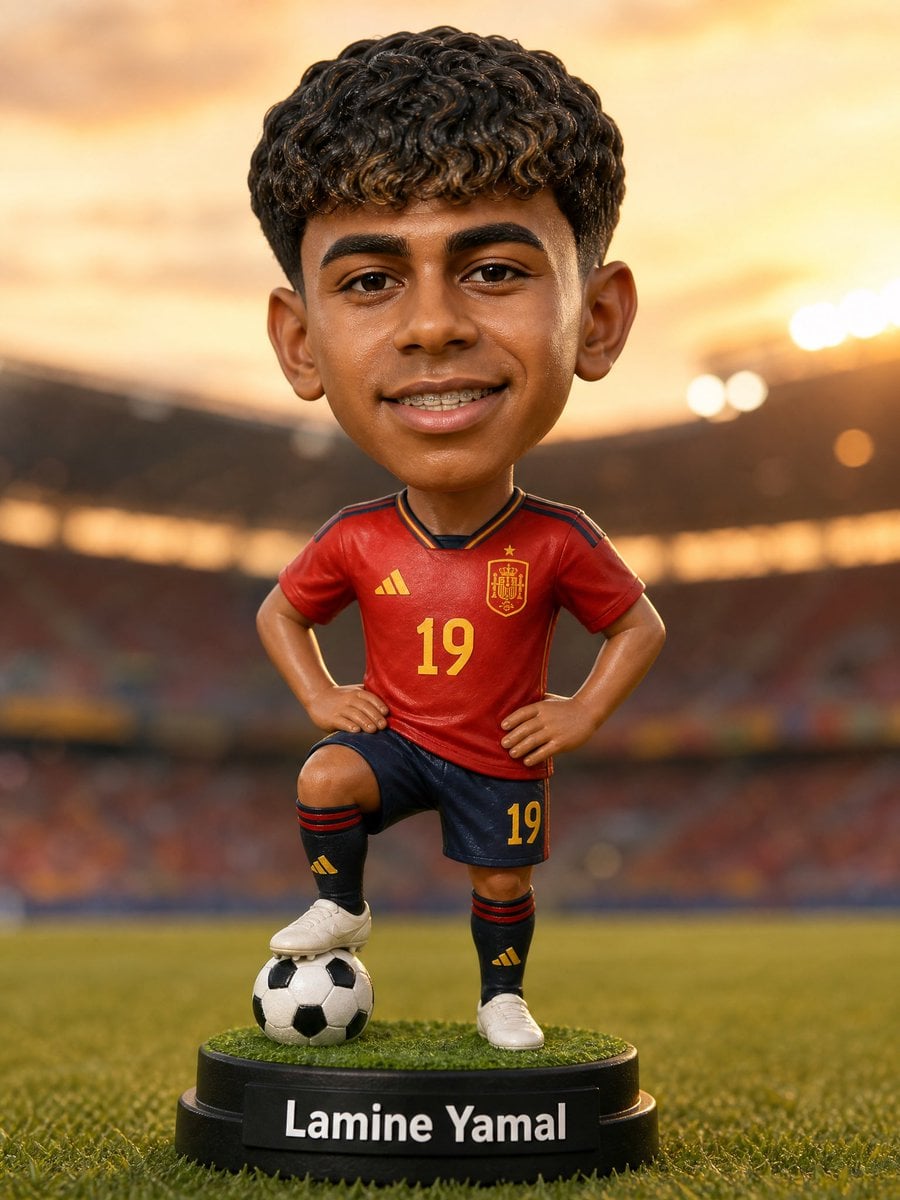
Custom Sports Bobblehead Figurine
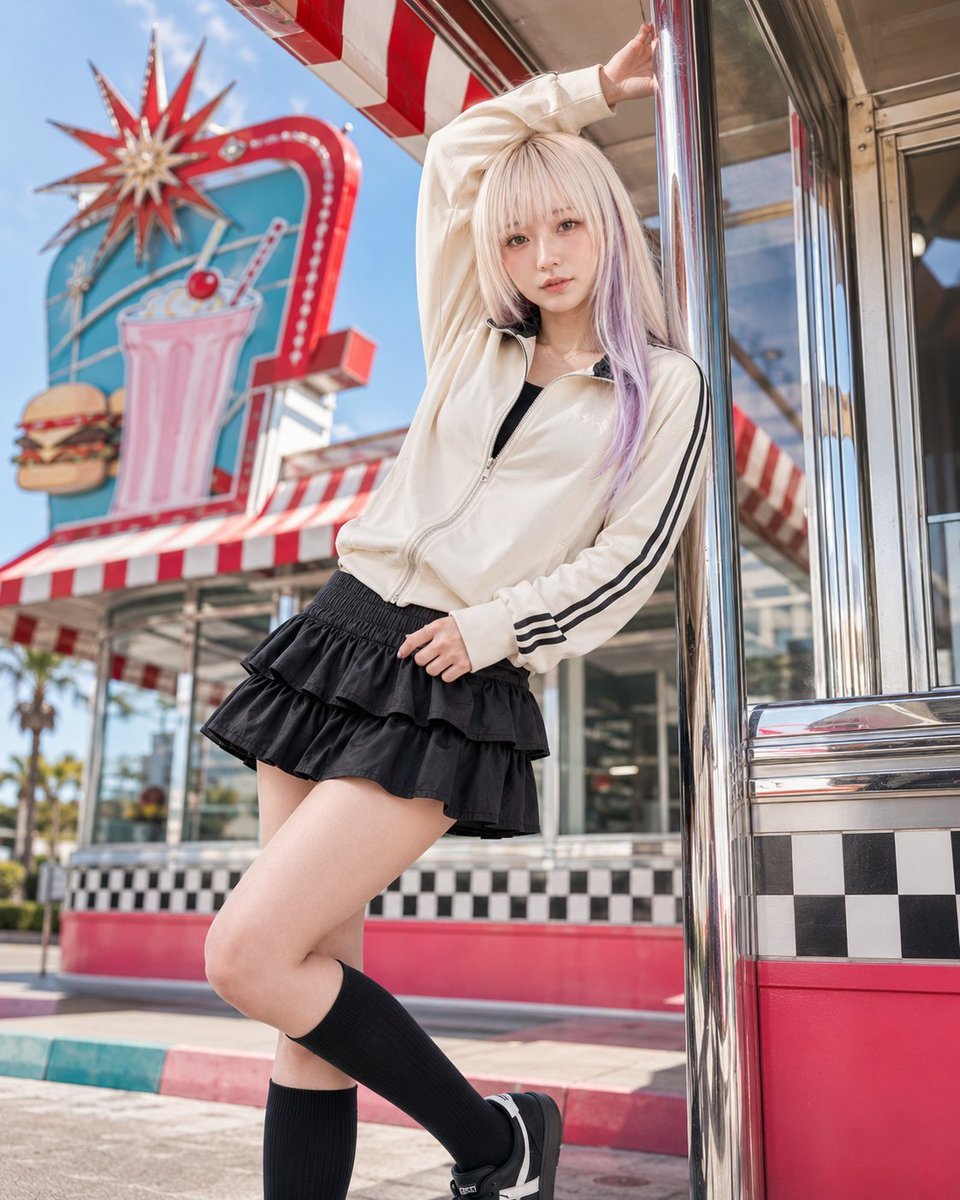
Retro American Pop Diner Fashion Editorial
Make it yours
Pop Mart Hirono Style Custom Figure Prompt works as-is. These are the safest ways to change it without losing the look.
Change one field
Copy a single group, rewrite it, and generate again so you can see what that field is doing.
Keep the frame, change the subject
Hold the composition and light of Pop Mart Hirono Style Custom Figure Prompt, then swap wardrobe, props or the person for a new take.
| If the result… | Why | Fix |
|---|---|---|
| The result drifts from the preview | Too many fields changed at once. | Reuse Pop Mart Hirono Style Custom Figure Prompt as-is first, then change one group — subject, light, or setting. |
| The model over-stylizes the scene | The prose prompt leaves finish and camera underspecified. | Add one camera or lighting sentence and stay on GPT Image 2. |
More GPT Image 2 templates
Other prompts made for GPT Image 2.

Six VTuber Japanese Logo Sheet

Realistic Portrait of Woman and Deer

The Vista Modular Condo Poster

AI Model Routing Comparison Infographic

2.5D Anime Art Board

Isometric Productivity Desk Scene

New York Double Exposure Poster

Four-Panel AI Landscape Comparison

Japanese Tatami Lifestyle Magazine Cover

NESCAFÉ Coffee Map Poster
More image prompts
Fresh picks from across the catalog.
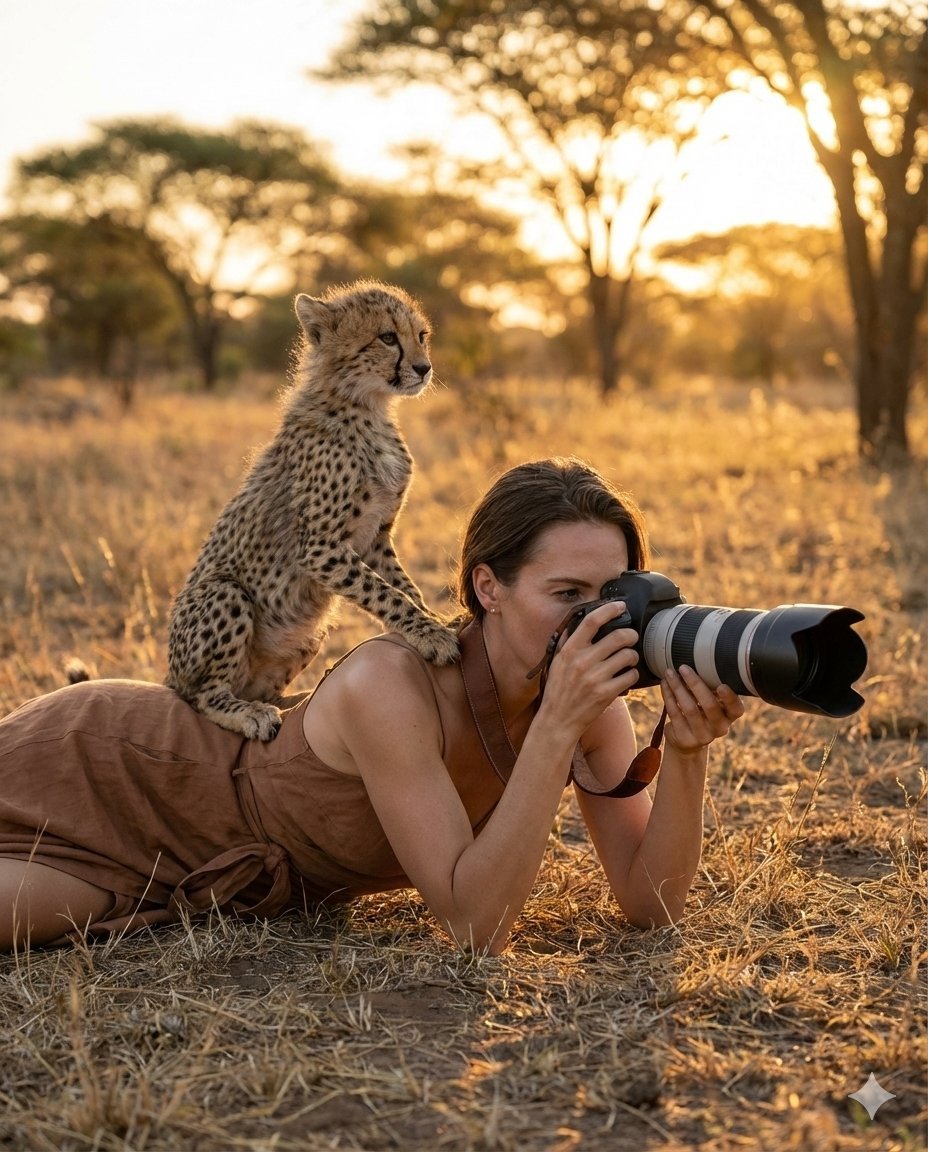
Ultra-Realistic Wildlife Photography with Cheetah Cub
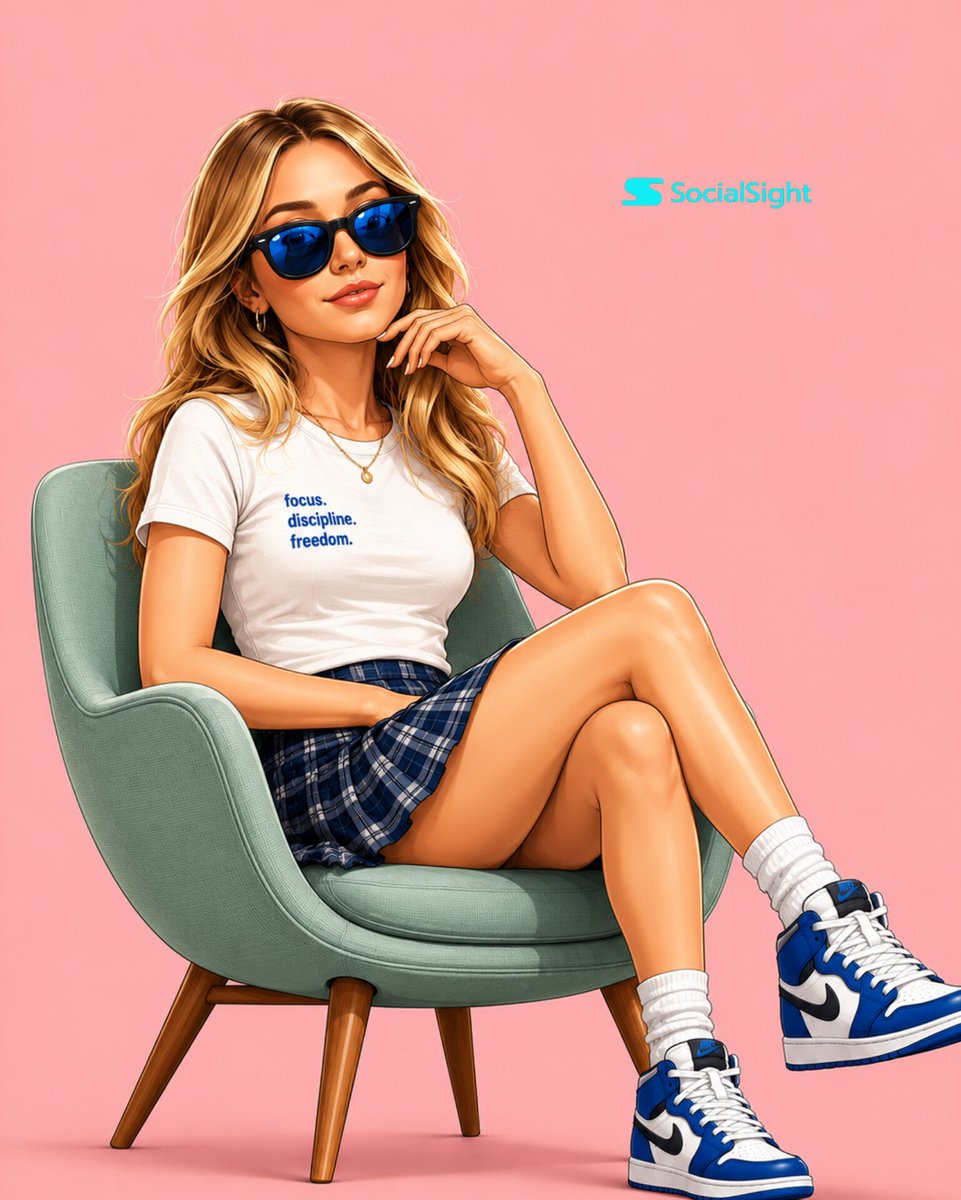
Semi-3D Editorial Illustration
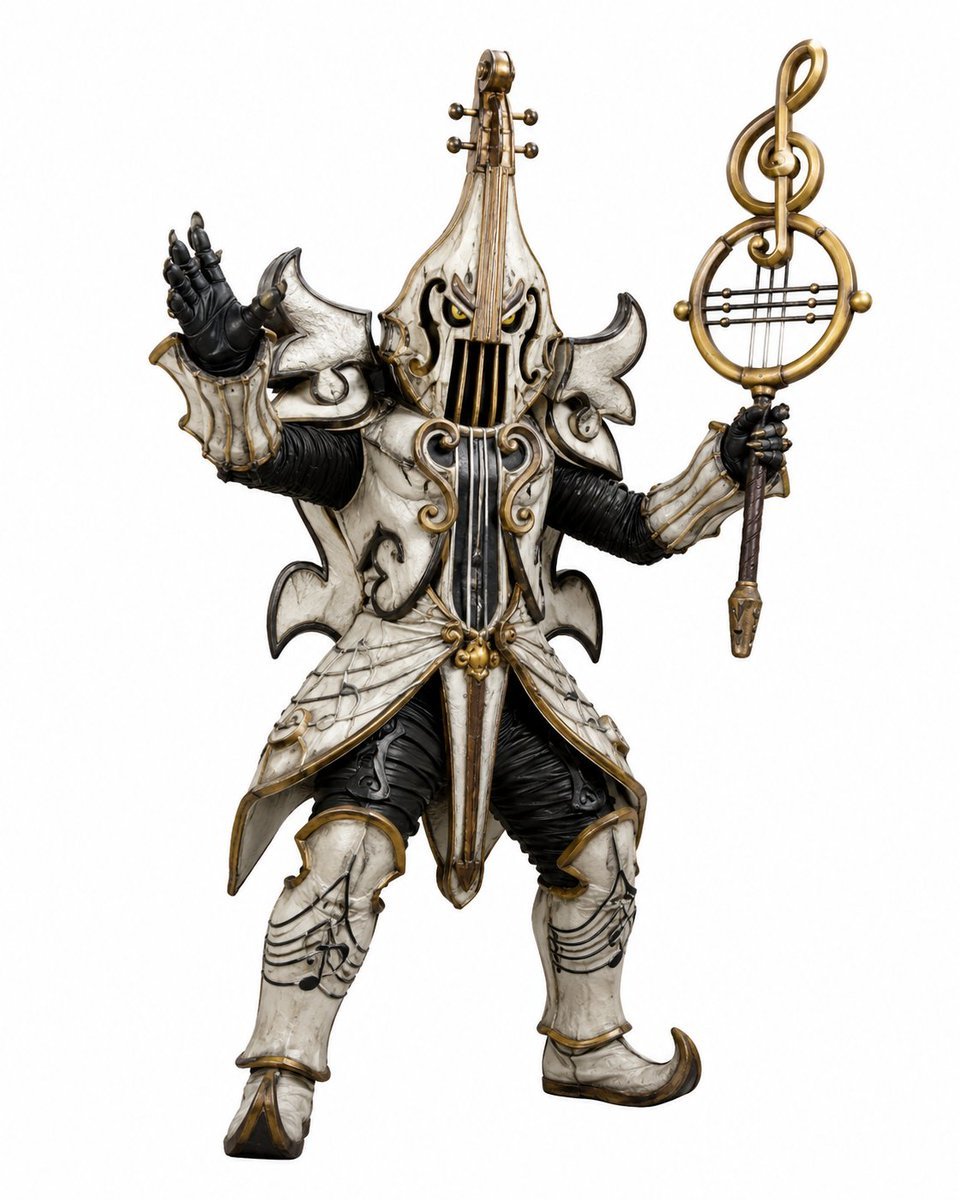
Music-Themed Tokusatsu Kaijin
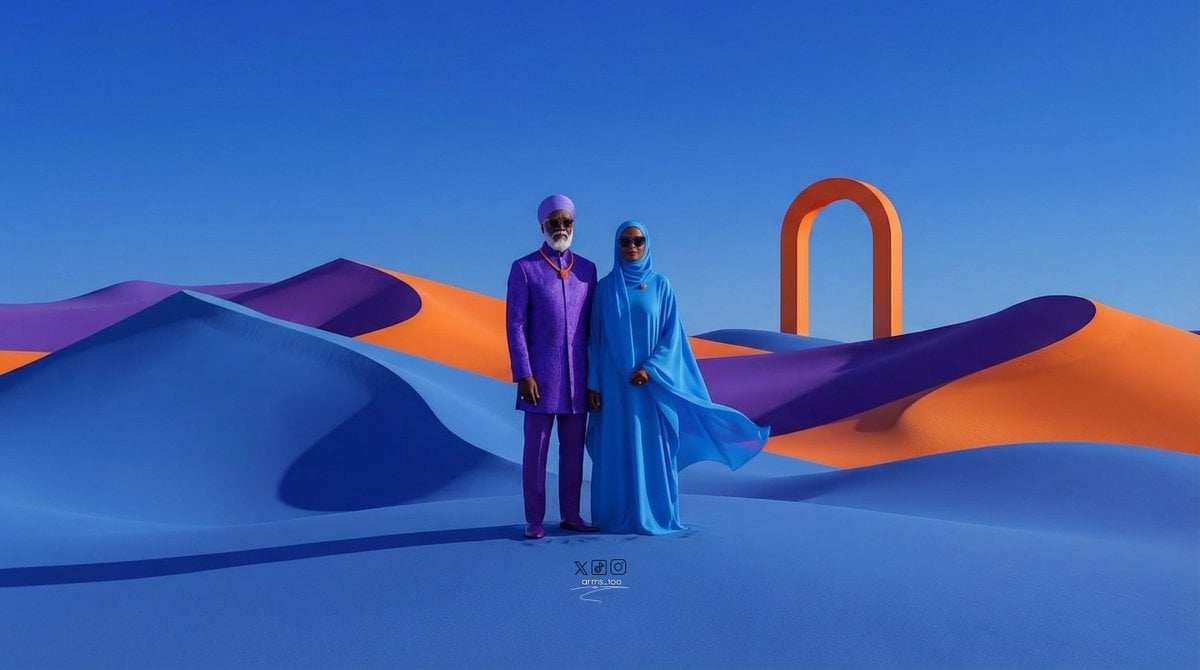
Afrofuturist Fine Art Fashion Prompt
Imagination Coming to Life
Base prompt: Please generate a photo that's lik
Vogue Cover Style Minimalist Portrait
Bali Rice Field Photography
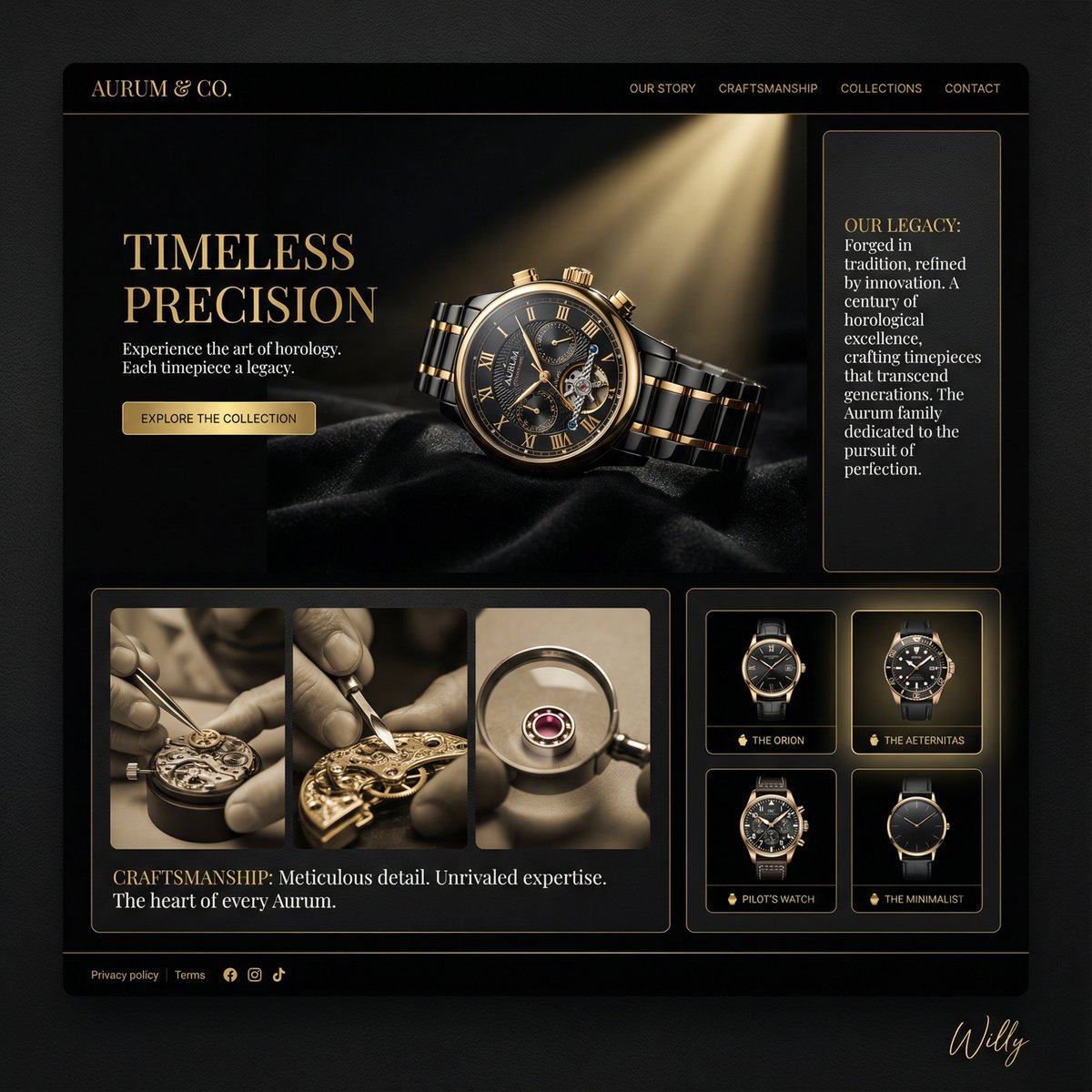
Luxury Watch Brand Landing Page Design Prompt
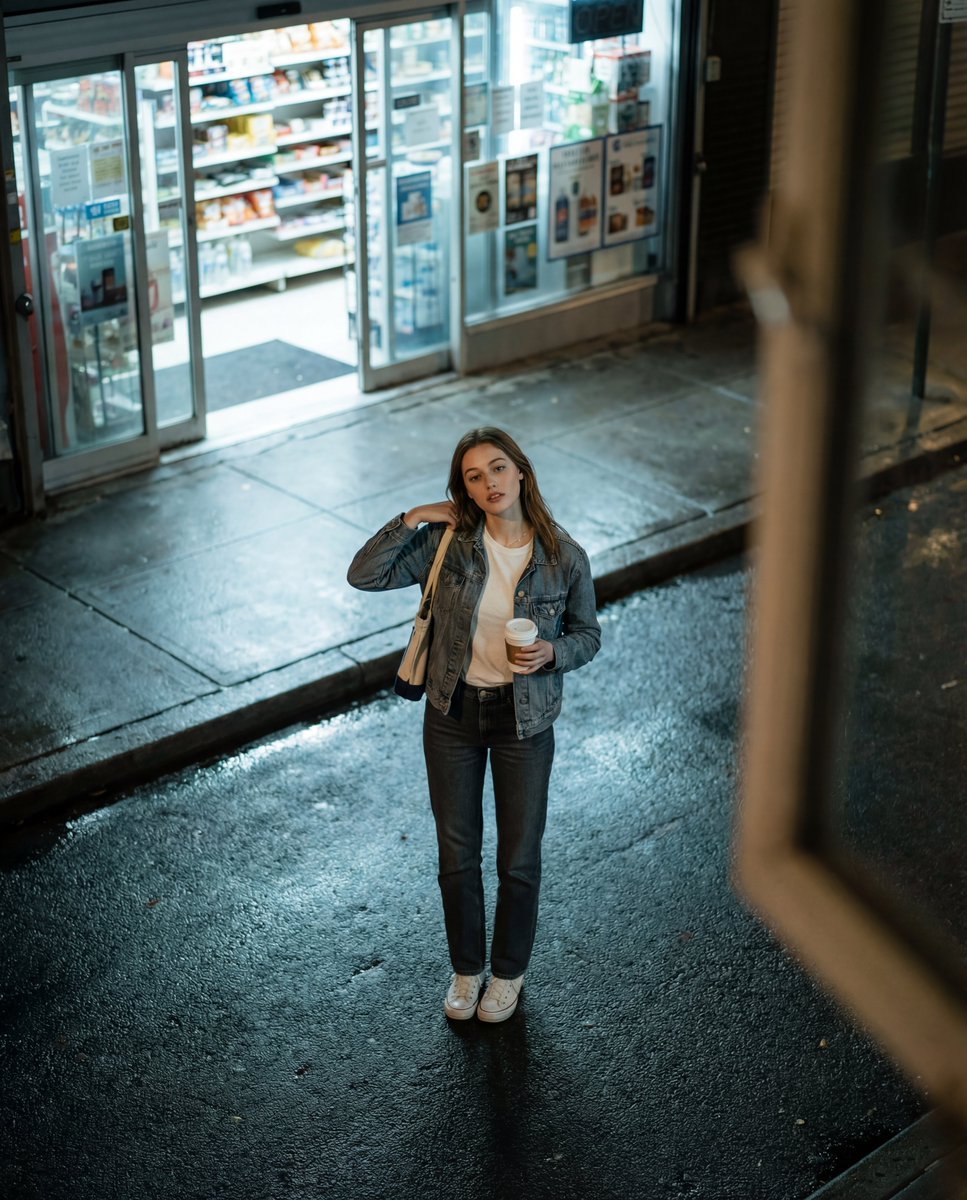
Candid Night Street Fashion Photograph
Browse template categories
Pop Mart Hirono Style Custom Figure Prompt questions
How do I use the Pop Mart Hirono Style Custom Figure Prompt template?
Add your photo if the template asks for one, edit the prompt if you like — the template's model and format are already selected — and press Generate. Your version opens in PicX Studio.
Can I customize the Pop Mart Hirono Style Custom Figure Prompt template?
Yes. You can change the subject, setting, lighting, mood, format, and available model controls before creating your image.
Is the Pop Mart Hirono Style Custom Figure Prompt template free?
Opening and editing this template is free. Generating uses credits, shown on the Generate button when you are signed in.
Which AI model should I use?
Start with GPT Image 2, which is the model associated with this template. You can compare another compatible model for a different finish.
Looking for something else? Browse all templates.

Your photo, any look
Thousands of ready templates for every top image and video model, from one credit balance.