
Stick Figure Group to Fashion Photo
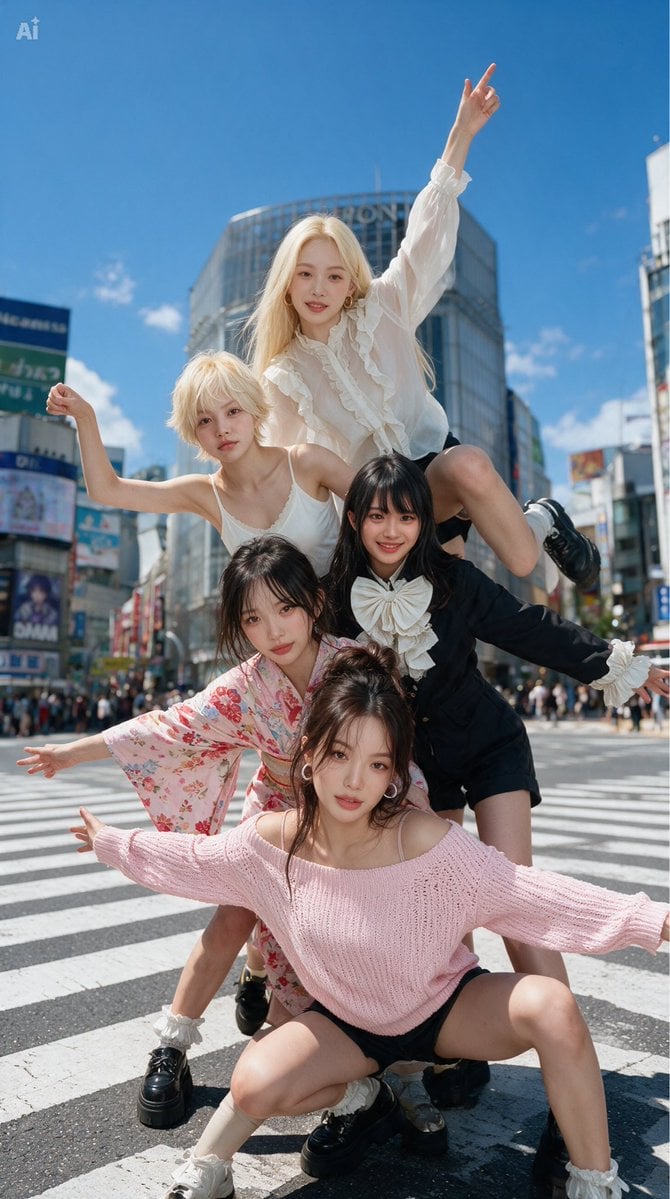
Transforms a rough five-person stick figure layout into a realistic vertical street-fashion group photo while preserving the pose arrangement.
- Prompt included
- Model and format preset
- Free template
The prompt behind this image
Copy the exact prompt behind Stick Figure Group to Fashion Photo, or open it in the studio and make it yours.
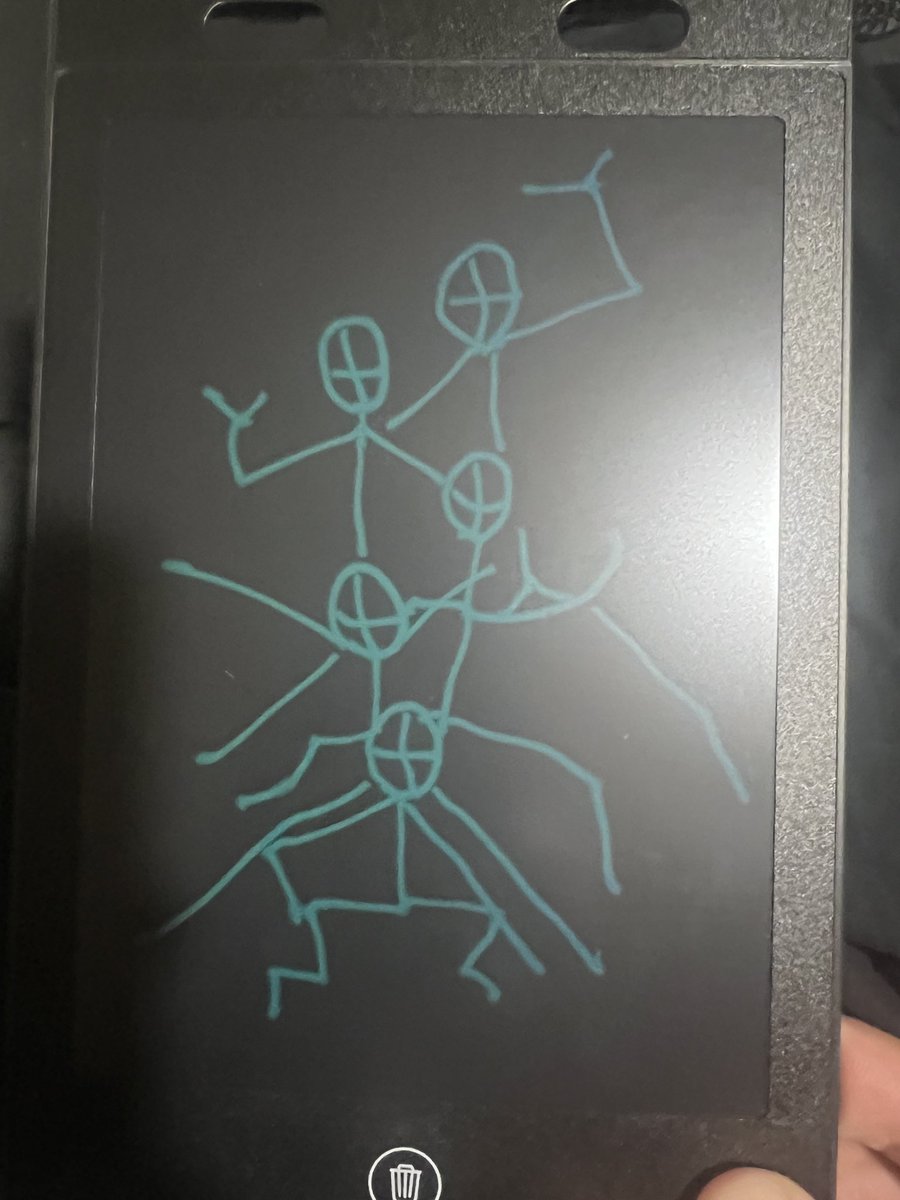
Using REFERENCE_0 as a rough pose-and-composition guide, transform the hand-drawn stick figure sketch into a clear, realistic fashion photo. Replace the five stick figures with exactly five young women arranged in the same stacked group formation and matching the drawn arm/leg gestures: 1 front woman crouching low with both arms extended outward, 1 woman behind-left leaning forward with one arm extended, 1 woman behind-right in a dark outfit leaning sideways with one arm extended, 1 upper-left blonde woman raising one bent arm, and 1 top woman sitting high on the group with one arm pointing upward. Set the scene at a busy Tokyo-style city crosswalk under a bright blue sky, with tall commercial buildings, billboards, pedestrians in the distance, and zebra-crossing stripes. Make it a crisp, high-resolution, natural daylight editorial street-fashion photograph, not a drawing. Keep the full-body vertical composition and the energetic pyramid-like arrangement from the reference. Add varied stylish outfits in soft feminine fashion, including {argument name="front outfit" default="a pale pink off-shoulder knit sweater with black shorts"}, {argument name="kimono outfit" default="a pink floral kimono-style dress"}, {argument name="dark outfit" default="a black outfit with a large white bow"}, {argument name="blonde outfit" default="a white sleeveless top"}, and {argument name="top outfit" default="a white ruffled blouse with black shorts"}. Avoid retaining the tablet frame, black background, cyan sketch lines, trash icon, or photographed-hand artifacts from the reference.
Reference images included
Stick Figure Group to Fashion Photo needs input media to work. They load alongside the prompt when you open it in the studio.
How to use Stick Figure Group to Fashion Photo in 3 steps
- 1Upload ImagePNG, JPG or paste
Add your photo
Upload the photo the template builds on. The prompt, model and format are already set.
- 2…a portrait of your subject in softgolden-hour light, 85mm…
Personalize
Edit the subject and creative details for your destination.
- 3Generate
Generate
Press Generate — your image is created in PicX Studio, so you can compare it with the original and refine one variable at a time.
More like this
Templates with the same subject, style or setup. Open one to see its prompt.

80s College Gate

1988 Mall Style

80s Polka Dot Saree

Urban Fashion Editorial Collage Streetwear Poster

Polo Ralph Lauren Luxury American Heritage Fashion Campaign

Cinematic Street Fashion Photographer Portrait

High-Fashion Editorial Magazine Cover ICON

Fine Art Monochrome Fashion Portrait

Korean Streetwear Minimalist Campaign Portrait

Cinematic Korean Streetwear Street Portrait

Korean Model Floating Magazine Pages Campaign

Blue Backdrop Luxury Fashion Portrait Campaign
Make it yours
Stick Figure Group to Fashion Photo works as-is. These are the safest ways to change it without losing the look.
Change one field
Copy a single group, rewrite it, and generate again so you can see what that field is doing.
Keep the frame, change the subject
Hold the composition and light of Stick Figure Group to Fashion Photo, then swap wardrobe, props or the person for a new take.
| If the result… | Why | Fix |
|---|---|---|
| The result drifts from the preview | Too many fields changed at once. | Reuse Stick Figure Group to Fashion Photo as-is first, then change one group — subject, light, or setting. |
| The model over-stylizes the scene | The prose prompt leaves finish and camera underspecified. | Add one camera or lighting sentence and stay on GPT Image 2. |
More GPT Image 2 templates
Other prompts made for GPT Image 2.

Six VTuber Japanese Logo Sheet

Realistic Portrait of Woman and Deer

The Vista Modular Condo Poster

AI Model Routing Comparison Infographic

2.5D Anime Art Board

Isometric Productivity Desk Scene

New York Double Exposure Poster

Four-Panel AI Landscape Comparison

Japanese Tatami Lifestyle Magazine Cover

NESCAFÉ Coffee Map Poster
More image prompts
Fresh picks from across the catalog.
Geospatial and Temporal Image Generation Prompt
Beauty Vlogger Christmas Makeup Tutorial Interface
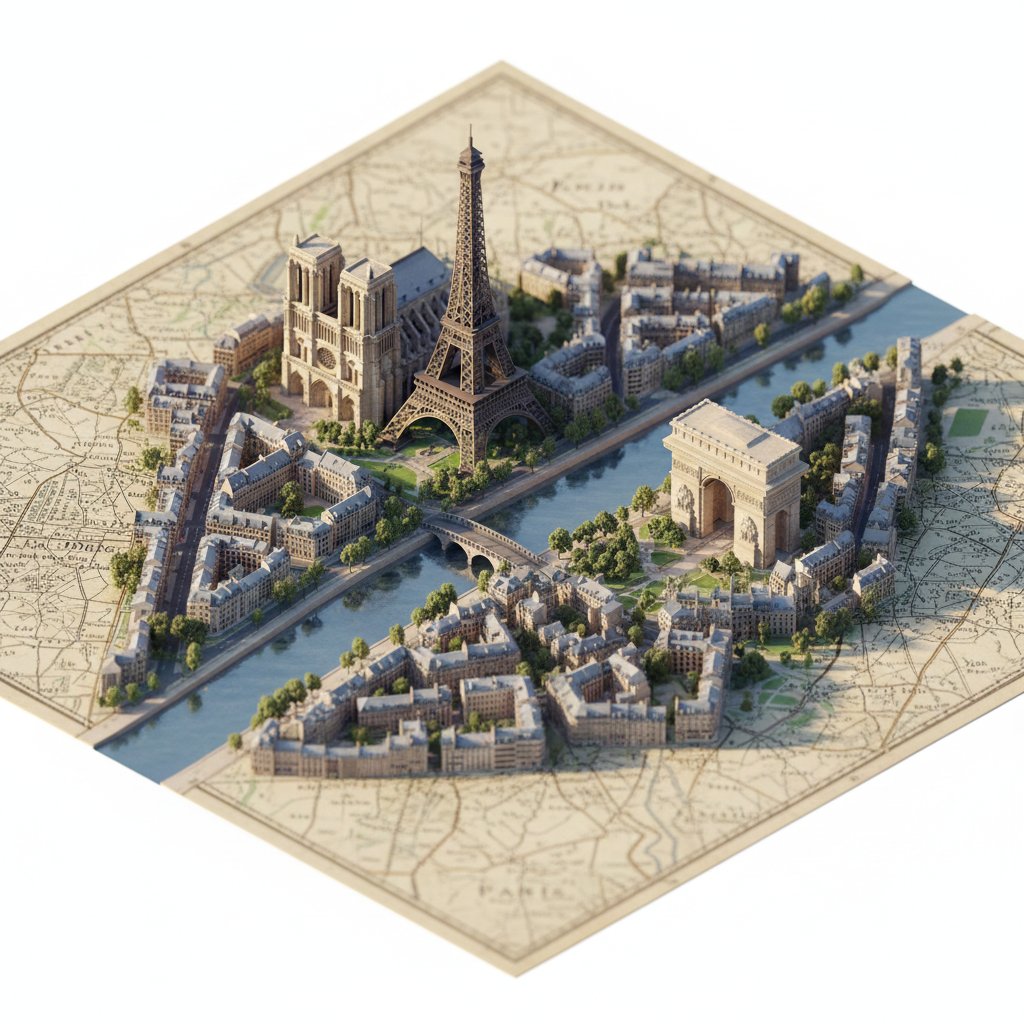
Photorealistic Diorama Isometric Map Prompt
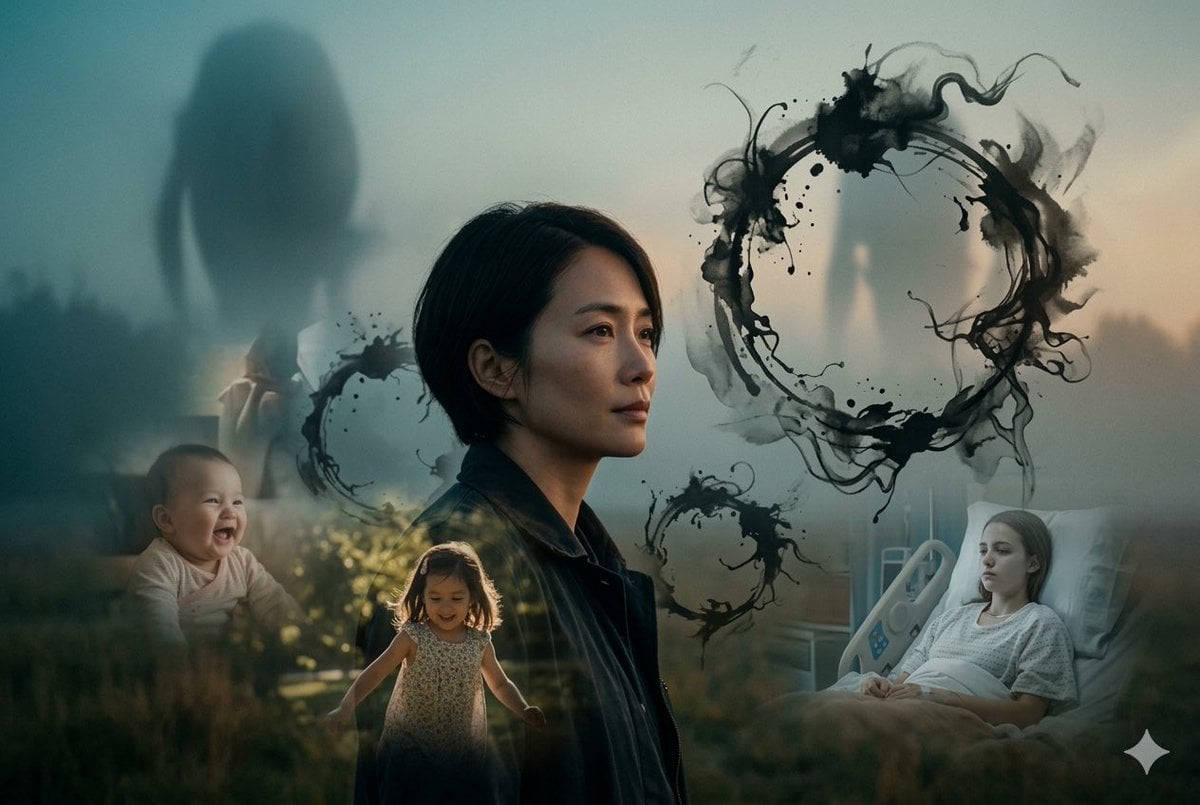
Arrival Movie AI Poster Prompt
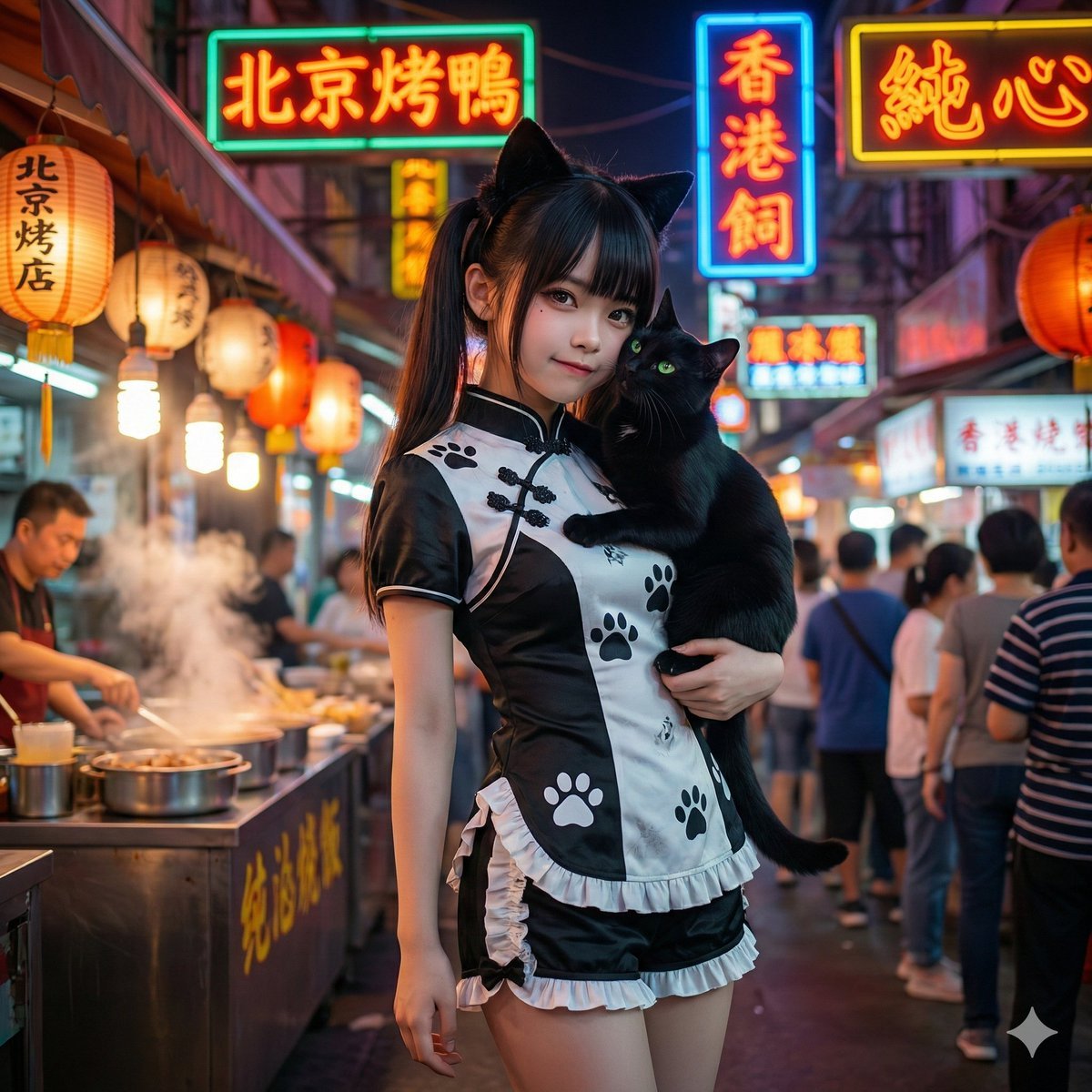
Music Image Visualization Prompt (Lyrics Focus)
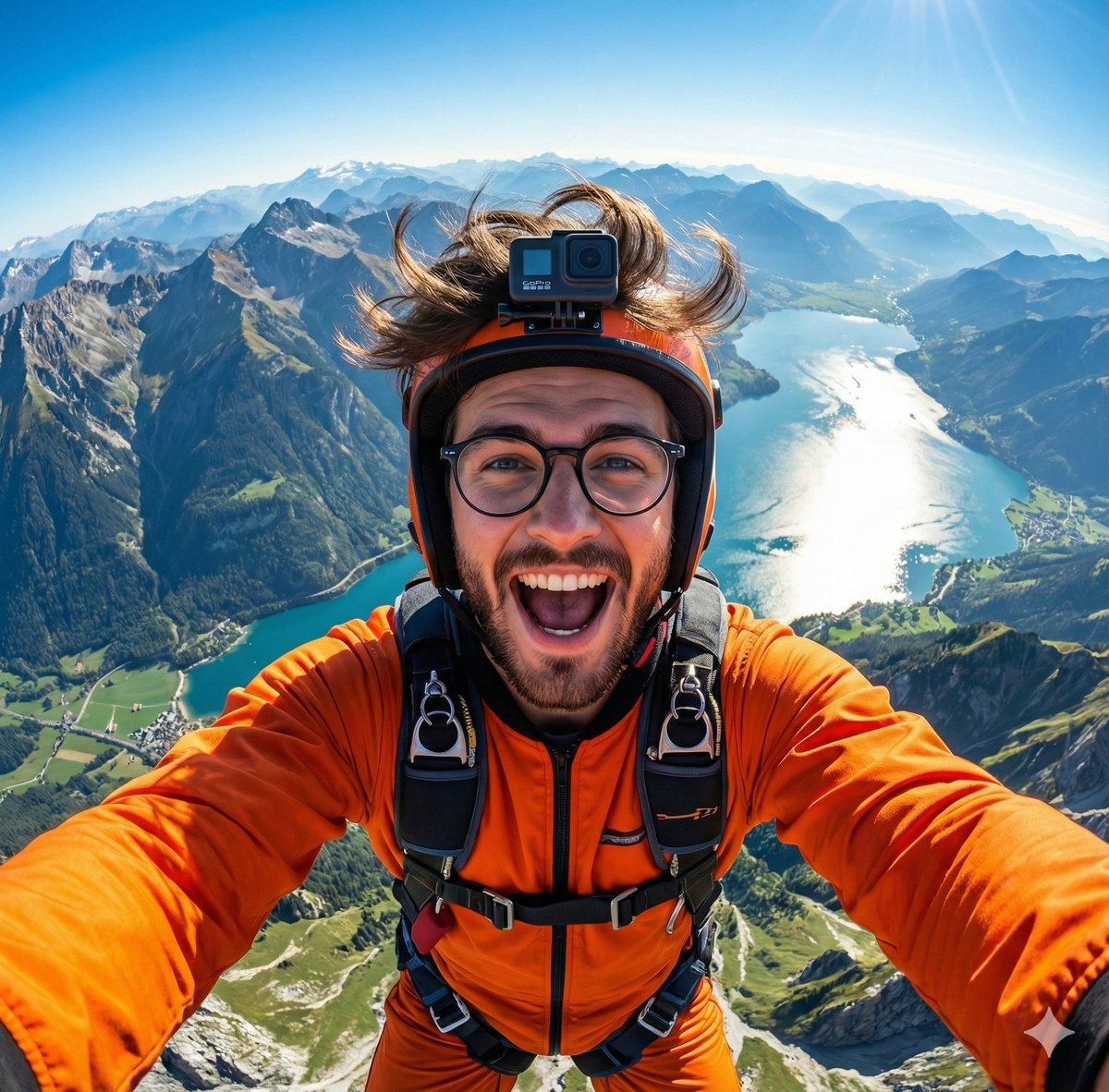
GoPro-style extreme sports selfie prompt
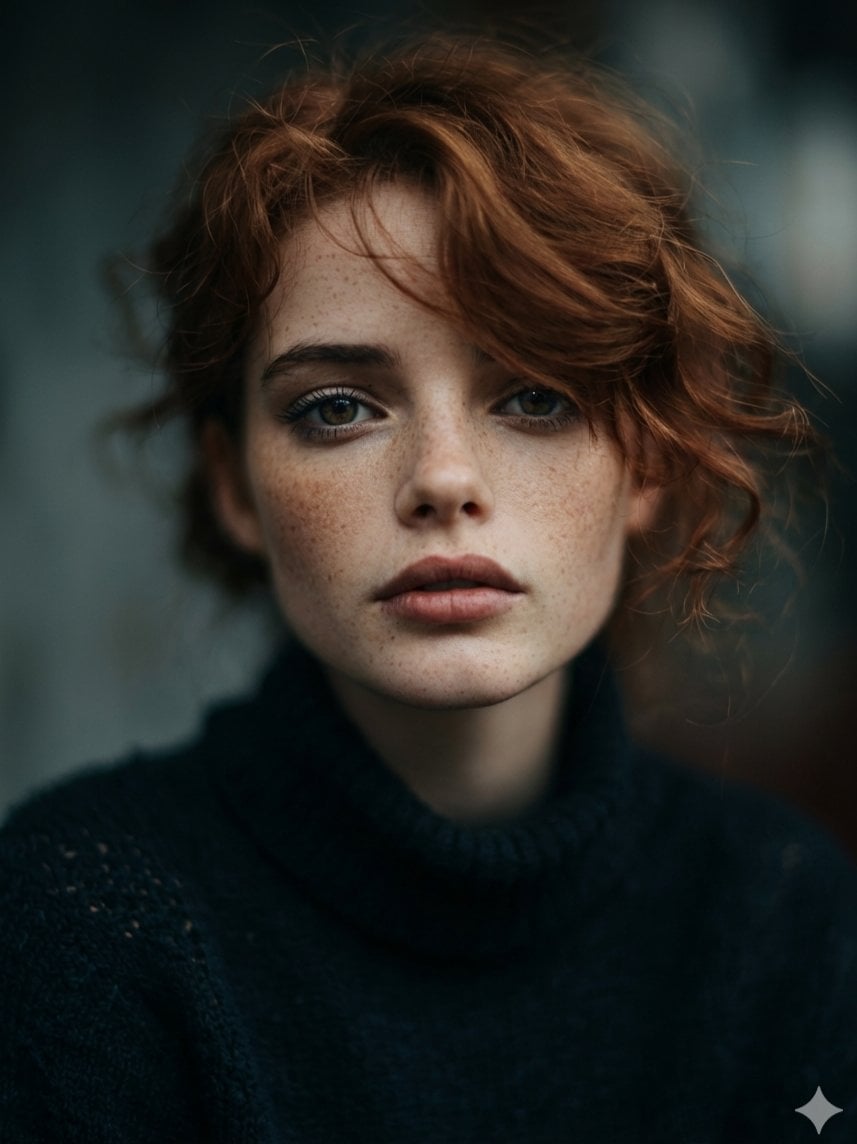
Intimate Cinematic Auburn Portrait with Freckles
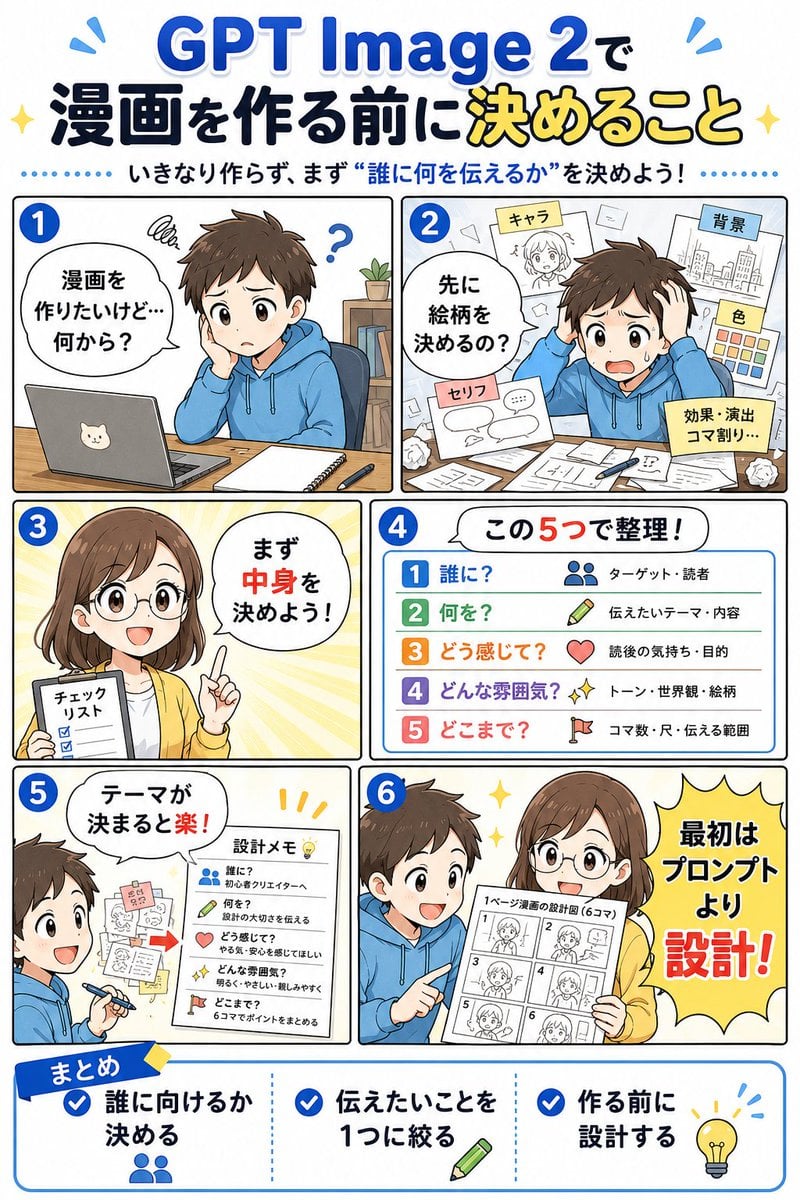
GPT Image 2 Manga Planning Infographic
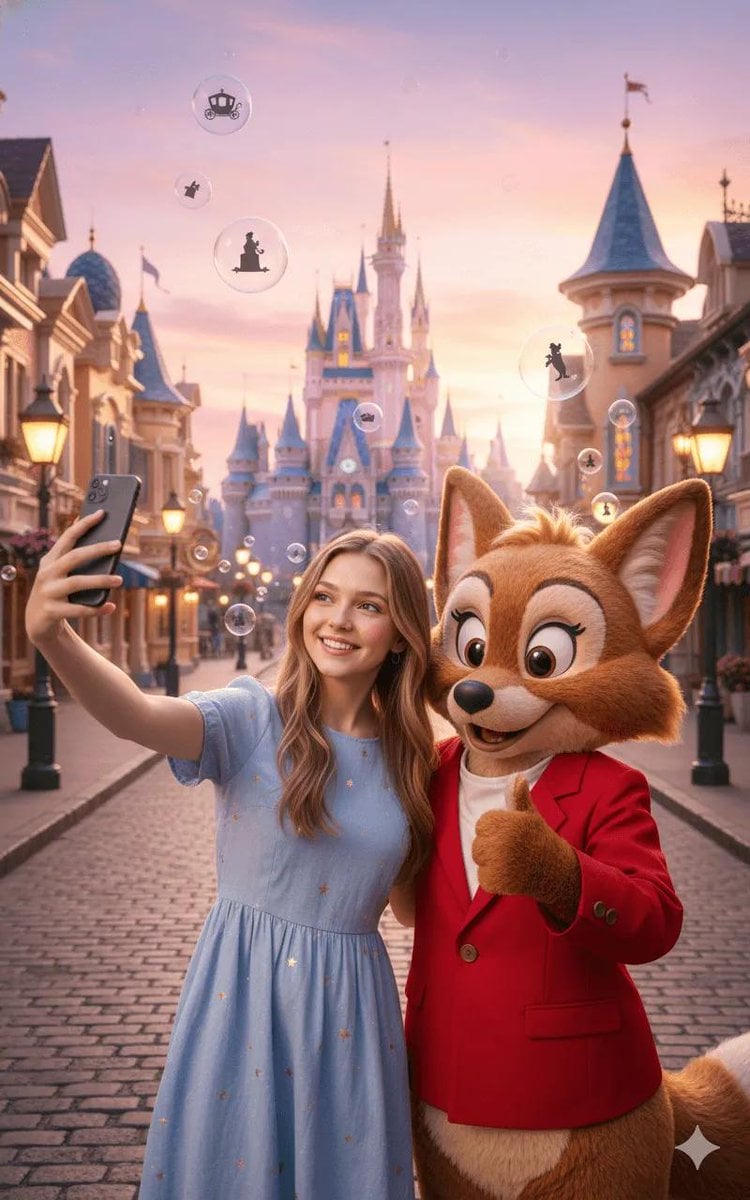
Magical Fairytale Theme Park Selfie
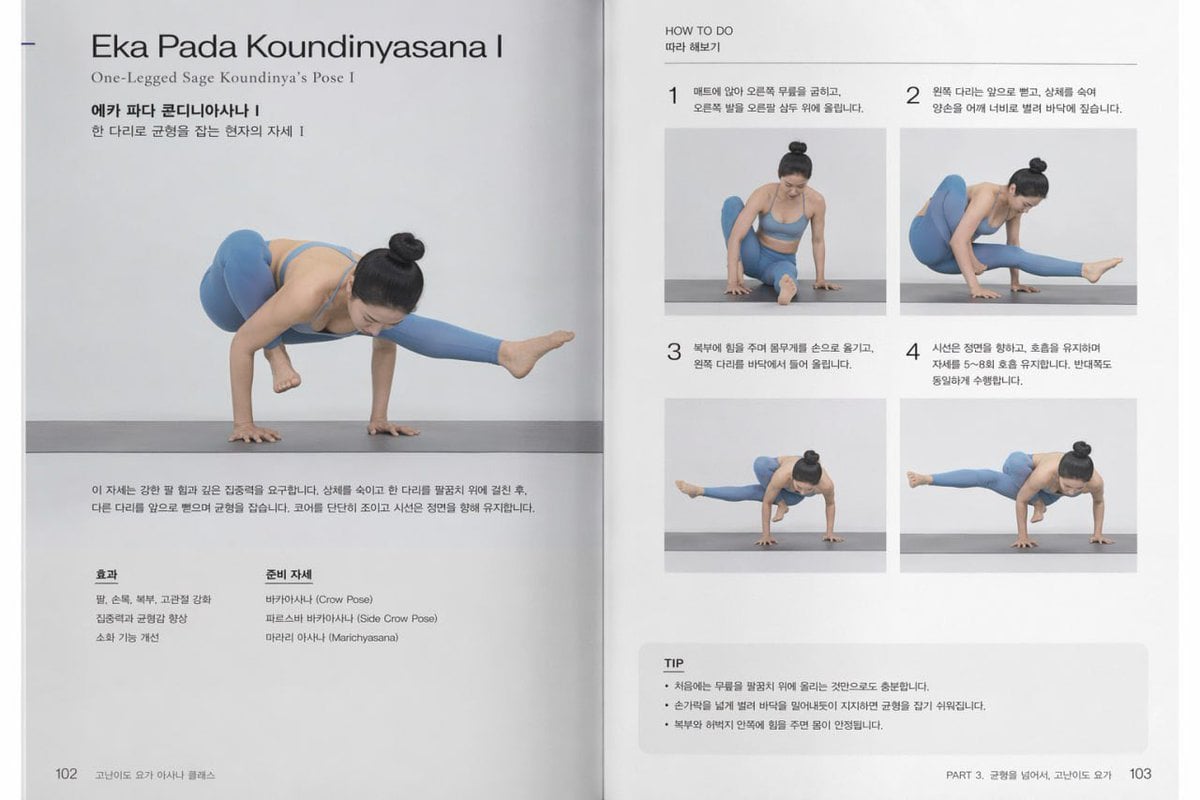
Yoga Book Two-Page Spread
Browse template categories
Stick Figure Group to Fashion Photo questions
How do I use the Stick Figure Group to Fashion Photo template?
Add your photo if the template asks for one, edit the prompt if you like — the template's model and format are already selected — and press Generate. Your version opens in PicX Studio.
Can I customize the Stick Figure Group to Fashion Photo template?
Yes. You can change the subject, setting, lighting, mood, format, and available model controls before creating your image.
Is the Stick Figure Group to Fashion Photo template free?
Opening and editing this template is free. Generating uses credits, shown on the Generate button when you are signed in.
Which AI model should I use?
Start with GPT Image 2, which is the model associated with this template. You can compare another compatible model for a different finish.
Looking for something else? Browse all templates.

Your photo, any look
Thousands of ready templates for every top image and video model, from one credit balance.