
Beauty Vlogger Christmas Makeup Tutorial Interface
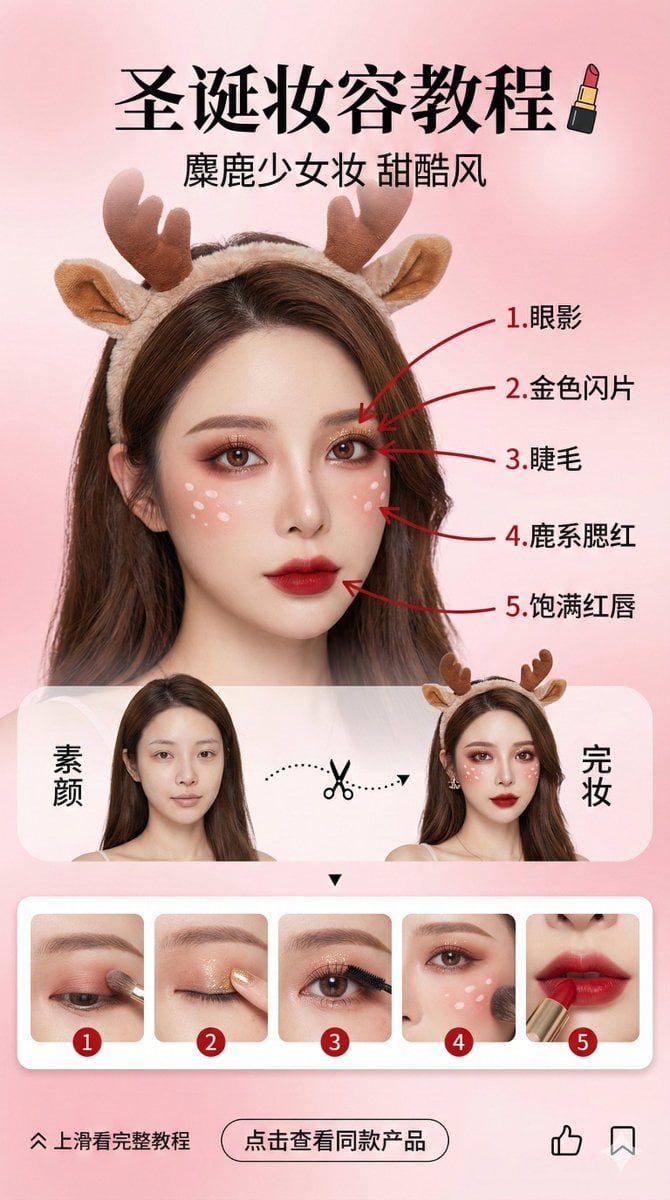
A highly specific prompt for generating a vertical social media story design (9:16 aspect ratio) simulating a beauty vlogger's Christmas makeup tutorial interface.
- Prompt included
- Model and format preset
- Premium template
The prompt behind this image
Copy the exact prompt behind Beauty Vlogger Christmas Makeup Tutorial Interface, or open it in the studio and make it yours.
A vertical social-media story design (9:16 aspect ratio), a beauty vlogger's Christmas-makeup tutorial interface. The background is a soft, high-end pink gradient, creating a sweet, dreamy mood. Core visuals: Character consistency (highest priority): The center of the frame shows an Asian female beauty vlogger, whose facial features and hairstyle must strictly and perfectly replicate the person in the uploaded reference photo. Makeup and accessories: An extremely elaborate "Christmas reindeer sweet-and-cool makeup." The eye makeup is a reddish-brown smoky look, with small white spots on the cheeks like a fawn, and a plush reindeer-antler headband. Red-pen markup corresponding to steps (logical core): On the face of the fully made-up person on the right side, use eye-catching red ink pen to draw 5 lines pointing to 5 key areas of the makeup, labeled in order in Chinese: 1. Eyeshadow; 2. Gold glitter; 3. Eyelashes; 4. Fawn-style blush; 5. Full red lips. Layout: Top: Chinese title "Christmas Makeup Tutorial," paired with a lipstick icon. Subtitle "Reindeer Girl Makeup, Sweet & Cool Style." Middle (comparison area): A split-screen design, left and right. The left side shows the person's "bare face," the right side shows the "full makeup." Connected in the middle by a dashed line and a scissors icon. Bottom (strongly linked step-preview area): A horizontally scrollable row of rounded cards showing 5 step images strictly corresponding to the facial markers: Card 1: A close-up of applying eyeshadow to the eyes; Card 2: A close-up of dabbing on gold glitter with a finger; Card 3: A close-up of curling or applying mascara to the lashes; Card 4: A close-up of sweeping blush on the cheeks and drawing the fawn spots; Card 5: A close-up of the lips applying red lipstick. Each card's top-left corner must clearly show a number 1–5, echoing the numbering of the red-pen markers on the face. Bottom (interaction area): A "swipe up for the full tutorial" arrow, a "tap to see matching products" button, and like/save icons. Style: A high-definition commercial-photography feel combined with UI design, luminous lighting, vivid colors, fine and realistic skin texture, fashion-magazine layout style. --ar 9:16
How to use Beauty Vlogger Christmas Makeup Tutorial Interface in 3 steps
- 1Upload ImagePNG, JPG or paste
Add your photo
Upload the photo the template builds on. The prompt, model and format are already set.
- 2…a portrait of your subject in softgolden-hour light, 85mm…
Personalize
Edit the subject and creative details for your destination.
- 3Generate
Generate
Press Generate — your image is created in PicX Studio, so you can compare it with the original and refine one variable at a time.
More like this
Templates with the same subject, style or setup. Open one to see its prompt.

Geometric Color-Block Beauty Editorial Portrait

High-Fashion Editorial Magazine Cover ICON
High-Fashion Editorial Studio Portrait Triptych
Studio Fashion Portrait Moody Purple Gradient
Golden Hour Look-Back Beauty Portrait

Anachronistic Beauty Tutorial

Christmas Ornament Portrait Glossy Glass Resin Finish with Hand Painted Details Holiday Lighting

Cosmetic Tube Product — Nano Banana 2

Glass Skin Beauty Portrait — Soft Pastel Nano Banana
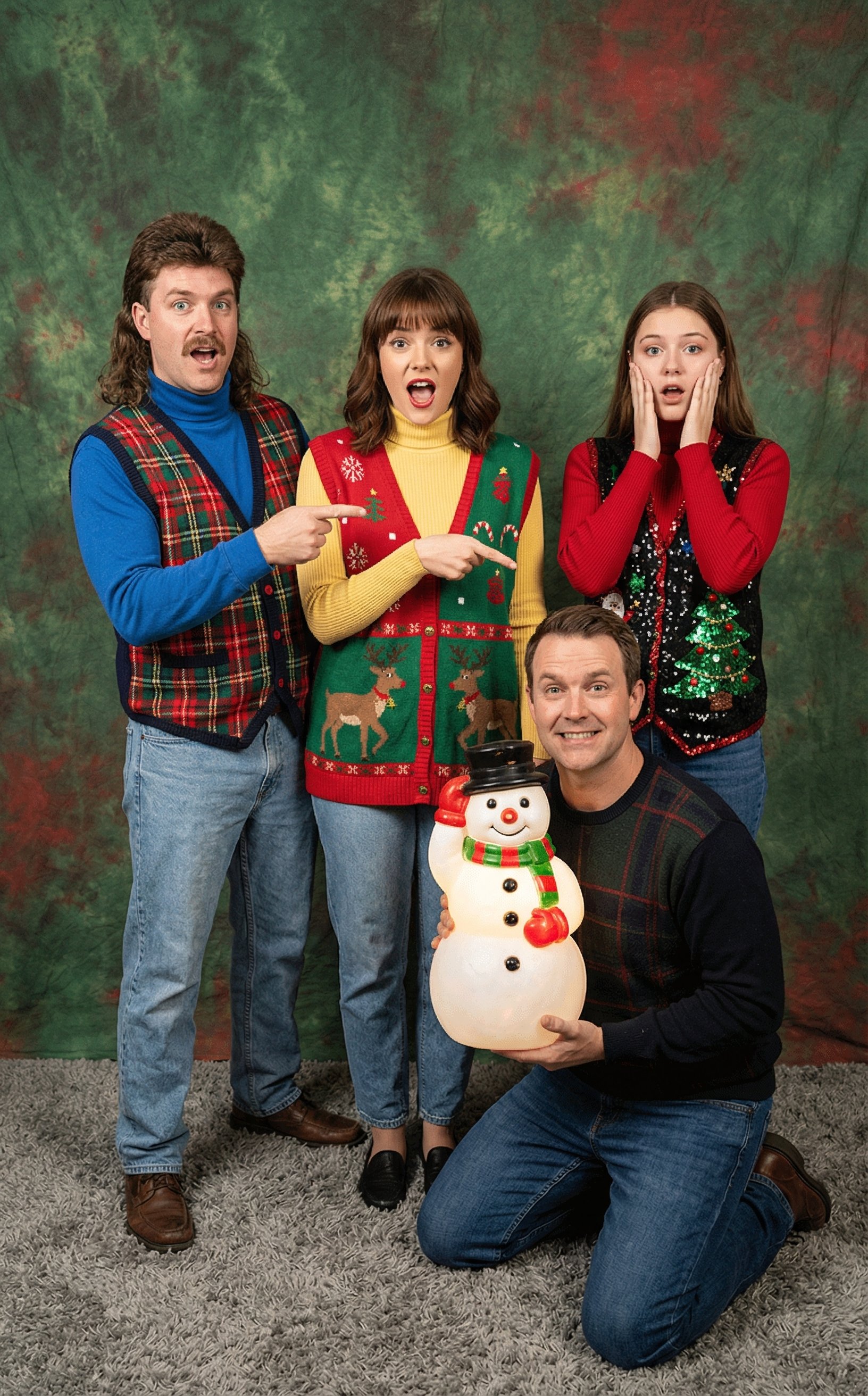
Awkward 90s Christmas Studio Portrait
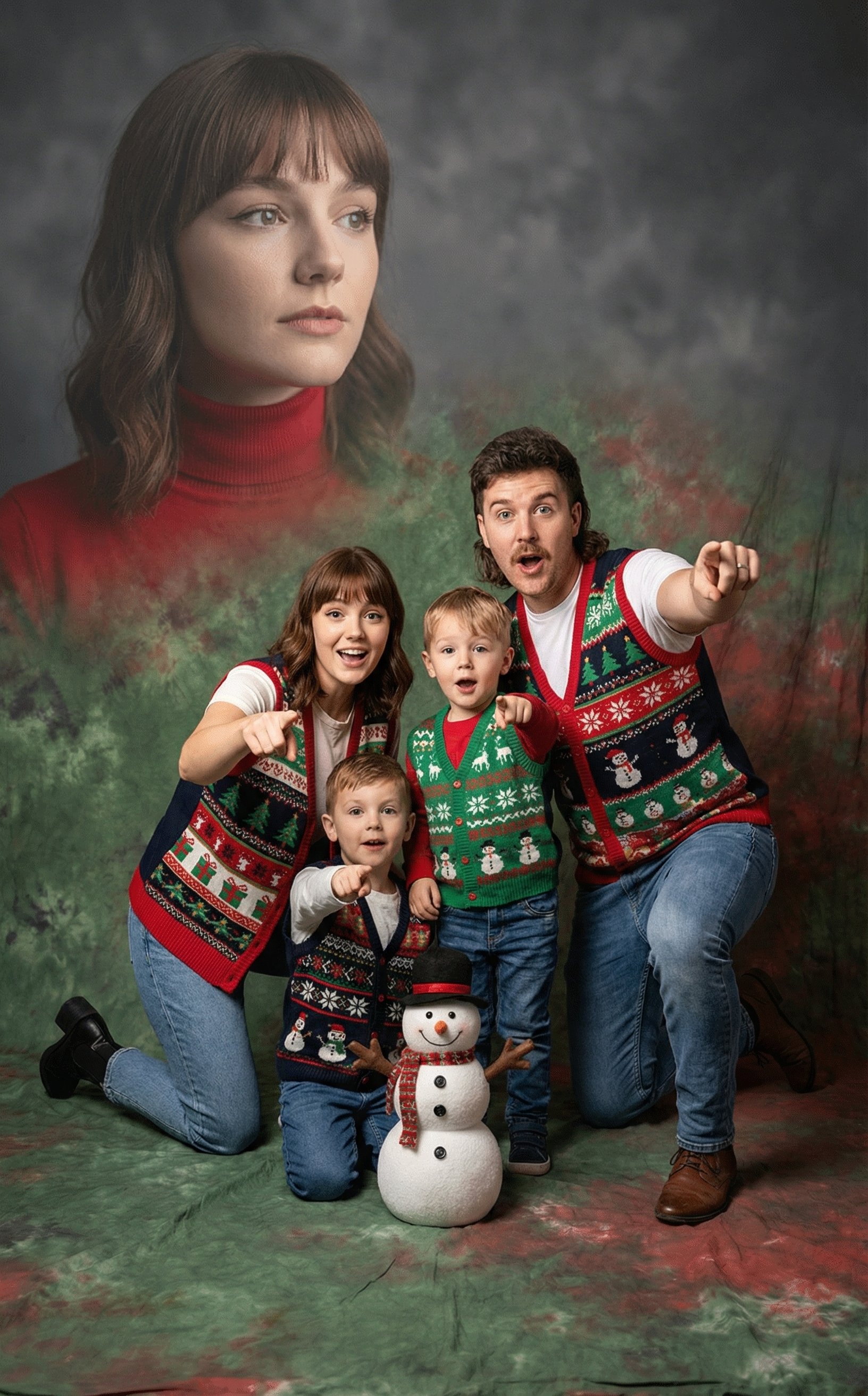
Awkward 90s Holiday Studio Portrait
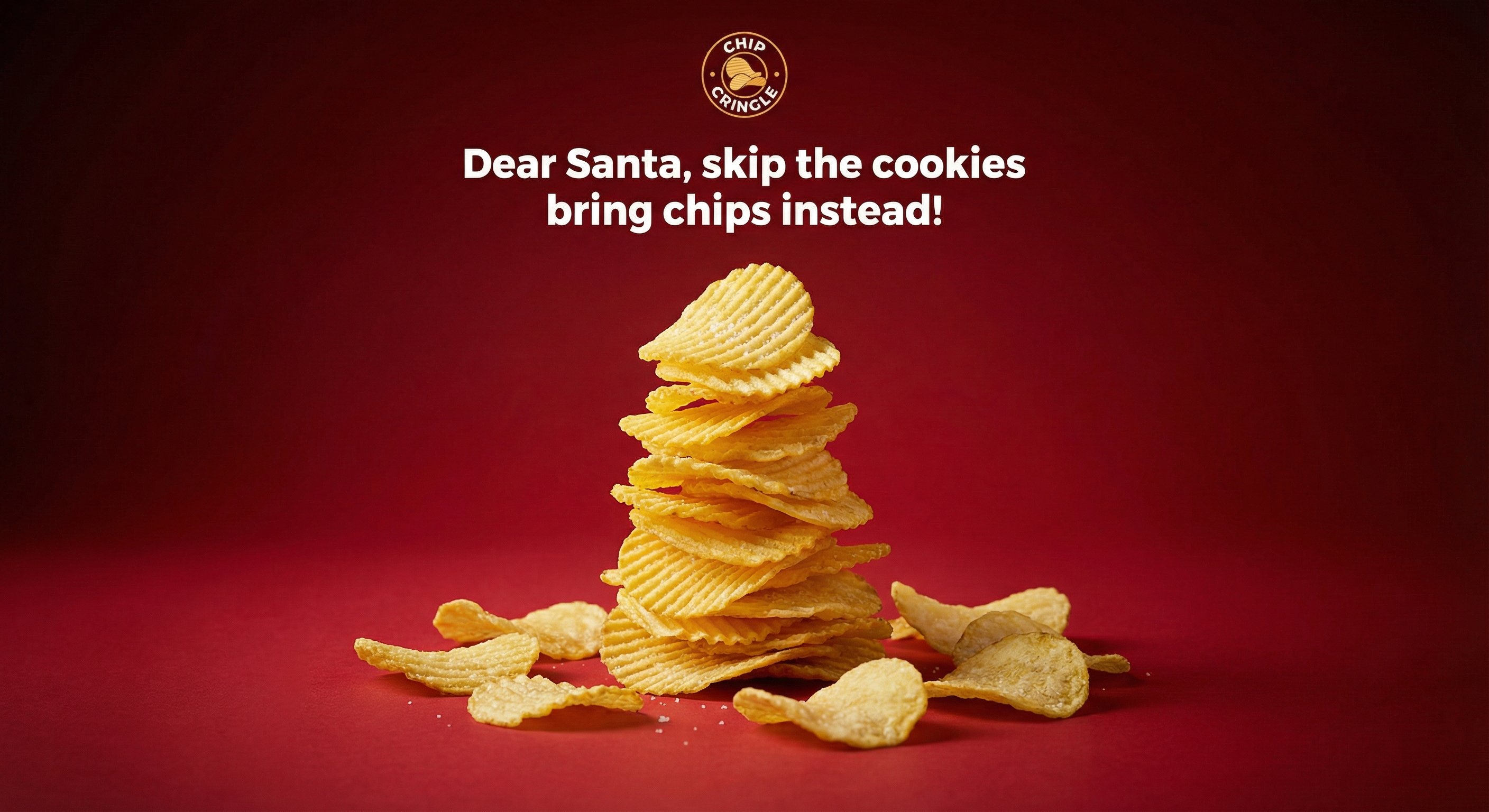
Crispy Chip Christmas Ad Template
Make it yours
Beauty Vlogger Christmas Makeup Tutorial Interface works as-is. These are the safest ways to change it without losing the look.
Change one field
Copy a single group, rewrite it, and generate again so you can see what that field is doing.
Keep the frame, change the subject
Hold the composition and light of Beauty Vlogger Christmas Makeup Tutorial Interface, then swap wardrobe, props or the person for a new take.
| If the result… | Why | Fix |
|---|---|---|
| The result drifts from the preview | Too many fields changed at once. | Reuse Beauty Vlogger Christmas Makeup Tutorial Interface as-is first, then change one group — subject, light, or setting. |
| The model over-stylizes the scene | The prose prompt leaves finish and camera underspecified. | Add one camera or lighting sentence and stay on Nano Banana 2. |
More Nano Banana 2 templates
Other prompts made for Nano Banana 2.

Photorealistic Leaf Shaped Like a Dragon

K-Pop Idol Portrait Grid for Rapid Selection

Poetic Rain Forest Portrait During Golden Hour

Urban Street Portrait with Cartoon Inner Self Duo

Candid Nighttime Photo with Cat Prompt

High-Concept 3D Diorama Generation Prompt

Cinematic Futuristic Studio Portrait Template

Skincare Editorial Photography Collage Prompt

Hyper-Realistic Commercial Product Photography (Splash Effect)

Hyper-Realistic Nightclub Portrait Prompt
More image prompts
Fresh picks from across the catalog.
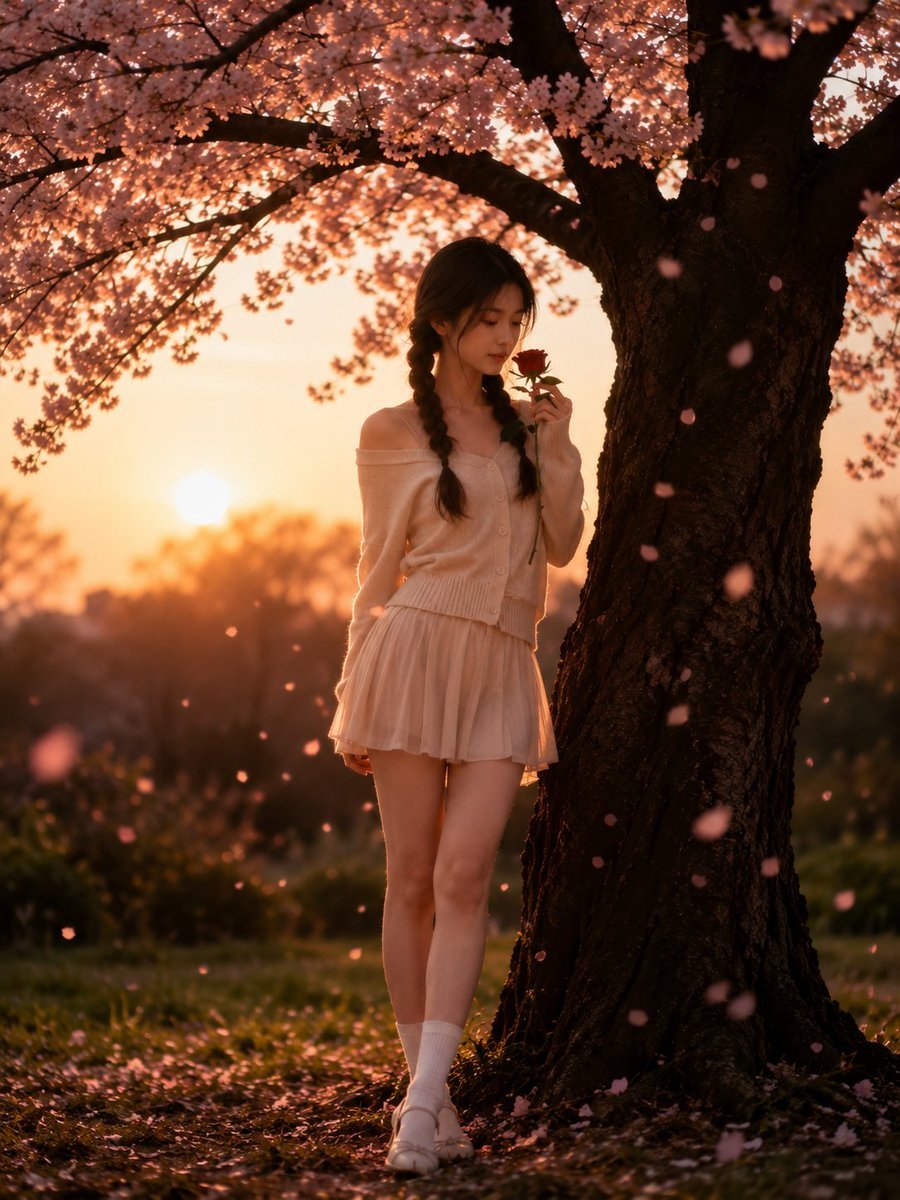
Cinematic Cherry Blossom Portrait
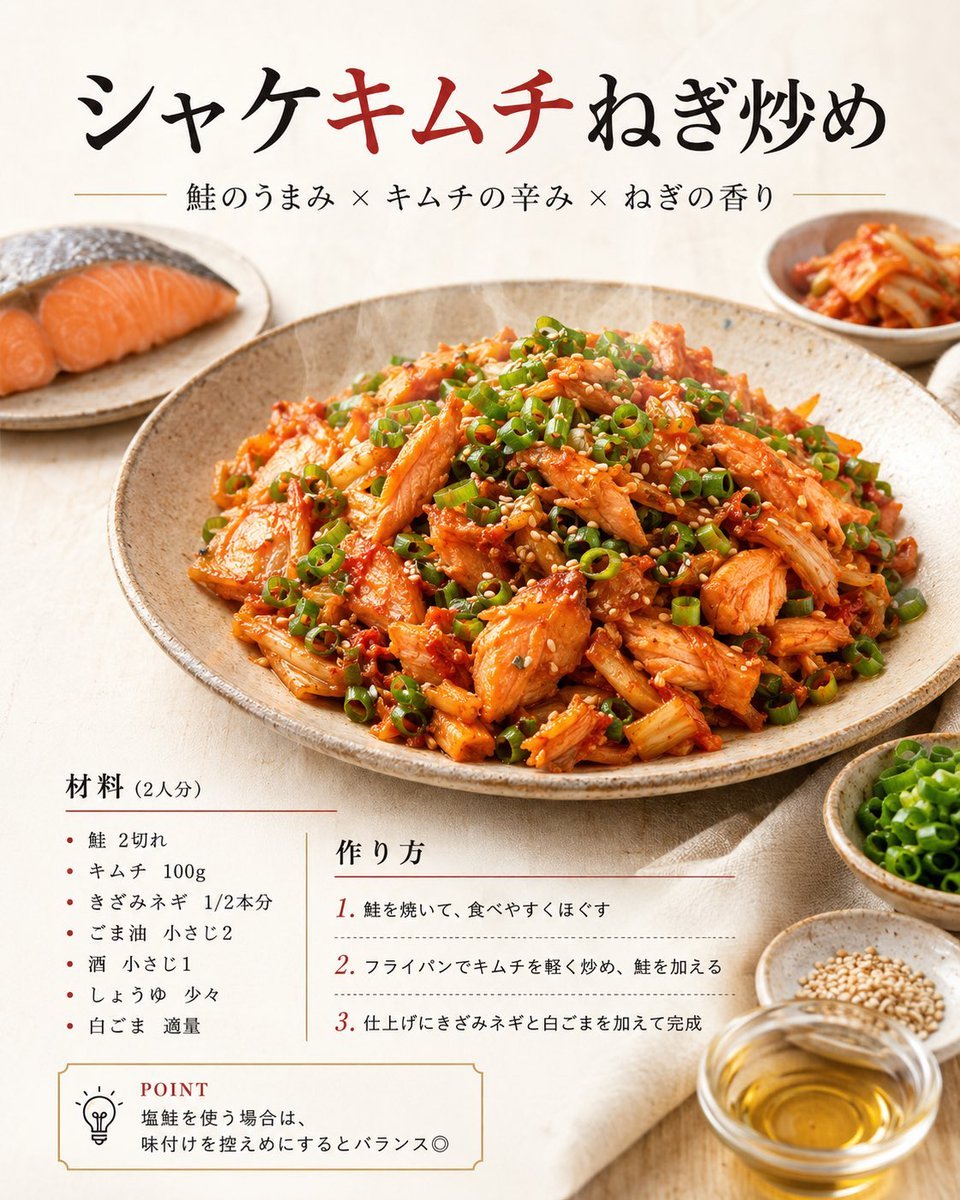
Japanese Salmon Kimchi Recipe Poster

VFX Comparison Image Prompt (Before/After) for Nano Banana Pro
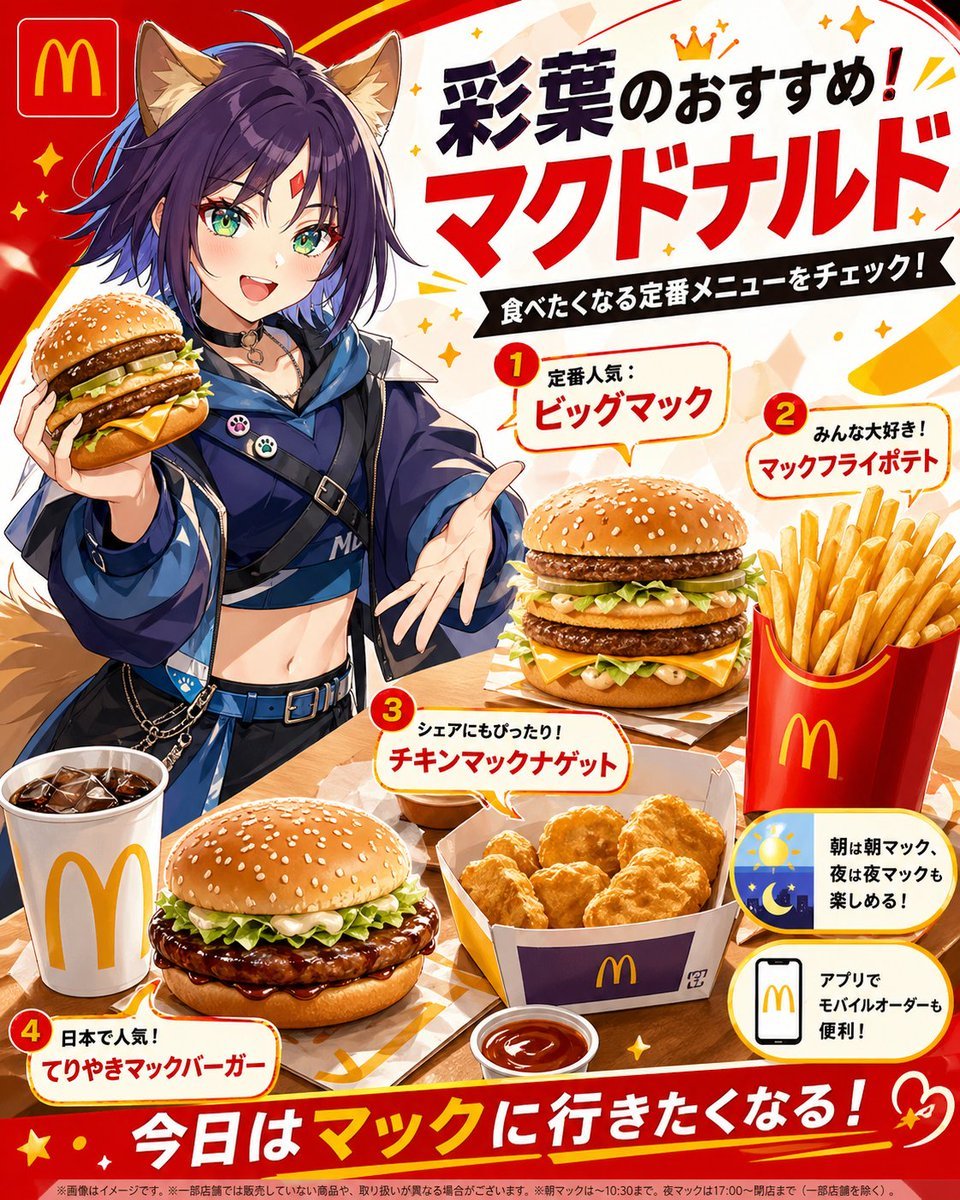
Anime McDonald's Recommendation Poster
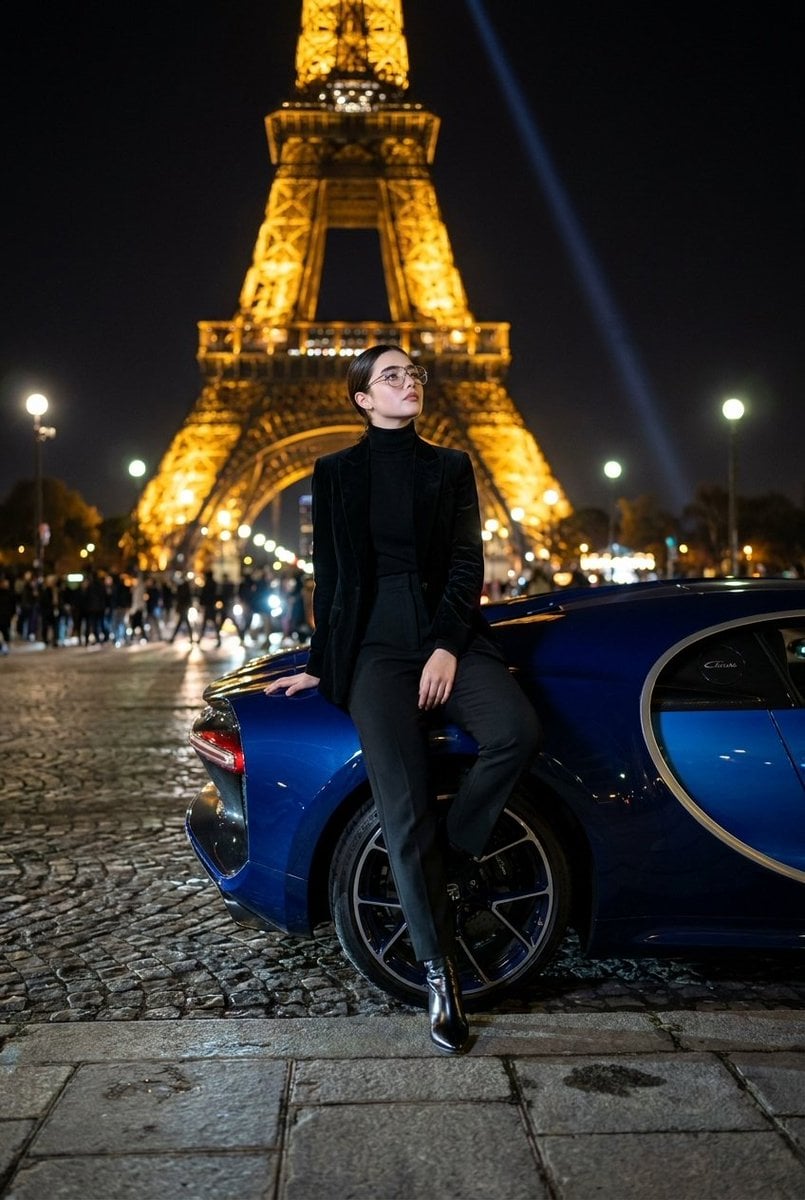
Fashion Editorial at Trocadéro
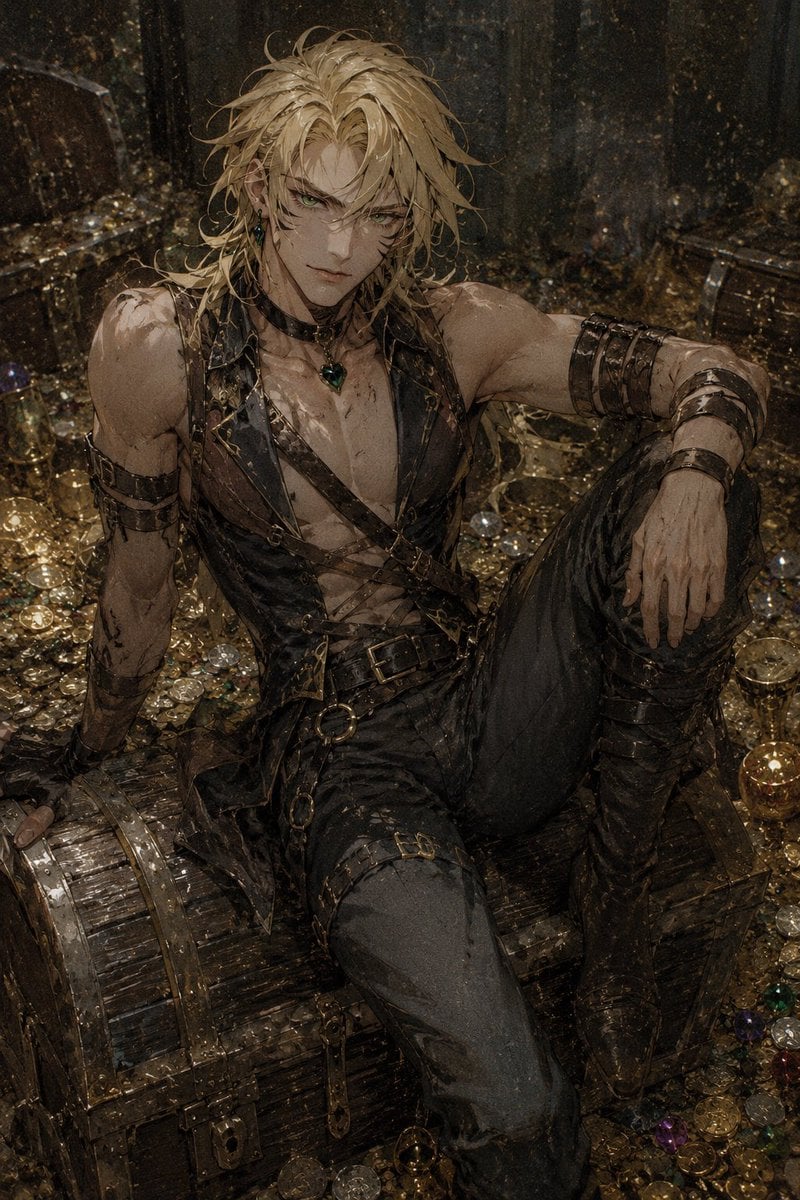
Censored Dark Fantasy Treasure Hunter
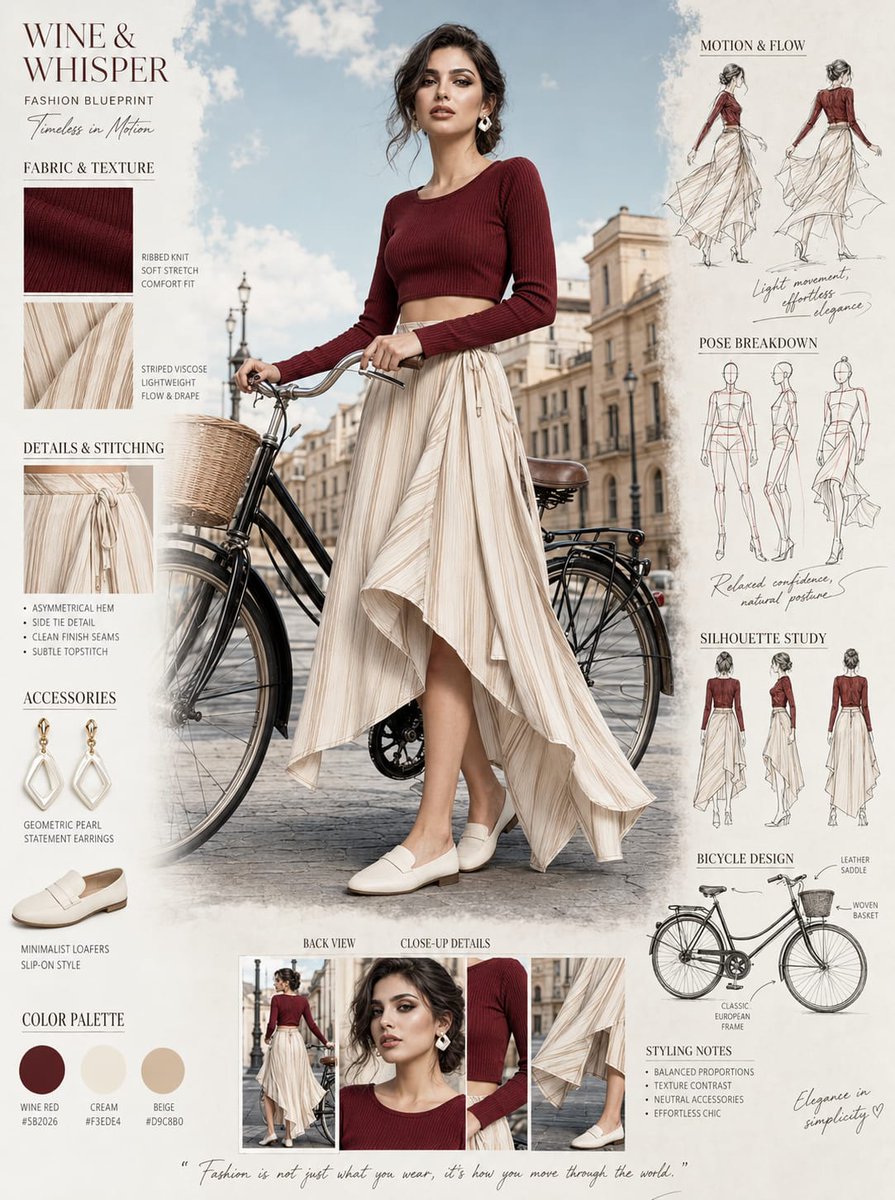
Fashion Blueprint Concept Sheet
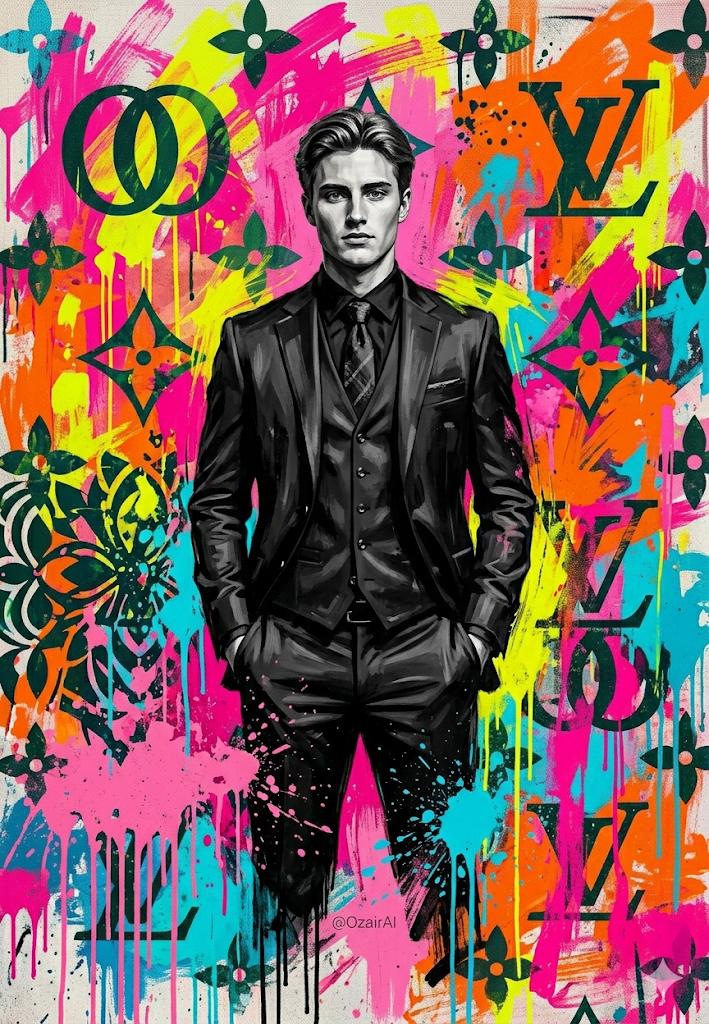
Pop-Art Graffiti Portrait
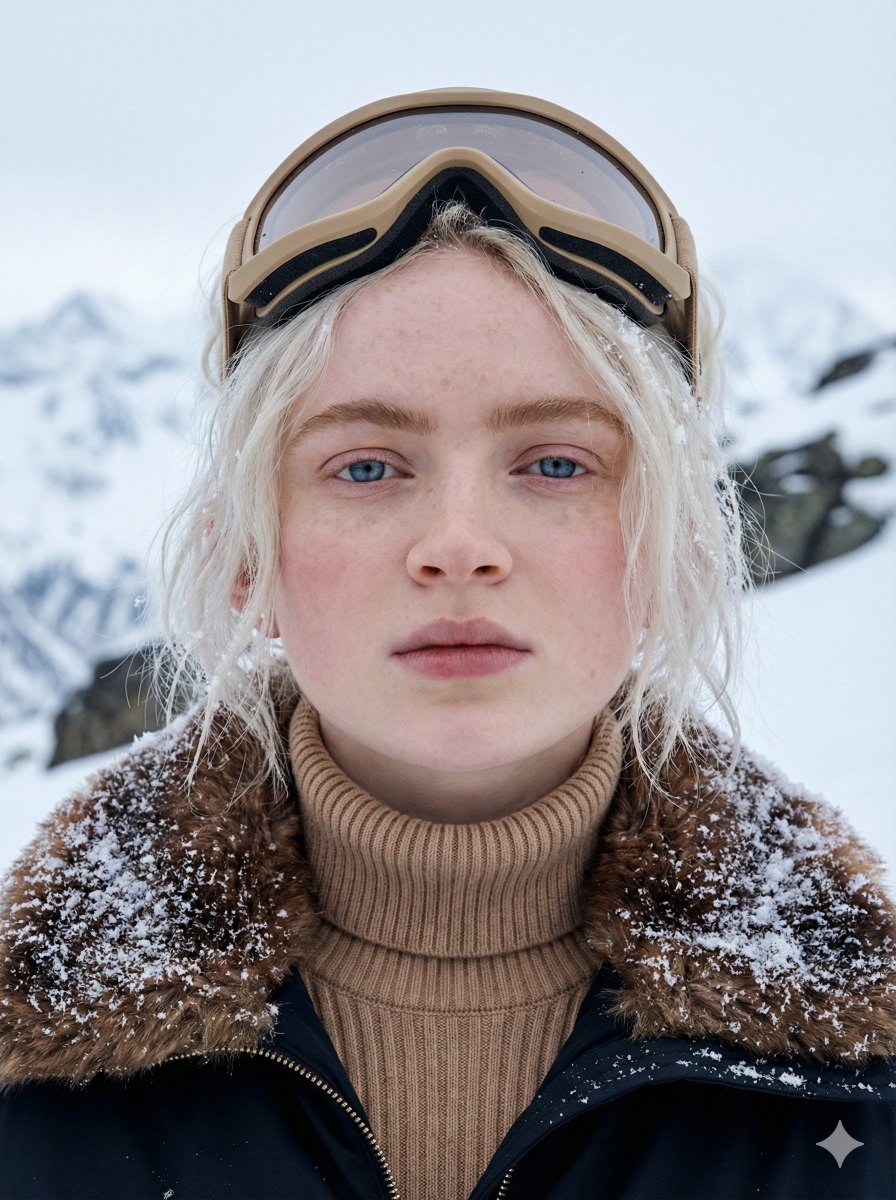
Cinematic Close-up Portrait in Alpine Environment
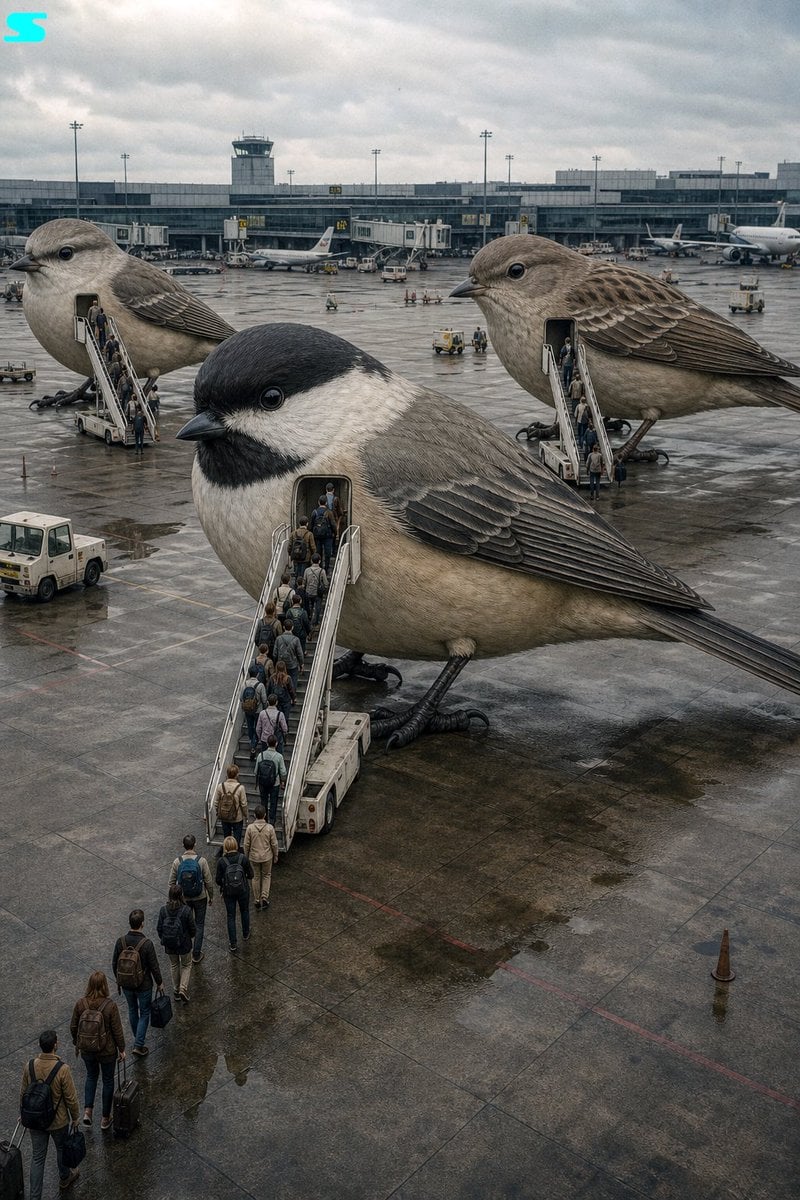
Surreal Giant Bird Aircraft
Browse template categories
Beauty Vlogger Christmas Makeup Tutorial Interface questions
How do I use the Beauty Vlogger Christmas Makeup Tutorial Interface template?
Add your photo if the template asks for one, edit the prompt if you like — the template's model and format are already selected — and press Generate. Your version opens in PicX Studio.
Can I customize the Beauty Vlogger Christmas Makeup Tutorial Interface template?
Yes. You can change the subject, setting, lighting, mood, format, and available model controls before creating your image.
Is the Beauty Vlogger Christmas Makeup Tutorial Interface template free?
Opening and editing this template is free. Generating uses credits, shown on the Generate button when you are signed in.
Which AI model should I use?
Start with Nano Banana 2, which is the model associated with this template. You can compare another compatible model for a different finish.
Looking for something else? Browse all templates.

Your photo, any look
Thousands of ready templates for every top image and video model, from one credit balance.