
Censored Dark Fantasy Treasure Hunter
Generates a gritty low-quality anime-style fantasy portrait of a rugged blond treasure hunter seated among piles of treasure with a censored face.
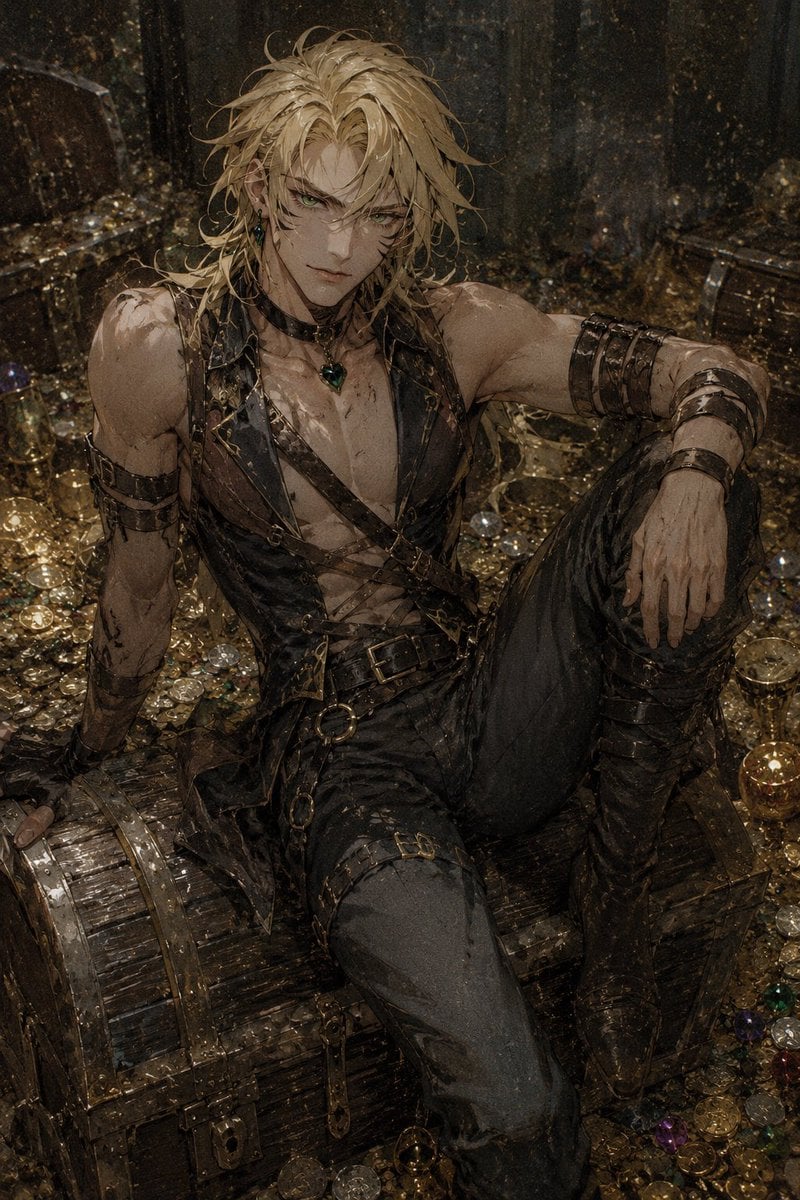
- Prompt included
- Model and format preset
- Free template
The prompt behind this image
Copy the exact prompt behind Censored Dark Fantasy Treasure Hunter, or open it in the studio and make it yours.
Create a gritty dark-fantasy anime illustration of {argument name="character name" default="a muscular blond treasure hunter"} sitting confidently on a large wooden treasure chest in a dim, ruined vault overflowing with gold coins, jewels, goblets, and scattered valuables. The character is a tall, athletic, broad-shouldered male with messy long {argument name="hair color" default="dirty blond"} hair, tan skin, scratched and dirty arms, and a rugged pirate-like outfit: open black-brown leather vest with crossing straps over a bare chest, multiple belts and brass buckles, black fitted pants, tall worn leather boots, leather wrist wraps, armbands, chains, rings, and a dark green pendant necklace. Pose him in a relaxed dominant seated posture, one arm braced behind him on the treasure chest, one knee raised, one hand resting loosely over the raised knee, viewed from a slightly high angle in a vertical portrait composition. Cover the entire face with a centered opaque square censor block in muted brown, leaving hair and body visible. The environment should feel grimy and aged, with wet stone walls, tarnished metal, dust, mud, scratches, and chaotic piles of treasure surrounding him. Use a moody palette of black, bronze, dark gold, brown, and smoky gray, with dim warm highlights glinting off coins and gems. Style: detailed semi-realistic anime fantasy art with intentionally degraded low-quality texture, noisy grain, muddy contrast, rough brushwork, dirty smudges, imperfect anatomy, cluttered details, and a corrupted generated-image feel rather than clean polished artwork. No text, no watermark, no clean modern objects.
How to use Censored Dark Fantasy Treasure Hunter in 3 steps
- 1Upload ImagePNG, JPG or paste
Add your photo
Upload the photo the template builds on. The prompt, model and format are already set.
- 2…a portrait of your subject in softgolden-hour light, 85mm…
Personalize
Edit the subject and creative details for your destination.
- 3Generate
Generate
Press Generate — your image is created in PicX Studio, so you can compare it with the original and refine one variable at a time.
More like this
Templates with the same subject, style or setup. Open one to see its prompt.

Dark Fantasy Sorceress Storyboard

Dark Fantasy Smoke Monster Transformation

Anime Fantasy Celestial Movie Poster
Anime Fantasy Celestial Movie Poster

Selective Color Monochrome Football Poster

Minecraft Fantasy Kingdom Voxel Landscape

Unfinished Sketch Comes Alive Portrait

Open Travel Journal Overhead Still Life

Tiny Woman Miniature Fantasy Macro Scene
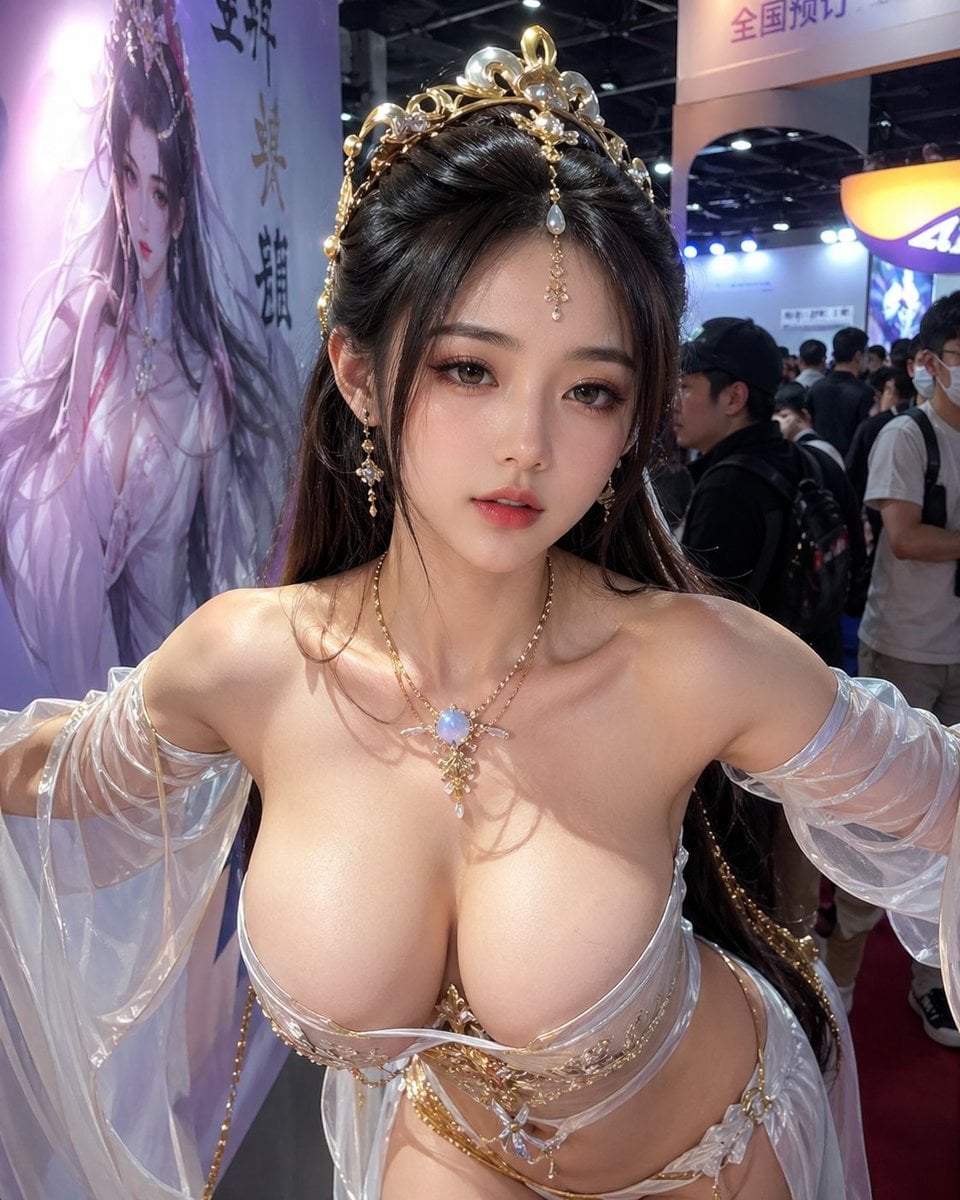
Censored Fantasy Cosplayer at Expo
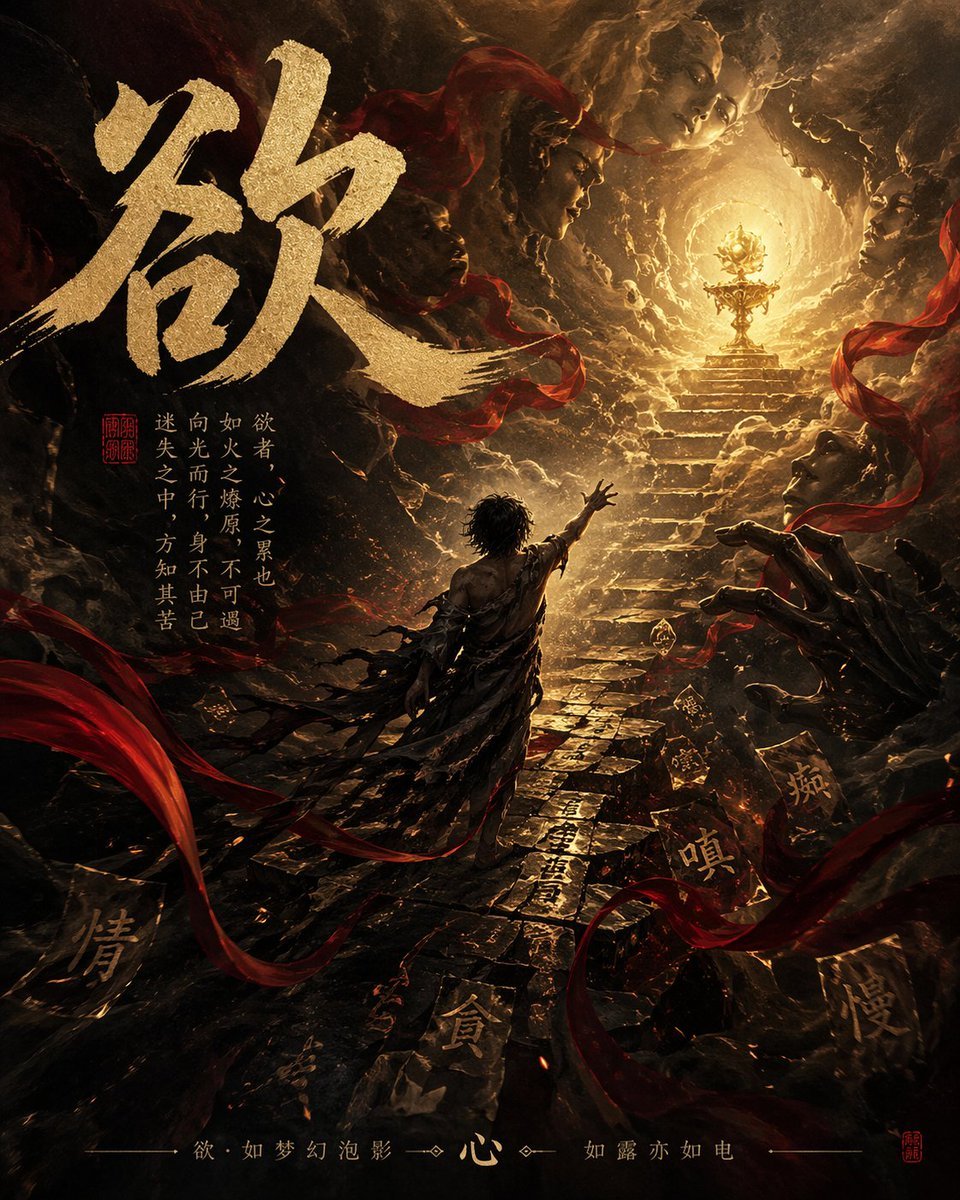
Dark Chinese Fantasy Desire Poster
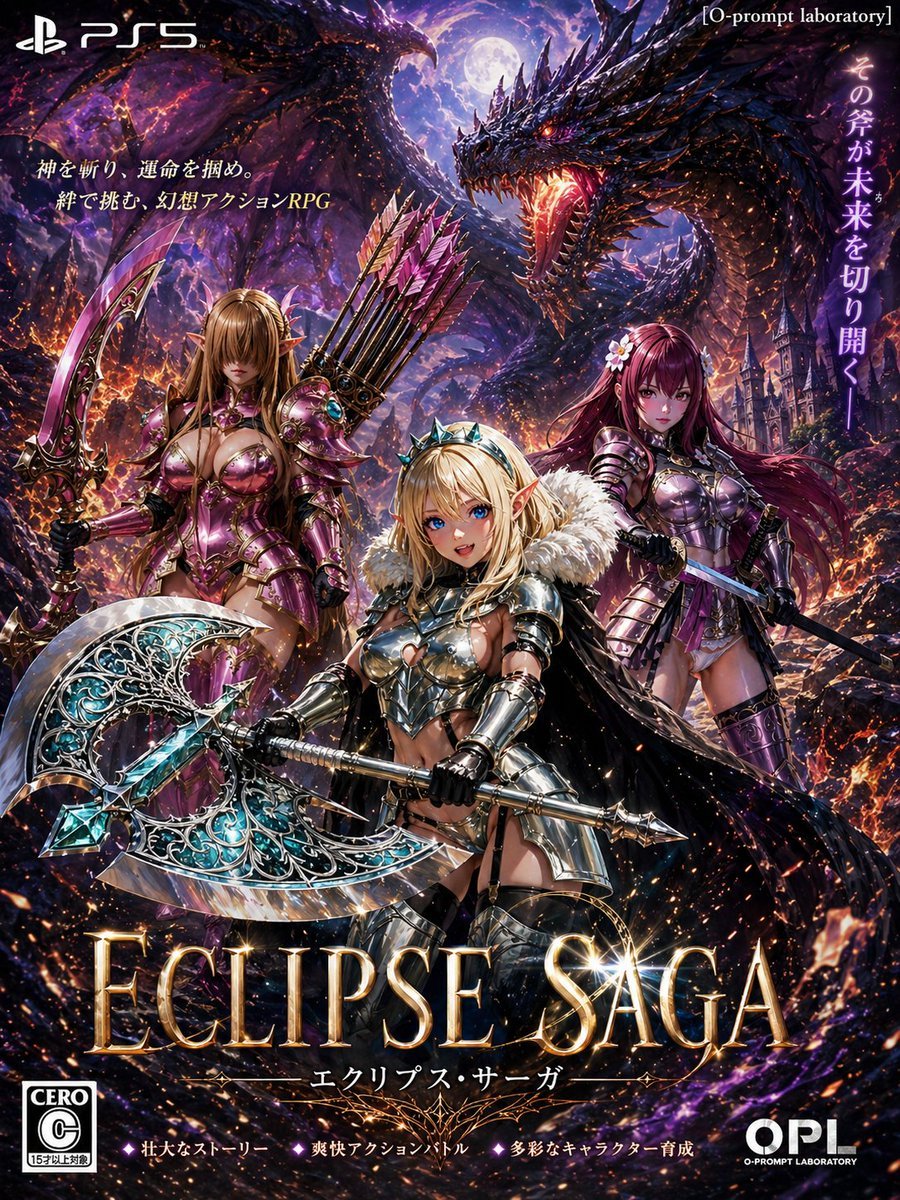
Dark Fantasy PS5 RPG Cover Art
Make it yours
Censored Dark Fantasy Treasure Hunter works as-is. These are the safest ways to change it without losing the look.
Change one field
Copy a single group, rewrite it, and generate again so you can see what that field is doing.
Keep the frame, change the subject
Hold the composition and light of Censored Dark Fantasy Treasure Hunter, then swap wardrobe, props or the person for a new take.
| If the result… | Why | Fix |
|---|---|---|
| The result drifts from the preview | Too many fields changed at once. | Reuse Censored Dark Fantasy Treasure Hunter as-is first, then change one group — subject, light, or setting. |
| The model over-stylizes the scene | The prose prompt leaves finish and camera underspecified. | Add one camera or lighting sentence and stay on GPT Image 2. |
More GPT Image 2 templates
Other prompts made for GPT Image 2.

Six VTuber Japanese Logo Sheet

Realistic Portrait of Woman and Deer

The Vista Modular Condo Poster

AI Model Routing Comparison Infographic

2.5D Anime Art Board

Isometric Productivity Desk Scene

New York Double Exposure Poster

Four-Panel AI Landscape Comparison

Japanese Tatami Lifestyle Magazine Cover

NESCAFÉ Coffee Map Poster
More image prompts
Fresh picks from across the catalog.
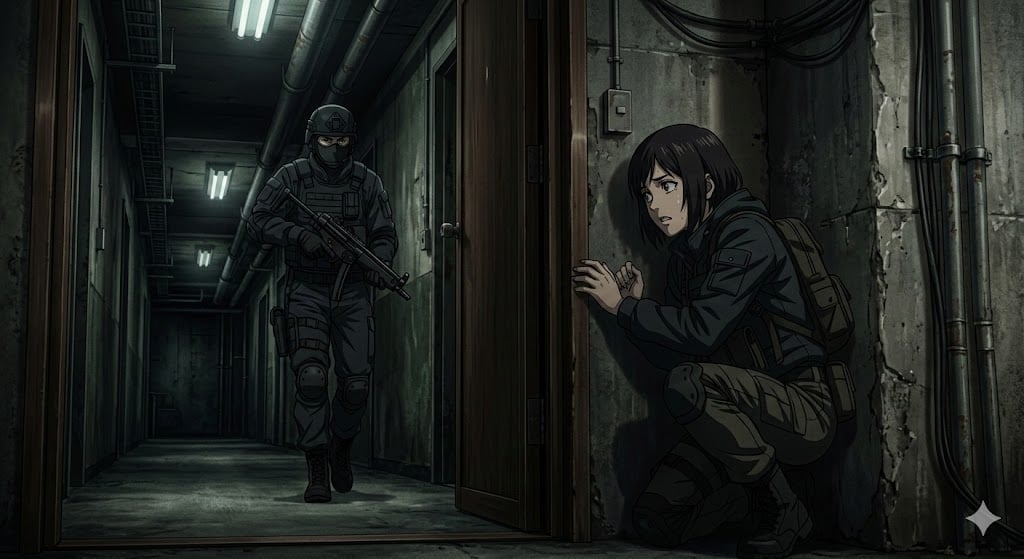
Anime Stealth Scene with Keystoning Angle
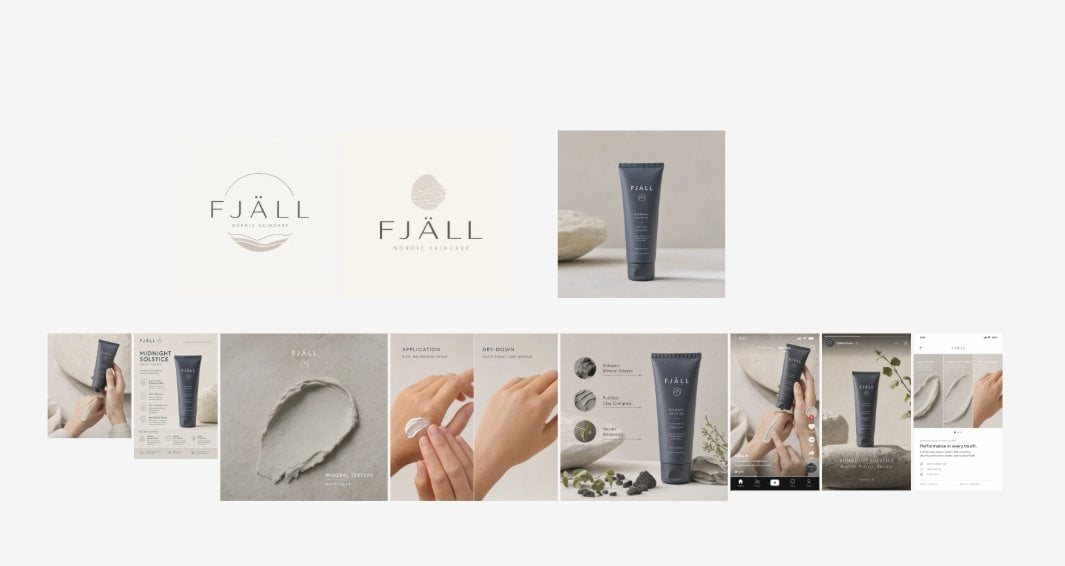
Nordic Skincare Campaign Board
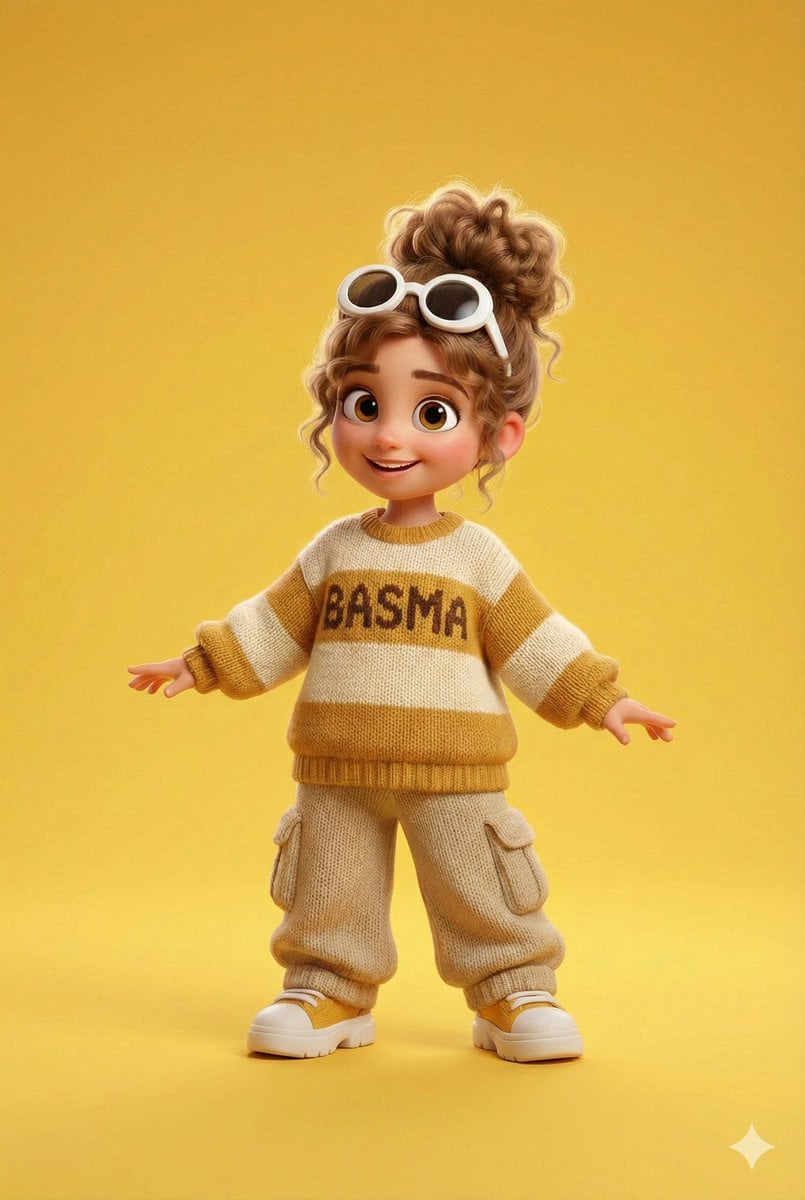
Pixar/Disney 3D Cartoon Character with Knitted Name
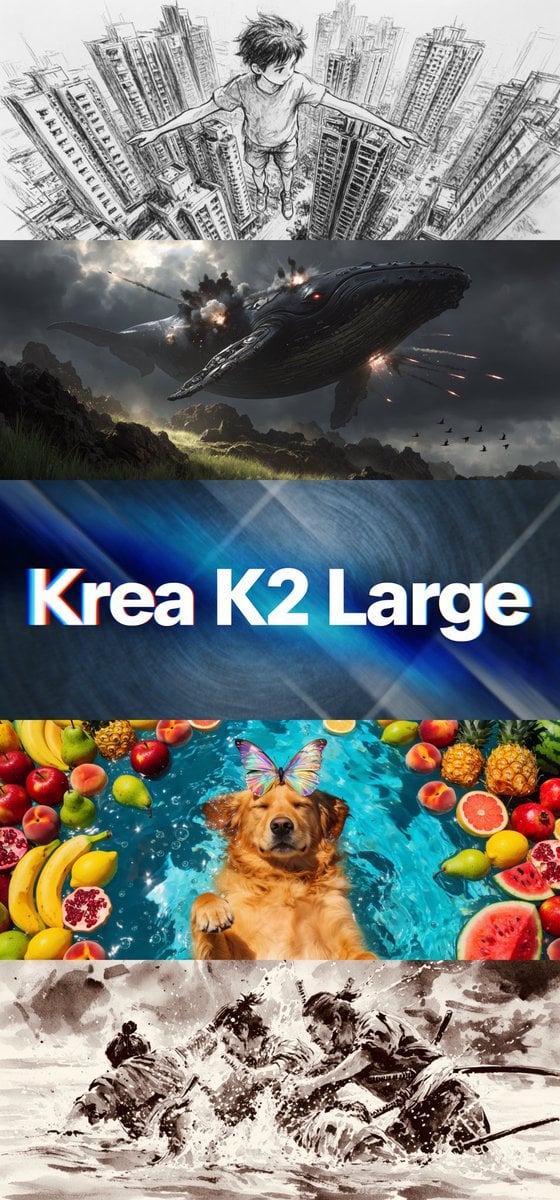
Krea K2 Large Five-Panel Showcase
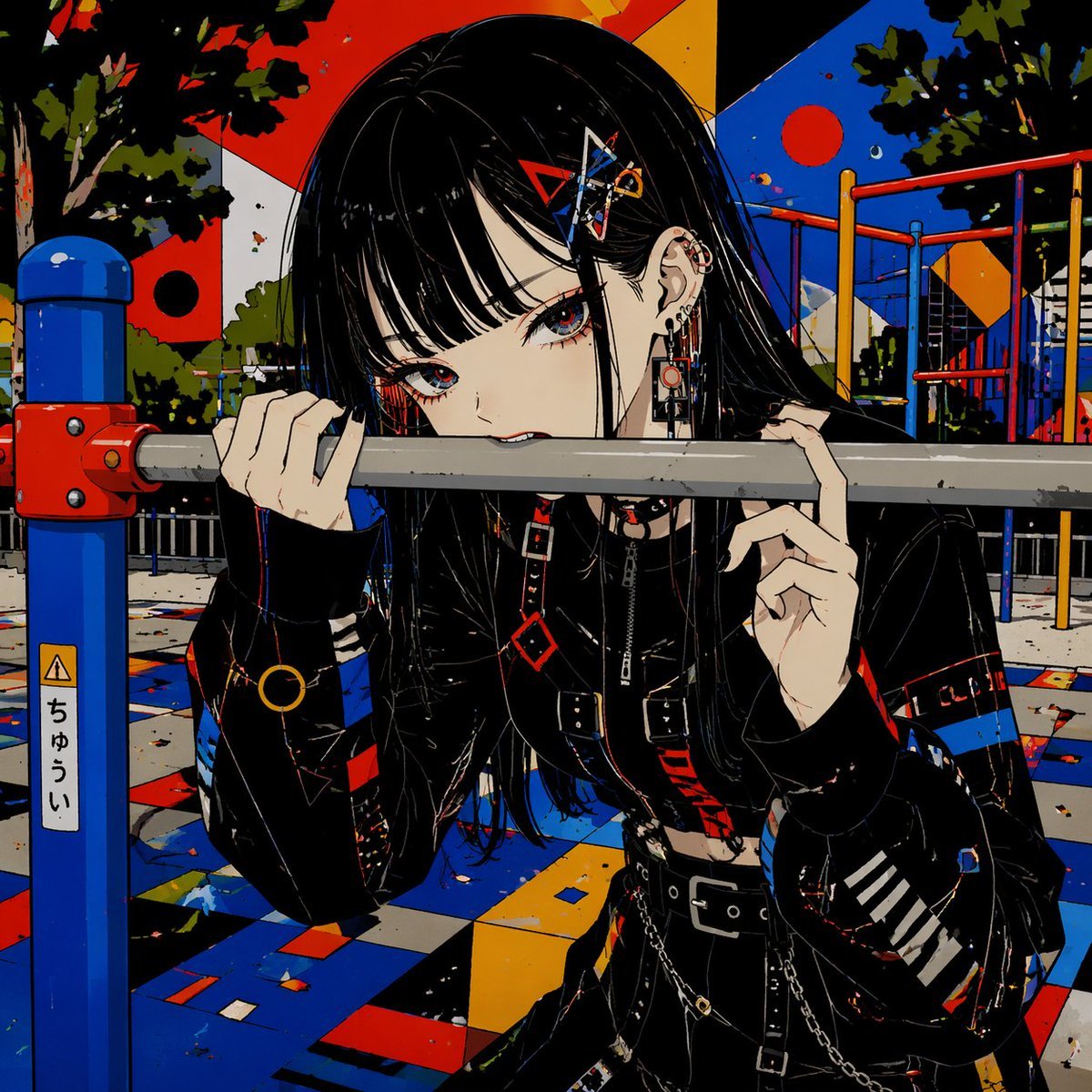
Goth Anime Girl at Playground Bar
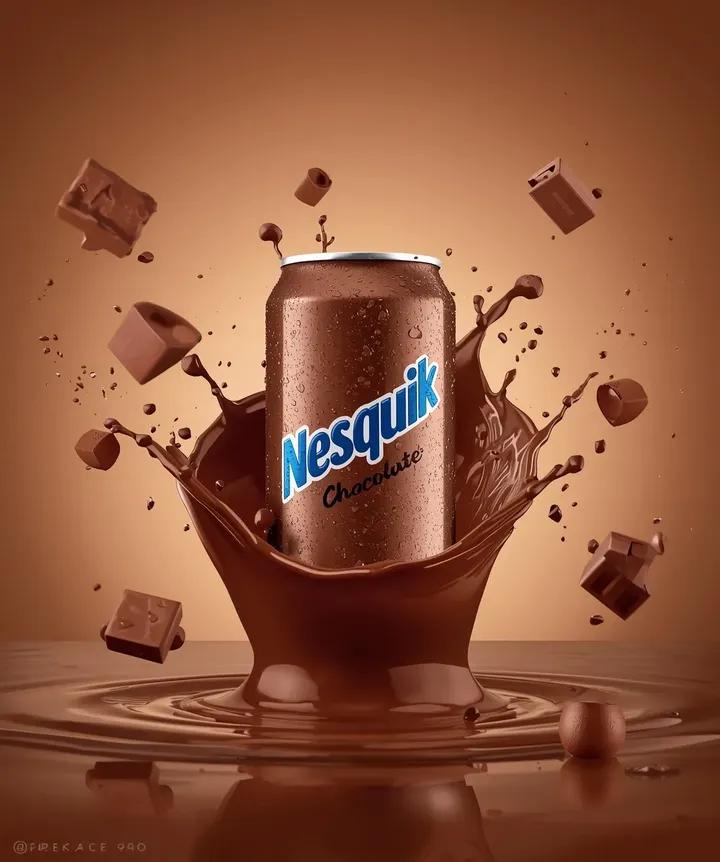
Macro Product Photography: Chilled Chocolate Drink Can
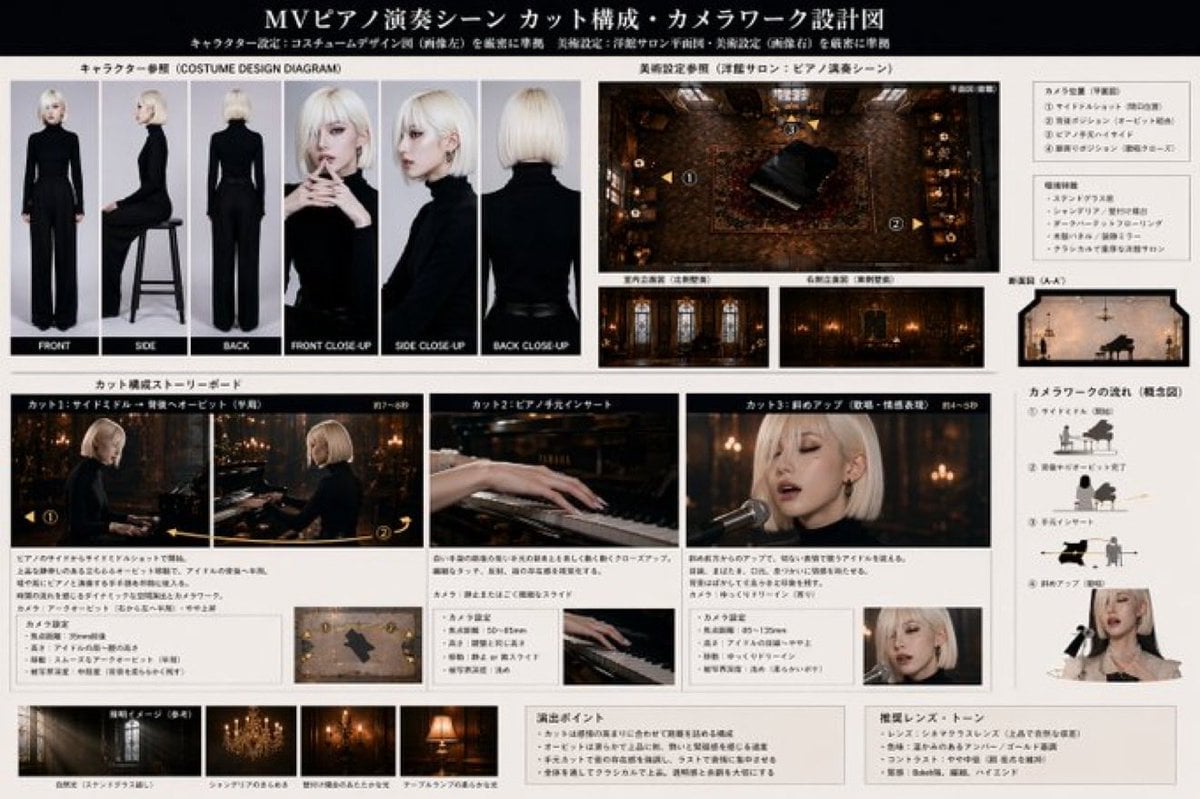
MV Pre-visualization Blueprint
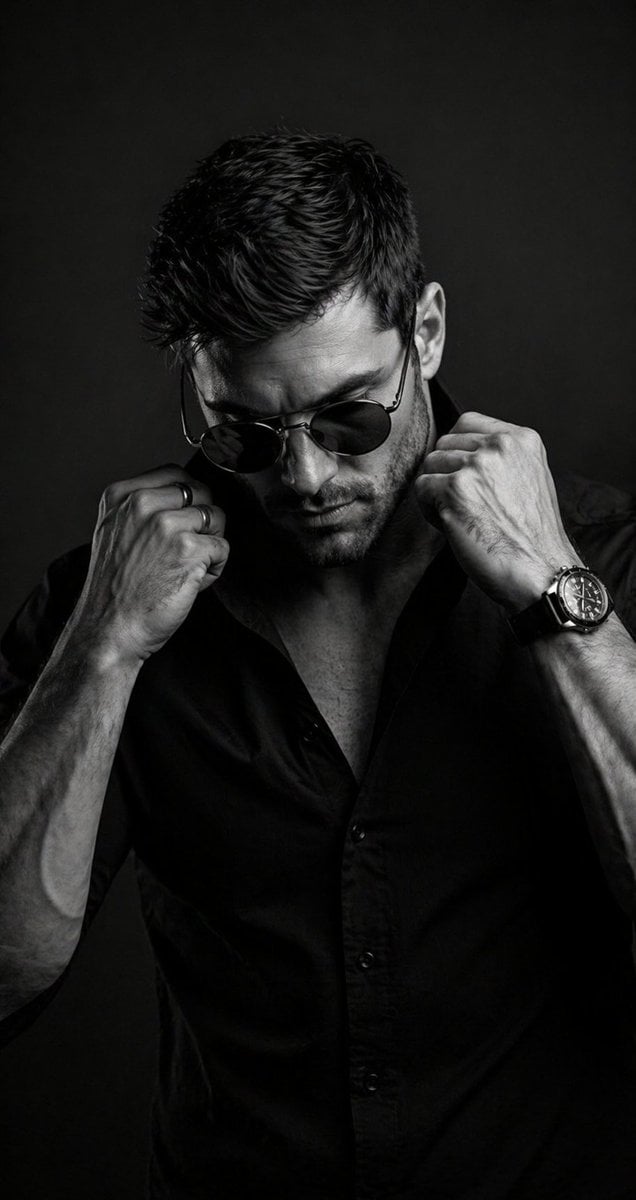
B&W Cinematic Studio Portrait
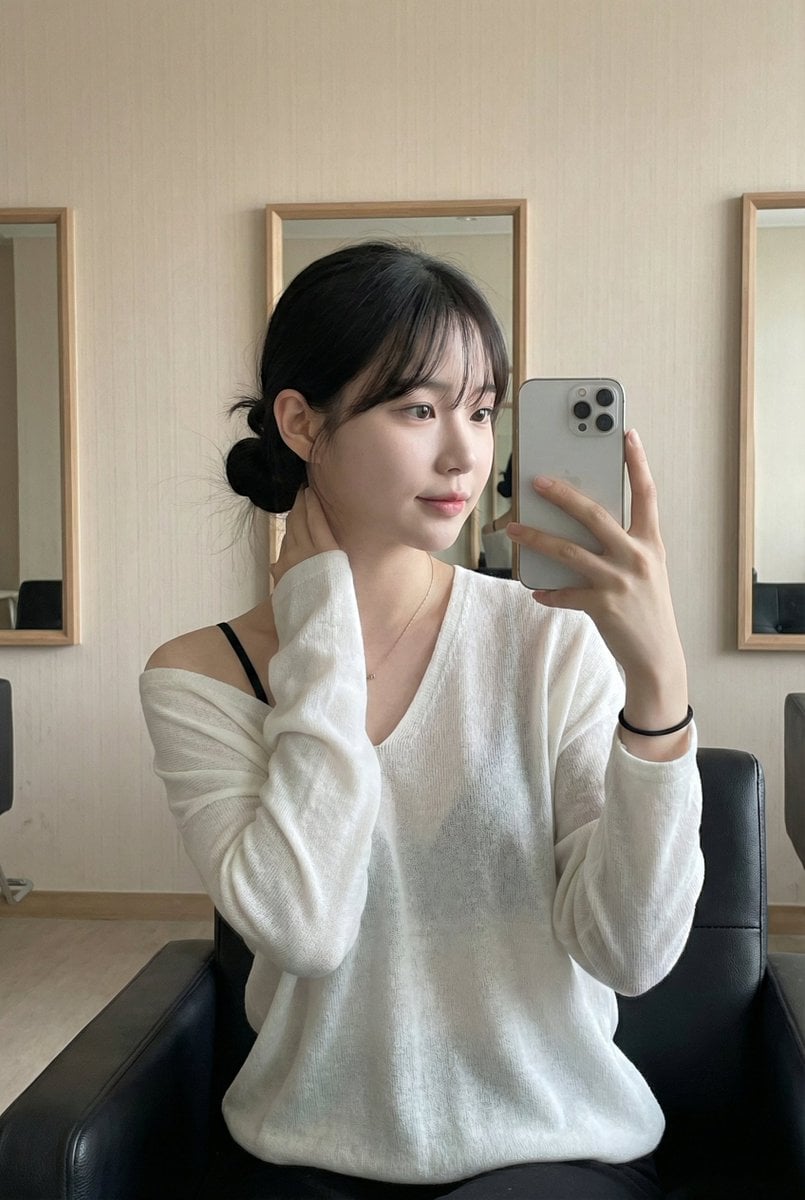
Atmospheric Indoor Mirror Selfie with 'Pure and Desire' Aesthetic
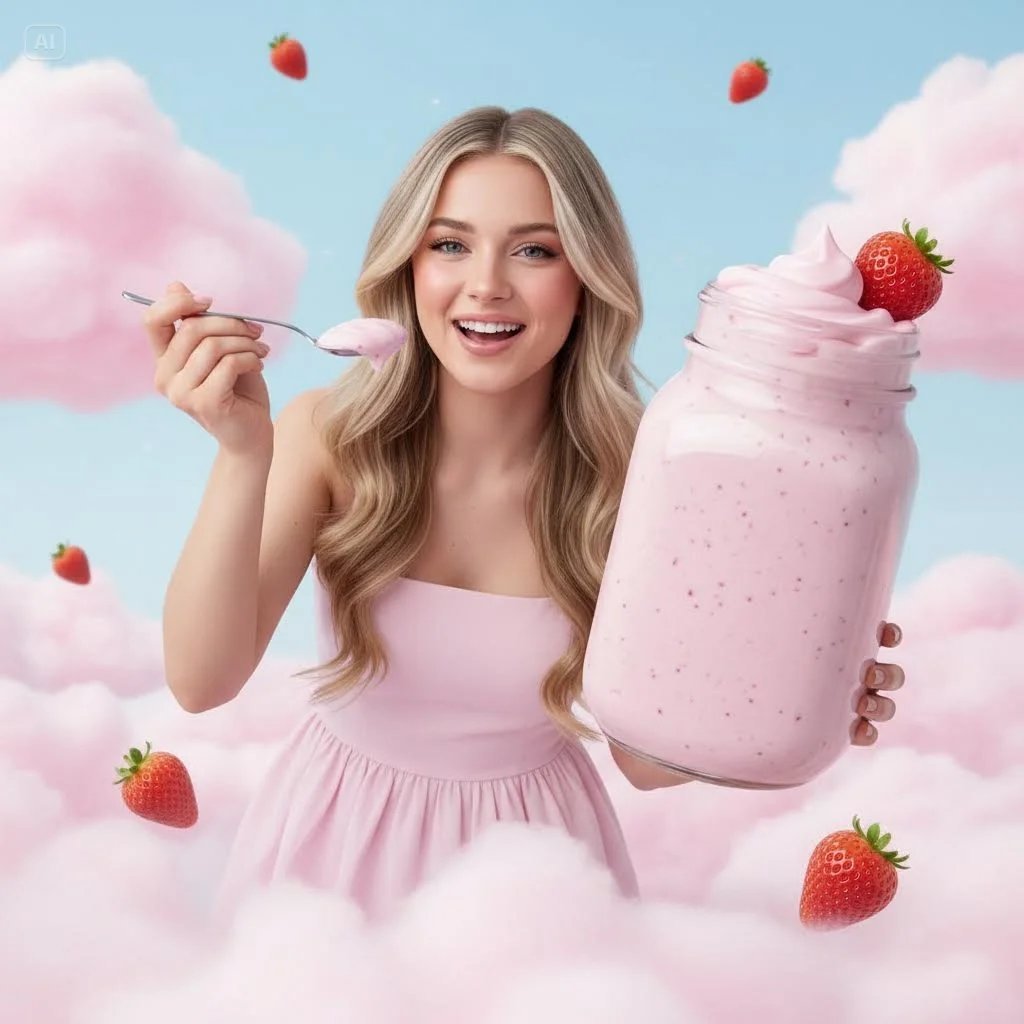
Surreal Strawberry Yogurt Commercial Scene
Browse template categories
Censored Dark Fantasy Treasure Hunter questions
How do I use the Censored Dark Fantasy Treasure Hunter template?
Add your photo if the template asks for one, edit the prompt if you like — the template's model and format are already selected — and press Generate. Your version opens in PicX Studio.
Can I customize the Censored Dark Fantasy Treasure Hunter template?
Yes. You can change the subject, setting, lighting, mood, format, and available model controls before creating your image.
Is the Censored Dark Fantasy Treasure Hunter template free?
Opening and editing this template is free. Generating uses credits, shown on the Generate button when you are signed in.
Which AI model should I use?
Start with GPT Image 2, which is the model associated with this template. You can compare another compatible model for a different finish.
Looking for something else? Browse all templates.

Your photo, any look
Thousands of ready templates for every top image and video model, from one credit balance.