How do I use the Surreal Strawberry Yogurt Commercial Scene template?
Choose the primary action to open PicX Studio with the available template settings. Review the model and format, personalize the creative direction, and generate when ready.
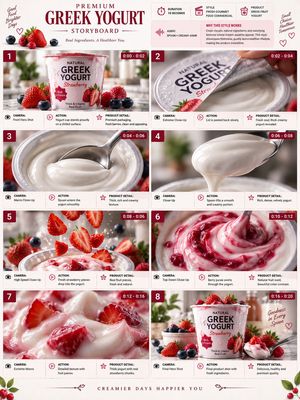
A detailed prompt for generating a surreal, whimsical, kawaii-aesthetic advertisement image featuring a large strawberry yogurt smoothie jar floating in a cotton candy cloudscape, alongside a beautiful young woman model. Change the subject, setting, or lighting one variable at a time.

Use the same face from the reference image without changing facial features. A surreal dreamy scene of a large glass mason jar filled with thick, creamy strawberry yogurt smoothie, soft pastel pink color with visible strawberry seeds and tiny fruit pieces, topped with a generous swirl of whipped cream-like yogurt, fresh whole strawberry with green leaves placed on top as garnish, floating weightlessly in the center of a fluffy cotton candy pink cloudscape. Soft pastel pink cotton candy clouds and scattered fresh strawberries drifting around, light blue sky background, whimsical kawaii aesthetic, ultra-detailed, magical floating composition, soft glowing lighting, ethereal and sweet atmosphere, high resolution, vibrant yet gentle pastel tones. A beautiful young Western woman with fair glowing skin and soft wavy blonde hair, natural fresh makeup with rosy cheeks and glossy lips, wearing a light pastel pink summer dress, floating gracefully beside the mason jar as if in a dreamy yogurt commercial. She is smiling gently at the camera while holding a spoon with creamy strawberry yogurt, playful and joyful expression, wind softly blowing her hair and dress, advertisement-style composition, luxury dessert campaign aesthetic, cinematic depth of field, ultra-realistic yet whimsical fantasy vibe. --ar 3:4 --stylize 250 --v 6
Choose the primary action to open PicX Studio with the available template settings. Review the model and format, personalize the creative direction, and generate when ready.
Yes. You can change the subject, setting, lighting, mood, format, and available model controls before creating your image.
This template is free to open and customize. Generation usage is shown in PicX Studio before you create.
Start with Nano Banana 2, which is the model associated with this template. You can compare another compatible model for a different finish.
© 2026 PicX Studio. All rights reserved.

Follow a topic to a crawlable collection of related PicX Studio templates.
43,474 public templates available. Verified via the PicX Studio public templates API; refreshed hourly.





![Low Angle Product Fashion Campaign — Low-angle fashion campaign photograph of a confident model holding a large [product name] very close…](/_next/image?url=https%3A%2F%2Fcdn.picxstudio.com%2Fuploads%2Fmeigen_4c03edc4df35_6f63201c-902b-410c-8eaa-7760408114bb.jpg&w=828&q=100)


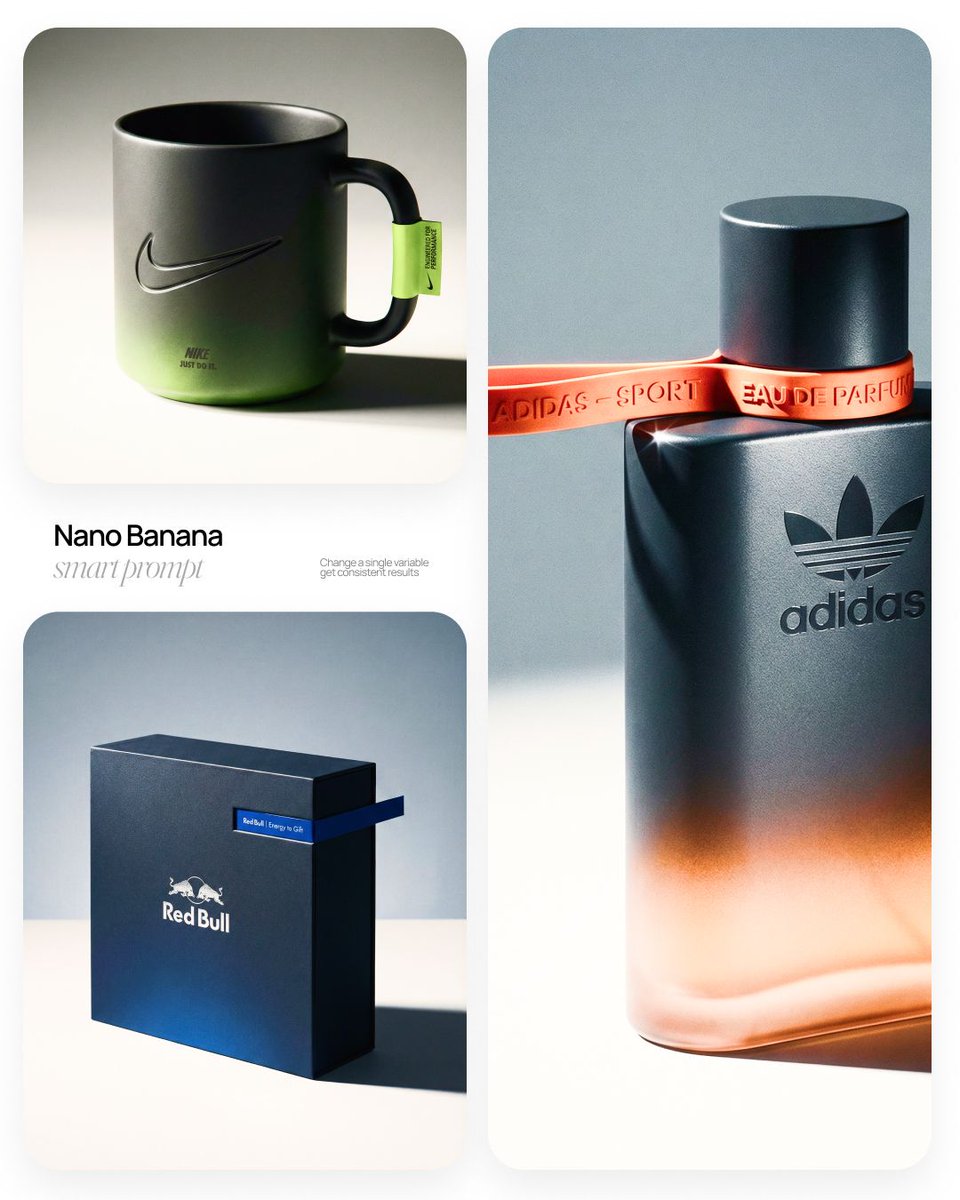
![Luxury Commercial Product Photography System — [BRAND NAME] | [OBJECT]
Act as a High-End Commercial Product Photographer and Creative Director shooting a luxur](/_next/image?url=https%3A%2F%2Fcdn.picxstudio.com%2Fuploads%2Ffashion_306bc4c6ecde_889b47bc-58f8-4b0f-ad74-48a1ac7c1e40.jpg&w=828&q=100)






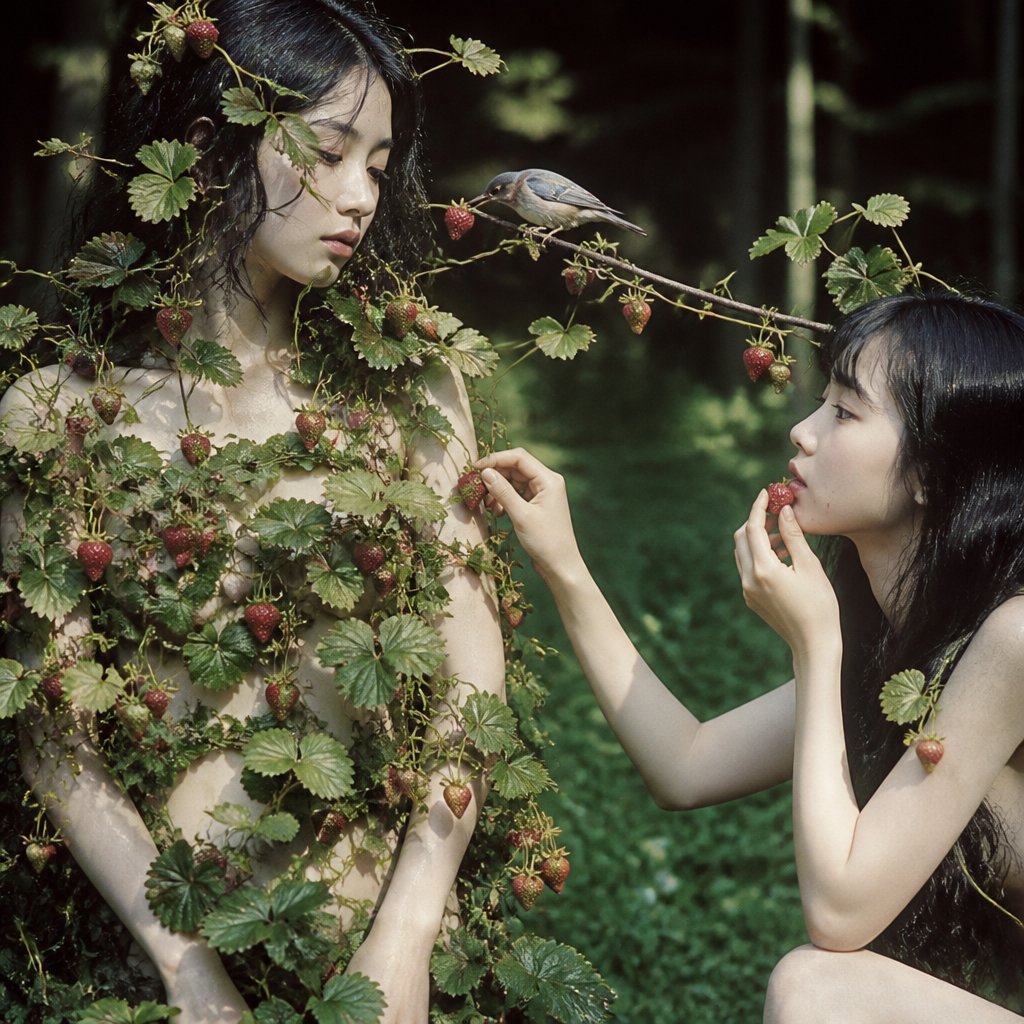

![Naive doodle-style subject illustration — A doodle-style {argument name="subject" default="[subject]"}, naive lines, humorous shape exaggeration](https://pbs.twimg.com/media/G6Wl2YxbsAARB2b.jpg)











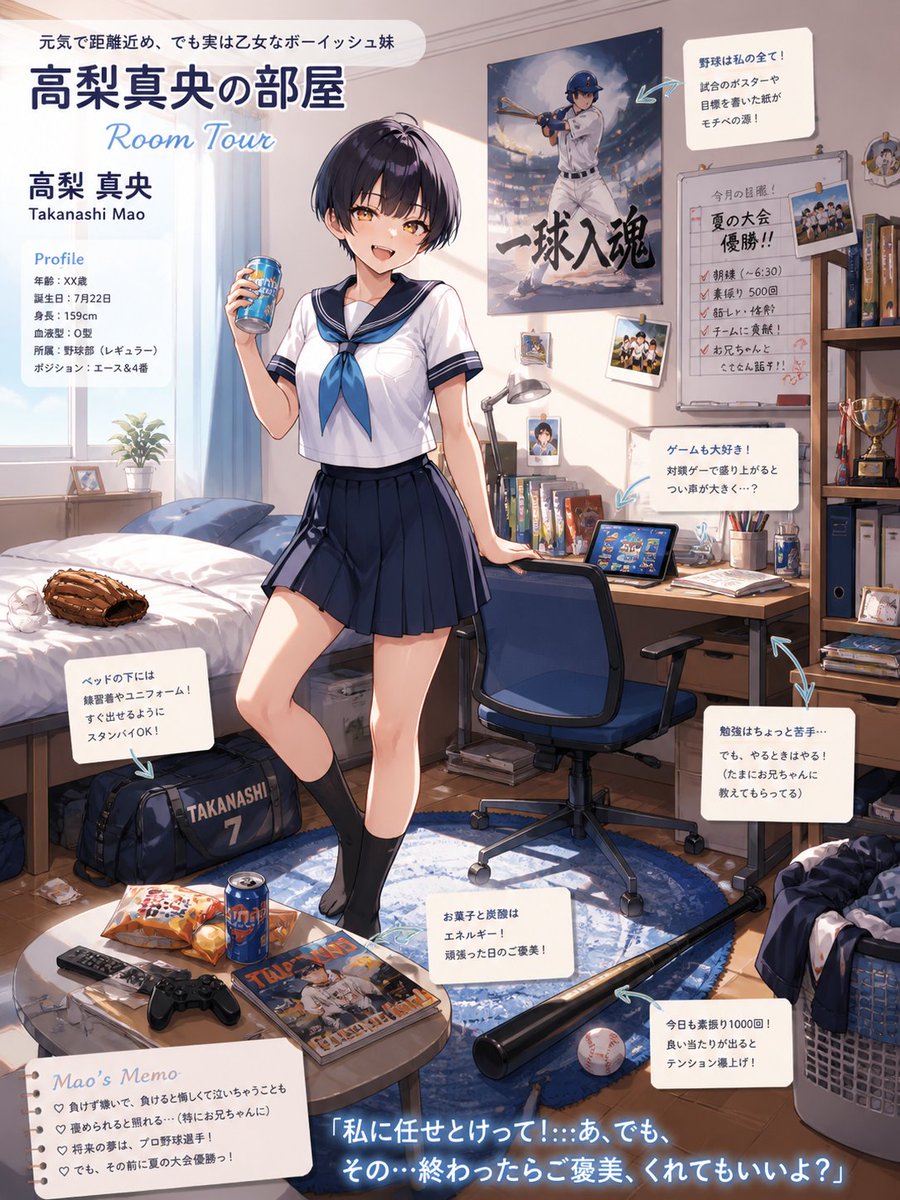



![86-hyper-realistic-ai-selfie-prompt-generat — Raw iPhone [model] photo, [shot type] of [character details: age, ethnicity, specific features], [hair with imperf](/_next/image?url=https%3A%2F%2Fcdn.picxstudio.com%2Fuploads%2Fpost86_img0_c444d40d-a07d-4013-8b75-e692799481c0.jpg&w=828&q=100)