
Surreal Strawberry Picking Forest
A cinematic fine-art scene of two anonymous women entwined with wild strawberry vines in a dark forest, useful for surreal botanical photography concepts.
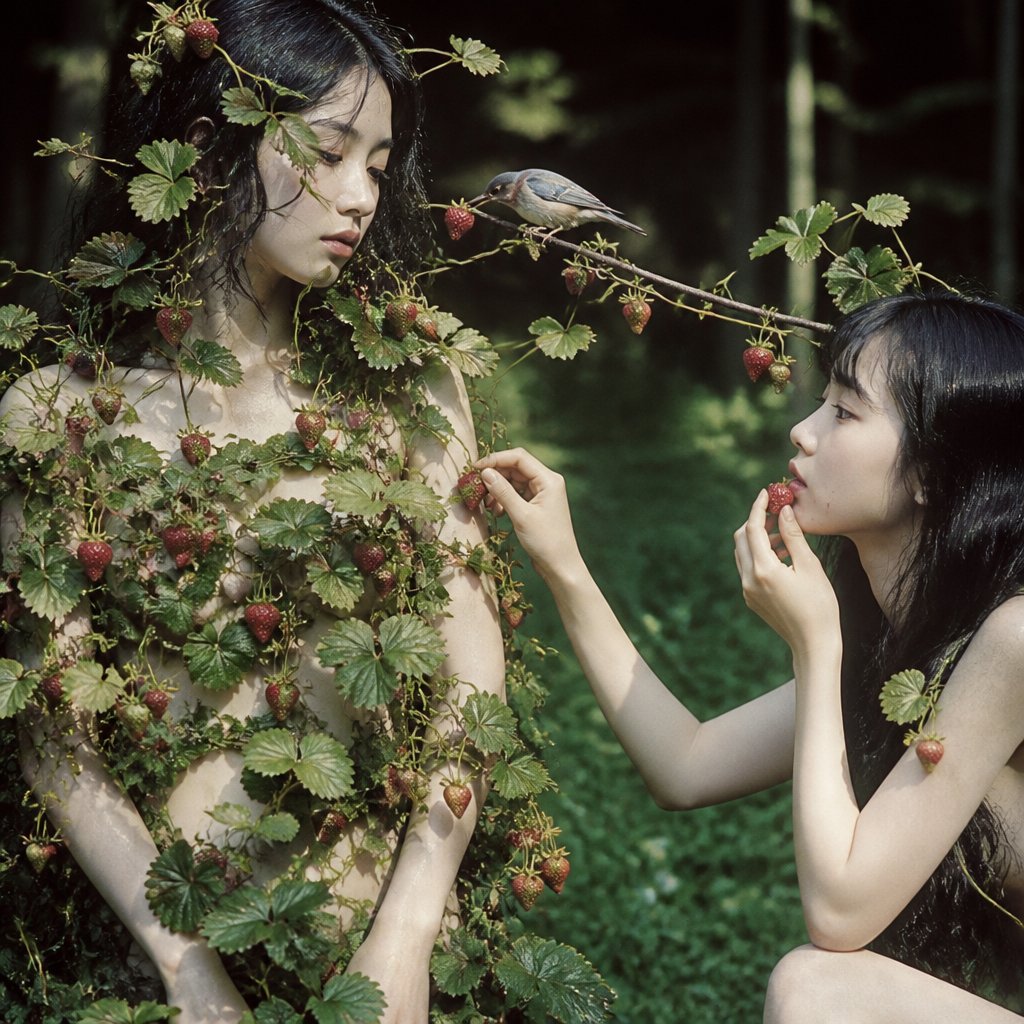
- Prompt included
- Model and format preset
- Free template
The prompt behind this image
Copy the exact prompt behind Surreal Strawberry Picking Forest, or open it in the studio and make it yours.
Create a square cinematic fine-art photograph set in a dark, lush forest clearing, showing two pale young women with very long glossy black hair, their faces intentionally obscured by soft rectangular blur blocks for anonymity. The mood is surreal, intimate, and botanical, with natural dappled sunlight, deep green shadows, shallow depth of field, and a muted film-photography color grade. On the left, a standing woman with {argument name="hair color" default="jet black"} hair is almost completely entwined in wild strawberry vines, leaves, tendrils, and many visible red strawberries growing across her hair, shoulders, chest, arms, and torso like a living garment; her hands rest low near her body. On the right, a second crouching or kneeling woman with the same long black hair reaches delicately toward the vines and appears to pick a strawberry, one hand raised near her face and the other extended toward the fruit. A thin strawberry vine stretches horizontally between both women at face height, with a small realistic bird perched on it near the center, pecking at or inspecting a red strawberry. Include exactly two human figures, exactly one bird, and numerous natural strawberry clusters with serrated green leaves. Use realistic anatomy, soft skin tones, wet-looking dark hair, organic vine tangles, woodland background bokeh, and a slightly eerie fairy-tale atmosphere. No text, no watermark, no extra people, no baskets, no modern objects.
How to use Surreal Strawberry Picking Forest in 3 steps
- 1Upload ImagePNG, JPG or paste
Add your photo
Upload the photo the template builds on. The prompt, model and format are already set.
- 2…a portrait of your subject in softgolden-hour light, 85mm…
Personalize
Edit the subject and creative details for your destination.
- 3Generate
Generate
Press Generate — your image is created in PicX Studio, so you can compare it with the original and refine one variable at a time.
More like this
Templates with the same subject, style or setup. Open one to see its prompt.

Surreal Cat Astronaut — Humanoid Face Freefall

Layered Paper Cut Forest Diorama

Bold Red Contrast Fashion Editorial Newspaper Room

Stylized Fashion Portrait Bold Color Contrast Editorial
Surreal Strawberry Yogurt Commercial Scene

Azed Double Exposure

Firefly Pixar Spill — Nano Banana Pro
Mischievous Forest Faun Girl
Enchanted Forest Grave Spring
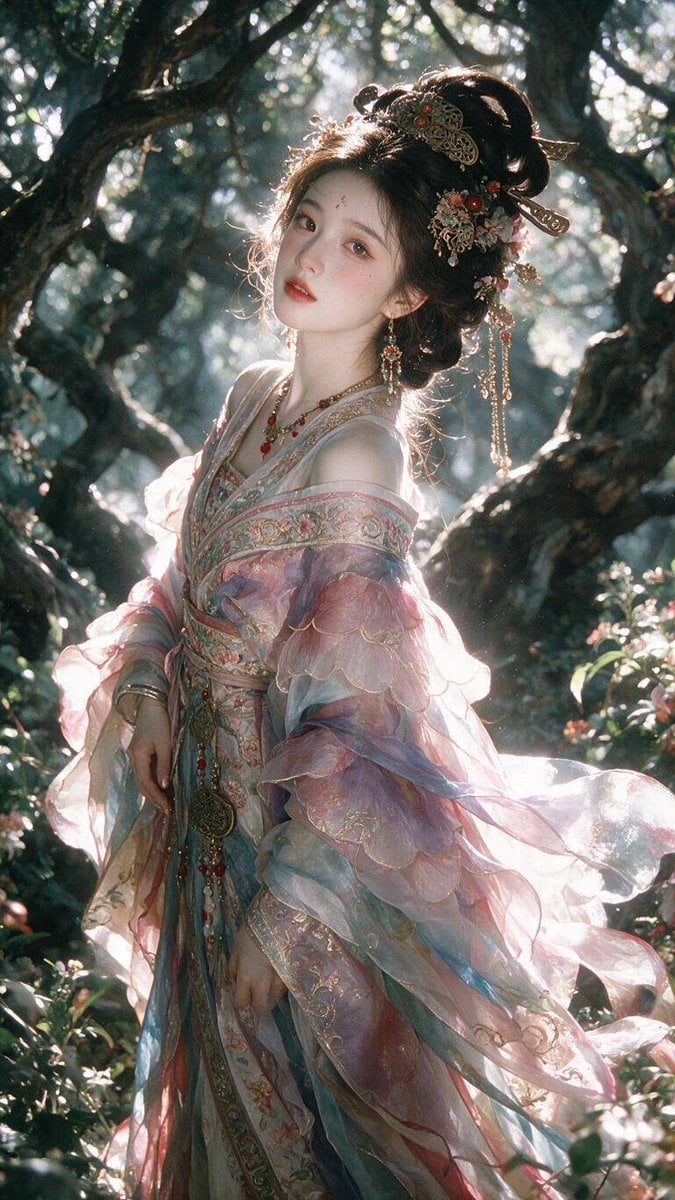
Enchanted Hanfu Forest Goddess
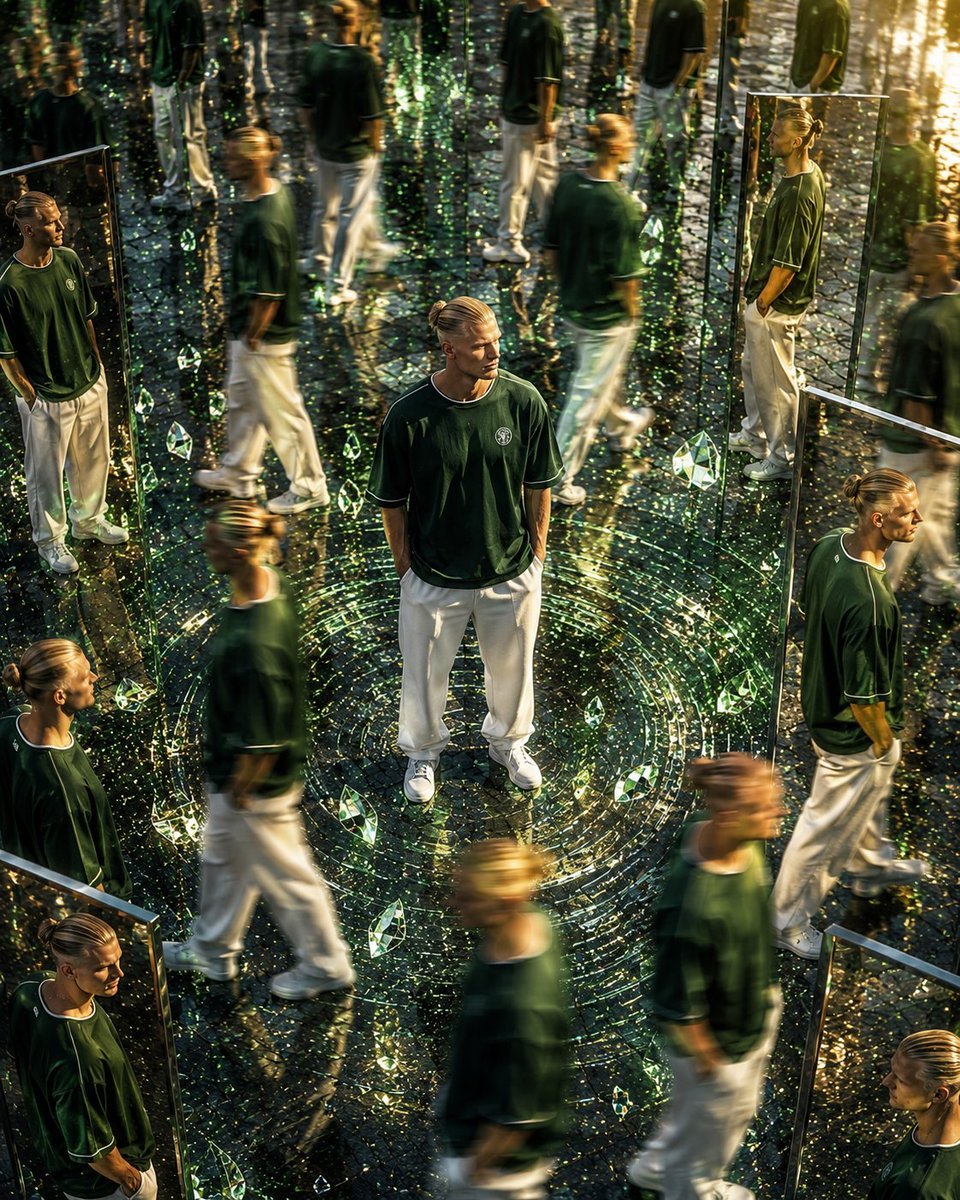
Surreal Mirror Clone Editorial
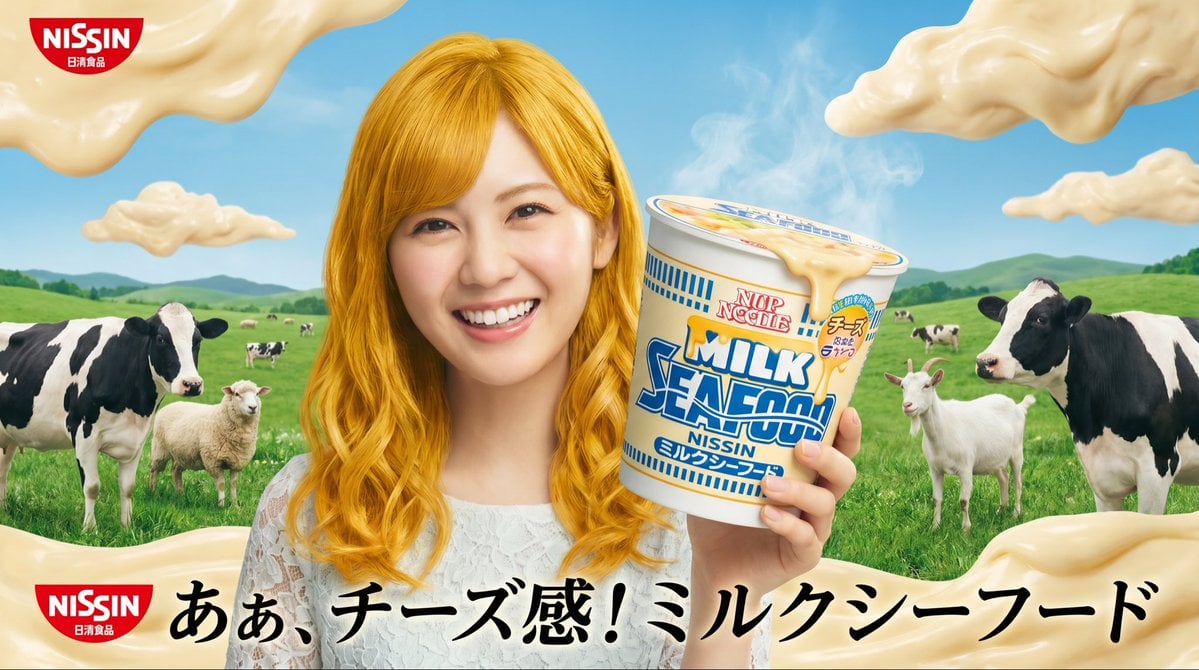
Surreal NISSIN Milk Seafood Ad
Make it yours
Surreal Strawberry Picking Forest works as-is. These are the safest ways to change it without losing the look.
Change one field
Copy a single group, rewrite it, and generate again so you can see what that field is doing.
Keep the frame, change the subject
Hold the composition and light of Surreal Strawberry Picking Forest, then swap wardrobe, props or the person for a new take.
| If the result… | Why | Fix |
|---|---|---|
| The result drifts from the preview | Too many fields changed at once. | Reuse Surreal Strawberry Picking Forest as-is first, then change one group — subject, light, or setting. |
| The model over-stylizes the scene | The prose prompt leaves finish and camera underspecified. | Add one camera or lighting sentence and stay on GPT Image 2. |
More GPT Image 2 templates
Other prompts made for GPT Image 2.

Six VTuber Japanese Logo Sheet

Realistic Portrait of Woman and Deer

The Vista Modular Condo Poster

AI Model Routing Comparison Infographic

2.5D Anime Art Board

Isometric Productivity Desk Scene

New York Double Exposure Poster

Four-Panel AI Landscape Comparison

Japanese Tatami Lifestyle Magazine Cover

NESCAFÉ Coffee Map Poster
More image prompts
Fresh picks from across the catalog.
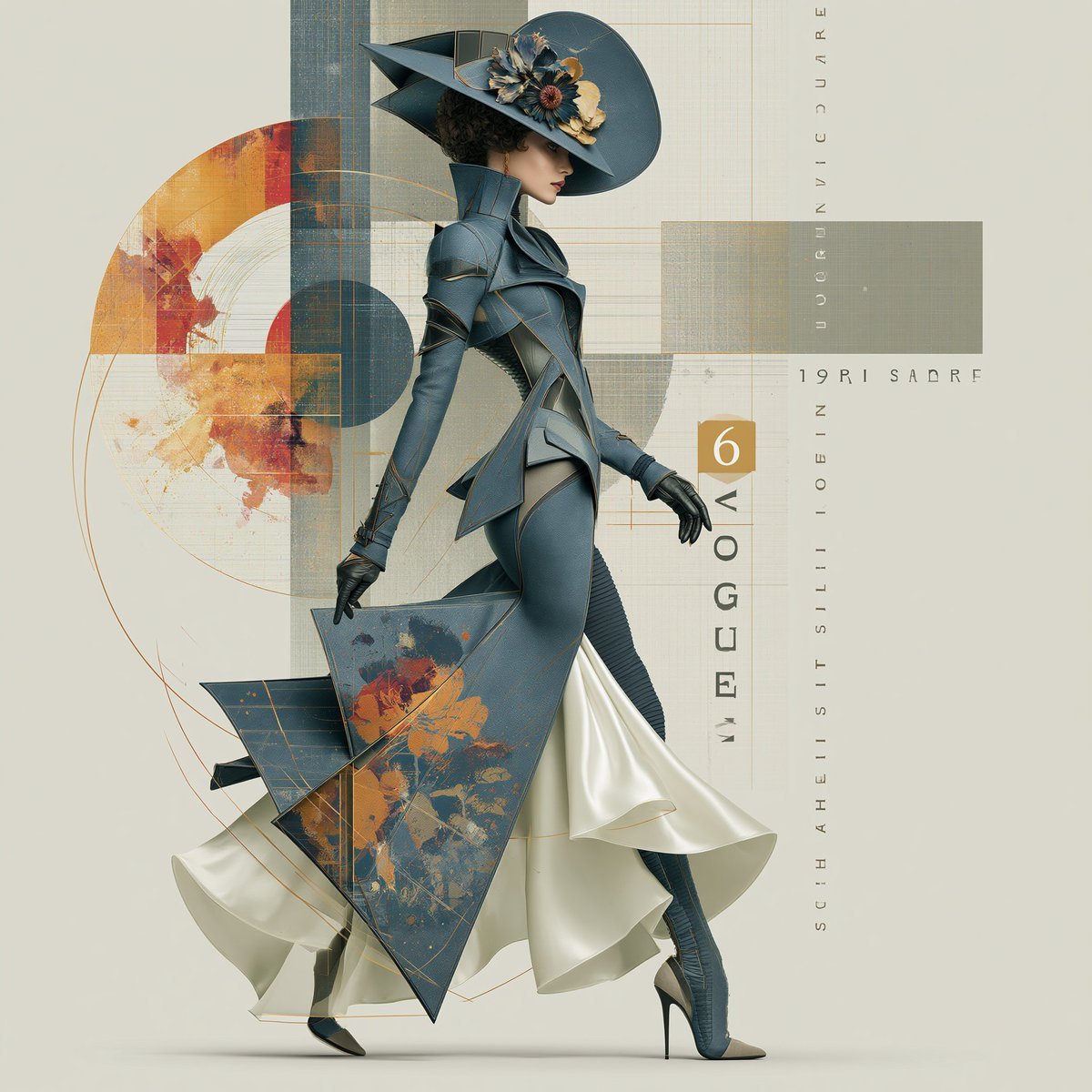
Elegant Vintage Glamour Fashion Illustration

Dark AI Coding Dashboard UI
Realistic Photography of a Woman at a Fairytale Castle
Cinematic 9 Panel Storyboard Sheet
Monochrome Avant-Garde Portrait: Obsidian Ritual
Lunar New Year Studio Photo Prompt
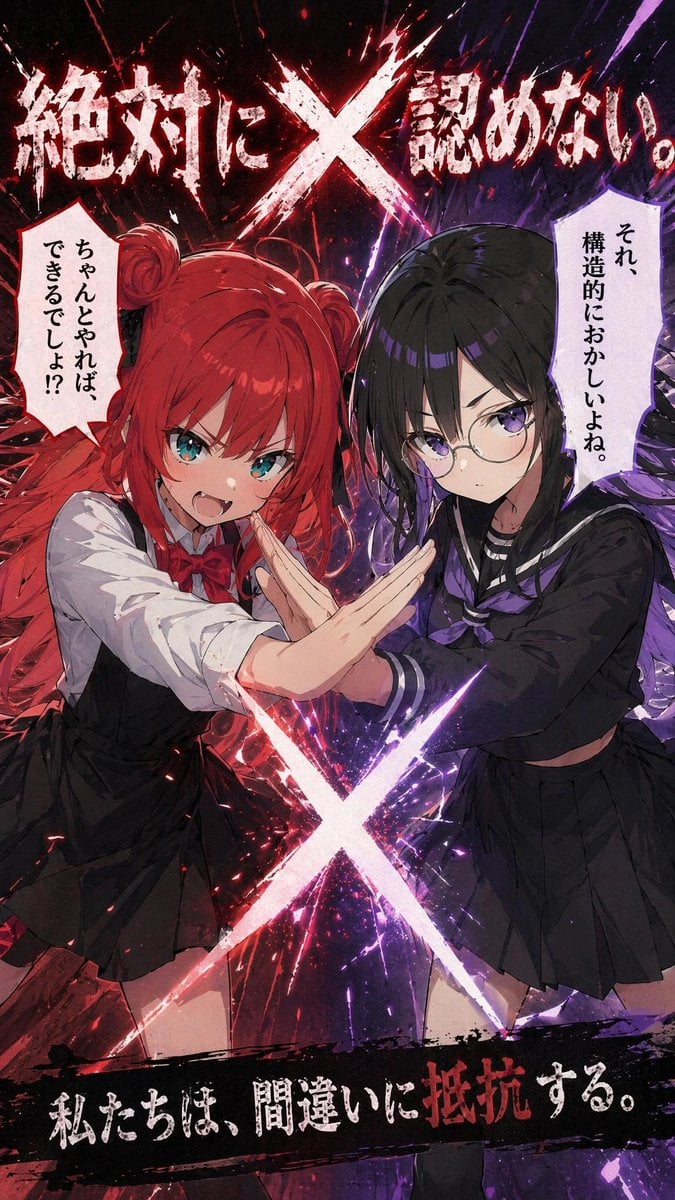
Anime X Battle Poster
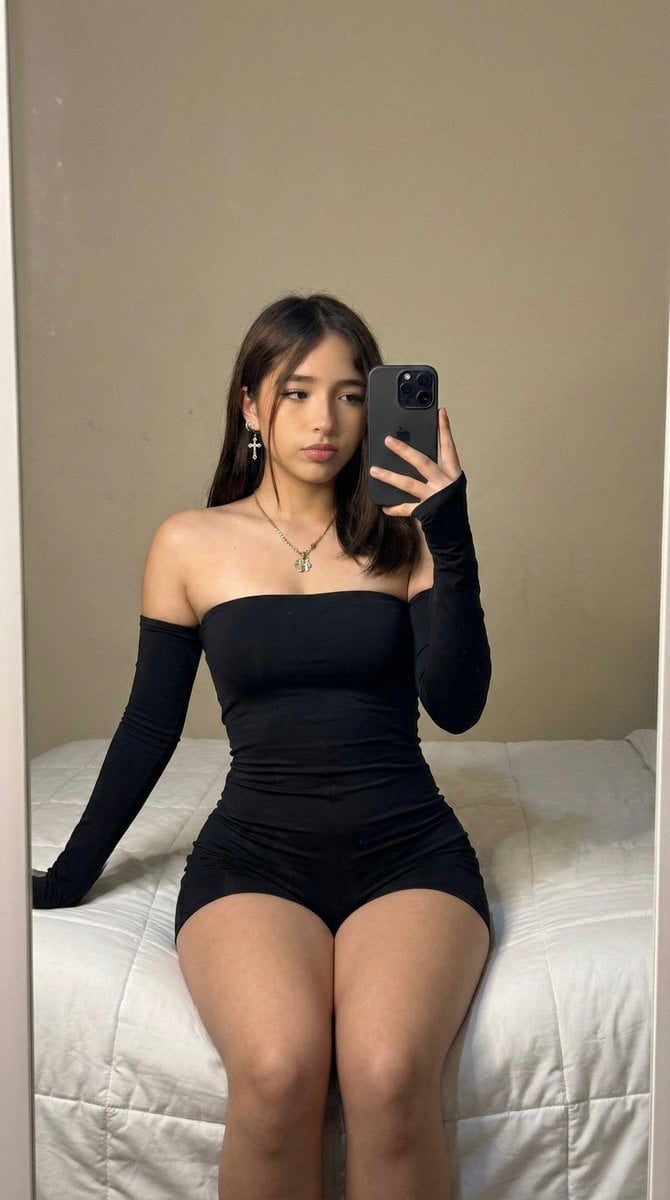
High-Fidelity Mirror Selfie Prompt with Identity Locking
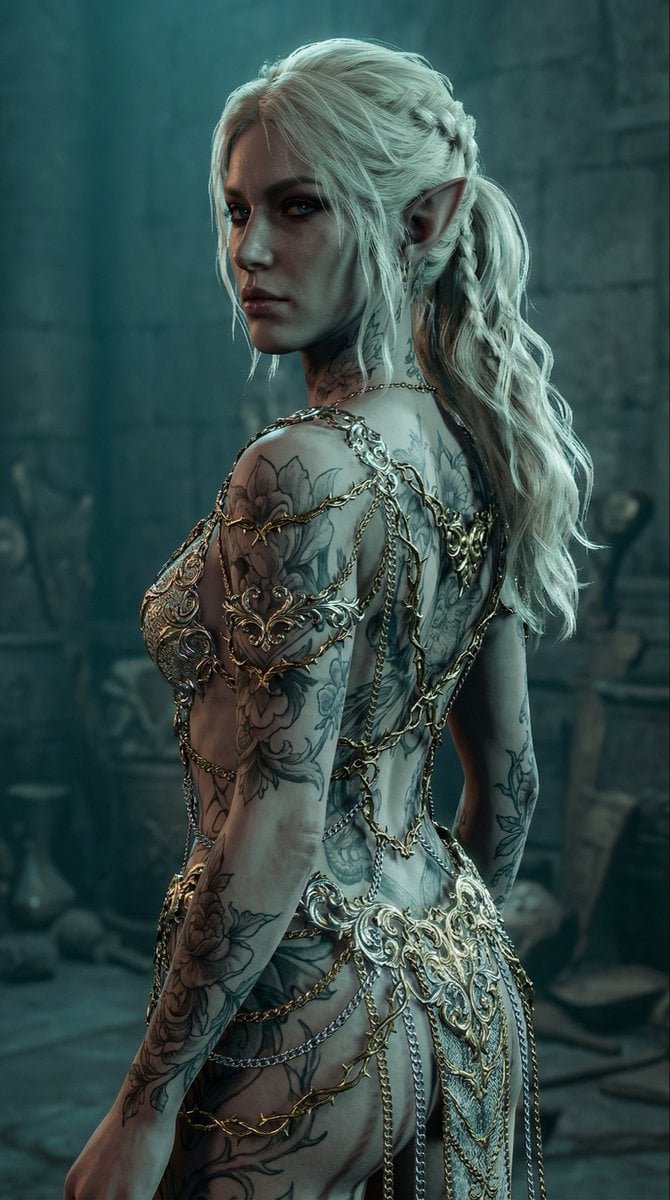
Elven Woman with Ornate Chain Dress
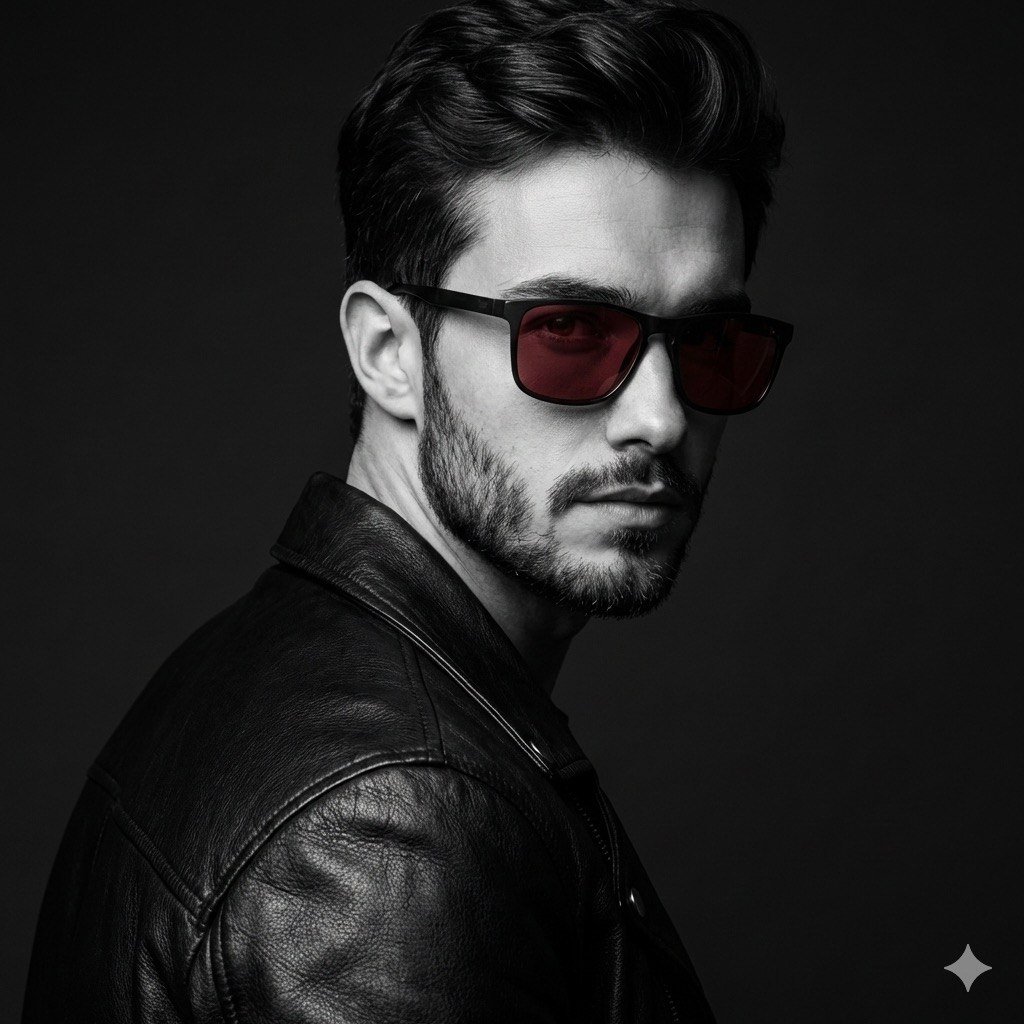
Black and White Fashion Portrait with Exact Facial Structure
Browse template categories
Surreal Strawberry Picking Forest questions
How do I use the Surreal Strawberry Picking Forest template?
Add your photo if the template asks for one, edit the prompt if you like — the template's model and format are already selected — and press Generate. Your version opens in PicX Studio.
Can I customize the Surreal Strawberry Picking Forest template?
Yes. You can change the subject, setting, lighting, mood, format, and available model controls before creating your image.
Is the Surreal Strawberry Picking Forest template free?
Opening and editing this template is free. Generating uses credits, shown on the Generate button when you are signed in.
Which AI model should I use?
Start with GPT Image 2, which is the model associated with this template. You can compare another compatible model for a different finish.
Looking for something else? Browse all templates.

Your photo, any look
Thousands of ready templates for every top image and video model, from one credit balance.