
Monochrome Avant-Garde Portrait: Obsidian Ritual
A complex, structured prompt for a hyper-realistic, monochrome fashion portrait in the style of avant-garde tribal brutalism, featuring high-contrast chiaroscuro lighting and heavy film grain, set inside a weathered…
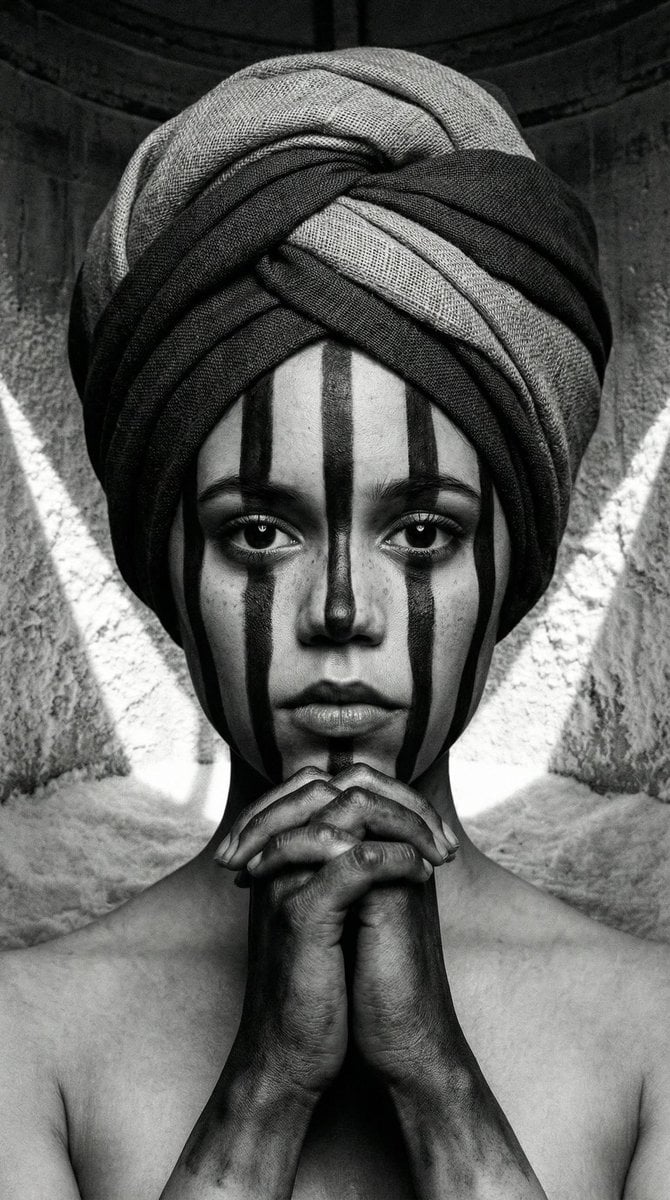
- Prompt included
- Model and format preset
- Premium template
The prompt behind this image
Copy the exact prompt behind Monochrome Avant-Garde Portrait: Obsidian Ritual, or open it in the studio and make it yours.
{ "vibe_title_en": "Obsidian Ritual", "master_prompt": "A hyper-realistic, monochrome close-up portrait of The Protagonist, styled in avant-garde tribal brutalism. The subject's face is painted with thick, matte black vertical stripes that contour the bone structure, contrasting sharply against hyper-detailed skin pores and natural imperfections. They wear a voluminous, sculptural turban wrapped from coarse raw silk and heavy charcoal linen, emphasizing fabric weave and tactile weight. The hands are clasped tightly under the chin in a prayer-like gesture, painted with matching dark pigments that fade into the wrists. The setting is the interior of a weathered salt-silo, where white saline crystals on the walls catch harsh, angular shafts of light, creating a high-contrast chiaroscuro effect. Shot on a Hasselblad 500C/M with Ilford HP5 Plus black and white film, featuring heavy grain, deep crushed blacks, and a sharp focus on the eyes.", "meta": { "intent": "Editorial Fashion / Artistic Portrait", "priorities": "Texture, Contrast, Mood", "device_profile": "High-End Desktop / Large Format Print" }, "frame": { "aspect": "9:16", "composition": "Central Symmetrical Close-Up", "layout": "Portrait", "camera_angle": "Eye Level", "tilt_roll_degrees": "0" }, "subject": { "gender": "Female", "identity": "The Protagonist", "demographics": "Young Adult", "face": "Neutral expression, direct intense gaze, vertical black geometric face paint", "hair": "Completely covered by sculptural headwrap", "body": "Shoulders and hands visible, hands clasped under chin", "expression": "Intense, stoic, piercing", "pose": "Static, hands interlaced beneath chin in a contemplative gesture" }, "wardrobe_accessories": { "garments": [ { "item": "Sculptural Turban", "material": "Raw Silk and Coarse Linen", "color": "Charcoal Grey/Black", "fit": "Tight wrap, voluminous" }, { "item": "Tunic", "material": "Distressed Cotton", "color": "Dark Grey", "fit": "Loose, textured" } ], "accessories": [ { "item": "Body Paint", "color": "Matte Black", "material": "Pigment", "brand_style": "Tribal Avant-Garde" } ] }, "environment": { "setting": "Interior of a weathered salt-silo", "surfaces": "Crystallized salt walls, dusty concrete", "depth": "Shallow depth of field", "atmosphere": "Stagnant, dry, silent", "lens_interaction": "Sharp focus fall-off, distinct film grain" }, "lighting": { "key": "High-contrast angular sunlight (Rembrandt style)", "fill": "Negative fill (deep shadows)", "rim": "Subtle highlight on turban texture", "shadows": "Deep, crushed blacks", "color_temperature": "Monochrome (Black and White)", "sensor_flare": "None" }, "camera": { "lens_type": "
How to use Monochrome Avant-Garde Portrait: Obsidian Ritual in 3 steps
- 1
Open
The prompt is already in the box next to the preview, with the template's model and format selected.
- 2…a portrait of your subject in softgolden-hour light, 85mm…
Personalize
Edit the subject and creative details for your destination.
- 3Generate
Generate
Press Generate — your image is created in PicX Studio, so you can compare it with the original and refine one variable at a time.
More like this
Templates with the same subject, style or setup. Open one to see its prompt.
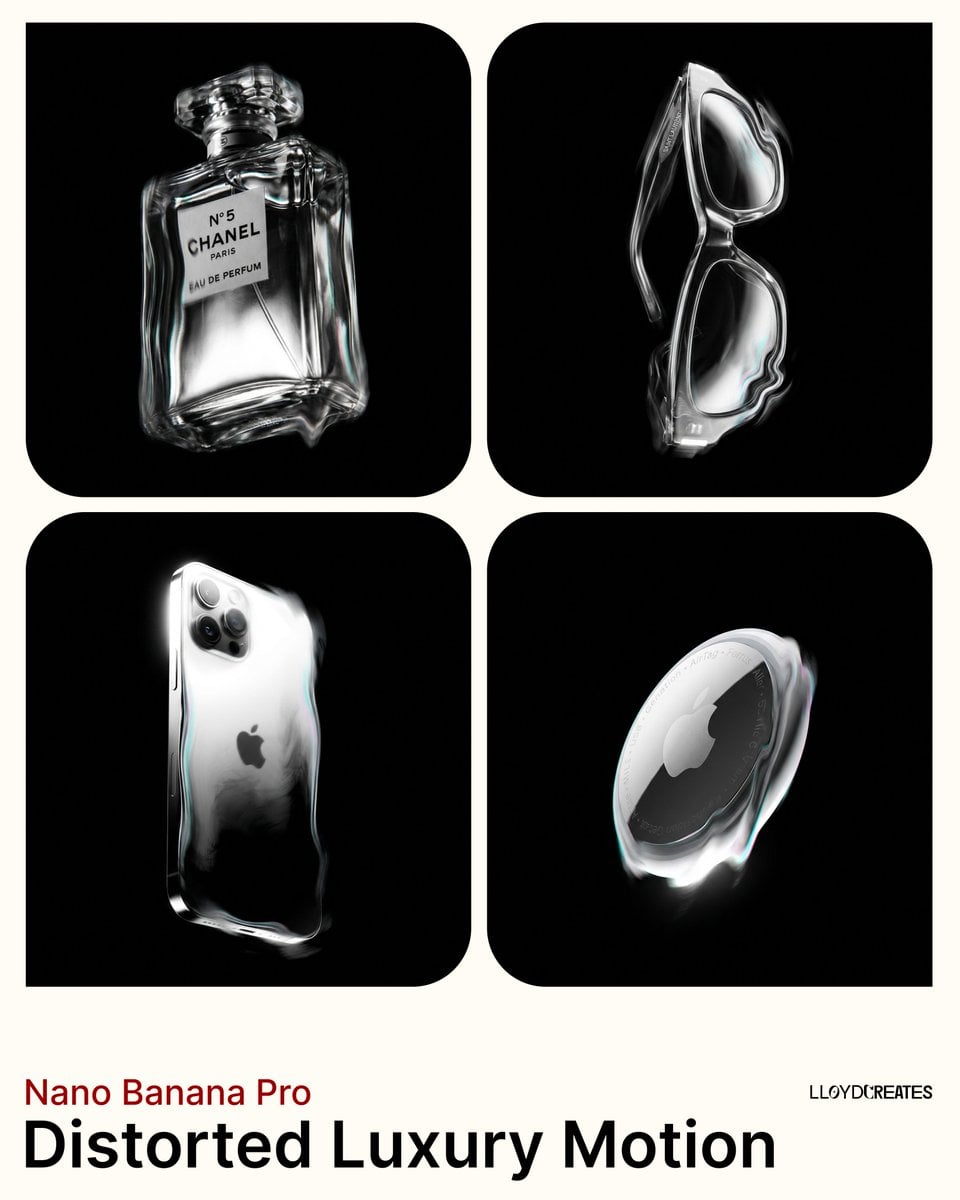
Avant-Garde Distortion Luxury Product Portrait
Avant-Garde Distortion Luxury Product Portrait
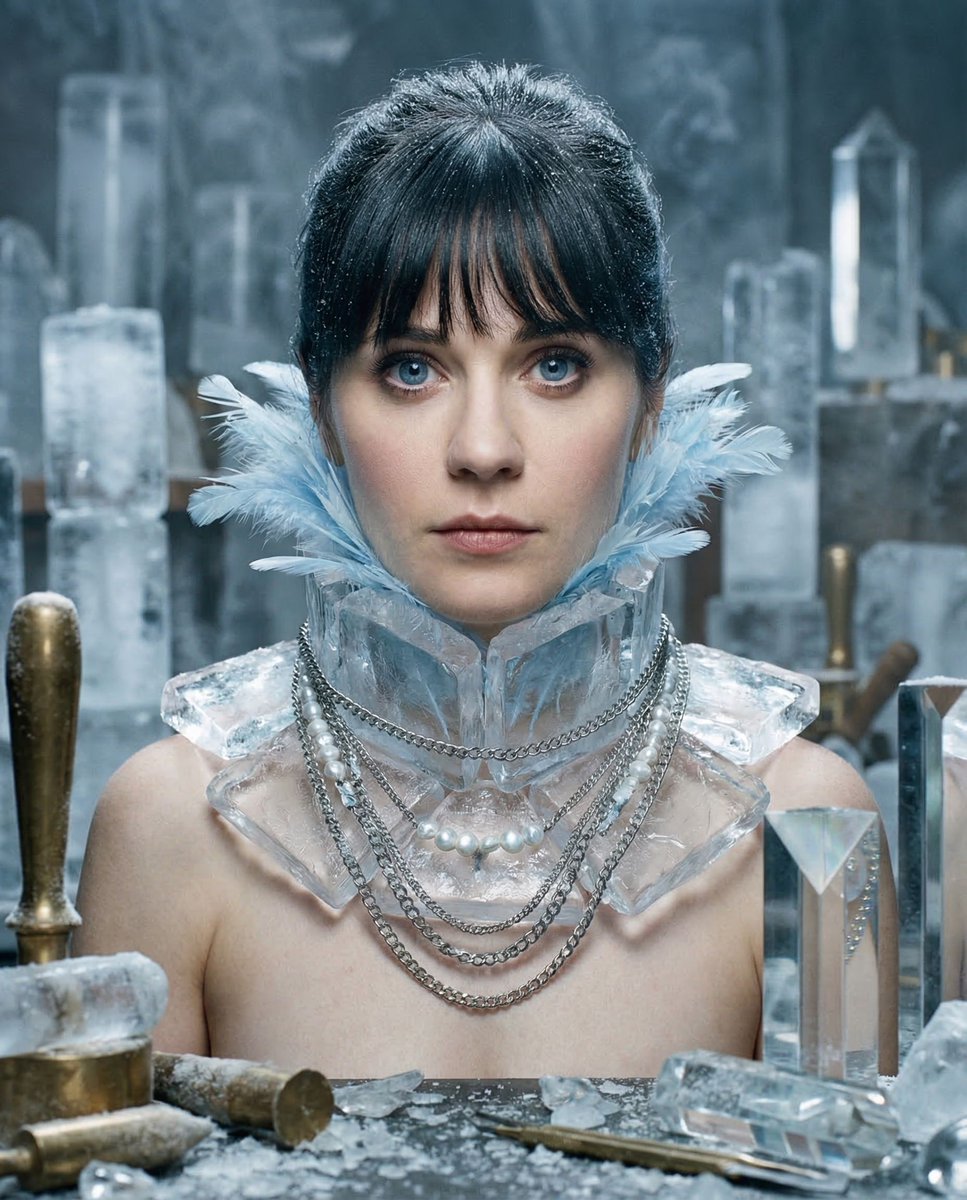
Glacial Avant-Garde Beauty Portrait
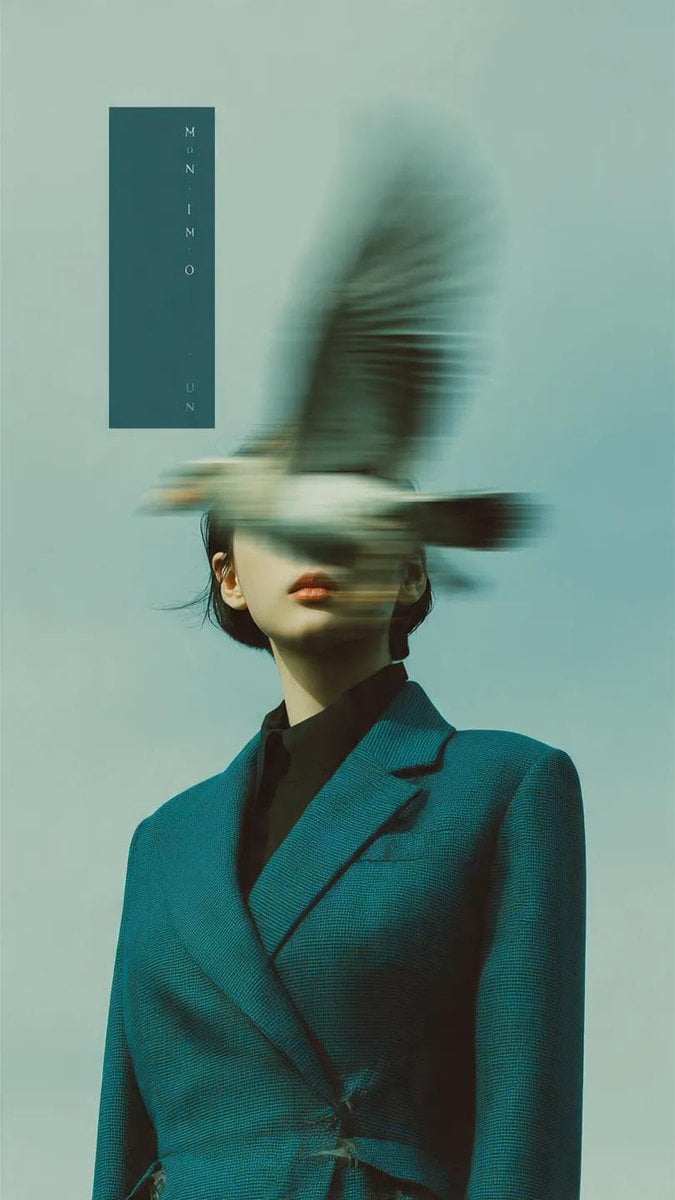
Avant-Garde Fashion Editorial Portrait
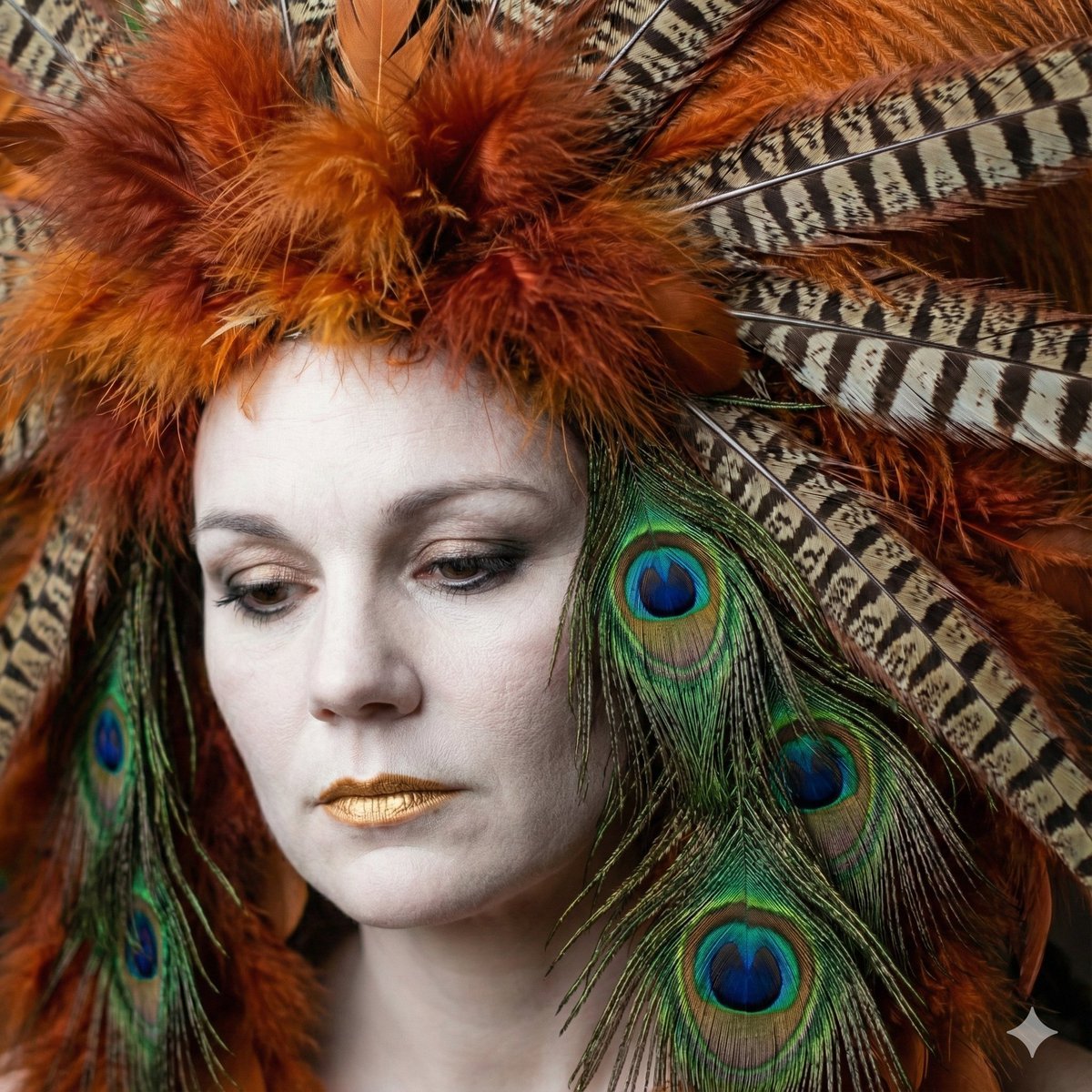
Avant-Garde Feather Headdress Portrait
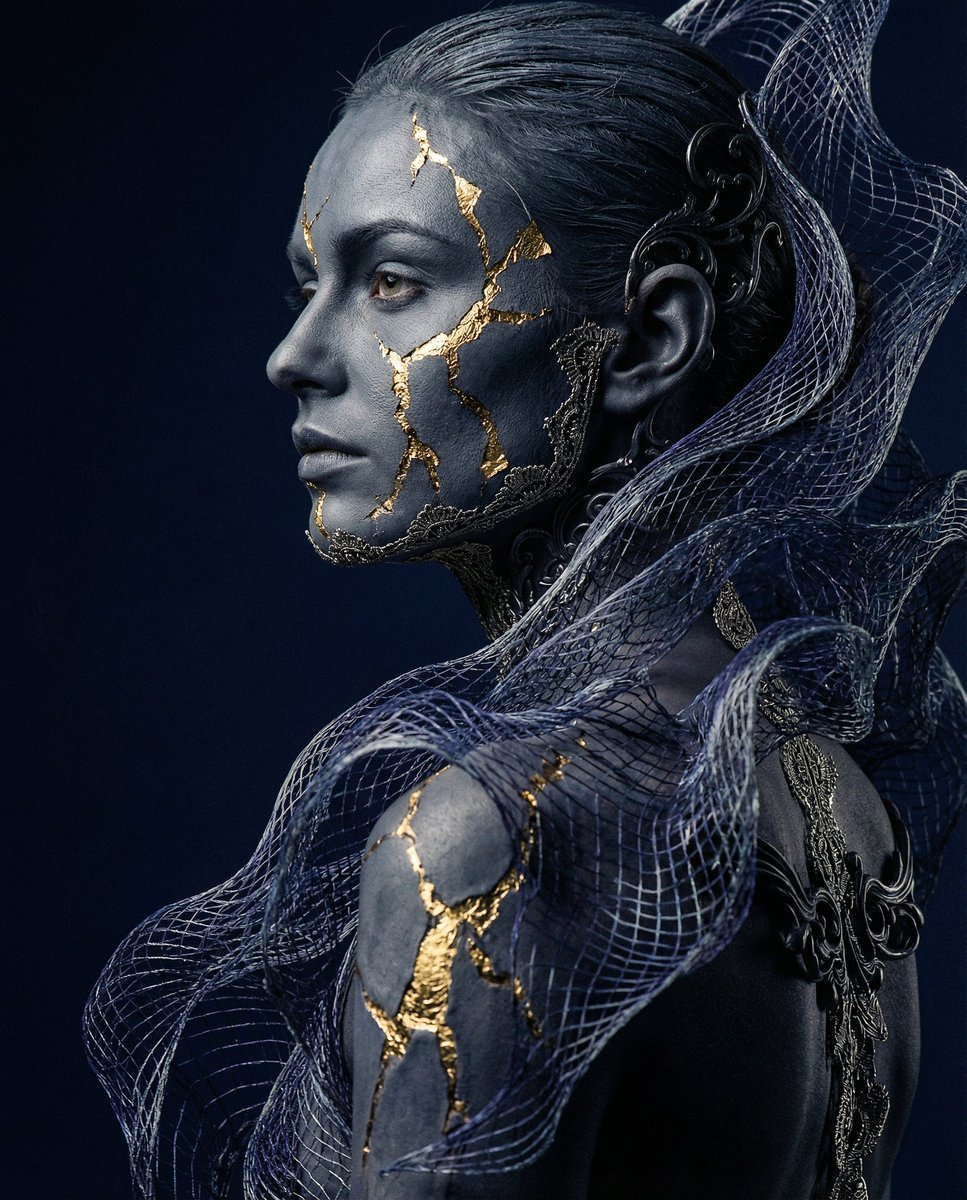
Avant-garde Conceptual Photography: Bio-Digital Kintsugi Portrait
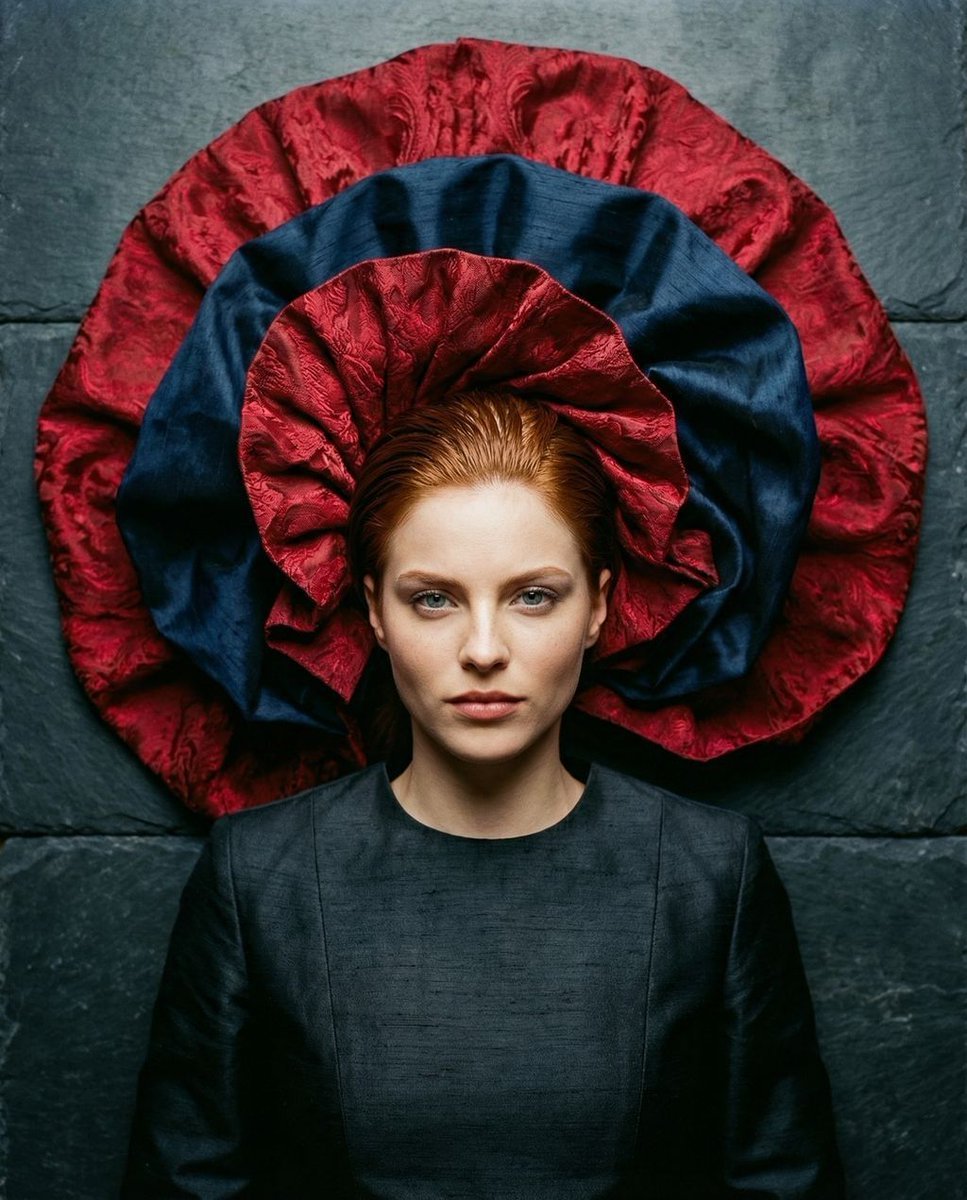
Avant-Garde Top-Down Fabric Halo Portrait
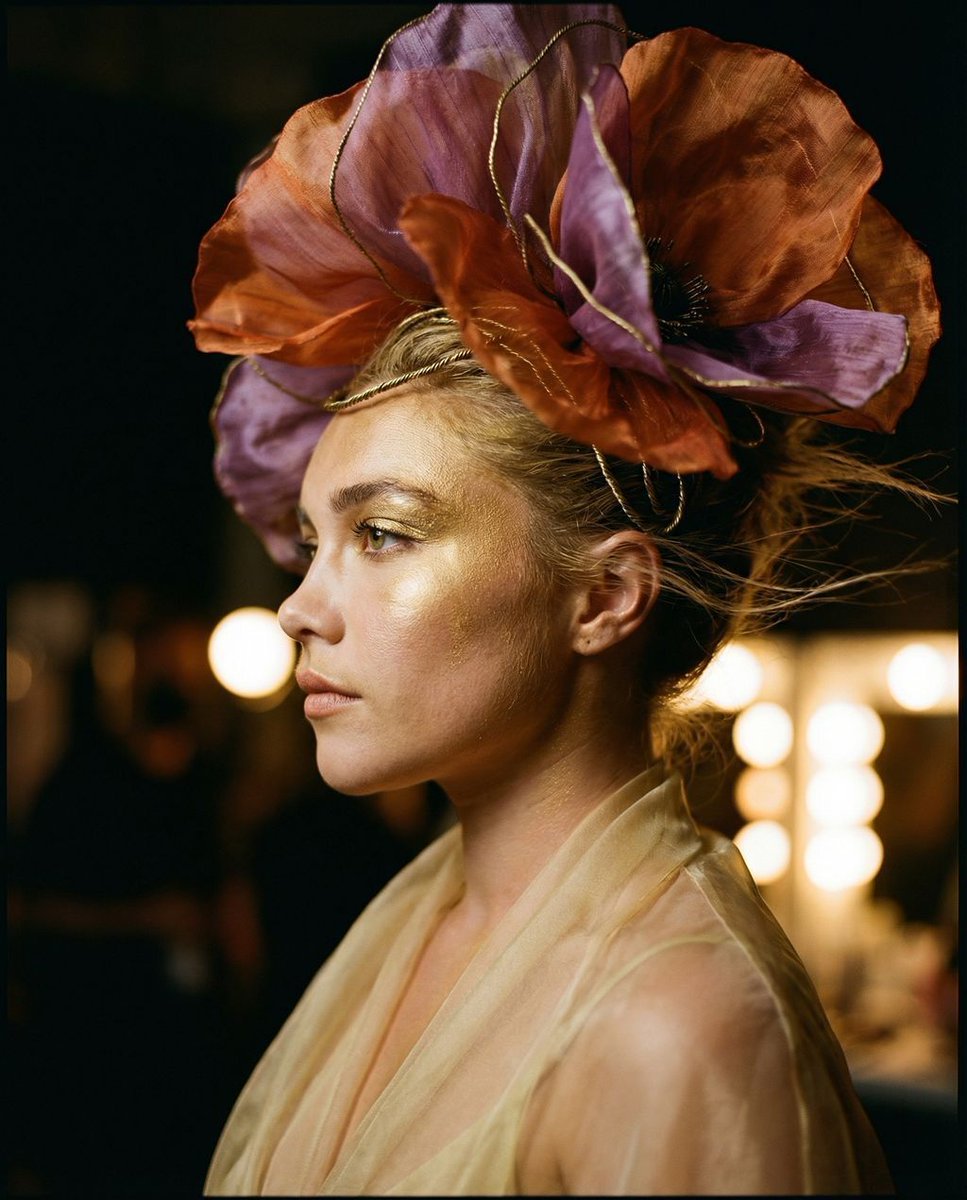
The Gilded Botanical Secret: Avant-Garde Portraiture
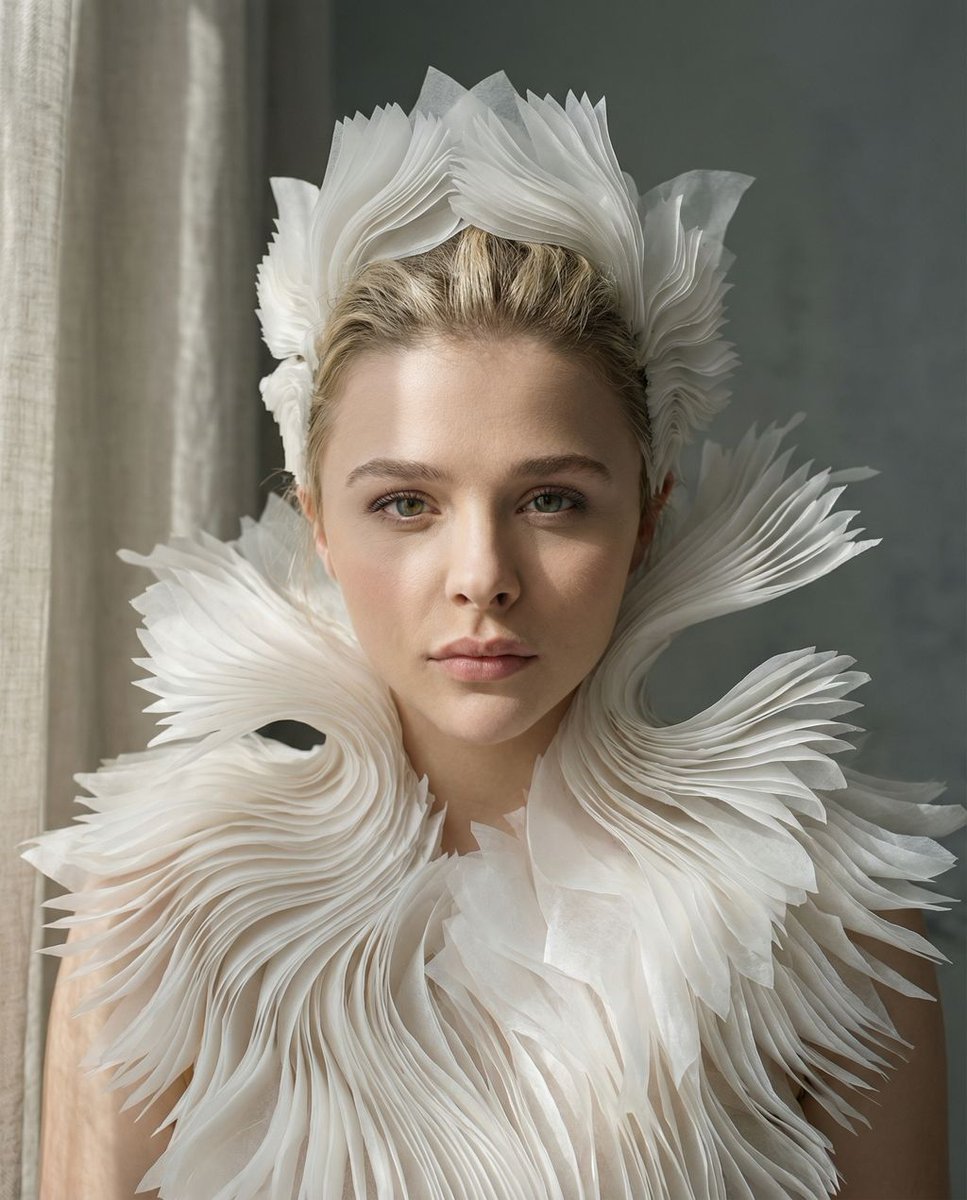
Porcelain Symbiosis Avant-Garde Portrait Prompt
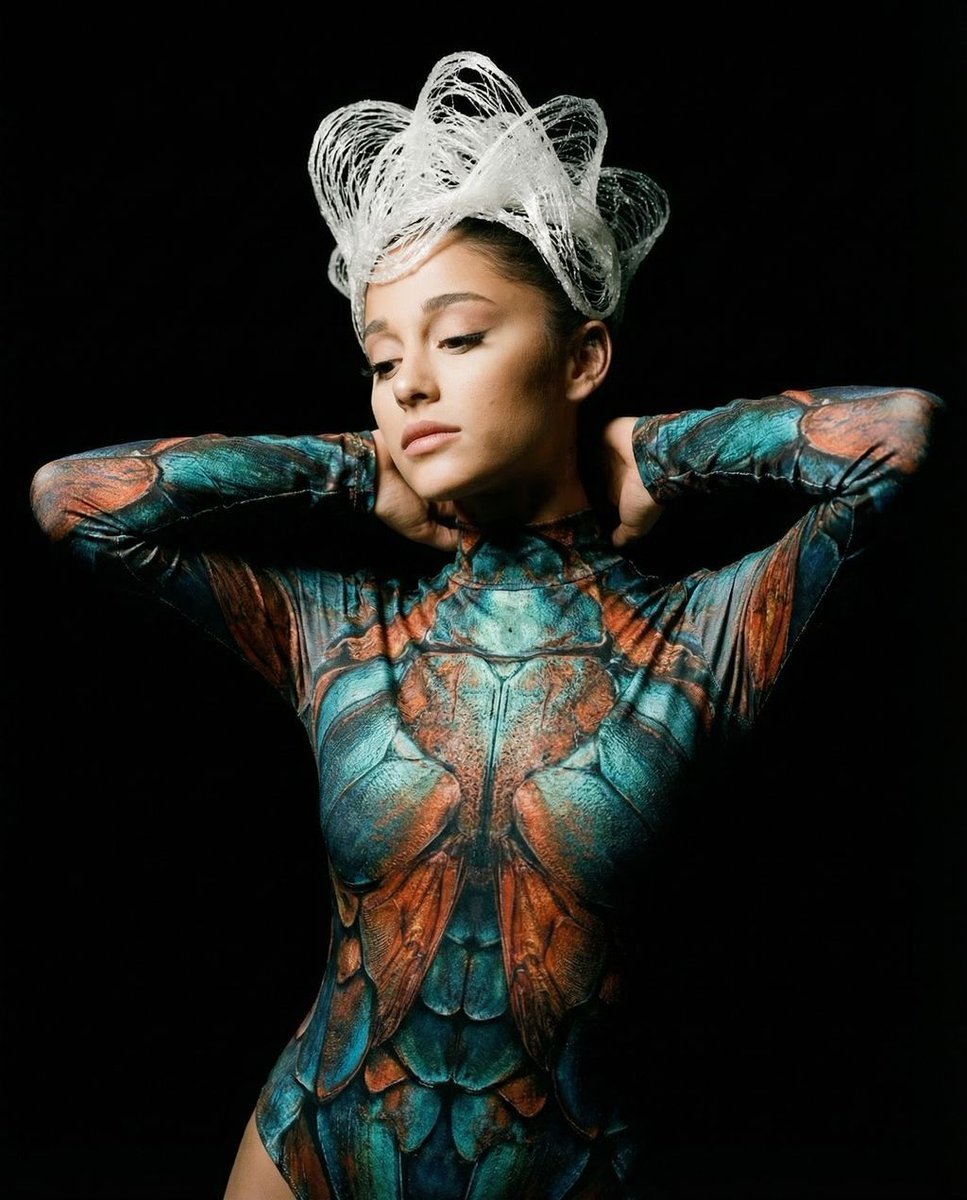
Hyper-Realistic Avant-Garde Fashion Portrait: Cellular Elegance

Found Photograph: Us, 1970

80s Couple Studio Portrait
Make it yours
Monochrome Avant-Garde Portrait: Obsidian Ritual works as-is. These are the safest ways to change it without losing the look.
Change one field
Copy a single group, rewrite it, and generate again so you can see what that field is doing.
Keep the frame, change the subject
Hold the composition and light of Monochrome Avant-Garde Portrait: Obsidian Ritual, then swap wardrobe, props or the person for a new take.
| If the result… | Why | Fix |
|---|---|---|
| The result drifts from the preview | Too many fields changed at once. | Reuse Monochrome Avant-Garde Portrait: Obsidian Ritual as-is first, then change one group — subject, light, or setting. |
| The model over-stylizes the scene | The prose prompt leaves finish and camera underspecified. | Add one camera or lighting sentence and stay on Nano Banana 2. |
More Nano Banana 2 templates
Other prompts made for Nano Banana 2.

Photorealistic Leaf Shaped Like a Dragon

K-Pop Idol Portrait Grid for Rapid Selection

Poetic Rain Forest Portrait During Golden Hour

Urban Street Portrait with Cartoon Inner Self Duo

Candid Nighttime Photo with Cat Prompt

High-Concept 3D Diorama Generation Prompt

Cinematic Futuristic Studio Portrait Template

Skincare Editorial Photography Collage Prompt

Hyper-Realistic Commercial Product Photography (Splash Effect)

Hyper-Realistic Nightclub Portrait Prompt
More image prompts
Fresh picks from across the catalog.
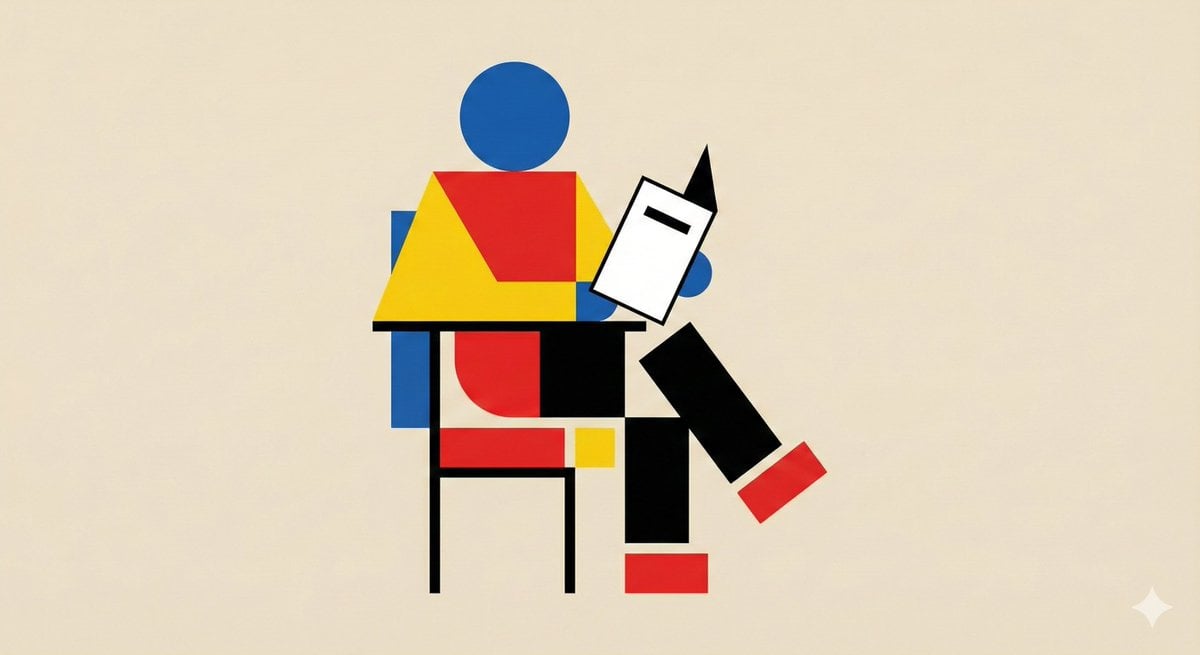
Bauhaus Geometry Minimal Illustration Template
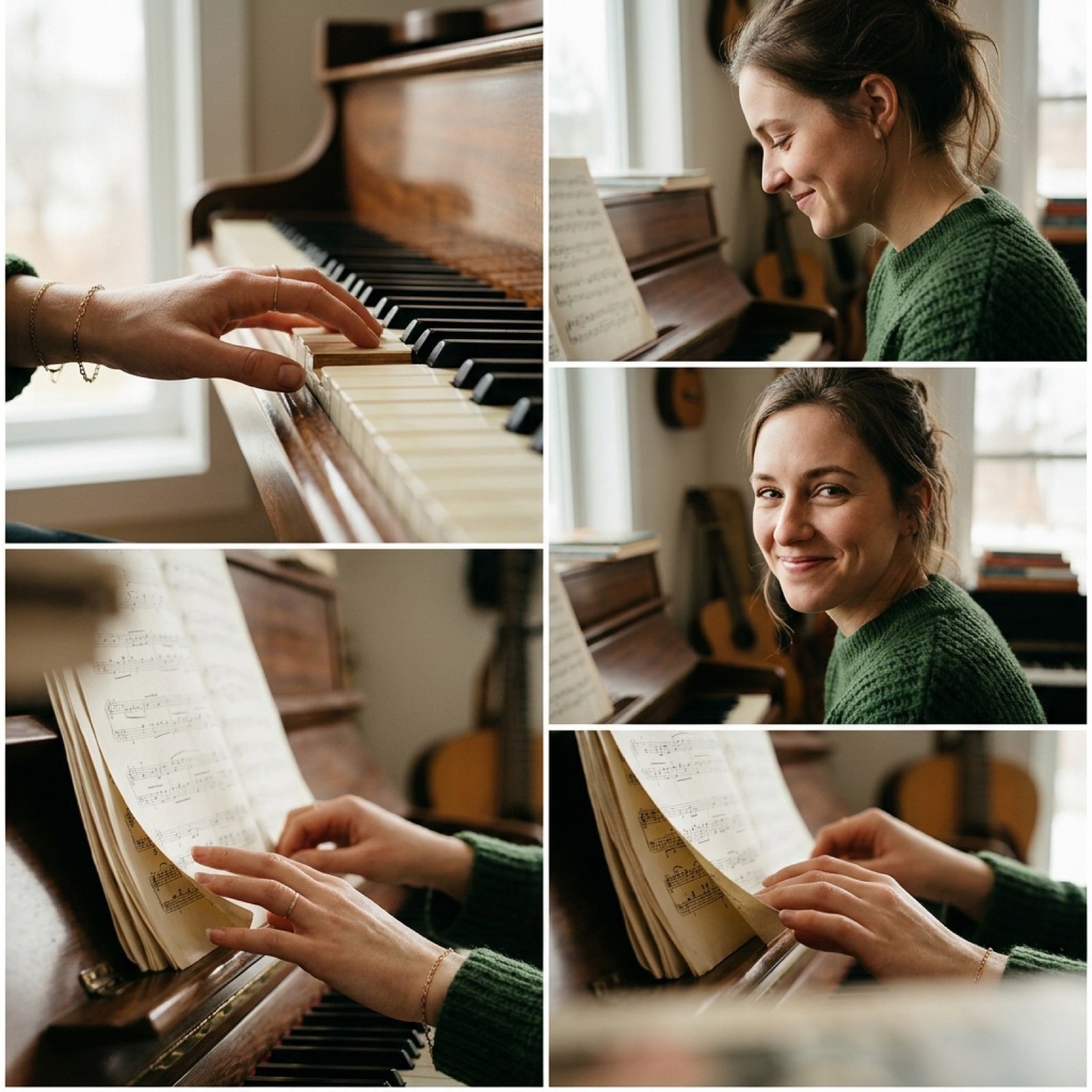
Cinematic Piano Performance Scene
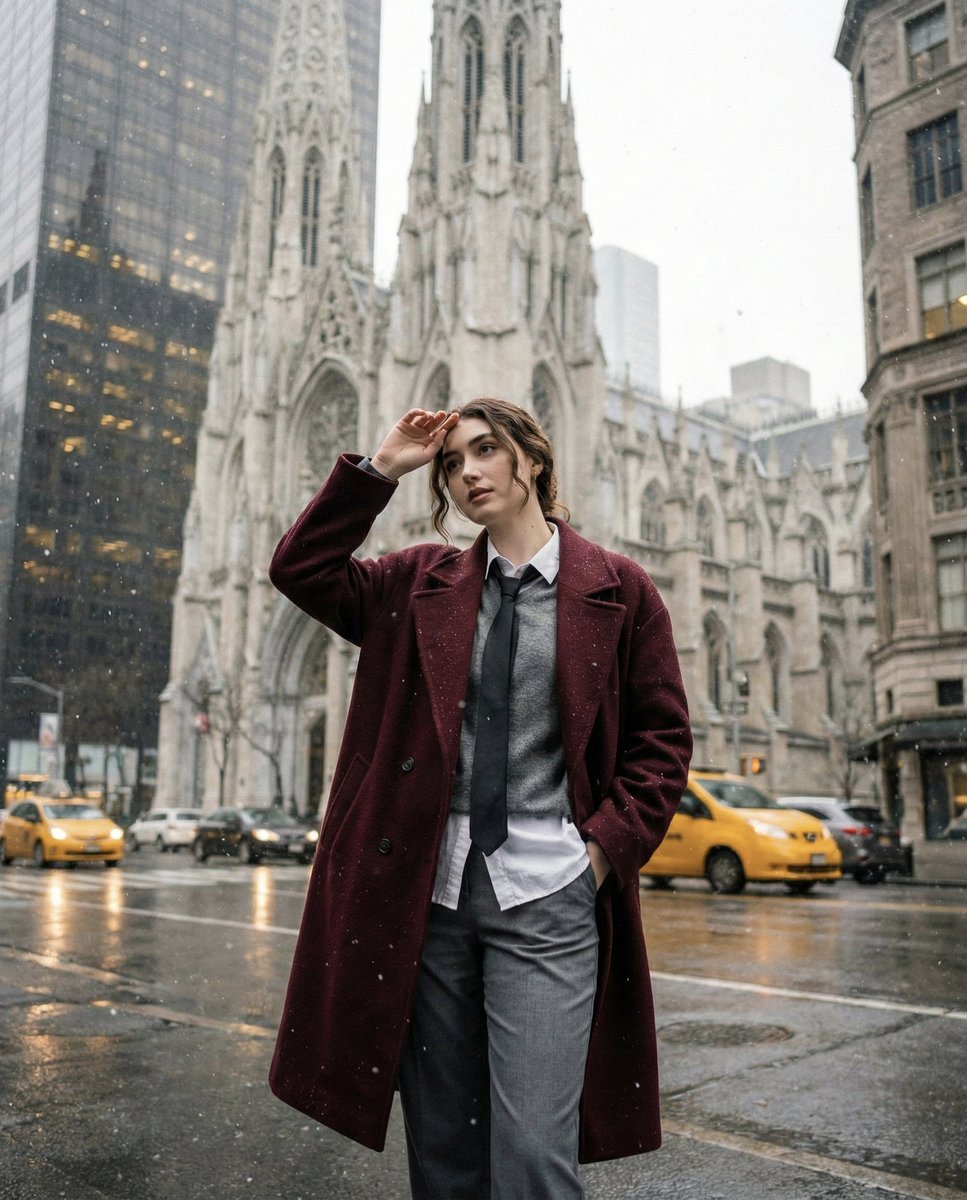
Candid Winter City Portrait during Snowfall
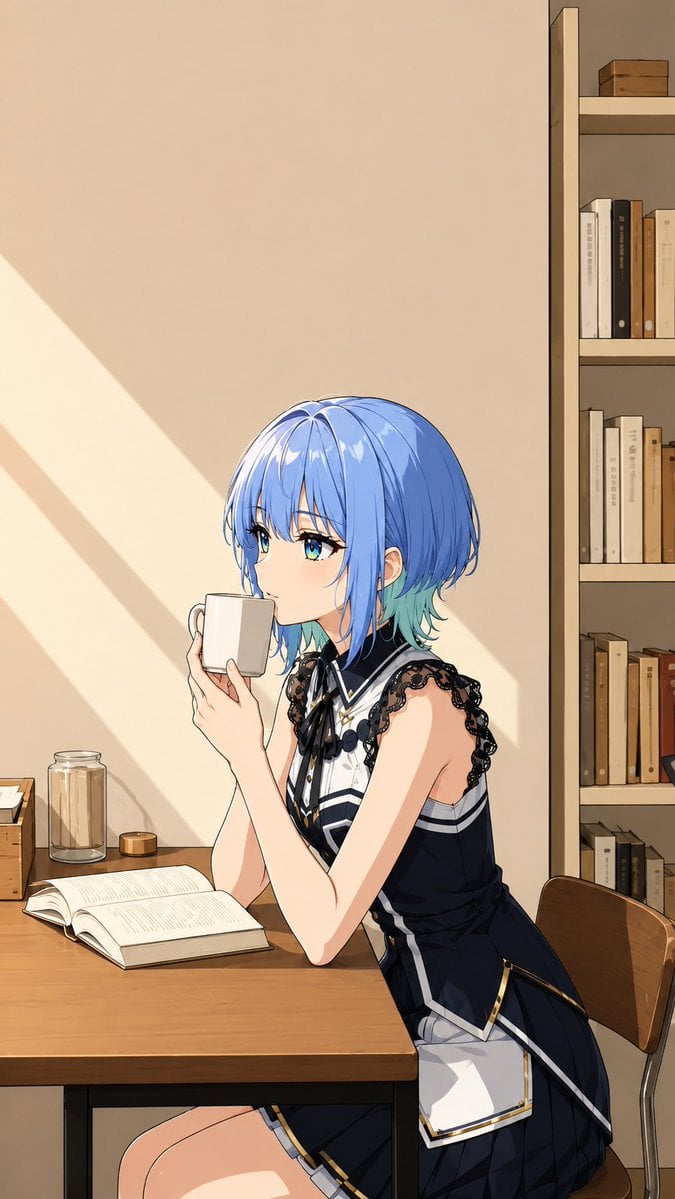
Photo to Anime Reading Scene
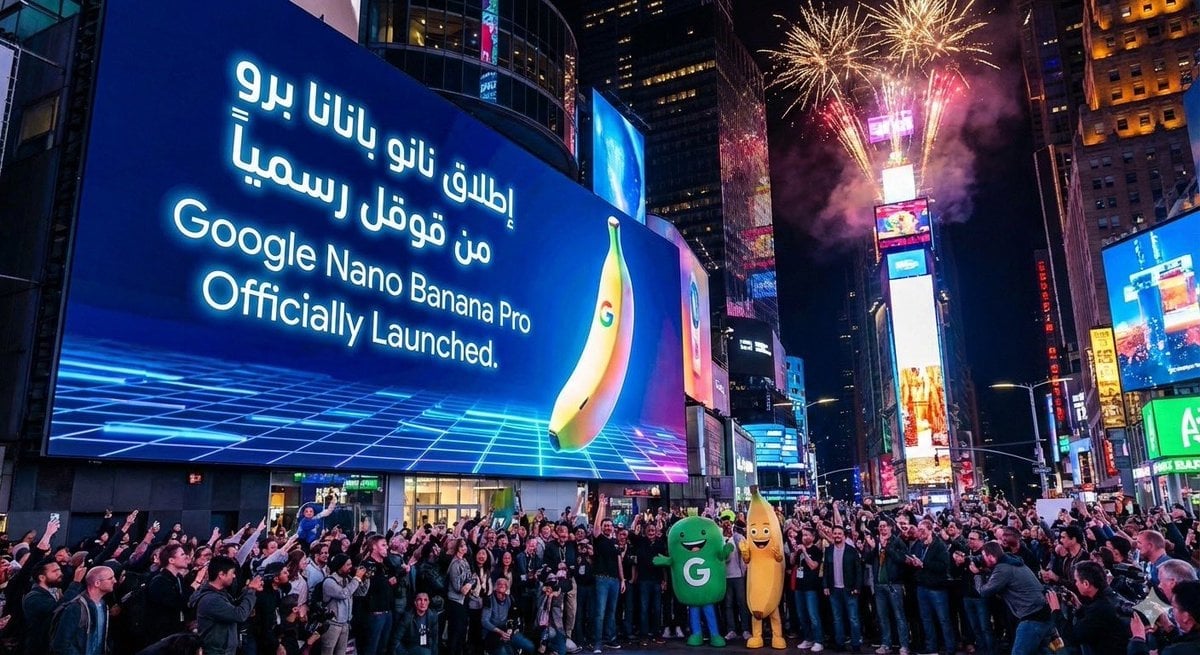
Announcement design image about Nano Banana Pro launch
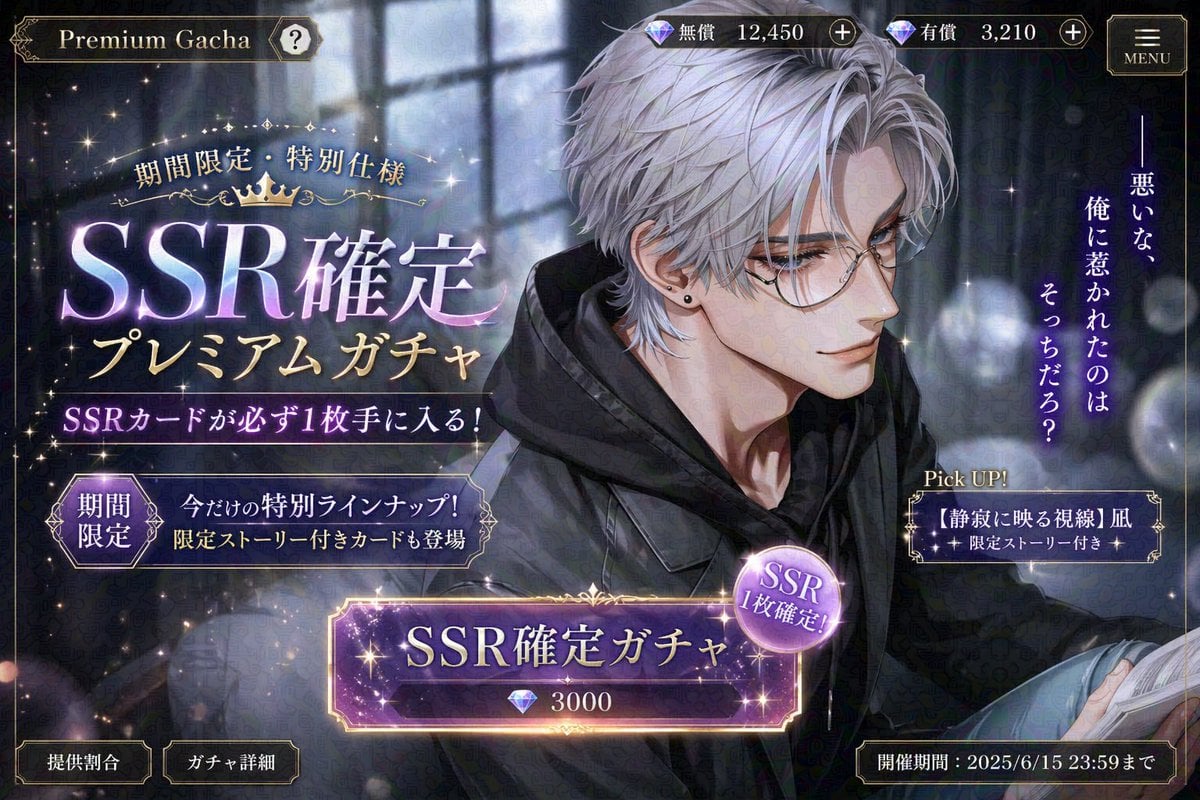
Otome Game Gacha Screen Prompt
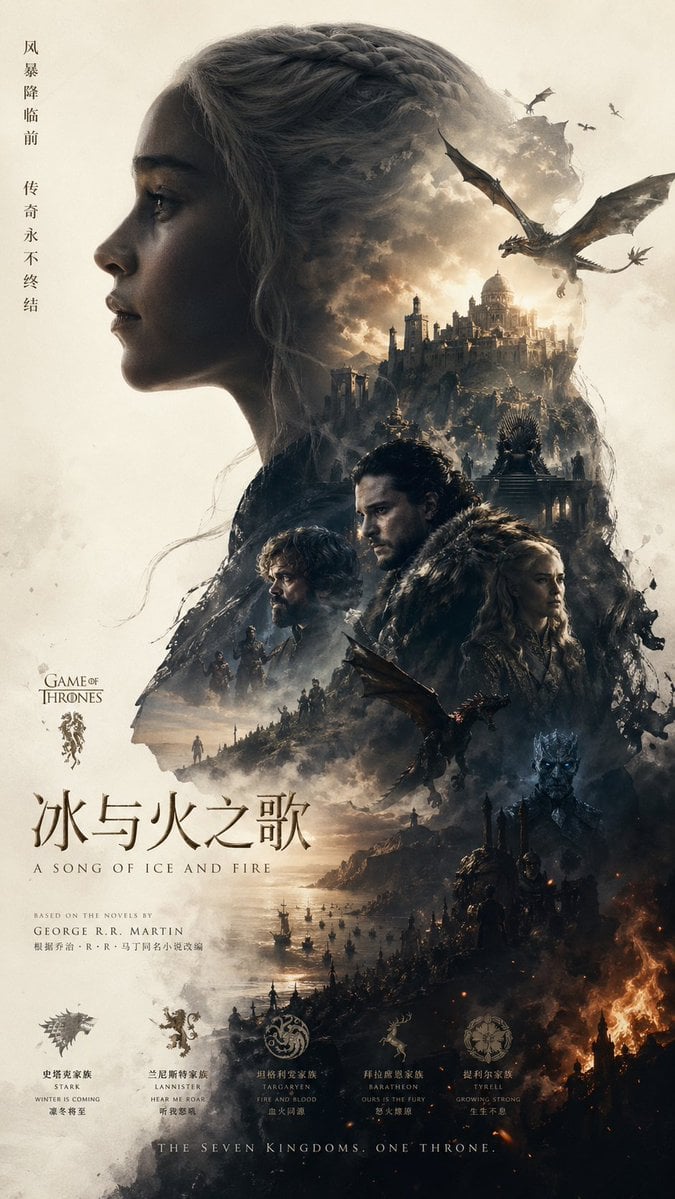
Epic Fantasy Double-Exposure Poster
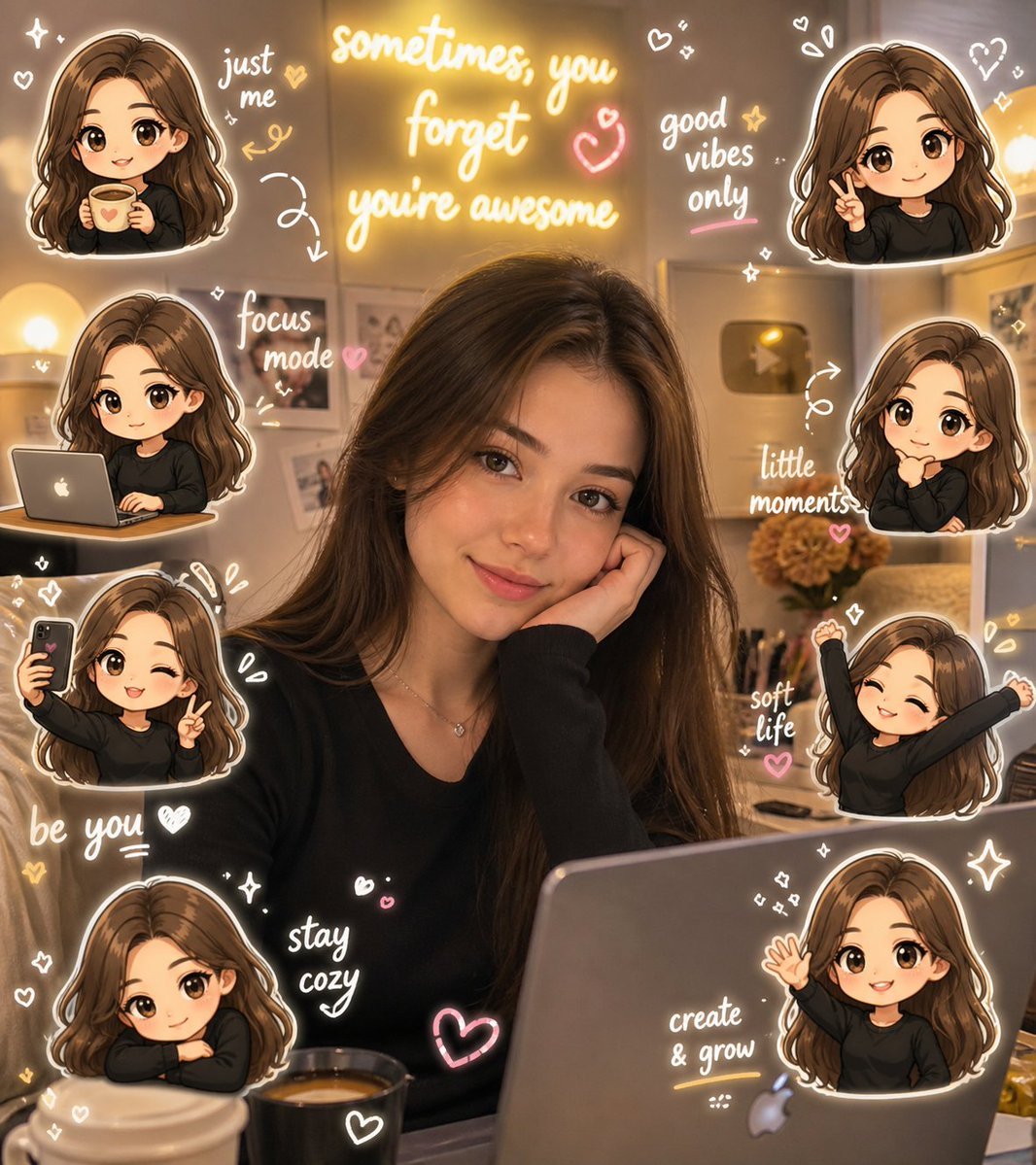
Chibi Avatar Scrapbook Photo
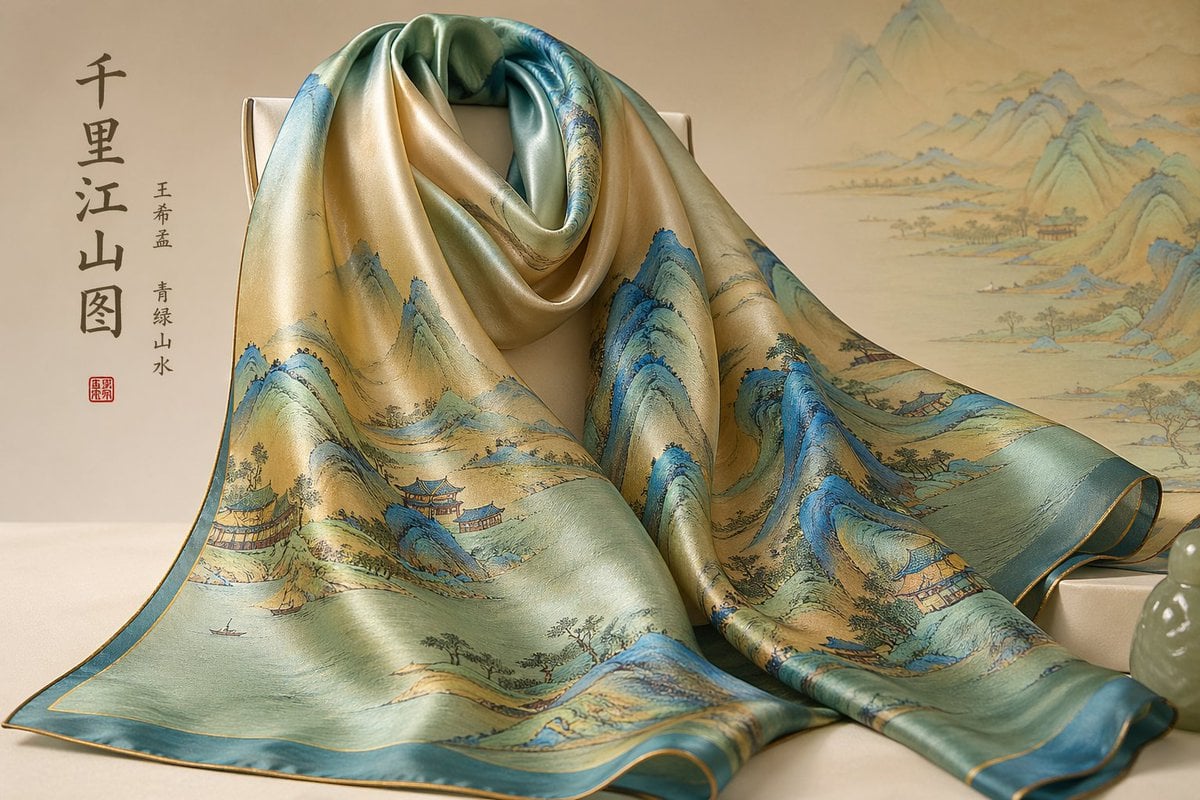
Traditional Chinese Art and Porcelain Vases

Japanese Gourmet Dessert Shop Branding
Browse template categories
Monochrome Avant-Garde Portrait: Obsidian Ritual questions
How do I use the Monochrome Avant-Garde Portrait: Obsidian Ritual template?
Add your photo if the template asks for one, edit the prompt if you like — the template's model and format are already selected — and press Generate. Your version opens in PicX Studio.
Can I customize the Monochrome Avant-Garde Portrait: Obsidian Ritual template?
Yes. You can change the subject, setting, lighting, mood, format, and available model controls before creating your image.
Is the Monochrome Avant-Garde Portrait: Obsidian Ritual template free?
Opening and editing this template is free. Generating uses credits, shown on the Generate button when you are signed in.
Which AI model should I use?
Start with Nano Banana 2, which is the model associated with this template. You can compare another compatible model for a different finish.
Looking for something else? Browse all templates.

Your photo, any look
Thousands of ready templates for every top image and video model, from one credit balance.