
Chibi Avatar Scrapbook Photo
A creative prompt that transforms a portrait into a scrapbook composition by adding multiple chibi versions of the subject with aesthetic doodles and handwritten text.
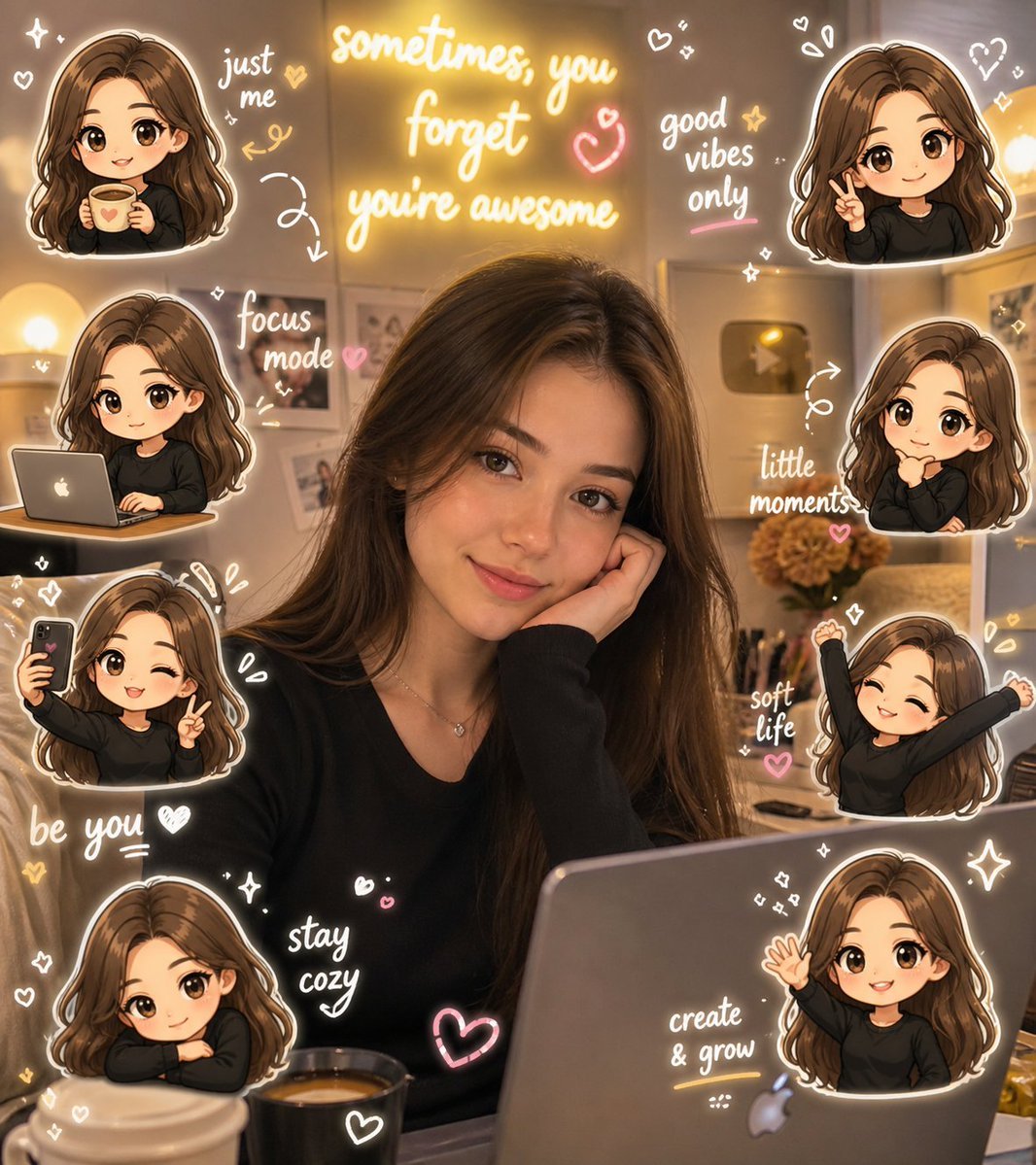
- Prompt included
- Model and format preset
- Free template
The prompt behind this image
Copy the exact prompt behind Chibi Avatar Scrapbook Photo, or open it in the studio and make it yours.
Chibi Avatar Scrapbook Photo Prompt (Based on Uploaded Female Portrait) Use the uploaded image of a young woman as the base. Do NOT add any new person. Transform the existing subject into a chibi scrapbook-style composition while fully preserving her real identity, face, hairstyle, {argument name="hair color" default="long soft brown hair"}, natural makeup, {argument name="outfit tone" default="black outfit"}, pose, lighting, and cozy indoor aesthetic. [Theme Detection] The scene reflects a {argument name="mood" default="cozy lifestyle / selfie / workspace vibe"} with soft lighting, aesthetic room elements, a motivational neon sign, and a laptop desk setup. Maintain a calm, stylish, slightly productive lifestyle mood throughout. [Chibi Avatars] Add 5–8 chibi mini versions of the SAME girl: - same long soft brown hair (slight waves) - same outfit tone (black top) - same gentle, confident expression Style: - kawaii chibi sticker style - big head, small body proportions - expressive cute eyes - soft pastel shading - clean, high-quality sticker finish [Chibi Actions – no repetition] - holding coffee - working on laptop - taking selfie - relaxed leaning pose - peace sign - thinking pose - stretching / chill pose - smiling & waving [Sticker Placement] - Place chibi avatars around edges and empty areas only - Do NOT cover the main face or body - Add white outline + soft drop shadow - Slight floating sticker effect [Doodles] Add subtle scrapbook-style doodles: - hearts, sparkles, stars, arrows - aesthetic lines and circles - soft glowing accents Color palette: white + warm yellow + soft pink (matching neon vibe) [Handwritten Text] Add 5–8 short aesthetic phrases: - "just me " - "soft life" - "stay cozy" - "little moments" - "focus mode" - "good vibes only" - "create & grow" - "be you " Style: - handwritten font - white text with soft glow - selective highlights in pink/yellow [Composition] - Center focus: real girl (unchanged) - Surround with chibi stickers + doodles + text - Keep layout balanced, clean, not cluttered [Style Keywords] realistic photo + chibi stickers, kawaii aesthetic, cozy lifestyle, warm lighting, scrapbook diary, soft glow, high detail, Instagram aesthetic [Final Output] A polished, high-quality, social-media-ready scrapbook image combining: realistic subject + cute chibi extensions + aesthetic doodles [Avoid] - altering facial identity - over-beautifying or AI face distortion - cluttered composition - unrelated/random elements - covering the subject
How to use Chibi Avatar Scrapbook Photo in 3 steps
- 1Upload ImagePNG, JPG or paste
Add your photo
Upload the photo the template builds on. The prompt, model and format are already set.
- 2…a portrait of your subject in softgolden-hour light, 85mm…
Personalize
Edit the subject and creative details for your destination.
- 3Generate
Generate
Press Generate — your image is created in PicX Studio, so you can compare it with the original and refine one variable at a time.
More like this
Templates with the same subject, style or setup. Open one to see its prompt.

Cute Layered Paper Cut Chibi Girl

Pixar-Style Chibi Café Morning Scene
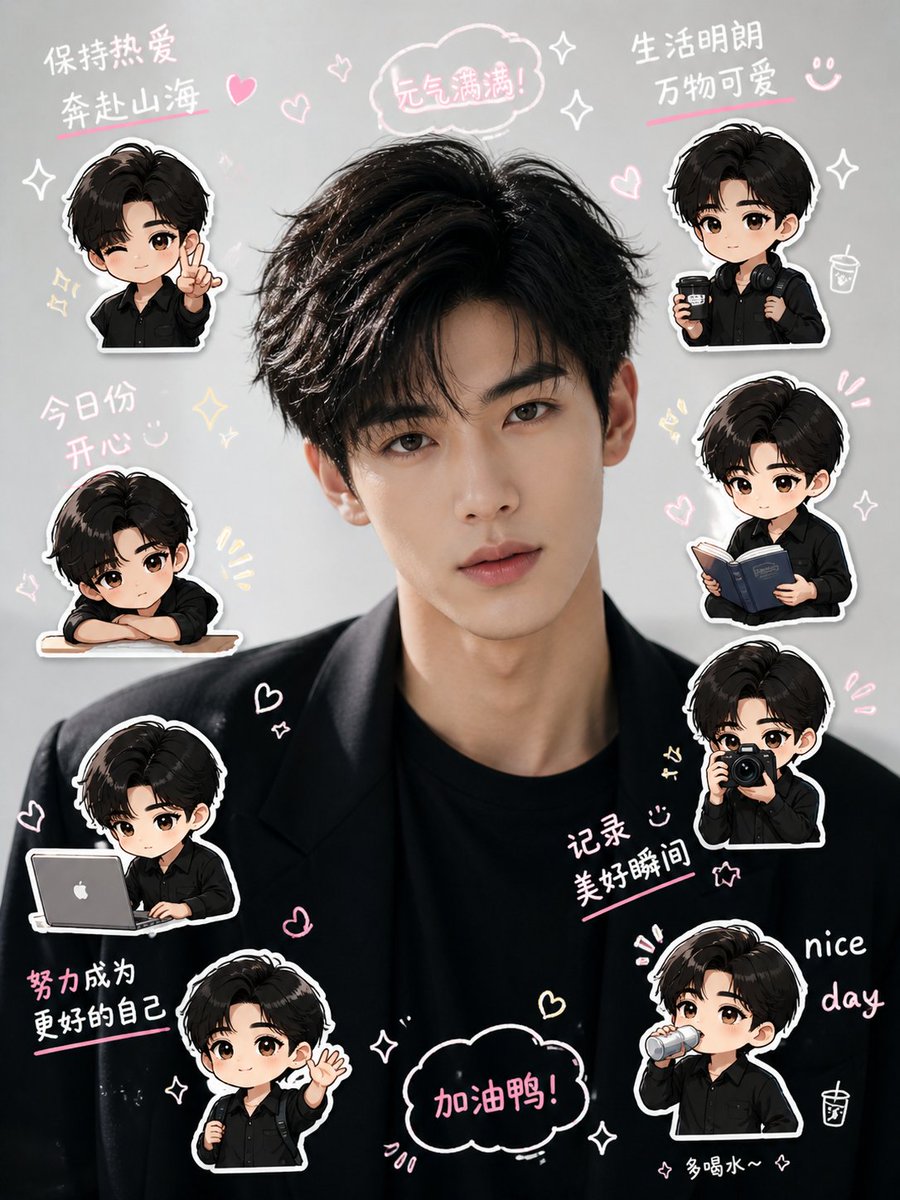
Chibi Mini-Me Scrapbook Portrait
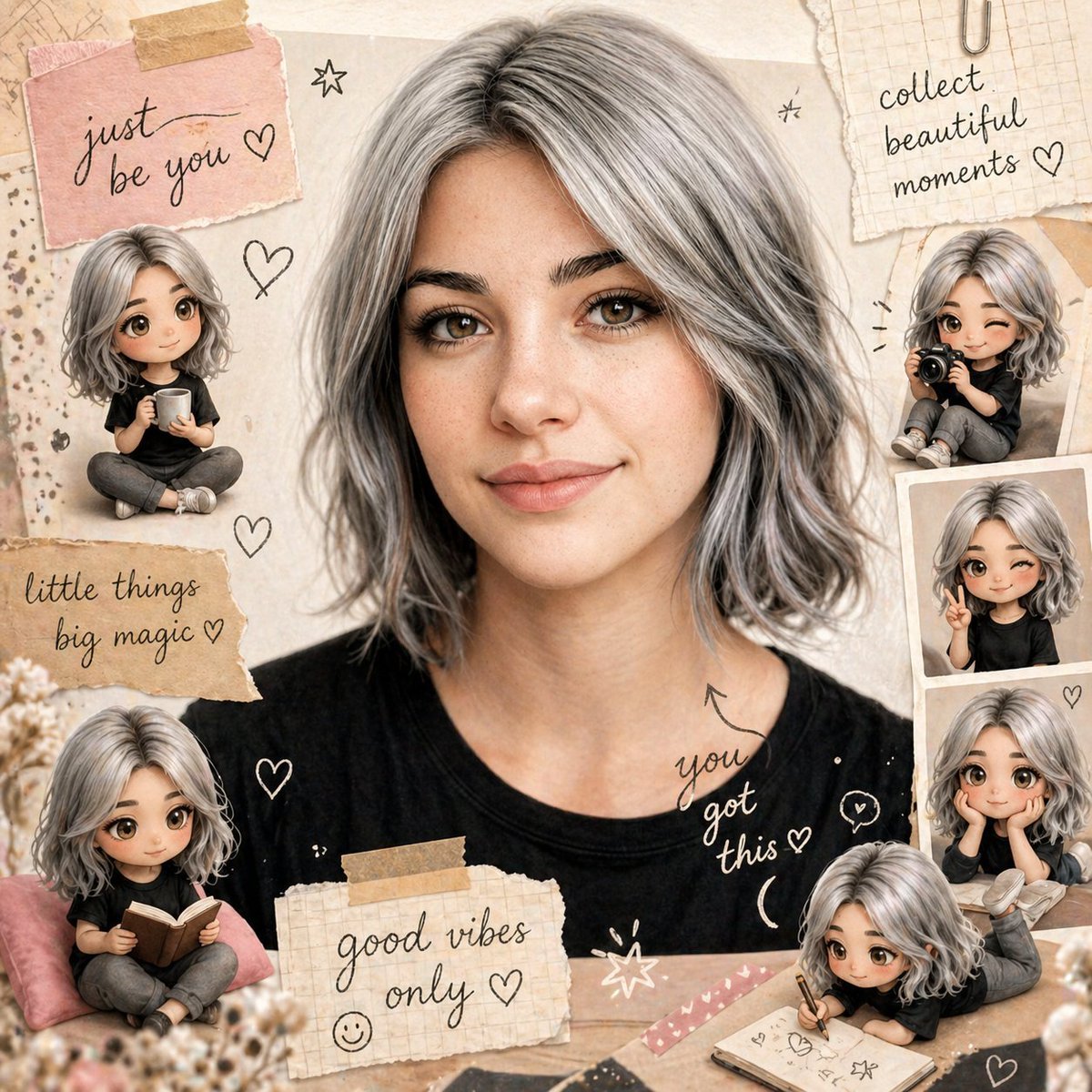
Scrapbook Chibi Transformation

Nano Banana Pro Pink Office Chibi

Chibi Anime Ninja Sticker Sheet
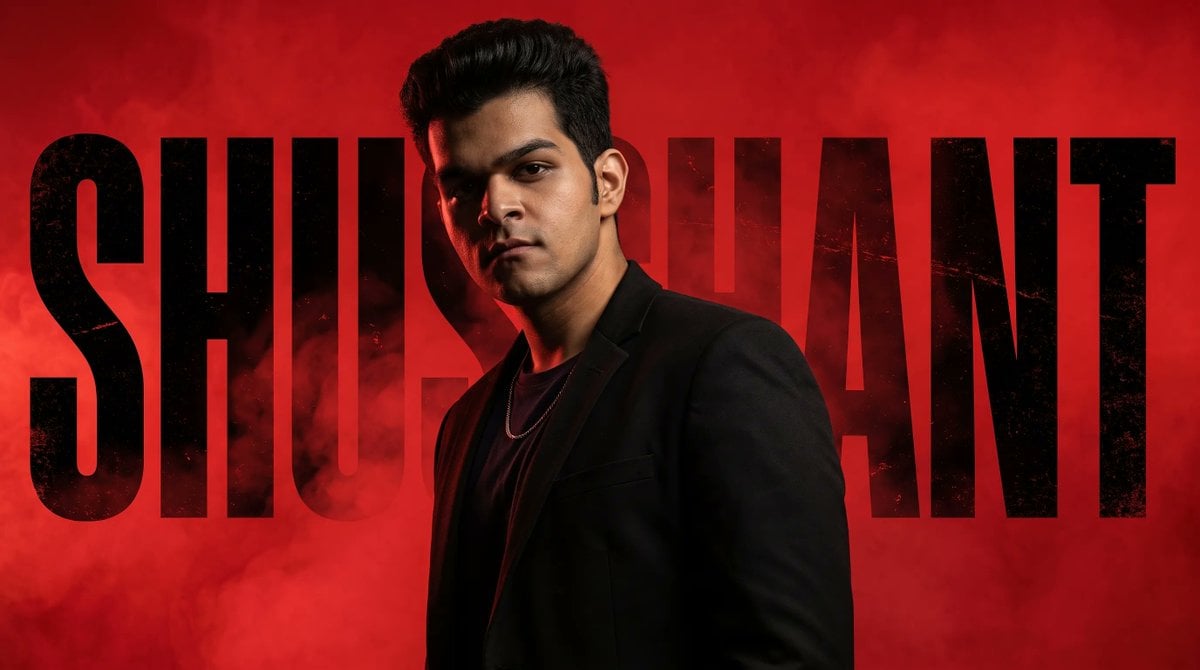
Neo-Noir Typographic Avatar Poster
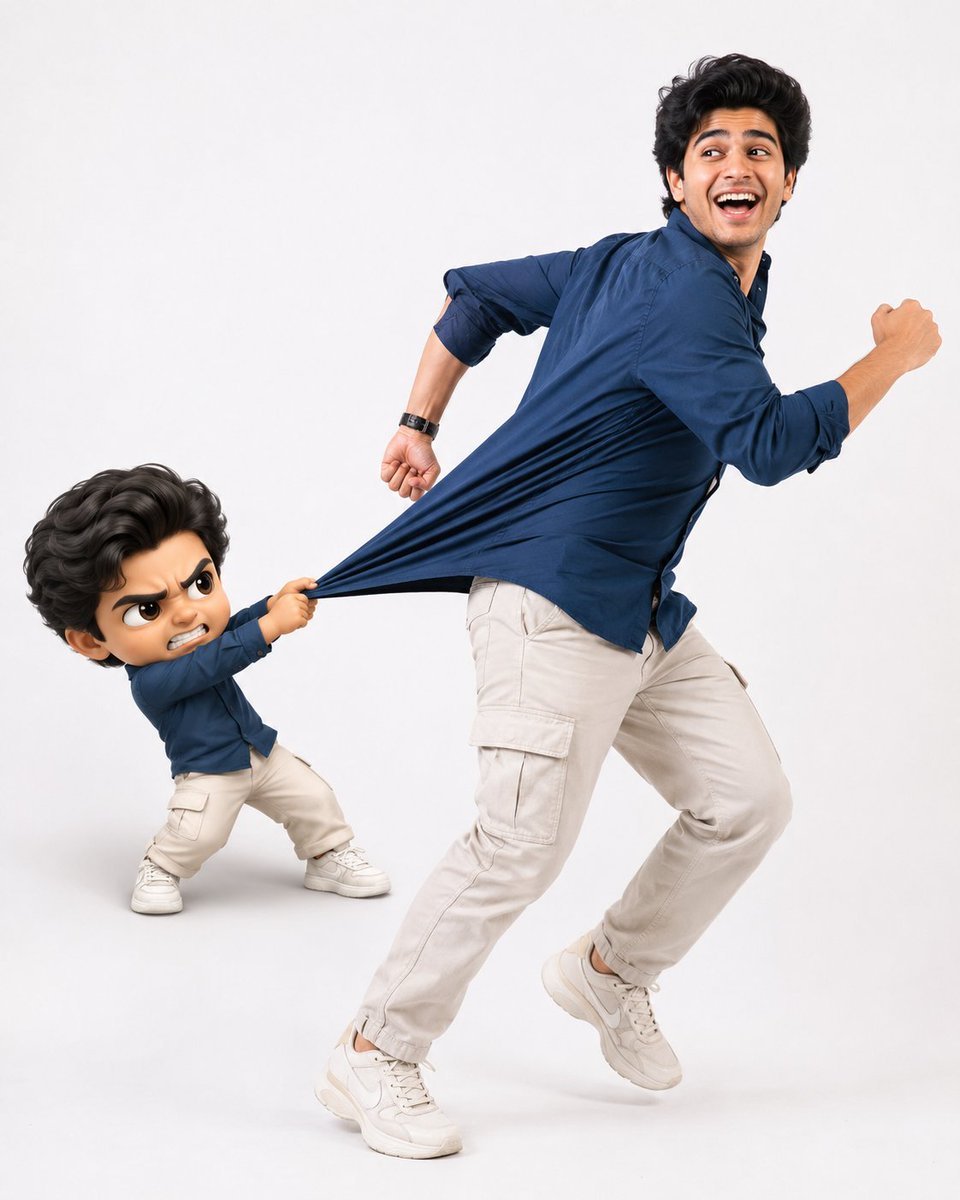
Playful Semi-Chibi Lifestyle Editorial

Halloween Nun Chibi Character Sheet
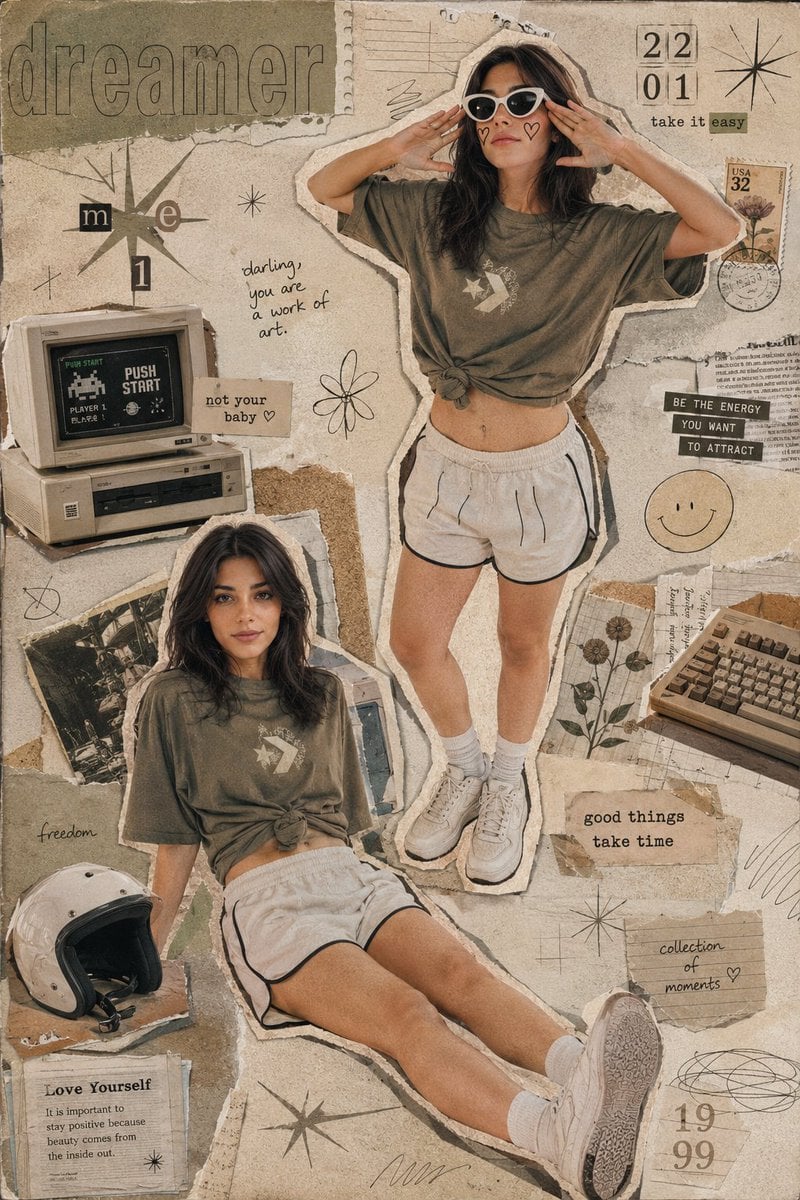
Y2K Retro Scrapbook Collage Poster
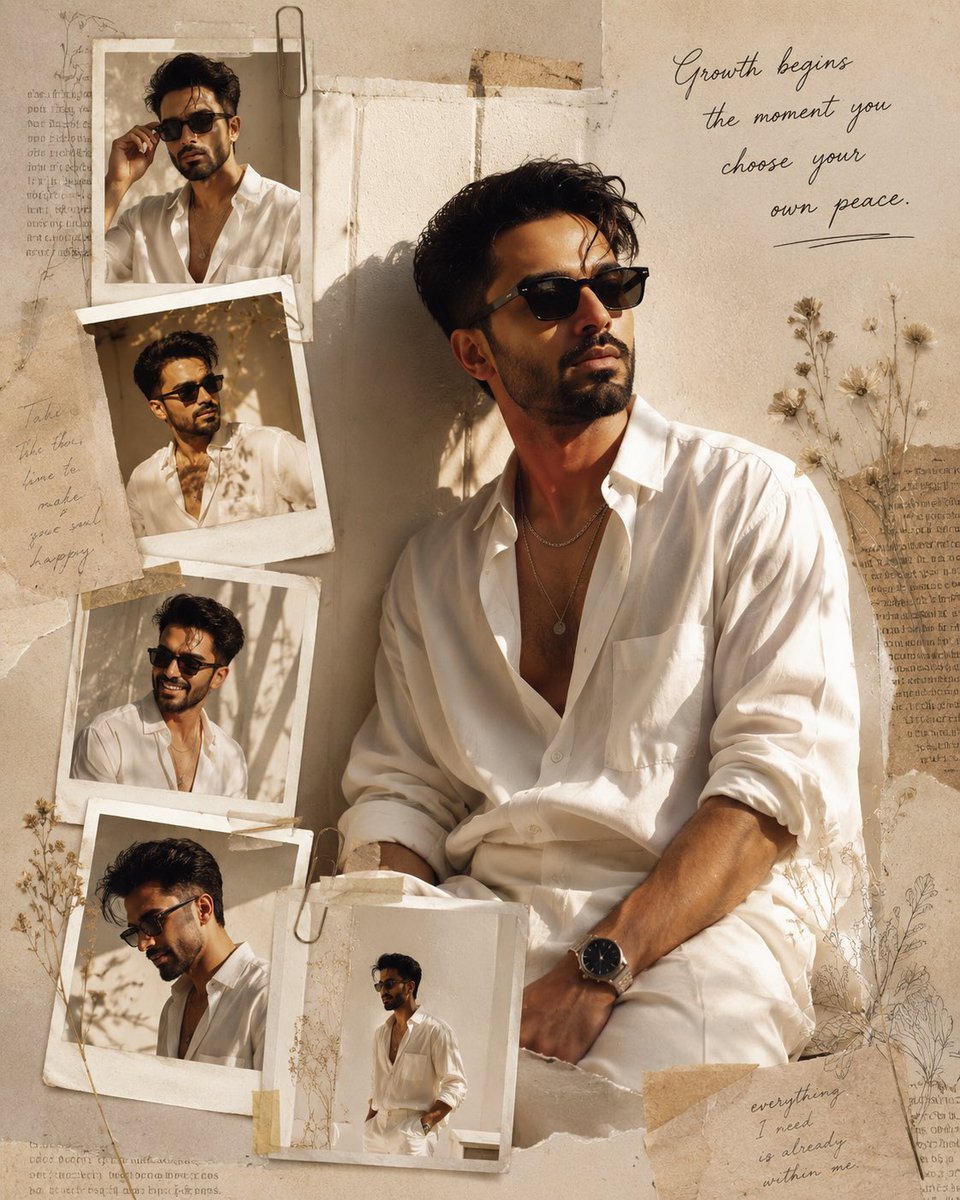
Luxury Fashion Editorial Scrapbook
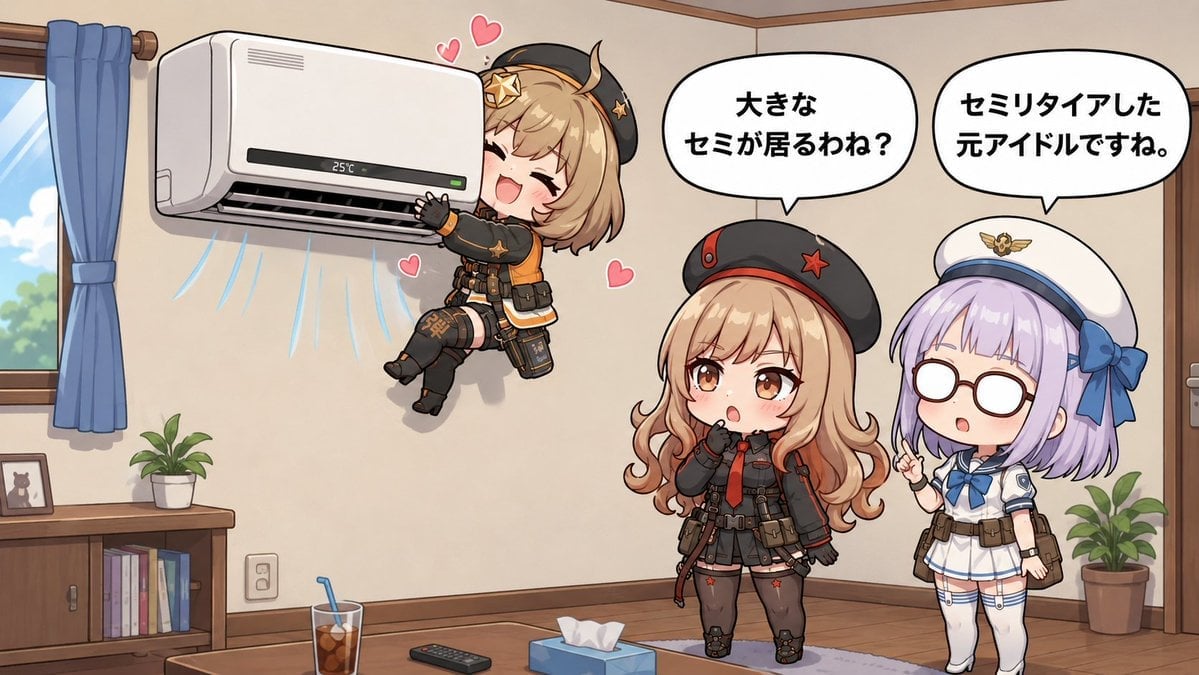
Chibi Girls Hugging Air Conditioner Comic
Make it yours
Chibi Avatar Scrapbook Photo works as-is. These are the safest ways to change it without losing the look.
Change one field
Copy a single group, rewrite it, and generate again so you can see what that field is doing.
Keep the frame, change the subject
Hold the composition and light of Chibi Avatar Scrapbook Photo, then swap wardrobe, props or the person for a new take.
| If the result… | Why | Fix |
|---|---|---|
| The result drifts from the preview | Too many fields changed at once. | Reuse Chibi Avatar Scrapbook Photo as-is first, then change one group — subject, light, or setting. |
| The model over-stylizes the scene | The prose prompt leaves finish and camera underspecified. | Add one camera or lighting sentence and stay on GPT Image 2. |
More GPT Image 2 templates
Other prompts made for GPT Image 2.

Six VTuber Japanese Logo Sheet

Realistic Portrait of Woman and Deer

The Vista Modular Condo Poster

AI Model Routing Comparison Infographic

2.5D Anime Art Board

Isometric Productivity Desk Scene

New York Double Exposure Poster

Four-Panel AI Landscape Comparison

Japanese Tatami Lifestyle Magazine Cover

NESCAFÉ Coffee Map Poster
More image prompts
Fresh picks from across the catalog.
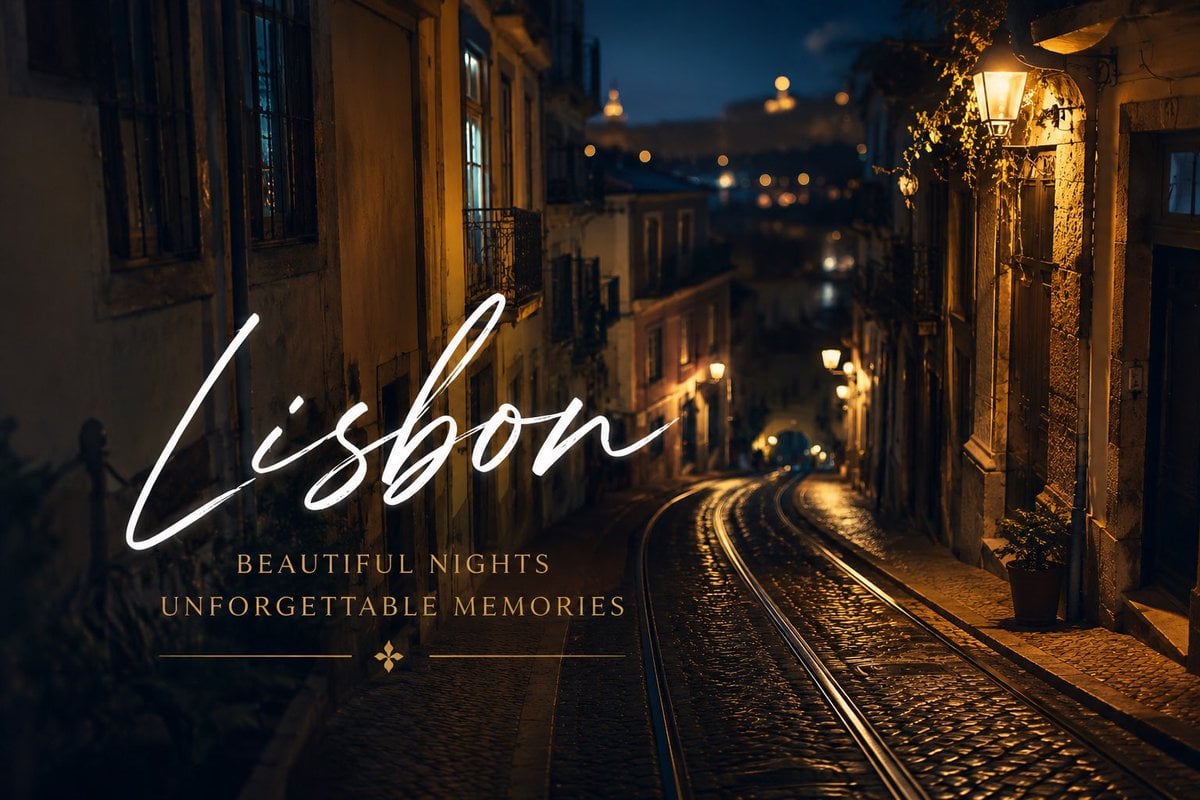
Lisbon Night Travel Poster
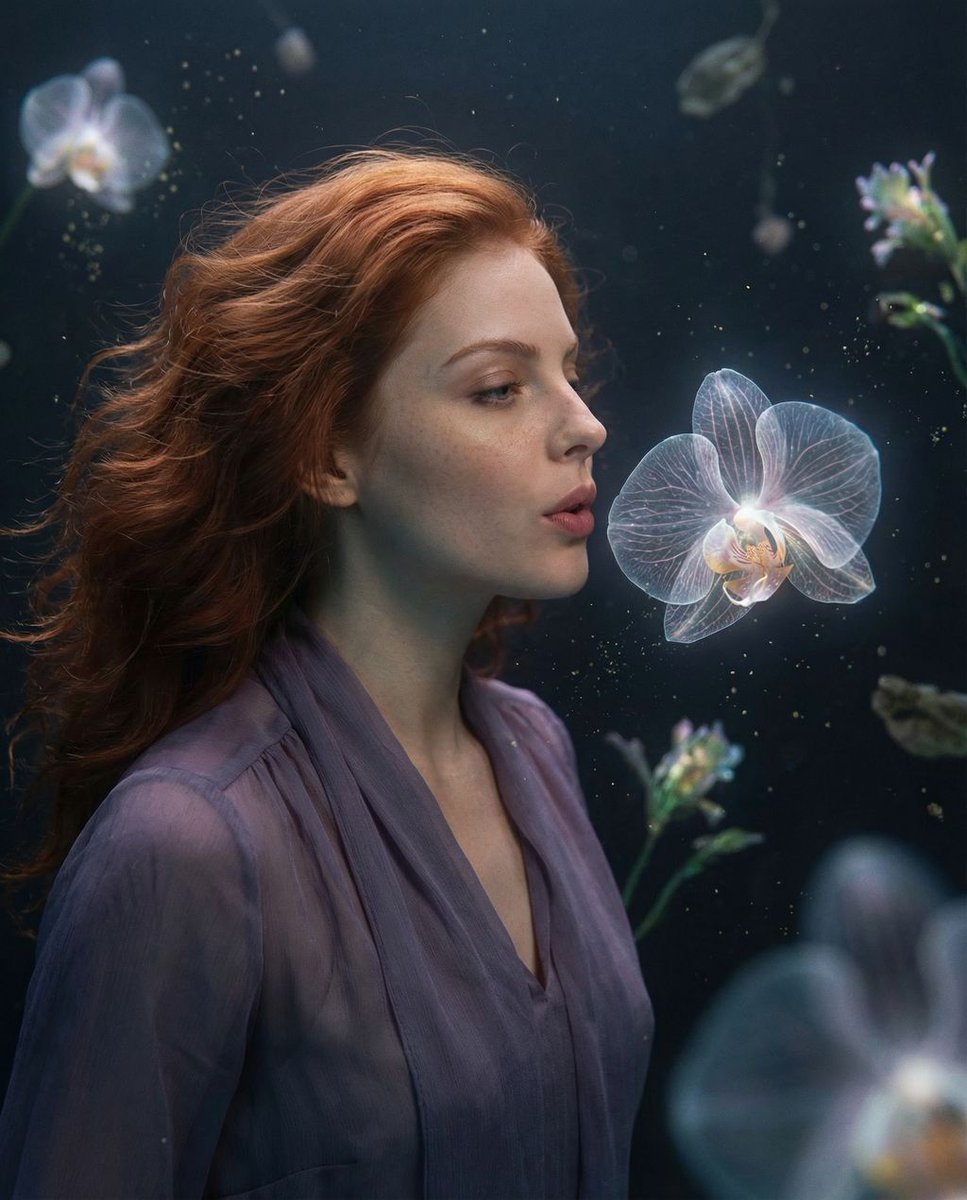
Cosmic Botanical Dream Editorial Fashion Prompt
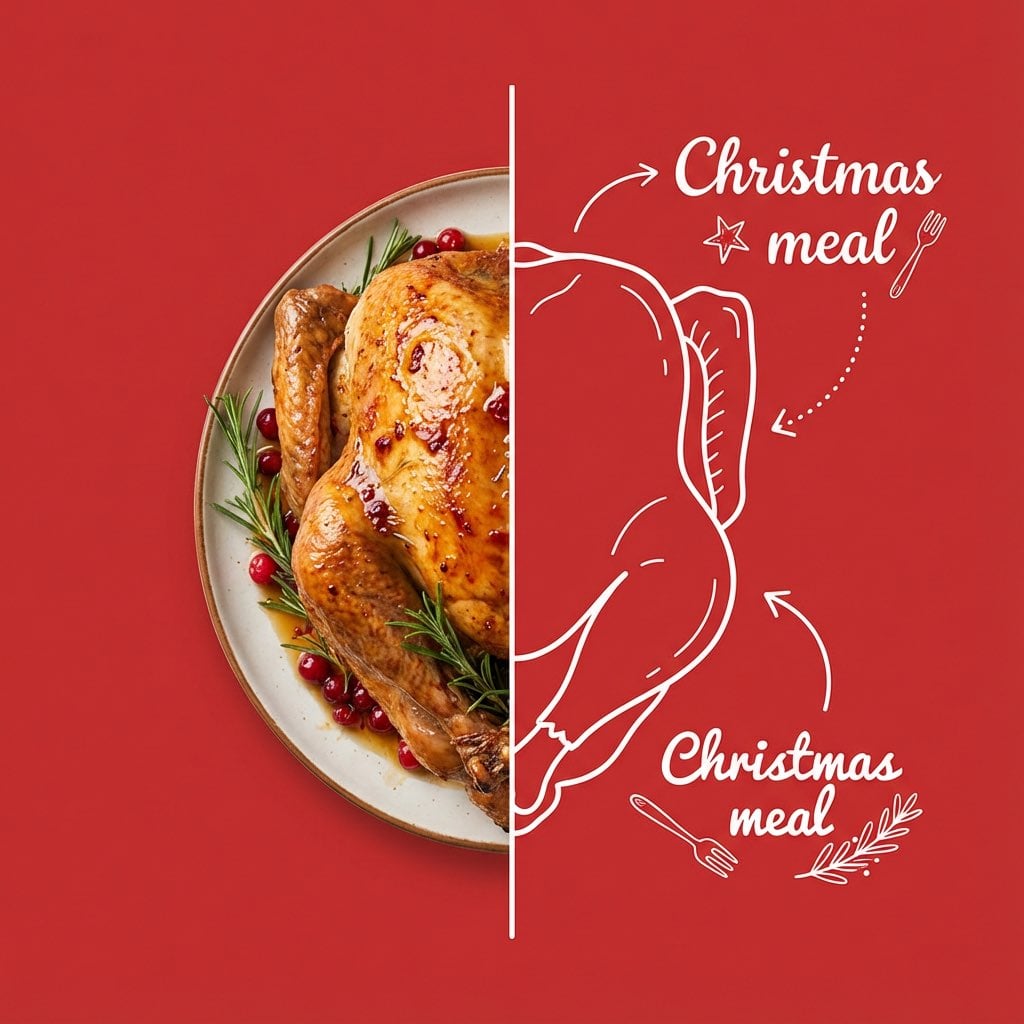
Culinary Poster with Split Photo/Illustration Design
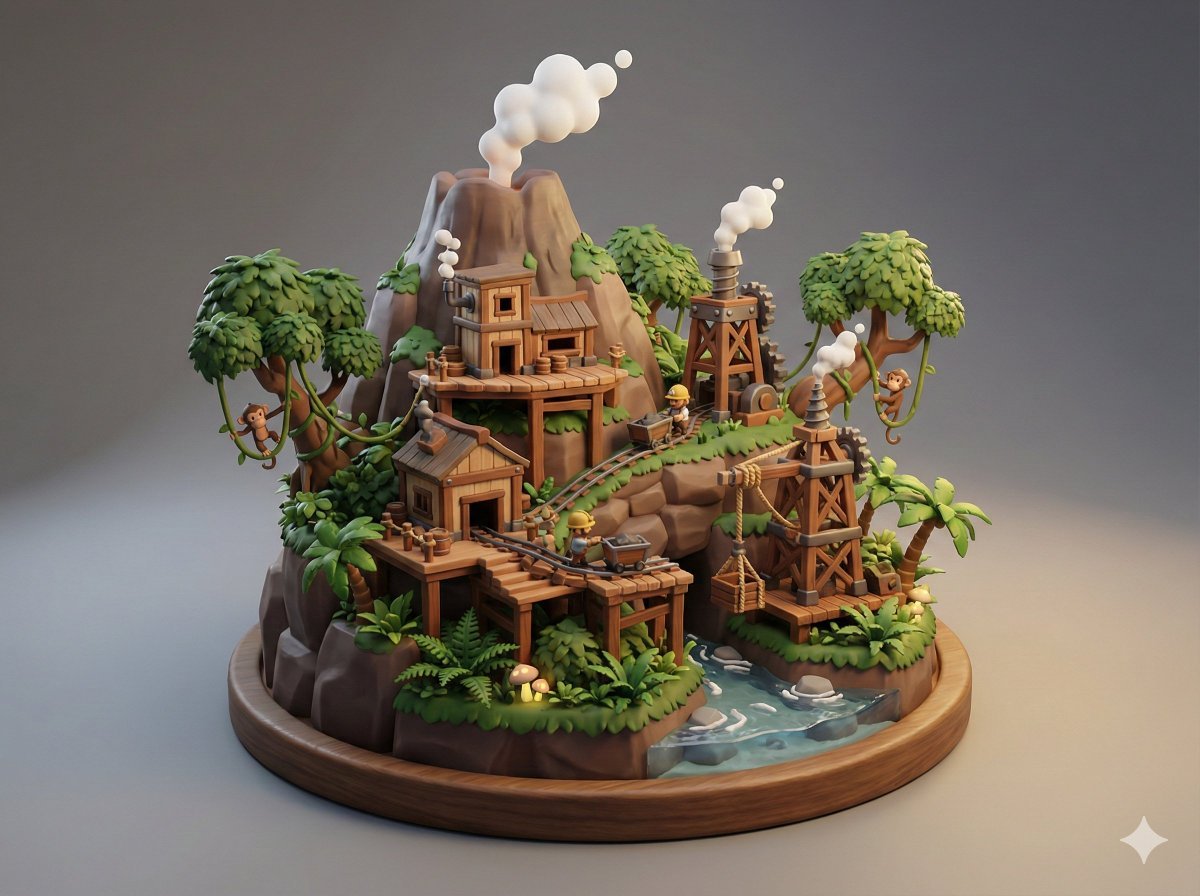
Collectible Miniature Diorama of a Rugged Mining Settlement
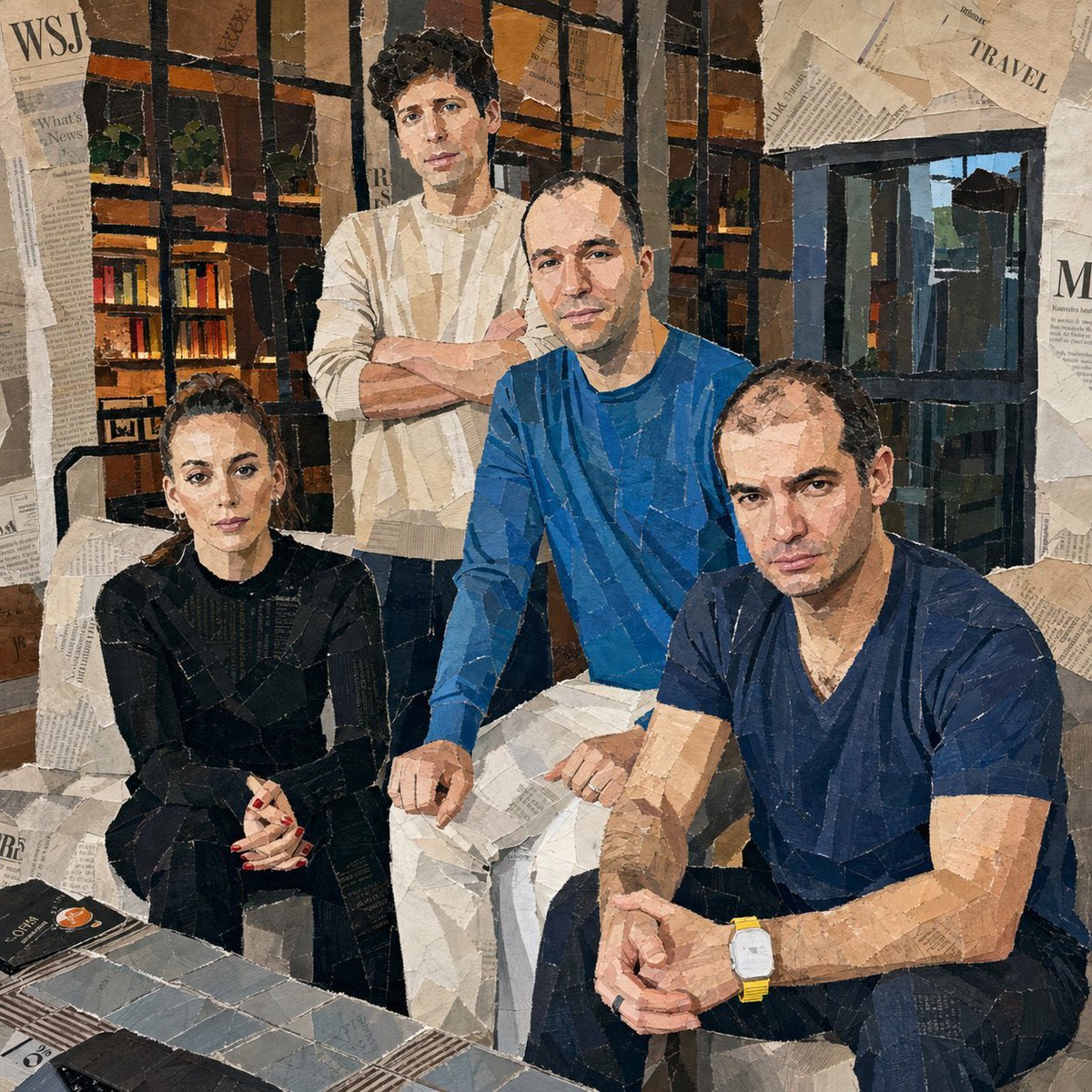
Hand-Torn Paper Collage Artwork
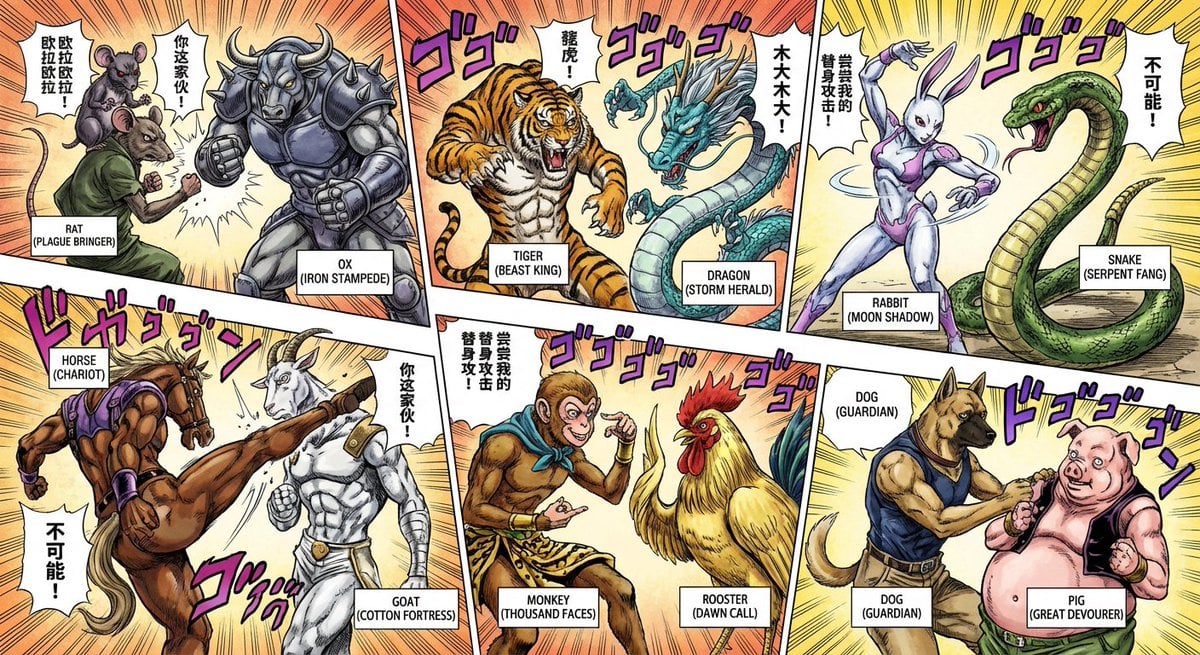
Nano Banana Pro brand hero image (variant tweet)
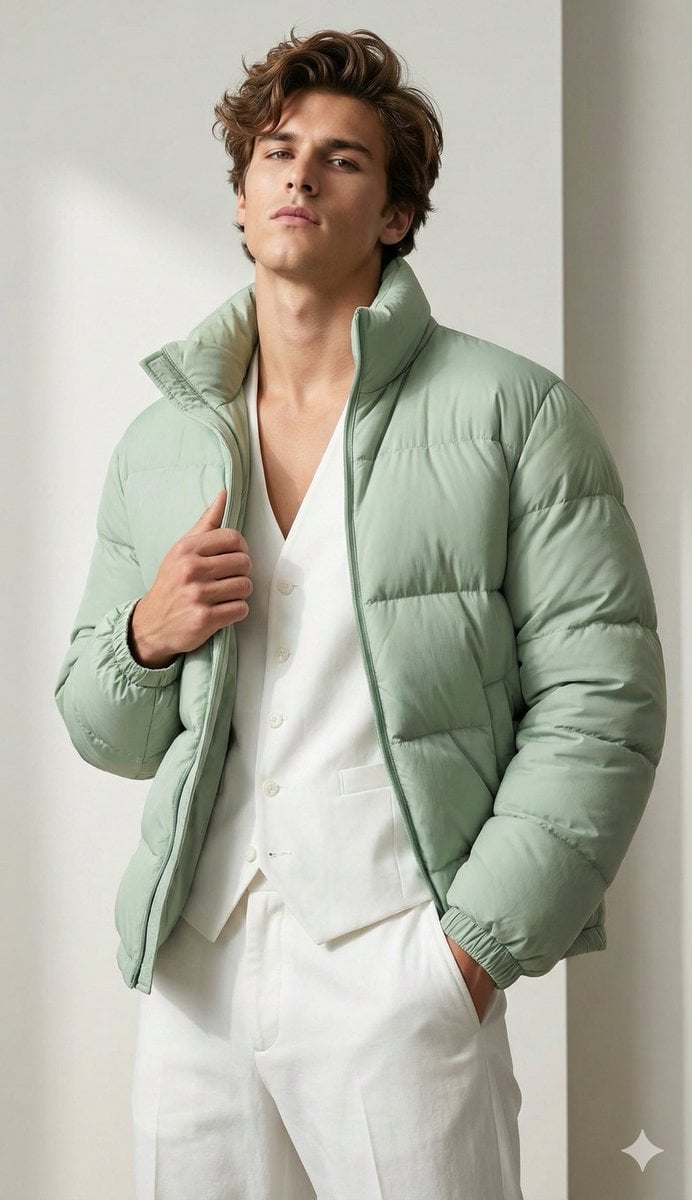
Stylish Man Attitude Pose Prompt (Image Reference)
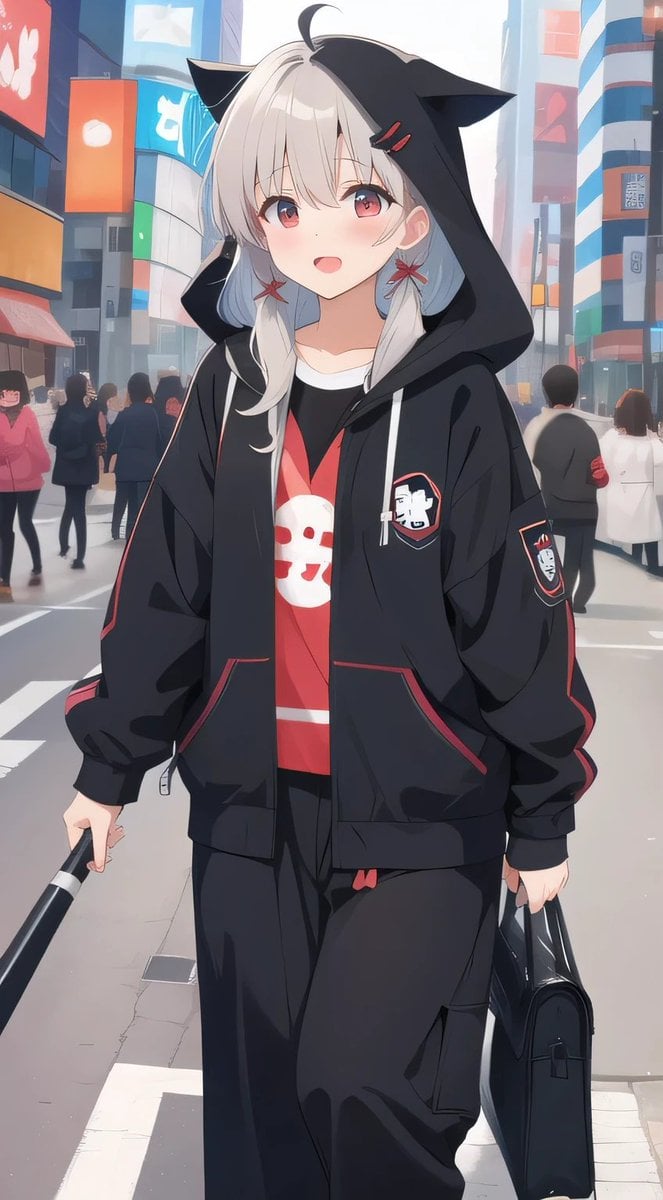
Cat-Ear Hoodie Anime City Portrait
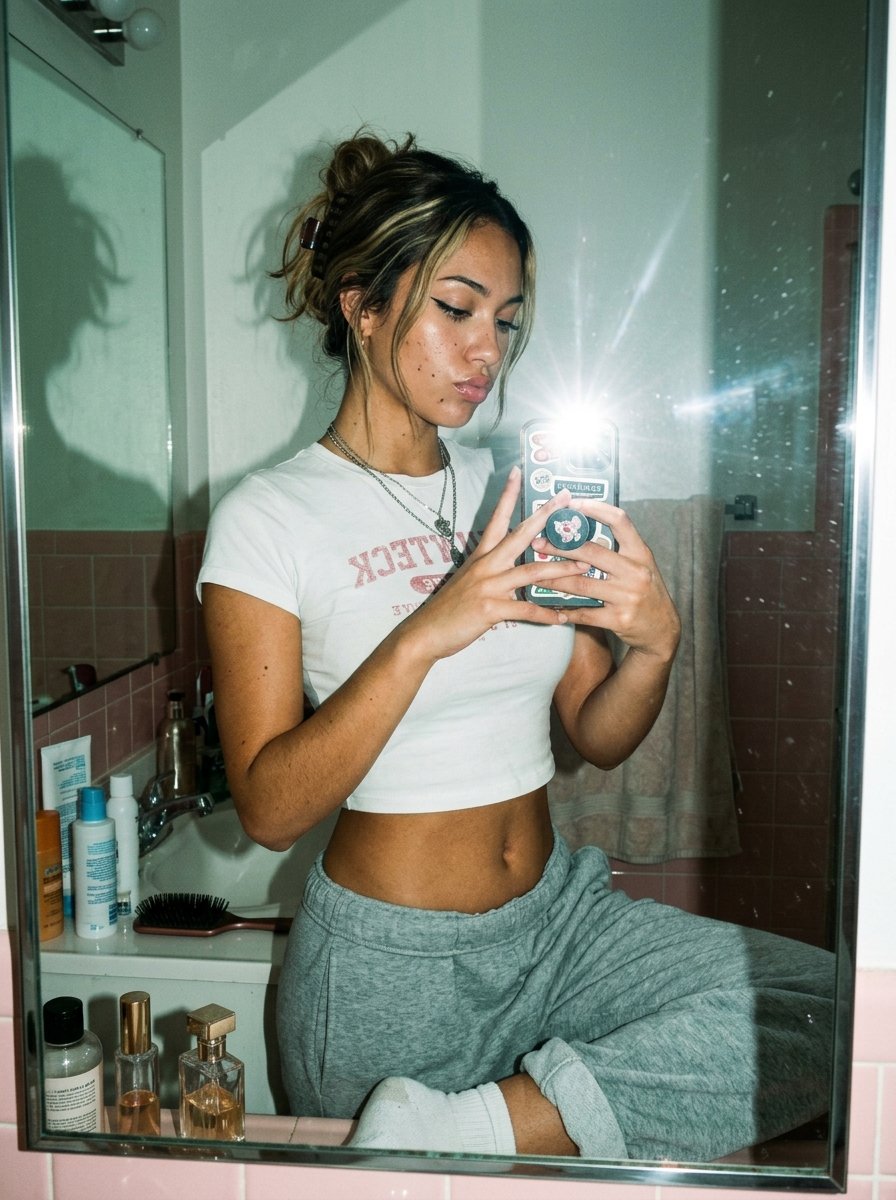
Flash Mirror Selfie in Retro Bathroom
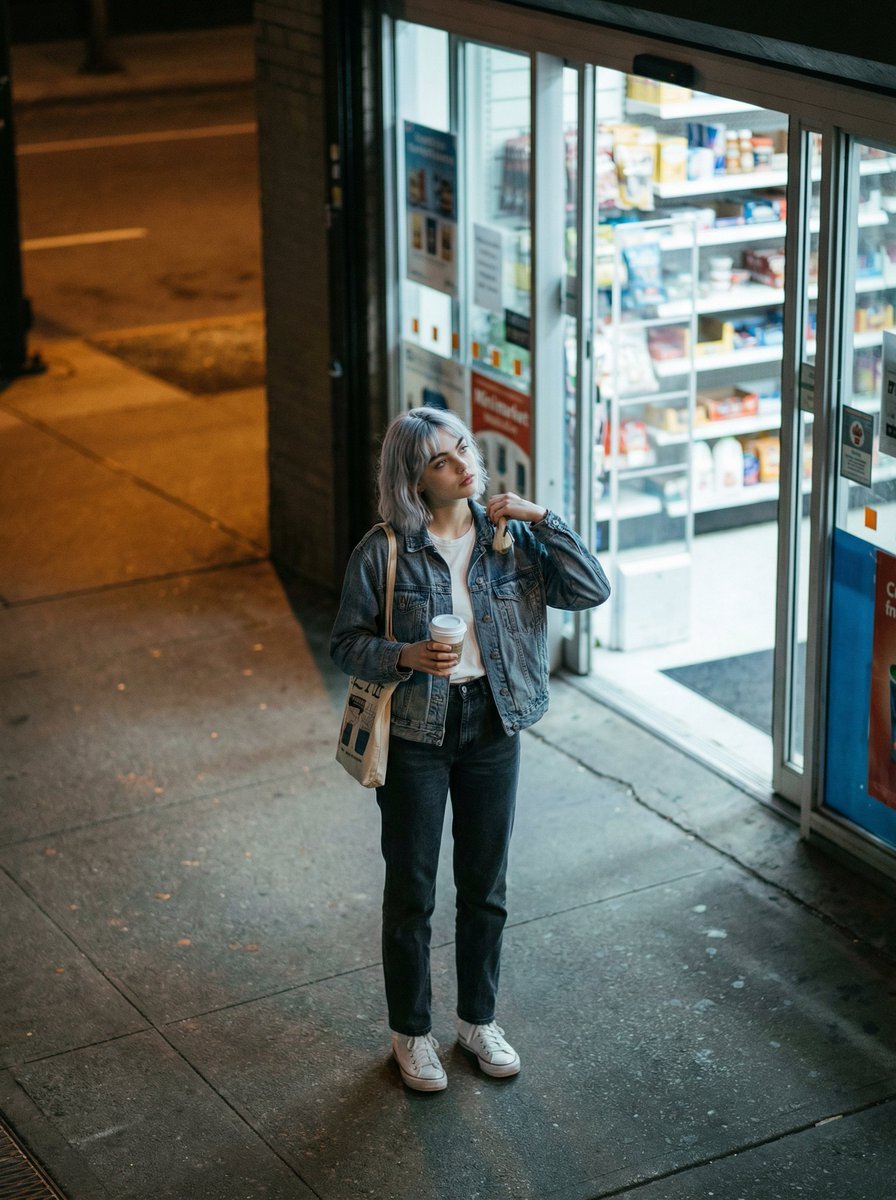
Candid night street fashion photograph with film aesthetic
Browse template categories
Chibi Avatar Scrapbook Photo questions
How do I use the Chibi Avatar Scrapbook Photo template?
Add your photo if the template asks for one, edit the prompt if you like — the template's model and format are already selected — and press Generate. Your version opens in PicX Studio.
Can I customize the Chibi Avatar Scrapbook Photo template?
Yes. You can change the subject, setting, lighting, mood, format, and available model controls before creating your image.
Is the Chibi Avatar Scrapbook Photo template free?
Opening and editing this template is free. Generating uses credits, shown on the Generate button when you are signed in.
Which AI model should I use?
Start with GPT Image 2, which is the model associated with this template. You can compare another compatible model for a different finish.
Looking for something else? Browse all templates.

Your photo, any look
Thousands of ready templates for every top image and video model, from one credit balance.