
Chibi Mini-Me Scrapbook Portrait
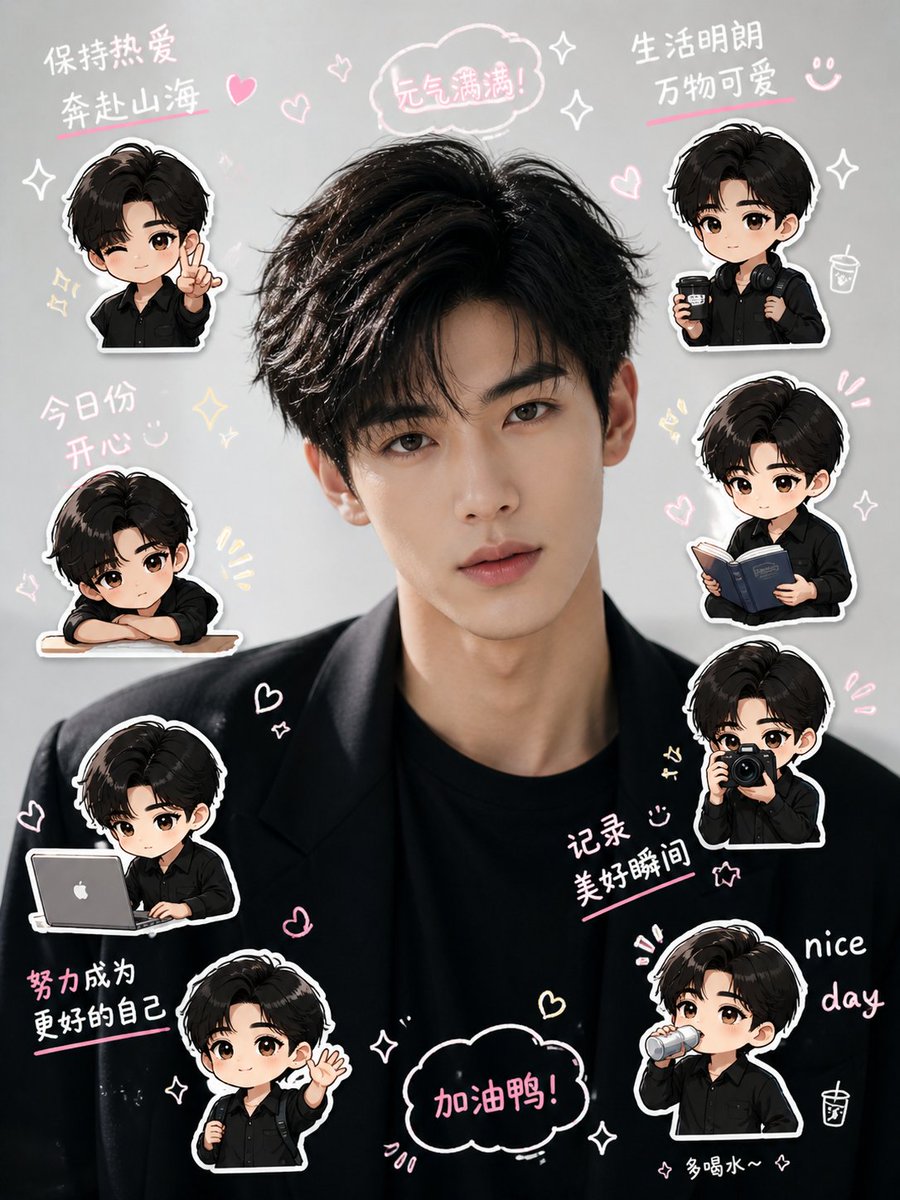
Generates a playful vertical social media portrait collage with one realistic central person and eight cute chibi sticker versions surrounded by handwritten doodles.
- Prompt included
- Model and format preset
- Premium template
The prompt behind this image
Copy the exact prompt behind Chibi Mini-Me Scrapbook Portrait, or open it in the studio and make it yours.
- Type
- cute chibi scrapbook portrait collage
- Format
- vertical social media cover, 3:4 aspect ratio
- Main Subject › Description
- a realistic close-up studio portrait of a young man centered in the image, face covered by a soft square privacy blur, thick tousled black hair, slim neck, wearing a black blazer over a black crew-neck shirt
- Main Subject › Hair Color
- {argument name="hair color" default="black"}
- Main Subject › Outfit
- {argument name="outfit" default="black blazer over black shirt"}
- Main Subject › Face Treatment
- {argument name="face treatment" default="soft square privacy blur over the face"}
- Background › Color
- light warm gray
- Background › Style
- clean photo backdrop filled with pastel hand-drawn doodles, white sticker outlines, pink underline strokes, hearts, sparkles, smiley faces, tiny drink cup icons, and cloud speech bubbles
- Layout › Centerpiece
- large realistic portrait fills the middle from hair to chest, with chibi stickers arranged around the head and shoulders
- Layout › Chibi Stickers › Count
- 8
- Layout › Chibi Stickers › Style
- Q-version mini-me stickers based on the same young man, oversized head, black fluffy hair, black outfit, soft blurred face, thick white cutout border, cute glossy scrapbook sticker look
- Layout › Chibi Stickers › Items › 0 › Position
- upper left
- Layout › Chibi Stickers › Items › 0 › Description
- chibi pointing forward with one finger, wearing black shirt
- Layout › Chibi Stickers › Items › 1 › Position
- upper right
- Layout › Chibi Stickers › Items › 1 › Description
- chibi holding a takeaway coffee cup, wearing a black backpack and headphones around the neck
- Layout › Chibi Stickers › Items › 2 › Position
- middle left
- Layout › Chibi Stickers › Items › 2 › Description
- sleepy chibi leaning on folded arms on a small desk or ledge
- Layout › Chibi Stickers › Items › 3 › Position
- middle right
- Layout › Chibi Stickers › Items › 3 › Description
- chibi reading an open dark blue book
- Layout › Chibi Stickers › Items › 4 › Position
- lower left
- Layout › Chibi Stickers › Items › 4 › Description
- chibi typing on a silver laptop with a white apple-like logo
- Layout › Chibi Stickers › Items › 5 › Position
- right center
- Layout › Chibi Stickers › Items › 5 › Description
- chibi holding both hands near cheeks in a shy or excited pose
- Layout › Chibi Stickers › Items › 6 › Position
- bottom center-left
Raw JSON
{"type":"cute chibi scrapbook portrait collage","format":"vertical social media cover, 3:4 aspect ratio","main_subject":{"description":"a realistic close-up studio portrait of a young man centered in the image, face covered by a soft square privacy blur, thick tousled black hair, slim neck, wearing a black blazer over a black crew-neck shirt","hair_color":"{argument name=\"hair color\" default=\"black\"}","outfit":"{argument name=\"outfit\" default=\"black blazer over black shirt\"}","face_treatment":"{argument name=\"face treatment\" default=\"soft square privacy blur over the face\"}"},"background":{"color":"light warm gray","style":"clean photo backdrop filled with pastel hand-drawn doodles, white sticker outlines, pink underline strokes, hearts, sparkles, smiley faces, tiny drink cup icons, and cloud speech bubbles"},"layout":{"centerpiece":"large realistic portrait fills the middle from hair to chest, with chibi stickers arranged around the head and shoulders","chibi_stickers":{"count":8,"style":"Q-version mini-me stickers based on the same young man, oversized head, black fluffy hair, black outfit, soft blurred face, thick white cutout border, cute glossy scrapbook sticker look","items":[{"position":"upper left","description":"chibi pointing forward with one finger, wearing black shirt"},{"position":"upper right","description":"chibi holding a takeaway coffee cup, wearing a black backpack and headphones around the neck"},{"position":"middle left","description":"sleepy chibi leaning on folded arms on a small desk or ledge"},{"position":"middle right","description":"chibi reading an open dark blue book"},{"position":"lower left","description":"chibi typing on a silver laptop with a white apple-like logo"},{"position":"right center","description":"chibi holding both hands near cheeks in a shy or excited pose"},{"position":"bottom center-left","description":"standing chibi with backpack strap, waving one hand"},{"position":"bottom right","description":"chibi drinking from a small bottle or cup"}]},"handwritten_text_groups":{"count":9,"text":"{argument name=\"handwritten phrases\" default=\"保持热爱 奔赴山海; 元气满满!; 生活明朗 万物可爱; 今日份 开心; 努力成为 更好的自己; 记录 美好瞬间; 加油鸭!; nice day; 多喝水~~\"}","style":"casual white and pink handwritten marker lettering with pink underline accents and speech bubbles"}},"color_palette":"black clothing, warm gray background, white sticker borders, pastel pink highlights, pale yellow sparkle accents","rendering_style":"hybrid realistic portrait plus cute illustrated chibi stickers, soft lighting, high-resolution, playful social-media scrapbook composition, clean edges, charming and upbeat mood"}How to use Chibi Mini-Me Scrapbook Portrait in 3 steps
- 1Upload ImagePNG, JPG or paste
Add your photo
Upload the photo the template builds on. The prompt, model and format are already set.
- 2…a portrait of your subject in softgolden-hour light, 85mm…
Personalize
Edit the subject and creative details for your destination.
- 3Generate
Generate
Press Generate — your image is created in PicX Studio, so you can compare it with the original and refine one variable at a time.
More like this
Templates with the same subject, style or setup. Open one to see its prompt.
Gemini Nano Banana Portrait

Gemini Nano Banana 2 Isometric 3d City D

Gemini Nano Banana 2

Gemini Nano Banana 2 Logo in Wet Sand Be

Couple Goals from the Google Gemini Nano

Found Photograph: Us, 1970

80s Couple Studio Portrait

80s Bollywood Star

80s Golden Hour Cinema

Me in 1985

1985 Studio Portrait

Hyper-Realistic Minecraft POV Portrait
Make it yours
Chibi Mini-Me Scrapbook Portrait works as-is. These are the safest ways to change it without losing the look.
Swap the setting
Keep the rest of the prompt and replace the location block. The current setting is “light warm gray”.
Change one field
Copy a single group, rewrite it, and generate again so you can see what that field is doing.
Keep the frame, change the subject
Hold the composition and light of Chibi Mini-Me Scrapbook Portrait, then swap wardrobe, props or the person for a new take.
| If the result… | Why | Fix |
|---|---|---|
| The result drifts from the preview | Too many fields changed at once. | Reuse Chibi Mini-Me Scrapbook Portrait as-is first, then change one group — subject, light, or setting. |
| GPT Image 2 ignores part of the JSON | Some models flatten or skip nested keys. | Keep the same values and paste them as a short paragraph instead. |
More GPT Image 2 templates
Other prompts made for GPT Image 2.

Six VTuber Japanese Logo Sheet

Realistic Portrait of Woman and Deer

The Vista Modular Condo Poster

AI Model Routing Comparison Infographic

2.5D Anime Art Board

Isometric Productivity Desk Scene

New York Double Exposure Poster

Four-Panel AI Landscape Comparison

Japanese Tatami Lifestyle Magazine Cover

NESCAFÉ Coffee Map Poster
More image prompts
Fresh picks from across the catalog.
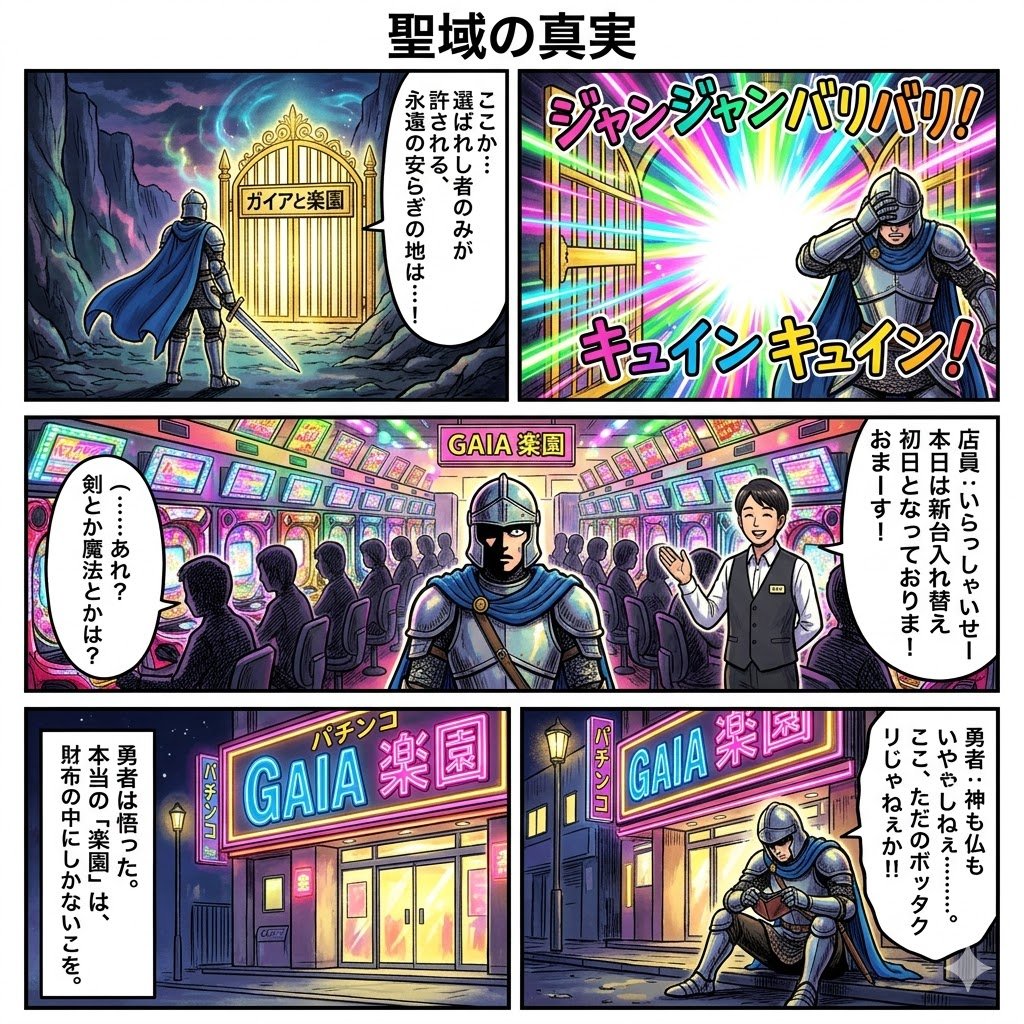
Four-Panel Manga: The Truth of the Sanctuary
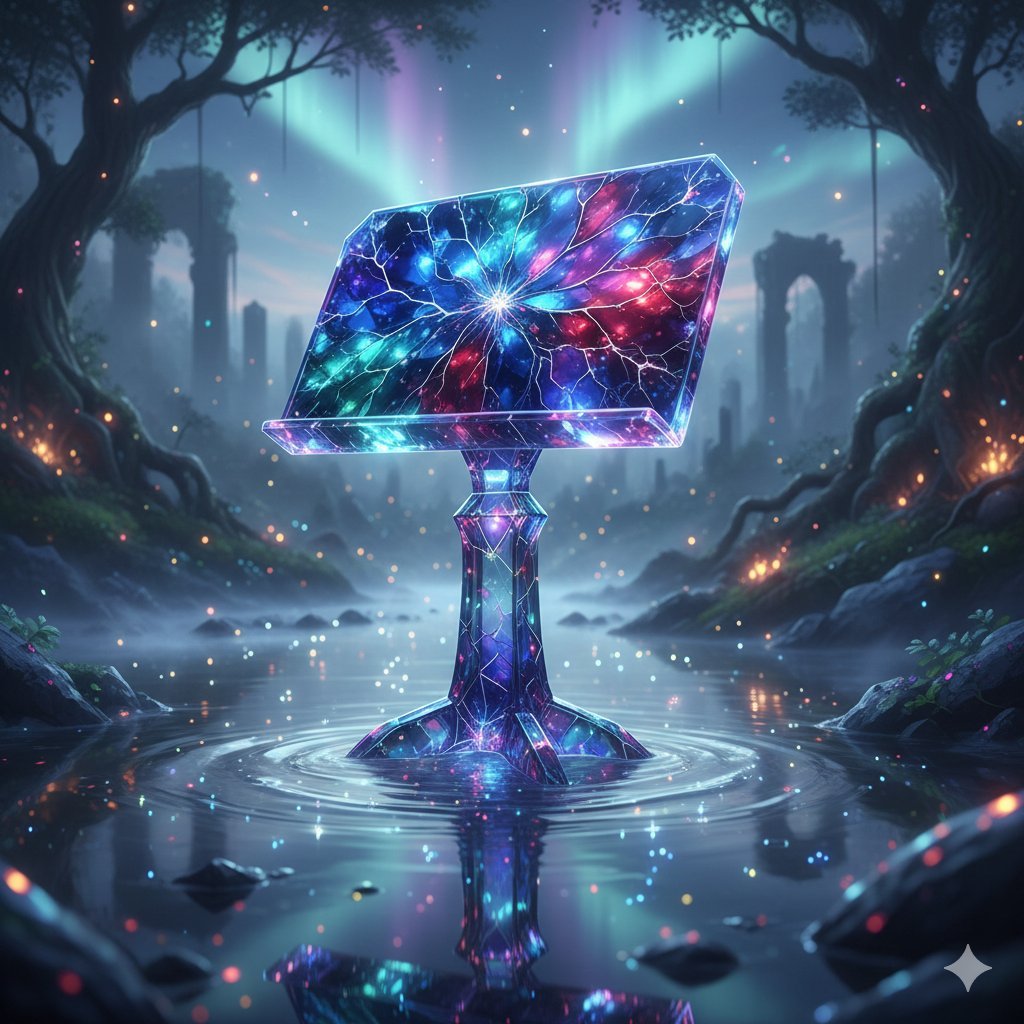
Mystical Crystal Music Stand Image Prompt
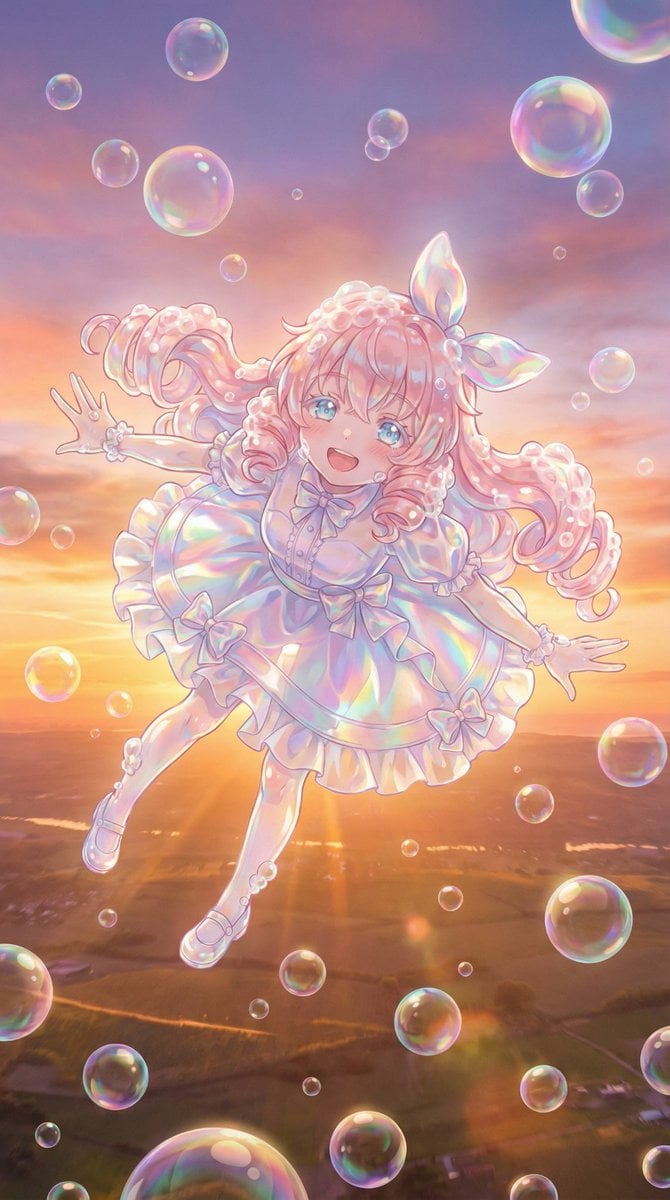
Bubble Transformation Narrative Prompt
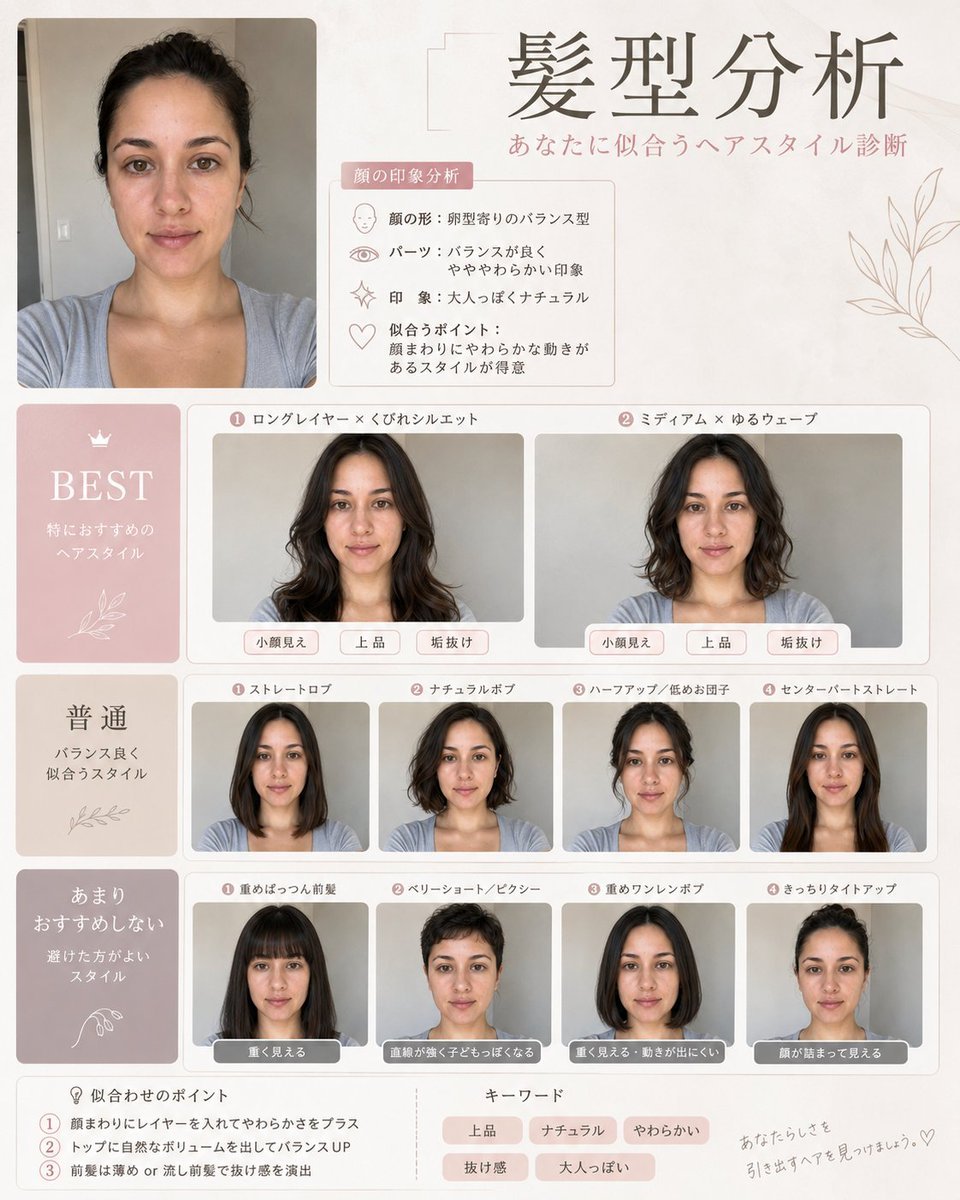
Professional Hairstyle and Makeup Analysis Guide
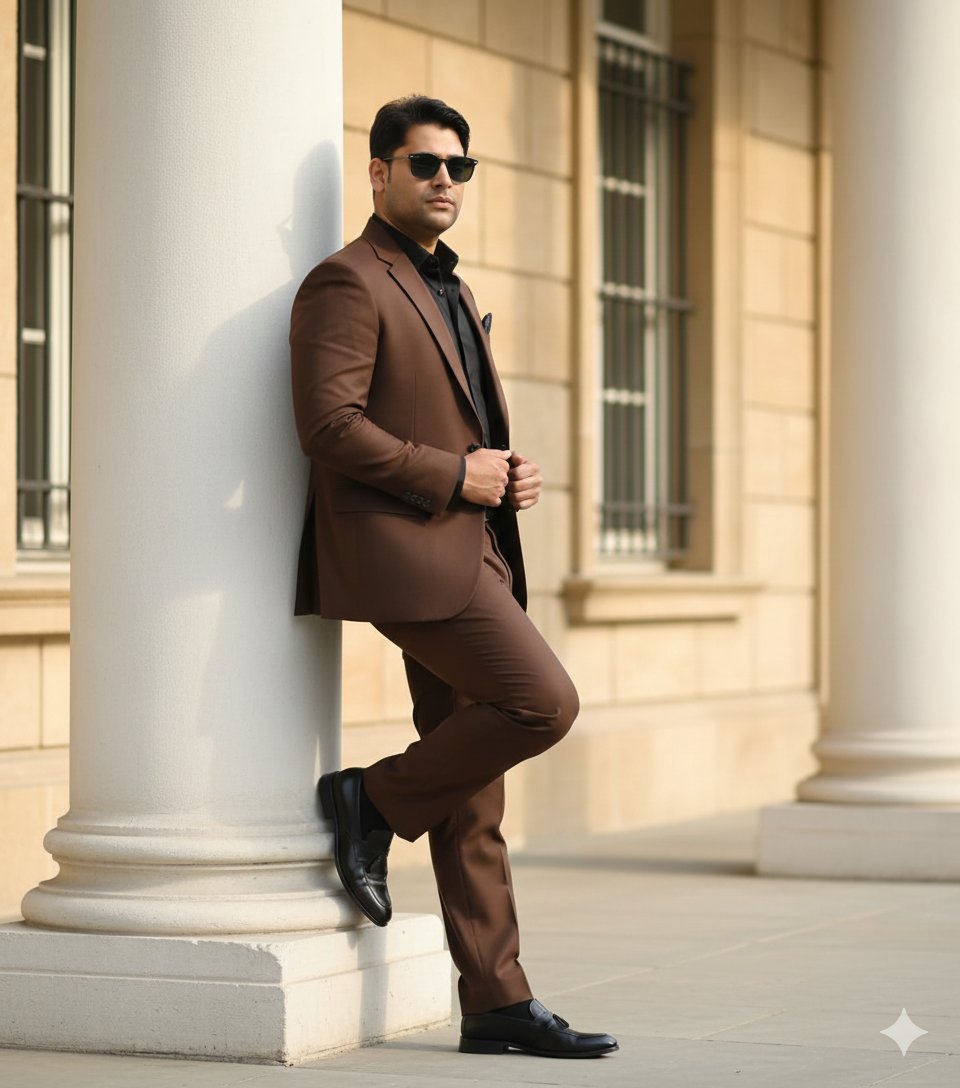
Cinematic Fashion Editorial of a Man with a Luxury Car and Dog
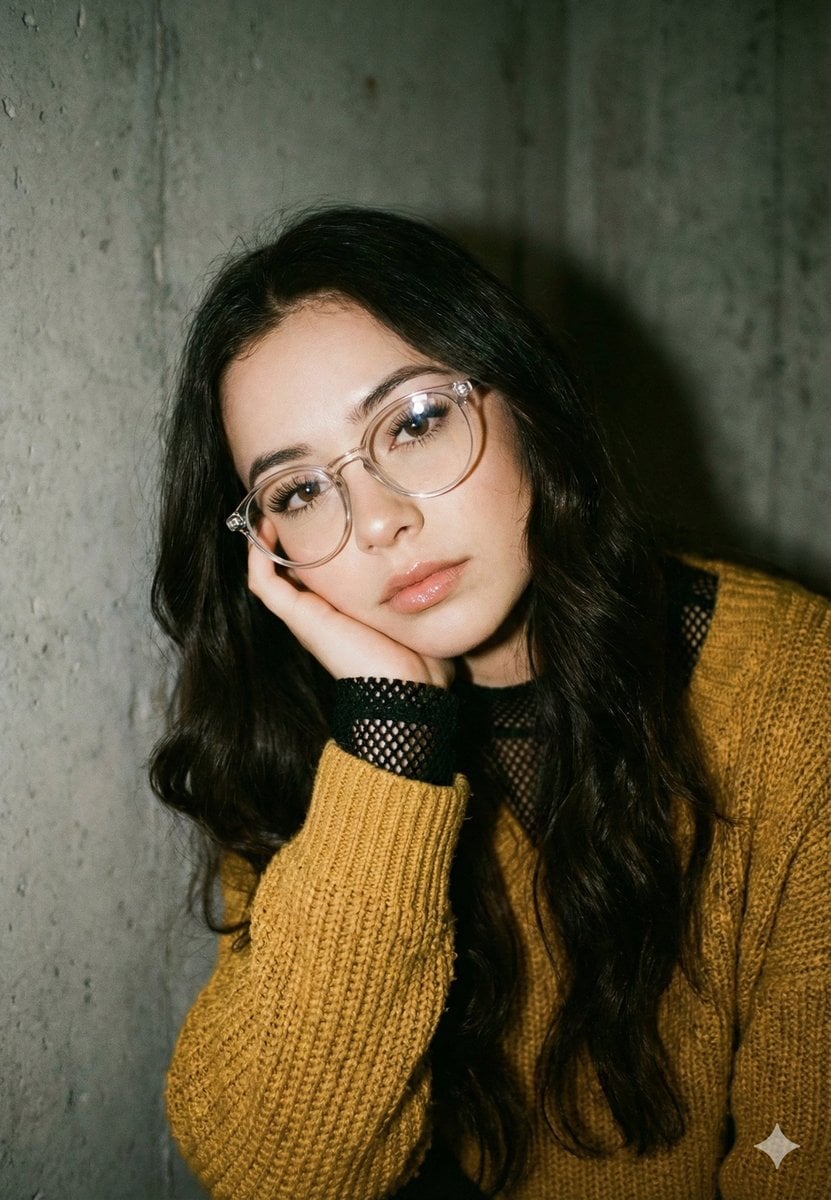
Mustard Sweater Aesthetic Portrait Prompt
3D Icon Collection Representing Japanese Seasons
Comparison Prompt for Midjourney V8 and Nano Banana 2
Studio Fashion Portrait with High Contrast
Travel Itinerary Illustration Generation Prompt
Browse template categories
Chibi Mini-Me Scrapbook Portrait questions
How do I use the Chibi Mini-Me Scrapbook Portrait template?
Add your photo if the template asks for one, edit the prompt if you like — the template's model and format are already selected — and press Generate. Your version opens in PicX Studio.
Can I customize the Chibi Mini-Me Scrapbook Portrait template?
Yes. You can change the subject, setting, lighting, mood, format, and available model controls before creating your image.
Is the Chibi Mini-Me Scrapbook Portrait template free?
Opening and editing this template is free. Generating uses credits, shown on the Generate button when you are signed in.
Which AI model should I use?
Start with GPT Image 2, which is the model associated with this template. You can compare another compatible model for a different finish.
Looking for something else? Browse all templates.

Your photo, any look
Thousands of ready templates for every top image and video model, from one credit balance.