
Professional Hairstyle and Makeup Analysis Guide
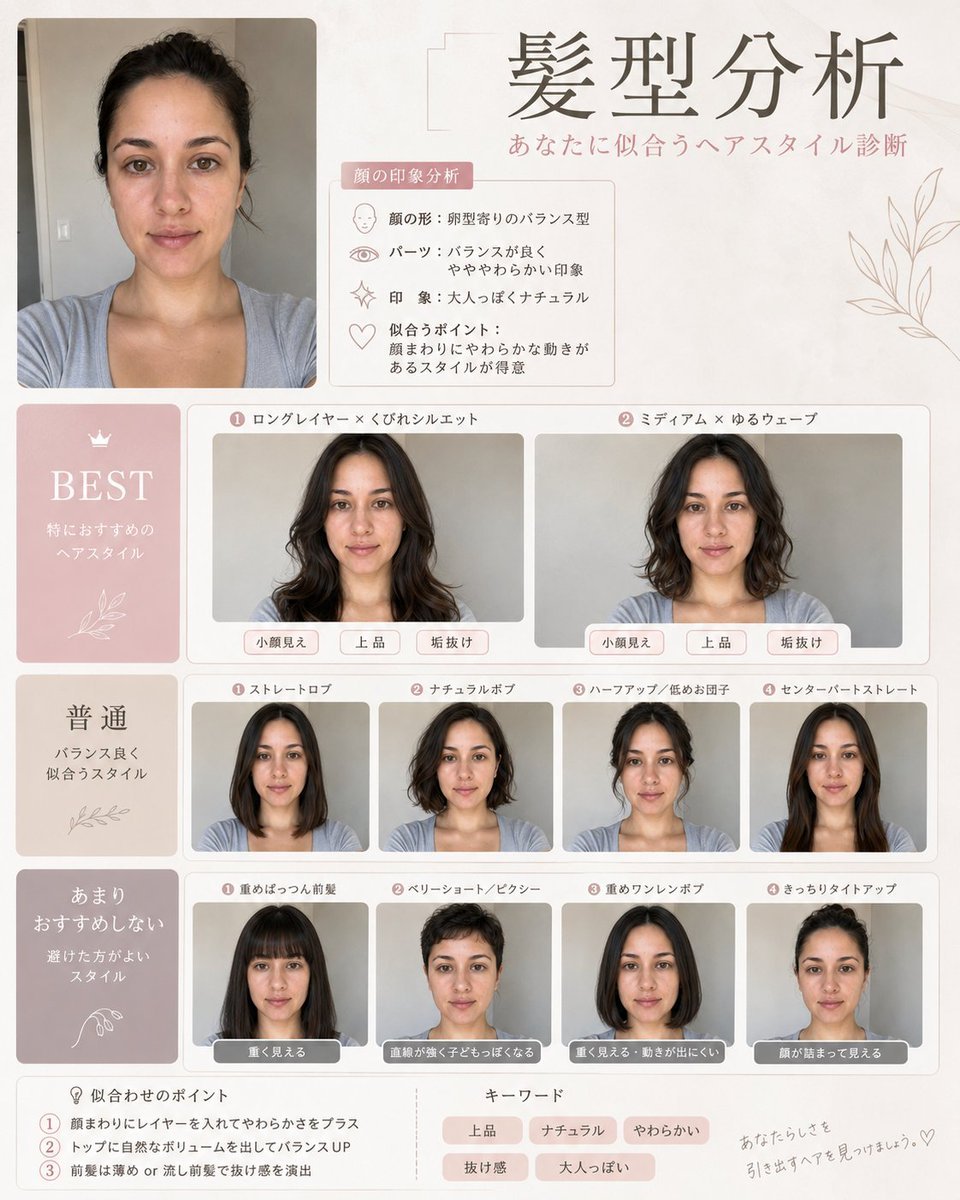
A comprehensive prompt for generating a professional stylist-style analysis guide for hairstyles and makeup based on a reference photo.
- Prompt included
- Model and format preset
- Free template
The prompt behind this image
Copy the exact prompt behind Professional Hairstyle and Makeup Analysis Guide, or open it in the studio and make it yours.
Hairstyle Analysis: Based on the uploaded face photo, please create a hairstyle diagnosis image with a {argument name="style" default="high-end"} feel! Keep the original facial features, face shape, and atmosphere as they are, and make it feel like various hairstyles were tried, compared side by side or in a row. Make it immediately clear which is "the most flattering," "average," and "not really recommended," conveying which hairstyle makes the face look smaller, improves the overall vibe, and makes it look more polished. I'd also like a comparison of long hair, short hair, with/without bangs, curly hair, straight hair, layered cut, updo, and so on! Make the design stylish, like a professional stylist's reference material. Keep the text minimal, and make it high-resolution and suited for social media! Makeup Analysis Guide (Makeup Analysis): Based on the uploaded face photo, please create a high-end makeup analysis guide image! Base it on the original facial features, with a natural finish where the person is clearly recognizable as themselves — no overdoing it or over-editing. Also, please diagnose and summarize the face type (fresh, soft elegant, elegant, feminine, cute, active-cute, cool, cool-casual, adult face, child face, curved, straight-lined). Make the design stylish and refined, like a magazine beauty feature, with everything written in {argument name="language" default="Japanese"}. Keep the text minimal, with the focus mainly on images, so it's easy to understand. Please make it with a professional-looking finish that makes people want to share it on social media!
How to use Professional Hairstyle and Makeup Analysis Guide in 3 steps
- 1Upload ImagePNG, JPG or paste
Add your photo
Upload the photo the template builds on. The prompt, model and format are already set.
- 2…a portrait of your subject in softgolden-hour light, 85mm…
Personalize
Edit the subject and creative details for your destination.
- 3Generate
Generate
Press Generate — your image is created in PicX Studio, so you can compare it with the original and refine one variable at a time.
More like this
Templates with the same subject, style or setup. Open one to see its prompt.
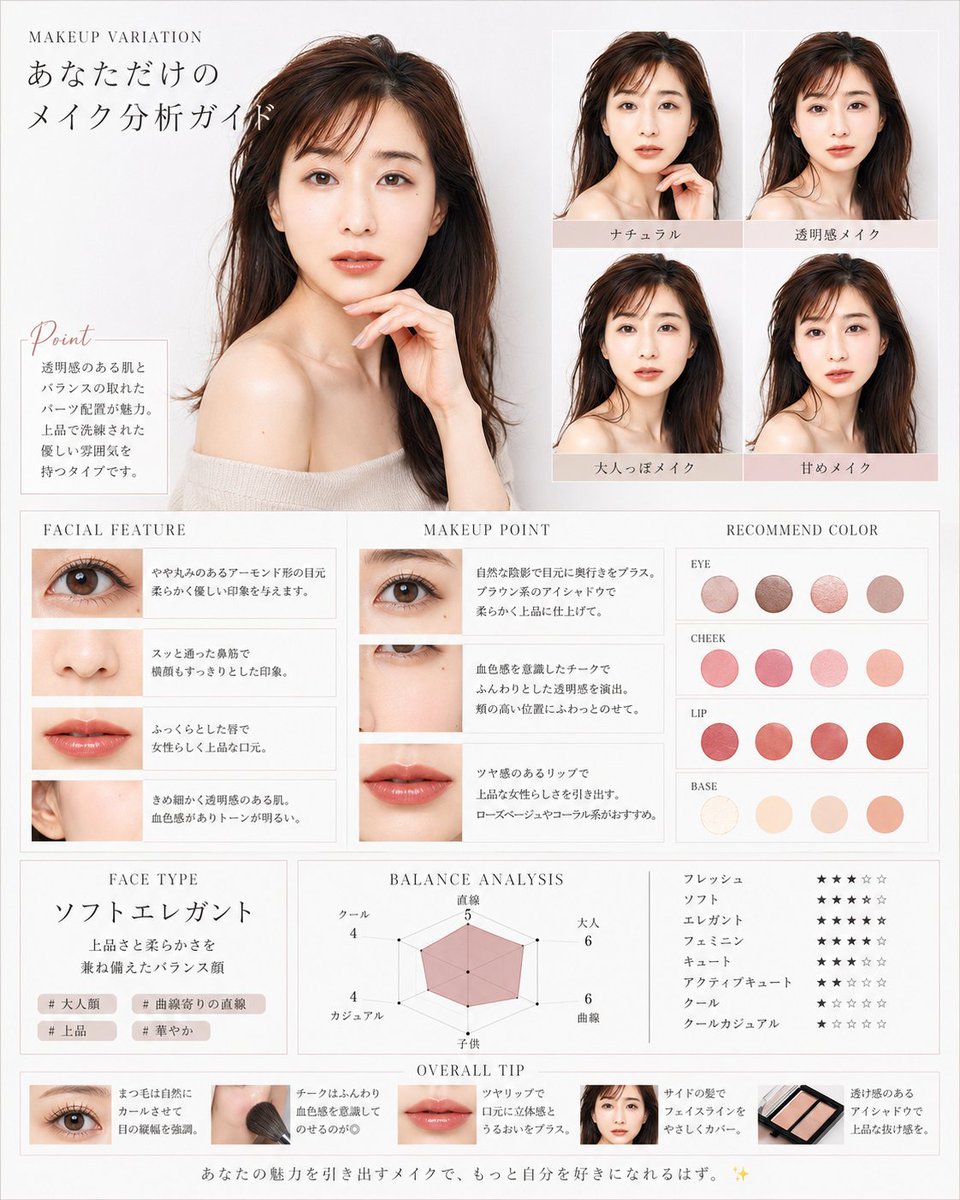
Korean Makeup Analysis Guide
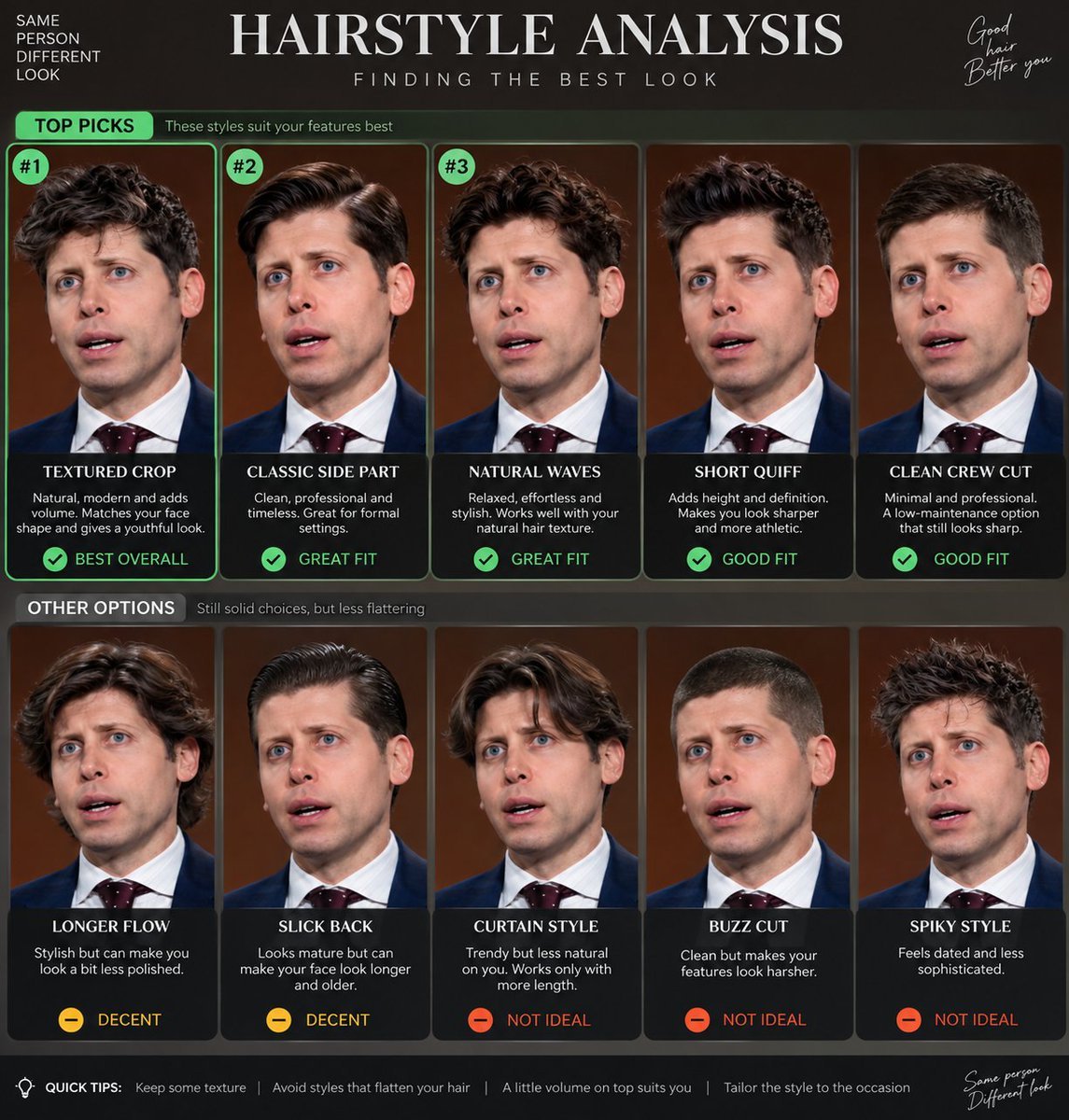
Hairstyle Analysis Comparison Portrait
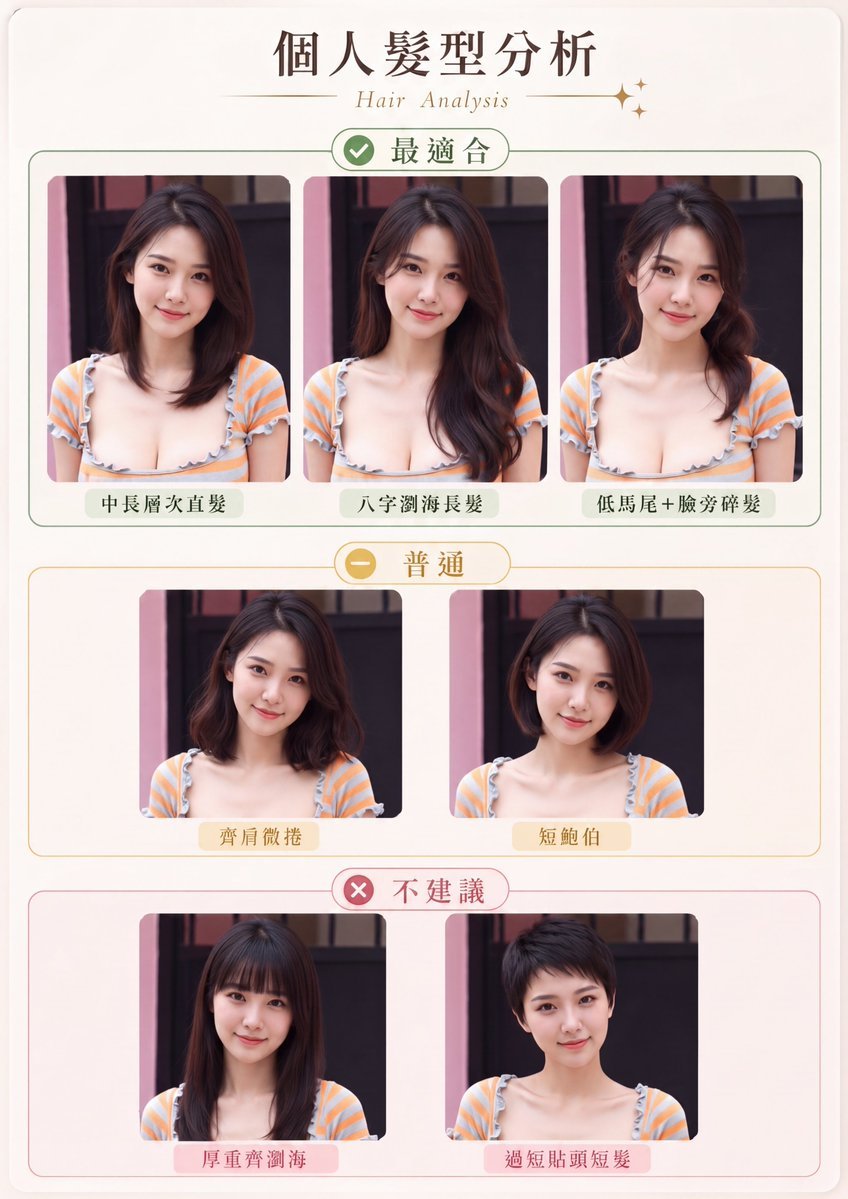
Personal Hairstyle Analysis Card
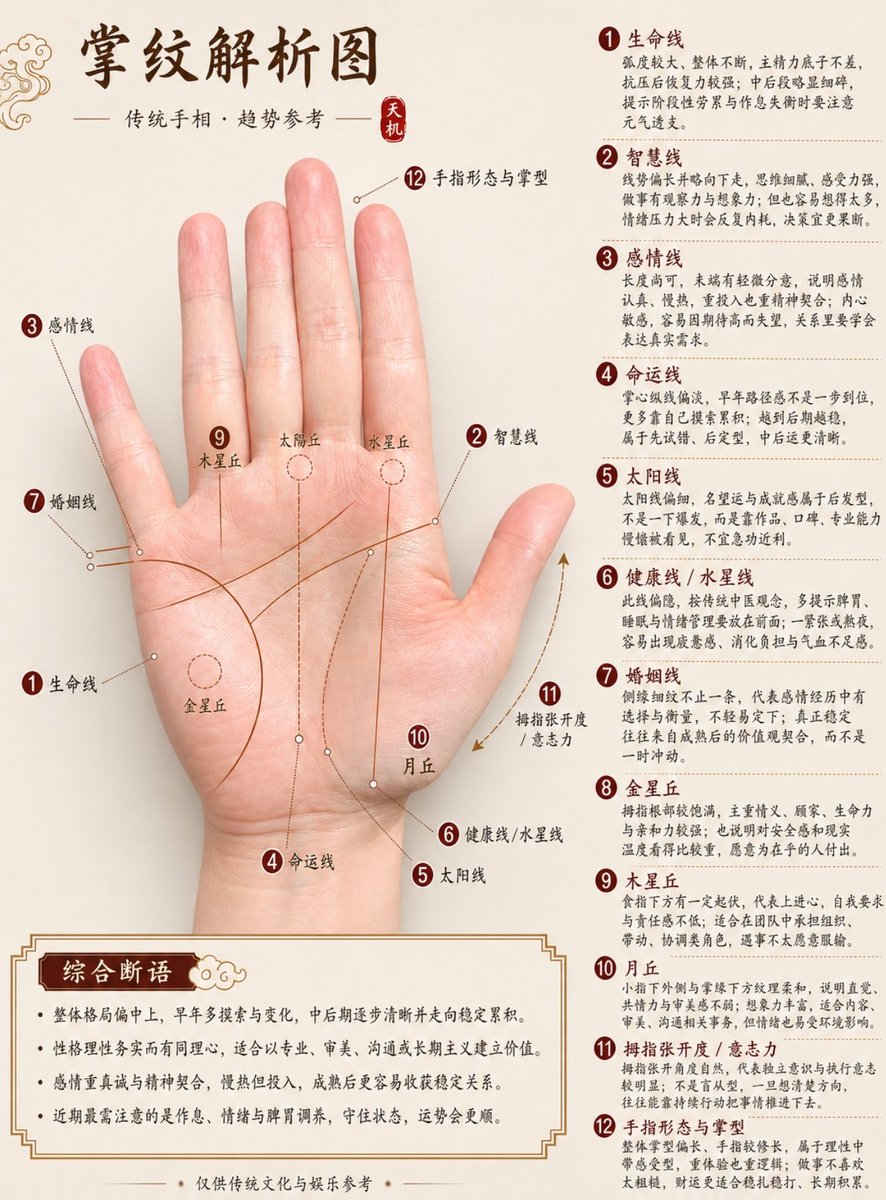
Professional Chinese Palmistry Analysis Chart
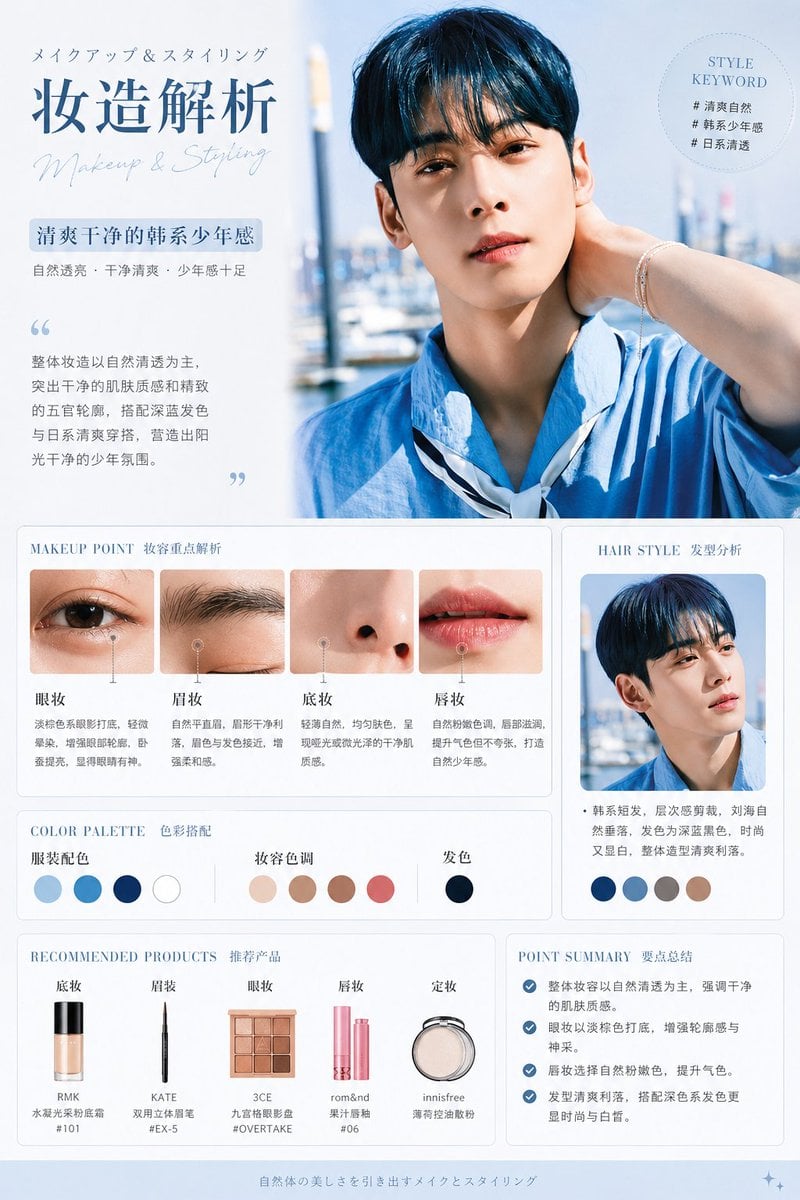
Korean Style Makeup Analysis Chart
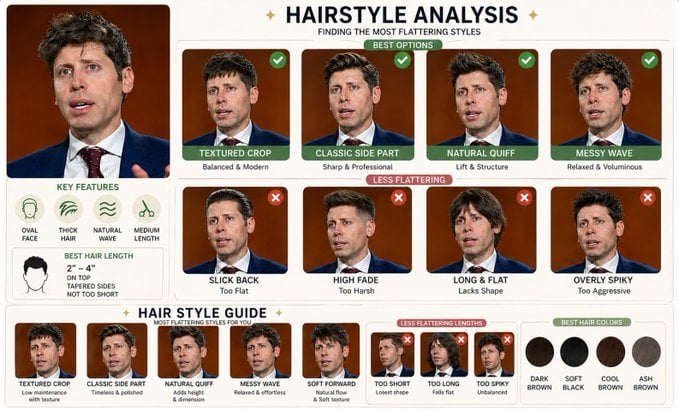
Hairstyle Comparison Analysis
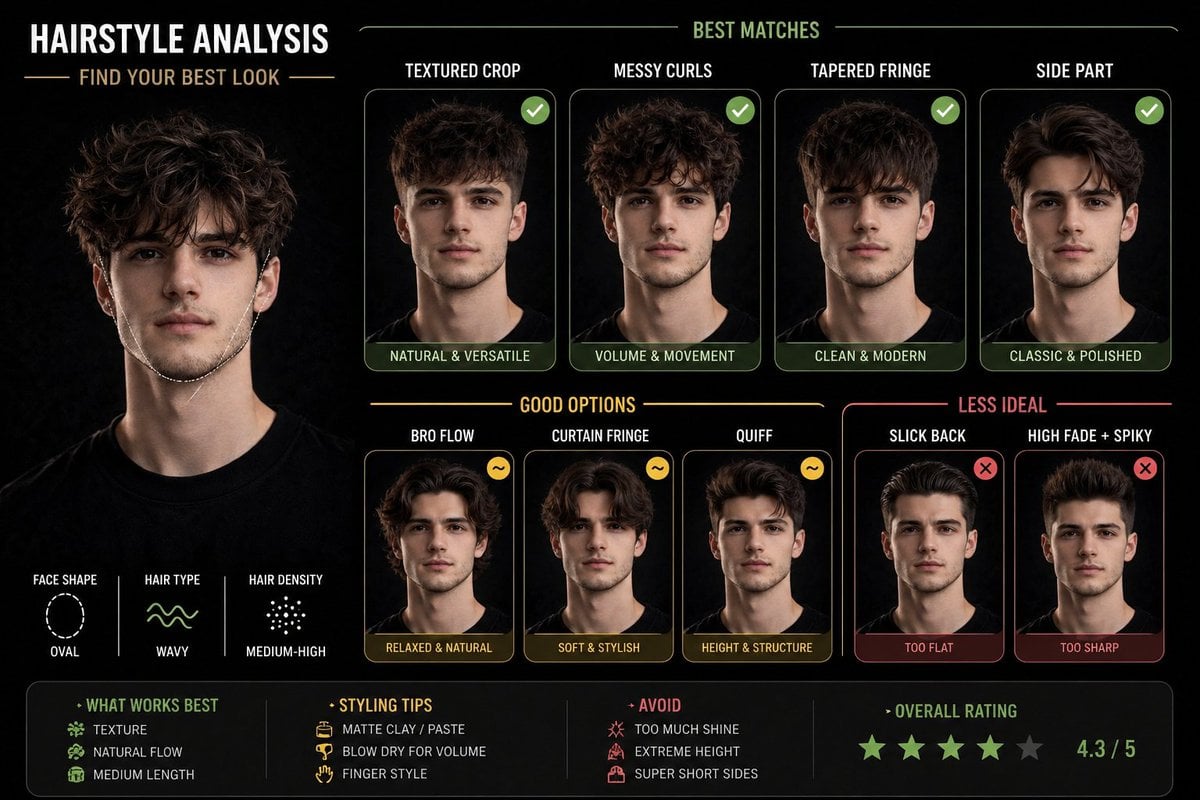
Hairstyle Suitability Analysis Chart

Character Archive — Blueprint Concept Sheet
Animation Style - Framer Motion
Animation Style - Framer Motion v2
Animation Style - Framer Motion
Dress
Make it yours
Professional Hairstyle and Makeup Analysis Guide works as-is. These are the safest ways to change it without losing the look.
Change one field
Copy a single group, rewrite it, and generate again so you can see what that field is doing.
Keep the frame, change the subject
Hold the composition and light of Professional Hairstyle and Makeup Analysis Guide, then swap wardrobe, props or the person for a new take.
| If the result… | Why | Fix |
|---|---|---|
| The result drifts from the preview | Too many fields changed at once. | Reuse Professional Hairstyle and Makeup Analysis Guide as-is first, then change one group — subject, light, or setting. |
| The model over-stylizes the scene | The prose prompt leaves finish and camera underspecified. | Add one camera or lighting sentence and stay on GPT Image 2. |
More GPT Image 2 templates
Other prompts made for GPT Image 2.

Six VTuber Japanese Logo Sheet

Realistic Portrait of Woman and Deer

The Vista Modular Condo Poster

AI Model Routing Comparison Infographic

2.5D Anime Art Board

Isometric Productivity Desk Scene

New York Double Exposure Poster

Four-Panel AI Landscape Comparison

Japanese Tatami Lifestyle Magazine Cover

NESCAFÉ Coffee Map Poster
More image prompts
Fresh picks from across the catalog.
Conceptual Visual Metaphor Template

Gym Besties Mirror Selfie
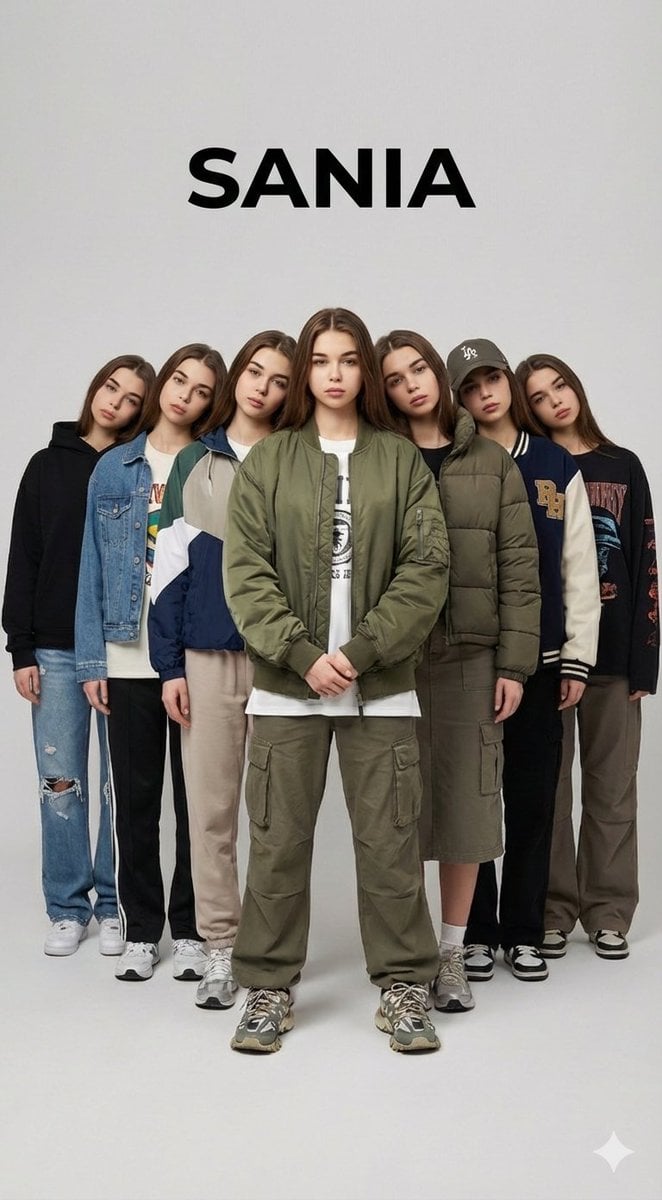
Surreal Multiplicity Fashion Editorial
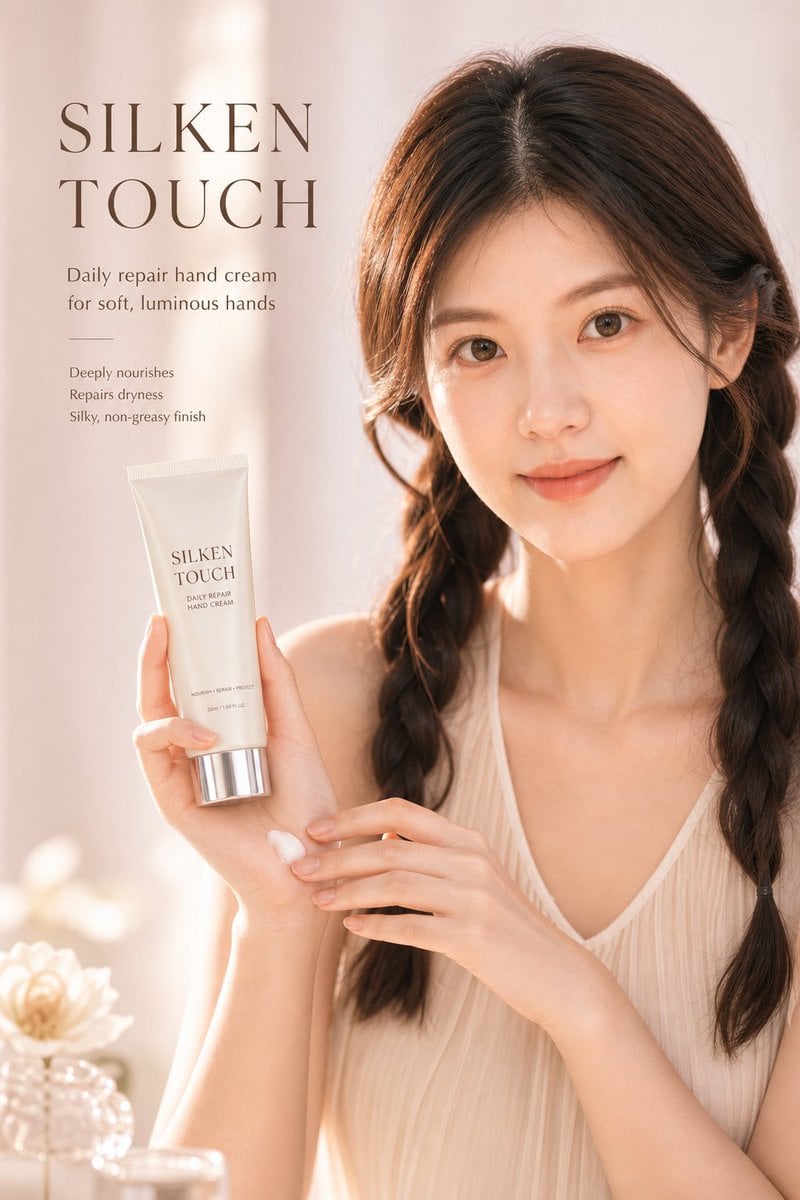
Luxury Skincare Ad Poster
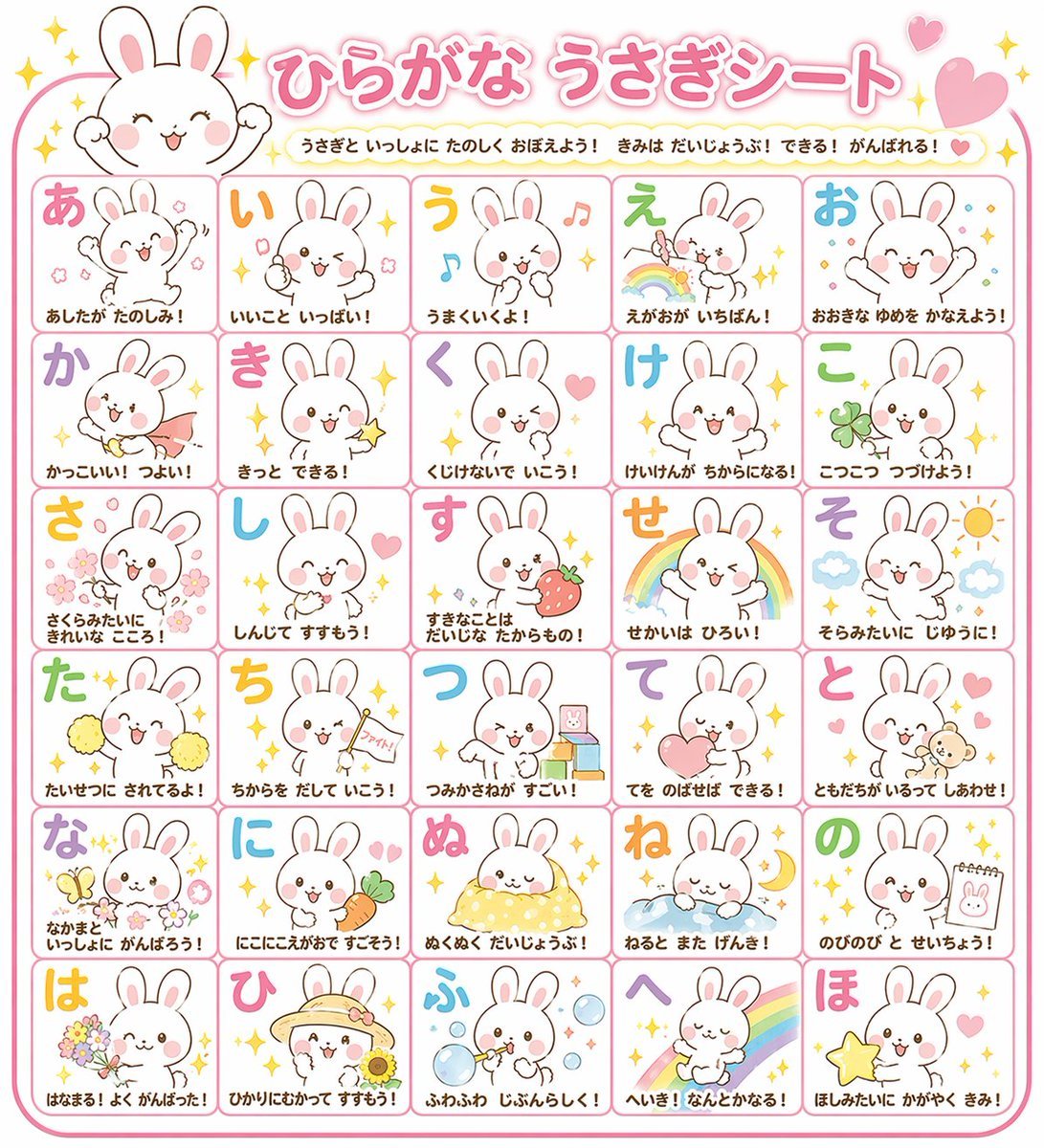
Educational Hiragana Sheet
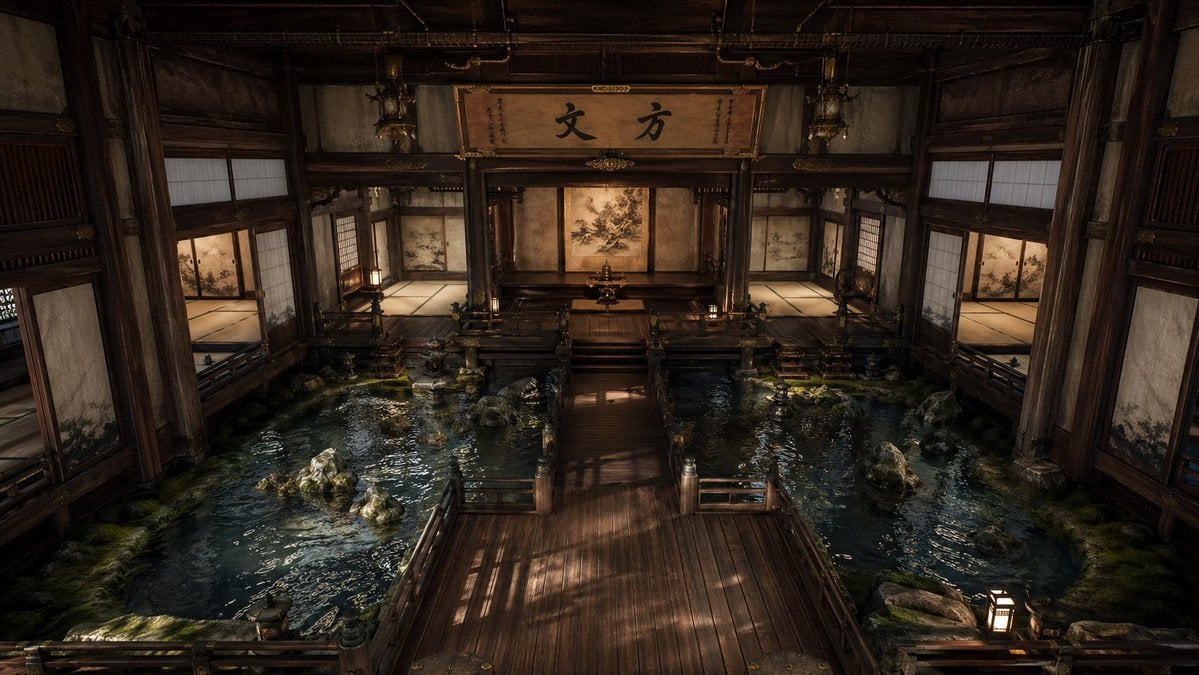
Cinematic Japanese Temple Hall
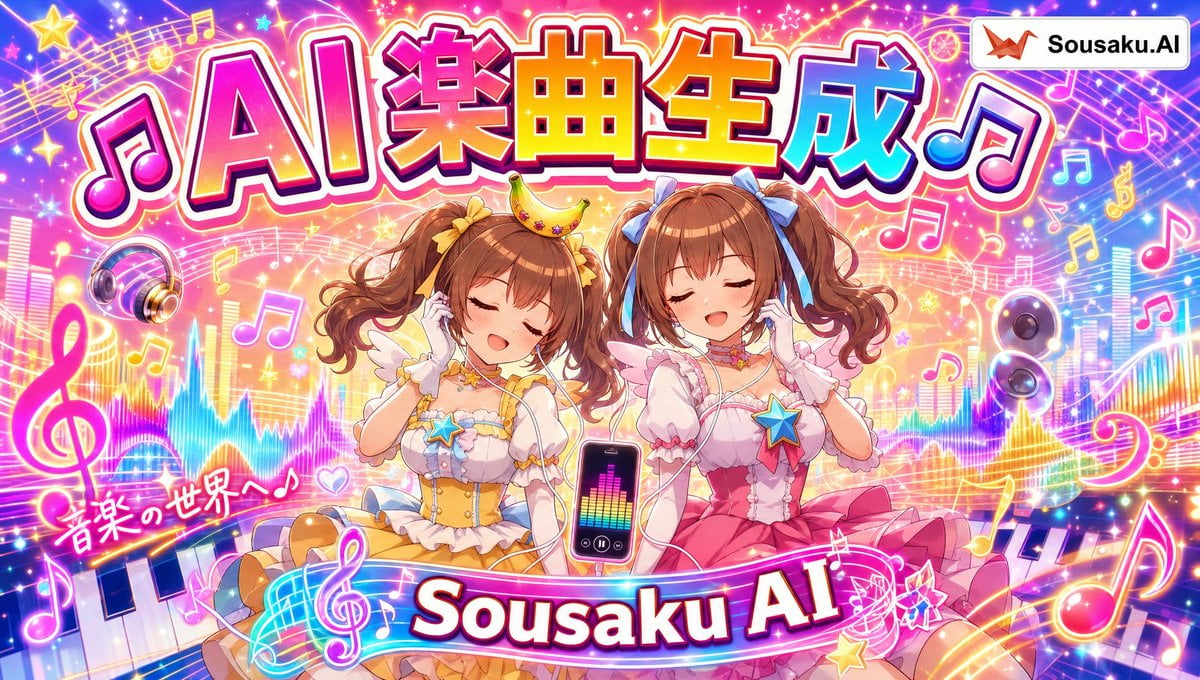
Magical Girl AI Music Thumbnail
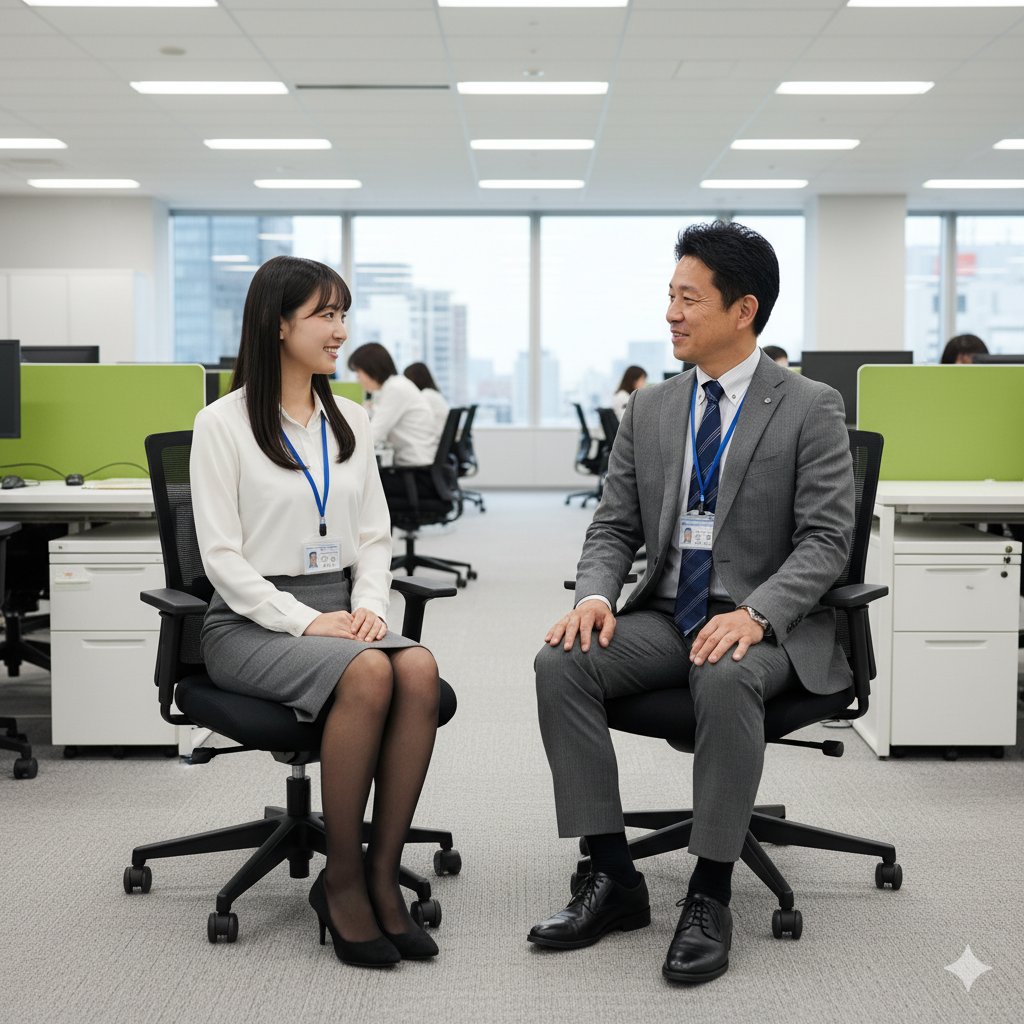
Image-to-Image Instruction for Clothing Swap
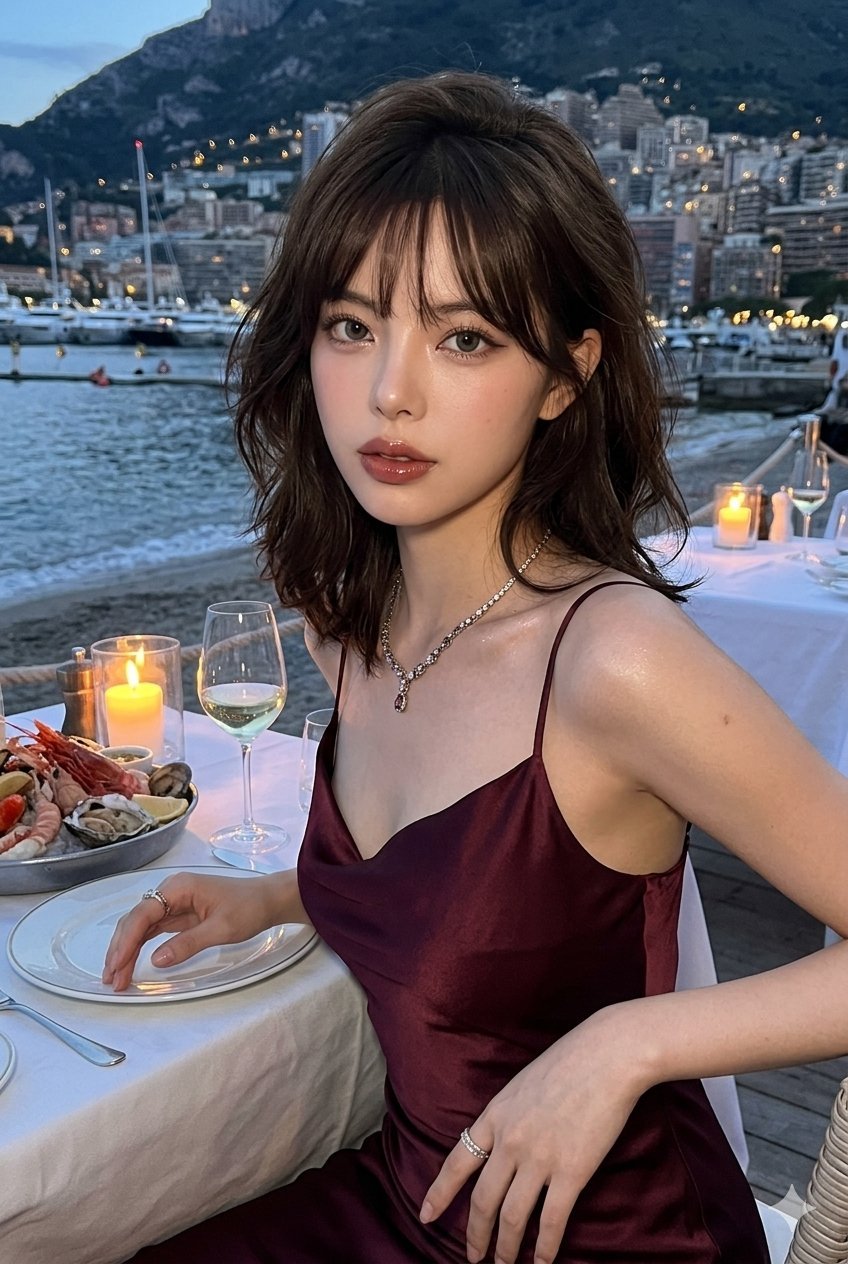
Gemini Nano Banana Ultra Realistic Eveni
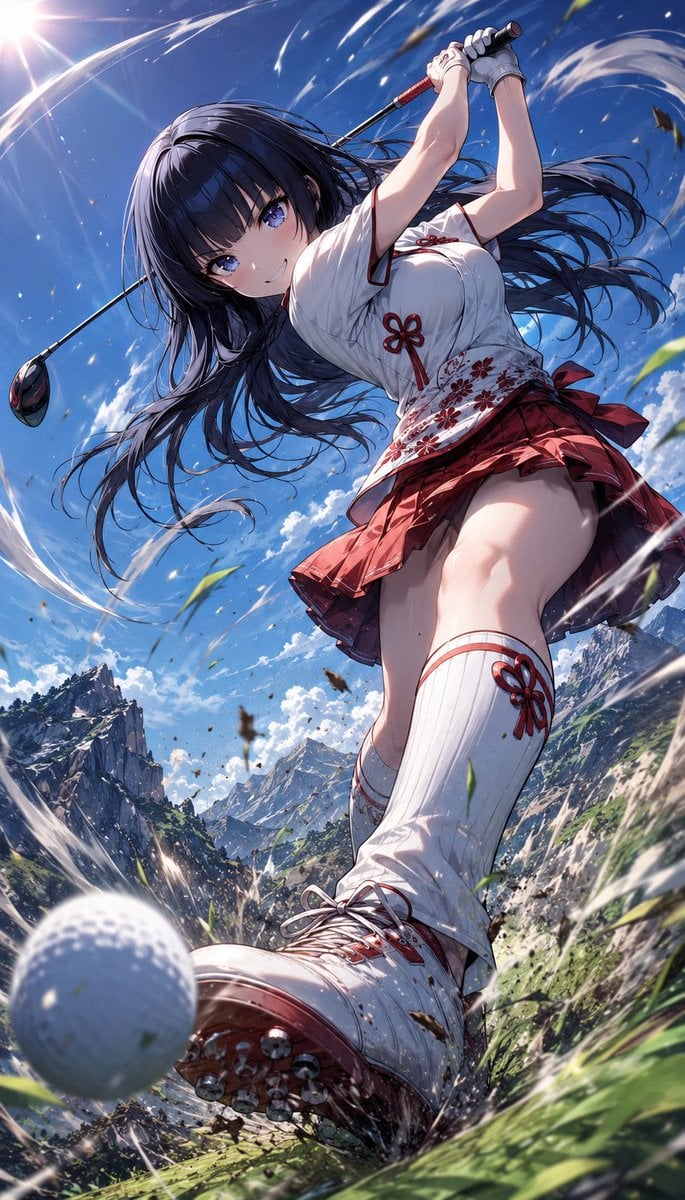
Manga Style Wild Genius Golfer
Browse template categories
Professional Hairstyle and Makeup Analysis Guide questions
How do I use the Professional Hairstyle and Makeup Analysis Guide template?
Add your photo if the template asks for one, edit the prompt if you like — the template's model and format are already selected — and press Generate. Your version opens in PicX Studio.
Can I customize the Professional Hairstyle and Makeup Analysis Guide template?
Yes. You can change the subject, setting, lighting, mood, format, and available model controls before creating your image.
Is the Professional Hairstyle and Makeup Analysis Guide template free?
Opening and editing this template is free. Generating uses credits, shown on the Generate button when you are signed in.
Which AI model should I use?
Start with GPT Image 2, which is the model associated with this template. You can compare another compatible model for a different finish.
Looking for something else? Browse all templates.

Your photo, any look
Thousands of ready templates for every top image and video model, from one credit balance.