
Cinematic Japanese Temple Hall
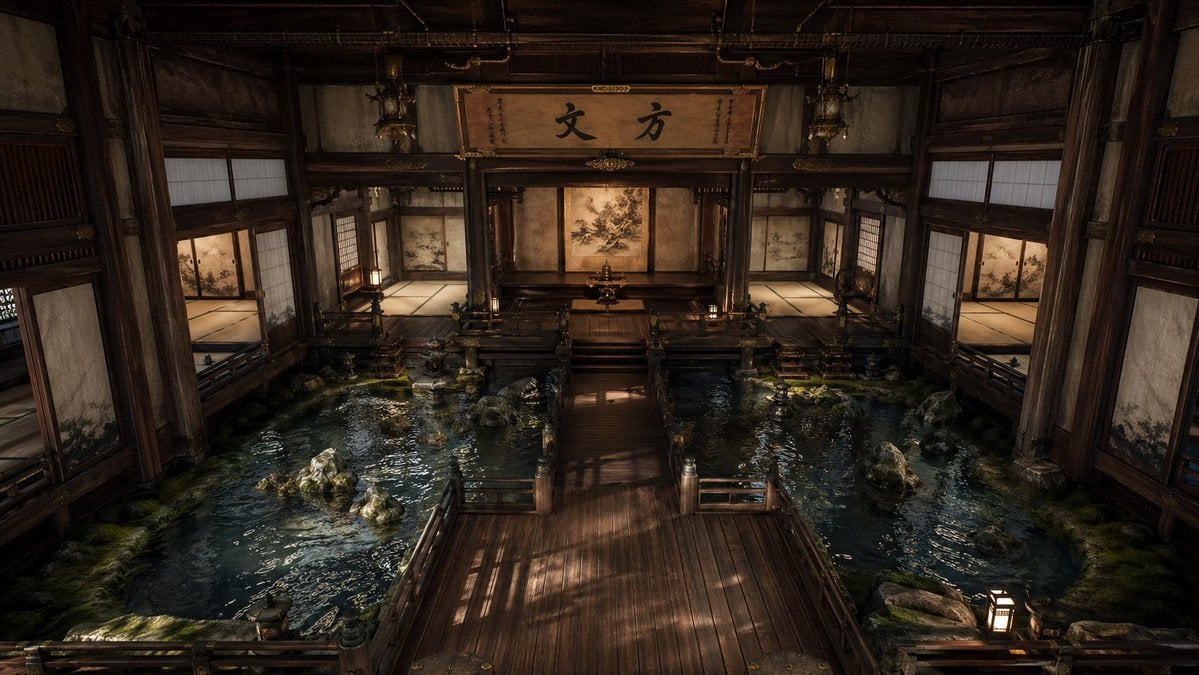
A photorealistic prompt for generating a serene traditional Japanese interior with indoor pools, wooden walkways, and dramatic atmospheric lighting.
- Prompt included
- Model and format preset
- Free template
The prompt behind this image
Copy the exact prompt behind Cinematic Japanese Temple Hall, or open it in the studio and make it yours.
A grand, cinematic interior of a traditional Japanese temple or palace hall built almost entirely of dark aged wood, viewed from a slightly elevated centered perspective with perfect near-symmetry. The scene features a broad polished wooden walkway in the foreground leading straight toward a raised central dais and an inner shrine-like alcove at the back. On both the left and right sides of the walkway are shallow indoor reflecting pools filled with dark blue-green water, scattered natural rocks, patches of moss, and subtle ripples catching warm light. The architecture is intricate and stately: thick timber pillars, carved beams, railings, tatami-floored side rooms, sliding shoji screens, painted fusuma panels with delicate nature motifs, and hanging lanterns. At the rear center, above the alcove, a large wooden signboard displays bold Japanese calligraphy reading {argument name="calligraphy text" default="方丈"}. The back wall includes a central painted screen or mural in muted sepia tones, with additional painted panels in the side chambers. Lighting is low, warm, and dramatic, with soft amber lantern glow and shafts of natural light creating reflections on the water and long shadows across the wood floor. The mood is serene, sacred, contemplative, and slightly mysterious, with ultra-detailed textures, realistic materials, cinematic depth, and a high-end photorealistic style.
How to use Cinematic Japanese Temple Hall in 3 steps
- 1Upload ImagePNG, JPG or paste
Add your photo
Upload the photo the template builds on. The prompt, model and format are already set.
- 2…a portrait of your subject in softgolden-hour light, 85mm…
Personalize
Edit the subject and creative details for your destination.
- 3Generate
Generate
Press Generate — your image is created in PicX Studio, so you can compare it with the original and refine one variable at a time.
More like this
Templates with the same subject, style or setup. Open one to see its prompt.

Minecraft Japanese Research Lab Exploration

Japanese Architectural Concrete Studio Fashion Campaign

Japanese Minimalist Concrete Studio Fashion Editorial

Blue Backdrop Luxury Fashion Portrait Campaign

Japanese Film Reflection Idol

Ancient Temple Portrait — White Dress Nano Banana
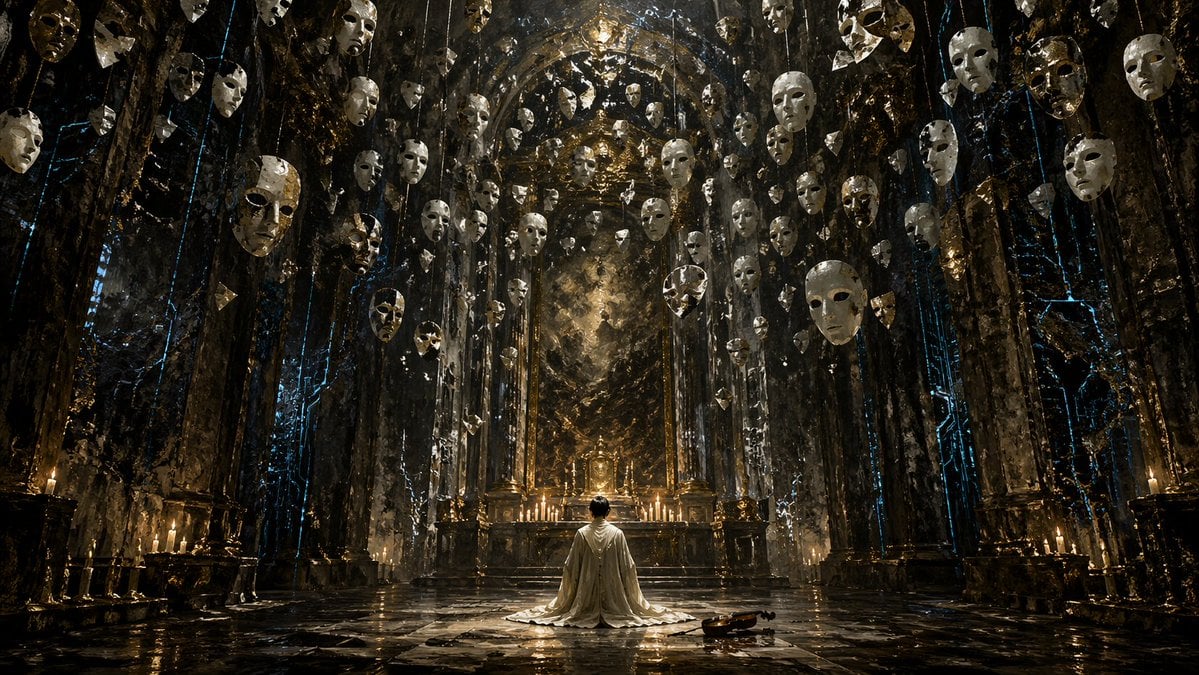
Surreal Gothic Hall with Floating Masks
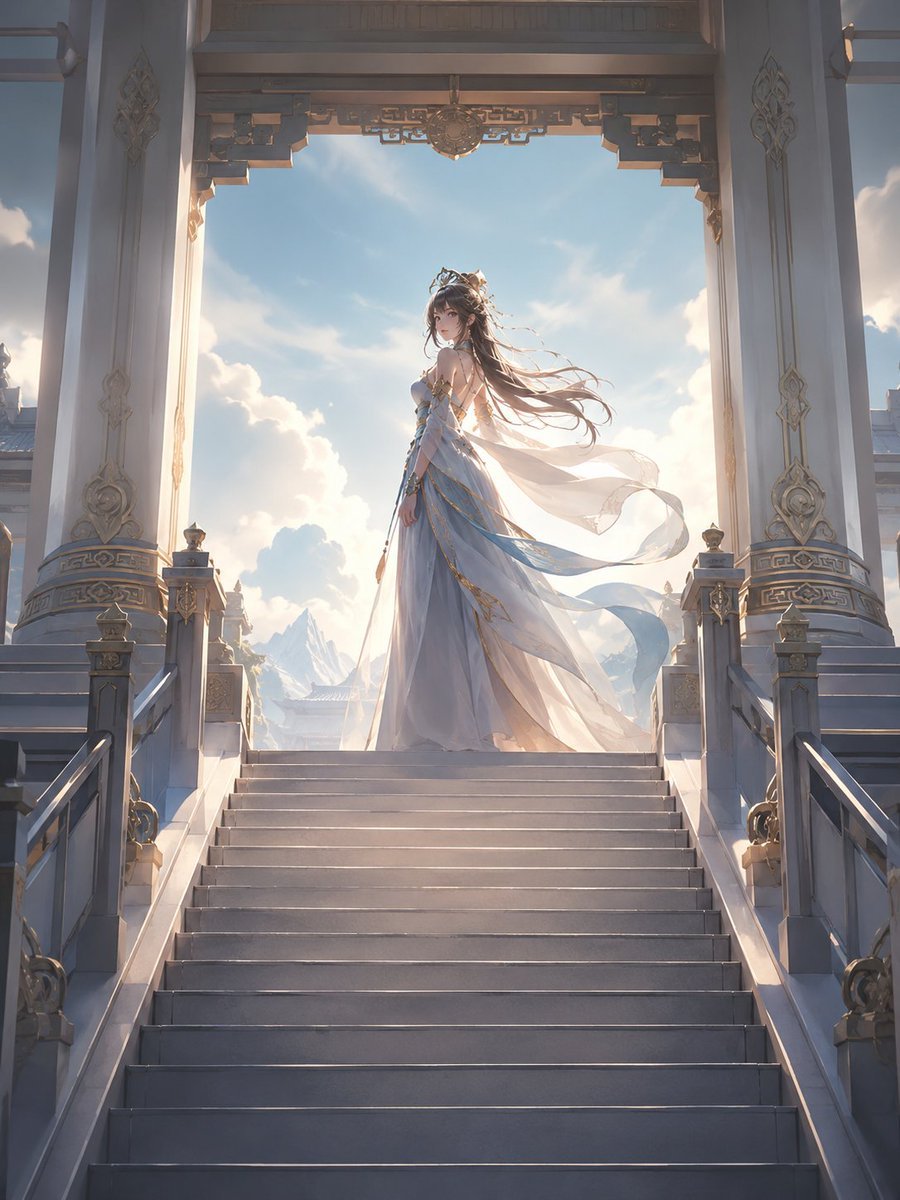
Fantasy Princess Temple Staircase
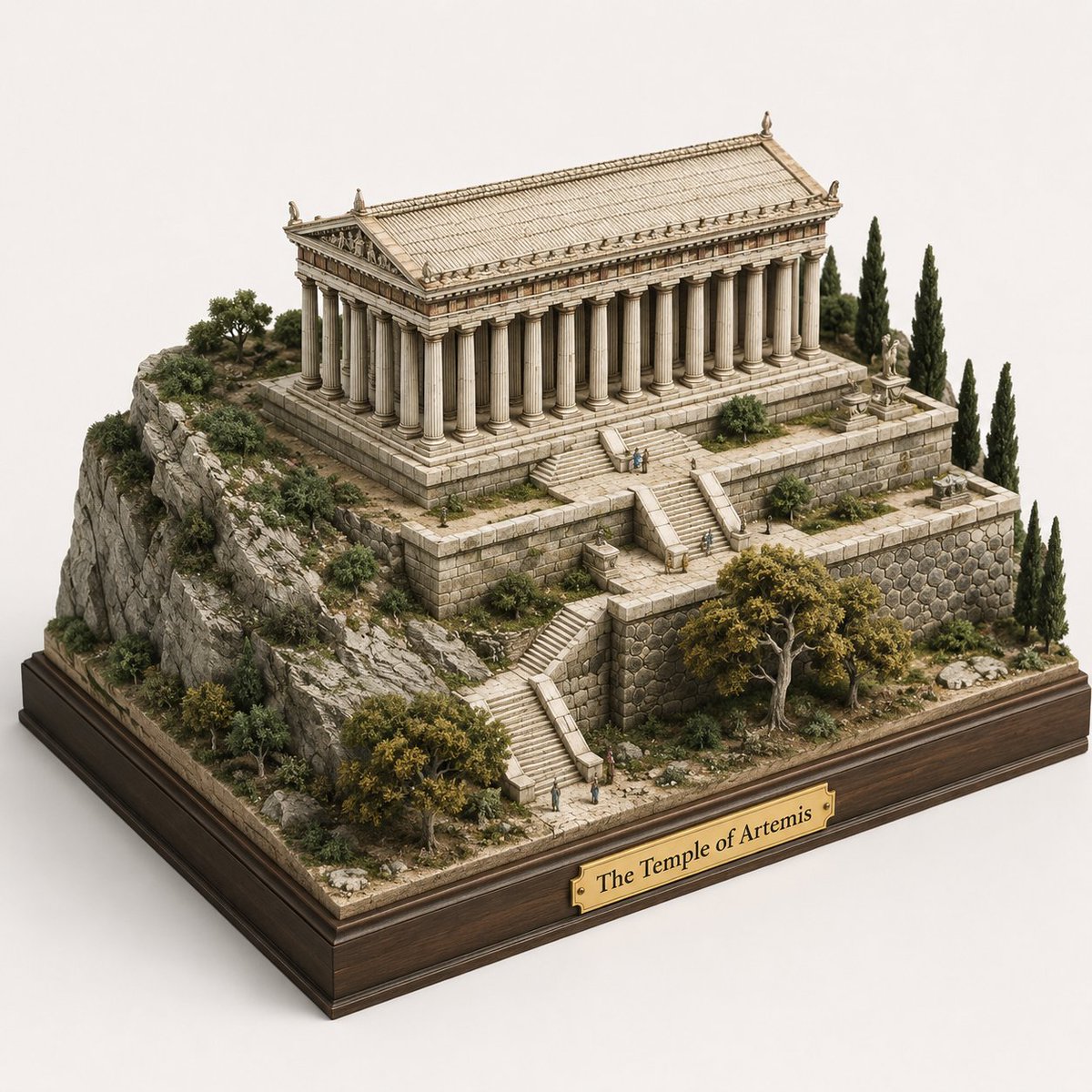
Ancient Temple 3D Diorama
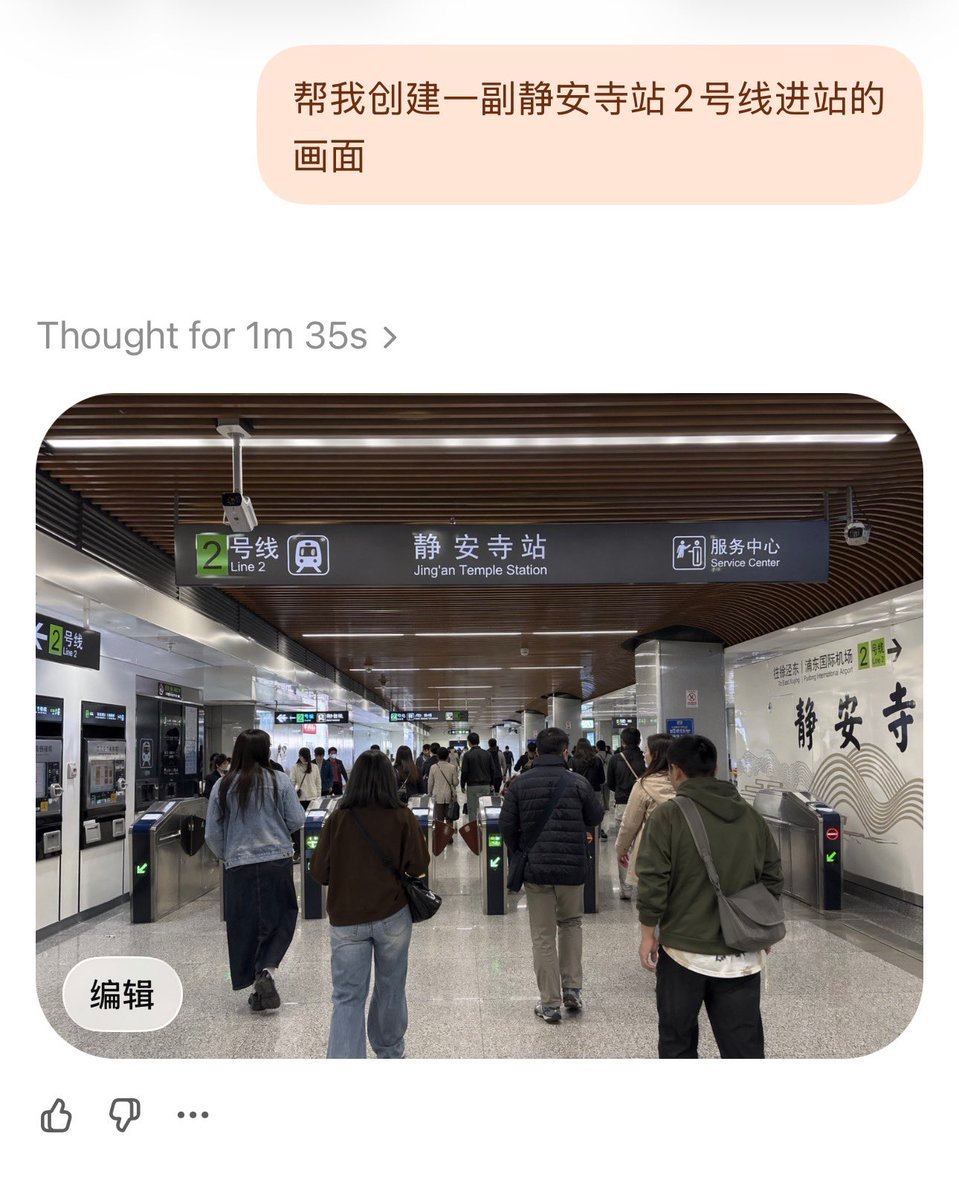
Jing'an Temple Line 2 Station Entrance

Vintage Billiards Hall Portrait
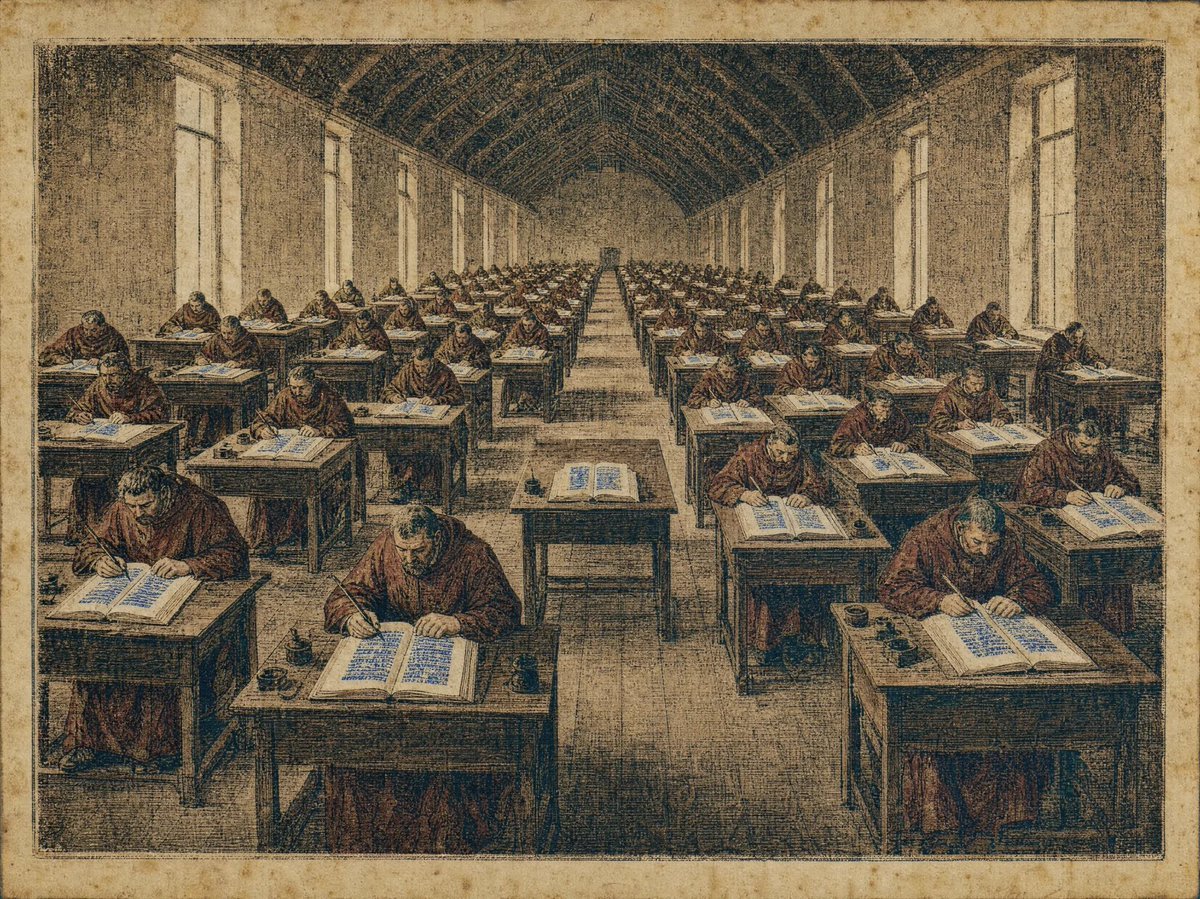
Medieval Scriptorium Hall
Make it yours
Cinematic Japanese Temple Hall works as-is. These are the safest ways to change it without losing the look.
Change one field
Copy a single group, rewrite it, and generate again so you can see what that field is doing.
Keep the frame, change the subject
Hold the composition and light of Cinematic Japanese Temple Hall, then swap wardrobe, props or the person for a new take.
| If the result… | Why | Fix |
|---|---|---|
| The result drifts from the preview | Too many fields changed at once. | Reuse Cinematic Japanese Temple Hall as-is first, then change one group — subject, light, or setting. |
| The model over-stylizes the scene | The prose prompt leaves finish and camera underspecified. | Add one camera or lighting sentence and stay on GPT Image 2. |
More GPT Image 2 templates
Other prompts made for GPT Image 2.

Realistic Portrait of Woman and Deer

The Vista Modular Condo Poster

AI Model Routing Comparison Infographic

2.5D Anime Art Board

Isometric Productivity Desk Scene

New York Double Exposure Poster

Four-Panel AI Landscape Comparison

NESCAFÉ Coffee Map Poster

Brutalist Cogito Chinese Typography Poster

Cinematic Luxury Terrace Portrait
More image prompts
Fresh picks from across the catalog.
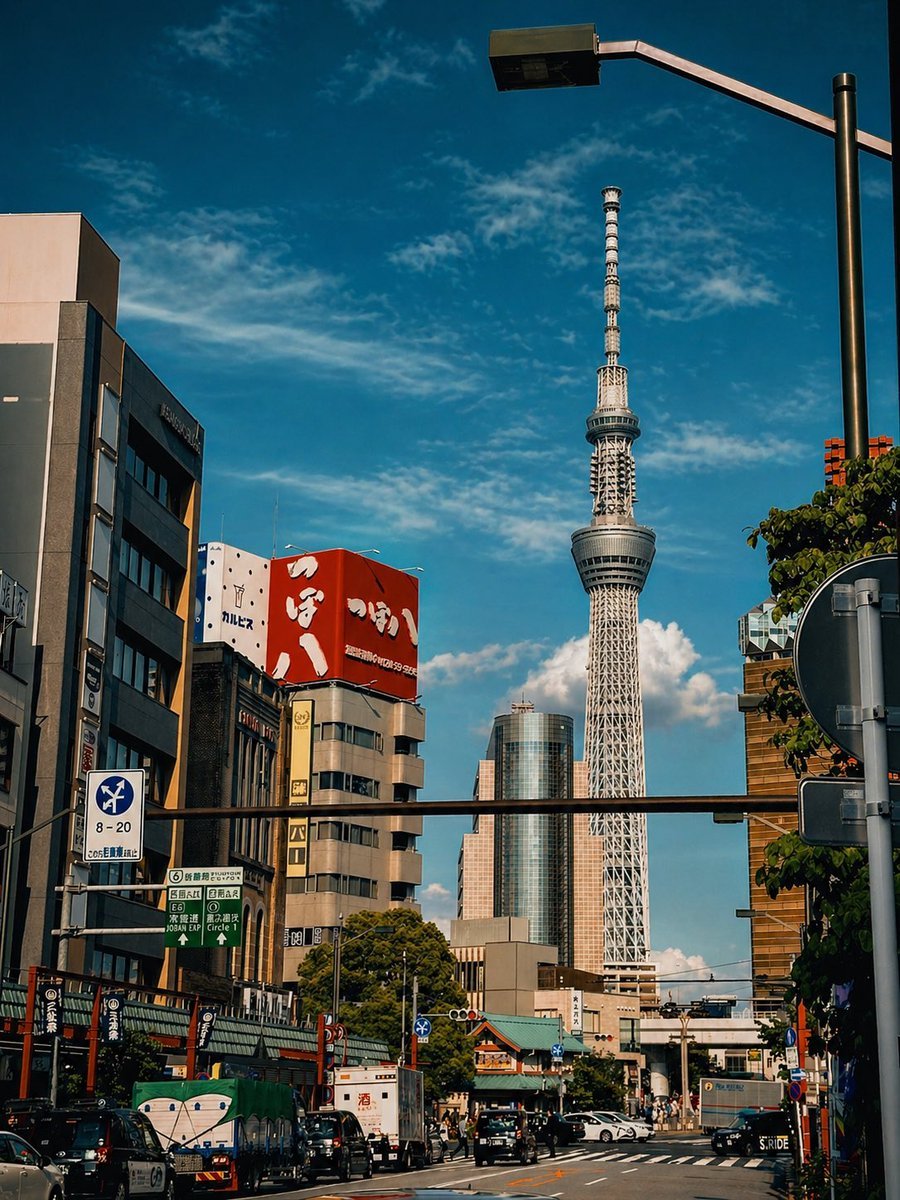
Cinematic Tokyo Street Color Grade

Cinematic Starry Night Portrait

Scrapbook Anime GFX Poster
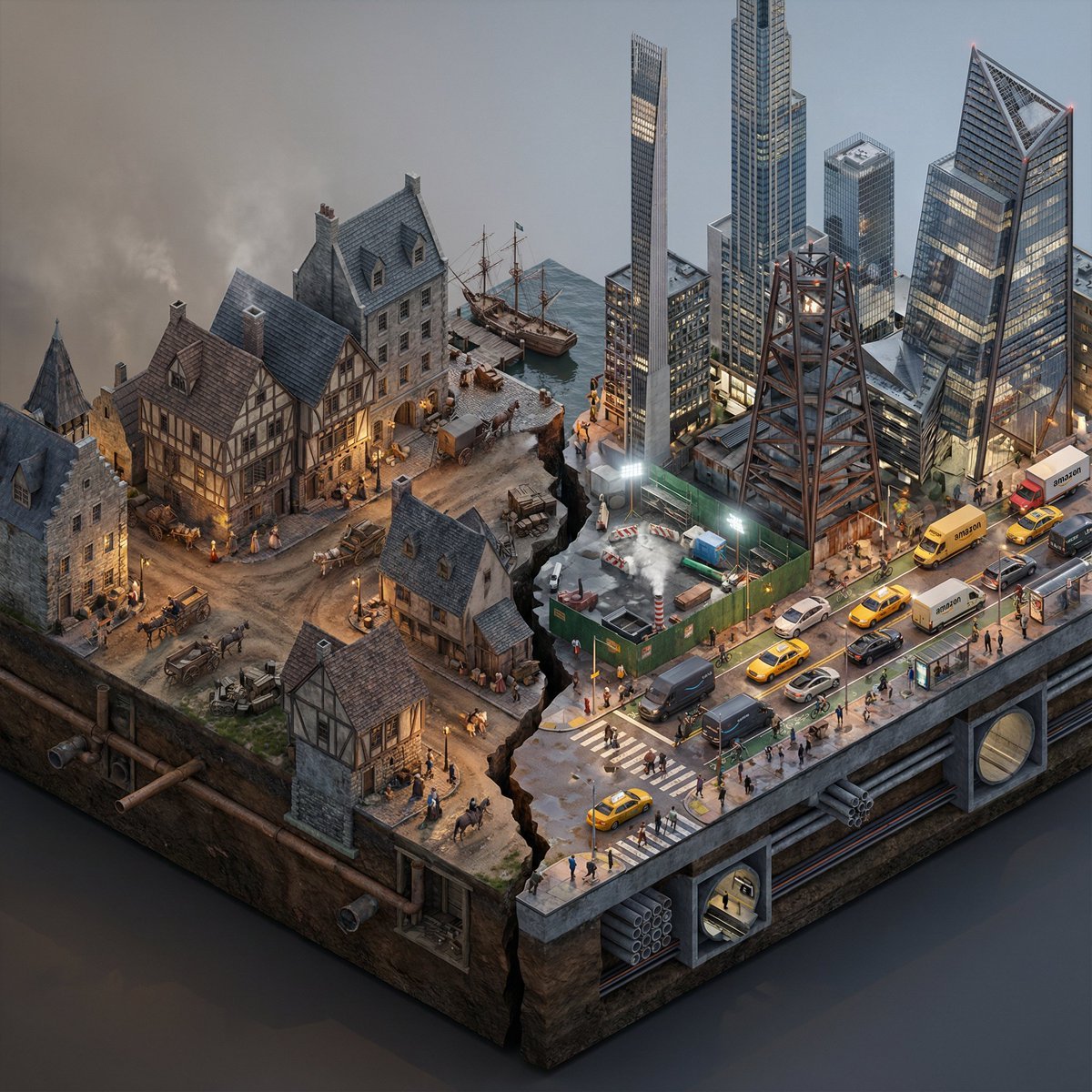
Split-Era Urban Diorama Generation Prompt for Nano Banana Pro

Golden Hour Winter Portrait Prompt for Gemini Nano Banana 3.0

Caricature Bobblehead Figurine Prompt

Retro Magazine Upside-Down Portrait

Playful Bathroom Mirror Selfie Prompt (Curvy Focus)
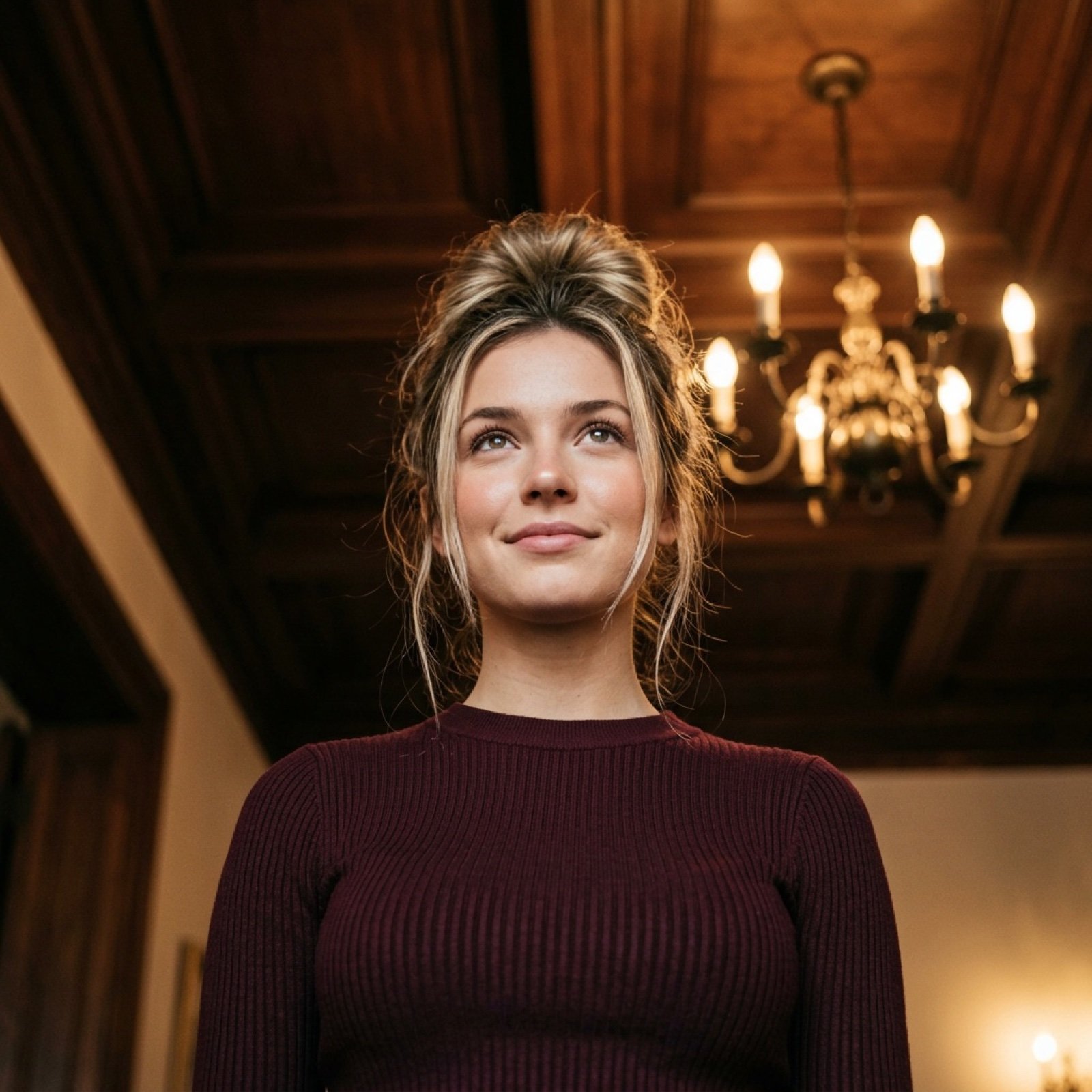
Worm's-Eye View Cinematic Portrait Prompt with Identity Lock

Japanese TV News Rabbit Cafe
Browse template categories
Cinematic Japanese Temple Hall questions
How do I use the Cinematic Japanese Temple Hall template?
Add your photo if the template asks for one, edit the prompt if you like — the template's model and format are already selected — and press Generate. Your version opens in PicX Studio.
Can I customize the Cinematic Japanese Temple Hall template?
Yes. You can change the subject, setting, lighting, mood, format, and available model controls before creating your image.
Is the Cinematic Japanese Temple Hall template free?
Opening and editing this template is free. Generating uses credits, shown on the Generate button when you are signed in.
Which AI model should I use?
Start with GPT Image 2, which is the model associated with this template. You can compare another compatible model for a different finish.
Looking for something else? Browse all templates.

Your photo, any look
Thousands of ready templates for every top image and video model, from one credit balance.