
Ancient Temple 3D Diorama
Transforms a historical architectural illustration into a realistic museum-style miniature diorama on a wooden display base.
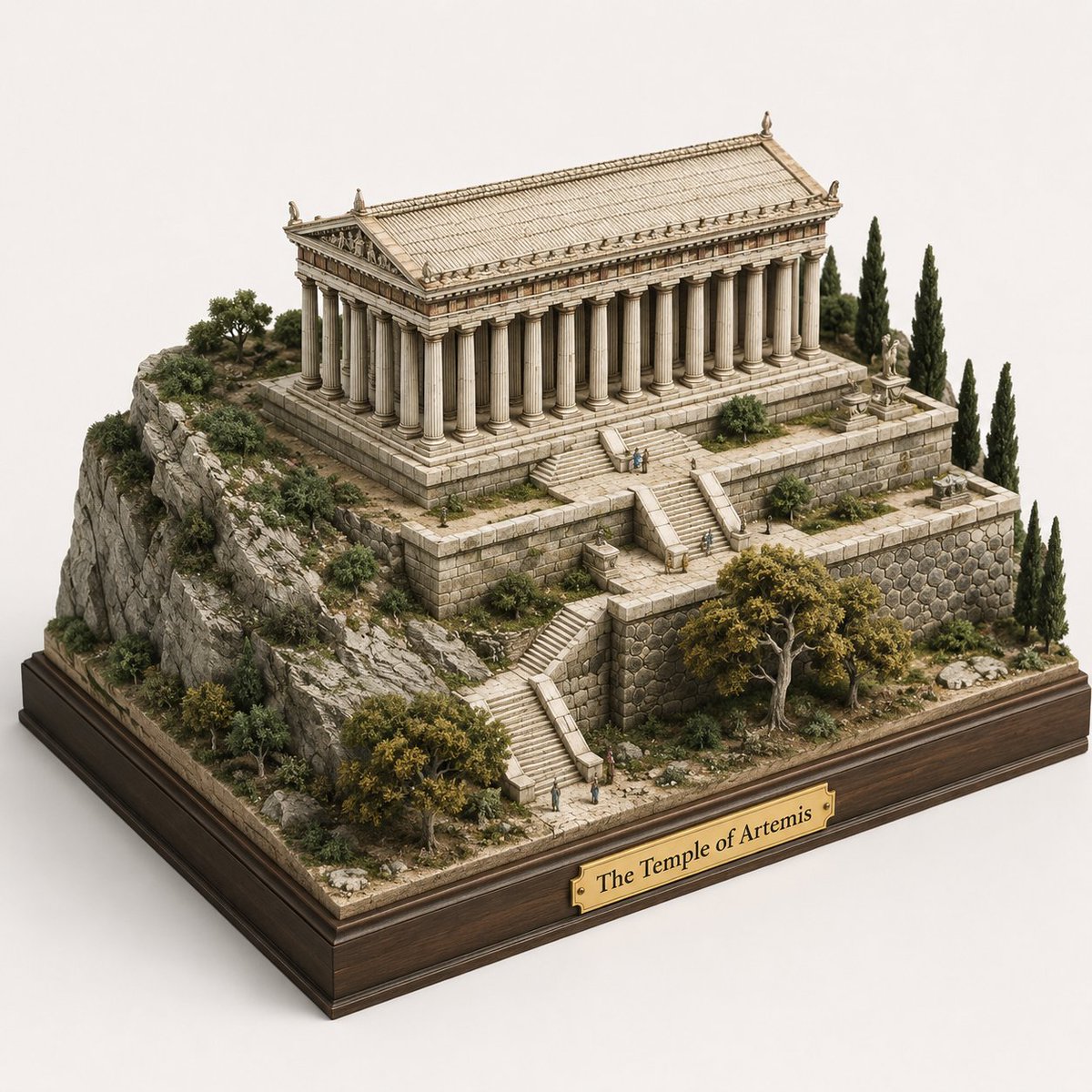
- Prompt included
- Model and format preset
- Free template
The prompt behind this image
Copy the exact prompt behind Ancient Temple 3D Diorama, or open it in the studio and make it yours.
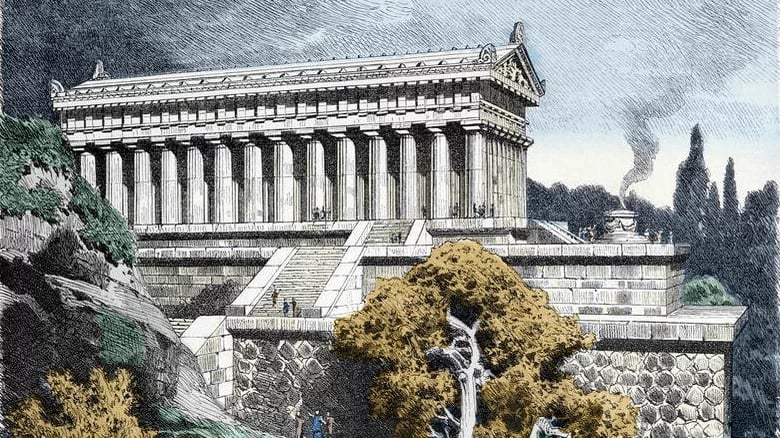
Using REFERENCE_0 as the architectural source, transform the engraved scene into a realistic handcrafted 3D miniature diorama / scale model. Keep the same ancient temple, terraced hillside, stone retaining walls, stairways, trees, and tiny human figures, but convert everything from flat illustration into physical model materials with depth, shadows, and tactile detail. Present it from an elevated three-quarter isometric view on a clean light studio background. Add a polished dark wooden display plinth underneath the whole terrain and attach exactly 1 brass nameplate centered on the front edge reading {argument name="plaque text" default="The Temple of Artemis"}. Make the terrain look like a museum-quality architectural maquette: carved stone blocks, rocky cliff texture, miniature shrubs and cypress trees, weathered ivory temple columns, and subtle natural colors. Preserve the overall layout from the reference while making it feel like a tangible collectible model, not a drawing or painting.
Reference images included
Ancient Temple 3D Diorama needs input media to work. They load alongside the prompt when you open it in the studio.
How to use Ancient Temple 3D Diorama in 3 steps
- 1Upload ImagePNG, JPG or paste
Add your photo
Upload the photo the template builds on. The prompt, model and format are already set.
- 2…a portrait of your subject in softgolden-hour light, 85mm…
Personalize
Edit the subject and creative details for your destination.
- 3Generate
Generate
Press Generate — your image is created in PicX Studio, so you can compare it with the original and refine one variable at a time.
More like this
Templates with the same subject, style or setup. Open one to see its prompt.

Ancient Temple Portrait — White Dress Nano Banana
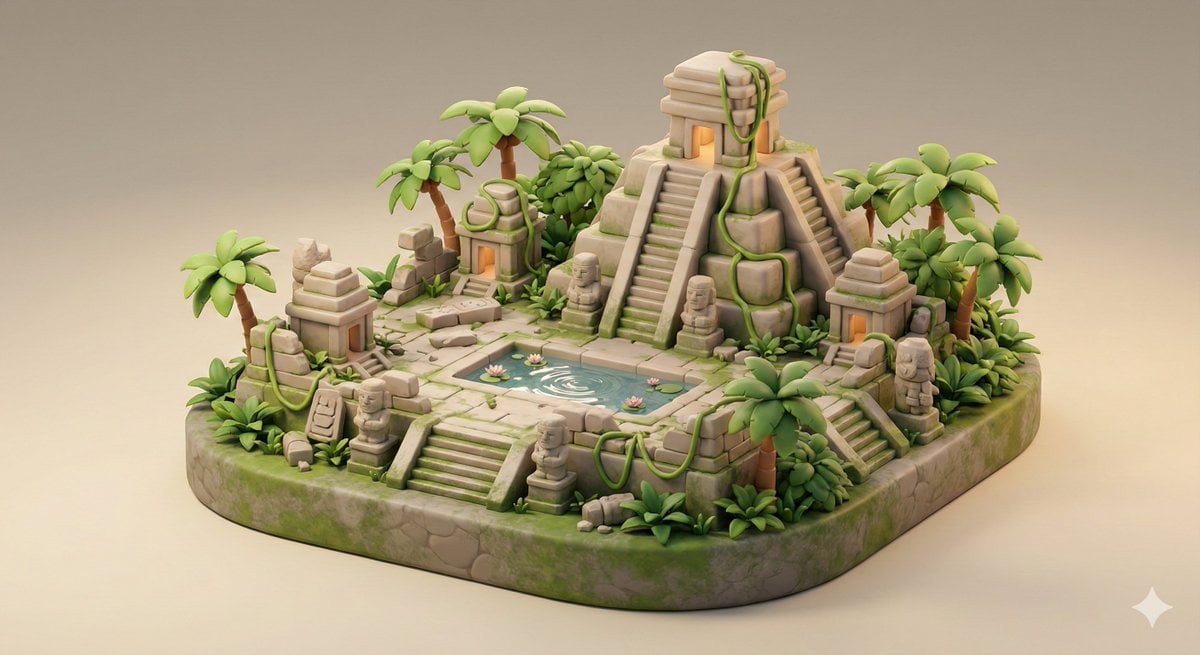
Ancient Jungle Temple Diorama Collectible Prompt
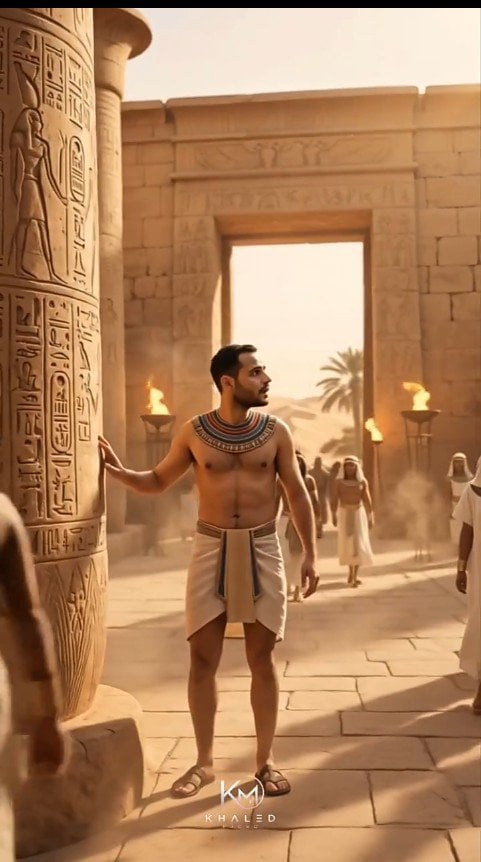
Modern Man in Ancient Egyptian Temple

Ancient Temple Interior Contact Sheet

Layered Paper Cut Forest Diorama

Soft Handcrafted Paper-Cut Layered Illustration

Isometric Process Educational Diorama

Isometric Brand Store Diorama

FIFA World Cup — Brazil National Pass Diorama
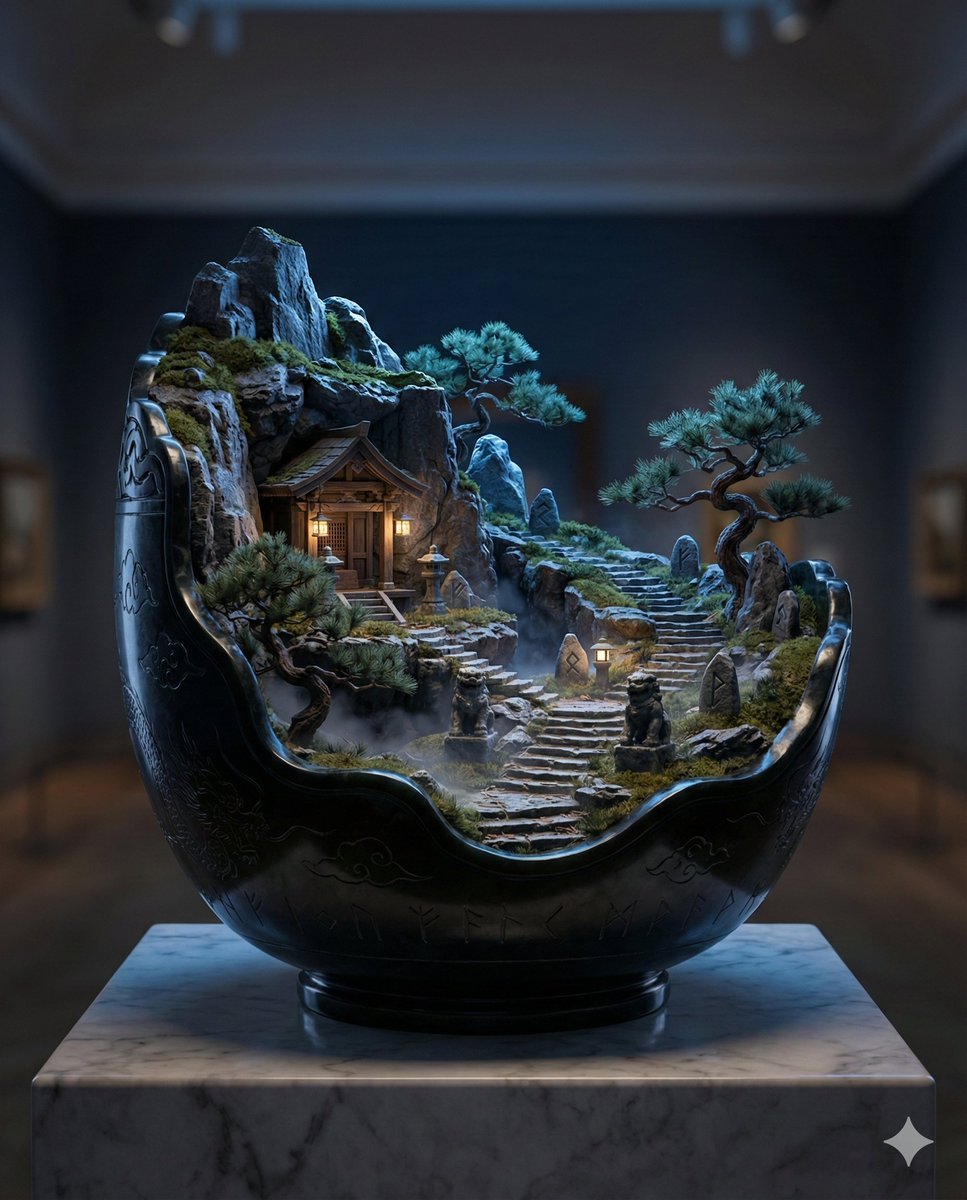
Black Jade Diorama of Night Mountain of the Ancients

敦煌纸雕飞天 — 3D Layered Paper Cutout
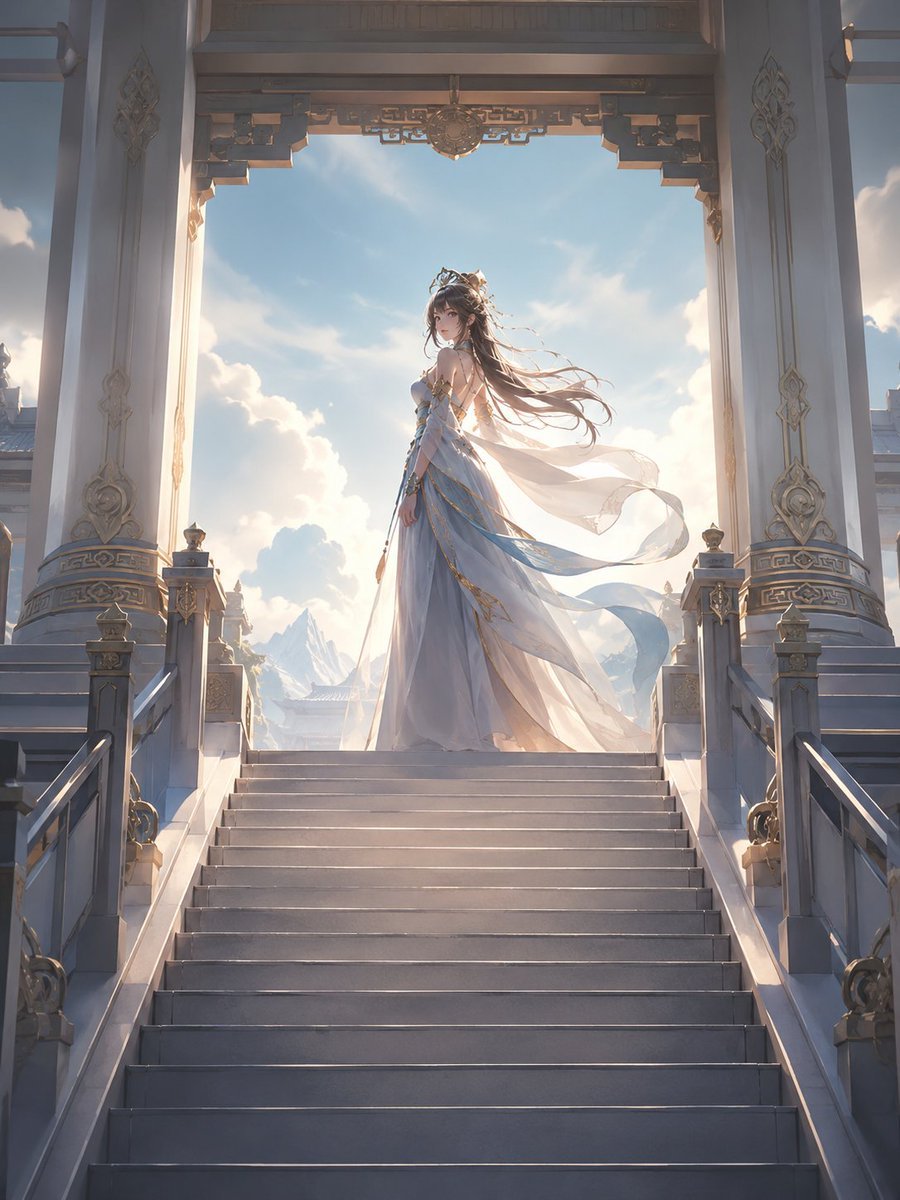
Fantasy Princess Temple Staircase
Make it yours
Ancient Temple 3D Diorama works as-is. These are the safest ways to change it without losing the look.
Change one field
Copy a single group, rewrite it, and generate again so you can see what that field is doing.
Keep the frame, change the subject
Hold the composition and light of Ancient Temple 3D Diorama, then swap wardrobe, props or the person for a new take.
| If the result… | Why | Fix |
|---|---|---|
| The result drifts from the preview | Too many fields changed at once. | Reuse Ancient Temple 3D Diorama as-is first, then change one group — subject, light, or setting. |
| The model over-stylizes the scene | The prose prompt leaves finish and camera underspecified. | Add one camera or lighting sentence and stay on GPT Image 2. |
More GPT Image 2 templates
Other prompts made for GPT Image 2.

Six VTuber Japanese Logo Sheet

Realistic Portrait of Woman and Deer

The Vista Modular Condo Poster

AI Model Routing Comparison Infographic

2.5D Anime Art Board

Isometric Productivity Desk Scene

New York Double Exposure Poster

Four-Panel AI Landscape Comparison

Japanese Tatami Lifestyle Magazine Cover

NESCAFÉ Coffee Map Poster
More image prompts
Fresh picks from across the catalog.
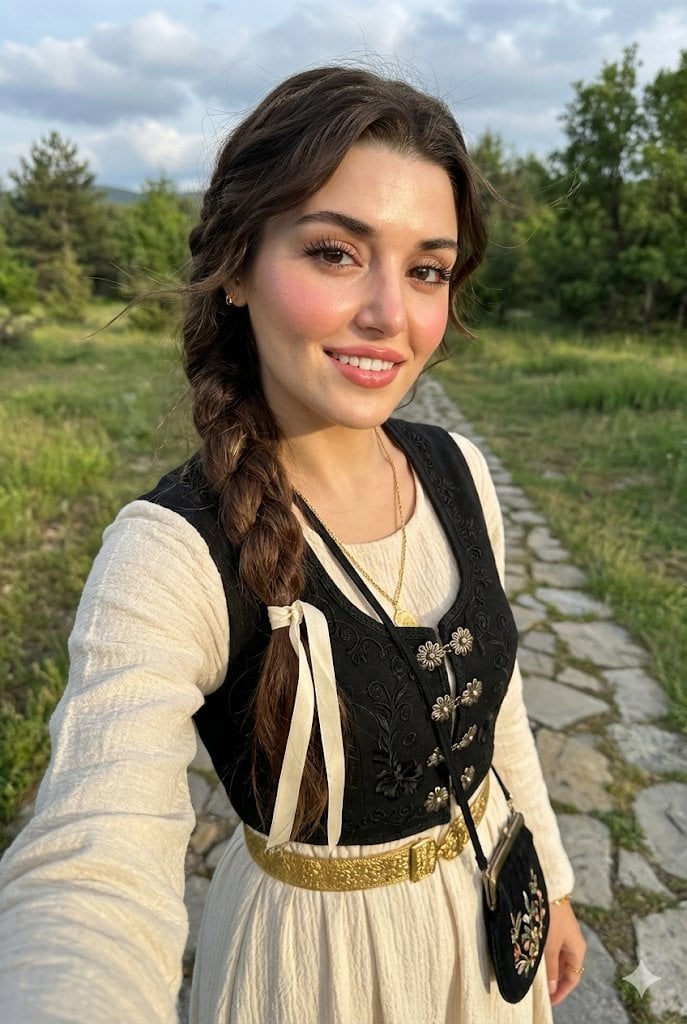
Full-Body Selfie Portrait with Traditional Clothing and Face Lock

1980s US import anime (duplicate style)

Anime-Inspired Manga Wall Portrait

Stylized Grid of Whimsical Cat Faces
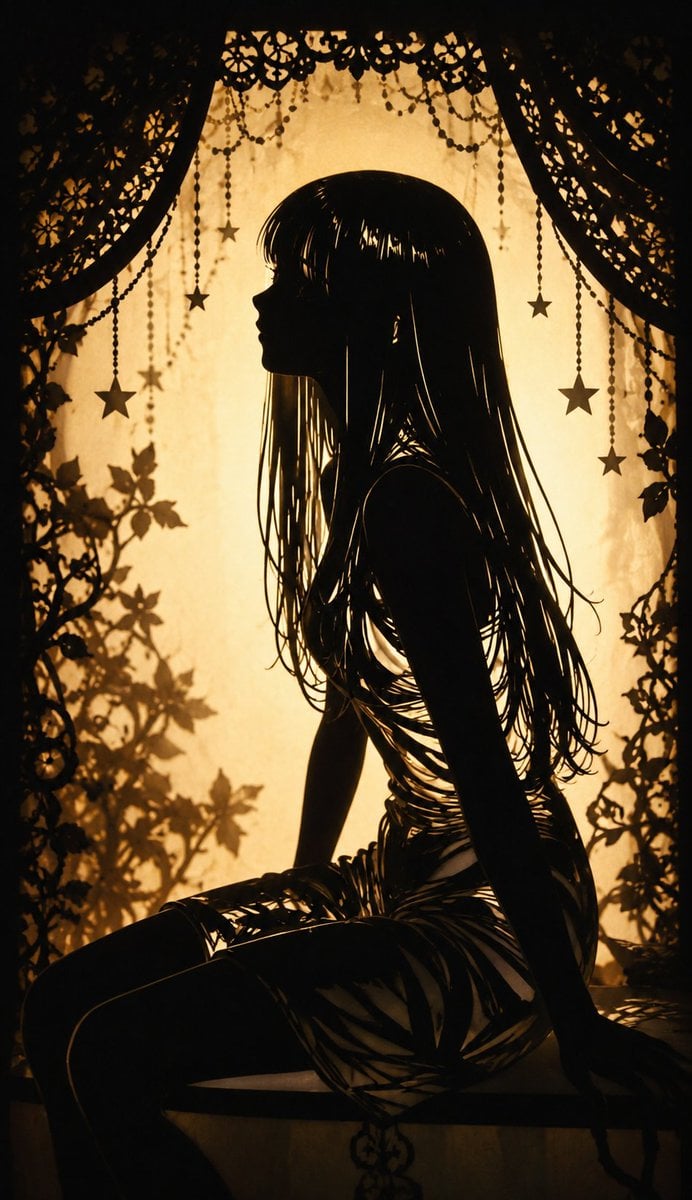
Shadow Puppet Style Transformation
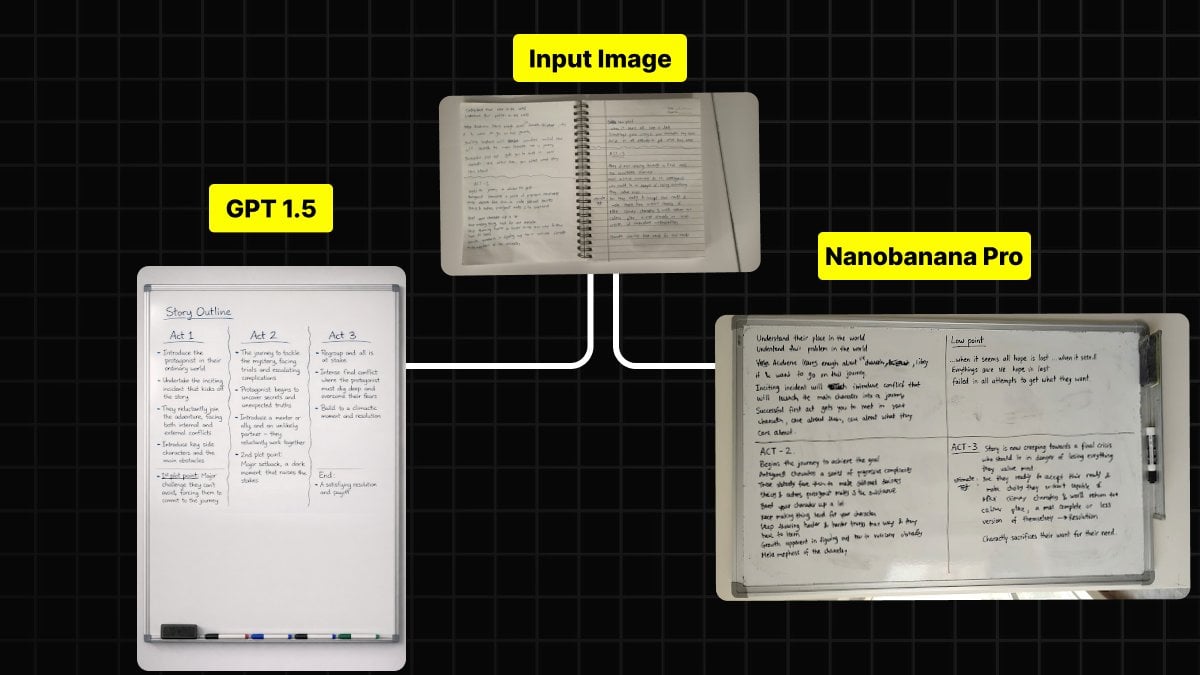
Handwritten Notes to Whiteboard Conversion Prompt

Ultra-Close Photorealistic Couple Selfie with Heart Cheek Paint

Dark Anime Sylus Scrapbook Poster
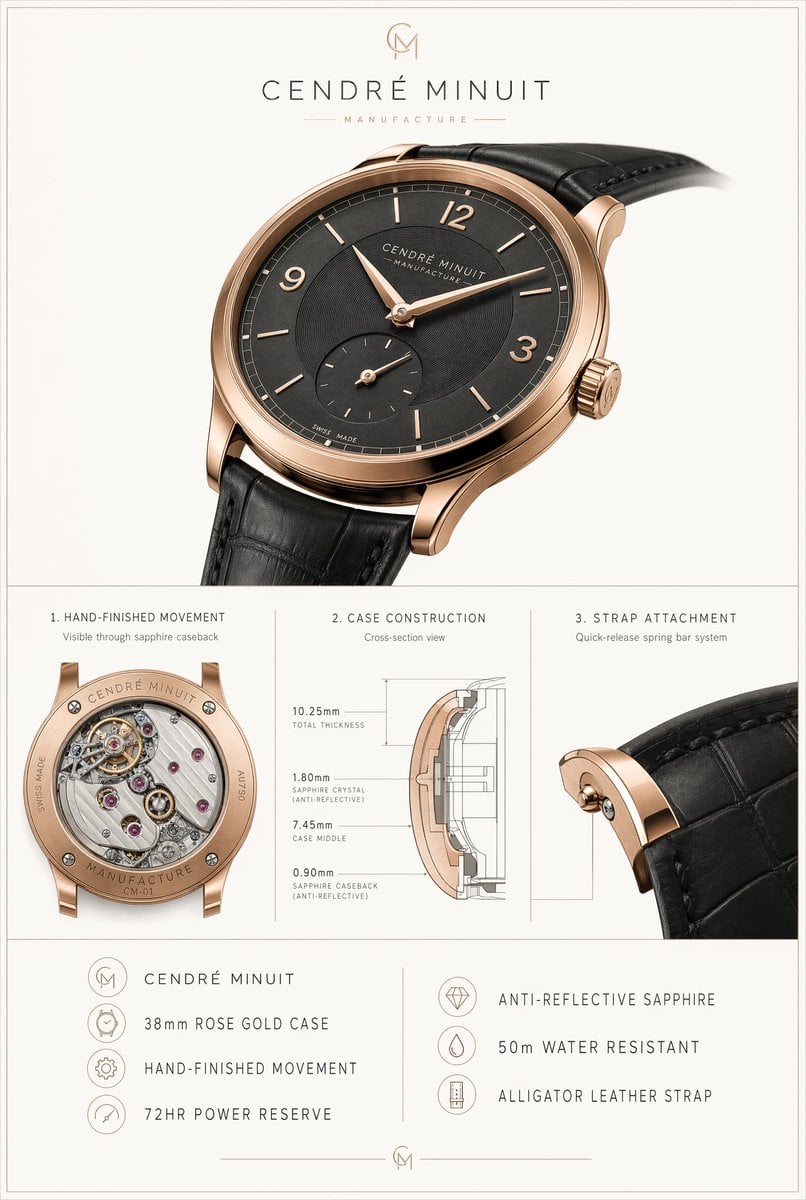
Luxury Watch Technical Poster
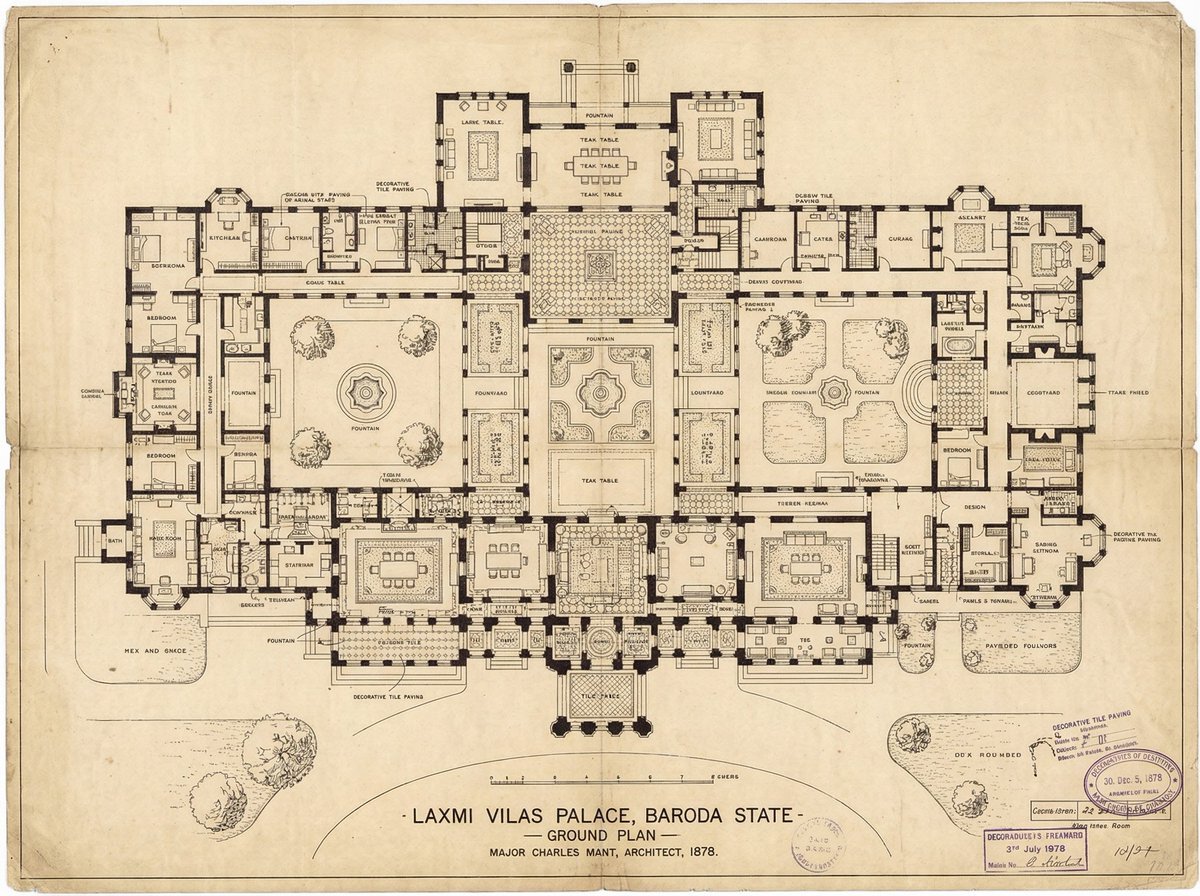
Generate detailed construction plan of Laxmi Vilas Palace from image
Browse template categories
Ancient Temple 3D Diorama questions
How do I use the Ancient Temple 3D Diorama template?
Add your photo if the template asks for one, edit the prompt if you like — the template's model and format are already selected — and press Generate. Your version opens in PicX Studio.
Can I customize the Ancient Temple 3D Diorama template?
Yes. You can change the subject, setting, lighting, mood, format, and available model controls before creating your image.
Is the Ancient Temple 3D Diorama template free?
Opening and editing this template is free. Generating uses credits, shown on the Generate button when you are signed in.
Which AI model should I use?
Start with GPT Image 2, which is the model associated with this template. You can compare another compatible model for a different finish.
Looking for something else? Browse all templates.

Your photo, any look
Thousands of ready templates for every top image and video model, from one credit balance.