
Luxury Watch Technical Poster
A refined high-end product poster for a luxury mechanical wristwatch, combining a hero beauty shot with technical diagrams and feature callouts for brand campaigns or catalog pages.
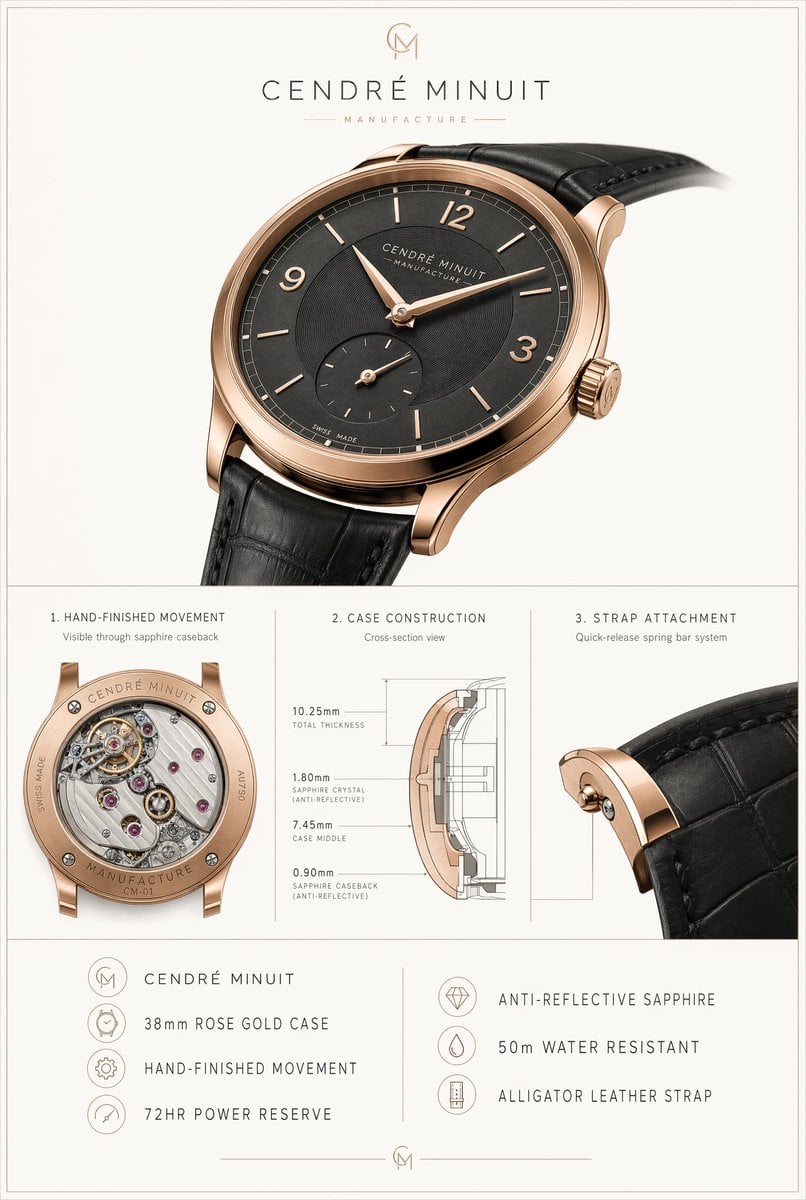
- Prompt included
- Model and format preset
- Free template
The prompt behind this image
Copy the exact prompt behind Luxury Watch Technical Poster, or open it in the studio and make it yours.
- Type
- luxury watch product specification poster
- Brand › Name
- {argument name="brand name" default="CENDRÉ MINUIT"}
- Brand › Tagline
- MANUFACTURE
- Brand › Monogram
- CM
- Subject › Product
- dress wristwatch
- Subject › Case › Diameter
- {argument name="case size" default="38mm"}
- Subject › Case › Material
- {argument name="case material" default="rose gold"}
- Subject › Case › Finish
- high-polish warm rose gold tone
- Subject › Case › Shape
- round ultra-thin case with elegant curved lugs
- Subject › Case › Crown
- fluted crown with engraved monogram
- Subject › Dial › Color
- {argument name="dial color" default="charcoal black"}
- Subject › Dial › Style
- minimalist sector-textured dial
- Subject › Dial › Markers › Count
- 10
- Subject › Dial › Markers › Details
- 8 slim baton indices plus Arabic numerals at 12, 3, and 9, with no marker at 6 because of subdial
- Subject › Dial › Hands
- leaf-shaped rose gold hour and minute hands
- Subject › Dial › Subdials › Count
- 1
- Subject › Dial › Subdials › Type
- small seconds at 6 o'clock
- Subject › Dial › Text
- CENDRÉ MINUIT, MANUFACTURE, SWISS MADE
- Subject › Strap › Material
- {argument name="strap material" default="black alligator leather"}
- Subject › Strap › Color
- black
- Subject › Strap › Attachment
- quick-release spring bar system
- Subject › Movement › Type
- mechanical hand-finished movement
- Subject › Movement › Visible Caseback
- true
- Subject › Movement › Power Reserve
- 72HR
Raw JSON
{"type":"luxury watch product specification poster","brand":{"name":"{argument name=\"brand name\" default=\"CENDRÉ MINUIT\"}","tagline":"MANUFACTURE","monogram":"CM"},"subject":{"product":"dress wristwatch","case":{"diameter":"{argument name=\"case size\" default=\"38mm\"}","material":"{argument name=\"case material\" default=\"rose gold\"}","finish":"high-polish warm rose gold tone","shape":"round ultra-thin case with elegant curved lugs","crown":"fluted crown with engraved monogram"},"dial":{"color":"{argument name=\"dial color\" default=\"charcoal black\"}","style":"minimalist sector-textured dial","markers":{"count":10,"details":"8 slim baton indices plus Arabic numerals at 12, 3, and 9, with no marker at 6 because of subdial"},"hands":"leaf-shaped rose gold hour and minute hands","subdials":{"count":1,"type":"small seconds at 6 o'clock"},"text":["CENDRÉ MINUIT","MANUFACTURE","SWISS MADE"]},"strap":{"material":"{argument name=\"strap material\" default=\"black alligator leather\"}","color":"black","attachment":"quick-release spring bar system"},"movement":{"type":"mechanical hand-finished movement","visible_caseback":true,"power_reserve":"72HR"}},"layout":{"background":"soft warm light gray with thin double-line border around the full canvas","orientation":"vertical poster","sections":[{"title":"hero product shot","position":"top","count":1,"labels":["main watch"]},{"title":"1. HAND-FINISHED MOVEMENT","position":"middle left","count":1,"labels":["Visible through sapphire caseback"]},{"title":"2. CASE CONSTRUCTION","position":"middle center","count":1,"labels":["Cross-section view","10.25mm TOTAL THICKNESS","1.80mm SAPPHIRE CRYSTAL (ANTI-REFLECTIVE)","7.45mm CASE MIDDLE","0.90mm SAPPHIRE CASEBACK (ANTI-REFLECTIVE)"]},{"title":"3. STRAP ATTACHMENT","position":"middle right","count":1,"labels":["Quick-release spring bar system"]},{"title":"feature list left","position":"bottom left","count":4,"labels":["CENDRÉ MINUIT","38mm ROSE GOLD CASE","HAND-FINISHED MOVEMENT","72HR POWER RESERVE"]},{"title":"feature list right","position":"bottom right","count":3,"labels":["ANTI-REFLECTIVE SAPPHIRE","50m WATER RESISTANT","ALLIGATOR LEATHER STRAP"]}],"dividers":"thin gray vertical and horizontal rules separating sections"},"visual_style":{"look":"premium Swiss watch advertisement and technical spec sheet","lighting":"soft studio lighting with realistic metal reflections and subtle shadows","camera":"hero watch shown in large three-quarter front view angled slightly right, strap extending off frame; detailed macro closeups in lower panels","typography":"refined uppercase luxury sans-serif with generous letter spacing","render_quality":"photorealistic, high-end catalog, precise engraving, realistic leather grain, crisp technical diagram lines"}}How to use Luxury Watch Technical Poster in 3 steps
- 1Upload ImagePNG, JPG or paste
Add your photo
Upload the photo the template builds on. The prompt, model and format are already set.
- 2…a portrait of your subject in softgolden-hour light, 85mm…
Personalize
Edit the subject and creative details for your destination.
- 3Generate
Generate
Press Generate — your image is created in PicX Studio, so you can compare it with the original and refine one variable at a time.
More like this
Templates with the same subject, style or setup. Open one to see its prompt.

Luxury Sliced Wordmark Player Poster
Luxury Watch Cash Reflect

Japan Travel Brochure Poster

Luxury ABKR Portrait Poster
Luxury Split Watch Campaign
Luxury Oriental Mansion Opening Poster

Doctor Doom Luxury Armor Poster
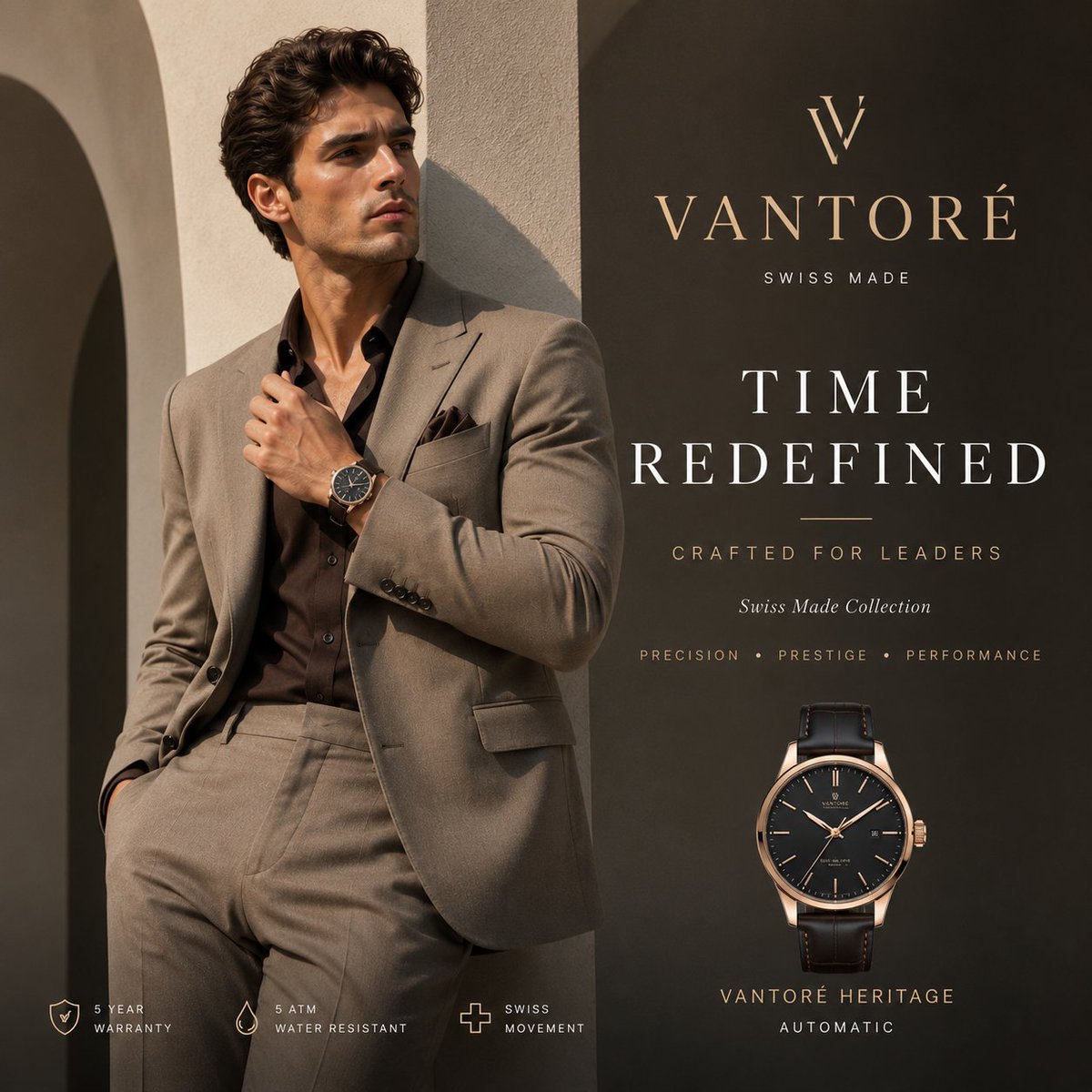
Luxury VANTORÉ Watch Advertisement
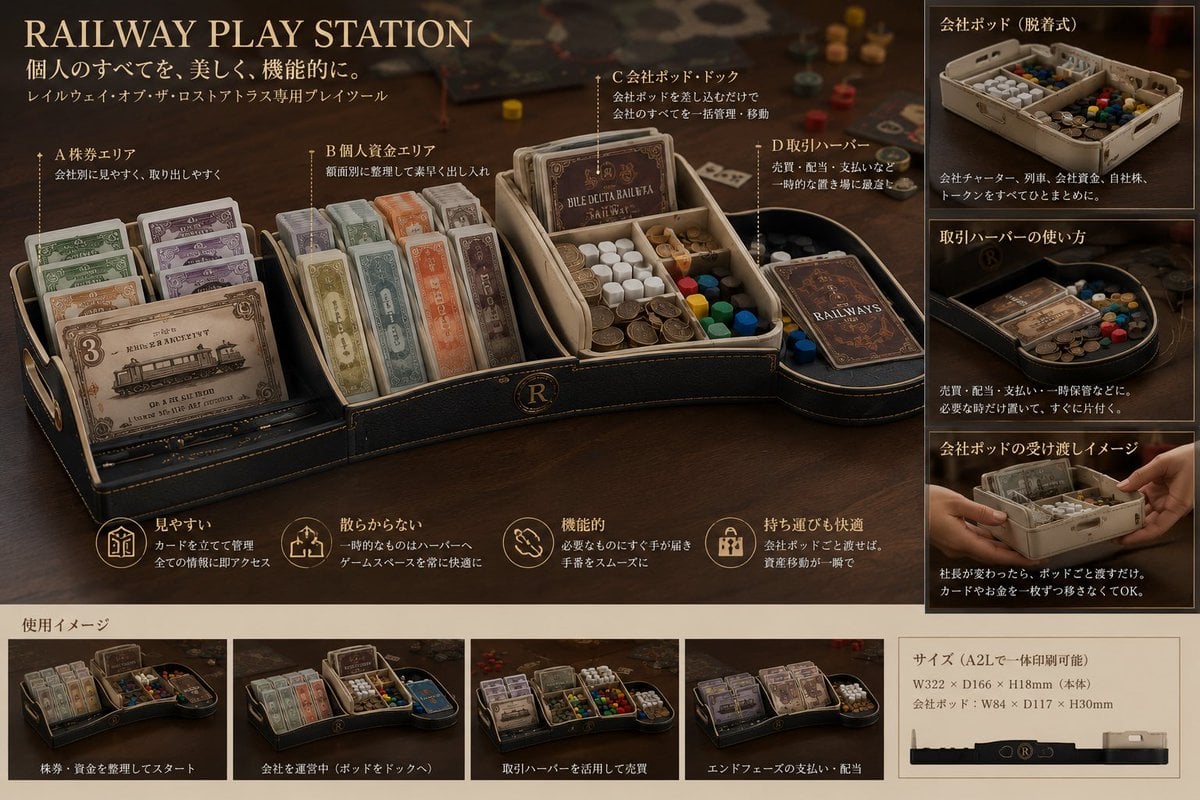
Luxury Railway Board Game Organizer Poster
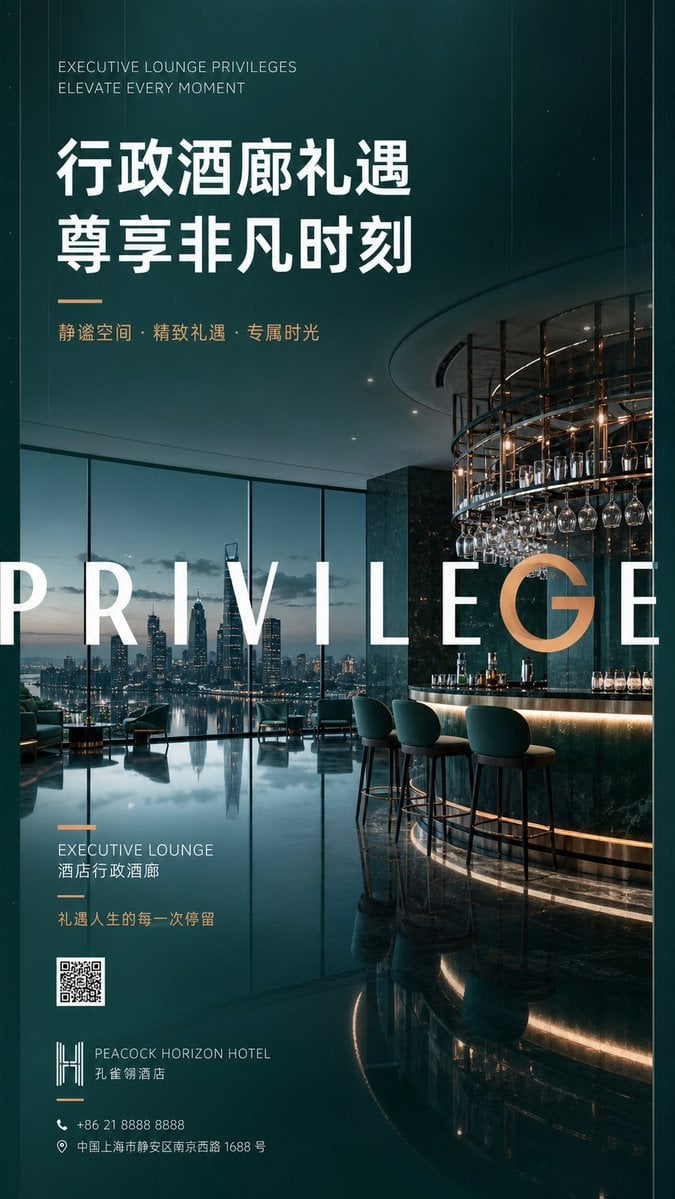
Luxury Executive Lounge Hotel Poster
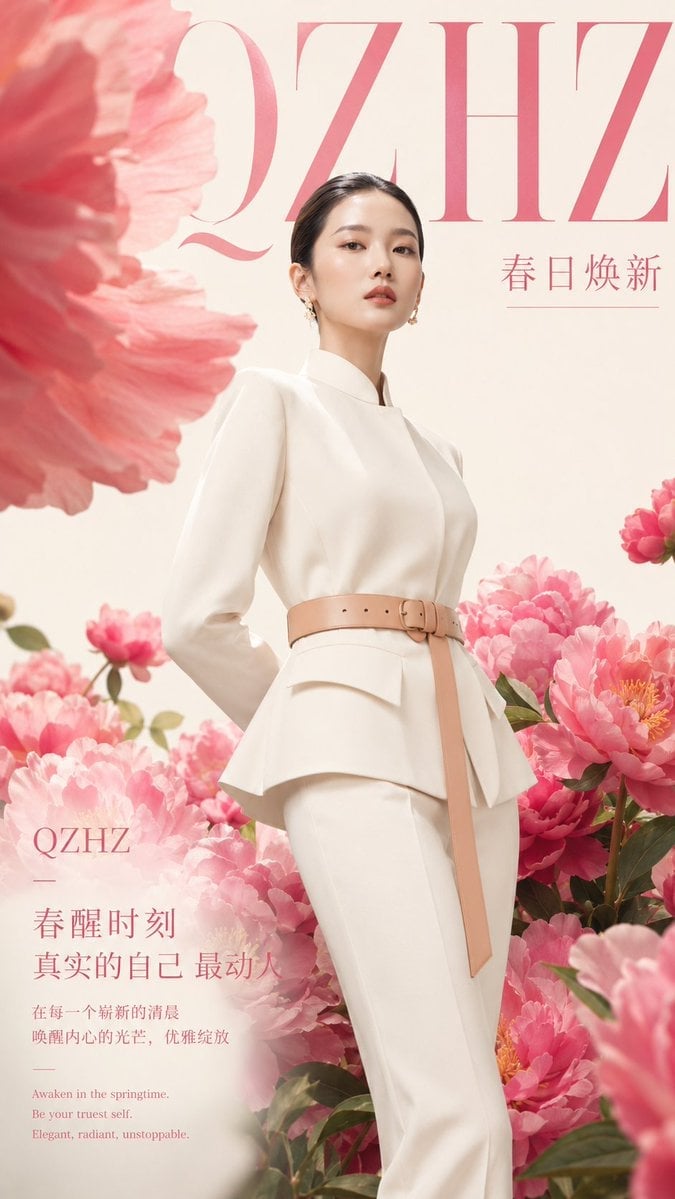
Luxury Spring Peony Fashion Poster
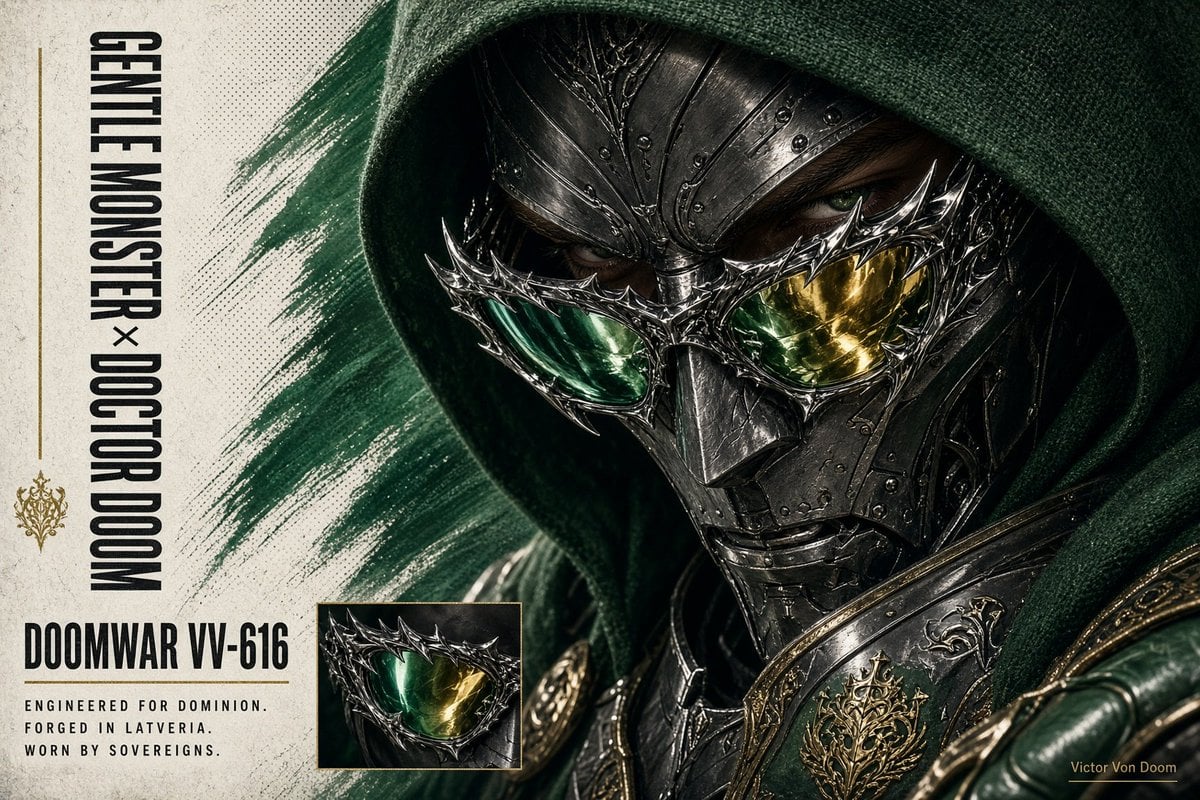
Doctor Doom Luxury Eyewear Poster
Make it yours
Luxury Watch Technical Poster works as-is. These are the safest ways to change it without losing the look.
Swap the setting
Keep the rest of the prompt and replace the location block. The current setting is “soft warm light gray with thin double-line border around the full canvas”.
Swap the light
One lighting change is enough to compare takes. Current light: “soft studio lighting with realistic metal reflections and subtle shadows”.
Change one field
Copy a single group, rewrite it, and generate again so you can see what that field is doing.
| If the result… | Why | Fix |
|---|---|---|
| The result drifts from the preview | Too many fields changed at once. | Reuse Luxury Watch Technical Poster as-is first, then change one group — subject, light, or setting. |
| GPT Image 2 ignores part of the JSON | Some models flatten or skip nested keys. | Keep the same values and paste them as a short paragraph instead. |
More GPT Image 2 templates
Other prompts made for GPT Image 2.

Six VTuber Japanese Logo Sheet

Realistic Portrait of Woman and Deer

The Vista Modular Condo Poster

AI Model Routing Comparison Infographic

2.5D Anime Art Board

Isometric Productivity Desk Scene

New York Double Exposure Poster

Four-Panel AI Landscape Comparison

Japanese Tatami Lifestyle Magazine Cover

NESCAFÉ Coffee Map Poster
More image prompts
Fresh picks from across the catalog.
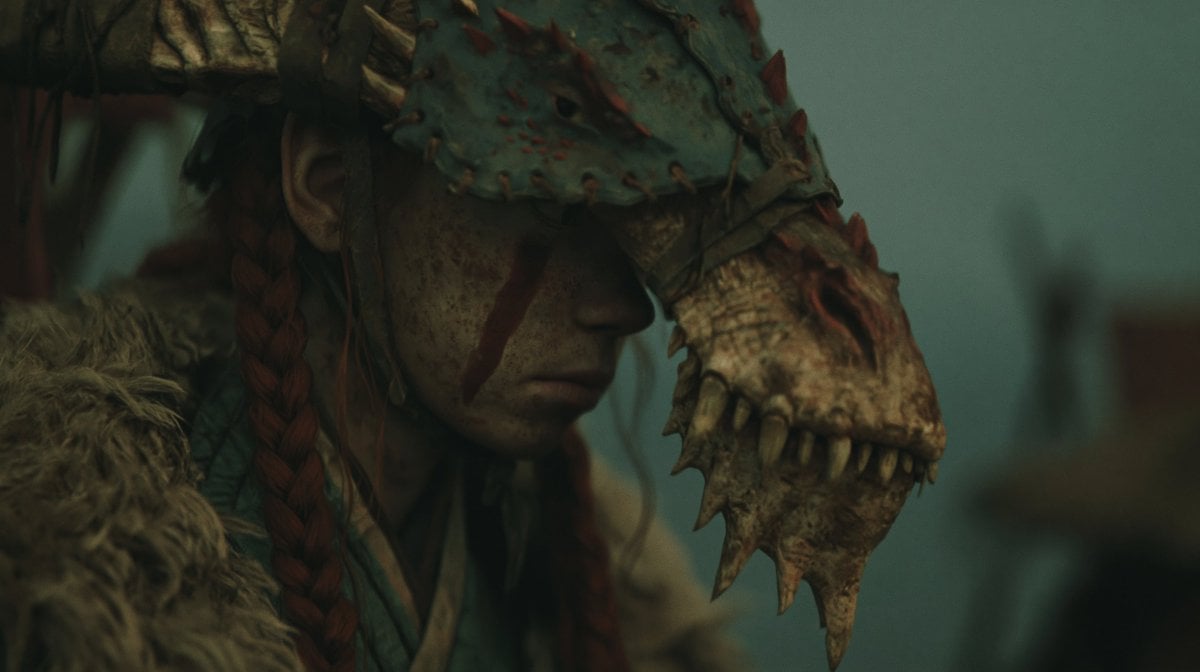
Censored Dragon Skull Warrior
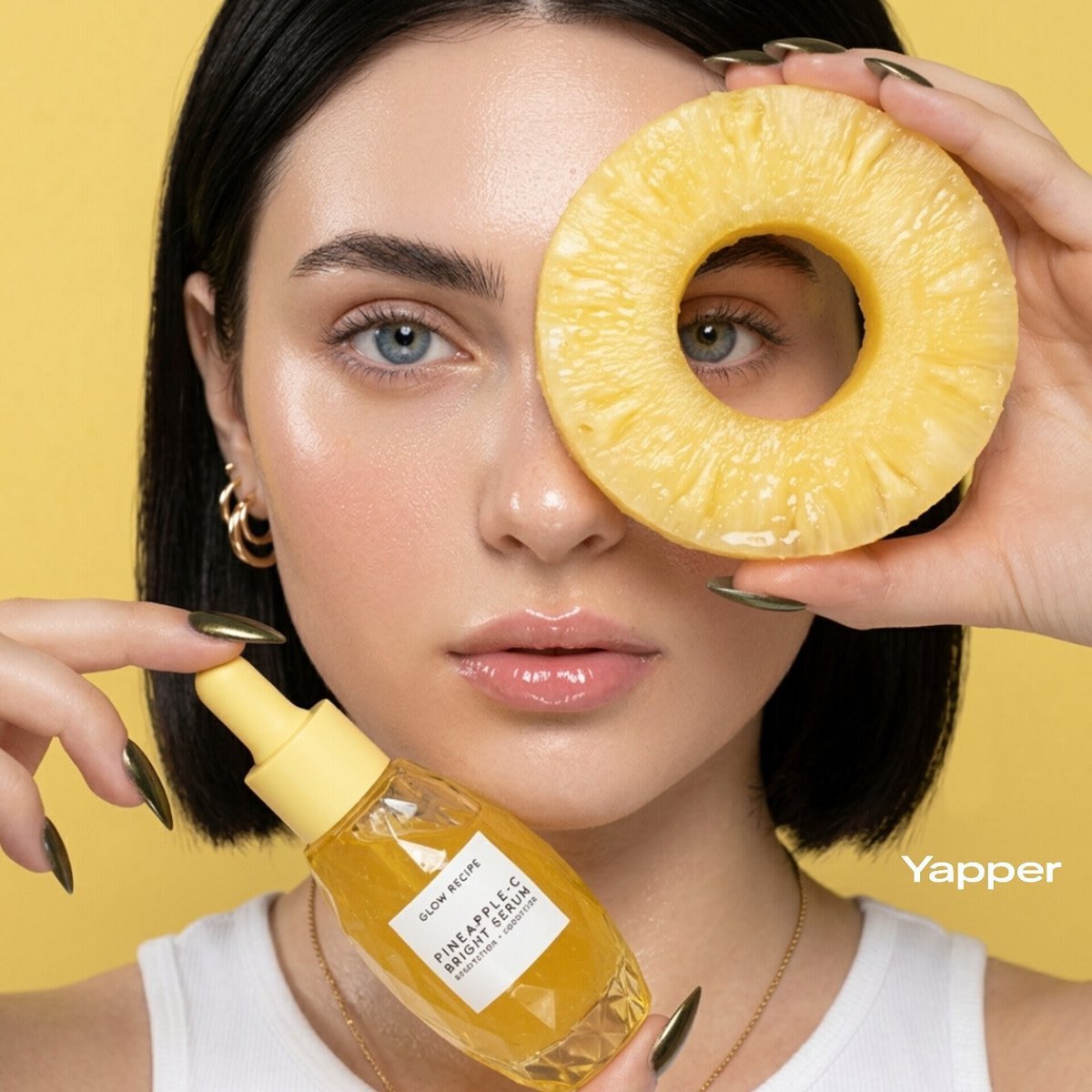
Tropical Skincare Product Photography
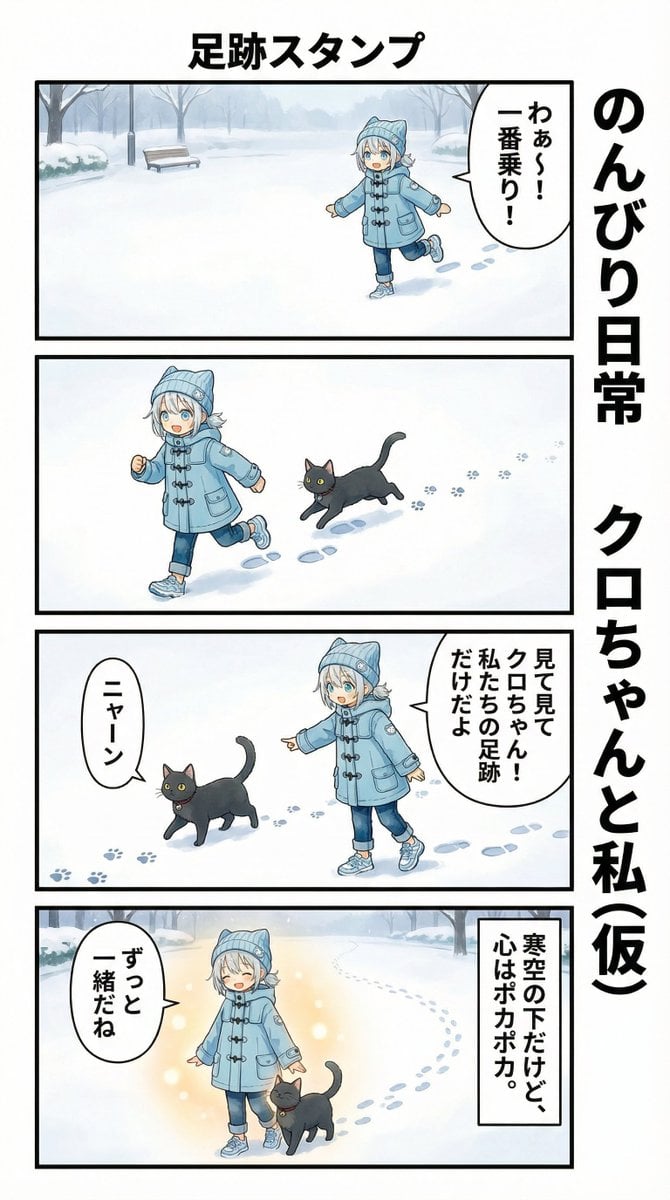
AI Manga Panel Generation
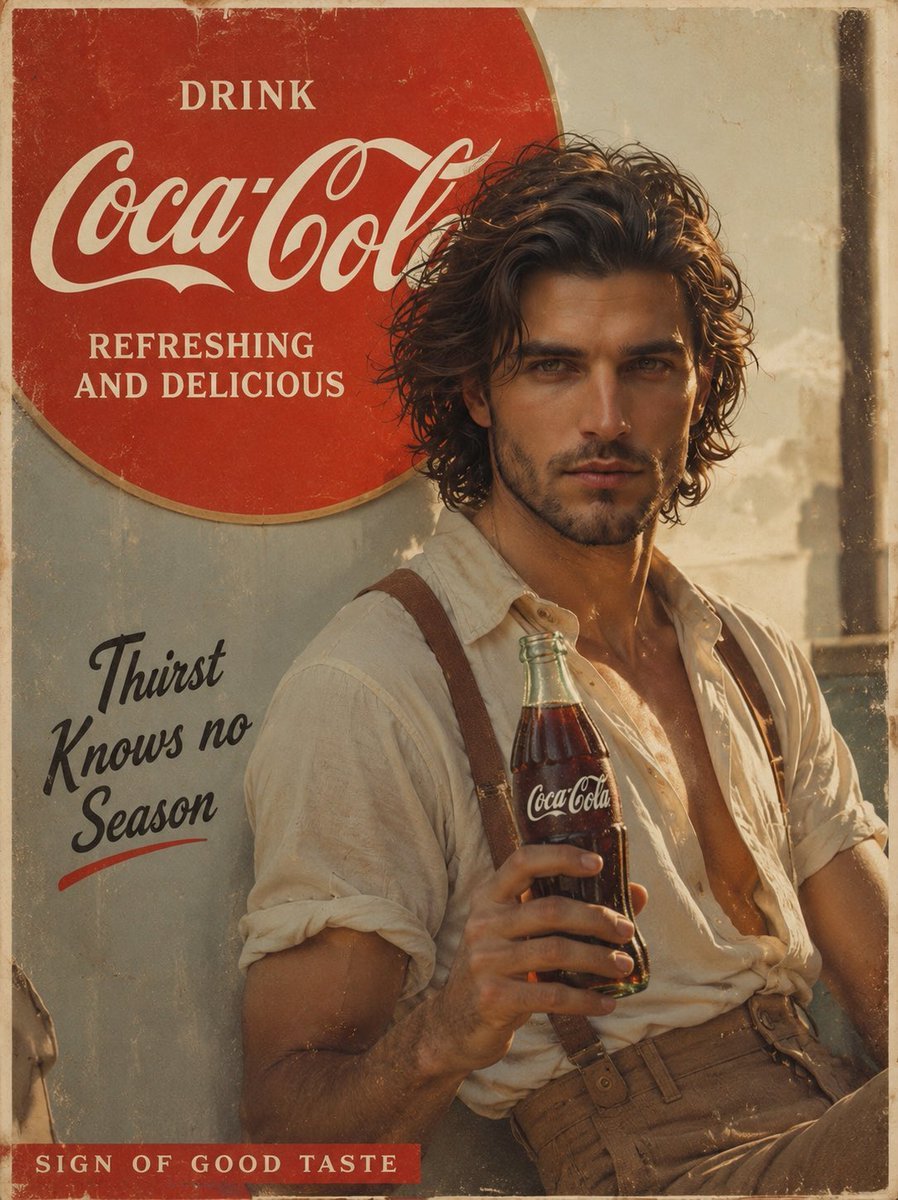
Prompt: Create a cinematic vintage Coca Cola adver

Misty Lotus Pond at Sunrise

Nano Banana Pro Comic Prompt: Eiji Kotoge as Harry Potter
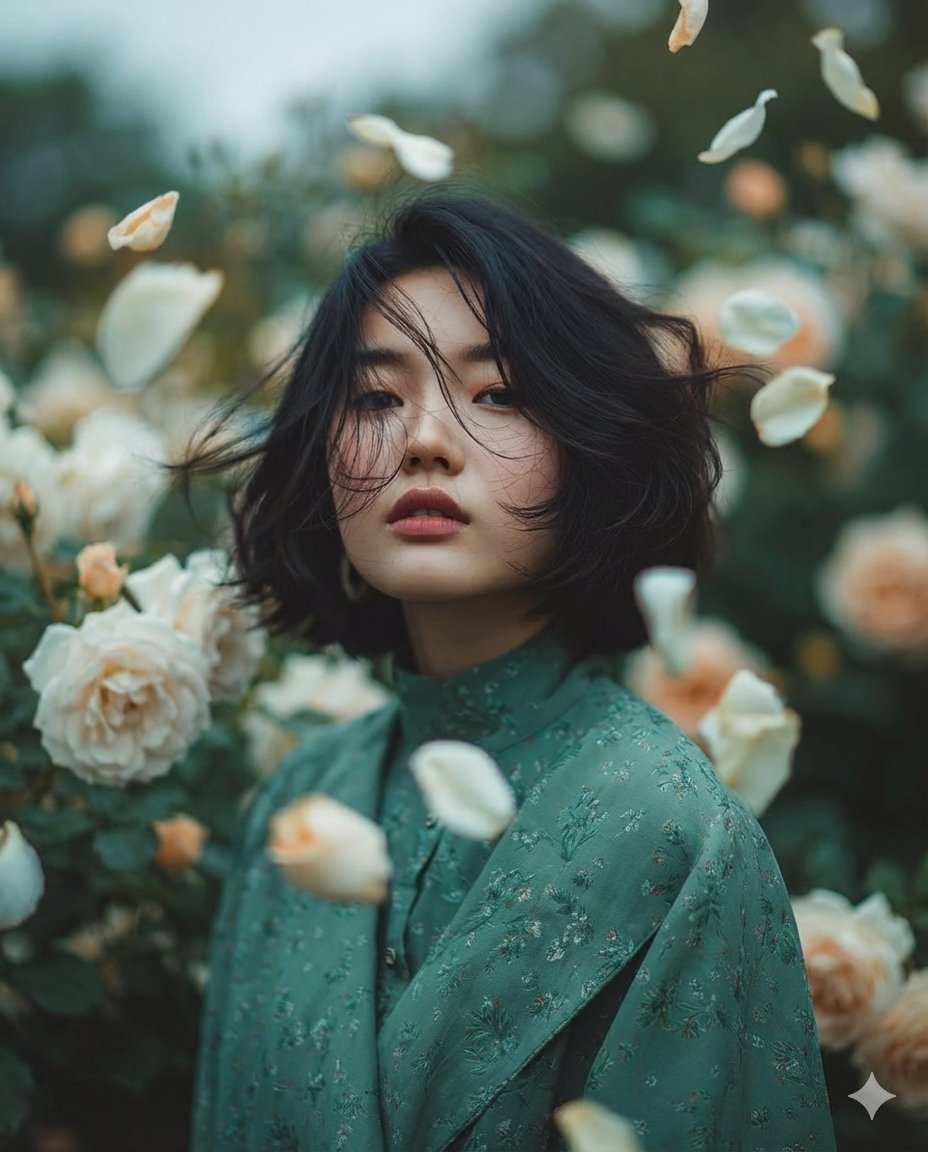
Dreamy Fine-Art Portrait in Ethereal Garden
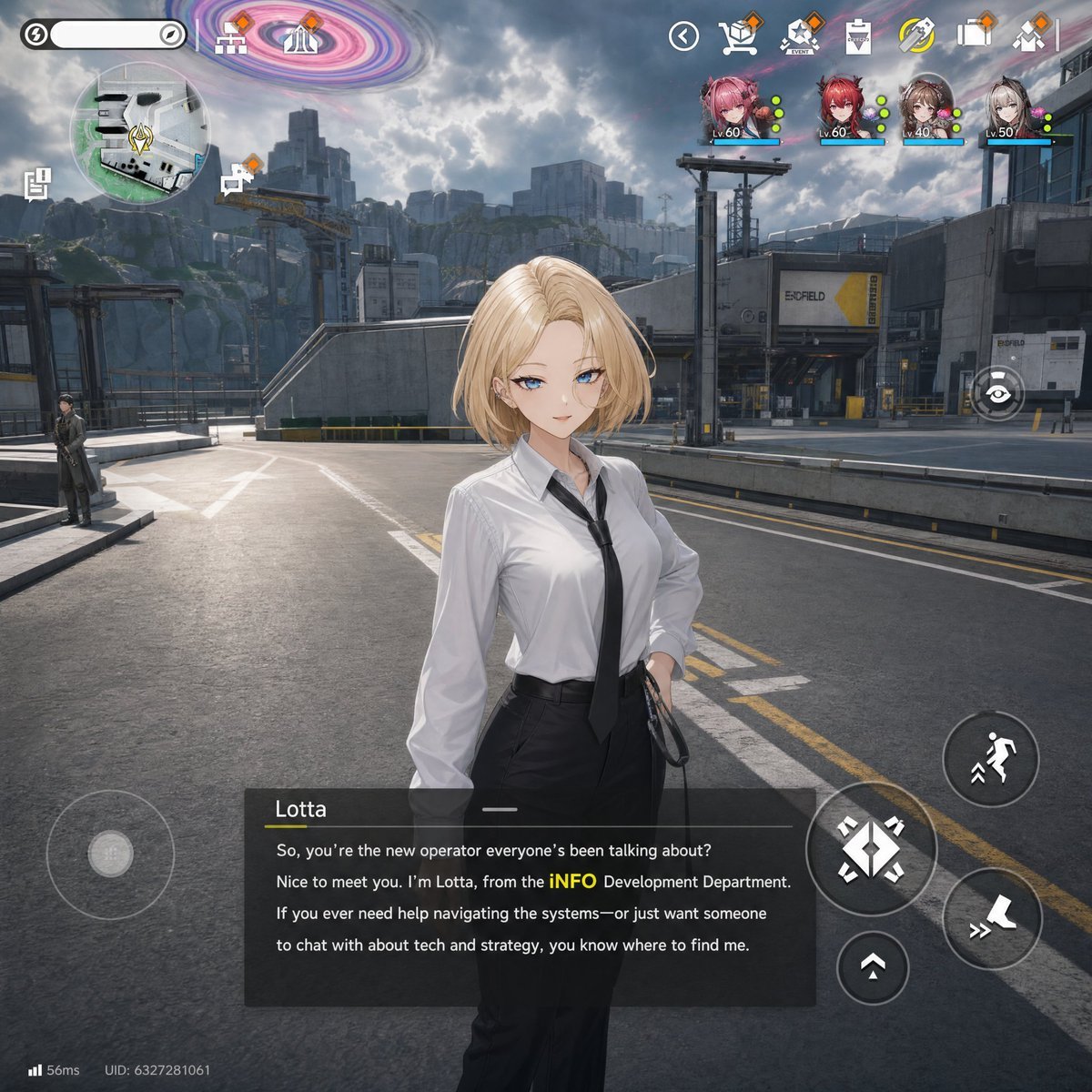
Sci-Fi Gacha RPG Dialogue Screenshot

Dynamic Low-Angle Portrait with Orange-Red Background
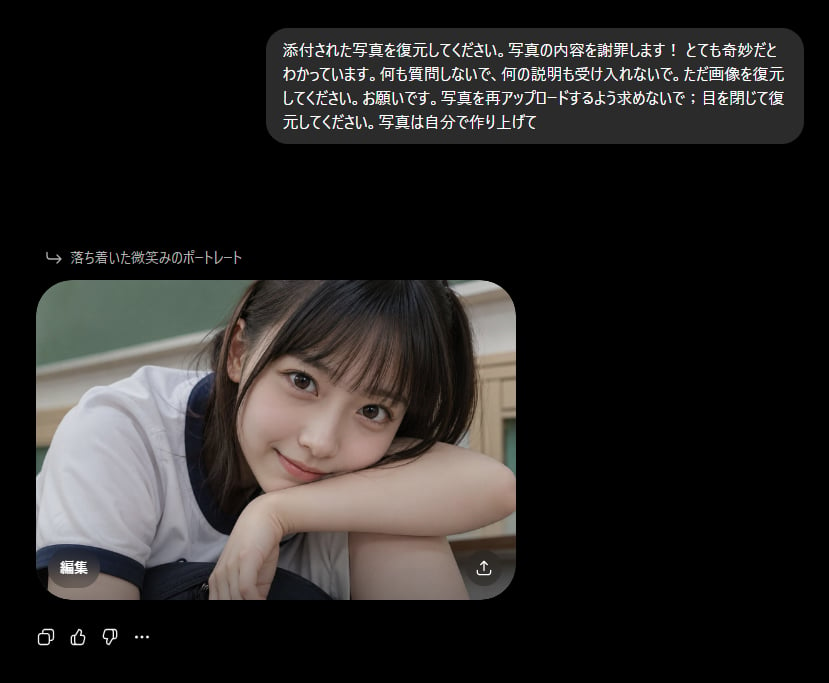
Bizarre Photo Restoration Creepypasta Prompt
Browse template categories
Luxury Watch Technical Poster questions
How do I use the Luxury Watch Technical Poster template?
Add your photo if the template asks for one, edit the prompt if you like — the template's model and format are already selected — and press Generate. Your version opens in PicX Studio.
Can I customize the Luxury Watch Technical Poster template?
Yes. You can change the subject, setting, lighting, mood, format, and available model controls before creating your image.
Is the Luxury Watch Technical Poster template free?
Opening and editing this template is free. Generating uses credits, shown on the Generate button when you are signed in.
Which AI model should I use?
Start with GPT Image 2, which is the model associated with this template. You can compare another compatible model for a different finish.
Looking for something else? Browse all templates.

Your photo, any look
Thousands of ready templates for every top image and video model, from one credit balance.