
Censored Dragon Skull Warrior
Generates a moody cinematic fantasy close-up of a tribal warrior wearing a dragon-skull headdress with a central censor block.
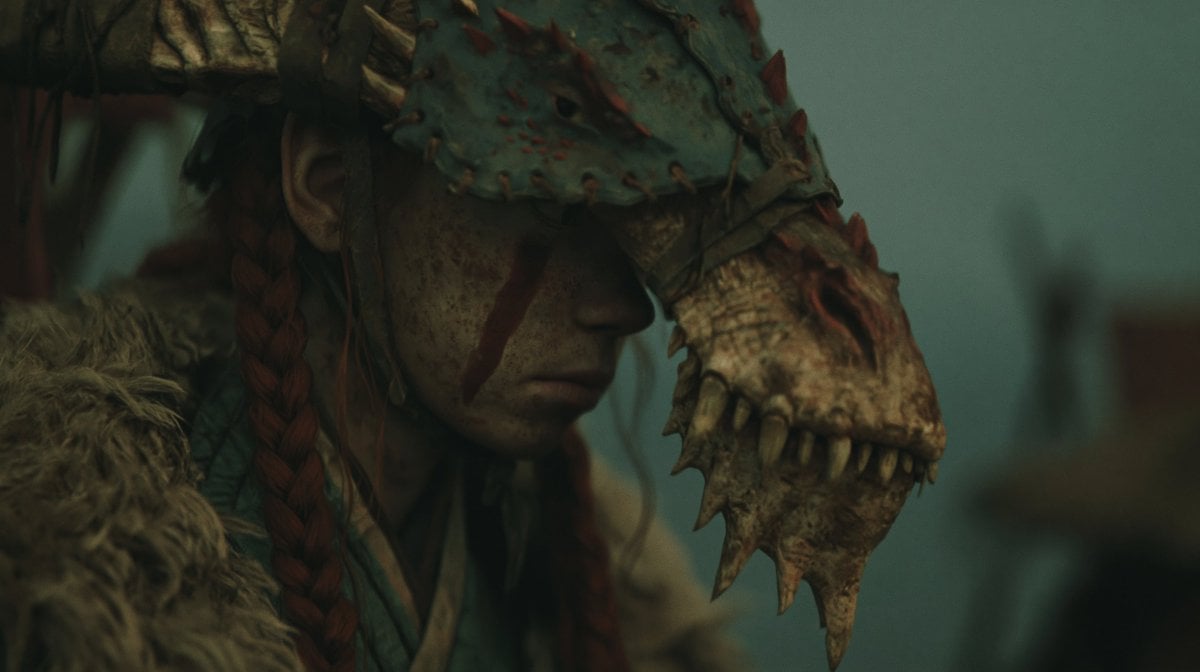
- Prompt included
- Model and format preset
- Free template
The prompt behind this image
Copy the exact prompt behind Censored Dragon Skull Warrior, or open it in the studio and make it yours.
Create a dark cinematic fantasy close-up in a 16:9 widescreen frame: a rugged warrior or shaman stands on the left side of the composition, partially turned in profile, wearing a massive weathered dragon-skull headdress that extends to the right with bony teeth, spikes, horns, cracked scales, and reddish thorn-like protrusions. The character has long dark hair with one visible thick reddish-brown braid, a visible ear, and a rough fur cloak over the shoulder. Place a large opaque dark olive-black rectangular block over the center of the image, covering most of the character’s face and torso area like an intentional censor mask. The background is out of focus, foggy, and teal-green, suggesting a bleak outdoor medieval or tribal battlefield setting with vague silhouettes of posts or structures. Use shallow depth of field, moody low-key lighting, muted green-brown color grading, gritty texture, realistic creature-bone detail, and an ominous atmospheric tone inspired by {argument name="director mood" default="grim mythic fantasy cinema"}. The headdress should have exactly one prominent dragon skull head visible on the right, one visible braid, one fur shoulder mass, and one central censor rectangle. No text, no watermark, no bright colors.
How to use Censored Dragon Skull Warrior in 3 steps
- 1Upload ImagePNG, JPG or paste
Add your photo
Upload the photo the template builds on. The prompt, model and format are already set.
- 2…a portrait of your subject in softgolden-hour light, 85mm…
Personalize
Edit the subject and creative details for your destination.
- 3Generate
Generate
Press Generate — your image is created in PicX Studio, so you can compare it with the original and refine one variable at a time.
More like this
Templates with the same subject, style or setup. Open one to see its prompt.

Minecraft Fantasy Kingdom Voxel Landscape
Seedance - Dragon vs Python Battle
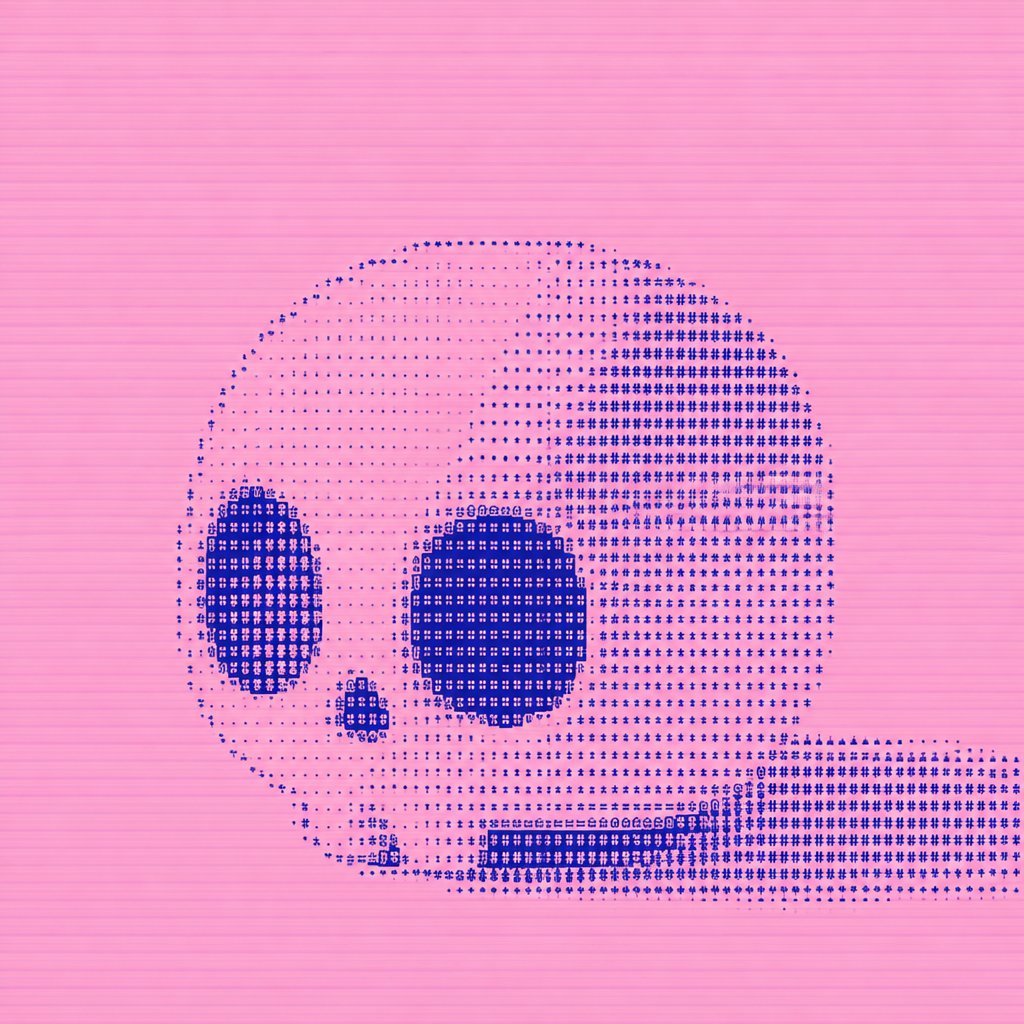
Dithered Pink Skull Pixel Art
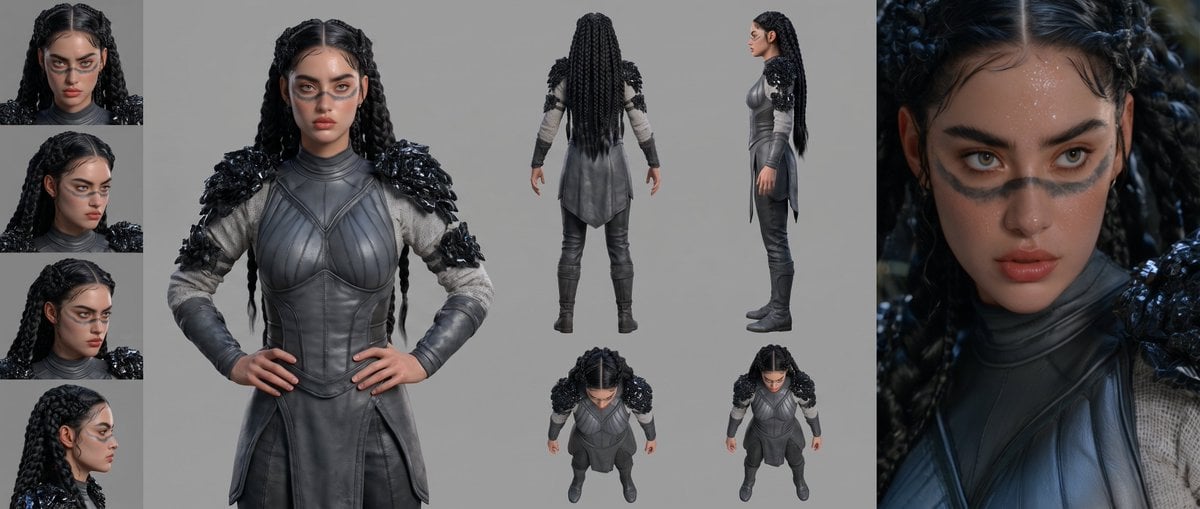
Mesoamerican Warrior Character Sheet

Tribal Fantasy Warrior with Guardian Owl
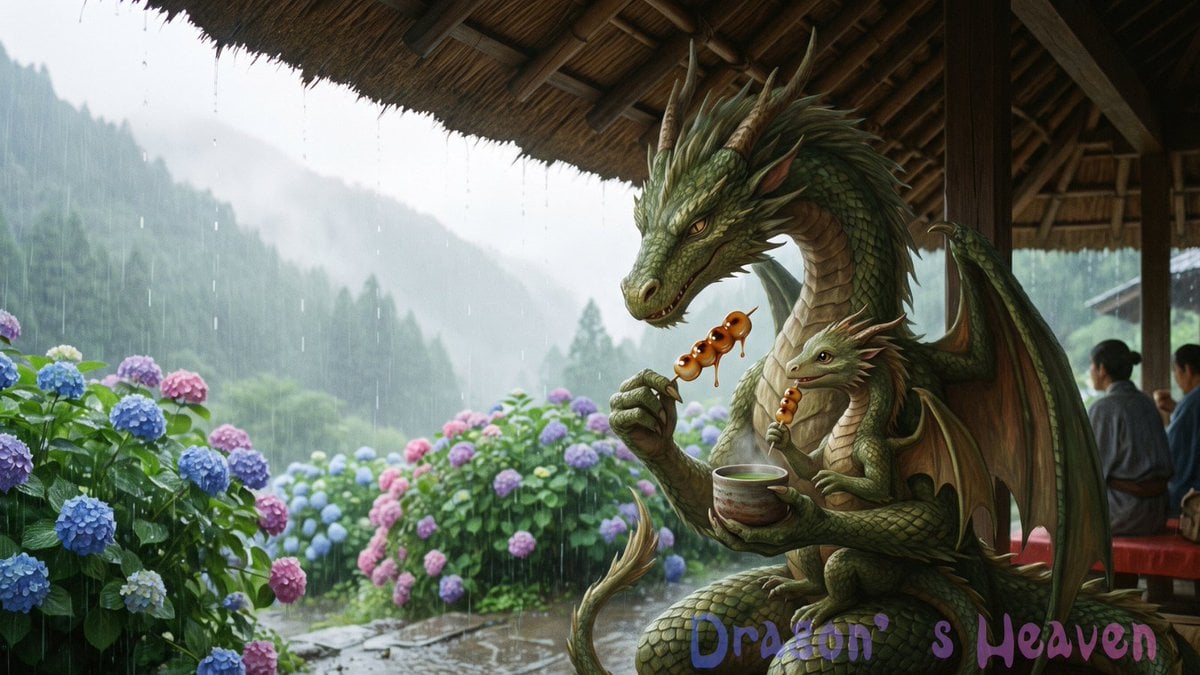
Rainy Dragon Family Eating Dango
Dragon Boat Festival Chongqing Street Portrait
Shocked Dragon Opens Chirashi Sushi
Surreal Skull and Tree of Consciousness

Gothic Mecha Sword Warrior
AI Dragon Multiverse Meme
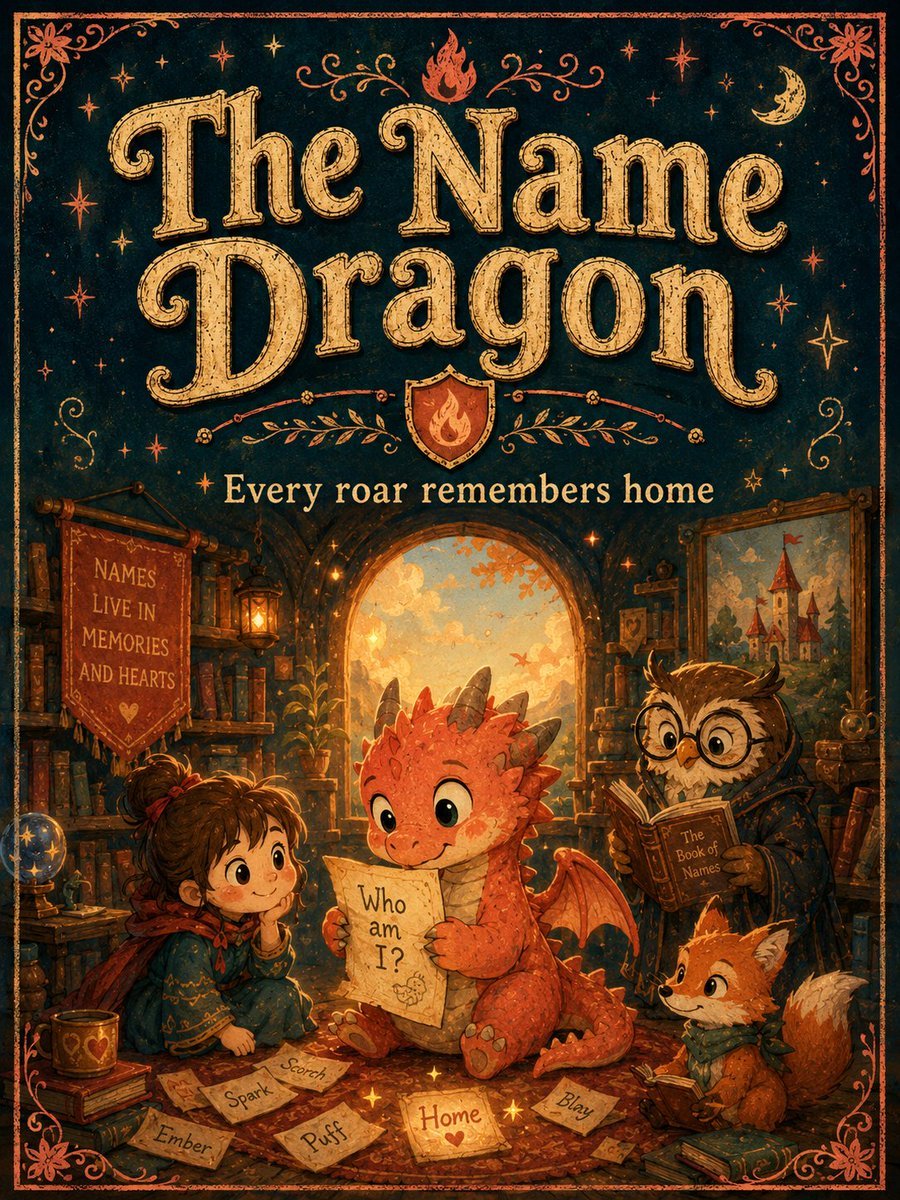
Vintage Name Dragon Storybook Poster
Make it yours
Censored Dragon Skull Warrior works as-is. These are the safest ways to change it without losing the look.
Change one field
Copy a single group, rewrite it, and generate again so you can see what that field is doing.
Keep the frame, change the subject
Hold the composition and light of Censored Dragon Skull Warrior, then swap wardrobe, props or the person for a new take.
| If the result… | Why | Fix |
|---|---|---|
| The result drifts from the preview | Too many fields changed at once. | Reuse Censored Dragon Skull Warrior as-is first, then change one group — subject, light, or setting. |
| The model over-stylizes the scene | The prose prompt leaves finish and camera underspecified. | Add one camera or lighting sentence and stay on GPT Image 2. |
More GPT Image 2 templates
Other prompts made for GPT Image 2.

Six VTuber Japanese Logo Sheet

Realistic Portrait of Woman and Deer

The Vista Modular Condo Poster

AI Model Routing Comparison Infographic

2.5D Anime Art Board

Isometric Productivity Desk Scene

New York Double Exposure Poster

Four-Panel AI Landscape Comparison

Japanese Tatami Lifestyle Magazine Cover

NESCAFÉ Coffee Map Poster
More image prompts
Fresh picks from across the catalog.
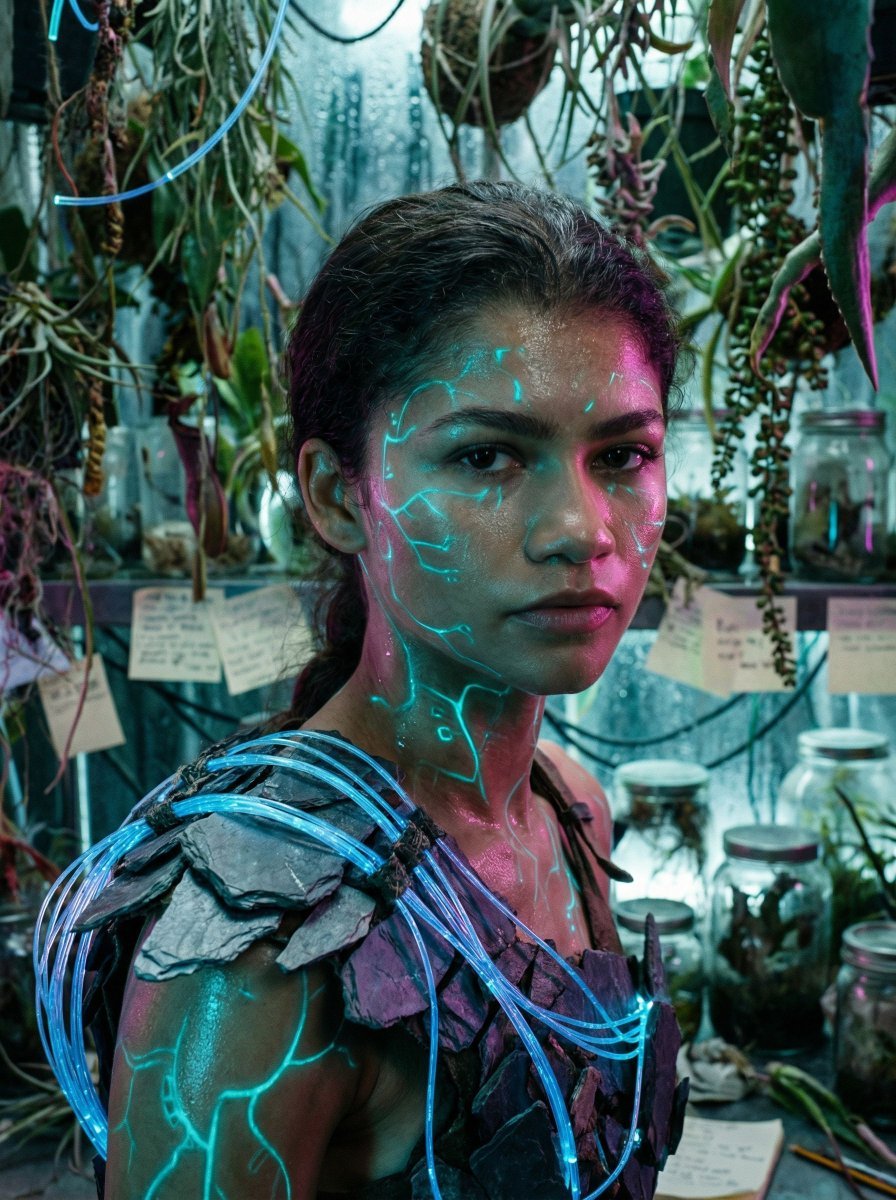
Bioluminescent Archivist Sci-Fi Portrait Prompt
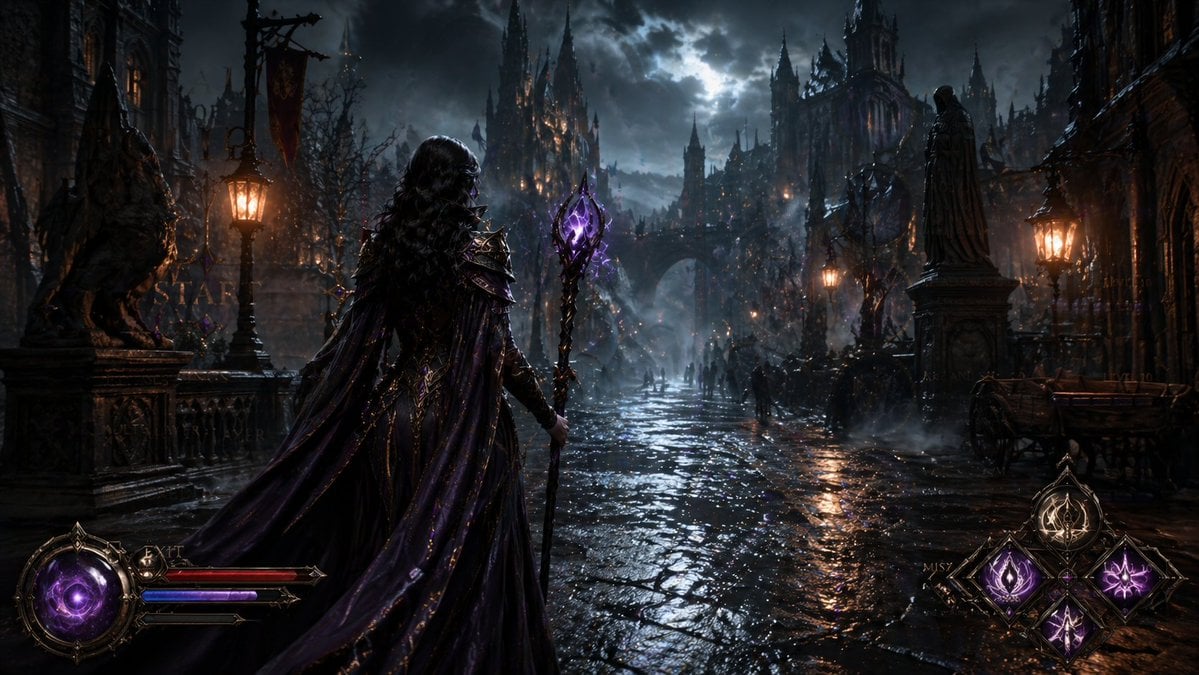
Dark Medieval Sorceress Scene
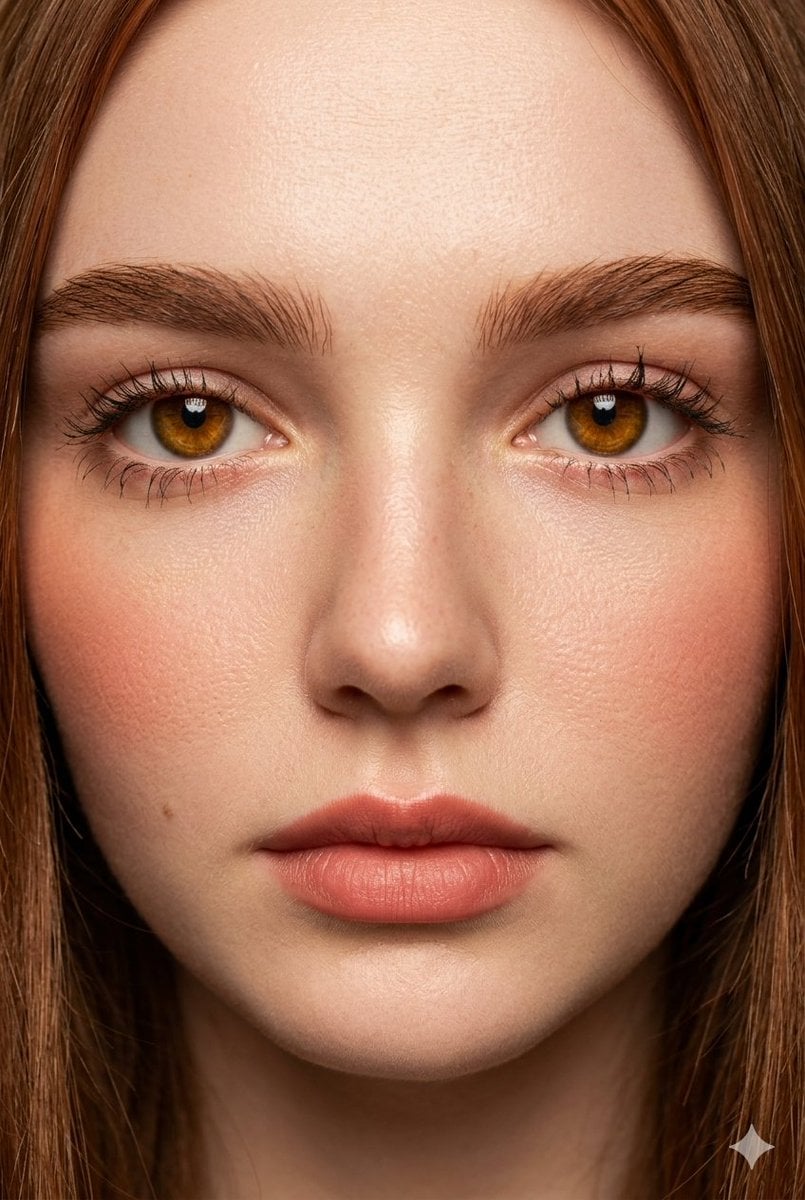
Extreme Close-Up Fashion Beauty Portrait
Turn Any Logo Into a Calligraphic Monogr
Rainy Blue Editorial Portrait
Fortune Telling Omikuji Card Generator
Wide-Angle Car Selfie with Panoramic Sunroof
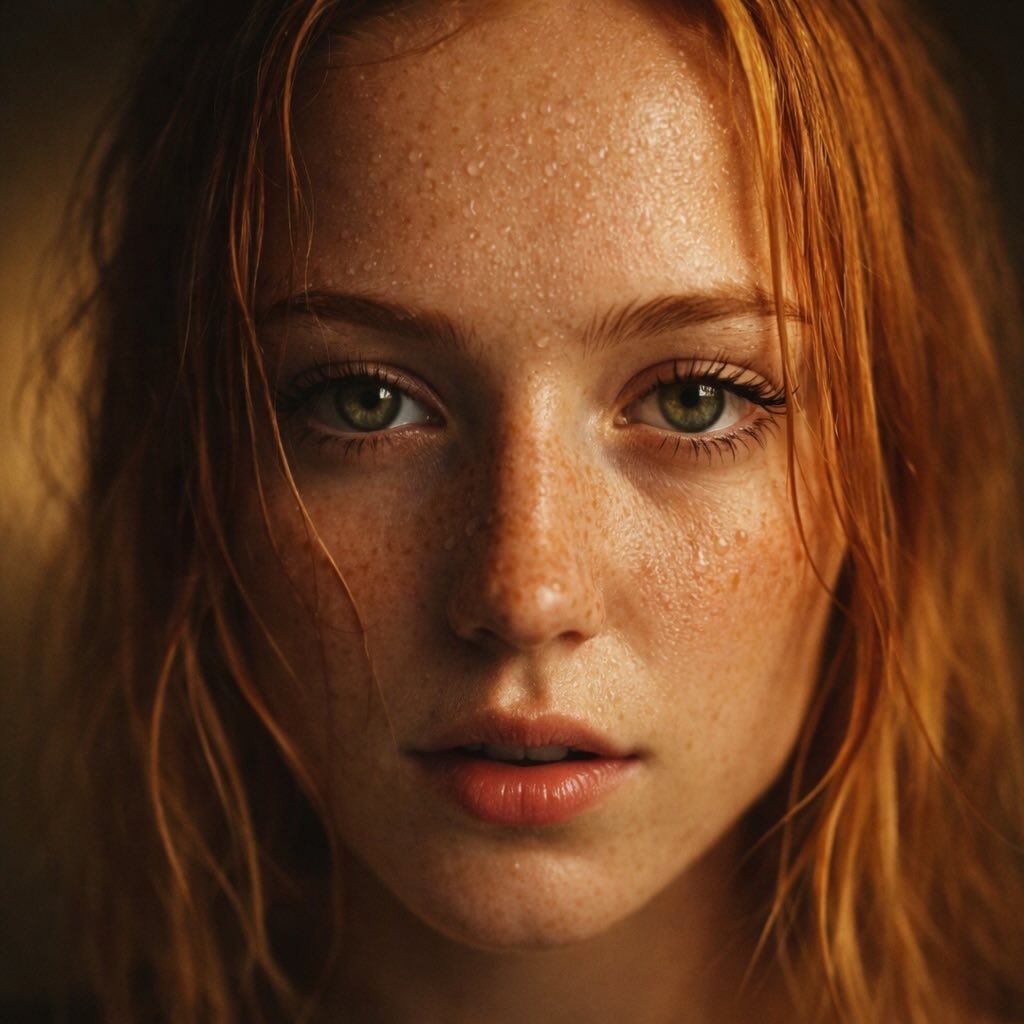
Red-Haired Woman Cinematic Close-Up Portraits
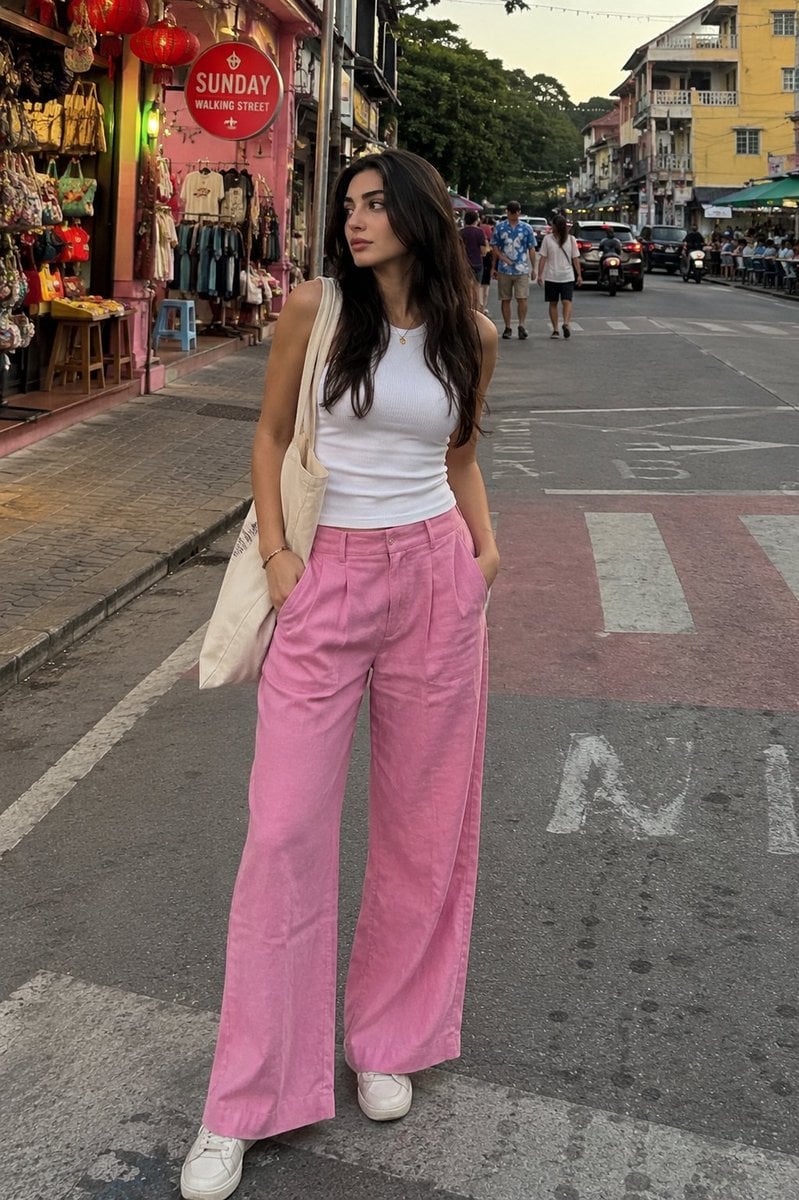
Candid Street Photography with Cat
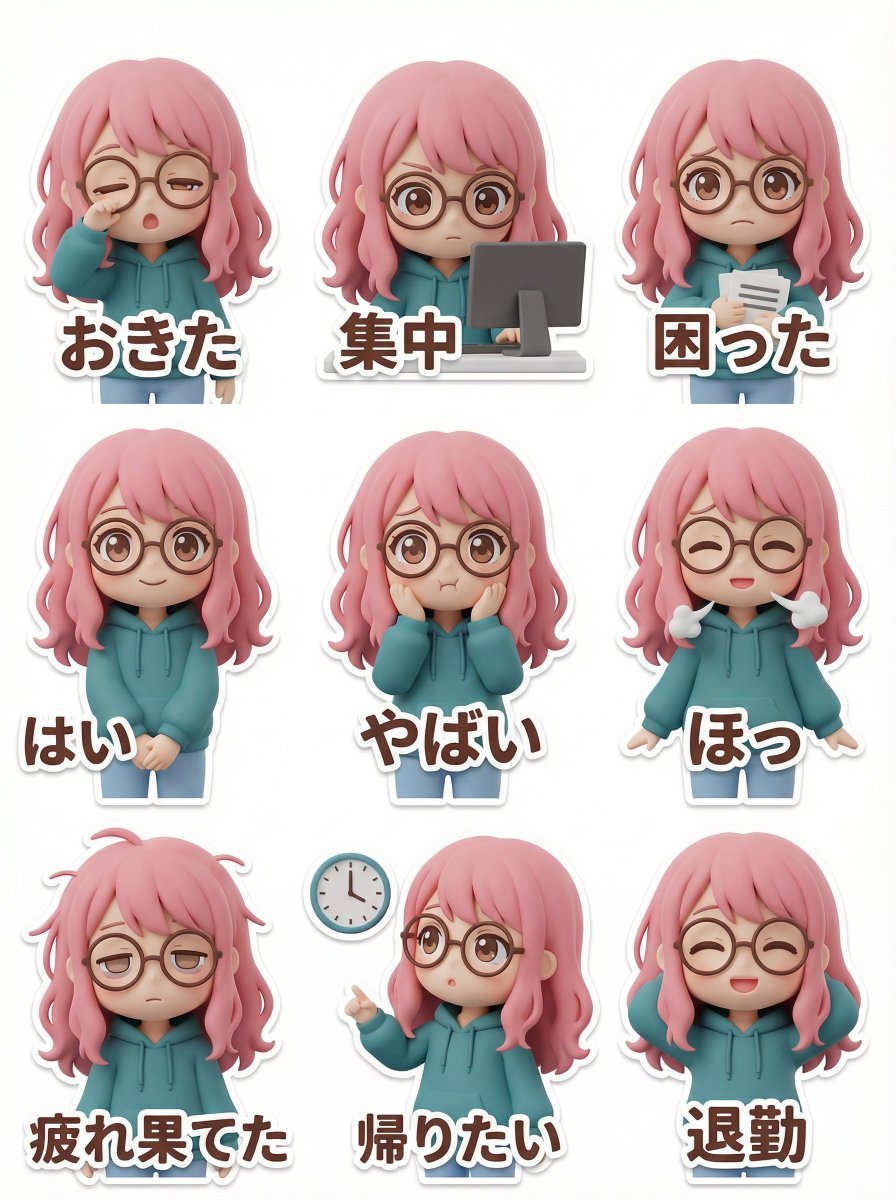
LINE Sticker Generation Prompt (3D Clay Style)
Browse template categories
Censored Dragon Skull Warrior questions
How do I use the Censored Dragon Skull Warrior template?
Add your photo if the template asks for one, edit the prompt if you like — the template's model and format are already selected — and press Generate. Your version opens in PicX Studio.
Can I customize the Censored Dragon Skull Warrior template?
Yes. You can change the subject, setting, lighting, mood, format, and available model controls before creating your image.
Is the Censored Dragon Skull Warrior template free?
Opening and editing this template is free. Generating uses credits, shown on the Generate button when you are signed in.
Which AI model should I use?
Start with GPT Image 2, which is the model associated with this template. You can compare another compatible model for a different finish.
Looking for something else? Browse all templates.

Your photo, any look
Thousands of ready templates for every top image and video model, from one credit balance.