
Fortune Telling Omikuji Card Generator
A detailed instruction set for creating stylized, information-rich fortune-telling images using a reference character, blending modern internet culture with traditional Japanese aesthetics.
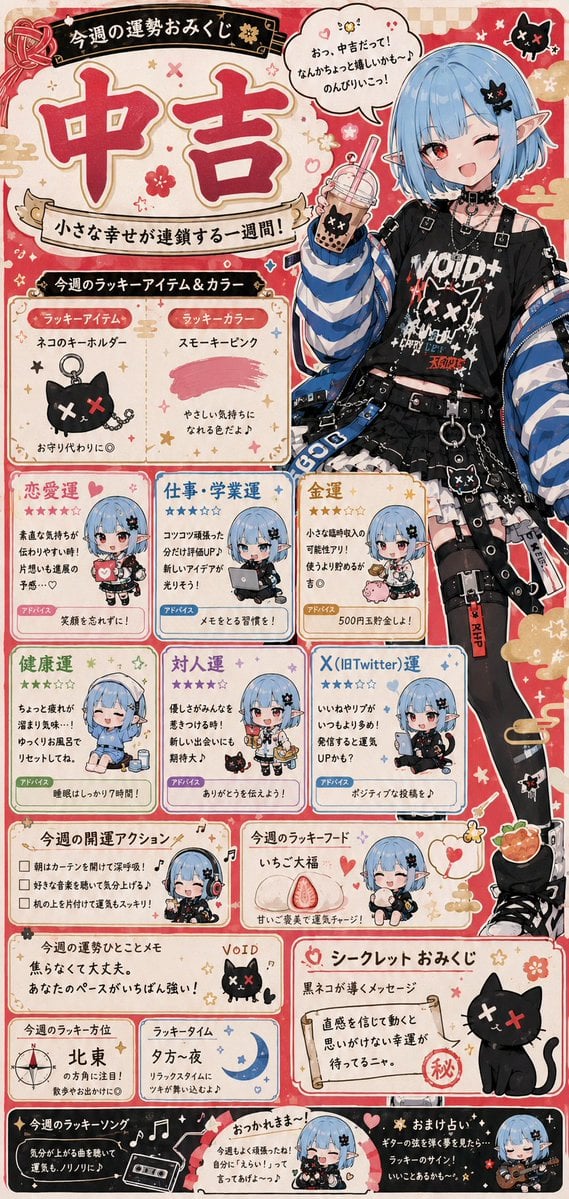
- Prompt included
- Model and format preset
- Free template
The prompt behind this image
Copy the exact prompt behind Fortune Telling Omikuji Card Generator, or open it in the studio and make it yours.
このキャラクターを使って、 「{argument name="テーマ" default="今週の運勢おみくじ画像"}」を制作する。 重要: 毎回完全に異なる内容にすること。 結果はランダム生成とし、 過去文脈や参照画像の内容には依存しない。 参照画像はそのまま使用せず、 今回のおみくじ結果に合わせて、 シチュエーション、 構図、 表情、 ポーズ、 背景、 小物、 誌面デザインを変化させること。 総運は、 日本のおみくじ文化に存在する 一般的な運勢ランクを使用すること。 総運は画面上部へ 大きく配置する。 文字は、 和風のおみくじ、 雑誌占いページ、 バラエティ番組、 SNS向け画像、 ネットミーム画像などを混ぜたような、 楽しく情報量の多いデザインにする。 キャラクターは、 おみくじ結果に対するリアクションや感想を、 吹き出し付きで話す。 吹き出し内容、 表情、 テンション、 反応は毎回変化させる。 複数の運勢項目を含めること。 各項目には、 ゆるふわ系のチビキャラ化した 小さなカットイラストを添える。 運勢項目、 内容、 誌面構成、 レイアウト、 配色、 フォント風表現、 情報量は毎回変化させる。 X(旧Twitter)運も含める。 全体の雰囲気: ・{argument name="雰囲気" default="かわいい ・ゆるふわ ・少し変"} ・SNSでシェアしたくなる ・雑誌の後ろの占いページ感 ・平成〜令和インターネット文化 ・情報量が多い ・スクショ映えする 重要: 毎回、 運勢内容、 文章、 チビキャラの行動、 誌面レイアウト、 細かいネタ、 空気感を大きく変化させること。 同じパターンを繰り返さない。 ネガティブ要素: 正確な日付、 曜日、 カレンダー表記、 現実の日時情報、 具体的なスケジュール表記、 誤った日付生成、 崩れた数字表現、 意味不明な日付テキスト、 読めないカレンダーUI を避けること。
Reference images included
Fortune Telling Omikuji Card Generator needs input media to work. They load alongside the prompt when you open it in the studio.
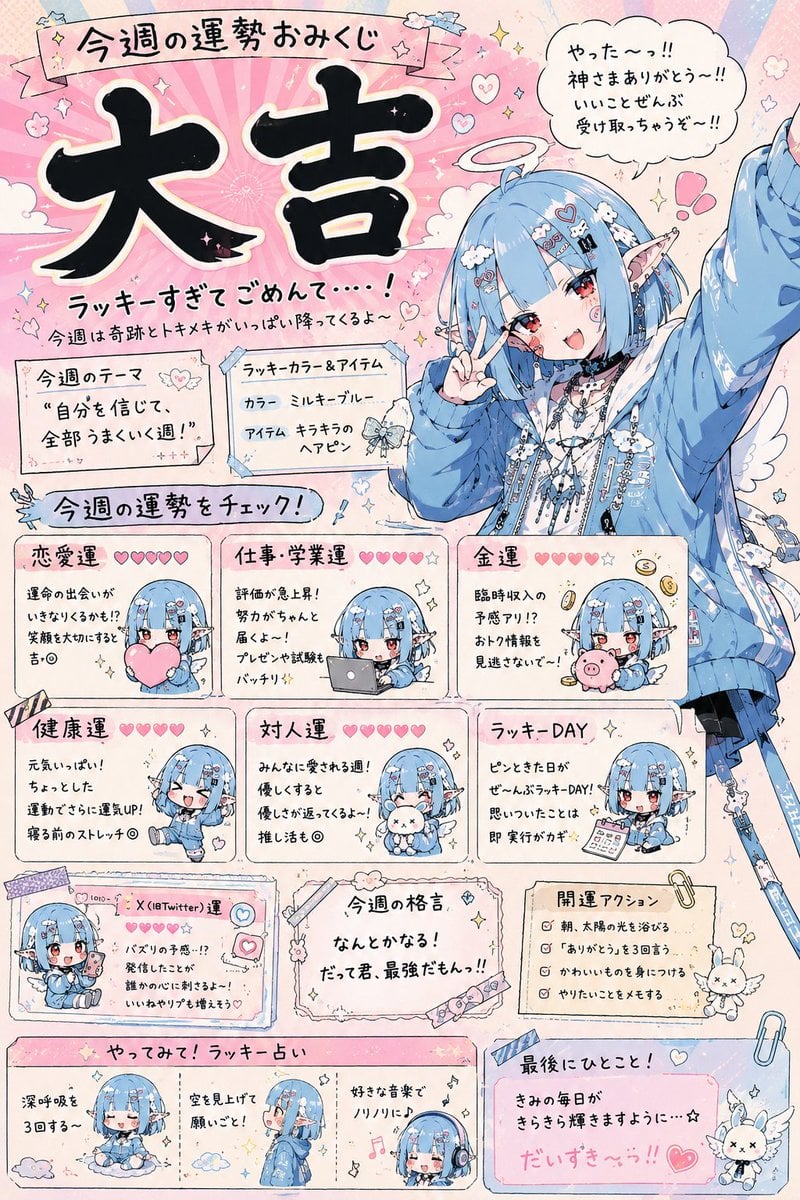
How to use Fortune Telling Omikuji Card Generator in 3 steps
- 1Upload ImagePNG, JPG or paste
Add your photo
Upload the photo the template builds on. The prompt, model and format are already set.
- 2…a portrait of your subject in softgolden-hour light, 85mm…
Personalize
Edit the subject and creative details for your destination.
- 3Generate
Generate
Press Generate — your image is created in PicX Studio, so you can compare it with the original and refine one variable at a time.
More like this
Templates with the same subject, style or setup. Open one to see its prompt.
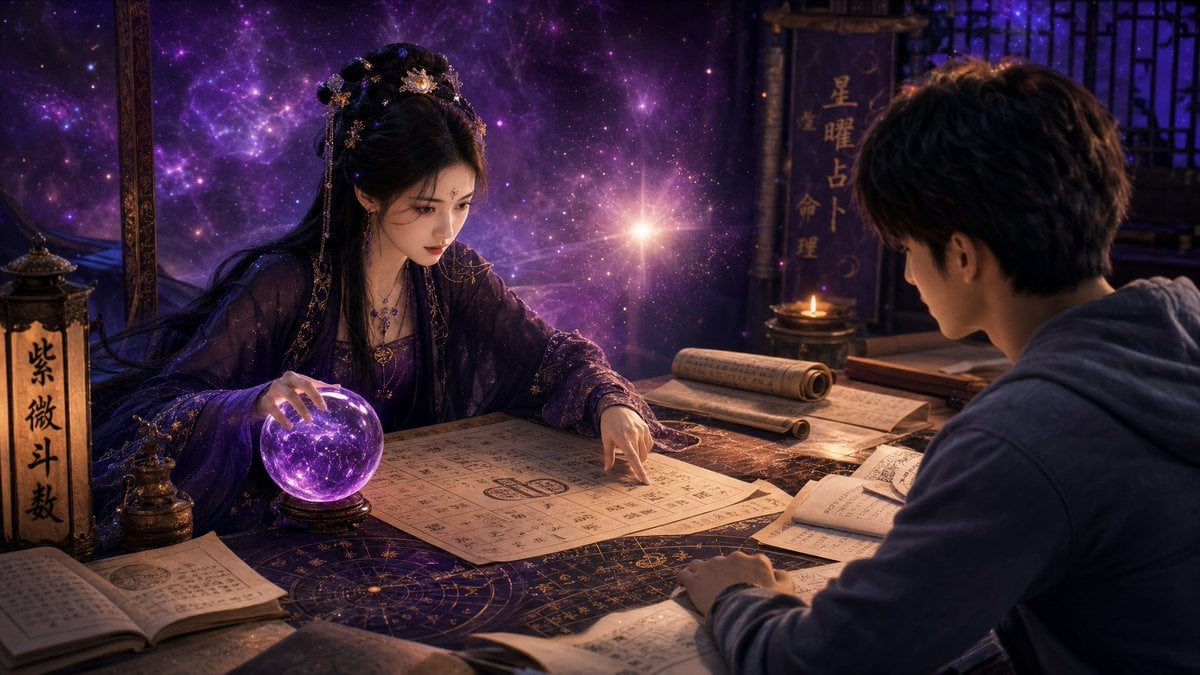
Mystic Fortune Telling Duo Scene
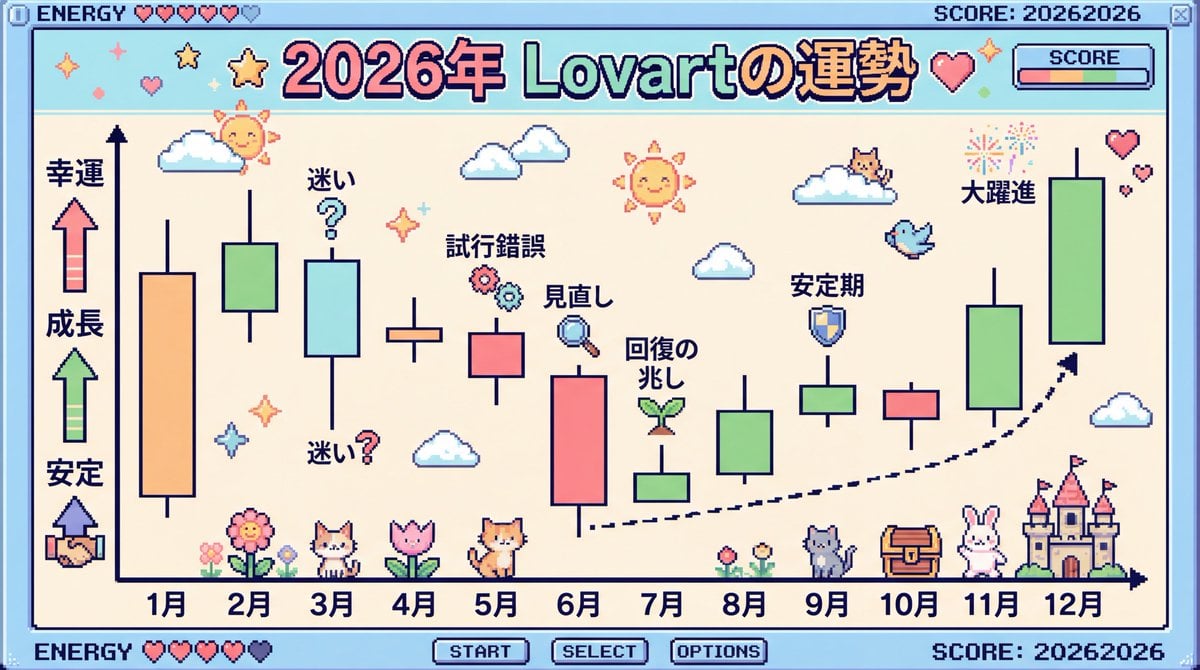
2026 Fortune Telling Prompt (Super Famicom Style)
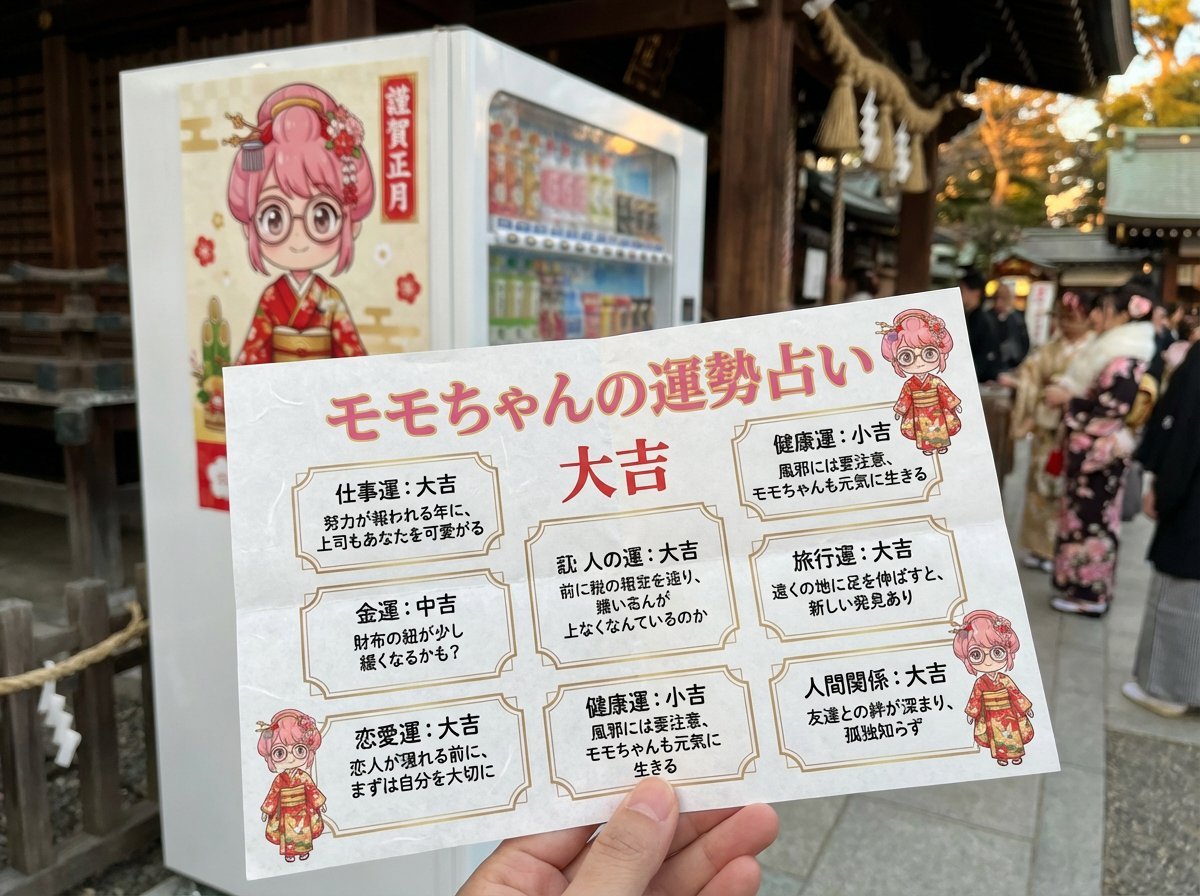
Omikuji (Fortune Slip) Generation Prompt with Character Integration
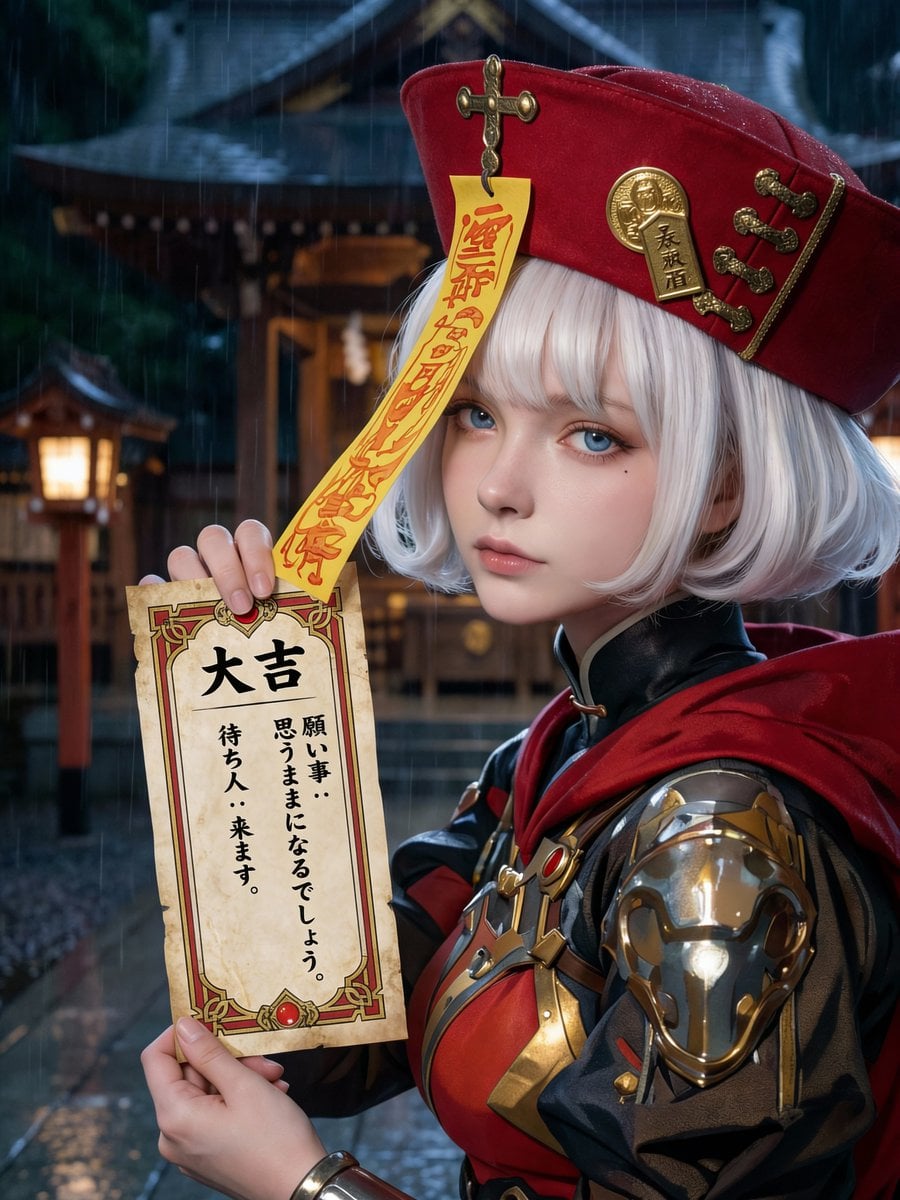
Photorealistic Omikuji (Fortune Slip) Design
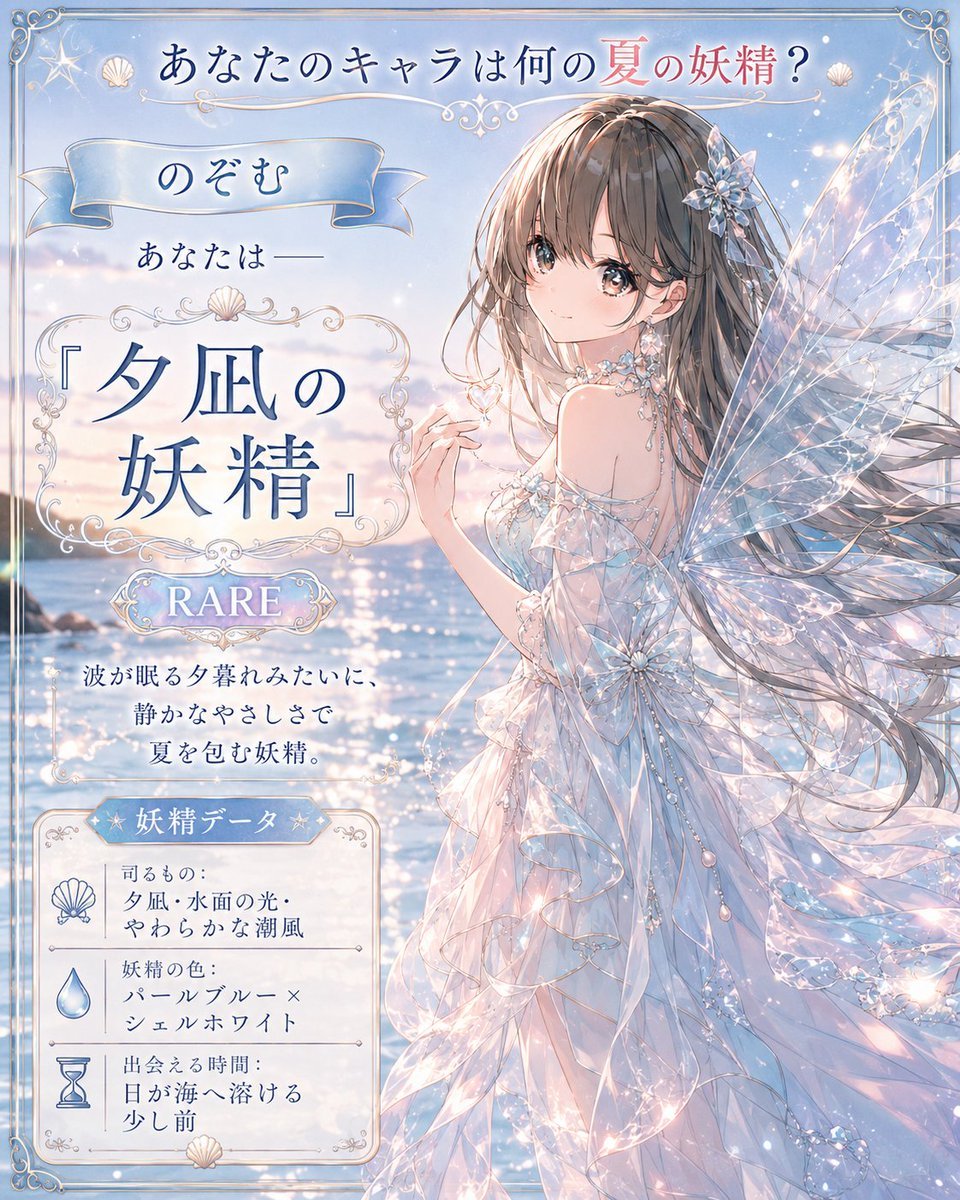
Twilight Sea Fairy Fortune Card
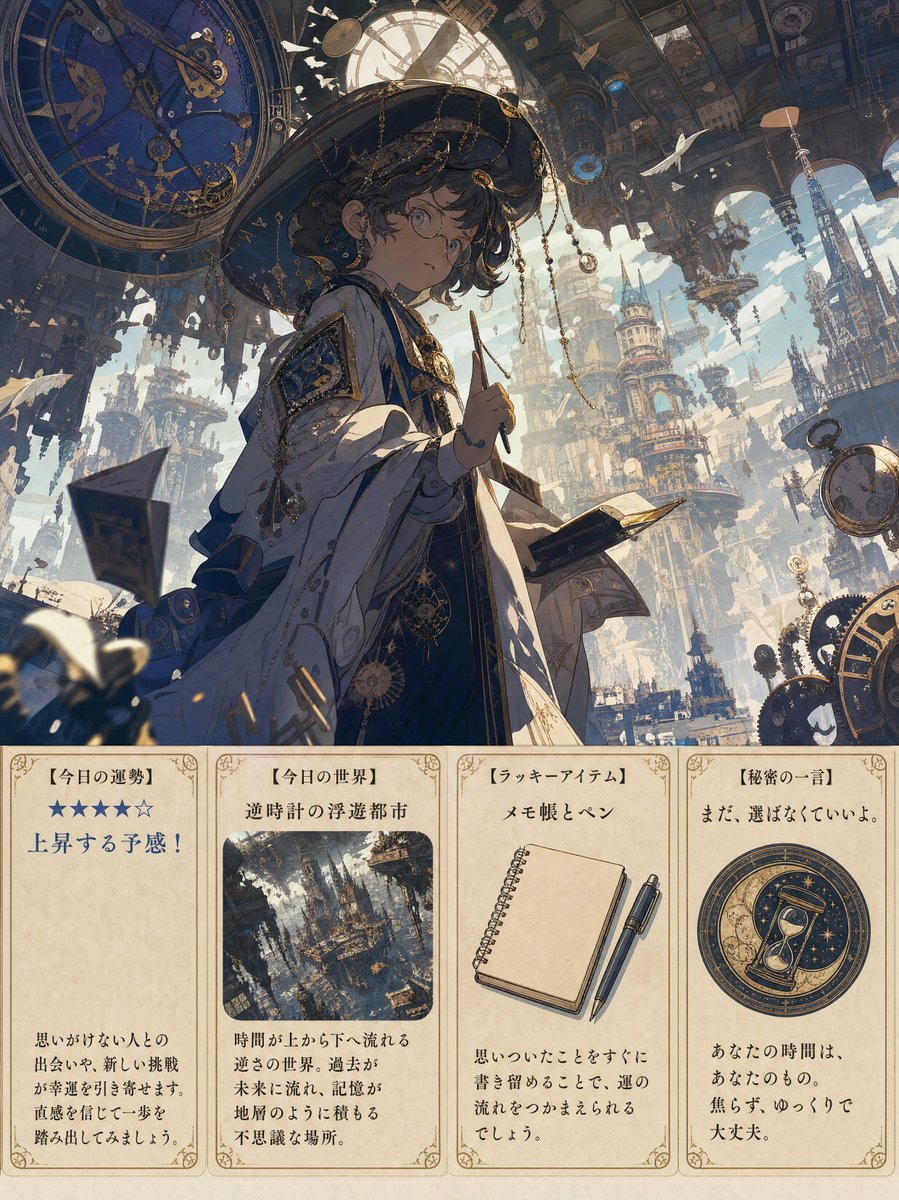
Steampunk Daily Fortune Cards
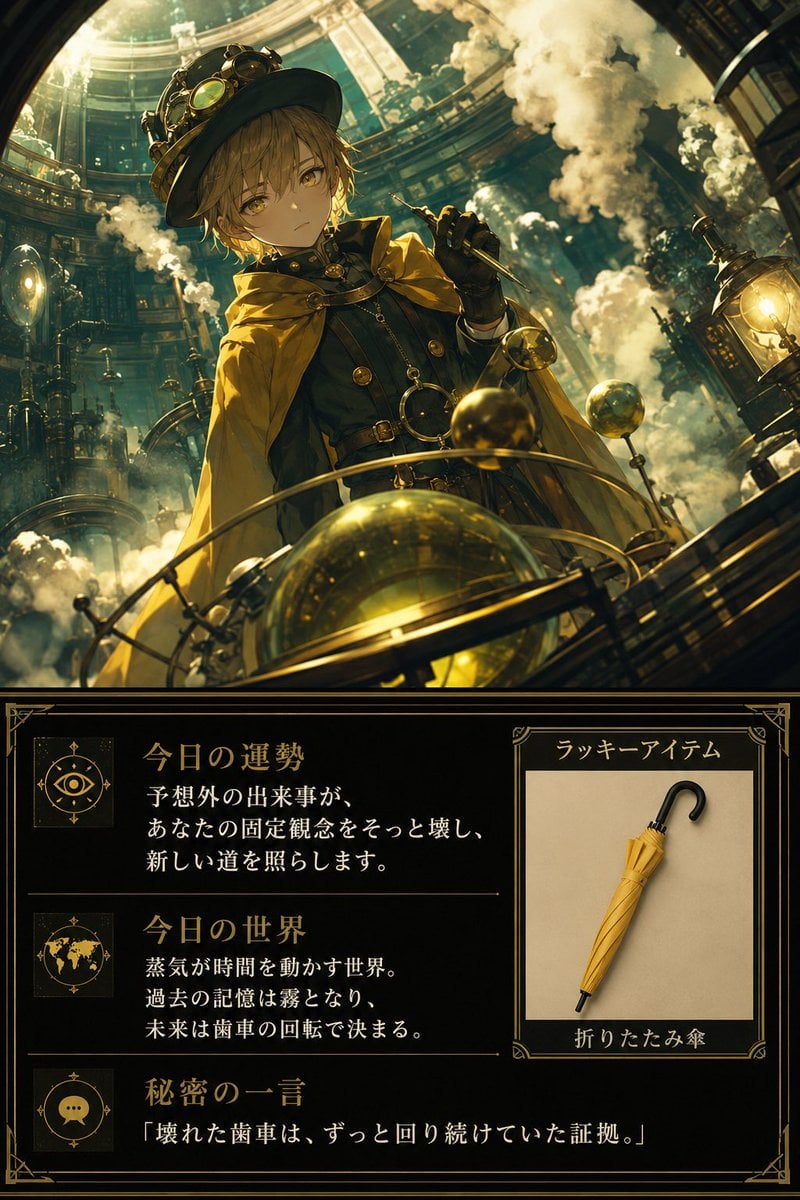
Steampunk Daily Fortune Card
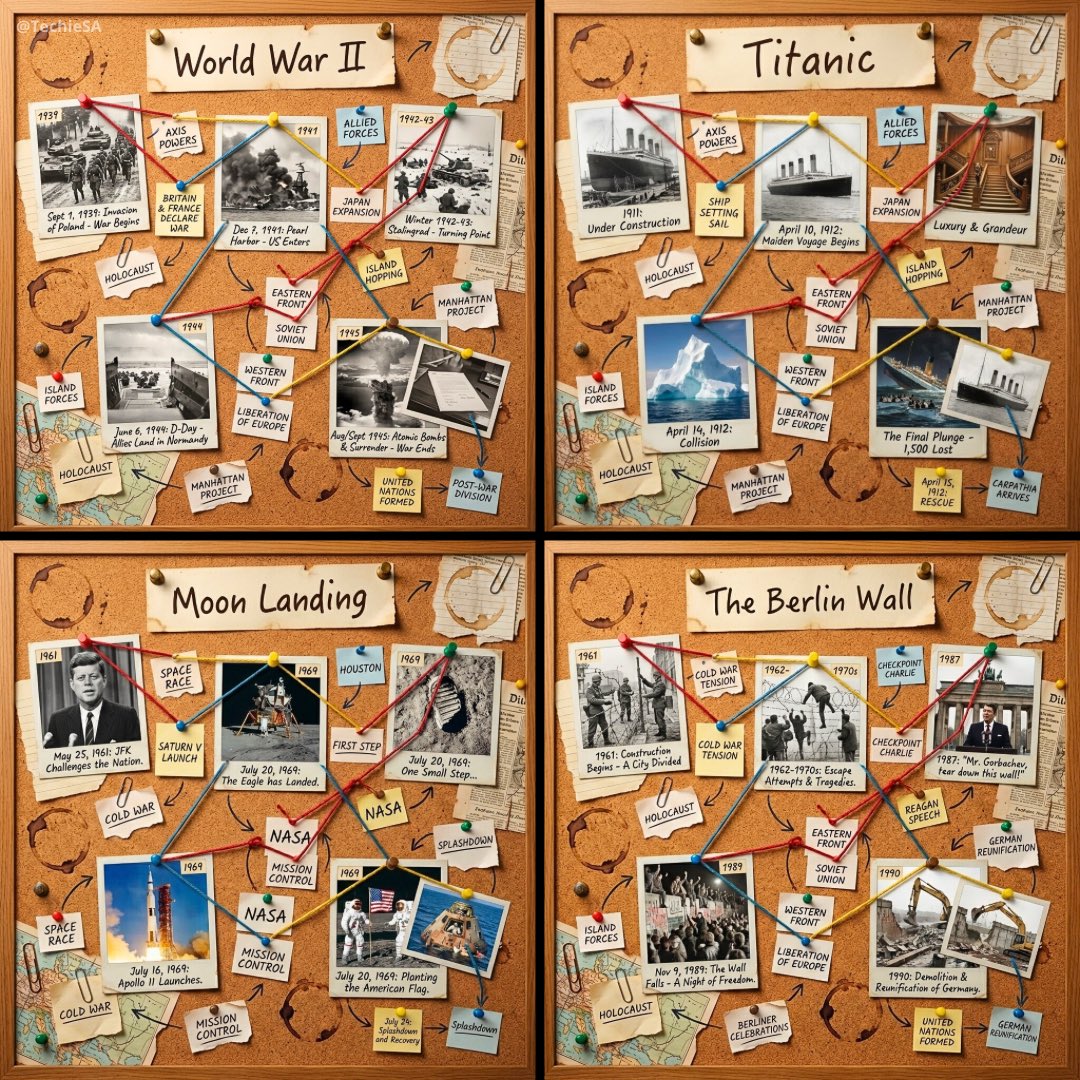
1080x1080 cork-board layout telling the story
Fortune Cookie Gold Leaf

Pure White Fairy Fortune Teller
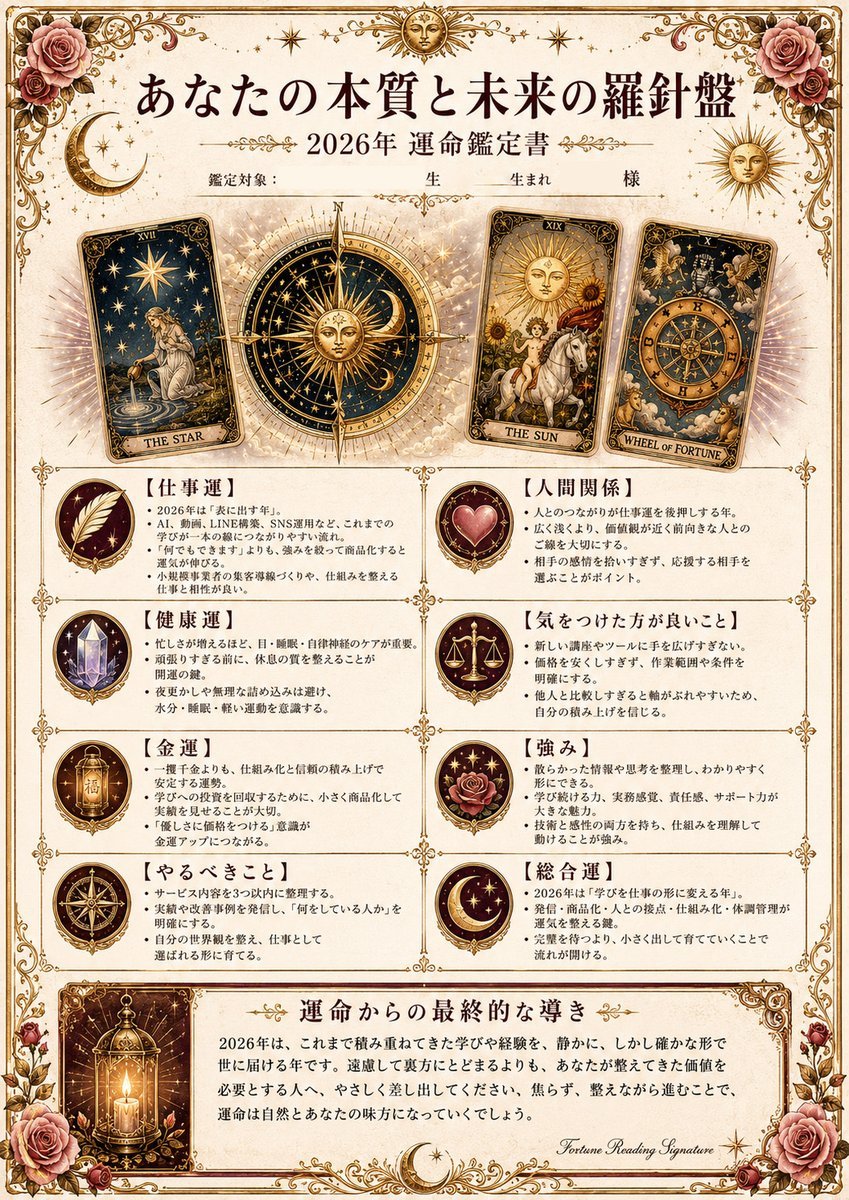
Ornate Japanese Tarot Fortune Certificate
Luxury Golden Star Fortune Teller
Make it yours
Fortune Telling Omikuji Card Generator works as-is. These are the safest ways to change it without losing the look.
Change one field
Copy a single group, rewrite it, and generate again so you can see what that field is doing.
Keep the frame, change the subject
Hold the composition and light of Fortune Telling Omikuji Card Generator, then swap wardrobe, props or the person for a new take.
| If the result… | Why | Fix |
|---|---|---|
| The result drifts from the preview | Too many fields changed at once. | Reuse Fortune Telling Omikuji Card Generator as-is first, then change one group — subject, light, or setting. |
| The model over-stylizes the scene | The prose prompt leaves finish and camera underspecified. | Add one camera or lighting sentence and stay on GPT Image 2. |
More GPT Image 2 templates
Other prompts made for GPT Image 2.

Six VTuber Japanese Logo Sheet

Realistic Portrait of Woman and Deer

The Vista Modular Condo Poster

AI Model Routing Comparison Infographic

2.5D Anime Art Board

Isometric Productivity Desk Scene

New York Double Exposure Poster

Four-Panel AI Landscape Comparison

Japanese Tatami Lifestyle Magazine Cover

NESCAFÉ Coffee Map Poster
More image prompts
Fresh picks from across the catalog.
Epic Narrative Travel Poster

Moonlit Indian Woman Balcony Portrait

2x2 Grid Fashion Photoshoot Collage

Welcome Home Scenario Prompt

Isometric 3d Weather Card for Shanghai
Nanobanana Pro Banana Image Generation

Golden Hour Fitness Muse

Professional Studio Portrait Headshots

Mirror Selfie with Curvy Physique and ControlNet Constraints

Detailed Character Prompt: Young Woman Driving a Tractor
Browse template categories
Fortune Telling Omikuji Card Generator questions
How do I use the Fortune Telling Omikuji Card Generator template?
Add your photo if the template asks for one, edit the prompt if you like — the template's model and format are already selected — and press Generate. Your version opens in PicX Studio.
Can I customize the Fortune Telling Omikuji Card Generator template?
Yes. You can change the subject, setting, lighting, mood, format, and available model controls before creating your image.
Is the Fortune Telling Omikuji Card Generator template free?
Opening and editing this template is free. Generating uses credits, shown on the Generate button when you are signed in.
Which AI model should I use?
Start with GPT Image 2, which is the model associated with this template. You can compare another compatible model for a different finish.
Looking for something else? Browse all templates.

Your photo, any look
Thousands of ready templates for every top image and video model, from one credit balance.