
Epic Narrative Travel Poster
A comprehensive template prompt for creating structured travel posters using multiple reference images, double exposure, and collage techniques.
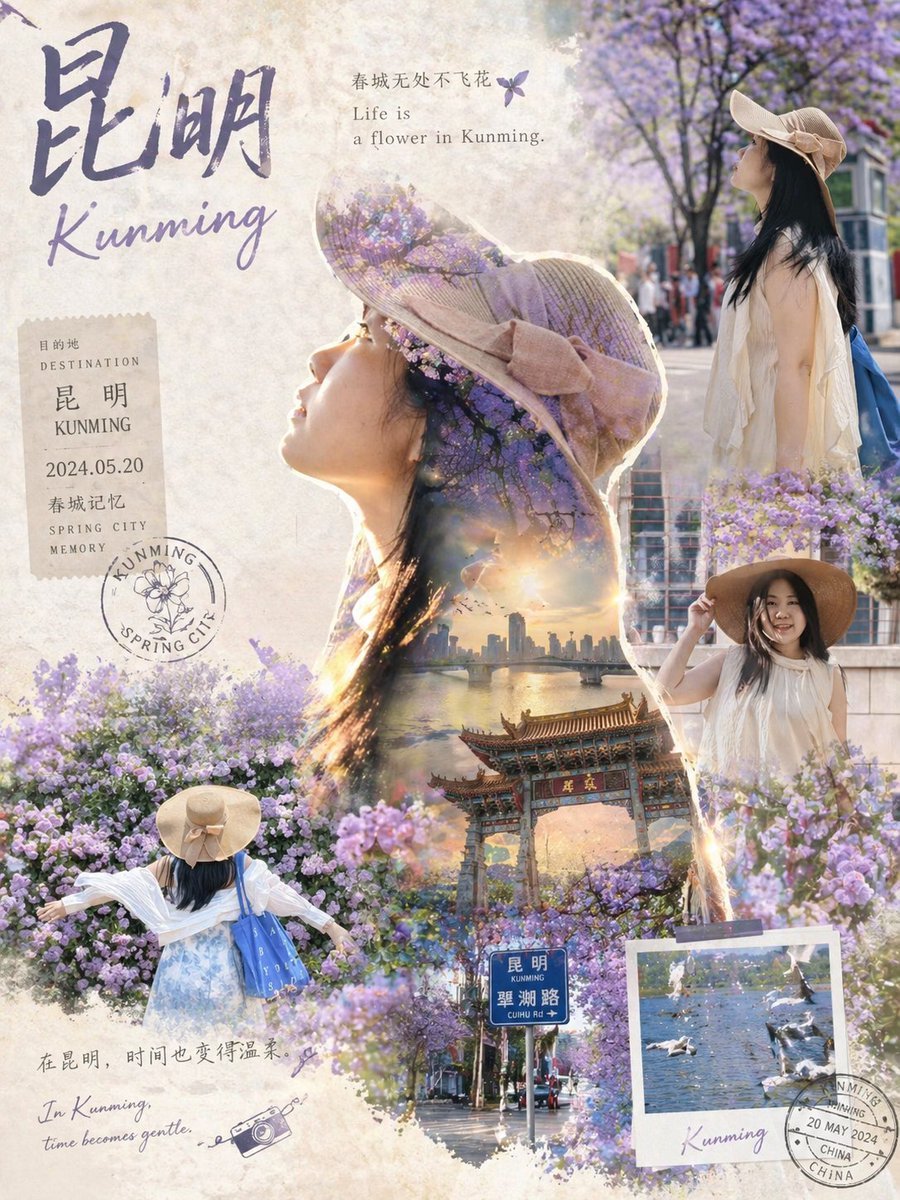
- Prompt included
- Model and format preset
- Free template
The prompt behind this image
Copy the exact prompt behind Epic Narrative Travel Poster, or open it in the studio and make it yours.
[Collector's-Edition Travel Epic Poster · Universal Meta-Prompt] Based on the multiple photos of the person I uploaded, automatically generate a collector's-edition, epic-narrative travel poster. By default, use the first attached image as the reference for the main silhouette outline, prioritizing the extraction of the person's side profile, body posture, hair outline, clothing outline, and overall temperament, to form the main silhouette of the image. Use the remaining attached images as real-photo collage material; you must preserve, as much as possible, the person's appearance, pose, clothing, hairstyle, accessories, lighting, and captured moment from the original photos — do not generate an unfamiliar-looking person, and do not arbitrarily change their gender, age, face shape, hairstyle, outfit, accessories, or body type. Character consistency requirement: every person that appears must come from the same person or the same group of people in the uploaded images. The model needs to automatically extract the person's features from the images, including facial structure, face shape, hairstyle, skin tone, body proportions, styling, accessories, pose, and temperament. Do not beautify the person into a completely different face, and do not randomly generate a new person. Travel destination: {argument name="destination" default="Kunming"} Based on the city or landmark entered, automatically generate the corresponding travel visual world, including that location's iconic natural scenery, city landmarks, street atmosphere, architectural style, cultural symbols, seasonal climate, representative colors, modes of transportation, and travel-memory objects. The image structure uses a "main silhouette outline + real-photo collage + double-exposure narrative" approach. The person's silhouette from the first attached image serves as the large main visual; inside the silhouette, the destination's complete travel narrative world naturally grows. The remaining attached images are embedded as photo collages inside the silhouette or around the frame, forming multiple travel-moment nodes. The edges of the collage may be softly blended using watercolor, paper grain, light mist, lens flare, film scratches, planner-sticker-style elements, etc., but the person themselves must remain clearly recognizable and must not be excessively repainted. The spatial layering needs to be clear: The foreground is the real moments of the person from the uploaded photos — walking, pausing, looking back, interacting, shown from behind, or in close-up. The midground is the destination's travel scenery — streets, bridges, buildings, a sea of flowers, a train station, a lakeside, a market, a mountain road, a coastline, etc. The background is the city skyline, mountain-and-water outlines, the sky, clouds, sunset, morning mist, or starlight. Overall, it should feel like a collected map of travel memories, with the feeling that "the person is on the road, and the world unfolds within their body." The style is a cinematic-quality travel collector's poster, double-exposure narrative, real-photo collage, blended with a light watercolor texture. The image should feel refined, restrained, poetic, and have a sense of air and memory. Use soft aerial perspective, a gentle misty transition, paper grain, feathered edges, generous negative space, and natural light and shadow. Colors should automatically adapt to the destination, kept within 2 to 5 main colors, maintaining a unified, refined look. Clothing colors and environmental colors from the uploaded photos may be extracted as supporting colors, so the person and the destination blend naturally. The text system combines Chinese and English: Main title: {argument name="city name" default="Kunming"} + the corresponding English name Subtitle: automatically distill the travel character/mood of the destination Short phrase: generate one short Chinese travel phrase and one short English travel phrase Informational elements: bilingual (Chinese/English) street signs, maps, postmarks, tickets, cameras, handwritten notes, and other travel symbols may be added The text must be integrated into the image design, as if it's part of the poster itself, not looking like it was pasted on afterward in post-processing. Output aspect ratio: 3:4 or 4:5 Output texture: high definition, collector's-edition quality, movie-poster quality, a travel-memory collage feel
How to use Epic Narrative Travel Poster in 3 steps
- 1Upload ImagePNG, JPG or paste
Add your photo
Upload the photo the template builds on. The prompt, model and format are already set.
- 2…a portrait of your subject in softgolden-hour light, 85mm…
Personalize
Edit the subject and creative details for your destination.
- 3Generate
Generate
Press Generate — your image is created in PicX Studio, so you can compare it with the original and refine one variable at a time.
More like this
Templates with the same subject, style or setup. Open one to see its prompt.

Japan Travel Brochure Poster

Clay Miniature Landmark Travel Diorama

Epic Narrative Graduation Poster
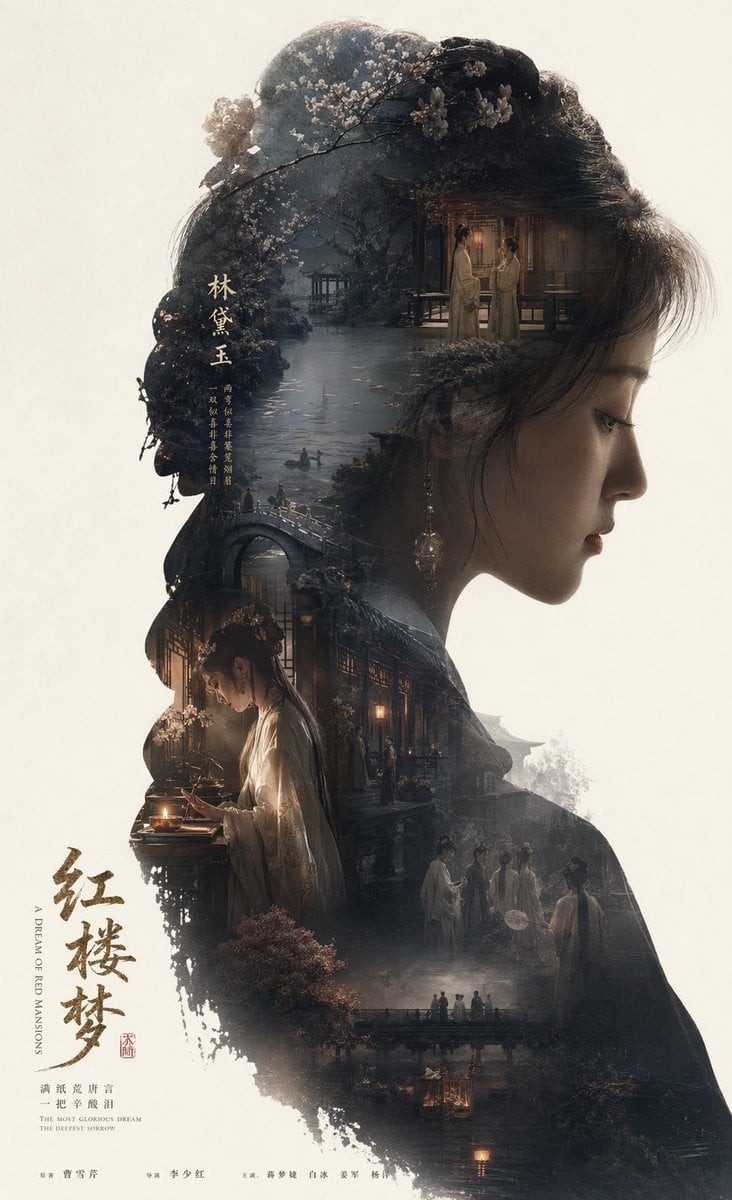
Epic Narrative Silhouette Movie Poster

City Posters by Nano Banana Pro

Cartoon TV Show Poster Pack

Trendy Cafe Drink Promo Poster

Urban Fashion Editorial Collage Streetwear Poster

Premium Fashion Editorial Cover Layout System

Polo Ralph Lauren Luxury American Heritage Fashion Campaign

Monochrome Halftone Editorial Fashion Poster

Retro Mirror Luxury Fashion Campaign Poster
Make it yours
Epic Narrative Travel Poster works as-is. These are the safest ways to change it without losing the look.
Change one field
Copy a single group, rewrite it, and generate again so you can see what that field is doing.
Keep the frame, change the subject
Hold the composition and light of Epic Narrative Travel Poster, then swap wardrobe, props or the person for a new take.
| If the result… | Why | Fix |
|---|---|---|
| The result drifts from the preview | Too many fields changed at once. | Reuse Epic Narrative Travel Poster as-is first, then change one group — subject, light, or setting. |
| The model over-stylizes the scene | The prose prompt leaves finish and camera underspecified. | Add one camera or lighting sentence and stay on GPT Image 2. |
More GPT Image 2 templates
Other prompts made for GPT Image 2.

Six VTuber Japanese Logo Sheet

Realistic Portrait of Woman and Deer

The Vista Modular Condo Poster

AI Model Routing Comparison Infographic

2.5D Anime Art Board

Isometric Productivity Desk Scene

New York Double Exposure Poster

Four-Panel AI Landscape Comparison

Japanese Tatami Lifestyle Magazine Cover

NESCAFÉ Coffee Map Poster
More image prompts
Fresh picks from across the catalog.
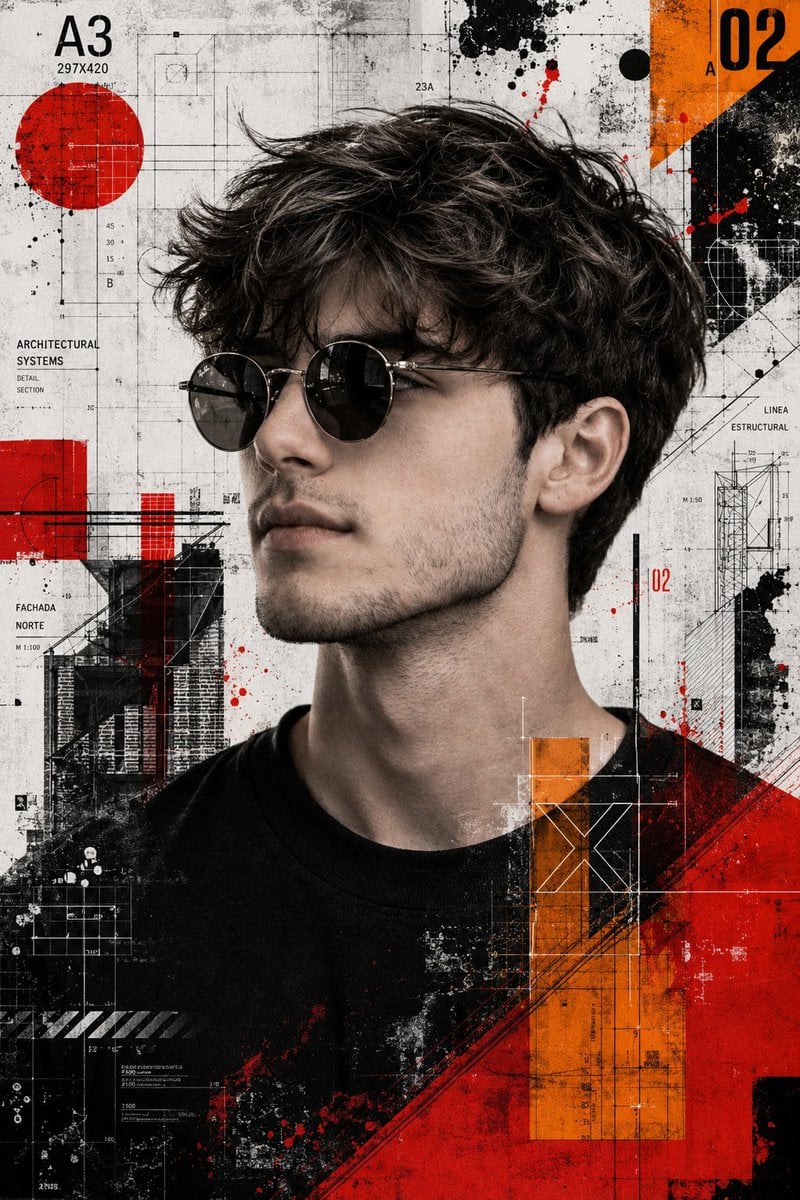
Trash Polka Mixed Media Artwork
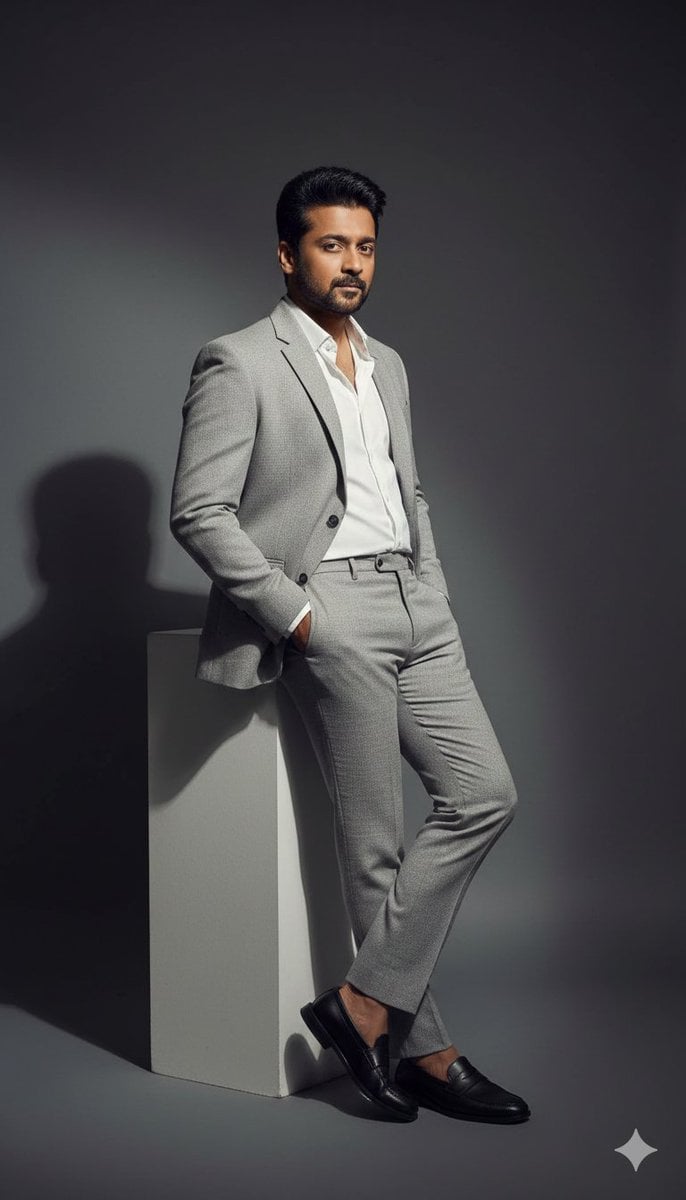
High-Contrast Fashion Editorial Portrait of a Man
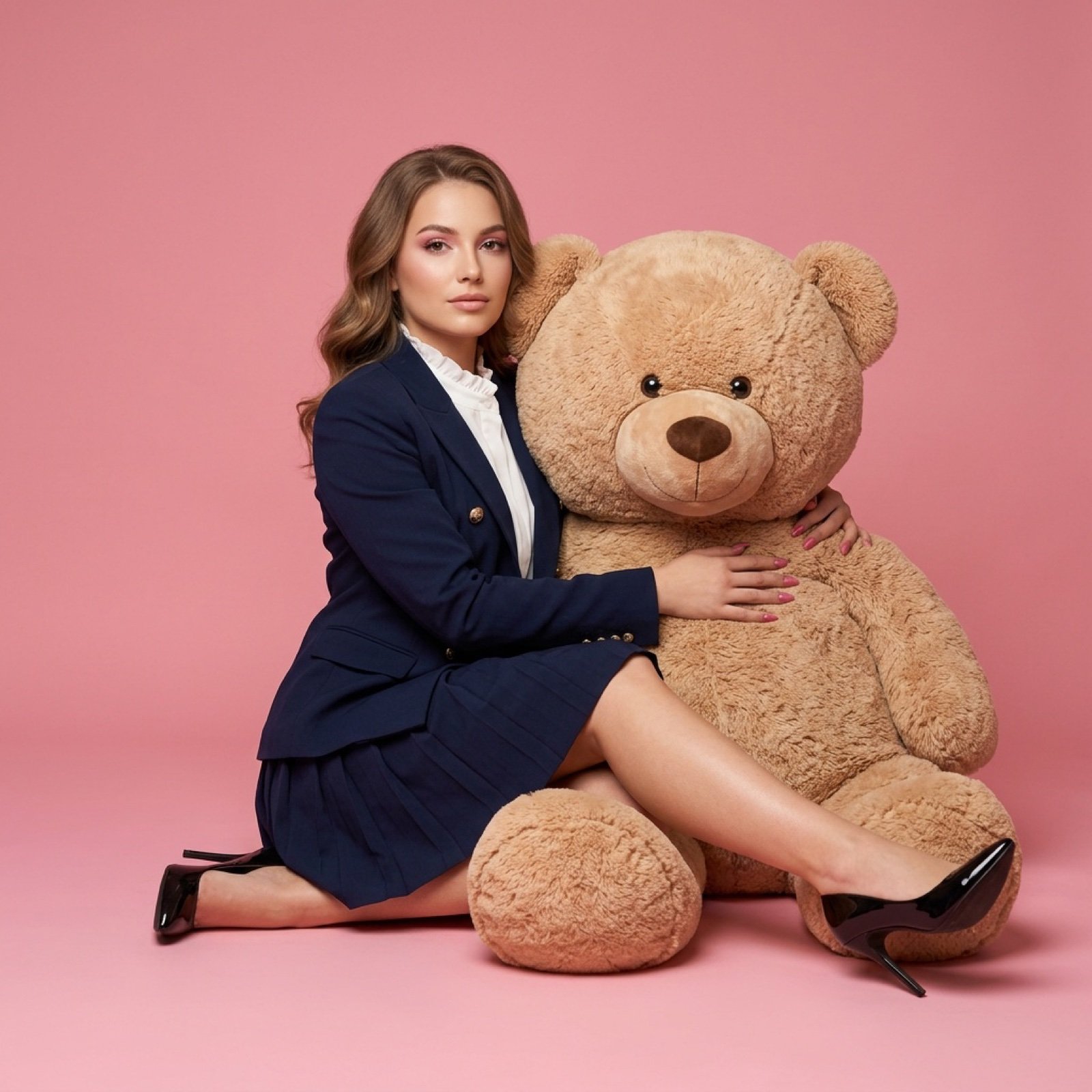
Fashion Editorial with Giant Teddy Bear Prompt
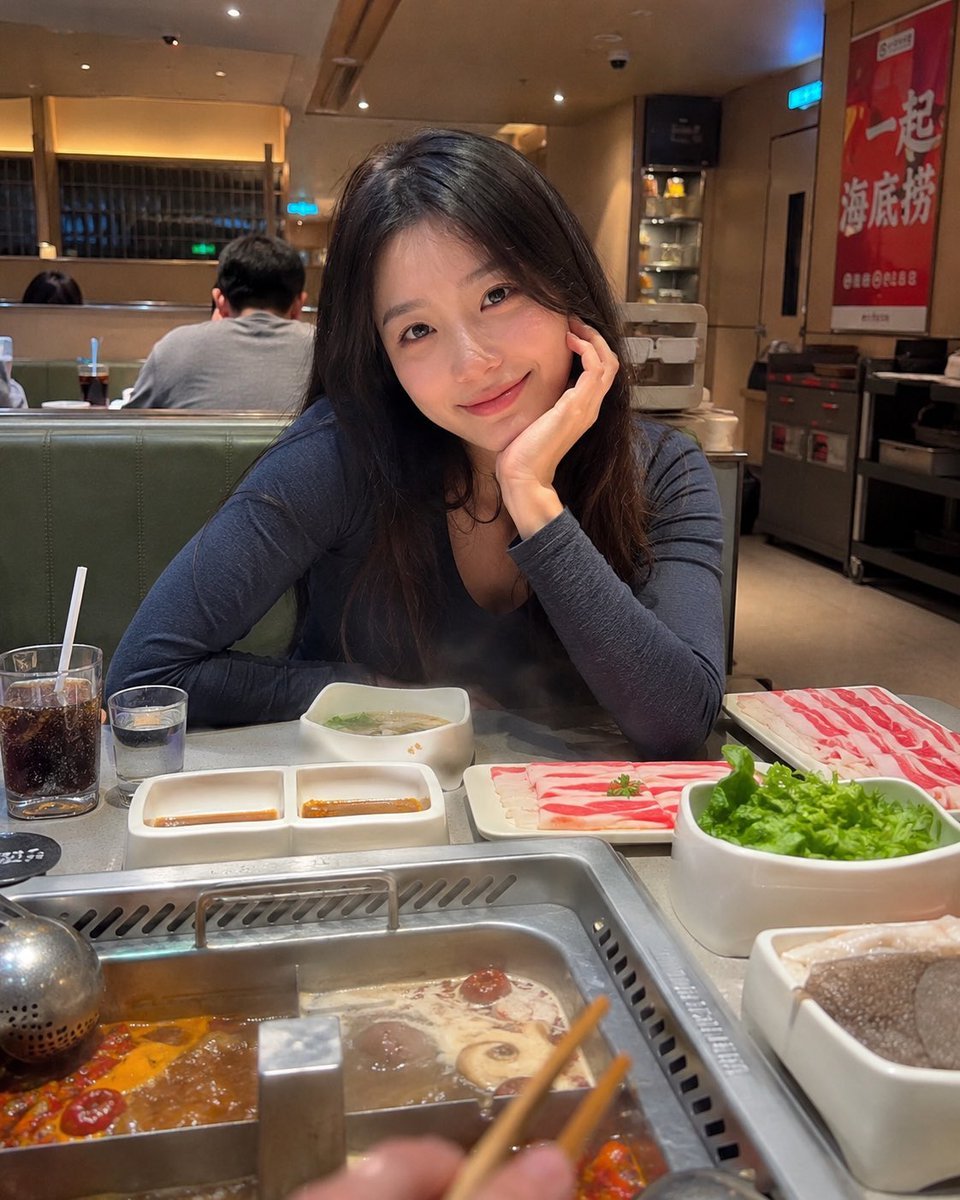
Haidilao Hotpot Date POV
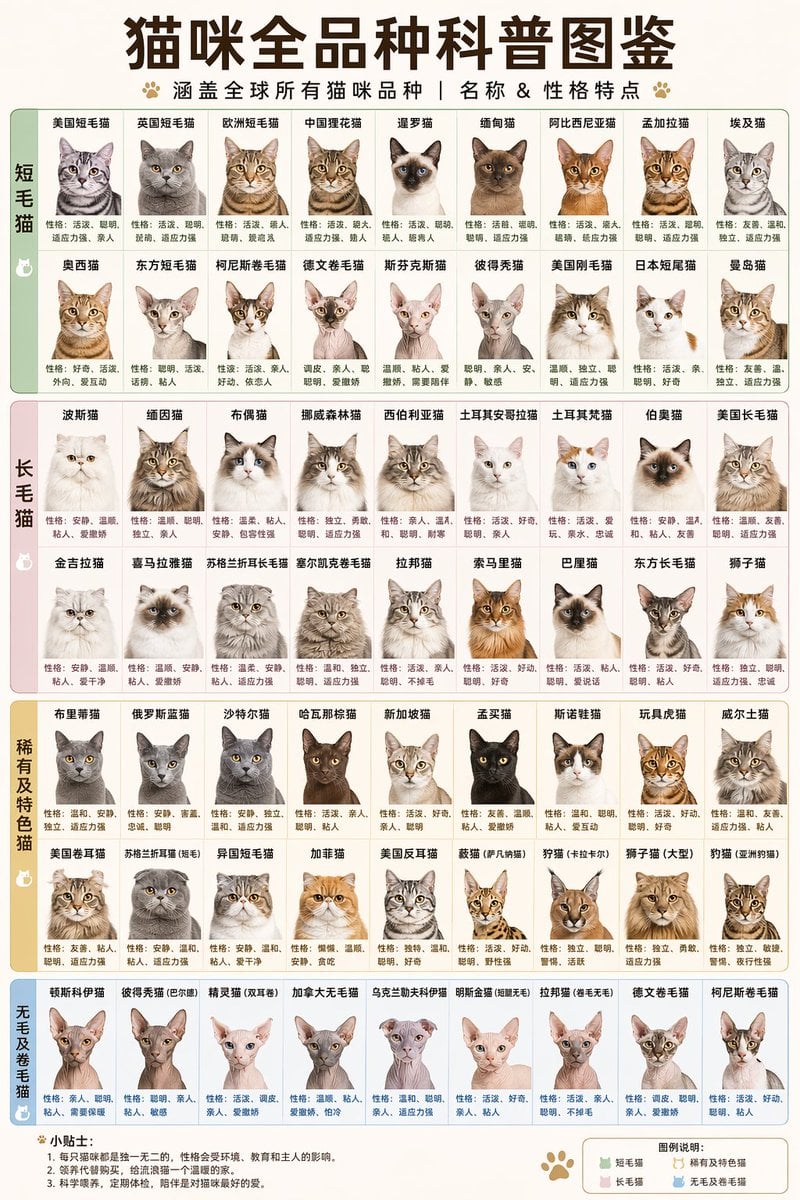
Comprehensive Cat Breed Infographic
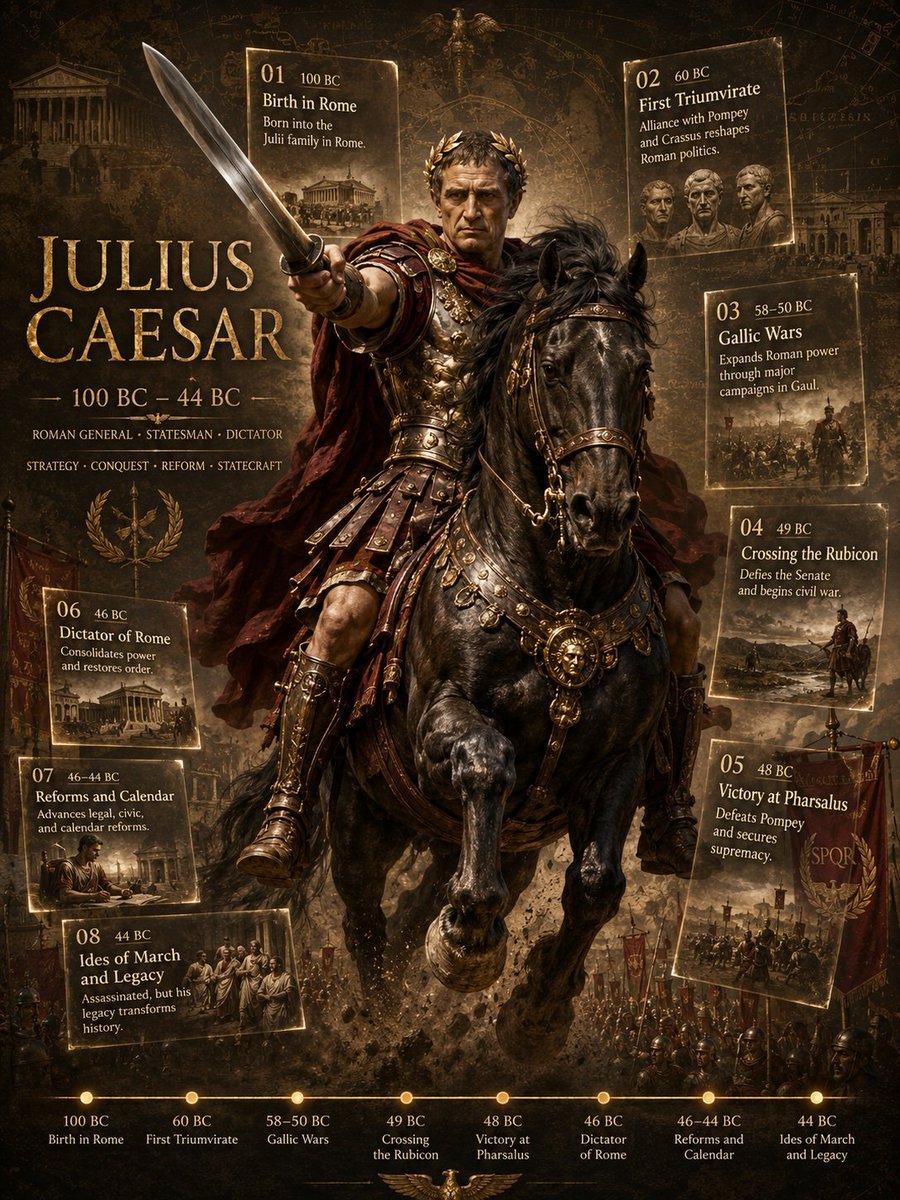
Julius Caesar Epic Timeline Poster
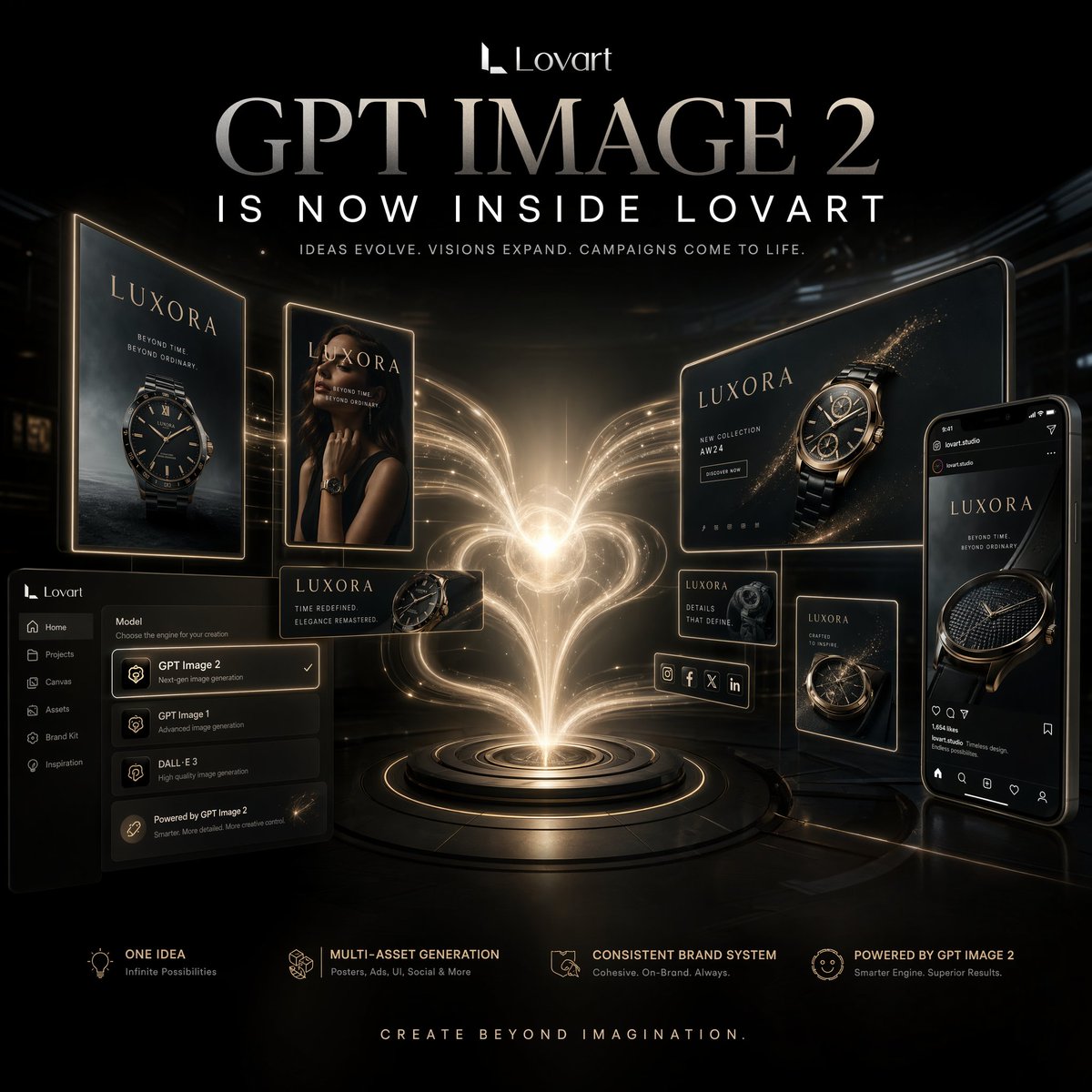
Luxury AI Campaign Launch Poster
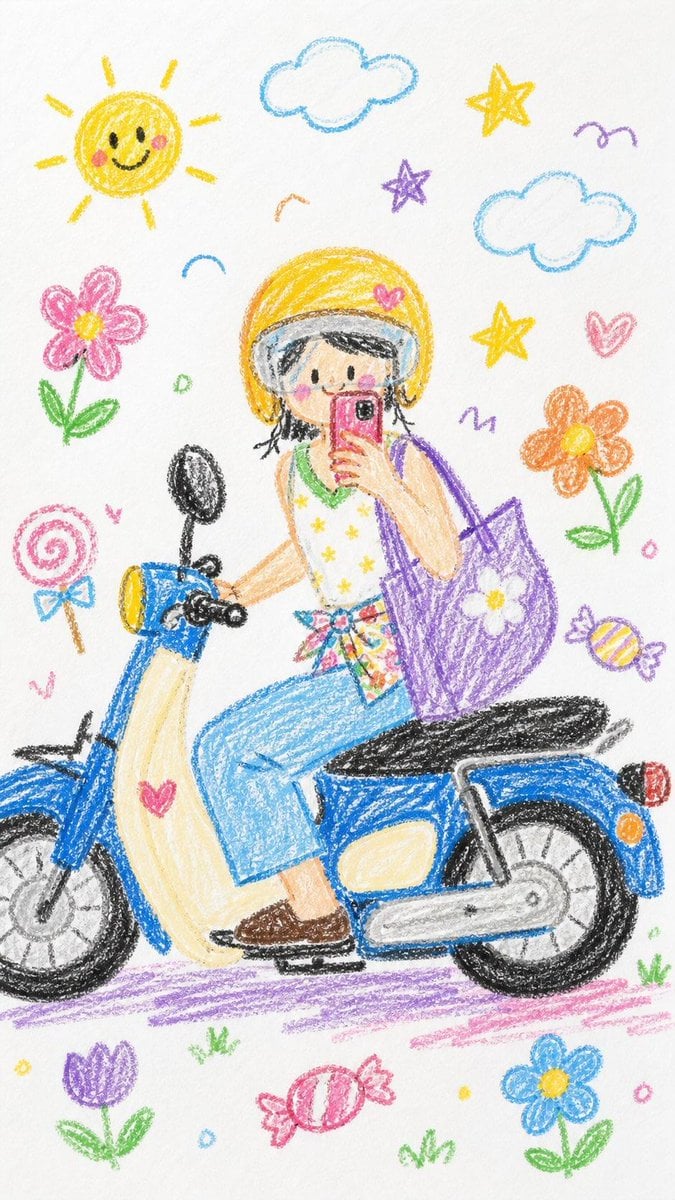
Crayon Style Image Transformation
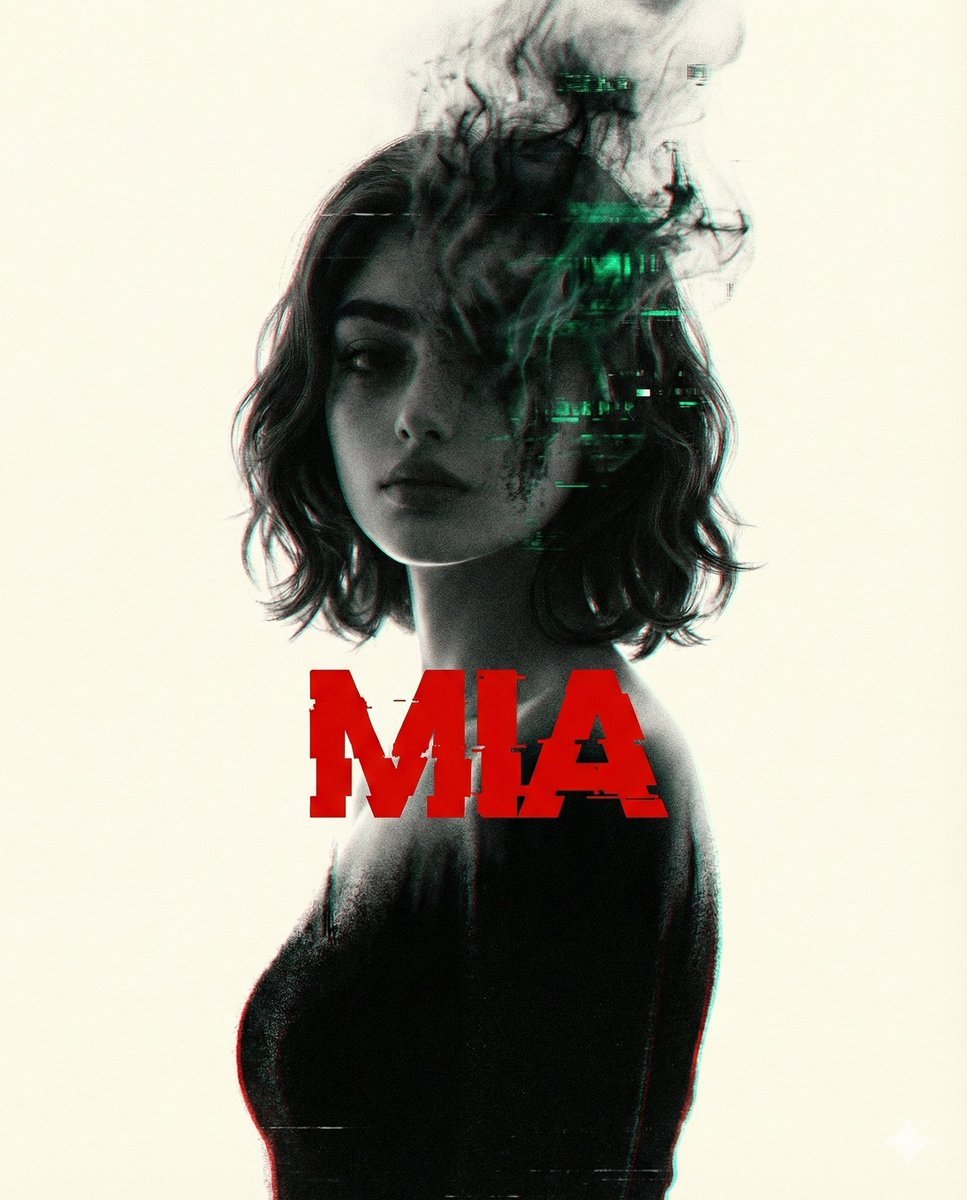
Nano Banana Pro Tip: Glitch Static Ghost Silhouette Portrait
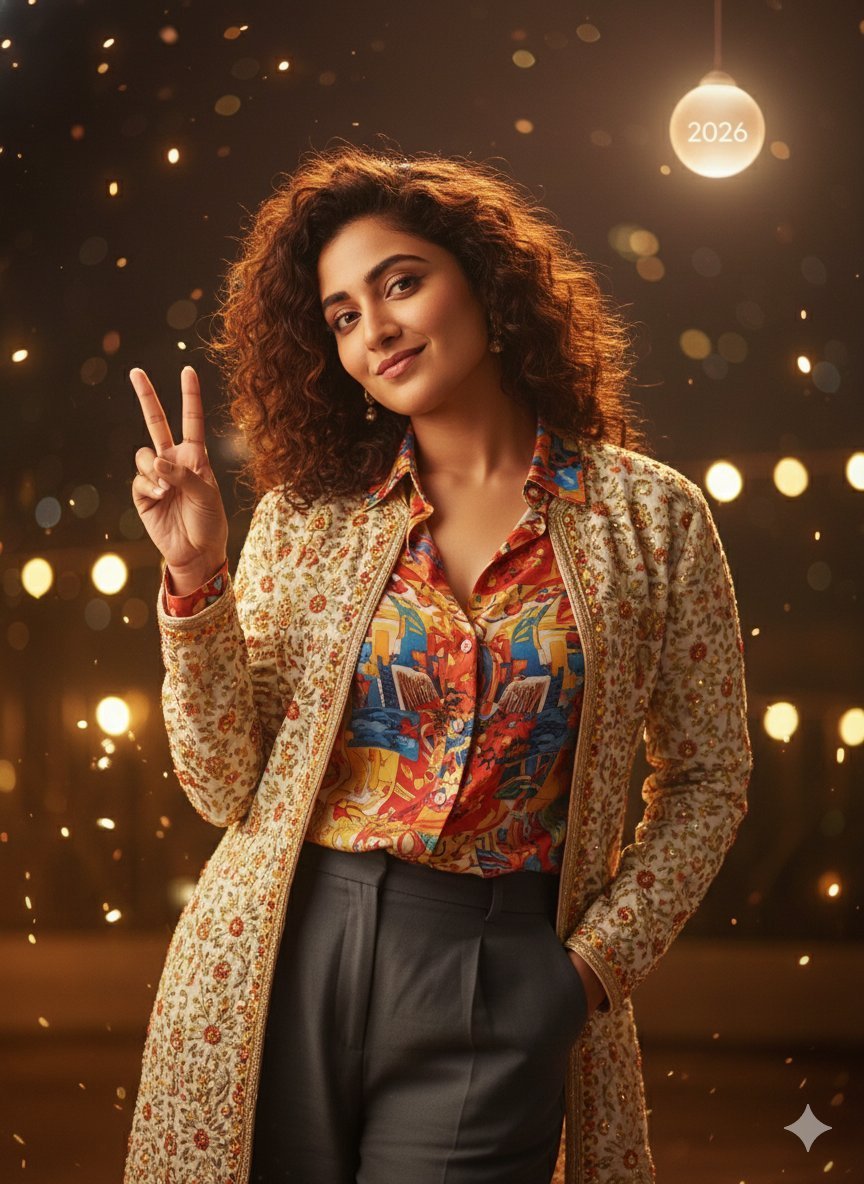
Desi Funny New Year 2026 Cinematic Portrait Prompt
Browse template categories
Epic Narrative Travel Poster questions
How do I use the Epic Narrative Travel Poster template?
Add your photo if the template asks for one, edit the prompt if you like — the template's model and format are already selected — and press Generate. Your version opens in PicX Studio.
Can I customize the Epic Narrative Travel Poster template?
Yes. You can change the subject, setting, lighting, mood, format, and available model controls before creating your image.
Is the Epic Narrative Travel Poster template free?
Opening and editing this template is free. Generating uses credits, shown on the Generate button when you are signed in.
Which AI model should I use?
Start with GPT Image 2, which is the model associated with this template. You can compare another compatible model for a different finish.
Looking for something else? Browse all templates.

Your photo, any look
Thousands of ready templates for every top image and video model, from one credit balance.