
Nano Banana Pro Tip: Glitch Static Ghost Silhouette Portrait
A detailed prompt for Nano Banana Pro that uses a reference image to maintain facial features, but transforms the subject into a ghostly center silhouette.
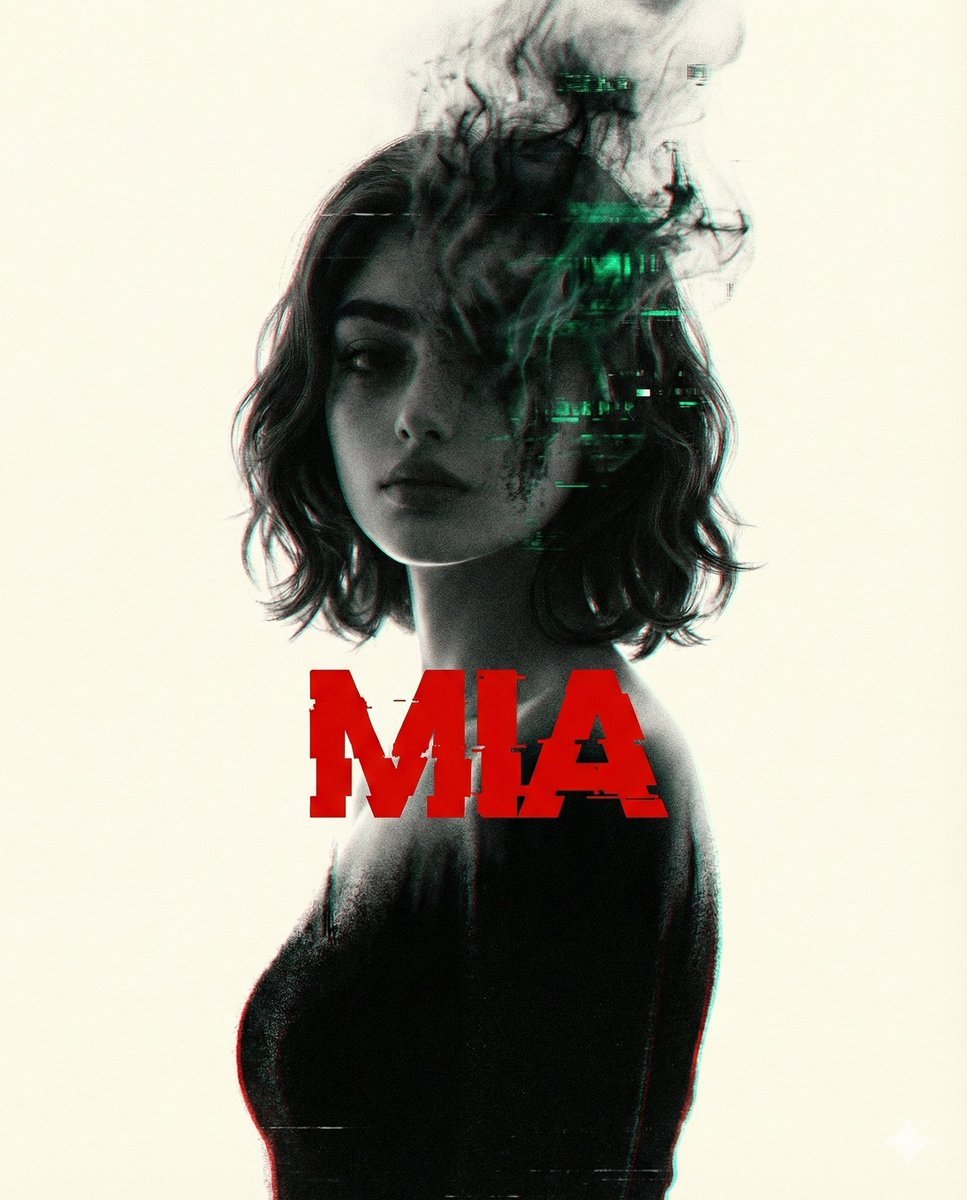
- Prompt included
- Model and format preset
- Free template
The prompt behind this image
Copy the exact prompt behind Nano Banana Pro Tip: Glitch Static Ghost Silhouette Portrait, or open it in the studio and make it yours.
Use the exact young woman from the reference photo as the subject: same delicate heart shaped face, same large expressive dark eyes with soft gaze, same warm dusky South Asian skin tone, same naturally wavy shoulder length dark hair gently framing her face, same subtle and gentle half smile. She appears as a ghostly center silhouette, standing calmly. Her face is intentionally blurred and dissolving upward into swirling smoky black and emerald green digital glitch static, as if her identity is fading into corrupted data. The lower half of her body gradually melts into a textured, grainy pitch black void with faint red chromatic aberration bleeding at the edges. Overlaying the figure in bold, distressed blood-red sans serif typography (slightly warped and glitching): {argument name="your name" default="[your name]"} Soft creamy off white background, heavy 35 mm film grain throughout, subtle VHS tracking lines and RGB split, high contrast, cold rim lighting, dark cyberpunk melancholy mood, cinematic yet minimalist composition with generous negative space. Ultra sharp where details remain, intentionally degraded where she disappears. Octane render, atmospheric depth, quiet sorrow.
How to use Nano Banana Pro Tip: Glitch Static Ghost Silhouette Portrait in 3 steps
- 1Upload ImagePNG, JPG or paste
Add your photo
Upload the photo the template builds on. The prompt, model and format are already set.
- 2…a portrait of your subject in softgolden-hour light, 85mm…
Personalize
Edit the subject and creative details for your destination.
- 3Generate
Generate
Press Generate — your image is created in PicX Studio, so you can compare it with the original and refine one variable at a time.
More like this
Templates with the same subject, style or setup. Open one to see its prompt.

Nano Banana Is So Addictive

Nano Banana 2 Perspective Experiment

Gemini Nano Banana 2 Isometric 3d City D

Nano Banana 2

Gemini Nano Banana 2

Gemini Nano Banana 2 Logo in Wet Sand Be

Nano Banana 2 Gourmet Ice Cream Commerci

Nano Banana Pro Photoreal Playful Couple

Nano Banana 2 High Fashion Sports Campai

Nano Banana 2 Editorial Fashion Portrait

B&W Photobooth Expression Grid 4x4 — Nano Banana

Gen Z TikTok Viral Expression Grid 4x4 — Nano Banana
Make it yours
Nano Banana Pro Tip: Glitch Static Ghost Silhouette Portrait works as-is. These are the safest ways to change it without losing the look.
Change one field
Copy a single group, rewrite it, and generate again so you can see what that field is doing.
Keep the frame, change the subject
Hold the composition and light of Nano Banana Pro Tip: Glitch Static Ghost Silhouette Portrait, then swap wardrobe, props or the person for a new take.
| If the result… | Why | Fix |
|---|---|---|
| The result drifts from the preview | Too many fields changed at once. | Reuse Nano Banana Pro Tip: Glitch Static Ghost Silhouette Portrait as-is first, then change one group — subject, light, or setting. |
| The model over-stylizes the scene | The prose prompt leaves finish and camera underspecified. | Add one camera or lighting sentence and stay on Nano Banana 2. |
More Nano Banana 2 templates
Other prompts made for Nano Banana 2.

Photorealistic Leaf Shaped Like a Dragon

K-Pop Idol Portrait Grid for Rapid Selection

Poetic Rain Forest Portrait During Golden Hour

Urban Street Portrait with Cartoon Inner Self Duo

Candid Nighttime Photo with Cat Prompt

High-Concept 3D Diorama Generation Prompt

Cinematic Futuristic Studio Portrait Template

Skincare Editorial Photography Collage Prompt

Hyper-Realistic Commercial Product Photography (Splash Effect)

Hyper-Realistic Nightclub Portrait Prompt
More image prompts
Fresh picks from across the catalog.
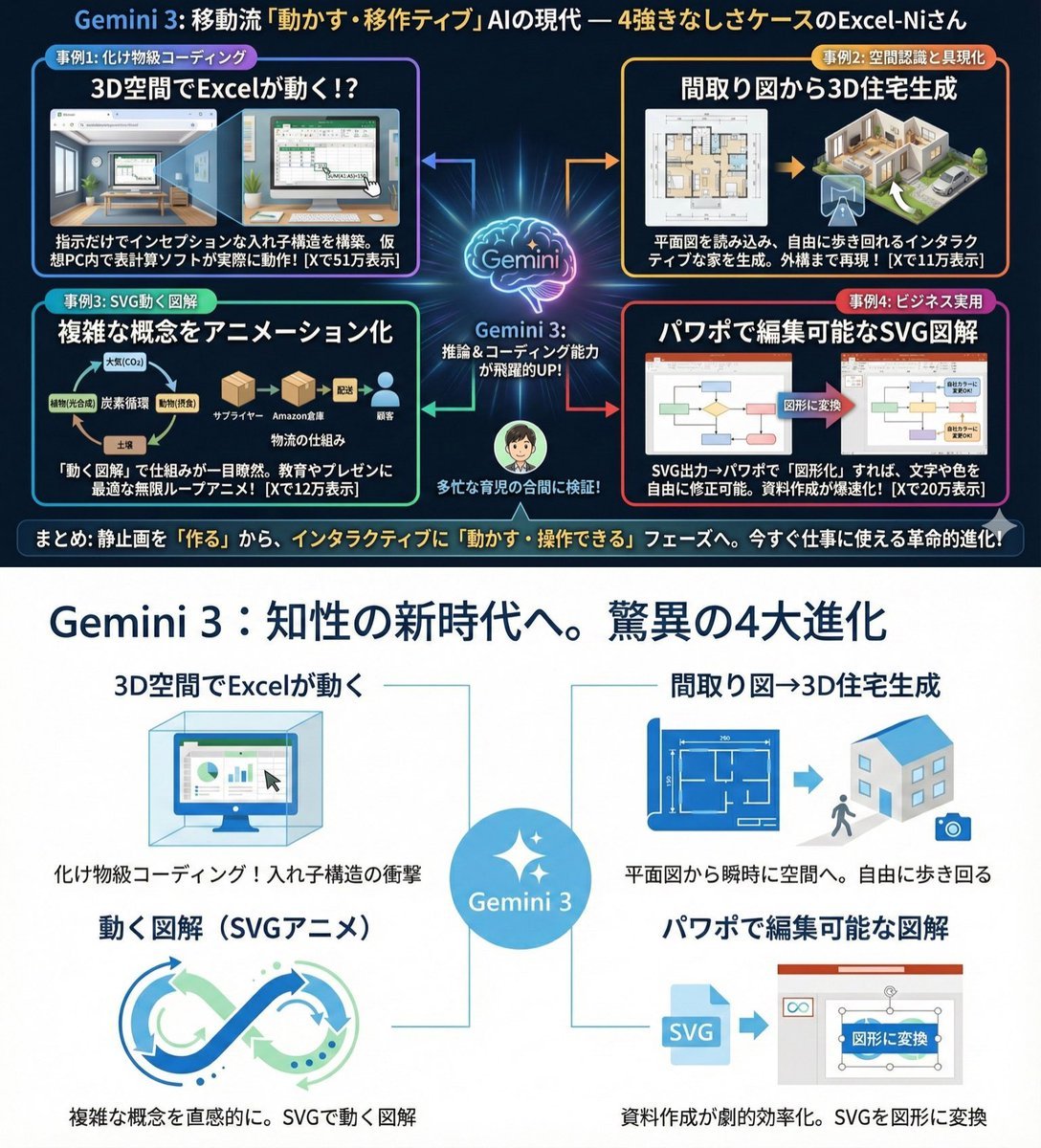
Clean infographic style constraints in Japanese

Portugal Football Campaign Poster

Japanese Journal Style Cat Diary
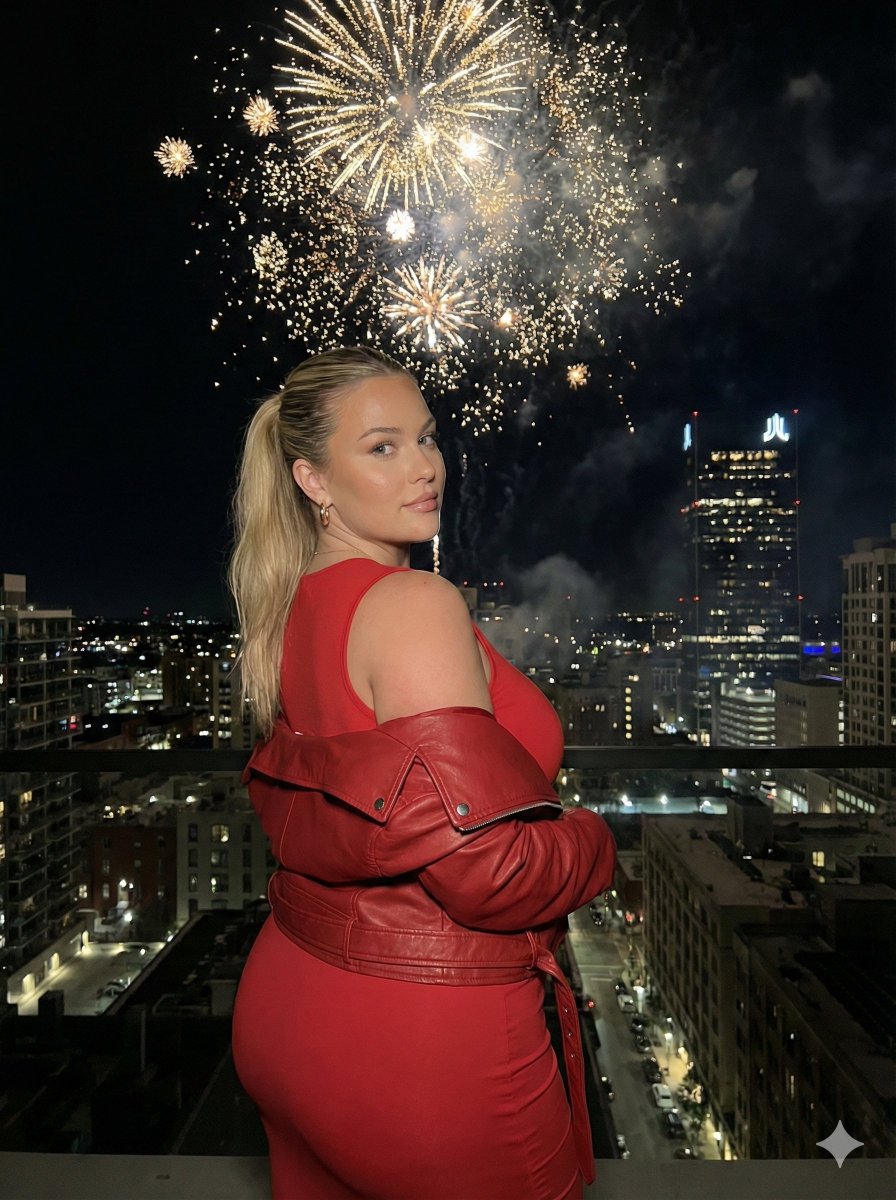
Nighttime Cityscape Portrait with Fireworks
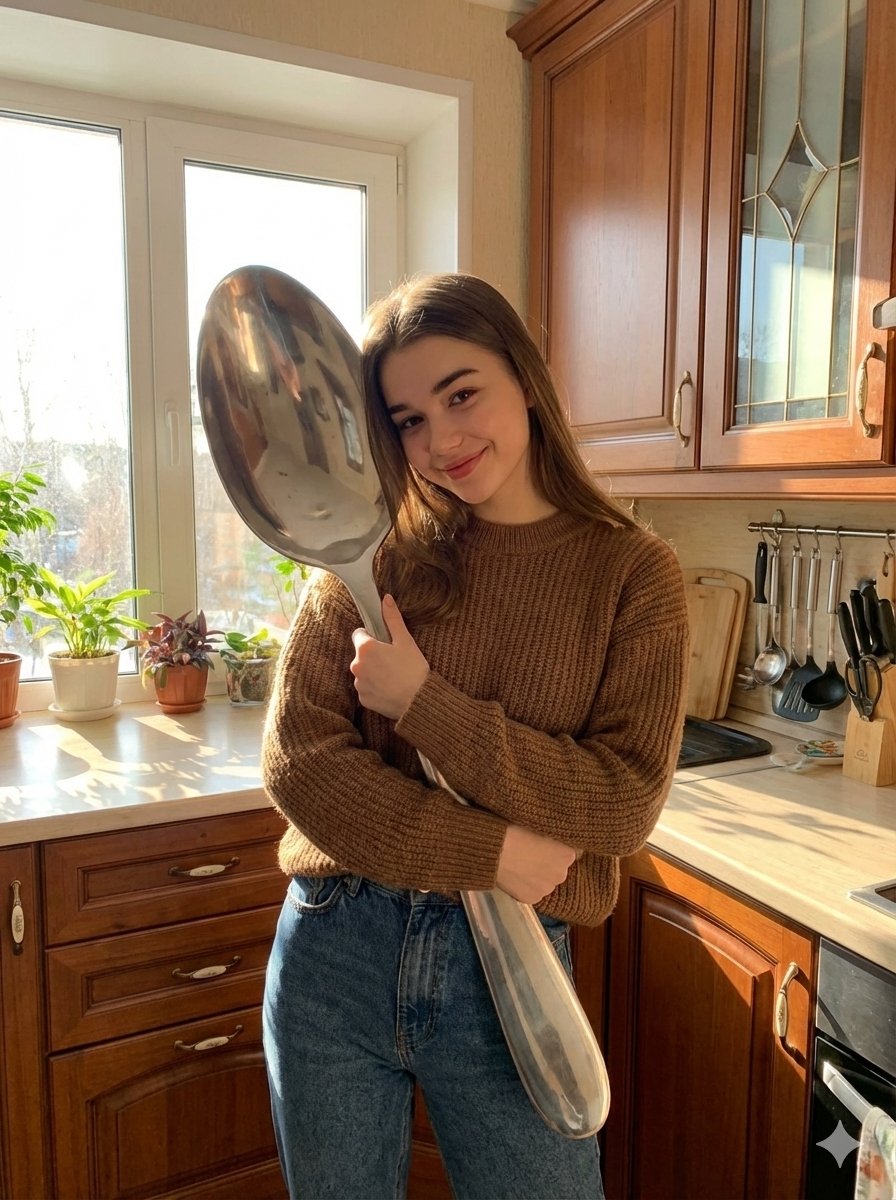
Photorealistic Woman Hugging Giant Spoon in Kitchen Prompt
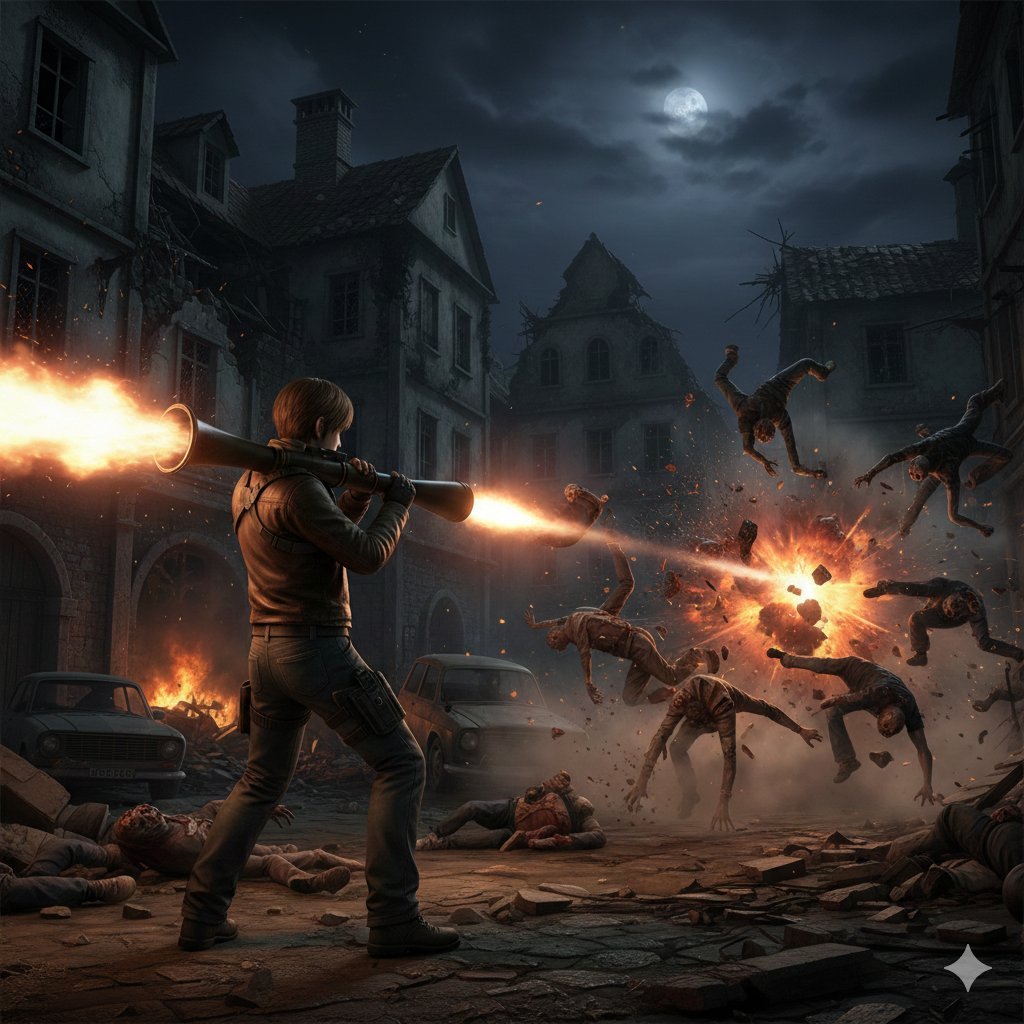
Resident Evil Rocket Launcher Action Scene
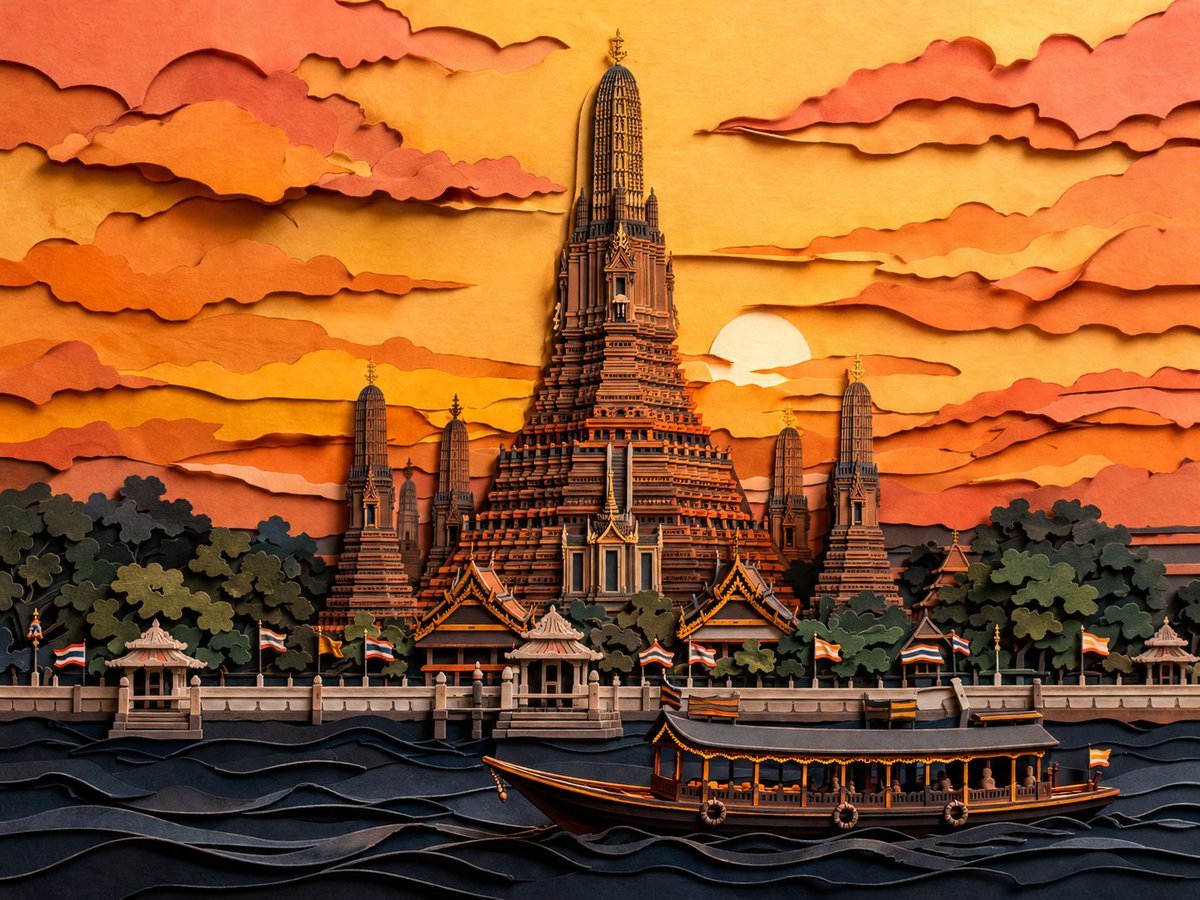
Papercut Wat Arun at Sunset
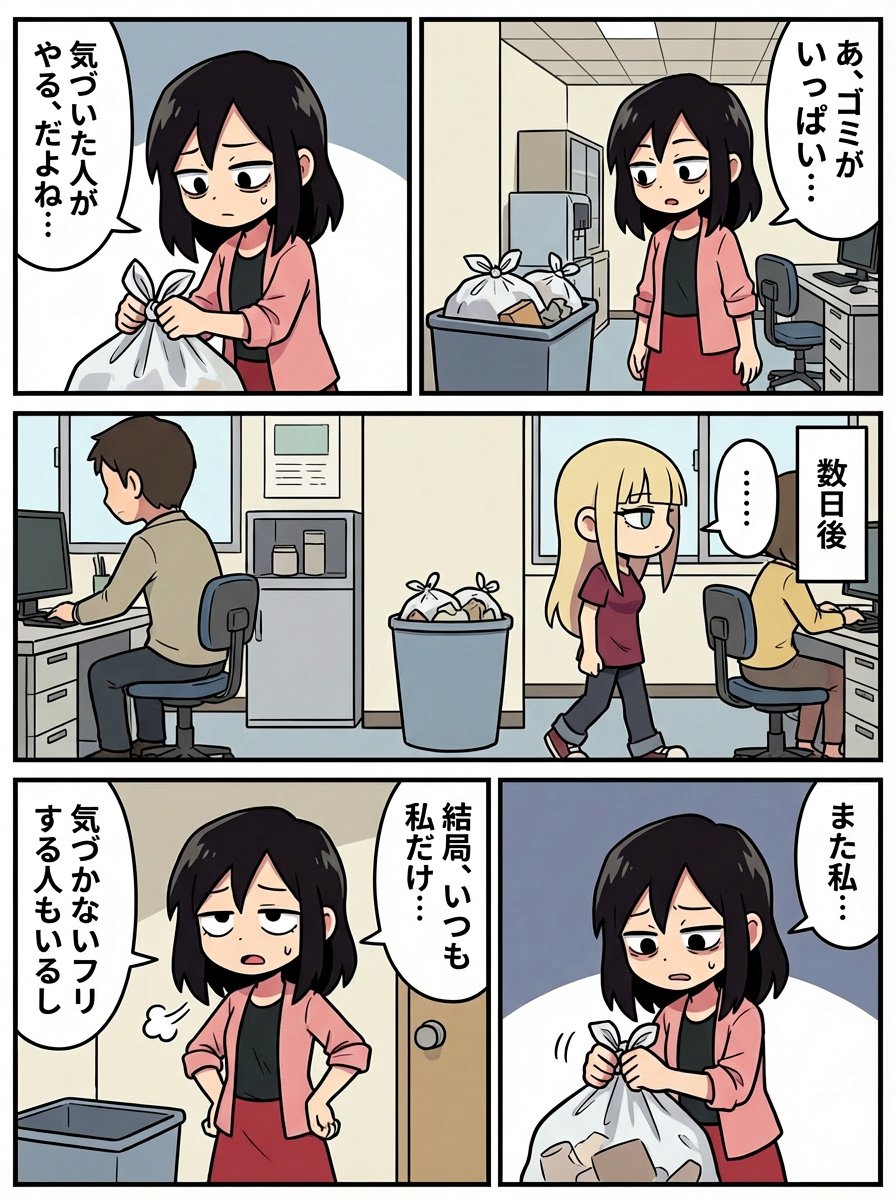
Japanese Text Prompt about Workplace Atmosphere
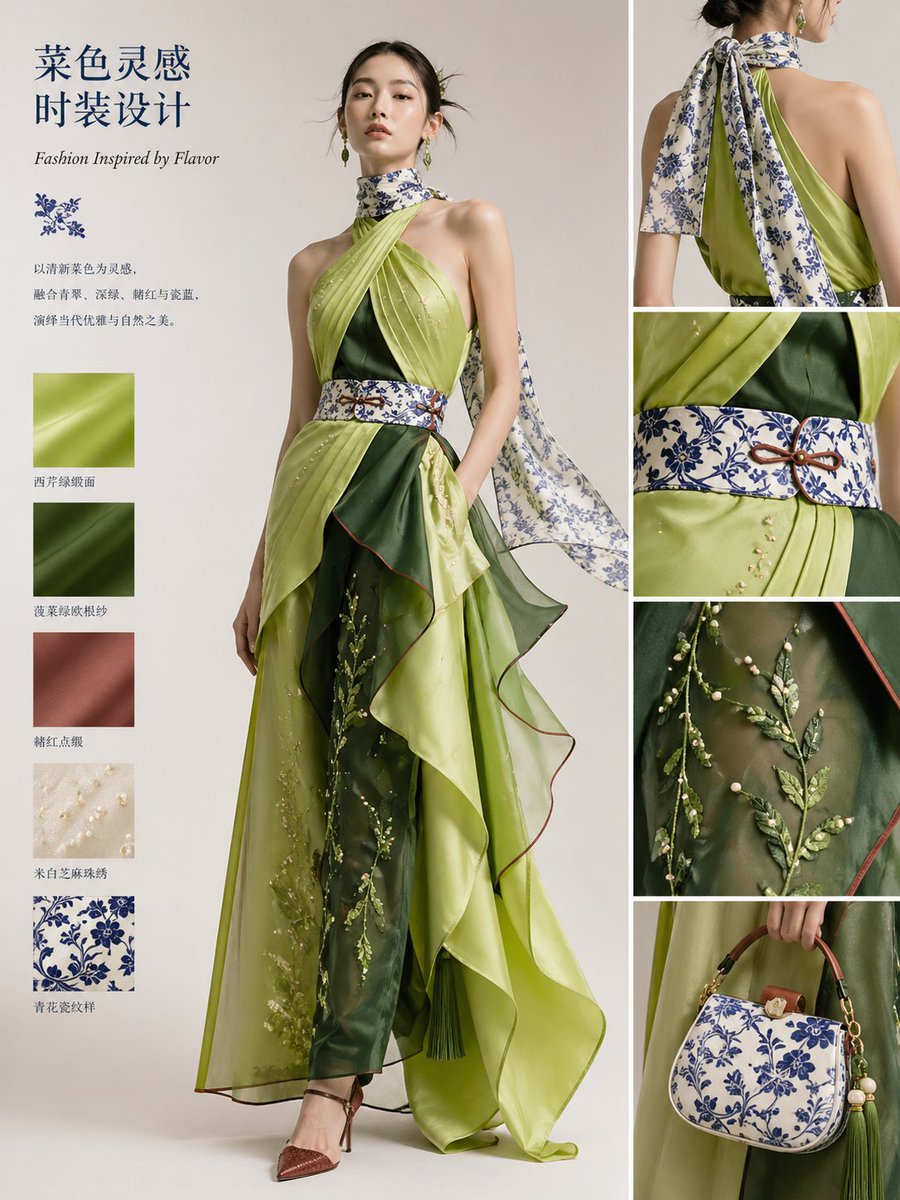
Dish-to-Couture Fashion Board
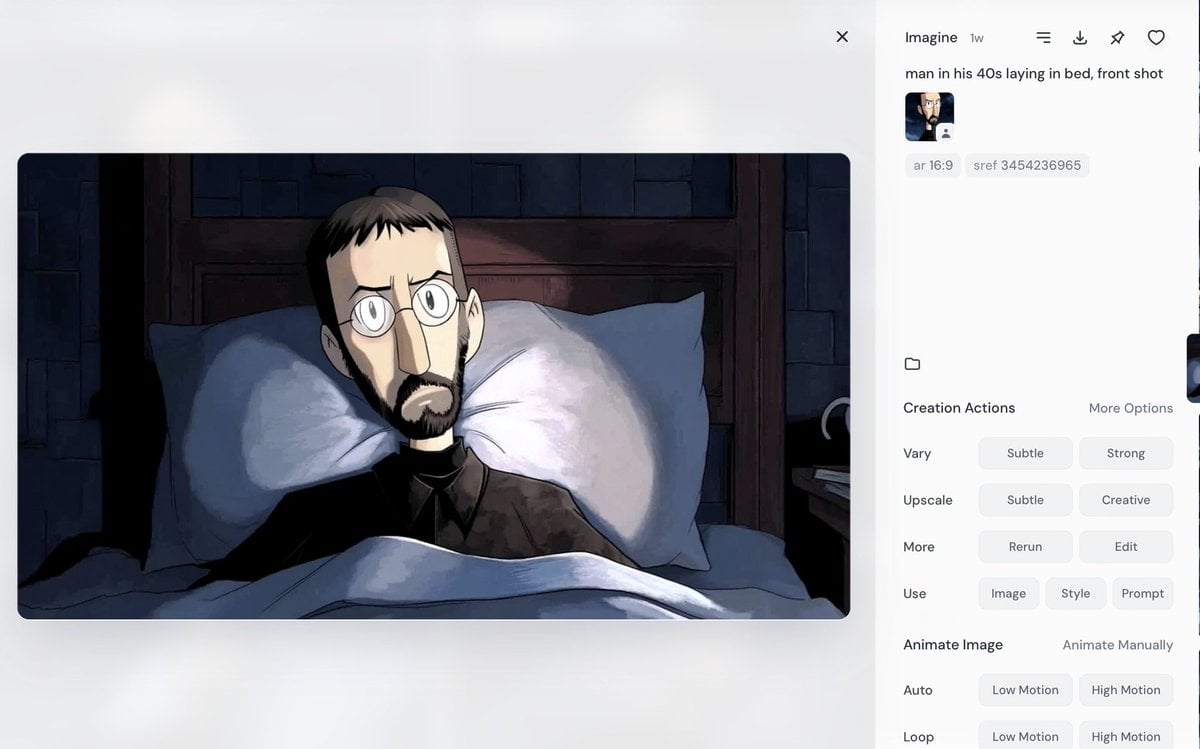
Portrait of a Middle-Aged Man Lying Down
Browse template categories
Nano Banana Pro Tip: Glitch Static Ghost Silhouette Portrait questions
How do I use the Nano Banana Pro Tip: Glitch Static Ghost Silhouette Portrait template?
Add your photo if the template asks for one, edit the prompt if you like — the template's model and format are already selected — and press Generate. Your version opens in PicX Studio.
Can I customize the Nano Banana Pro Tip: Glitch Static Ghost Silhouette Portrait template?
Yes. You can change the subject, setting, lighting, mood, format, and available model controls before creating your image.
Is the Nano Banana Pro Tip: Glitch Static Ghost Silhouette Portrait template free?
Opening and editing this template is free. Generating uses credits, shown on the Generate button when you are signed in.
Which AI model should I use?
Start with Nano Banana 2, which is the model associated with this template. You can compare another compatible model for a different finish.
Looking for something else? Browse all templates.

Your photo, any look
Thousands of ready templates for every top image and video model, from one credit balance.