
Julius Caesar Epic Timeline Poster
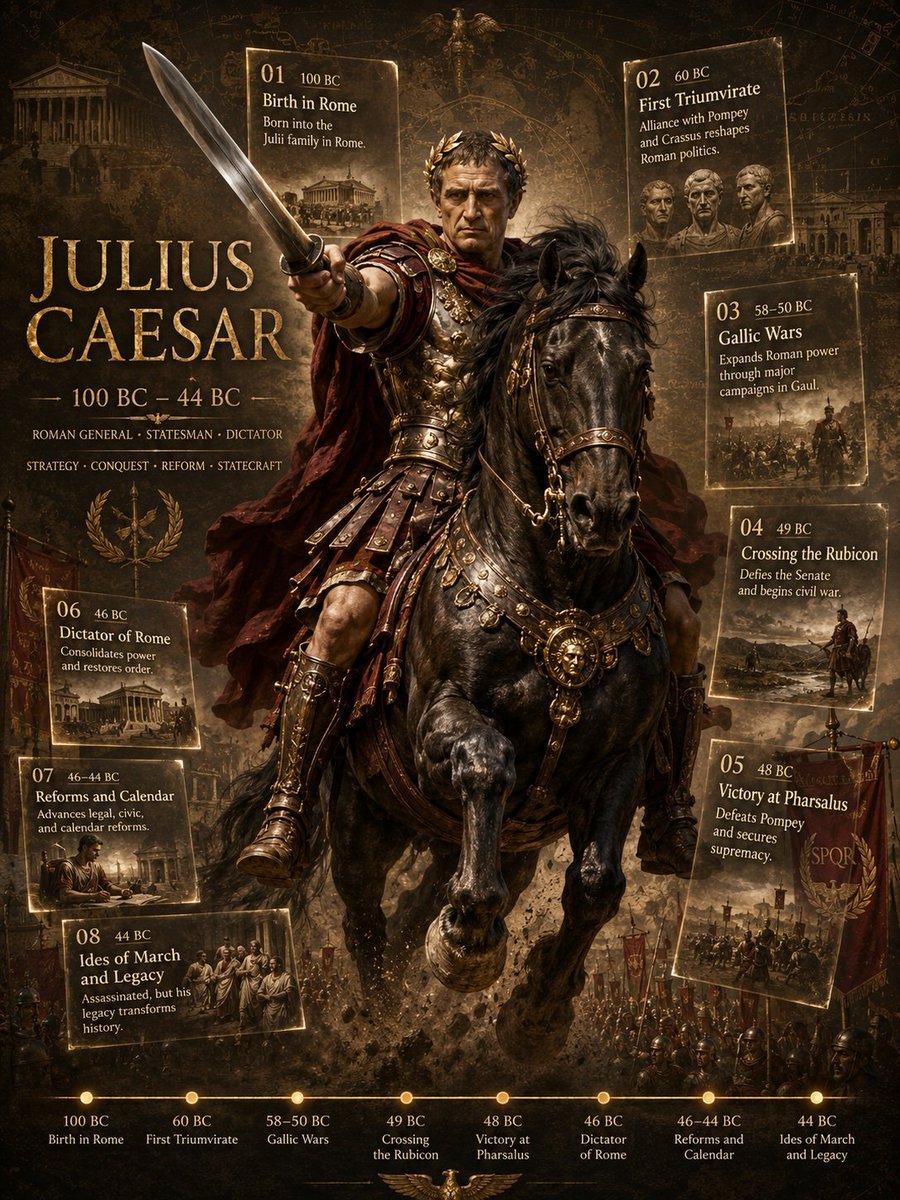
A cinematic ancient Roman biography poster featuring Julius Caesar on horseback with eight historical event cards and a bottom timeline.
- Prompt included
- Model and format preset
- Free template
The prompt behind this image
Copy the exact prompt behind Julius Caesar Epic Timeline Poster, or open it in the studio and make it yours.
Goal: Create a dramatic cinematic historical biography poster for {argument name="subject figure" default="Julius Caesar"}, presenting him as a Roman general, statesman, and dictator in an epic ancient-war infographic style. Canvas: Vertical 3:4 poster, dark sepia and black palette with antique gold typography, parchment textures, faint Roman maps, diagrams, constellations, and architectural sketches in the background. High-contrast lighting, smoky battlefield atmosphere, gritty dust, embers, and ornate metallic highlights. Main subject: Center composition shows Julius Caesar riding a powerful black warhorse rearing forward. He wears elaborate Roman armor with gold details, leather skirt armor, bronze greaves, red cloak flowing behind him, and a laurel wreath. His right arm thrusts a short Roman sword toward the viewer in strong foreshortening. The horse has ornate gold-trimmed tack, medallions, leather straps, and dramatic glossy highlights. Keep the rider’s face intentionally obscured by a plain soft brown rectangular mask with no facial features. Behind him are Roman soldiers, standards, banners, and battlefield silhouettes. Primary text: Large antique serif gold title on the left reads “{argument name="headline text" default="JULIUS CAESAR"}”. Under it place “100 BC – 44 BC”, then “ROMAN GENERAL · STATESMAN · DICTATOR”, then “STRATEGY · CONQUEST · REFORM · STATECRAFT”. Add a gold Roman eagle-and-laurel emblem below the text. Event cards: Include exactly 8 glowing parchment-style historical event cards, numbered 01 through 08, each with a small sepia illustration and gold border. Arrange them around the central rider: two near the top, three down the right side, and three down the left/lower-left side. The 8 cards must read: 01 — “100 BC” — “Birth in Rome” — “Born into the Julii family in Rome.” 02 — “60 BC” — “First Triumvirate” — “Alliance with Pompey and Crassus reshapes Roman politics.” 03 — “58–50 BC” — “Gallic Wars” — “Expands Roman power through major campaigns in Gaul.” 04 — “49 BC” — “Crossing the Rubicon” — “Defies the Senate and begins civil war.” 05 — “48 BC” — “Victory at Pharsalus” — “Defeats Pompey and secures supremacy.” 06 — “46 BC” — “Dictator of Rome” — “Consolidates power and restores order.” 07 — “46–44 BC” — “Reforms and Calendar” — “Advances legal, civic, and calendar reforms.” 08 — “44 BC” — “Ides of March and Legacy” — “Assassinated, but his legacy transforms history.” Bottom timeline: Add exactly 8 gold dots connected by a thin horizontal gold line along the bottom edge. Label them, from left to right: “100 BC Birth in Rome”, “60 BC First Triumvirate”, “58–50 BC Gallic Wars”, “49 BC Crossing the Rubicon”, “48 BC Victory at Pharsalus”, “46 BC Dictator of Rome”, “46–44 BC Reforms and Calendar”, “44 BC Ides of March and Legacy”. Visual style: Hyper-detailed digital painting, epic historical fantasy realism, museum-quality military portrait, ornate Roman imperial design, dramatic chiaroscuro, gilded serif typography, aged manuscript overlays, cinematic poster lighting, sharp central figure, slightly hazy background. Use {argument name="accent color" default="antique gold"} for borders, text, timeline, and decorative symbols. Constraints: Keep all text legible and correctly spelled. Use exactly 8 event cards and exactly 8 timeline points. Do not add modern objects, logos, watermarks, or extra people in the foreground beyond the mounted commander and background army. Maintain a dark ancient Roman atmosphere with no bright modern colors.
How to use Julius Caesar Epic Timeline Poster in 3 steps
- 1Upload ImagePNG, JPG or paste
Add your photo
Upload the photo the template builds on. The prompt, model and format are already set.
- 2…a portrait of your subject in softgolden-hour light, 85mm…
Personalize
Edit the subject and creative details for your destination.
- 3Generate
Generate
Press Generate — your image is created in PicX Studio, so you can compare it with the original and refine one variable at a time.
More like this
Templates with the same subject, style or setup. Open one to see its prompt.
Epic Universe History Timeline Poster

Japan Travel Brochure Poster

Cartoon TV Show Poster Pack

Trendy Cafe Drink Promo Poster

Urban Fashion Editorial Collage Streetwear Poster

Premium Fashion Editorial Cover Layout System

Polo Ralph Lauren Luxury American Heritage Fashion Campaign

Monochrome Halftone Editorial Fashion Poster

Retro Mirror Luxury Fashion Campaign Poster

Luxury Fashion Campaign Typography Poster System

Premium Fashion Editorial Campaign Poster System

Ultra-Stylized High-Fashion Streetwear Poster
Make it yours
Julius Caesar Epic Timeline Poster works as-is. These are the safest ways to change it without losing the look.
Change one field
Copy a single group, rewrite it, and generate again so you can see what that field is doing.
Keep the frame, change the subject
Hold the composition and light of Julius Caesar Epic Timeline Poster, then swap wardrobe, props or the person for a new take.
| If the result… | Why | Fix |
|---|---|---|
| The result drifts from the preview | Too many fields changed at once. | Reuse Julius Caesar Epic Timeline Poster as-is first, then change one group — subject, light, or setting. |
| The model over-stylizes the scene | The prose prompt leaves finish and camera underspecified. | Add one camera or lighting sentence and stay on GPT Image 2. |
More GPT Image 2 templates
Other prompts made for GPT Image 2.

Six VTuber Japanese Logo Sheet

Realistic Portrait of Woman and Deer

The Vista Modular Condo Poster

AI Model Routing Comparison Infographic

2.5D Anime Art Board

Isometric Productivity Desk Scene

New York Double Exposure Poster

Four-Panel AI Landscape Comparison

Japanese Tatami Lifestyle Magazine Cover

NESCAFÉ Coffee Map Poster
More image prompts
Fresh picks from across the catalog.

X Ozayrr Irl Chatgpt Image 2 Vs Google
Surreal Infinite Staircase Anime Poster
Cinematic Portrait beside the Thames River in London
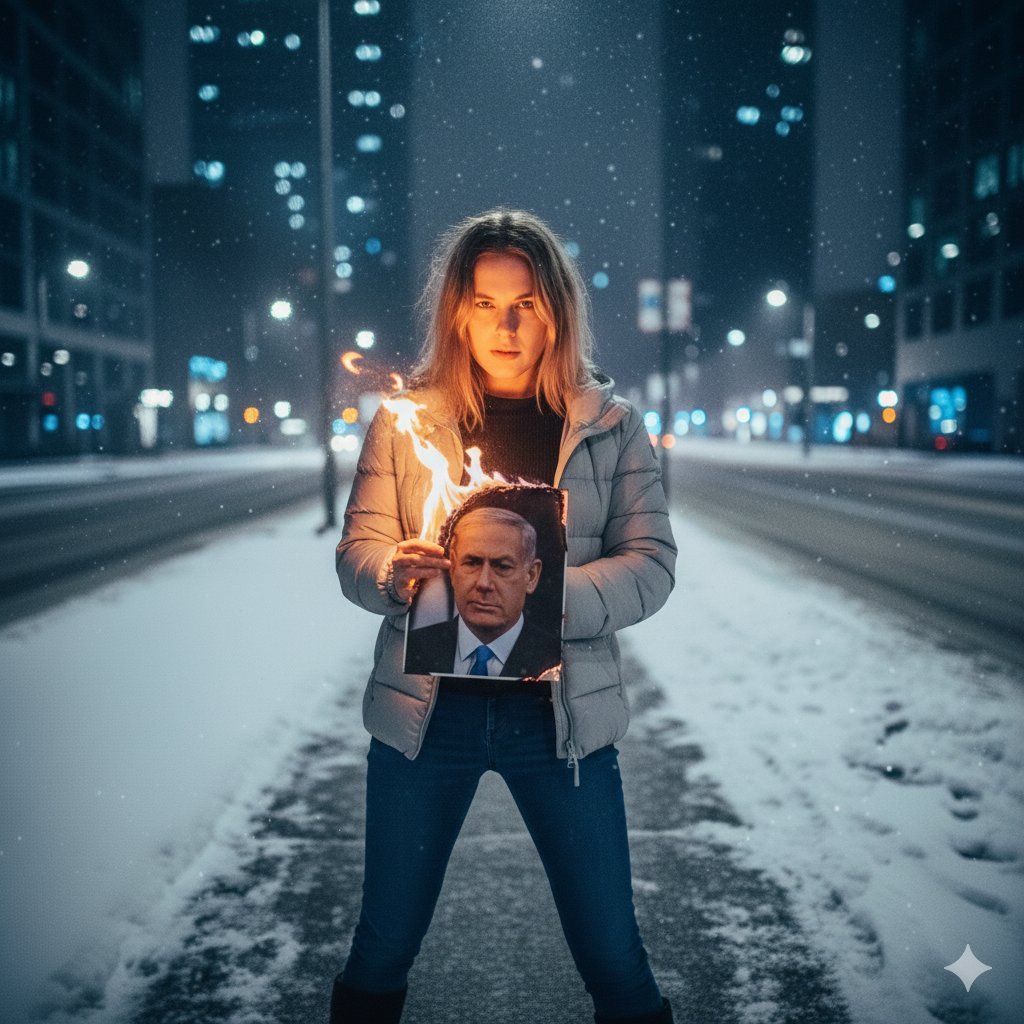
Symbolic Act of Defiance in the Snow
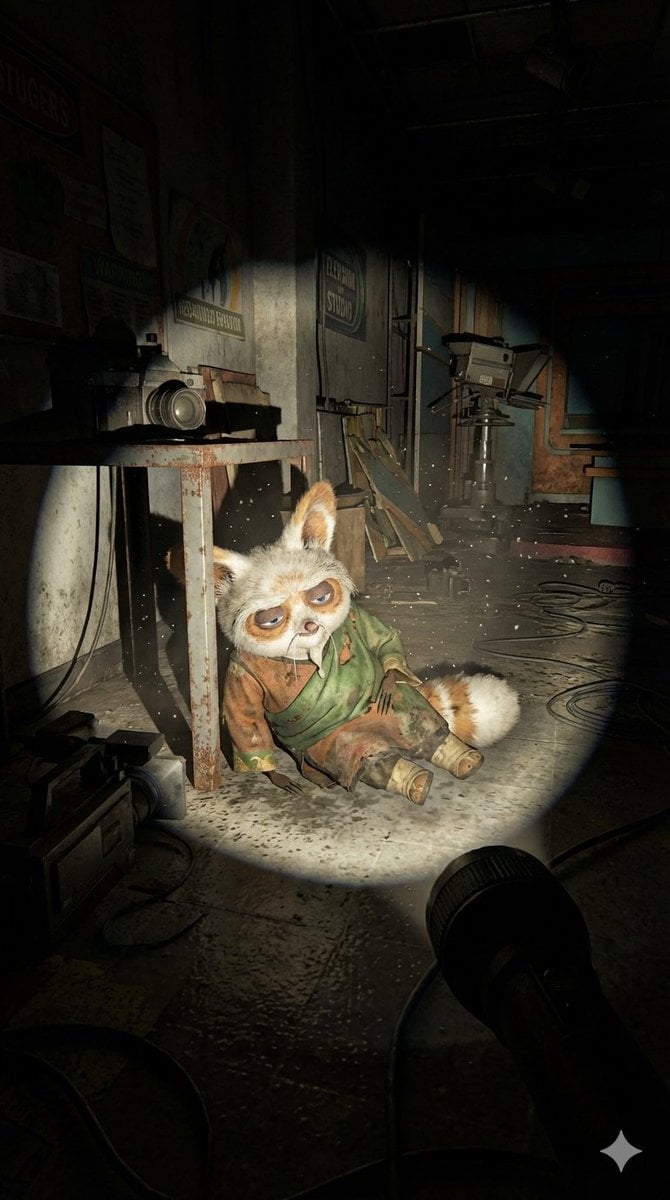
Abandoned Promotional Statue Conversion Prompt

Hyper-Realistic Street Shot with Big Ben
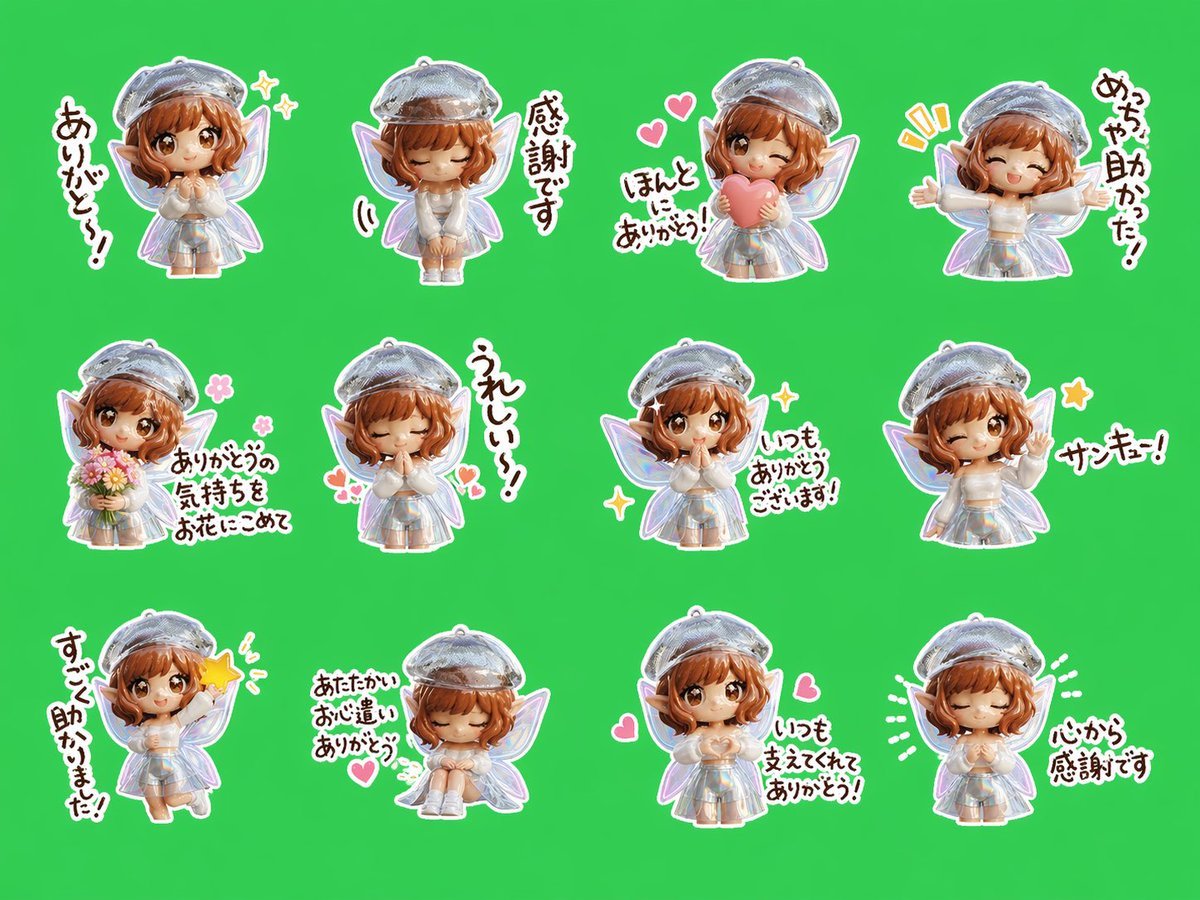
Chibi Fairy Thank-You Sticker Sheet
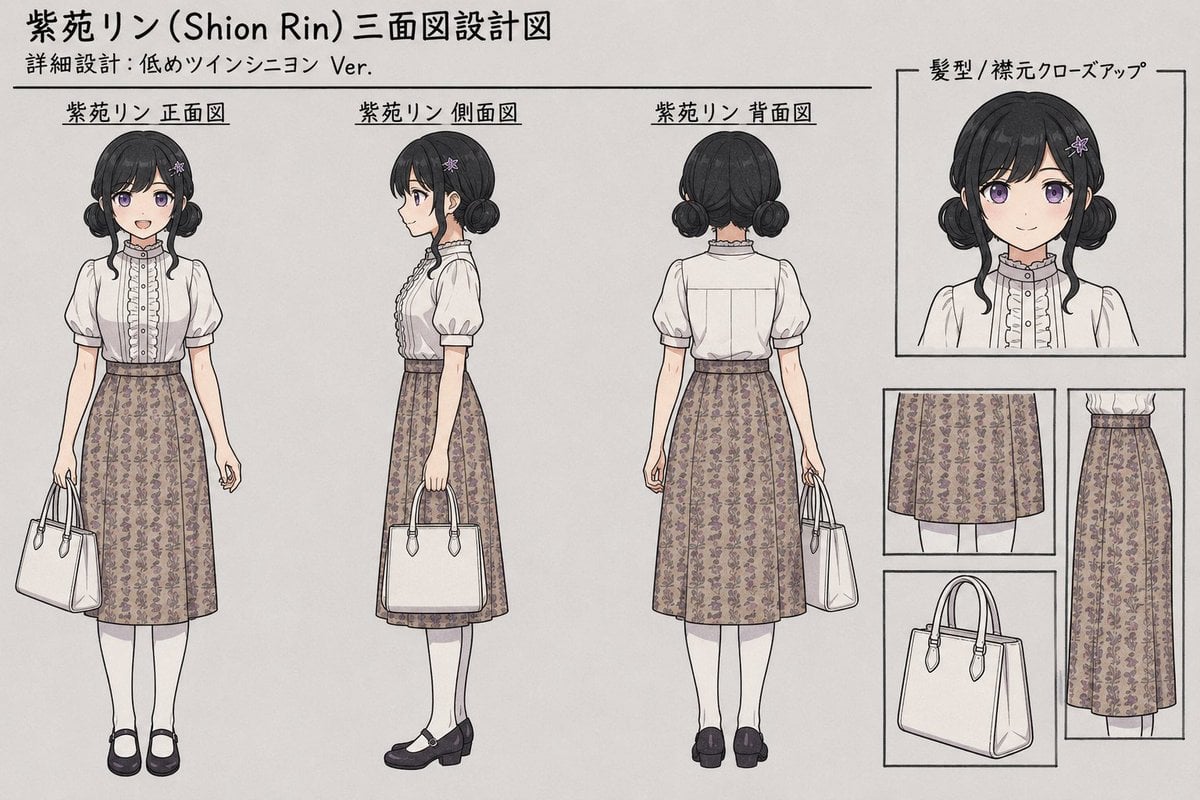
Shion Rin Three-View Design Sheet
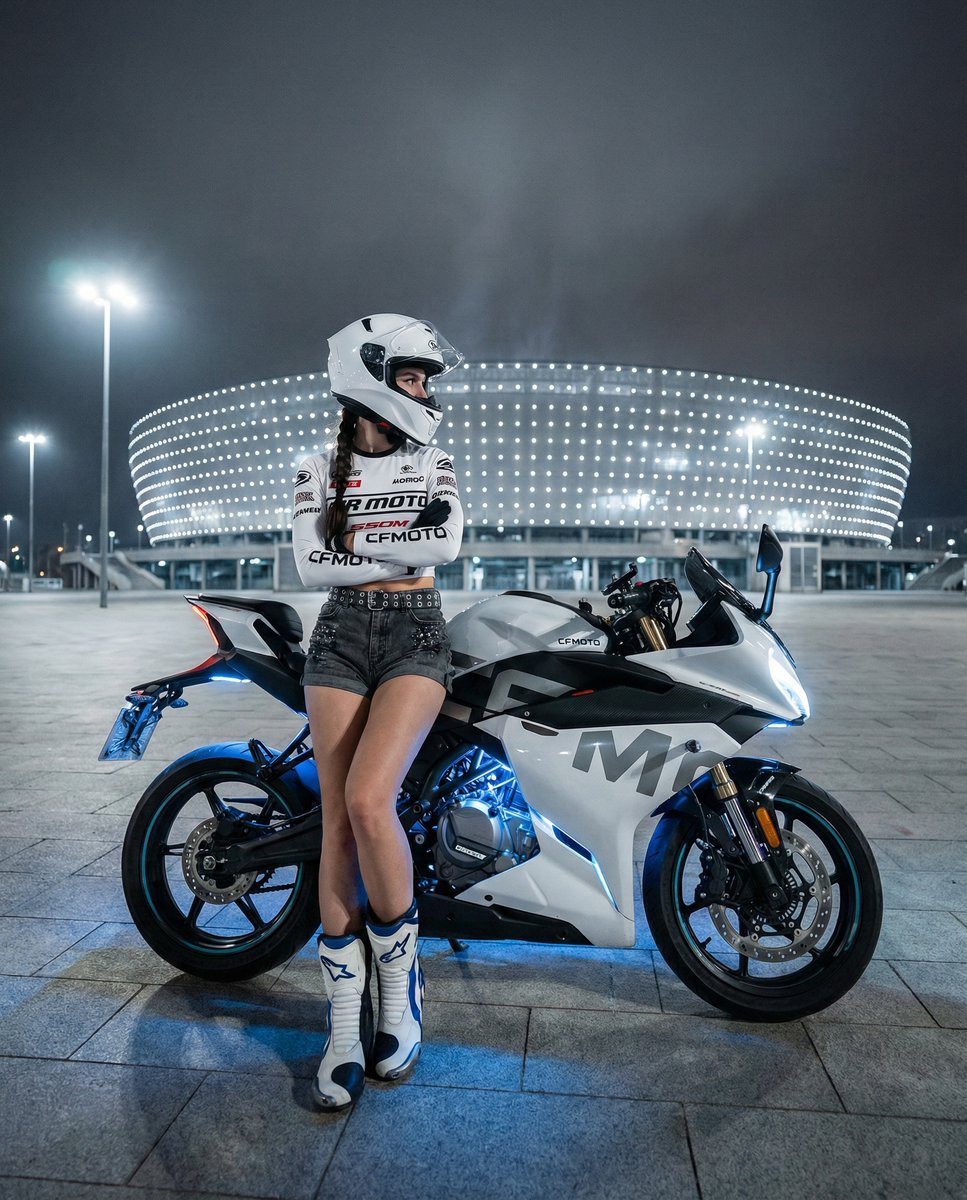
Nighttime Sportbike Rider Portrait

Classical Chinese Go Portrait
Browse template categories
Julius Caesar Epic Timeline Poster questions
How do I use the Julius Caesar Epic Timeline Poster template?
Add your photo if the template asks for one, edit the prompt if you like — the template's model and format are already selected — and press Generate. Your version opens in PicX Studio.
Can I customize the Julius Caesar Epic Timeline Poster template?
Yes. You can change the subject, setting, lighting, mood, format, and available model controls before creating your image.
Is the Julius Caesar Epic Timeline Poster template free?
Opening and editing this template is free. Generating uses credits, shown on the Generate button when you are signed in.
Which AI model should I use?
Start with GPT Image 2, which is the model associated with this template. You can compare another compatible model for a different finish.
Looking for something else? Browse all templates.

Your photo, any look
Thousands of ready templates for every top image and video model, from one credit balance.