
Abandoned Promotional Statue Conversion Prompt
A unique prompt for converting an uploaded character image into a photorealistic, abandoned promotional statue or costume found in a dark, dusty location (like an old TV studio).
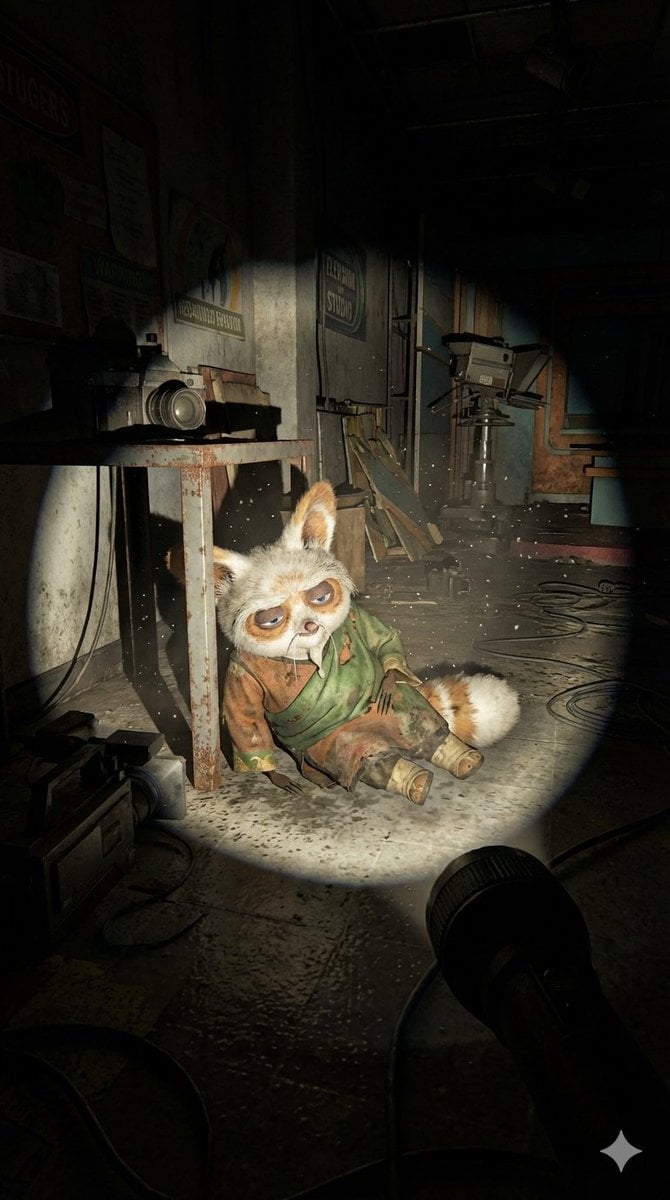
- Prompt included
- Model and format preset
- Free template
The prompt behind this image
Copy the exact prompt behind Abandoned Promotional Statue Conversion Prompt, or open it in the studio and make it yours.
Use the uploaded image of the character as an exact reference. Preserve the original proportions, materials, colors, textures, and facial features. Do not alter the design and do not stylize the character. A first-person point-of-view shot inside an abandoned space [LOCATION TYPE: television studio/advertising set/real filming location]. The viewer is holding a flashlight, creating a single circular beam of light while the rest of the space is engulfed in darkness. In the flashlight beam, it is visible that the character is positioned as if it was left behind after filming: [POSITION: lying on the floor/curled up in a corner/leaning against a table/slumped against a wall]. The character must appear completely lifeless and inactive: no action, no intentional pose, no sense of presence. If it is a doll or a costume, there must be no visible hands, rods, strings, or person inside. The character appears old, dirty, and abandoned: worn fabric, accumulated dust, stains, discoloration, flattened or damaged areas. The environment is clearly abandoned: dusty surfaces, old filming equipment, cables scattered on the floor, faded signs or set decorations. Dust particles float within the flashlight beam; the space feels silent and untouched for years. Photorealistic flashlight-based lighting, harsh shadows, rough textures, documentary realism, on-location shooting aesthetics, no stylization Aspect Ratio 9:16
How to use Abandoned Promotional Statue Conversion Prompt in 3 steps
- 1Upload ImagePNG, JPG or paste
Add your photo
Upload the photo the template builds on. The prompt, model and format are already set.
- 2…a portrait of your subject in softgolden-hour light, 85mm…
Personalize
Edit the subject and creative details for your destination.
- 3Generate
Generate
Press Generate — your image is created in PicX Studio, so you can compare it with the original and refine one variable at a time.
More like this
Templates with the same subject, style or setup. Open one to see its prompt.

Minecraft Japanese Research Lab Exploration

Cartoon TV Show Poster Pack
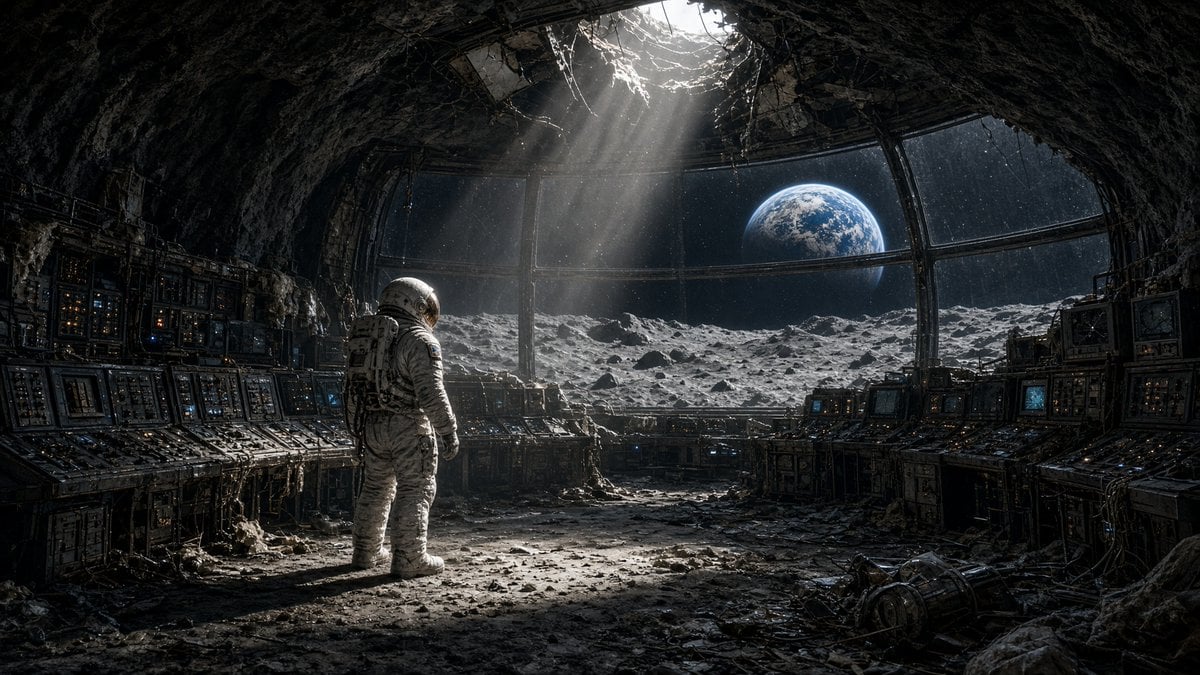
Astronaut in Abandoned Lunar Base
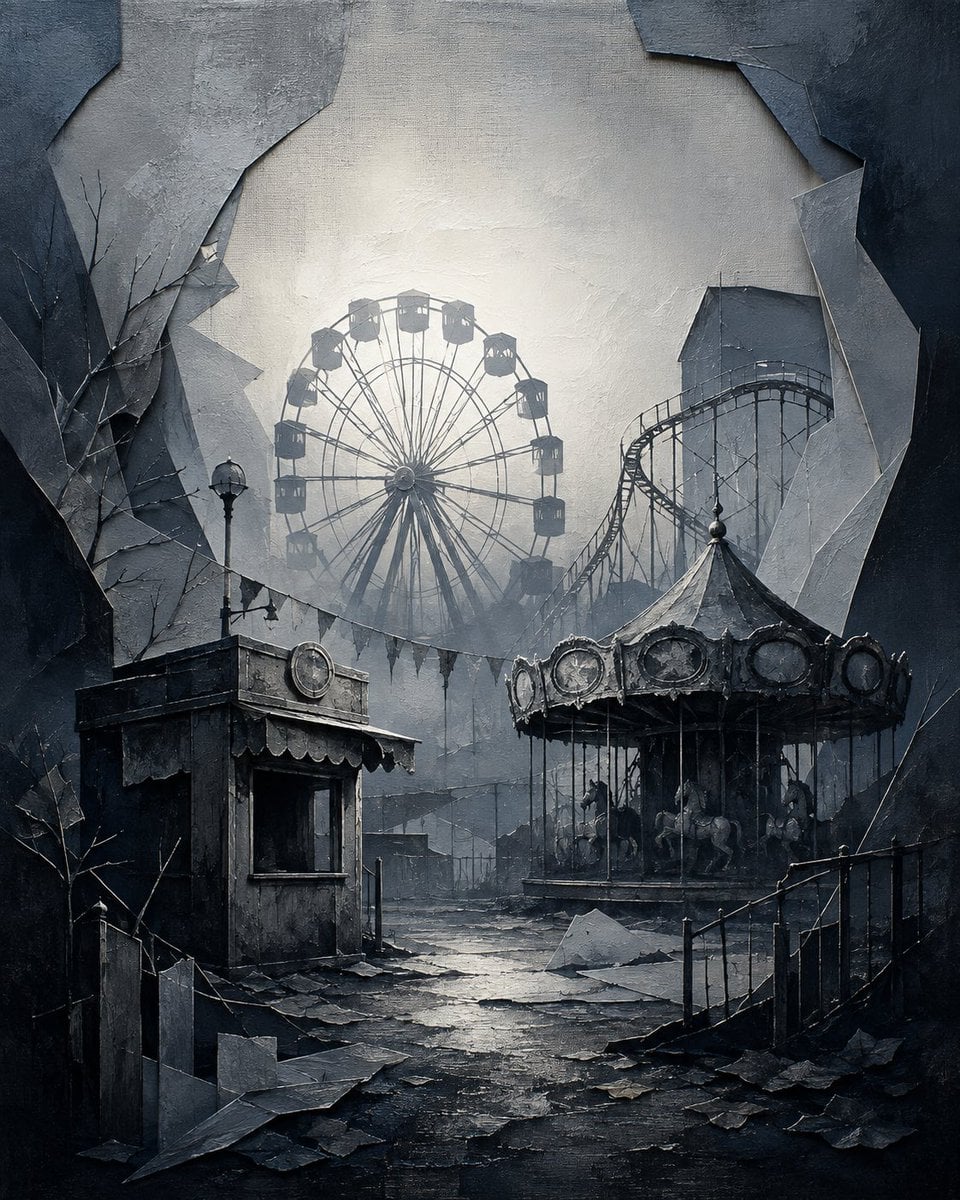
Abandoned Gothic Amusement Park
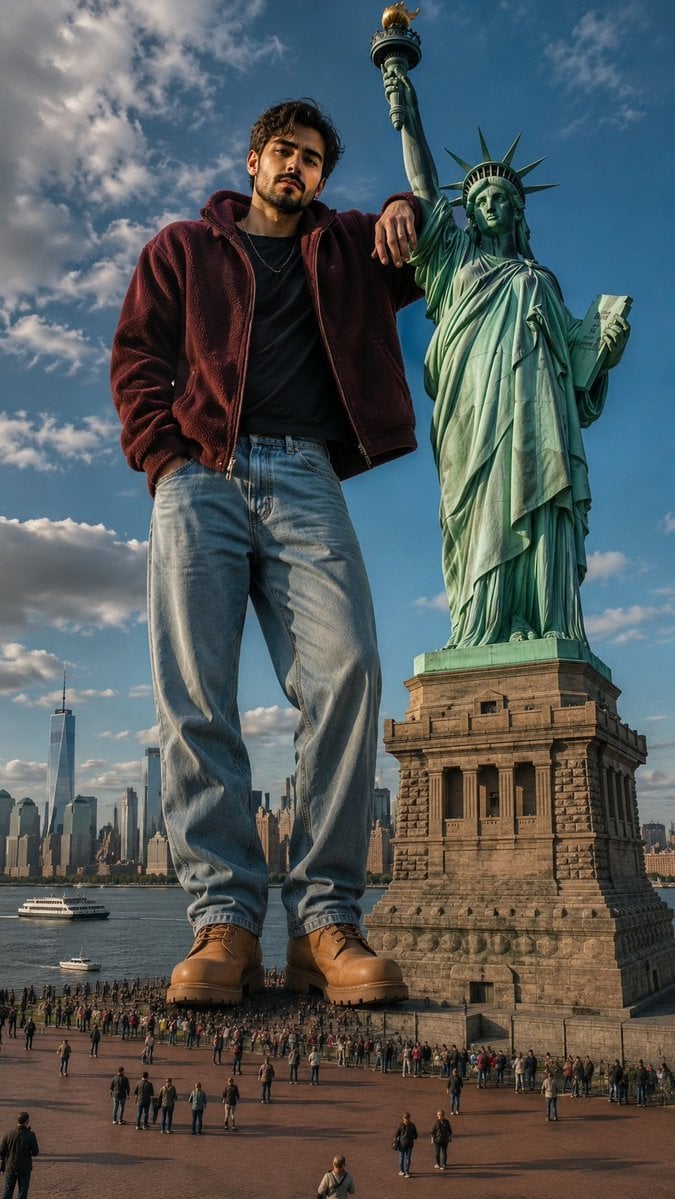
Giant Man Standing by Statue of Liberty
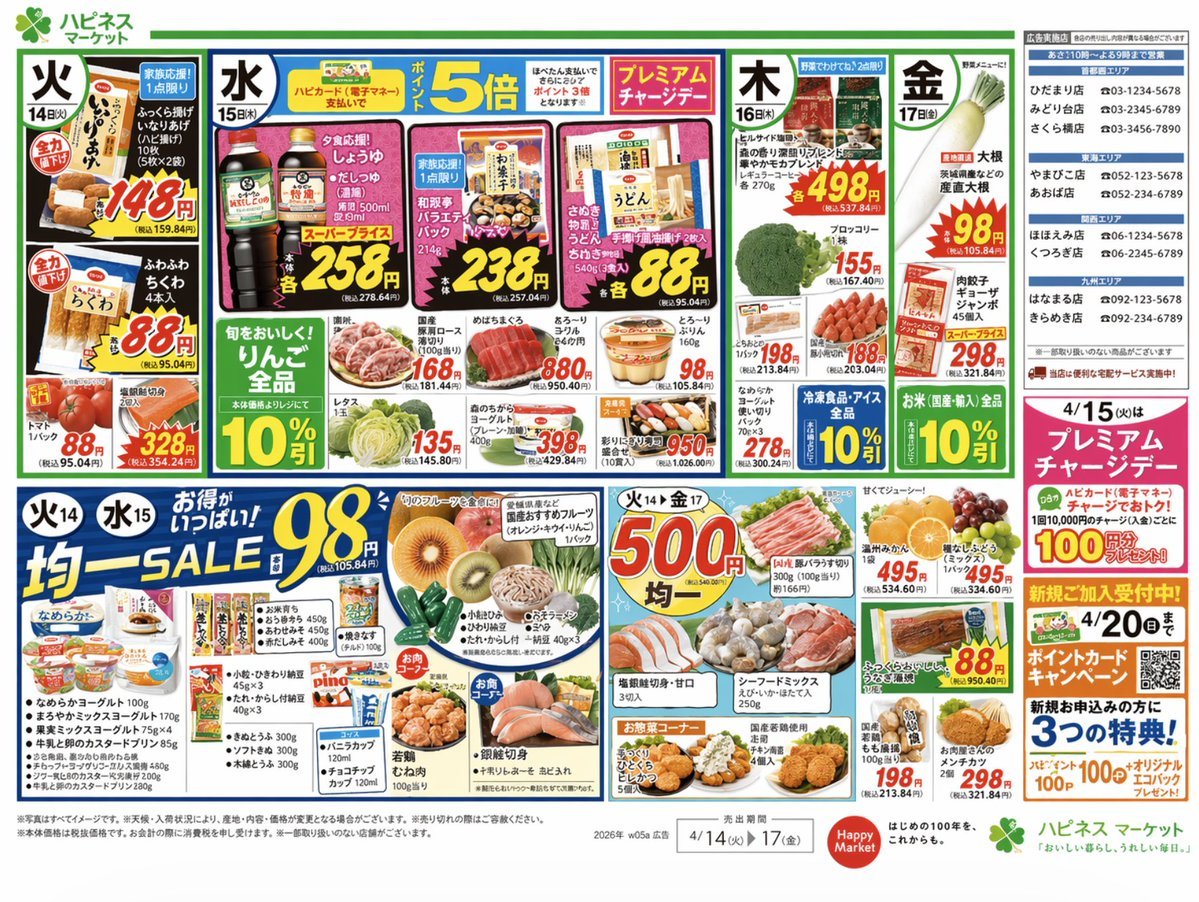
Japanese Supermarket Promotional Flyer

Mother's Day Flower Gift Promotional Banner

Web Design Course Promotional Banner
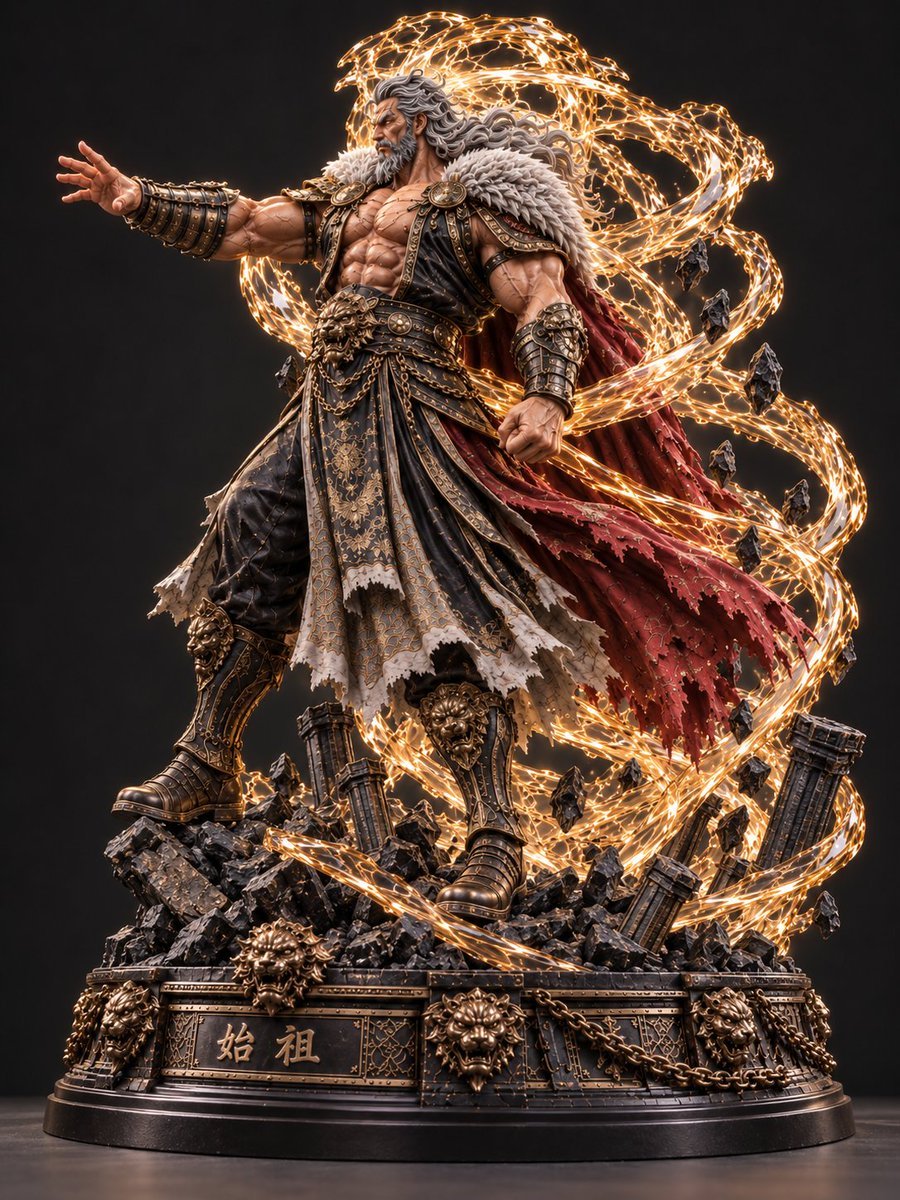
Mythic Warrior Statue
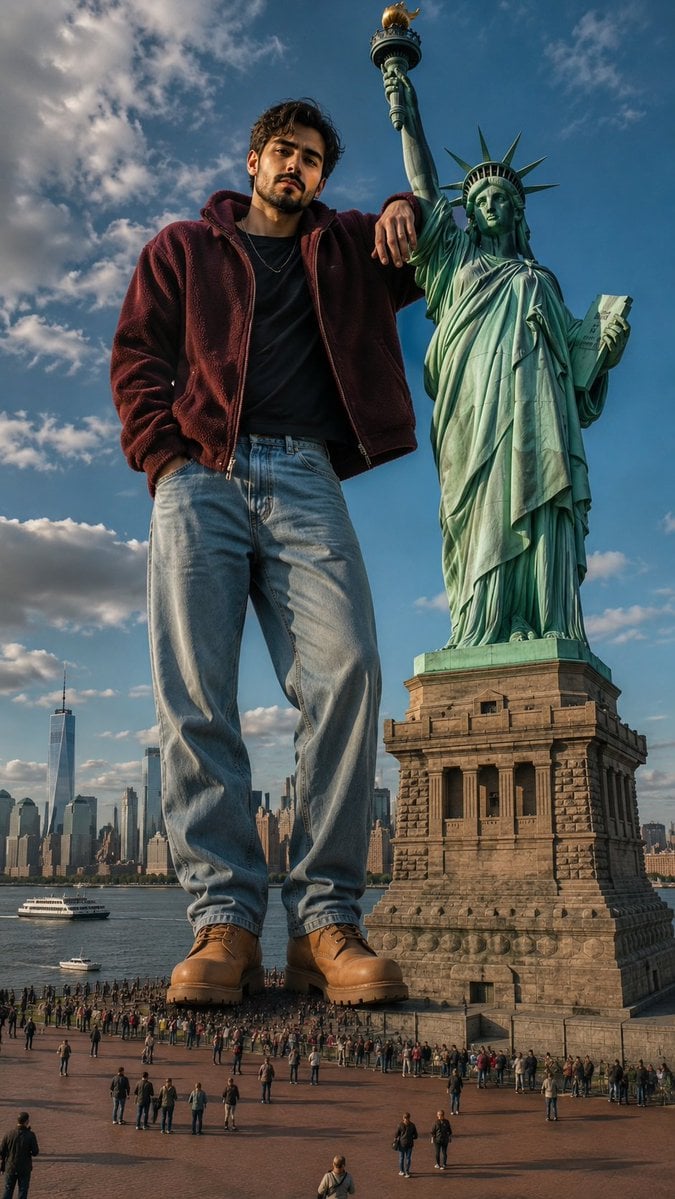
Giant Man at Statue of Liberty
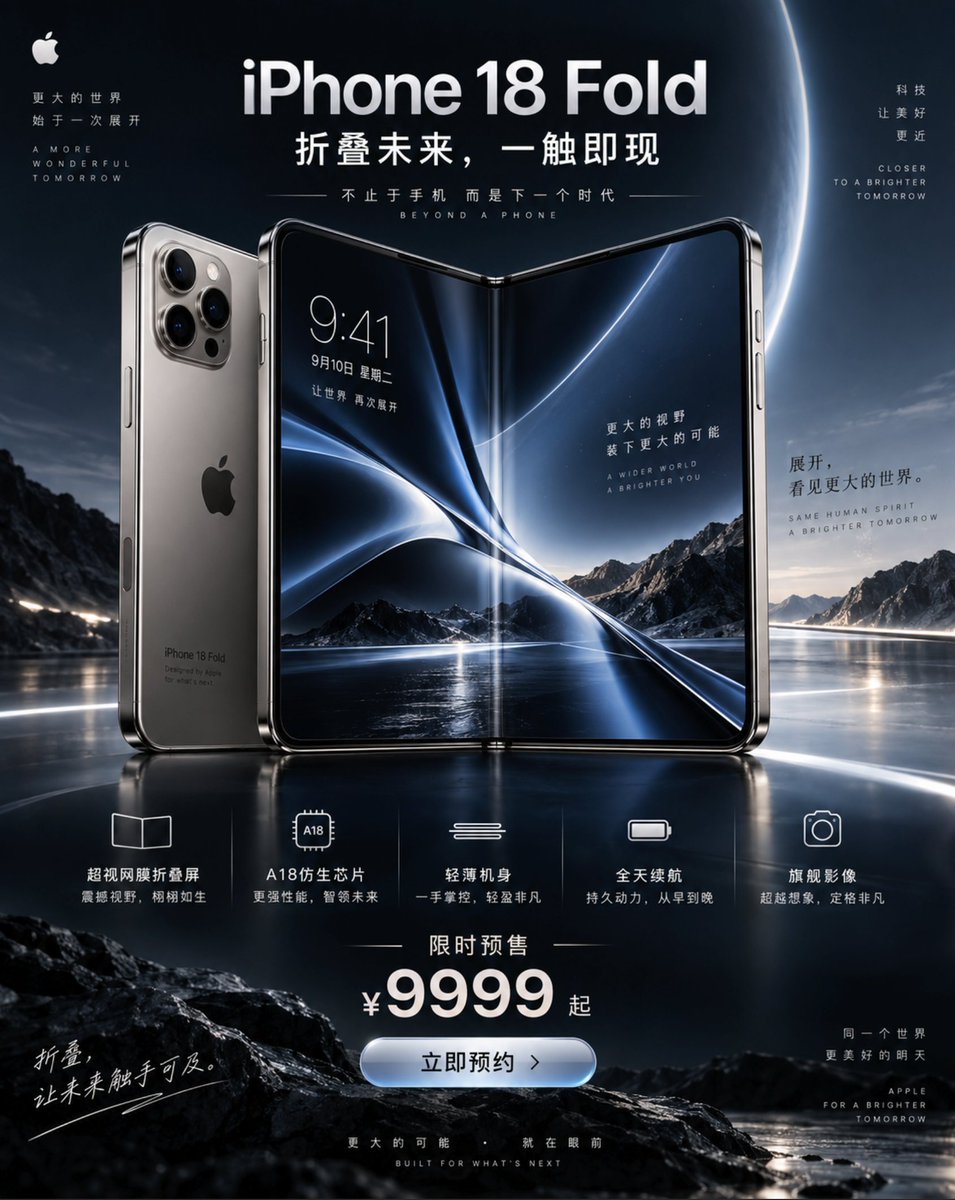
iPhone 18 Promotional Poster
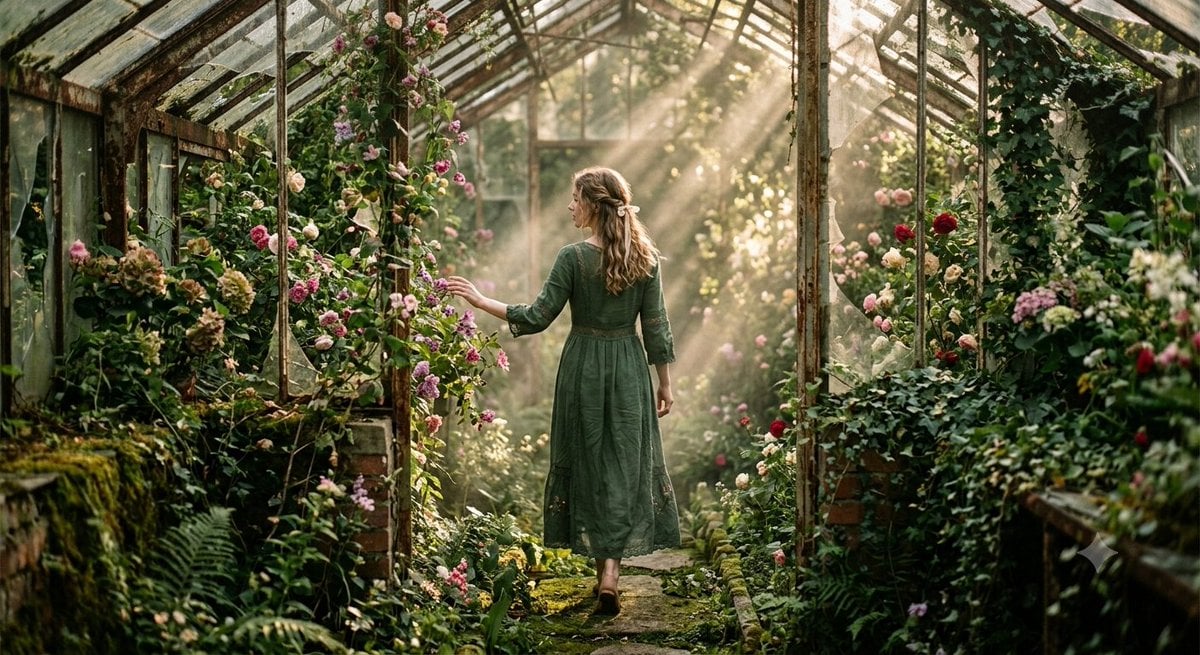
Abandoned Greenhouse Cinematic Portrait
Make it yours
Abandoned Promotional Statue Conversion Prompt works as-is. These are the safest ways to change it without losing the look.
Change one field
Copy a single group, rewrite it, and generate again so you can see what that field is doing.
Keep the frame, change the subject
Hold the composition and light of Abandoned Promotional Statue Conversion Prompt, then swap wardrobe, props or the person for a new take.
| If the result… | Why | Fix |
|---|---|---|
| The result drifts from the preview | Too many fields changed at once. | Reuse Abandoned Promotional Statue Conversion Prompt as-is first, then change one group — subject, light, or setting. |
| The model over-stylizes the scene | The prose prompt leaves finish and camera underspecified. | Add one camera or lighting sentence and stay on Nano Banana 2. |
More Nano Banana 2 templates
Other prompts made for Nano Banana 2.

Photorealistic Leaf Shaped Like a Dragon

K-Pop Idol Portrait Grid for Rapid Selection

Poetic Rain Forest Portrait During Golden Hour

Urban Street Portrait with Cartoon Inner Self Duo

Candid Nighttime Photo with Cat Prompt

High-Concept 3D Diorama Generation Prompt

Cinematic Futuristic Studio Portrait Template

Skincare Editorial Photography Collage Prompt

Hyper-Realistic Commercial Product Photography (Splash Effect)

Hyper-Realistic Nightclub Portrait Prompt
More image prompts
Fresh picks from across the catalog.
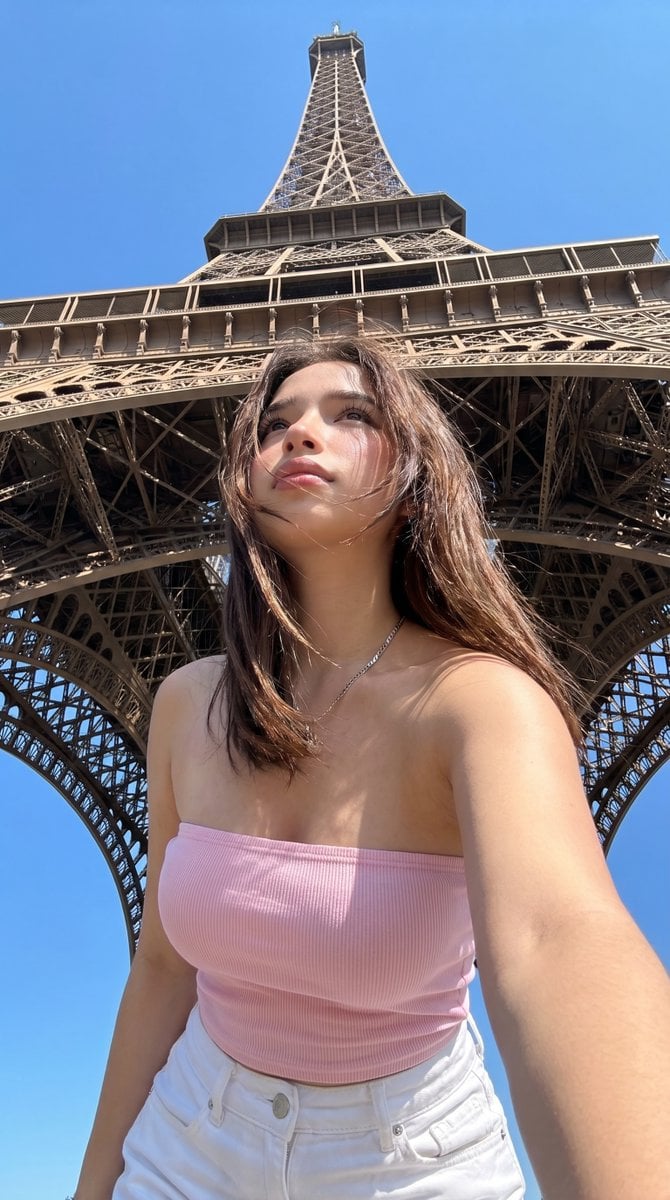
Eiffel Tower Low-Angle Selfie
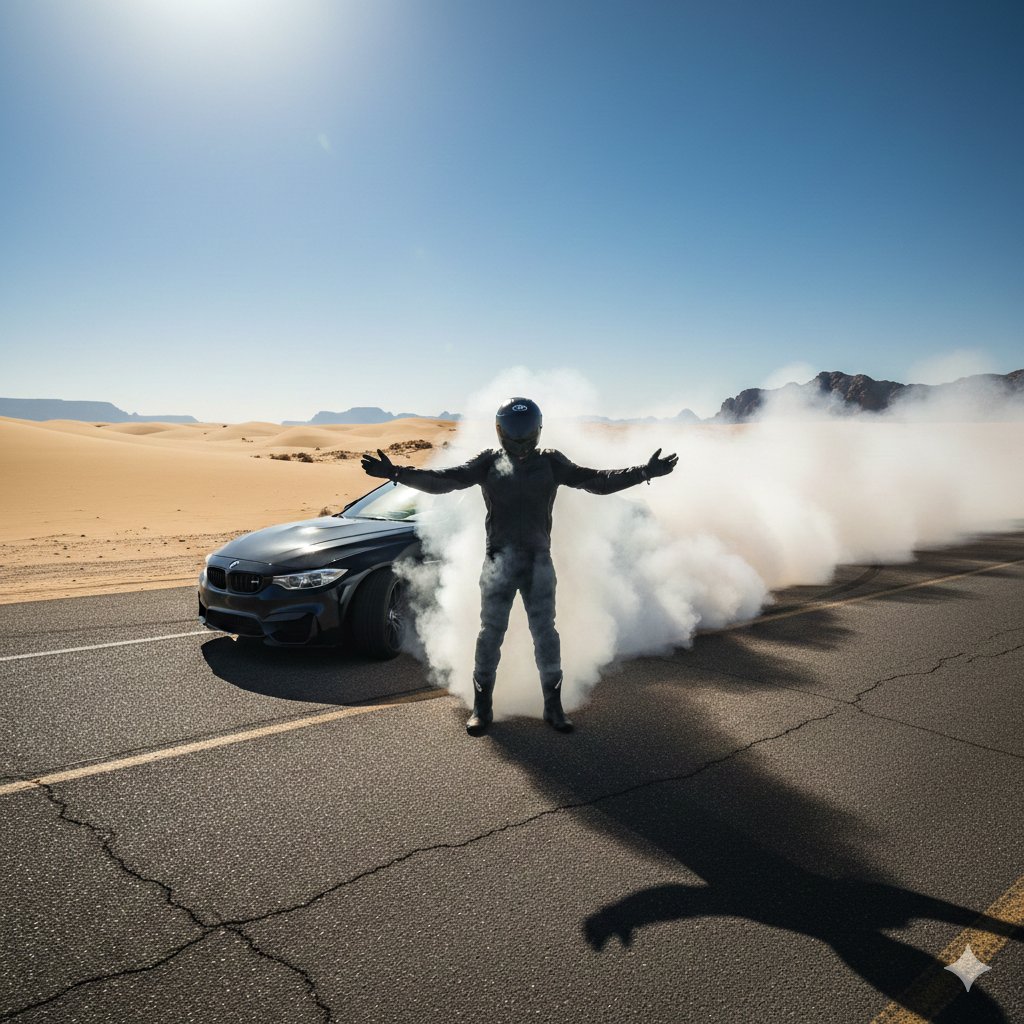
Cinematic Desert Drifting Scene with Batman-like Figure
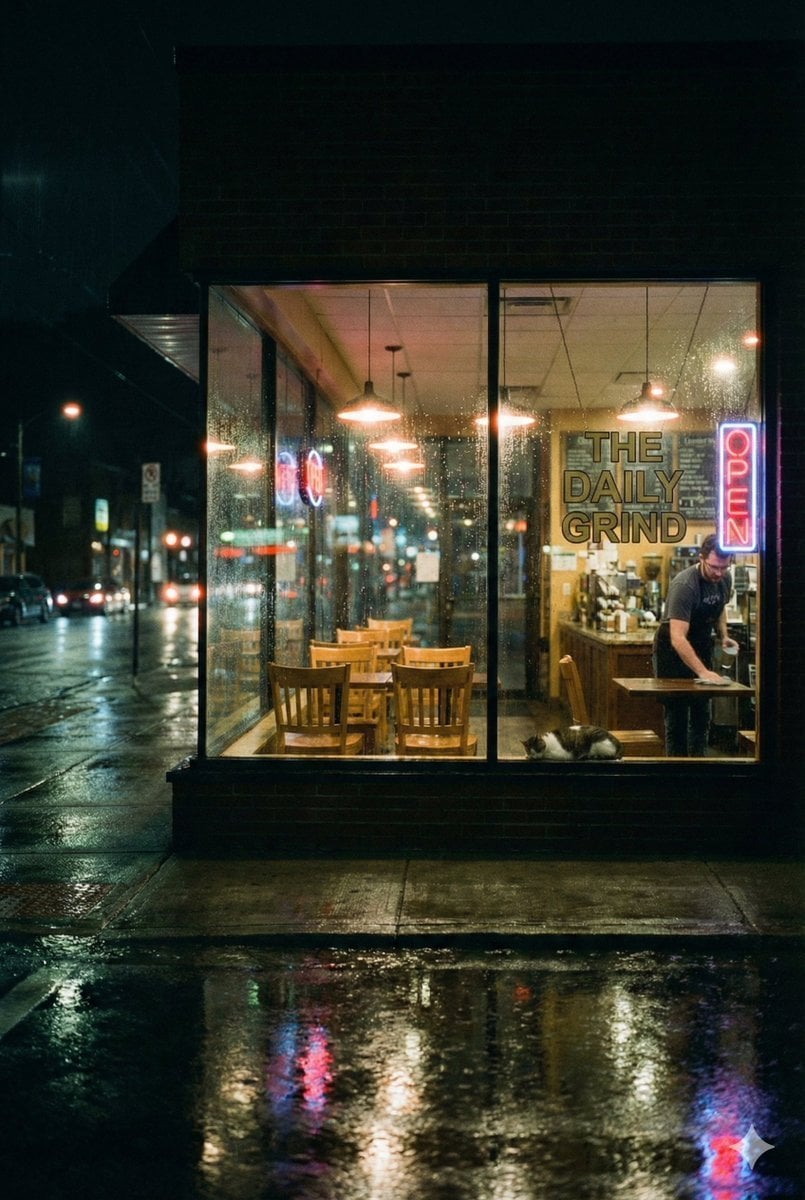
Cinematic Rainy Night Café Scene Prompt
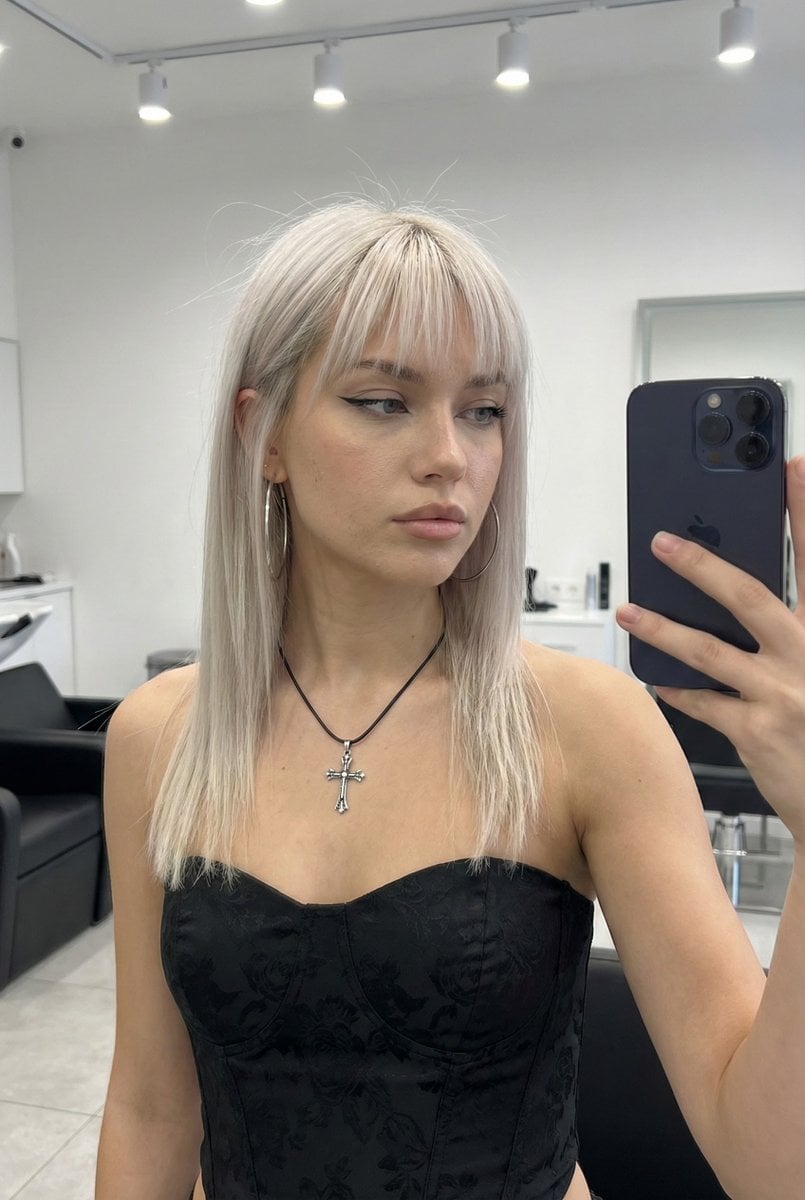
System Prompt for High-Control Photorealistic Image Generation
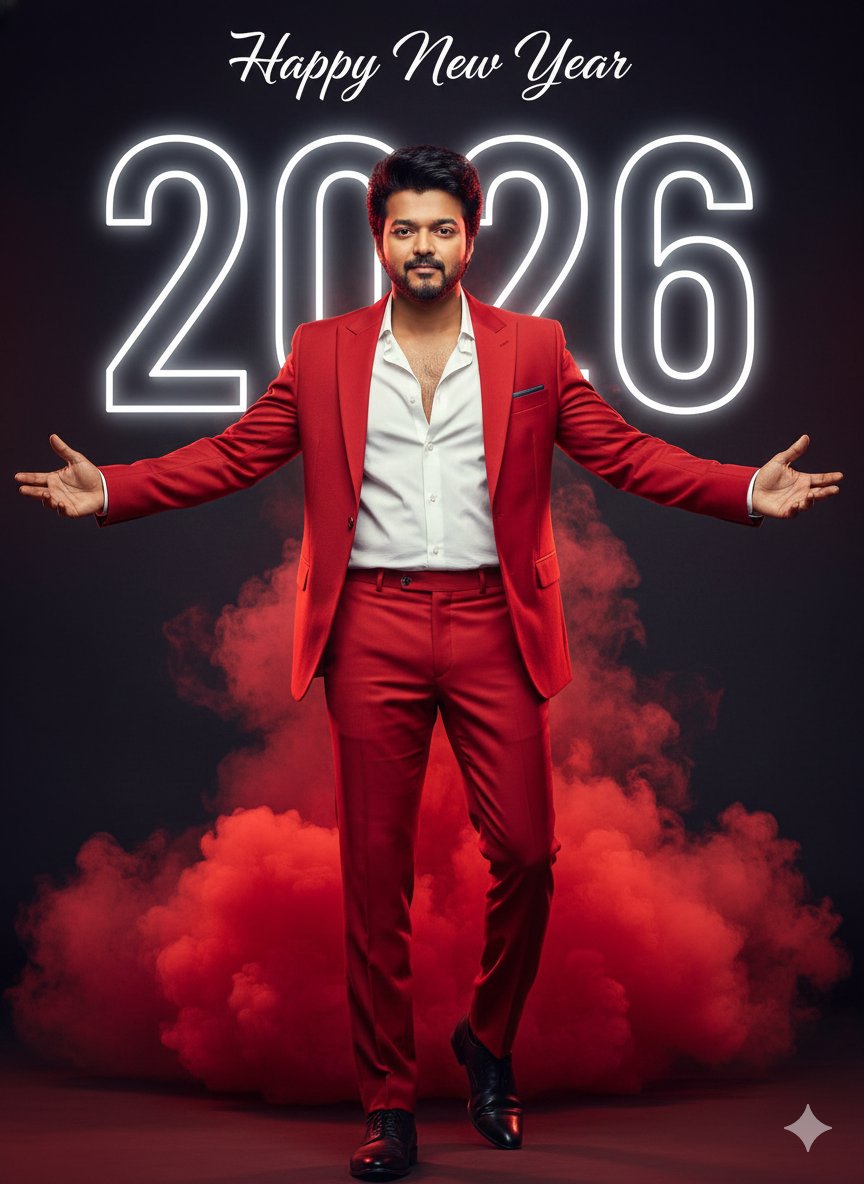
Happy New Year 2026 Cinematic Portrait
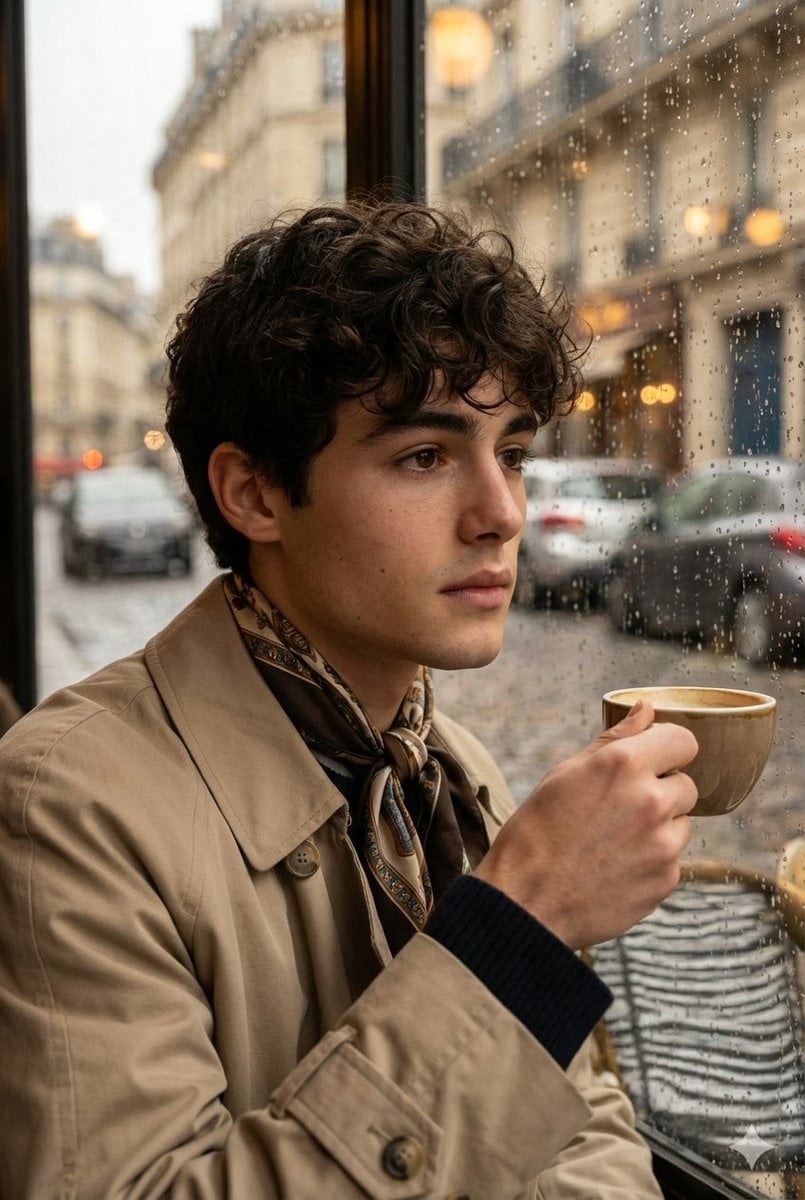
Ultra-realistic cinematic portrait through a rain-soaked café window
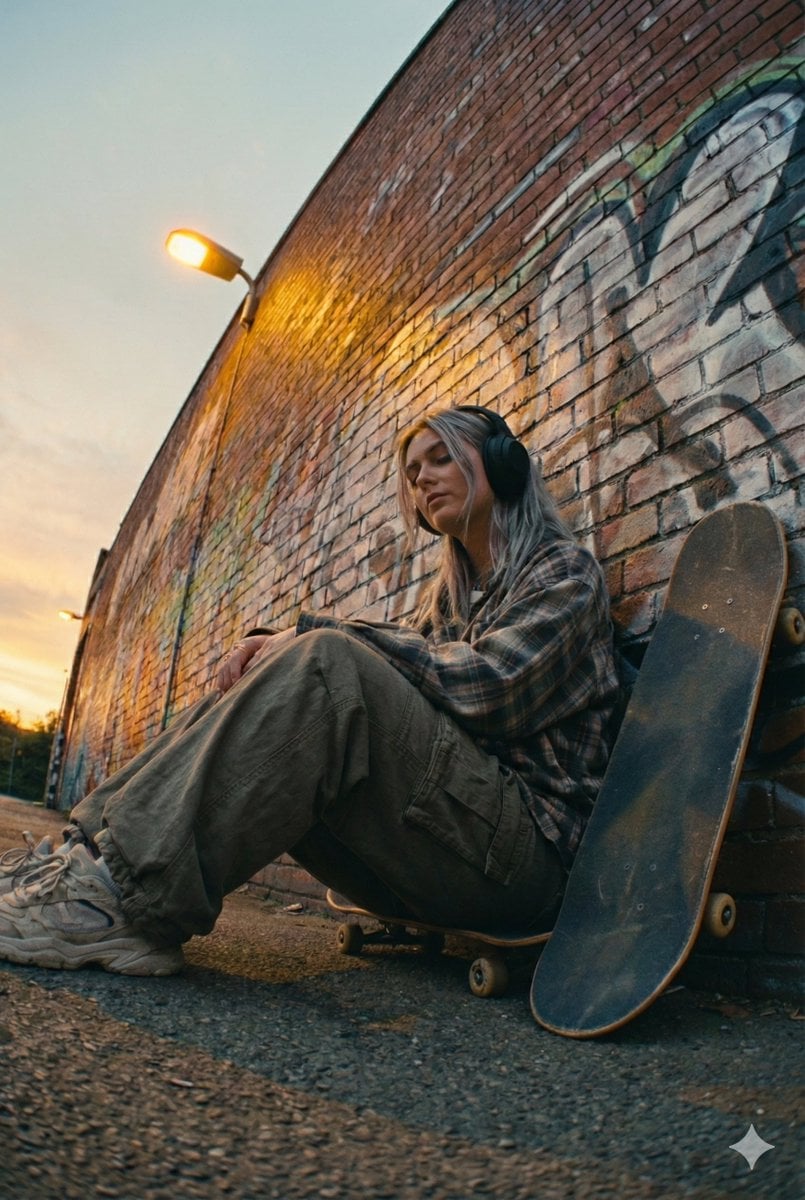
Cinematic Street Portrait of a Young Woman Listening to Music
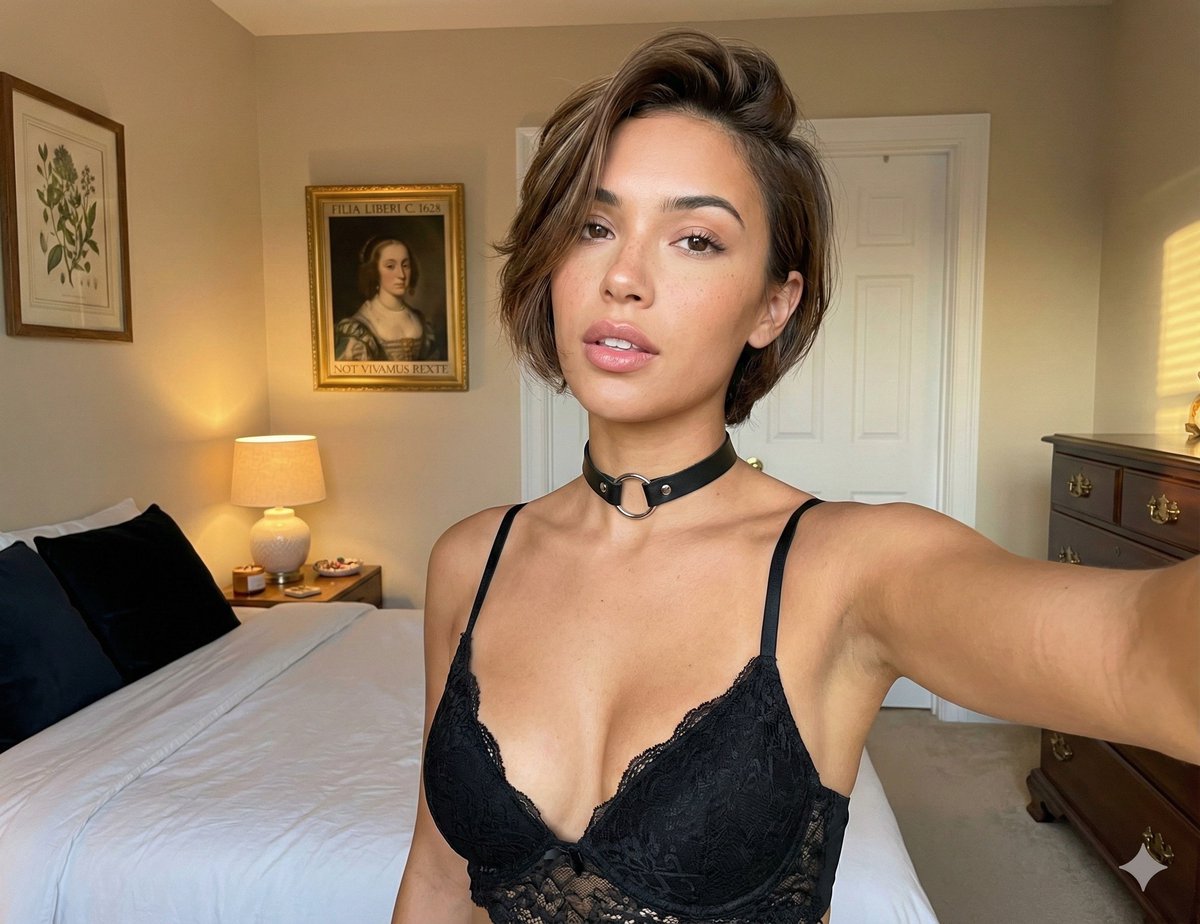
Candid bedroom portrait prompt structure
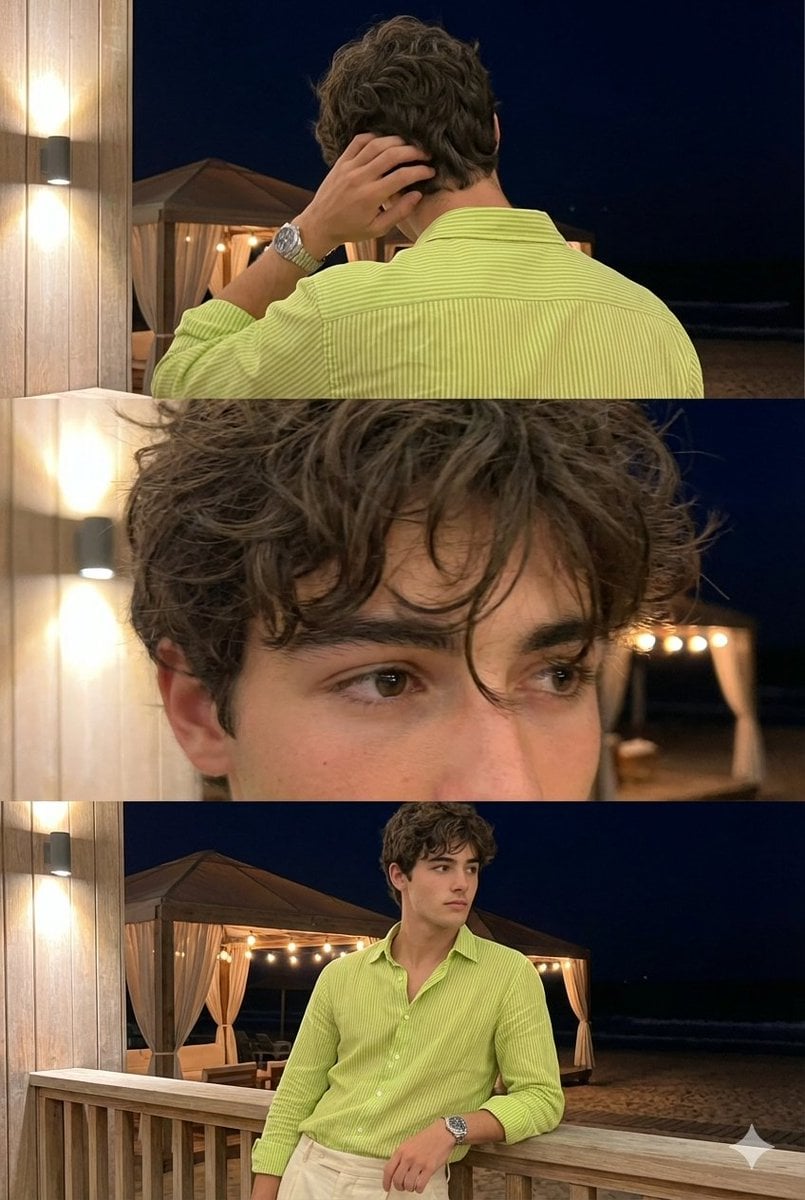
Triple-Frame Candid Portrait with Locked Facial Identity
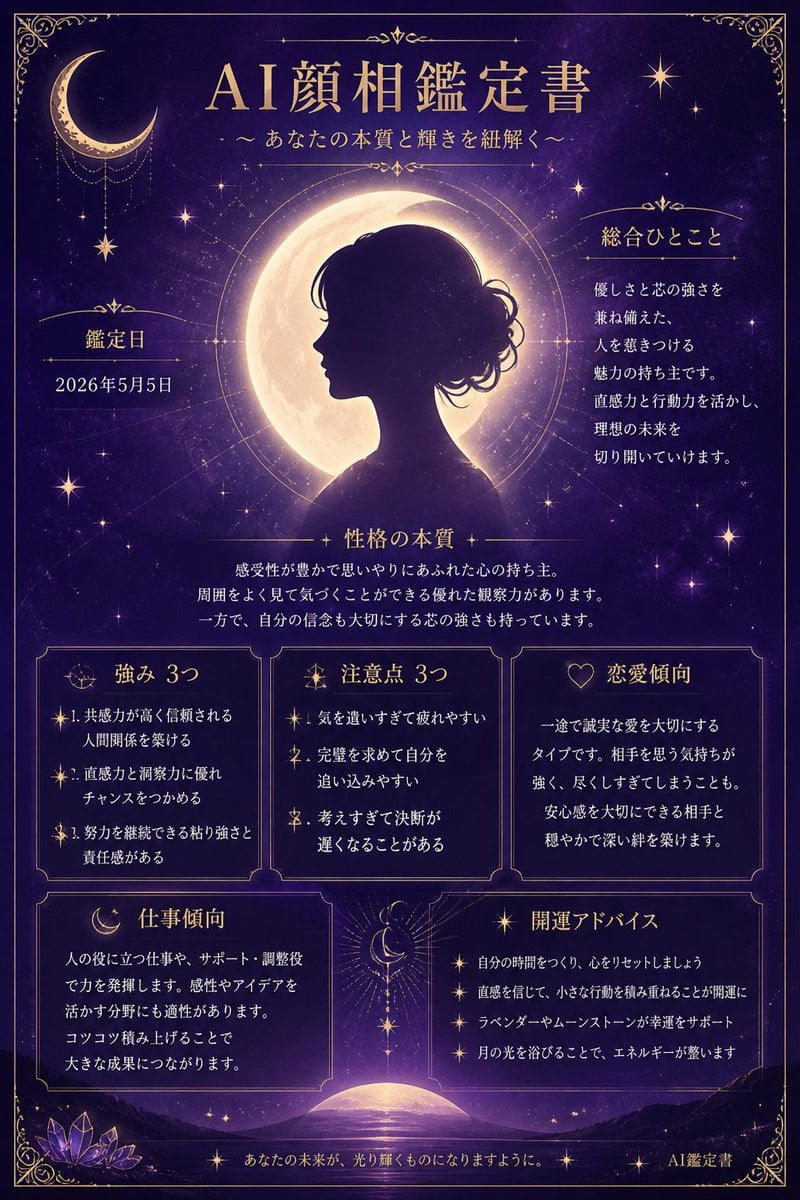
Mystical Japanese AI Face Reading Report
Browse template categories
Abandoned Promotional Statue Conversion Prompt questions
How do I use the Abandoned Promotional Statue Conversion Prompt template?
Add your photo if the template asks for one, edit the prompt if you like — the template's model and format are already selected — and press Generate. Your version opens in PicX Studio.
Can I customize the Abandoned Promotional Statue Conversion Prompt template?
Yes. You can change the subject, setting, lighting, mood, format, and available model controls before creating your image.
Is the Abandoned Promotional Statue Conversion Prompt template free?
Opening and editing this template is free. Generating uses credits, shown on the Generate button when you are signed in.
Which AI model should I use?
Start with Nano Banana 2, which is the model associated with this template. You can compare another compatible model for a different finish.
Looking for something else? Browse all templates.

Your photo, any look
Thousands of ready templates for every top image and video model, from one credit balance.