
Triple-Frame Candid Portrait with Locked Facial Identity
A highly specific prompt for generating a vertical image split into three stacked frames, simulating a burst of candid smartphone shots.
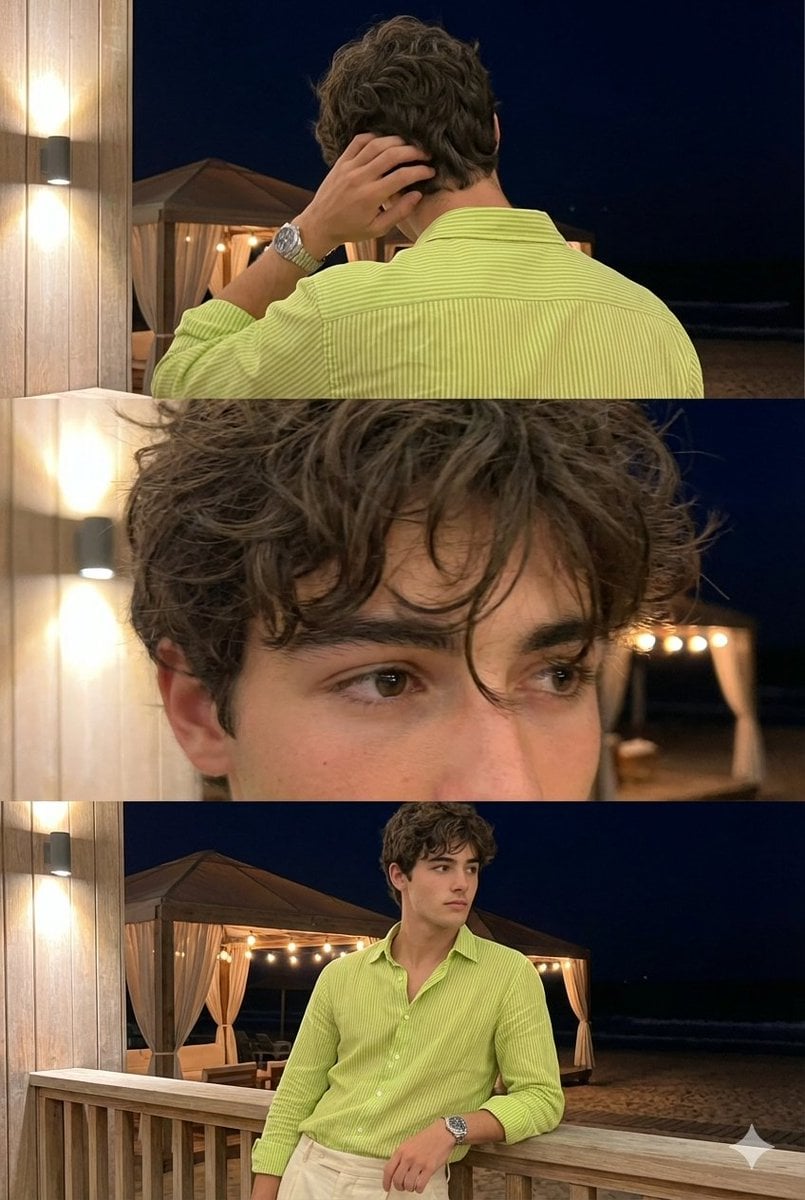
- Prompt included
- Model and format preset
- Premium template
The prompt behind this image
Copy the exact prompt behind Triple-Frame Candid Portrait with Locked Facial Identity, or open it in the studio and make it yours.
Use the uploaded reference photo as the single and exclusive facial identity source. The same exact face must appear in ALL three frames with no variation. Do not reinterpret, regenerate, beautify, or modify the face between frames. Facial identity has highest priority over lighting, angle, blur, or realism. Ultra-realistic vertical image split equally into three stacked frames (top / middle / bottom) within one single photo. All frames show the same person with the same face, same outfit, same location, captured seconds apart like a burst of candid smartphone shots. Only subtle movement changes. Feels accidental, real, and human. Location & background: Open beach night at a modern resort outdoors at night. Wooden tent in background, Warm lights glowing softly near the tent. Dark night sky visible. Beachy atmosphere. Real, moment — not staged. Outfit (locked): {argument name="shirt color" default="Lime green"} vertically striped button-down shirt, top buttons open showing slight chest. Full Sleeves rolled to forearms. High-waisted cream tailored trousers. Metal wristwatch on one wrist. No jacket, no accessories beyond the watch. Hair & Face (LOCKED) Medium-length, thick, naturally wavy hair Slightly messy, lived-in texture Light stubble / short beard Real skin texture, visible pores No smoothing, no beautification FRAME BREAKDOWN (VERY IMPORTANT) TOP FRAME — BACK SHOT Back view of the subject. He is touching the back of his hair near the neck, fingers slightly tangled in hair. Head tilted slightly down and to the side.Relaxed posture, candid movement. Hair texture clearlyvisible from behind. MIDDLE FRAME — CLOSE-UP Tight close-up near the eyes and upper face.Messy strands of hair falling naturally near the eyes. Eyes partially visible, soft focus. Very slight motion softness from movement. Feels intimate, accidental, not posed. BOTTOM FRAME — MID SHOT Mid-shot from waist or chest up. Subject leaning casually against the railing. Looking sideways, not at the camera.Expression calm, confident, contemplative. Natural posture, effortless presence. Lighting (LOCKED) Warm artificial wall lighting mixed with cool night ambient light. Soft illumination on face and shirt. Background slightly darker. No flash. No dramatic contrast. Camera Feel (LOCKED) Handheld smartphone photo No portrait mode No background blur.
How to use Triple-Frame Candid Portrait with Locked Facial Identity in 3 steps
- 1Upload ImagePNG, JPG or paste
Add your photo
Upload the photo the template builds on. The prompt, model and format are already set.
- 2…a portrait of your subject in softgolden-hour light, 85mm…
Personalize
Edit the subject and creative details for your destination.
- 3Generate
Generate
Press Generate — your image is created in PicX Studio, so you can compare it with the original and refine one variable at a time.
More like this
Templates with the same subject, style or setup. Open one to see its prompt.
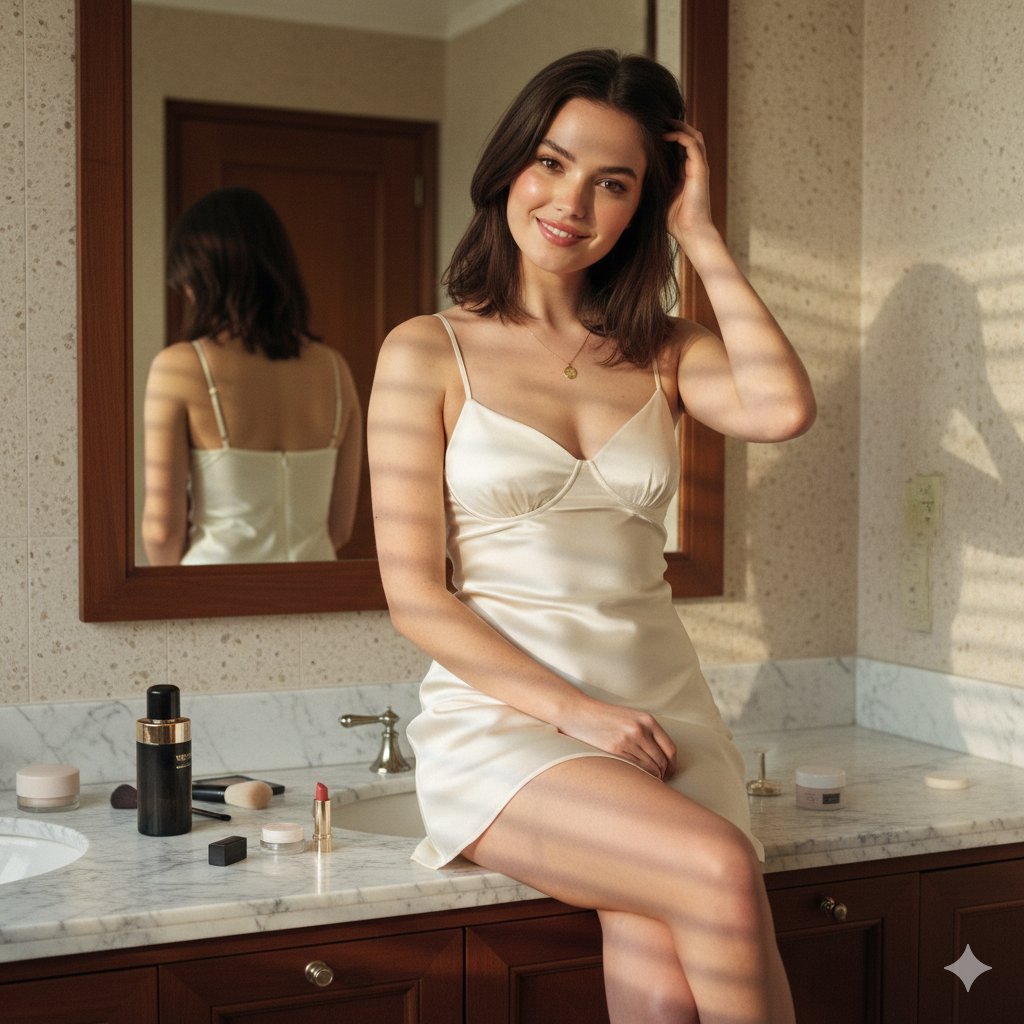
Candid Luxury Bathroom Portrait (Identity Locked)
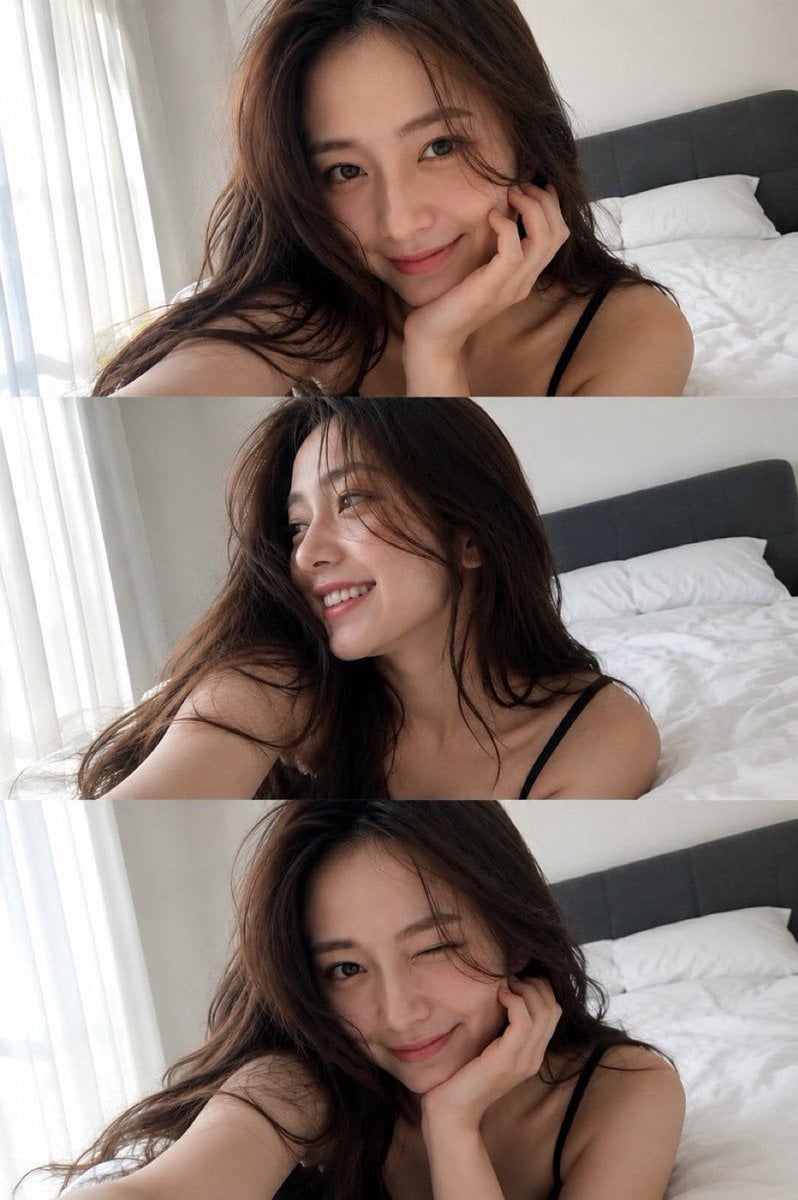
Triple Frame Fashion Portrait
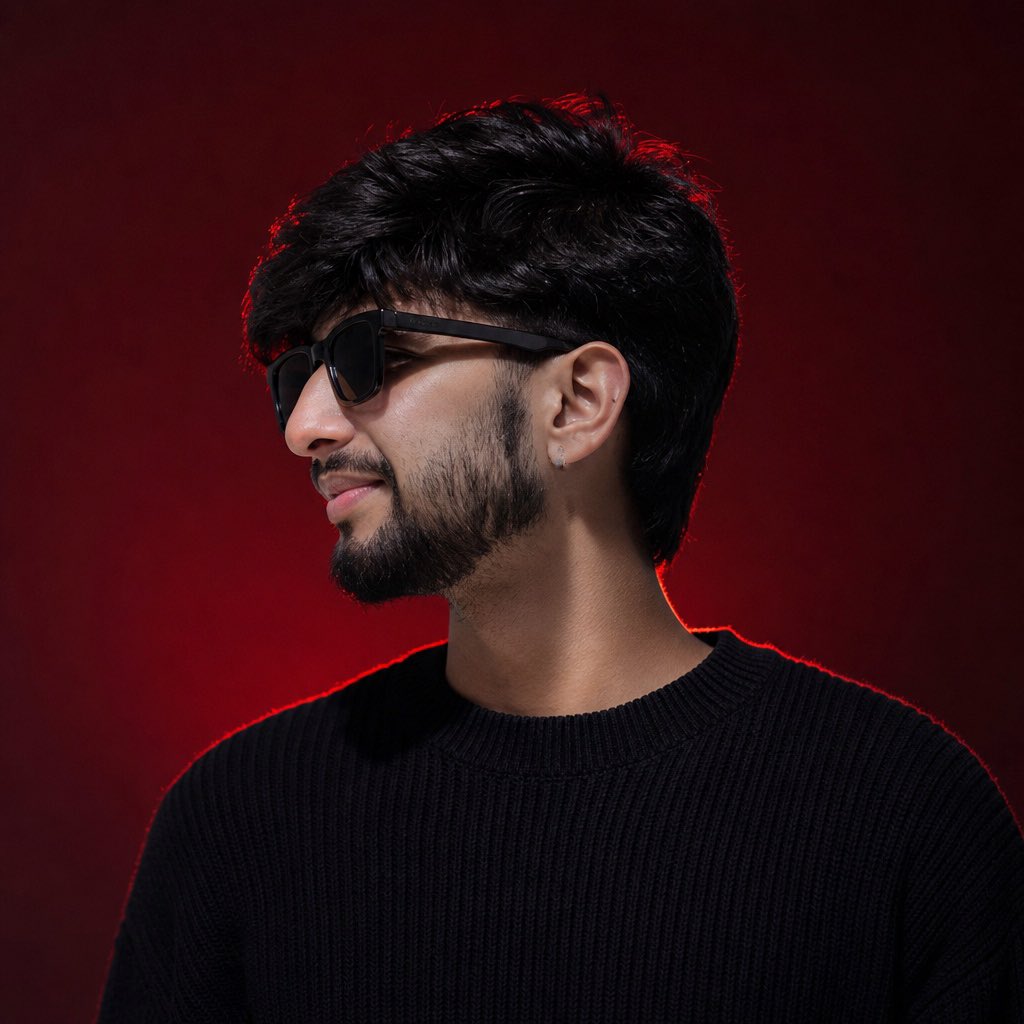
Identity-Locked Luxury Fashion Portrait

Gen Z Triple Selfie Collage — Y2K Flash Photography

Face-Locked Train Window Lifestyle Portrait

Face-Locked Cream Half-Zip Street Walk

Face-Locked City Skyline Double Exposure

Face-Locked Identity Reference Portrait
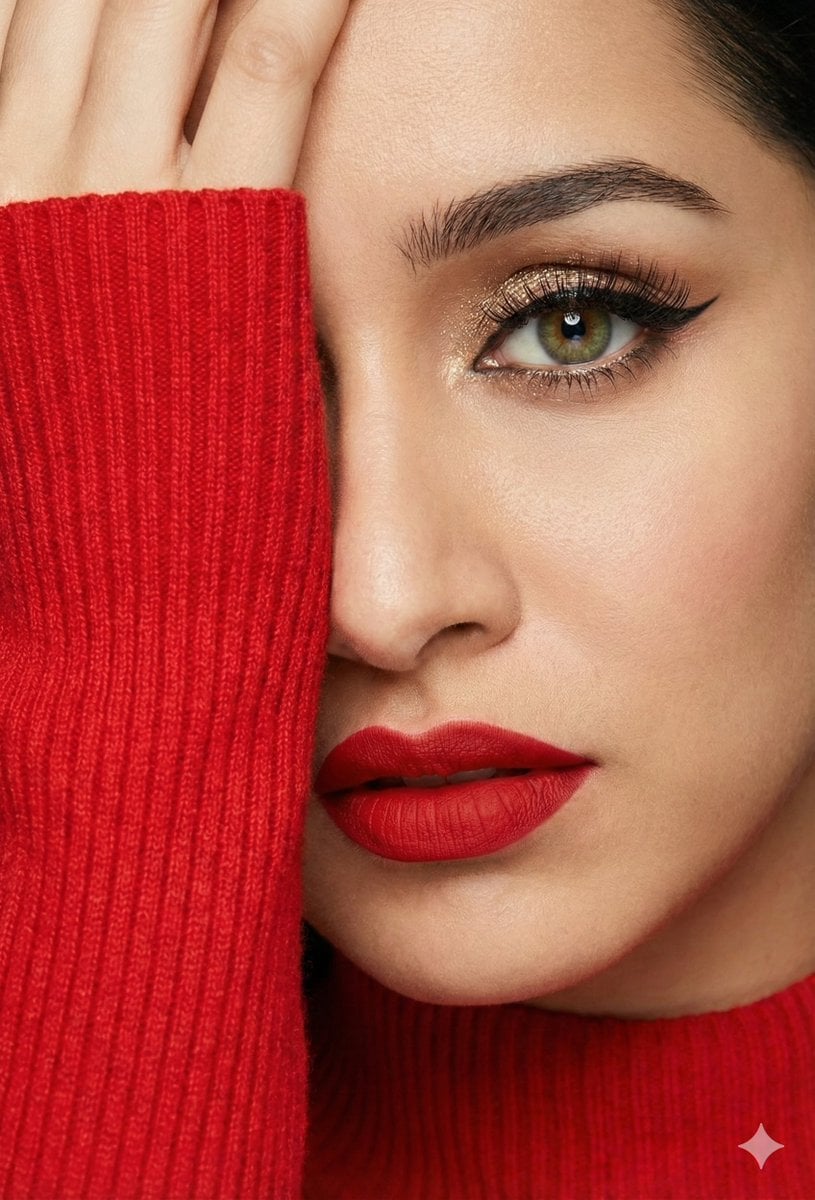
Three Identity-Locked Photorealistic Portraits
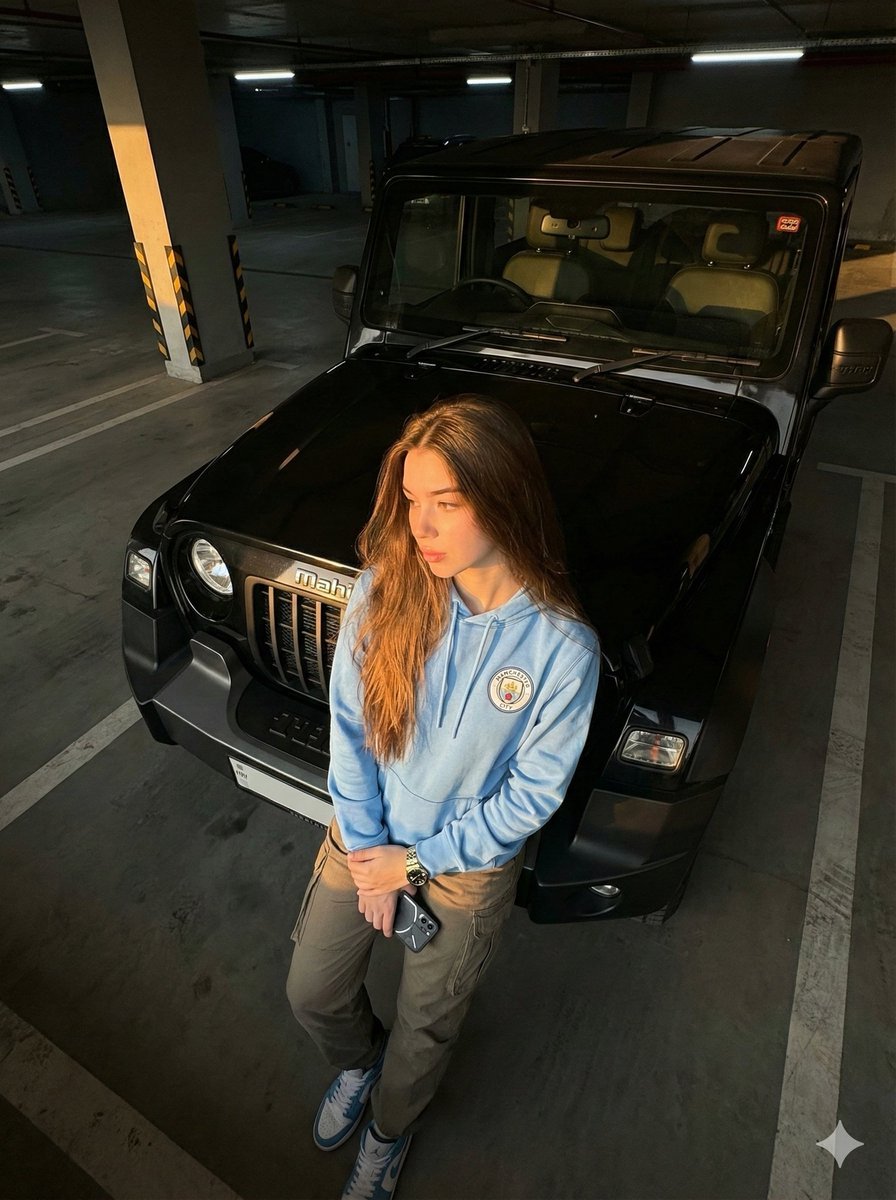
Cinematic Automotive Portrait Identity-Locked Prompt
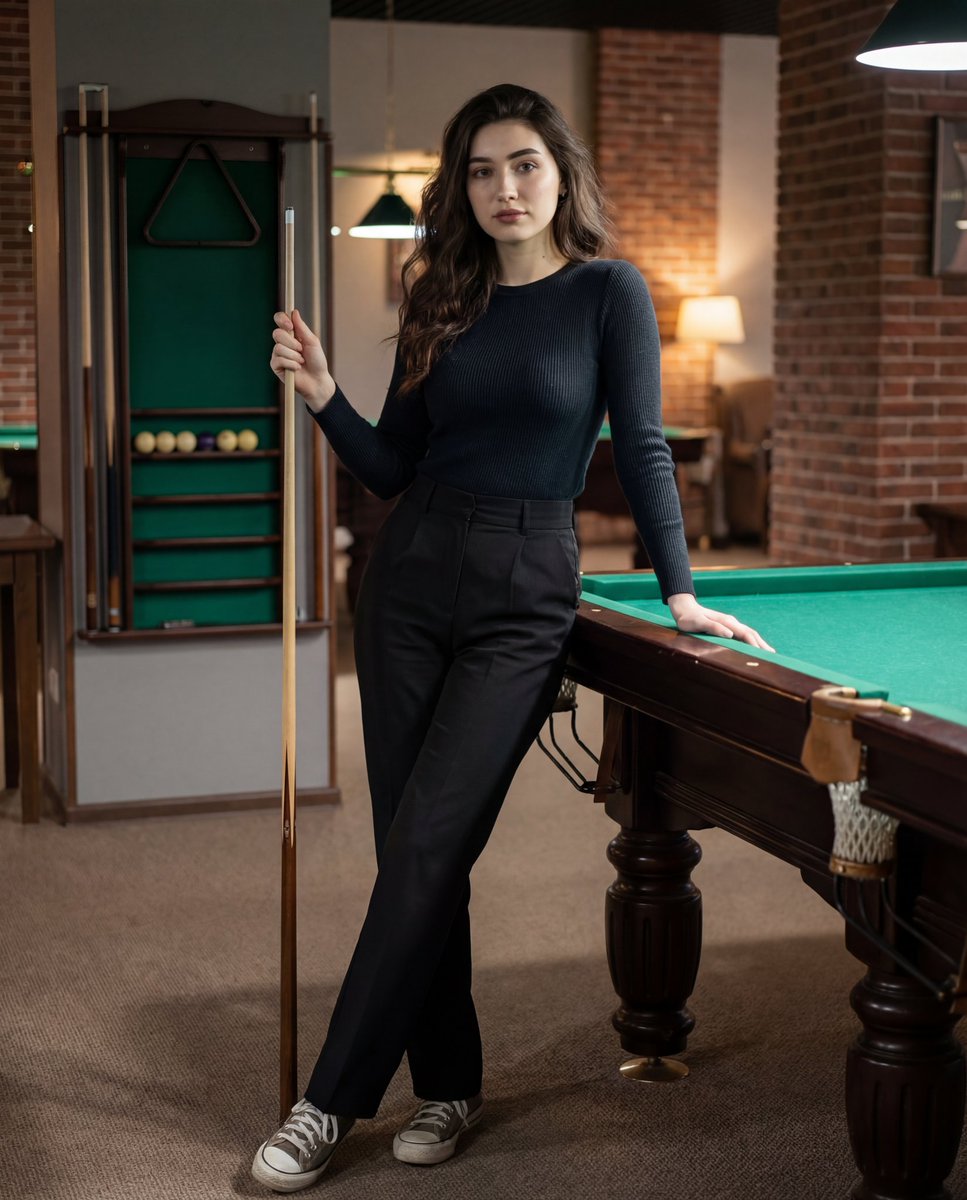
Photorealistic Lifestyle Portrait Prompt (Identity Locked)
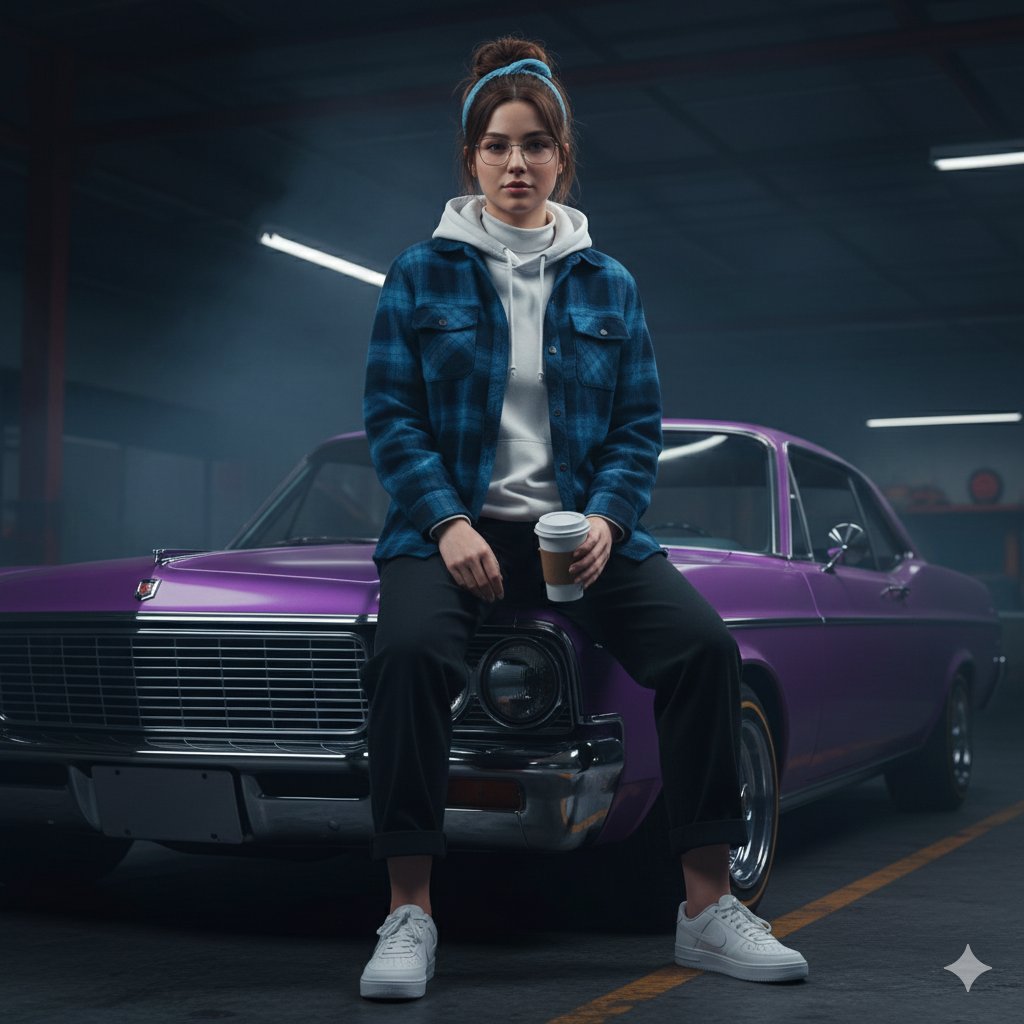
Urban Rebel Cinematic Portrait Prompt (Identity Locked)
Make it yours
Triple-Frame Candid Portrait with Locked Facial Identity works as-is. These are the safest ways to change it without losing the look.
Change one field
Copy a single group, rewrite it, and generate again so you can see what that field is doing.
Keep the frame, change the subject
Hold the composition and light of Triple-Frame Candid Portrait with Locked Facial Identity, then swap wardrobe, props or the person for a new take.
| If the result… | Why | Fix |
|---|---|---|
| The result drifts from the preview | Too many fields changed at once. | Reuse Triple-Frame Candid Portrait with Locked Facial Identity as-is first, then change one group — subject, light, or setting. |
| The model over-stylizes the scene | The prose prompt leaves finish and camera underspecified. | Add one camera or lighting sentence and stay on Nano Banana 2. |
More Nano Banana 2 templates
Other prompts made for Nano Banana 2.

Photorealistic Leaf Shaped Like a Dragon

K-Pop Idol Portrait Grid for Rapid Selection

Poetic Rain Forest Portrait During Golden Hour

Urban Street Portrait with Cartoon Inner Self Duo

Candid Nighttime Photo with Cat Prompt

High-Concept 3D Diorama Generation Prompt

Cinematic Futuristic Studio Portrait Template

Skincare Editorial Photography Collage Prompt

Hyper-Realistic Commercial Product Photography (Splash Effect)

Hyper-Realistic Nightclub Portrait Prompt
More image prompts
Fresh picks from across the catalog.
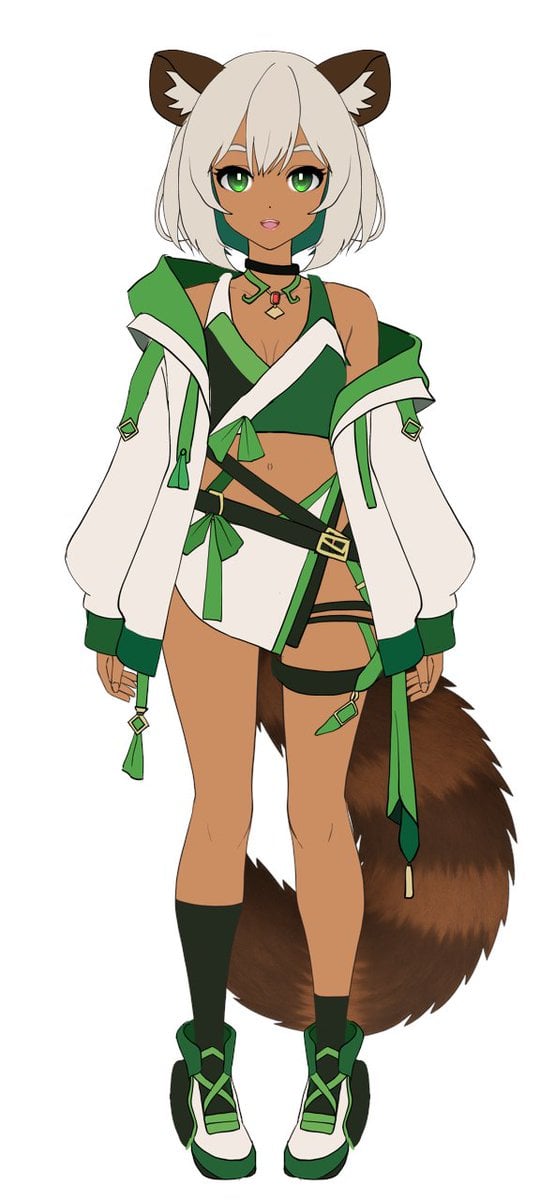
Flat Color to Rendered Anime Shading
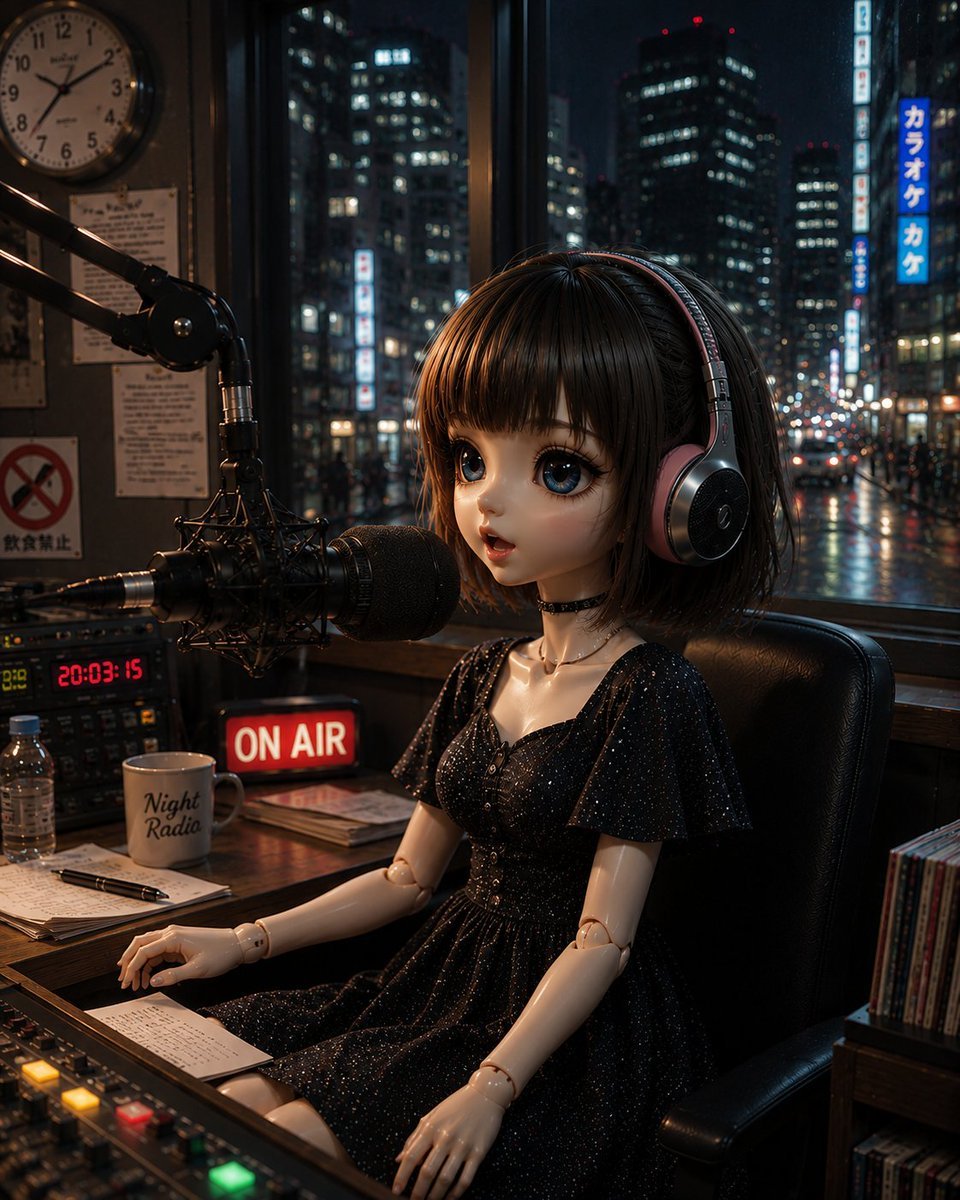
Anonymous Night Radio Doll Host
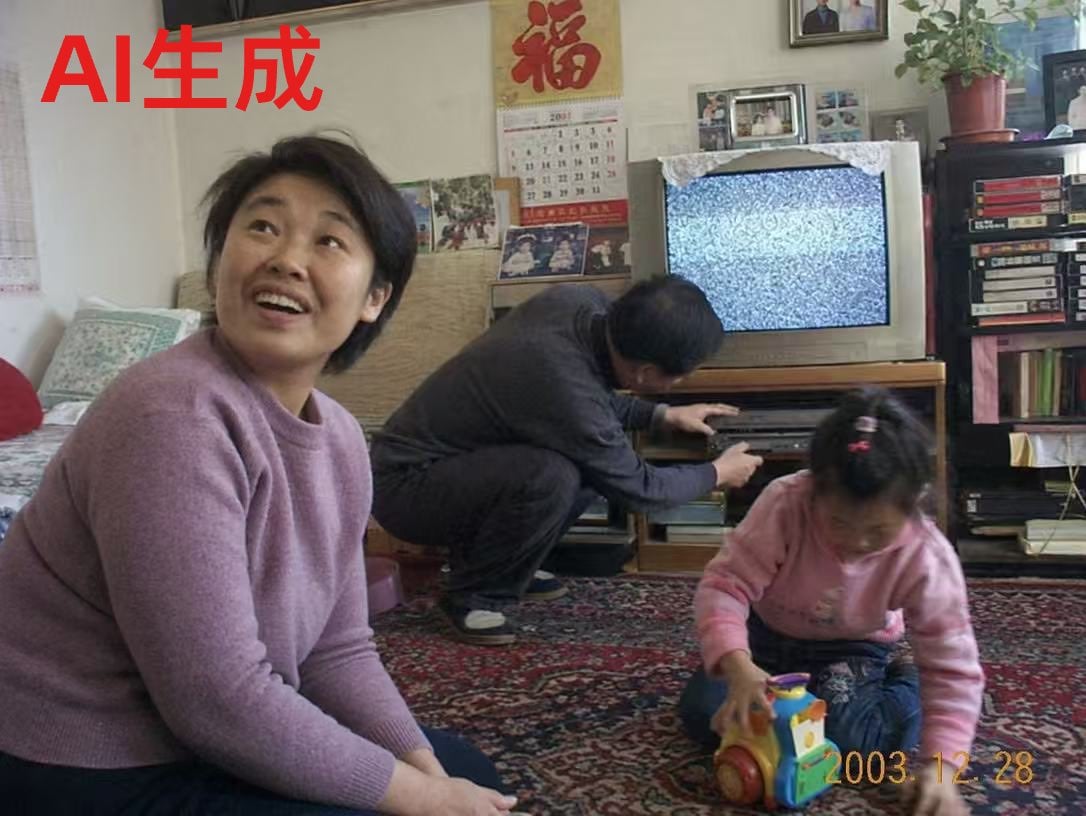
Nostalgic Chinese Family Living Room Photo

Welcome Home Scenario Prompt
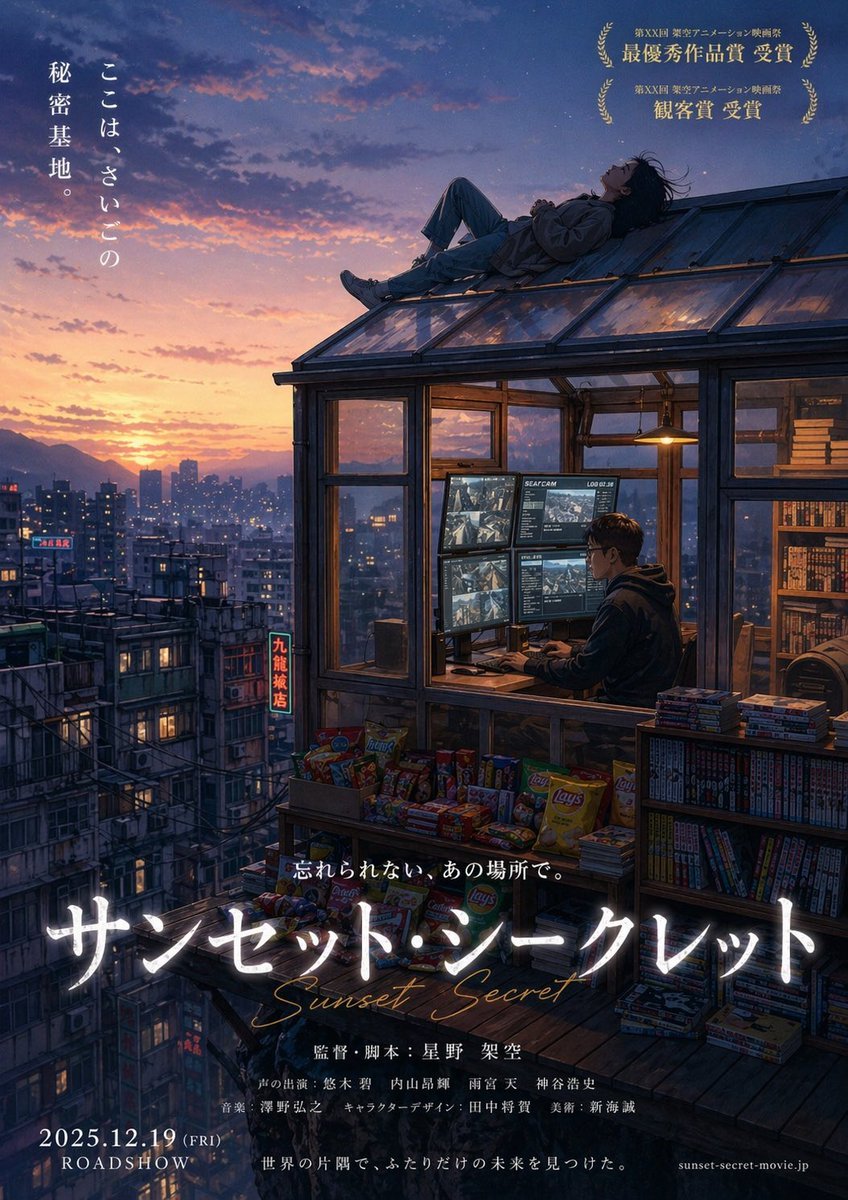
Anime Movie Poster from Reference

Cinematic Engineering Infographic of USS Abraham Lincoln
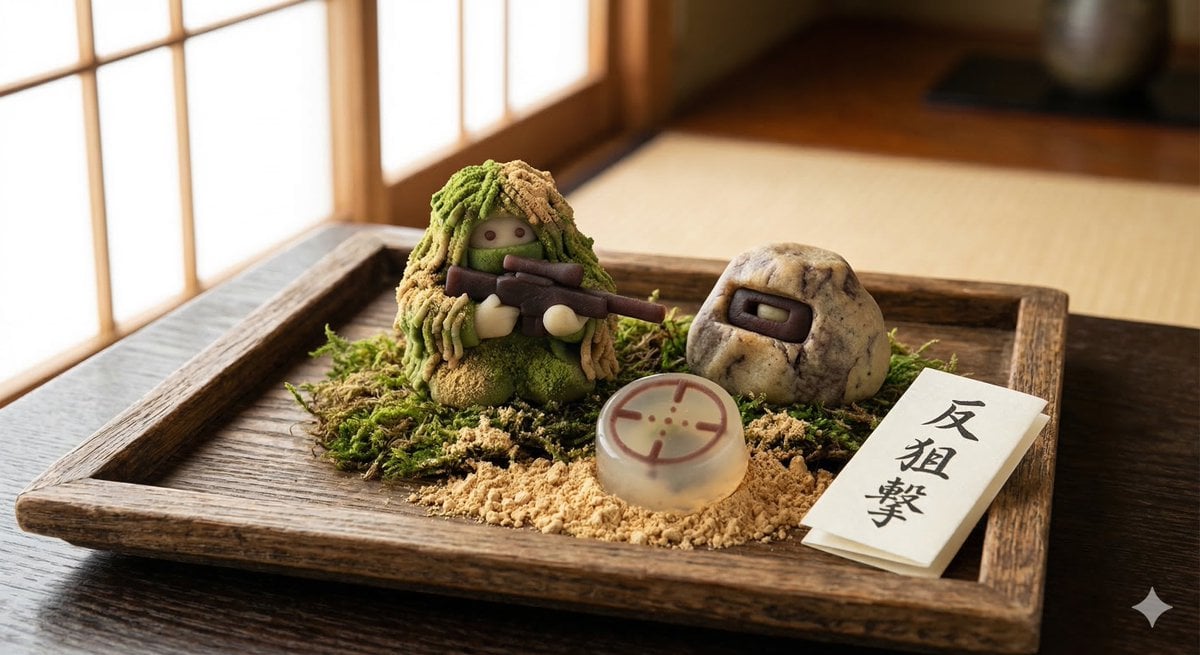
Japanese Wagashi Inspired by Counter Sniping
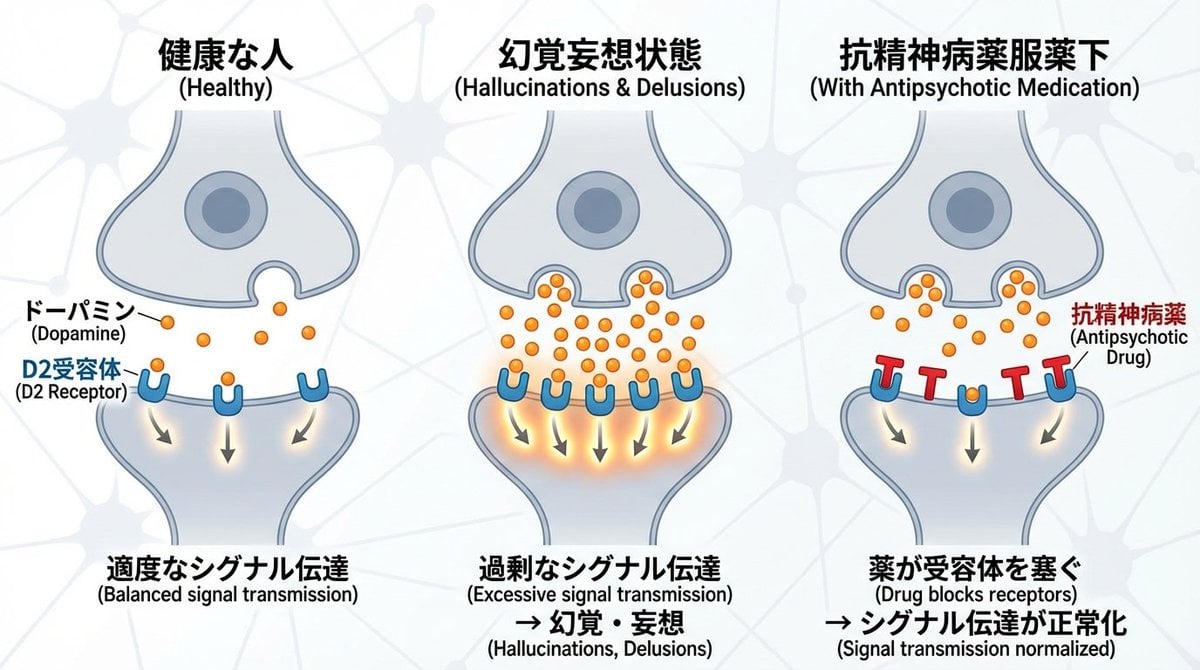
Dopamine and schizophrenia synapse diagram
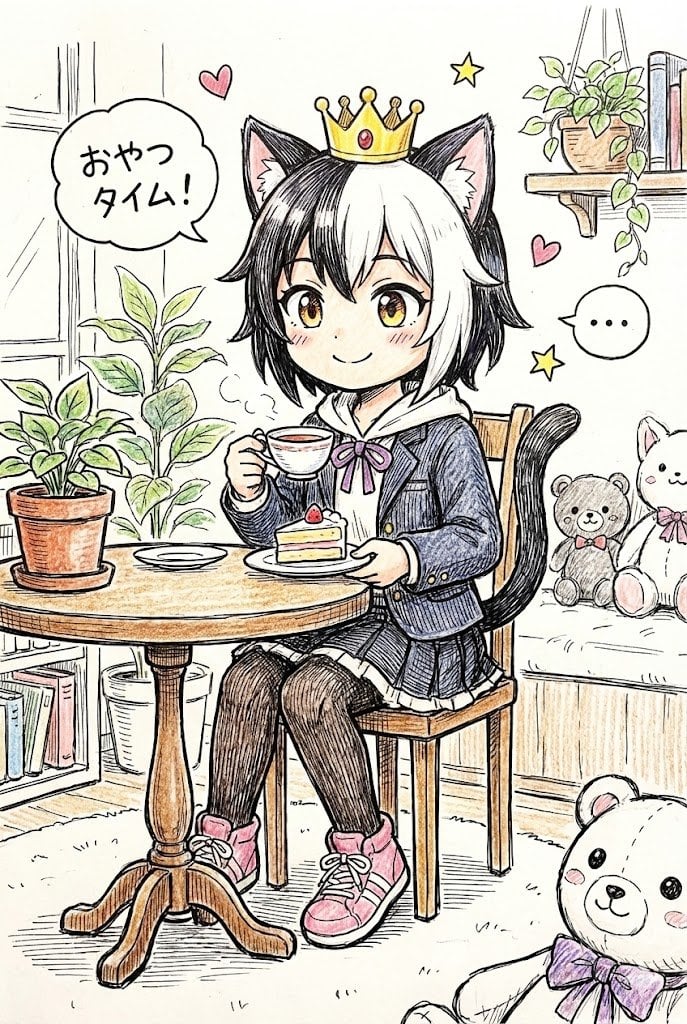
Hand-drawn Pop Art Style Character Scene Generation

Japanese Four-Panel Healing Ad Collage
Browse template categories
Triple-Frame Candid Portrait with Locked Facial Identity questions
How do I use the Triple-Frame Candid Portrait with Locked Facial Identity template?
Add your photo if the template asks for one, edit the prompt if you like — the template's model and format are already selected — and press Generate. Your version opens in PicX Studio.
Can I customize the Triple-Frame Candid Portrait with Locked Facial Identity template?
Yes. You can change the subject, setting, lighting, mood, format, and available model controls before creating your image.
Is the Triple-Frame Candid Portrait with Locked Facial Identity template free?
Opening and editing this template is free. Generating uses credits, shown on the Generate button when you are signed in.
Which AI model should I use?
Start with Nano Banana 2, which is the model associated with this template. You can compare another compatible model for a different finish.
Looking for something else? Browse all templates.

Your photo, any look
Thousands of ready templates for every top image and video model, from one credit balance.