
Cinematic Engineering Infographic of USS Abraham Lincoln
A highly detailed, structured JSON prompt for generating a cinematic industrial engineering-style infographic of the USS Abraham Lincoln aircraft carrier.
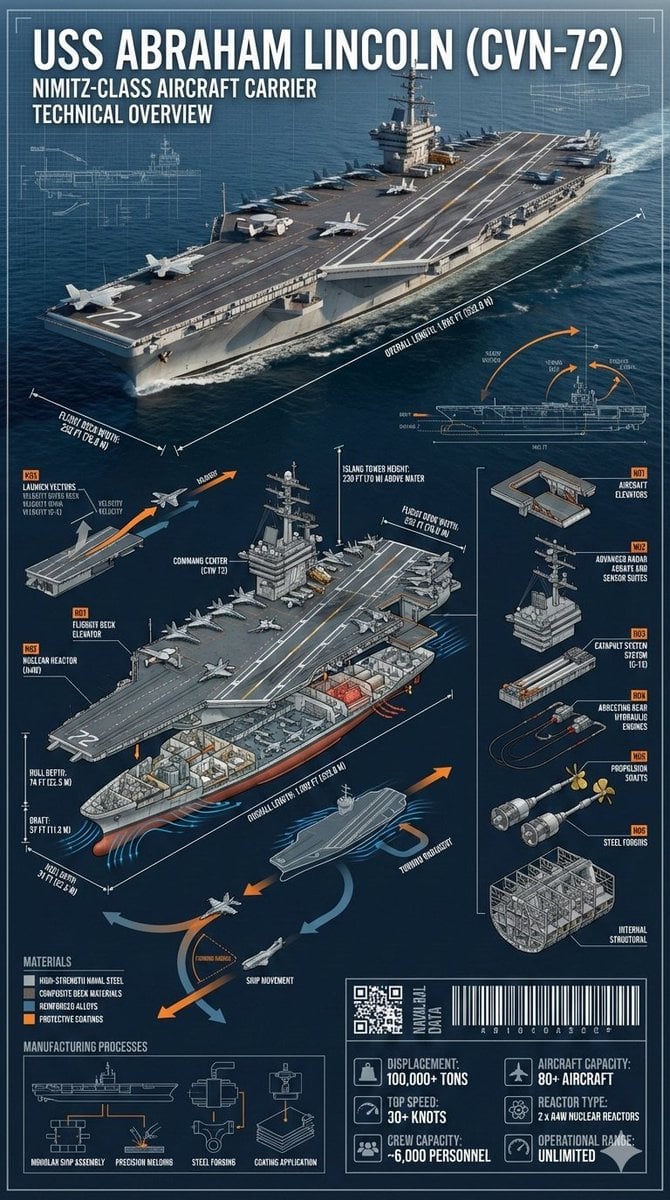
- Prompt included
- Model and format preset
- Premium template
The prompt behind this image
Copy the exact prompt behind Cinematic Engineering Infographic of USS Abraham Lincoln, or open it in the studio and make it yours.
- Prompt › Subject
- {argument name="ship name" default="USS Abraham Lincoln (CVN-72)"}
- Prompt › Description
- Cinematic industrial engineering-style infographic of the USS Abraham Lincoln (CVN-72) at sea, matching the reference photo. Ultra-precise technical rendering of the aircraft carrier viewed from a dynamic angled perspective with accurate proportions, deck markings, surface textures, and structural realism identical to the reference.
- Prompt › Technical Elements › Dimension Lines
- overall length, flight deck width, hull depth, draft, island tower height
- Prompt › Technical Elements › Cross Section
- flight deck structure, hangar bay, aircraft elevators, nuclear reactors, engine rooms, crew compartments, radar and command center
- Prompt › Technical Elements › Exploded View
- aircraft elevators, radar arrays, catapult systems, arresting gear, propulsion shafts, internal structural framework
- Prompt › Technical Elements › Dynamic Diagrams
- aircraft launch vectors, ship movement arrows, hydrodynamic flow around hull, heat dissipation from reactors
- Prompt › Technical Elements › Materials
- high-strength naval steel, composite deck materials, reinforced alloys, protective coatings
- Prompt › Technical Elements › Manufacturing Processes
- modular ship assembly, precision welding, steel forging, coating application
- Prompt › Technical Elements › Part Numbering
- Industrial naval annotation style (Part N01, N02, etc)
- Prompt › Technical Elements › Tech Data Panels
- displacement, top speed, crew capacity, aircraft capacity, reactor type, operational range
- Prompt › Technical Elements › Industrial Design Elements
- QR-style naval data block, barcode strip, micro technical schematics
- Prompt › Design Style › Layout
- layered cinematic infographic with the carrier as the central hero and surrounding technical callouts
- Prompt › Design Style › Color Palette
- naval grey, deep ocean blue, white, signal orange accents
- Prompt › Design Style › Background
- open ocean fading into horizon with subtle blueprint grid overlay
- Prompt › Design Style › Typeface
- sharp industrial sans-serif with naval engineering annotation style
- Prompt › Design Style › Lighting
- dramatic directional lighting with crisp highlights on the flight deck
- Prompt › Design Style › Shadows
- controlled and sharp for technical clarity
- Prompt › Overall Vibe
- epic naval engineering poster blending cinematic realism with professional military technical documentation
- Prompt › Aspect Ratio
- 9:16
Raw JSON
{
  "prompt": {
    "subject": "{argument name=\"ship name\" default=\"USS Abraham Lincoln (CVN-72)\"}",
    "description": "Cinematic industrial engineering-style infographic of the USS Abraham Lincoln (CVN-72) at sea, matching the reference photo. Ultra-precise technical rendering of the aircraft carrier viewed from a dynamic angled perspective with accurate proportions, deck markings, surface textures, and structural realism identical to the reference.",
    "technical_elements": {
      "dimension_lines": ["overall length", "flight deck width", "hull depth", "draft", "island tower height"],
      "cross_section": ["flight deck structure", "hangar bay", "aircraft elevators", "nuclear reactors", "engine rooms", "crew compartments", "radar and command center"],
      "exploded_view": ["aircraft elevators", "radar arrays", "catapult systems", "arresting gear", "propulsion shafts", "internal structural framework"],
      "dynamic_diagrams": ["aircraft launch vectors", "ship movement arrows", "hydrodynamic flow around hull", "heat dissipation from reactors"],
      "materials": ["high-strength naval steel", "composite deck materials", "reinforced alloys", "protective coatings"],
      "manufacturing_processes": ["modular ship assembly", "precision welding", "steel forging", "coating application"],
      "part_numbering": "Industrial naval annotation style (Part N01, N02, etc)",
      "tech_data_panels": ["displacement", "top speed", "crew capacity", "aircraft capacity", "reactor type", "operational range"],
      "industrial_design_elements": ["QR-style naval data block", "barcode strip", "micro technical schematics"]
    },
    "design_style": {
      "layout": "layered cinematic infographic with the carrier as the central hero and surrounding technical callouts",
      "color_palette": ["naval grey", "deep ocean blue", "white", "signal orange accents"],
      "background": "open ocean fading into horizon with subtle blueprint grid overlay",
      "typeface": "sharp industrial sans-serif with naval engineering annotation style",
      "lighting": "dramatic directional lighting with crisp highlights on the flight deck",
      "shadows": "controlled and sharp for technical clarity"
    },
    "overall_vibe": "epic naval engineering poster blending cinematic realism with professional military technical documentation",
    "aspect_ratio": "9:16"
  }
}How to use Cinematic Engineering Infographic of USS Abraham Lincoln in 3 steps
- 1Upload ImagePNG, JPG or paste
Add your photo
Upload the photo the template builds on. The prompt, model and format are already set.
- 2…a portrait of your subject in softgolden-hour light, 85mm…
Personalize
Edit the subject and creative details for your destination.
- 3Generate
Generate
Press Generate — your image is created in PicX Studio, so you can compare it with the original and refine one variable at a time.
More like this
Templates with the same subject, style or setup. Open one to see its prompt.

Japan Travel Brochure Poster

Automotive Blueprint Split Composition
Automotive Blueprint Split Composition

Isometric Process Educational Diorama

Isometric Vehicle Teardown Infographic Template

Gpt2 E Commerce Main Image Earbuds E Commerce Infographic

Gpt2 Infographic Edu Visual Alishan One Day Travel Poster

Gpt2 Infographic Edu Visual Ethnographic Plate for Tibetan Ceremonial Hat

Gpt2 Infographic Edu Visual Earth Signs Zodiac Character Poster

Gpt2 Infographic Edu Visual Water Signs Zodiac Character Poster

Gpt2 Infographic Edu Visual Ink Wash Tribute Poster for Chen Uen

Gpt2 Infographic Edu Visual Vintage Claude Shannon Infographic Poster
Make it yours
Cinematic Engineering Infographic of USS Abraham Lincoln works as-is. These are the safest ways to change it without losing the look.
Swap the setting
Keep the rest of the prompt and replace the location block. The current setting is “open ocean fading into horizon with subtle blueprint grid overlay”.
Swap the light
One lighting change is enough to compare takes. Current light: “dramatic directional lighting with crisp highlights on the flight deck”.
Change one field
Copy a single group, rewrite it, and generate again so you can see what that field is doing.
| If the result… | Why | Fix |
|---|---|---|
| The result drifts from the preview | Too many fields changed at once. | Reuse Cinematic Engineering Infographic of USS Abraham Lincoln as-is first, then change one group — subject, light, or setting. |
| Nano Banana 2 ignores part of the JSON | Some models flatten or skip nested keys. | Keep the same values and paste them as a short paragraph instead. |
More Nano Banana 2 templates
Other prompts made for Nano Banana 2.

Photorealistic Leaf Shaped Like a Dragon

K-Pop Idol Portrait Grid for Rapid Selection

Poetic Rain Forest Portrait During Golden Hour

Urban Street Portrait with Cartoon Inner Self Duo

Candid Nighttime Photo with Cat Prompt

High-Concept 3D Diorama Generation Prompt

Cinematic Futuristic Studio Portrait Template

Skincare Editorial Photography Collage Prompt

Hyper-Realistic Commercial Product Photography (Splash Effect)

Hyper-Realistic Nightclub Portrait Prompt
More image prompts
Fresh picks from across the catalog.

Conspiracy Scribbles Overlay
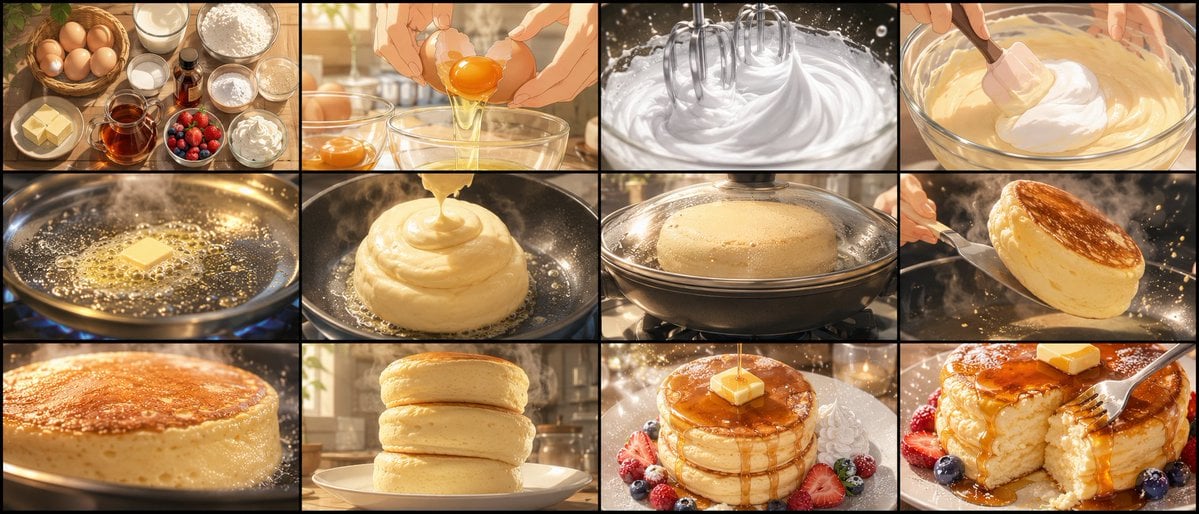
Soufflé Pancake Anime Storyboard
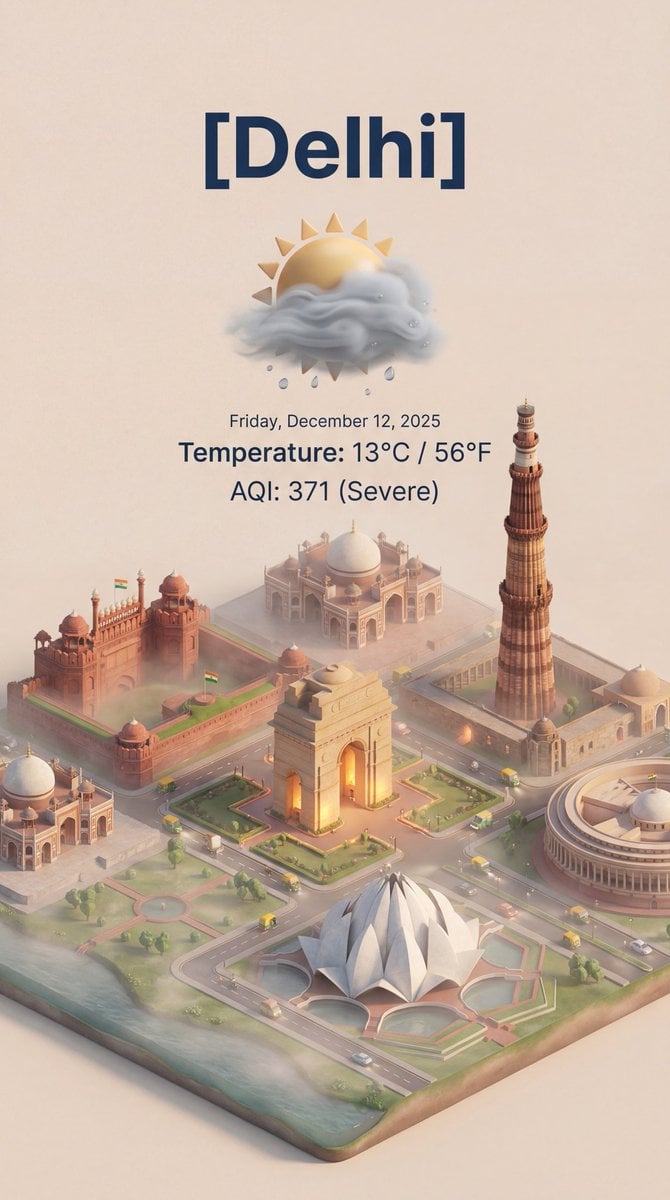
Isometric 3D Cartoon Scene of a City
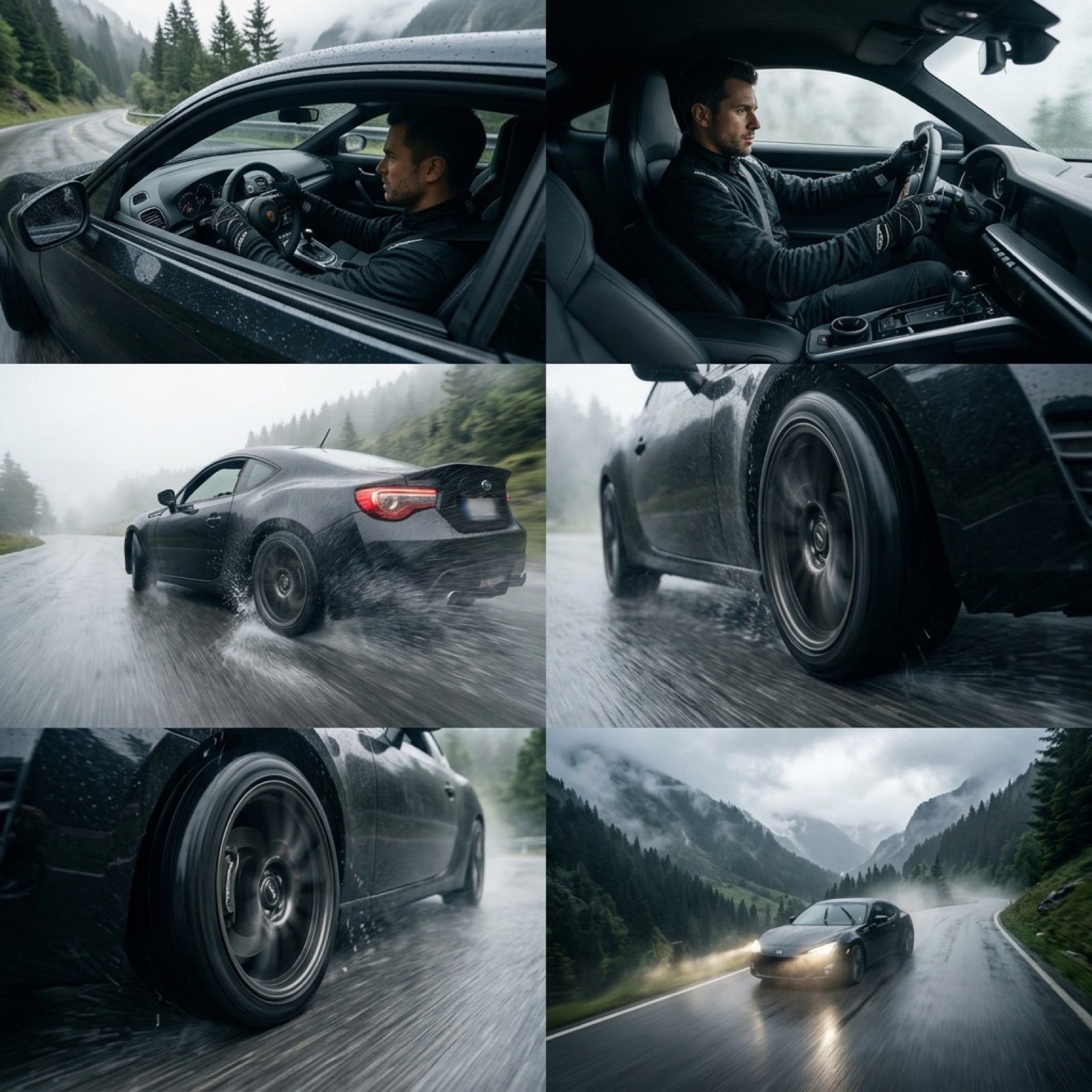
Epic Cinematic Mountain Car Descent

Surreal Portrait of Humanoid Covered in Grass and Daisies

Cinematic Portrait with Dynamic Wind Motion
Detailed Image Prompt for Nano Banana Pro

Minimalist Plasma Core Data Sheet
Abstract Eye with Crescent Moon and Distressed Texture
Hyperrealistic D&D Female Fire Mage
Browse template categories
Cinematic Engineering Infographic of USS Abraham Lincoln questions
How do I use the Cinematic Engineering Infographic of USS Abraham Lincoln template?
Add your photo if the template asks for one, edit the prompt if you like — the template's model and format are already selected — and press Generate. Your version opens in PicX Studio.
Can I customize the Cinematic Engineering Infographic of USS Abraham Lincoln template?
Yes. You can change the subject, setting, lighting, mood, format, and available model controls before creating your image.
Is the Cinematic Engineering Infographic of USS Abraham Lincoln template free?
Opening and editing this template is free. Generating uses credits, shown on the Generate button when you are signed in.
Which AI model should I use?
Start with Nano Banana 2, which is the model associated with this template. You can compare another compatible model for a different finish.
Looking for something else? Browse all templates.

Your photo, any look
Thousands of ready templates for every top image and video model, from one credit balance.