
Nostalgic Chinese Family Living Room Photo
A realistic early-2000s domestic snapshot prompt for generating a nostalgic family scene with period-accurate Chinese home details and timestamped camera aesthetics.
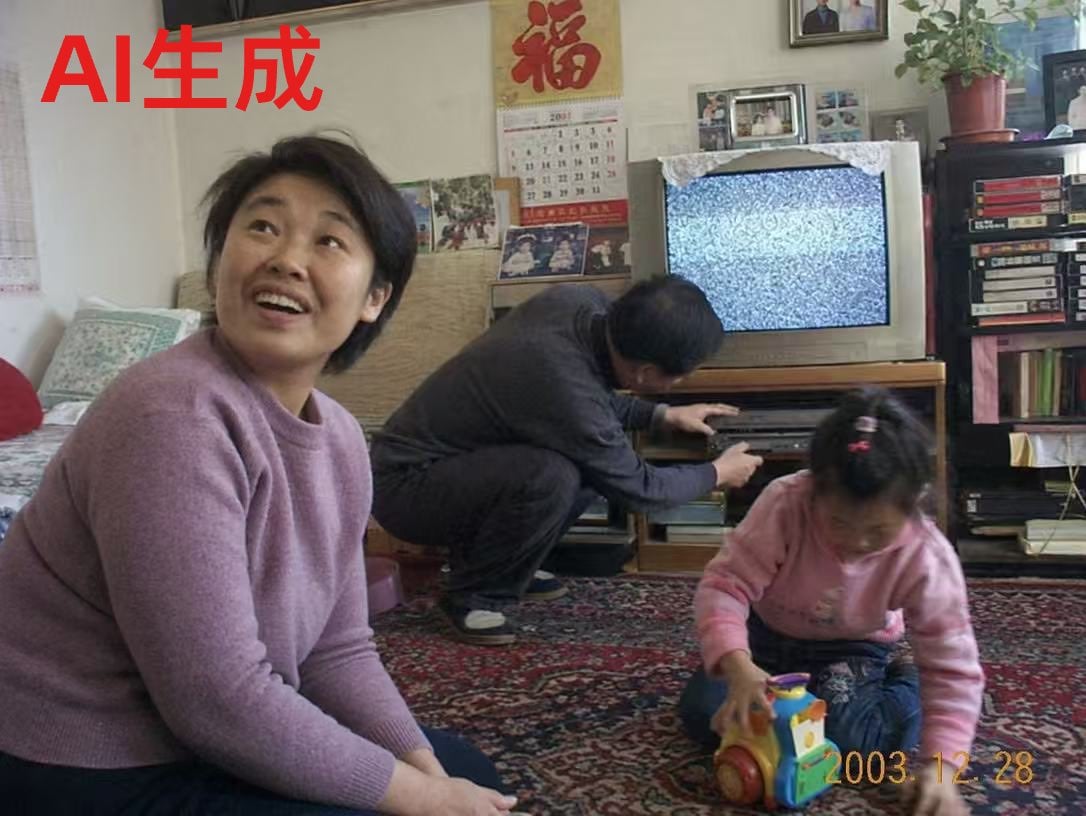
- Prompt included
- Model and format preset
- Free template
The prompt behind this image
Copy the exact prompt behind Nostalgic Chinese Family Living Room Photo, or open it in the studio and make it yours.
A candid early-2000s family snapshot inside a modest Chinese living room, photographed with the look of a consumer digital camera. In the foreground left, a middle-aged woman in a soft mauve knit sweater sits on a patterned carpet facing slightly toward the camera. In the midground center, a middle-aged man in dark clothes crouches in front of a wooden TV stand, adjusting a silver DVD or VCD player. In the foreground right, a small girl wearing a pink sweater and jeans kneels on the carpet playing with a colorful plastic toy vehicle. Their faces are intentionally blurred or obscured. Behind them is a bulky CRT television showing black-and-white static. The room is filled with lived-in details: a large red Chinese character poster reading “福” on the wall, a hanging wall calendar below it, 4 framed family photos around the TV area, a lace cloth draped over the television, a tall shelving unit on the right holding stacked VHS tapes, books, and media cases, and a potted plant on top of the shelf. On the left side, part of a bed or daybed with pale bedding and pillows is visible. Add a bold red overlay in the top-left corner that says “{argument name="headline text" default="AI生成"}”. Add an orange camcorder-style date stamp in the bottom-right corner reading “{argument name="date stamp" default="2003. 12. 28"}”. Natural indoor daylight, slightly muted colors, documentary realism, nostalgic domestic atmosphere, cluttered but warm home interior, imperfect composition, authentic snapshot aesthetic, 4:3 aspect ratio.
How to use Nostalgic Chinese Family Living Room Photo in 3 steps
- 1Upload ImagePNG, JPG or paste
Add your photo
Upload the photo the template builds on. The prompt, model and format are already set.
- 2…a portrait of your subject in softgolden-hour light, 85mm…
Personalize
Edit the subject and creative details for your destination.
- 3Generate
Generate
Press Generate — your image is created in PicX Studio, so you can compare it with the original and refine one variable at a time.
More like this
Templates with the same subject, style or setup. Open one to see its prompt.
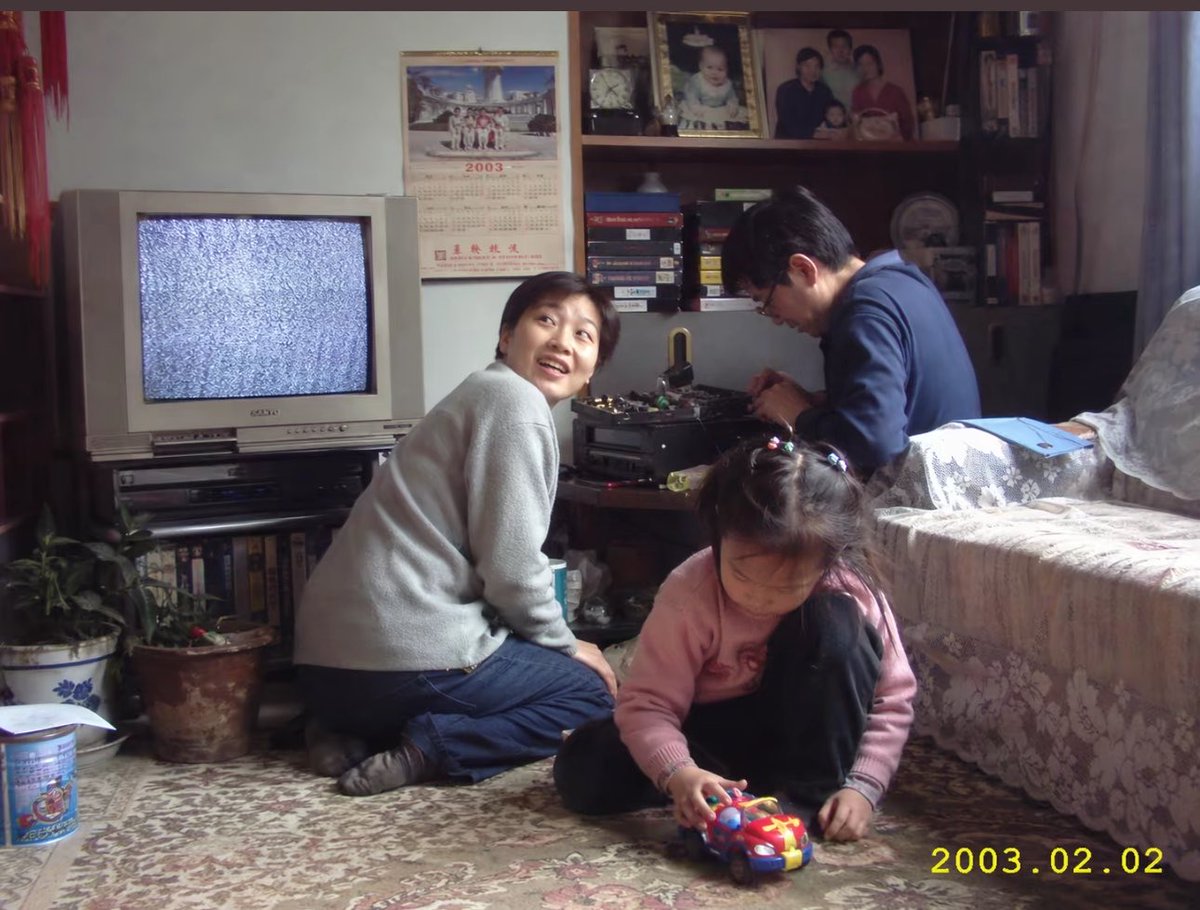
Early 2000s Family Living Room Photo
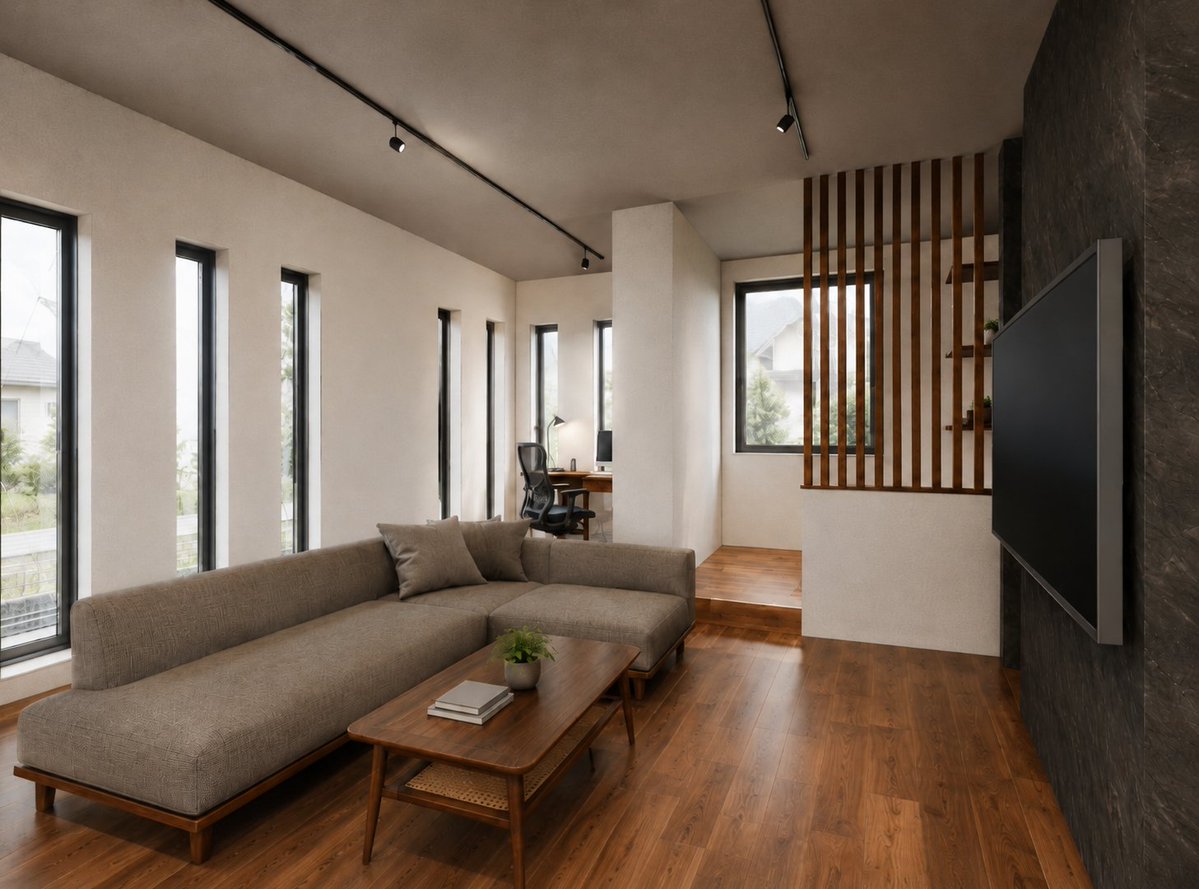
Warm Modern Japanese Living Room Render

Surreal Anime & Reality Living Room

Nostalgic Vinyl Bedroom Portrait

CRT TV Static Living Room

70s Living Room Shag Carpet

Nostalgic Digicam Café Afternoon Portrait
Nostalgic Digicam Café Afternoon Portrait
Vintage Lithograph Retro World Cup Poster
Vintage Lithograph Retro World Cup Poster

Living Room Rug Evening Mirror Selfie

Japanese Negative Film Rooftop Summer Portrait
Make it yours
Nostalgic Chinese Family Living Room Photo works as-is. These are the safest ways to change it without losing the look.
Change one field
Copy a single group, rewrite it, and generate again so you can see what that field is doing.
Keep the frame, change the subject
Hold the composition and light of Nostalgic Chinese Family Living Room Photo, then swap wardrobe, props or the person for a new take.
| If the result… | Why | Fix |
|---|---|---|
| The result drifts from the preview | Too many fields changed at once. | Reuse Nostalgic Chinese Family Living Room Photo as-is first, then change one group — subject, light, or setting. |
| The model over-stylizes the scene | The prose prompt leaves finish and camera underspecified. | Add one camera or lighting sentence and stay on GPT Image 2. |
More GPT Image 2 templates
Other prompts made for GPT Image 2.

Six VTuber Japanese Logo Sheet

Realistic Portrait of Woman and Deer

The Vista Modular Condo Poster

AI Model Routing Comparison Infographic

2.5D Anime Art Board

Isometric Productivity Desk Scene

New York Double Exposure Poster

Four-Panel AI Landscape Comparison

Japanese Tatami Lifestyle Magazine Cover

NESCAFÉ Coffee Map Poster
More image prompts
Fresh picks from across the catalog.
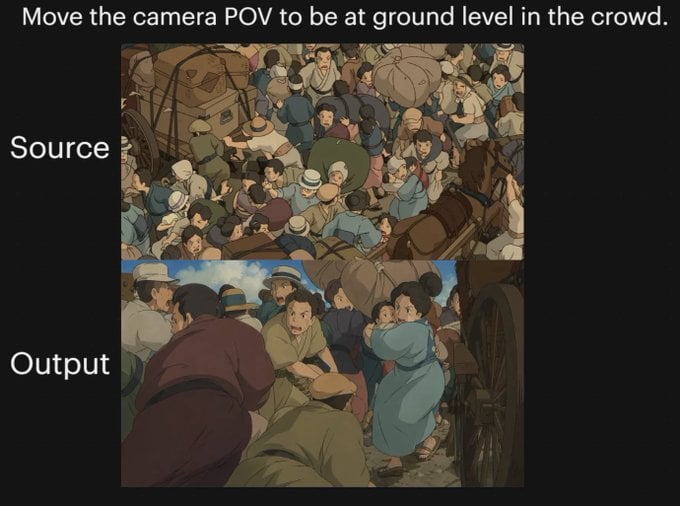
Anime Crowd POV Comparison

High-End Candid Portrait in an Italian Restaurant

Cinematic Golden Hour Portrait of Stylish Man

High-Fashion Magic Carpet Editorial Shot

Encyclopedic 3D Infographic Evolution Chart

Old Photo Restoration Prompt

Nightlife Fashion Portrait in Luxury Car

Debug Test
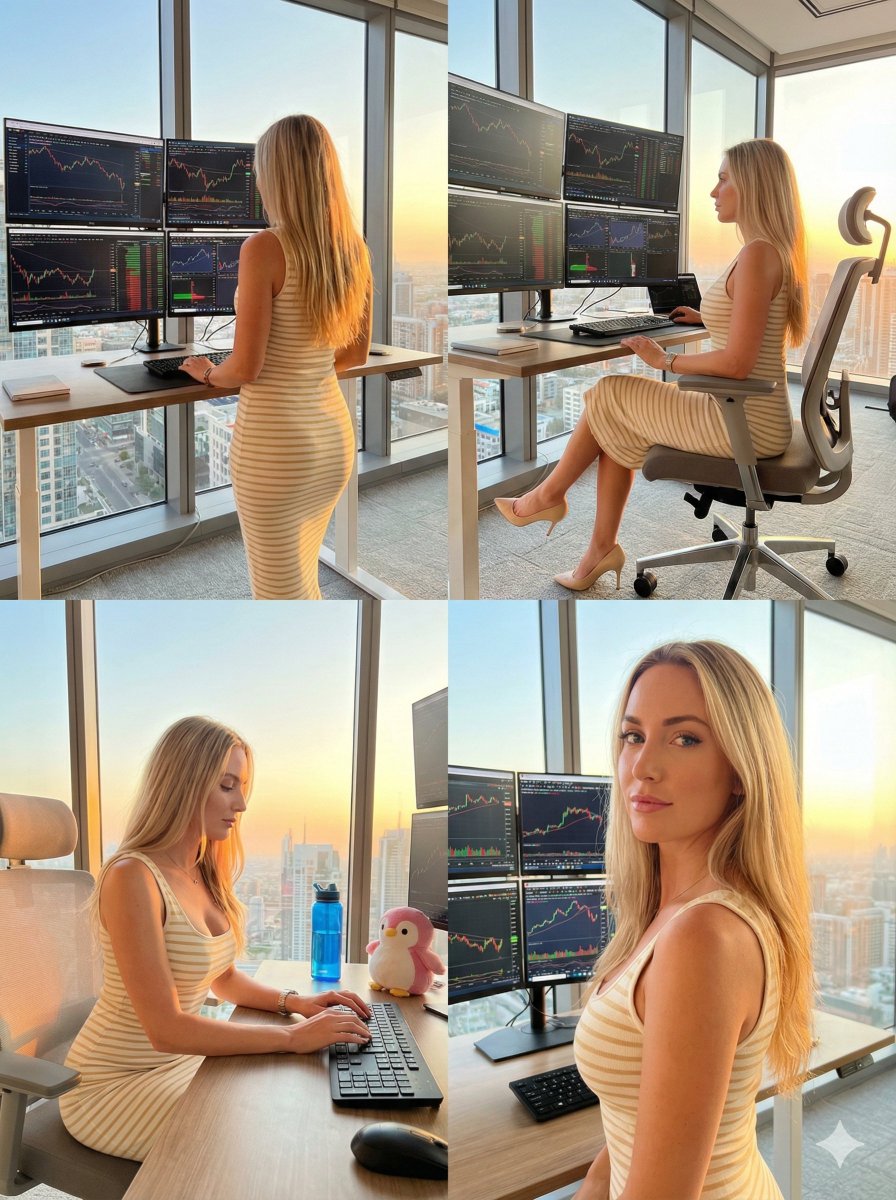
Four-Panel Trading Workspace Lifestyle Collage Prompt
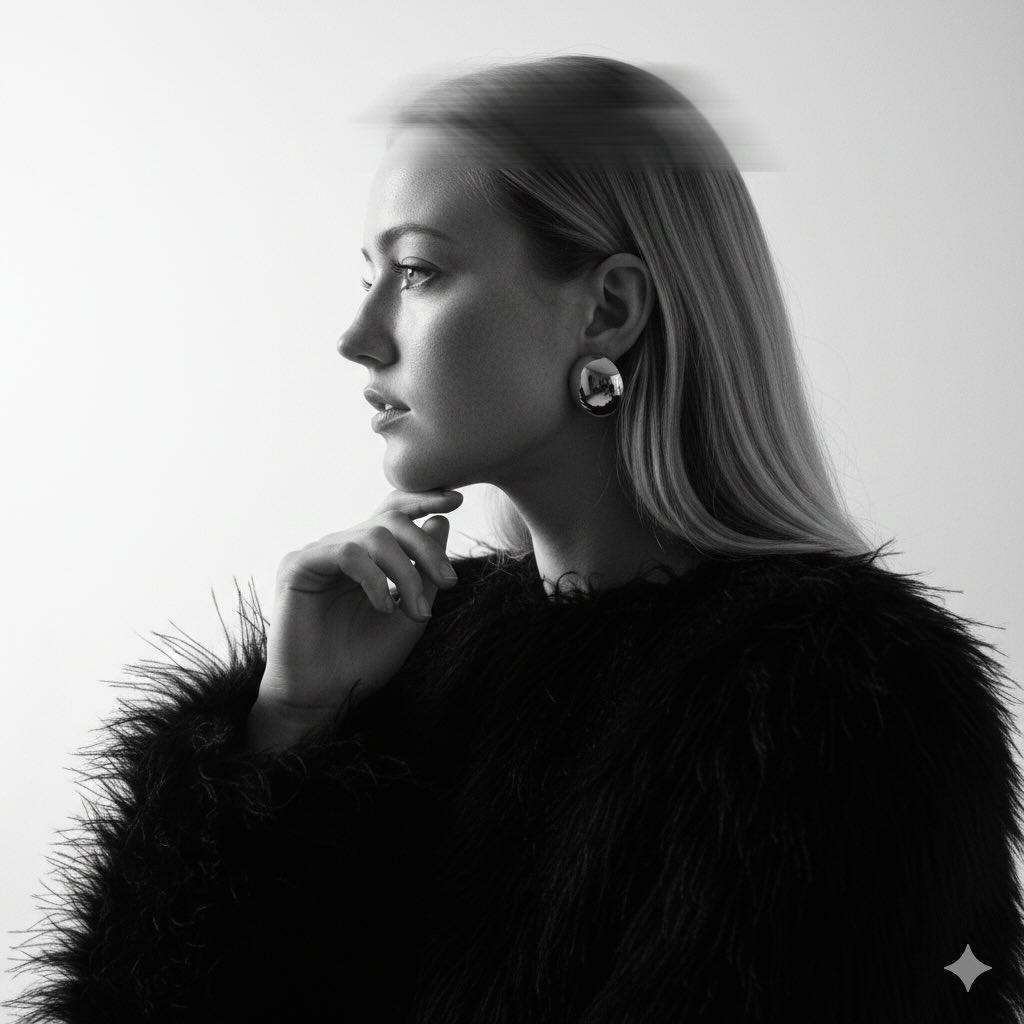
Black-and-White Surreal Editorial Portrait Prompt
Browse template categories
Nostalgic Chinese Family Living Room Photo questions
How do I use the Nostalgic Chinese Family Living Room Photo template?
Add your photo if the template asks for one, edit the prompt if you like — the template's model and format are already selected — and press Generate. Your version opens in PicX Studio.
Can I customize the Nostalgic Chinese Family Living Room Photo template?
Yes. You can change the subject, setting, lighting, mood, format, and available model controls before creating your image.
Is the Nostalgic Chinese Family Living Room Photo template free?
Opening and editing this template is free. Generating uses credits, shown on the Generate button when you are signed in.
Which AI model should I use?
Start with GPT Image 2, which is the model associated with this template. You can compare another compatible model for a different finish.
Looking for something else? Browse all templates.

Your photo, any look
Thousands of ready templates for every top image and video model, from one credit balance.