
Early 2000s Family Living Room Photo
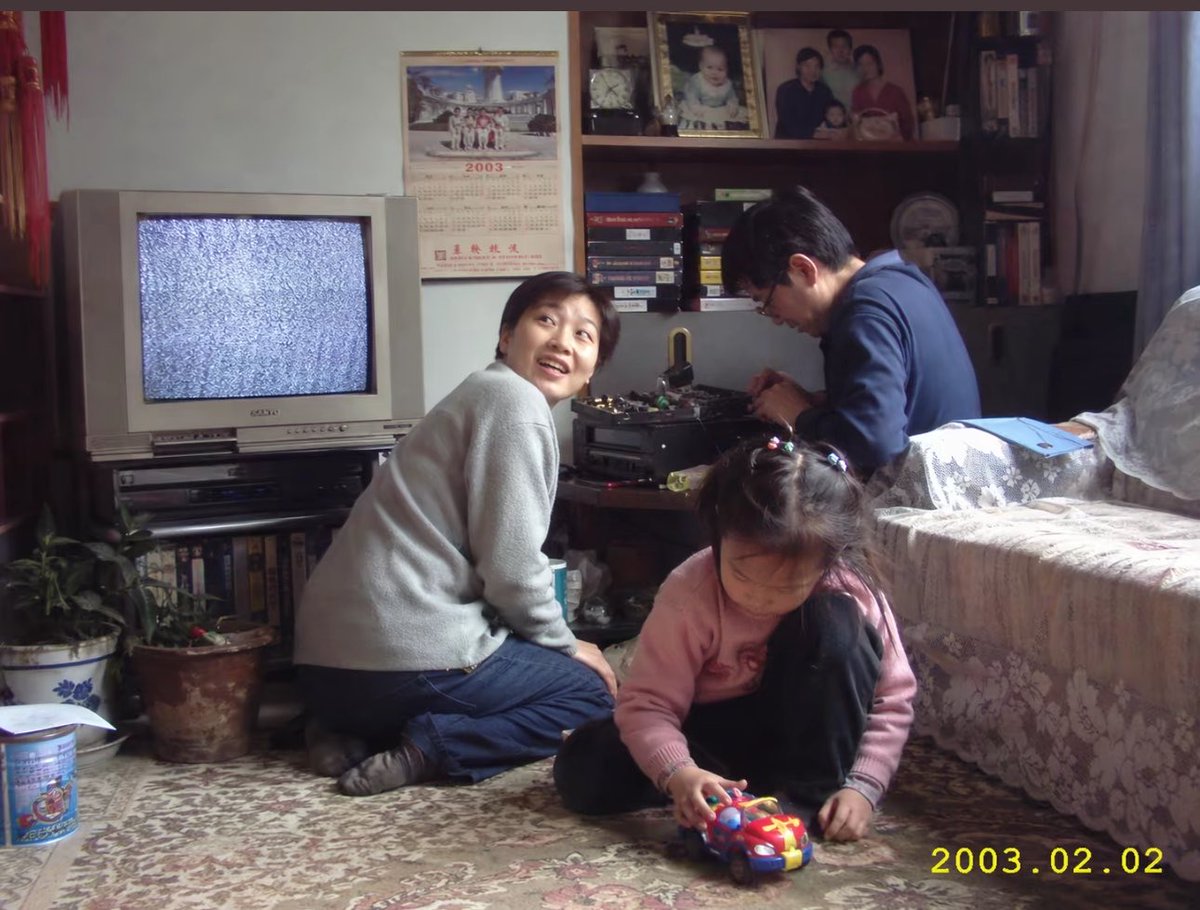
A realistic nostalgic snapshot of a family in a cluttered early-2000s living room, useful for generating convincing archival-style domestic photographs.
- Prompt included
- Model and format preset
- Free template
The prompt behind this image
Copy the exact prompt behind Early 2000s Family Living Room Photo, or open it in the studio and make it yours.
A candid documentary-style indoor family snapshot in a modest early-2000s living room in China, photographed like a real consumer camera photo with soft ambient daylight, slight grain, natural color, and a yellow date stamp in the bottom right reading {argument name="date stamp" default="2003.02.02"}. The scene shows exactly 3 people: a little girl in the foreground sitting cross-legged on a patterned carpet and playing with a colorful toy car, one adult kneeling on the floor near the TV stand in a light gray sweater and blue pants, and one adult leaning over electronics equipment in a dark blue long-sleeve shirt near a sofa. Make the image feel unposed, nostalgic, and convincingly photographic, as if captured during an ordinary afternoon at home. On the left side, include 1 bulky CRT television displaying black-and-white static snow, sitting on a dark media stand with stacked electronics and shelves below. In the center background, place a wall calendar showing {argument name="calendar year" default="2003"}, and a wooden shelving unit holding framed family photos, books, tapes, and small household items. On the right side, include 1 sofa draped in a light floral lace cover with a blue folder or notebook resting on the arm. Add domestic clutter and lived-in details: exactly 2 potted plants on the floor by the TV, a patterned rug covering most of the floor, and a slightly dim, warm, everyday apartment atmosphere. The child should wear a pink sweater and dark pants, with small tied pigtails, focused downward on the toy. The overall style should be highly realistic, like a genuine archival family photograph rather than an illustration, with believable perspective, soft shadows, and subtle lens imperfections.
How to use Early 2000s Family Living Room Photo in 3 steps
- 1Upload ImagePNG, JPG or paste
Add your photo
Upload the photo the template builds on. The prompt, model and format are already set.
- 2…a portrait of your subject in softgolden-hour light, 85mm…
Personalize
Edit the subject and creative details for your destination.
- 3Generate
Generate
Press Generate — your image is created in PicX Studio, so you can compare it with the original and refine one variable at a time.
More like this
Templates with the same subject, style or setup. Open one to see its prompt.
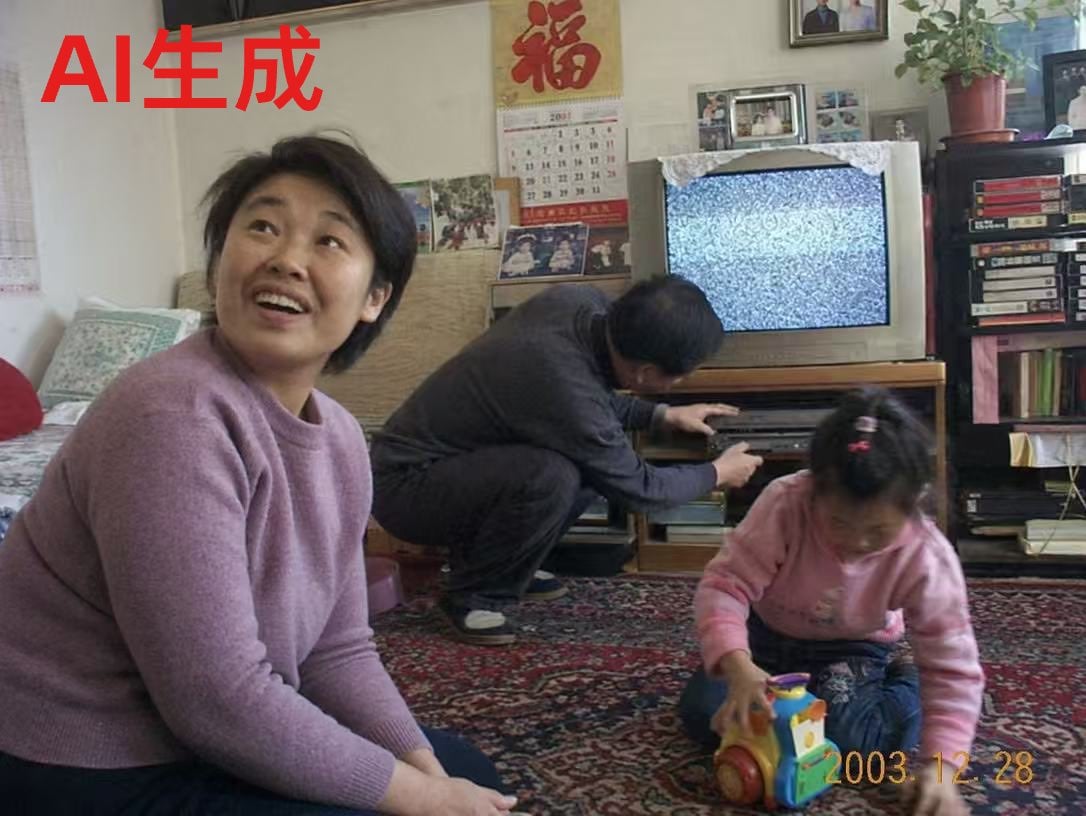
Nostalgic Chinese Family Living Room Photo
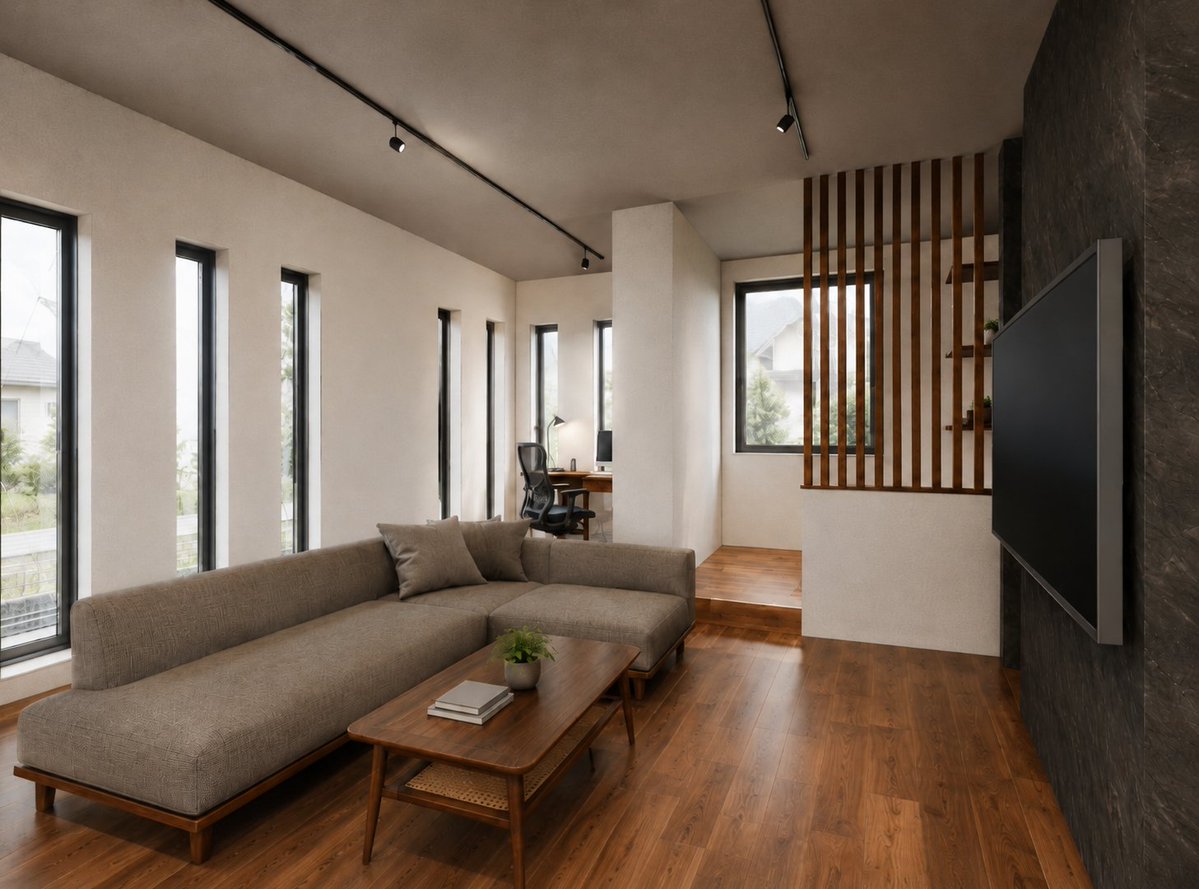
Warm Modern Japanese Living Room Render
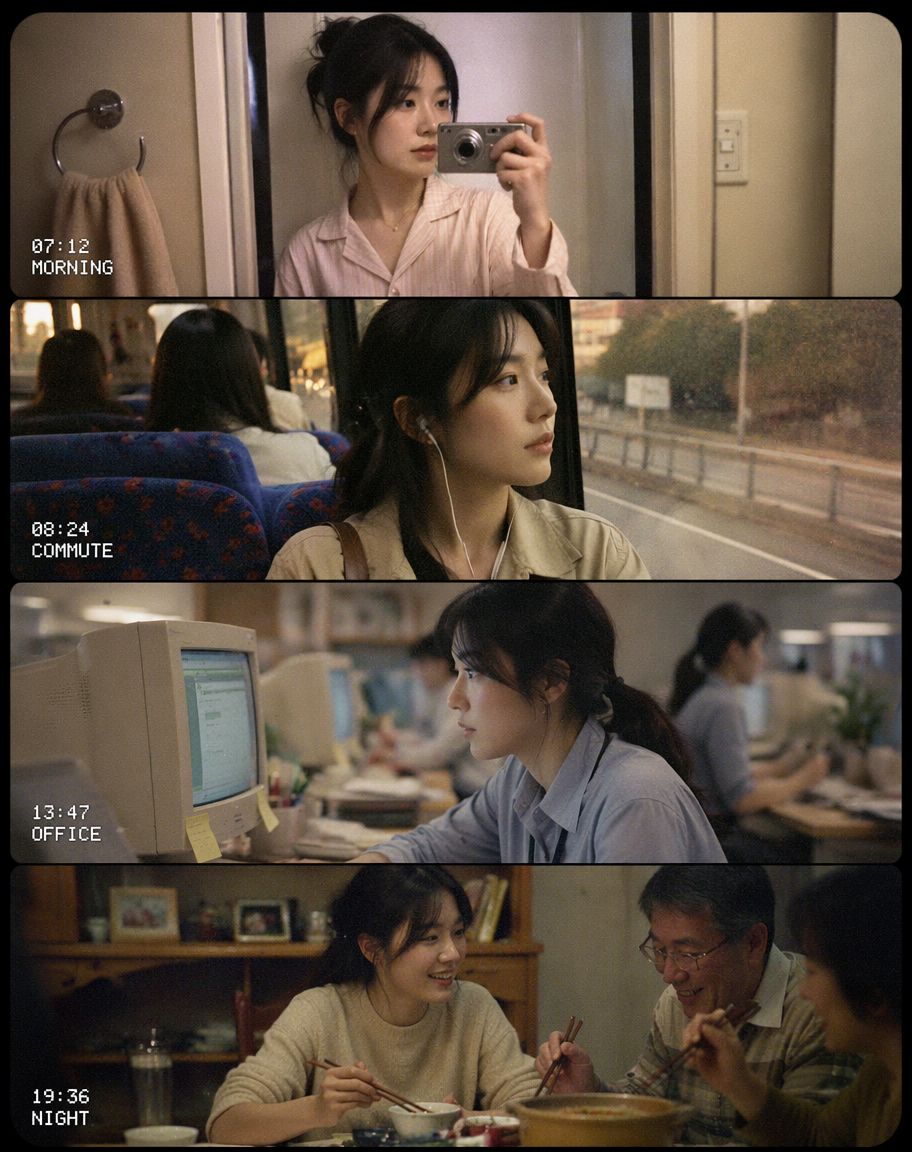
Early 2000s CCD Video Diary Storyboard

Surreal Anime & Reality Living Room
Nostalgic Early-2000s Cafe Snapshot

Early 2000s Nightlife Flash Portrait

CRT TV Static Living Room

70s Living Room Shag Carpet

2000s Retro-Pop Fashion Cinematic Editorial Portrait

Living Room Rug Evening Mirror Selfie

Low-Poly Cartoon Stoner Living Room

Romance Manga Page in a Living Room
Make it yours
Early 2000s Family Living Room Photo works as-is. These are the safest ways to change it without losing the look.
Change one field
Copy a single group, rewrite it, and generate again so you can see what that field is doing.
Keep the frame, change the subject
Hold the composition and light of Early 2000s Family Living Room Photo, then swap wardrobe, props or the person for a new take.
| If the result… | Why | Fix |
|---|---|---|
| The result drifts from the preview | Too many fields changed at once. | Reuse Early 2000s Family Living Room Photo as-is first, then change one group — subject, light, or setting. |
| The model over-stylizes the scene | The prose prompt leaves finish and camera underspecified. | Add one camera or lighting sentence and stay on GPT Image 2. |
More GPT Image 2 templates
Other prompts made for GPT Image 2.

Six VTuber Japanese Logo Sheet

Realistic Portrait of Woman and Deer

The Vista Modular Condo Poster

AI Model Routing Comparison Infographic

2.5D Anime Art Board

Isometric Productivity Desk Scene

New York Double Exposure Poster

Four-Panel AI Landscape Comparison

Japanese Tatami Lifestyle Magazine Cover

NESCAFÉ Coffee Map Poster
More image prompts
Fresh picks from across the catalog.

Haunting Statue Woman at Sunset

Refined Dining Scene with Fusilli and Meatballs

Surreal Underwater Macro Portrait

Layered Papercraft Chibi World

Japanese Graffiti Art Portrait
Photorealistic Street Photo Prompt: Vintage Fashion Girl in Shibuya

Hyper-Realistic Beverage Product Shot Prompts for Nano Banana Pro
Eye-Level Belgian Waffles Food Photography Prompt

Anime Elf Girl Relaxing in a Forest River

Snowy Locations Views Winter Special
Browse template categories
Early 2000s Family Living Room Photo questions
How do I use the Early 2000s Family Living Room Photo template?
Add your photo if the template asks for one, edit the prompt if you like — the template's model and format are already selected — and press Generate. Your version opens in PicX Studio.
Can I customize the Early 2000s Family Living Room Photo template?
Yes. You can change the subject, setting, lighting, mood, format, and available model controls before creating your image.
Is the Early 2000s Family Living Room Photo template free?
Opening and editing this template is free. Generating uses credits, shown on the Generate button when you are signed in.
Which AI model should I use?
Start with GPT Image 2, which is the model associated with this template. You can compare another compatible model for a different finish.
Looking for something else? Browse all templates.

Your photo, any look
Thousands of ready templates for every top image and video model, from one credit balance.