
Snowy Locations Views Winter Special
Snowy Locations Views Winter Special is a ready photo look for Nano Banana.
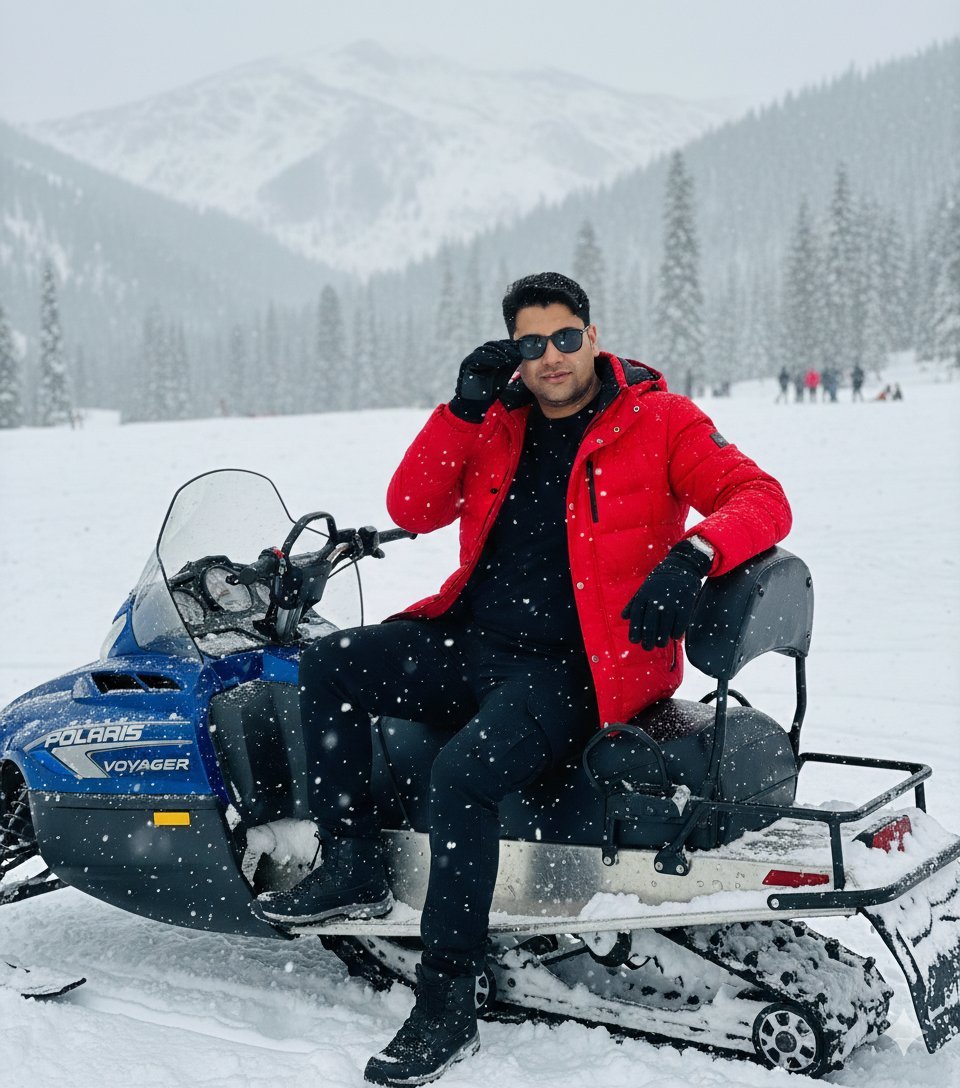
- Prompt included
- Model and format preset
- Free template
The prompt behind this image
Copy the exact prompt behind Snowy Locations Views Winter Special, or open it in the studio and make it yours.
An ultra-realistic, raw DSLR travel photograph of the man from the provided image, keeping his face 100% original and unchanged with natural skin texture and expression. He is performing an aggressive 'Ice Boss Lean' forward over the handlebars of a blue Polaris Voyager style snowmobile, elbows out, one hand on the throttle, head tilted with a cocky half-smile. OUTFIT: Bright red padded parka, black thermal sweatshirt, black winter gloves, black cargo jeans, rectangle black sunglasses, and rugged snow boots. ENVIRONMENT: A wide, crystal-clear snowy mountain landscape with visible tracks on the ground, scattered pine trees, and a group of people in the far distance under an overcast sky with heavy falling snow. LIGHTING: Natural, soft diffused daylight with cool tones and no artificial lighting. TECHNICAL: 100% sharp focus across the entire frame, absolutely no bokeh, no background blur, no depth of field, high-resolution texture on fabric and snow. Keep face 100% original and unchanged. No face reshaping, no beauty filter, no AI facial modification. Preserve real skin texture, facial features, expression, and identity exactly as original. Ultra-realistic real-life outdoor winter adventure photograph, looks exactly like a raw DSLR/mobile photo taken in a snowy mountain location, not AI generated. IMPORTANT REALISM RULES: 100% sharp focus across entire frame. 0% blur. 0% bokeh. 0% depth of field. No cinematic grading. No artificial textures. Must look like a genuine real travel photograph. OUTFIT DETAILS: Bright red padded winter jacket (parka style). Black inner thermal / sweatshirt. Black winter gloves. Cargo black jeans. Rectangle black sunglasses. Winter footwear suitable for snow riding. No extra fashion accessories. POSE DETAILS: Ice Boss Lean. Pose: Lean forward aggressively over the handlebars, elbows out, one hand revving imaginary throttle, head tilted slightly with a cocky half-smile. Gives that "I'm about to destroy this slope" vibe. EXPRESSION DETAILS: Relaxed, content expression. Subtle smile. Enjoying the snowy environment. Natural candid look, not posed. VEHICLE DETAILS: Blue snowmobile (Polaris Voyager style). Front windshield visible with light snow particles. Seat and rear cargo area visible. Snowmobile looks real, slightly used, outdoor condition. BACKGROUND & ENVIRONMENT: Havvy snow rain visible. Wide snow-covered landscape. Snowy ground with visible tracks. Distant snow-covered mountains. Pine trees scattered in background. Overcast winter sky with light snowfall. Small groups of people visible far away. Open mountain winter tourism location. LIGHTING DETAILS: Natural daylight. Soft diffused winter light due to cloudy sky. Cool natural tones. Balanced highlights and shadows. True-to-life colors. No artificial or studio lighting. CAMERA & COMPOSITION: Medium full-body portrait. Eye-level camera angle. Natural lens perspective. Everything crystal clear and sharp. ABSOLUTELY NO BLUR anywhere. STYLE & QUALITY: Hyper-realistic. Raw
How to use Snowy Locations Views Winter Special in 3 steps
- 1Upload ImagePNG, JPG or paste
Add your photo
Upload the photo the template builds on. The prompt, model and format are already set.
- 2…a portrait of your subject in softgolden-hour light, 85mm…
Personalize
Edit the subject and creative details for your destination.
- 3Generate
Generate
Press Generate — your image is created in PicX Studio, so you can compare it with the original and refine one variable at a time.
More like this
Templates with the same subject, style or setup. Open one to see its prompt.
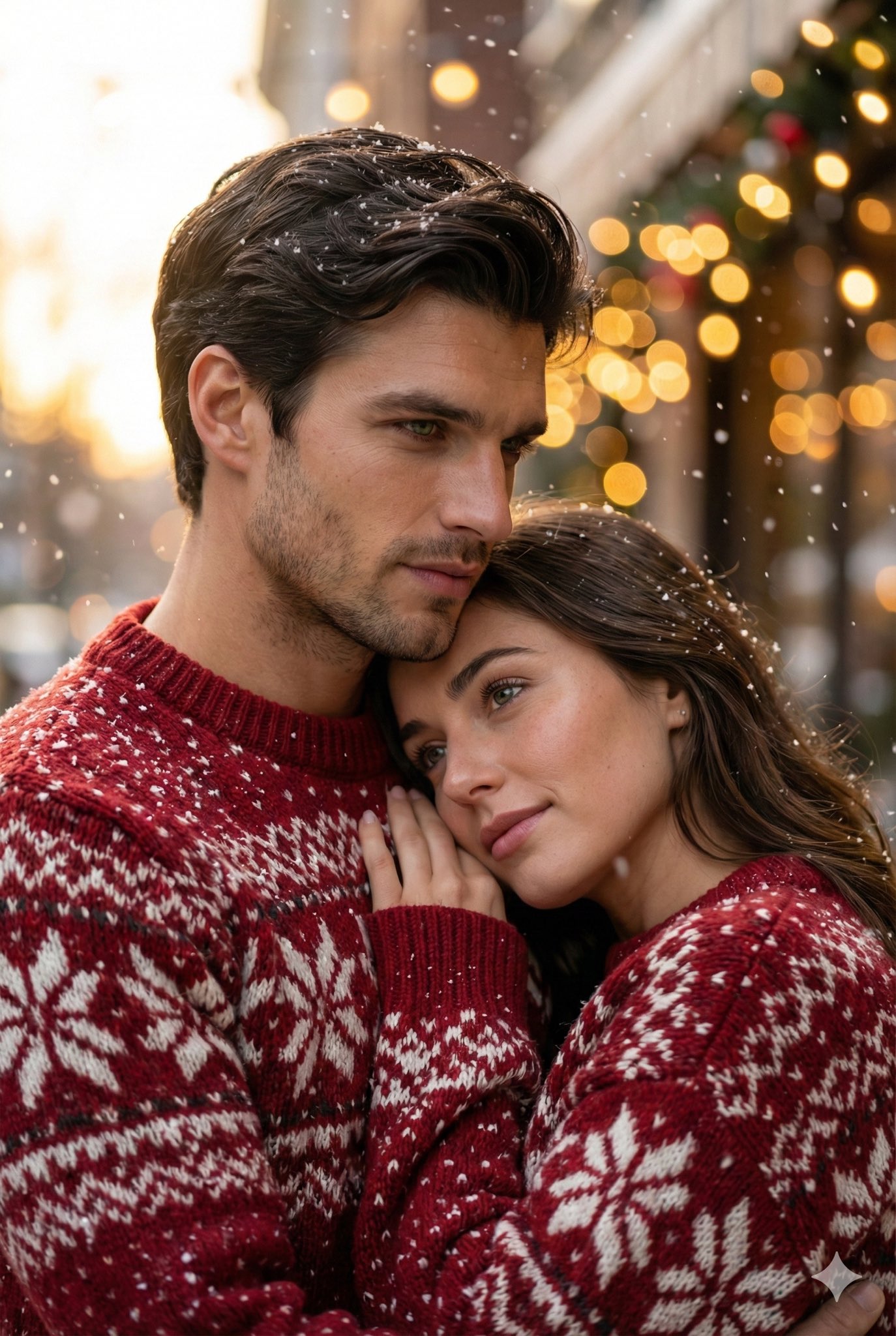
A Snowy Couple Portrait

Found Photograph: Us, 1970

80s Couple Studio Portrait

80s Bollywood Star

80s Golden Hour Cinema

Me in 1985

1985 Studio Portrait

Rooftop Fisheye — Cat-Ear Balaclava at Golden Hour
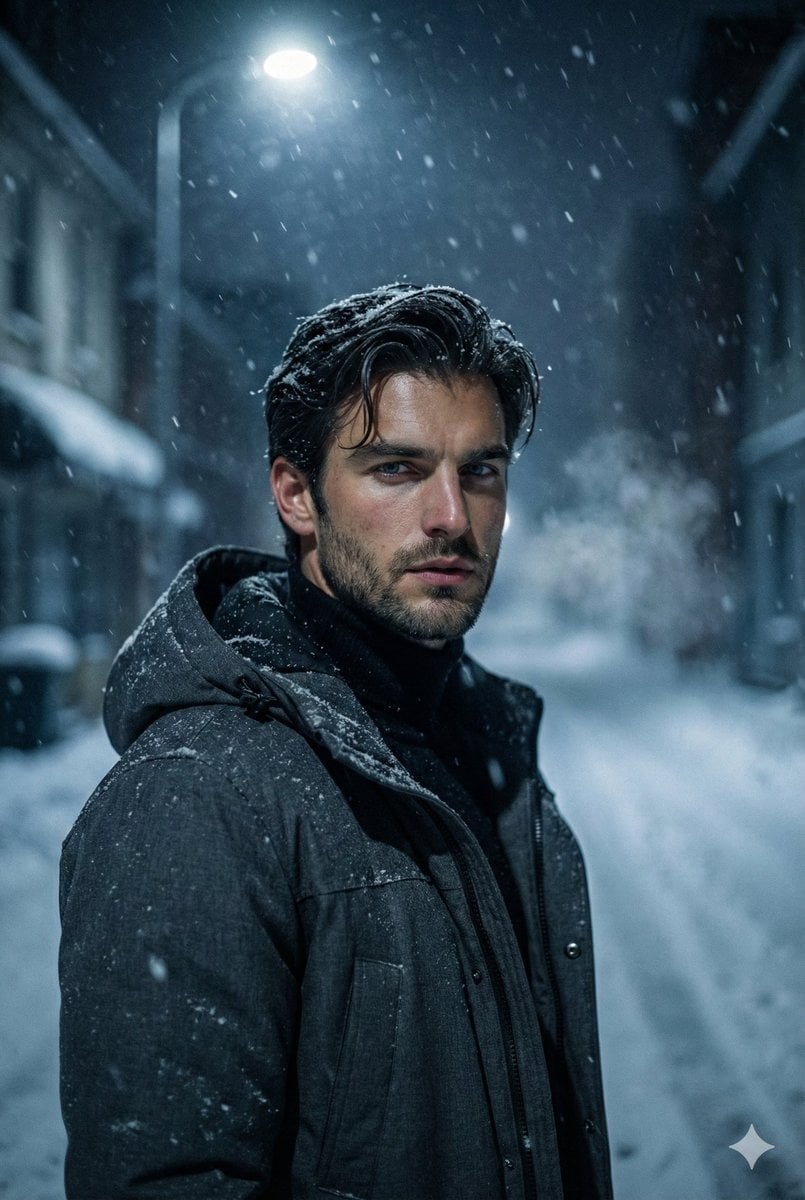
Winter Noir Cinematic Portrait of Man in Snowy Street

untitled

2025 Aesthetic Photography

Nano Banana Is So Addictive
Make it yours
Snowy Locations Views Winter Special works as-is. These are the safest ways to change it without losing the look.
Change one field
Copy a single group, rewrite it, and generate again so you can see what that field is doing.
Keep the frame, change the subject
Hold the composition and light of 108-snowy-locations-views-winter-special, then swap wardrobe, props or the person for a new take.
| If the result… | Why | Fix |
|---|---|---|
| The result drifts from the preview | Too many fields changed at once. | Reuse 108-snowy-locations-views-winter-special as-is first, then change one group — subject, light, or setting. |
| The model over-stylizes the scene | The prose prompt leaves finish and camera underspecified. | Add one camera or lighting sentence and stay on Nano Banana. |
More Nano Banana templates
Other prompts made for Nano Banana.

Color Grading Trick Using Nano Banana Pr

untitled

Pixel Art Games with Nano Banana Pro Are

untitled

Google Gemini Nano Banana Pro

Toddler Version of a Person in 3d Pixar

Ultra Detailed 3d Plush Cartoon Characte

Studio Quality Portrait Generation Using

Ultra Realistic Commercial Skincare Prod

Cute Ball Shaped Animal Characters
More image prompts
Fresh picks from across the catalog.
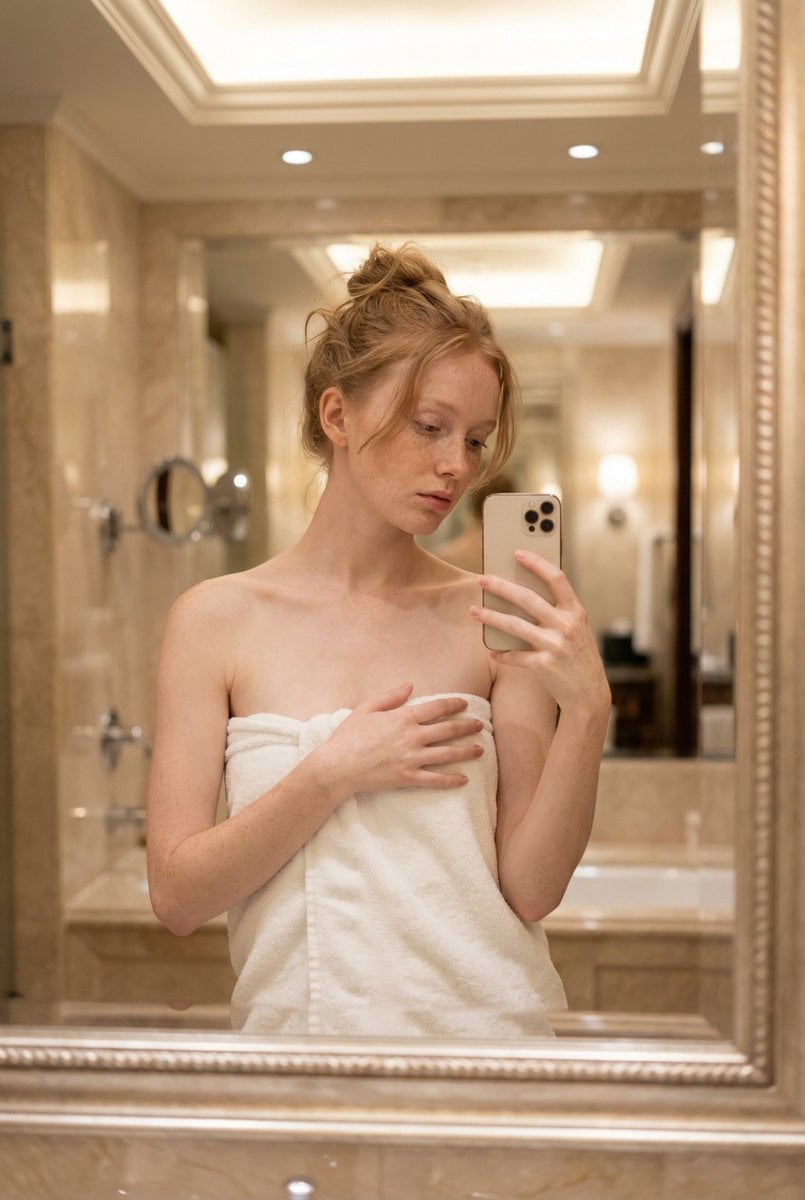
Intimate Mirror Selfie Portrait Prompt
Simple Dialogue with Emojis for Affectionate Exchange
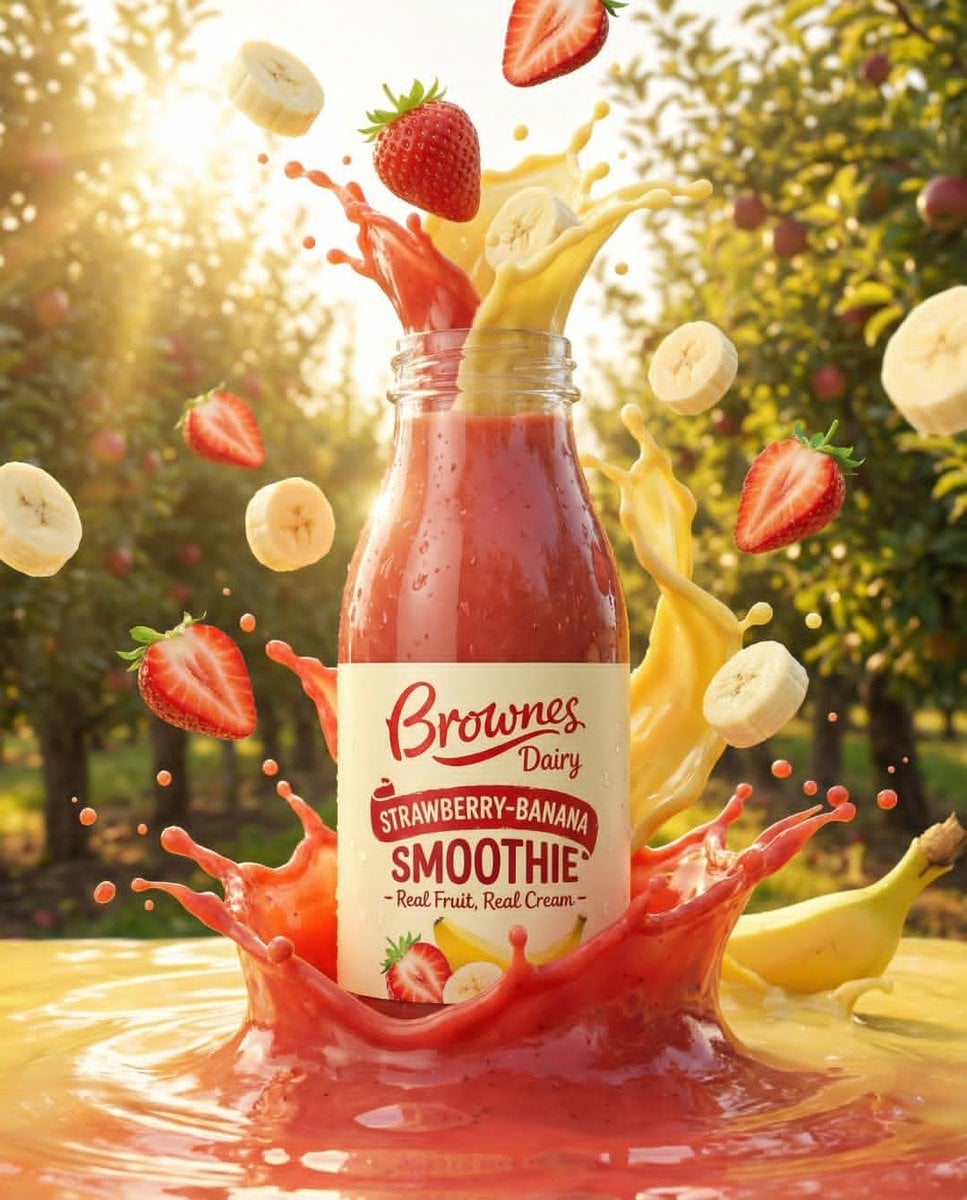
Dynamic Fruit Drink Product Ad
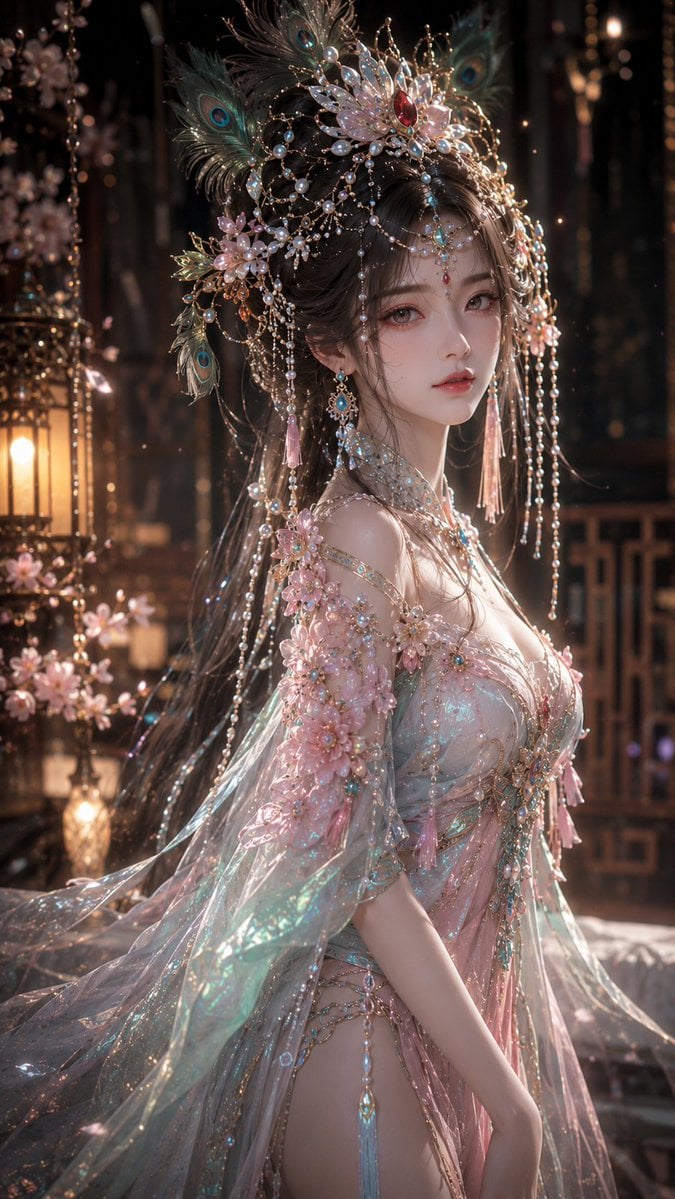
Fantasy Oriental 3D CG Portrait
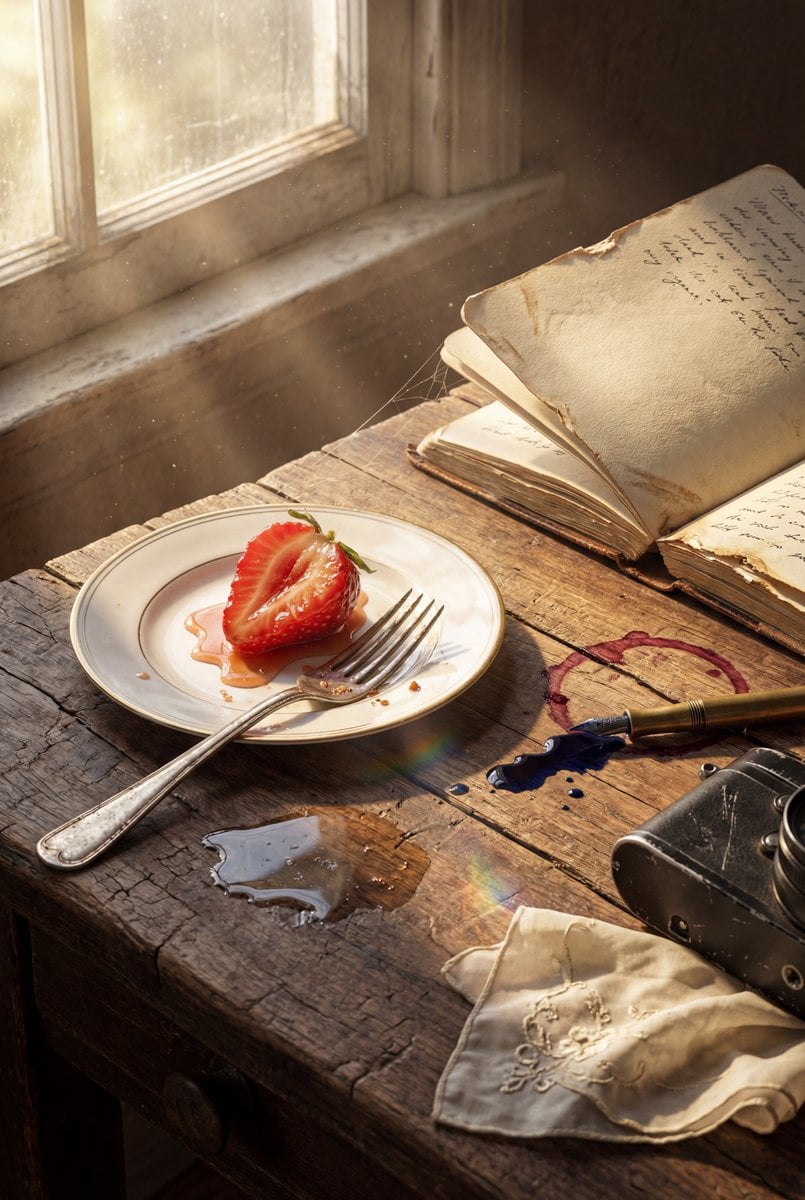
Highly detailed 8K morning still life desk scene prompt
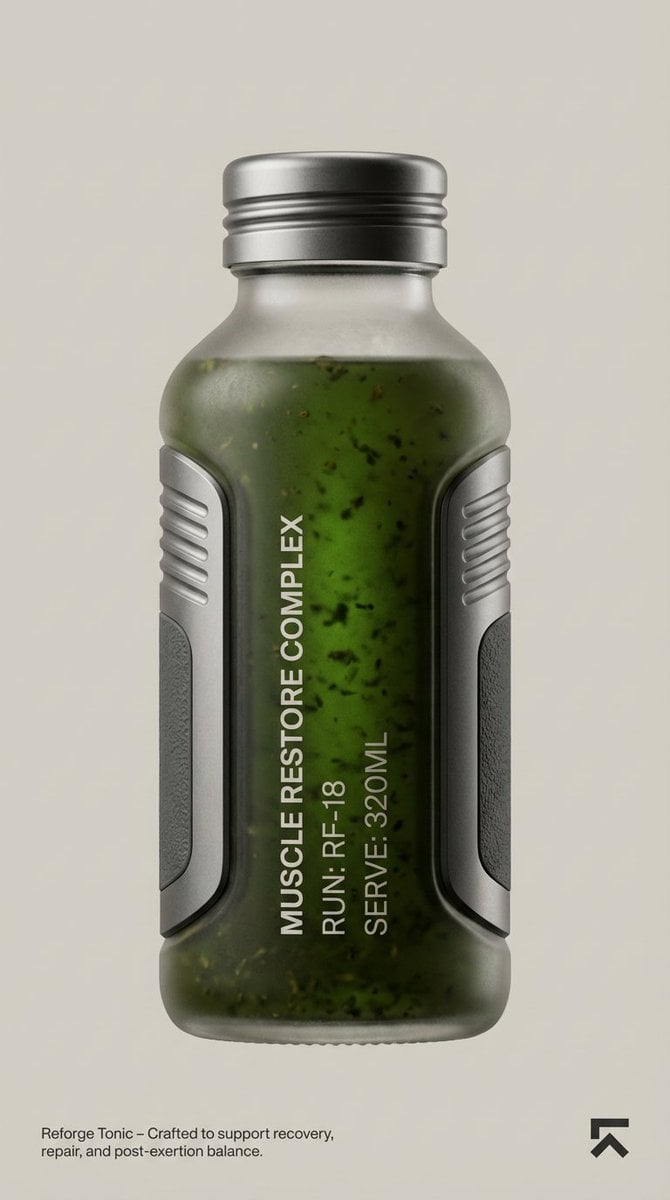
Cosmic Product Photography: Futuristic Energy Serum
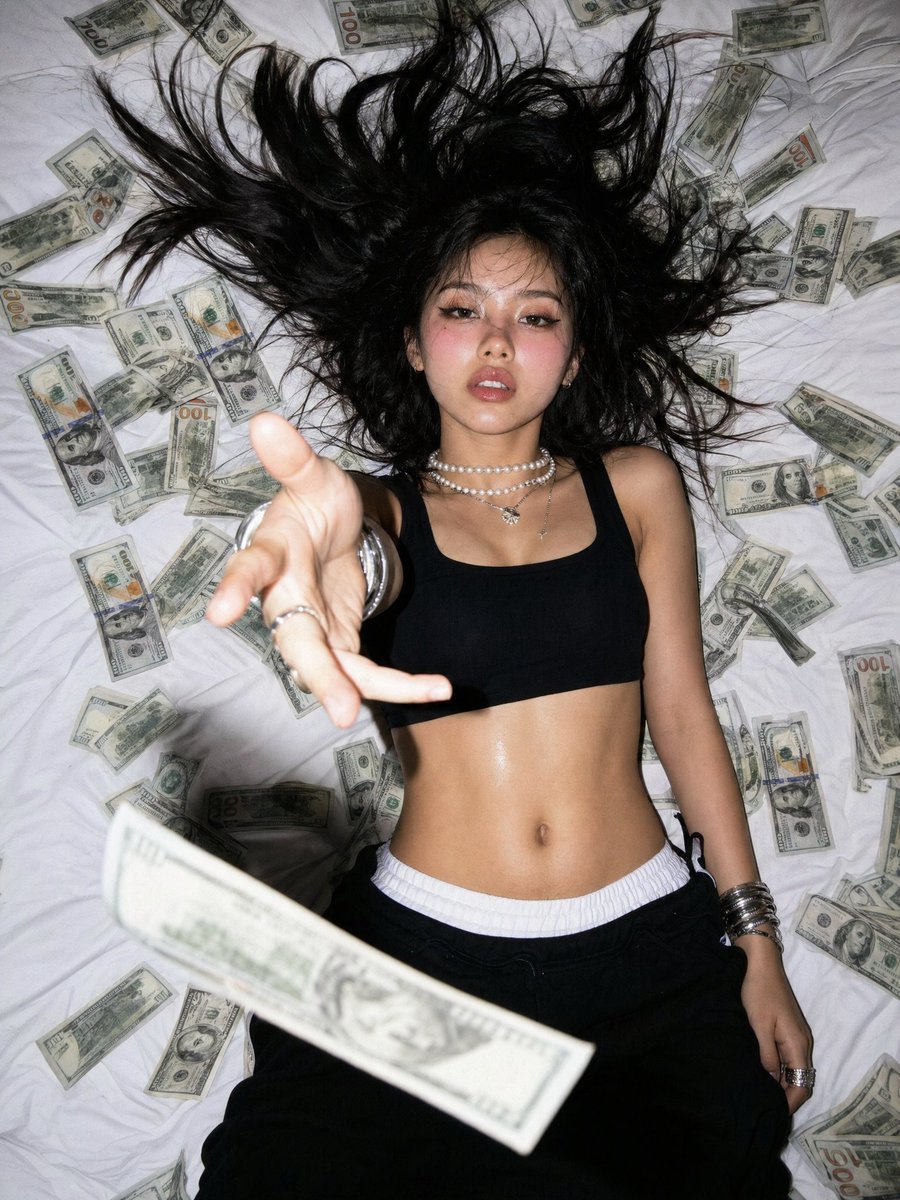
Overhead Flash Money Bed Editorial
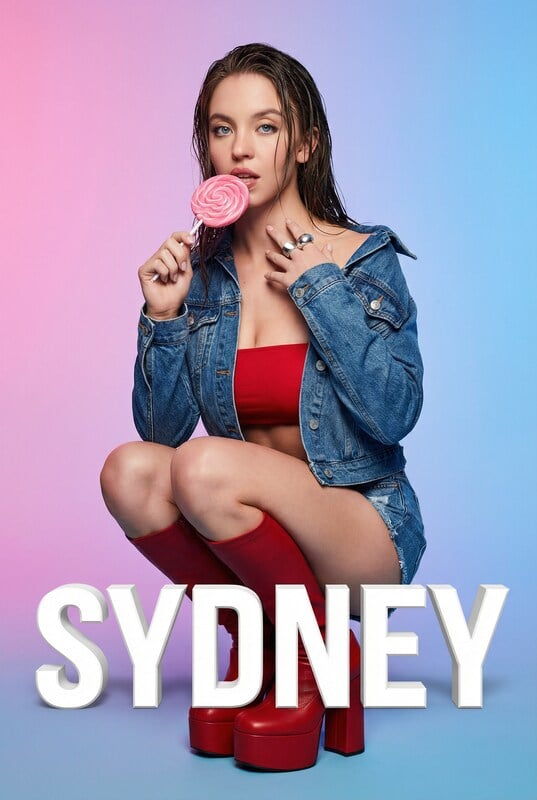
Playful Portrait with Foreground Text and Gradient Background
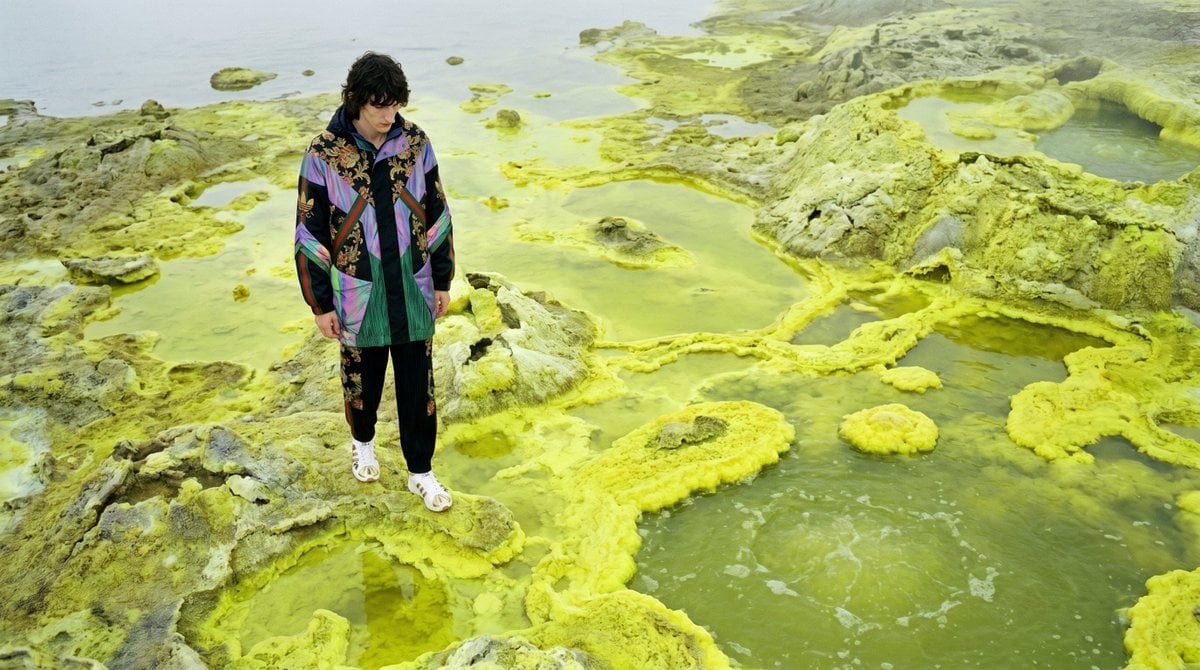
Surreal Sulfur Hot Spring Explorer
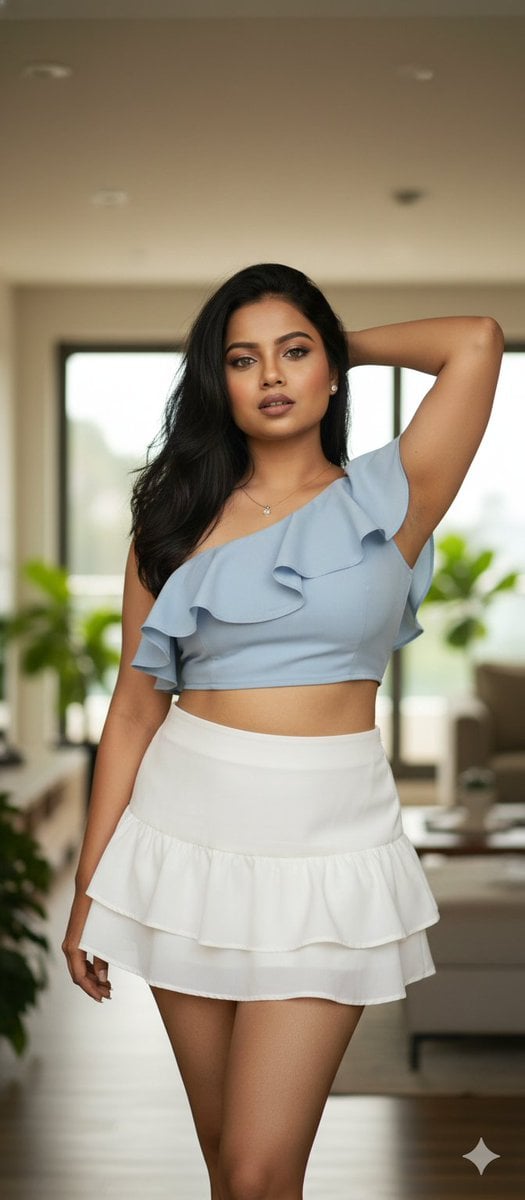
Glamour Photo Prompt for Gemini Nano Banana
Featured in prompt roundups
Hand-picked collections that include this template.
Browse template categories
Snowy Locations Views Winter Special questions
How do I use the 108-snowy-locations-views-winter-special template?
Add your photo if the template asks for one, edit the prompt if you like — the template's model and format are already selected — and press Generate. Your version opens in PicX Studio.
Can I customize the 108-snowy-locations-views-winter-special template?
Yes. You can change the subject, setting, lighting, mood, format, and available model controls before creating your image.
Is the 108-snowy-locations-views-winter-special template free?
Opening and editing this template is free. Generating uses credits, shown on the Generate button when you are signed in.
Which AI model should I use?
Start with Nano Banana, which is the model associated with this template. You can compare another compatible model for a different finish.
Looking for something else? Browse all templates.

Your photo, any look
Thousands of ready templates for every top image and video model, from one credit balance.