
Overhead Flash Money Bed Editorial
A realistic fashion editorial photo of a woman lying on a white bed with cash scattered around her, ideal for recreating a luxury streetwear or paparazzi-style social media image.
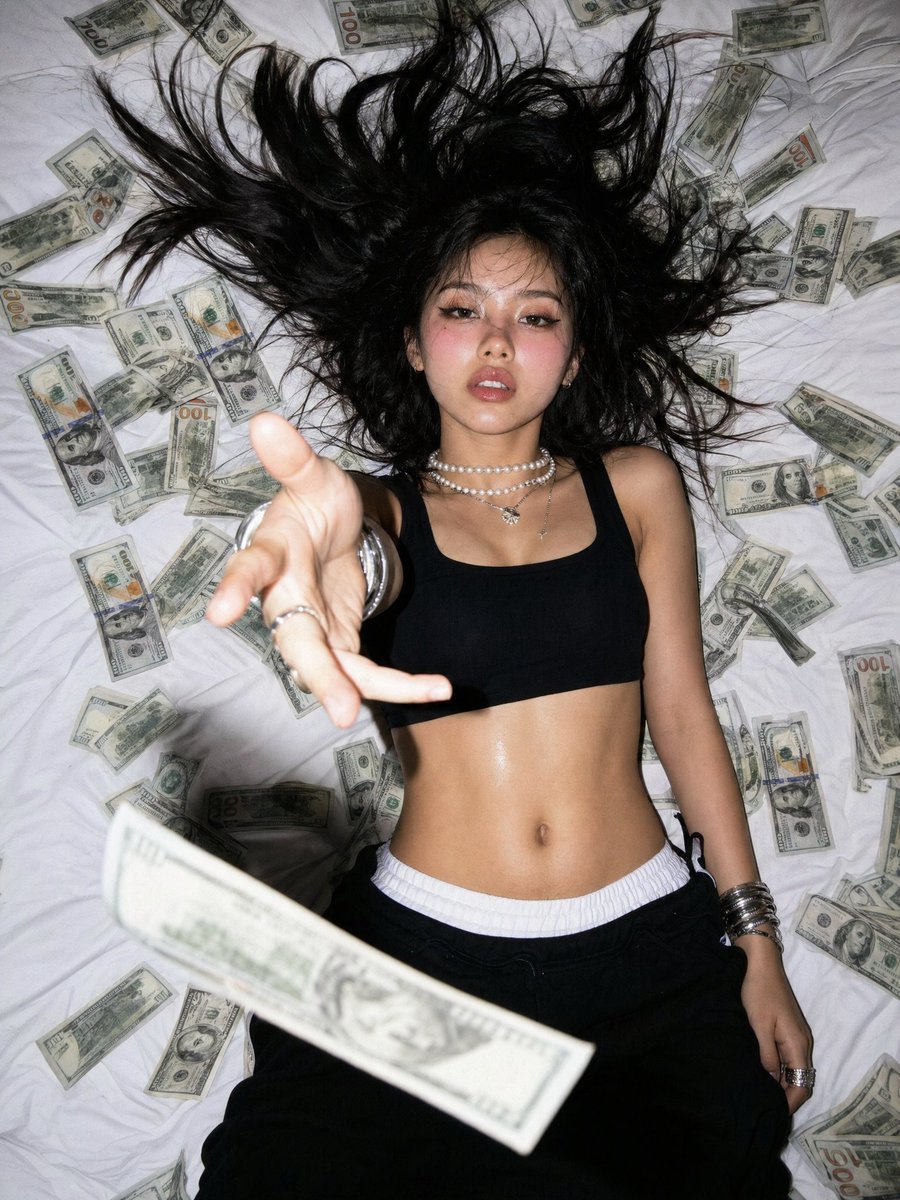
- Prompt included
- Model and format preset
- Free template
The prompt behind this image
Copy the exact prompt behind Overhead Flash Money Bed Editorial, or open it in the studio and make it yours.
A gritty flash photo shot from directly overhead of a young woman lying on a rumpled white bed, surrounded by scattered U.S. dollar bills. Her long dark black hair is spread out dramatically in all directions like a halo across the sheets. She wears a black cropped tank top or sports bra and low-rise black pants with a visible white waistband, exposing her toned midriff. Her left arm reaches straight up toward the camera with an open hand in strong foreshortened perspective, creating a dynamic in-your-face fashion editorial look. A single blurred banknote flies across the lower foreground near the lens, adding motion and depth. She wears layered silver jewelry: 2 pearl-and-silver necklaces, multiple chunky silver bangles on one wrist, and rings on her fingers. The scene includes approximately 40 scattered U.S. bills, mostly $100 notes with a few lower denominations mixed in. Use harsh direct on-camera flash, high contrast, slight wide-angle distortion, candid luxury streetwear energy, early-2000s paparazzi aesthetic, centered composition, full body cropped from mid-thigh upward, white bedding filling the background, realistic photography.
How to use Overhead Flash Money Bed Editorial in 3 steps
- 1Upload ImagePNG, JPG or paste
Add your photo
Upload the photo the template builds on. The prompt, model and format are already set.
- 2…a portrait of your subject in softgolden-hour light, 85mm…
Personalize
Edit the subject and creative details for your destination.
- 3Generate
Generate
Press Generate — your image is created in PicX Studio, so you can compare it with the original and refine one variable at a time.
More like this
Templates with the same subject, style or setup. Open one to see its prompt.
Bowling Shirt Portrait Flash
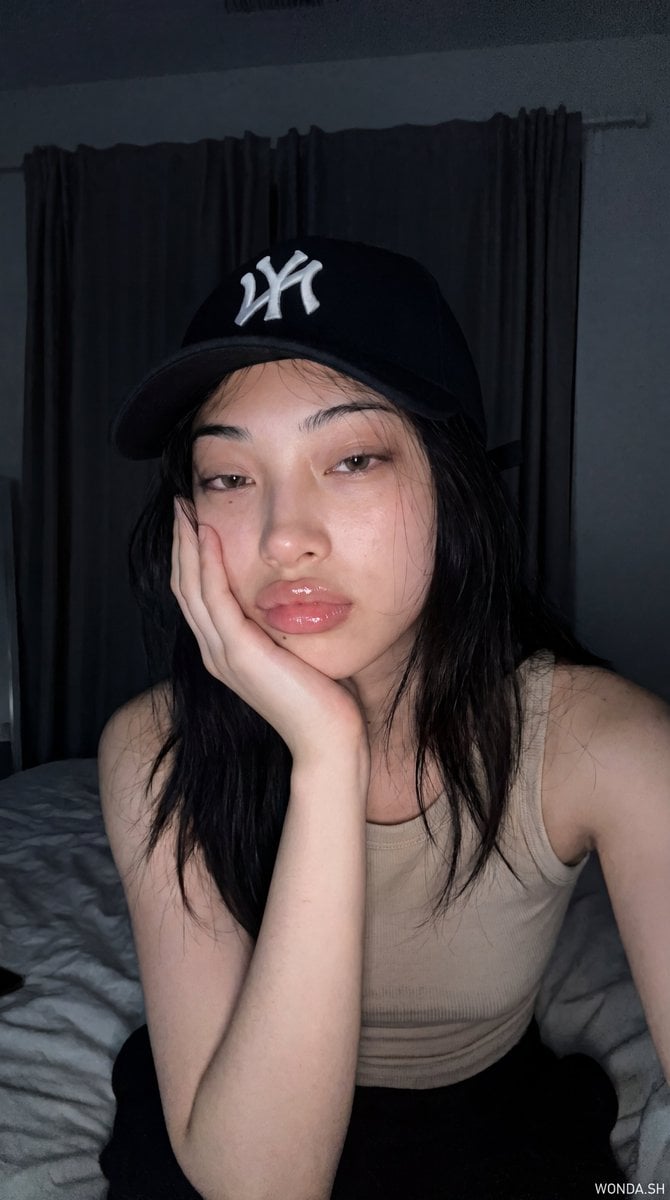
Hyper-Photorealistic Bedroom Flash Selfie
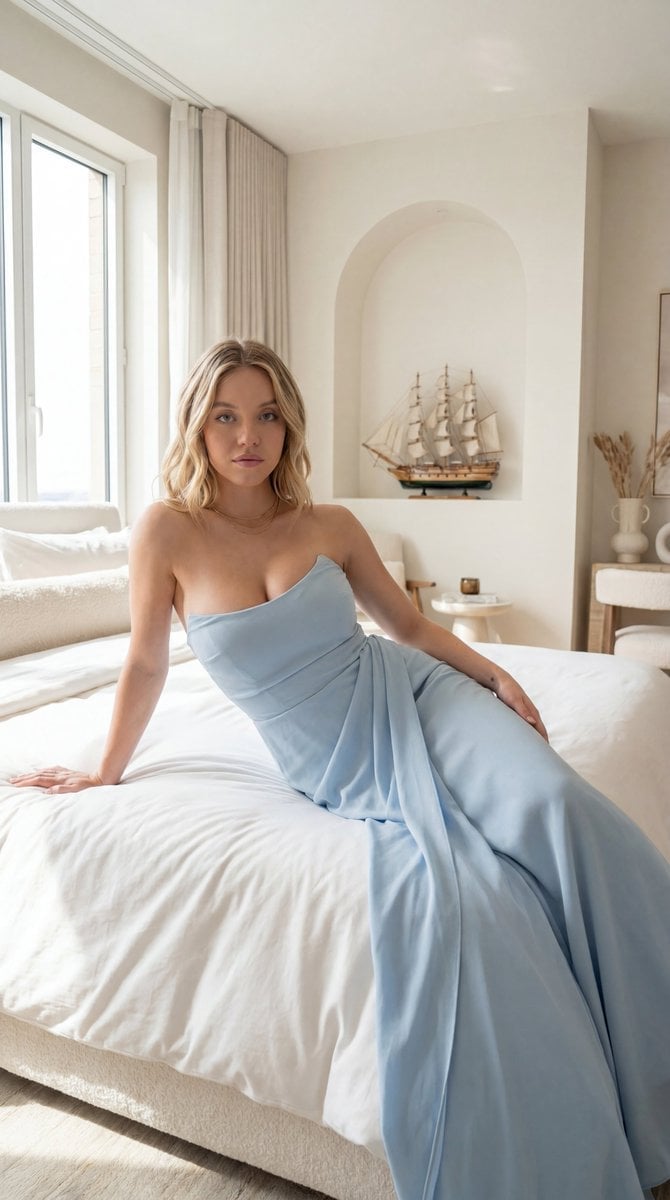
Editorial Portrait in Minimalist Bedroom
Old Money Editorial Fashion Portrait

Tuxedo Cuff Adjust
Bronze Door Knocker Lion
Calligraphy Practice Sheets
Polo Match Golden Field
Symphony Orchestra Wide

Stone Bridge Ivy River

Library Globe Brass Meridian

Fountain Pen Desk Set
Make it yours
Overhead Flash Money Bed Editorial works as-is. These are the safest ways to change it without losing the look.
Change one field
Copy a single group, rewrite it, and generate again so you can see what that field is doing.
Keep the frame, change the subject
Hold the composition and light of Overhead Flash Money Bed Editorial, then swap wardrobe, props or the person for a new take.
| If the result… | Why | Fix |
|---|---|---|
| The result drifts from the preview | Too many fields changed at once. | Reuse Overhead Flash Money Bed Editorial as-is first, then change one group — subject, light, or setting. |
| The model over-stylizes the scene | The prose prompt leaves finish and camera underspecified. | Add one camera or lighting sentence and stay on GPT Image 2. |
More GPT Image 2 templates
Other prompts made for GPT Image 2.

Six VTuber Japanese Logo Sheet

Realistic Portrait of Woman and Deer

The Vista Modular Condo Poster

AI Model Routing Comparison Infographic

2.5D Anime Art Board

Isometric Productivity Desk Scene

New York Double Exposure Poster

Four-Panel AI Landscape Comparison

Japanese Tatami Lifestyle Magazine Cover

NESCAFÉ Coffee Map Poster
More image prompts
Fresh picks from across the catalog.
Bauhaus Artistic Fashion Portrait
Futuristic Branded Drone Product Poster

Cinematic Portrait of Indian Astronaut in ISRO Spacesuit
Ultra-Wide Candid Mirror Capture with Bio-Fidelity
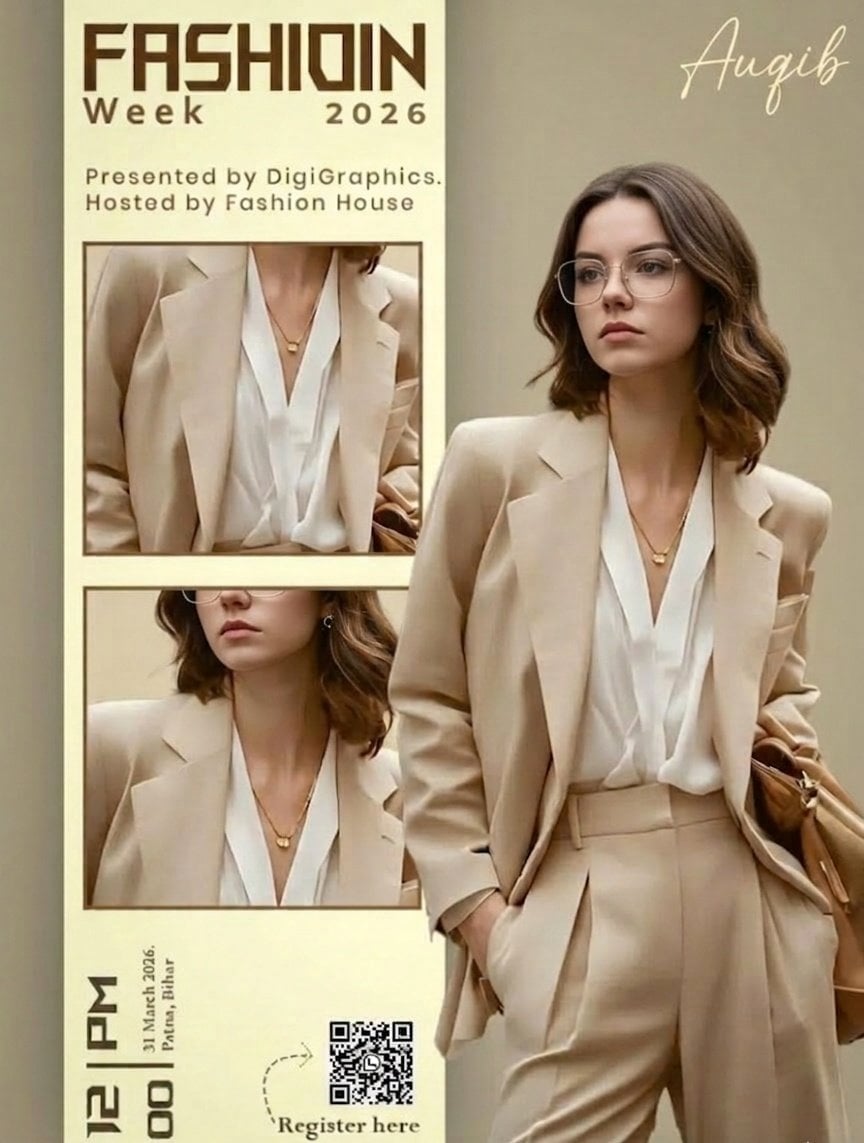
Editorial Fashion Ad Poster Prompt with Face Replacement
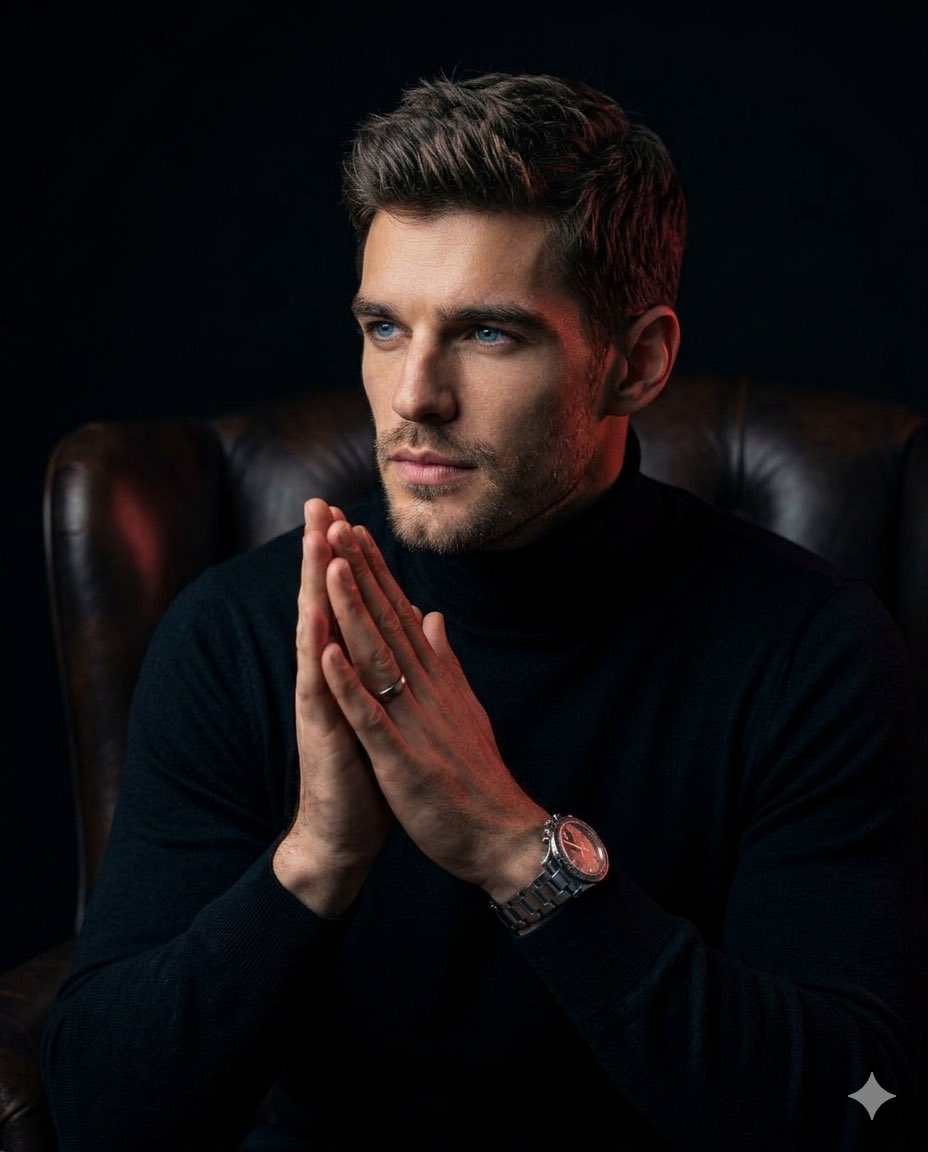
Moody Cinematic Portrait
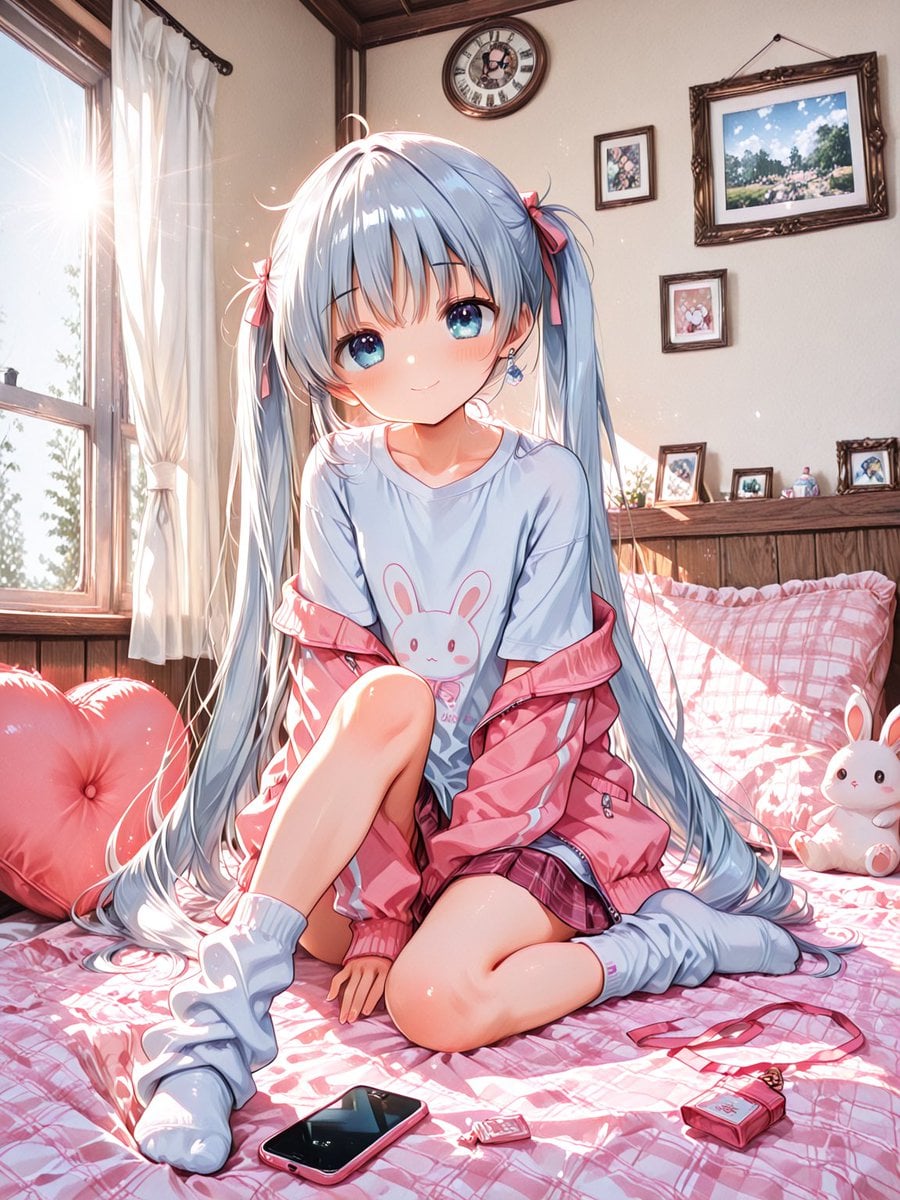
Sunlit Anime Bedroom Portrait
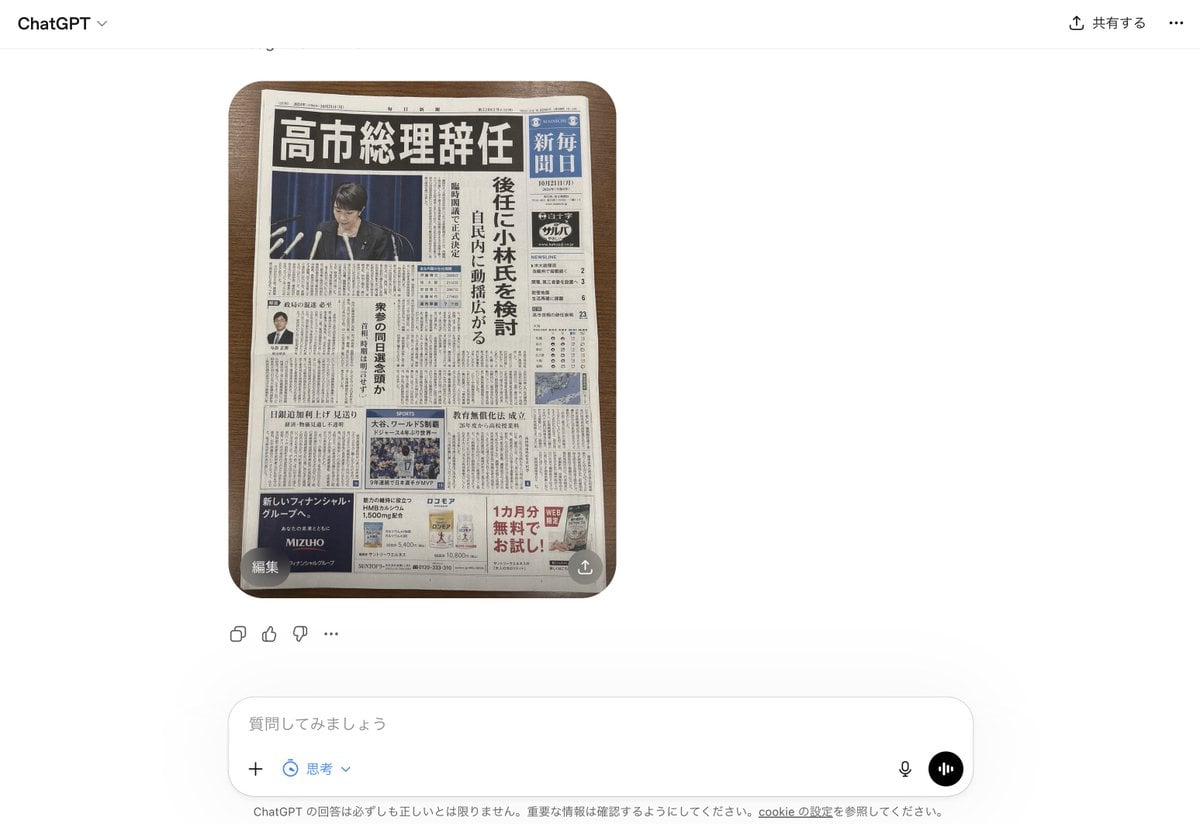
Fake Japanese Newspaper in ChatGPT UI

Food Analysis Periodic Table Display Board
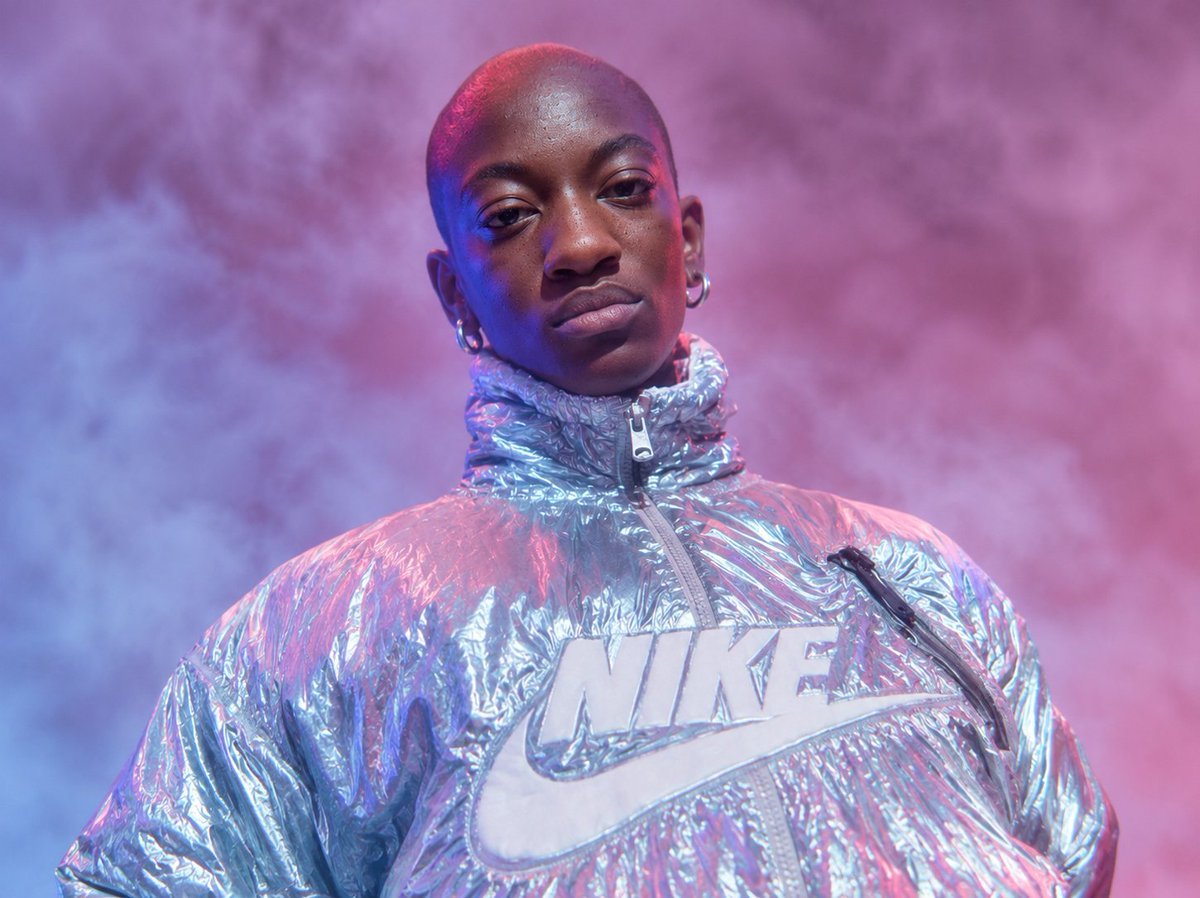
Neon Holographic Streetwear Portrait
Browse template categories
Overhead Flash Money Bed Editorial questions
How do I use the Overhead Flash Money Bed Editorial template?
Add your photo if the template asks for one, edit the prompt if you like — the template's model and format are already selected — and press Generate. Your version opens in PicX Studio.
Can I customize the Overhead Flash Money Bed Editorial template?
Yes. You can change the subject, setting, lighting, mood, format, and available model controls before creating your image.
Is the Overhead Flash Money Bed Editorial template free?
Opening and editing this template is free. Generating uses credits, shown on the Generate button when you are signed in.
Which AI model should I use?
Start with GPT Image 2, which is the model associated with this template. You can compare another compatible model for a different finish.
Looking for something else? Browse all templates.

Your photo, any look
Thousands of ready templates for every top image and video model, from one credit balance.