
Hyper-Photorealistic Bedroom Flash Selfie
A detailed prompt for creating a realistic late-night selfie with smartphone camera artifacts and harsh direct flash lighting, maintaining subject identity from a reference image.
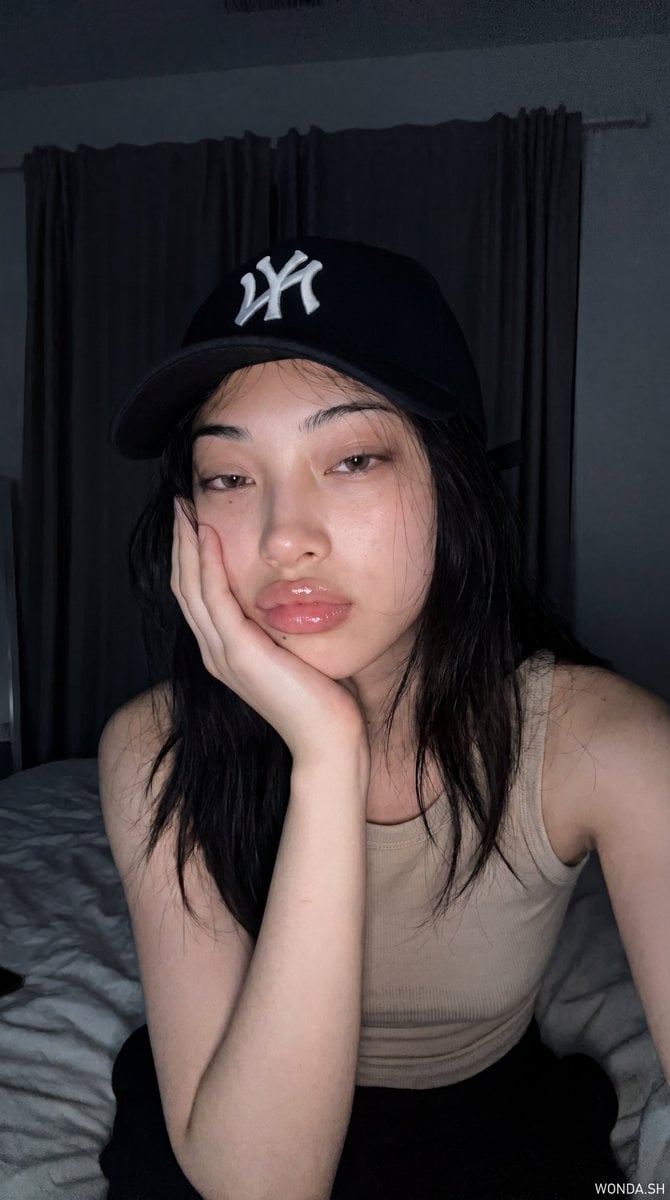
- Prompt included
- Model and format preset
- Free template
The prompt behind this image
Copy the exact prompt behind Hyper-Photorealistic Bedroom Flash Selfie, or open it in the studio and make it yours.
A hyper-photorealistic late-night bedroom flash selfie of the {argument name="subject" default="same subject in the attached reference image"}, preserving exact facial features, natural asymmetry, authentic proportions, and original facial identity without beautification or facial reinterpretation. SCENE: Subject sitting close to the phone camera in a {argument name="environment" default="dim bedroom at night"}, resting one cheek into her hand while looking directly into the lens with a relaxed soft gaze and naturally parted glossy lips. The moment should feel quiet, tired, and casually self-captured, like she paused while scrolling before sleep rather than posing for a beauty shot. CAMERA / SMARTPHONE LOGIC: Shot on an iPhone 15 Pro front camera using direct flash. Ultra-sharp smartphone rendering with subtle computational artifacts. No DSLR blur. No cinematic grading. Visible smartphone characteristics: direct flash flattening facial shadows and brightening nearby skin, minor edge sharpening around cap embroidery, lashes, hair strands, lips, and fingers, slight front-camera facial widening from close distance, tiny JPEG softness in dark curtain folds, slight highlight clipping on nose bridge, cheek, lips, and fingertips, noise reduction smoothing in shadow-heavy background areas, natural handheld framing with imperfect close crop. CANDID MOVEMENT: Subject should feel naturally paused mid-rest: cheek softly place at the palm, fingers slightly uneven against the face, lips naturally parted, cap sitting low and imperfect, hair strands falling randomly across cheeks and shoulders. Keep face sharp while allowing subtle softness on loose hair tips and curtain background. LIGHTING: Harsh compact phone flash mixed with dim bedroom ambient light. Foreground face and hand appear bright while curtains and bedding fall into dark muted shadows. SKIN / TEXTURE: Natural pale skin with visible pores, soft cheek warmth, realistic under-eye depth, glossy lip texture, and mild flash-induced smoothing on brightest areas. Preserve tactile realism instead of porcelain AI skin. HAIR / MAKEUP: Long dark slightly messy hair with wispy bangs and flyaways. Soft Korean-inspired makeup with glossy pink lips, subtle blush, thin eyeliner, defined lashes, natural brows, and faint aegyo-sal catching flash. OUTFIT / STYLING: {argument name="clothing" default="Black baseball cap with white embroidered logo, simple beige tank top straps"}, minimal jewelry. Styling should feel casual, private, and late-night rather than fashion-editorial. ENVIRONMENT: Dim bedroom with dark curtains, soft bedding, and shadow-heavy background. Space should feel quiet, personal, and lived-in without luxury studio polish. COMPOSITION: Close-up selfie framing with subject centered slightly low. Cap brim creates curved shadow geometry over forehead. Hand and forearm dominate lower center from close camera distance. Hair frames both sides of the face. Slightly imperfect spontaneous crop typical of private nighttime phone selfies.
How to use Hyper-Photorealistic Bedroom Flash Selfie in 3 steps
- 1Upload ImagePNG, JPG or paste
Add your photo
Upload the photo the template builds on. The prompt, model and format are already set.
- 2…a portrait of your subject in softgolden-hour light, 85mm…
Personalize
Edit the subject and creative details for your destination.
- 3Generate
Generate
Press Generate — your image is created in PicX Studio, so you can compare it with the original and refine one variable at a time.
More like this
Templates with the same subject, style or setup. Open one to see its prompt.
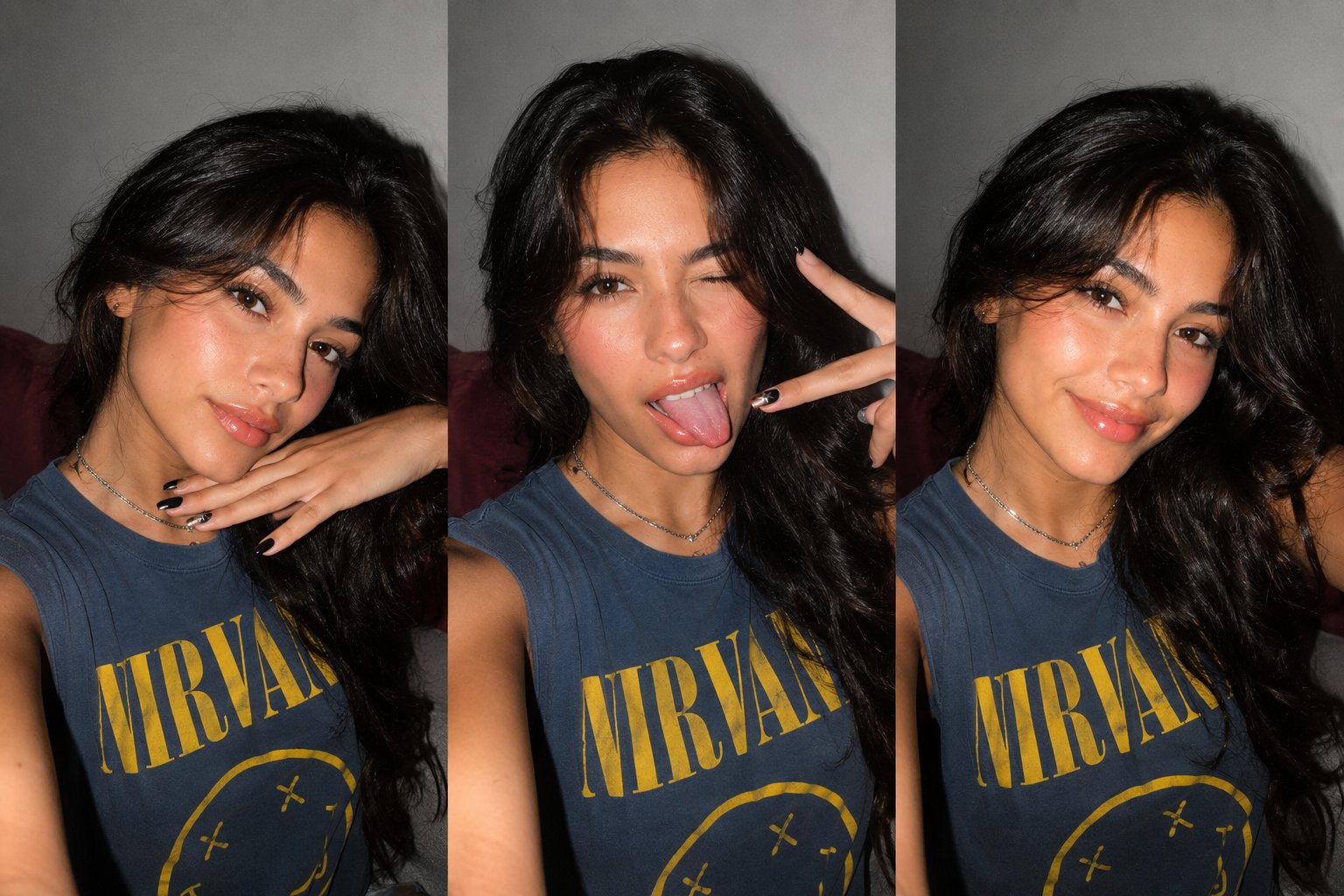
Gen Z Triple Selfie Collage — Y2K Flash Photography
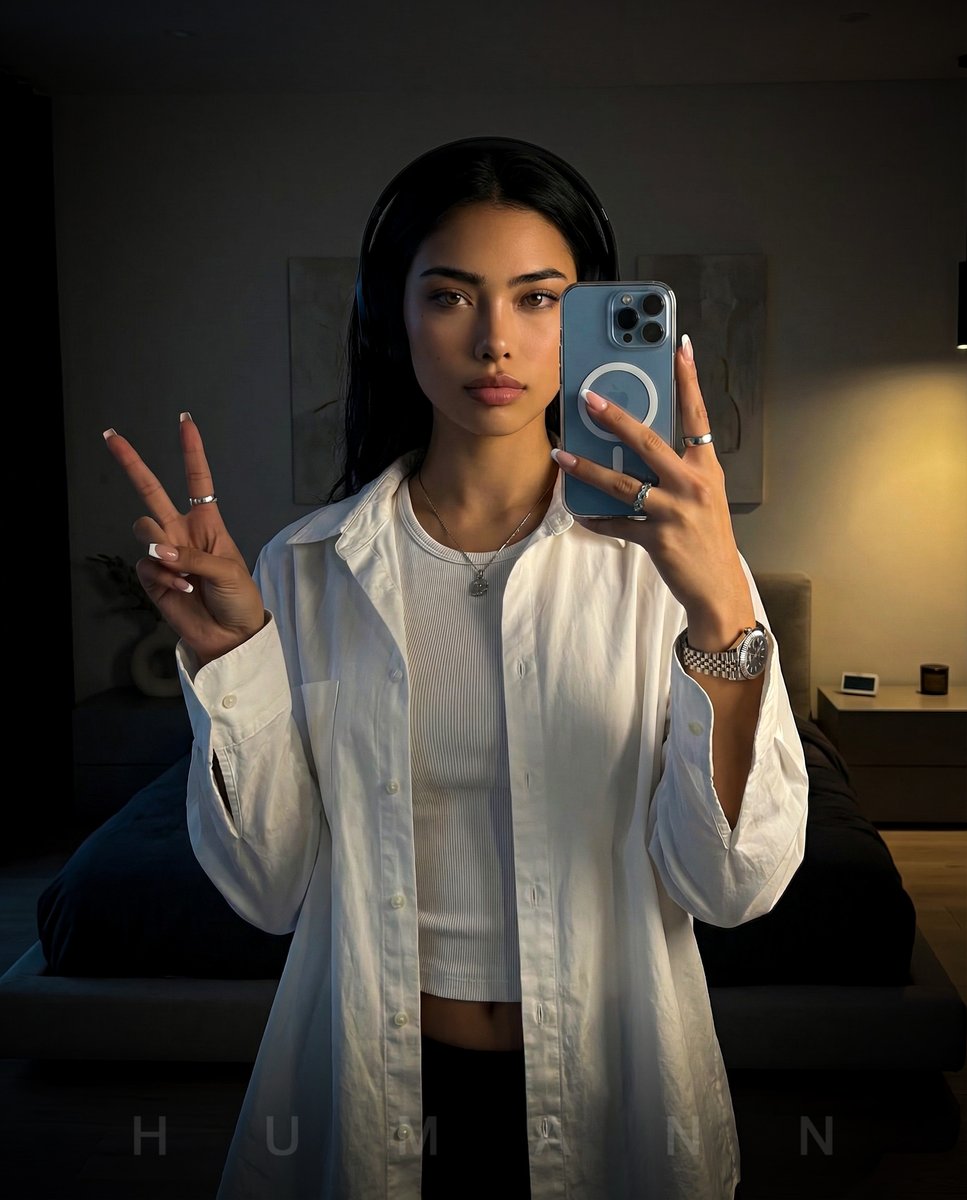
Nano Banana - Peace Sign Bedroom Selfie
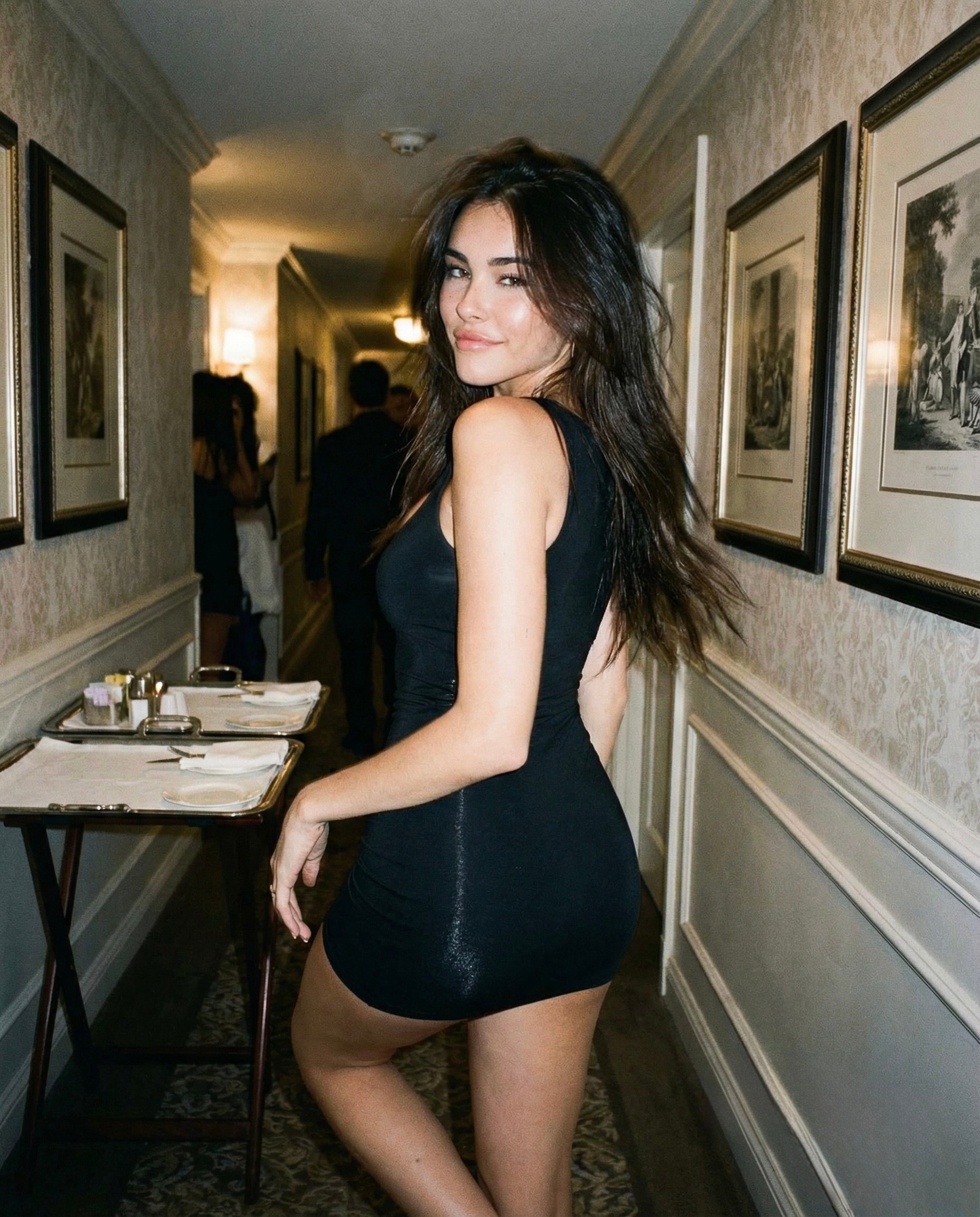
Madison Beer Hotel Iphone Flash
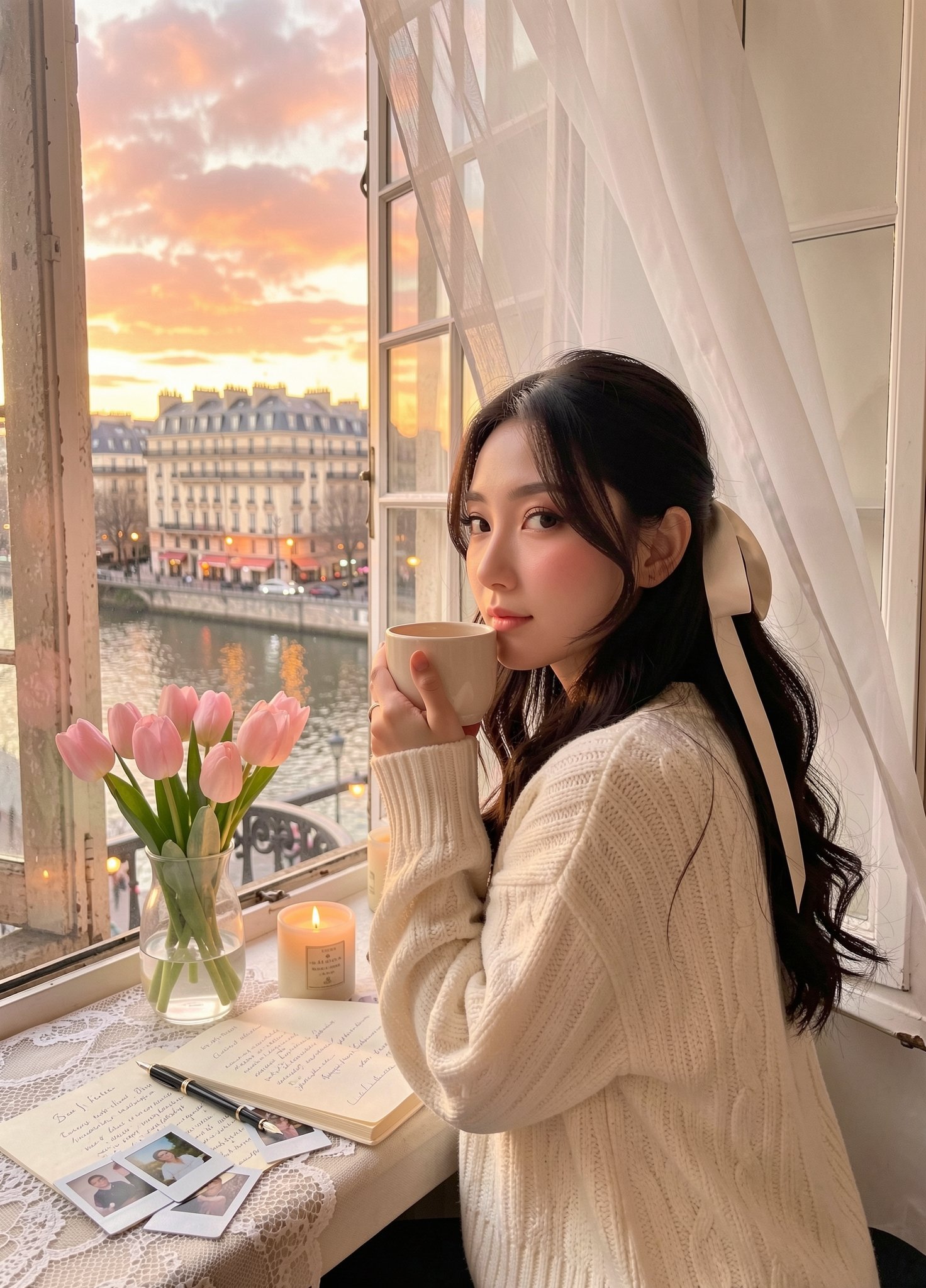
Cozy Knit Sweater Window Portrait
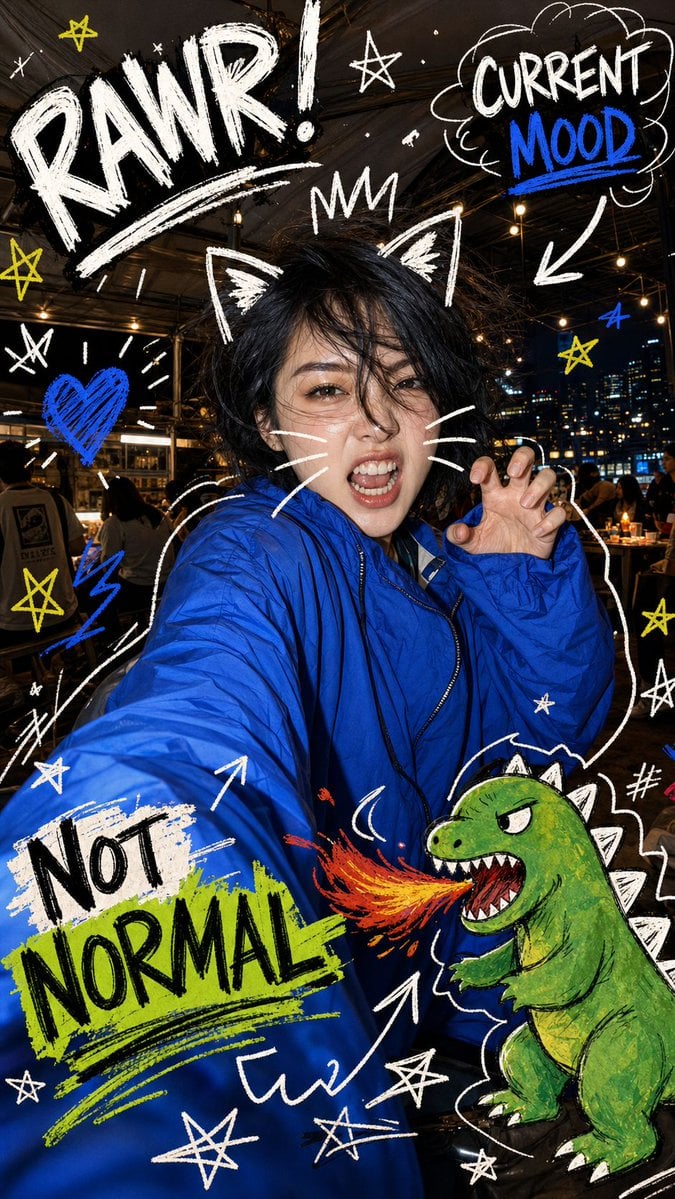
Nighttime Doodle Flash Selfie
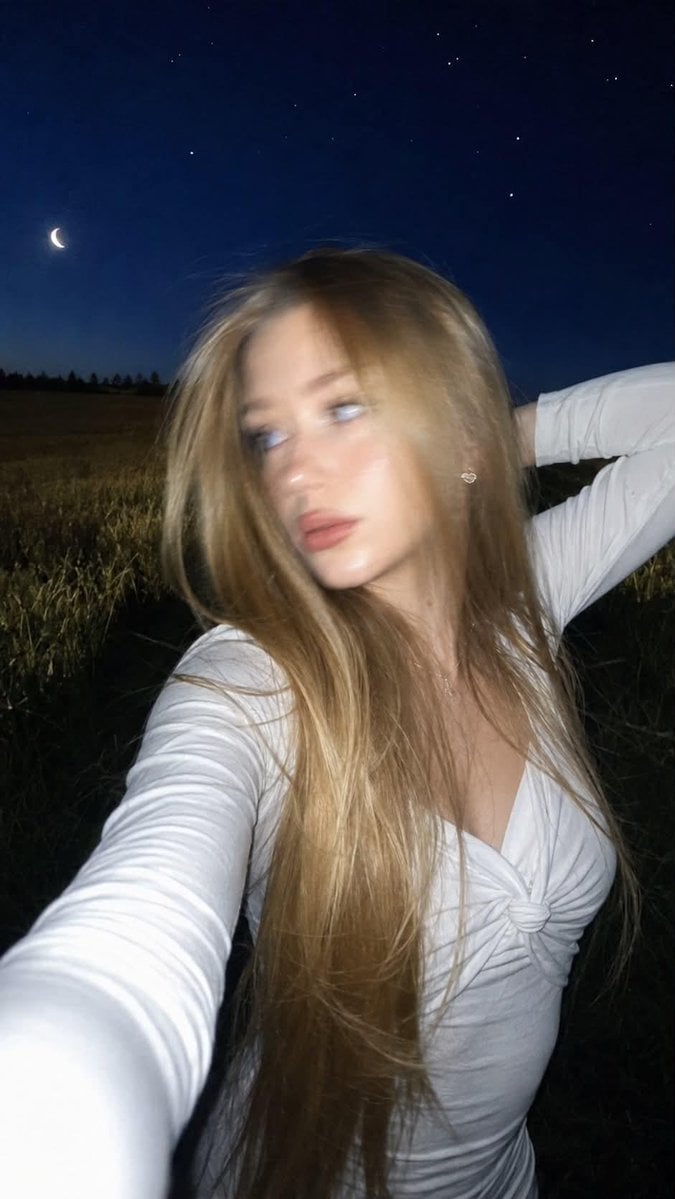
Night Flash iPhone Selfie with Motion Blur
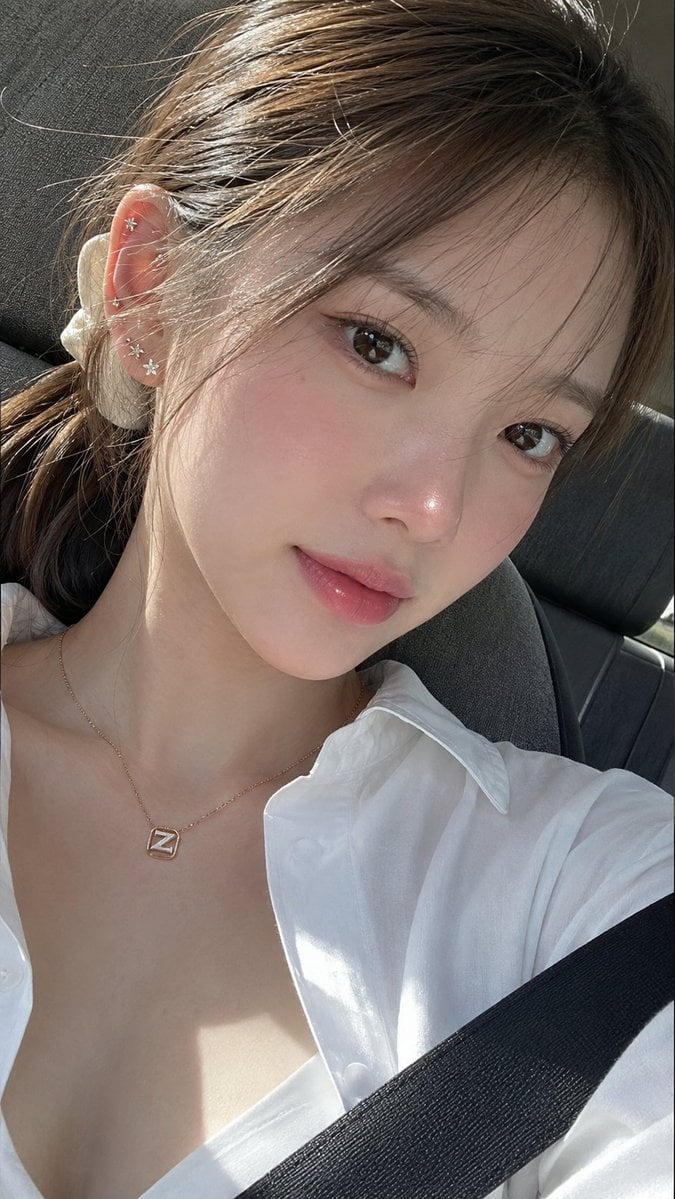
Ultra-Photorealistic Car Selfie

Rooftop Fisheye — Cat-Ear Balaclava at Golden Hour

Felt & Knit 3D Character — Photo-Exact Face, Pixar-Quality Plush Figurine
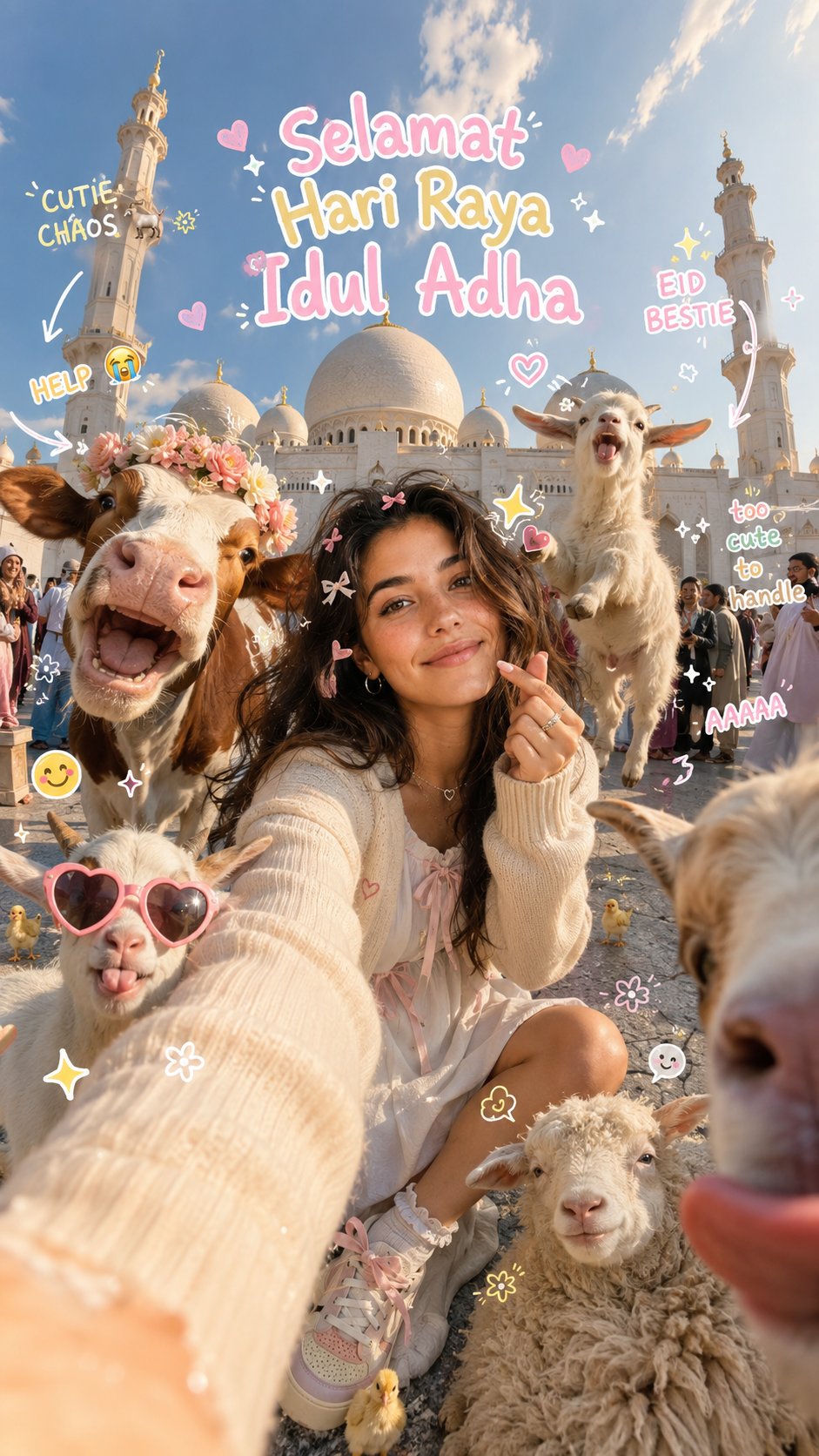
Eid al-Adha Cute Chaos — Fisheye Selfie with Farm Selfie, Mosque & Animals
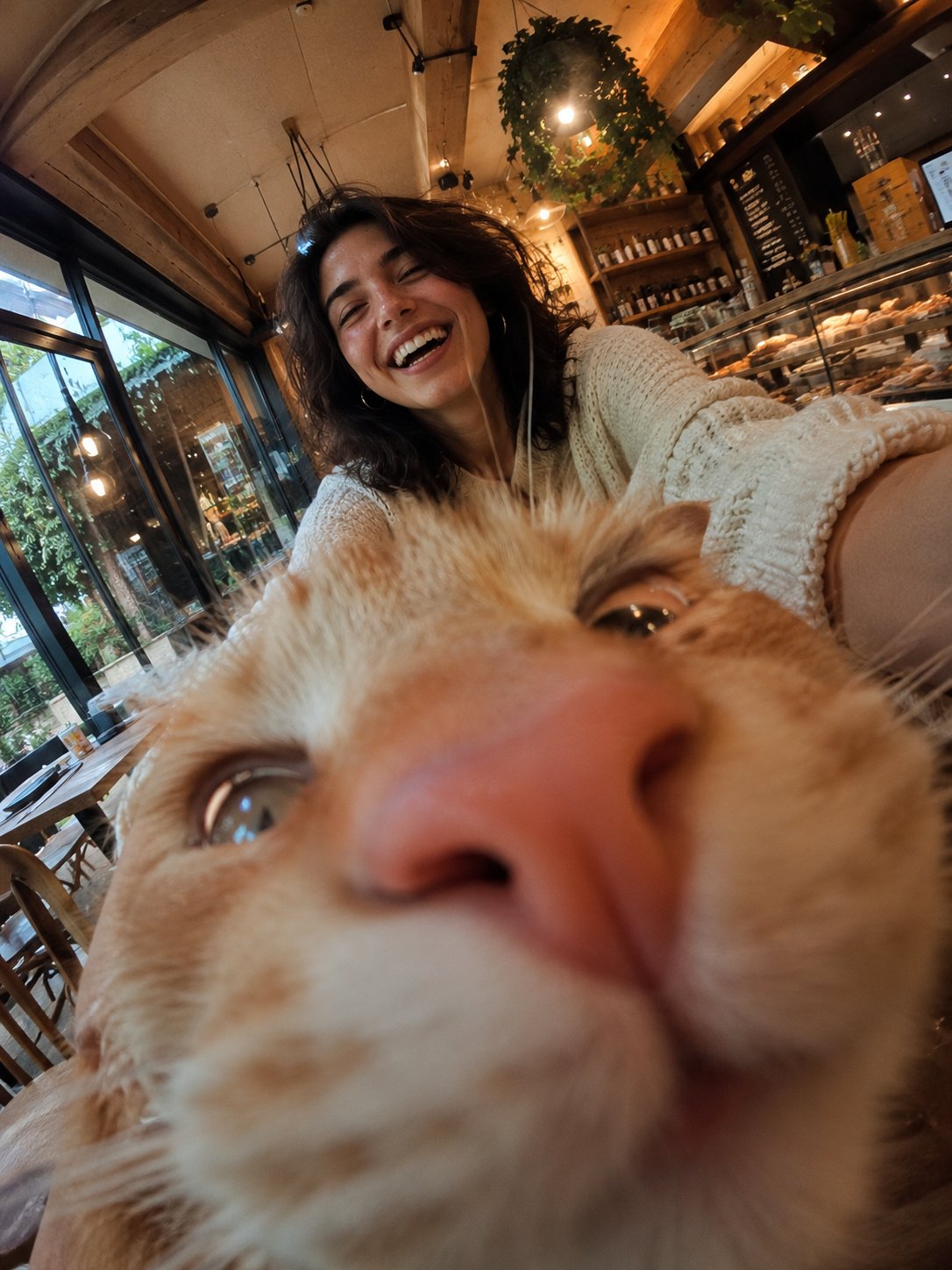
Cat Photobomb Selfie — 0.5x Wide Angle Café Chaos

Surreal Cat Astronaut — Humanoid Face Freefall
Make it yours
Hyper-Photorealistic Bedroom Flash Selfie works as-is. These are the safest ways to change it without losing the look.
Change one field
Copy a single group, rewrite it, and generate again so you can see what that field is doing.
Keep the frame, change the subject
Hold the composition and light of Hyper-Photorealistic Bedroom Flash Selfie, then swap wardrobe, props or the person for a new take.
| If the result… | Why | Fix |
|---|---|---|
| The result drifts from the preview | Too many fields changed at once. | Reuse Hyper-Photorealistic Bedroom Flash Selfie as-is first, then change one group — subject, light, or setting. |
| The model over-stylizes the scene | The prose prompt leaves finish and camera underspecified. | Add one camera or lighting sentence and stay on Nano Banana 2. |
More Nano Banana 2 templates
Other prompts made for Nano Banana 2.

Photorealistic Leaf Shaped Like a Dragon

K-Pop Idol Portrait Grid for Rapid Selection

Poetic Rain Forest Portrait During Golden Hour

Urban Street Portrait with Cartoon Inner Self Duo

Candid Nighttime Photo with Cat Prompt

High-Concept 3D Diorama Generation Prompt

Cinematic Futuristic Studio Portrait Template

Skincare Editorial Photography Collage Prompt

Hyper-Realistic Commercial Product Photography (Splash Effect)

Hyper-Realistic Nightclub Portrait Prompt
More image prompts
Fresh picks from across the catalog.
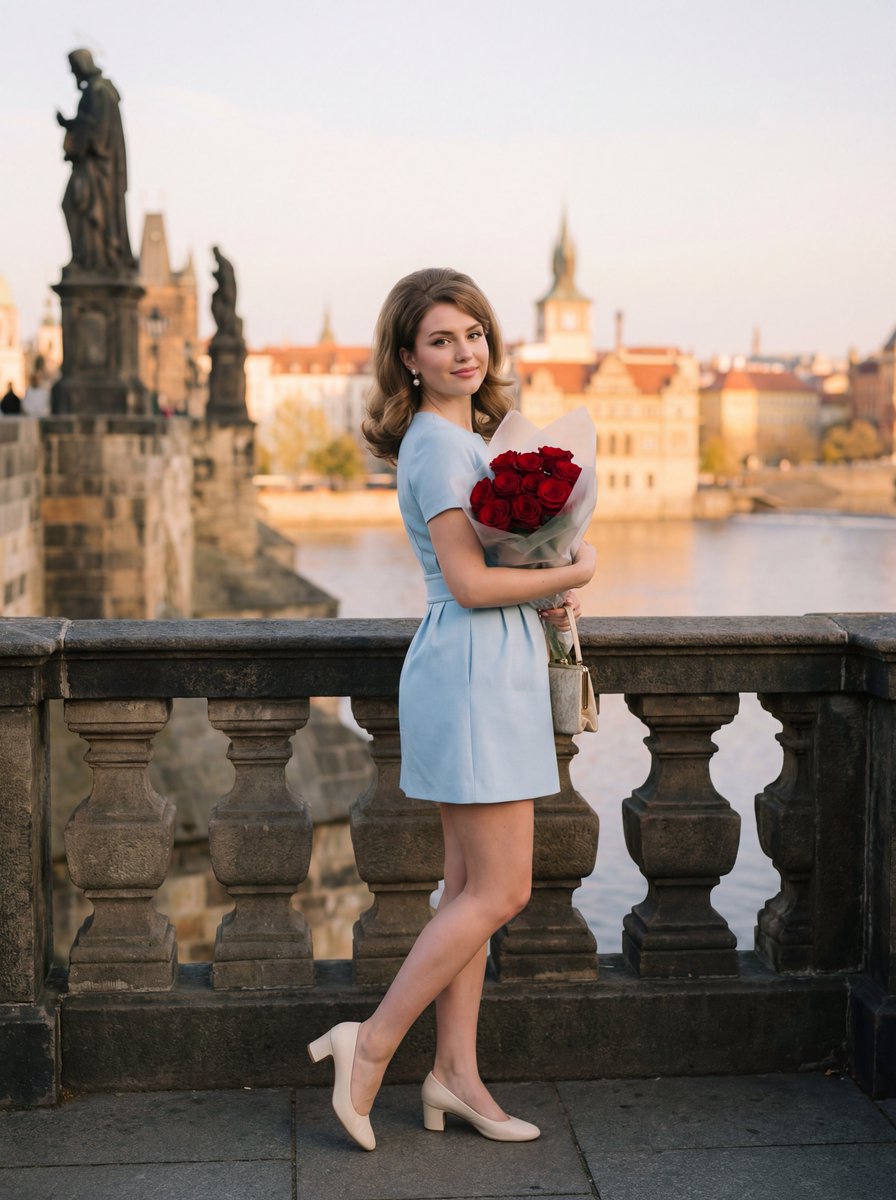
Editorial Photograph of Woman with Roses in Prague (JSON)
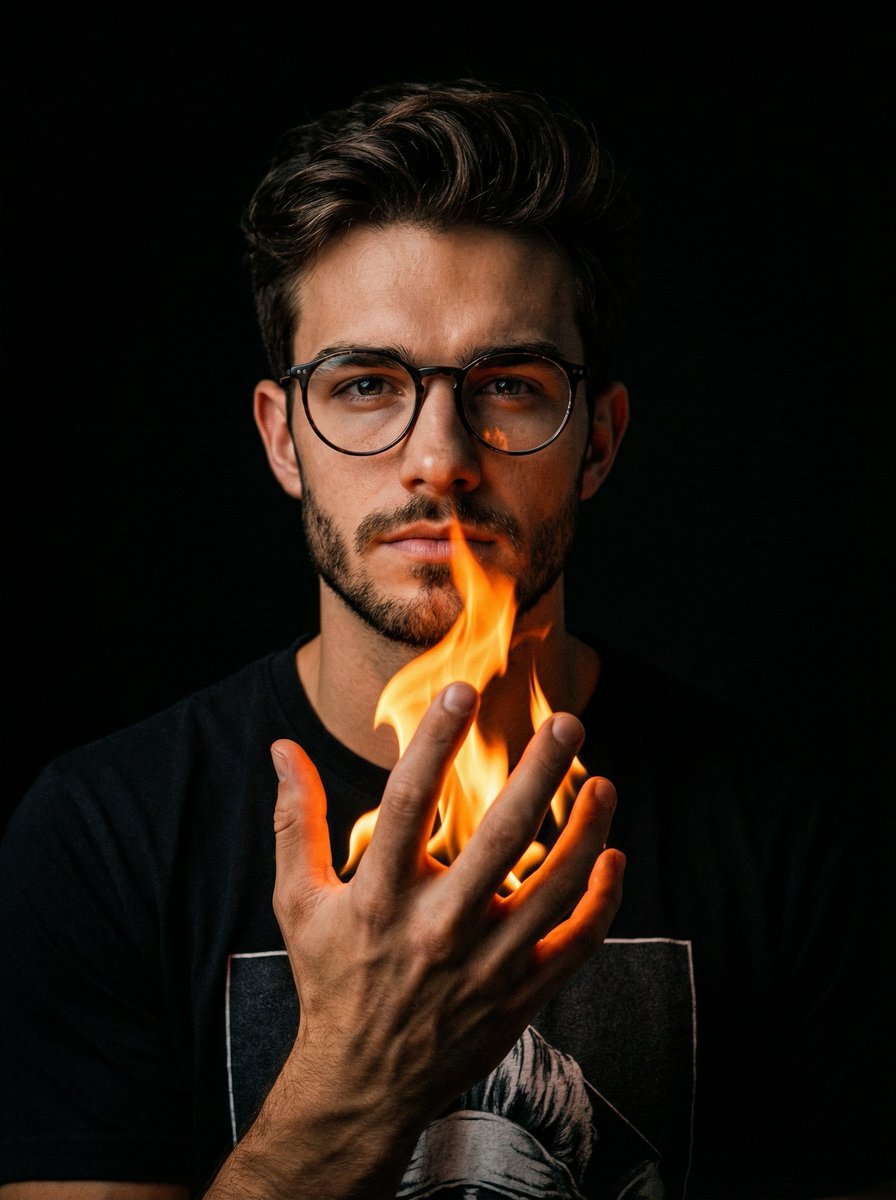
Cinematic Portrait with Fire in Hand
Dramatic Historical Scene Generation with Emotional Dialogue

Frozen Action Shot of Character Swinging on a Rope
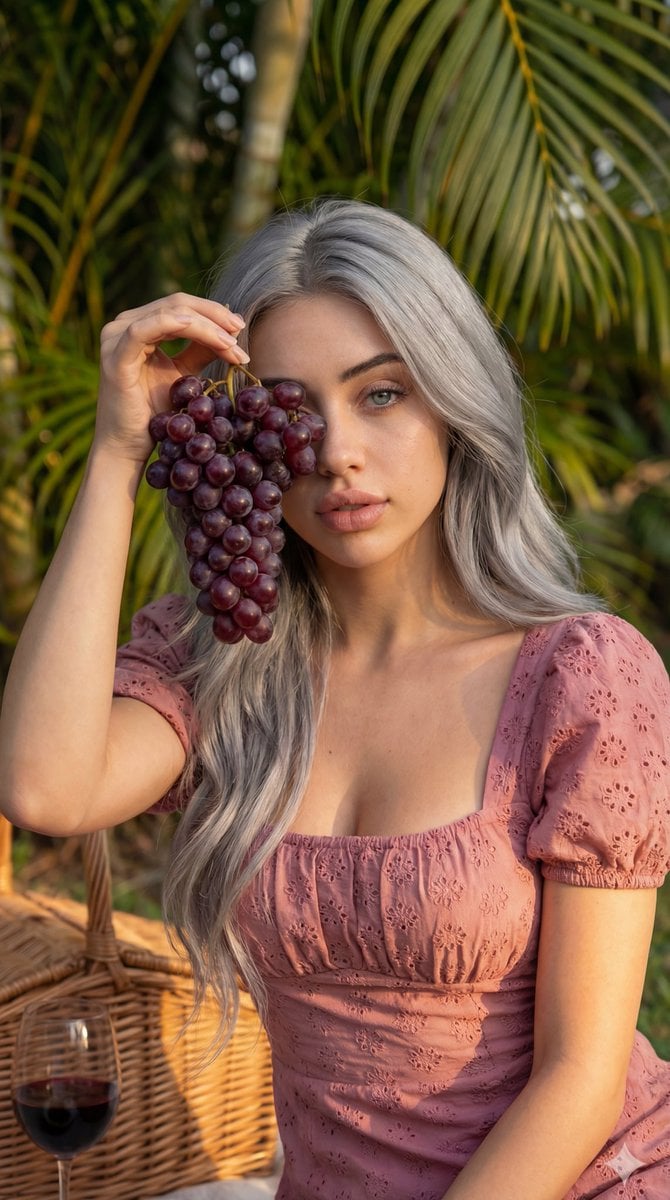
8K High Fashion Portrait with Grapes
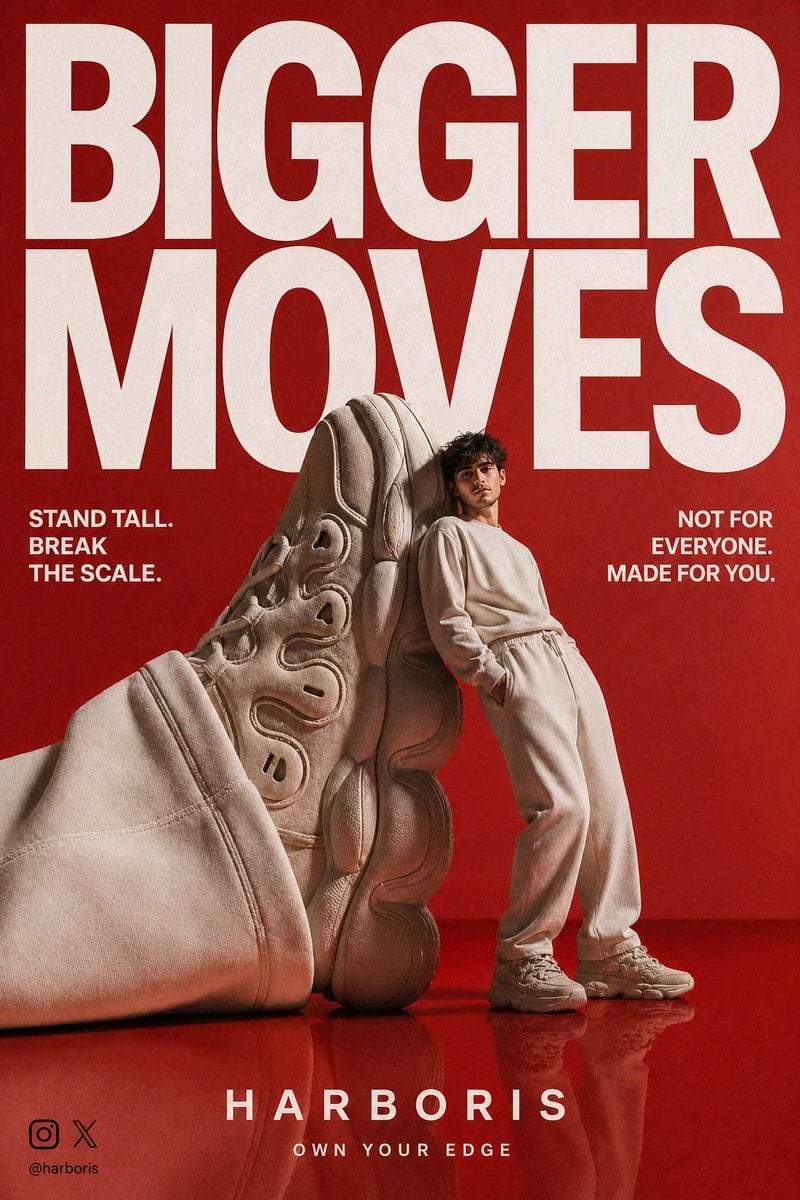
High-End Streetwear Campaign Poster
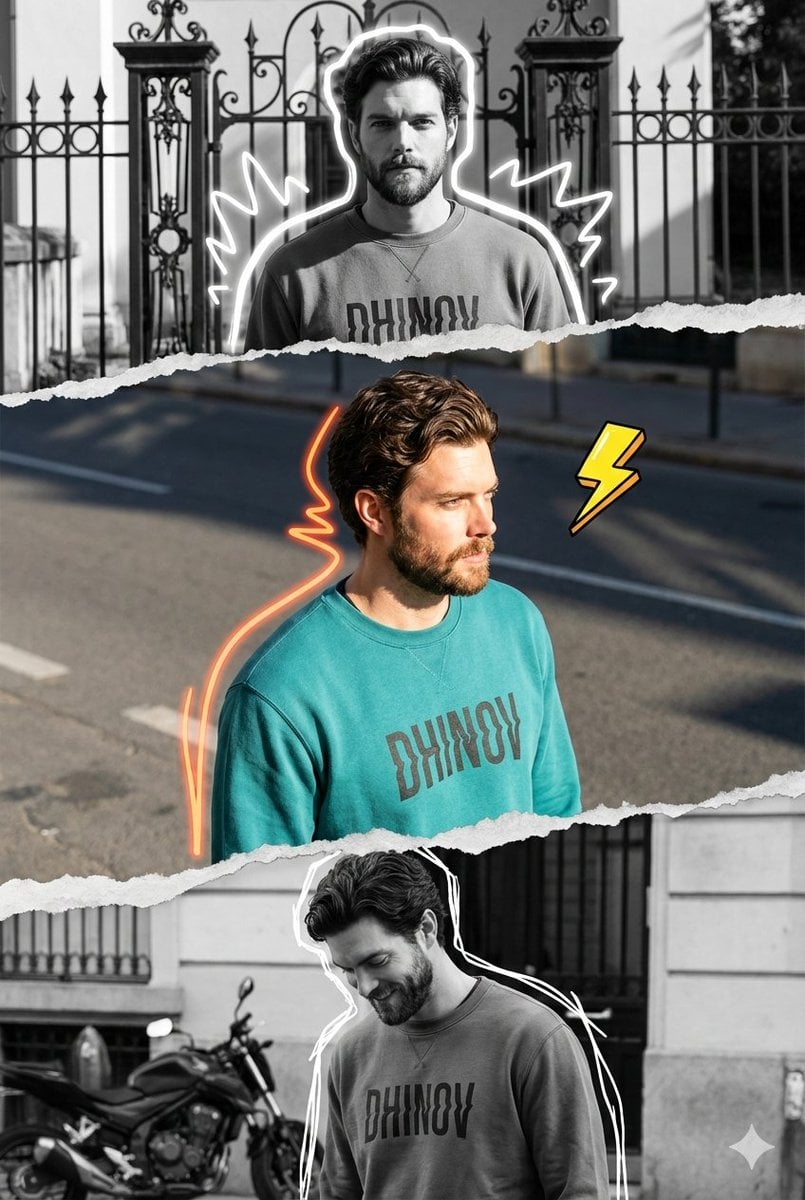
Mixed-Media Digital Collage (Monochrome and Neon)
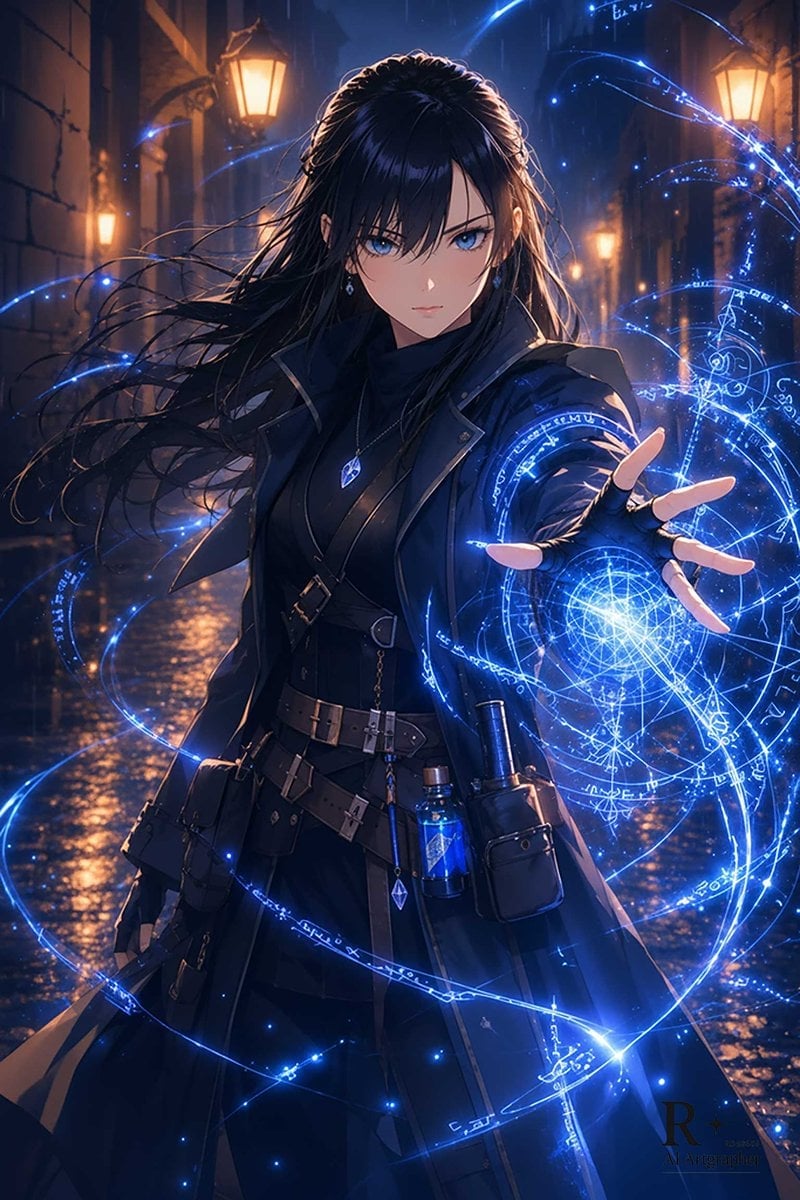
Blue Arcane Spellcaster in Rainy Alley
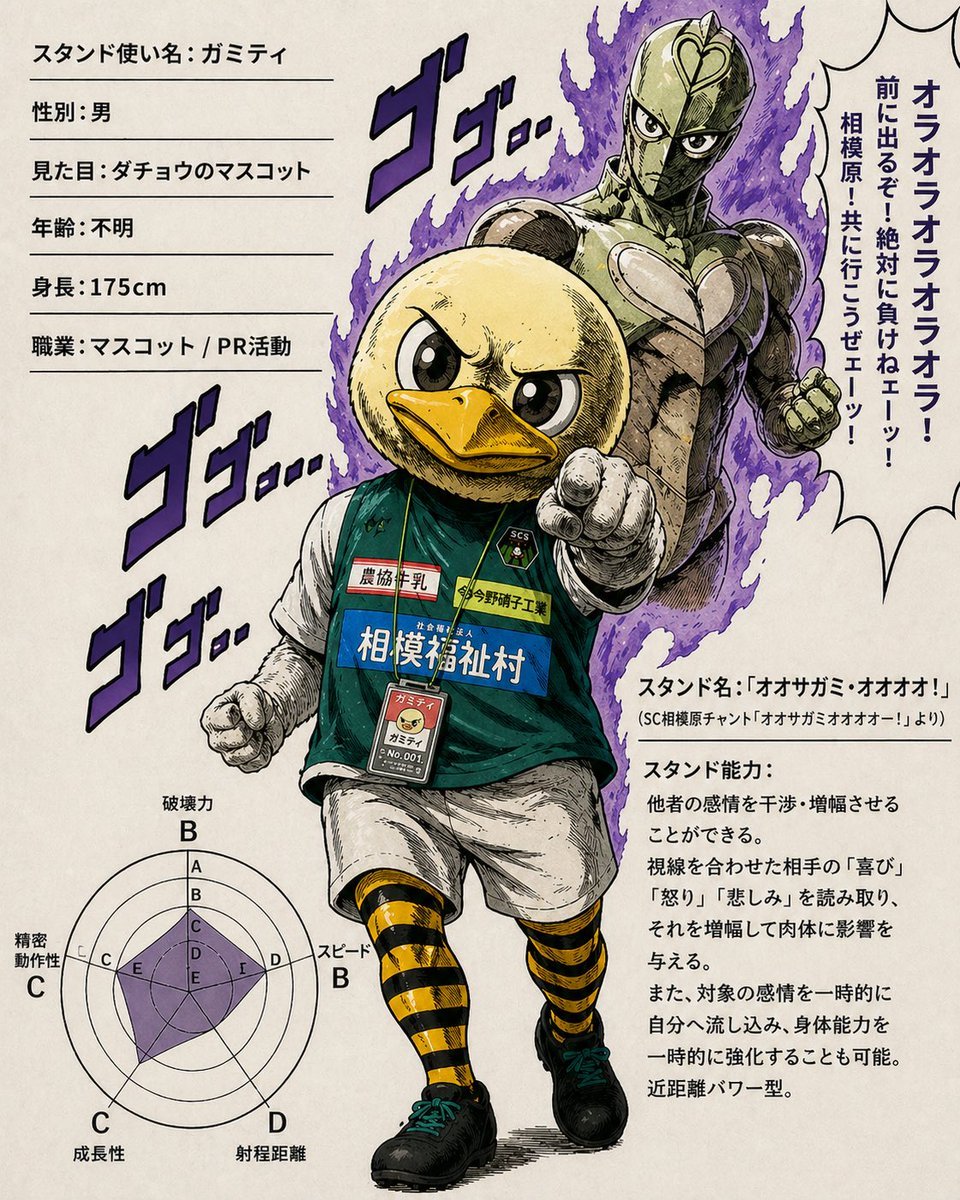
JoJo-Style Duck Mascot Stand Profile
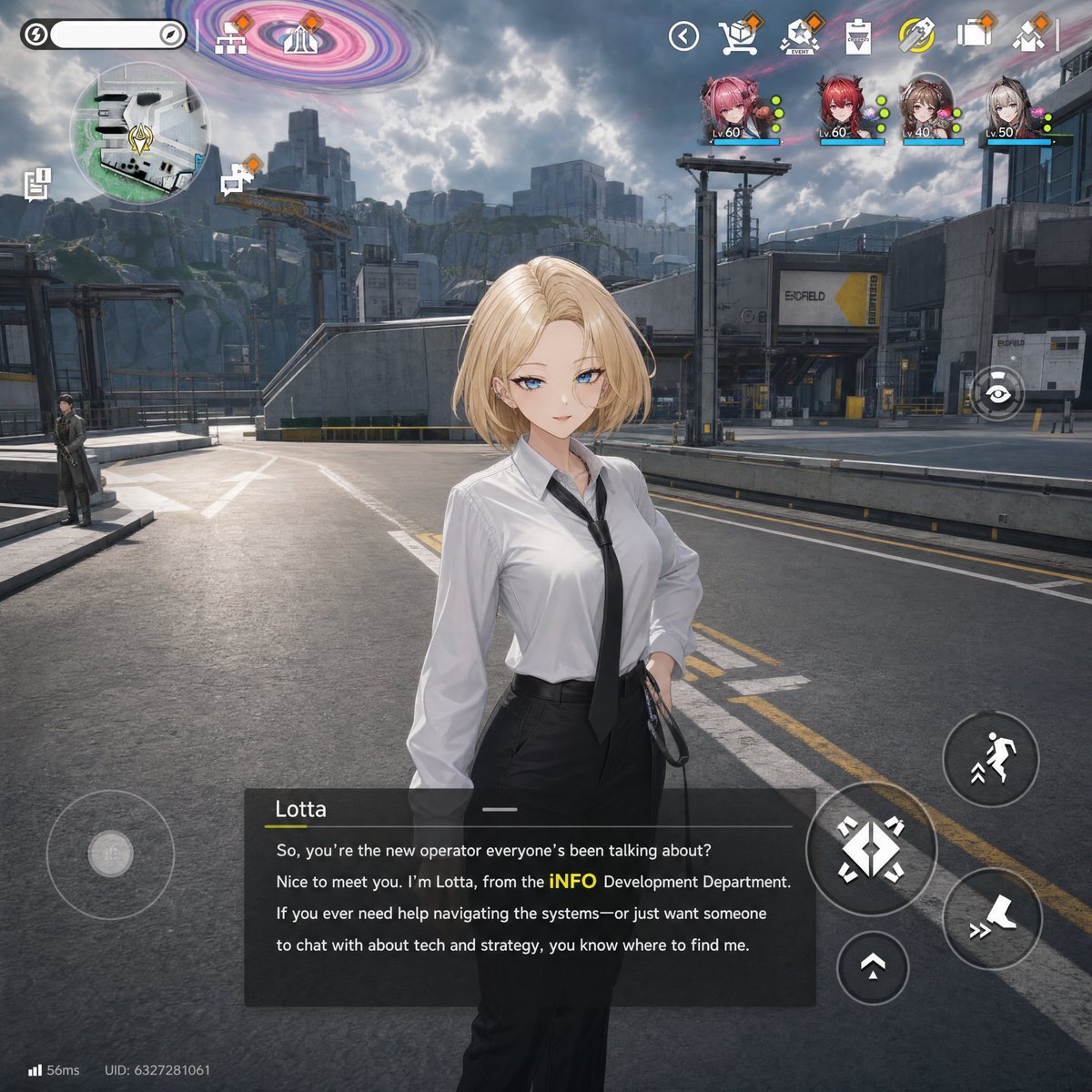
Sci-Fi Gacha RPG Dialogue Screenshot
Browse template categories
Hyper-Photorealistic Bedroom Flash Selfie questions
How do I use the Hyper-Photorealistic Bedroom Flash Selfie template?
Add your photo if the template asks for one, edit the prompt if you like — the template's model and format are already selected — and press Generate. Your version opens in PicX Studio.
Can I customize the Hyper-Photorealistic Bedroom Flash Selfie template?
Yes. You can change the subject, setting, lighting, mood, format, and available model controls before creating your image.
Is the Hyper-Photorealistic Bedroom Flash Selfie template free?
Opening and editing this template is free. Generating uses credits, shown on the Generate button when you are signed in.
Which AI model should I use?
Start with Nano Banana 2, which is the model associated with this template. You can compare another compatible model for a different finish.
Looking for something else? Browse all templates.

Your photo, any look
Thousands of ready templates for every top image and video model, from one credit balance.