
Night Flash iPhone Selfie with Motion Blur
An authentic iPhone-style night selfie prompt featuring motion blur, direct flash, and a scenic night field background.
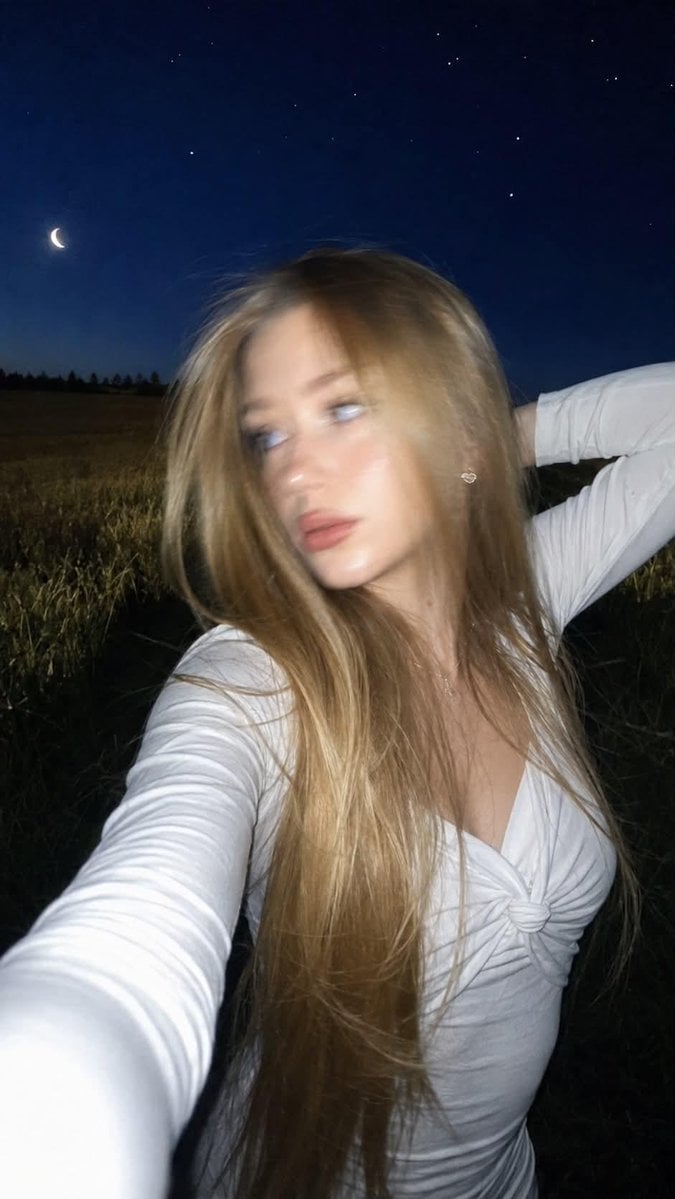
- Prompt included
- Model and format preset
- Premium template
The prompt behind this image
Copy the exact prompt behind Night Flash iPhone Selfie with Motion Blur, or open it in the studio and make it yours.
Ultra-realistic lifestyle selfie photograph. Do not change the woman's face. Preserve 100% facial identity, facial features, proportions, eye shape, skin tone, hair color and overall appearance exactly as the reference. Shot on iPhone with built-in flash in complete darkness. Composition: Strictly a handheld selfie taken with an extended arm. The phone itself must NOT be visible in the frame. Close-up portrait selfie. Camera positioned slightly above eye level and angled slightly downward toward the face. Natural front camera perspective with realistic selfie distortion. Motion: A spontaneous candid moment captured mid-movement. At the exact moment the photo is taken, the woman quickly turns her head to the right, creating natural motion blur across her face, jawline and hair from the fast head movement. Her face remains recognizable. Her long hair follows the movement with realistic motion trails and soft blur on individual strands. The body, clothing and background remain sharp. No artificial blur. Pose: The woman is holding the phone with her right arm extended forward, outside the frame. Her left arm is raised behind her head with the elbow bent. Her head is caught during a quick turn, gaze slightly away from the lens rather than direct eye contact. Calm, confident expression with a natural spontaneous feeling. Hair: Very long thick hair falling below the waist. Loose hairstyle with voluminous soft curls. Hair lifted by the wind and movement, with several strands flowing across the shoulders and creating realistic motion blur. Clothing: {argument name="outfit" default="White fitted long-sleeve top"} made of smooth stretchy fabric. Elegant central decorative knot detail on the chest. The fabric follows the body naturally. Accessories: {argument name="earrings" default="Small heart-shaped earrings"}. Short square French manicure. Makeup: Thin cat-eye eyeliner. Soft contouring. Lips with a blended brown lip liner effect. Natural glowing skin texture with visible pores, realistic imperfections. Environment: {argument name="setting" default="Open field with tall grass stretching into the distance"}. Night landscape. Deep blue evening sky above the horizon. Small crescent moon and bright visible stars. The background remains fully readable and detailed. Lighting: Strong direct built-in iPhone flash illuminating the face and clothing. Bright flash highlights on skin and fabric. The background remains visible with rich dark blue tones. Low exposure nighttime photography. High contrast between illuminated subject and dark surroundings. Photography style: Authentic iPhone night flash selfie. Candid captured moment. Realistic motion blur from a fast head turn, 35mm film look, subtle digital noise, natural grain, realistic lens imperfections. Maximum photorealism. Natural skin texture, realistic pores. No AI beauty effect. No plastic skin. No artificial glossy look. No filters. No text. No watermark. Manicure: short square French manicure.
How to use Night Flash iPhone Selfie with Motion Blur in 3 steps
- 1Upload ImagePNG, JPG or paste
Add your photo
Upload the photo the template builds on. The prompt, model and format are already set.
- 2…a portrait of your subject in softgolden-hour light, 85mm…
Personalize
Edit the subject and creative details for your destination.
- 3Generate
Generate
Press Generate — your image is created in PicX Studio, so you can compare it with the original and refine one variable at a time.
More like this
Templates with the same subject, style or setup. Open one to see its prompt.

4x4 Grid - Candid Nostalgic Vacation Selfies

Night Sports Car Portrait — Cinematic Moody

Nano Banana - Peace Sign Bedroom Selfie
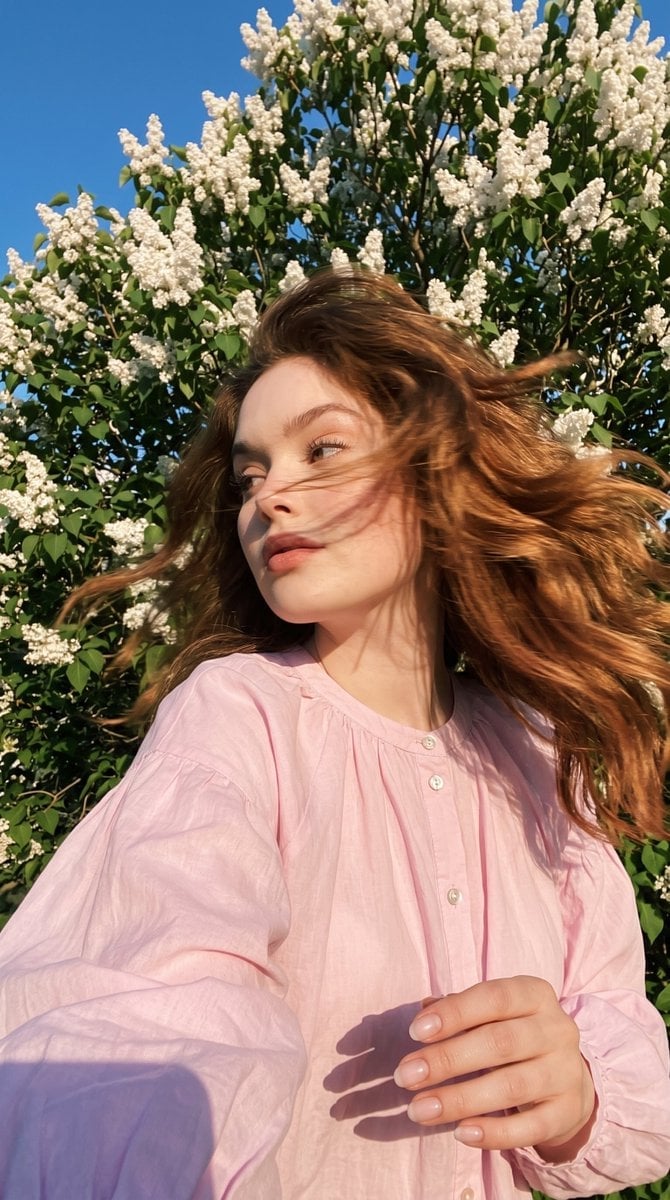
Candid Spring Selfie with Motion Blur
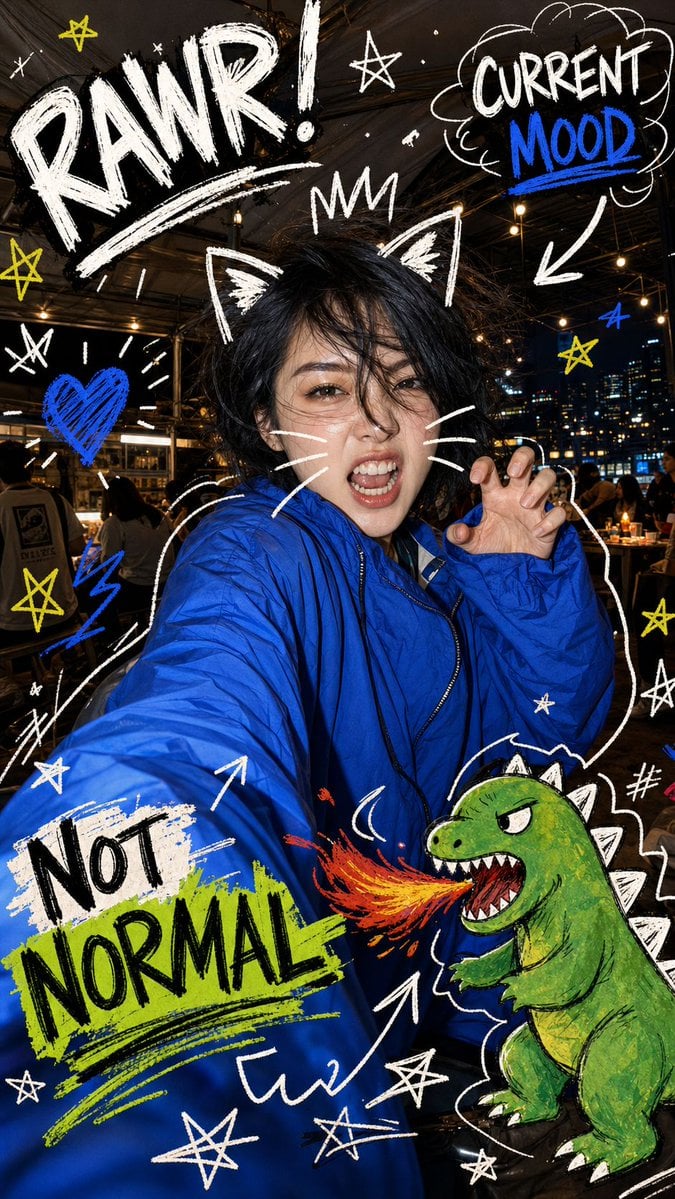
Nighttime Doodle Flash Selfie

Gen Z Triple Selfie Collage — Y2K Flash Photography
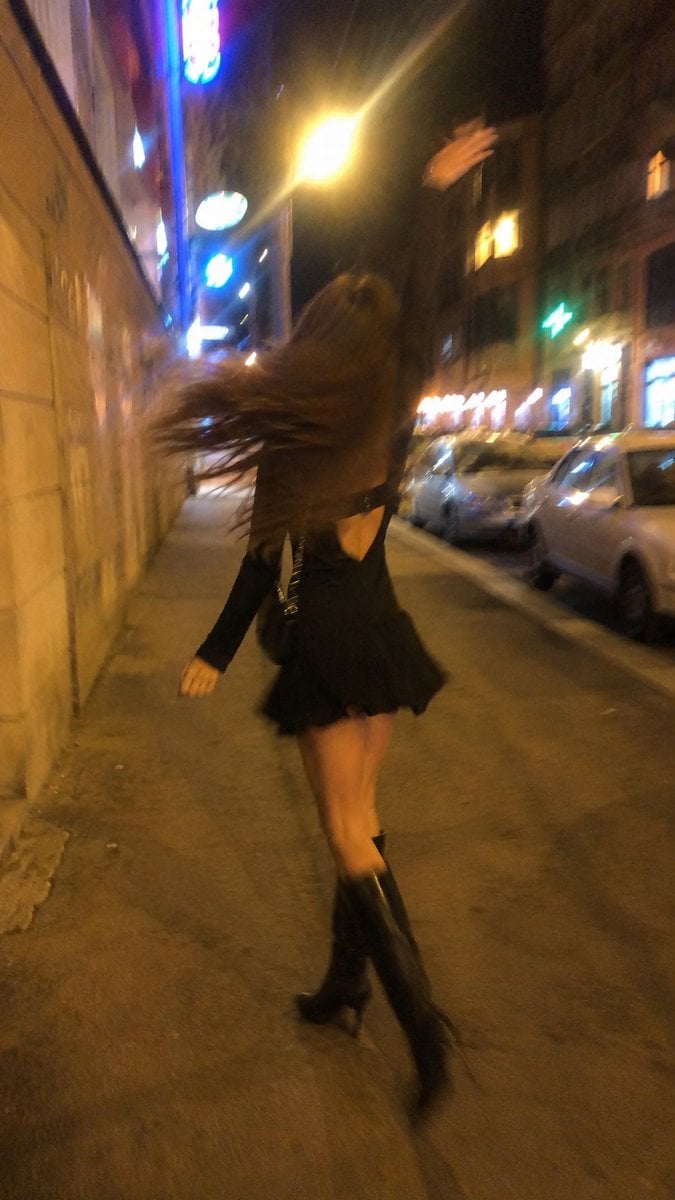
Smartphone Night Motion Blur Photo

Night City Bridge Triptych Portrait Session
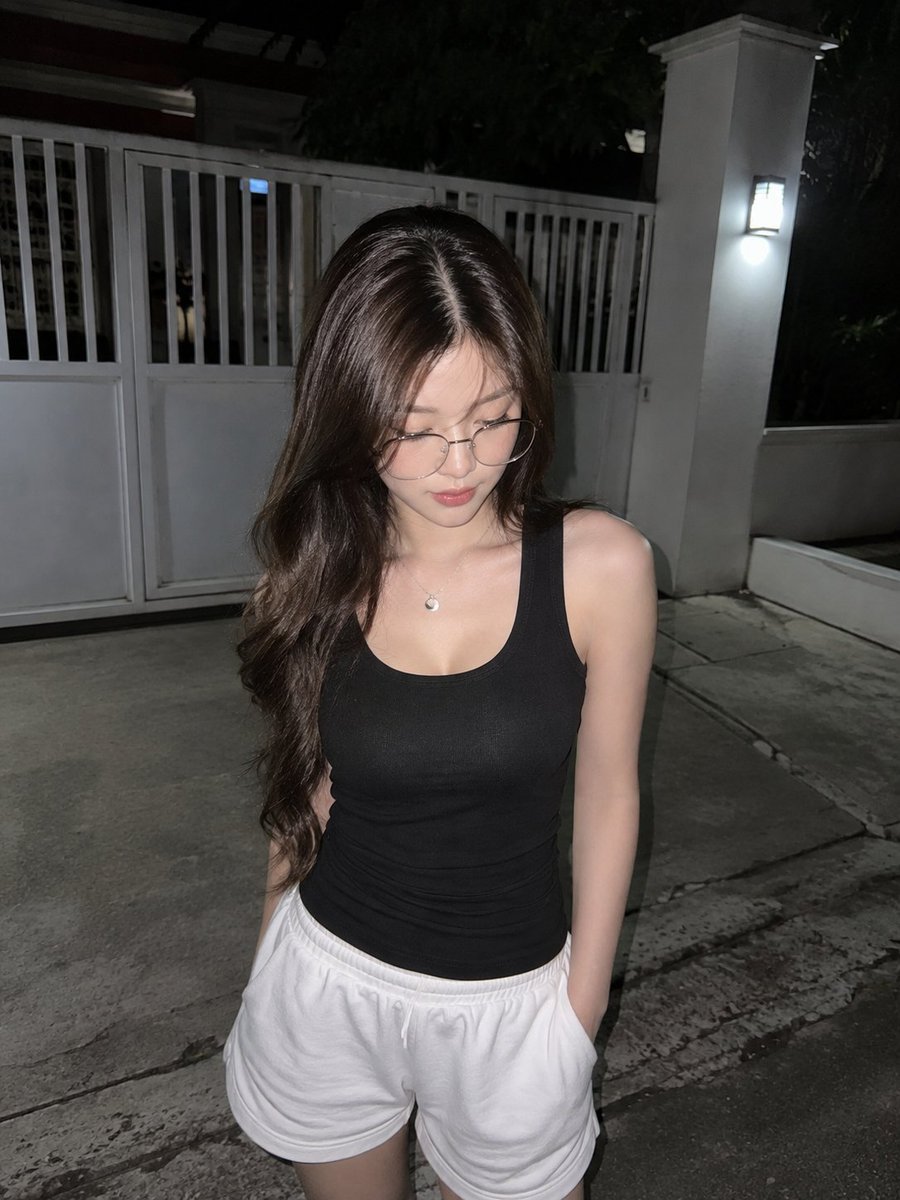
Candid Night Driveway iPhone Photo

Dramatic motion blur trails, long-exposure photography effect, dynamic
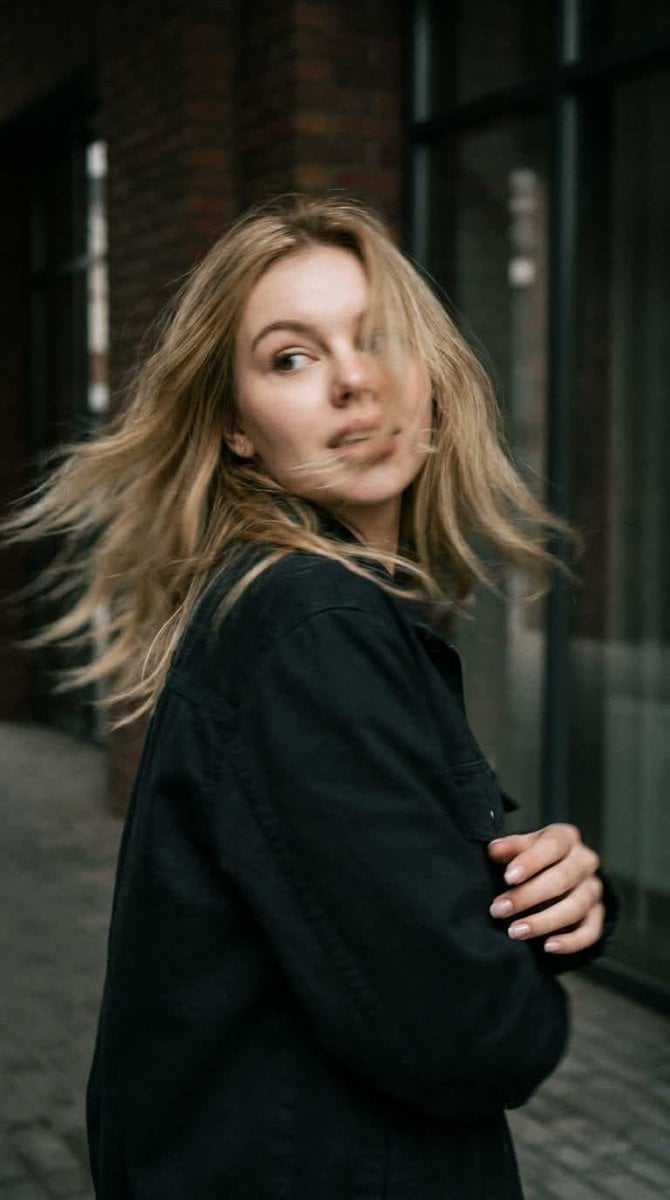
Candid Motion Blur Head Turn
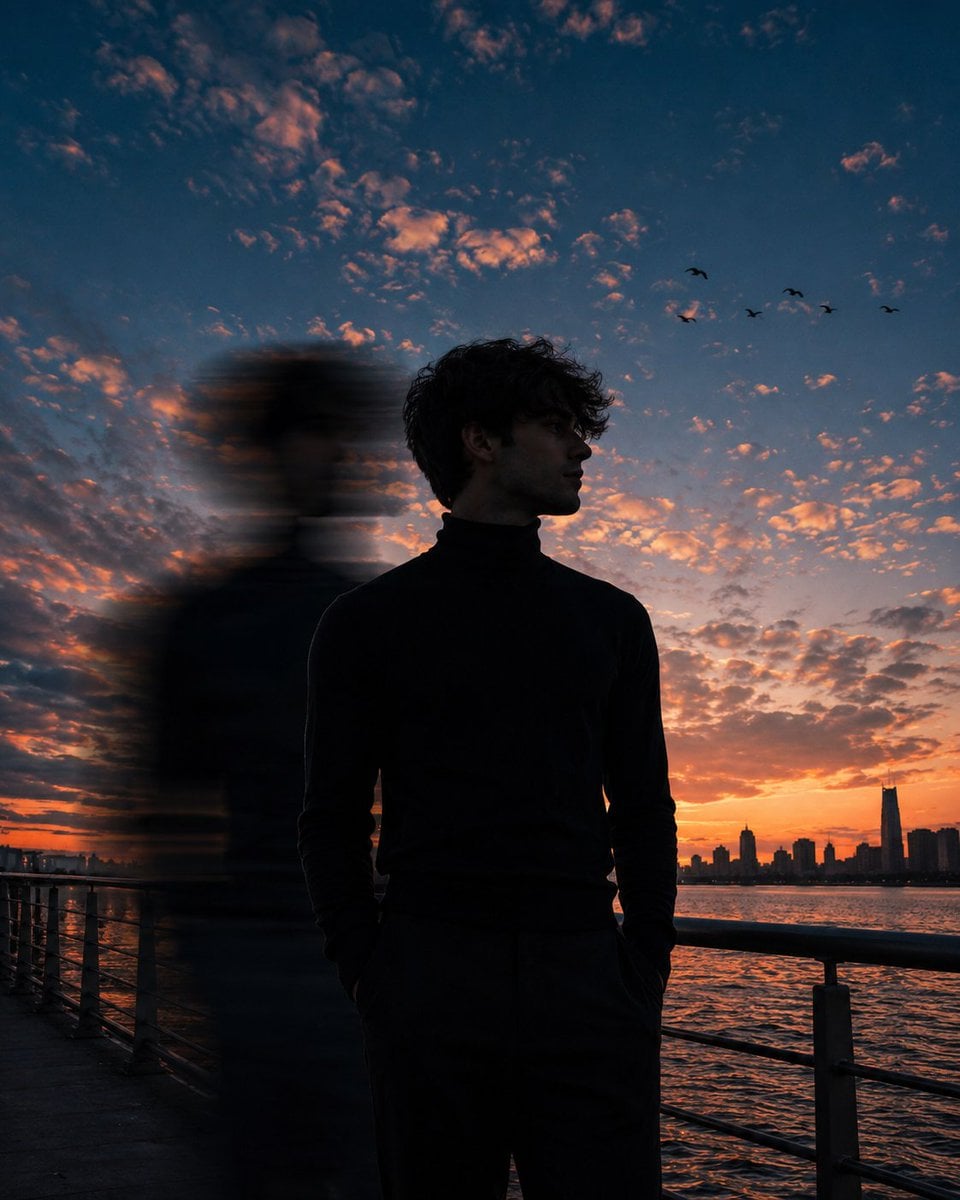
Motion Blur Sunset Portrait
Make it yours
Night Flash iPhone Selfie with Motion Blur works as-is. These are the safest ways to change it without losing the look.
Change one field
Copy a single group, rewrite it, and generate again so you can see what that field is doing.
Keep the frame, change the subject
Hold the composition and light of Night Flash iPhone Selfie with Motion Blur, then swap wardrobe, props or the person for a new take.
| If the result… | Why | Fix |
|---|---|---|
| The result drifts from the preview | Too many fields changed at once. | Reuse Night Flash iPhone Selfie with Motion Blur as-is first, then change one group — subject, light, or setting. |
| The model over-stylizes the scene | The prose prompt leaves finish and camera underspecified. | Add one camera or lighting sentence and stay on GPT Image 2. |
More GPT Image 2 templates
Other prompts made for GPT Image 2.

Six VTuber Japanese Logo Sheet

Realistic Portrait of Woman and Deer

The Vista Modular Condo Poster

AI Model Routing Comparison Infographic

2.5D Anime Art Board

Isometric Productivity Desk Scene

New York Double Exposure Poster

Four-Panel AI Landscape Comparison

Japanese Tatami Lifestyle Magazine Cover

NESCAFÉ Coffee Map Poster
More image prompts
Fresh picks from across the catalog.
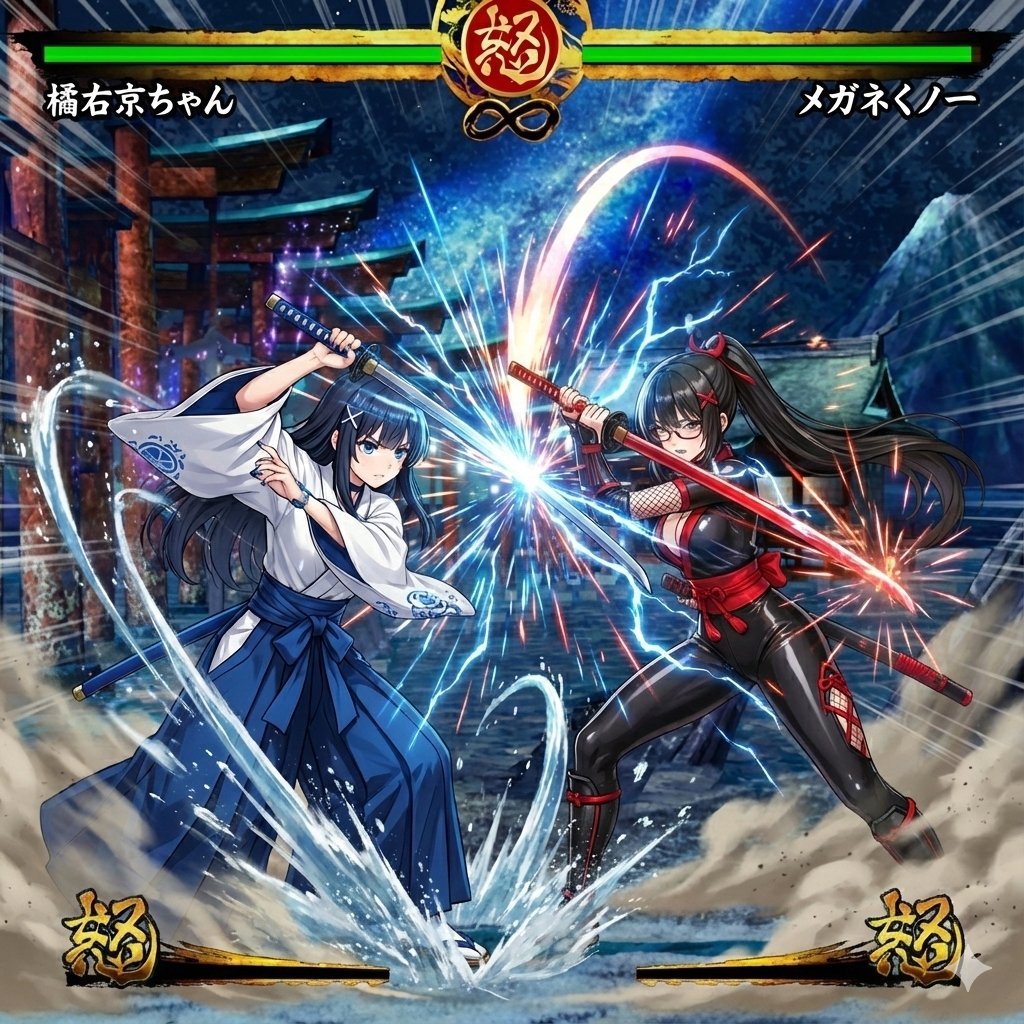
Image Synthesis/Composition Prompt
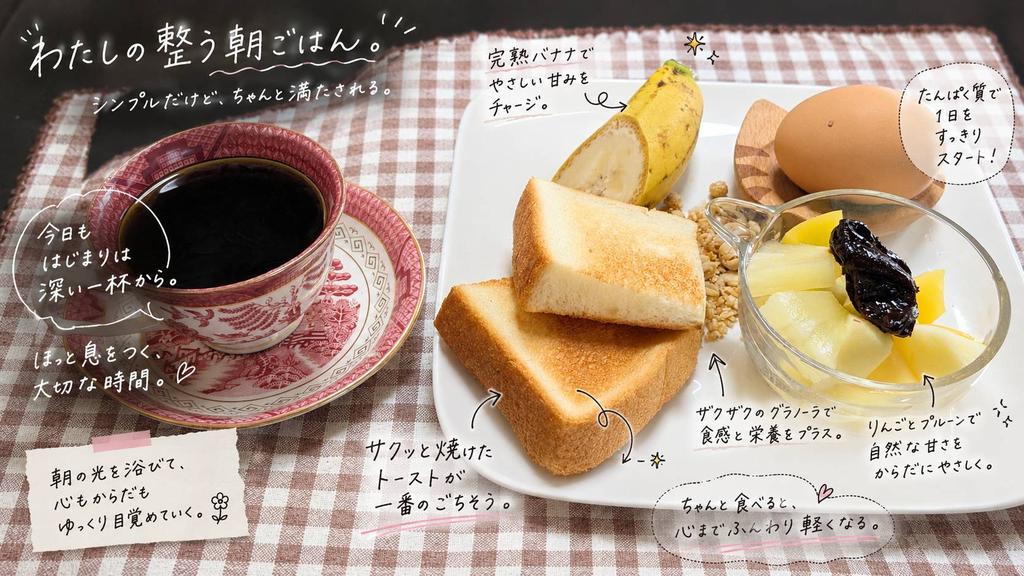
Annotated Japanese Breakfast Flat Lay
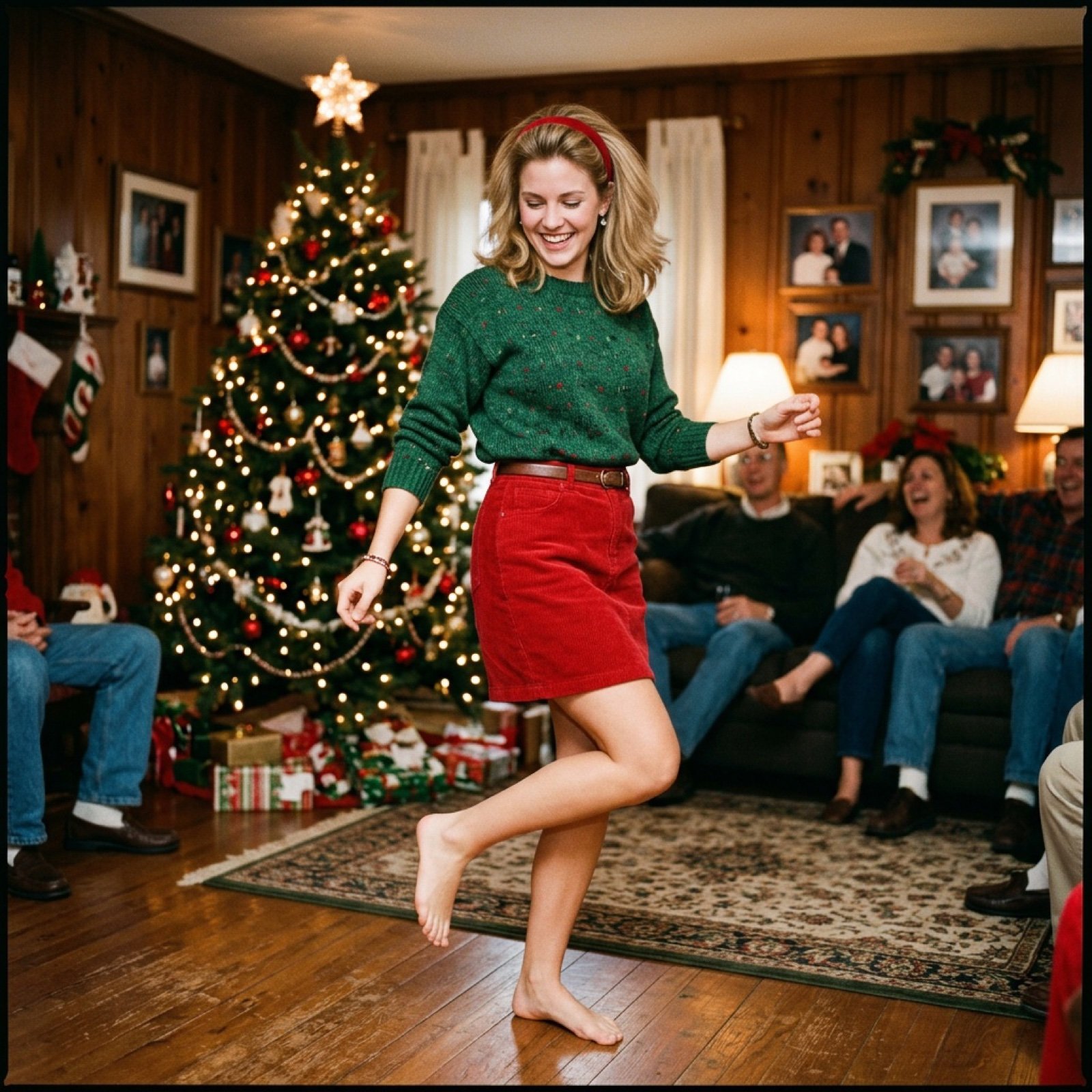
Nostalgic Candid Holiday Scene with Motion Blur
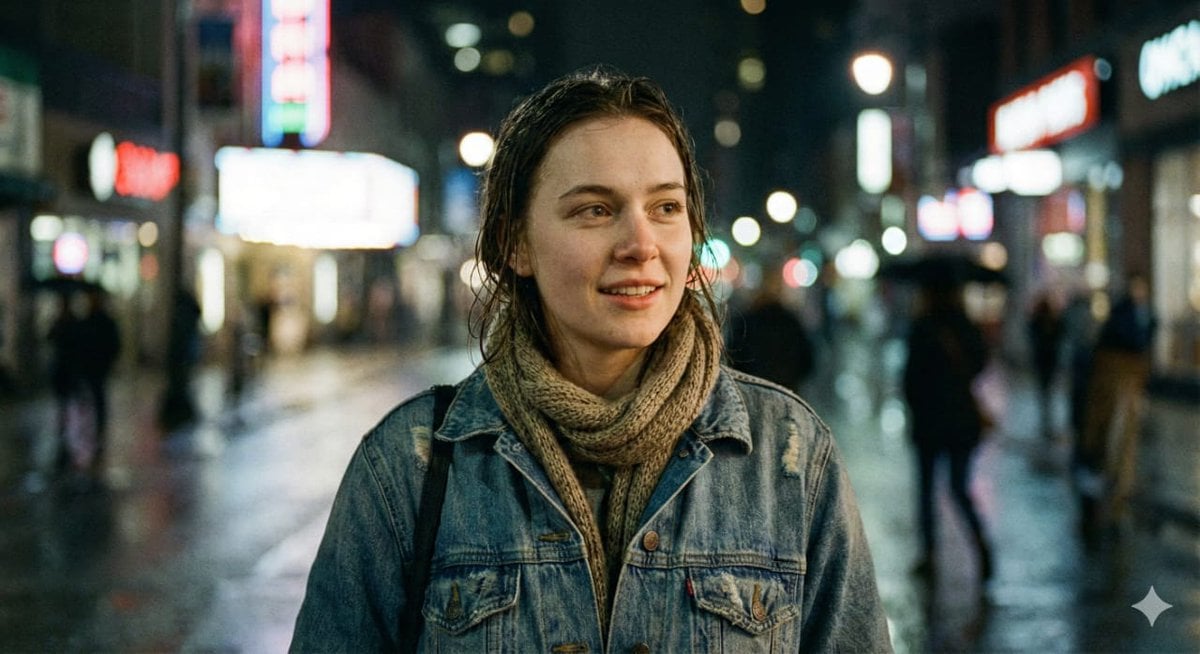
Ultra-Realistic Cinematic Street Portrait
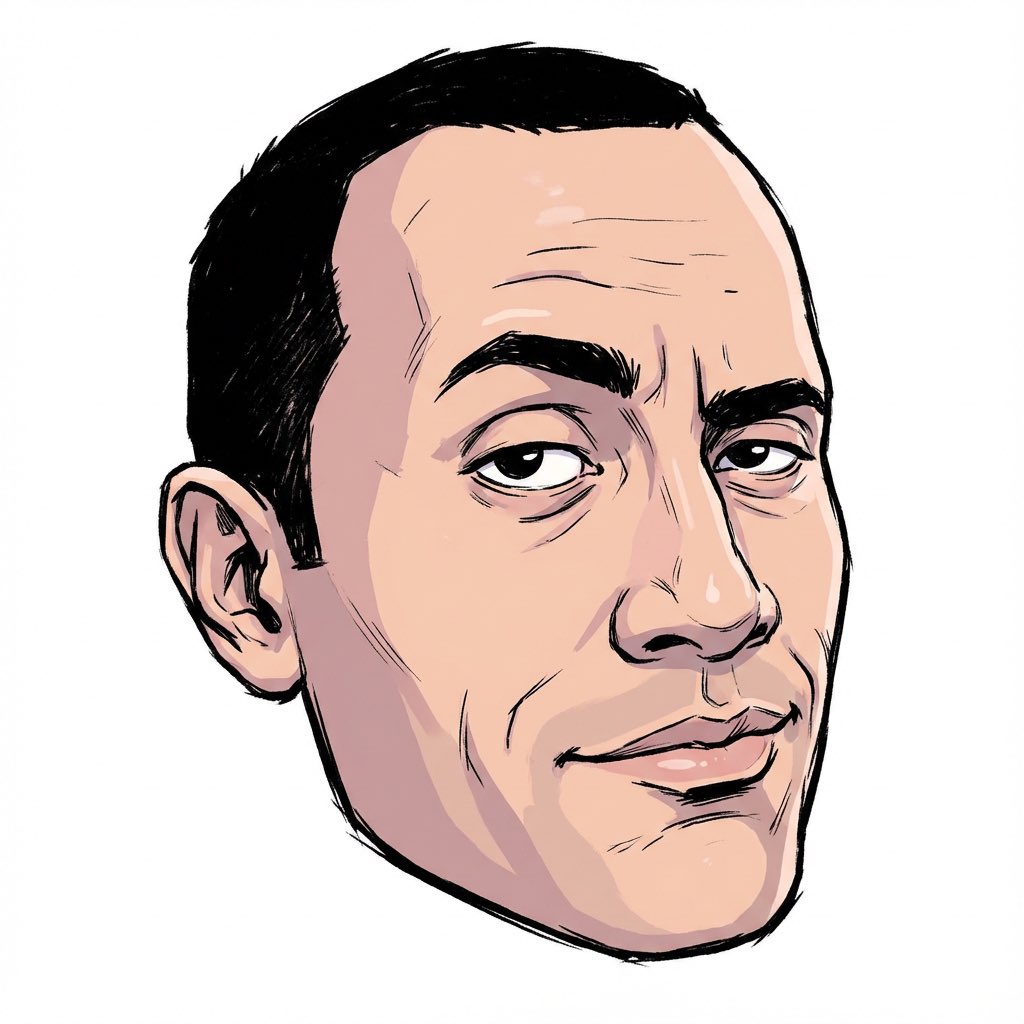
2000s Character Design Prompt
Street Fashion Emerald Bomber Poster
High-Fashion Supercar Showroom Portrait
Muscular Party Man with Maracas
Miniature Diorama of Confused Alien in a Suburban Backyard
Bauhaus Geometry Minimal Illustration Template
Browse template categories
Night Flash iPhone Selfie with Motion Blur questions
How do I use the Night Flash iPhone Selfie with Motion Blur template?
Add your photo if the template asks for one, edit the prompt if you like — the template's model and format are already selected — and press Generate. Your version opens in PicX Studio.
Can I customize the Night Flash iPhone Selfie with Motion Blur template?
Yes. You can change the subject, setting, lighting, mood, format, and available model controls before creating your image.
Is the Night Flash iPhone Selfie with Motion Blur template free?
Opening and editing this template is free. Generating uses credits, shown on the Generate button when you are signed in.
Which AI model should I use?
Start with GPT Image 2, which is the model associated with this template. You can compare another compatible model for a different finish.
Looking for something else? Browse all templates.

Your photo, any look
Thousands of ready templates for every top image and video model, from one credit balance.