
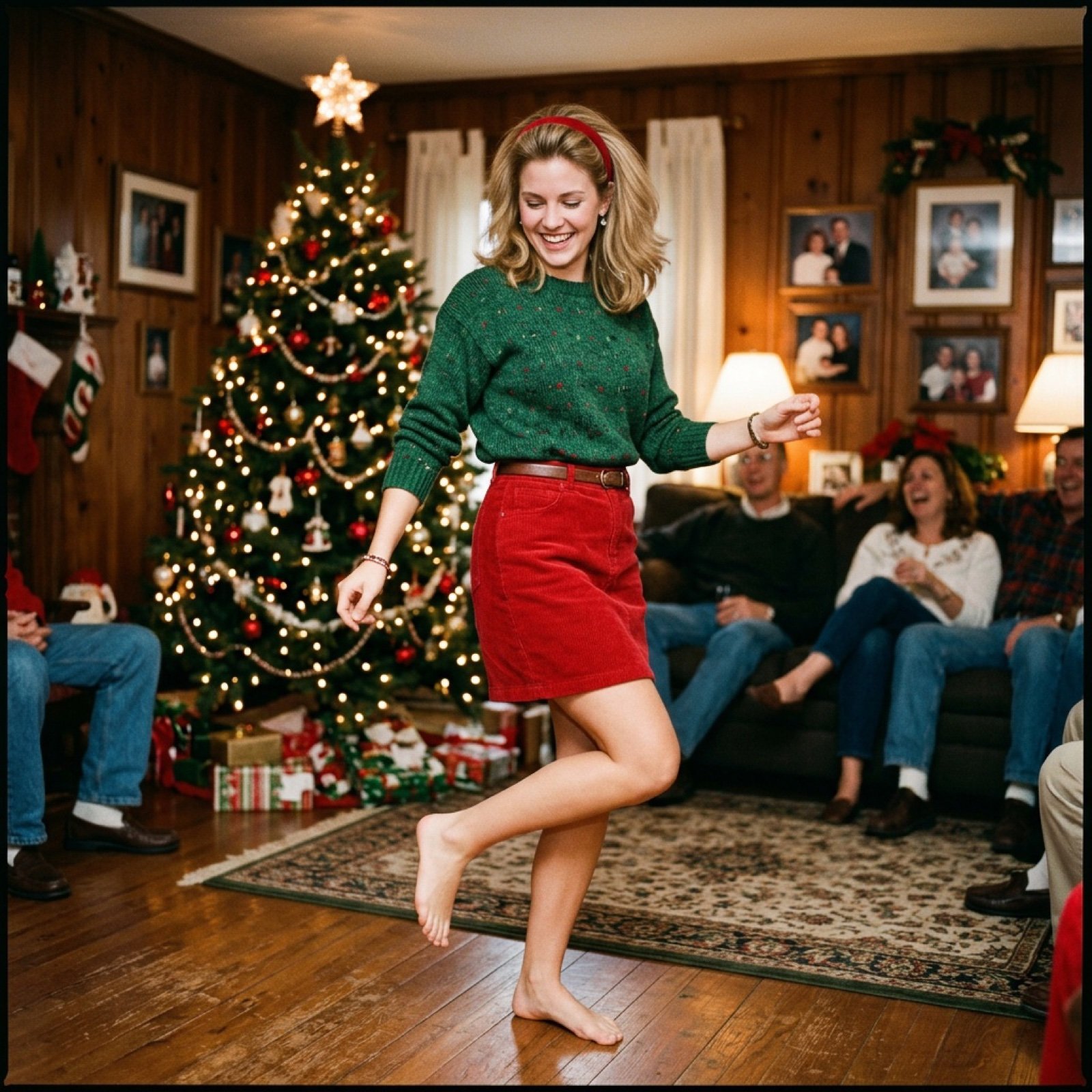
Nostalgic Candid Holiday Scene with Motion Blur
A detailed prompt for generating a candid indoor holiday scene with a vintage, nostalgic aesthetic reminiscent of analog film photography from the late 90s/early 2000s.
- Prompt included
- Model and format preset
- Free template
The prompt behind this image
Copy the exact prompt behind Nostalgic Candid Holiday Scene with Motion Blur, or open it in the studio and make it yours.
A candid indoor holiday scene photographed in a warm, nostalgic vintage style. A cozy living room decorated for Christmas, with a fully lit Christmas tree in the background adorned with glowing string lights, ornaments, and a tree topper. Wrapped presents sit beneath the tree, adding soft points of warm light. The room feels intimate and lived-in, with framed photos on the wall and people seated casually on couches in the background, slightly out of focus. In the foreground, a young beautiful attractive blond adult woman is captured mid-movement, dancing naturally. She is smiling while looking slightly downward, joyful and relaxed. She wears a green knit sweater with a subtle festive pattern, tucked into a high-waisted red skirt. A slim belt cinches the waist. She has a red headband in her hair, which is medium-length, brown, and softly styled with natural volume. Her makeup is minimal and natural, emphasizing a warm smile and expressive eyes. Her posture shows motion--one leg bent, hips angled, arms loose--giving the image a spontaneous, authentic feel. The camera angle is slightly low and close, creating a dynamic perspective and emphasizing movement. Lighting is warm and soft, typical of indoor incandescent bulbs and Christmas lights. The image has visible film grain, slight blur from motion, muted contrast, and a faded color palette reminiscent of analog film photography from the late 1990s or early 2000s. Subtle vignetting and texture overlay give the image a scanned photo look. Photorealistic but nostalgic, documentary-style family snapshot, imperfect and charming. No studio lighting, no posed feeling--pure candid holiday moment.
How to use Nostalgic Candid Holiday Scene with Motion Blur in 3 steps
- 1
Open
The prompt is already in the box next to the preview, with the template's model and format selected.
- 2…a portrait of your subject in softgolden-hour light, 85mm…
Personalize
Edit the subject and creative details for your destination.
- 3Generate
Generate
Press Generate — your image is created in PicX Studio, so you can compare it with the original and refine one variable at a time.
More like this
Templates with the same subject, style or setup. Open one to see its prompt.

Cinematic Street Fashion Portrait Motion Blur Crowd

Nostalgic Digicam Café Afternoon Portrait

4x4 Grid - Candid Nostalgic Vacation Selfies
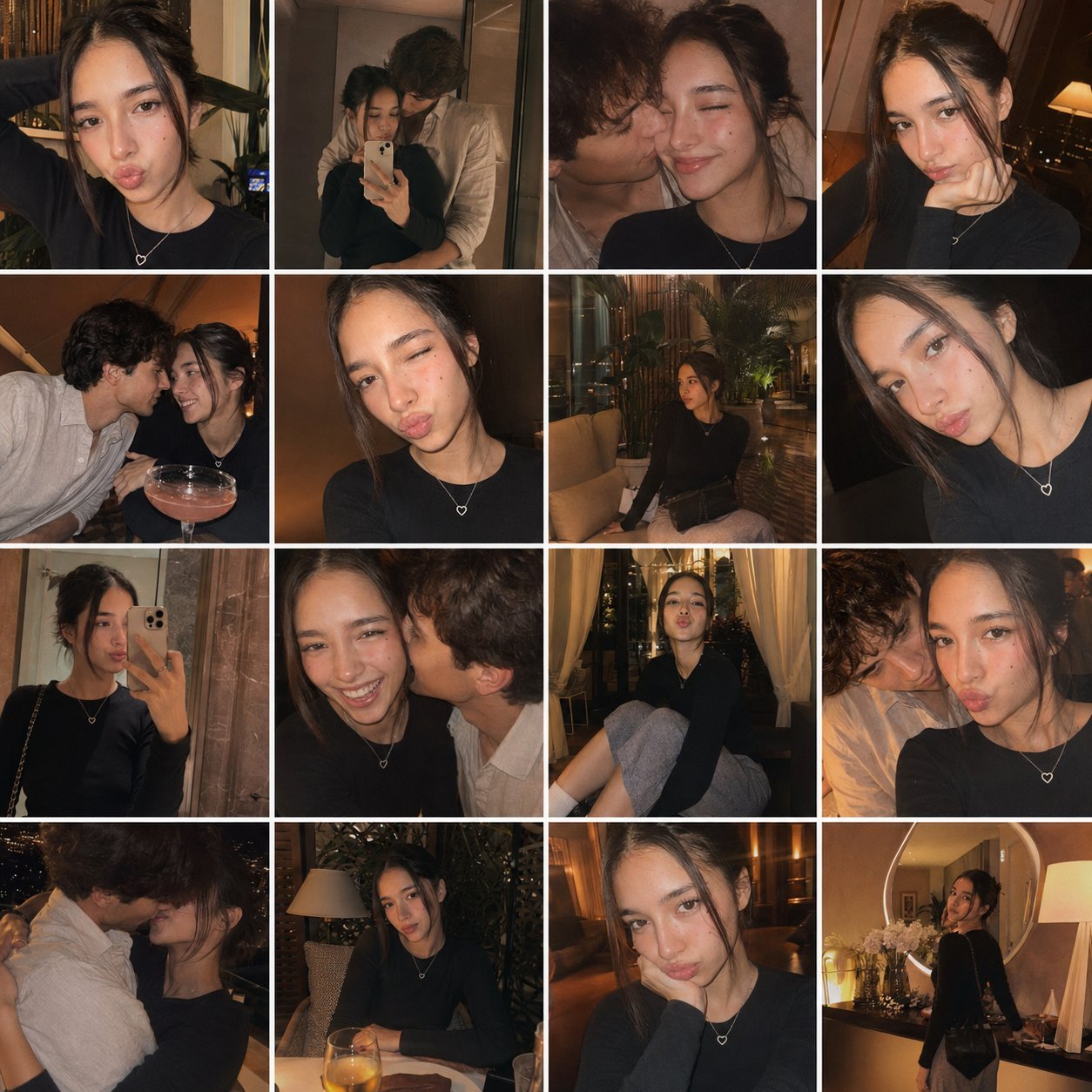
Gpt4o Candid Vacation Memories
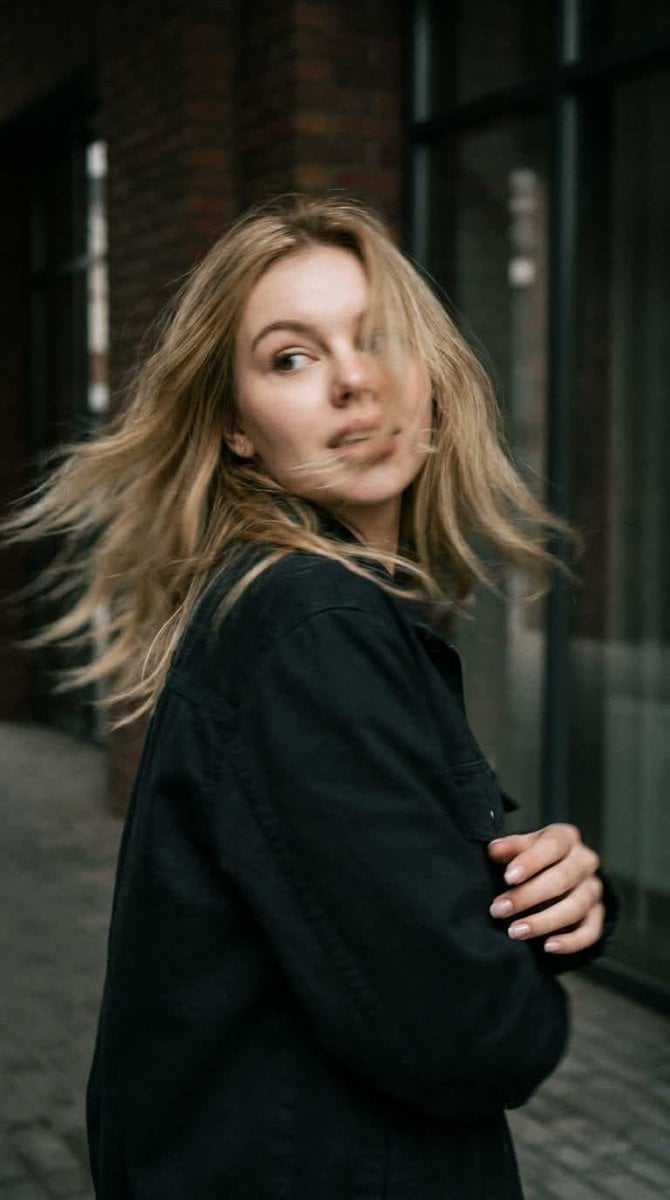
Candid Motion Blur Head Turn
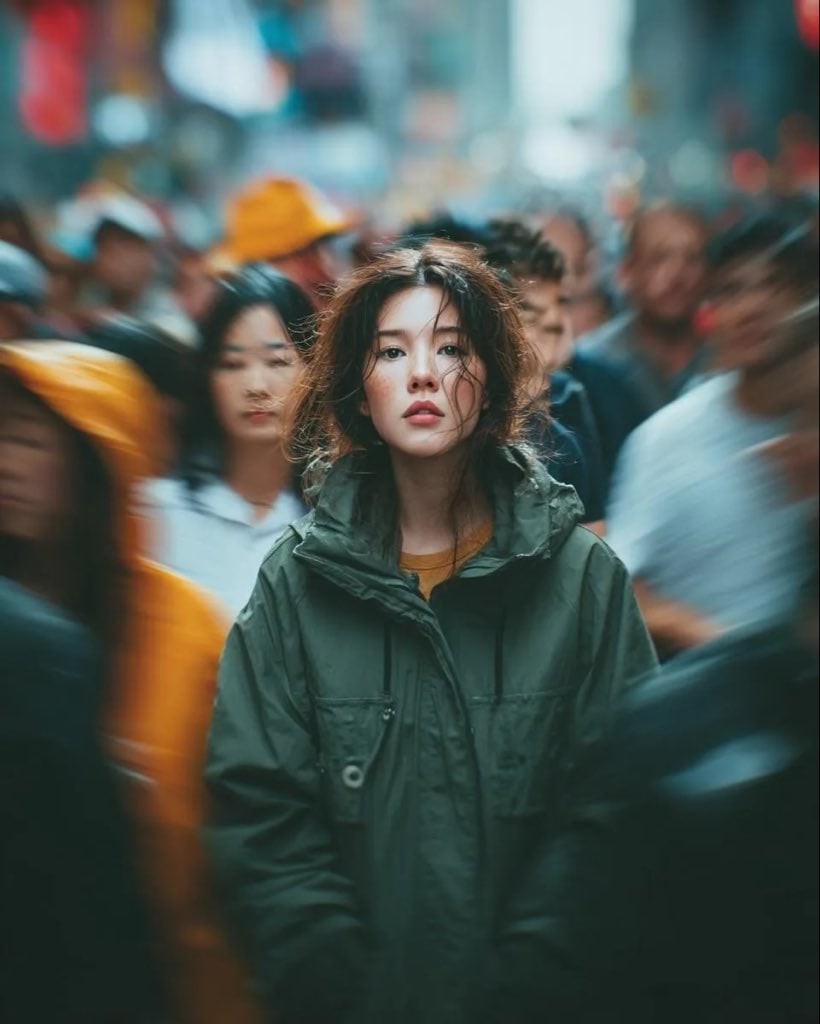
Candid Paparazzi Street Portrait with Motion Blur

Sunday Afternoon, 1988

Our Song was on a Cassette

The Date After College

80s College Gate

Teen Girl Alpine Lake Mountain View

Dramatic motion blur trails, long-exposure photography effect, dynamic
Make it yours
Nostalgic Candid Holiday Scene with Motion Blur works as-is. These are the safest ways to change it without losing the look.
Change one field
Copy a single group, rewrite it, and generate again so you can see what that field is doing.
Keep the frame, change the subject
Hold the composition and light of Nostalgic Candid Holiday Scene with Motion Blur, then swap wardrobe, props or the person for a new take.
| If the result… | Why | Fix |
|---|---|---|
| The result drifts from the preview | Too many fields changed at once. | Reuse Nostalgic Candid Holiday Scene with Motion Blur as-is first, then change one group — subject, light, or setting. |
| The model over-stylizes the scene | The prose prompt leaves finish and camera underspecified. | Add one camera or lighting sentence and stay on Nano Banana 2. |
More Nano Banana 2 templates
Other prompts made for Nano Banana 2.

Photorealistic Leaf Shaped Like a Dragon

K-Pop Idol Portrait Grid for Rapid Selection

Poetic Rain Forest Portrait During Golden Hour

Urban Street Portrait with Cartoon Inner Self Duo

Candid Nighttime Photo with Cat Prompt

High-Concept 3D Diorama Generation Prompt

Cinematic Futuristic Studio Portrait Template

Skincare Editorial Photography Collage Prompt

Hyper-Realistic Commercial Product Photography (Splash Effect)

Hyper-Realistic Nightclub Portrait Prompt
More image prompts
Fresh picks from across the catalog.
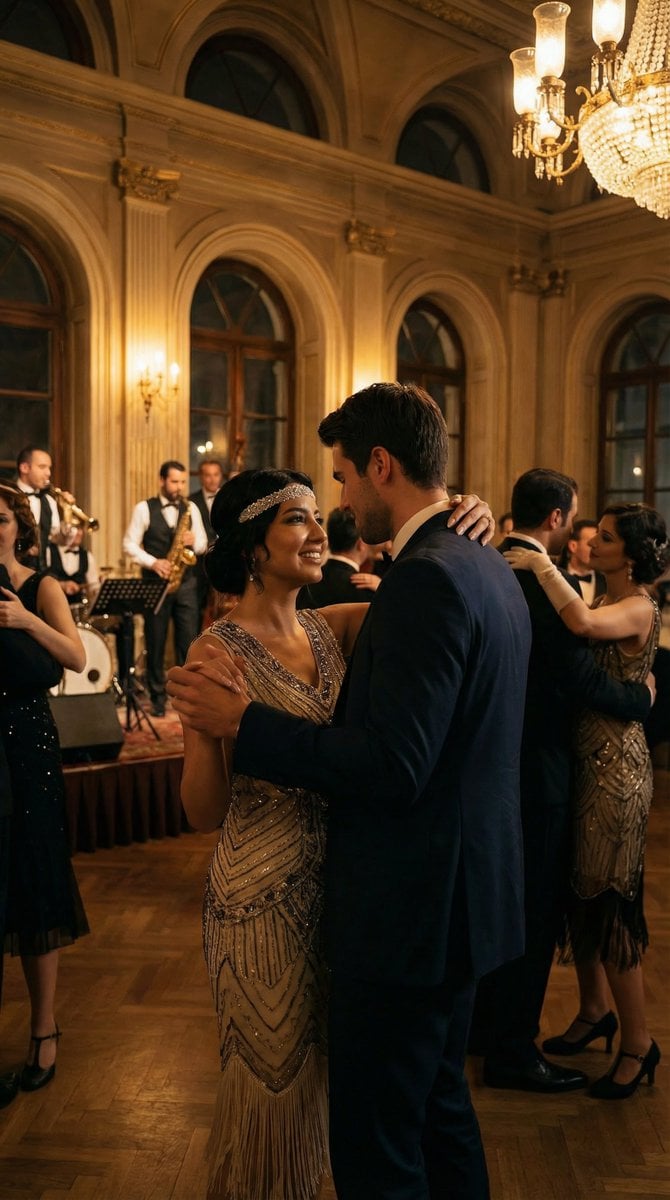
Historical romantic editorial of a couple dancing in 1920s Istanbul
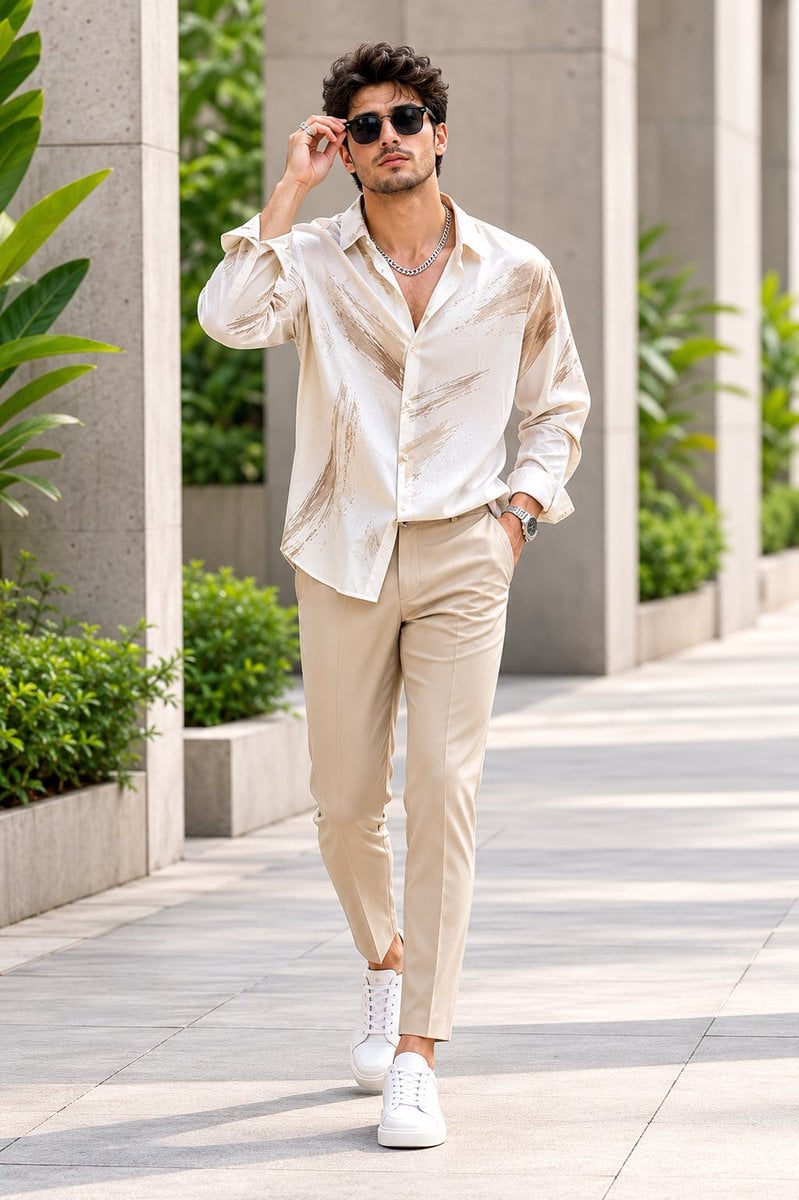
Handsome Man Luxury Menswear Walk

Gpt2 Youtube Thumbnail Anime Music Bootcamp Promo Poster
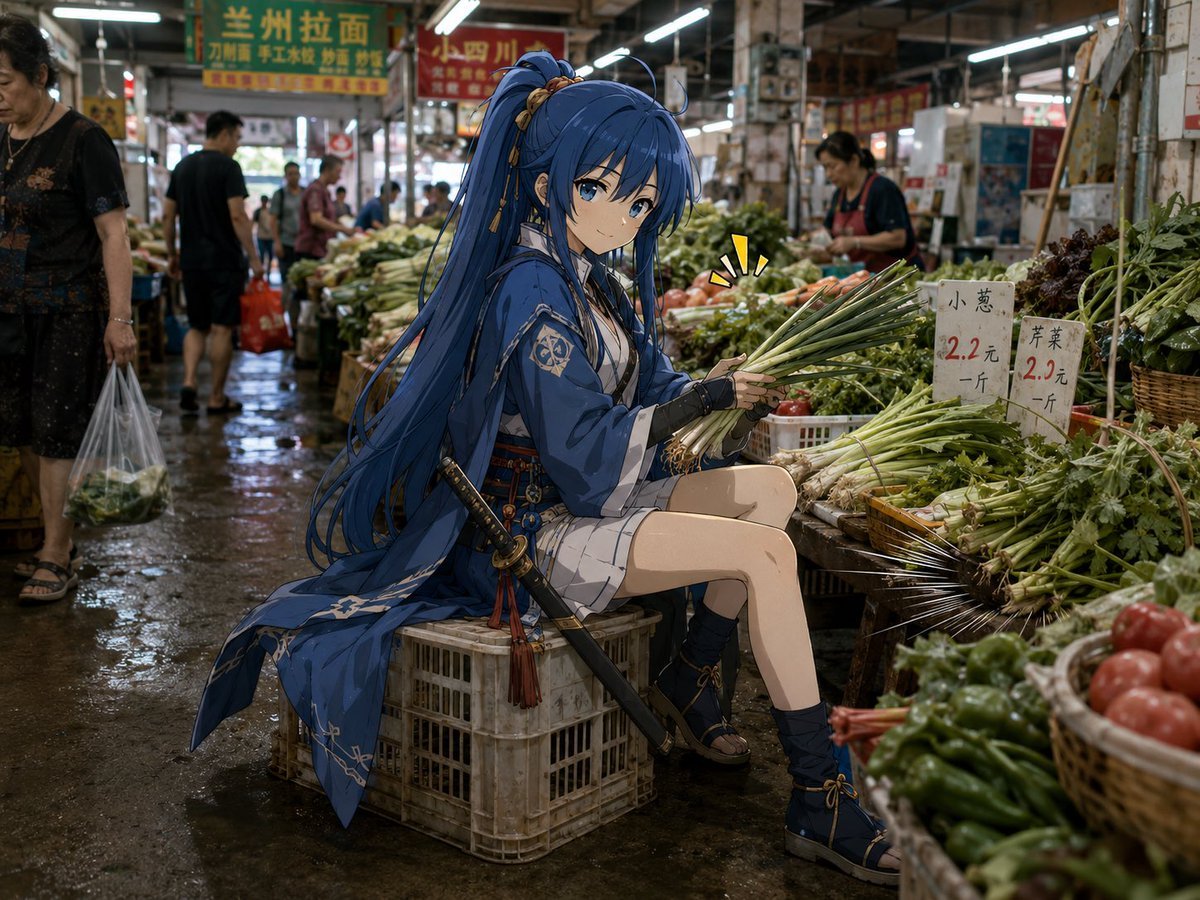
Anime Swordswoman in Wet Market

Luxury Packaging Reveal Prompt for Leonardo AI
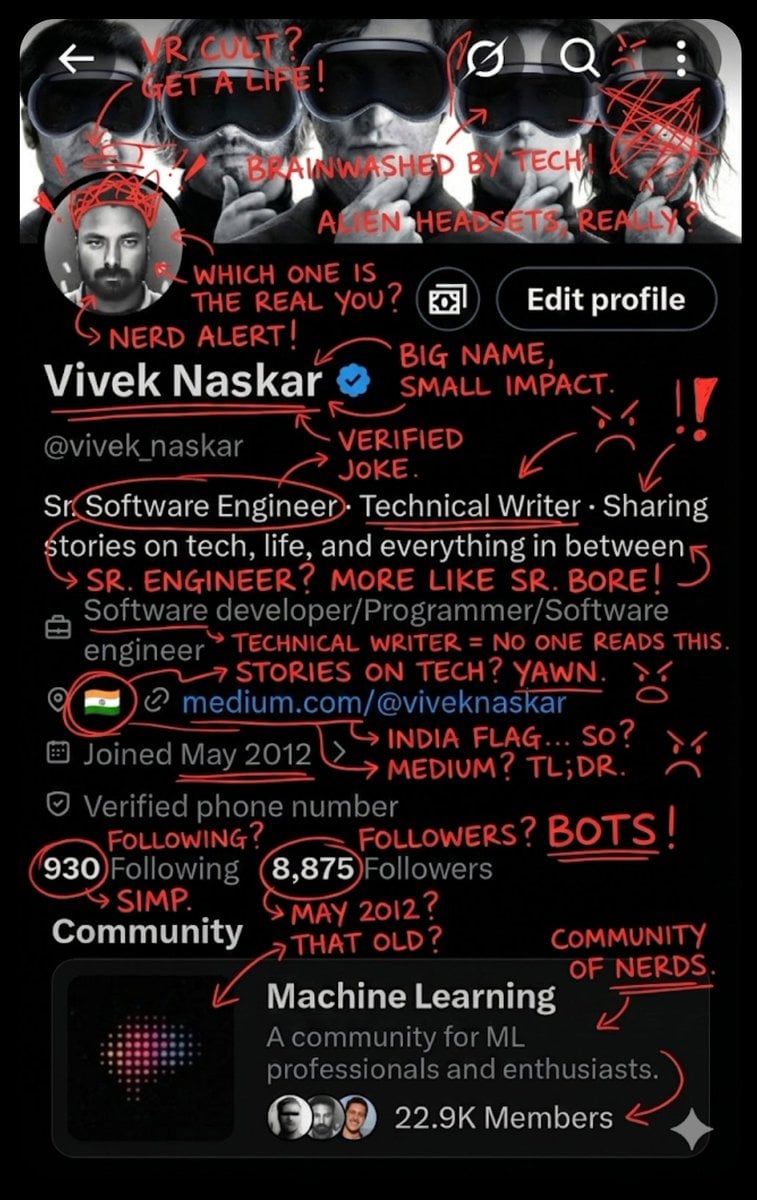
Image Overlay for 'Roast Scribble' Effect (Short)

Chinese Garden Clay Render Prompt (Nano Banana 2)
Studio Portrait with Digital UI Overlay

Oriental Mythical Beast Suanni Poster
Gym Mirror Selfie Portrait Prompt
Featured in prompt roundups
Hand-picked collections that include this template.
Browse template categories
Nostalgic Candid Holiday Scene with Motion Blur questions
How do I use the Nostalgic Candid Holiday Scene with Motion Blur template?
Add your photo if the template asks for one, edit the prompt if you like — the template's model and format are already selected — and press Generate. Your version opens in PicX Studio.
Can I customize the Nostalgic Candid Holiday Scene with Motion Blur template?
Yes. You can change the subject, setting, lighting, mood, format, and available model controls before creating your image.
Is the Nostalgic Candid Holiday Scene with Motion Blur template free?
Opening and editing this template is free. Generating uses credits, shown on the Generate button when you are signed in.
Which AI model should I use?
Start with Nano Banana 2, which is the model associated with this template. You can compare another compatible model for a different finish.
Looking for something else? Browse all templates.

Your photo, any look
Thousands of ready templates for every top image and video model, from one credit balance.