
Gym Mirror Selfie Portrait Prompt
A highly detailed, structured prompt for generating a mirror selfie portrait of a fit woman sitting on the floor of a modern gym.
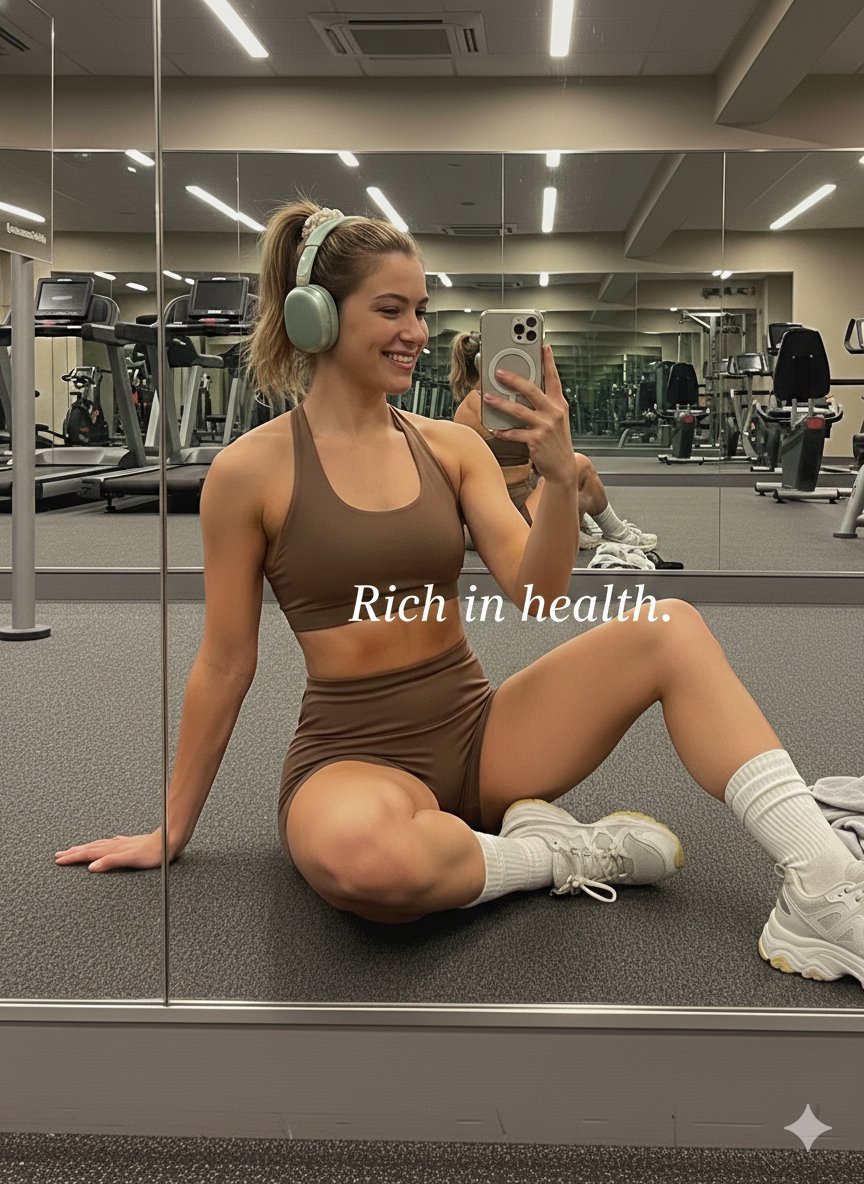
- Prompt included
- Model and format preset
- Premium template
The prompt behind this image
Copy the exact prompt behind Gym Mirror Selfie Portrait Prompt, or open it in the studio and make it yours.
- Lighting › Mood
- calm, warm, atmospheric
- Lighting › Type
- artificial indoor lighting, diffused
- Lighting › Source
- overhead gym lights, reflected light from mirrors
- Lighting › Shadows
- soft, diffused shadows on floor and under equipment
- Lighting › Direction
- overhead, multi-directional
- Lighting › Intensity
- soft, warm, slightly dim
- Background › Details
- modern gym equipment, clean, spacious
- Background › Elements
- large mirrors reflecting treadmills and stationary bikes, treadmills, stationary bikes, weight machines, carpeted floor, towel on floor, water bottle on floor, windows in background reflection, overhead lighting fixtures
- Background › Location
- gym interior
- Background › Perspective
- reflected view through mirror, showing depth
- Typography › Alignment
- center
- Typography › Font Size
- medium
- Typography › Font Style
- italic
- Typography › Text Color
- #FFFFFF
- Typography › Font Family
- sans-serif
- Typography › Font Weight
- regular
- Typography › Line Height
- normal
- Typography › Letter Spacing
- normal
- Composition › Angle
- low-angle, sitting on floor
- Composition › Framing
- subject occupies center-right, background reflection visible on left
- Composition › Shot Type
- mirror selfie
- Composition › Focal Point
- woman in foreground
- Composition › Depth Of Field
- moderate, background slightly blurred but details visible
- Color Profile › Contrast
- moderate
Raw JSON
{
  "lighting": {
    "mood": "calm, warm, atmospheric",
    "type": "artificial indoor lighting, diffused",
    "source": "overhead gym lights, reflected light from mirrors",
    "shadows": "soft, diffused shadows on floor and under equipment",
    "direction": "overhead, multi-directional",
    "intensity": "soft, warm, slightly dim"
  },
  "background": {
    "details": "modern gym equipment, clean, spacious",
    "elements": [
      "large mirrors reflecting treadmills and stationary bikes",
      "treadmills",
      "stationary bikes",
      "weight machines",
      "carpeted floor",
      "towel on floor",
      "water bottle on floor",
      "windows in background reflection",
      "overhead lighting fixtures"
    ],
    "location": "gym interior",
    "perspective": "reflected view through mirror, showing depth"
  },
  "typography": {
    "alignment": "center",
    "font_size": "medium",
    "font_style": "italic",
    "text_color": "#FFFFFF",
    "font_family": "sans-serif",
    "font_weight": "regular",
    "line_height": "normal",
    "letter_spacing": "normal"
  },
  "composition": {
    "angle": "low-angle, sitting on floor",
    "framing": "subject occupies center-right, background reflection visible on left",
    "shot_type": "mirror selfie",
    "focal_point": "woman in foreground",
    "depth_of_field": "moderate, background slightly blurred but details visible"
  },
  "color_profile": {
    "contrast": "moderate",
    "saturation": "low",
    "accent_colors": [
      "#B5B8A7",
      "#F4F4F4"
    ],
    "dominant_colors": [
      "#4A3B34",
      "#8C9389",
      "#A5A5A5",
      "#D9D9D9"
    ],
    "palette_description": "muted earth tones, warm browns, grays, beige, light green"
  },
  "technical_specs": {
    "grain": "slight grain present",
    "device": "smartphone camera (likely iPhone)",
    "lens_type": "wide-angle",
    "sharpness": "moderate, some softening due to low light and mirror reflection",
    "resolution": "standard smartphone photo resolution",
    "aspect_ratio": "4:5 (portrait)"
  },
  "subject_analysis": {
    "person": {
      "hair": {
        "color": "light brown/blonde",
        "style": "high ponytail, tied with a light-colored scrunchie",
        "texture": "straight/wavy"
      },
      "pose": "sitting on floor, left leg bent, right leg extended, torso twisted slightly, holding phone in right hand for mirror selfie, left hand on floor behind her",
      "attire": {
        "top": "brown sports bra with halter neck strap",
        "shoes": "light gray and white chunky sneakers with yellow accents",
        "socks": "white ribbed crew socks",
        "bottoms": "brown high-waisted athletic shorts",
        "accessories": "light green over-ear headphones (Apple AirPods Max)"
      },
      "gender": "female",
      "expression": "smiling, looking at phone screen",
      "fitness_level": "fit, toned"
    }
  },
  "artistic_elements": {
    "mood": "aspirational,"
  }
}How to use Gym Mirror Selfie Portrait Prompt in 3 steps
- 1
Open
The prompt is already in the box next to the preview, with the template's model and format selected.
- 2…a portrait of your subject in softgolden-hour light, 85mm…
Personalize
Edit the subject and creative details for your destination.
- 3Generate
Generate
Press Generate — your image is created in PicX Studio, so you can compare it with the original and refine one variable at a time.
More like this
Templates with the same subject, style or setup. Open one to see its prompt.

Rooftop Fisheye — Cat-Ear Balaclava at Golden Hour

Felt & Knit 3D Character — Photo-Exact Face, Pixar-Quality Plush Figurine

Surreal Cat Astronaut — Humanoid Face Freefall
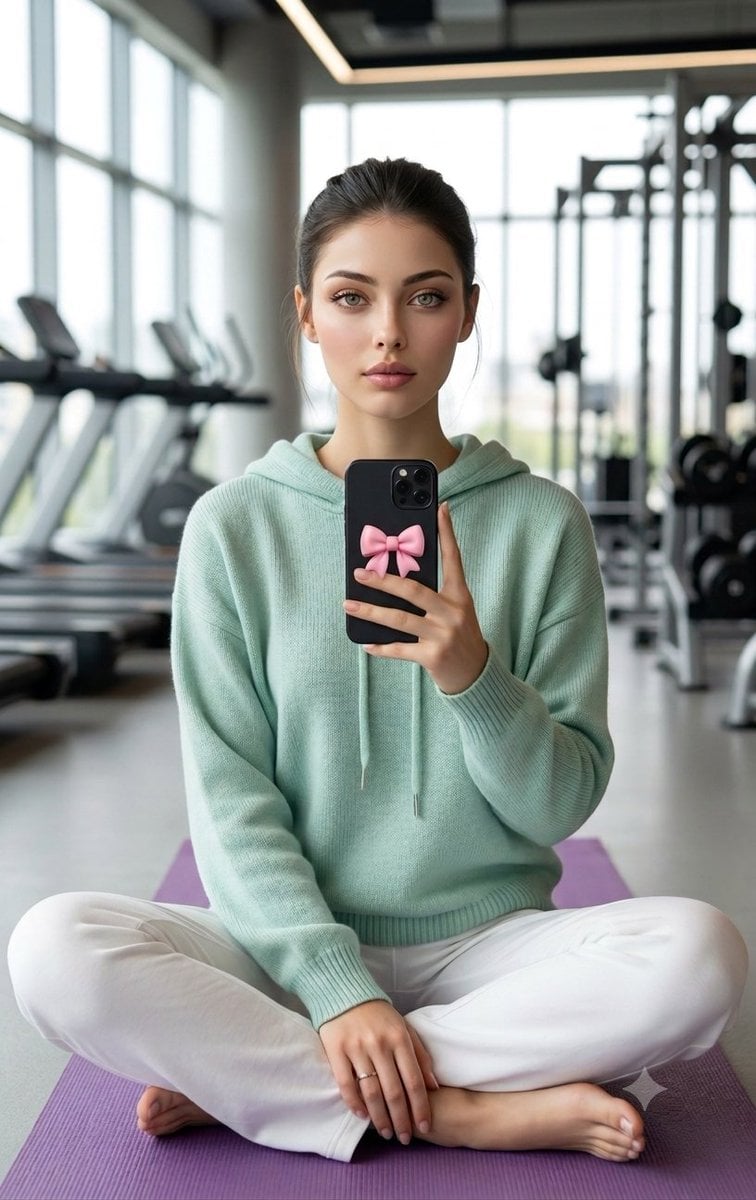
Professional Gym Mirror Selfie Portrait
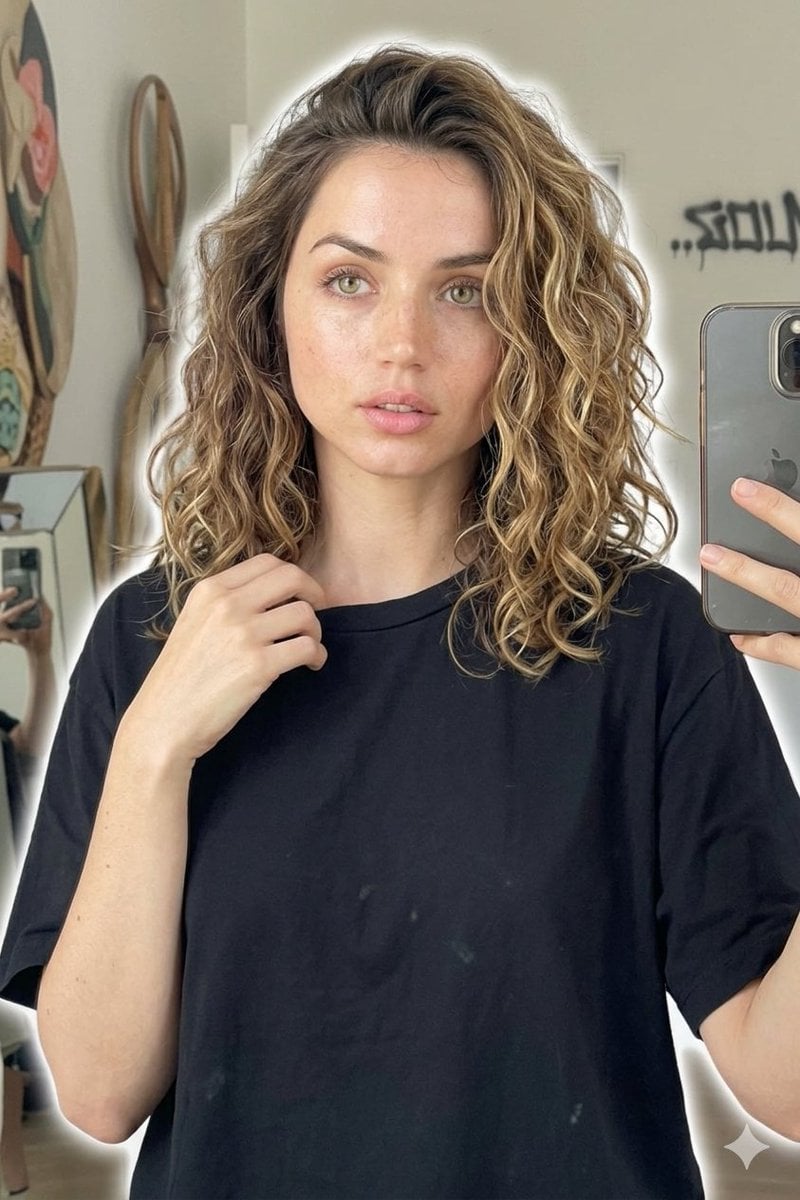
Candid Mirror Selfie Beauty Portrait
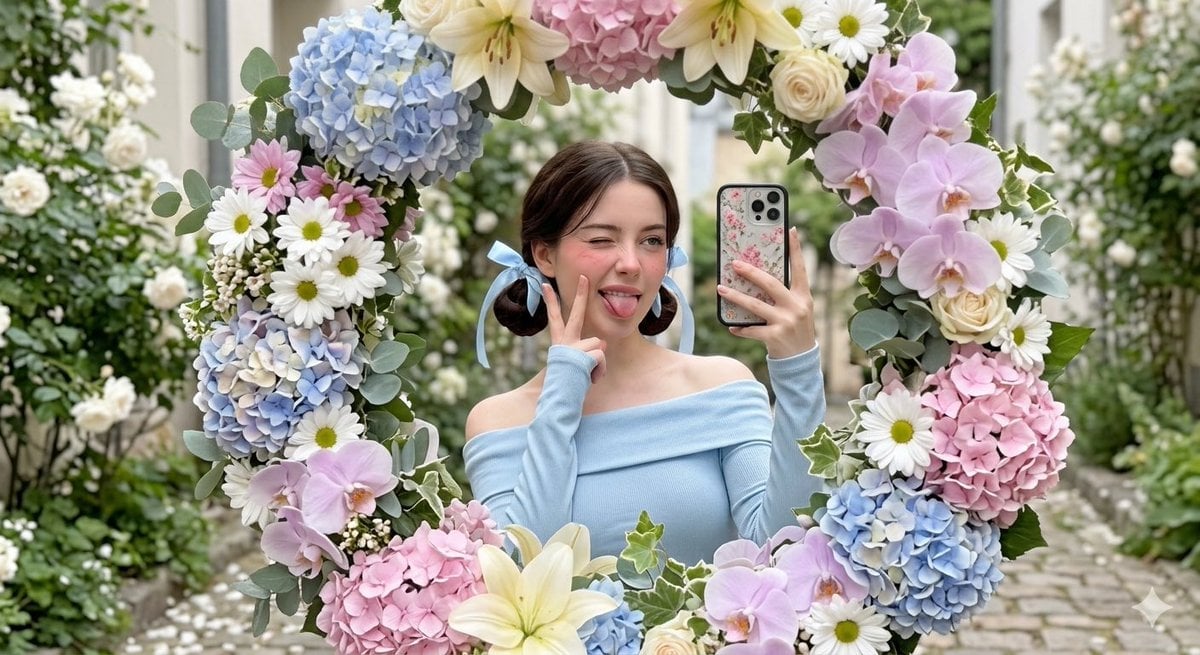
Floral Mirror Selfie Portrait
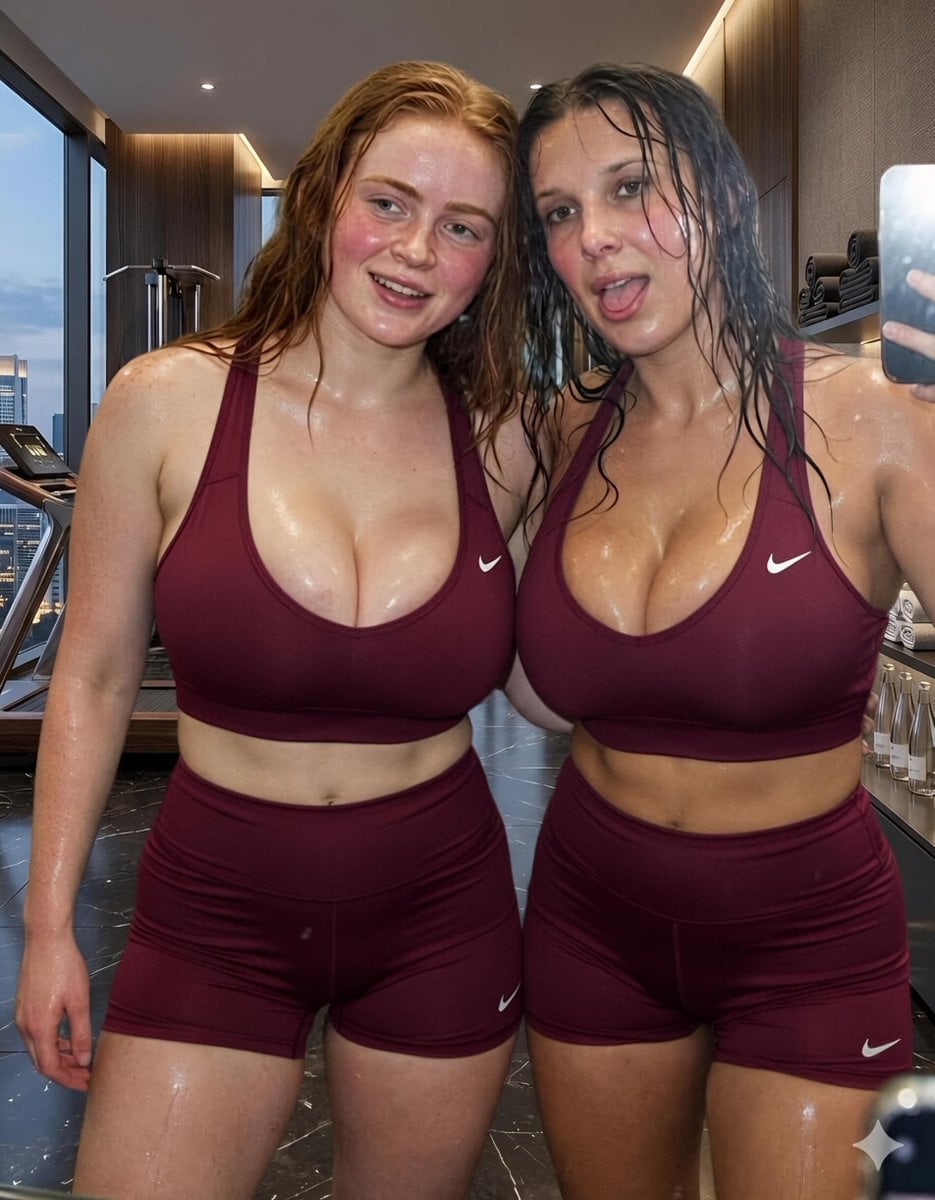
Modern Luxury Gym Mirror Selfie
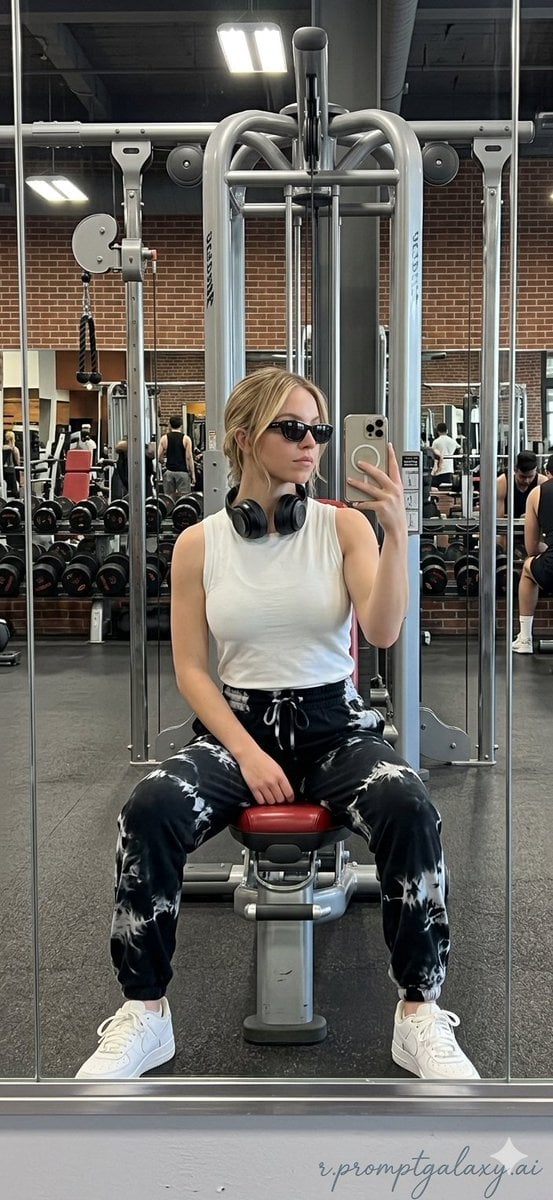
Realistic Gym Mirror Selfie
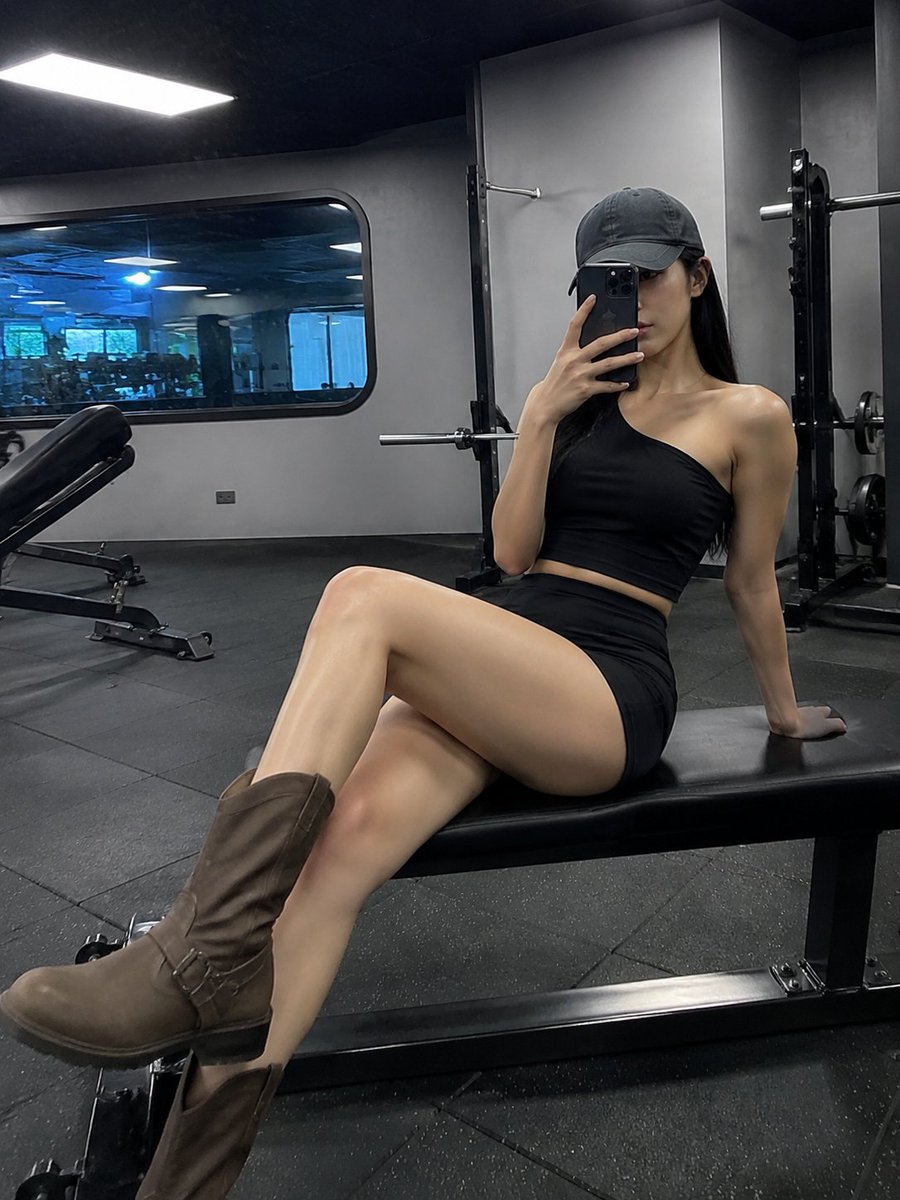
Realistic Gym Mirror Selfie
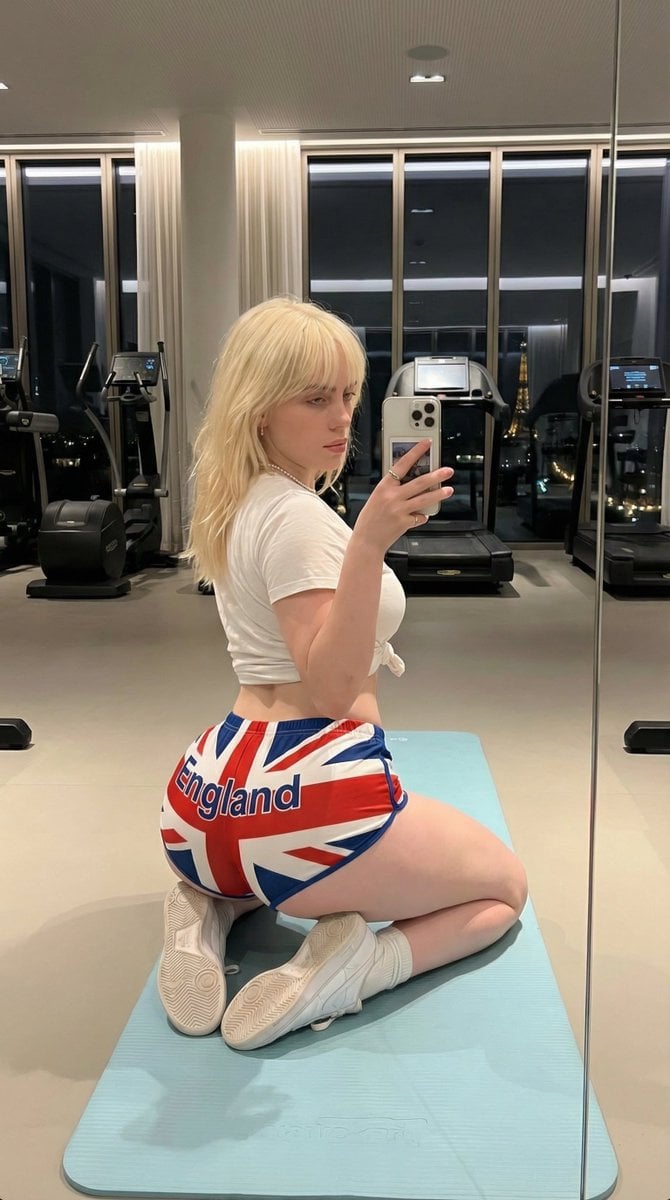
Exaggerated Physique Gym Mirror Selfie Prompt (Spain Theme)
Ultra-Realistic Gym Mirror Selfie

Found Photograph: Us, 1970
Make it yours
Gym Mirror Selfie Portrait Prompt works as-is. These are the safest ways to change it without losing the look.
Swap the setting
Keep the rest of the prompt and replace the location block. The current setting is “modern gym equipment, clean, spacious”.
Swap the light
One lighting change is enough to compare takes. Current light: “calm, warm, atmospheric”.
Change one field
Copy a single group, rewrite it, and generate again so you can see what that field is doing.
| If the result… | Why | Fix |
|---|---|---|
| The result drifts from the preview | Too many fields changed at once. | Reuse Gym Mirror Selfie Portrait Prompt as-is first, then change one group — subject, light, or setting. |
| Nano Banana 2 ignores part of the JSON | Some models flatten or skip nested keys. | Keep the same values and paste them as a short paragraph instead. |
More Nano Banana 2 templates
Other prompts made for Nano Banana 2.

Photorealistic Leaf Shaped Like a Dragon

K-Pop Idol Portrait Grid for Rapid Selection

Poetic Rain Forest Portrait During Golden Hour

Urban Street Portrait with Cartoon Inner Self Duo

Candid Nighttime Photo with Cat Prompt

High-Concept 3D Diorama Generation Prompt

Cinematic Futuristic Studio Portrait Template

Skincare Editorial Photography Collage Prompt

Hyper-Realistic Commercial Product Photography (Splash Effect)

Hyper-Realistic Nightclub Portrait Prompt
More image prompts
Fresh picks from across the catalog.
Abstract Expressionist Portrait with Orange Glasses
Fantasy Harbor Captain Scene
Human VS. Yokai Haxtusyaku-sama in FPS Game Style
Desi Funny New Year 2026 Cinematic Portrait Prompt
Cinematic Forest Campfire Portrait

untitled
photography
Monochrome Mountain Warrior Portrait
Japanese Career Diagnosis Cover

AI Mechanism Infographic
Browse template categories
Gym Mirror Selfie Portrait Prompt questions
How do I use the Gym Mirror Selfie Portrait Prompt template?
Add your photo if the template asks for one, edit the prompt if you like — the template's model and format are already selected — and press Generate. Your version opens in PicX Studio.
Can I customize the Gym Mirror Selfie Portrait Prompt template?
Yes. You can change the subject, setting, lighting, mood, format, and available model controls before creating your image.
Is the Gym Mirror Selfie Portrait Prompt template free?
Opening and editing this template is free. Generating uses credits, shown on the Generate button when you are signed in.
Which AI model should I use?
Start with Nano Banana 2, which is the model associated with this template. You can compare another compatible model for a different finish.
Looking for something else? Browse all templates.

Your photo, any look
Thousands of ready templates for every top image and video model, from one credit balance.