
Cinematic Forest Campfire Portrait
An ultra-realistic cinematic portrait of a young man sitting by a campfire at night, focusing on emotional depth and realistic fire light reflections.
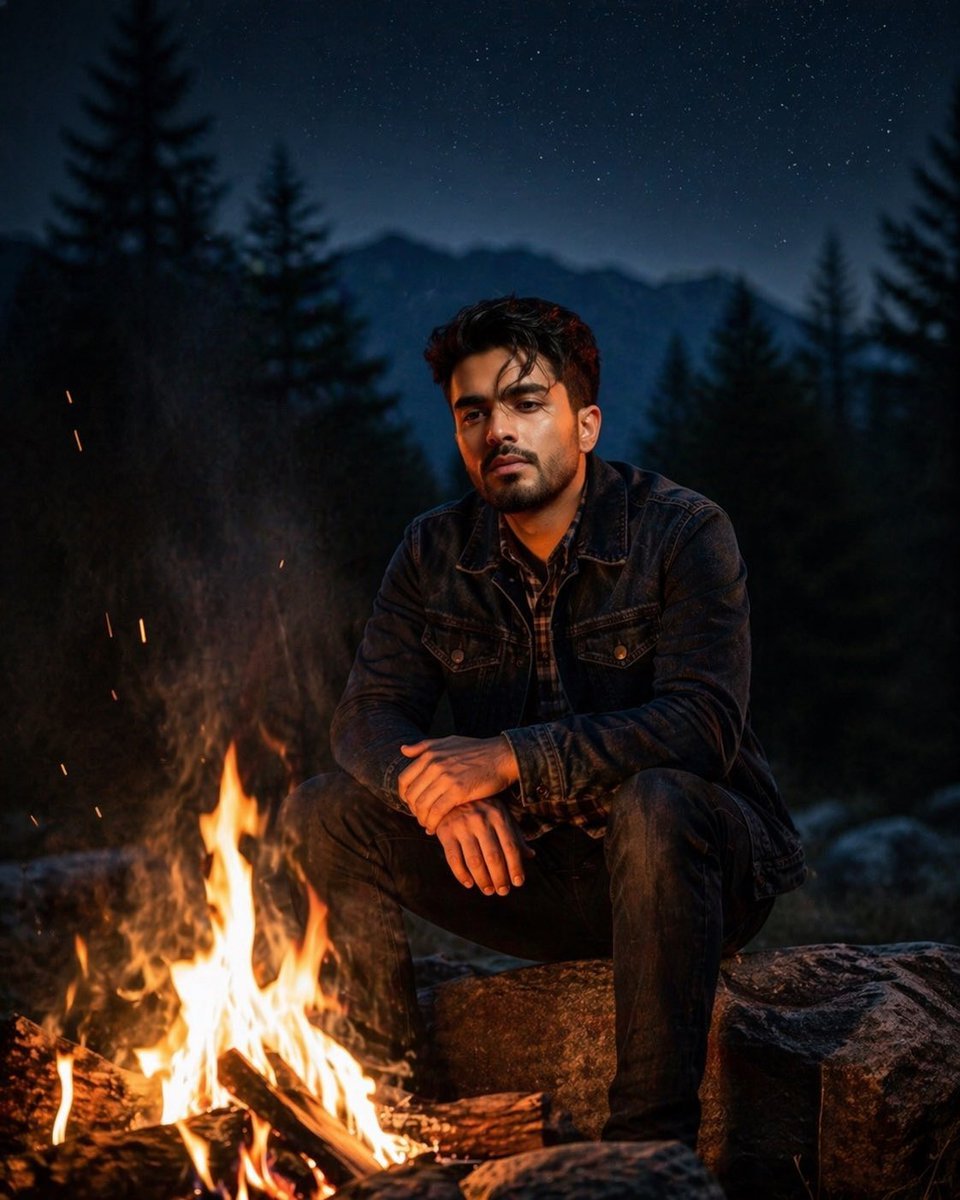
- Prompt included
- Model and format preset
- Free template
The prompt behind this image
Copy the exact prompt behind Cinematic Forest Campfire Portrait, or open it in the studio and make it yours.
Ultra-realistic cinematic portrait of a {argument name="subject" default="young man"} sitting alone beside a campfire at night in a deep forest, 4:5 vertical ratio. He is seated on a large natural rock near the fire, leaning slightly forward with a thoughtful and serious expression, eyes focused on the flames, conveying deep contemplation and emotional depth. He has short dark hair, a neatly trimmed short beard, sharp facial features, and warm brown skin tone. He is wearing a {argument name="clothing" default="dark blue denim jacket"} layered over a checkered shirt, with dark jeans and casual outdoor styling. The campfire in the foreground is bright and alive, with glowing orange flames, burning wood logs, sparks, soft smoke rising upward, and warm firelight reflecting naturally on his face, hands, and clothing. His hands rest calmly on his knees, relaxed but emotionally heavy posture. The fire creates dramatic warm highlights and soft shadows across his face, while the surrounding environment remains cool and dark. Background shows a cinematic wilderness scene with tall pine trees, soft mountain silhouettes in the distance, and a clear starry night sky above. Slight blue-hour tones in the background contrast beautifully with the warm orange firelight. The atmosphere feels peaceful, isolated, and emotionally intense. Shallow depth of field, ultra-detailed skin texture, realistic fabric details, natural lighting balance, moody shadows, high contrast, professional cinematic color grading, soft bokeh in background, DSLR quality, sharp focus on subject, photorealistic storytelling composition, dramatic outdoor portrait photography, intimate emotional mood, masterpiece quality, highly detailed, natural realism. Maintain exact facial structure from reference image, 100% accurate identity preservation, realistic proportions, no face distortion, premium cinematic photography style. Generate image using unloaded image as reference
How to use Cinematic Forest Campfire Portrait in 3 steps
- 1Upload ImagePNG, JPG or paste
Add your photo
Upload the photo the template builds on. The prompt, model and format are already set.
- 2…a portrait of your subject in softgolden-hour light, 85mm…
Personalize
Edit the subject and creative details for your destination.
- 3Generate
Generate
Press Generate — your image is created in PicX Studio, so you can compare it with the original and refine one variable at a time.
More like this
Templates with the same subject, style or setup. Open one to see its prompt.

Enchanted Forest Root Kiss Scene By Nano

Found Photograph: Us, 1970

80s Couple Studio Portrait

80s Bollywood Star

80s Golden Hour Cinema

Me in 1985

1985 Studio Portrait

Hyper-Realistic Minecraft POV Portrait

Rooftop Fisheye — Cat-Ear Balaclava at Golden Hour

Layered Paper Cut Forest Diorama

Rainy Café Window Moody Portrait

untitled
Make it yours
Cinematic Forest Campfire Portrait works as-is. These are the safest ways to change it without losing the look.
Change one field
Copy a single group, rewrite it, and generate again so you can see what that field is doing.
Keep the frame, change the subject
Hold the composition and light of Cinematic Forest Campfire Portrait, then swap wardrobe, props or the person for a new take.
| If the result… | Why | Fix |
|---|---|---|
| The result drifts from the preview | Too many fields changed at once. | Reuse Cinematic Forest Campfire Portrait as-is first, then change one group — subject, light, or setting. |
| The model over-stylizes the scene | The prose prompt leaves finish and camera underspecified. | Add one camera or lighting sentence and stay on GPT Image 2. |
More GPT Image 2 templates
Other prompts made for GPT Image 2.

Six VTuber Japanese Logo Sheet

Realistic Portrait of Woman and Deer

The Vista Modular Condo Poster

AI Model Routing Comparison Infographic

2.5D Anime Art Board

Isometric Productivity Desk Scene

New York Double Exposure Poster

Four-Panel AI Landscape Comparison

Japanese Tatami Lifestyle Magazine Cover

NESCAFÉ Coffee Map Poster
More image prompts
Fresh picks from across the catalog.
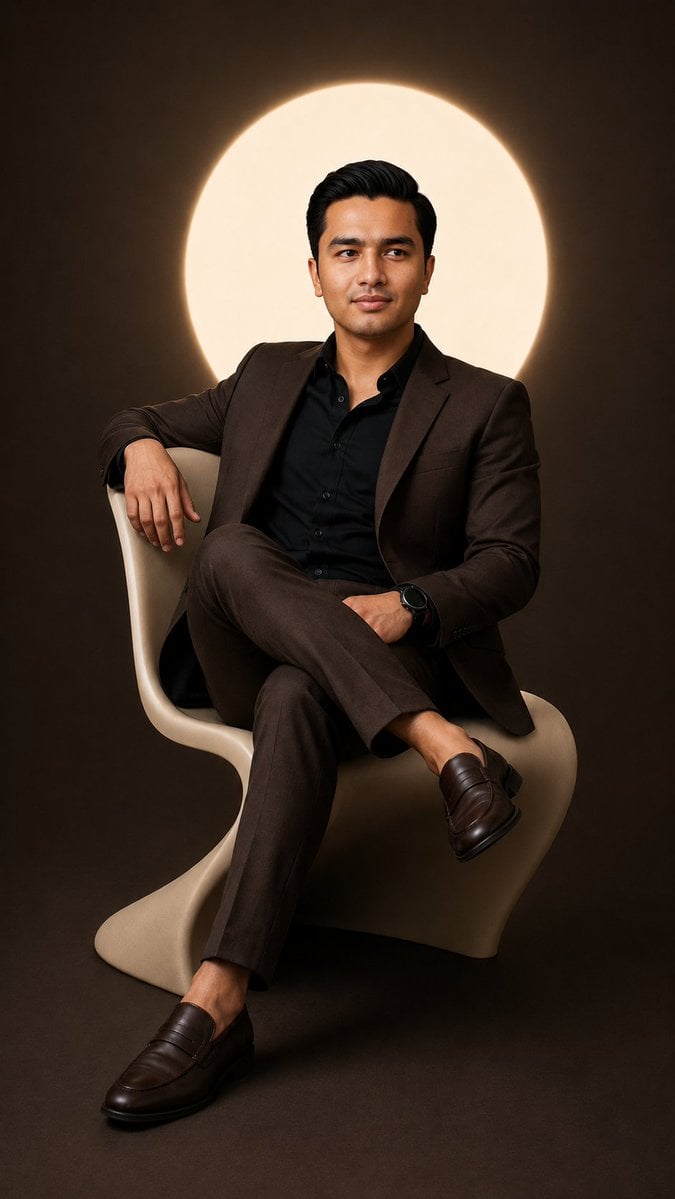
Cinematic Studio Suit Portrait
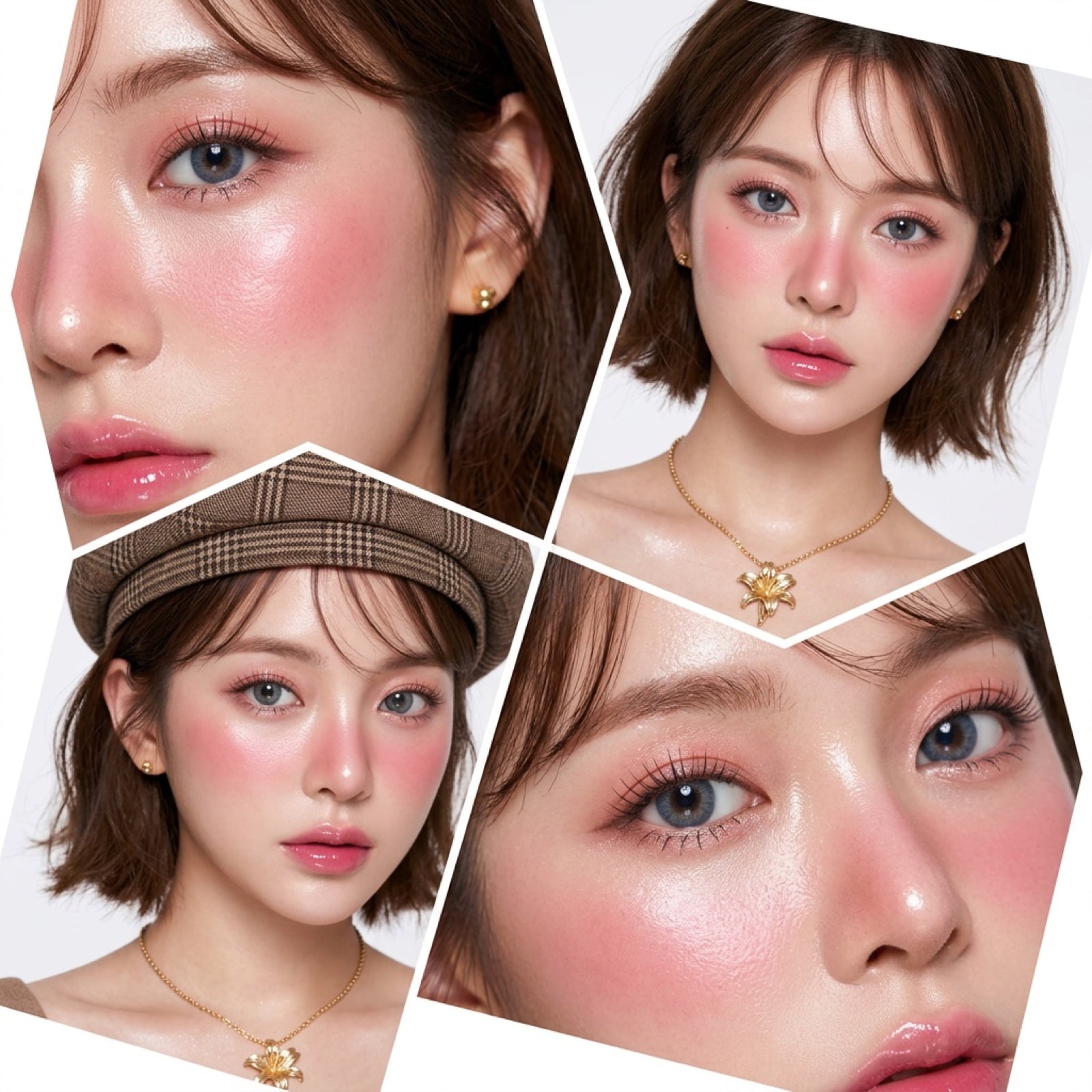
Panel Korean Beauty Editorial Collage Prompt (Glass Skin)

Golden Hour Organic Outdoor Selfie

GPT-Image2 E-Commerce Course Banner
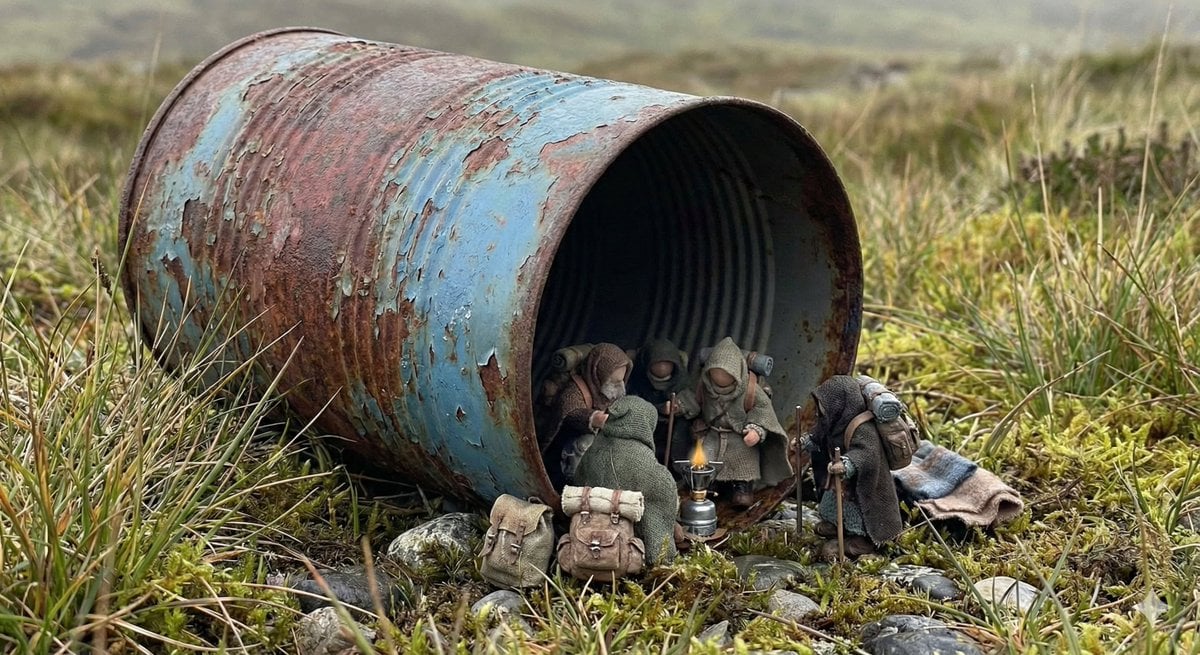
Object as Shelter: Naturalistic Storytelling
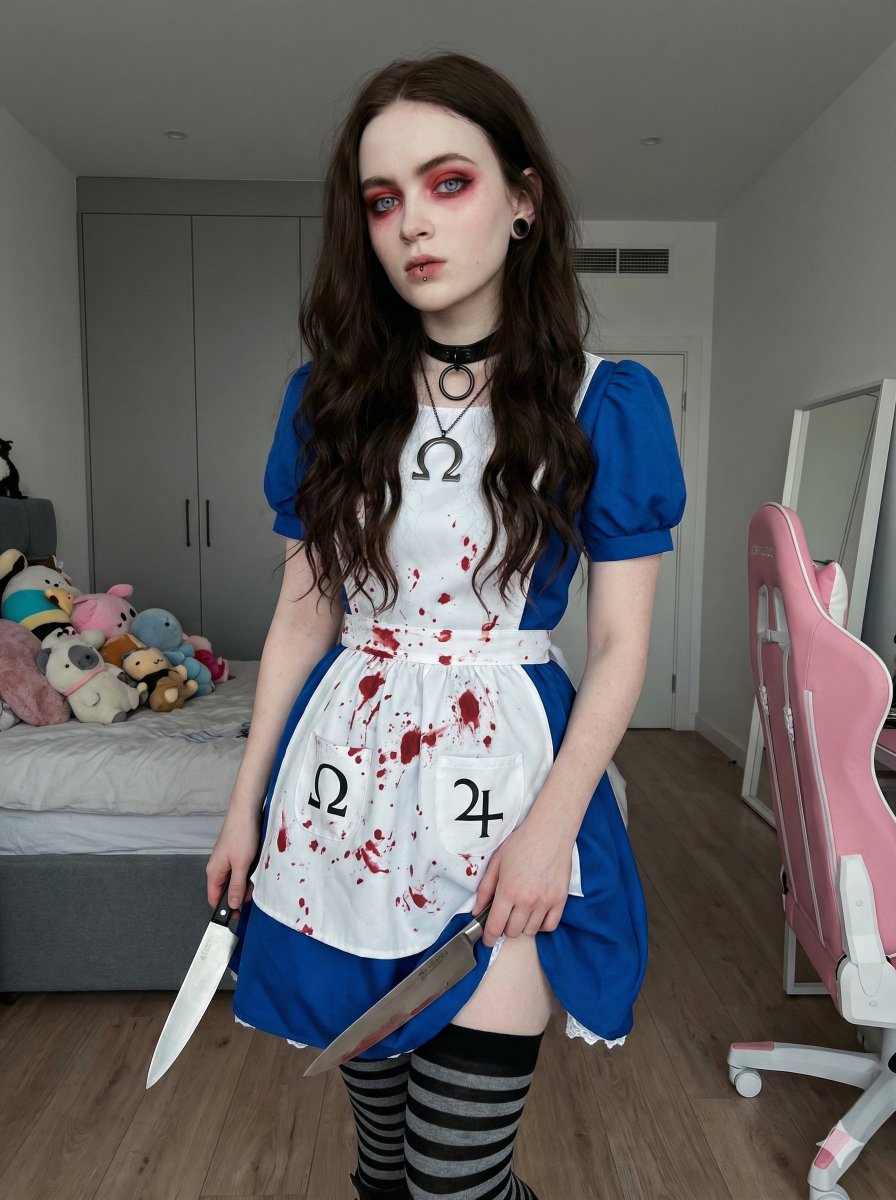
Photorealistic Cosplay of Alice: Madness Returns

Japanese AI Business Infographic
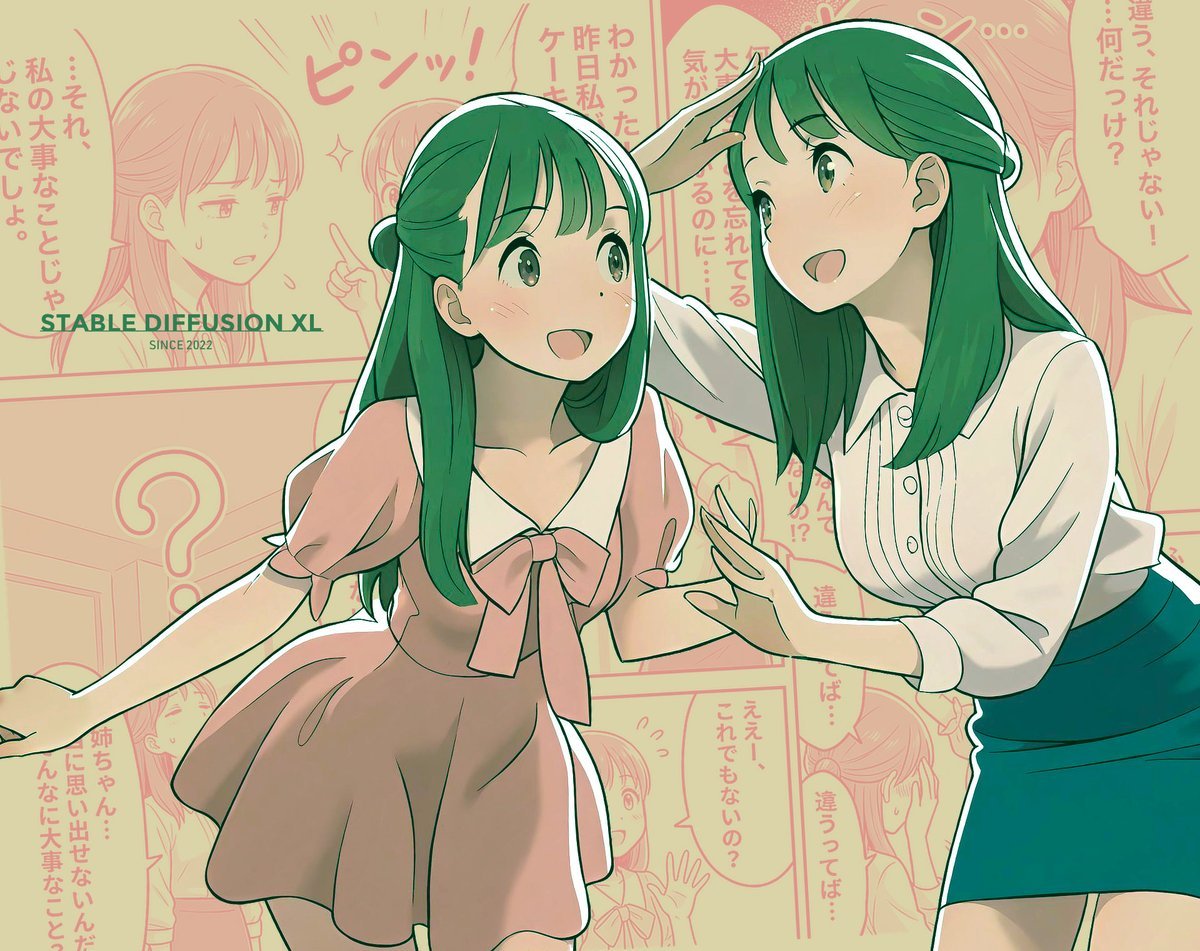
Manga page prompt for Nano Banana Pro
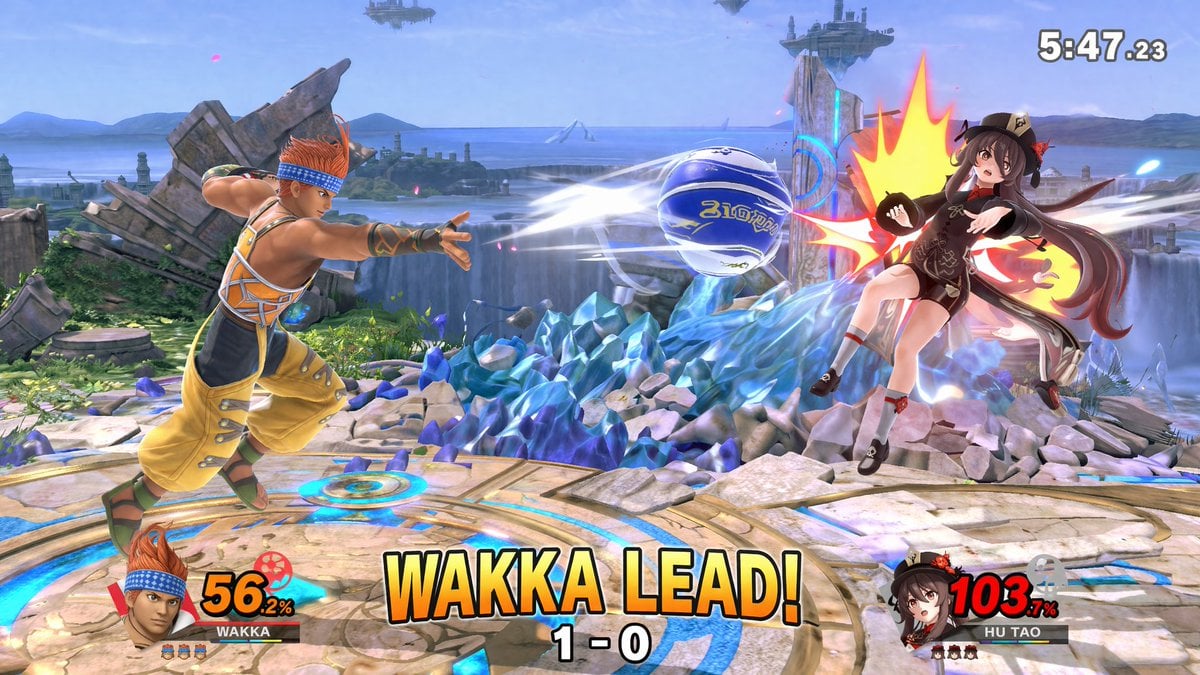
Crossover Platform Fighter Screenshot
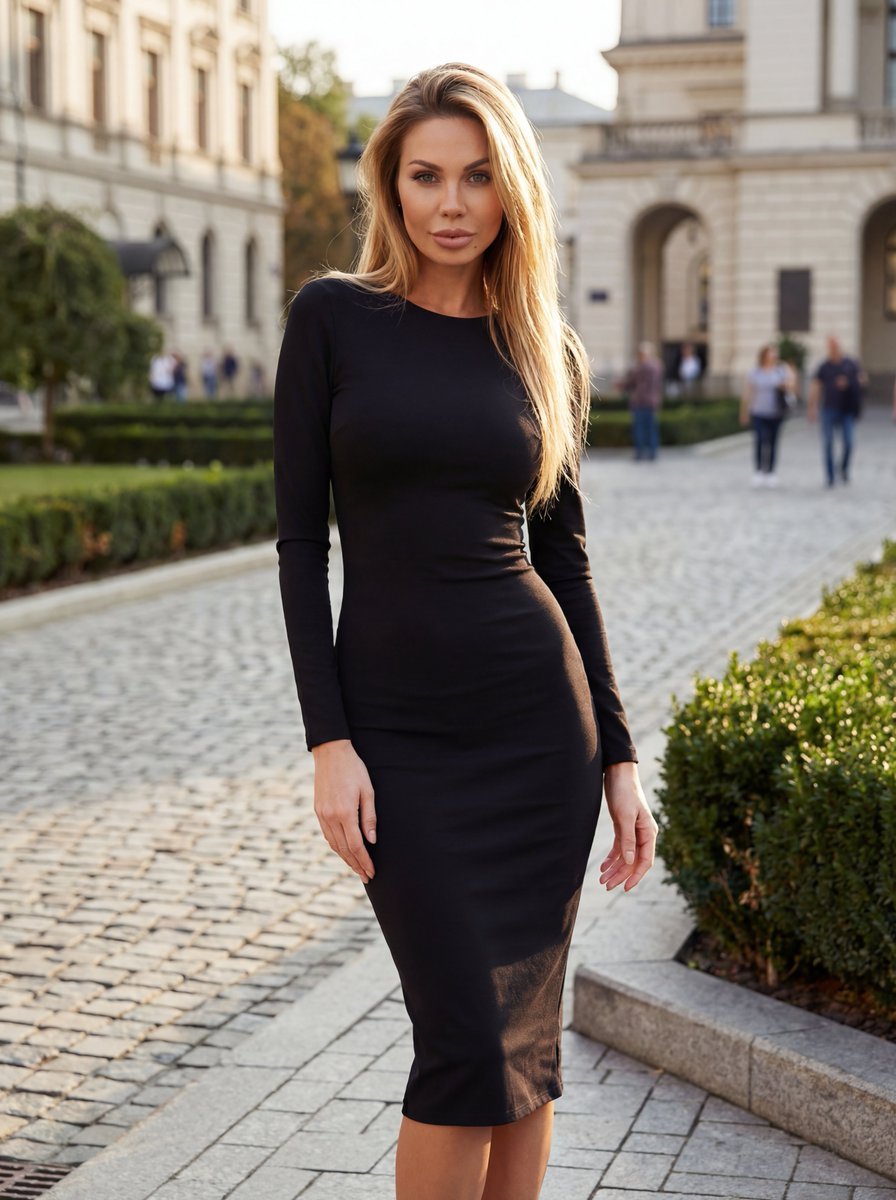
High-End Fashion Campaign with Strict Garment Preservation
Browse template categories
Cinematic Forest Campfire Portrait questions
How do I use the Cinematic Forest Campfire Portrait template?
Add your photo if the template asks for one, edit the prompt if you like — the template's model and format are already selected — and press Generate. Your version opens in PicX Studio.
Can I customize the Cinematic Forest Campfire Portrait template?
Yes. You can change the subject, setting, lighting, mood, format, and available model controls before creating your image.
Is the Cinematic Forest Campfire Portrait template free?
Opening and editing this template is free. Generating uses credits, shown on the Generate button when you are signed in.
Which AI model should I use?
Start with GPT Image 2, which is the model associated with this template. You can compare another compatible model for a different finish.
Looking for something else? Browse all templates.

Your photo, any look
Thousands of ready templates for every top image and video model, from one credit balance.