
Crossover Platform Fighter Screenshot
Generates a highly detailed 3D fighting game screenshot featuring custom characters, dynamic combat impacts, and authentic UI overlays.
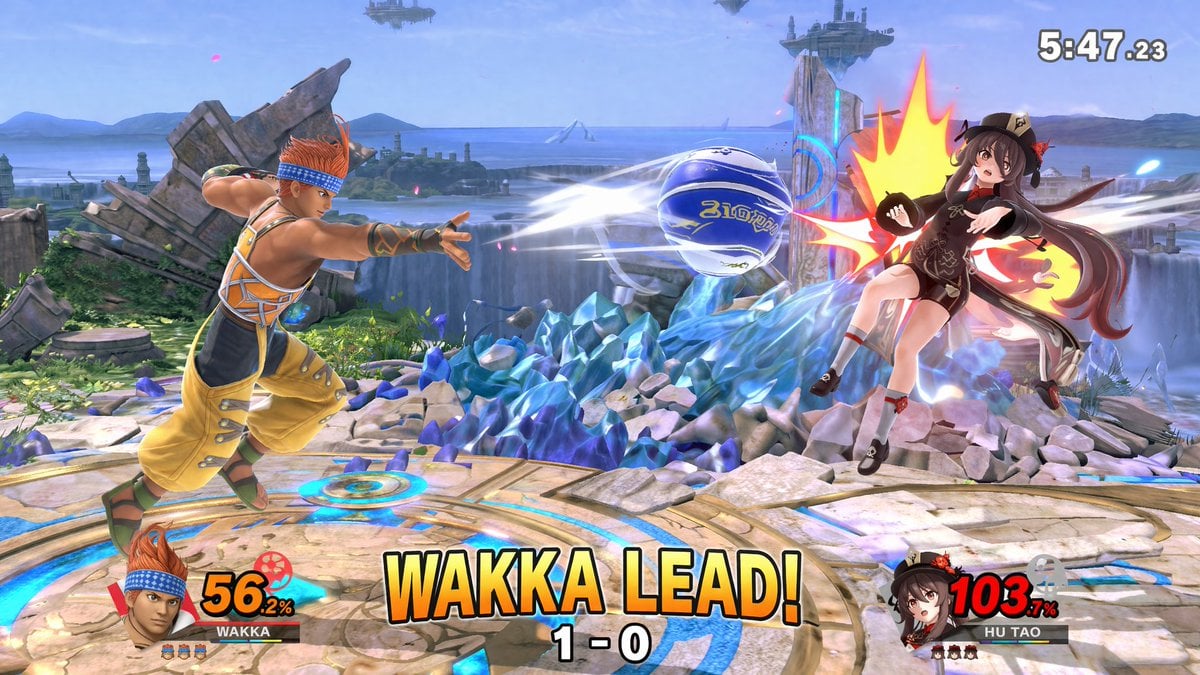
- Prompt included
- Model and format preset
- Premium template
The prompt behind this image
Copy the exact prompt behind Crossover Platform Fighter Screenshot, or open it in the studio and make it yours.
- Type
- 3D platform fighting game screenshot
- Style
- high-fidelity 3D render, vibrant colors, dynamic action camera angle, video game UI overlay
- Environment › Stage
- {argument name="stage background" default="circular stone platform with glowing blue runes, surrounded by jagged blue crystal formations, waterfalls, ocean, and floating islands in the sky"}
- Characters › 0 › Role
- Player 1
- Characters › 0 › Description
- {argument name="player 1 character" default="Wakka from Final Fantasy X, wearing yellow and orange outfit with blue headband"}
- Characters › 0 › Action
- lunging forward and throwing a {argument name="projectile" default="blue and white blitzball"} with white motion blur trails
- Characters › 0 › Position
- left side
- Characters › 1 › Role
- Player 2
- Characters › 1 › Description
- {argument name="player 2 character" default="Hu Tao from Genshin Impact, wearing black and brown outfit with a floral hat"}
- Characters › 1 › Action
- getting hit by the projectile, reeling backward with a large stylized yellow and red impact flash
- Characters › 1 › Position
- right side, mid-air
- Ui Components › 0 › Position
- top right
- Ui Components › 0 › Type
- match timer
- Ui Components › 0 › Text
- 5:47.23
- Ui Components › 1 › Position
- bottom left
- Ui Components › 1 › Type
- player 1 HUD
- Ui Components › 1 › Elements
- character portrait of Player 1, nameplate reading 'WAKKA', damage meter showing '56.2%' in yellow text, 3 small character stock icons
- Ui Components › 2 › Position
- bottom right
- Ui Components › 2 › Type
- player 2 HUD
- Ui Components › 2 › Elements
- character portrait of Player 2, nameplate reading 'HU TAO', damage meter showing '103.7%' in red text, 3 small character stock icons
- Ui Components › 3 › Position
- bottom center
- Ui Components › 3 › Type
- match status overlay
- Ui Components › 3 › Main Text
- {argument name="center text" default="WAKKA LEAD!"}
- Ui Components › 3 › Sub Text
- 1 - 0
Raw JSON
{
  "type": "3D platform fighting game screenshot",
  "style": "high-fidelity 3D render, vibrant colors, dynamic action camera angle, video game UI overlay",
  "environment": {
    "stage": "{argument name=\"stage background\" default=\"circular stone platform with glowing blue runes, surrounded by jagged blue crystal formations, waterfalls, ocean, and floating islands in the sky\"}"
  },
  "characters": [
    {
      "role": "Player 1",
      "description": "{argument name=\"player 1 character\" default=\"Wakka from Final Fantasy X, wearing yellow and orange outfit with blue headband\"}",
      "action": "lunging forward and throwing a {argument name=\"projectile\" default=\"blue and white blitzball\"} with white motion blur trails",
      "position": "left side"
    },
    {
      "role": "Player 2",
      "description": "{argument name=\"player 2 character\" default=\"Hu Tao from Genshin Impact, wearing black and brown outfit with a floral hat\"}",
      "action": "getting hit by the projectile, reeling backward with a large stylized yellow and red impact flash",
      "position": "right side, mid-air"
    }
  ],
  "ui_components": [
    {
      "position": "top right",
      "type": "match timer",
      "text": "5:47.23"
    },
    {
      "position": "bottom left",
      "type": "player 1 HUD",
      "elements": [
        "character portrait of Player 1",
        "nameplate reading 'WAKKA'",
        "damage meter showing '56.2%' in yellow text",
        "3 small character stock icons"
      ]
    },
    {
      "position": "bottom right",
      "type": "player 2 HUD",
      "elements": [
        "character portrait of Player 2",
        "nameplate reading 'HU TAO'",
        "damage meter showing '103.7%' in red text",
        "3 small character stock icons"
      ]
    },
    {
      "position": "bottom center",
      "type": "match status overlay",
      "main_text": "{argument name=\"center text\" default=\"WAKKA LEAD!\"}",
      "sub_text": "1 - 0"
    }
  ]
}How to use Crossover Platform Fighter Screenshot in 3 steps
- 1Upload ImagePNG, JPG or paste
Add your photo
Upload the photo the template builds on. The prompt, model and format are already set.
- 2…a portrait of your subject in softgolden-hour light, 85mm…
Personalize
Edit the subject and creative details for your destination.
- 3Generate
Generate
Press Generate — your image is created in PicX Studio, so you can compare it with the original and refine one variable at a time.
More like this
Templates with the same subject, style or setup. Open one to see its prompt.

Minecraft Next-Gen Voxel World Screenshot
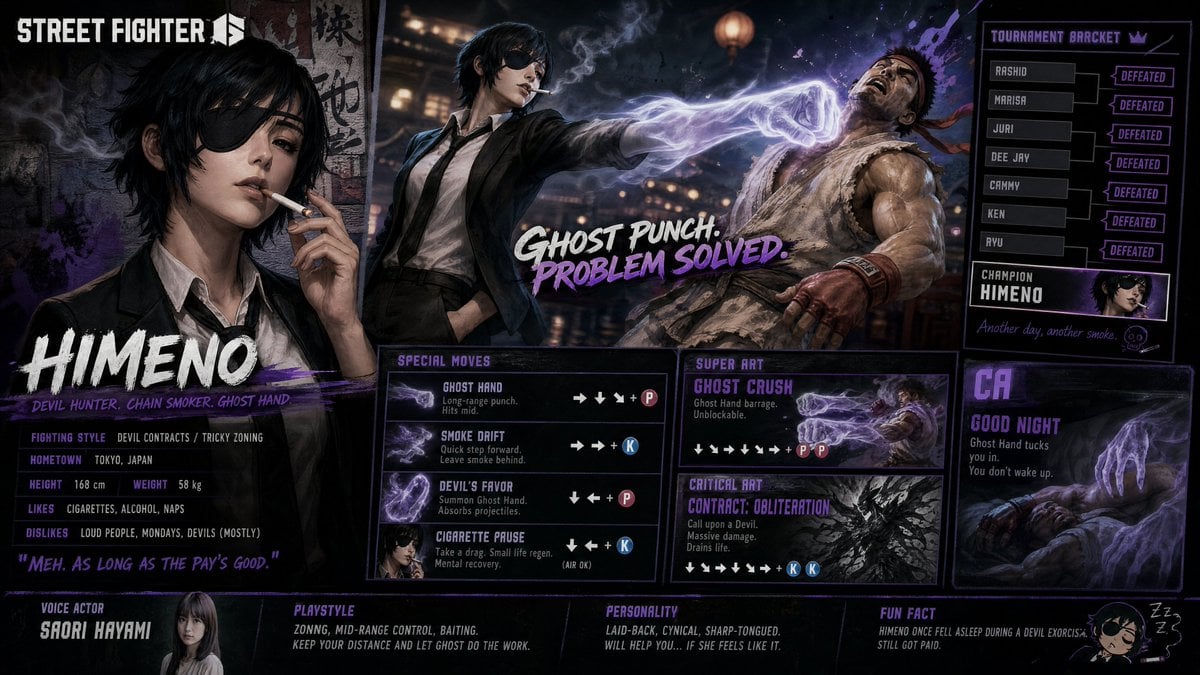
Street Fighter 6 Himeno Crossover Poster
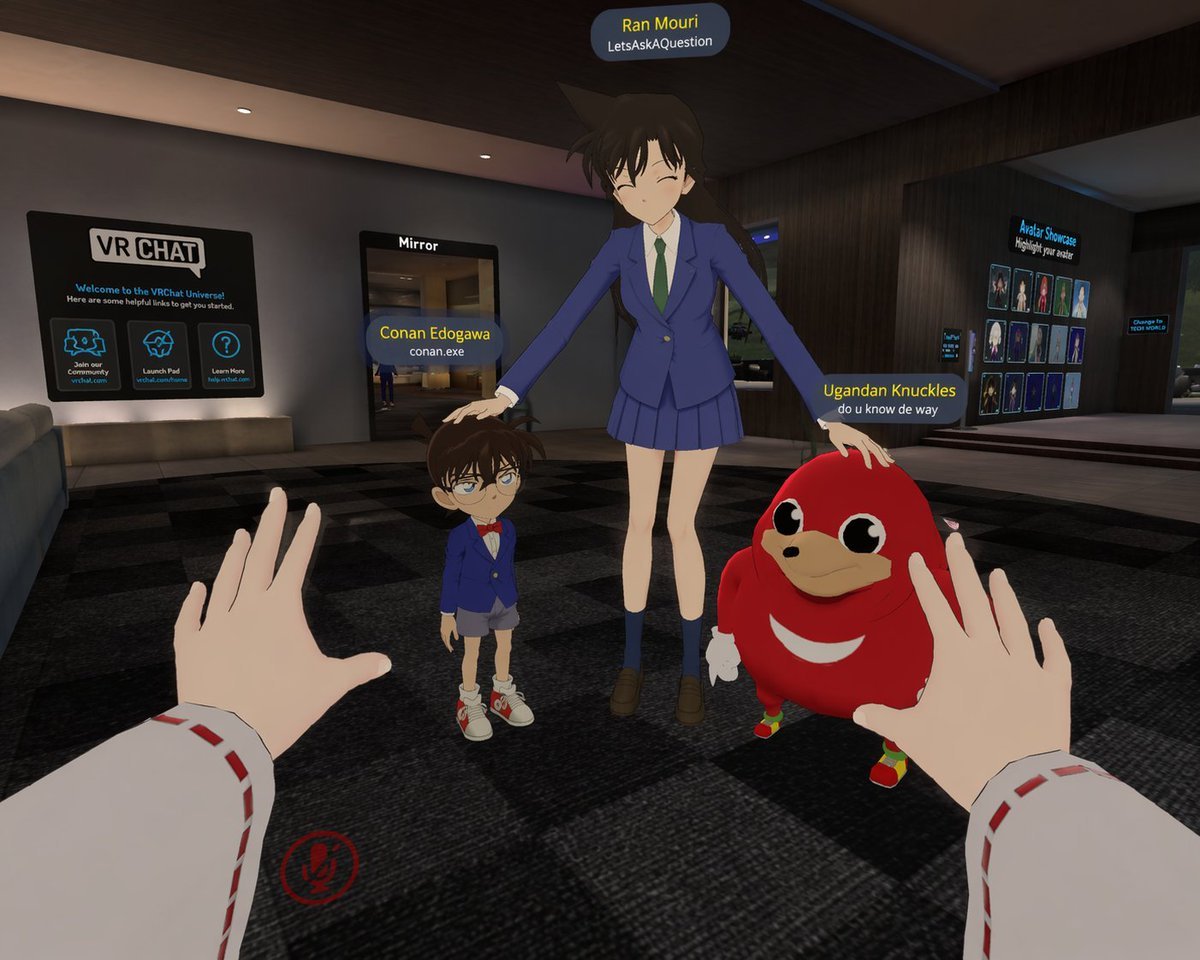
First-Person VRChat Meme Crossover Screenshot
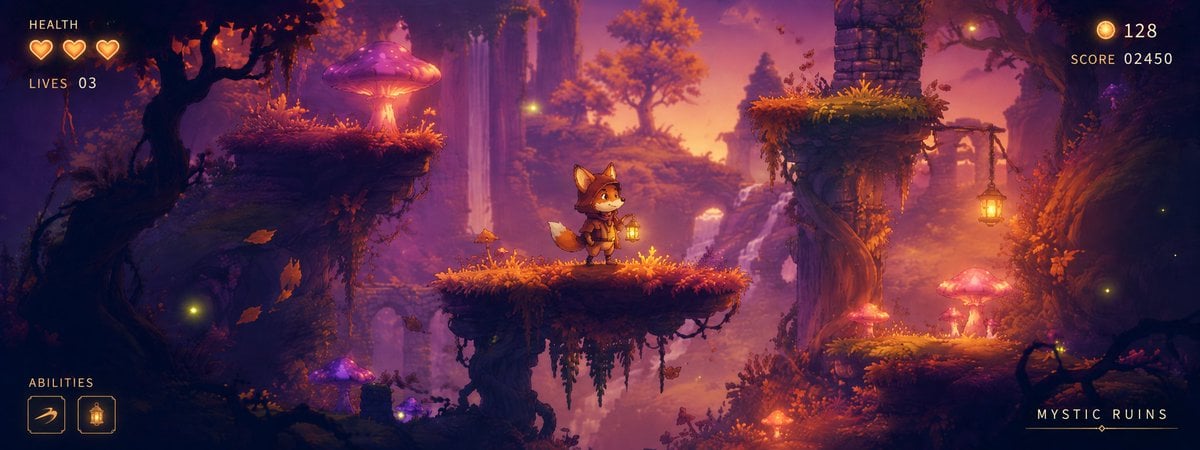
Mystic Ruins Platformer Screenshot
Same Platform Rainy Poster
3D miniature scene, a presented as a small platform diorama
Cinematic portrait of a stylish man standing on a busy subway platform
Colorful Peace-Themed Fighter Plane Wrap
Joyful Fast-food Restaurant Crossover Scene
Censored Ninja Fighter Cutscene
ChatGPT Mobile Photo Carousel Screenshot

ChatGPT Bonus Banner Screenshot
Make it yours
Crossover Platform Fighter Screenshot works as-is. These are the safest ways to change it without losing the look.
Swap the setting
Keep the rest of the prompt and replace the location block. The current setting is “{argument name="stage background" default="circular stone platform with glowing ”.
Change one field
Copy a single group, rewrite it, and generate again so you can see what that field is doing.
Keep the frame, change the subject
Hold the composition and light of Crossover Platform Fighter Screenshot, then swap wardrobe, props or the person for a new take.
| If the result… | Why | Fix |
|---|---|---|
| The result drifts from the preview | Too many fields changed at once. | Reuse Crossover Platform Fighter Screenshot as-is first, then change one group — subject, light, or setting. |
| GPT Image 2 ignores part of the JSON | Some models flatten or skip nested keys. | Keep the same values and paste them as a short paragraph instead. |
More GPT Image 2 templates
Other prompts made for GPT Image 2.

Six VTuber Japanese Logo Sheet

Realistic Portrait of Woman and Deer

The Vista Modular Condo Poster

AI Model Routing Comparison Infographic

2.5D Anime Art Board

Isometric Productivity Desk Scene

New York Double Exposure Poster

Four-Panel AI Landscape Comparison

Japanese Tatami Lifestyle Magazine Cover

NESCAFÉ Coffee Map Poster
More image prompts
Fresh picks from across the catalog.
Taisho Romantic Cafe Trio
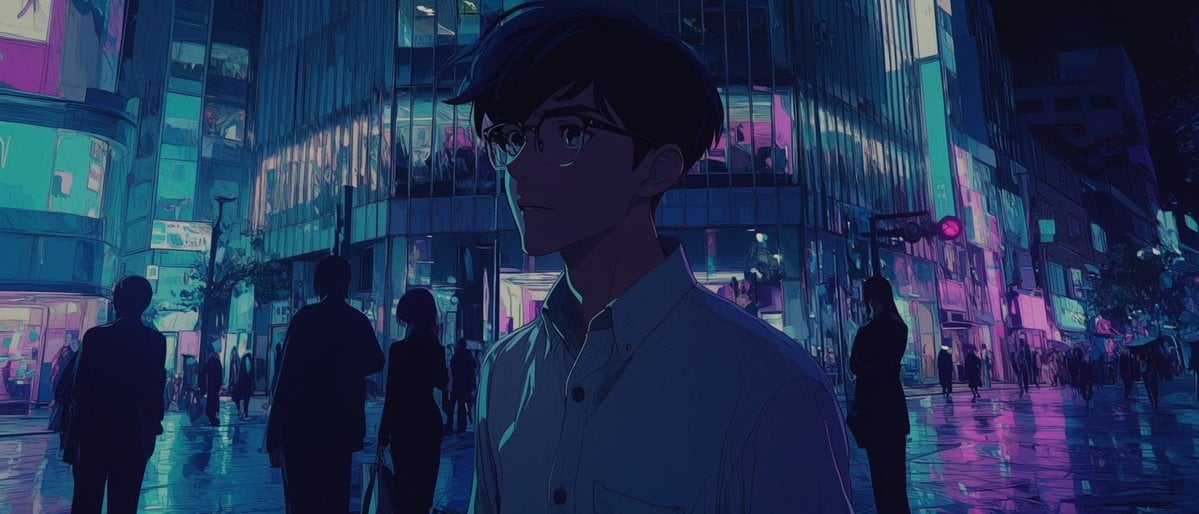
Faceless Anime Neon City Night
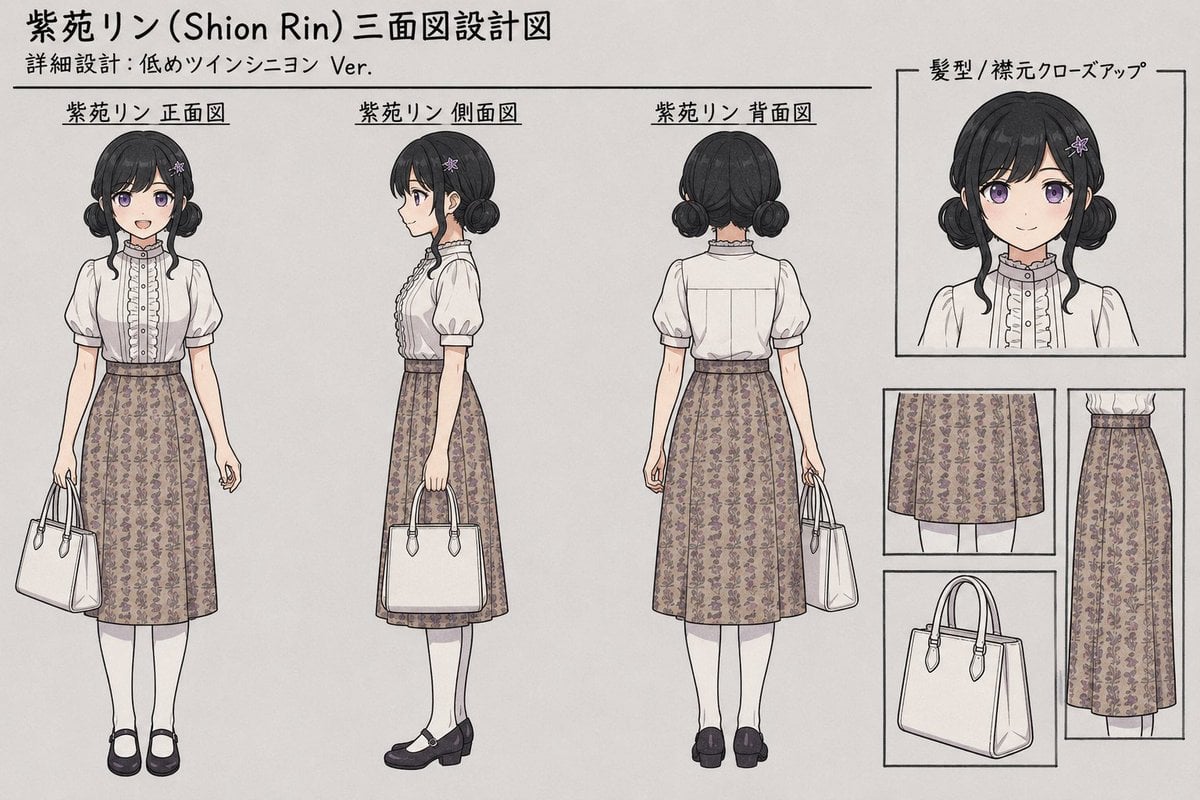
Shion Rin Three-View Design Sheet
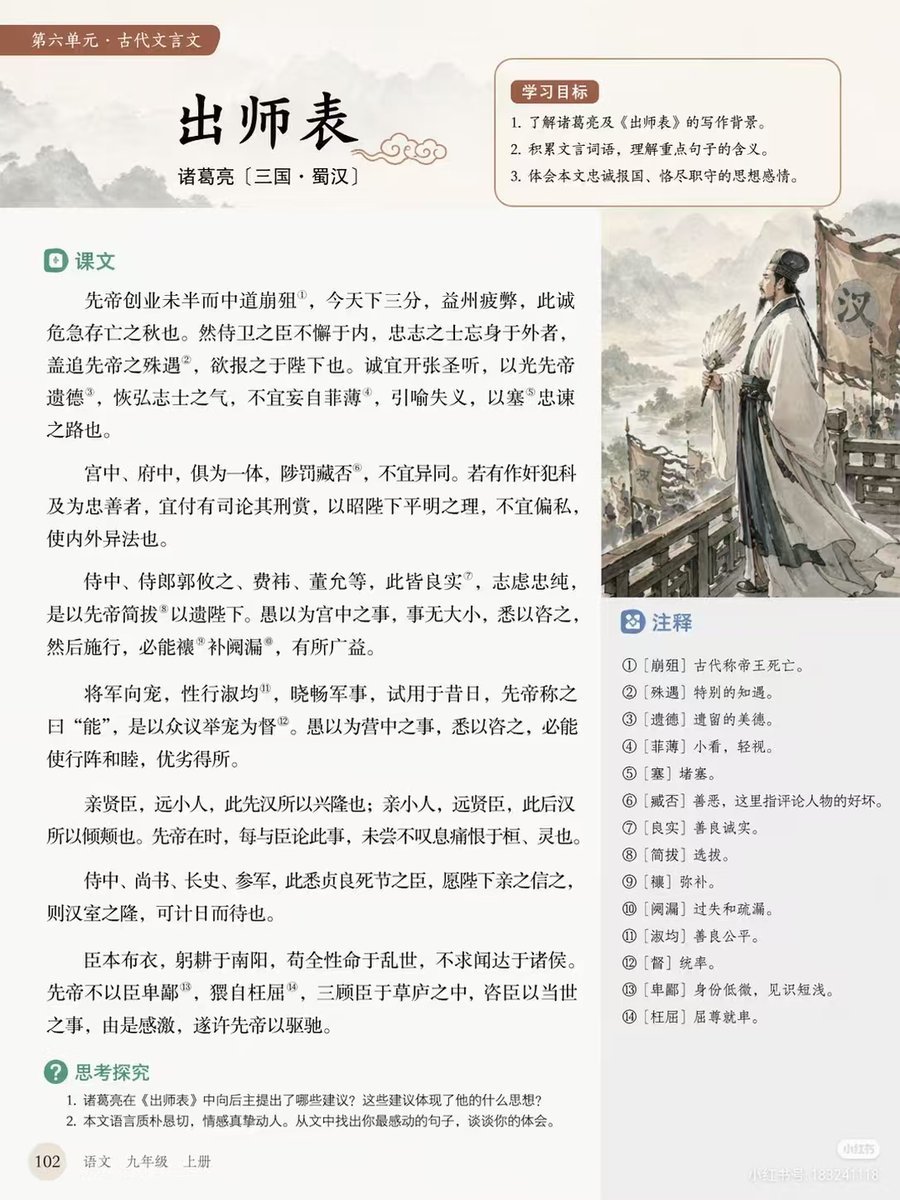
Chinese Literature Textbook Page Layout
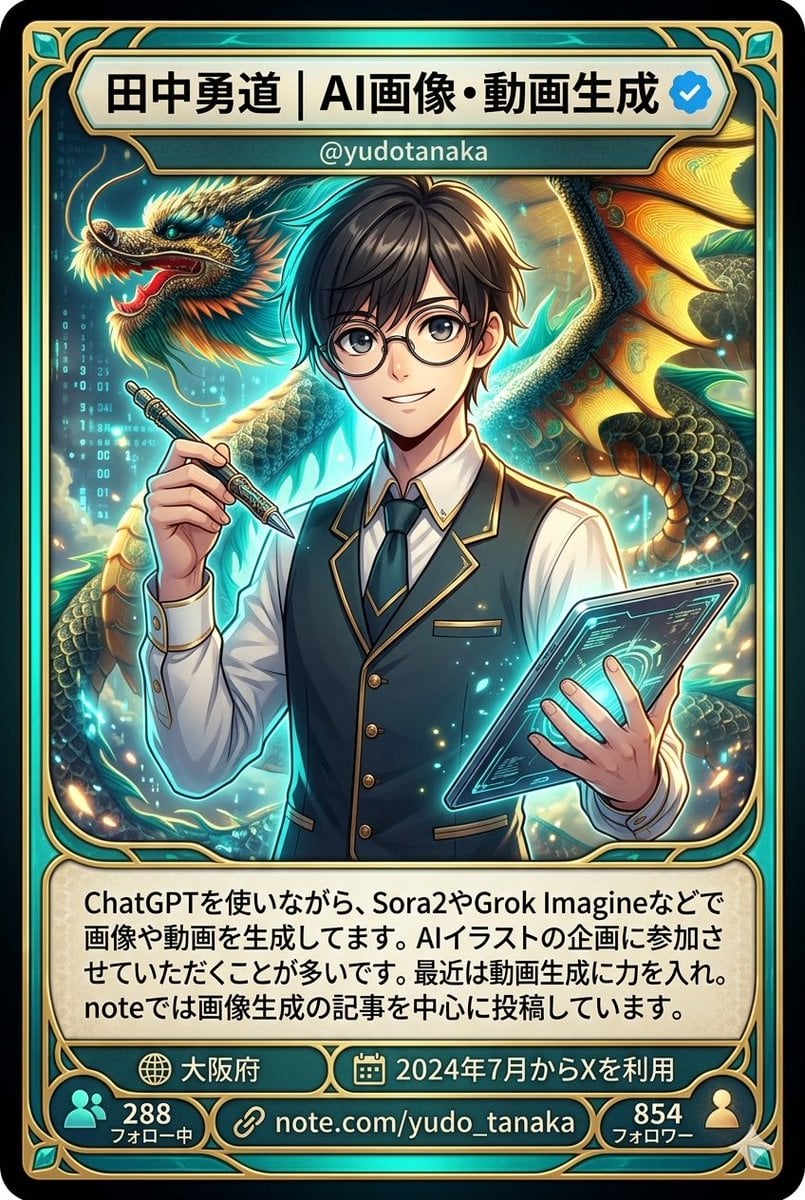
Character Card Generation from Profile Image
Black New Chinese Fashion Cover
Anime Cthulhu TRPG Study Session
3D Icon Collection Representing Japanese Seasons
Luxury AI Influencer Workspace Render
Ultra-Photoreal Lifestyle Portrait in an Art Studio with Pink Paint
Browse template categories
Crossover Platform Fighter Screenshot questions
How do I use the Crossover Platform Fighter Screenshot template?
Add your photo if the template asks for one, edit the prompt if you like — the template's model and format are already selected — and press Generate. Your version opens in PicX Studio.
Can I customize the Crossover Platform Fighter Screenshot template?
Yes. You can change the subject, setting, lighting, mood, format, and available model controls before creating your image.
Is the Crossover Platform Fighter Screenshot template free?
Opening and editing this template is free. Generating uses credits, shown on the Generate button when you are signed in.
Which AI model should I use?
Start with GPT Image 2, which is the model associated with this template. You can compare another compatible model for a different finish.
Looking for something else? Browse all templates.

Your photo, any look
Thousands of ready templates for every top image and video model, from one credit balance.