
Luxury AI Influencer Workspace Render
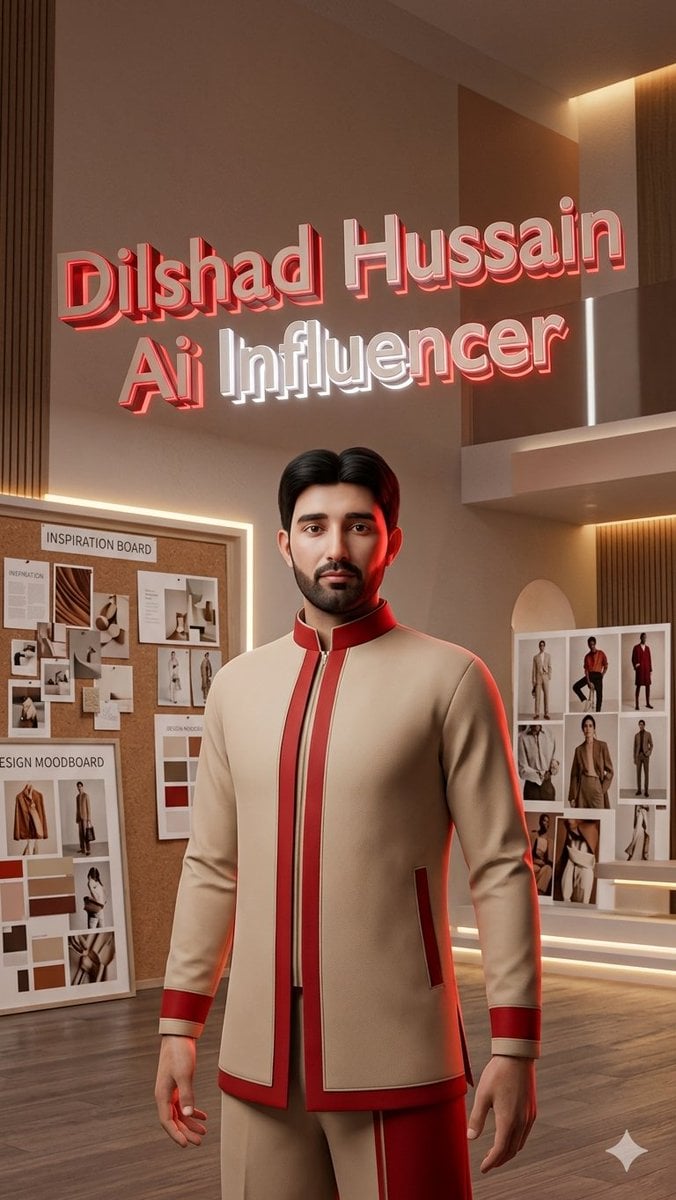
A cinematic 3D promotional portrait of a stylish male AI influencer in a warm luxury fashion moodboard studio with glowing wall typography.
- Prompt included
- Model and format preset
- Free template
The prompt behind this image
Copy the exact prompt behind Luxury AI Influencer Workspace Render, or open it in the studio and make it yours.
Create a vertical 9:16 luxury 3D promotional render of one stylish young male AI influencer named {argument name="character name" default="Dilshad Hussain"} standing in the foreground of an upscale Pinterest-inspired creative fashion workspace. The camera is at chest height with a slightly low heroic angle, showing him from mid-thigh upward, centered. His face should match a realistic young adult male likeness if a reference is provided, but keep the final look polished and cinematic; use neat short black hair parted in the middle. He wears exactly 3 main outfit pieces: a tailored cream mandarin-collar jacket with red trim, red cuffs, red side pocket accents, and a vertical zipper; matching cream trousers with a red side panel; and a dark inner layer barely visible at the jacket opening. The workspace has warm beige walls, vertical wood slat panels, wood flooring, recessed cove lighting, and soft red rim light outlining the character. Above him, place exactly 2 large extruded 3D neon text lines floating on the wall: first line in glossy red reads “{argument name="character name" default="Dilshad Hussain"}”, second line reads “{argument name="role text" default="Ai Influencer"}” with “Ai” in red and “Influencer” in bright white, all with bevels, shadows, and glowing edges. In the background include exactly 3 visible creative boards: one large cork board on the left labeled “INSPIRATION BOARD” with pinned fashion and interior reference papers, one leaning white board at the lower left labeled “DESIGN MOODBOARD” with clothing photos and neutral color swatches, and one upright fashion collage board on the right with model outfit references in a grid. Use a refined editorial palette of cream, beige, warm brown, red, and white, with photorealistic 3D rendering, smooth studio lighting, shallow depth of field, high detail fabric texture, modern luxury interior design, and a small subtle sparkle/star mark near the bottom-right corner. No extra people, no additional text, no watermark, no clutter, and keep the composition clean and aspirational.
How to use Luxury AI Influencer Workspace Render in 3 steps
- 1Upload ImagePNG, JPG or paste
Add your photo
Upload the photo the template builds on. The prompt, model and format are already set.
- 2…a portrait of your subject in softgolden-hour light, 85mm…
Personalize
Edit the subject and creative details for your destination.
- 3Generate
Generate
Press Generate — your image is created in PicX Studio, so you can compare it with the original and refine one variable at a time.
More like this
Templates with the same subject, style or setup. Open one to see its prompt.











Make it yours
Luxury AI Influencer Workspace Render works as-is. These are the safest ways to change it without losing the look.
Change one field
Copy a single group, rewrite it, and generate again so you can see what that field is doing.
Keep the frame, change the subject
Hold the composition and light of Luxury AI Influencer Workspace Render, then swap wardrobe, props or the person for a new take.
| If the result… | Why | Fix |
|---|---|---|
| The result drifts from the preview | Too many fields changed at once. | Reuse Luxury AI Influencer Workspace Render as-is first, then change one group — subject, light, or setting. |
| The model over-stylizes the scene | The prose prompt leaves finish and camera underspecified. | Add one camera or lighting sentence and stay on GPT Image 2. |
More GPT Image 2 templates
Other prompts made for GPT Image 2.

Six VTuber Japanese Logo Sheet

Realistic Portrait of Woman and Deer

The Vista Modular Condo Poster

AI Model Routing Comparison Infographic

2.5D Anime Art Board

Isometric Productivity Desk Scene

New York Double Exposure Poster

Four-Panel AI Landscape Comparison

Japanese Tatami Lifestyle Magazine Cover

NESCAFÉ Coffee Map Poster
More image prompts
Fresh picks from across the catalog.
Misty Sunrise Heron Lake
Top-View Street Scene with Motion Blur
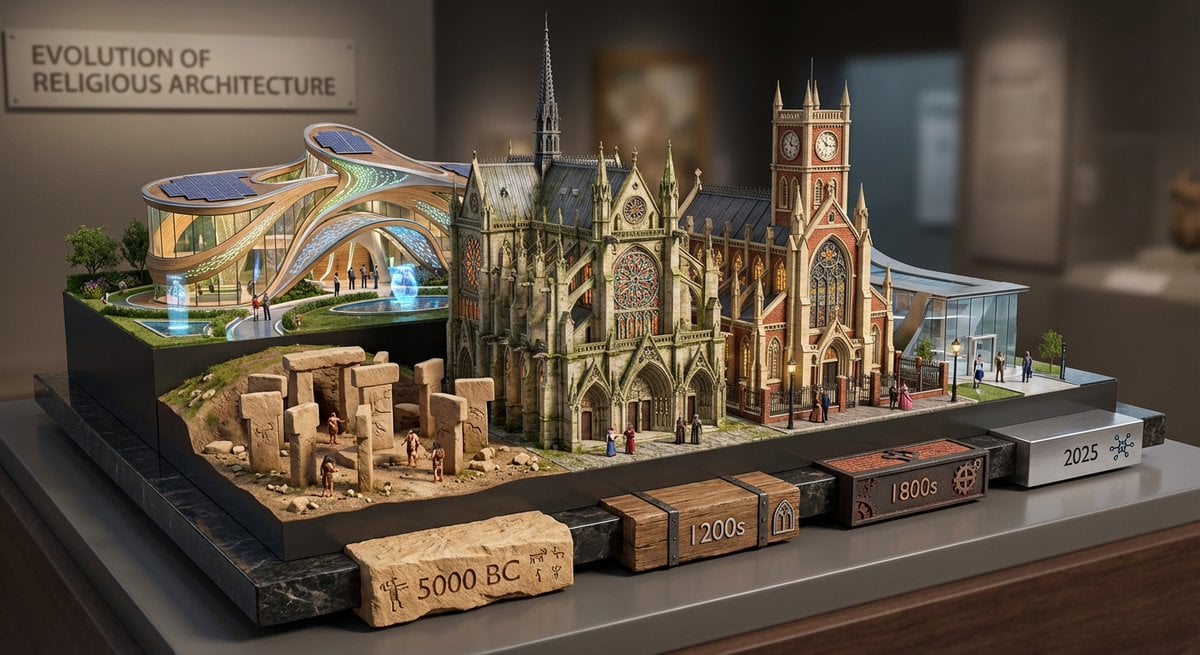
Layered Diorama of Religious Architecture Evolution
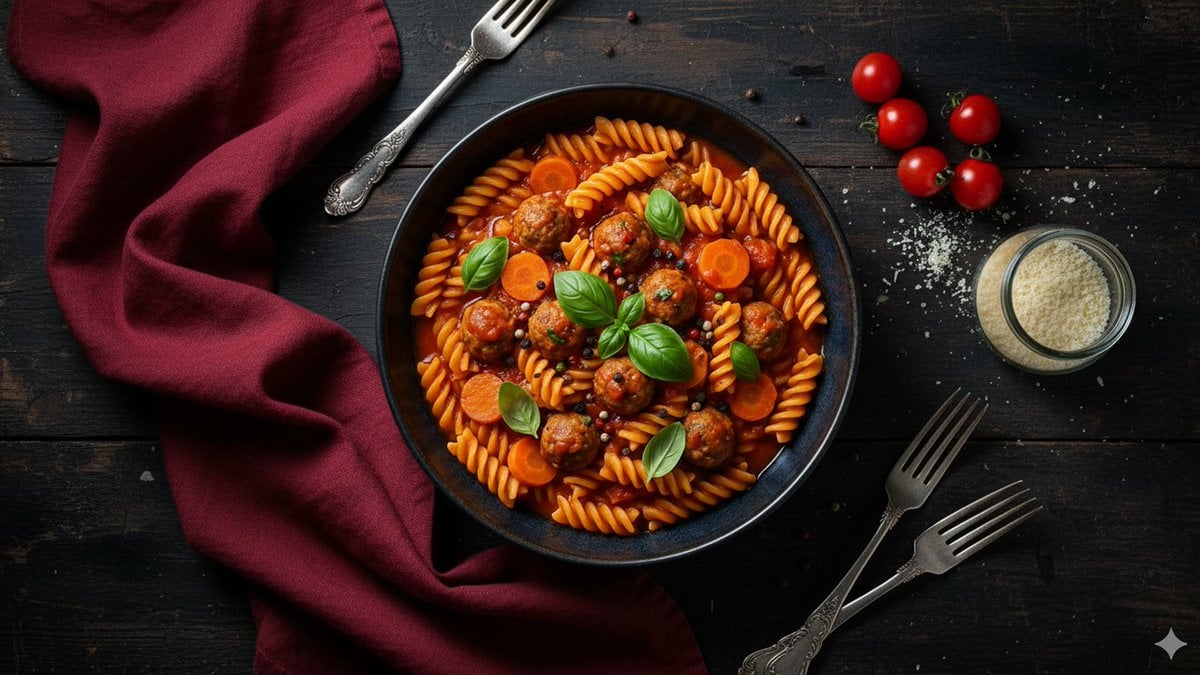
Refined Dining Scene with Fusilli and Meatballs
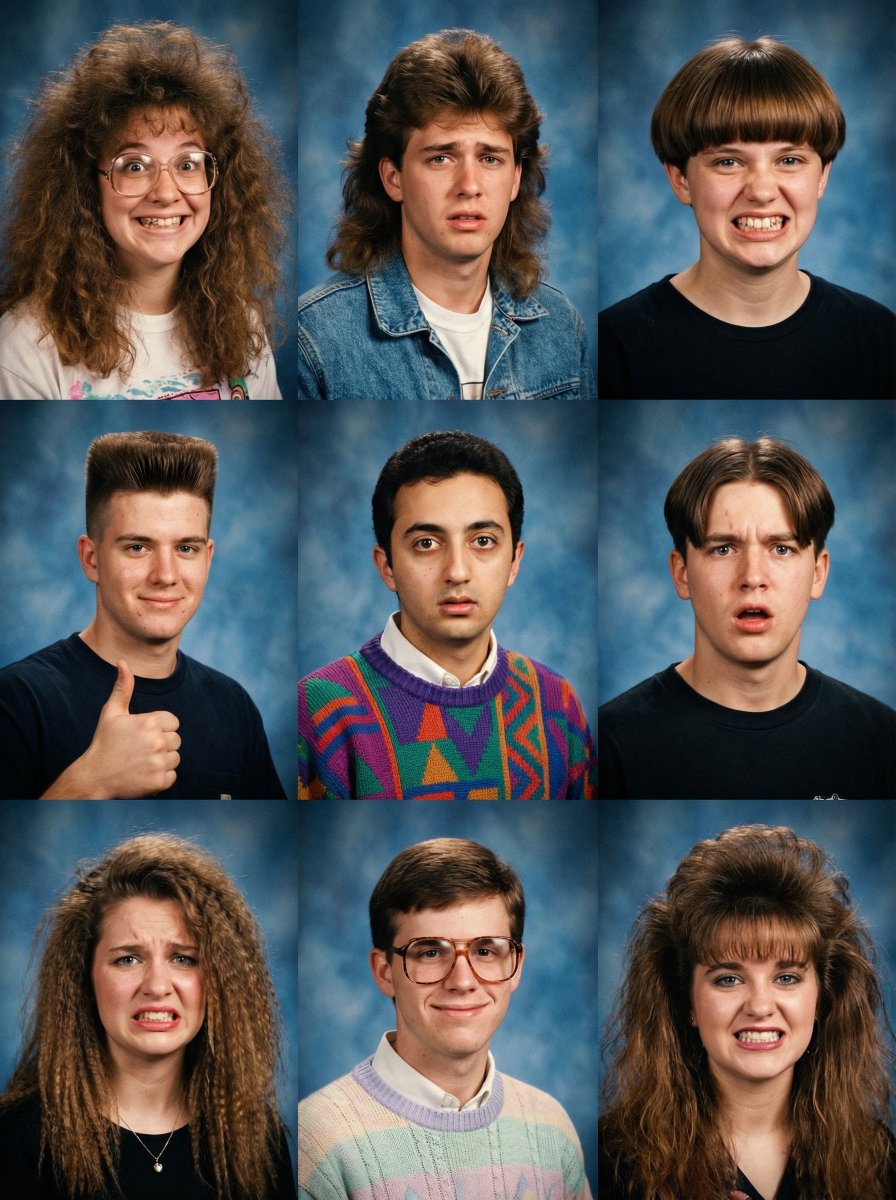
90s Yearbook Grid Collage
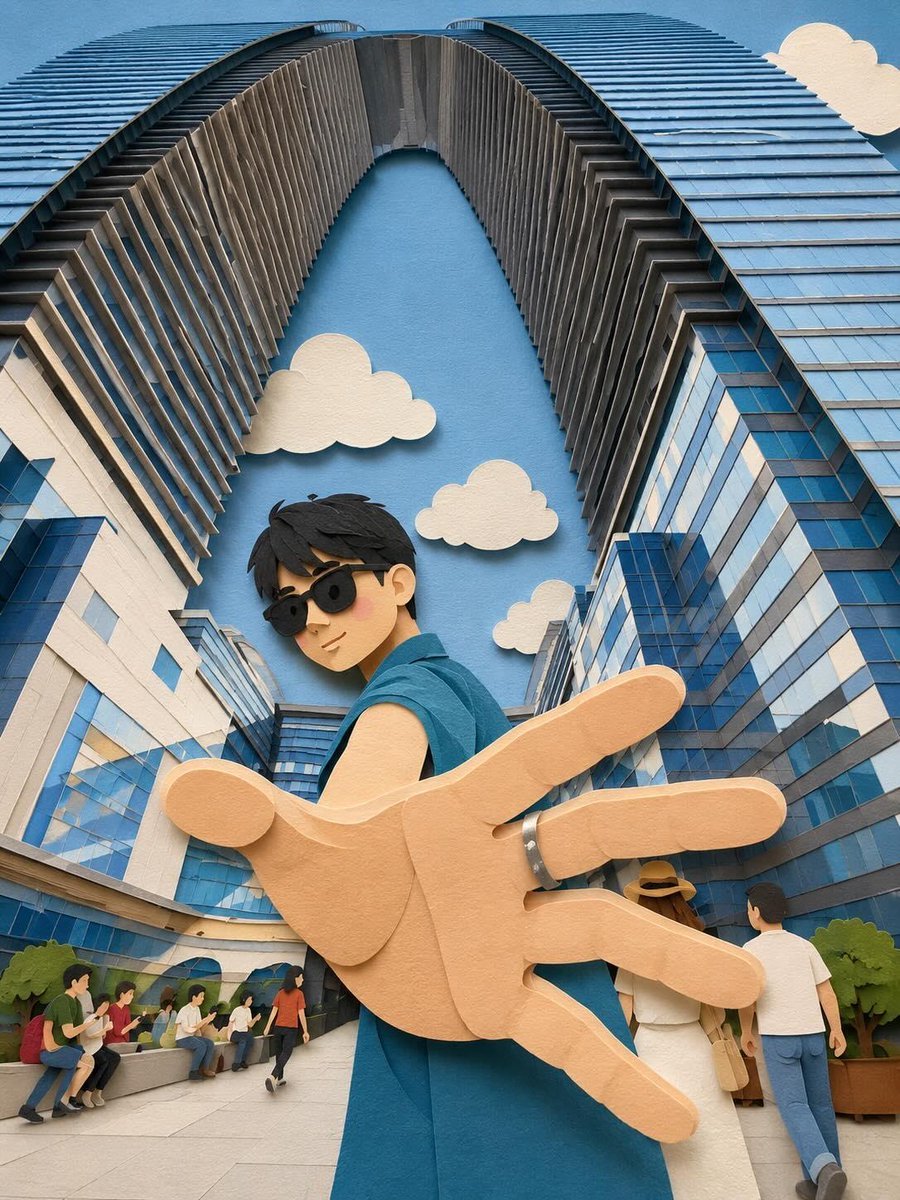
Whimsical Paper-Cut Travel Illustration
Magic Academy Graduation Portrait System
X Imgopaltiwari Golden Memories in Soft Light Chatgptapp
Macro Studio Shot of Needle-Felted Product Sculpture
Candid Nighttime Car Portrait with High ISO Grain
Browse template categories
Luxury AI Influencer Workspace Render questions
How do I use the Luxury AI Influencer Workspace Render template?
Add your photo if the template asks for one, edit the prompt if you like — the template's model and format are already selected — and press Generate. Your version opens in PicX Studio.
Can I customize the Luxury AI Influencer Workspace Render template?
Yes. You can change the subject, setting, lighting, mood, format, and available model controls before creating your image.
Is the Luxury AI Influencer Workspace Render template free?
Opening and editing this template is free. Generating uses credits, shown on the Generate button when you are signed in.
Which AI model should I use?
Start with GPT Image 2, which is the model associated with this template. You can compare another compatible model for a different finish.
Looking for something else? Browse all templates.

Your photo, any look
Thousands of ready templates for every top image and video model, from one credit balance.