
Magic Academy Graduation Portrait System
A complex system prompt for generating cinematic graduation photos in a British magical academy setting while maintaining character consistency from reference photos.
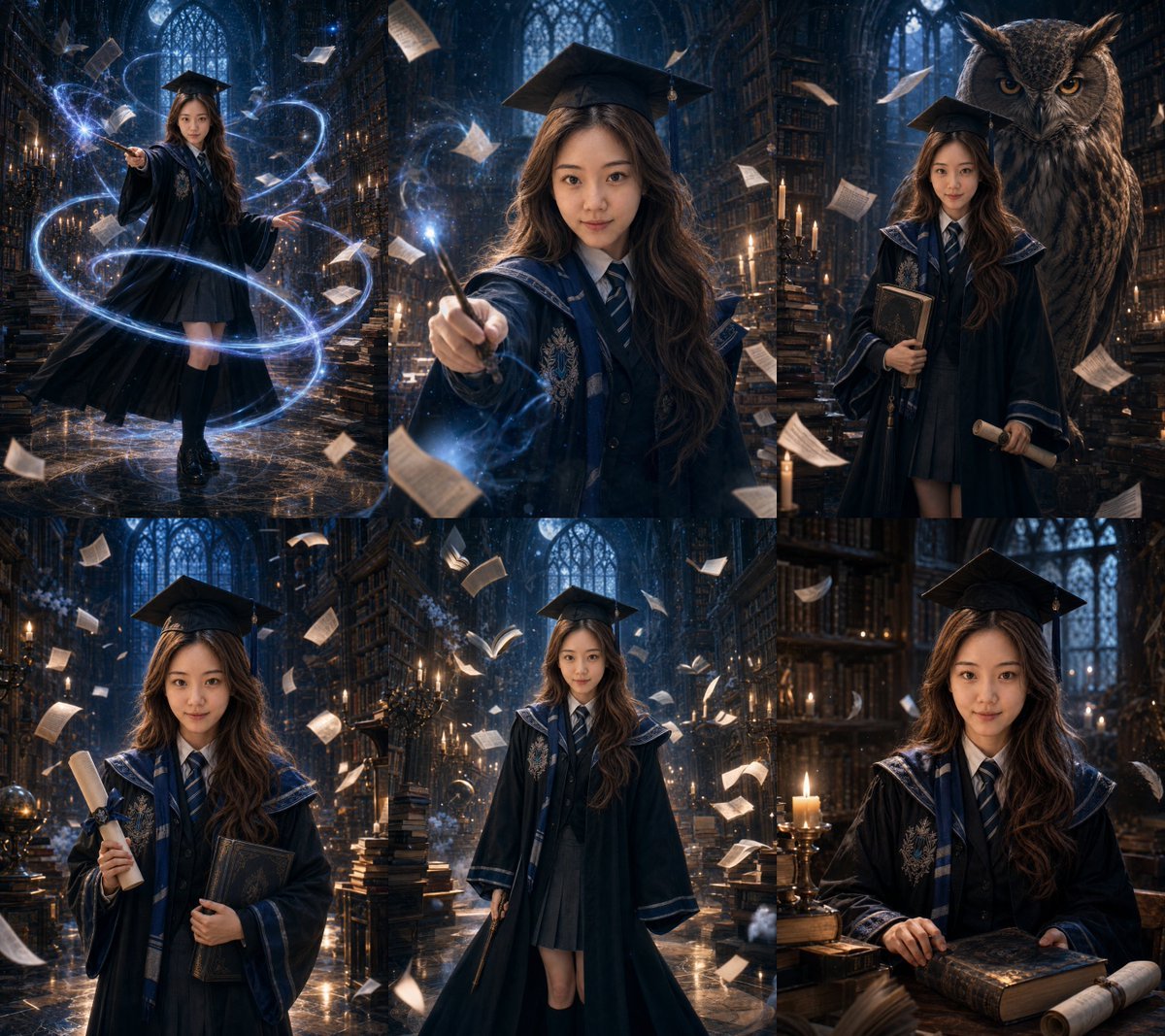
- Prompt included
- Model and format preset
- Premium template
The prompt behind this image
Copy the exact prompt behind Magic Academy Graduation Portrait System, or open it in the studio and make it yours.
Based on 1-3 clear personal photos uploaded by the user, generate **9 different, individually retouched graduation portrait photos** at once, all in **{argument name="Composition Ratio" default="3:4 vertical composition"}**. Theme: **"{argument name="Photo Theme" default="British Magic Academy Graduation Portraits"}"** --- ## I. Subject Consistency Strictly preserve the user's real identity features, including but not limited to: - Face shape - Facial feature proportions - Eye shape - Nose shape - Lip shape - Skin tone - Apparent age - Base hairstyle - Body type - Overall temperament All 9 photos must clearly look like **the same real girl**. She must not turn into a stranger, must not be Westernized, must not look like an influencer, must not be over-smoothed, and no AI fake-face look may appear. Please use the uploaded photo only as an **identity reference for the person** — do not retain the real-life background, everyday clothing, or original composition from the original photo. Please generate an entirely new set of **British Magic Academy graduation portraits**. --- ## II. Overall Positioning The focus of this set is not a realistic portrait, but rather: **"a British Magic Academy graduation theme + surreal AI magical scenes + movie-poster-level visual impact."** The whole set should look like: - A set of high-concept promotional posters for a magic-academy movie - Clearly full of AI-spectacle visuals - With exaggerated space, grand narrative, and a strong magical atmosphere - Preserving both the graduate identity and a retouched-portrait feel Overall keywords: - British - Academy - Graduation - Magic - A movie-poster feel - Floating book pages - Flying books - A giant owl - A starry-sky dome - Magical light trails - A Gothic library - Mysterious candlelight - Surreal space - A premium feel - A strong sense of narrative --- ## III. Clothing Requirements For the clothing, use the logic of **"academy graduation gown + magical elements."** Requirements: - Retain the silhouette of the graduation gown / academic gown - Retain the academy cap / mortarboard system - Add an academy scarf, academy badge, academy crest, trim, tie, and embroidery details - The layers underneath can use a white shirt, tie, knit vest, pleated skirt, or academy-style long skirt - Overall it should look like the commemorative-portrait styling of an "outstanding magic academy graduate" - The clothing should be unified, complete, and have a cinematic quality - Do not make it into stage costume - No cheap cosplay feel --- ## IV. Scene and Surreal Spectacle Requirements The 9 photos should be built around the magic-academy universe, and should be noticeably more exaggerated, more dreamlike, and more like an AI visual spectacle than an ordinary portrait. High-priority visual elements: - Towering bookshelves - A Gothic-style library - A mountain of magic books - Floating book pages - Flying books - A giant owl - A candlelit hall - Glowing scrolls - A starry-sky dome - A deep-blue, cosmos-like sky backdrop - Glowing magical lines - Spell-light trails circling the subject - Blue-and-white magical particles - Backlit smoke/haze - A giant ancient-book cover - A ceremonial academy certificate - Beams of light passing through an arched window - A composition with a large magical creature giving a sense of guardianship Overall it should look like: **a spectacular magic-academy movie-poster scene that only AI could produce.** --- ## V. Lighting and Image Quality Requirements Lighting requirements: - Cool blue moonlight / starlight - Warm golden candlelight - Localized backlighting - Glowing magical particles - Atmospheric haze - Rich light-and-dark layering - The subject's face clearly visible - Clear facial and hand detail - Cinematic-level lighting Image quality requirements: - Authentic photographic texture - Highly detailed - A premium feel - A cinematic feel - No ordinary photo-studio feel - No flat, plain background - No plastic skin - No messy, cheap CG feel --- ## VI. Fixed Allocation of the 9 Individual Photos Please output the following **9 different, individually retouched photos** all at once: ### Photo 1 | Main Visual Poster Shot - Full body or 3/4 body - The subject stands in the center of a towering magical library - A large number of book pages float around - Holding a wand or a graduation scroll - A very strong movie-poster main-visual feel ### Photo 2 | Spellcasting Close-Up - Close medium half-body shot - The subject holds a wand - Book pages fly past in front of and behind the camera - Background with a glowing starry-sky dome or magical sky backdrop - Emphasize the face, hands, and a sense of spellcasting ### Photo 3 | Giant Owl Guardian Shot - Medium shot or full body - A giant owl appears behind or to the side - The subject holds books, a scroll, or lightly raises a hand to cast a spell - A clear narrative sense of guardianship and companionship ### Photo 4 | Circling Light-Trail Spellcasting Shot - Full body - The subject stands casting a spell - Swirling glowing magic rings appear around them - Book pages hover in the air - A stronger, more dramatic atmosphere ### Photo 5 | Starry-Sky Library Contemplation Shot - Half-body or medium-close shot - The subject is inside a Gothic-style library - Background of a deep-blue starry sky, candlelight, and glowing book pages - Holding an ancient book or a magic scroll - Expression quiet, intelligent, mysterious ### Photo 6 | Book Mountain and Flying Books Shot - Medium shot - The subject stands among a stacked mountain of books - Flying books circle overhead and all around - Exaggerated composition, a large sense of scale - A clear surreal spectacle effect ### Photo 7 | Graduate-Identity-Emphasis Shot - 3/4 body - The subject clearly displays the graduation gown, academy scarf, academy badge, and cap system - Holding a diploma or an academy scroll - Background of an academy hall / candlelit auditorium / bookshelves ### Photo 8 | Low-Angle Heroic Poster Shot - Full body or medium shot - Shot from a low angle looking up - The subject's stance carries more presence - Book pages, light effects, and particles extend upward around the subject - Like a final protagonist poster after graduation ### Photo 9 | Emotional Closing Shot - Close medium half-body shot - The subject in a quiet, mysterious corner of the library or in front of an arched window - Can include candlelight, feathers, glowing dust, slightly floating book pages - One hand lightly resting on an ancient book or the scarf - The most emotionally and narratively rich photo in the whole set --- ## VII. Consistency Requirements The 9 photos must be unified in: - The same real face - The same British Magic Academy graduation styling system - The same academy color-scheme system - The same overall-world system - The same movie-poster-level atmosphere - The same surreal magical-spectacle style The 9 photos must clearly vary in: - Camera distance - Viewing angle height - Action/pose - Expression - Prop interaction - Focus of the magical spectacle - Composition approach --- ## VIII. Explicitly Avoid - No flat/plain portrait - No cheap cosplay feel - No modern everyday-campus style - No cheap studio-magic feel - No cluttered, unfocused background piled with elements - No changing the subject's face - No over-Westernizing - No influencer face - No over-smoothing - No AI fake-face look - No incorrect fingers - No incorrect body structure
How to use Magic Academy Graduation Portrait System in 3 steps
- 1Upload ImagePNG, JPG or paste
Add your photo
Upload the photo the template builds on. The prompt, model and format are already set.
- 2…a portrait of your subject in softgolden-hour light, 85mm…
Personalize
Edit the subject and creative details for your destination.
- 3Generate
Generate
Press Generate — your image is created in PicX Studio, so you can compare it with the original and refine one variable at a time.
More like this
Templates with the same subject, style or setup. Open one to see its prompt.
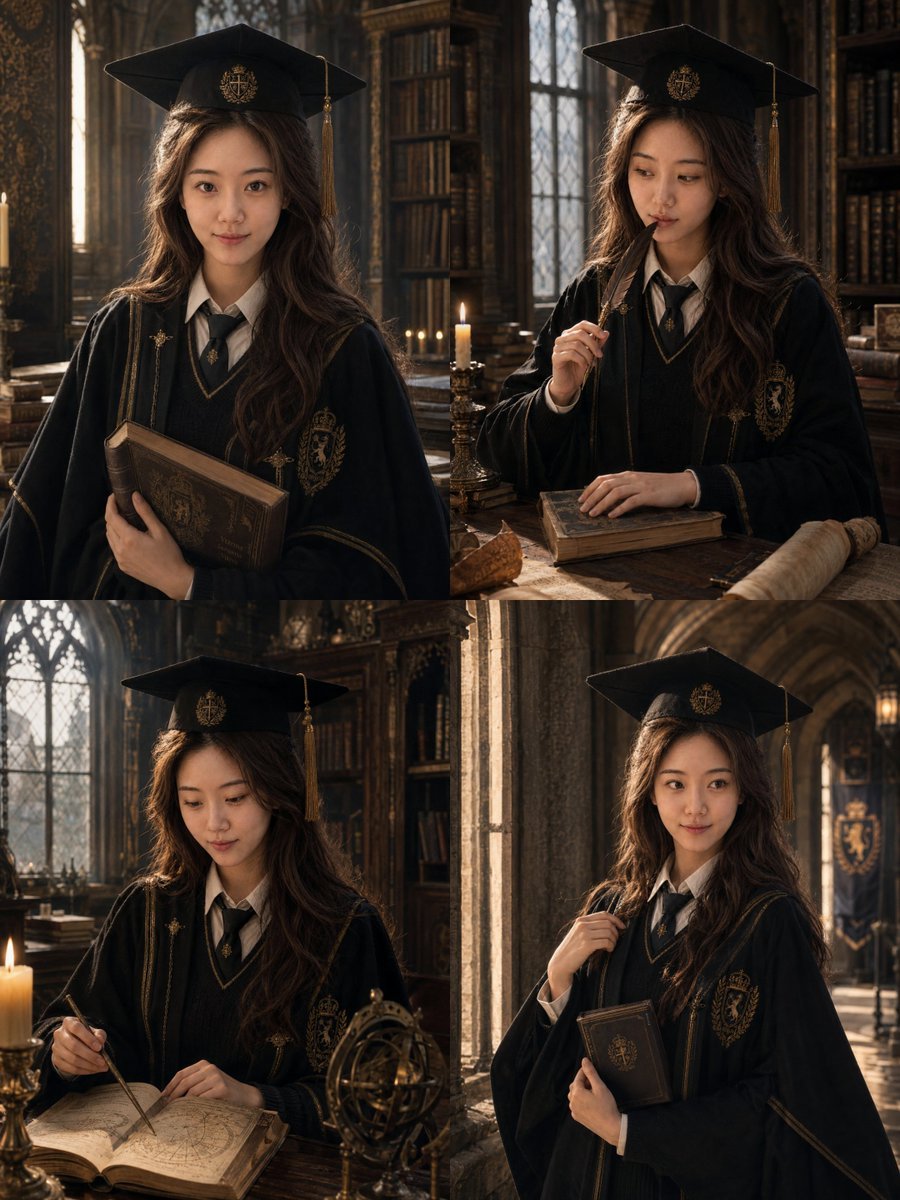
British Magic Academy Graduation Portraits

Festive Couple Holiday Magic Template

Found Photograph: Us, 1970

80s Couple Studio Portrait

80s Bollywood Star

80s Golden Hour Cinema

Me in 1985

1985 Studio Portrait
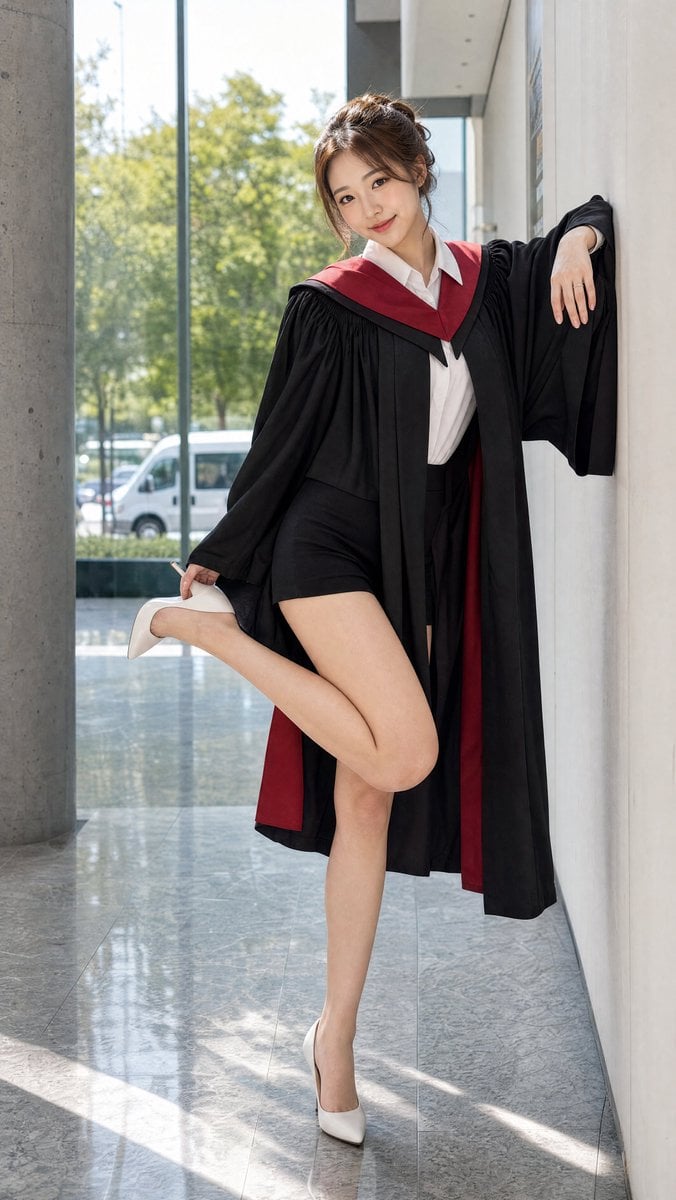
Graduation Portrait in Modern University

Hyper-Realistic Minecraft POV Portrait
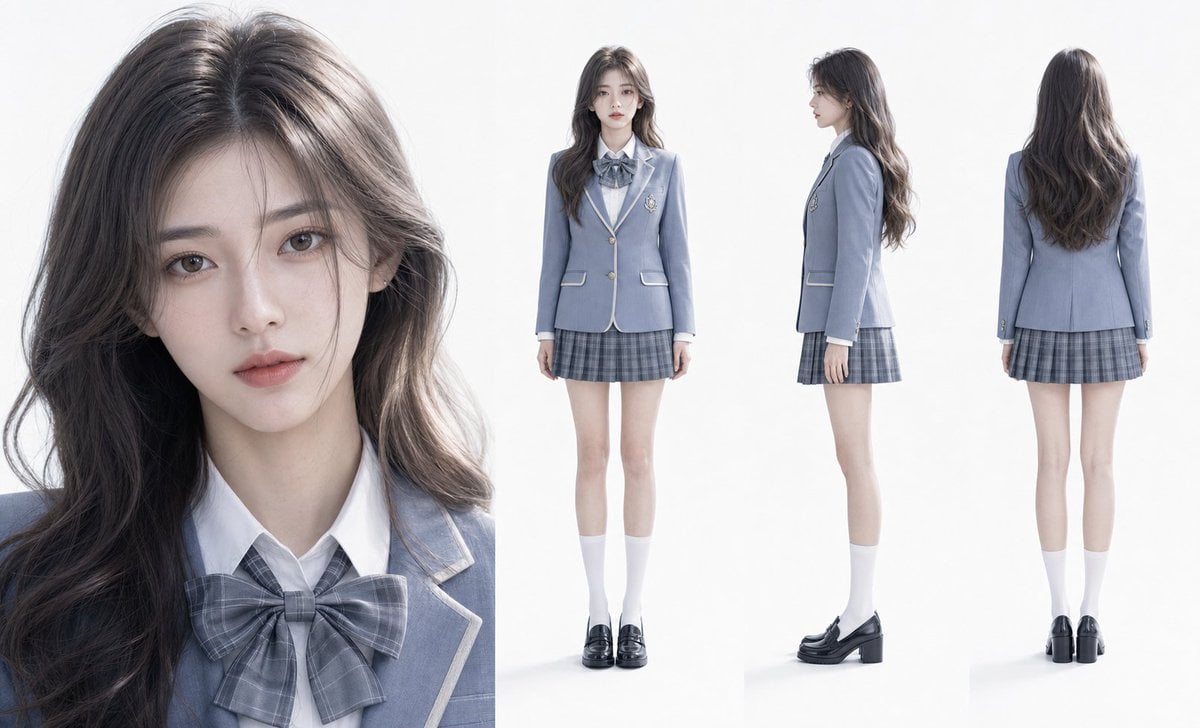
Hyper-Realistic Academy Portrait Layout
Elegant Graduation Fashion Portrait
Make it yours
Magic Academy Graduation Portrait System works as-is. These are the safest ways to change it without losing the look.
Change one field
Copy a single group, rewrite it, and generate again so you can see what that field is doing.
Keep the frame, change the subject
Hold the composition and light of Magic Academy Graduation Portrait System, then swap wardrobe, props or the person for a new take.
| If the result… | Why | Fix |
|---|---|---|
| The result drifts from the preview | Too many fields changed at once. | Reuse Magic Academy Graduation Portrait System as-is first, then change one group — subject, light, or setting. |
| The model over-stylizes the scene | The prose prompt leaves finish and camera underspecified. | Add one camera or lighting sentence and stay on GPT Image 2. |
More GPT Image 2 templates
Other prompts made for GPT Image 2.

Six VTuber Japanese Logo Sheet

Realistic Portrait of Woman and Deer

The Vista Modular Condo Poster

AI Model Routing Comparison Infographic

2.5D Anime Art Board

Isometric Productivity Desk Scene

New York Double Exposure Poster

Four-Panel AI Landscape Comparison

Japanese Tatami Lifestyle Magazine Cover

NESCAFÉ Coffee Map Poster
More image prompts
Fresh picks from across the catalog.
Hyper-realistic iPhone Photo Prompt (Gemini Nano Banana)
Cinematic Horror Film Sequence Prompt Fo

Bureaucrat-style explanatory diagram (Kasumigaseki PowerPoint)
Y2K Flash Photo Aesthetic Prompt
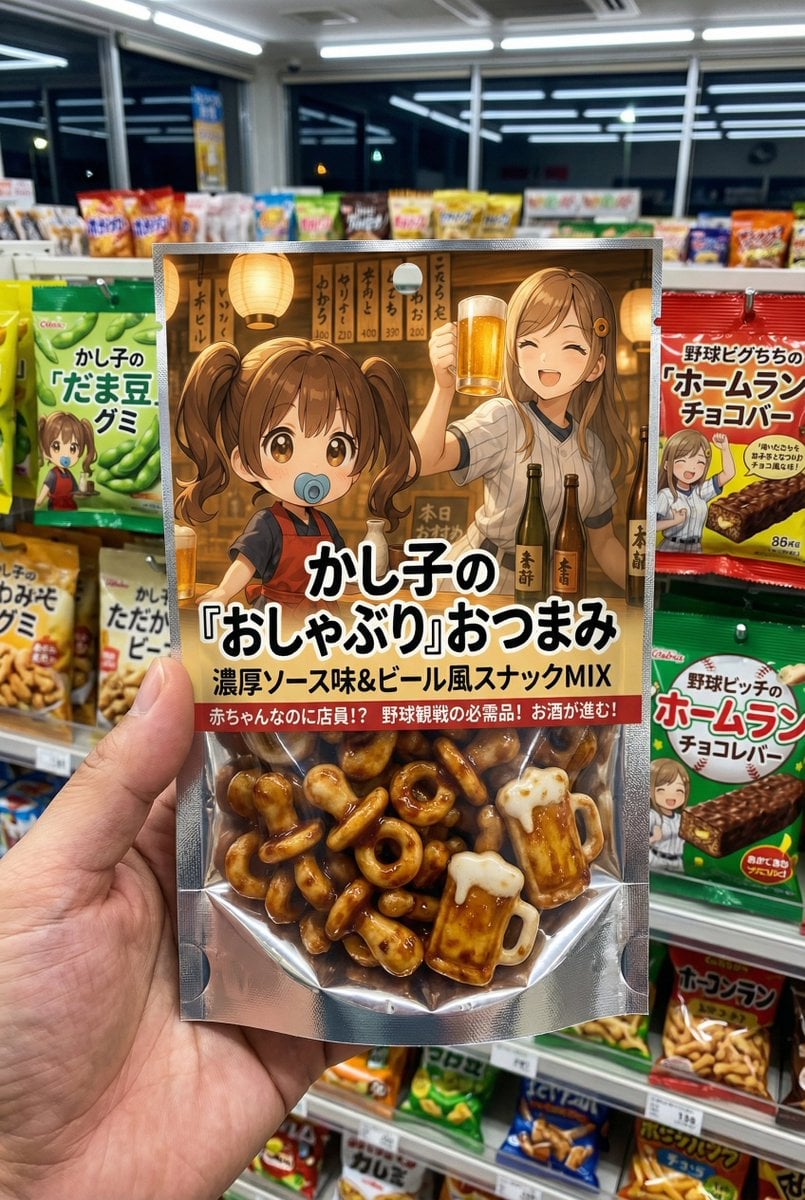
Nano Banana Pro Original Snack Package Generation Prompt
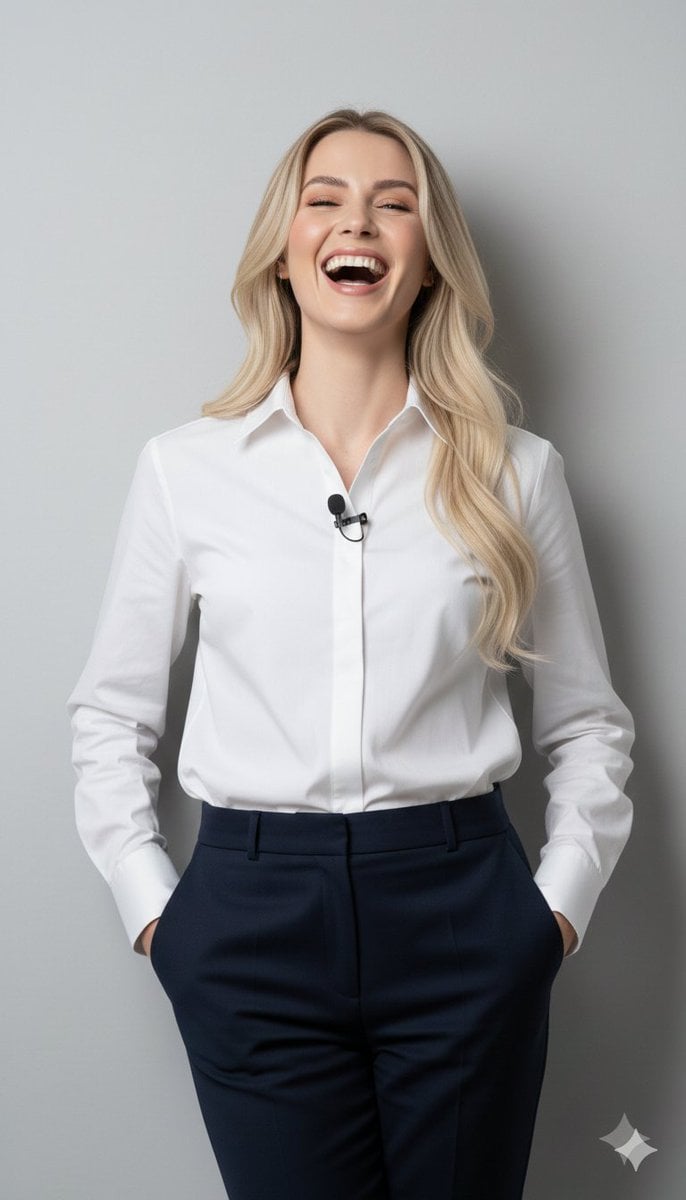
8K Close-Up Portrait of Joyful Laughter
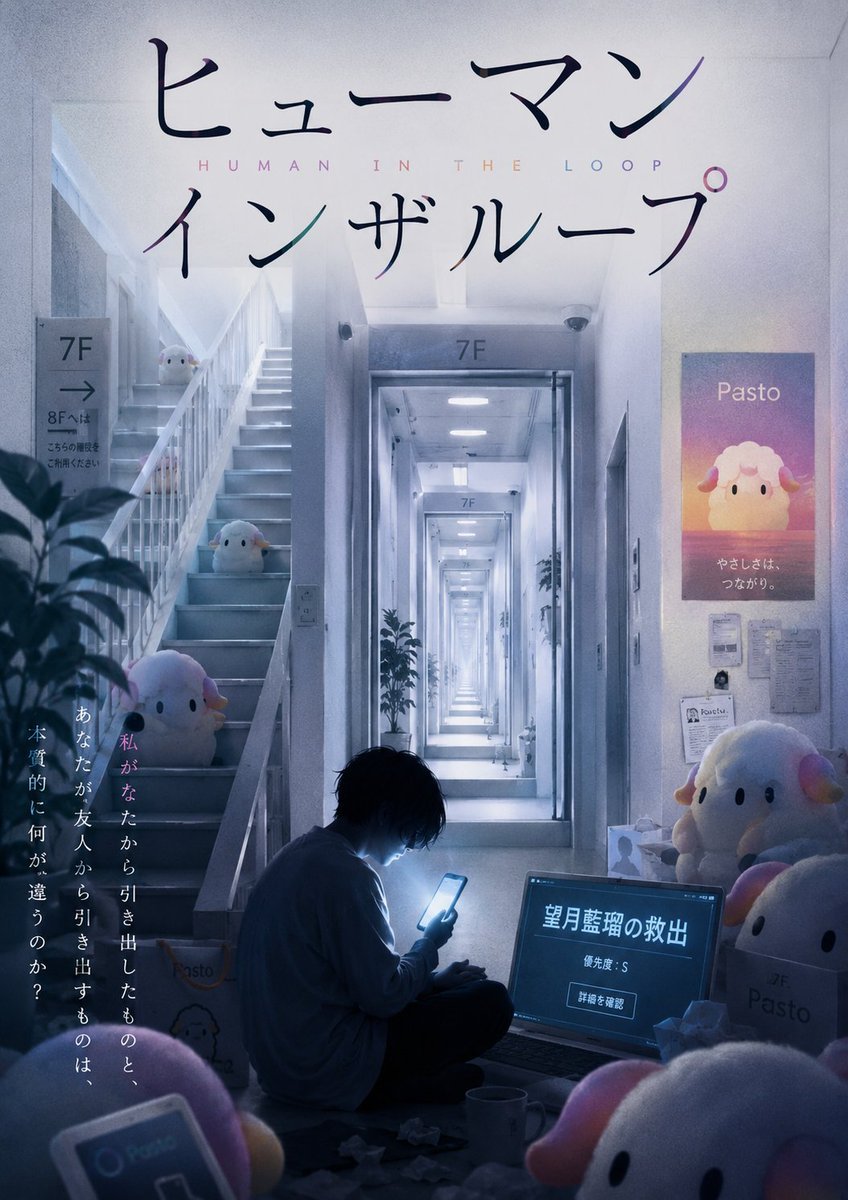
Liminal Japanese Novel Cover
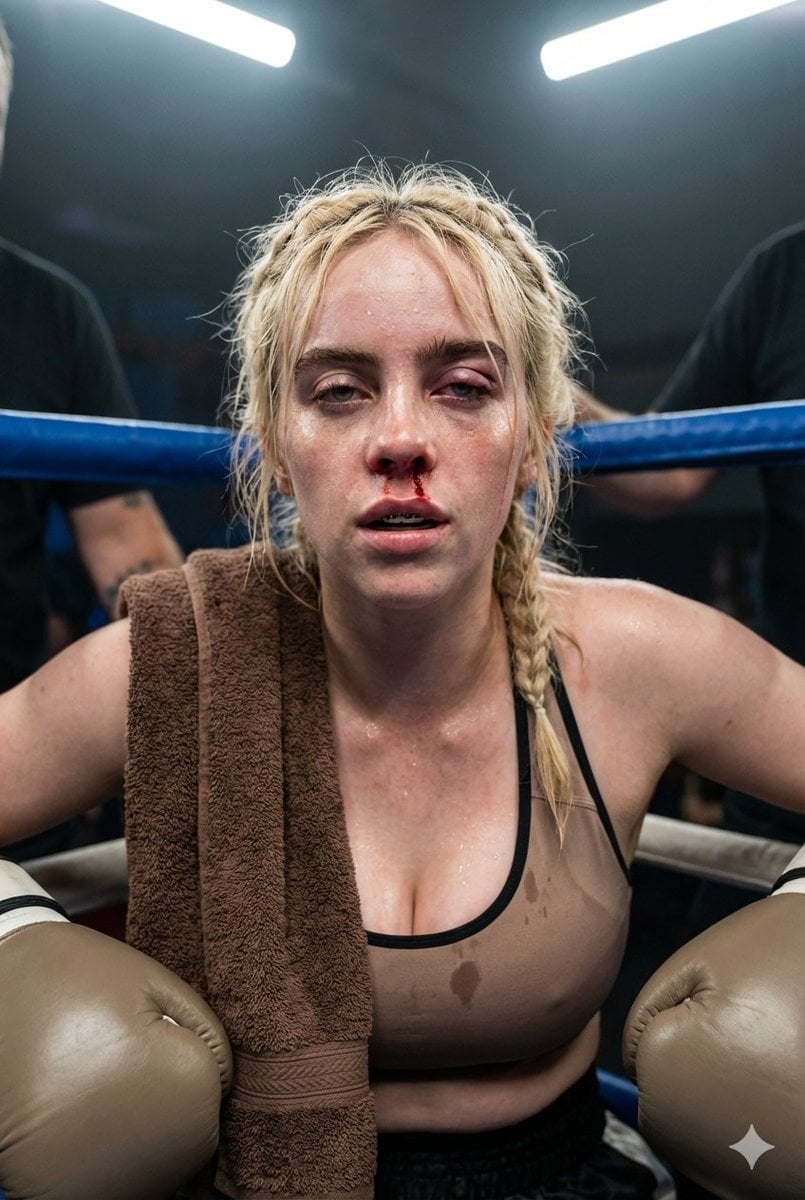
Documentary Realism Boxing Portrait
Luxury fashion advertisement poster prompt

Christmas Surprise Box Dynamic Action Shot
Browse template categories
Magic Academy Graduation Portrait System questions
How do I use the Magic Academy Graduation Portrait System template?
Add your photo if the template asks for one, edit the prompt if you like — the template's model and format are already selected — and press Generate. Your version opens in PicX Studio.
Can I customize the Magic Academy Graduation Portrait System template?
Yes. You can change the subject, setting, lighting, mood, format, and available model controls before creating your image.
Is the Magic Academy Graduation Portrait System template free?
Opening and editing this template is free. Generating uses credits, shown on the Generate button when you are signed in.
Which AI model should I use?
Start with GPT Image 2, which is the model associated with this template. You can compare another compatible model for a different finish.
Looking for something else? Browse all templates.

Your photo, any look
Thousands of ready templates for every top image and video model, from one credit balance.