
Hyper-realistic iPhone Photo Prompt (Gemini Nano Banana)
A detailed prompt for Gemini Nano Banana (implied Pro or base model) to generate a hyper-realistic, ultra-sharp photograph of a young woman with a black wolf cut, emphasizing specific camera settings, pose, makeup, and…
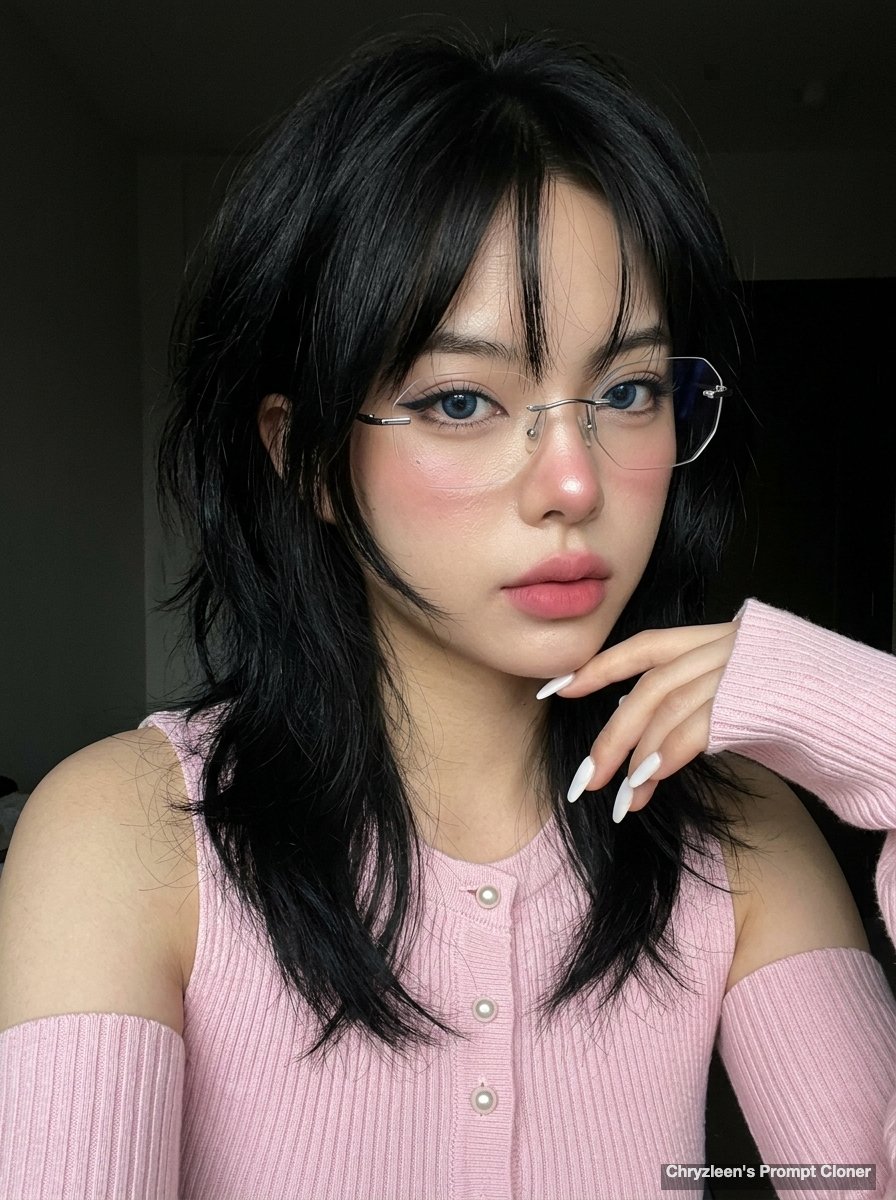
- Prompt included
- Model and format preset
- Free template
The prompt behind this image
Copy the exact prompt behind Hyper-realistic iPhone Photo Prompt (Gemini Nano Banana), or open it in the studio and make it yours.
Create image: Use the attached reference image as a visual guide for the character’s appearance, maintaining strong resemblance to the person in the reference. Preserve key visual traits such as facial structure and overall proportions, while allowing small natural variations typical of real photography. The generated subject should clearly resemble the reference while remaining a natural photographic interpretation. Aspect Ratio: 3:4. A hyper-realistic, ultra-sharp photograph taken on an iPhone 15 Pro, characterized by digital clarity. Shot on a wide-angle lens, ISO 50, f/1.8. A young woman is captured mid-moment, angled 20 degrees right with a natural weight shift and one shoulder subtly lowered. Her right hand is raised near the shoulder, fingers relaxed with long white nails. She features a voluminous black wolf cut with shaggy layers and face-framing hime-style strands. Her expression is poised but intrigued; intense blue eyes stare through rimless geometric glasses while her left eyebrow shows a slight micro-arch. Her makeup is a pink 'clean girl' style with winged liner, nose blush, and blurred matte lips. Skin shows a healthy radiance with visible pores and a dewy glass finish. She wears a baby pink ribbed knit top with small pearl buttons and separate arm sleeves. Illuminated by soft, diffused front-side lighting with gentle jawline shadows. The scene is in sharp focus from fabric textures to the dark background, devoid of bokeh, with realistic digital noise.
How to use Hyper-realistic iPhone Photo Prompt (Gemini Nano Banana) in 3 steps
- 1Upload ImagePNG, JPG or paste
Add your photo
Upload the photo the template builds on. The prompt, model and format are already set.
- 2…a portrait of your subject in softgolden-hour light, 85mm…
Personalize
Edit the subject and creative details for your destination.
- 3Generate
Generate
Press Generate — your image is created in PicX Studio, so you can compare it with the original and refine one variable at a time.
More like this
Templates with the same subject, style or setup. Open one to see its prompt.

Woman in Mall with Chanel Bag - Heart Gesture

Nano Banana Pro Identity Lock — Composition + Face Reference

Nano Banana Pro Pink Office Chibi
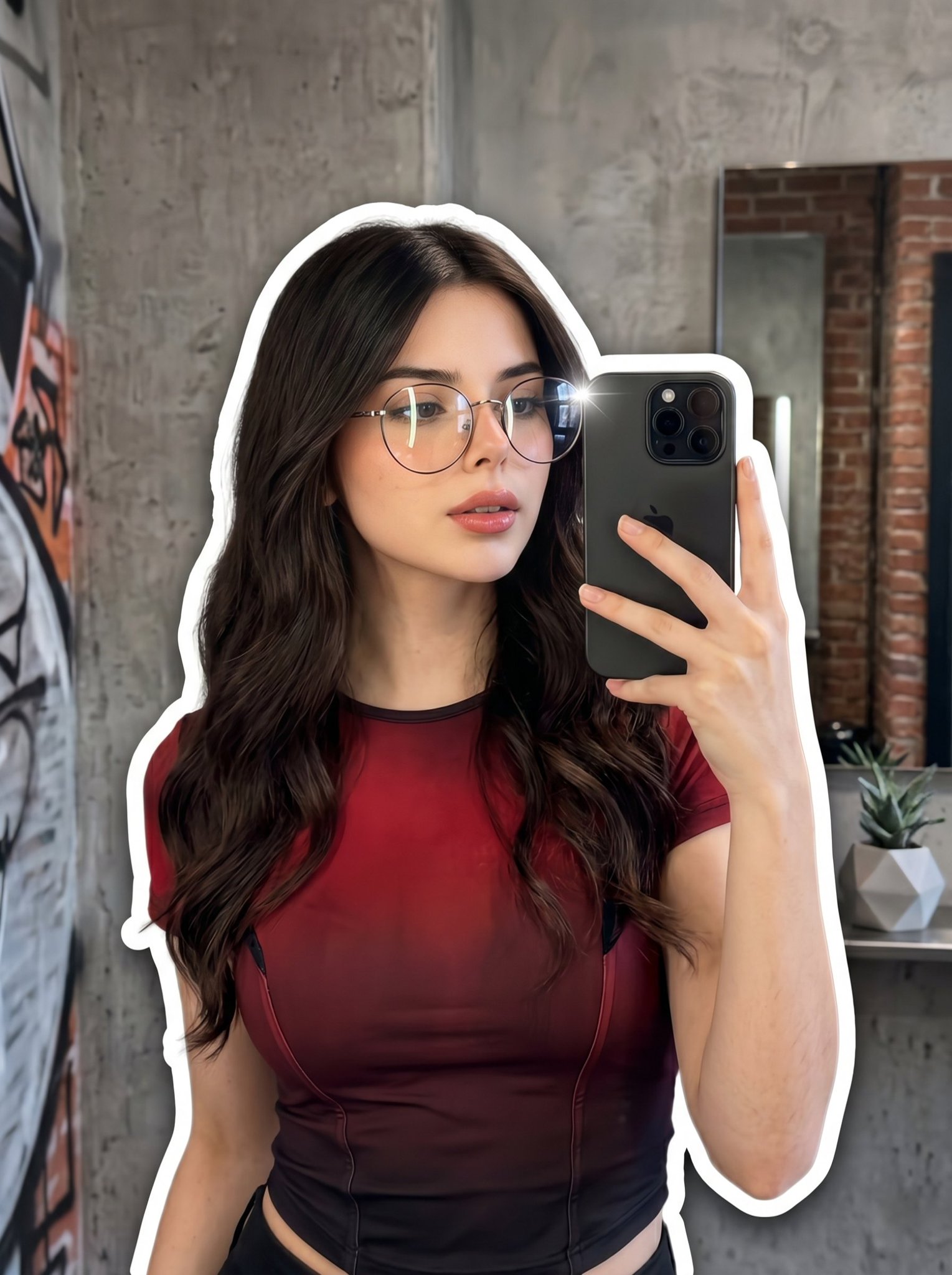
Nano Banana 2 Portrait Gemini

Outdoor Cafe Portrait — White Ruched Top Nano Banana

Tropical Hammock Latte — Nano Banana iPhone Style

Nano Banana - Peace Sign Bedroom Selfie

4x4 Grid - Candid Nostalgic Vacation Selfies
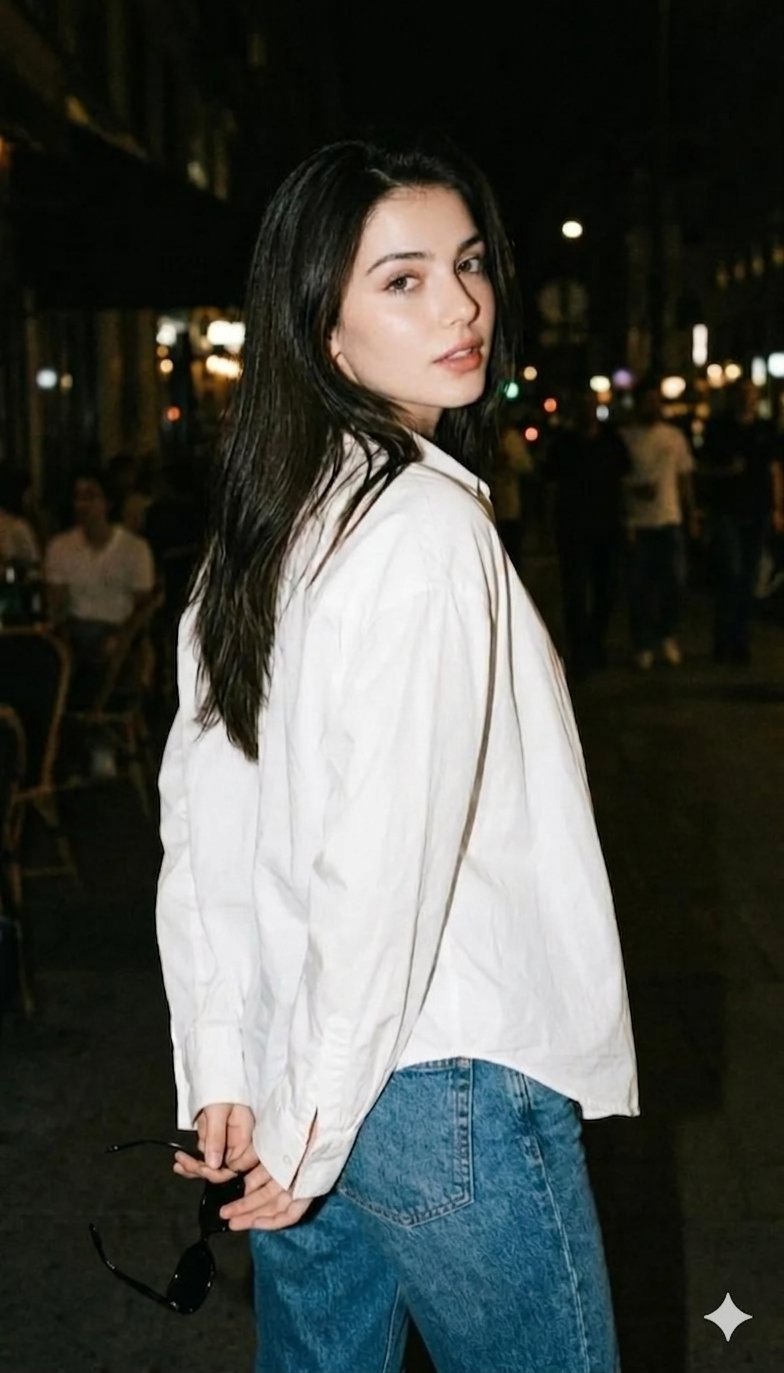
Gemini Night Flash Portrait

Coastal Bench Portrait — Navy Floral Sundress

Golden Hour Winter Portrait Prompt for Gemini Nano Banana 3.0

Stunning Photo Prompt for Gemini Nano Banana Creation
Make it yours
Hyper-realistic iPhone Photo Prompt (Gemini Nano Banana) works as-is. These are the safest ways to change it without losing the look.
Change one field
Copy a single group, rewrite it, and generate again so you can see what that field is doing.
Keep the frame, change the subject
Hold the composition and light of Hyper-realistic iPhone Photo Prompt (Gemini Nano Banana), then swap wardrobe, props or the person for a new take.
| If the result… | Why | Fix |
|---|---|---|
| The result drifts from the preview | Too many fields changed at once. | Reuse Hyper-realistic iPhone Photo Prompt (Gemini Nano Banana) as-is first, then change one group — subject, light, or setting. |
| The model over-stylizes the scene | The prose prompt leaves finish and camera underspecified. | Add one camera or lighting sentence and stay on Nano Banana 2. |
More Nano Banana 2 templates
Other prompts made for Nano Banana 2.

Photorealistic Leaf Shaped Like a Dragon

K-Pop Idol Portrait Grid for Rapid Selection

Poetic Rain Forest Portrait During Golden Hour

Urban Street Portrait with Cartoon Inner Self Duo

Candid Nighttime Photo with Cat Prompt

High-Concept 3D Diorama Generation Prompt

Cinematic Futuristic Studio Portrait Template

Skincare Editorial Photography Collage Prompt

Hyper-Realistic Commercial Product Photography (Splash Effect)

Hyper-Realistic Nightclub Portrait Prompt
More image prompts
Fresh picks from across the catalog.
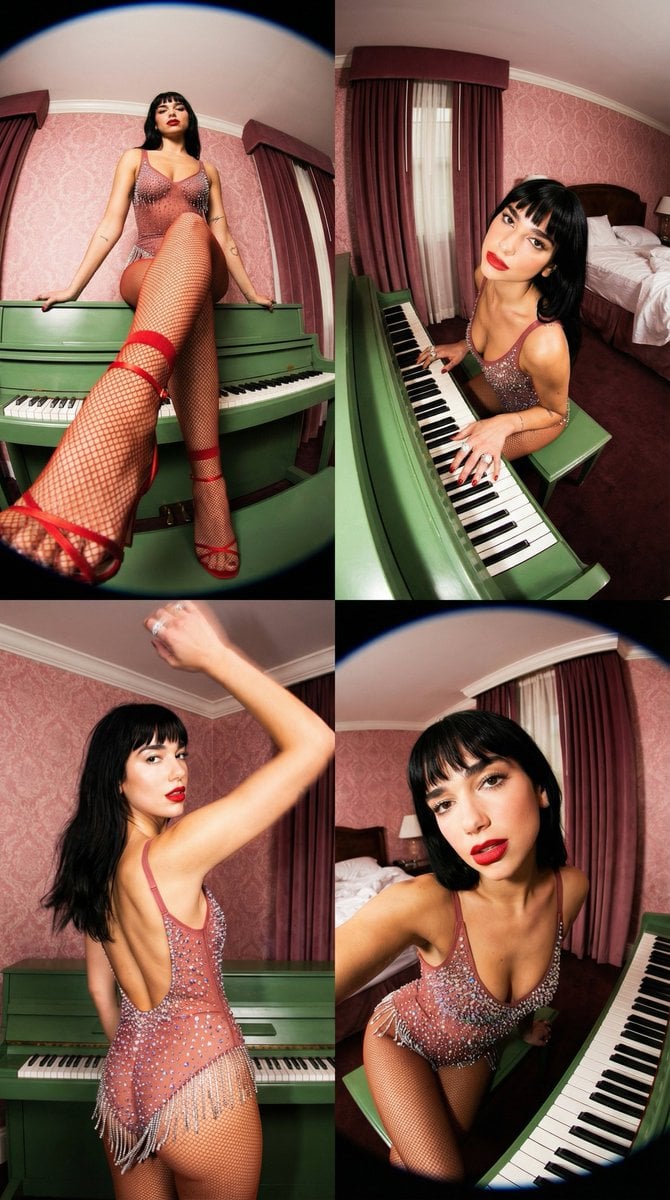
Vintage Glamour Piano Series Prompt

Travel Itinerary Illustration Generation Prompt

World Famous Puppet Show Scene
Seasonal Korean restaurant menu image
Whimsical Storybook Treasure Spread

Hip-Hop Fashion Motion Streak Portrait
Hyper-Realistic Rear-Oblique Pose Replication Prompt
Multi Hairstyle Portrait Collage
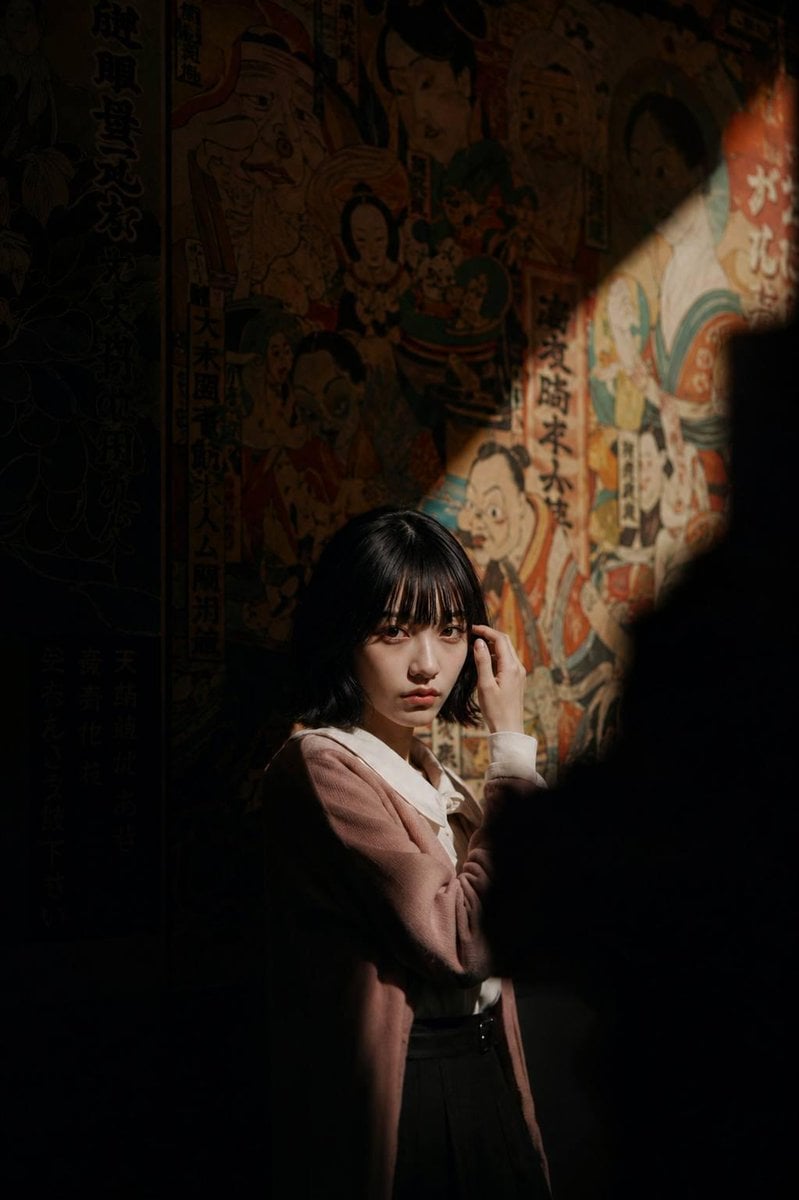
Cinematic Exhibition Room Portrait
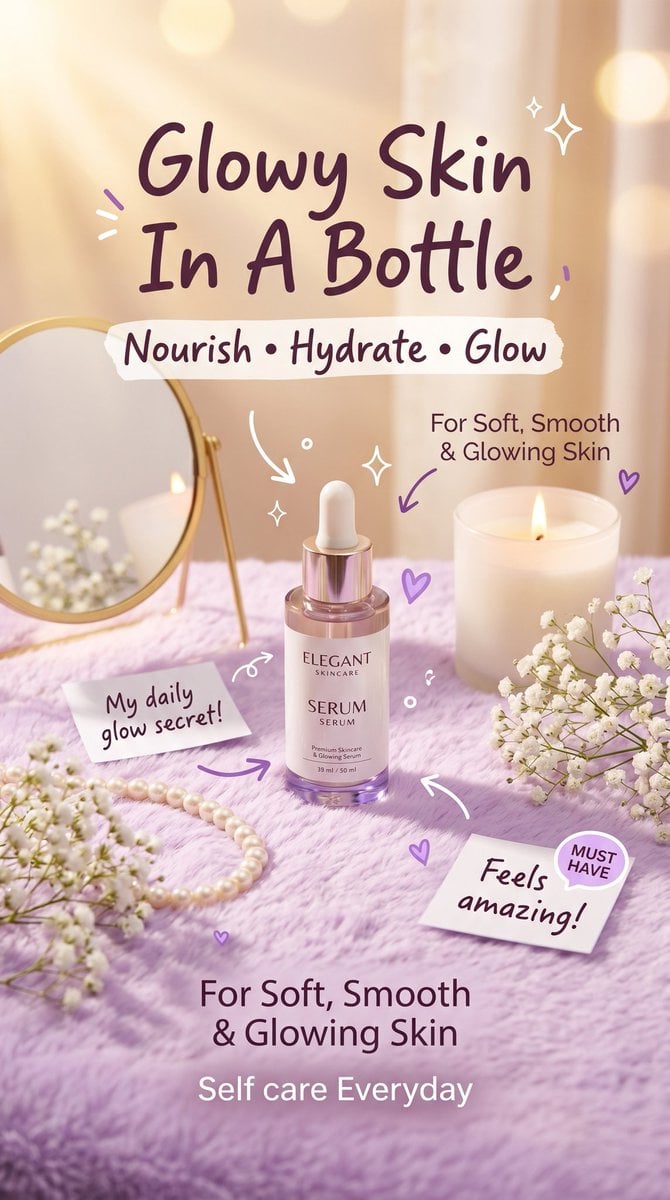
Pastel Luxury Skincare Ad
Browse template categories
Hyper-realistic iPhone Photo Prompt (Gemini Nano Banana) questions
How do I use the Hyper-realistic iPhone Photo Prompt (Gemini Nano Banana) template?
Add your photo if the template asks for one, edit the prompt if you like — the template's model and format are already selected — and press Generate. Your version opens in PicX Studio.
Can I customize the Hyper-realistic iPhone Photo Prompt (Gemini Nano Banana) template?
Yes. You can change the subject, setting, lighting, mood, format, and available model controls before creating your image.
Is the Hyper-realistic iPhone Photo Prompt (Gemini Nano Banana) template free?
Opening and editing this template is free. Generating uses credits, shown on the Generate button when you are signed in.
Which AI model should I use?
Start with Nano Banana 2, which is the model associated with this template. You can compare another compatible model for a different finish.
Looking for something else? Browse all templates.

Your photo, any look
Thousands of ready templates for every top image and video model, from one credit balance.