
Nano Banana - Peace Sign Bedroom Selfie
Nano Banana - Peace Sign Bedroom Selfie is a ready photo look.

- Prompt included
- Model and format preset
- Premium template
The prompt behind this image
Copy the exact prompt behind Nano Banana - Peace Sign Bedroom Selfie, or open it in the studio and make it yours.
The main subject is the person in the attached photo. Carefully and accurately replicate facial features, hairstyle, skin tone, proportions, and overall appearance exactly as shown in the photo. A high quality digital mirror selfie photograph depicting THE_SUBJECT standing in a modern, dark adult bedroom, captured at eye level in a centered, waist-up composition. THE_SUBJECT is holding a light blue iPhone with a visible MagSafe ring at chest height while making a relaxed peace sign with the left hand, maintaining a neutral, natural expression. THE_SUBJECT is dressed in a white ribbed tank top with an oversized white button-up shirt worn open, accessorized with black Beats-style over-ear headphones with a minimal premium finish, a silver necklace, silver rings, a luxury wristwatch, and French tip acrylic nails. The environment features a low-profile bed with dark neutral bedding, a minimalist nightstand, subtle wall art, and clean, uncluttered surfaces. Lighting is low-key and cinematic, with dynamic contrast created by controlled highlights and deep shadows, complemented by subtle cool and warm light sources that add depth, mood, and dimensionality. The overall aesthetic is refined and intimate, blending an elevated Y2K-influenced digital portrait sensibility with a confident, modern, understated tone.
How to use Nano Banana - Peace Sign Bedroom Selfie in 3 steps
- 1Upload ImagePNG, JPG or paste
Add your photo
Upload the photo the template builds on. The prompt, model and format are already set.
- 2…a portrait of your subject in softgolden-hour light, 85mm…
Personalize
Edit the subject and creative details for your destination.
- 3Generate
Generate
Press Generate — your image is created in PicX Studio, so you can compare it with the original and refine one variable at a time.
More like this
Templates with the same subject, style or setup. Open one to see its prompt.

Nano Banana 2

Nano Banana 2 Gourmet Ice Cream Commerci

Toddler Version of a Person in 3d Pixar

Ultra Detailed 3d Plush Cartoon Characte

Isometric Landmark Generation Using Nano

Nano Banana 2 Perspective Experiment

Gemini Nano Banana 2 Isometric 3d City D

Gemini Nano Banana 2

Enchanted Forest Root Kiss Scene By Nano

Romantic Cinematic Still of a Couple in

Nano Banana Pro Photoreal Playful Couple

Couple Goals from the Google Gemini Nano
Make it yours
Nano Banana - Peace Sign Bedroom Selfie works as-is. These are the safest ways to change it without losing the look.
Change one field
Copy a single group, rewrite it, and generate again so you can see what that field is doing.
Keep the frame, change the subject
Hold the composition and light of Nano Banana - Peace Sign Bedroom Selfie, then swap wardrobe, props or the person for a new take.
| If the result… | Why | Fix |
|---|---|---|
| The result drifts from the preview | Too many fields changed at once. | Reuse Nano Banana - Peace Sign Bedroom Selfie as-is first, then change one group — subject, light, or setting. |
| The model over-stylizes the scene | The prose prompt leaves finish and camera underspecified. | Add one camera or lighting sentence and stay on PicX Studio. |
More image prompts
Fresh picks from across the catalog.
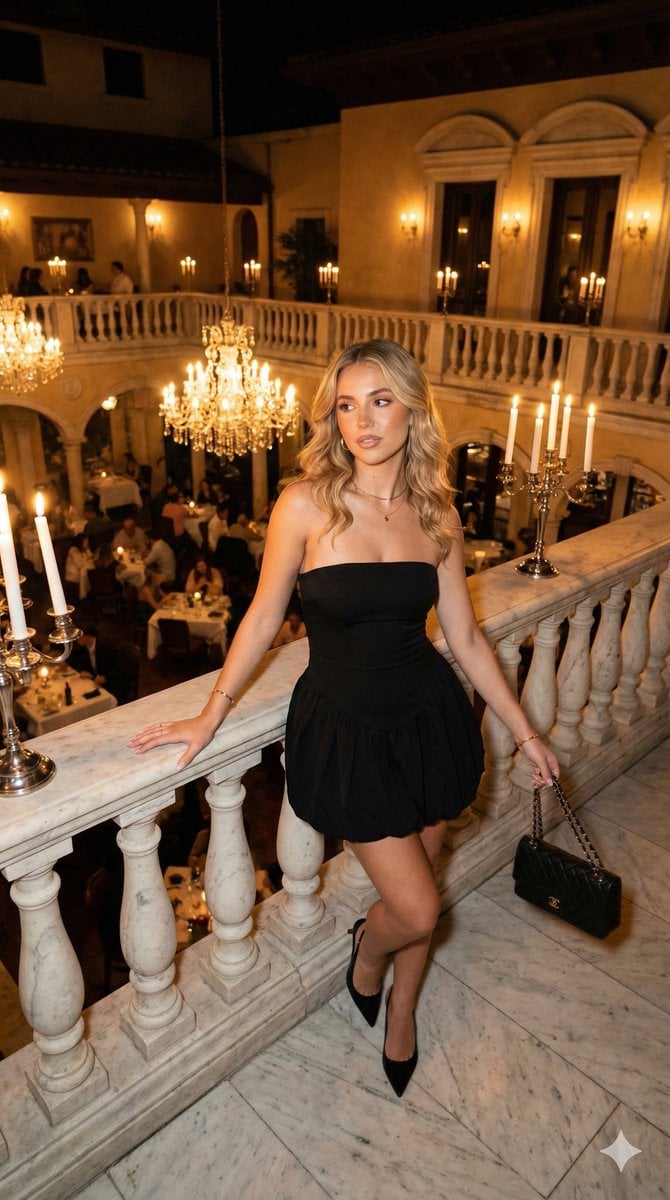
Nighttime Italian Restaurant Portrait Prompt

Warm Candle Shop Lifestyle Portrait
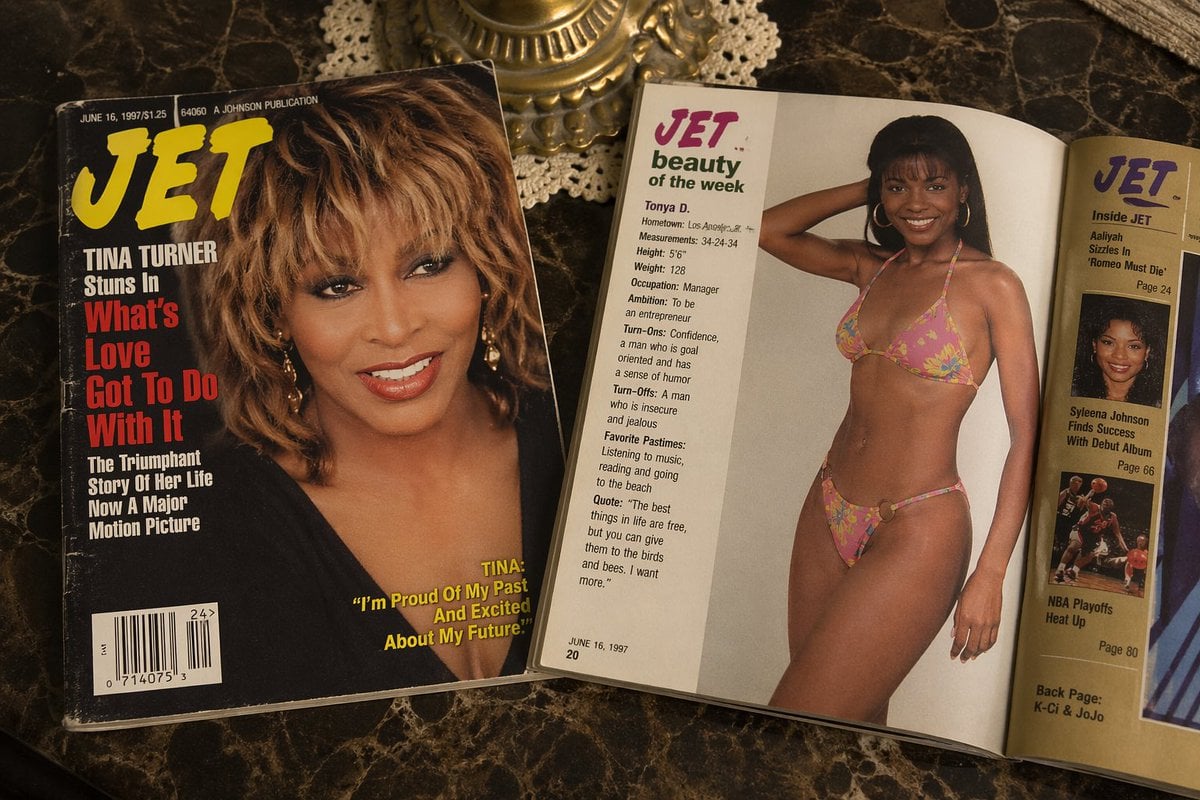
Retro Jet Magazine Cover Scene
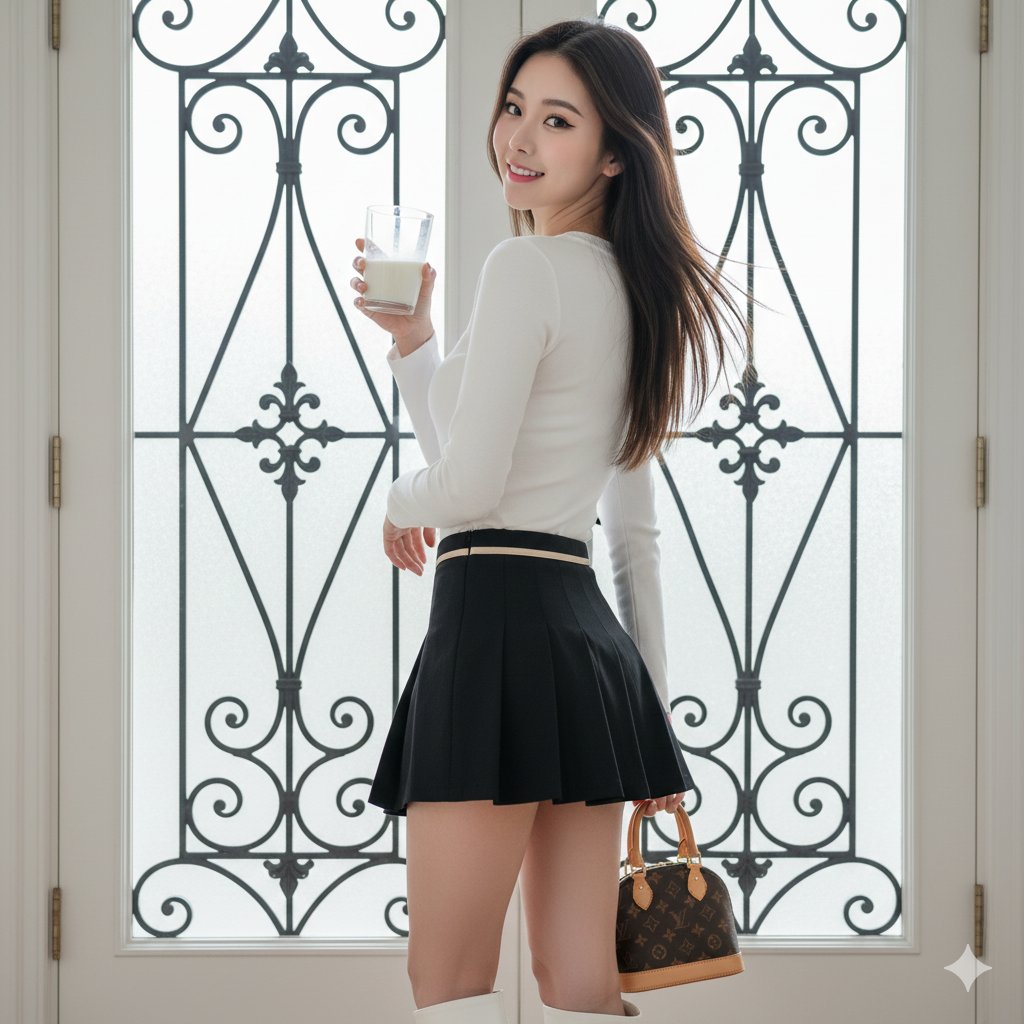
East Asian Woman with Milk Glass and Louis Vuitton Bag
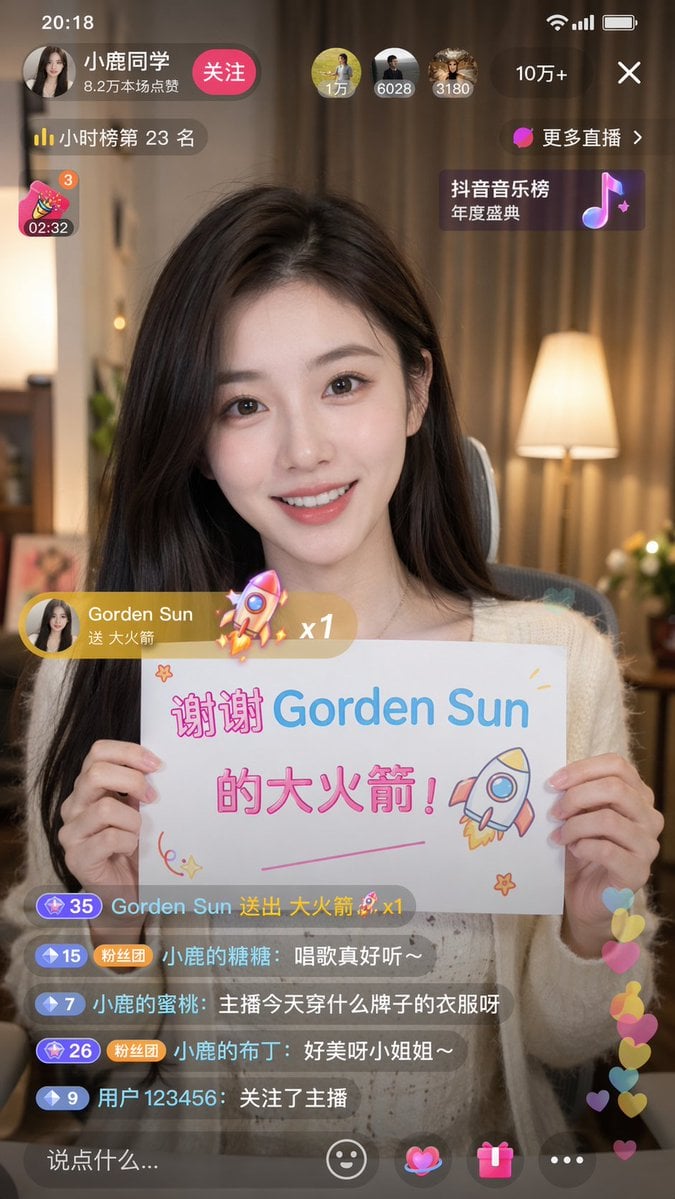
Douyin Live Stream Screenshot
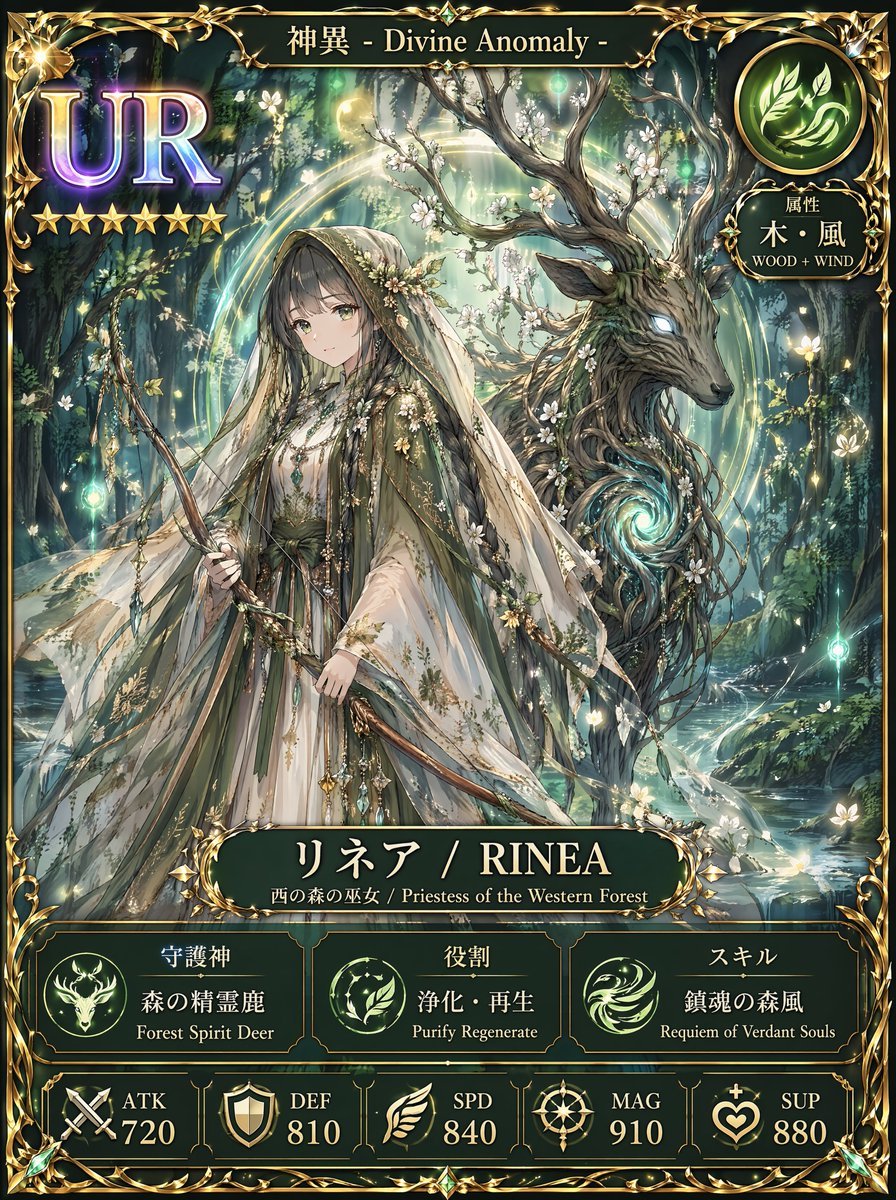
Fantasy UR Forest Priestess Card
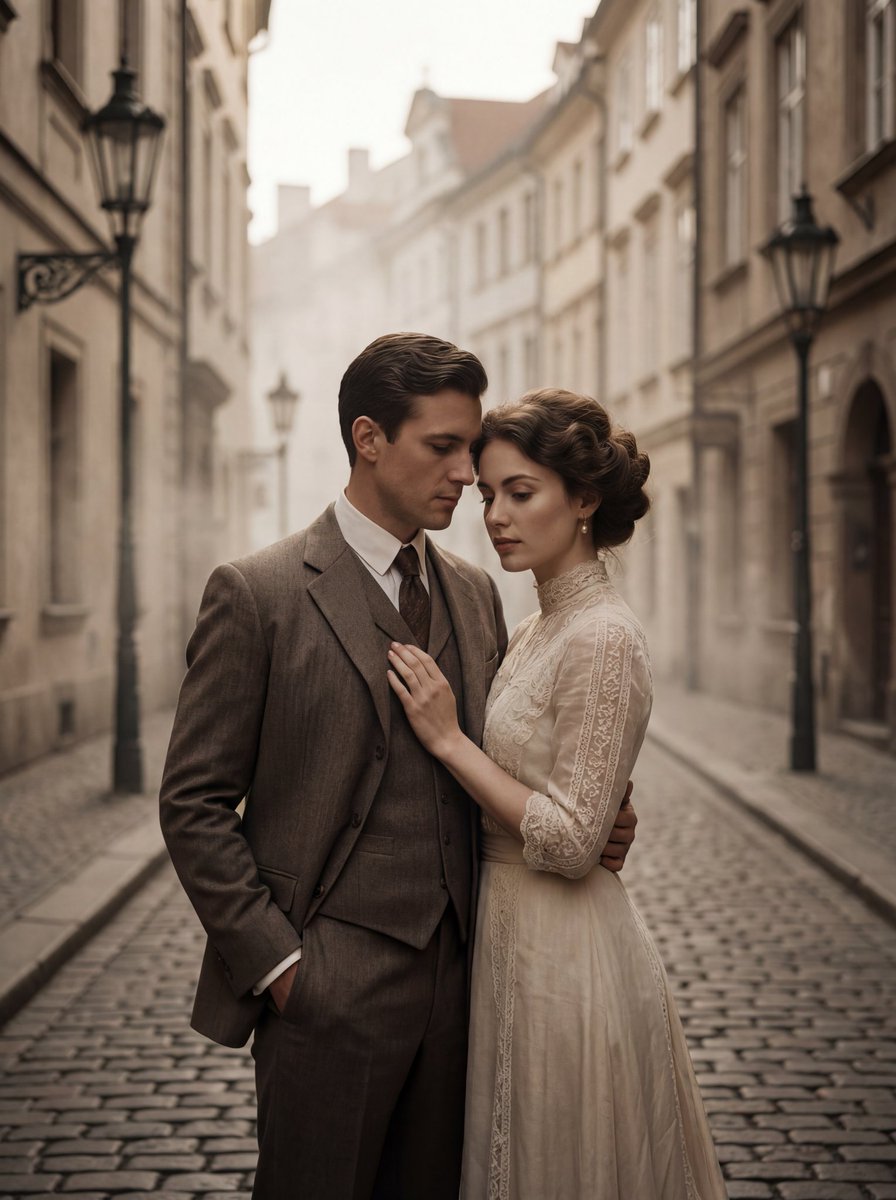
Ultra-Premium Cinematic 1900s Couple Portrait
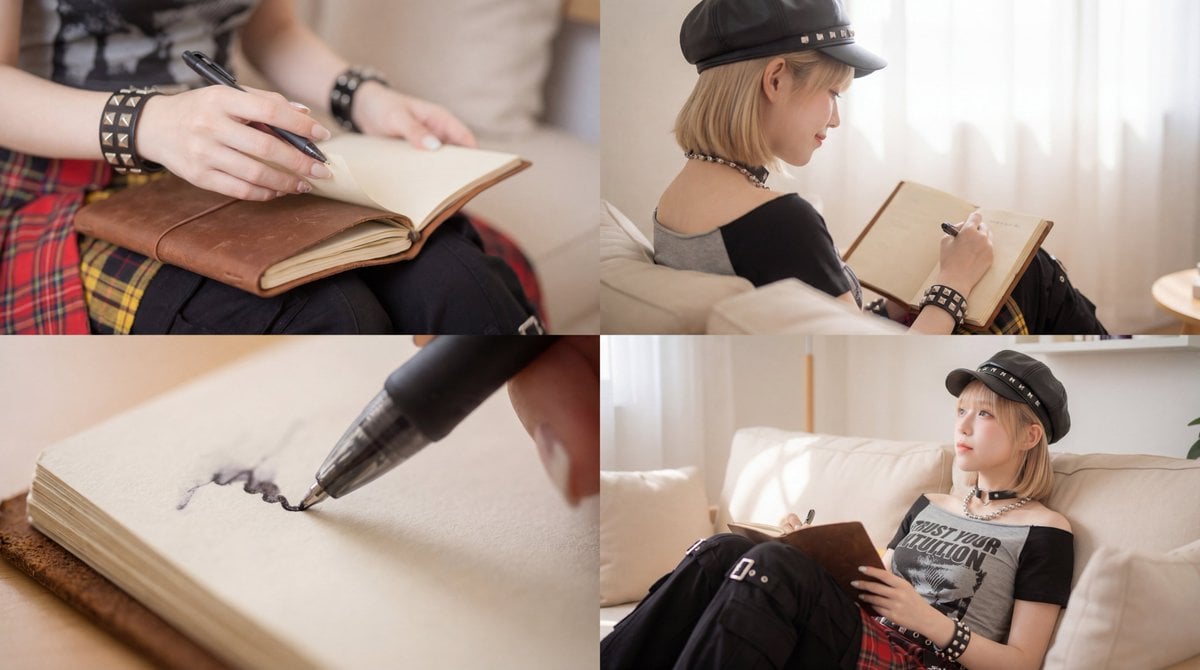
Kling 3.0 Video Generation from Nano Banana Pro Images
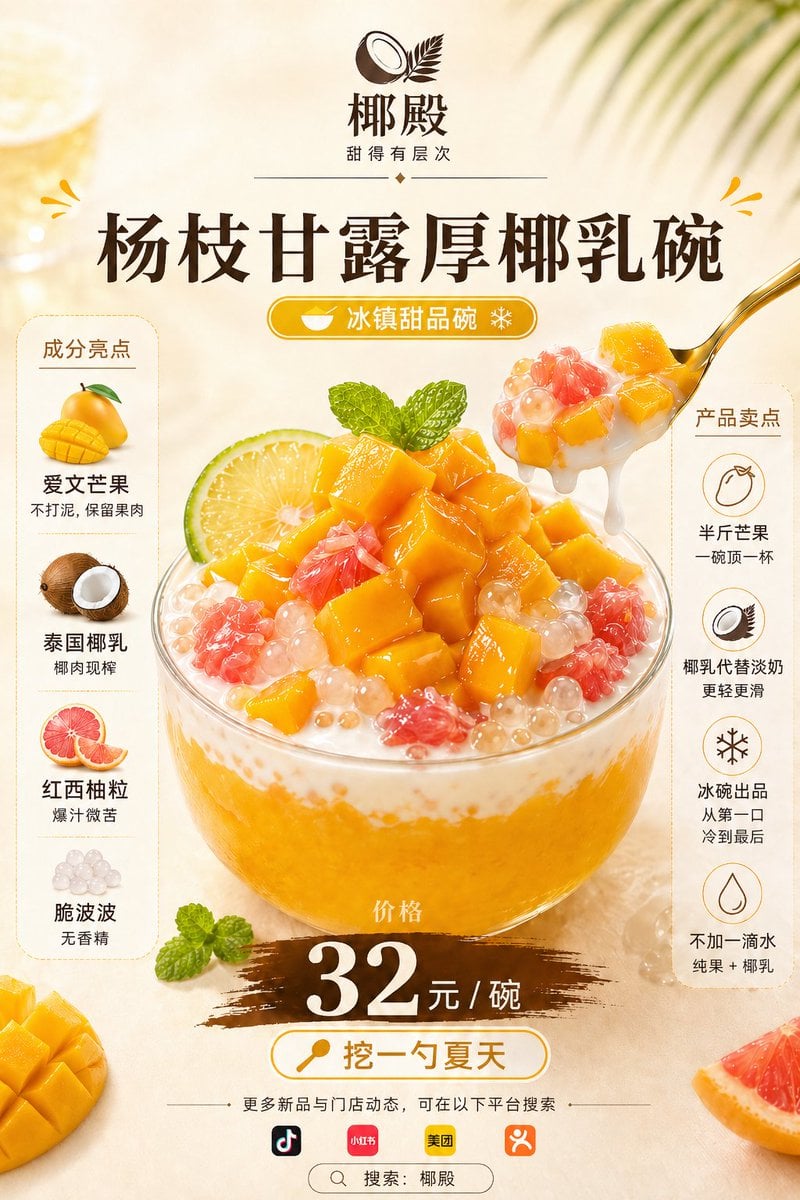
Mango Coconut Dessert Poster
Rainy Neon Anime Alley Woman
Browse template categories
Nano Banana - Peace Sign Bedroom Selfie questions
How do I use the Nano Banana - Peace Sign Bedroom Selfie template?
Add your photo if the template asks for one, edit the prompt if you like — the template's model and format are already selected — and press Generate. Your version opens in PicX Studio.
Can I customize the Nano Banana - Peace Sign Bedroom Selfie template?
Yes. You can change the subject, setting, lighting, mood, format, and available model controls before creating your image.
Is the Nano Banana - Peace Sign Bedroom Selfie template free?
Opening and editing this template is free. Generating uses credits, shown on the Generate button when you are signed in.
Which AI model should I use?
Choose a compatible model in PicX Studio based on the style, speed, and output controls your project needs.
Looking for something else? Browse all templates.

Your photo, any look
Thousands of ready templates for every top image and video model, from one credit balance.