
Enchanted Forest Root Kiss Scene By Nano
Enchanted Forest Root Kiss Scene By Nano is a ready photo look for Nano Banana.

- Prompt included
- Model and format preset
- Free template
The prompt behind this image
Copy the exact prompt behind Enchanted Forest Root Kiss Scene By Nano, or open it in the studio and make it yours.
- Generation Request › Meta Data › Tool
- Nano Banana 2
- Generation Request › Meta Data › Task Type
- enchanted_forest_root_kiss_scene
- Generation Request › Meta Data › Version
- v1.0_AUTUMN_CREEK_KISS_WILDLIFE_STORY_NO_TEXT
- Generation Request › Meta Data › Language
- en
- Generation Request › Meta Data › Priority
- highest
- Generation Request › Input › Mode
- image_to_image
- Generation Request › Input › Reference Image Usage
- very_high
- Generation Request › Input › Preserve Identity
- true
- Generation Request › Input › Preserve Facial Features
- true
- Generation Request › Input › Preserve Pose
- true
- Generation Request › Input › Preserve Hand Structure
- true
- Generation Request › Input › Notes
- Keep the exact composition, couple placement, outfits, hats, backpacks, creek path, fallen logs, and the autumn forest colors. Do not change the environment layout. Enhance into a cinematic, realistic “camp date” story moment: add subtle camping hints in the background near the trail edge partially hidden. Add 1–2 realistic wildlife details that feel like part of the story: a curious fox peeking from behind a log OR a deer silhouette deeper in the trees (softly out of focus), plus a small bird perched on a branch above them. Keep animals natural, correctly scaled, not cute/cartoon. Add gentle sun rays through the canopy, soft floating dust/pollen, and a few warm bokeh highlights. Maintain true photographic realism, skin texture, and natural fabric detail. No text, no logos, no watermark.
- Generation Request › Output Settings › Aspect Ratio
- 4:5
- Generation Request › Output Settings › Orientation
- portrait
- Generation Request › Output Settings › Resolution Target
- ultra_high_res
- Generation Request › Output Settings › Num Images
- 1
- Generation Request › Output Settings › Sharpness
- natural_crisp
- Generation Request › Output Settings › Grain
- subtle_film
- Generation Request › Output Settings › Render Style
- cinematic_realism
- Generation Request › Camera › Shot Type
- full_body_environmental_portrait
- Generation Request › Camera › Lens
- 35mm
- Generation Request › Camera › Aperture
- f2.8
- Generation Request › Camera › Focus
- couple_faces_then_foreground_leaves
- Generation Request › Camera › Depth Of Field
- moderate_with_soft_background
Raw JSON
{
  "generation_request": {
    "meta_data": {
      "tool": "Nano Banana 2",
      "task_type": "enchanted_forest_root_kiss_scene",
      "version": "v1.0_ENCHANTED_ROOT_KISS_LIGHT_RAYS",
      "language": "en",
      "priority": "highest",
      "version": "v1.0_AUTUMN_CREEK_KISS_WILDLIFE_STORY_NO_TEXT"
    },
    "input": {
      "mode": "image_to_image",
      "reference_image_usage": "very_high",
      "preserve_identity": true,
      "preserve_facial_features": true,
      "preserve_pose": true,
      "preserve_hand_structure": true,
      "notes": "Keep the exact composition, couple placement, outfits, hats, backpacks, creek path, fallen logs, and the autumn forest colors. Do not change the environment layout.\nEnhance into a cinematic, realistic “camp date” story moment: add subtle camping hints in the background near the trail edge partially hidden.\nAdd 1–2 realistic wildlife details that feel like part of the story: a curious fox peeking from behind a log OR a deer silhouette deeper in the trees (softly out of focus), plus a small bird perched on a branch above them. Keep animals natural, correctly scaled, not cute/cartoon.\nAdd gentle sun rays through the canopy, soft floating dust/pollen, and a few warm bokeh highlights. Maintain true photographic realism, skin texture, and natural fabric detail. No text, no logos, no watermark."
    },
    "output_settings": {
      "aspect_ratio": "4:5",
      "orientation": "portrait",
      "resolution_target": "ultra_high_res",
      "num_images": 1,
      "sharpness": "natural_crisp",
      "grain": "subtle_film",
      "render_style": "cinematic_realism"
    },
    "camera": {
      "shot_type": "full_body_environmental_portrait",
      "lens": "35mm",
      "aperture": "f2.8",
      "focus": "couple_faces_then_foreground_leaves",
      "depth_of_field": "moderate_with_soft_background"
    },
    "lighting": {
      "time_of_day": "late_afternoon_autumn",
      "key_light": "soft_sun_through_trees",
      "fill_light": "natural_bounce_from_ground_and_leaves",
      "mood": "warm_romantic_adventure"
    },
    "style_rules": {
      "color_grade": "warm_autumn_film",
      "texture": "true_photographic",
      "avoid": [
        "text",
        "watermark",
        "logo",
        "extra_people",
        "face_warping",
        "uncanny_faces",
        "deformed_hands",
        "extra_fingers",
        "over_smoothing",
        "plastic_skin",
        "cartoon_animals",
        "oversized_animals",
        "fantasy_glow_overdose"
      ]
    }
  }
}How to use Enchanted Forest Root Kiss Scene By Nano in 3 steps
- 1
Open
The prompt is already in the box next to the preview, with the template's model and format selected.
- 2…a portrait of your subject in softgolden-hour light, 85mm…
Personalize
Edit the subject and creative details for your destination.
- 3Generate
Generate
Press Generate — your image is created in PicX Studio, so you can compare it with the original and refine one variable at a time.
More like this
Templates with the same subject, style or setup. Open one to see its prompt.

Cinema Date Popcorn Realistic By Nano Ba

Nano Banana Pro Photoreal Playful Couple

Couple Goals from the Google Gemini Nano

Found Photograph: Us, 1970

80s Couple Studio Portrait

Romantic Cinematic Still of a Couple in

Nano Banana Is So Addictive

Isometric Landmark Generation Using Nano

Nano Banana 2 Perspective Experiment

Gemini Nano Banana 2 Isometric 3d City D

Nano Banana 2

Gemini Nano Banana 2
Make it yours
Enchanted Forest Root Kiss Scene By Nano works as-is. These are the safest ways to change it without losing the look.
Swap the setting
Keep the rest of the prompt and replace the location block. The current setting is “4:5”.
Swap the light
One lighting change is enough to compare takes. Current light: “late_afternoon_autumn”.
Change one field
Copy a single group, rewrite it, and generate again so you can see what that field is doing.
| If the result… | Why | Fix |
|---|---|---|
| The result drifts from the preview | Too many fields changed at once. | Reuse 23-enchanted-forest-root-kiss-scene-by-nano as-is first, then change one group — subject, light, or setting. |
| Nano Banana ignores part of the JSON | Some models flatten or skip nested keys. | Keep the same values and paste them as a short paragraph instead. |
More Nano Banana templates
Other prompts made for Nano Banana.










More image prompts
Fresh picks from across the catalog.
Candid Outdoor Cafe Selfie Prompt
Japanese Text Spiral Generation Prompt (Jugemu)

Burning Gothic Library Sorcerer
Old Japanese Haunted House
Sunlit Luxury Modern Lobby
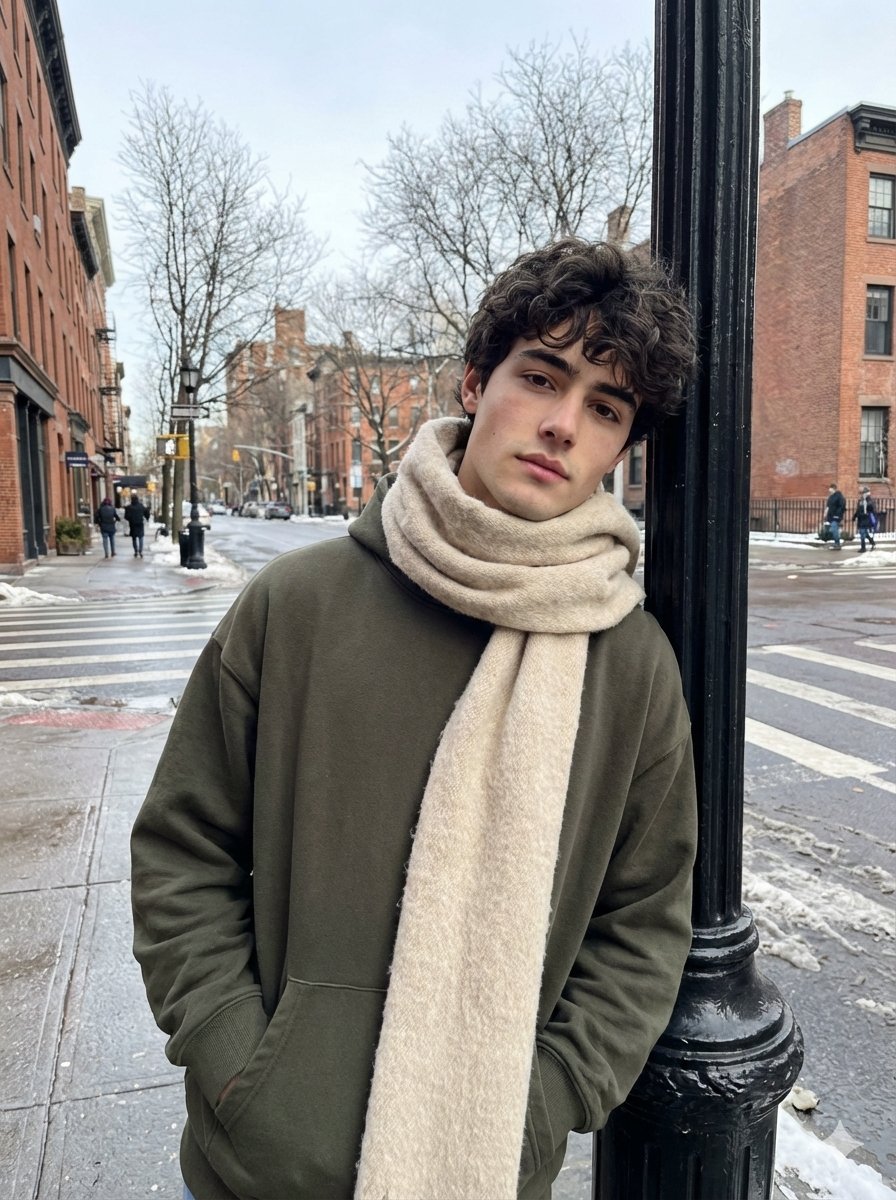
Ultra-Realistic Street Photo with Specific Subject Preservation

Maroon Dress Fashion Magazine Cover
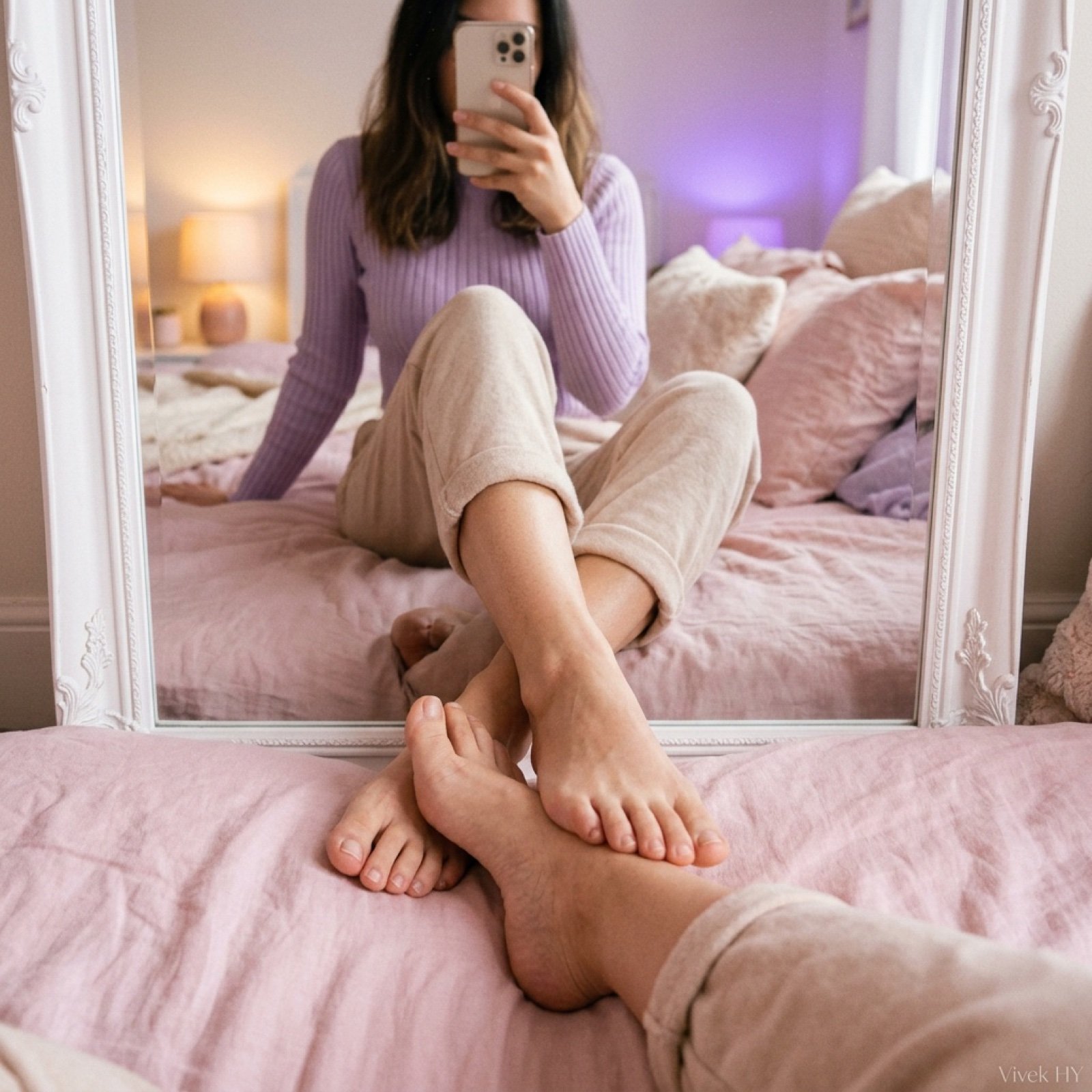
Mirror Pose Selfie Aesthetic Prompt
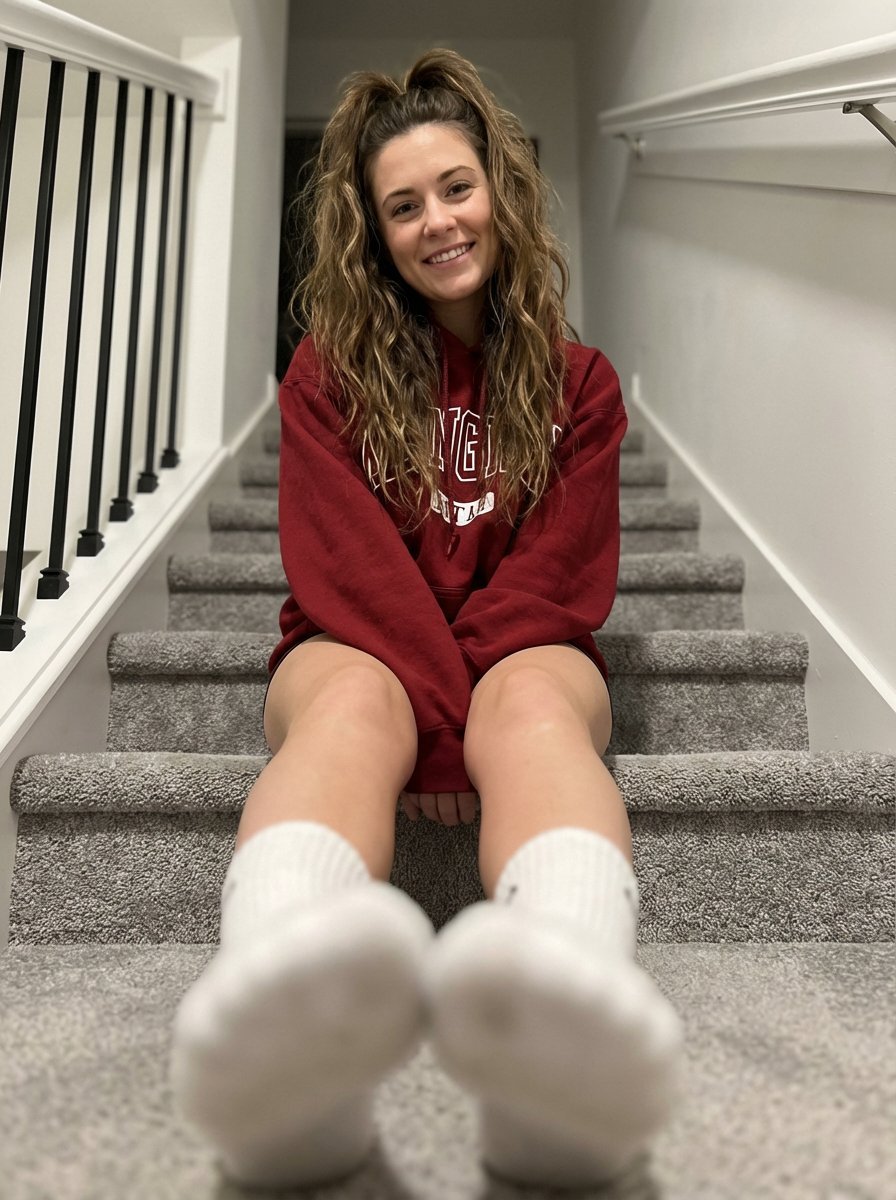
Cozy Indoor Portrait on Staircase with Foreshortening
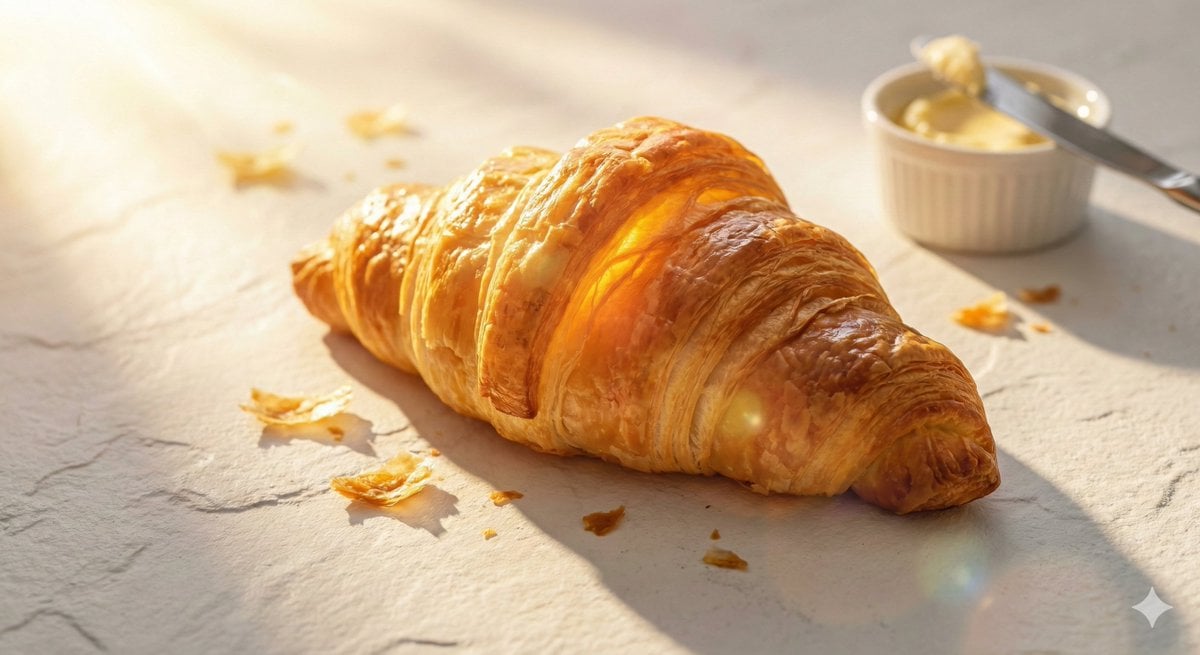
Golden Hour Food Advertisement Prompt
Browse template categories
Enchanted Forest Root Kiss Scene By Nano questions
How do I use the 23-enchanted-forest-root-kiss-scene-by-nano template?
Add your photo if the template asks for one, edit the prompt if you like — the template's model and format are already selected — and press Generate. Your version opens in PicX Studio.
Can I customize the 23-enchanted-forest-root-kiss-scene-by-nano template?
Yes. You can change the subject, setting, lighting, mood, format, and available model controls before creating your image.
Is the 23-enchanted-forest-root-kiss-scene-by-nano template free?
Opening and editing this template is free. Generating uses credits, shown on the Generate button when you are signed in.
Which AI model should I use?
Start with Nano Banana, which is the model associated with this template. You can compare another compatible model for a different finish.
Looking for something else? Browse all templates.

Your photo, any look
Thousands of ready templates for every top image and video model, from one credit balance.