
Burning Gothic Library Sorcerer
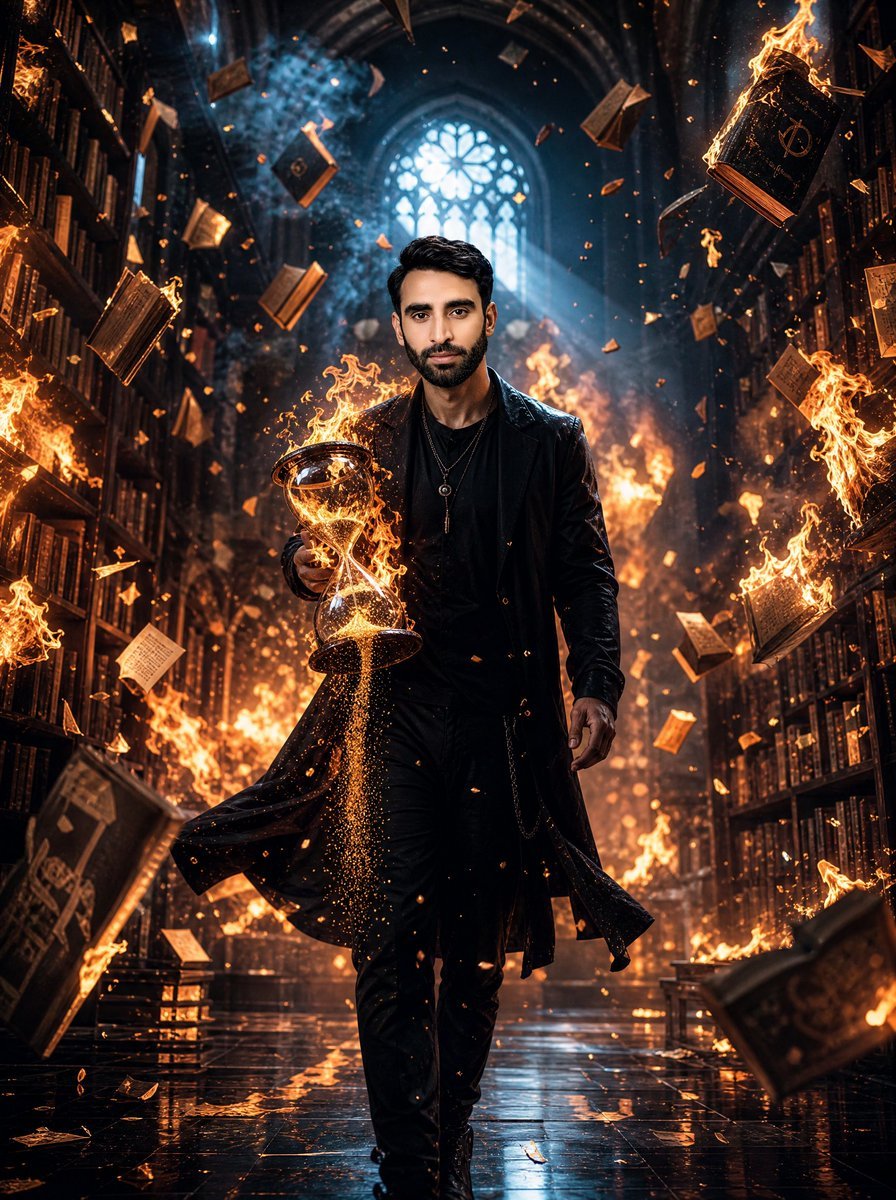
A cinematic dark fantasy portrait prompt for creating a mysterious figure carrying a flaming hourglass through a burning gothic library.
- Prompt included
- Model and format preset
- Free template
The prompt behind this image
Copy the exact prompt behind Burning Gothic Library Sorcerer, or open it in the studio and make it yours.
Create a cinematic dark fantasy portrait of {argument name="character name" default="a mysterious young man"} walking directly toward the camera through a vast gothic library in chaos. He wears an all-black modern occult outfit: long black leather trench coat, black shirt, slim black pants, black boots, layered silver necklaces, and a confident forward stride. His face should be intentionally soft-blurred or anonymized while the hair remains sharp, short, dark, and neatly styled. In his left hand he carries a glowing hourglass filled with blazing golden sand; the hourglass is partially wrapped in fire, with sparks and glittering sand streaming downward. The library has towering bookshelves on both sides, arched cathedral architecture, a large circular stained-glass rose window centered high in the background, and cold blue moonbeams cutting through smoky air from the window. Surround the scene with exactly 18 clearly visible floating books and pages: 6 open books, 5 closed books, and 7 loose parchment sheets, all suspended midair at different depths. Add roaring orange flames along both bookshelves, burning books at the edges, embers, ash, and golden sparks filling the air. The floor is glossy black stone, wet and mirror-like, reflecting the firelight and the figure’s silhouette. Use dramatic backlighting, strong orange-and-blue color contrast, volumetric smoke, shallow depth of field, ultra-detailed textures, high contrast, epic magical realism, photorealistic cinematic quality, vertical 3:4 composition. Avoid text, logos, watermarks, extra people, or cartoon styling.
How to use Burning Gothic Library Sorcerer in 3 steps
- 1Upload ImagePNG, JPG or paste
Add your photo
Upload the photo the template builds on. The prompt, model and format are already set.
- 2…a portrait of your subject in softgolden-hour light, 85mm…
Personalize
Edit the subject and creative details for your destination.
- 3Generate
Generate
Press Generate — your image is created in PicX Studio, so you can compare it with the original and refine one variable at a time.
More like this
Templates with the same subject, style or setup. Open one to see its prompt.

Burning Gothic Flood Escape
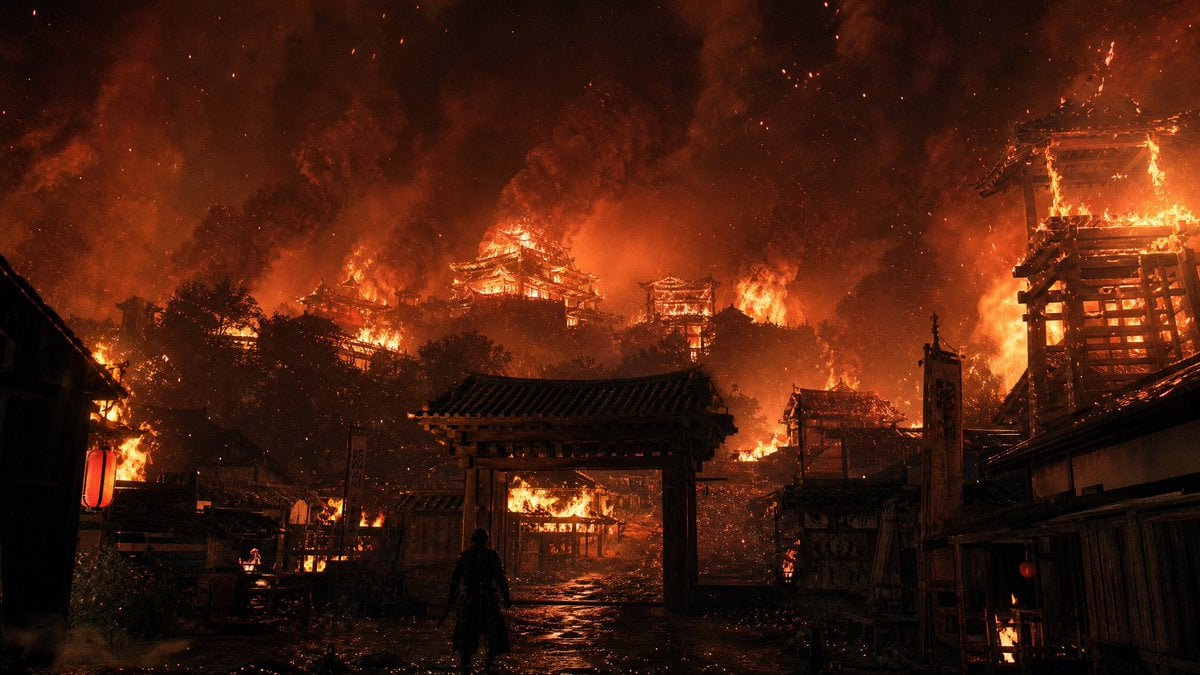
Burning Feudal Japanese Village
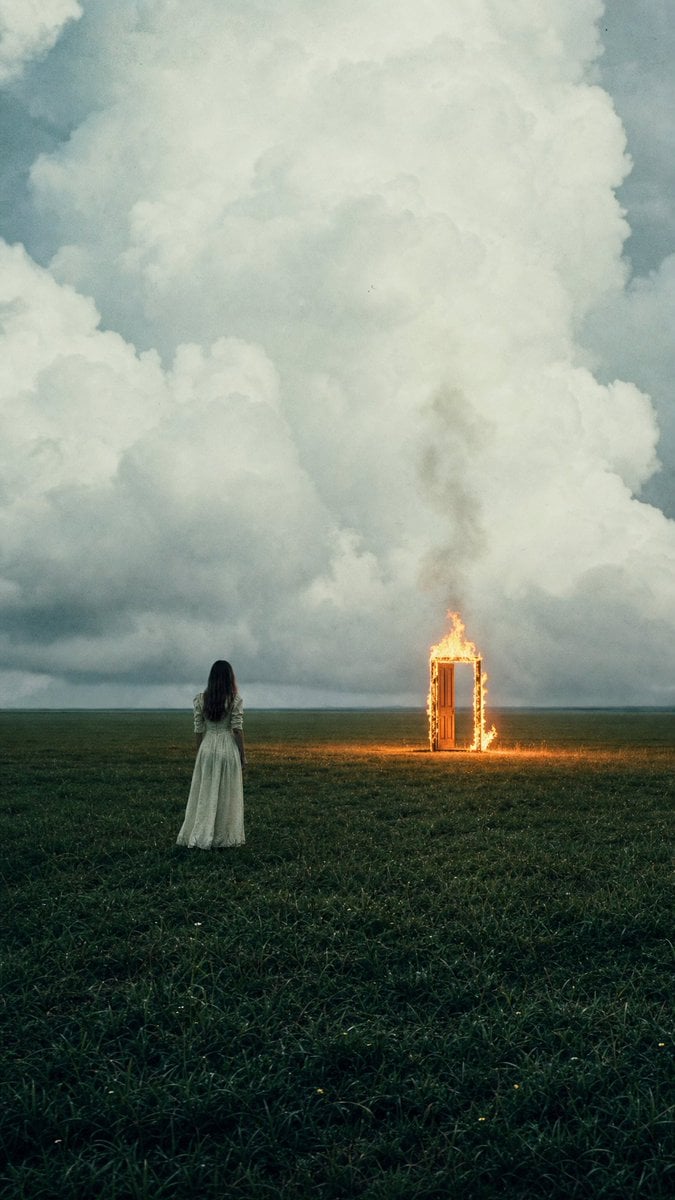
Woman Facing Burning Doorway

Gothic Japanese Mobile Homepage
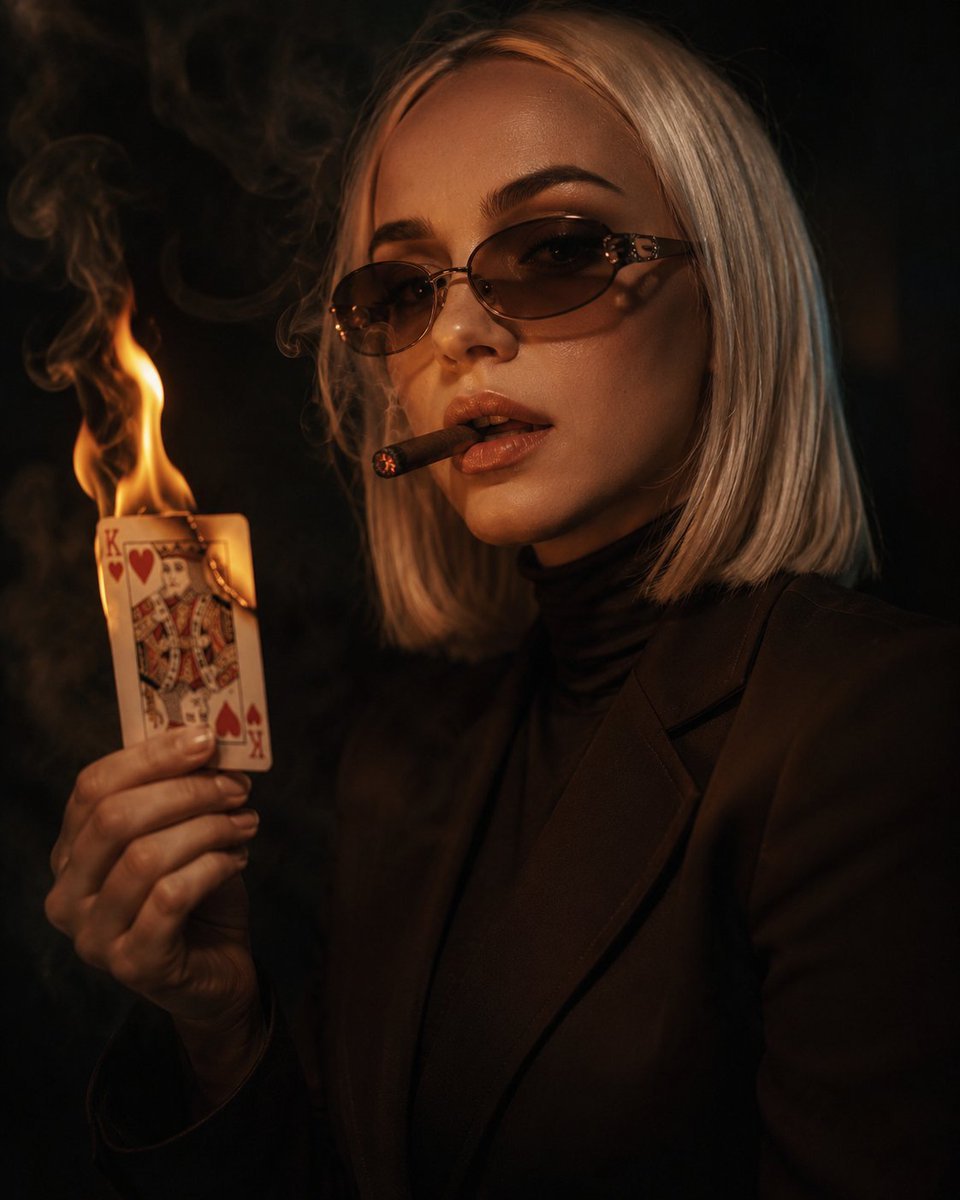
Cinematic Cigar and Burning Card Portrait
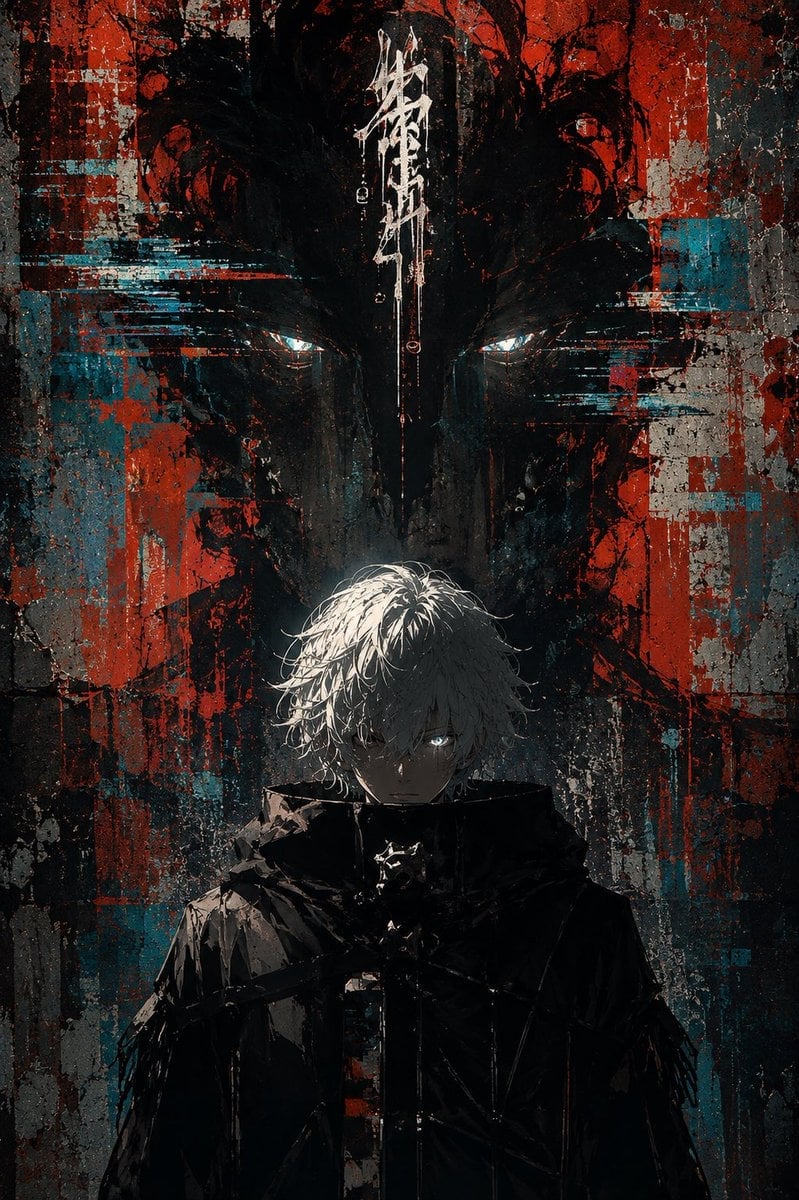
Glitch Street Sorcerer Poster

Tactical Duo in Burning War Zone
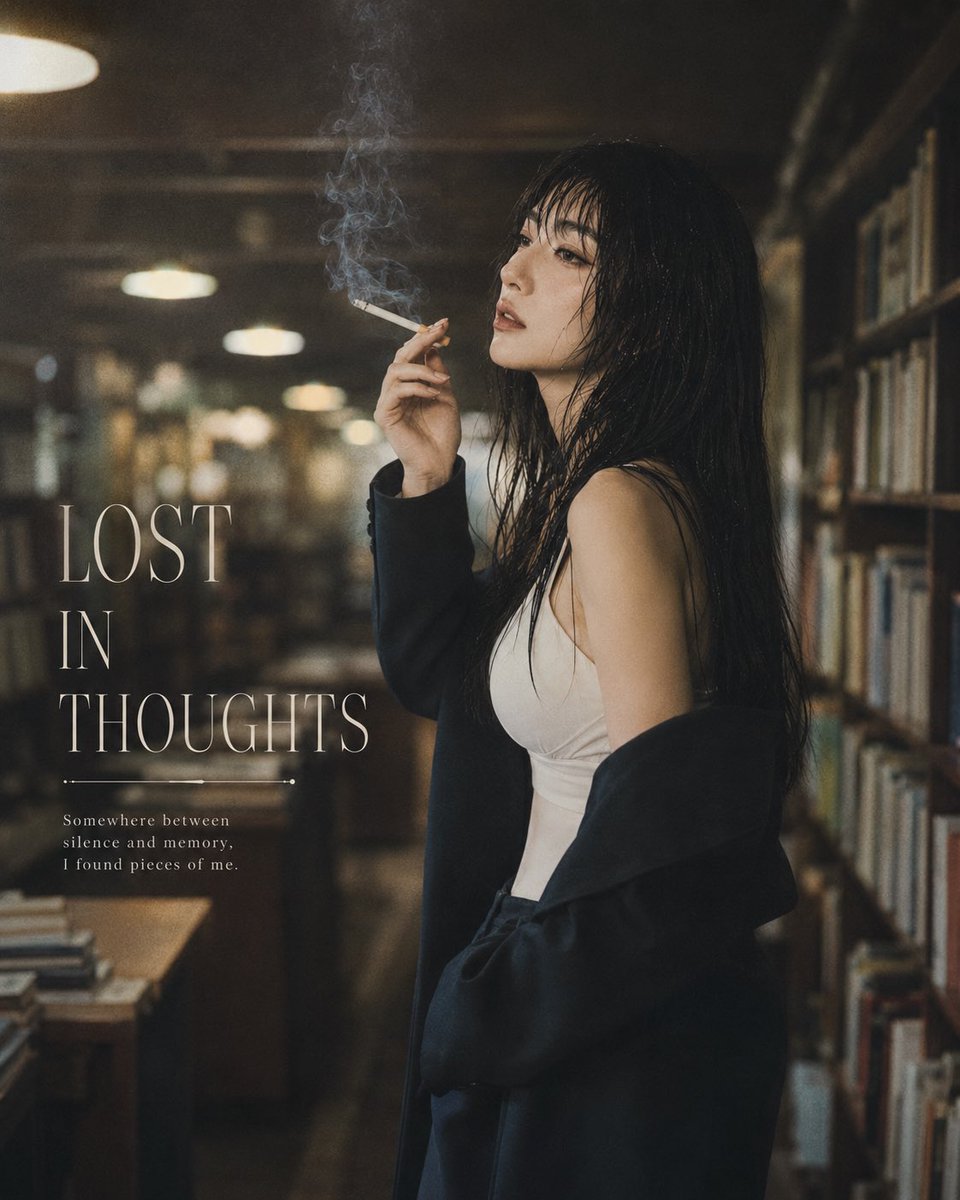
Moody Library Smoking Portrait

Plush Cat Maid Doll in Antique Library
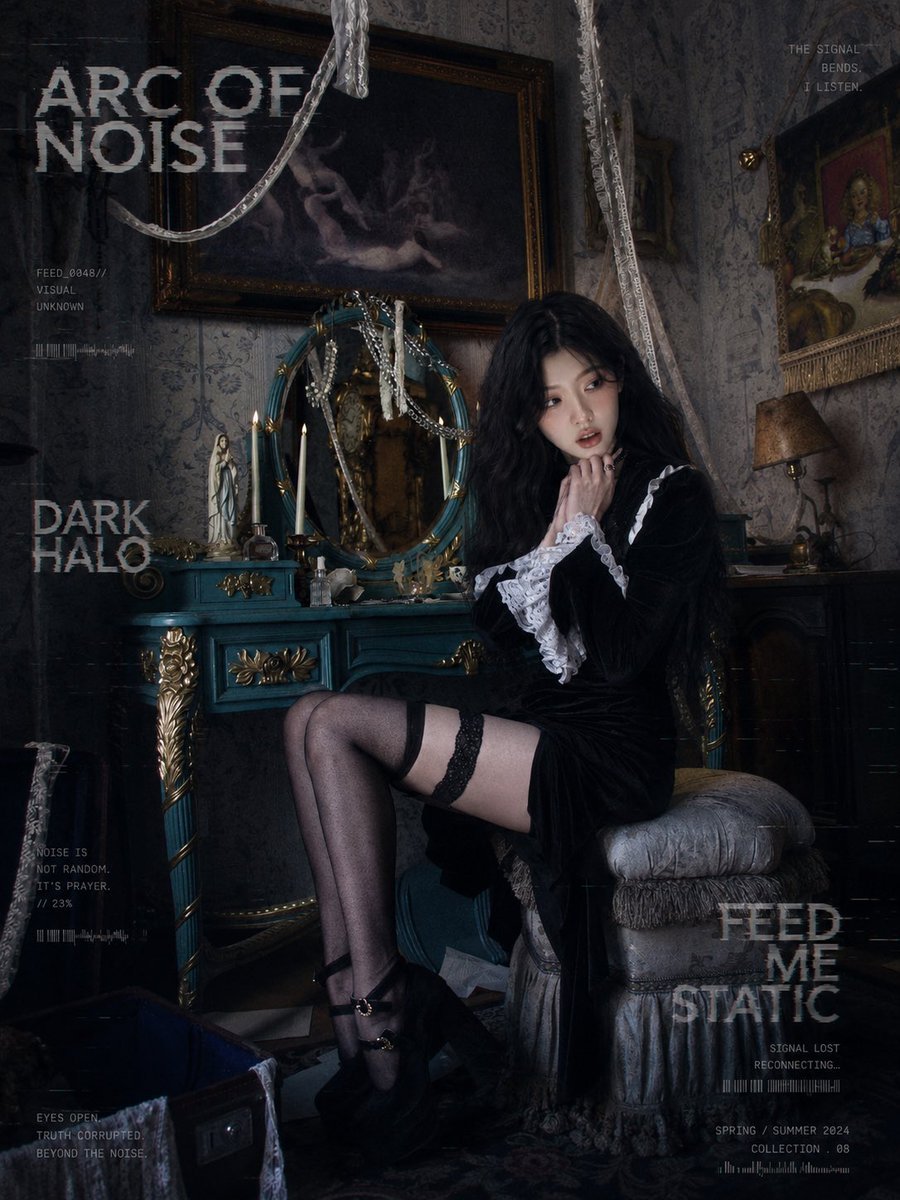
Dark Gothic Lolita Static Portrait

3D AI Prompt Library Workspace

Gothic Girl Character Turnaround Sheet
Make it yours
Burning Gothic Library Sorcerer works as-is. These are the safest ways to change it without losing the look.
Change one field
Copy a single group, rewrite it, and generate again so you can see what that field is doing.
Keep the frame, change the subject
Hold the composition and light of Burning Gothic Library Sorcerer, then swap wardrobe, props or the person for a new take.
| If the result… | Why | Fix |
|---|---|---|
| The result drifts from the preview | Too many fields changed at once. | Reuse Burning Gothic Library Sorcerer as-is first, then change one group — subject, light, or setting. |
| The model over-stylizes the scene | The prose prompt leaves finish and camera underspecified. | Add one camera or lighting sentence and stay on GPT Image 2. |
More GPT Image 2 templates
Other prompts made for GPT Image 2.

Six VTuber Japanese Logo Sheet

Realistic Portrait of Woman and Deer

The Vista Modular Condo Poster

AI Model Routing Comparison Infographic

2.5D Anime Art Board

Isometric Productivity Desk Scene

New York Double Exposure Poster

Four-Panel AI Landscape Comparison

Japanese Tatami Lifestyle Magazine Cover

NESCAFÉ Coffee Map Poster
More image prompts
Fresh picks from across the catalog.
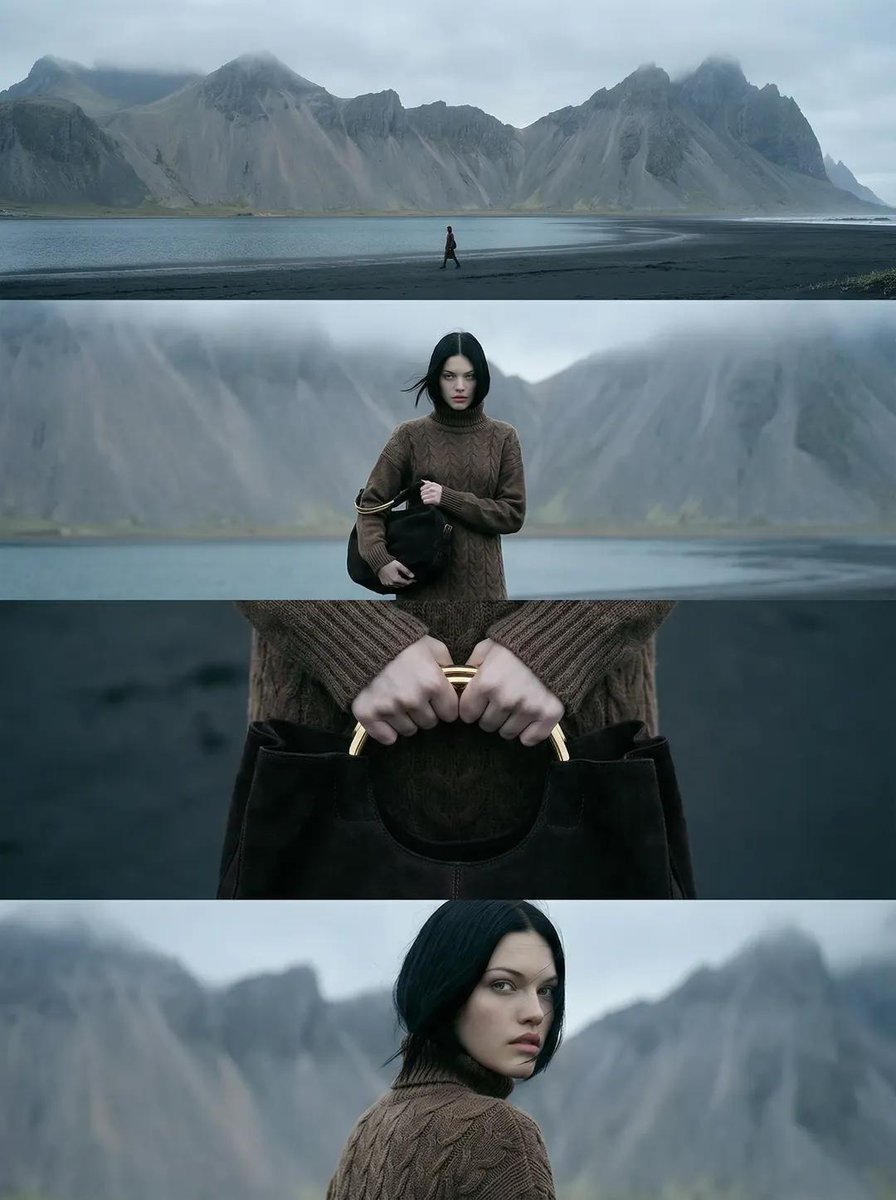
Cinematic Nordic Editorial Image Stack

AI Use Comparison Infographic
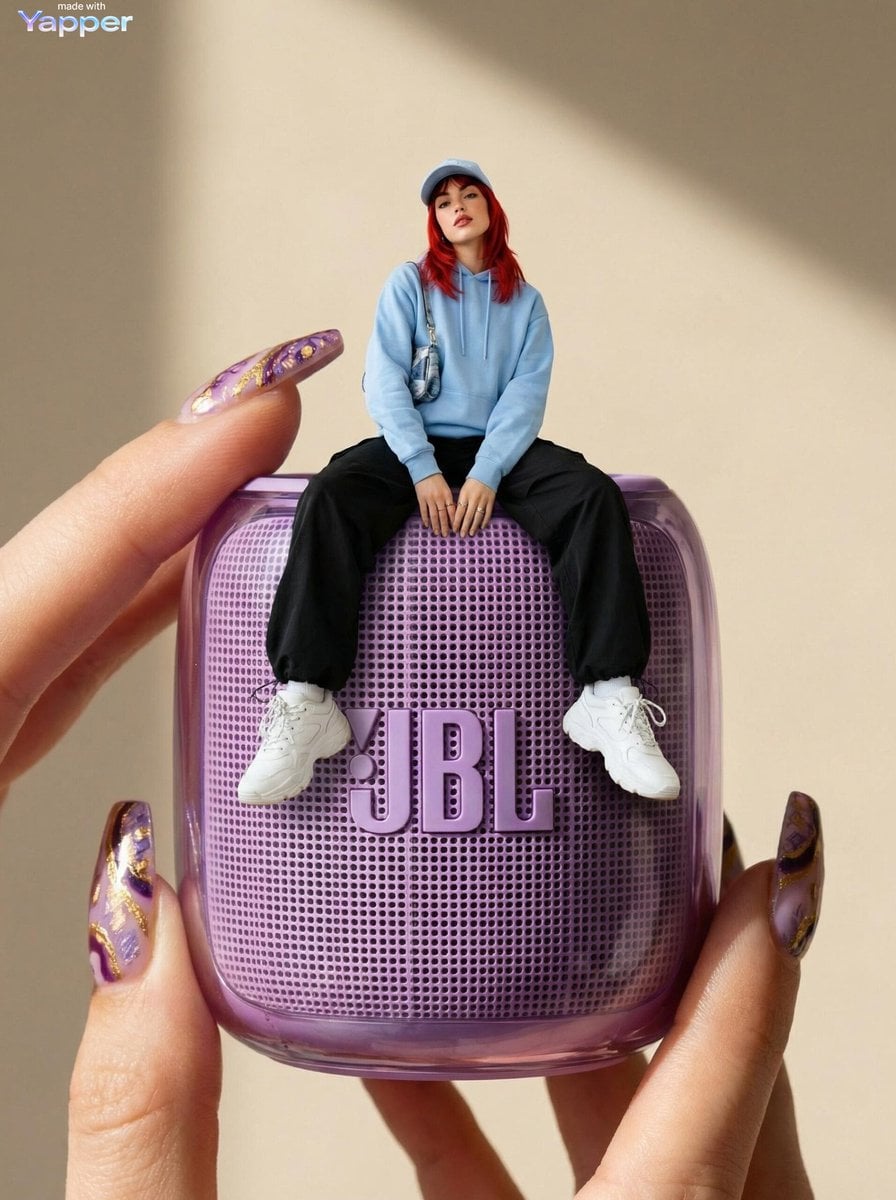
Forced Perspective Miniature Woman on Speaker
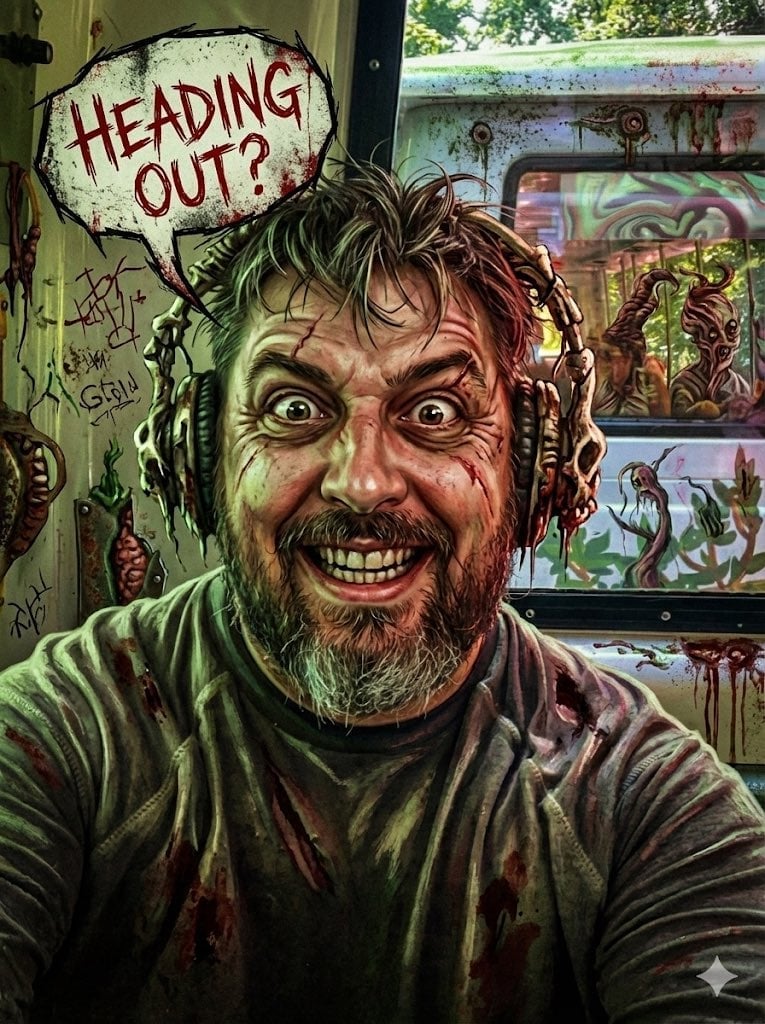
Messed Up Psycho Image with Speech Bubble
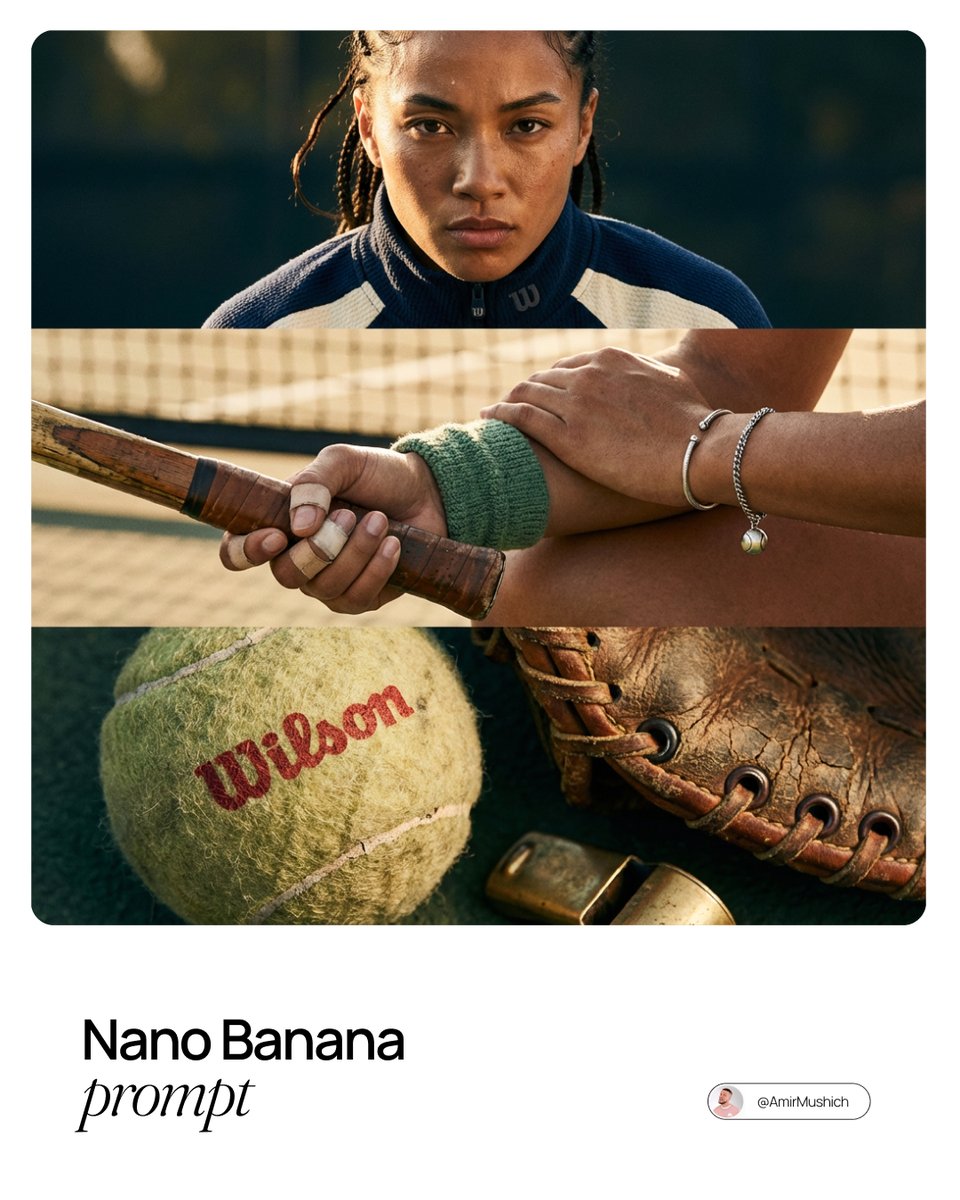
Smart Prompt for High-End Editorial Fashion Triptych Campaign
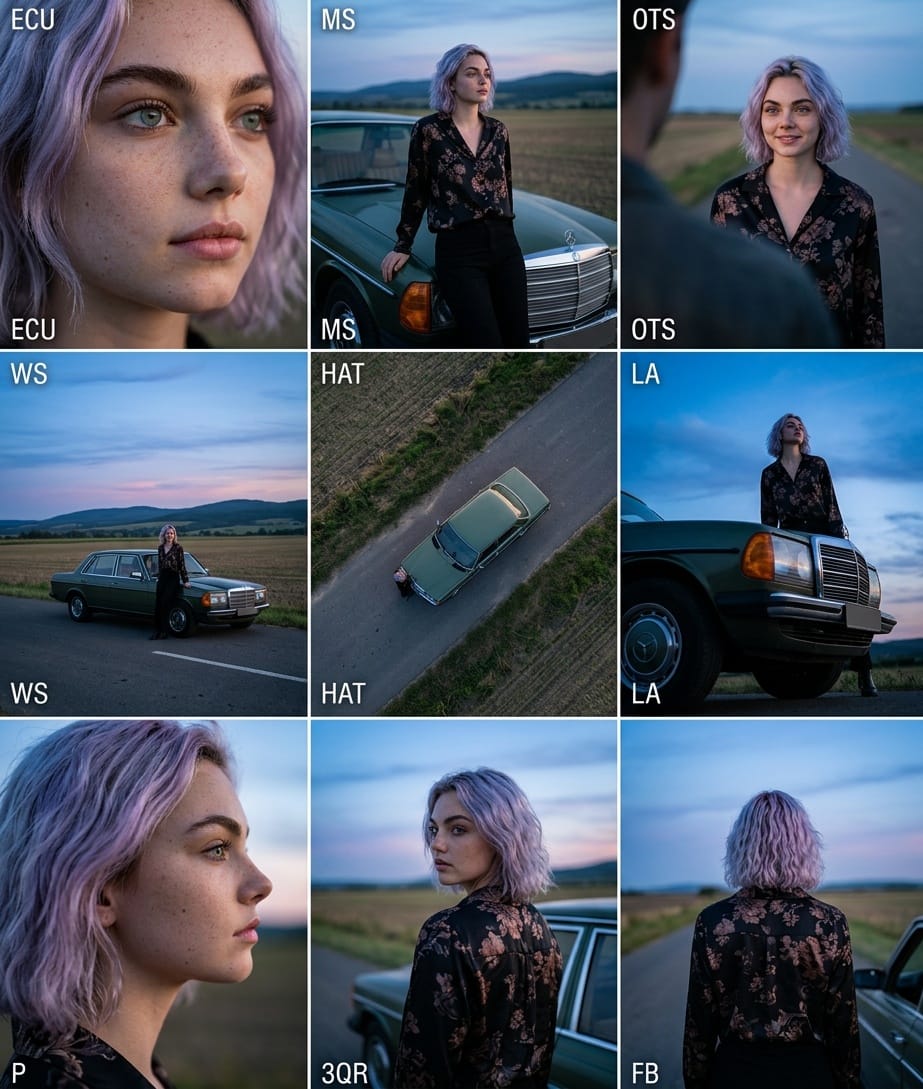
Cinematic 3x3 Grid Camera Angle Prompt
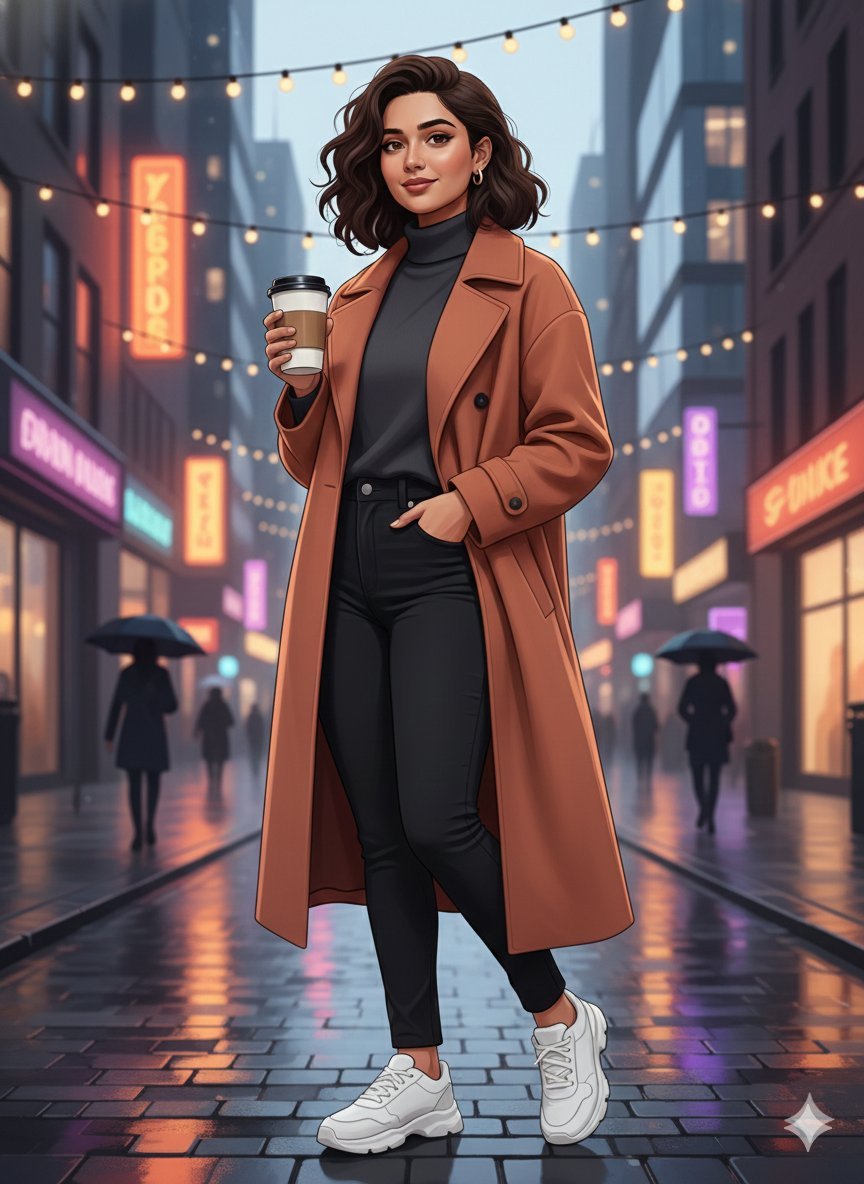
Image-to-Image Identity Preservation Illustration
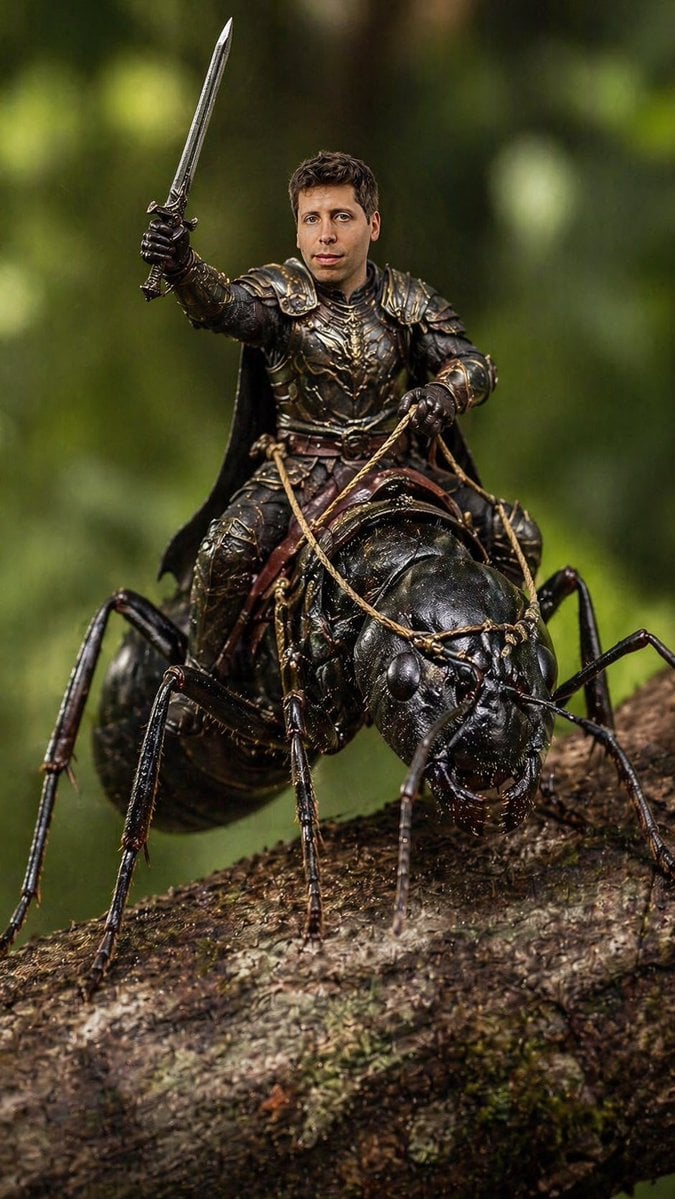
Ant Warrior Macro Photography
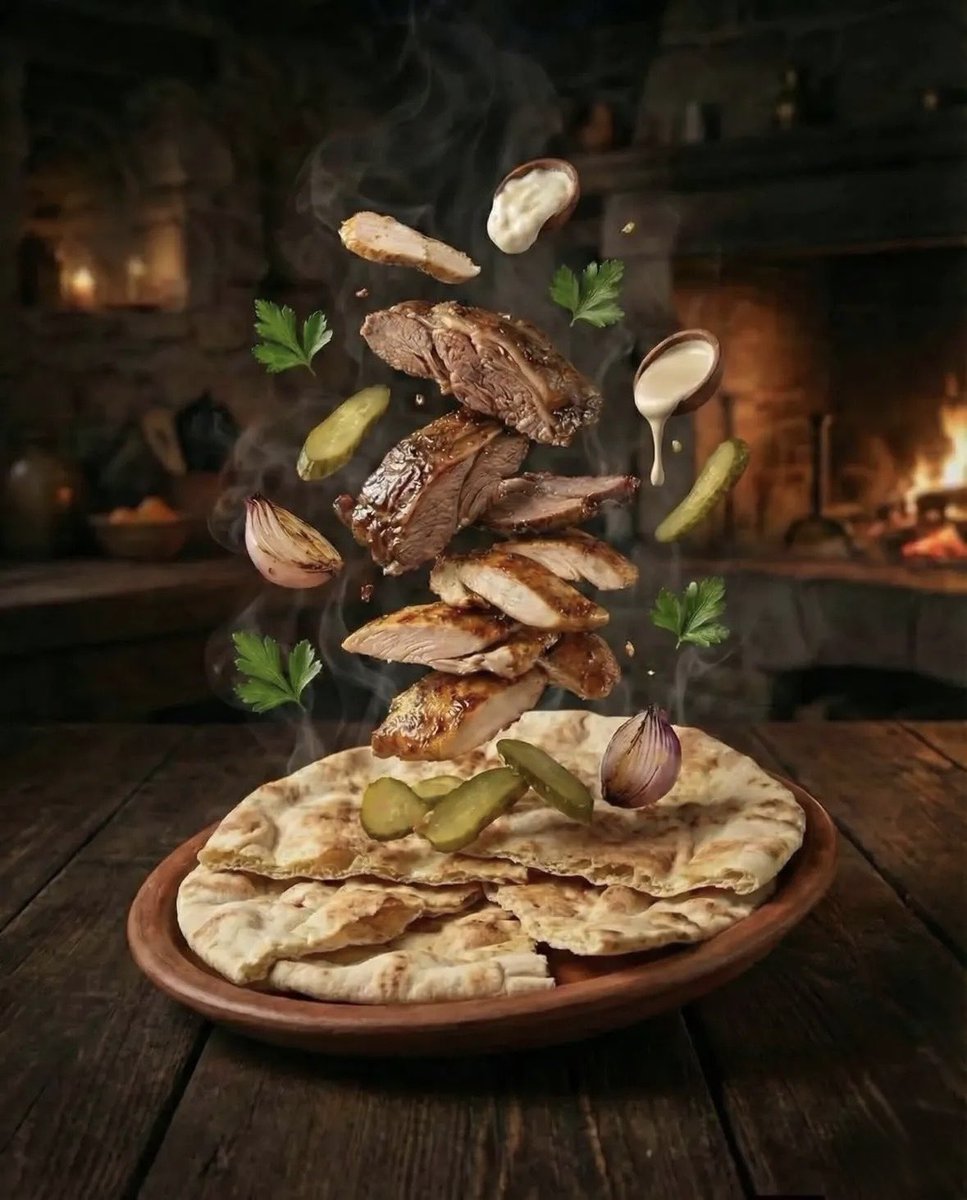
Hyper-realistic Deconstructed Middle Eastern Cuisine Prompt
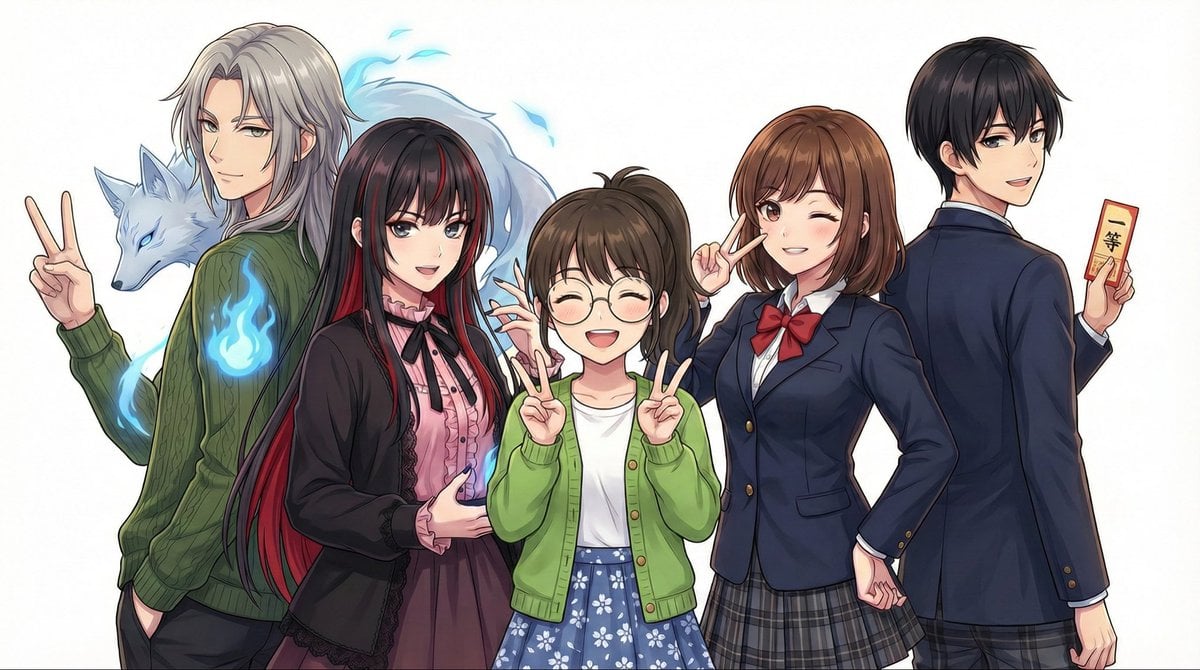
Complex Multi-Instruction Image Generation
Browse template categories
Burning Gothic Library Sorcerer questions
How do I use the Burning Gothic Library Sorcerer template?
Add your photo if the template asks for one, edit the prompt if you like — the template's model and format are already selected — and press Generate. Your version opens in PicX Studio.
Can I customize the Burning Gothic Library Sorcerer template?
Yes. You can change the subject, setting, lighting, mood, format, and available model controls before creating your image.
Is the Burning Gothic Library Sorcerer template free?
Opening and editing this template is free. Generating uses credits, shown on the Generate button when you are signed in.
Which AI model should I use?
Start with GPT Image 2, which is the model associated with this template. You can compare another compatible model for a different finish.
Looking for something else? Browse all templates.

Your photo, any look
Thousands of ready templates for every top image and video model, from one credit balance.