
Cinematic Nordic Editorial Image Stack
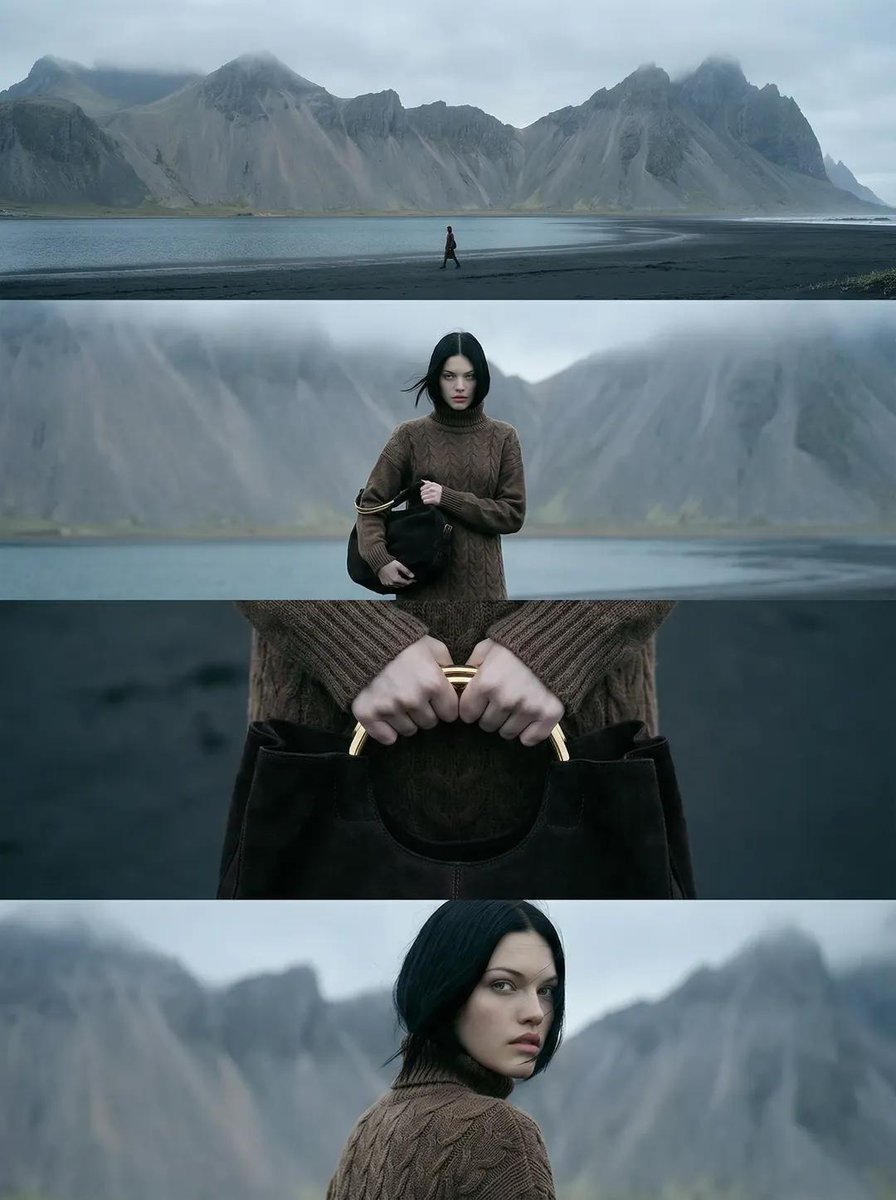
A complex prompt for generating a vertical cinematic editorial image composed of four stacked horizontal film frames, depicting a woman on a cold Nordic coastline with black sand and jagged mountains, focusing on muted…
- Prompt included
- Model and format preset
- Free template
The prompt behind this image
Copy the exact prompt behind Cinematic Nordic Editorial Image Stack, or open it in the studio and make it yours.
A vertical cinematic editorial image composed of four horizontal film frames stacked vertically within a portrait (4:5) format. Cold Nordic coastline with black sand beach, calm ocean water, and massive jagged gray mountains in the background covered with mist and low clouds. Overcast sky, soft diffused daylight, desaturated cool tones. Frame 1 (top): Wide landscape shot of a lone woman walking along the shoreline, very small in frame, mountains dominating the scene, strong negative space, flat horizon. Frame 2: Medium frontal shot of the same woman standing still, centered. Pale skin, straight black shoulder-length hair moving slightly in wind, neutral serious expression. Wearing a brown cable-knit turtleneck sweater dress. Holding a black leather handbag. Frame 3: Extreme close-up of both hands gripping a structured black leather handbag with a curved gold metal handle. Sleeves visible, background heavily blurred. Frame 4 (bottom): Over-the-shoulder portrait as she turns her head back toward the camera, sharp eyes, calm intense expression, mountains softly blurred behind. Ultra-realistic photography, cinematic film still, editorial fashion look, natural skin texture, no glam lighting, shallow depth of field, muted Nordic color grading, realistic proportions, 35mm lens feel, cold atmosphere.
How to use Cinematic Nordic Editorial Image Stack in 3 steps
- 1
Open
The prompt is already in the box next to the preview, with the template's model and format selected.
- 2…a portrait of your subject in softgolden-hour light, 85mm…
Personalize
Edit the subject and creative details for your destination.
- 3Generate
Generate
Press Generate — your image is created in PicX Studio, so you can compare it with the original and refine one variable at a time.
More like this
Templates with the same subject, style or setup. Open one to see its prompt.

Urban Fashion Editorial Collage Streetwear Poster

Monochrome Hypebeast Street Fashion Editorial Motion

Elegant Green Evening Gown Studio Fashion Portrait

Artistic Patchwork Fashion Portrait Spring Festival

Japanese Architectural Concrete Studio Fashion Campaign

Monroe and Ash Mediterranean Luxury Fashion Campaign

Premium Fashion Editorial Cover Layout System

Korean Luxury Fashion Editorial 2x2 Grid Series

Monochrome Halftone Editorial Fashion Poster

Retro Mirror Luxury Fashion Campaign Poster

Luxury Fashion Campaign Typography Poster System

Geometric Color-Block Beauty Editorial Portrait
Make it yours
Cinematic Nordic Editorial Image Stack works as-is. These are the safest ways to change it without losing the look.
Change one field
Copy a single group, rewrite it, and generate again so you can see what that field is doing.
Keep the frame, change the subject
Hold the composition and light of Cinematic Nordic Editorial Image Stack, then swap wardrobe, props or the person for a new take.
| If the result… | Why | Fix |
|---|---|---|
| The result drifts from the preview | Too many fields changed at once. | Reuse Cinematic Nordic Editorial Image Stack as-is first, then change one group — subject, light, or setting. |
| The model over-stylizes the scene | The prose prompt leaves finish and camera underspecified. | Add one camera or lighting sentence and stay on Nano Banana 2. |
More Nano Banana 2 templates
Other prompts made for Nano Banana 2.

Photorealistic Leaf Shaped Like a Dragon

K-Pop Idol Portrait Grid for Rapid Selection

Poetic Rain Forest Portrait During Golden Hour

Urban Street Portrait with Cartoon Inner Self Duo

Candid Nighttime Photo with Cat Prompt

High-Concept 3D Diorama Generation Prompt

Cinematic Futuristic Studio Portrait Template

Skincare Editorial Photography Collage Prompt

Hyper-Realistic Commercial Product Photography (Splash Effect)

Hyper-Realistic Nightclub Portrait Prompt
More image prompts
Fresh picks from across the catalog.
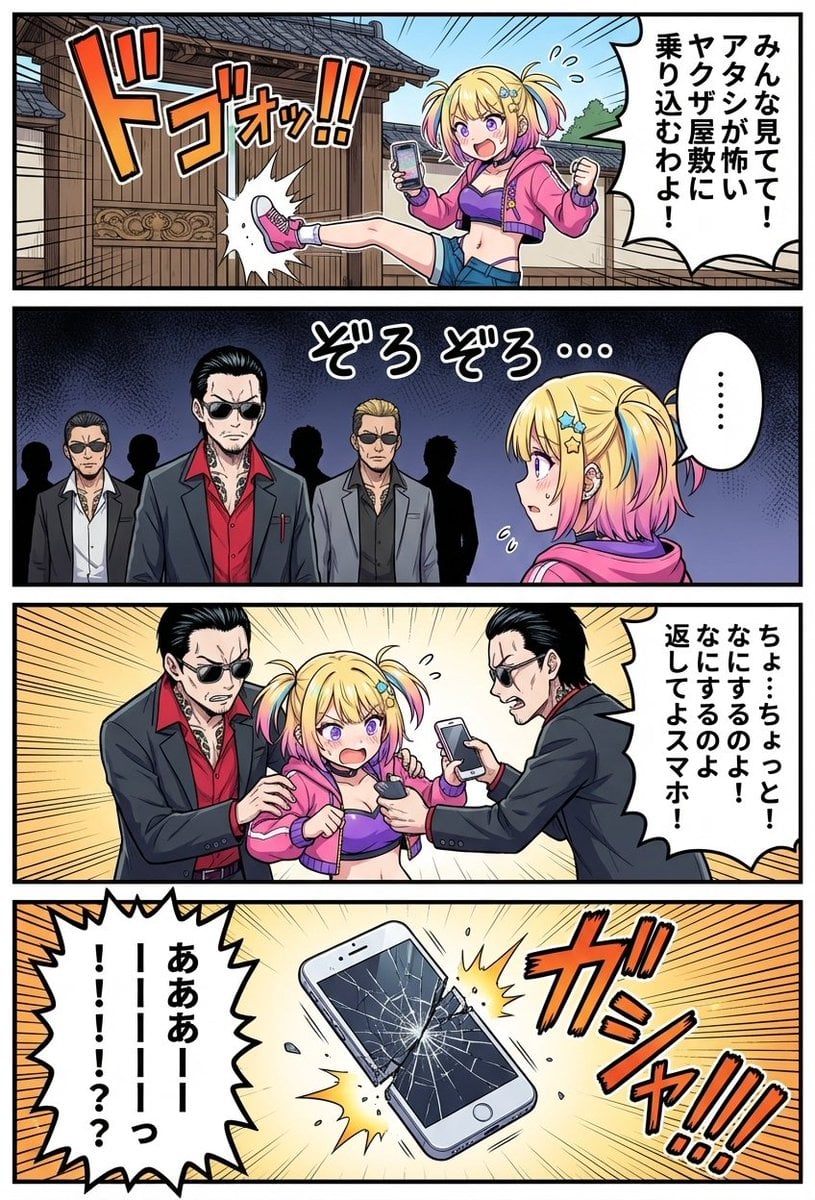
4‑panel manga of a girl streaming from a yakuza mansion
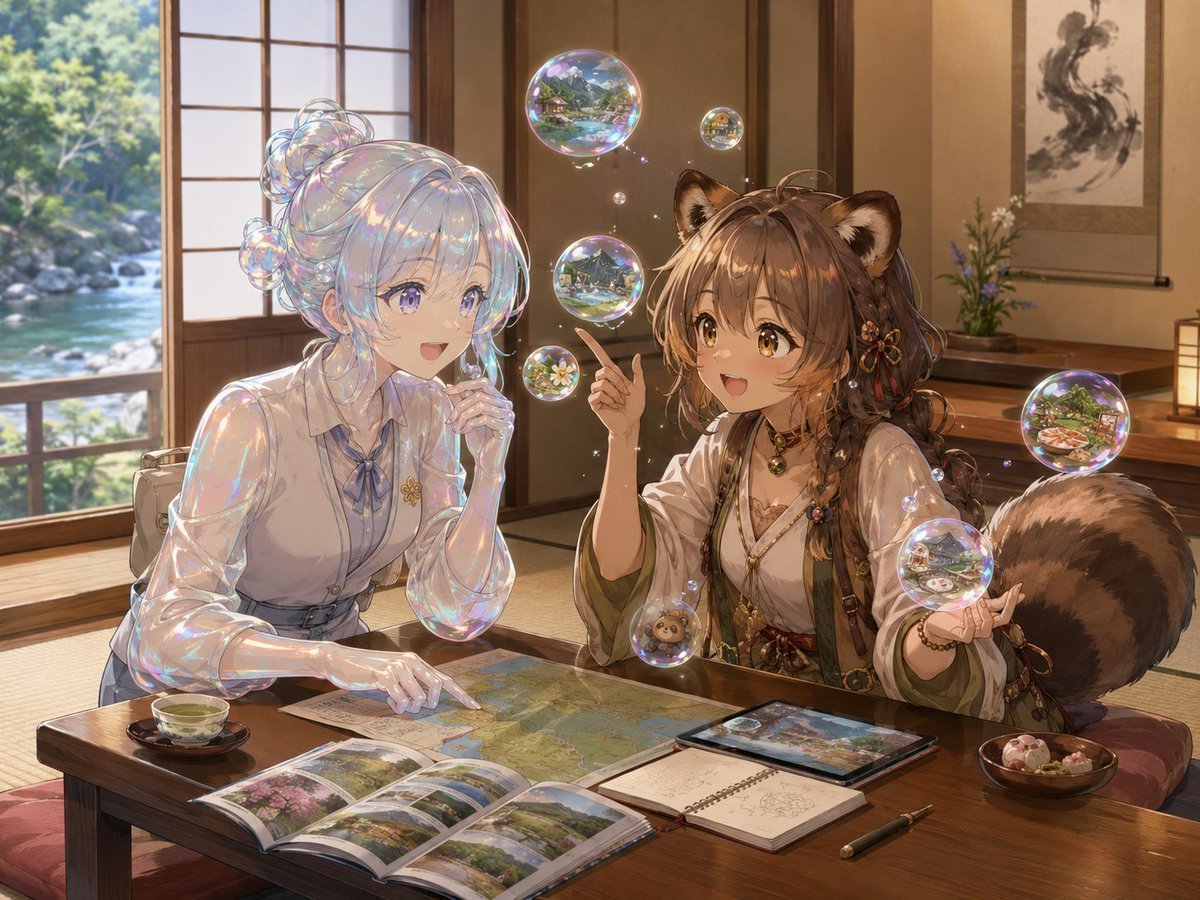
Bubble Tanuki Travel Planning
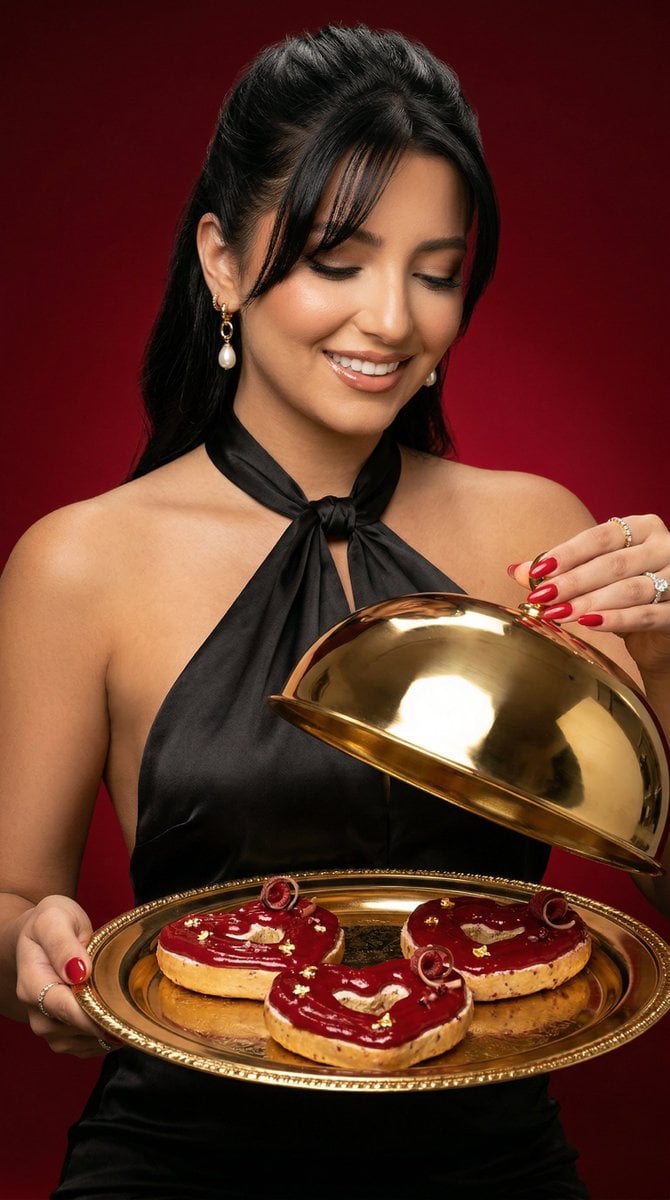
Luxury Food Editorial with Heart-Shaped Bagels
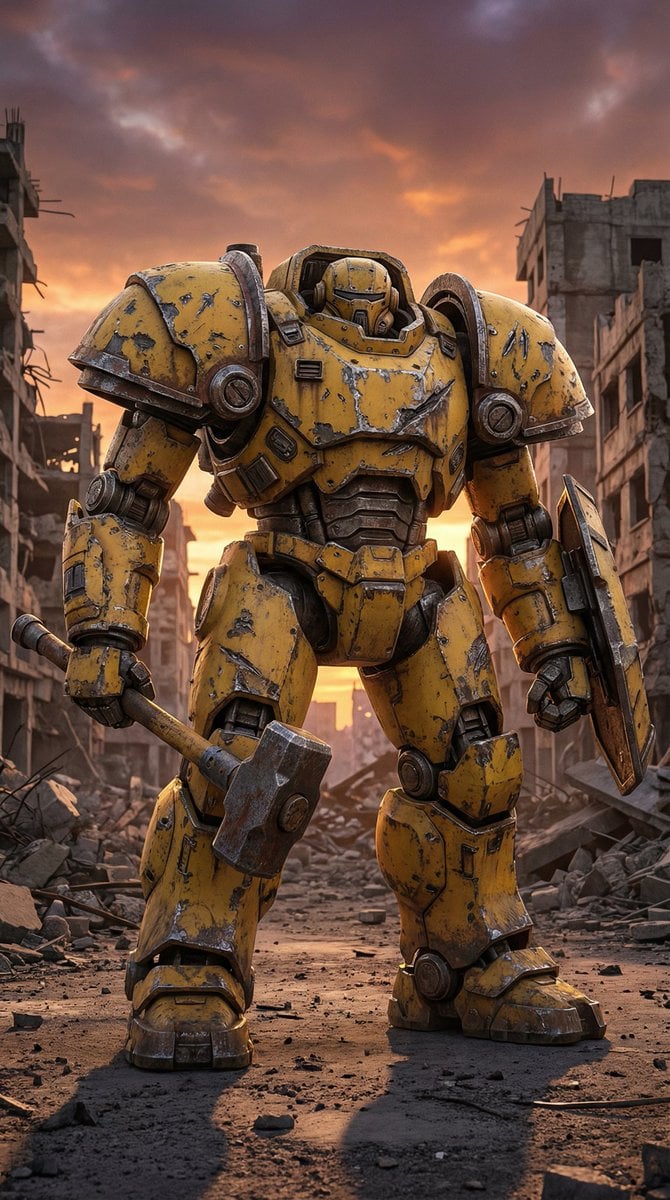
Photorealistic Battle-Damaged Mech Prompt
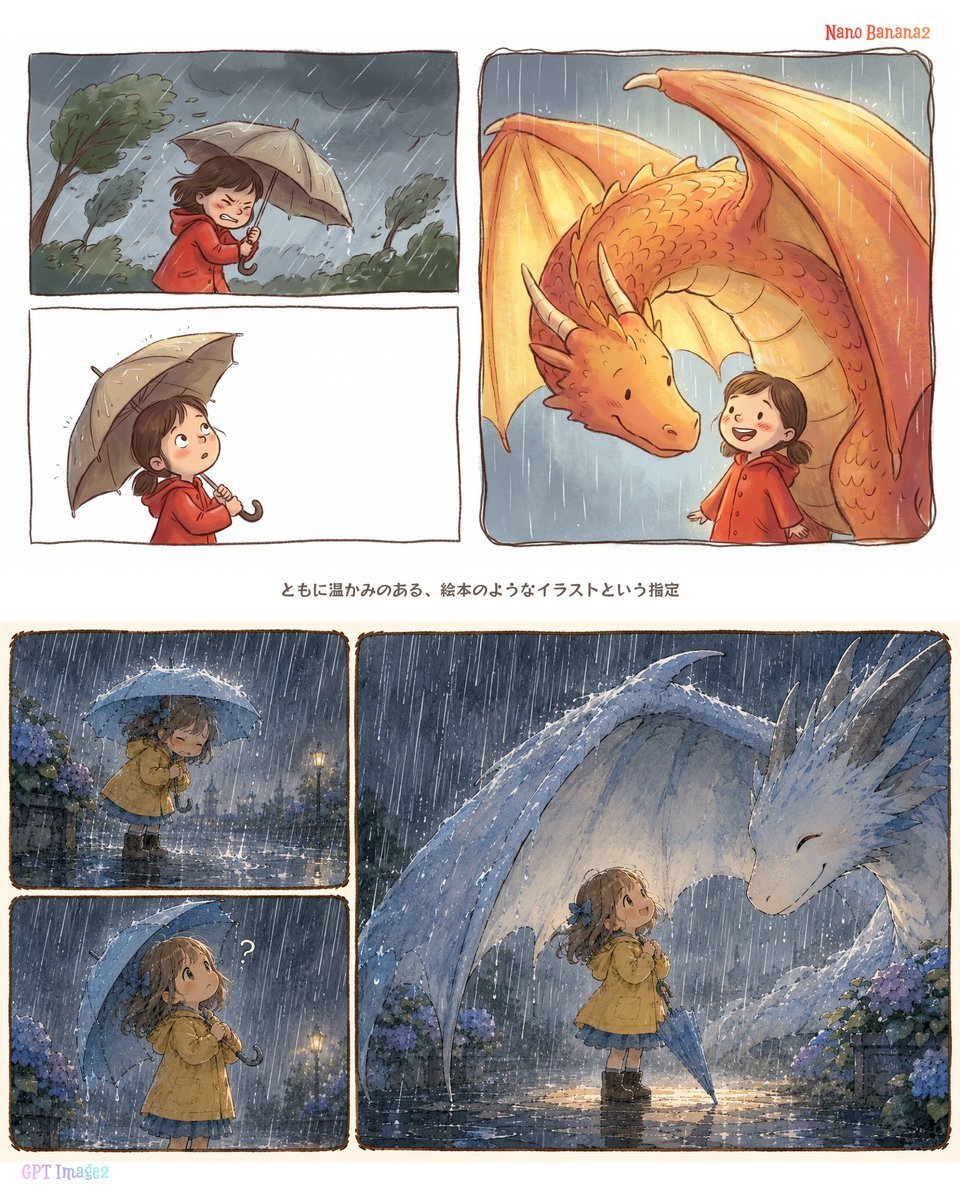
Rainy Dragon Comparison Sheet
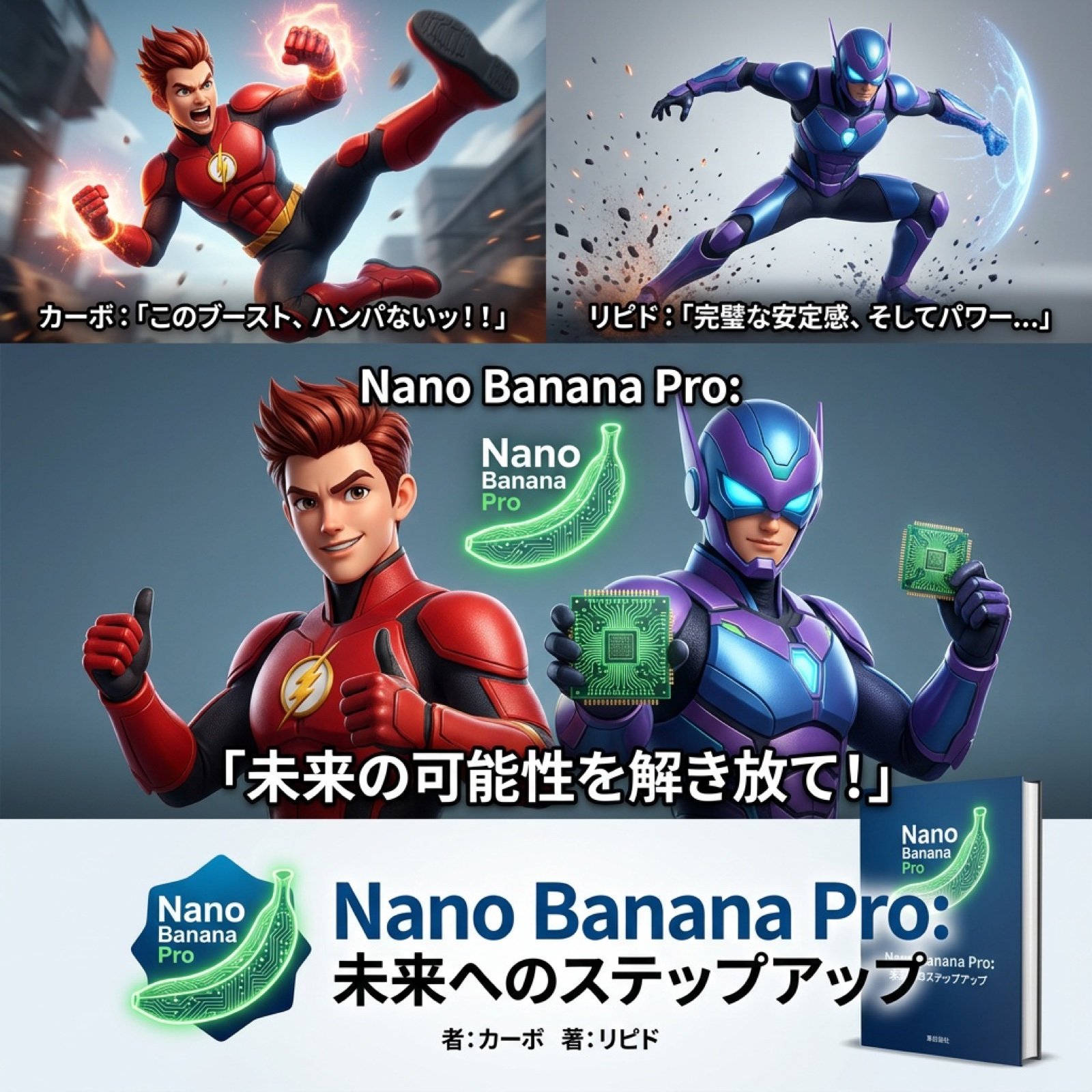
AI Video Generation Prompt for Nano Banana Pro
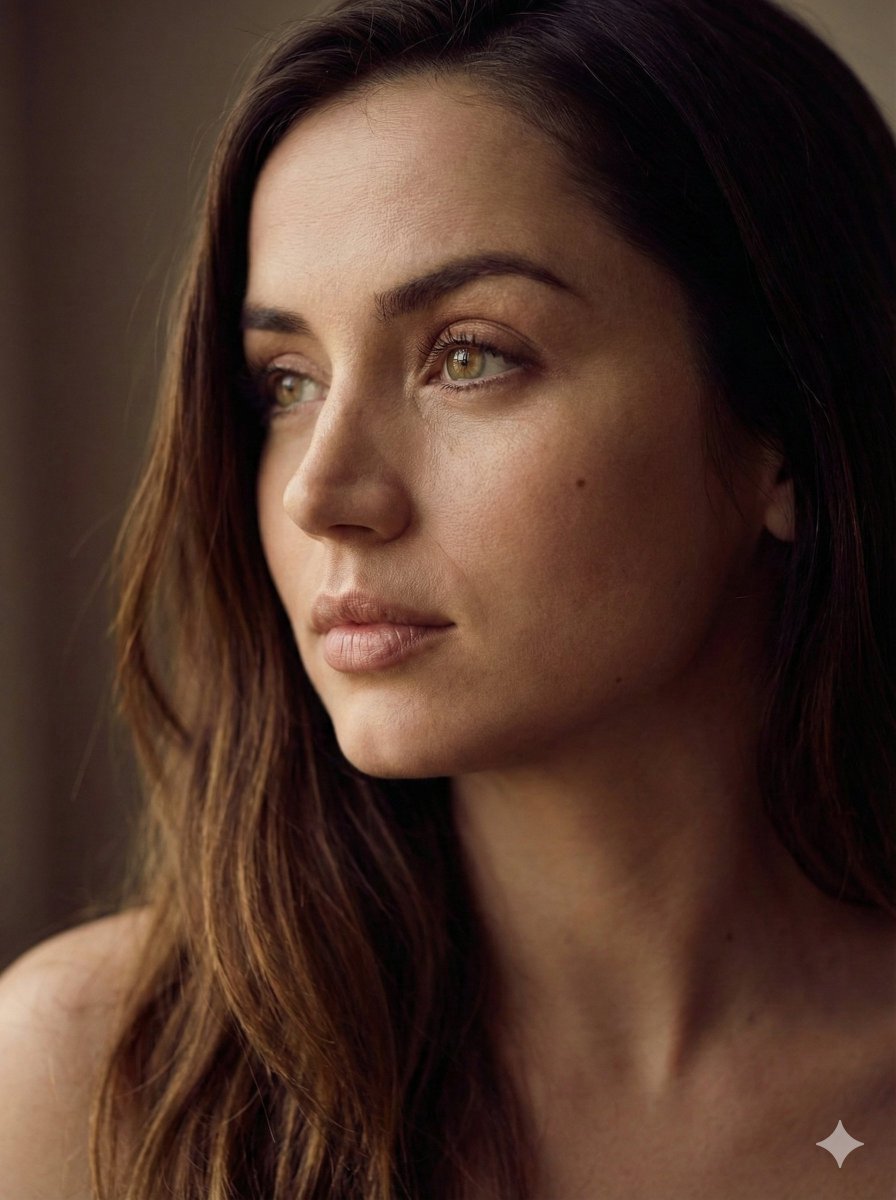
Aesthetic Side-Profile Portrait Generator
Structured JSON Prompt for Candid Mirror Selfie in a Bohemian Bedroom
Image Generation of Umeboshi

Commercial Prompts for Tomato Sales using Nano Banana 2
Browse template categories
Cinematic Nordic Editorial Image Stack questions
How do I use the Cinematic Nordic Editorial Image Stack template?
Add your photo if the template asks for one, edit the prompt if you like — the template's model and format are already selected — and press Generate. Your version opens in PicX Studio.
Can I customize the Cinematic Nordic Editorial Image Stack template?
Yes. You can change the subject, setting, lighting, mood, format, and available model controls before creating your image.
Is the Cinematic Nordic Editorial Image Stack template free?
Opening and editing this template is free. Generating uses credits, shown on the Generate button when you are signed in.
Which AI model should I use?
Start with Nano Banana 2, which is the model associated with this template. You can compare another compatible model for a different finish.
Looking for something else? Browse all templates.

Your photo, any look
Thousands of ready templates for every top image and video model, from one credit balance.