
Bubble Tanuki Travel Planning
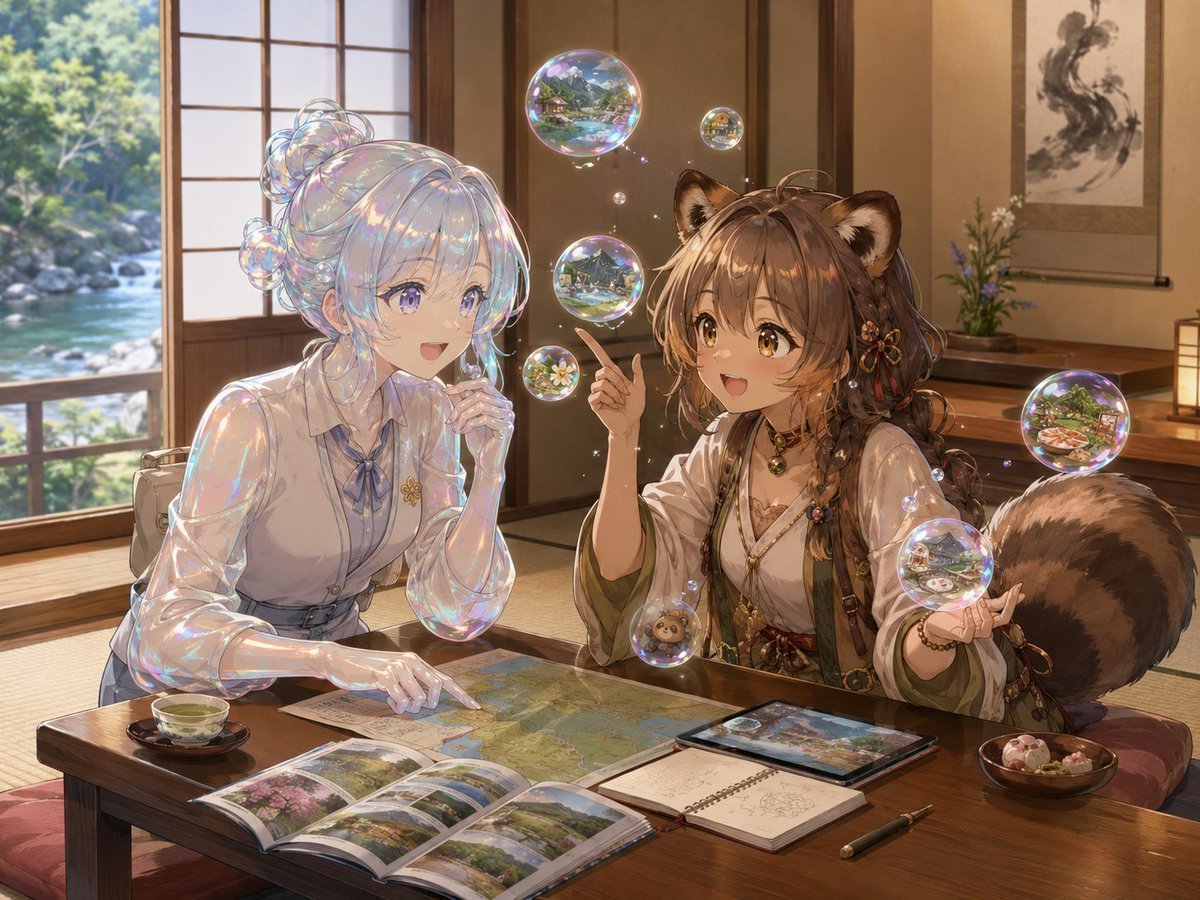
A detailed anime fantasy scene of a translucent slime girl and a bubble tanuki girl planning a national park trip in a cozy Japanese room.
- Prompt included
- Model and format preset
- Free template
The prompt behind this image
Copy the exact prompt behind Bubble Tanuki Travel Planning, or open it in the studio and make it yours.
Create a richly detailed anime fantasy illustration of two bubble-themed travelers planning a trip together inside a warm traditional Japanese tatami room. The scene shows {argument name="location" default="Shikotsu-Toya National Park"} travel planning, with a wooden low table covered in maps, guidebooks, photos, a tablet, a notebook, a pen, tea, and sweets. On the left sits {argument name="slime girl description" default="a translucent soap-slime girl with pearlescent clear skin, iridescent highlights, pale blue-white hair gathered into bubbly buns, and a neat blouse with a ribbon tie"}; she leans over the map thoughtfully, one hand at her chin and the other pointing to the route. On the right sits {argument name="tanuki girl description" default="a cute soap-bubble tanuki girl with fluffy brown hair, round tanuki ears, a huge striped raccoon-dog tail, layered traditional travel clothes, beads, charms, and botanical accessories"}; she holds up a small card or photo while gesturing with her other hand as if explaining the itinerary. Their faces and the raised card are deliberately covered by four flat opaque censor rectangles: one pale gray rectangle over the slime girl’s face, one medium tan rectangle over the tanuki girl’s main face area, one darker tan rectangle over the raised card/hand area near the center, and one dark brown rectangle over the tanuki ear/upper-right face area. Include exactly 24 visible soap bubbles: 8 larger scenic bubbles containing tiny miniature landscapes of lakes, mountains, forests, and travel spots; 7 smaller floating bubbles around the characters; and 9 clustered bubbles integrated into the slime girl’s hair. The room has sliding shoji doors, warm wooden beams, a scroll painting on the wall, a small flower arrangement, a glowing floor lamp, and a large open window revealing a sparkling river, rocks, and lush green forest outside. The table details should include exactly 7 main planning items: an unfolded map, an open photo guidebook, a tablet showing a landscape image, a spiral notebook with sketchy notes, a fountain pen, a cup of green tea, and a bowl of small sweets. Use luminous high-detail anime rendering, soft golden afternoon light, gentle depth of field, iridescent rainbow reflections on all bubble surfaces, cozy travel-planning mood, painterly background, intricate fabrics and accessories, no text, no watermark. Overall atmosphere: whimsical, serene, magical, and inviting, as if the two characters are building a dream itinerary for {argument name="trip theme" default="a national park hot springs and lake journey"}.
How to use Bubble Tanuki Travel Planning in 3 steps
- 1Upload ImagePNG, JPG or paste
Add your photo
Upload the photo the template builds on. The prompt, model and format are already set.
- 2…a portrait of your subject in softgolden-hour light, 85mm…
Personalize
Edit the subject and creative details for your destination.
- 3Generate
Generate
Press Generate — your image is created in PicX Studio, so you can compare it with the original and refine one variable at a time.
More like this
Templates with the same subject, style or setup. Open one to see its prompt.

Japan Travel Brochure Poster

Miniature Travel Diorama Postcard

Boardwalk Fashion Portrait

Clay Miniature Landmark Travel Diorama

Travel Poster Graphic Collage

untitled
9 Grid Travel Profile Photo Series
![Nano Banana — One Day In [CITY] Travel Route](https://cdn.picxstudio.com/cdn-cgi/image/format=auto,quality=85,fit=scale-down,onerror=redirect,width=3840,metadata=none/uploads/ai_gezgini_travel_d9a86f2e-c1f5-41a8-a4ef-5d96a8a7a023.jpg)
Nano Banana — One Day In [CITY] Travel Route

Nano Banana Pro 2.0 — 3x3 Travel Profile Grid

City Posters by Nano Banana Pro
Storytelling of a Gym Girl

Kids Crayon Travel Journal Illustration
Make it yours
Bubble Tanuki Travel Planning works as-is. These are the safest ways to change it without losing the look.
Change one field
Copy a single group, rewrite it, and generate again so you can see what that field is doing.
Keep the frame, change the subject
Hold the composition and light of Bubble Tanuki Travel Planning, then swap wardrobe, props or the person for a new take.
| If the result… | Why | Fix |
|---|---|---|
| The result drifts from the preview | Too many fields changed at once. | Reuse Bubble Tanuki Travel Planning as-is first, then change one group — subject, light, or setting. |
| The model over-stylizes the scene | The prose prompt leaves finish and camera underspecified. | Add one camera or lighting sentence and stay on GPT Image 2. |
More GPT Image 2 templates
Other prompts made for GPT Image 2.

Six VTuber Japanese Logo Sheet

Realistic Portrait of Woman and Deer

The Vista Modular Condo Poster

AI Model Routing Comparison Infographic

2.5D Anime Art Board

Isometric Productivity Desk Scene

New York Double Exposure Poster

Four-Panel AI Landscape Comparison

Japanese Tatami Lifestyle Magazine Cover

NESCAFÉ Coffee Map Poster
More image prompts
Fresh picks from across the catalog.
High-Angle Bathroom Mirror Selfie
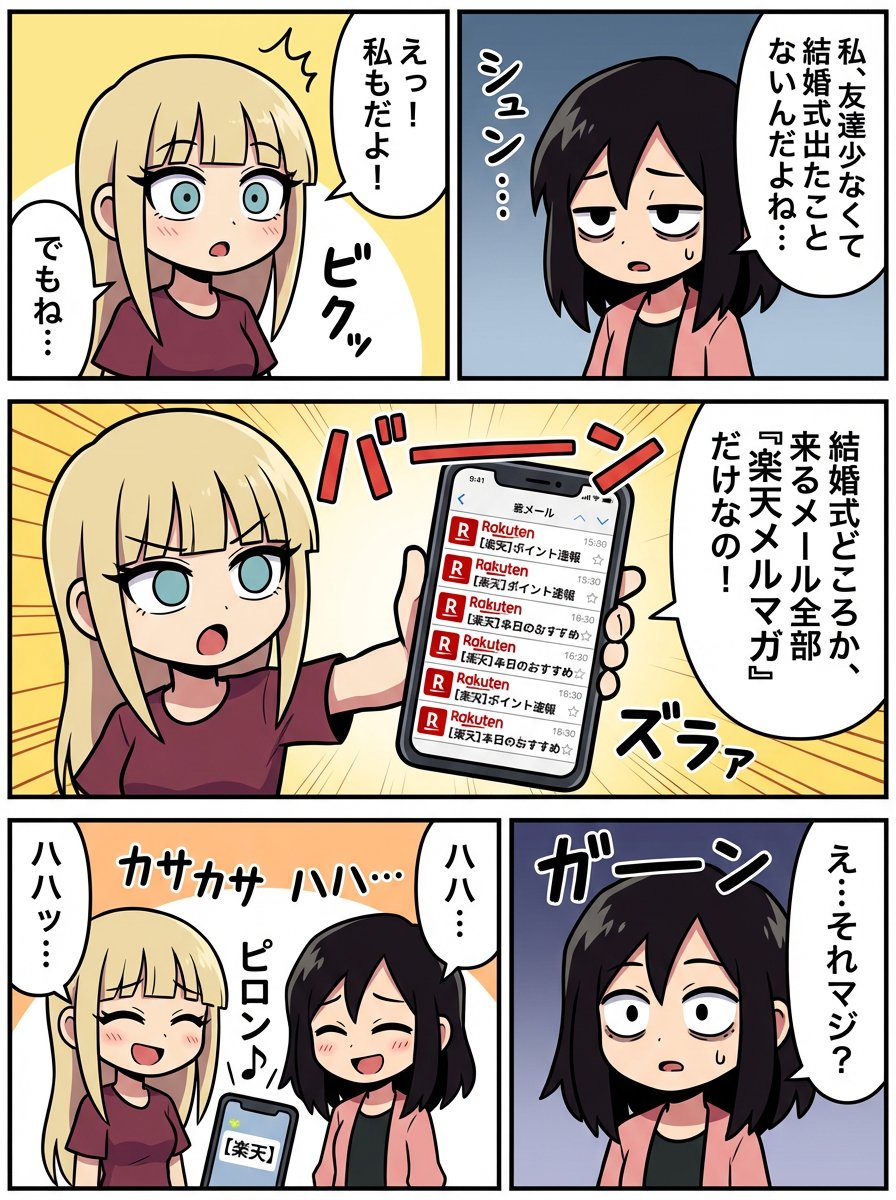
Generating a Scene: No Wedding, No Email
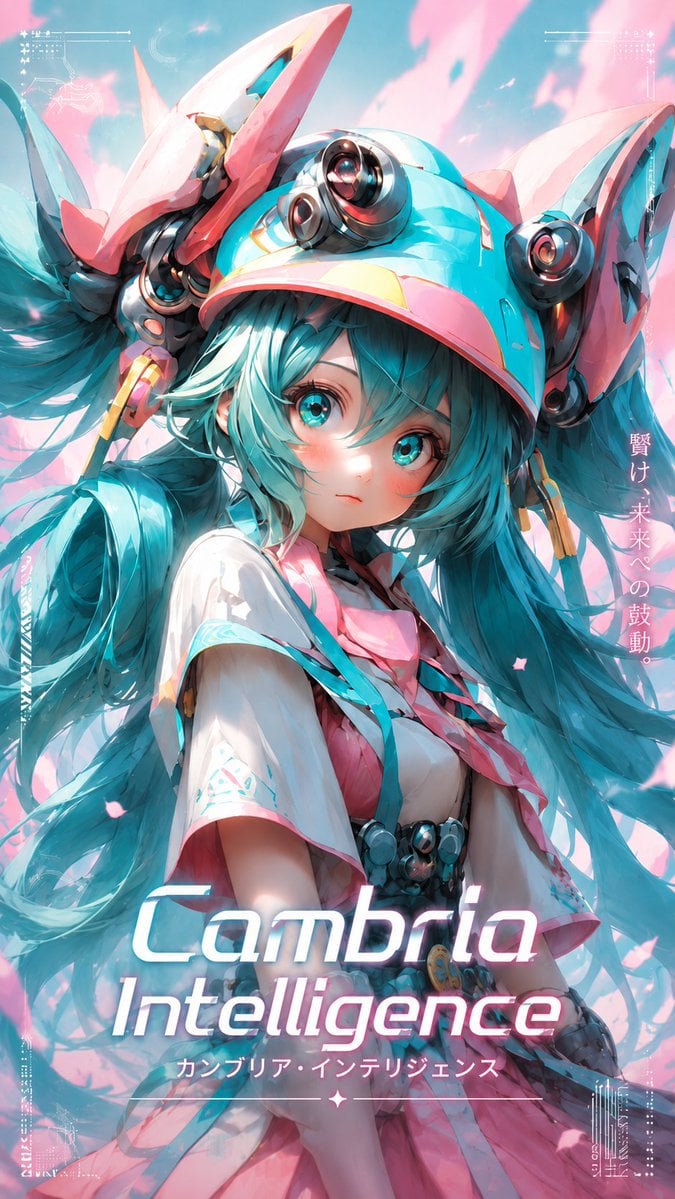
Cyber Anime Idol Music Cover
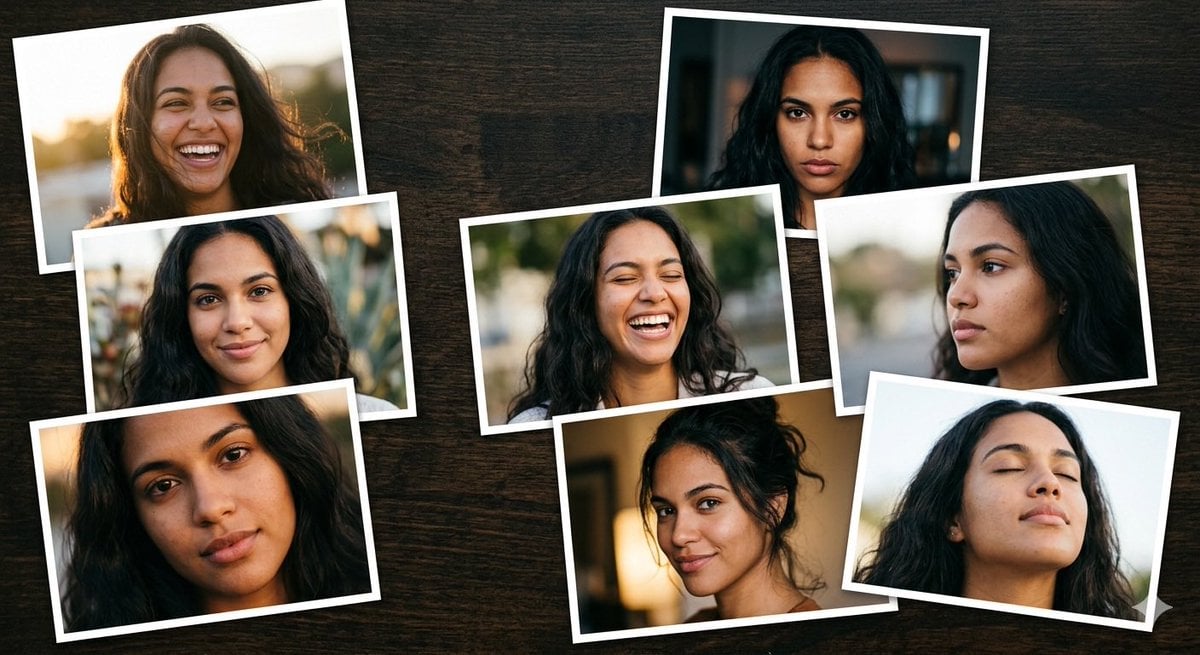
Dominican Woman Portrait Collage Generation Request for Nano Banana Pro

Photorealistic Portrait Prompt of Woman Lying on Bed with Teddy Bear
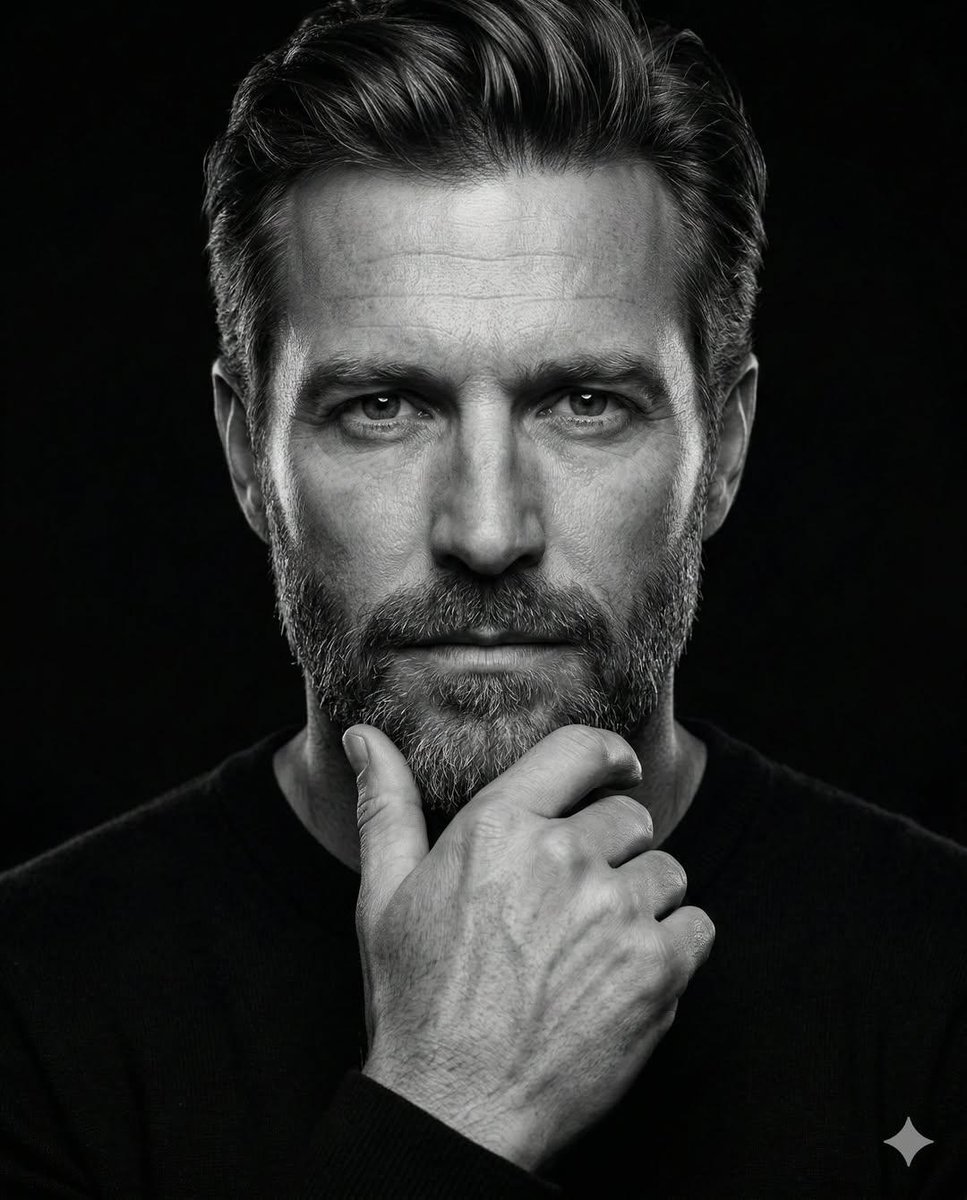
High-Contrast Monochrome Portrait Prompt
Three Variations of a Blonde Woman in Black Clothing
Watercolor Korean Hanok Village Sketch
Manga Style Transfer Prompt (Toriyama Akira and Igarashi Yumiko)
Scrapbook Photo Collage Portrait
Browse template categories
Bubble Tanuki Travel Planning questions
How do I use the Bubble Tanuki Travel Planning template?
Add your photo if the template asks for one, edit the prompt if you like — the template's model and format are already selected — and press Generate. Your version opens in PicX Studio.
Can I customize the Bubble Tanuki Travel Planning template?
Yes. You can change the subject, setting, lighting, mood, format, and available model controls before creating your image.
Is the Bubble Tanuki Travel Planning template free?
Opening and editing this template is free. Generating uses credits, shown on the Generate button when you are signed in.
Which AI model should I use?
Start with GPT Image 2, which is the model associated with this template. You can compare another compatible model for a different finish.
Looking for something else? Browse all templates.

Your photo, any look
Thousands of ready templates for every top image and video model, from one credit balance.