
Nano Banana — One Day In [CITY] Travel Route
3D raised map travel route infographic for any city, morning to sunset, Nano Banana
![Nano Banana — One Day In [CITY] Travel Route — AI image template example](https://cdn.picxstudio.com/cdn-cgi/image/format=auto,quality=85,fit=scale-down,onerror=redirect,width=3840,metadata=none/uploads/ai_gezgini_travel_d9a86f2e-c1f5-41a8-a4ef-5d96a8a7a023.jpg)
- Prompt included
- Model and format preset
- Free template
The prompt behind this image
Copy the exact prompt behind Nano Banana — One Day In [CITY] Travel Route, or open it in the studio and make it yours.
A hyper-realistic 3D daily travel route infographic poster generated from a single input: [CITY]=(Buraya şehir adını yaz). The system focuses strictly on the interior of [CITY], automatically identifying its country, culture, and real urban layout. A single-day travel route is created, designed from morning to evening. The route begins at a clearly defined starting point, which is also: 1 (START) From this point, the system generates an optimized, one-directional route connecting 5–8 major historical and touristic landmarks inside the city. Route Logic (CRITICAL) The route must follow a real navigation path (based on actual streets) Forward movement only — no backtracking, no revisiting areas Flows naturally through nearby districts Efficient progression like a real map route Final stop = strong ending (sunset spot, waterfront, cultural hub) Map Design The city is rendered as a highly detailed raised 3D map: Real street network District structure Terrain and coastline (if applicable) Floating on a clean light gray studio background. The route is shown as a continuous glowing path from 1 → N. Each stop includes: Numbered pin (1 = START) Hyper-detailed miniature 3D landmark model Local zoom detail area (enhanced micro-scale detail) Each landmark is labeled clearly. Daily Flow Layer (IMPORTANT) Each stop reflects a time-of-day progression: Morning start (coffee spot / central square) 2–3. Cultural + historical exploration 4–5. Midday highlights / food area 6–7. Scenic or relaxed locations Final stop: sunset / evening atmosphere Optional: subtle lighting variation across the route (morning → warm sunset tones) Localized City Elements Around the map, include only city-specific objects: Local foods Cultural items Recognizable urban symbols (No generic travel items like suitcases or compasses) Itinerary Panel 1 → N ordered list Location name 3–5 word description Optional duration Category icon A small folded national flag appears in the corner (auto-detected). Title: ONE
How to use Nano Banana — One Day In [CITY] Travel Route in 3 steps
- 1
Open
The prompt is already in the box next to the preview, with the template's model and format selected.
- 2…a portrait of your subject in softgolden-hour light, 85mm…
Personalize
Edit the subject and creative details for your destination.
- 3Generate
Generate
Press Generate — your image is created in PicX Studio, so you can compare it with the original and refine one variable at a time.
More like this
Templates with the same subject, style or setup. Open one to see its prompt.

Nano Banana Pro 2.0 — 3x3 Travel Profile Grid

City Posters by Nano Banana Pro
Nano Banana Apple Orchard Collage

Color Grading Trick Using Nano Banana Pr

Google Gemini Nano Banana Pro

Nano Banana 2 Perspective Experiment
Gemini Nano Banana Realistic Portrait Re

Gemini Nano Banana 2 Isometric 3d City D

Nano Banana 2

Gemini Nano Banana 2

Gemini Nano Banana 2 Logo in Wet Sand Be

Gemini Nano Banana 2
Make it yours
Nano Banana — One Day In [CITY] Travel Route works as-is. These are the safest ways to change it without losing the look.
Change one field
Copy a single group, rewrite it, and generate again so you can see what that field is doing.
Keep the frame, change the subject
Hold the composition and light of Nano Banana — One Day In [CITY] Travel Route, then swap wardrobe, props or the person for a new take.
| If the result… | Why | Fix |
|---|---|---|
| The result drifts from the preview | Too many fields changed at once. | Reuse Nano Banana — One Day In [CITY] Travel Route as-is first, then change one group — subject, light, or setting. |
| The model over-stylizes the scene | The prose prompt leaves finish and camera underspecified. | Add one camera or lighting sentence and stay on GPT Image 2. |
More GPT Image 2 templates
Other prompts made for GPT Image 2.

Six VTuber Japanese Logo Sheet

Realistic Portrait of Woman and Deer

The Vista Modular Condo Poster

AI Model Routing Comparison Infographic

2.5D Anime Art Board

Isometric Productivity Desk Scene

New York Double Exposure Poster

Four-Panel AI Landscape Comparison

Japanese Tatami Lifestyle Magazine Cover

NESCAFÉ Coffee Map Poster
More image prompts
Fresh picks from across the catalog.
Mirror Selfie with Exaggerated Hourglass Figure and Charmander Shorts
Lo-Fi Art Style Transformation
Luxury Lifestyle Portrait at Sunset
Transforming Photo into Dramatic 4-Style Character Set
2D Mural to 3D Reality Street Art Prompt
Cyberpunk Creative Cloud Poster
Dark Academia Library Portrait

Shakira-Inspired Winter Fashion Dance Prompt
Ultra-Realistic Portrait with Vintage Camera Prompt
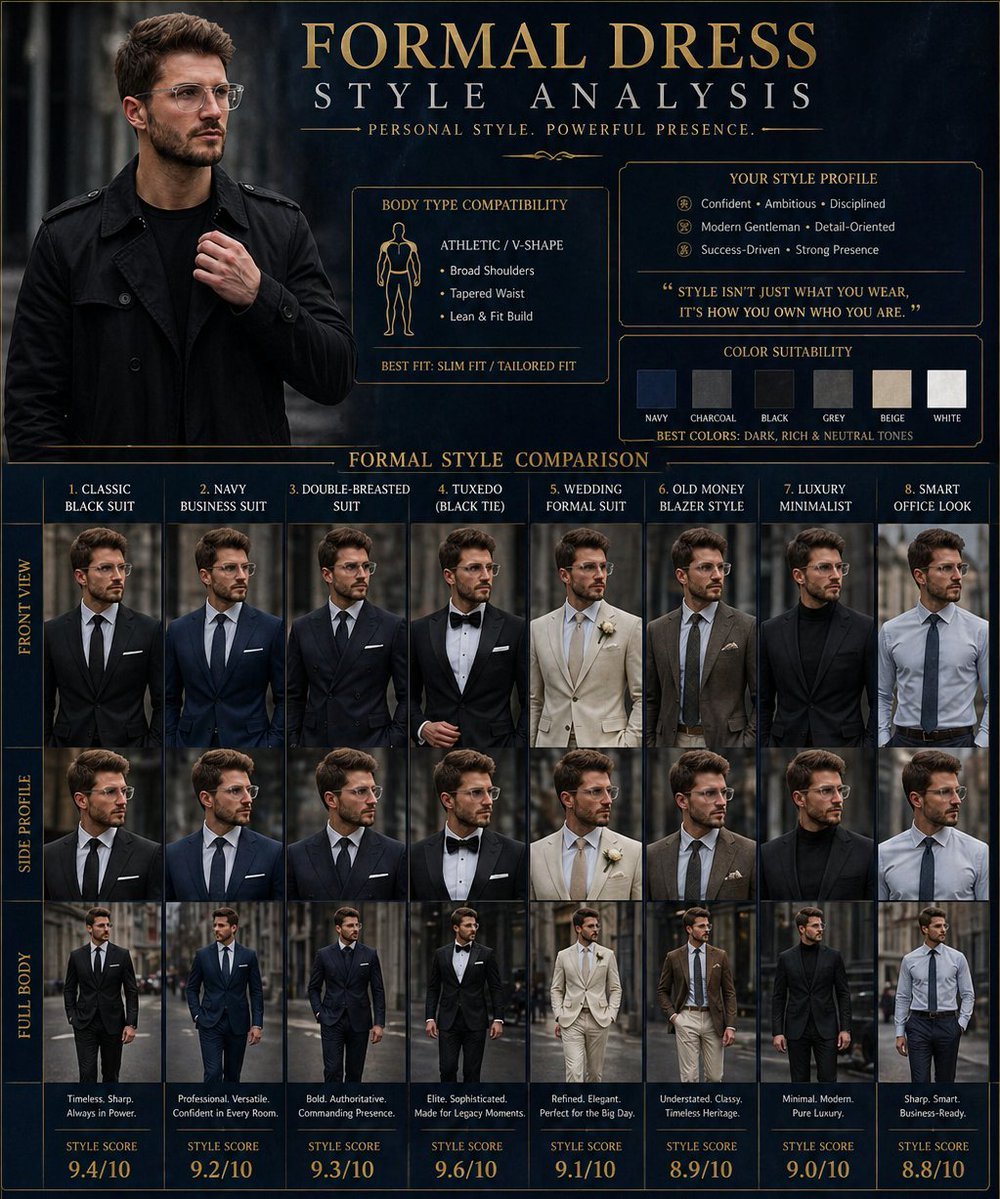
Formal Dress Style Analysis Poster
Browse template categories
Nano Banana — One Day In [CITY] Travel Route questions
How do I use the Nano Banana — One Day In [CITY] Travel Route template?
Add your photo if the template asks for one, edit the prompt if you like — the template's model and format are already selected — and press Generate. Your version opens in PicX Studio.
Can I customize the Nano Banana — One Day In [CITY] Travel Route template?
Yes. You can change the subject, setting, lighting, mood, format, and available model controls before creating your image.
Is the Nano Banana — One Day In [CITY] Travel Route template free?
Opening and editing this template is free. Generating uses credits, shown on the Generate button when you are signed in.
Which AI model should I use?
Start with GPT Image 2, which is the model associated with this template. You can compare another compatible model for a different finish.
Looking for something else? Browse all templates.

Your photo, any look
Thousands of ready templates for every top image and video model, from one credit balance.