
Nano Banana Apple Orchard Collage
Four-panel collage of a girl in an apple orchard — .
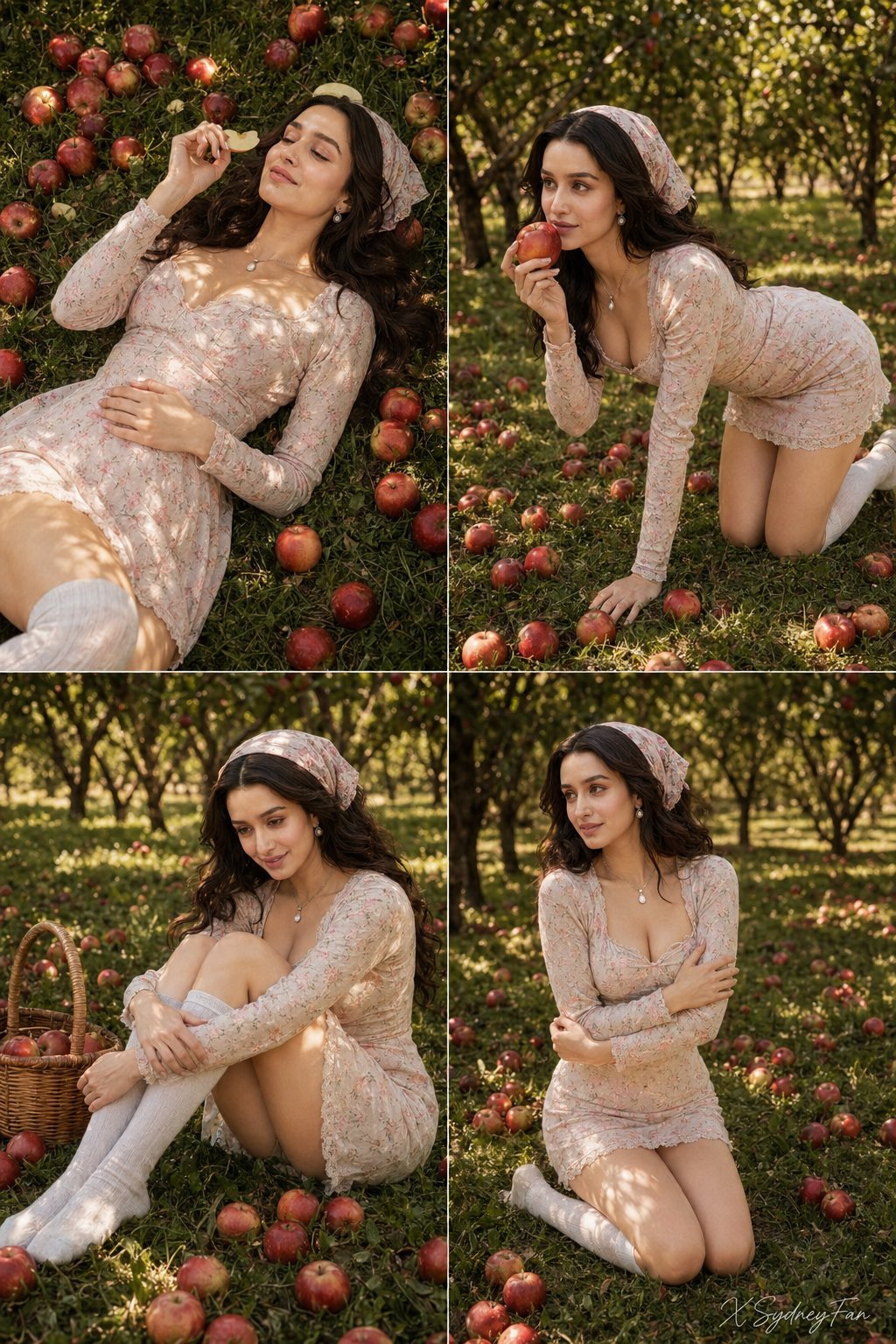
- Prompt included
- Model and format preset
- Free template
The prompt behind this image
Copy the exact prompt behind Nano Banana Apple Orchard Collage, or open it in the studio and make it yours.
Create a high quality realistic photo using the face from the reference without any changes or distortions. Vertical photo. A four-panel collage made of four separate frames combined into one composition, each frame showing the same girl in an apple orchard on green grass scattered with many ripe apples. The overall style is consistent across all images: warm natural lighting, soft sunlight passing through tree leaves, creating a dappled pattern of light and shadow on the grass and on the girl's body. The background in all frames is an orchard with trees extending into the depth, with slight blur emphasizing the main subject. In the top left frame, the girl is lying on her back on the grass, her body positioned diagonally. One hand rests on her stomach, the other is raised holding a slice of fruit near her face. Her head is slightly tilted back, her expression relaxed with a soft smile, eyes either gently closed or looking upward. Apples are scattered around her, creating rich red accents against the green grass. In the top right frame, the girl is in a pose on her hands and knees, her torso slightly leaning forward. One hand supports her on the ground while the other holds an apple near her lips, suggesting a moment just before a bite. Her gaze is directed to the side, not into the camera. The pose is dynamic yet soft and natural. The surrounding space is filled with scattered apples extending into the depth of the frame. In the bottom left frame, the girl is sitting on the grass with her knees pulled close to her chest and her arms wrapped around them. A small woven basket stands nearby. She is slightly leaning forward, her gaze directed downward or to the side, with a warm gentle smile. Apples are scattered around her, forming a dense pattern on the grass. In the bottom right frame, the girl is kneeling with an upright torso and slightly open shoulders. Her arms are crossed or gently wrapped around herself, creating an elegant silhouette line. Her head is turned to the side, her gaze directed into the distance. The pose is calm, graceful, and focused on body lines. In all frames she wears the same fitted long-sleeve dress with a mini length that accentuates her figure. The look is completed with light high socks or stockings. A headscarf is tied over her hair, securing it and adding a vintage touch. Her hair is long, flowing over her shoulders or resting on the grass depending on the pose. The color palette is rich, with strong contrast between green grass and red apples, while warm sunlight adds a golden tone to the scene. Depth of field is moderate: the girl is in sharp focus while the background is softly blurred. The overall atmosphere is summery, cozy, slightly playful, with natural outdoor photography aesthetics and a focus on harmony between the subject and nature.
How to use Nano Banana Apple Orchard Collage in 3 steps
- 1
Open
The prompt is already in the box next to the preview, with the template's model and format selected.
- 2…a portrait of your subject in softgolden-hour light, 85mm…
Personalize
Edit the subject and creative details for your destination.
- 3Generate
Generate
Press Generate — your image is created in PicX Studio, so you can compare it with the original and refine one variable at a time.
More like this
Templates with the same subject, style or setup. Open one to see its prompt.
Hyper-Realistic Outdoor Portrait — 35mm Natural Light

Outdoor Cafe Portrait — White Ruched Top Nano Banana

2025 Aesthetic Photography

untitled

Isometric Landmark Generation Using Nano

Stylized 3d Clay Character Transformatio

Toddler Version of a Person in 3d Pixar

Ultra Detailed 3d Plush Cartoon Characte

Studio Quality Portrait Generation Using

Ultra Realistic Commercial Skincare Prod

Nano Banana 2 Perspective Experiment

Gemini Nano Banana 2 Isometric 3d City D
Make it yours
Nano Banana Apple Orchard Collage works as-is. These are the safest ways to change it without losing the look.
Change one field
Copy a single group, rewrite it, and generate again so you can see what that field is doing.
Keep the frame, change the subject
Hold the composition and light of nano-banana-apple-orchard-collage, then swap wardrobe, props or the person for a new take.
| If the result… | Why | Fix |
|---|---|---|
| The result drifts from the preview | Too many fields changed at once. | Reuse nano-banana-apple-orchard-collage as-is first, then change one group — subject, light, or setting. |
| The model over-stylizes the scene | The prose prompt leaves finish and camera underspecified. | Add one camera or lighting sentence and stay on GPT Image 2. |
More GPT Image 2 templates
Other prompts made for GPT Image 2.

Six VTuber Japanese Logo Sheet

Realistic Portrait of Woman and Deer

The Vista Modular Condo Poster

AI Model Routing Comparison Infographic

2.5D Anime Art Board

Isometric Productivity Desk Scene

New York Double Exposure Poster

Four-Panel AI Landscape Comparison

Japanese Tatami Lifestyle Magazine Cover

NESCAFÉ Coffee Map Poster
More image prompts
Fresh picks from across the catalog.
Hand-Drawn Storybook Portrait Illustration

Brutalist Poster Generation Prompt

Burning Red Cliffs Night Battle
Nano Banana Pro Prompt Technique for Beginners
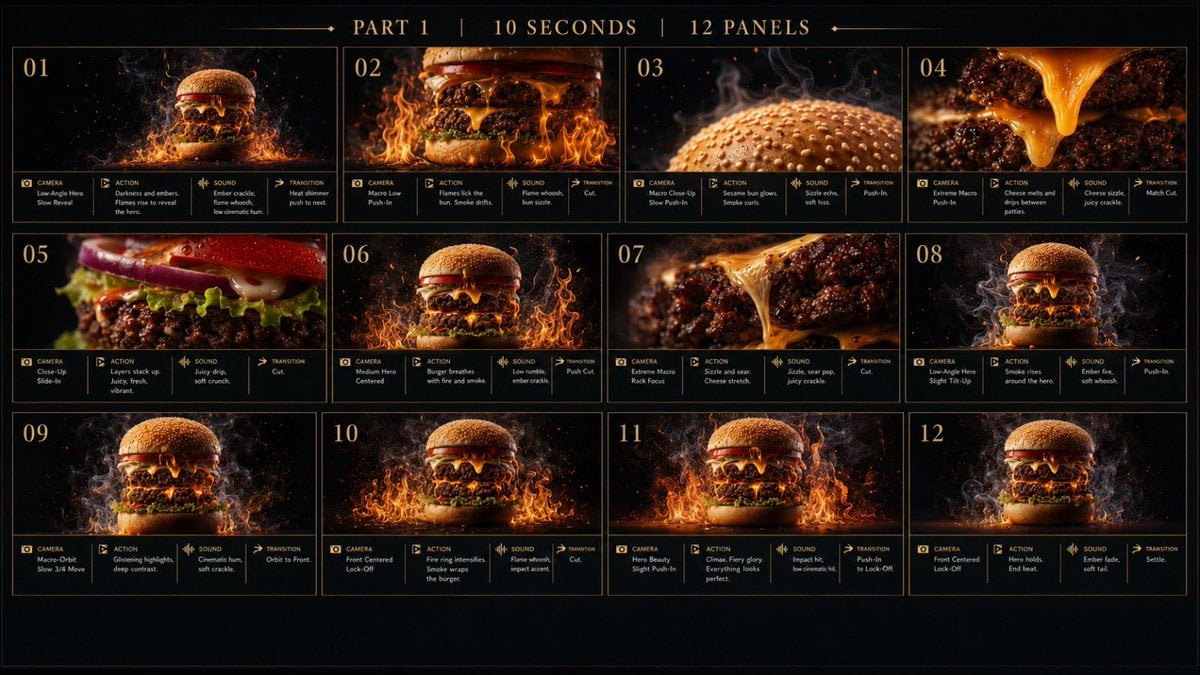
Flaming Burger Storyboard
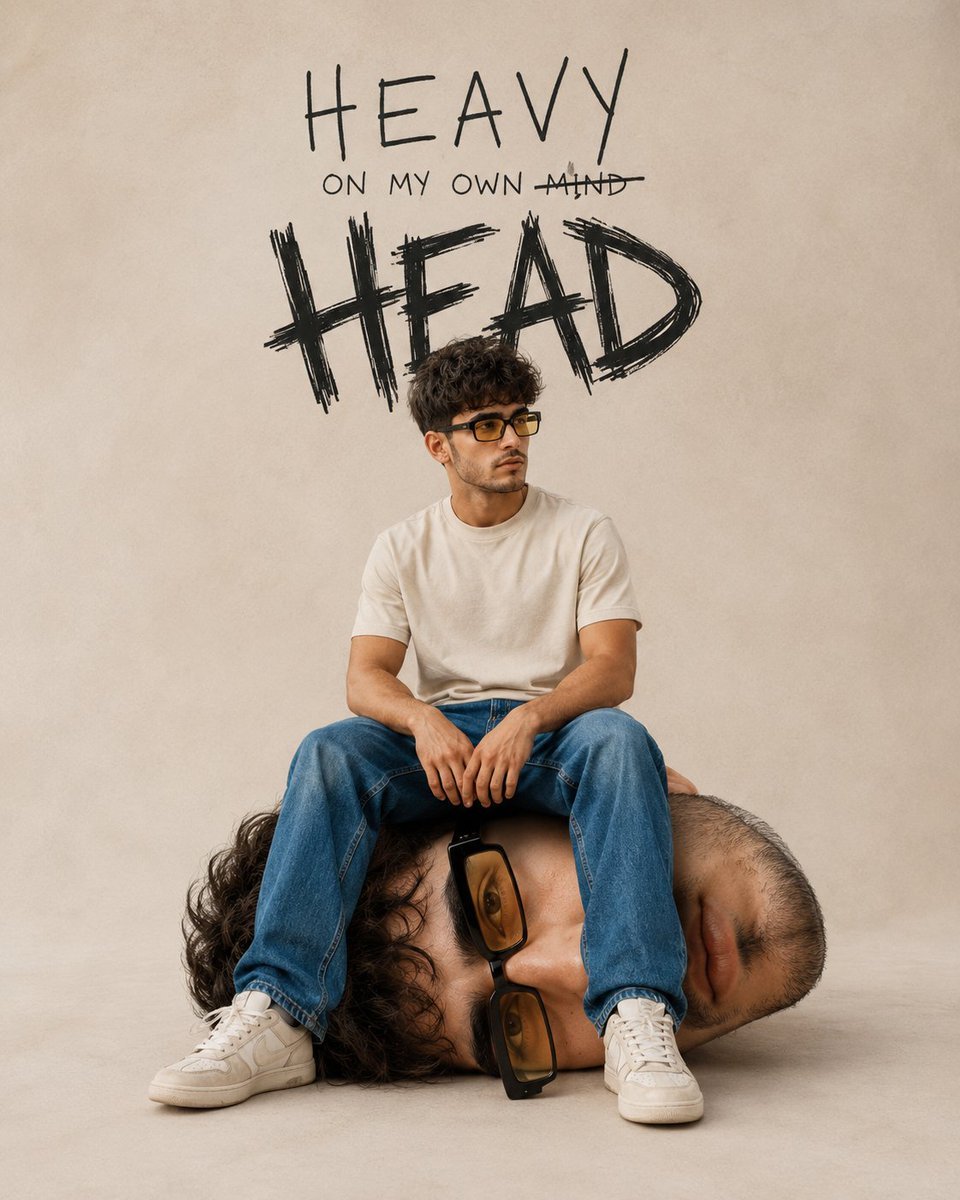
Surreal Conceptual Mind Portrait
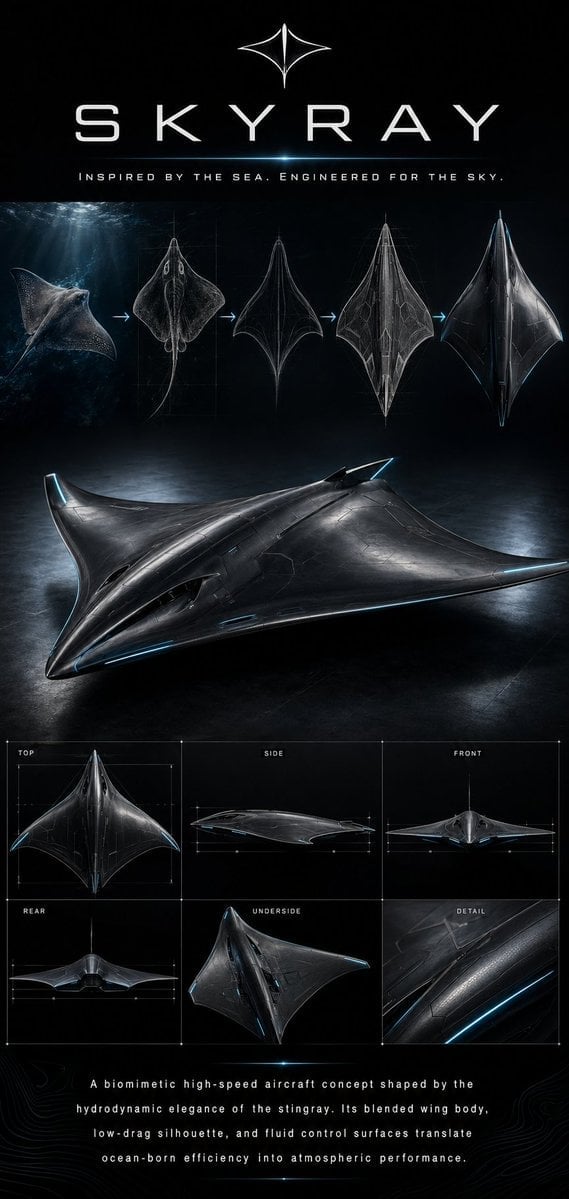
Biomimetic Skyray Aircraft Poster
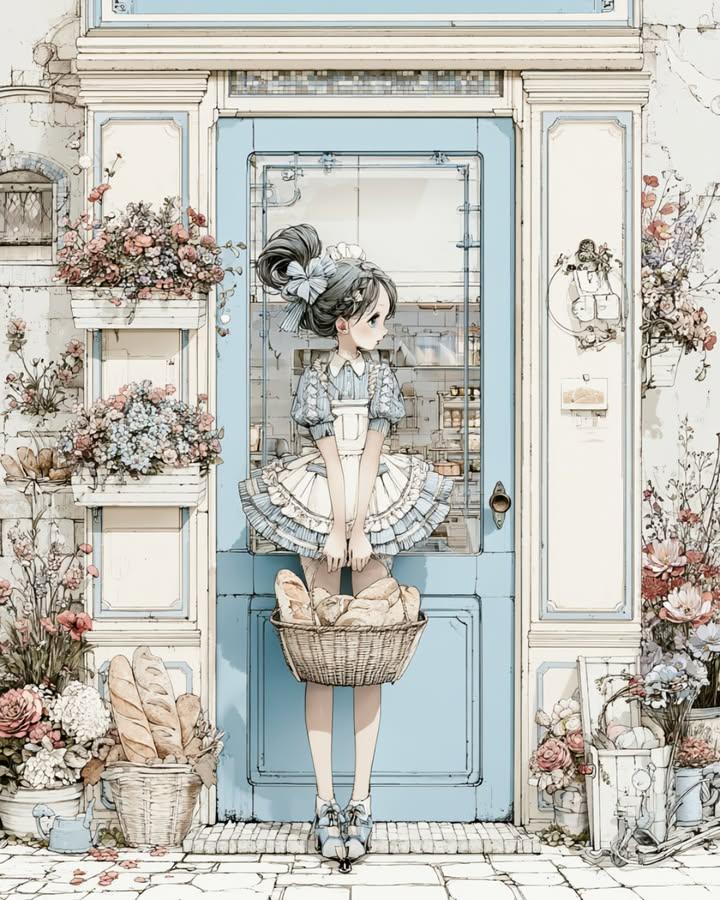
Vintage Bakery Anime Illustration
Ultra Realistic McLaren Supercar Portrait Prompt
Dramatic Monochromatic Portrait Prompt
Browse template categories
Nano Banana Apple Orchard Collage questions
How do I use the nano-banana-apple-orchard-collage template?
Add your photo if the template asks for one, edit the prompt if you like — the template's model and format are already selected — and press Generate. Your version opens in PicX Studio.
Can I customize the nano-banana-apple-orchard-collage template?
Yes. You can change the subject, setting, lighting, mood, format, and available model controls before creating your image.
Is the nano-banana-apple-orchard-collage template free?
Opening and editing this template is free. Generating uses credits, shown on the Generate button when you are signed in.
Which AI model should I use?
Start with GPT Image 2, which is the model associated with this template. You can compare another compatible model for a different finish.
Looking for something else? Browse all templates.

Your photo, any look
Thousands of ready templates for every top image and video model, from one credit balance.