
Studio Quality Portrait Generation Using
Studio Quality Portrait Generation Using is a ready photo look for Nano Banana.

- Prompt included
- Model and format preset
- Free template
The prompt behind this image
Copy the exact prompt behind Studio Quality Portrait Generation Using, or open it in the studio and make it yours.
Please create a vertical portrait in 1080x1920 format, preserving the subject’s exact facial features. The image should feature stark, cinematic lighting with high contrast. Capture the subject from a slightly low, upward-facing angle to emphasize the jawline and neck, evoking a sense of quiet dominance and sculptural elegance. Use a rich, soft blue background creating a striking contrast with luminous skin tones and a dark wardrobe
How to use Studio Quality Portrait Generation Using in 3 steps
- 1
Open
The prompt is already in the box next to the preview, with the template's model and format selected.
- 2…a portrait of your subject in softgolden-hour light, 85mm…
Personalize
Edit the subject and creative details for your destination.
- 3Generate
Generate
Press Generate — your image is created in PicX Studio, so you can compare it with the original and refine one variable at a time.
More like this
Templates with the same subject, style or setup. Open one to see its prompt.

80s Couple Studio Portrait

80s Bollywood Star

80s Golden Hour Cinema

1985 Studio Portrait

Isometric Landmark Generation Using Nano

Toddler Version of a Person in 3d Pixar

Ultra Detailed 3d Plush Cartoon Characte

untitled

Nano Banana 2

Gemini Nano Banana 2 Logo in Wet Sand Be

Nano Banana 2 Gourmet Ice Cream Commerci

Gpt Image 2 Fashion Portrait
Make it yours
Studio Quality Portrait Generation Using works as-is. These are the safest ways to change it without losing the look.
Change one field
Copy a single group, rewrite it, and generate again so you can see what that field is doing.
Keep the frame, change the subject
Hold the composition and light of 96-studio-quality-portrait-generation-using, then swap wardrobe, props or the person for a new take.
| If the result… | Why | Fix |
|---|---|---|
| The result drifts from the preview | Too many fields changed at once. | Reuse 96-studio-quality-portrait-generation-using as-is first, then change one group — subject, light, or setting. |
| The model over-stylizes the scene | The prose prompt leaves finish and camera underspecified. | Add one camera or lighting sentence and stay on Nano Banana. |
More Nano Banana templates
Other prompts made for Nano Banana.










More image prompts
Fresh picks from across the catalog.
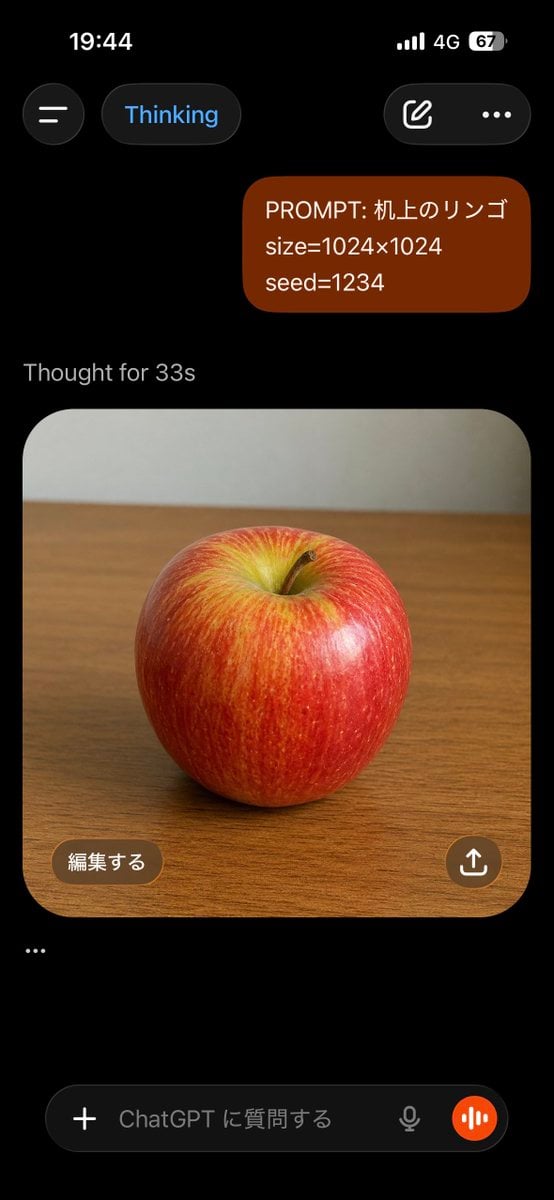
ChatGPT Apple Generation Screenshot
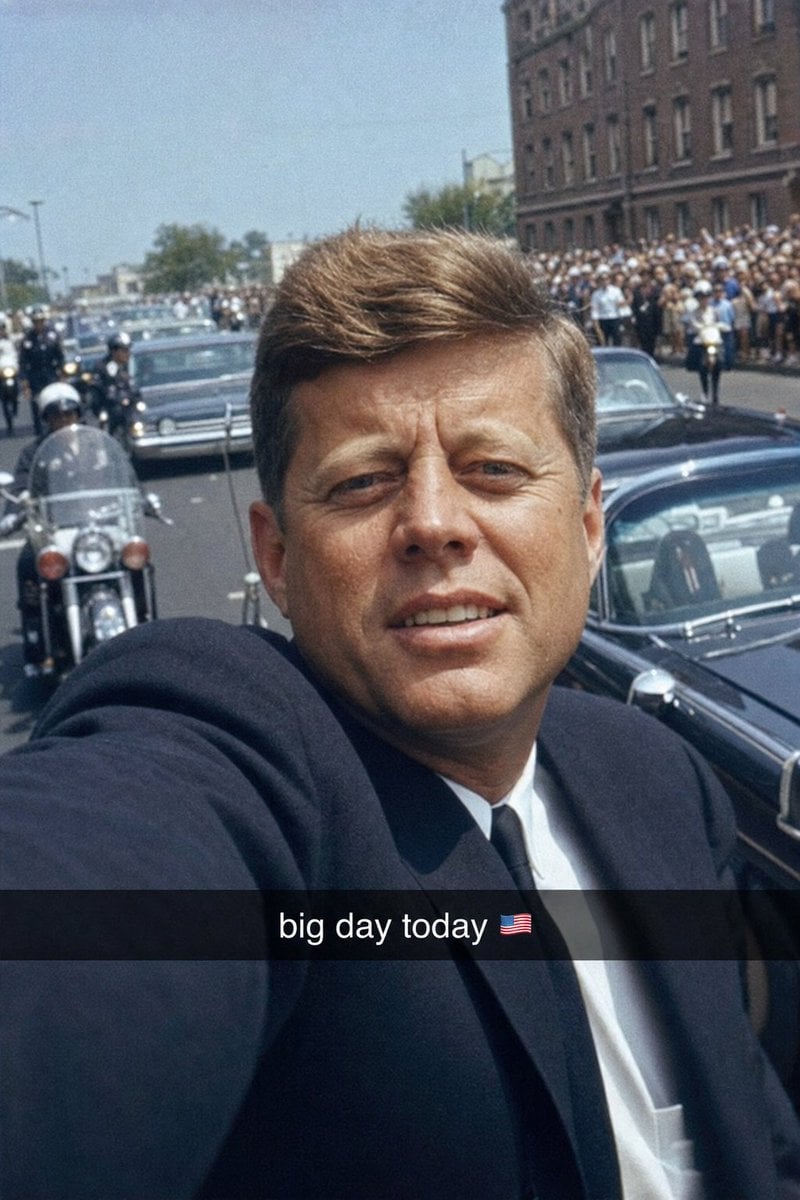
Historical Figure Snapchat Selfie
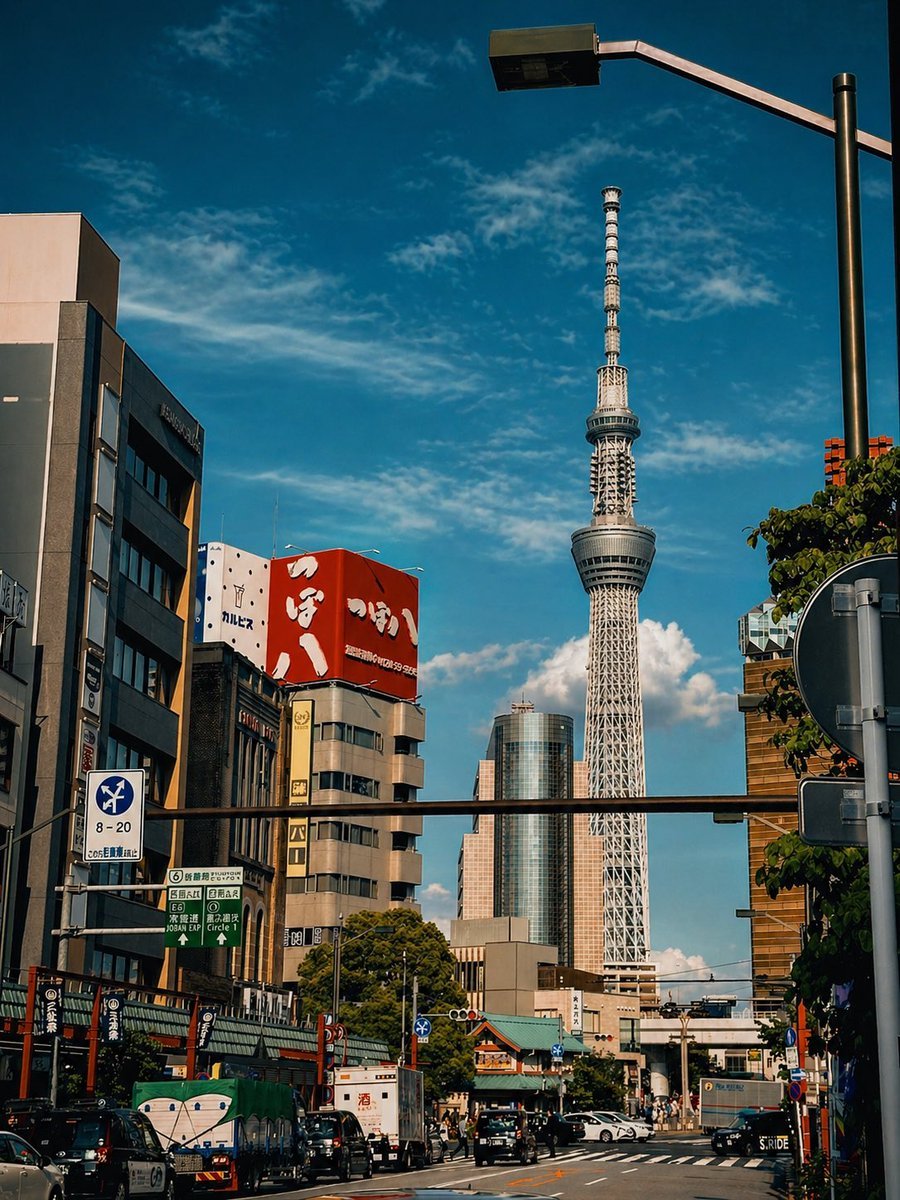
Cinematic Tokyo Street Color Grade
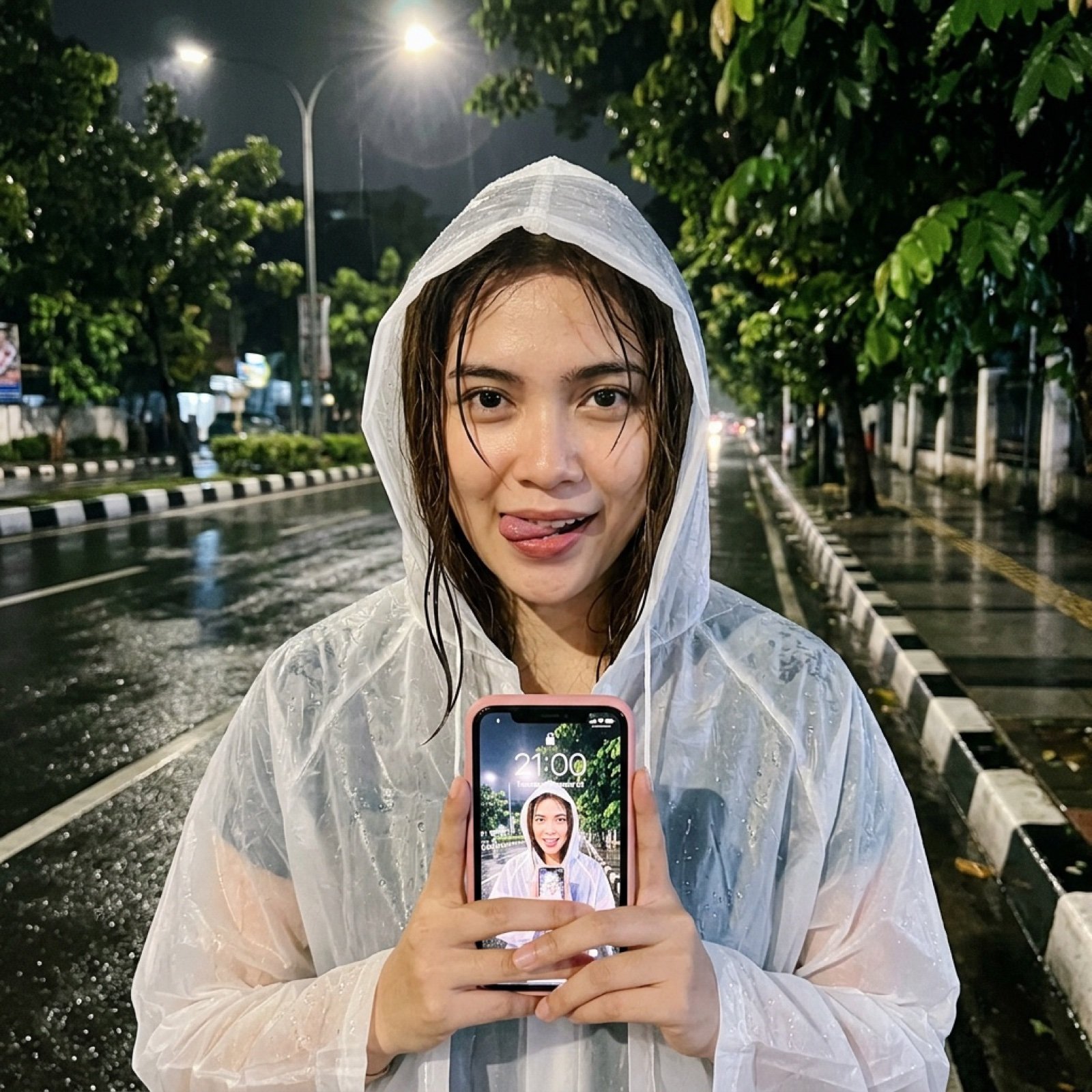
Nighttime Rainy Street Selfie Photo Edit Prompt

Circular Profile Picture Style Transfer
Luxury Food Advertisement Photography with Illustrated Chef
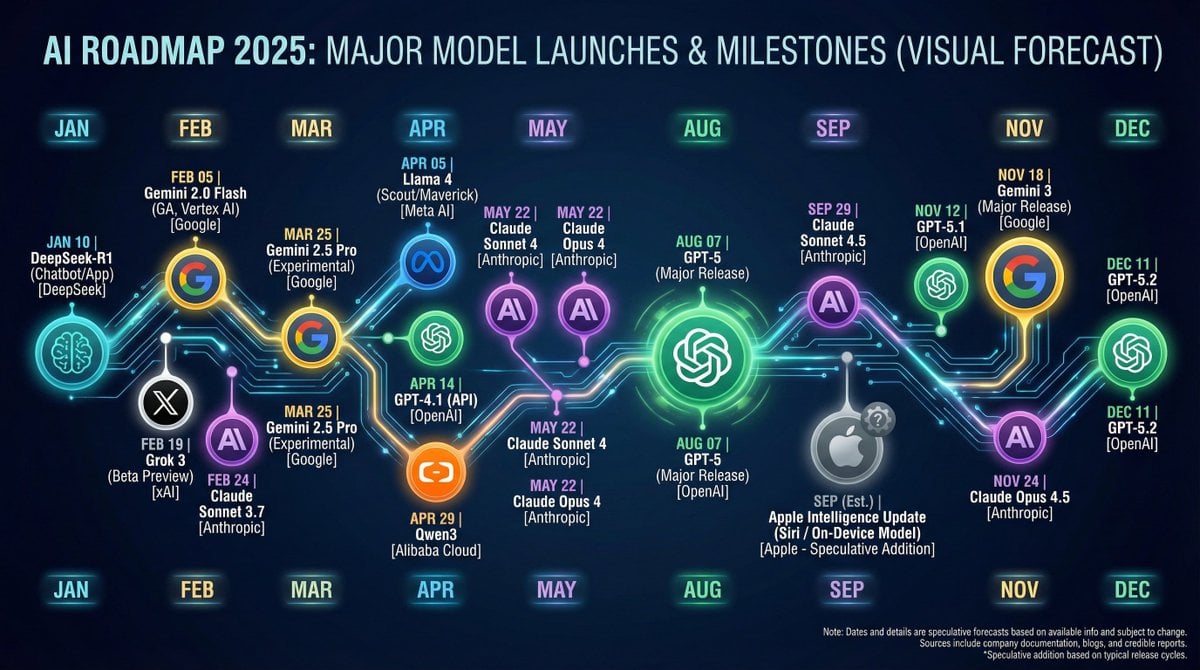
Nano Banana Chronology Request (Non-Executable)
Minimalist Fashion Editorial Selfie Prompt
8K Product Photography with Conceptual Cutaway (Borjomi)
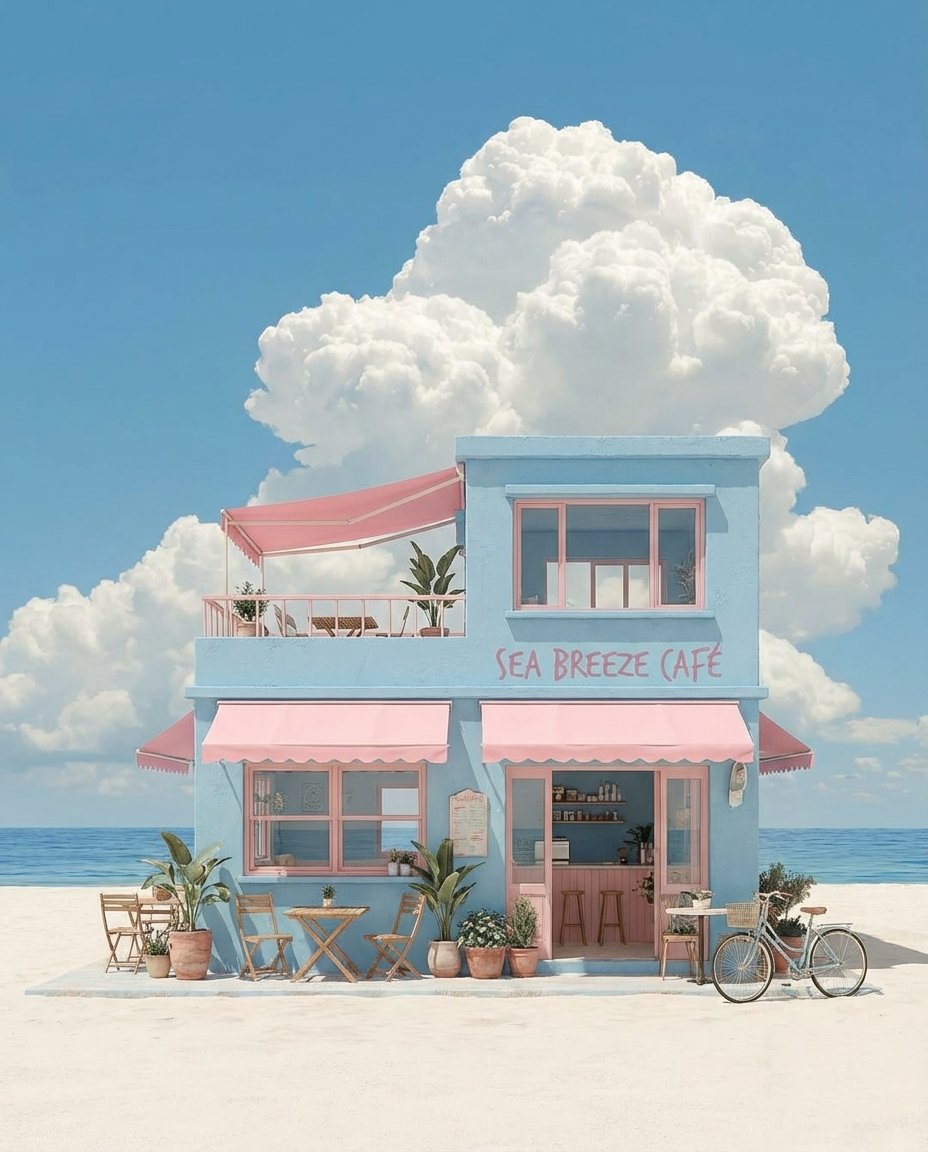
Pastel Coastal Building with Dramatic Cumulus Cloud Prompt
Browse template categories
Studio Quality Portrait Generation Using questions
How do I use the 96-studio-quality-portrait-generation-using template?
Add your photo if the template asks for one, edit the prompt if you like — the template's model and format are already selected — and press Generate. Your version opens in PicX Studio.
Can I customize the 96-studio-quality-portrait-generation-using template?
Yes. You can change the subject, setting, lighting, mood, format, and available model controls before creating your image.
Is the 96-studio-quality-portrait-generation-using template free?
Opening and editing this template is free. Generating uses credits, shown on the Generate button when you are signed in.
Which AI model should I use?
Start with Nano Banana, which is the model associated with this template. You can compare another compatible model for a different finish.
Looking for something else? Browse all templates.

Your photo, any look
Thousands of ready templates for every top image and video model, from one credit balance.