
Dramatic Monochromatic Portrait Prompt
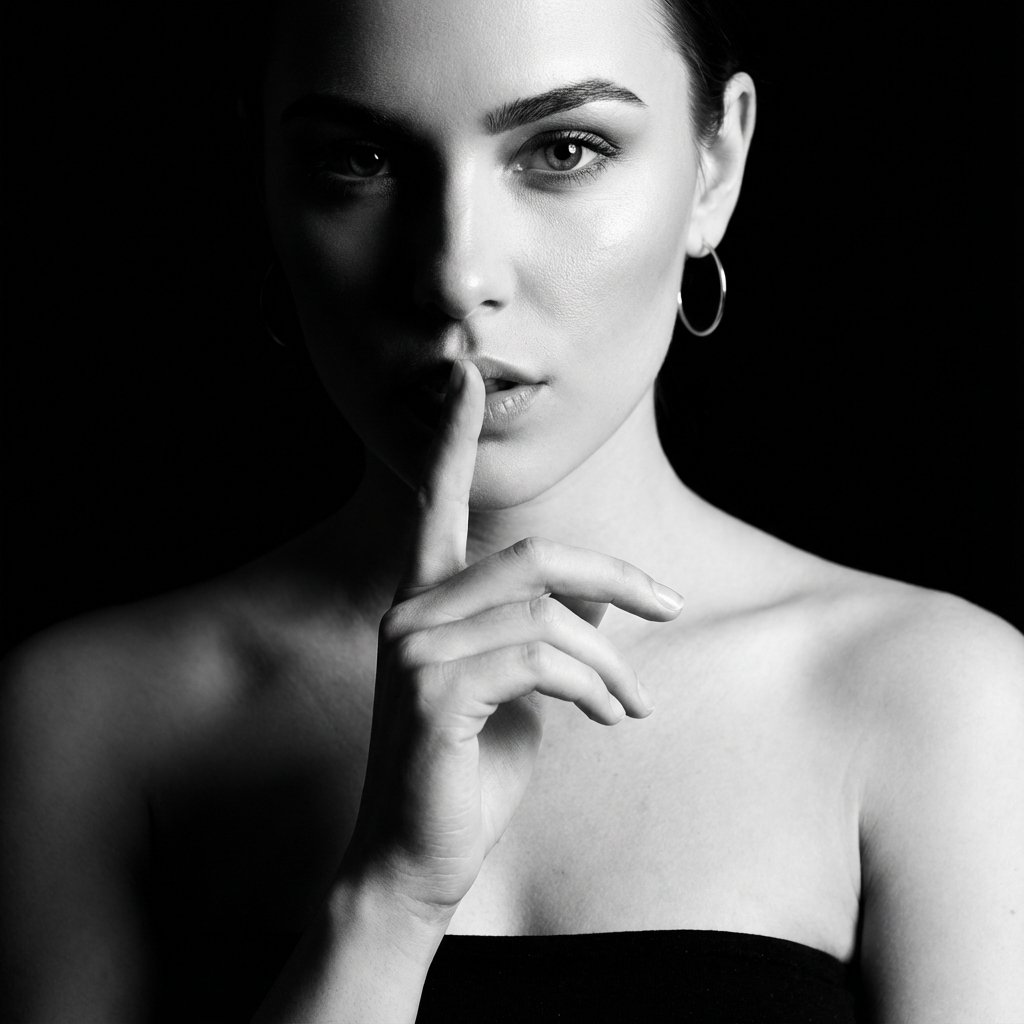
A highly detailed image generation prompt for Google Gemini Nano Banana Pro 3.0, describing a dramatic, high-contrast monochromatic portrait of a young woman with a sophisticated and alluring presence, emphasizing deep…
- Prompt included
- Model and format preset
- Free template
The prompt behind this image
Copy the exact prompt behind Dramatic Monochromatic Portrait Prompt, or open it in the studio and make it yours.
- Prompt Description › Subject
- A striking young woman, appearing to be in her mid-20s, with a sophisticated and alluring presence. Her body type is slender and graceful.
- Prompt Description › Face
- Her face is dramatically lit, with the left side cast in deep shadow. The visible right side reveals sharp cheekbones, a defined jawline, and smooth, flawless skin. Her eyes are a piercing, captivating shade, with perfectly sculpted eyebrows arching over them. Her gaze is direct and intense. Her lips are full and slightly parted, with the suggestion of a secret. The texture of her skin appears smooth and airbrushed, with subtle highlights accentuating her features.
- Prompt Description › Hair
- Her hair is dark, possibly black or very dark brown, styled away from her face, revealing her features. The texture appears smooth and sleek, with some volume at the crown. Loose strands might frame her face subtly.
- Prompt Description › Clothing
- She is wearing a strapless garment, the neckline of which is a smooth, curved line across her décolletage. The fabric appears to be a dark, matte material, fitting snugly against her skin, with no visible tension or folds, suggesting a smooth, seamless fit. No buttons or closures are visible.
- Prompt Description › Accessories
- A large, minimalist hoop earring is visible on her right ear. Her fingernails appear to be impeccably manicured, though the polish color is not discernible due to the monochrome nature of the image.
- Prompt Description › Environment
- The background is pure black, creating a stark contrast and isolating the subject. There are no discernible environmental elements, emphasizing the focus on the woman.
- Prompt Description › Lighting
- The lighting is dramatic and high-contrast, with a single, strong light source illuminating the right side of her face and body, casting the left side into deep shadow. Specular highlights are evident on her cheekbone, nose, and lips, adding to the sculpted effect. The shadows are deep and opaque, creating a strong sense of form and mystery.
- Prompt Description › Atmosphere
- The mood is mysterious, intimate, and provocative. There's a sense of unspoken confidence and alluring secrecy. The overall tonal quality is sophisticated and dramatic.
- Style › Art Style
- Ultra-realistic commercial photography, high-fashion editorial
- Style › Color Grade
- Monochromatic, emphasizing stark blacks, whites, and grays, with a strong contrast ratio. Deep, crushed blacks and bright, luminous highlights.
- Style › Texture Quality
- Extremely sharp and detailed, with exceptional micro-contrast on skin and subtle textures. A very high level of realism, almost hyperreal.
- Camera Settings › Camera
- Implied Medium Format sensor for high detail and shallow depth of field.
- Camera Settings › Lens
- A portrait lens, likely in the 85mm to 135mm range, to provide slight compression and beautiful bokeh.
- Camera Settings › Aperture
- A wide aperture, around f/1.8 to f/2.8, to achieve a very shallow depth of field and isol
Raw JSON
{
  "prompt_description": {
    "subject": "A striking young woman, appearing to be in her mid-20s, with a sophisticated and alluring presence. Her body type is slender and graceful.",
    "face": "Her face is dramatically lit, with the left side cast in deep shadow. The visible right side reveals sharp cheekbones, a defined jawline, and smooth, flawless skin. Her eyes are a piercing, captivating shade, with perfectly sculpted eyebrows arching over them. Her gaze is direct and intense. Her lips are full and slightly parted, with the suggestion of a secret. The texture of her skin appears smooth and airbrushed, with subtle highlights accentuating her features.",
    "hair": "Her hair is dark, possibly black or very dark brown, styled away from her face, revealing her features. The texture appears smooth and sleek, with some volume at the crown. Loose strands might frame her face subtly.",
    "clothing": "She is wearing a strapless garment, the neckline of which is a smooth, curved line across her décolletage. The fabric appears to be a dark, matte material, fitting snugly against her skin, with no visible tension or folds, suggesting a smooth, seamless fit. No buttons or closures are visible.",
    "accessories": "A large, minimalist hoop earring is visible on her right ear. Her fingernails appear to be impeccably manicured, though the polish color is not discernible due to the monochrome nature of the image.",
    "environment": "The background is pure black, creating a stark contrast and isolating the subject. There are no discernible environmental elements, emphasizing the focus on the woman.",
    "lighting": "The lighting is dramatic and high-contrast, with a single, strong light source illuminating the right side of her face and body, casting the left side into deep shadow. Specular highlights are evident on her cheekbone, nose, and lips, adding to the sculpted effect. The shadows are deep and opaque, creating a strong sense of form and mystery.",
    "atmosphere": "The mood is mysterious, intimate, and provocative. There's a sense of unspoken confidence and alluring secrecy. The overall tonal quality is sophisticated and dramatic."
  },
  "style": {
    "art_style": "Ultra-realistic commercial photography, high-fashion editorial",
    "color_grade": "Monochromatic, emphasizing stark blacks, whites, and grays, with a strong contrast ratio. Deep, crushed blacks and bright, luminous highlights.",
    "texture_quality": "Extremely sharp and detailed, with exceptional micro-contrast on skin and subtle textures. A very high level of realism, almost hyperreal."
  },
  "camera_settings": {
    "camera": "Implied Medium Format sensor for high detail and shallow depth of field.",
    "lens": "A portrait lens, likely in the 85mm to 135mm range, to provide slight compression and beautiful bokeh.",
    "aperture": "A wide aperture, around f/1.8 to f/2.8, to achieve a very shallow depth of field and isol"
  }
}How to use Dramatic Monochromatic Portrait Prompt in 3 steps
- 1
Open
The prompt is already in the box next to the preview, with the template's model and format selected.
- 2…a portrait of your subject in softgolden-hour light, 85mm…
Personalize
Edit the subject and creative details for your destination.
- 3Generate
Generate
Press Generate — your image is created in PicX Studio, so you can compare it with the original and refine one variable at a time.
More like this
Templates with the same subject, style or setup. Open one to see its prompt.

Found Photograph: Us, 1970

80s Couple Studio Portrait

80s Bollywood Star

80s Golden Hour Cinema

Me in 1985

1985 Studio Portrait

Hyper-Realistic Minecraft POV Portrait

Rooftop Fisheye — Cat-Ear Balaclava at Golden Hour
Master Blind Embossed Paper Art — White-on-White Monochromatic Luxury Stationery

Rainy Café Window Moody Portrait

untitled

2025 Aesthetic Photography
Make it yours
Dramatic Monochromatic Portrait Prompt works as-is. These are the safest ways to change it without losing the look.
Swap the setting
Keep the rest of the prompt and replace the location block. The current setting is “The background is pure black, creating a stark contrast and isolating the subjec”.
Swap the light
One lighting change is enough to compare takes. Current light: “The lighting is dramatic and high-contrast, with a single, strong light source i”.
Change one field
Copy a single group, rewrite it, and generate again so you can see what that field is doing.
| If the result… | Why | Fix |
|---|---|---|
| The result drifts from the preview | Too many fields changed at once. | Reuse Dramatic Monochromatic Portrait Prompt as-is first, then change one group — subject, light, or setting. |
| Nano Banana 2 ignores part of the JSON | Some models flatten or skip nested keys. | Keep the same values and paste them as a short paragraph instead. |
More Nano Banana 2 templates
Other prompts made for Nano Banana 2.

Photorealistic Leaf Shaped Like a Dragon

K-Pop Idol Portrait Grid for Rapid Selection

Poetic Rain Forest Portrait During Golden Hour

Urban Street Portrait with Cartoon Inner Self Duo

Candid Nighttime Photo with Cat Prompt

High-Concept 3D Diorama Generation Prompt

Cinematic Futuristic Studio Portrait Template

Skincare Editorial Photography Collage Prompt

Hyper-Realistic Commercial Product Photography (Splash Effect)

Hyper-Realistic Nightclub Portrait Prompt
More image prompts
Fresh picks from across the catalog.
Vibrant Sticker Art Illustration of a Young Woman
Luxury Boat Alpine Lake Editorial Photo Prompt
Image on Gemini Nano Banana
Purple Fantasy Grape Soda Ad
Chinese Hanfu Red Fantasy Portrait
Energy Drink Product Explosion Commercial Prompt Template
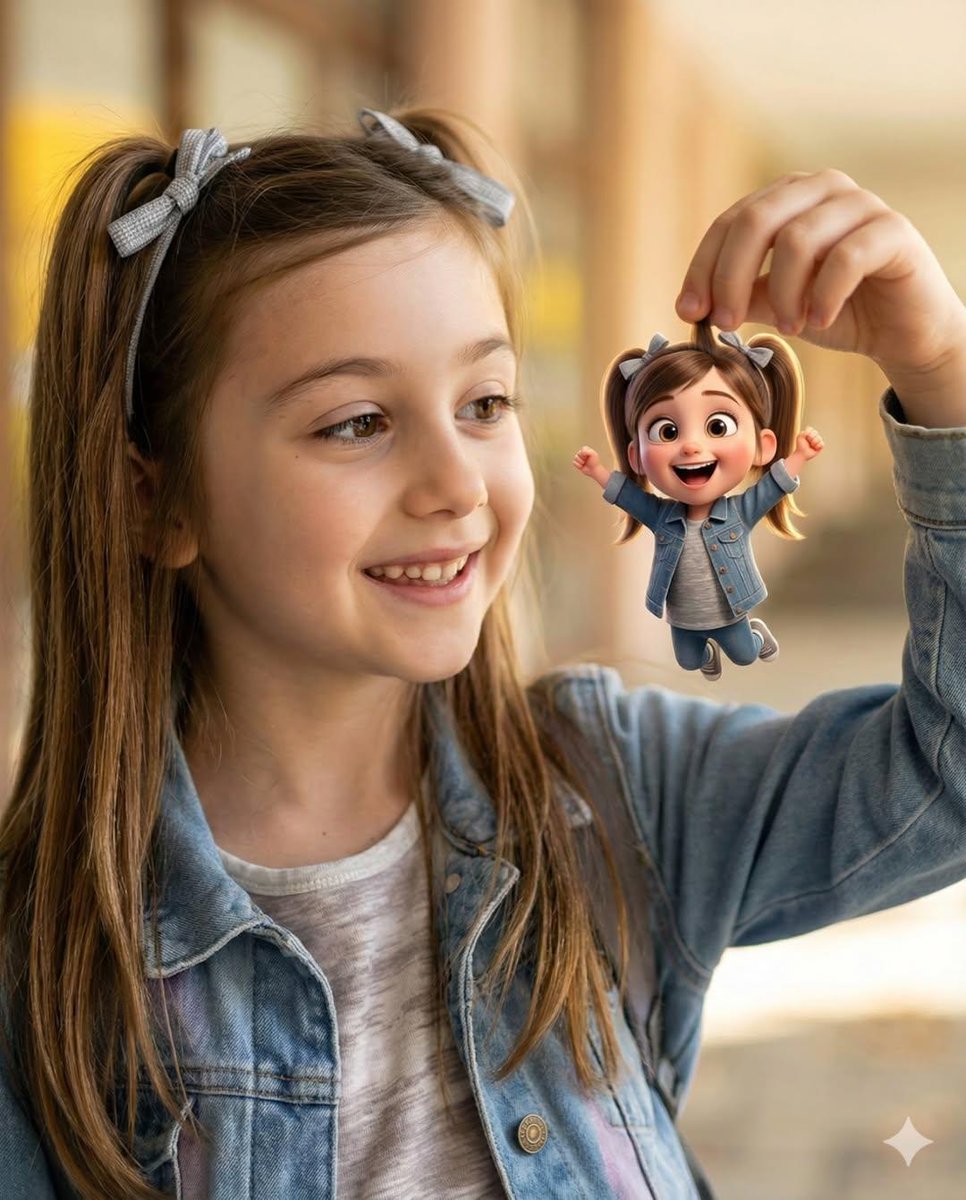
Whimsical Portrait Blending Realism with Tiny Pixar Character

Golden Hour Grass Portrait — Wong Kar-wai Inspired Nano Banana
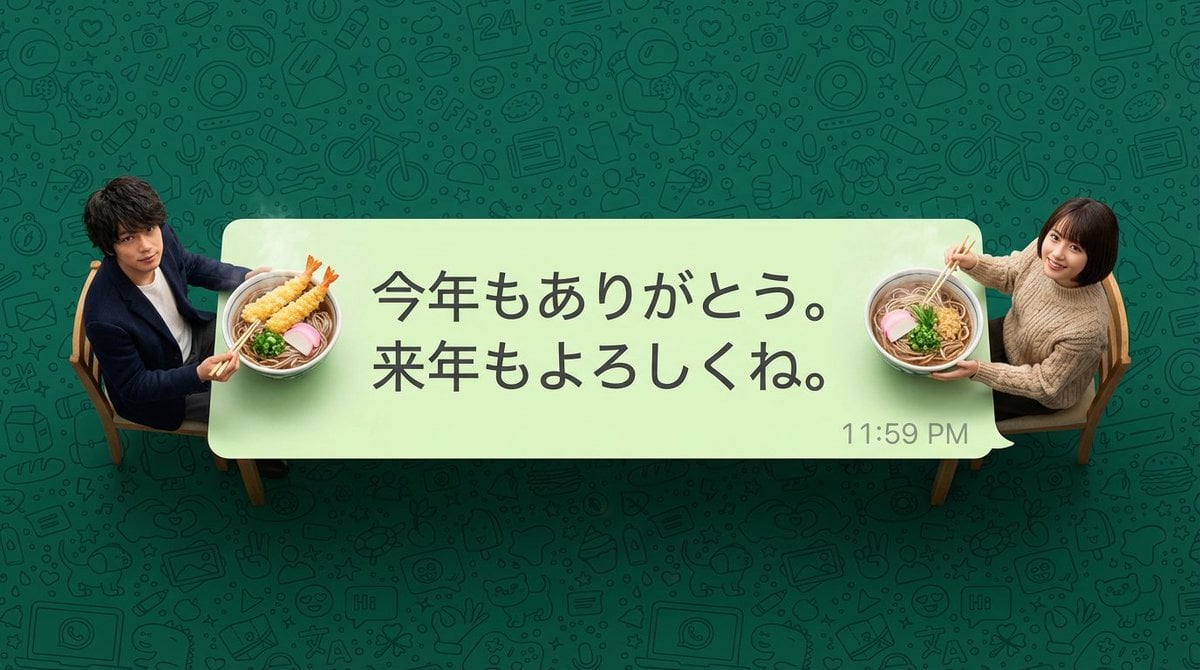
New Year's Soba Message Card Prompt
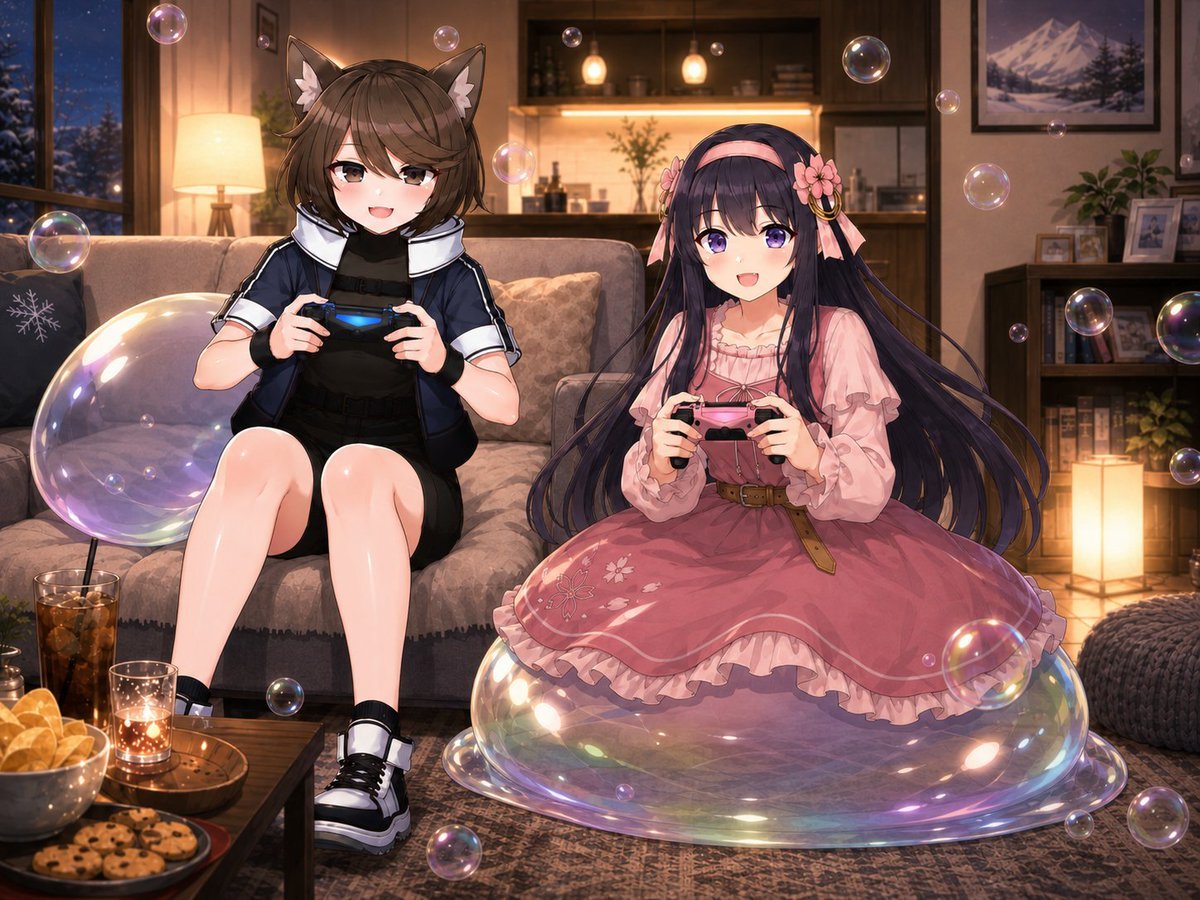
Anime Condo Duo Gaming Scene
Browse template categories
Dramatic Monochromatic Portrait Prompt questions
How do I use the Dramatic Monochromatic Portrait Prompt template?
Add your photo if the template asks for one, edit the prompt if you like — the template's model and format are already selected — and press Generate. Your version opens in PicX Studio.
Can I customize the Dramatic Monochromatic Portrait Prompt template?
Yes. You can change the subject, setting, lighting, mood, format, and available model controls before creating your image.
Is the Dramatic Monochromatic Portrait Prompt template free?
Opening and editing this template is free. Generating uses credits, shown on the Generate button when you are signed in.
Which AI model should I use?
Start with Nano Banana 2, which is the model associated with this template. You can compare another compatible model for a different finish.
Looking for something else? Browse all templates.

Your photo, any look
Thousands of ready templates for every top image and video model, from one credit balance.