
Whimsical Portrait Blending Realism with Tiny Pixar Character
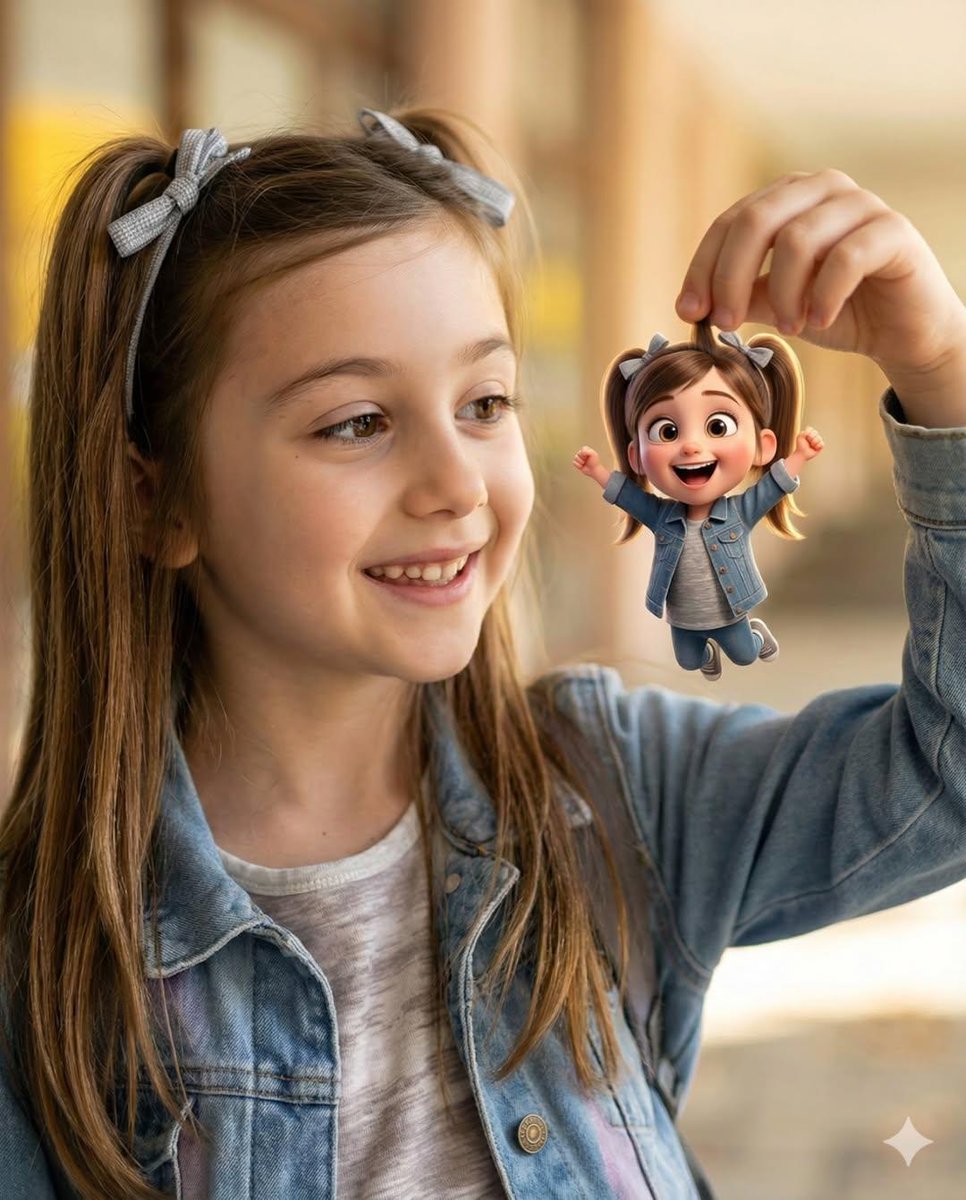
A JSON prompt designed to create a heartwarming, whimsical portrait that merges photorealistic photography of a young girl with a miniature, Pixar-style 3D cartoon version of herself.
- Prompt included
- Model and format preset
- Free template
The prompt behind this image
Copy the exact prompt behind Whimsical Portrait Blending Realism with Tiny Pixar Character, or open it in the studio and make it yours.
- Objective
- Create a heartwarming, whimsical portrait blending photorealistic realism with a tiny Pixar-style animated character
- PersonaDetails › PrimarySubject › Type
- Young girl
- PersonaDetails › PrimarySubject › Expression
- Bright, joyful smile
- PersonaDetails › PrimarySubject › Hair › Style
- Long light-brown hair
- PersonaDetails › PrimarySubject › Hair › Accessories
- Cute ribbon bows
- PersonaDetails › PrimarySubject › Wardrobe › Outerwear
- Casual denim jacket
- PersonaDetails › PrimarySubject › Wardrobe › Top
- Soft neutral-colored shirt
- PersonaDetails › SecondarySubject › Type
- Tiny 3D cartoon version of the girl
- PersonaDetails › SecondarySubject › Scale
- Miniature, held delicately between fingers
- PersonaDetails › SecondarySubject › Style
- Pixar-style 3D character
- PersonaDetails › SecondarySubject › Proportions
- Oversized expressive eyes, rounded features
- PersonaDetails › SecondarySubject › Hair
- Pigtails matching the real girl
- PersonaDetails › SecondarySubject › Wardrobe
- Denim outfit matching the real subject
- PersonaDetails › SecondarySubject › Pose
- Arms raised joyfully
- Composition › Framing
- Close-up to medium portrait
- Composition › Interaction
- Clear playful interaction between girl and miniature character
- Composition › DepthOfField
- Shallow depth of field
- Composition › Focus
- Ultra-sharp focus on both faces
- LightingAndBackground › Lighting
- Warm natural daylight
- LightingAndBackground › Background › Style
- Soft golden bokeh
- LightingAndBackground › Background › Mood
- Dreamy, magical
- ArtDirection › StyleFusion
- Photorealistic child portrait photography, Pixar-style 3D animated character
- ArtDirection › Aesthetic
- Magical realism with playful scale contrast
- ArtDirection › TextureDetail
- Ultra-detailed skin, fabric, and 3D materials
Raw JSON
{
  "Objective": "Create a heartwarming, whimsical portrait blending photorealistic realism with a tiny Pixar-style animated character",
  "PersonaDetails": {
    "PrimarySubject": {
      "Type": "Young girl",
      "Expression": "Bright, joyful smile",
      "Hair": {
        "Style": "Long light-brown hair",
        "Accessories": "Cute ribbon bows"
      },
      "Wardrobe": {
        "Outerwear": "Casual denim jacket",
        "Top": "Soft neutral-colored shirt"
      }
    },
    "SecondarySubject": {
      "Type": "Tiny 3D cartoon version of the girl",
      "Scale": "Miniature, held delicately between fingers",
      "Style": "Pixar-style 3D character",
      "Proportions": "Oversized expressive eyes, rounded features",
      "Hair": "Pigtails matching the real girl",
      "Wardrobe": "Denim outfit matching the real subject",
      "Pose": "Arms raised joyfully"
    }
  },
  "Composition": {
    "Framing": "Close-up to medium portrait",
    "Interaction": "Clear playful interaction between girl and miniature character",
    "DepthOfField": "Shallow depth of field",
    "Focus": "Ultra-sharp focus on both faces"
  },
  "LightingAndBackground": {
    "Lighting": "Warm natural daylight",
    "Background": {
      "Style": "Soft golden bokeh",
      "Mood": "Dreamy, magical"
    }
  },
  "ArtDirection": {
    "StyleFusion": [
      "Photorealistic child portrait photography",
      "Pixar-style 3D animated character"
    ],
    "Aesthetic": "Magical realism with playful scale contrast",
    "TextureDetail": "Ultra-detailed skin, fabric, and 3D materials"
  },
  "MoodAndTone": {
    "Mood": "Heartwarming, joyful, whimsical",
    "EmotionalFeel": "Wonder, innocence, playful imagination"
  },
  "PhotographyStyle": {
    "Genre": "Cinematic lifestyle portrait photography",
    "LensFeel": "Portrait lens with creamy bokeh",
    "ImageQuality": "8K ultra-high realism"
  },
  "NegativePrompt": [
    "uncanny valley",
    "scary doll",
    "low-quality 3D",
    "harsh lighting",
    "oversaturated colors",
    "blurry focus",
    "flat expression"
  ],
  "ResponseFormat": {
    "Type": "Single image",
    "Orientation": "Portrait",
    "AspectRatio": "2:3"
  }
}How to use Whimsical Portrait Blending Realism with Tiny Pixar Character in 3 steps
- 1
Open
The prompt is already in the box next to the preview, with the template's model and format selected.
- 2…a portrait of your subject in softgolden-hour light, 85mm…
Personalize
Edit the subject and creative details for your destination.
- 3Generate
Generate
Press Generate — your image is created in PicX Studio, so you can compare it with the original and refine one variable at a time.
More like this
Templates with the same subject, style or setup. Open one to see its prompt.
Hyper-realistic studio portrait blending photorealism with a whimsical

Ghibli Tiny House On Back

Toddler Version of a Person in 3d Pixar

Comparing Realism Keywords in Midjourney

Found Photograph: Us, 1970

80s Couple Studio Portrait

80s Bollywood Star

80s Golden Hour Cinema

Me in 1985

1985 Studio Portrait

Hyper-Realistic Minecraft POV Portrait

Rooftop Fisheye — Cat-Ear Balaclava at Golden Hour
Make it yours
Whimsical Portrait Blending Realism with Tiny Pixar Character works as-is. These are the safest ways to change it without losing the look.
Change one field
Copy a single group, rewrite it, and generate again so you can see what that field is doing.
Keep the frame, change the subject
Hold the composition and light of Whimsical Portrait Blending Realism with Tiny Pixar Character, then swap wardrobe, props or the person for a new take.
| If the result… | Why | Fix |
|---|---|---|
| The result drifts from the preview | Too many fields changed at once. | Reuse Whimsical Portrait Blending Realism with Tiny Pixar Character as-is first, then change one group — subject, light, or setting. |
| Nano Banana 2 ignores part of the JSON | Some models flatten or skip nested keys. | Keep the same values and paste them as a short paragraph instead. |
More Nano Banana 2 templates
Other prompts made for Nano Banana 2.

Photorealistic Leaf Shaped Like a Dragon

K-Pop Idol Portrait Grid for Rapid Selection

Poetic Rain Forest Portrait During Golden Hour

Urban Street Portrait with Cartoon Inner Self Duo

Candid Nighttime Photo with Cat Prompt

High-Concept 3D Diorama Generation Prompt

Cinematic Futuristic Studio Portrait Template

Skincare Editorial Photography Collage Prompt

Hyper-Realistic Commercial Product Photography (Splash Effect)

Hyper-Realistic Nightclub Portrait Prompt
More image prompts
Fresh picks from across the catalog.
Glitch Tamagotchi Prompt for Nano Banana Application
Cyclist Character Design Sheet
Low-Key Masculine Portrait
Dark Fantasy Orc Warchief TCG Card
Stick Figure Driver Sketch
Dynamic Pop Art Video Sequence
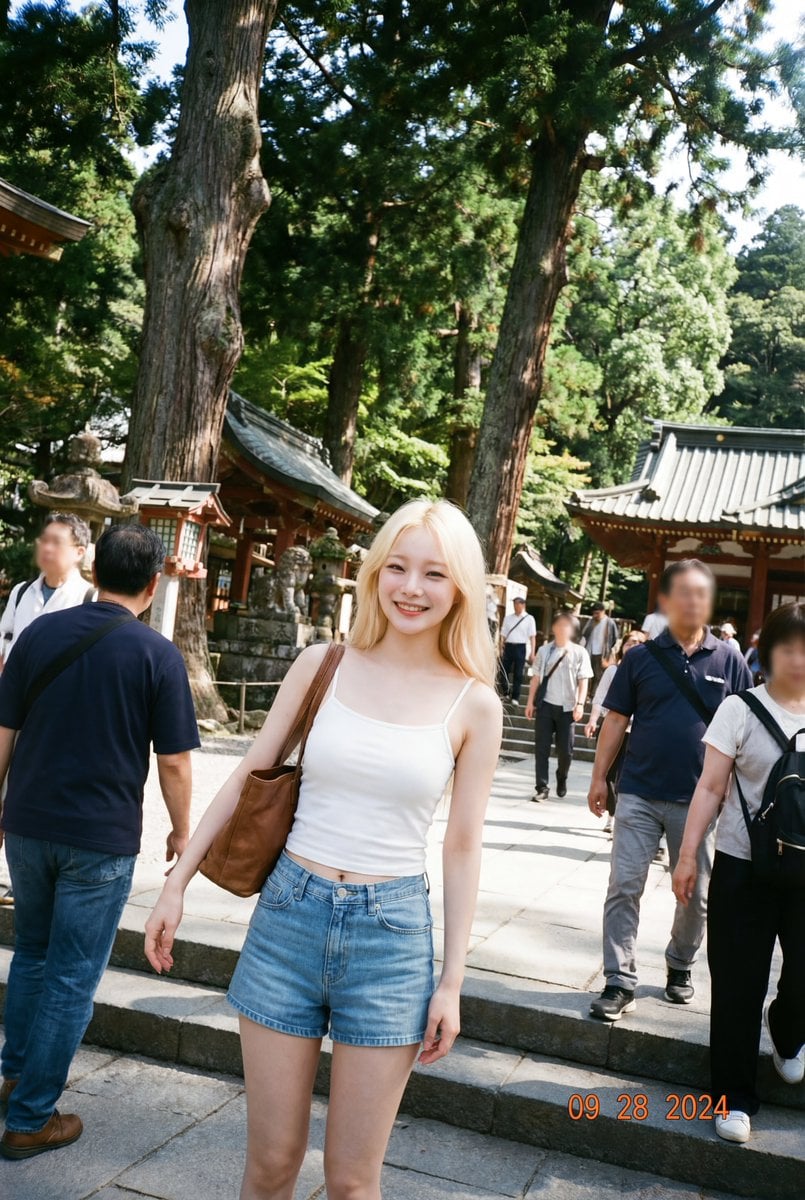
Make photos look bad with specified GPS coordinates
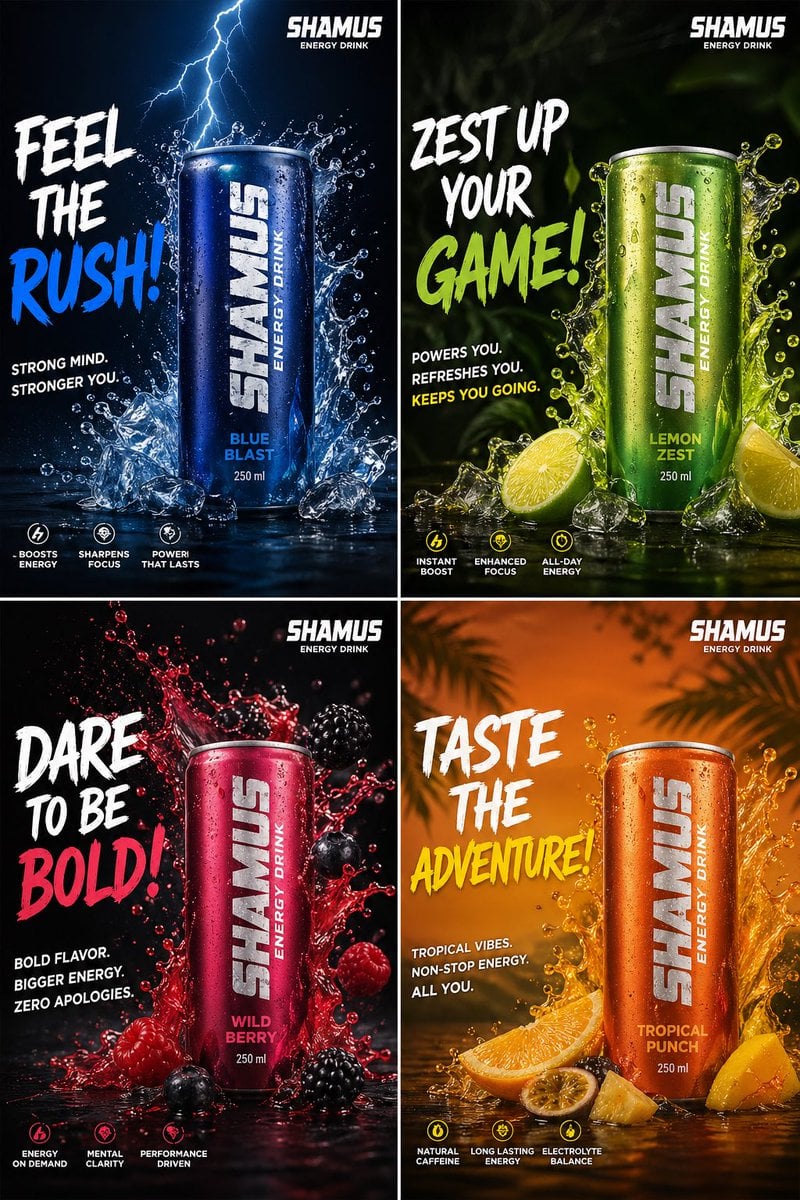
Energy Drink Brand Instagram Creatives
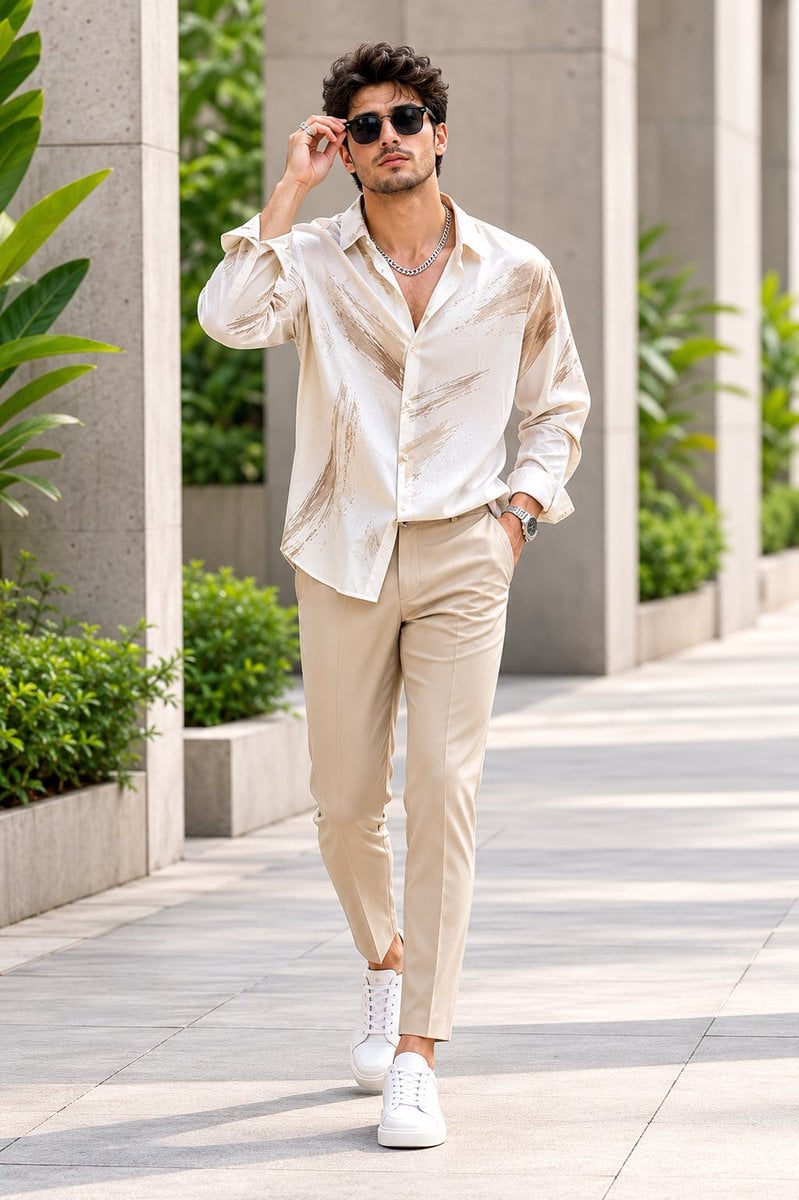
Handsome Man Luxury Menswear Walk
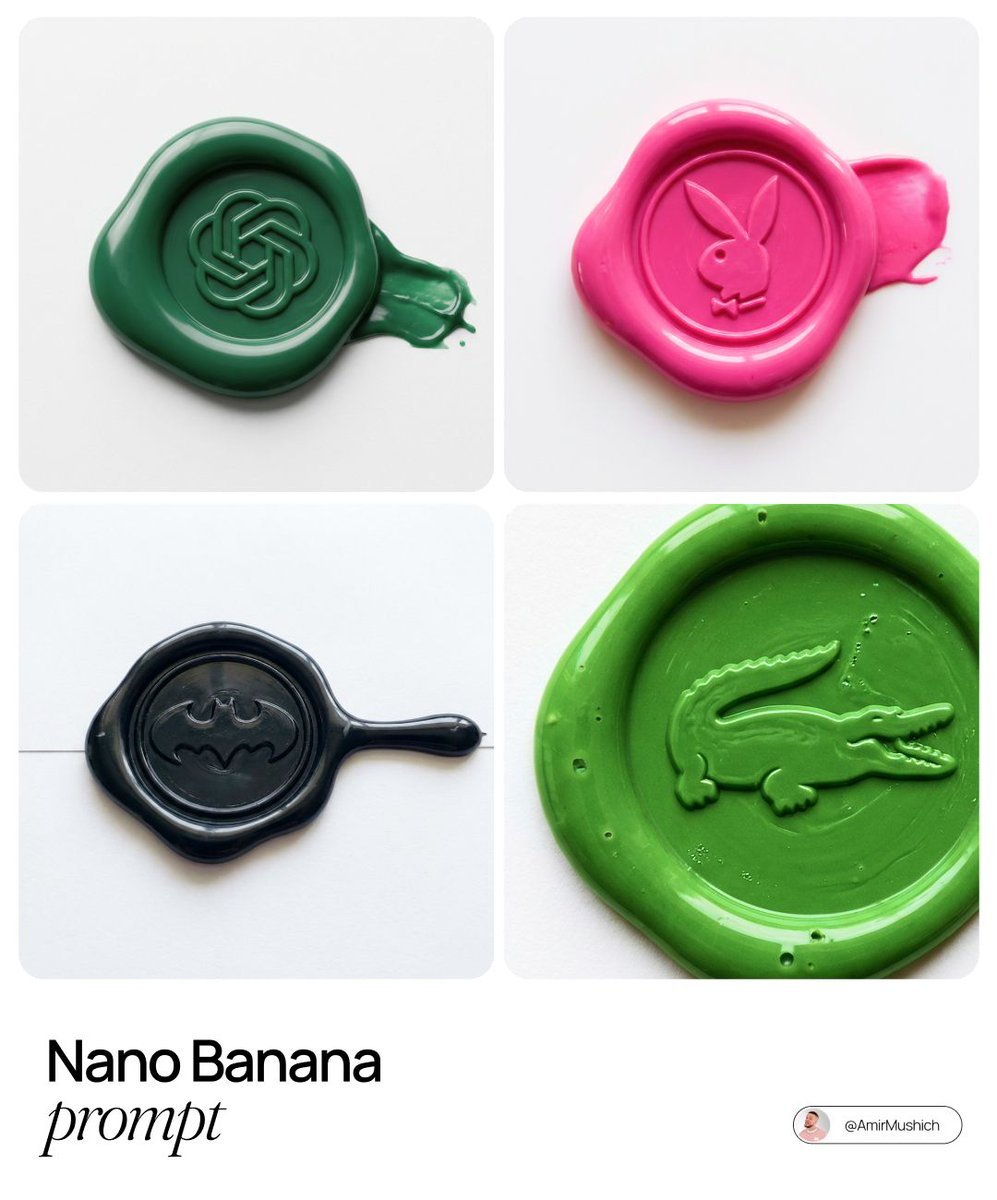
Tactile Wax Seal Logos
Browse template categories
Whimsical Portrait Blending Realism with Tiny Pixar Character questions
How do I use the Whimsical Portrait Blending Realism with Tiny Pixar Character template?
Add your photo if the template asks for one, edit the prompt if you like — the template's model and format are already selected — and press Generate. Your version opens in PicX Studio.
Can I customize the Whimsical Portrait Blending Realism with Tiny Pixar Character template?
Yes. You can change the subject, setting, lighting, mood, format, and available model controls before creating your image.
Is the Whimsical Portrait Blending Realism with Tiny Pixar Character template free?
Opening and editing this template is free. Generating uses credits, shown on the Generate button when you are signed in.
Which AI model should I use?
Start with Nano Banana 2, which is the model associated with this template. You can compare another compatible model for a different finish.
Looking for something else? Browse all templates.

Your photo, any look
Thousands of ready templates for every top image and video model, from one credit balance.