
Low-Key Masculine Portrait
An ultra-realistic cinematic portrait prompt focusing on amber-orange low-key lighting and side-profile composition.
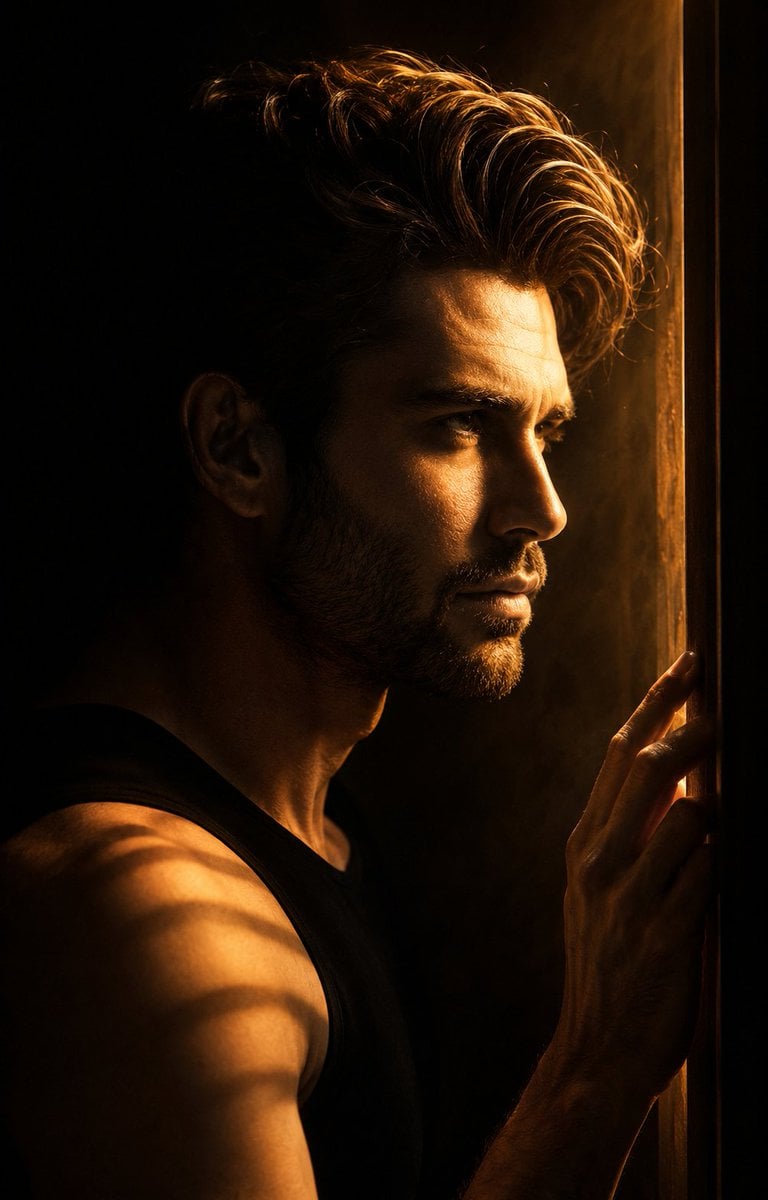
- Prompt included
- Model and format preset
- Free template
The prompt behind this image
Copy the exact prompt behind Low-Key Masculine Portrait, or open it in the studio and make it yours.
Use my uploaded face image as the primary identity reference. Preserve my exact facial structure, jawline, cheekbones, nose shape, lips, eye shape, eyebrow structure, beard/stubble pattern, hairstyle, hair texture, skin texture, {argument name="ethnicity" default="natural South Asian masculine features"}, and overall recognizable appearance with extremely high identity fidelity. Do not feminize the face. Maintain realistic male proportions, authentic skin details, and natural facial anatomy. Create an ultra-realistic cinematic portrait that exactly recreates the composition, mood, lighting, framing, and atmosphere of the reference image. The subject is shown in a perfect side-profile view facing right, standing very close to a narrow doorway or window frame. One hand is gently touching the edge of the frame with naturally relaxed fingers. The expression is calm, introspective, and emotionally reflective. The scene is illuminated by a single {argument name="lighting color" default="warm amber-orange"} light source entering through the narrow opening, producing dramatic low-key lighting. The light softly wraps around the profile of the face, highlighting the forehead, nose bridge, lips, jawline, beard texture, and fingertips while leaving most of the body in deep shadow. The background is almost completely black, creating strong negative space and a minimalist cinematic atmosphere. Subtle atmospheric haze and volumetric light rays are visible around the face, glowing softly in the warm orange light. Fine strands of hair catch the backlight, creating delicate rim lighting around the head. The subject wears a dark sleeveless or fitted black top that blends naturally into the shadows. Across the shoulder and upper arm, faint striped light patterns appear from the narrow light source, exactly matching the reference mood. Skin texture, beard detail, and facial contours remain highly realistic and sharply rendered. Composition: vertical portrait (4:5 ratio), subject positioned slightly right of center, close-up from chest to head, exact side profile, shallow depth of field, cinematic framing, dramatic negative space on the left side of the image. Lighting: warm tungsten glow, amber-orange color palette, high contrast, deep blacks, soft volumetric fog, cinematic rim lighting, moody editorial photography. Camera: {argument name="camera" default="Sony A7R V"}, 85mm f/1.4 lens, f/1.4 aperture, shallow depth of field, ultra-sharp facial details, professional color grading, HDR, photorealistic skin rendering. Style: luxury cinematic portrait, film still, emotional storytelling, dark atmospheric mood, ultra-realistic photography, masterpiece quality, 8K resolution, hyper-detailed, natural realism, no text, no watermark, no extra people, no distortion, no facial alteration, exact identity preservation.
How to use Low-Key Masculine Portrait in 3 steps
- 1Upload ImagePNG, JPG or paste
Add your photo
Upload the photo the template builds on. The prompt, model and format are already set.
- 2…a portrait of your subject in softgolden-hour light, 85mm…
Personalize
Edit the subject and creative details for your destination.
- 3Generate
Generate
Press Generate — your image is created in PicX Studio, so you can compare it with the original and refine one variable at a time.
More like this
Templates with the same subject, style or setup. Open one to see its prompt.

Comparing Realism Keywords in Midjourney
Moody Low-Key Male Portrait
Intense Low-Key Studio Portrait
Powerful Studio Portrait with Low-Key Lighting
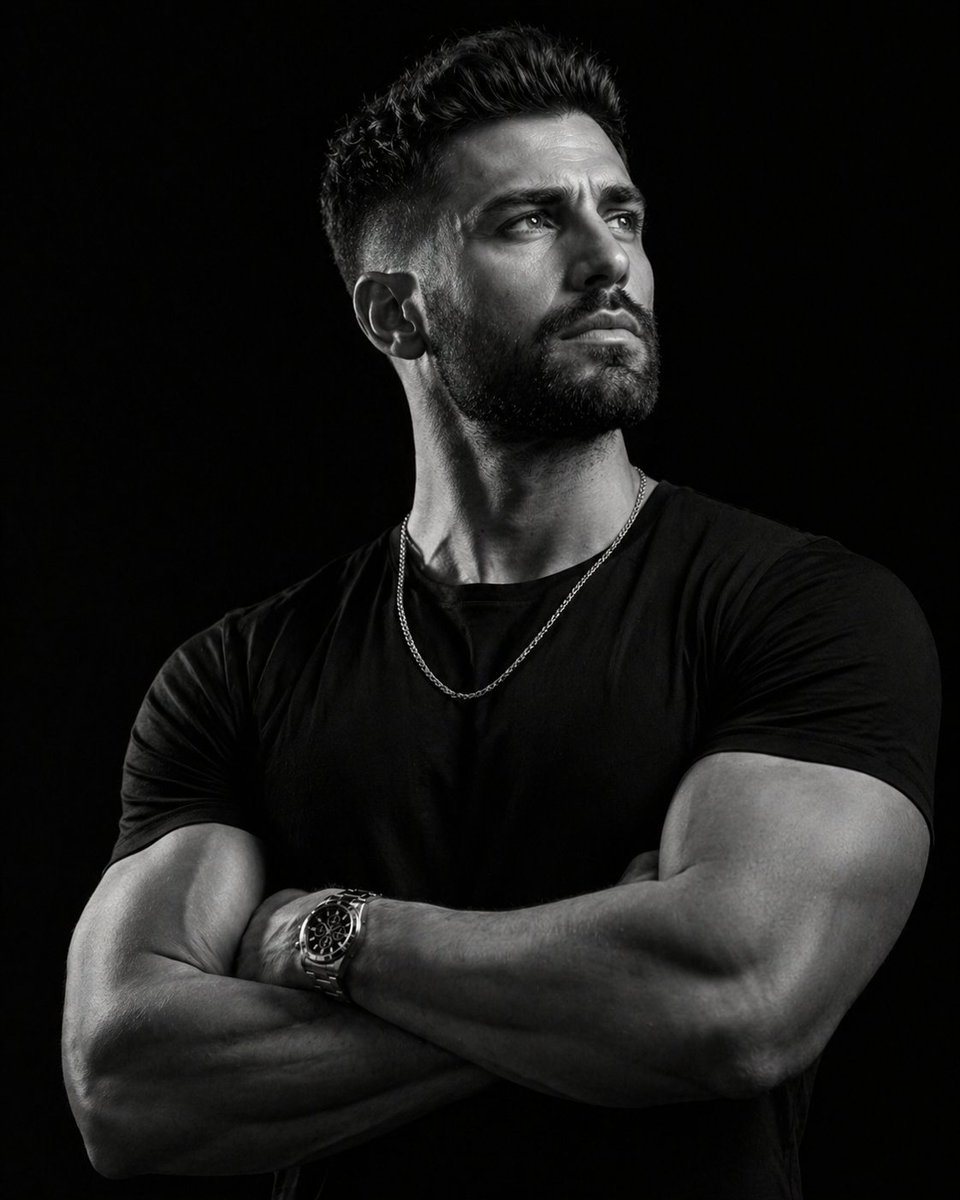
Low-key monochrome editorial portrait
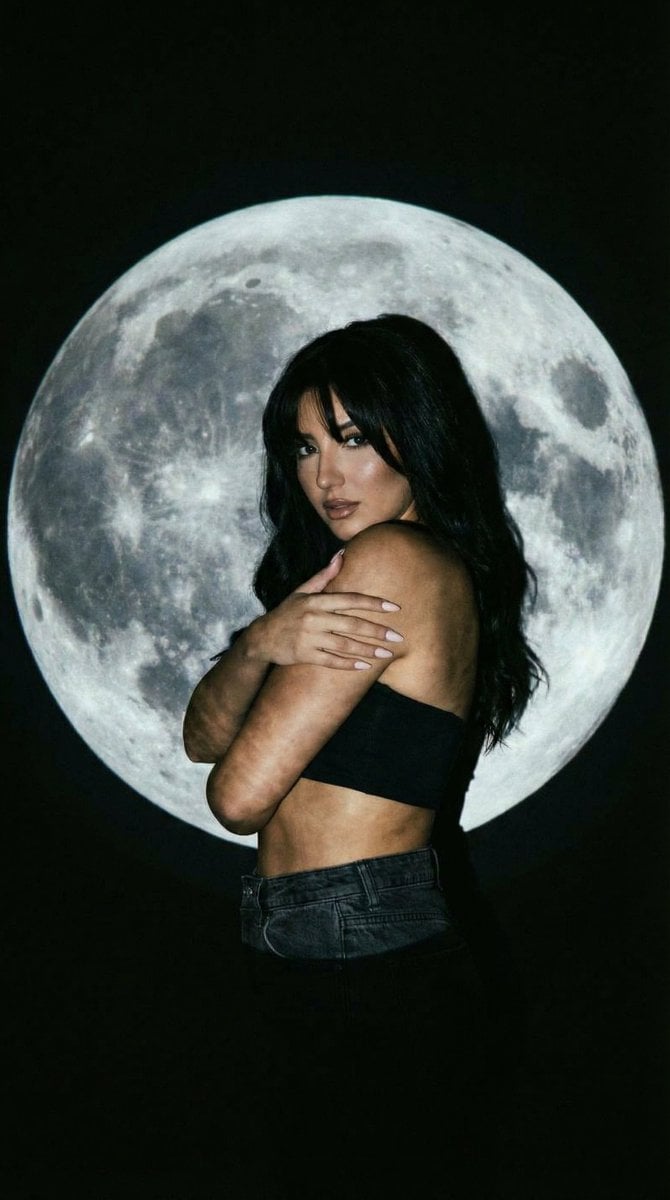
Low-Key Portrait with Moon Projection Silhouette
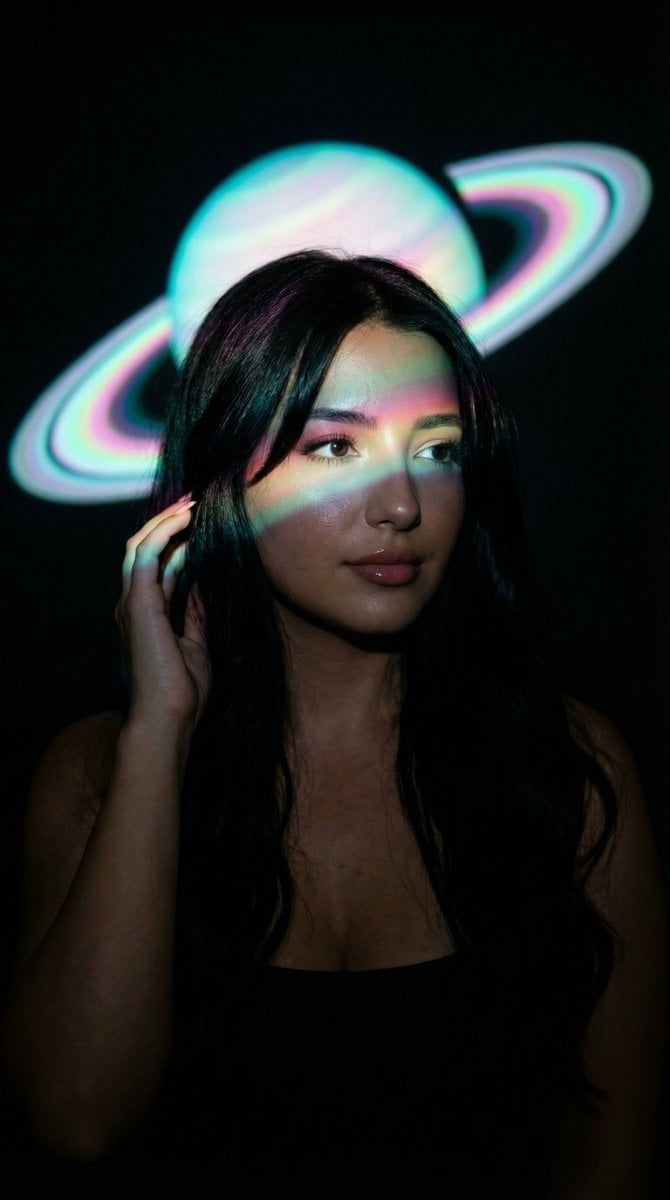
Low-Key Saturn Projection Portrait
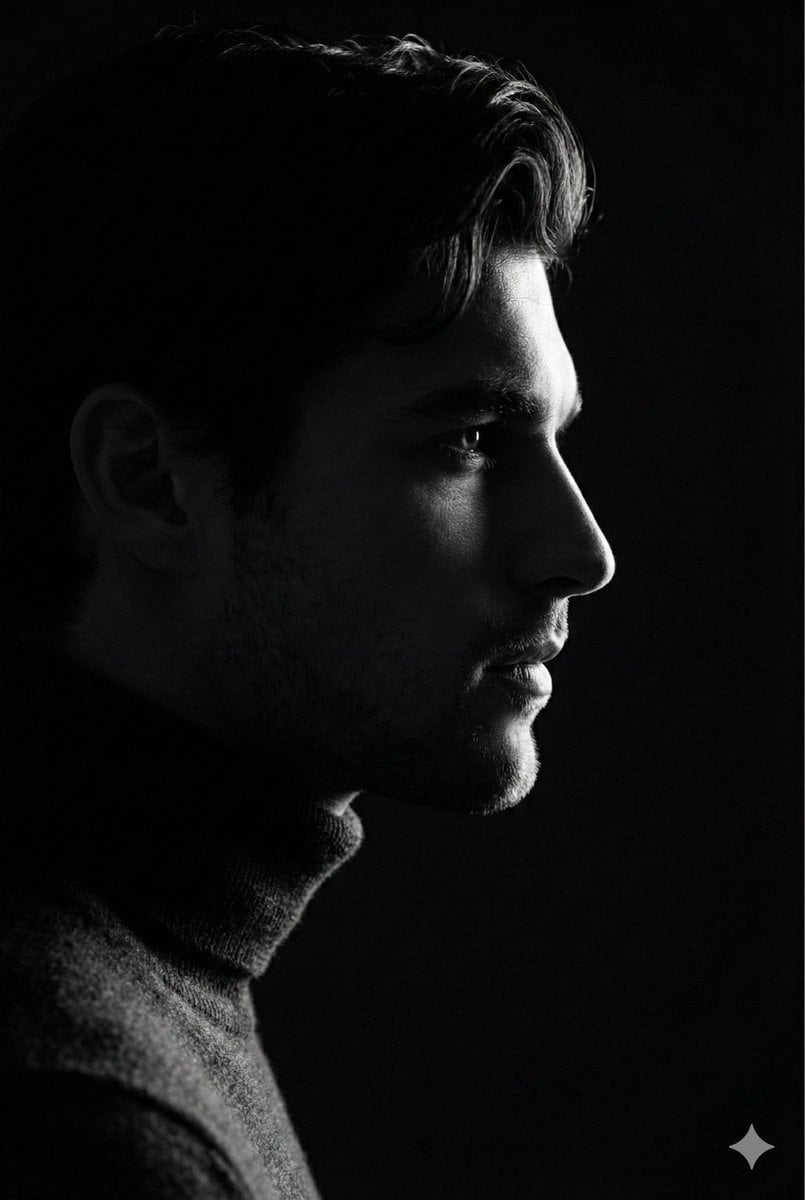
Low-Key Profile Portrait with Single Rim Light

Found Photograph: Us, 1970

80s Couple Studio Portrait

80s Bollywood Star

80s Golden Hour Cinema
Make it yours
Low-Key Masculine Portrait works as-is. These are the safest ways to change it without losing the look.
Change one field
Copy a single group, rewrite it, and generate again so you can see what that field is doing.
Keep the frame, change the subject
Hold the composition and light of Low-Key Masculine Portrait, then swap wardrobe, props or the person for a new take.
| If the result… | Why | Fix |
|---|---|---|
| The result drifts from the preview | Too many fields changed at once. | Reuse Low-Key Masculine Portrait as-is first, then change one group — subject, light, or setting. |
| The model over-stylizes the scene | The prose prompt leaves finish and camera underspecified. | Add one camera or lighting sentence and stay on GPT Image 2. |
More GPT Image 2 templates
Other prompts made for GPT Image 2.

Six VTuber Japanese Logo Sheet

Realistic Portrait of Woman and Deer

The Vista Modular Condo Poster

AI Model Routing Comparison Infographic

2.5D Anime Art Board

Isometric Productivity Desk Scene

New York Double Exposure Poster

Four-Panel AI Landscape Comparison

Japanese Tatami Lifestyle Magazine Cover

NESCAFÉ Coffee Map Poster
More image prompts
Fresh picks from across the catalog.
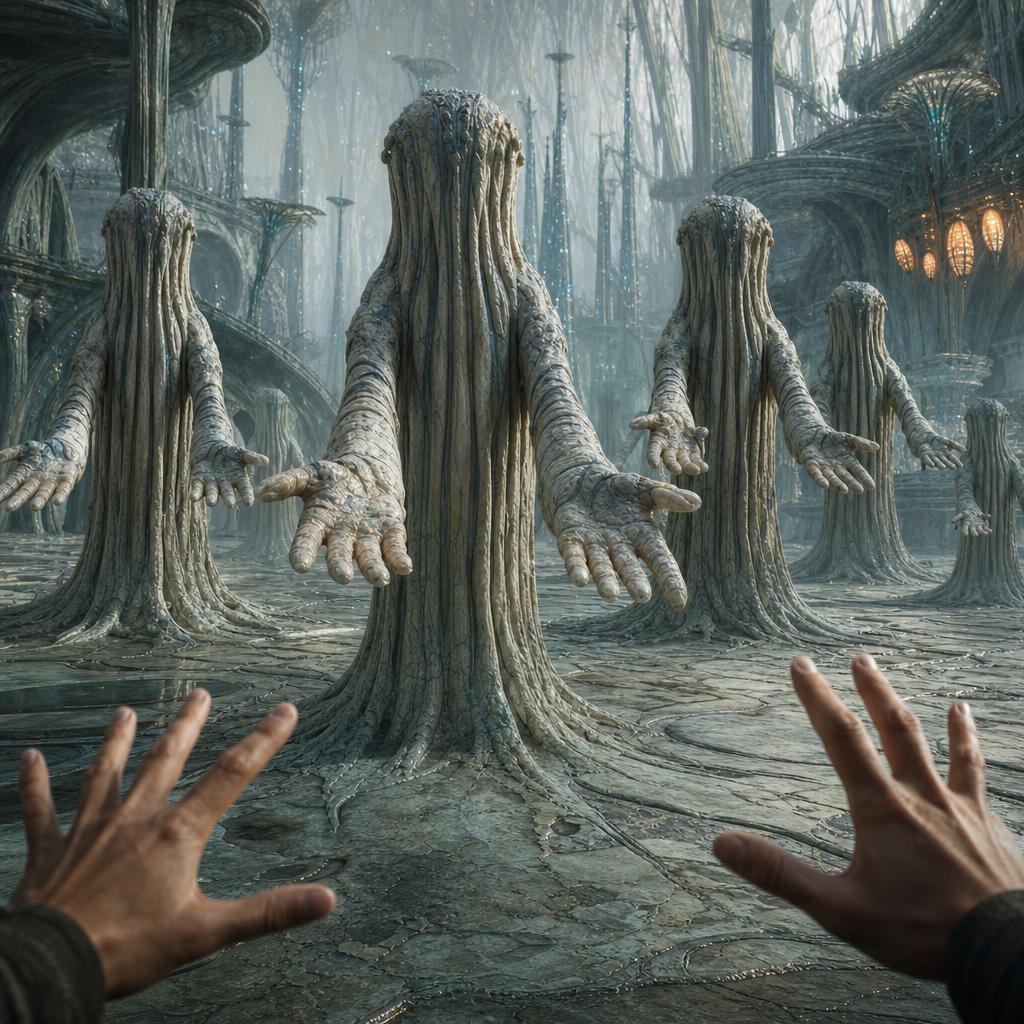
First-Person Alien Tree Beings
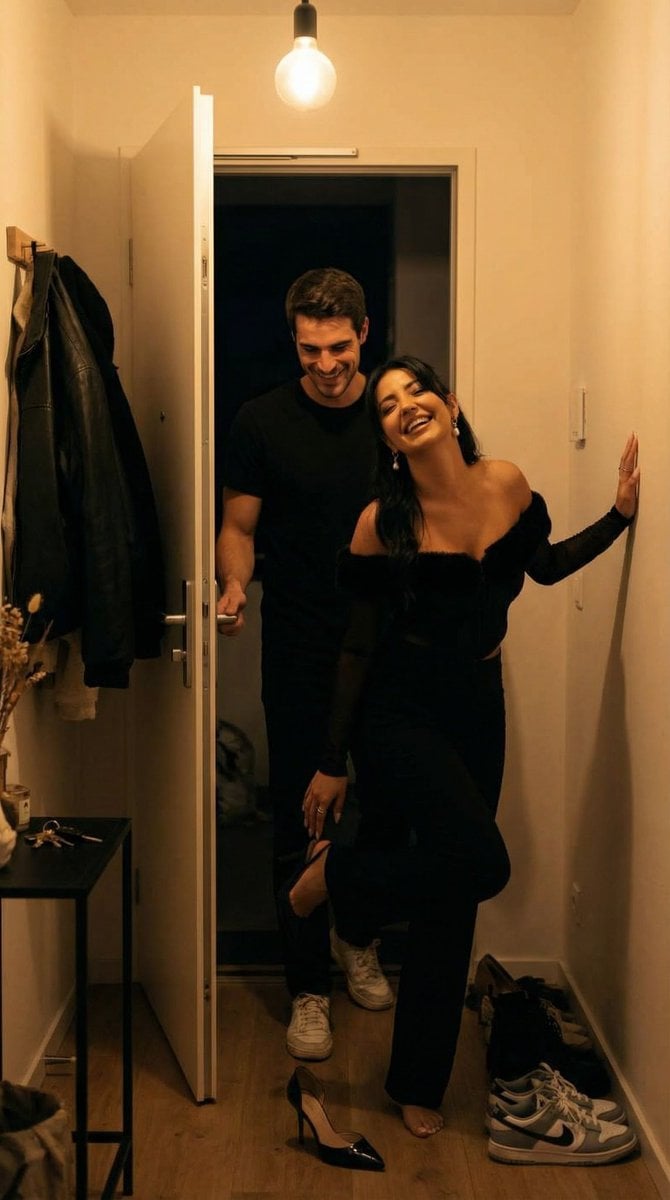
Ultra-Photoreal Candid Home Entry Night Scene Prompt
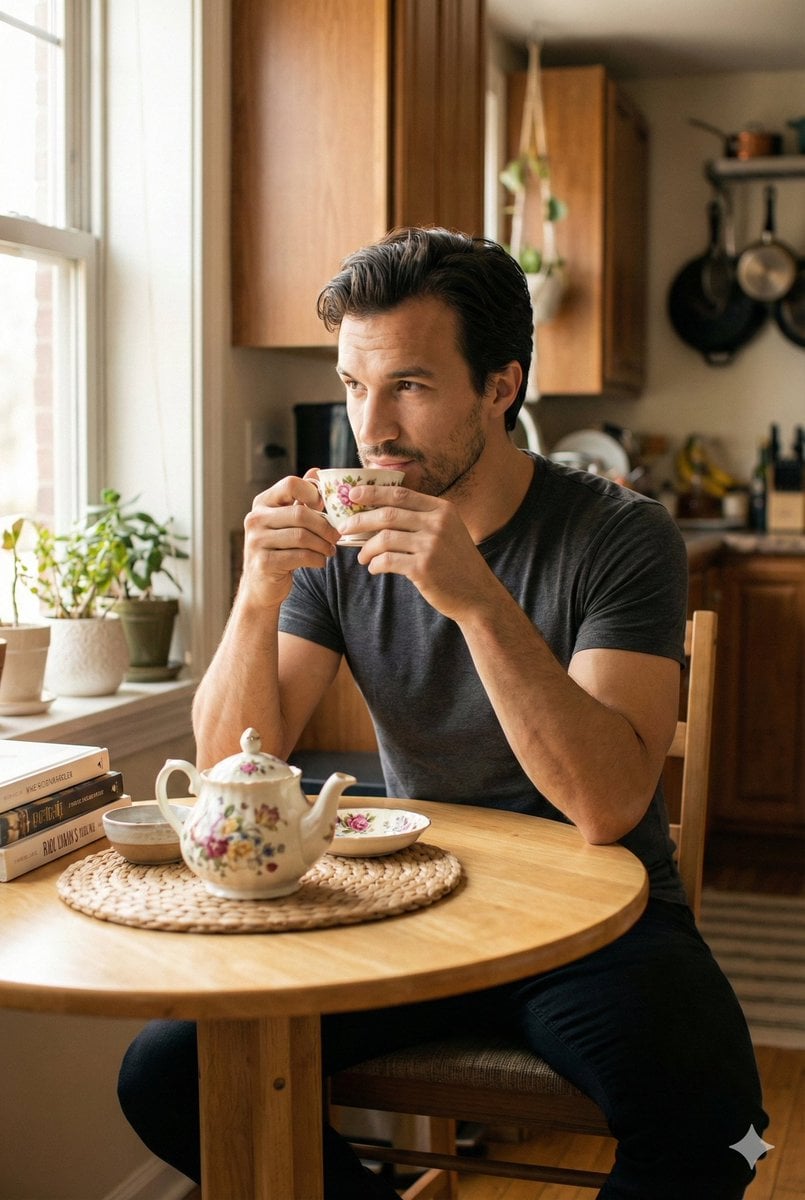
Photorealistic Cinematic Kitchen Scene Prompt (JSON structure)
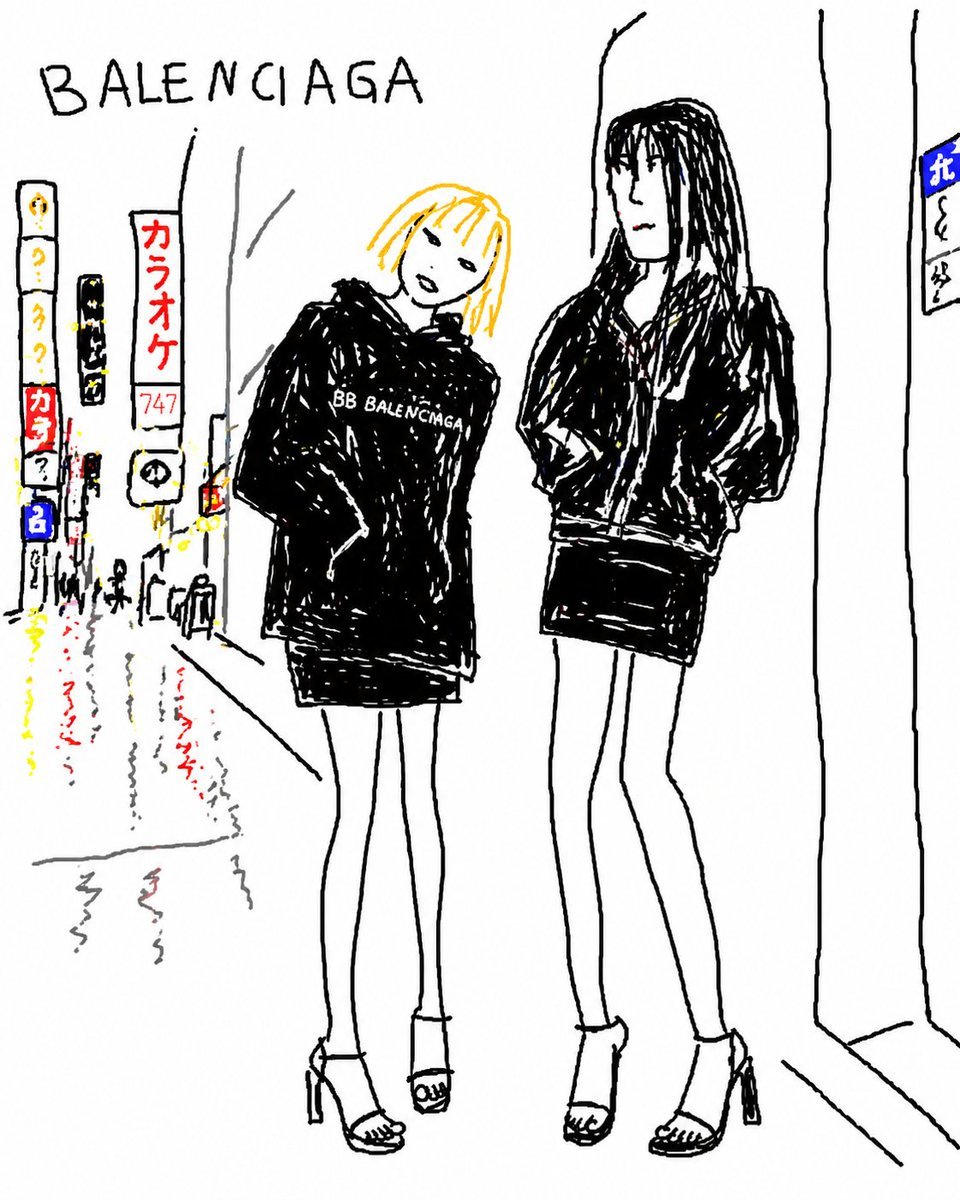
Balenciaga Street Fashion Sketch
Surreal Cafe Mural Painting Portrait
Cracked Porcelain Girl Holding Heart
Premium Sports Magazine Cover Portrait
3D Anthropomorphic Bunny Character Prompt
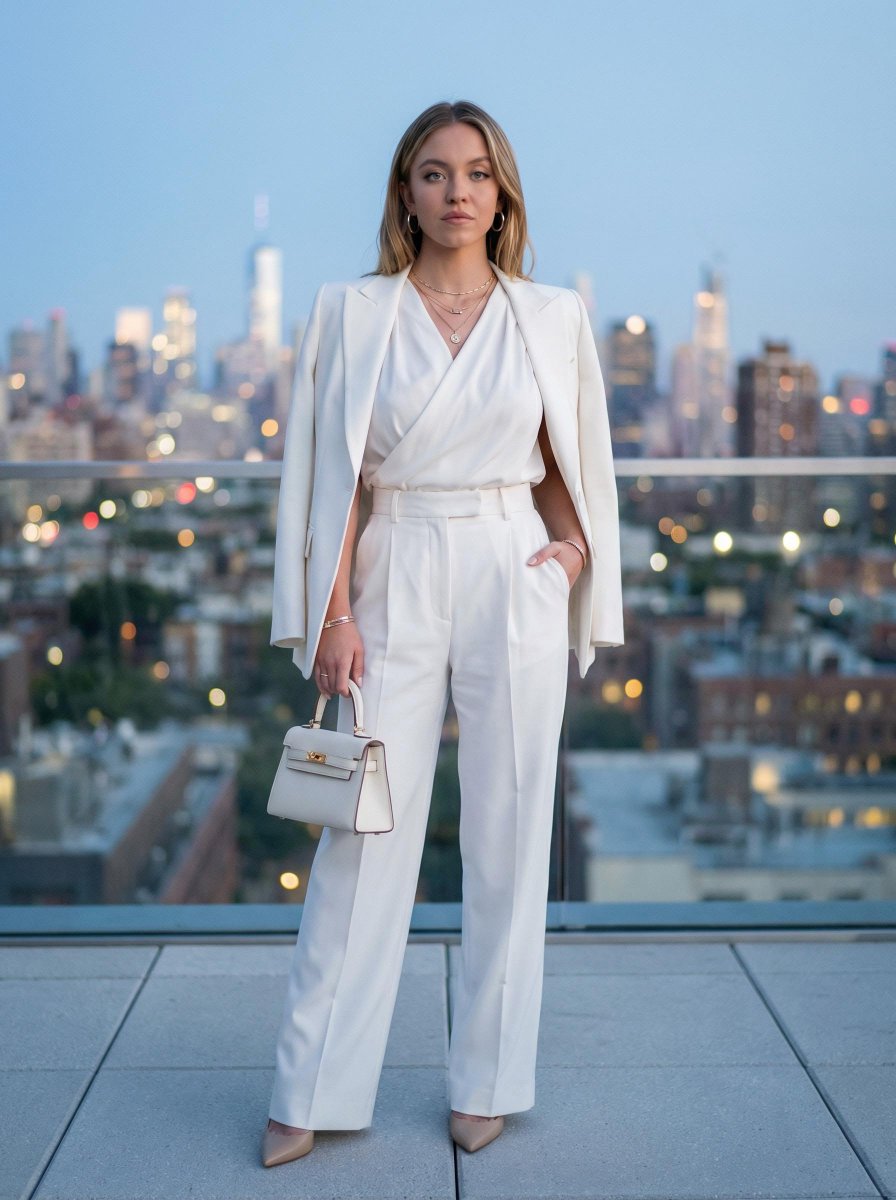
Rooftop Editorial Portrait at Dusk
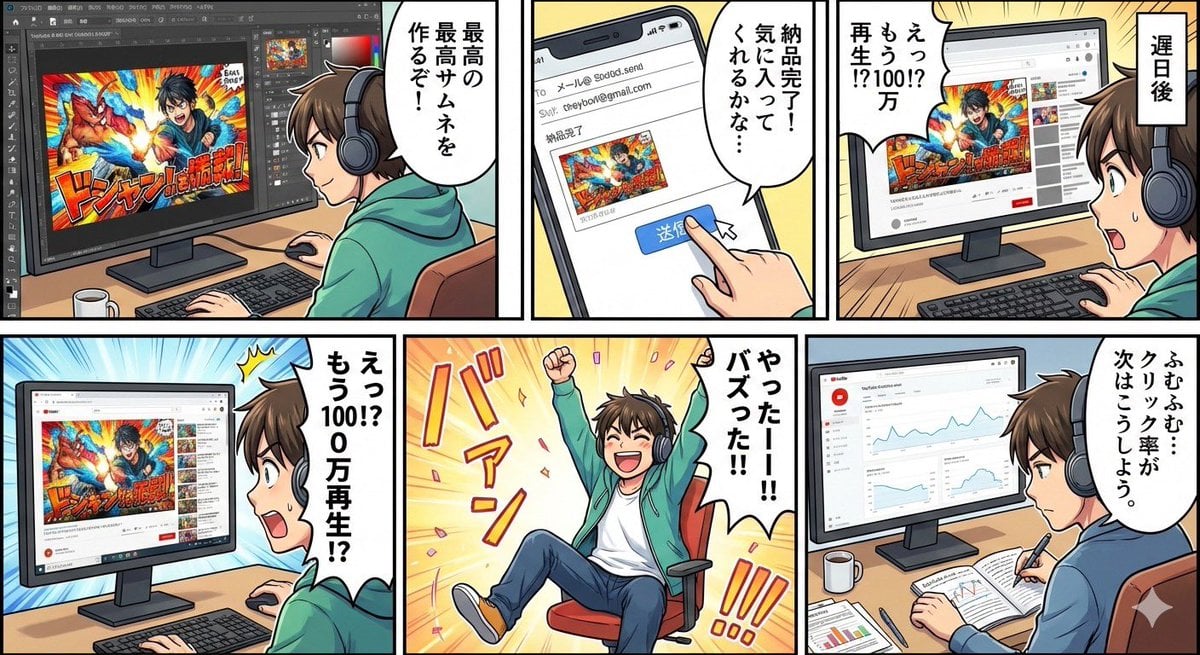
Five-panel manga of a YouTube thumbnail creator workflow
Browse template categories
Low-Key Masculine Portrait questions
How do I use the Low-Key Masculine Portrait template?
Add your photo if the template asks for one, edit the prompt if you like — the template's model and format are already selected — and press Generate. Your version opens in PicX Studio.
Can I customize the Low-Key Masculine Portrait template?
Yes. You can change the subject, setting, lighting, mood, format, and available model controls before creating your image.
Is the Low-Key Masculine Portrait template free?
Opening and editing this template is free. Generating uses credits, shown on the Generate button when you are signed in.
Which AI model should I use?
Start with GPT Image 2, which is the model associated with this template. You can compare another compatible model for a different finish.
Looking for something else? Browse all templates.

Your photo, any look
Thousands of ready templates for every top image and video model, from one credit balance.