How do I use the Low-key monochrome editorial portrait template?
Choose the primary action to open PicX Studio with the available template settings. Review the model and format, personalize the creative direction, and generate when ready.
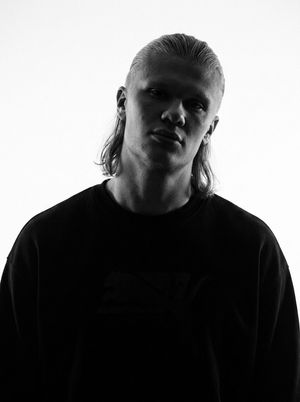
A dramatic black-and-white editorial portrait prompt featuring Chiaroscuro lighting and smart-casual wardrobe details. Change the subject, setting, or lighting one variable at a time.
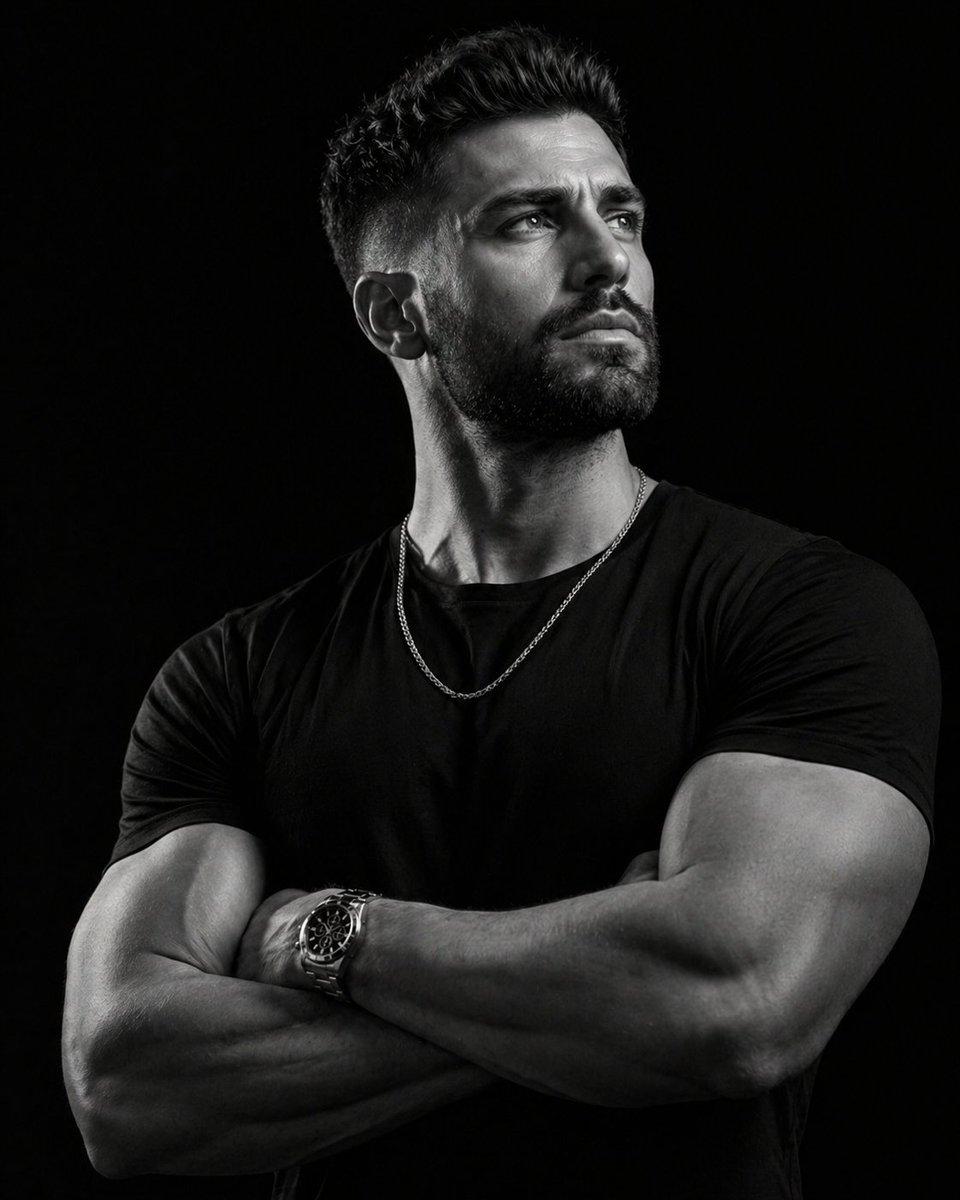
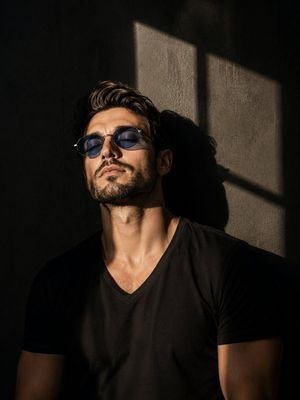
A high-end, cinematic black-and-white editorial portrait of a fit {argument name="subject" default="man"} with a short, styled undercut hairstyle and a well-groomed beard. He is positioned in a three-quarter profile, looking slightly upward with a contemplative and stoic expression, chest front to camera. His arms are confidently crossed over his chest, showcasing smart muscles and a {argument name="accessory" default="premium silver stainless steel watch"} on his wrist. Wardrobe & Details: Clothing: A simple, high-quality black t-shirt that fits tightly to emphasize his physique. Accessories: A delicate, thin silver curb chain necklace rests over the black shirt, catching the light. Gaze: The subject is looking away from the camera, directed toward a light source just above eye level. Lighting & Atmosphere: Style: Low-key lighting with high contrast (Chiaroscuro effect). Background: Deep, solid matte black, creating a seamless "void" look that makes the subject pop. Technical Details: Shot on a prime 85mm lens for a flattering compression. The lighting should be sharp on one side of his face and arms (rim lighting), with deep, dramatic shadows on the other. Quality Tags: 8K resolution, hyper-realistic skin texture, dramatic monochrome, sharp focus on eyes and watch, luxury fashion photography style, moody atmosphere. ar 4:5
Choose the primary action to open PicX Studio with the available template settings. Review the model and format, personalize the creative direction, and generate when ready.
Yes. You can change the subject, setting, lighting, mood, format, and available model controls before creating your image.
This template is free to open and customize. Generation usage is shown in PicX Studio before you create.
Start with GPT Image 2, which is the model associated with this template. You can compare another compatible model for a different finish.
© 2026 PicX Studio. All rights reserved.

Follow a topic to a crawlable collection of related PicX Studio templates.
43,474 public templates available. Verified via the PicX Studio public templates API; refreshed hourly.
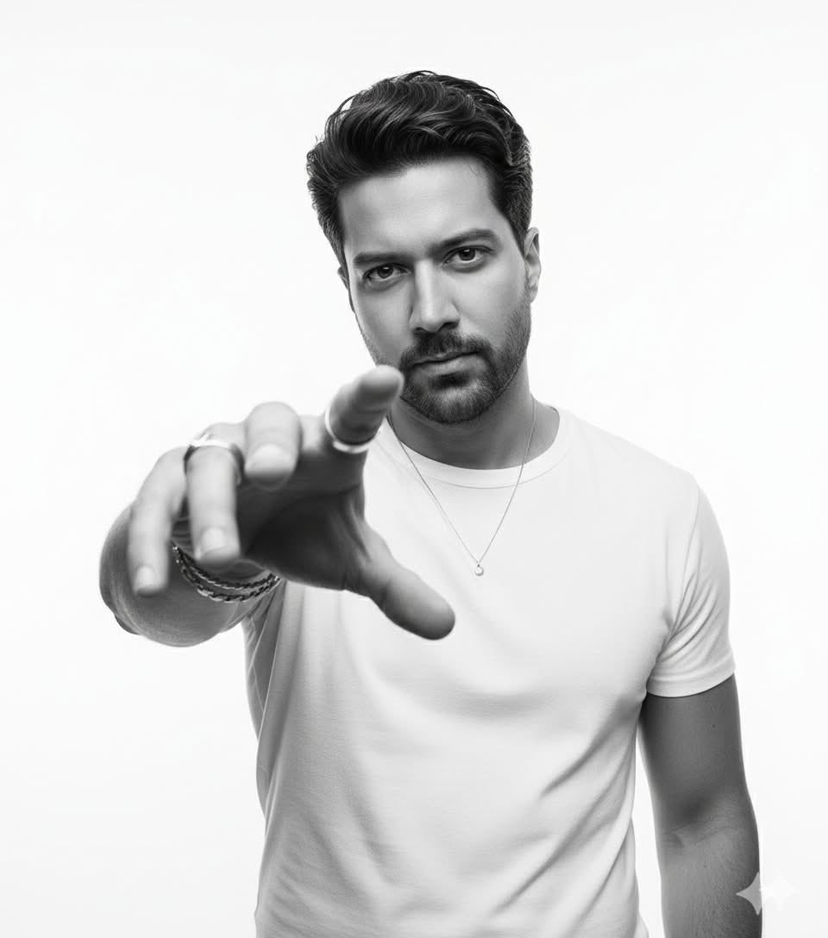












![Character promotional poster using a unified vertical portrait key — Create a character promotional poster for “[XXX]”, using a unified vertical (portrait) key](https://images.meigen.ai/tweets/2048961908238070178/0.jpg)


![Minimalist Flat Vector Travel Poster — Premium minimalist flat-vector travel poster for {argument name="city name" default="[CITY_NAME]"}, 3:4 vertical format.](https://cms-assets.youmind.com/media/1787917359711_3ug846_HQX205cbMAA6F6S-300x400.jpg)