
Low-Key Studio Black and White Portrait
A professional studio photography prompt for creating high-contrast, fine-art monochrome portraits with precise lighting control.
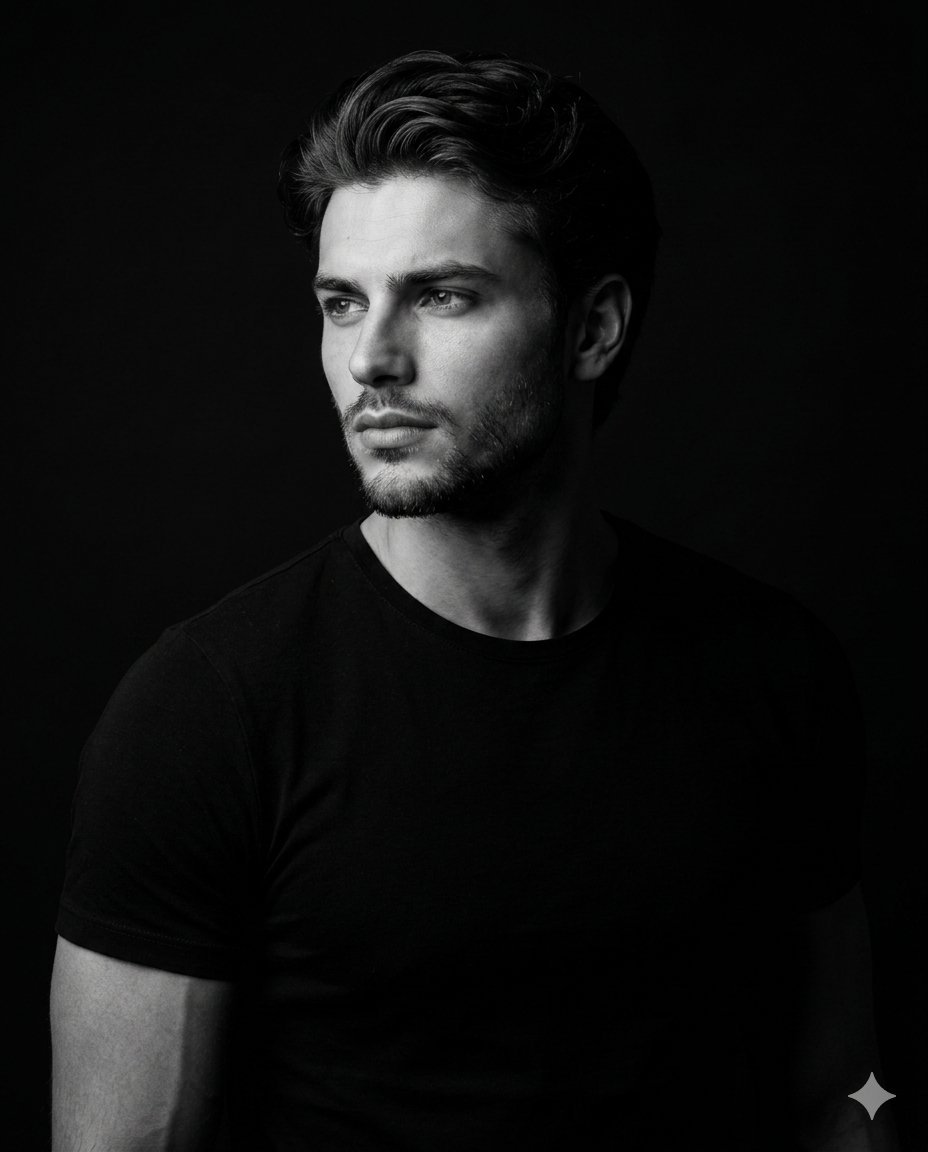
- Prompt included
- Model and format preset
- Free template
The prompt behind this image
Copy the exact prompt behind Low-Key Studio Black and White Portrait, or open it in the studio and make it yours.
Use the uploaded image as the ONLY identity reference. Preserve the subject's exact facial identity, facial proportions, hairstyle, beard pattern, skin texture, age, ethnicity, and natural features. The person in the final image must remain instantly recognizable as the uploaded individual. Do not beautify, alter, or redesign the face. Create an ultra-realistic fine-art black-and-white low-key studio portrait in a 4:5 aspect ratio. Composition: Medium close-up framing, filling approximately 65-70% of the frame, showing only the head, neck, shoulders, upper chest, and upper arms. Wardrobe: The subject wears a {argument name="wardrobe" default="plain black fitted crew-neck T-shirt"} with no logos, graphics, or text. Pose: The body is rotated approximately 45° away from the camera in a {argument name="pose" default="strong three-quarter pose"}, with the left shoulder (image left) closest to the camera. The chest faces toward the left side of the frame rather than directly toward the viewer. The head is turned only slightly farther left than the torso, maintaining a natural three-quarter angle instead of a full profile. The eyes look off-frame toward the upper left, focused on something slightly above eye level. The gaze should feel subtle, thoughtful, and contemplative—not looking into the camera, not looking directly left, and not looking high into the sky. The chin is slightly lowered, creating a calm, serious, introspective expression. Lighting: Use a {argument name="lighting" default="single soft key light positioned from the upper left"}. Illuminate only the camera-facing side of the forehead, eye, cheekbone, nose bridge, lips, beard, and neck. The opposite side of the face should gradually fade into deep black shadow, with the far cheek, ear, jawline, shoulder, and most of the torso completely disappearing into darkness. The black T-shirt should blend seamlessly into the shadows so that the lower chest, arms, and body are almost invisible, leaving the illuminated side of the face as the primary focal point. Background: Pure matte black with absolutely no texture, patterns, objects, or distractions. Style: High-contrast monochrome, cinematic fine-art portrait with soft shadow transitions, realistic skin texture, natural hair detail, subtle film grain, and an intensely dark, minimalist atmosphere. Ultra-detailed, museum-quality studio photography, 8K realism.
How to use Low-Key Studio Black and White Portrait in 3 steps
- 1Upload ImagePNG, JPG or paste
Add your photo
Upload the photo the template builds on. The prompt, model and format are already set.
- 2…a portrait of your subject in softgolden-hour light, 85mm…
Personalize
Edit the subject and creative details for your destination.
- 3Generate
Generate
Press Generate — your image is created in PicX Studio, so you can compare it with the original and refine one variable at a time.
More like this
Templates with the same subject, style or setup. Open one to see its prompt.

80s Couple Studio Portrait

1985 Studio Portrait
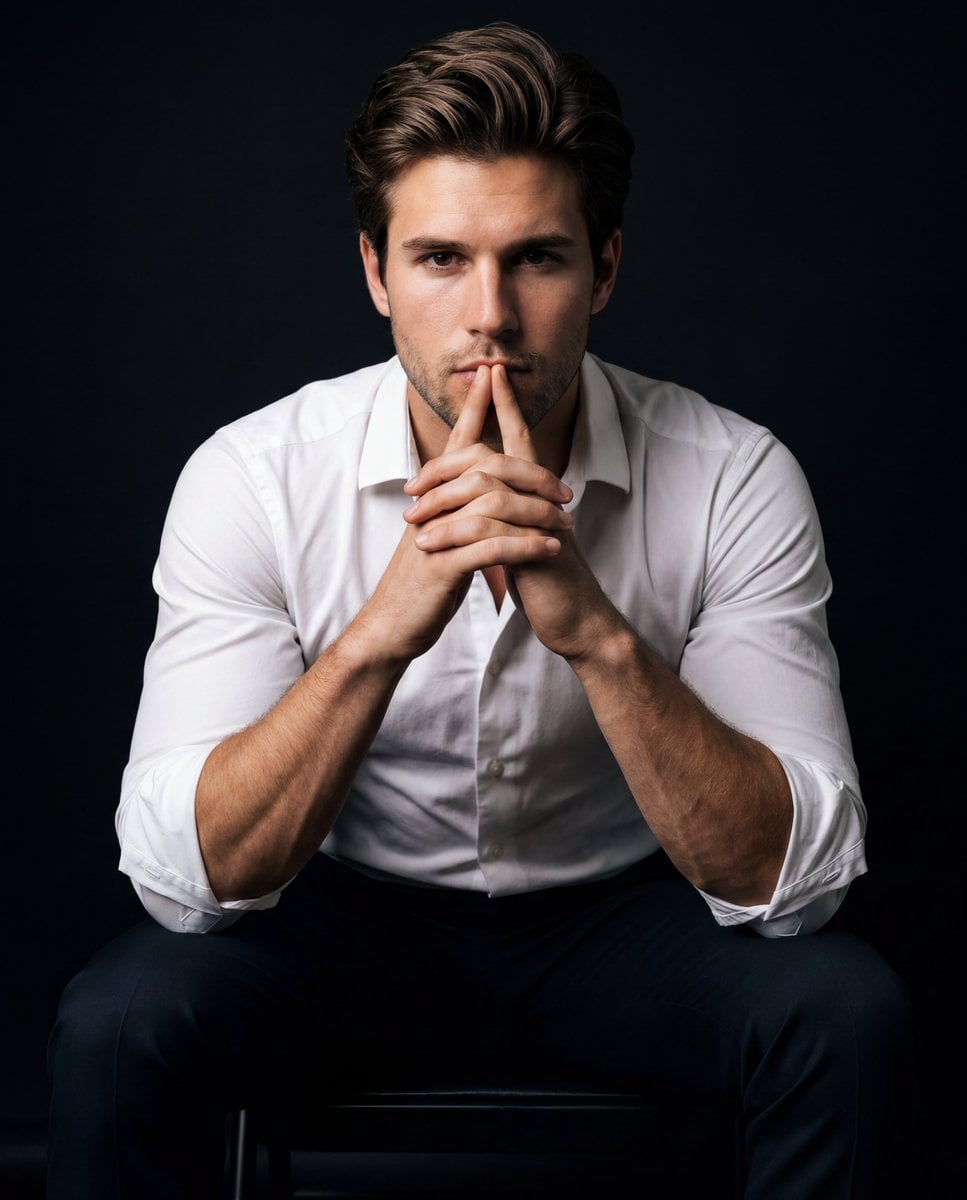
Intense Low-Key Studio Portrait
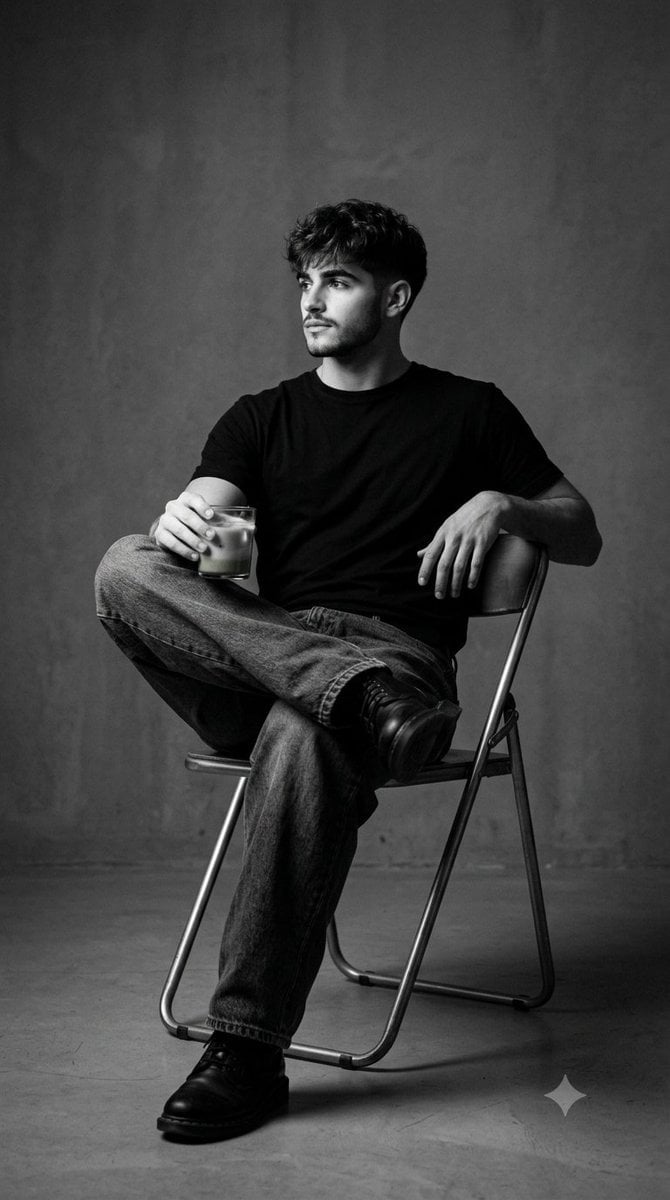
Black and White Studio Portrait
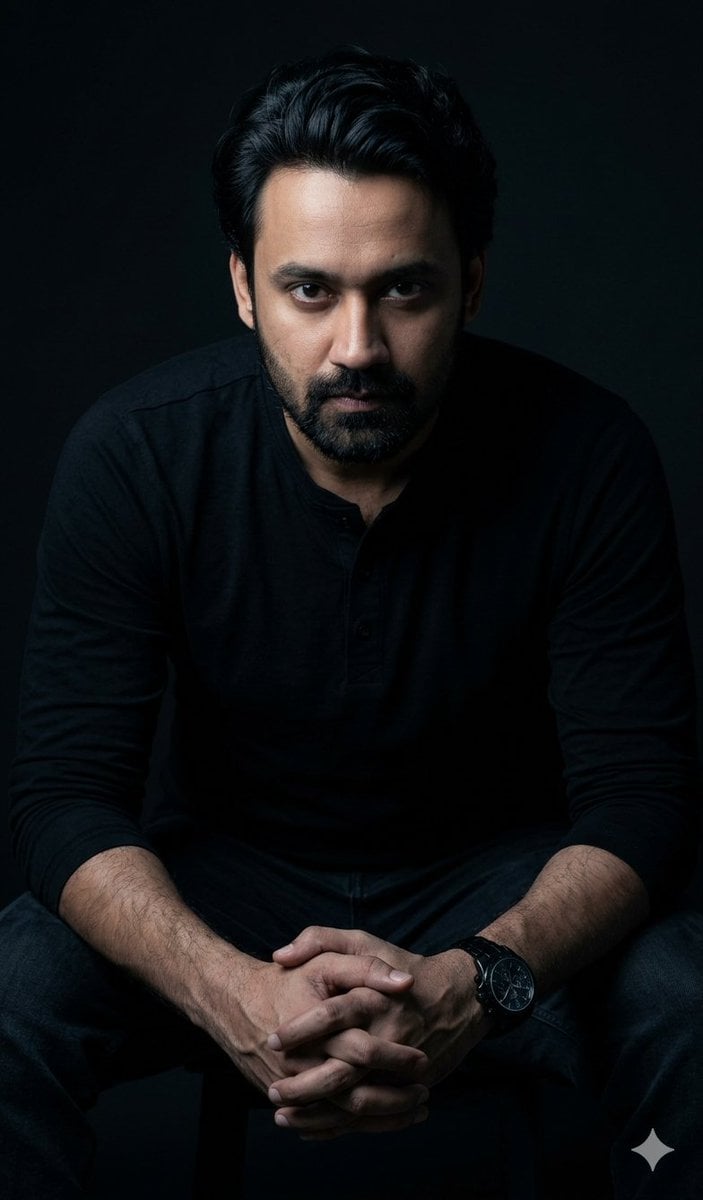
Powerful Studio Portrait with Low-Key Lighting
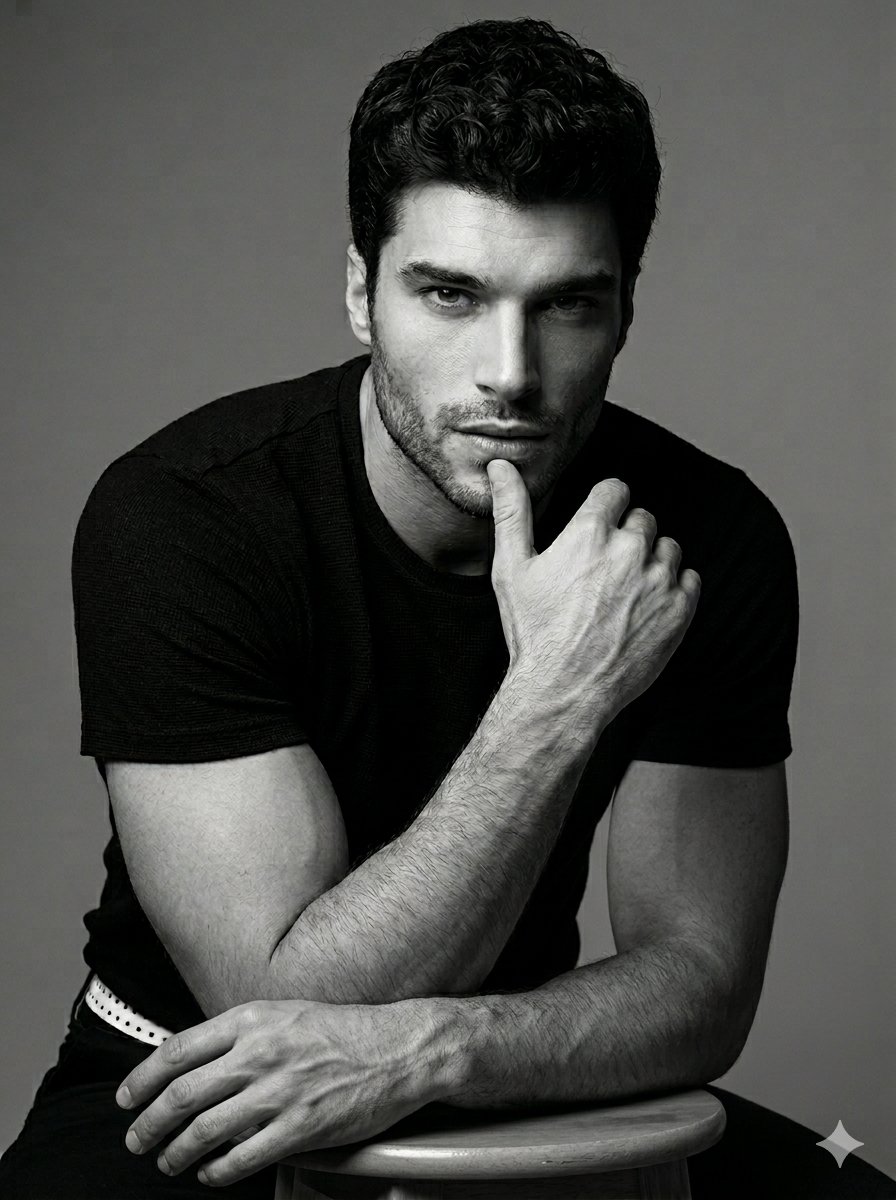
Black and White Male Studio Portrait
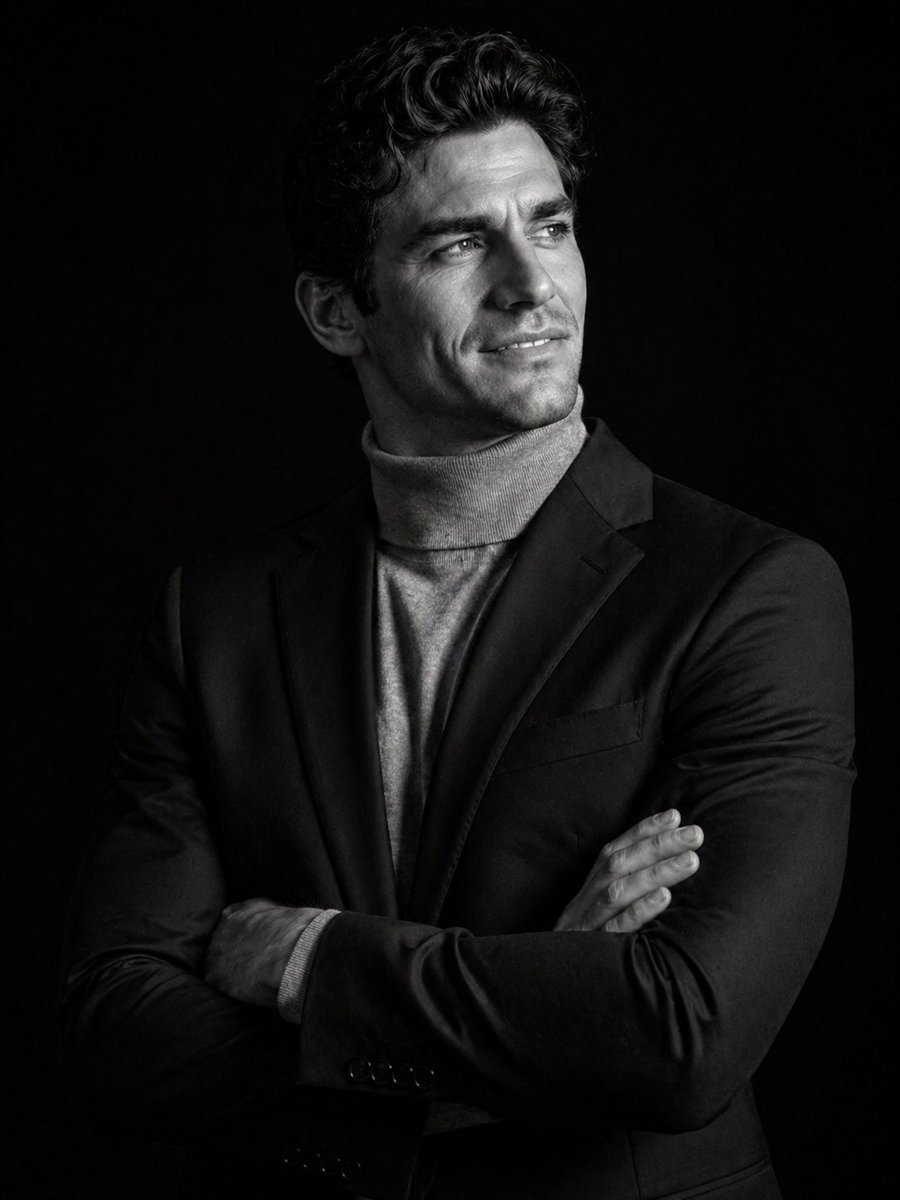
Cinematic Black and White Studio Portrait
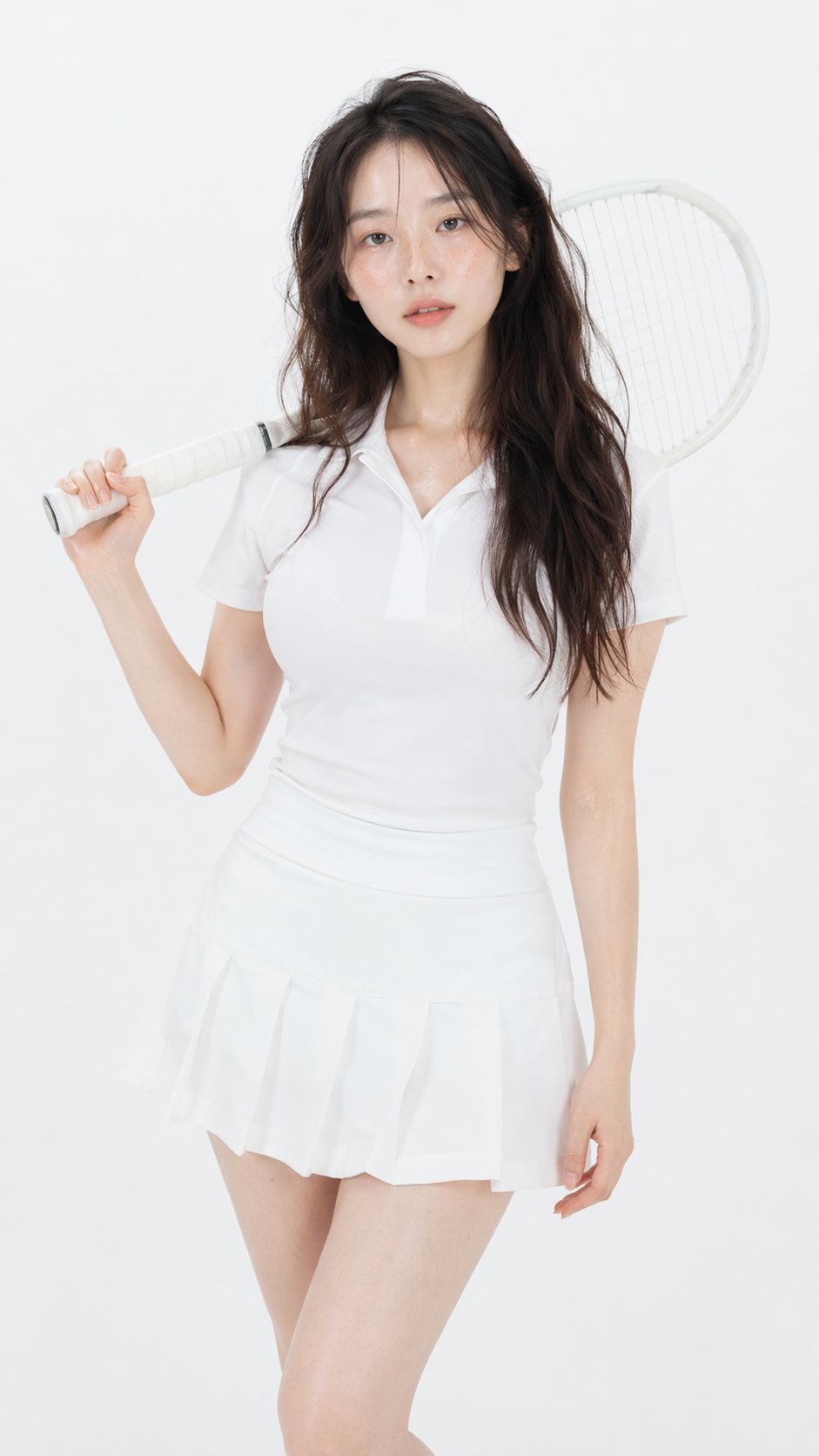
Gpt Image 2 Fashion Portrait
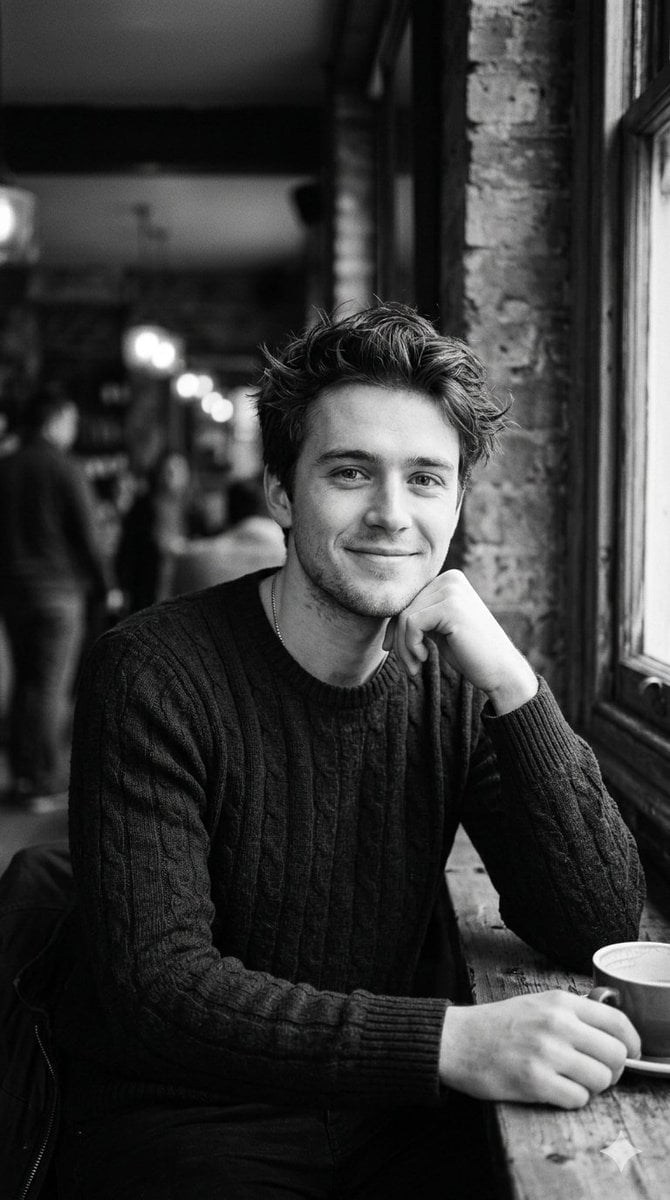
Black and White Cafe Portrait
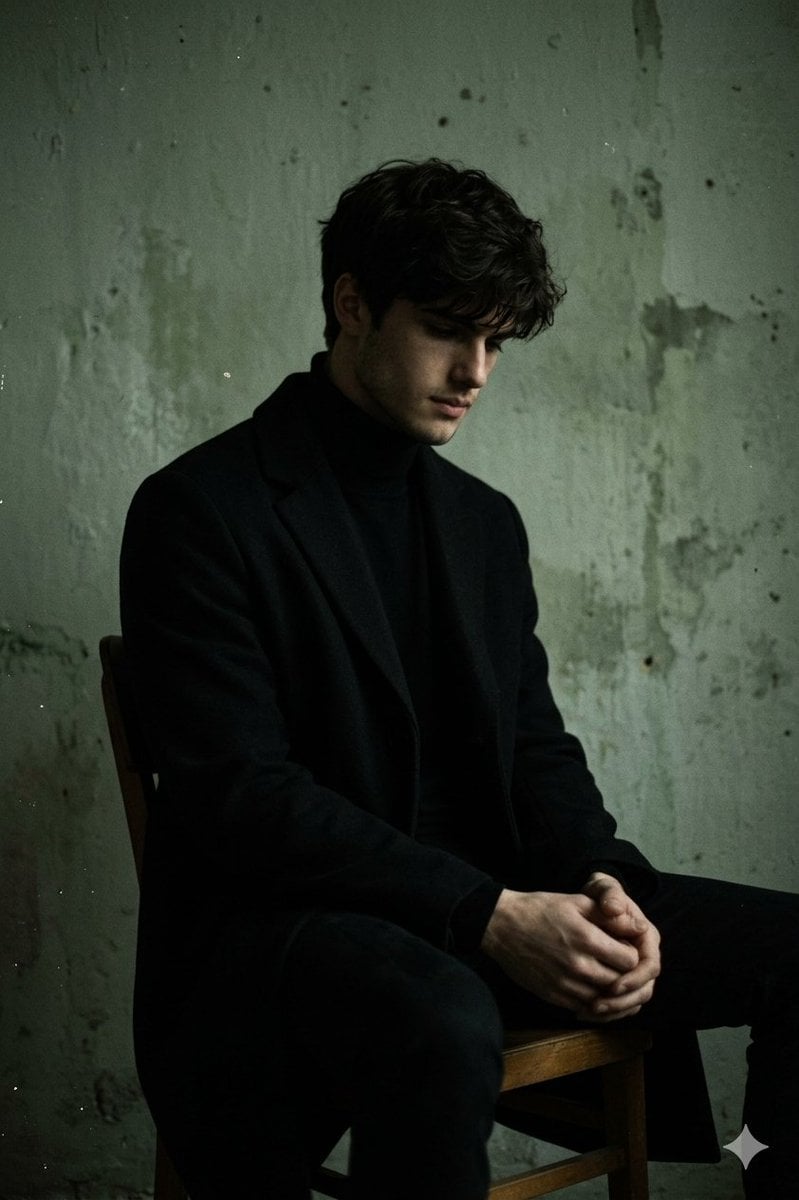
Moody Low-Key Male Portrait
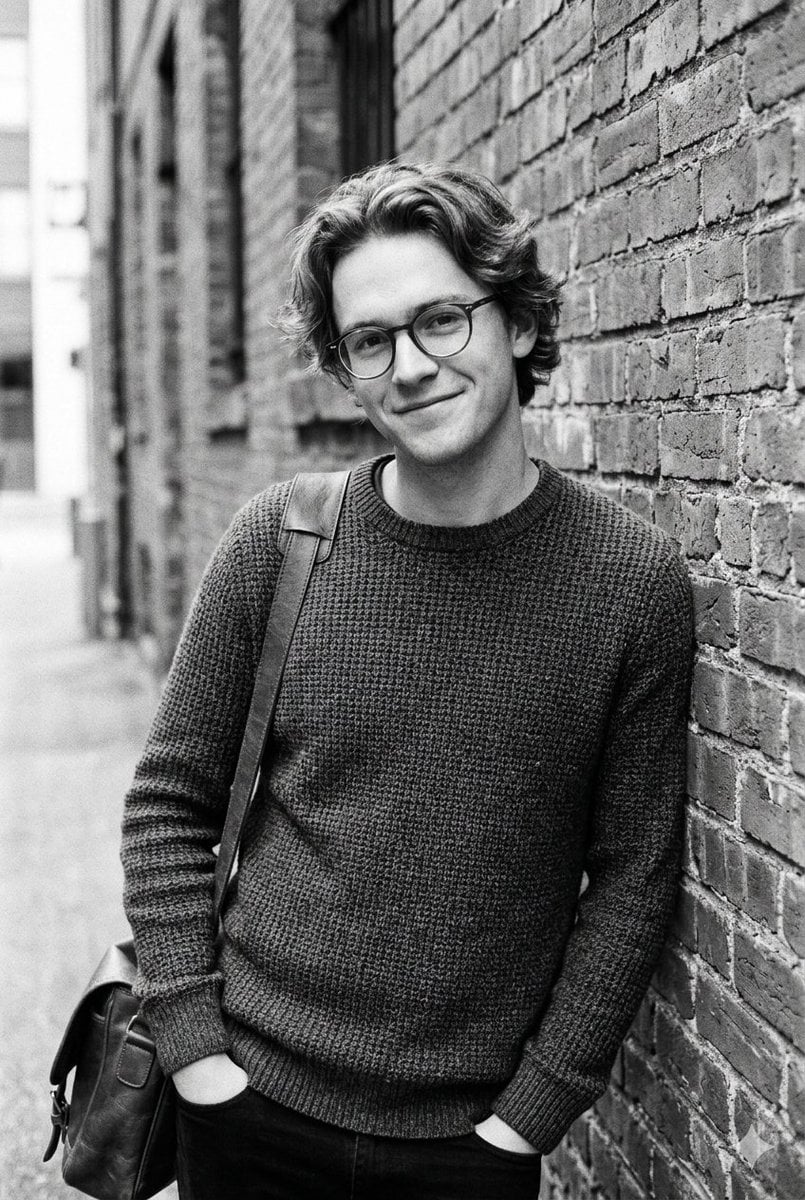
Black and White Urban Male Portrait
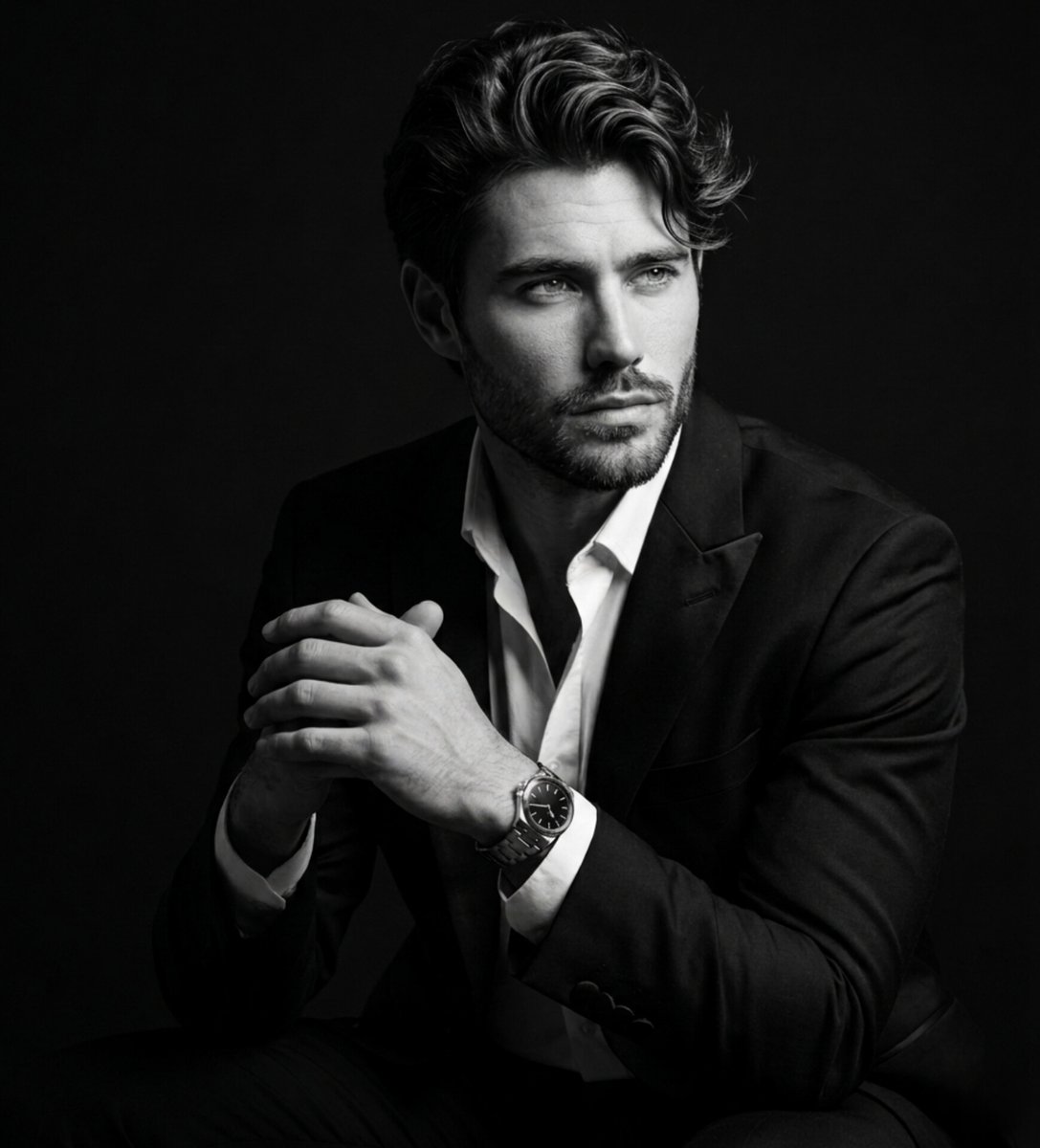
Fine Art Black and White Portrait
Make it yours
Low-Key Studio Black and White Portrait works as-is. These are the safest ways to change it without losing the look.
Change one field
Copy a single group, rewrite it, and generate again so you can see what that field is doing.
Keep the frame, change the subject
Hold the composition and light of Low-Key Studio Black and White Portrait, then swap wardrobe, props or the person for a new take.
| If the result… | Why | Fix |
|---|---|---|
| The result drifts from the preview | Too many fields changed at once. | Reuse Low-Key Studio Black and White Portrait as-is first, then change one group — subject, light, or setting. |
| The model over-stylizes the scene | The prose prompt leaves finish and camera underspecified. | Add one camera or lighting sentence and stay on Nano Banana 2. |
More Nano Banana 2 templates
Other prompts made for Nano Banana 2.

Photorealistic Leaf Shaped Like a Dragon

K-Pop Idol Portrait Grid for Rapid Selection

Poetic Rain Forest Portrait During Golden Hour

Urban Street Portrait with Cartoon Inner Self Duo

Candid Nighttime Photo with Cat Prompt

High-Concept 3D Diorama Generation Prompt

Cinematic Futuristic Studio Portrait Template

Skincare Editorial Photography Collage Prompt

Hyper-Realistic Commercial Product Photography (Splash Effect)

Hyper-Realistic Nightclub Portrait Prompt
More image prompts
Fresh picks from across the catalog.
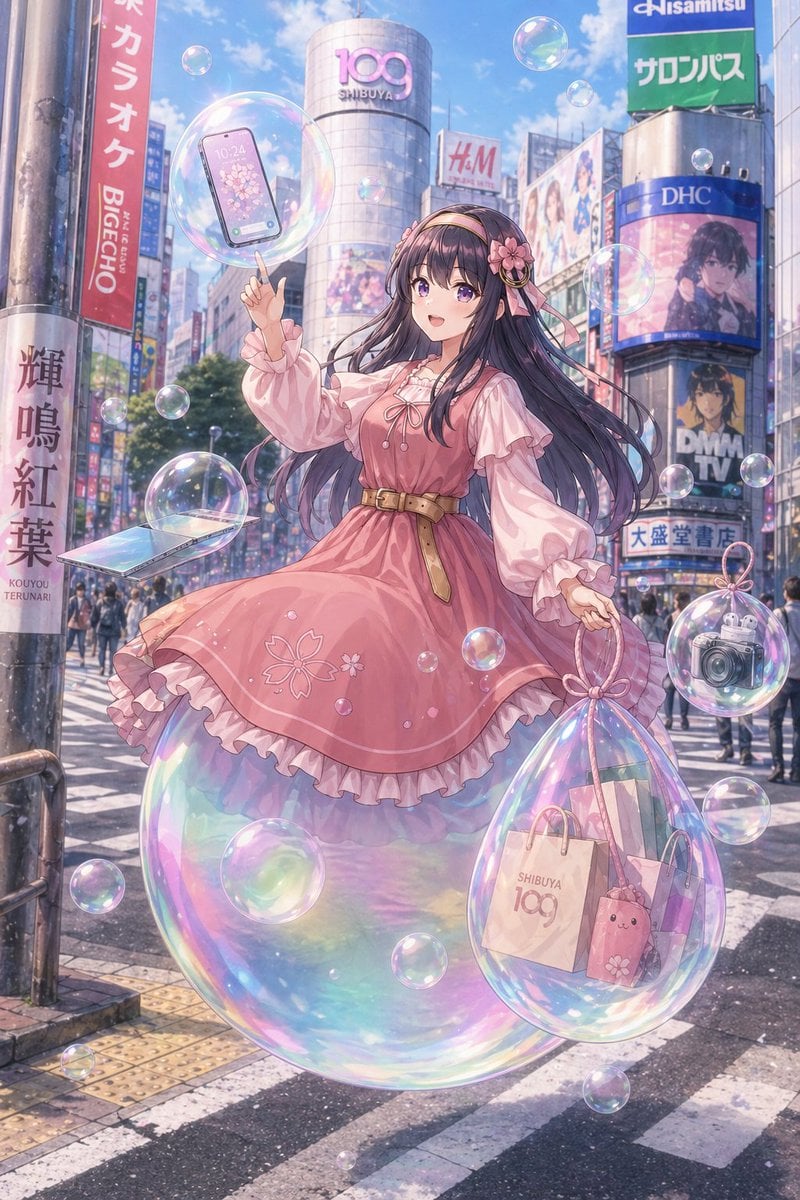
Gpt2 Comic Storyboard Dreamy Shibuya Bubble Girl
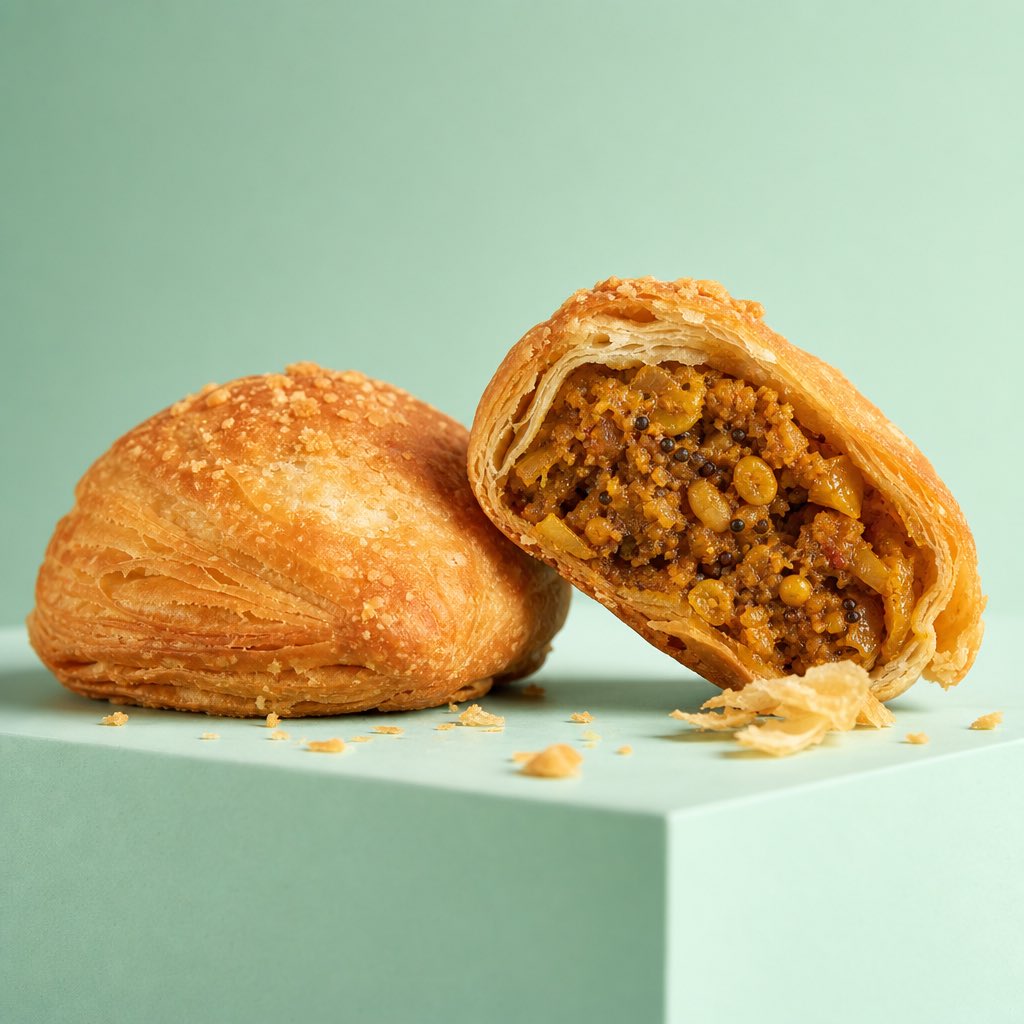
Premium Commercial Food Photography
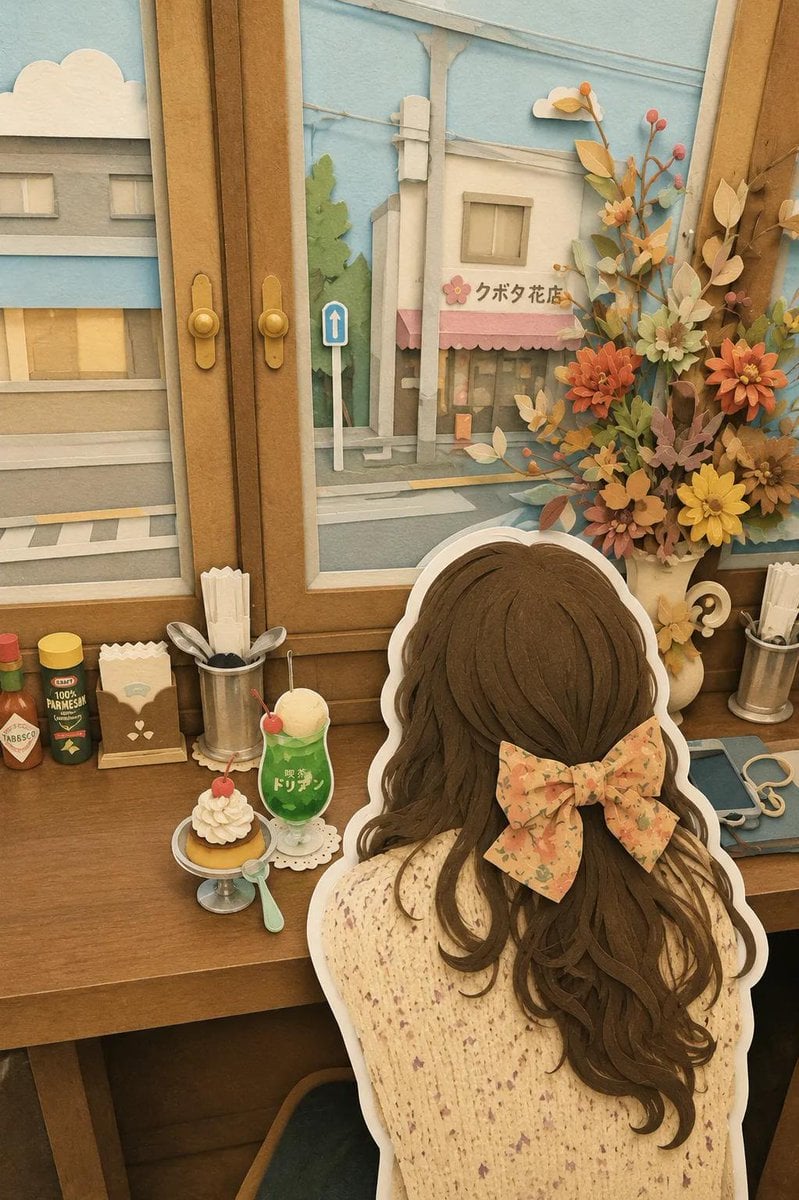
Japanese Paper-Cut Diorama Scene
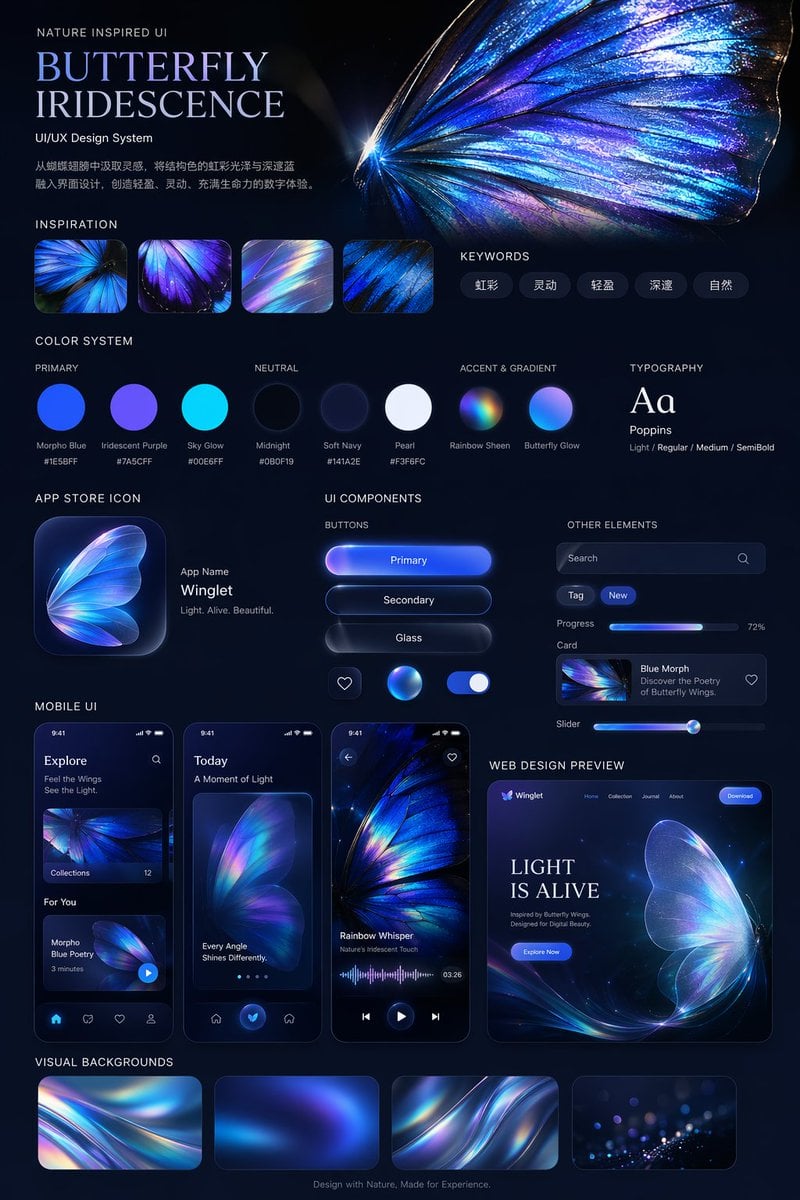
Iridescent Butterfly UI/UX Design System
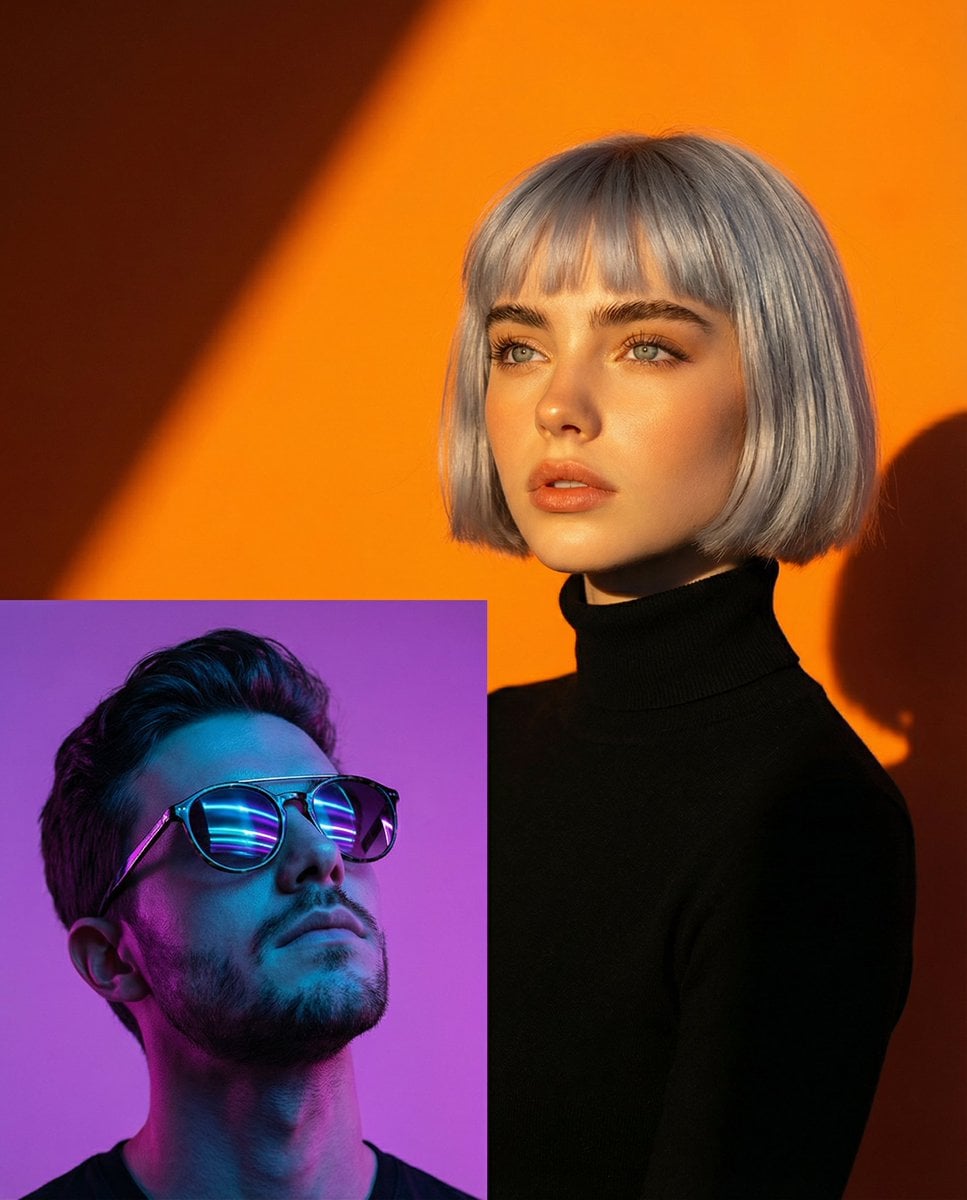
Two Dramatic Portraits: Neon Man and Golden Hour Woman
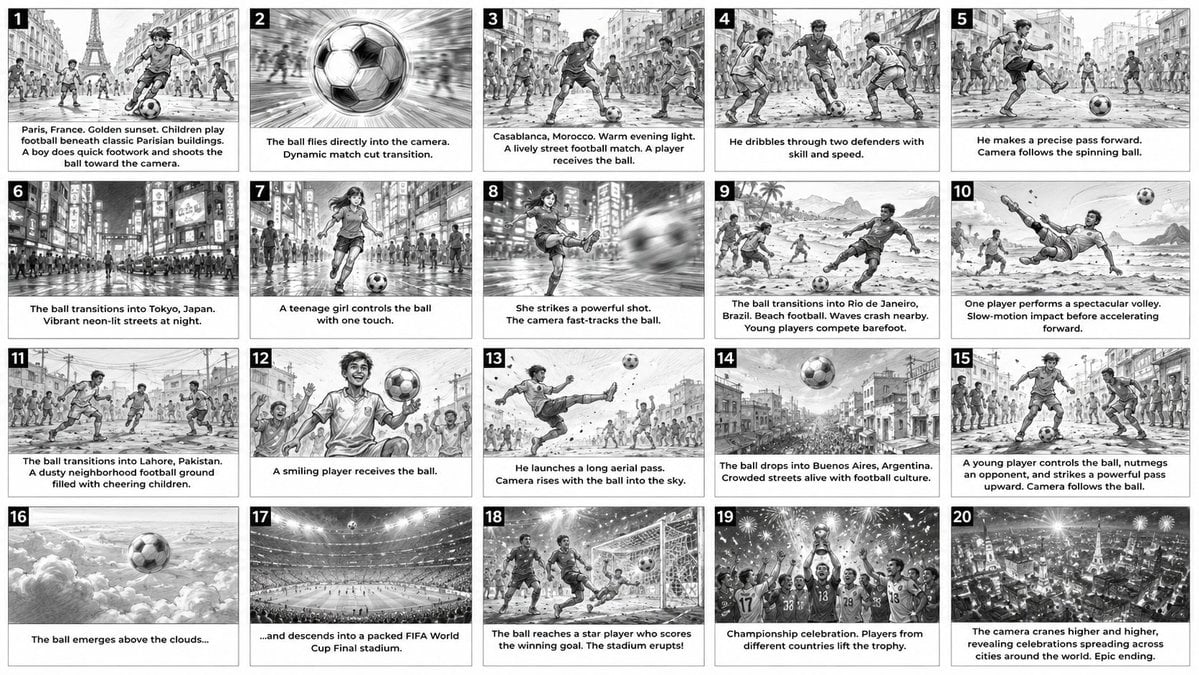
Cinematic Football Commercial Storyboard
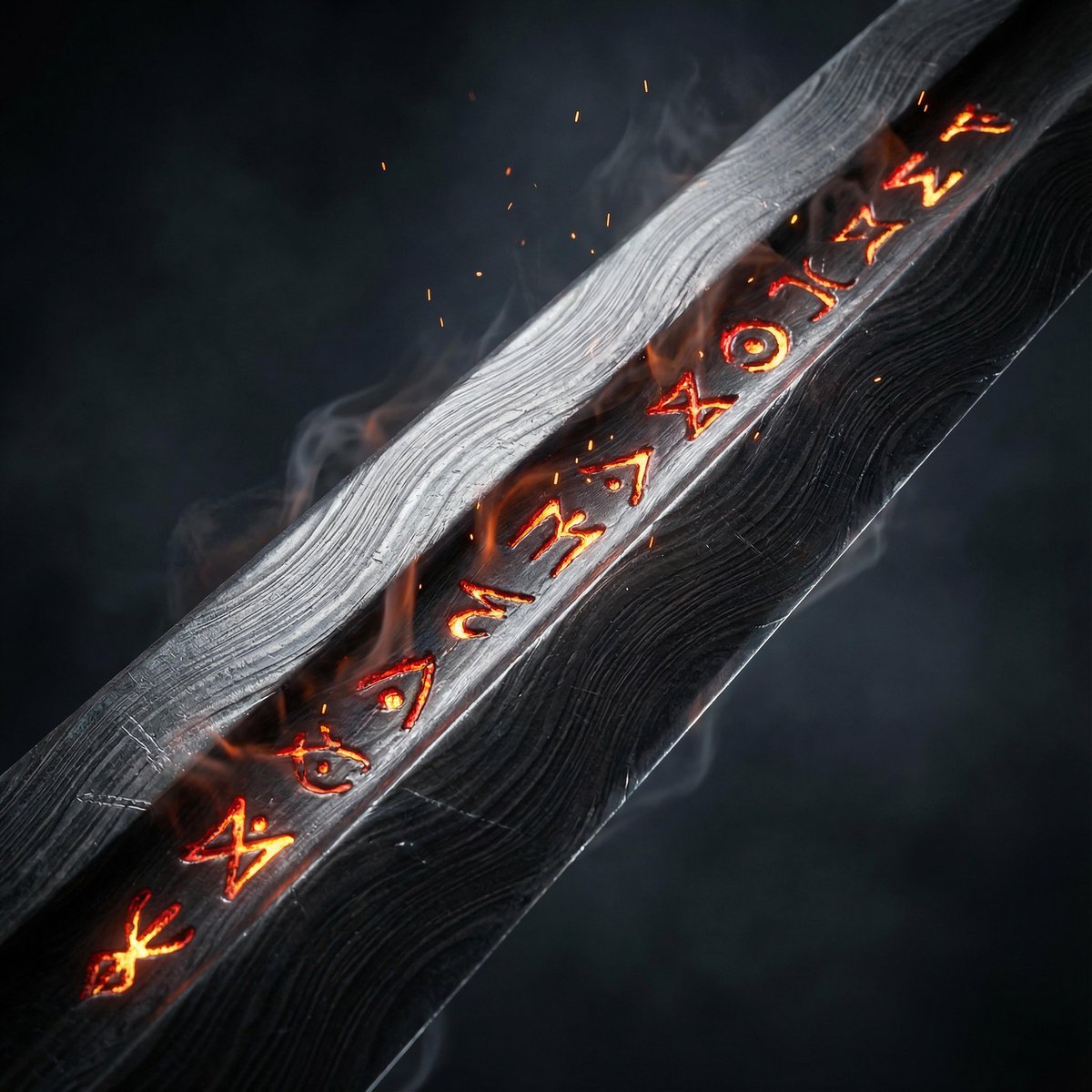
Ultra-Cinematic Arcane Sword Close-up
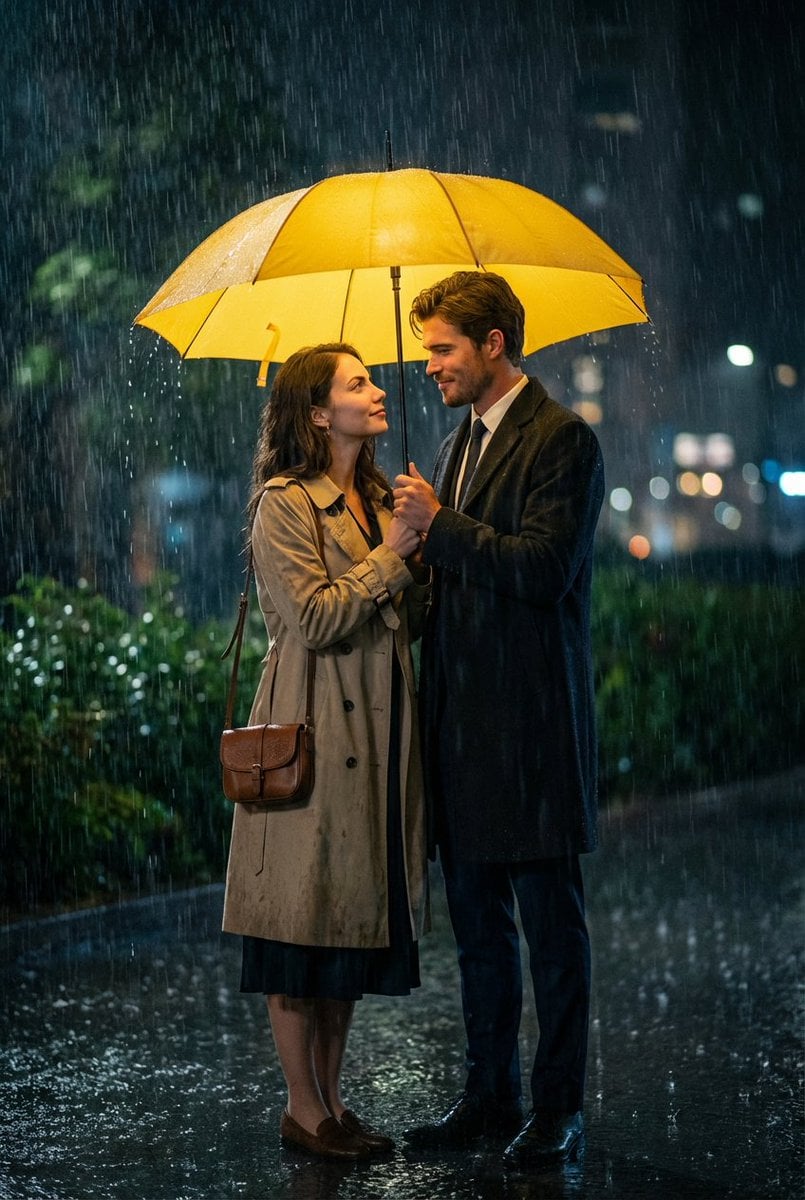
Cinematic HIMYM Yellow Umbrella Matchshot Prompt
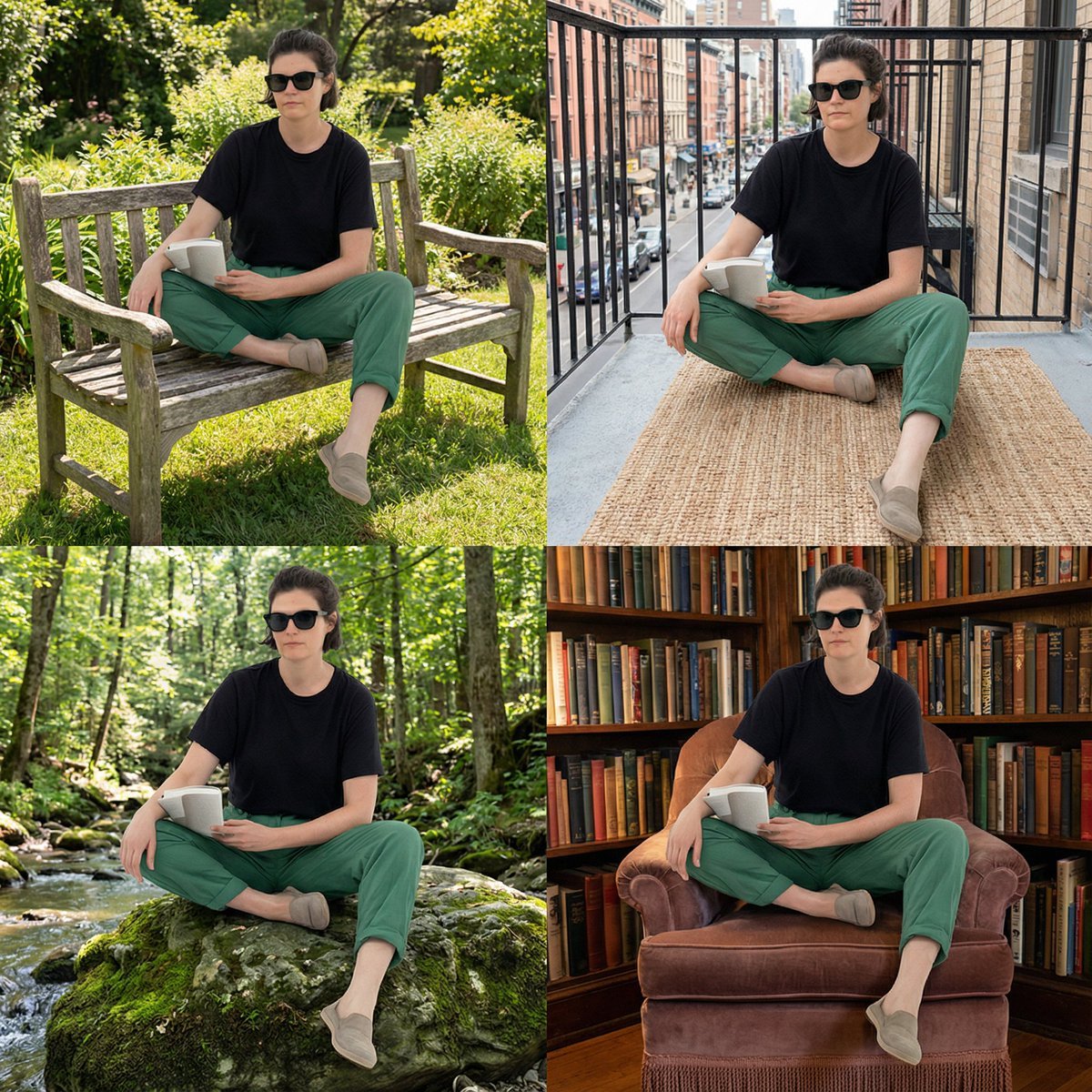
PNG Girl in Unusual Places Prompt
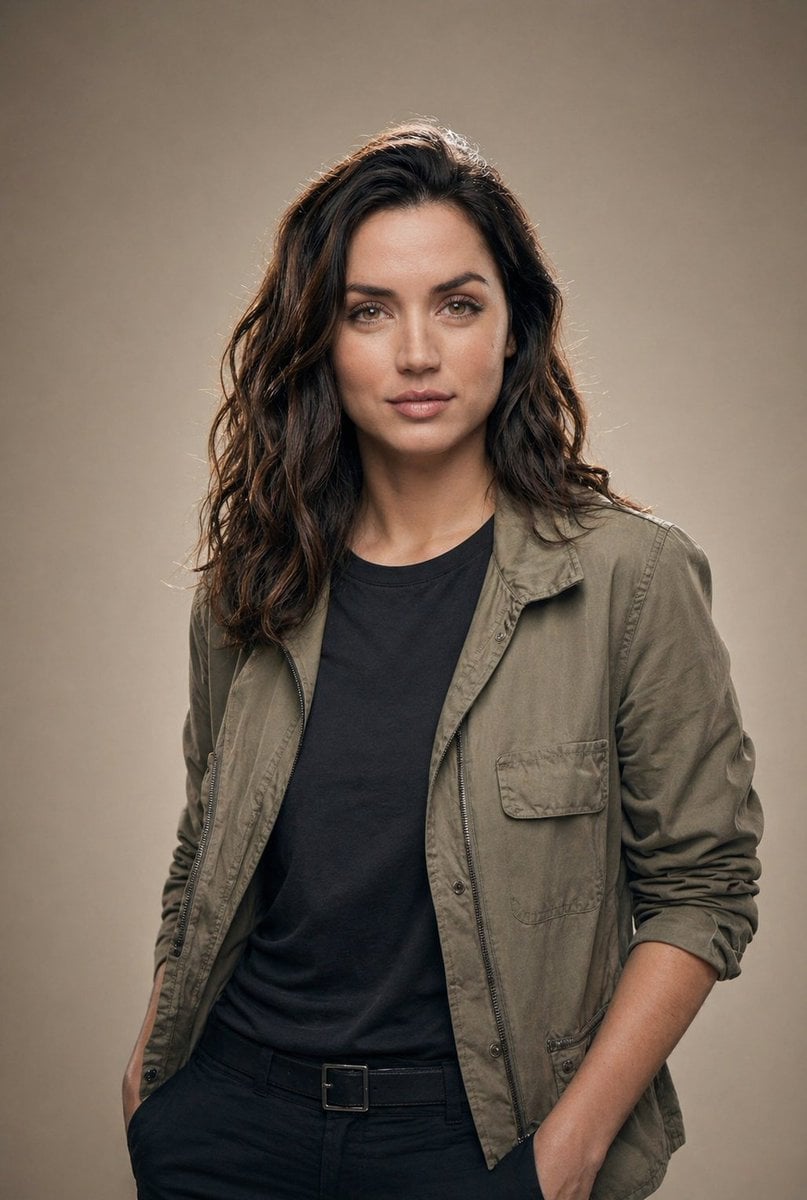
Editorial Studio Portrait in Olive Jacket
Browse template categories
Low-Key Studio Black and White Portrait questions
How do I use the Low-Key Studio Black and White Portrait template?
Add your photo if the template asks for one, edit the prompt if you like — the template's model and format are already selected — and press Generate. Your version opens in PicX Studio.
Can I customize the Low-Key Studio Black and White Portrait template?
Yes. You can change the subject, setting, lighting, mood, format, and available model controls before creating your image.
Is the Low-Key Studio Black and White Portrait template free?
Opening and editing this template is free. Generating uses credits, shown on the Generate button when you are signed in.
Which AI model should I use?
Start with Nano Banana 2, which is the model associated with this template. You can compare another compatible model for a different finish.
Looking for something else? Browse all templates.

Your photo, any look
Thousands of ready templates for every top image and video model, from one credit balance.