
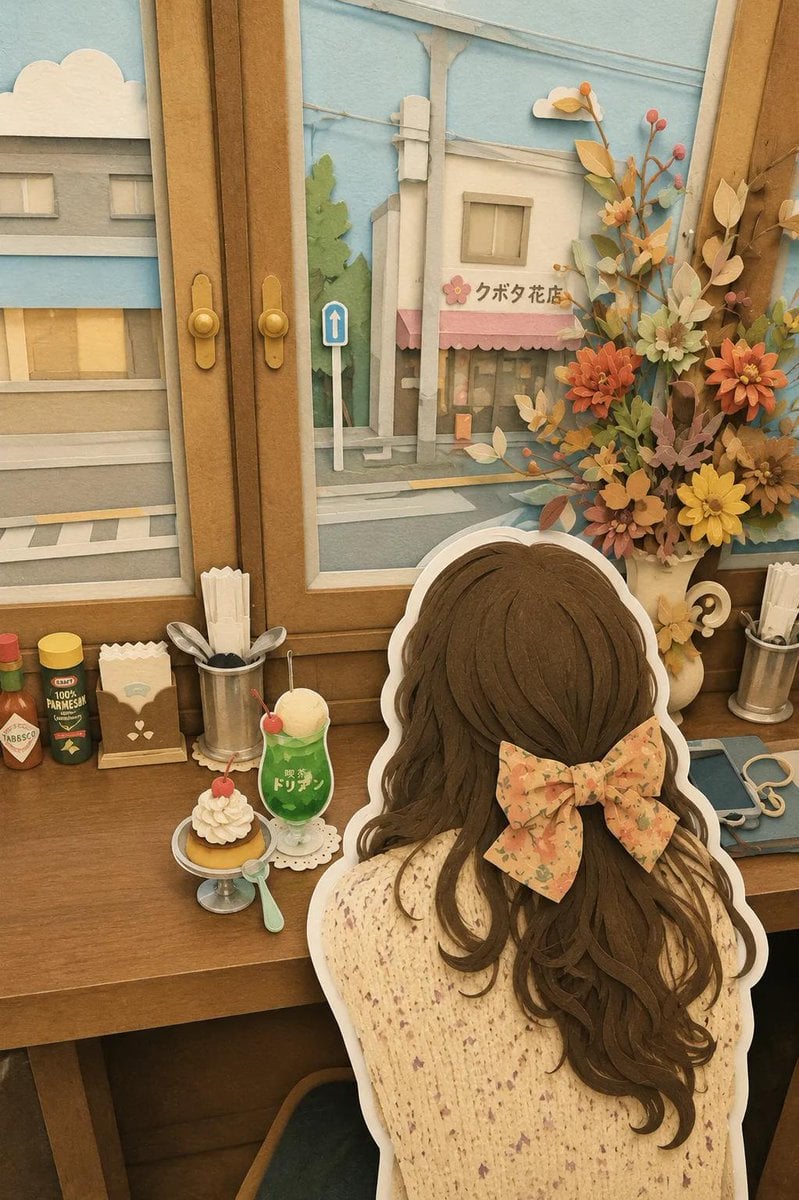
Japanese Paper-Cut Diorama Scene
A whimsical prompt for creating handcrafted 3D papercraft dioramas of Japanese travel scenes, featuring layered cardstock textures and a cozy storybook atmosphere.
- Prompt included
- Model and format preset
- Free template
The prompt behind this image
Copy the exact prompt behind Japanese Paper-Cut Diorama Scene, or open it in the studio and make it yours.
Whimsical layered paper-cut diorama, handcrafted 3D papercraft world, cozy {argument name="location" default="Japanese travel scene"}, ultra-detailed cut-paper illustration, soft pastel color palette, felt and cardstock textures, stacked paper layers with visible depth, charming miniature town aesthetic, storybook atmosphere. Scene: {argument name="character" default="cute traveler girl viewed from behind"}, oversized ribbon bow in her hair, sitting inside a cozy retro café by a wooden window, looking out at a peaceful {argument name="view" default="Japanese street"}. Tiny desserts, cream cake, soda float, vintage café accessories, flower arrangements, warm wooden furniture, soft afternoon sunlight. Outside the window are pastel-colored buildings, flower shops, utility poles, clouds, and quiet neighborhood streets. Style: handmade paper sculpture, layered cardstock art, laser-cut paper layers, clay-like details, kawaii Japanese aesthetic, miniature dollhouse environment, soft shadows, tactile paper textures, warm nostalgic mood, highly detailed handcrafted elements, children’s book illustration, diorama display. Composition: - Character seen from behind - Thick white cutout outline around characters and objects - Multi-layered paper scene with depth - Decorative flowers and cute accessories - Blue sky background with fluffy paper clouds - Cozy café tabletop with desserts and drinks - Symmetrical framing through a large window Lighting: soft daylight, warm ambient glow, gentle shadows, dreamy atmosphere, cozy indoor lighting, pastel highlights. Quality: masterpiece, ultra detailed, paper art masterpiece, intricate handcrafted textures, 8k resolution, cinematic depth, professional papercraft design, adorable travel diary aesthetic, trending on Pinterest, kawaii diorama style.
How to use Japanese Paper-Cut Diorama Scene in 3 steps
- 1
Open
The prompt is already in the box next to the preview, with the template's model and format selected.
- 2…a portrait of your subject in softgolden-hour light, 85mm…
Personalize
Edit the subject and creative details for your destination.
- 3Generate
Generate
Press Generate — your image is created in PicX Studio, so you can compare it with the original and refine one variable at a time.
More like this
Templates with the same subject, style or setup. Open one to see its prompt.

Layered Paper Cut Forest Diorama

Soft Handcrafted Paper-Cut Layered Illustration

敦煌纸雕飞天 — 3D Layered Paper Cutout
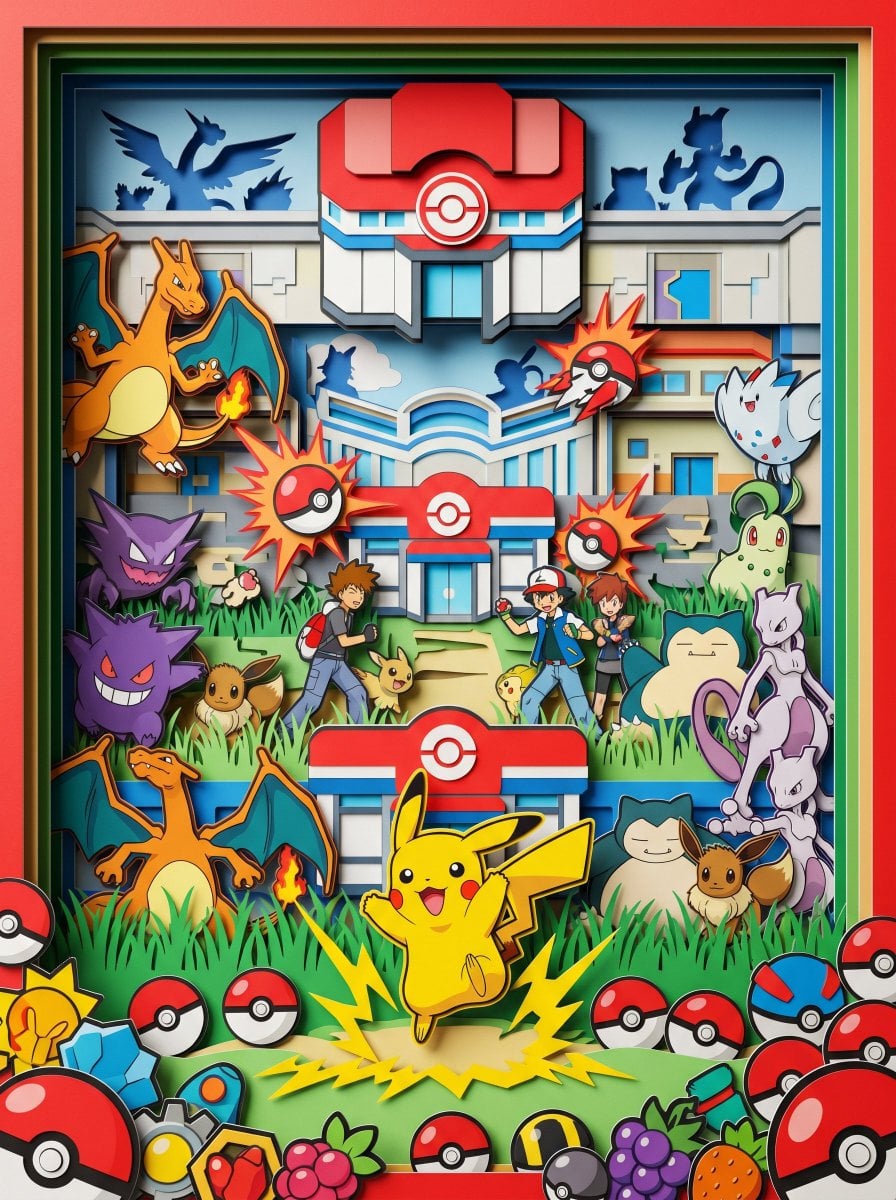
Master Paper Cut Diorama — Hyper-Vibrant 3D Layered Pokémon World

Minecraft Japanese Research Lab Exploration
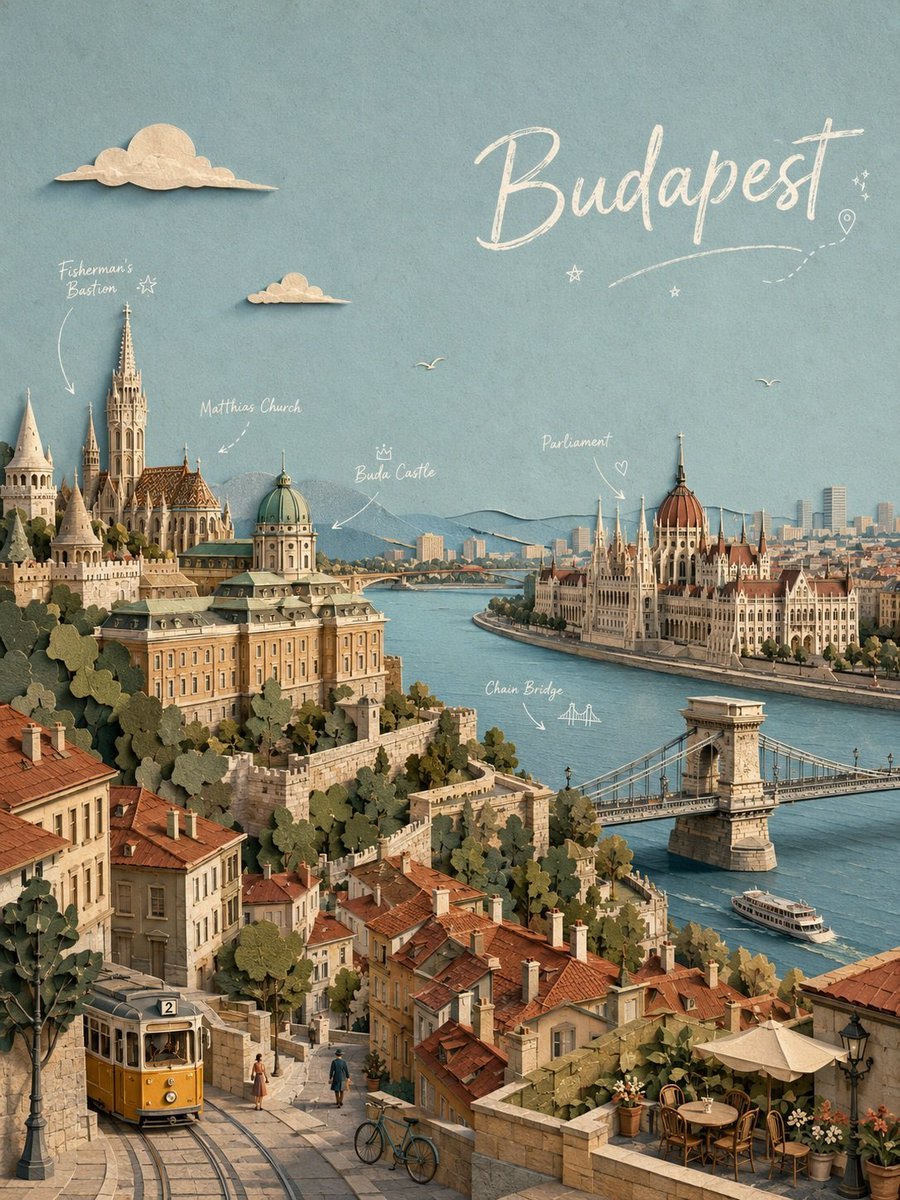
Budapest Paper-Cut Travel Poster
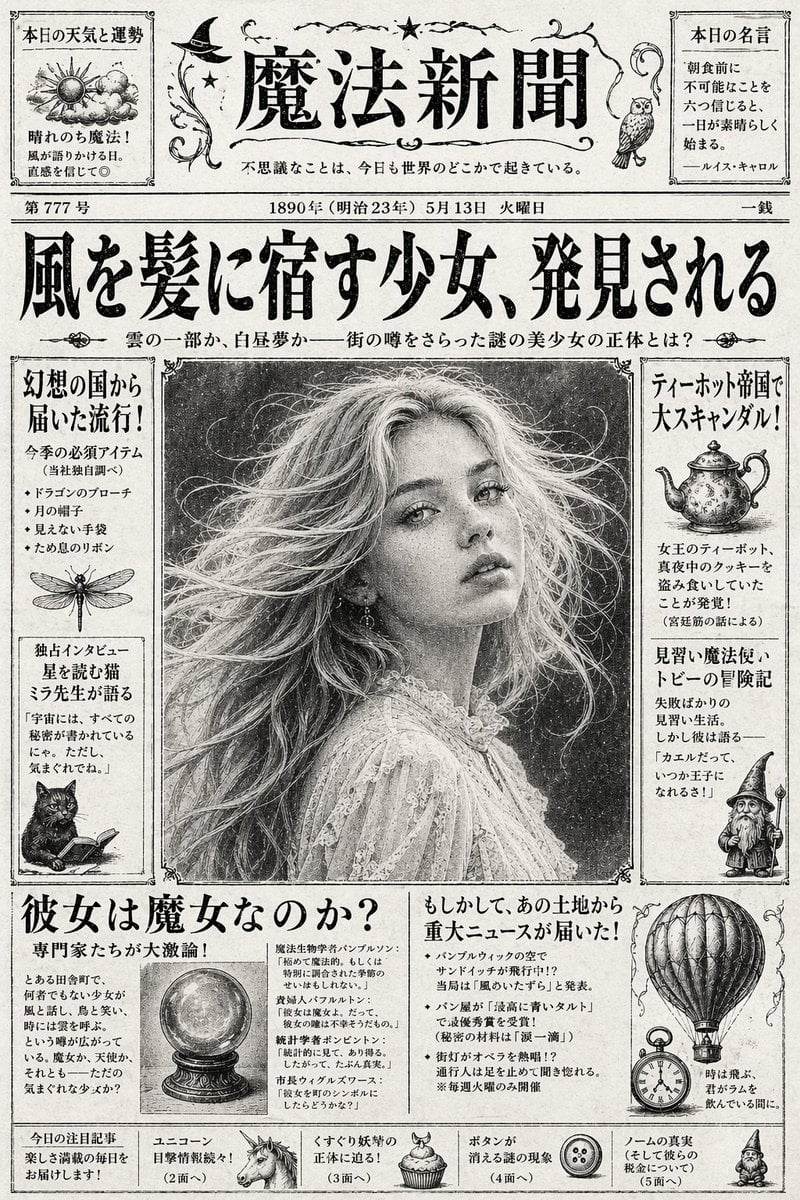
Vintage Japanese Fantasy Magic Newspaper
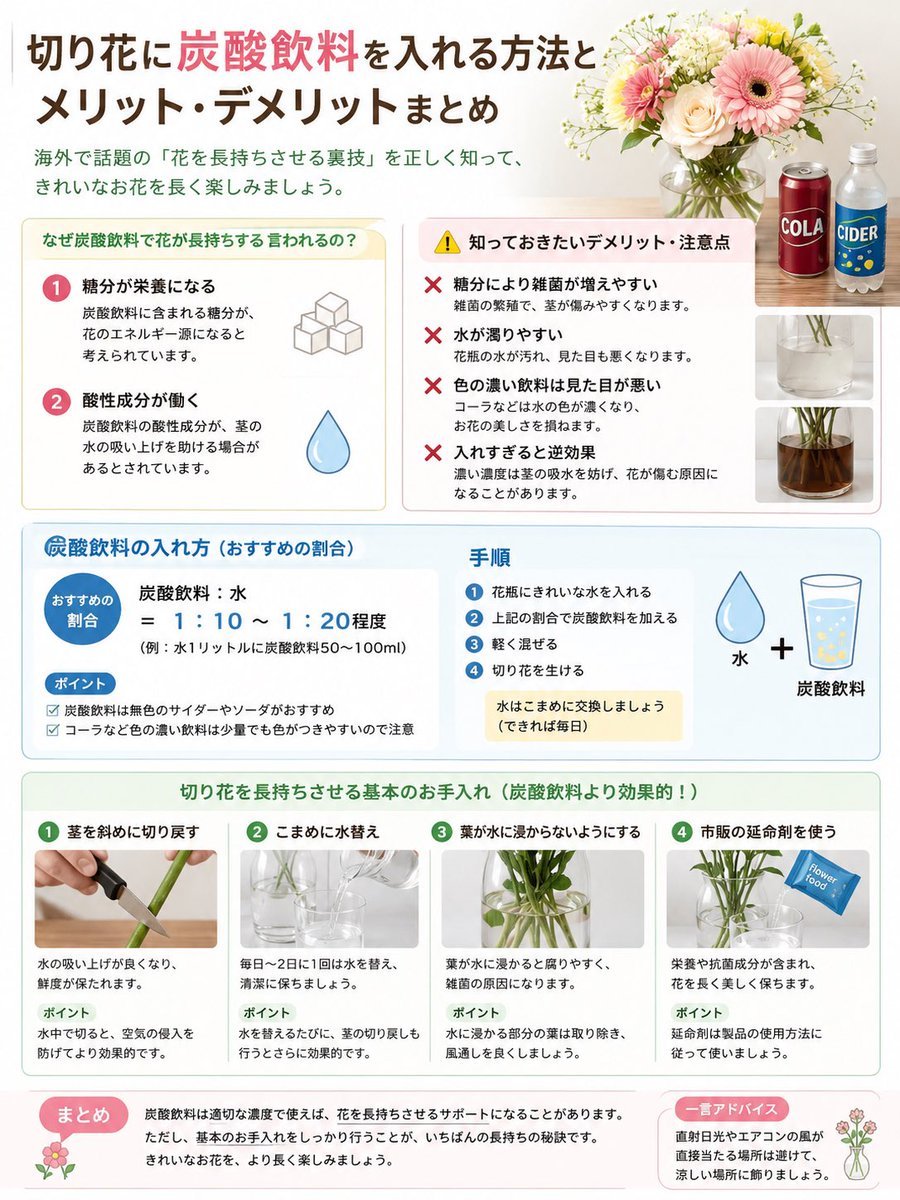
Japanese Cut Flower Soda Care Infographic
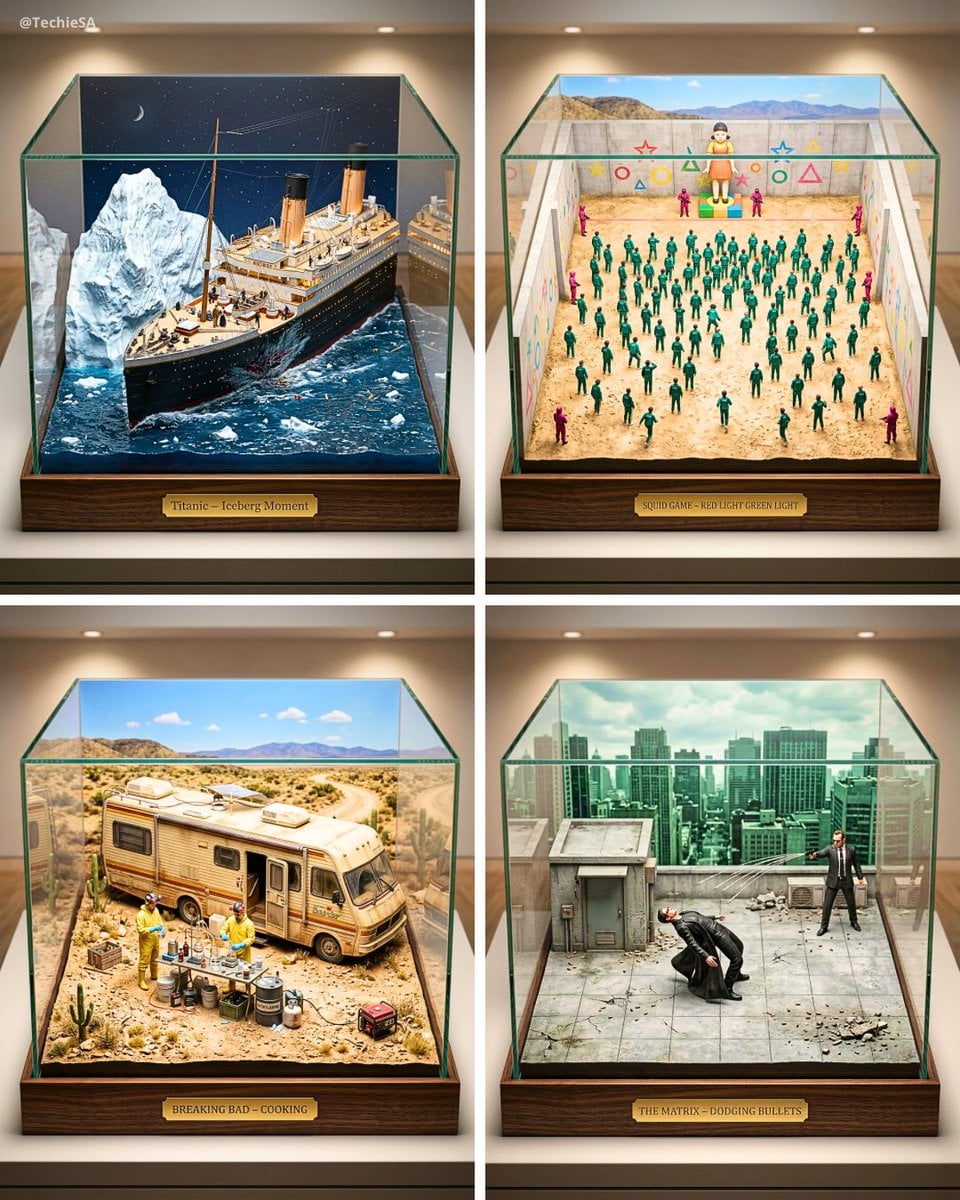
Paper Cut Architectural Section

Paper Cut Vintage Travel Poster
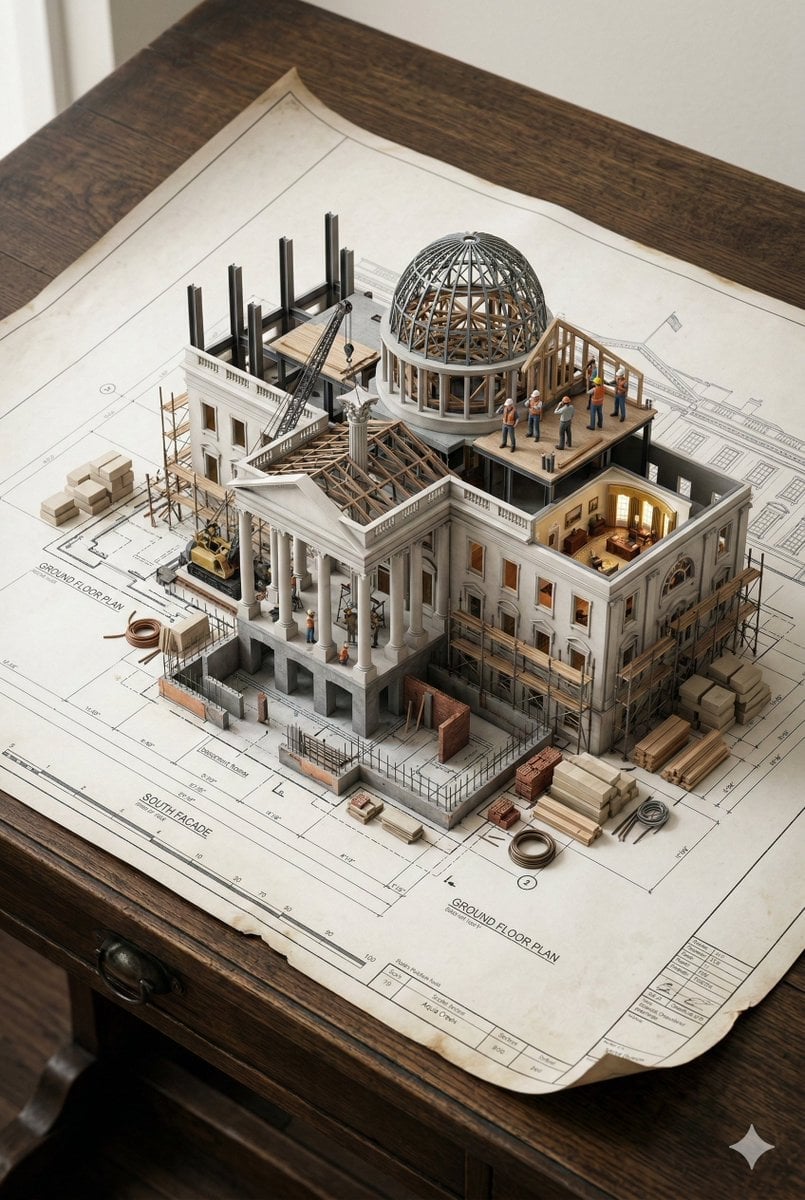
Paper Cut Steampunk Mechanism
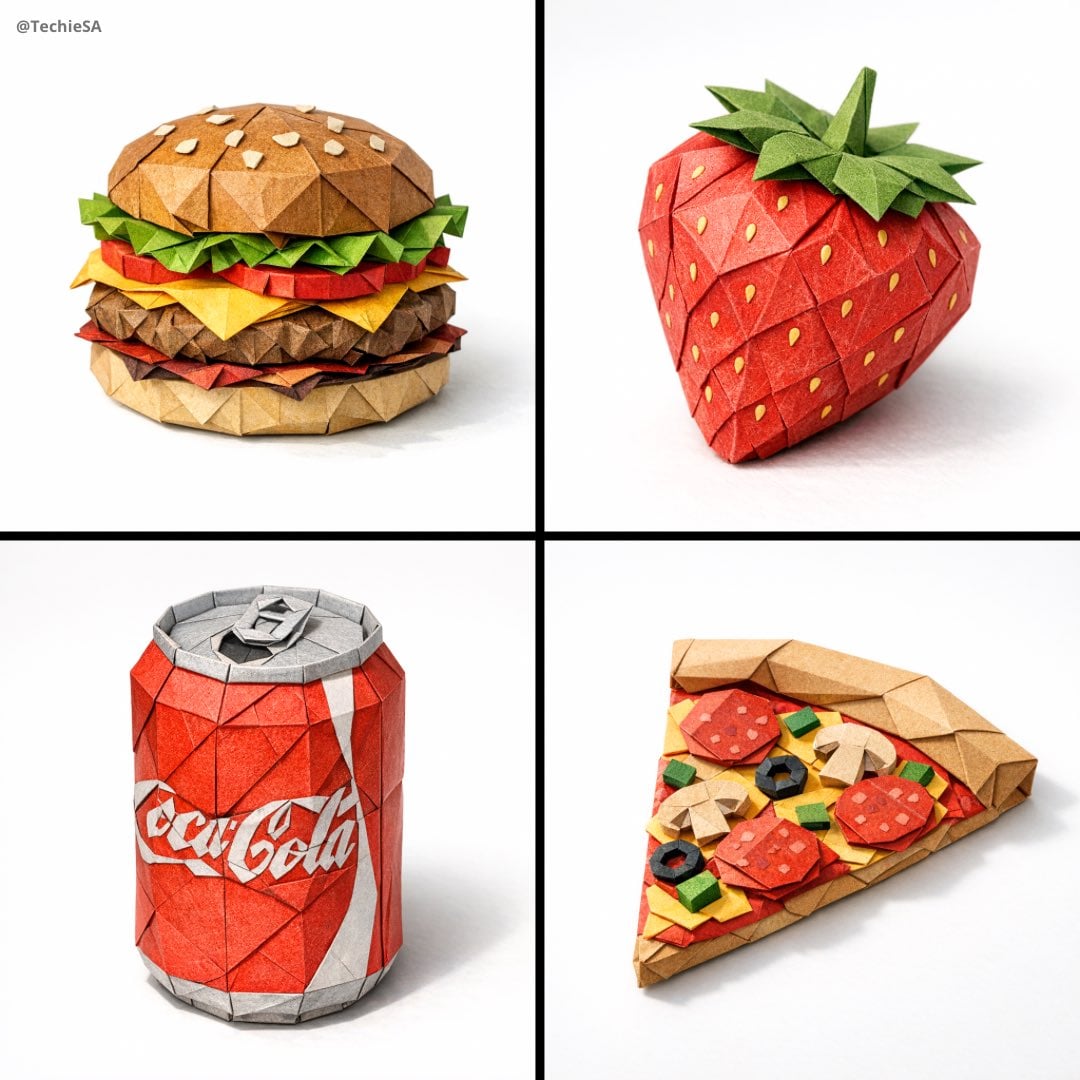
Paper Cut Mandala Meditation
Make it yours
Japanese Paper-Cut Diorama Scene works as-is. These are the safest ways to change it without losing the look.
Change one field
Copy a single group, rewrite it, and generate again so you can see what that field is doing.
Keep the frame, change the subject
Hold the composition and light of Japanese Paper-Cut Diorama Scene, then swap wardrobe, props or the person for a new take.
| If the result… | Why | Fix |
|---|---|---|
| The result drifts from the preview | Too many fields changed at once. | Reuse Japanese Paper-Cut Diorama Scene as-is first, then change one group — subject, light, or setting. |
| The model over-stylizes the scene | The prose prompt leaves finish and camera underspecified. | Add one camera or lighting sentence and stay on GPT Image 2. |
More GPT Image 2 templates
Other prompts made for GPT Image 2.

Six VTuber Japanese Logo Sheet

Realistic Portrait of Woman and Deer

The Vista Modular Condo Poster

AI Model Routing Comparison Infographic

2.5D Anime Art Board

Isometric Productivity Desk Scene

New York Double Exposure Poster

Four-Panel AI Landscape Comparison

Japanese Tatami Lifestyle Magazine Cover

NESCAFÉ Coffee Map Poster
More image prompts
Fresh picks from across the catalog.
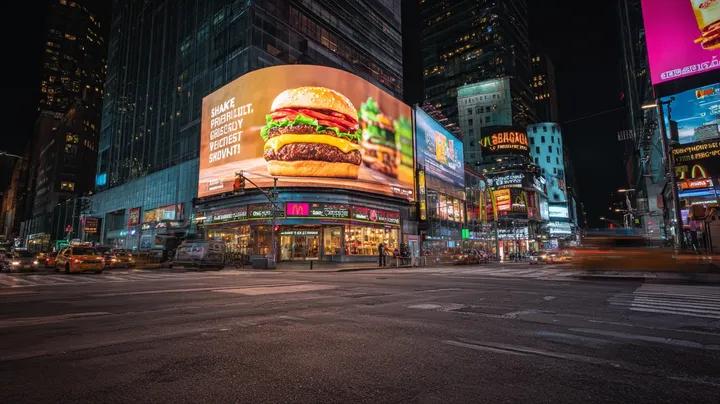
Cyber-Urban Night Cityscape with Hyper-Realistic Billboard Ad

Ultra-Realistic Spiritual Night Selfie in Makkah
Blue Hair Repetition
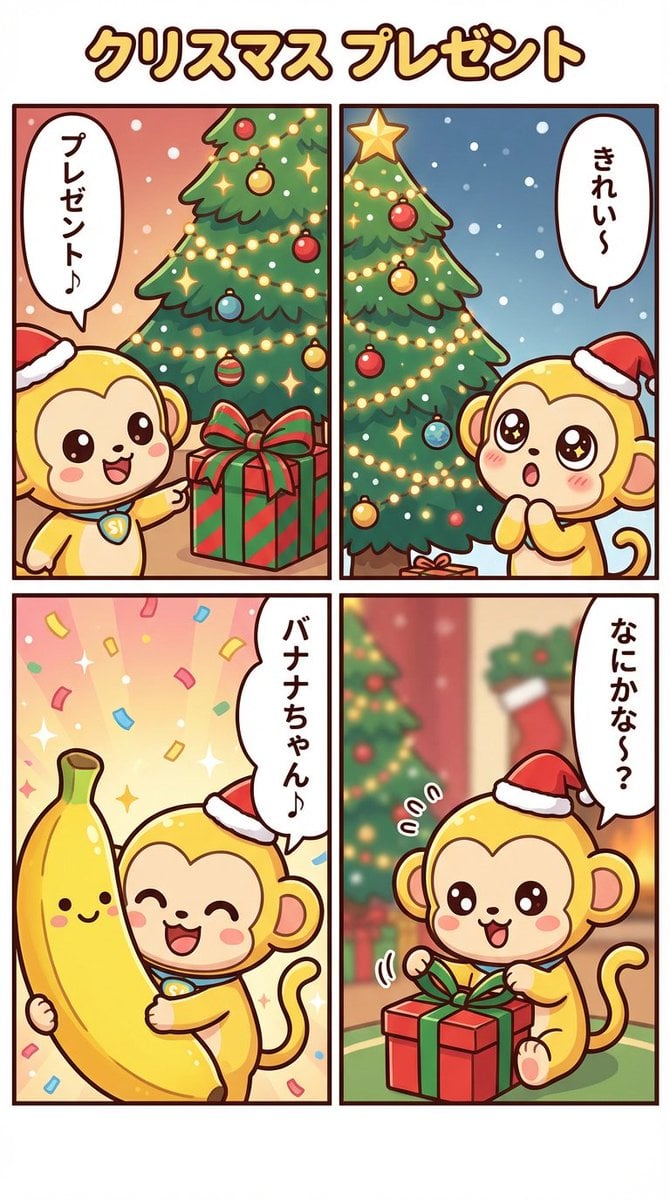
Nano Banana Pro Manga Generation - Christmas Present Theme
Gemini Nano Banana Pro Golden Sunset Por

Modern Loft Staircase Portrait Identity Preservation Prompt
Minimal Isometric 3D Perspective
Prompt Share for Nano Banana Pro

Cinematic 8K Photo Enhancer

Cozy Knit Industrial Design Prompt
Browse template categories
Japanese Paper-Cut Diorama Scene questions
How do I use the Japanese Paper-Cut Diorama Scene template?
Add your photo if the template asks for one, edit the prompt if you like — the template's model and format are already selected — and press Generate. Your version opens in PicX Studio.
Can I customize the Japanese Paper-Cut Diorama Scene template?
Yes. You can change the subject, setting, lighting, mood, format, and available model controls before creating your image.
Is the Japanese Paper-Cut Diorama Scene template free?
Opening and editing this template is free. Generating uses credits, shown on the Generate button when you are signed in.
Which AI model should I use?
Start with GPT Image 2, which is the model associated with this template. You can compare another compatible model for a different finish.
Looking for something else? Browse all templates.

Your photo, any look
Thousands of ready templates for every top image and video model, from one credit balance.